Stronglifts 5x5 Workout Plan

$50k revenue, 4.9 rating

Value Proposition
0:00 / 8:19

Onboarding flow, Paywall & Inside the App

Watch the full screen-by-screen UX video of Stronglifts 5x5 Workout Plan with onboarding, paywall, and every core flow.

Stronglifts app splash screen with a centered circular red logo and white barbell weight plate icon on a white background.
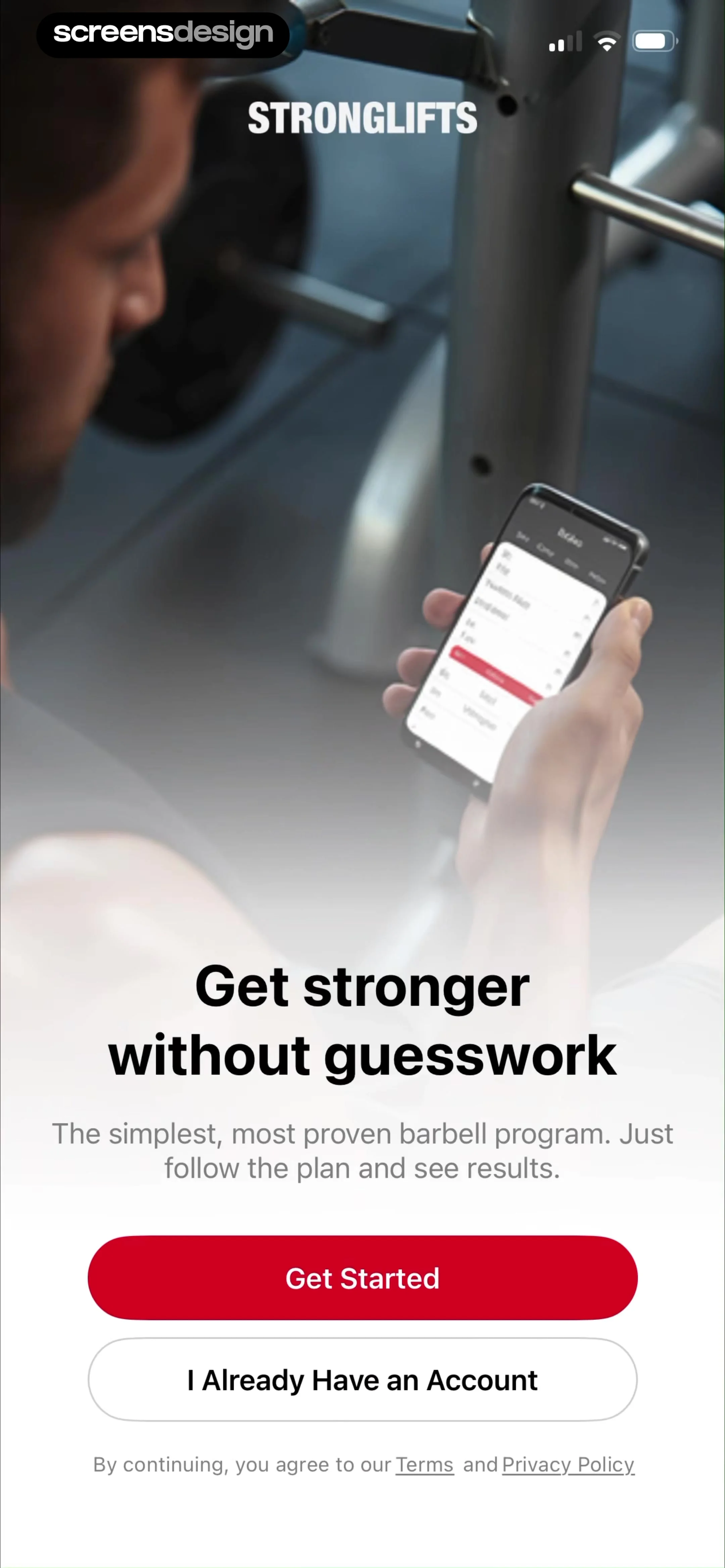
Stronglifts onboarding screen with a value proposition, Get Started and sign-in buttons, and a gym workout background image.
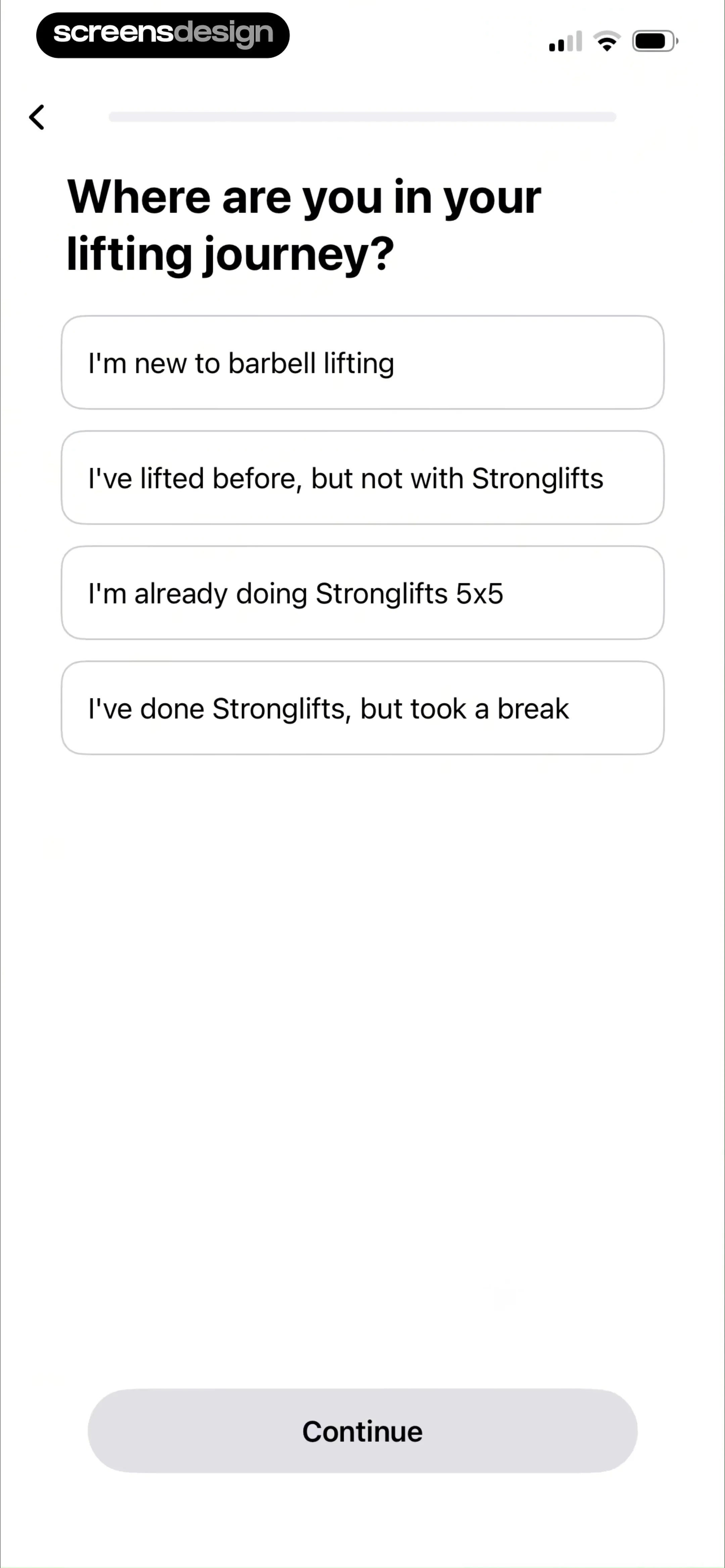
Onboarding screen asking about the user's lifting experience with four selection cards and a Continue button.
Onboarding screen asking for biological sex with Male and Female selection cards, a disabled Continue button, and a top progress bar.
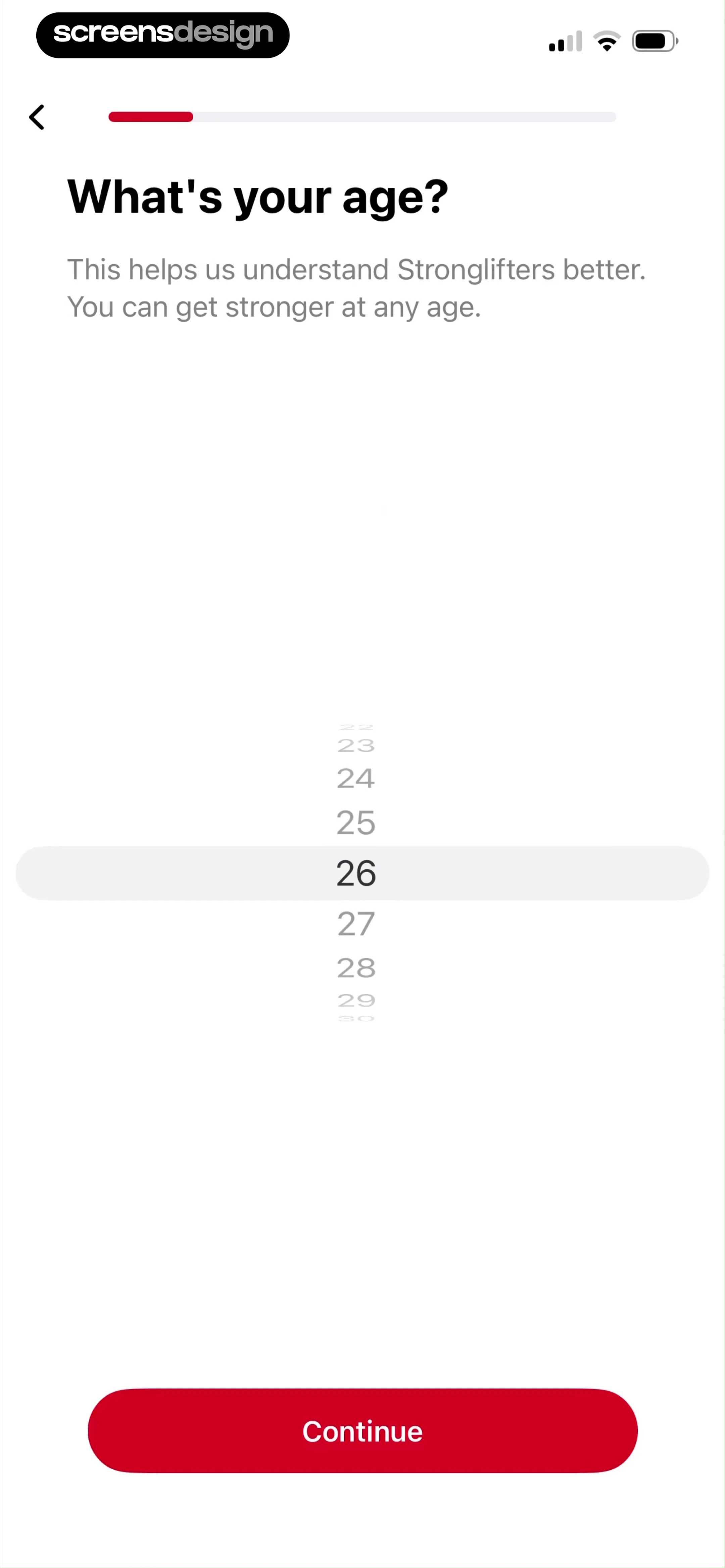
Onboarding age input screen with a vertical picker set to twenty-six, explanatory text, and a red Continue button.
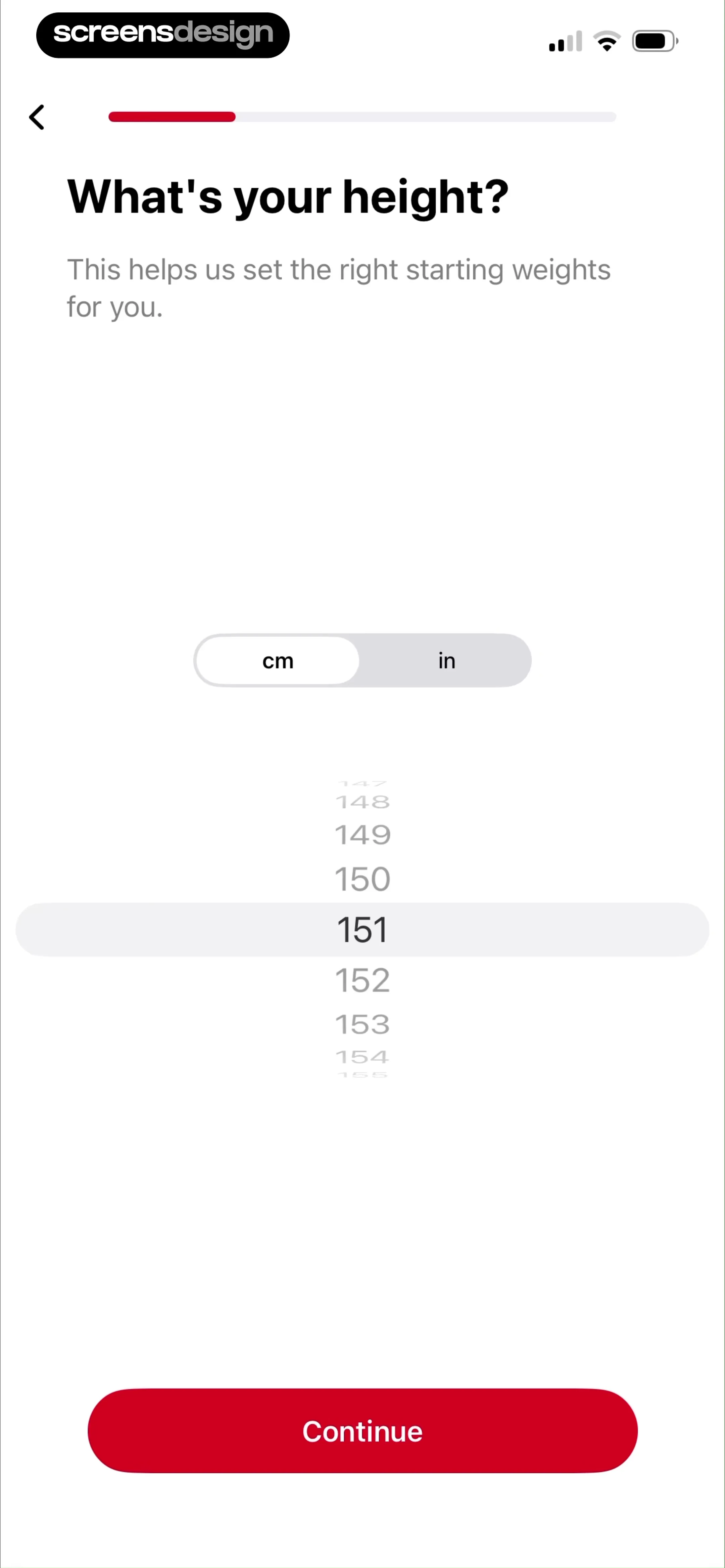
Fitness app onboarding screen asking for height with a unit toggle, height picker set to 151 cm, and a Continue button.
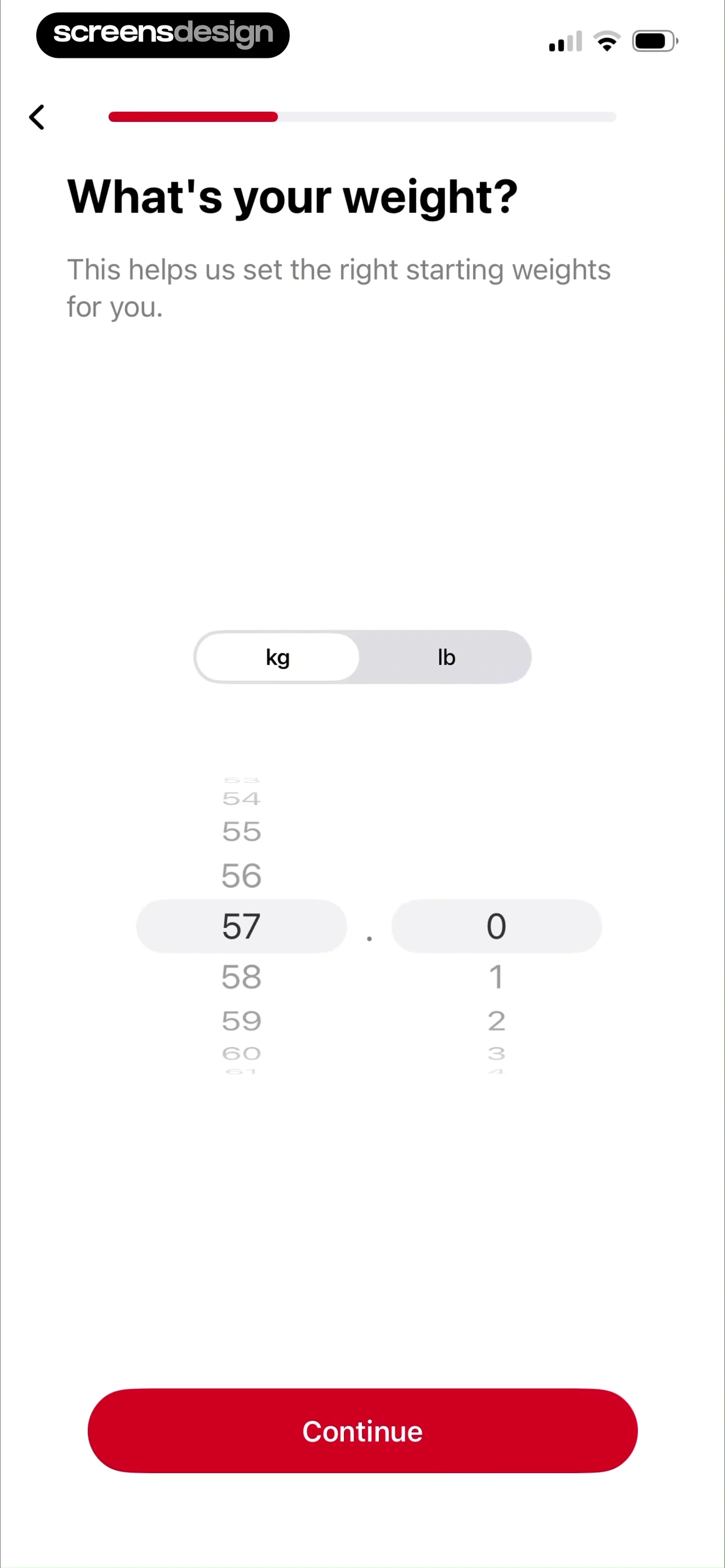
Onboarding weight input screen asking What's your weight with kg and lb unit toggles, a weight picker set to 57, and a Continue button.
Onboarding schedule selection screen with four weekly workout options, featuring the Monday, Wednesday, and Friday schedule selected and a continue button.
Onboarding screen prompting the user to choose three workout days, featuring vertical day-selection pickers, an optimal schedule info card, and a Continue button.Unlock Pro
Permission onboarding screen for Stronglifts with a system notification request modal and a Remind Me to Workout button.Unlock Pro
StrongLifts onboarding screen with a system modal requesting notification permissions to send workout reminders, featuring a red progress bar and Remind Me to Workout button.Unlock Pro
Onboarding screen asking when to start the program, featuring an April 2026 calendar view with a selected date and a Continue button.Unlock Pro
Onboarding screen asking when to start the program, with a start date card showing Apr 16, 2026 and a Continue button.Unlock Pro
Onboarding loading screen showing a 100% progress indicator and a checklist with three completed tasks and one in-progress task.Unlock Pro
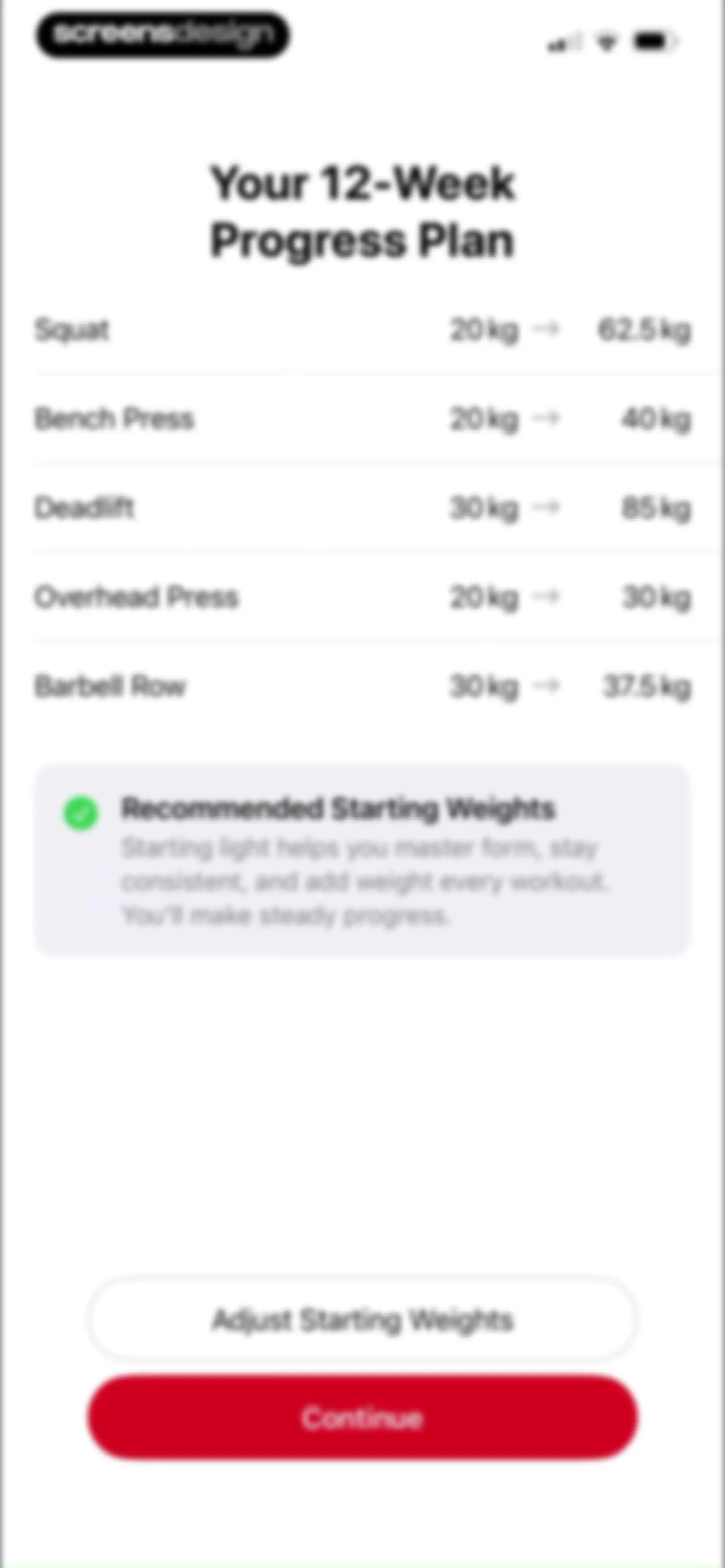
Onboarding screen displaying a 12-week progress plan with exercise starting weights, an informational card, and Continue and Adjust Starting Weights buttons.Unlock Pro
Form modal for adjusting starting barbell weights with an exercise list and a custom numeric keypad.Unlock Pro
Modal window for adjusting starting weights in a 12-week strength training plan, featuring an exercise list and a recommendation card with a checkmark.Unlock Pro
Paywall screen offering a seven-day free trial for Stronglifts, with centered text and a Continue button.Unlock Pro
Stronglifts app onboarding screen stating that users will receive a trial reminder in two days, with a Continue button.Unlock Pro
Paywall subscription screen offering a seven-day free trial with social proof, user testimonials, and a Start Your Free Week button.Unlock Pro
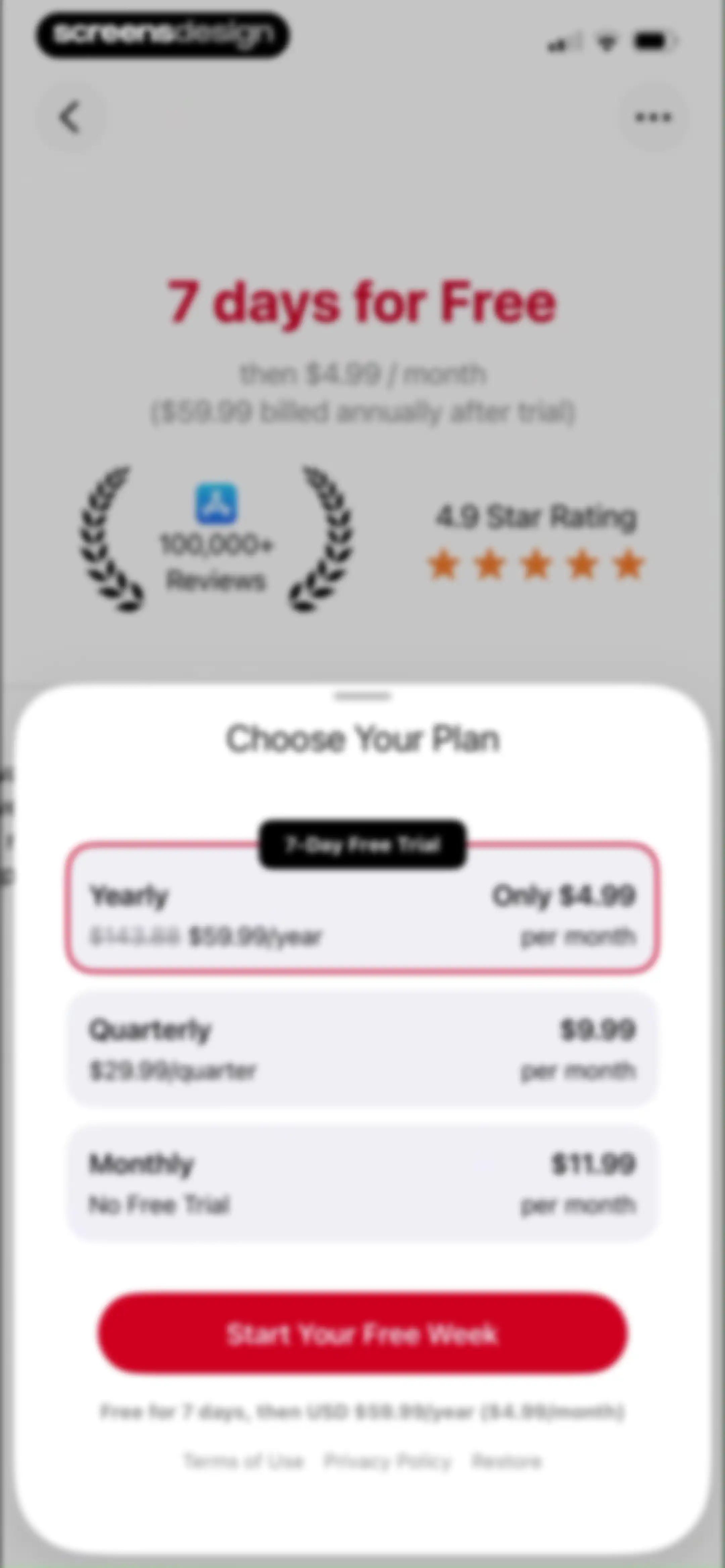
Paywall screen comparing yearly, quarterly, and monthly subscription plans, with the yearly plan selected and a Start Your Free Week button.Unlock Pro
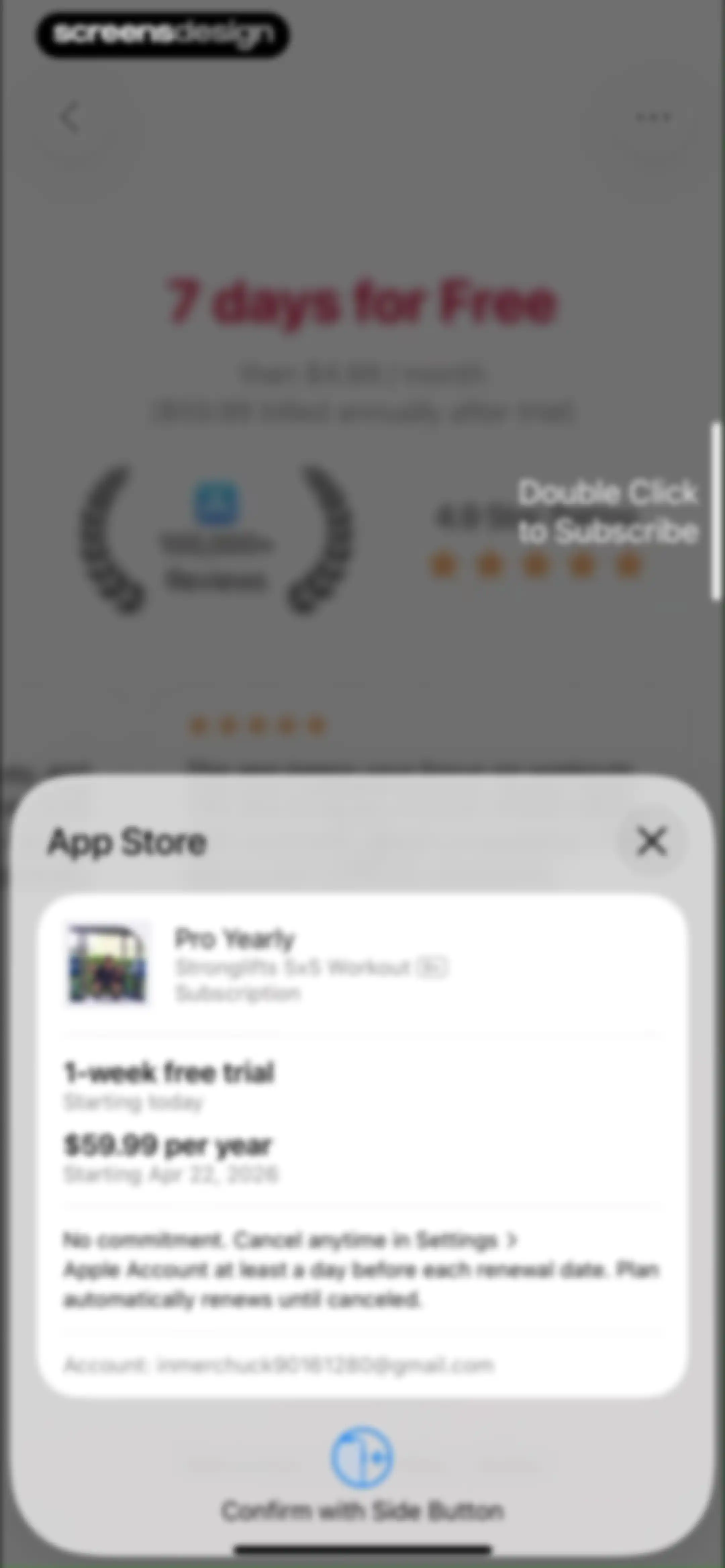
Subscription confirmation modal for Stronglifts 5x5 Pro Yearly plan with a 1-week free trial and a Confirm with Side Button prompt.Unlock Pro
Stronglifts purchase confirmation modal with a success message and an OK button overlaid on a blurred subscription paywall.Unlock Pro
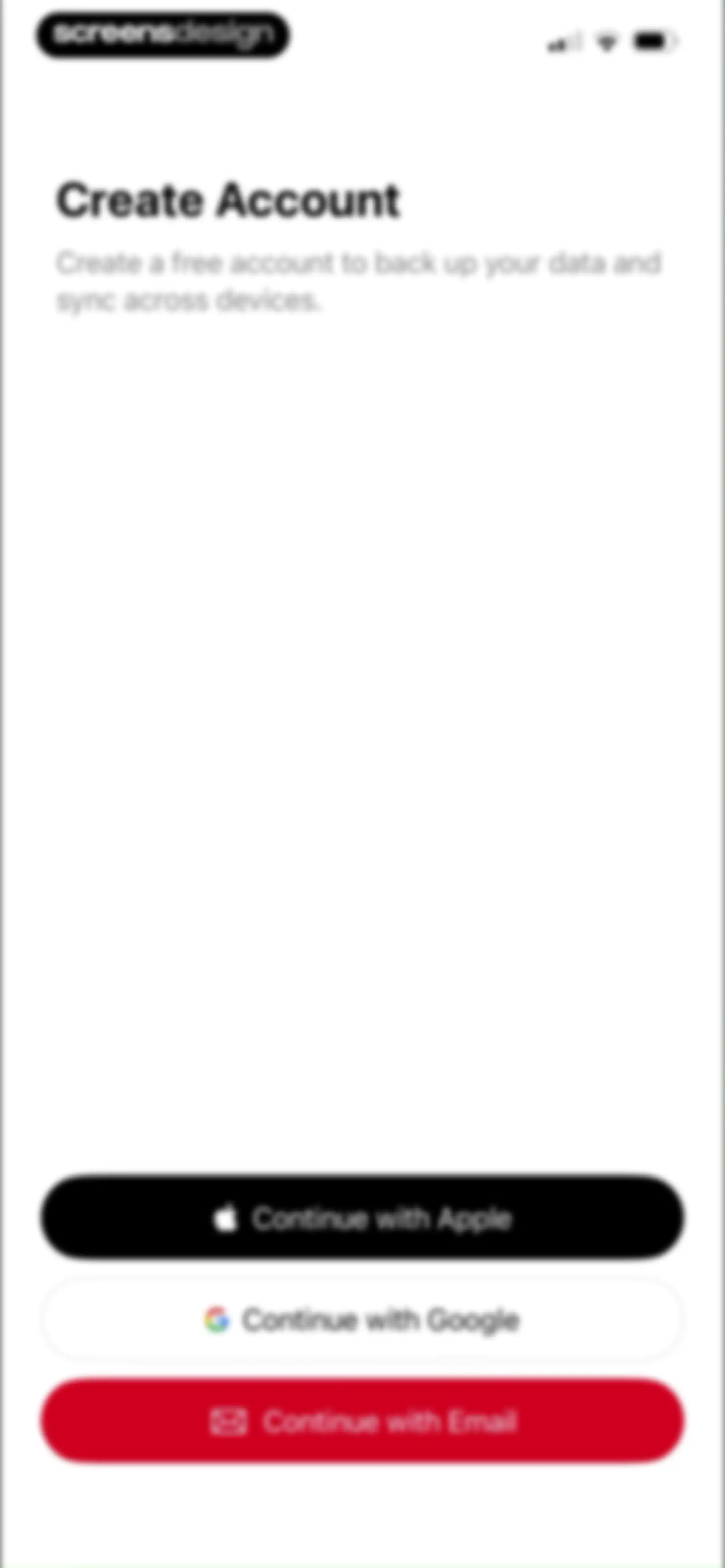
Account creation onboarding screen featuring descriptive text and three stacked authentication options for Apple, Google, and Email.Unlock Pro
Account creation screen for Stronglifts 5x5 with an email address entered in the input field, a red Continue button, and a Cancel button.Unlock Pro
Email verification screen with the code 507573 entered in the input field and a Continue button.Unlock Pro
Stronglifts home screen displaying a list of scheduled barbell workouts with exercises and a persistent Start Workout card.Unlock Pro
Workout tracking editor listing exercises with set trackers, weights, and a routine selector for Workout A.Unlock Pro
Squat exercise settings screen with a warning banner, configuration cards, and a Copy Settings button.Unlock Pro
Fitness app configuration form for Sets x Reps showing steppers set to 5 and a list of training schemes with Straight selected.Unlock Pro
Exercise configuration form displaying set and rep steppers, a back-off percentage field, and a list of training methodologies with Top/Back-off selected.Unlock Pro
Exercise settings screen displaying a warning about bar weight, a modal with the weight progression option selected, and an Ok button.Unlock Pro
Exercise settings screen showing a Squat progression frequency modal with After 2 workouts selected and an Ok button.Unlock Pro
Settings screen displaying a list of barbell weight plates with their quantities and an Add Plates button.Unlock Pro
Plate inventory settings screen with a bottom modal sheet open to edit a 5kg plate quantity using a stepper control and a disabled Save button.Unlock Pro
Stronglifts plate inventory settings screen displaying a list of plate weights and quantities with an Add Plates button.Unlock Pro
Form modal displaying a list of weight plate settings with quantities and a Done button.Unlock Pro
Settings screen for managing weight plates with a list of plate weights, quantities, and a Done action.Unlock Pro
Copy Settings screen with Bar Weight selected and two exercise lists showing selected Bench Press and Squat items, plus Cancel and Done buttons.Unlock Pro
Squat exercise settings screen in Stronglifts with a reset confirmation modal displayed in the center.Unlock Pro
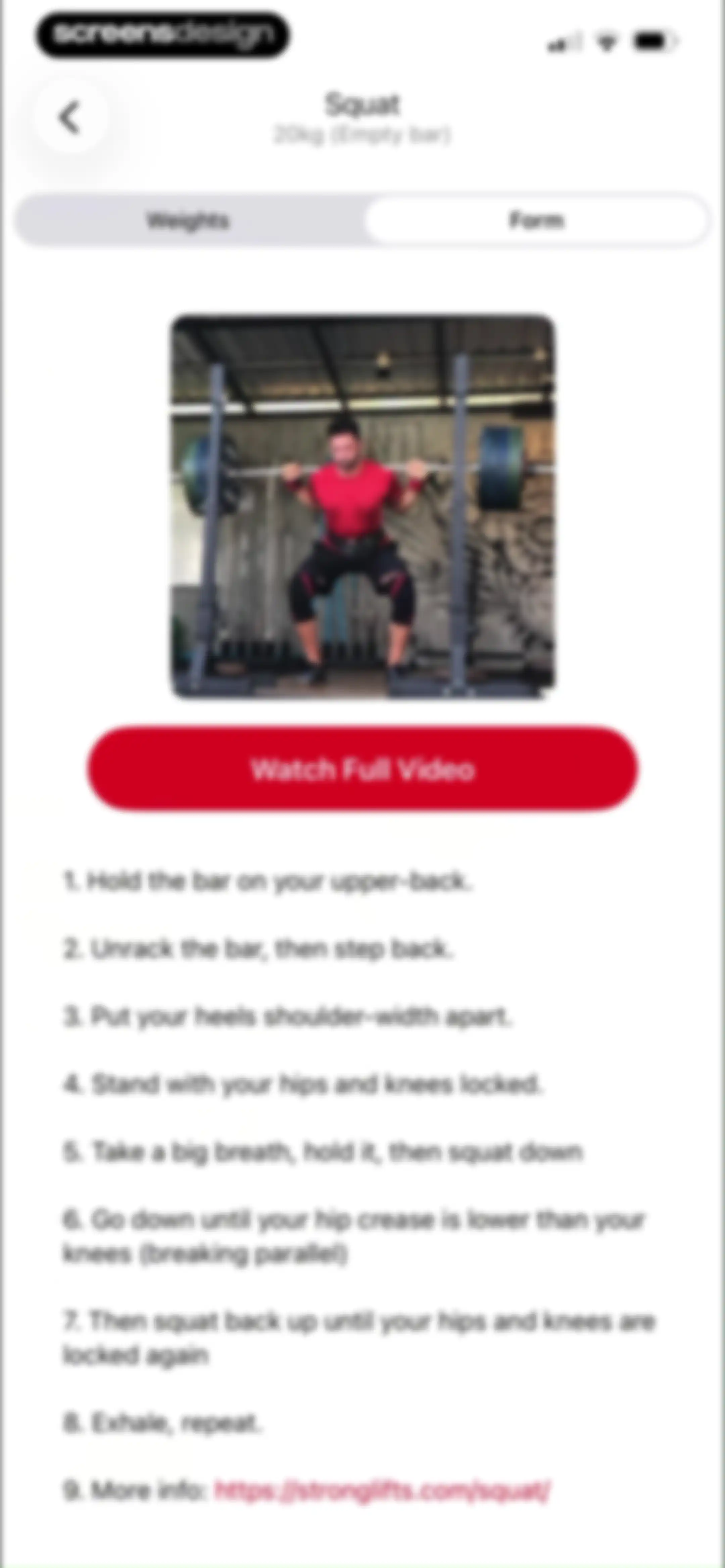
Exercise form guide for the Squat with a video thumbnail, Watch Full Video button, and a numbered list of instructional steps.Unlock Pro
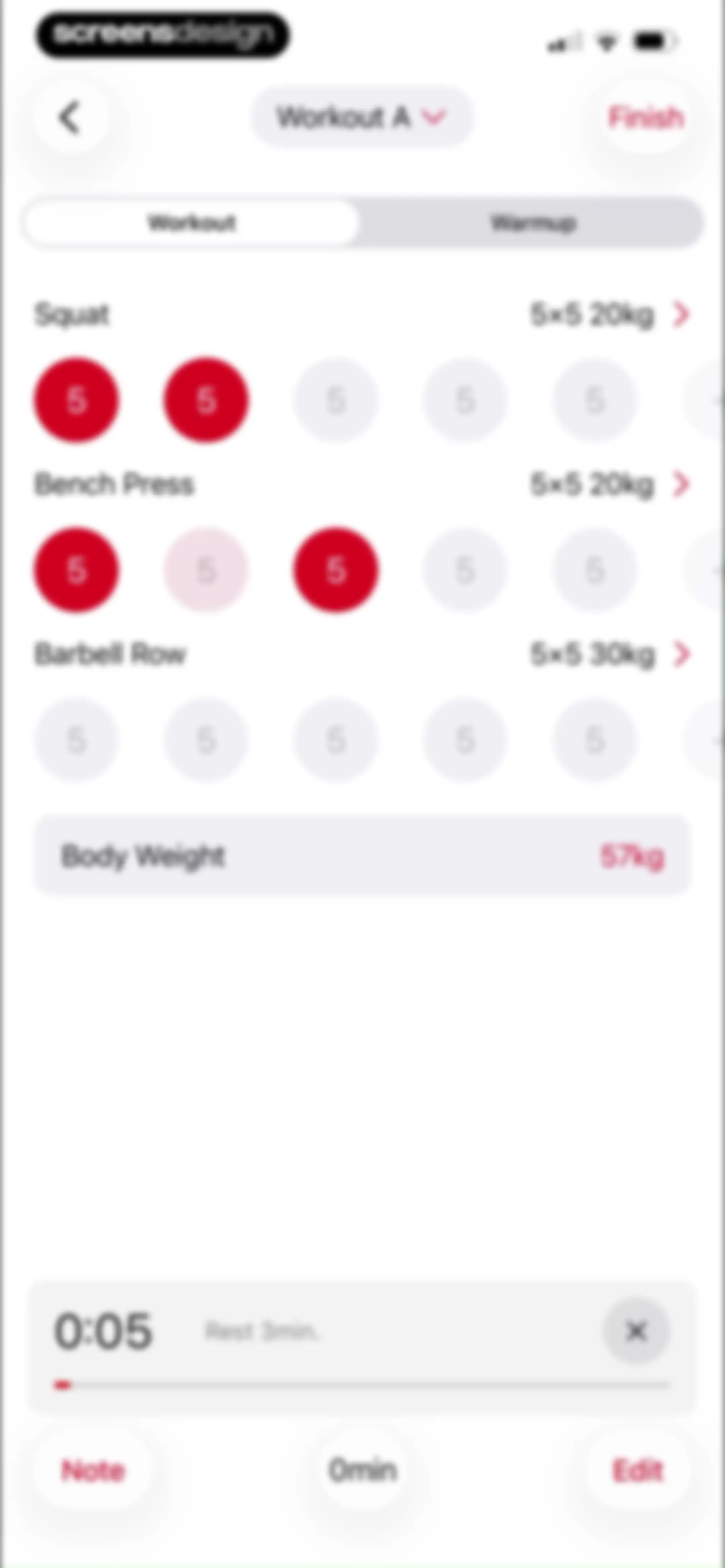
Workout tracking editor showing an active Workout A session with a list of exercises, set trackers, a rest timer bar, and a Finish button.Unlock Pro
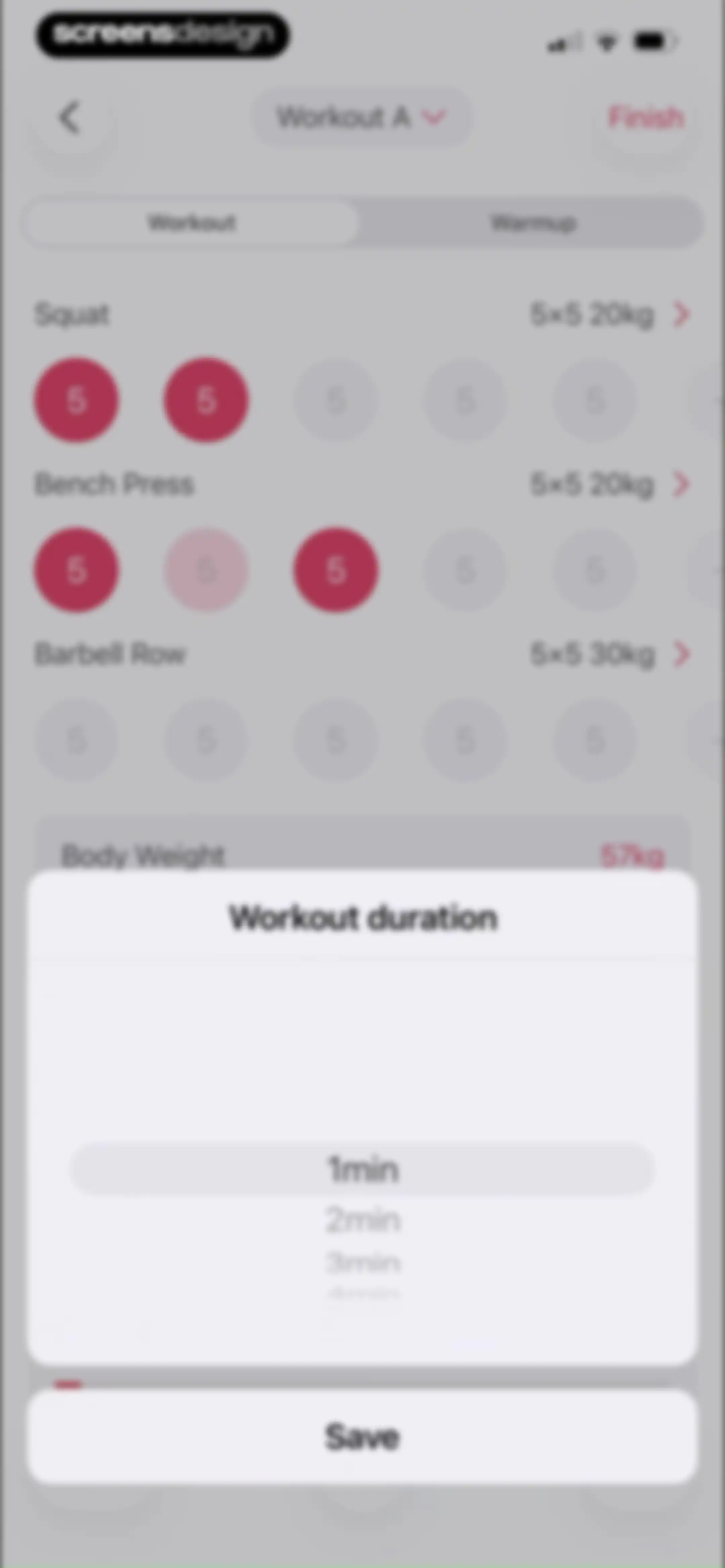
Workout tracking editor with an exercise list and a centered duration selection modal displaying a Save button.Unlock Pro
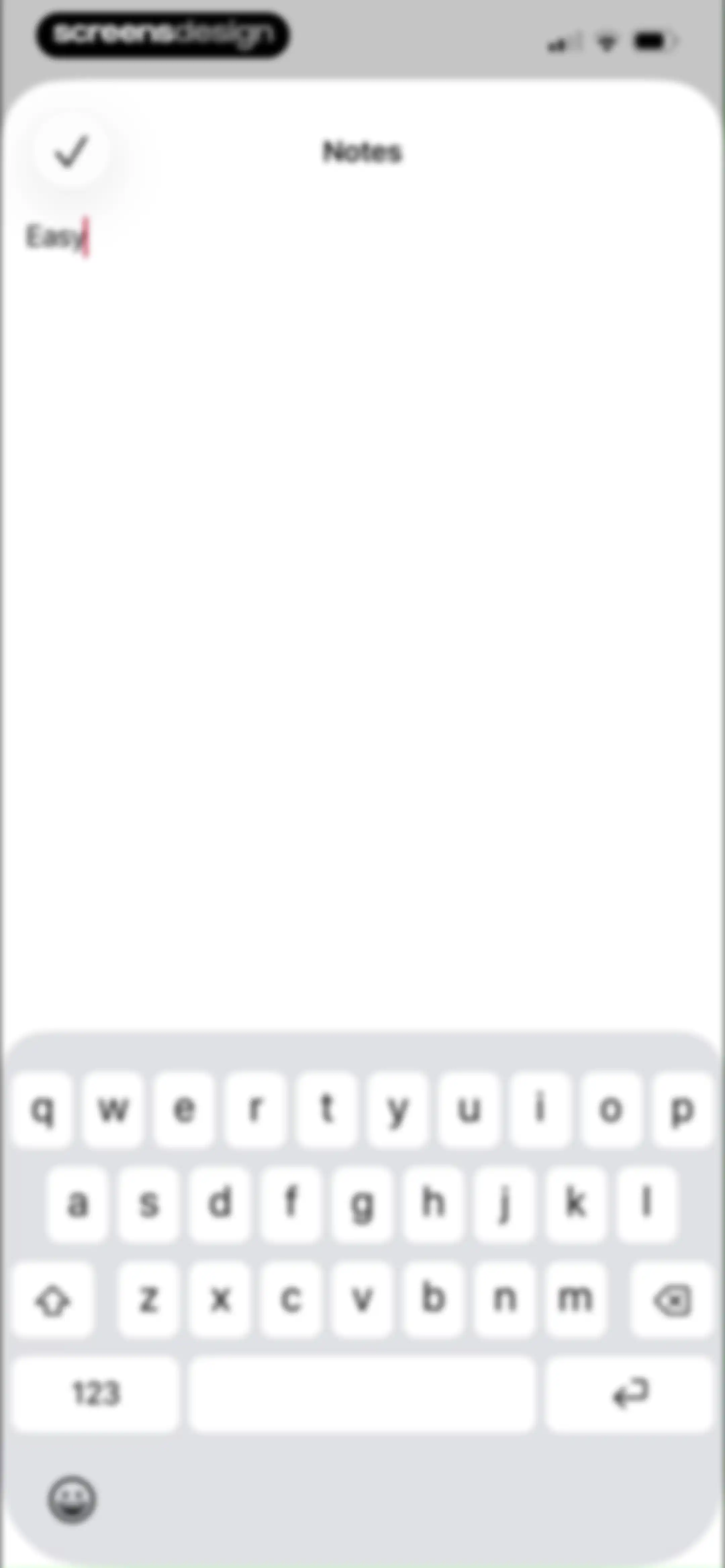
Text input modal for workout notes containing the word Easy, a checkmark save button, and the system keyboard.Unlock Pro
Workout editor screen displaying a list of exercises including Squat and Bench Press, a date picker set to Apr 16, 2026, and a delete action.Unlock Pro
Workout editor screen displaying exercise details including Squat and Bench Press, workout date, and a Delete Workout option.Unlock Pro
Workout editor screen displaying exercise cards for Squat and Bench Press, a calendar date picker for April 16, 2026, and a Delete button.Unlock Pro
Workout editor screen displaying exercise details for Workout A with an active date picker overlay and a Delete button.Unlock Pro
Workout editor screen displaying exercise details and a centered delete confirmation modal.Unlock Pro
Workout tracking screen showing Workout B with an exercise list, body weight input, and a finish button.Unlock Pro
Workout tracking dashboard listing exercises with set trackers, a body weight input, and a finish button.Unlock Pro
Workout tracking screen with an exercise list and a confirmation modal warning that switching workouts will erase entered sets and notes.Unlock Pro
Workout editor screen listing exercises with set indicators, a rest timer, and a Finish button.Unlock Pro
Workout warmup screen displaying exercise instructions with a persistent rest timer and a Finish button.Unlock Pro
Workout completion screen with a confirmation modal asking if you are sure you want to finish without logging all sets.Unlock Pro
Workout completion summary screen displaying metrics like duration and volume, an exercise list, and a Share Workout button.Unlock Pro
Workout summary screen displaying completed exercise stats and an open system share sheet overlay.Unlock Pro
Stronglifts dashboard displaying workout details for Workout B with Squat and Bench Press exercises and a Start button.Unlock Pro
Programs dashboard displaying a list of strength training program cards with the Stronglifts 5x5 active program selected at the top.Unlock Pro
Workout template selection screen showing the Basic template selected with a red Next button and pagination dots.Unlock Pro
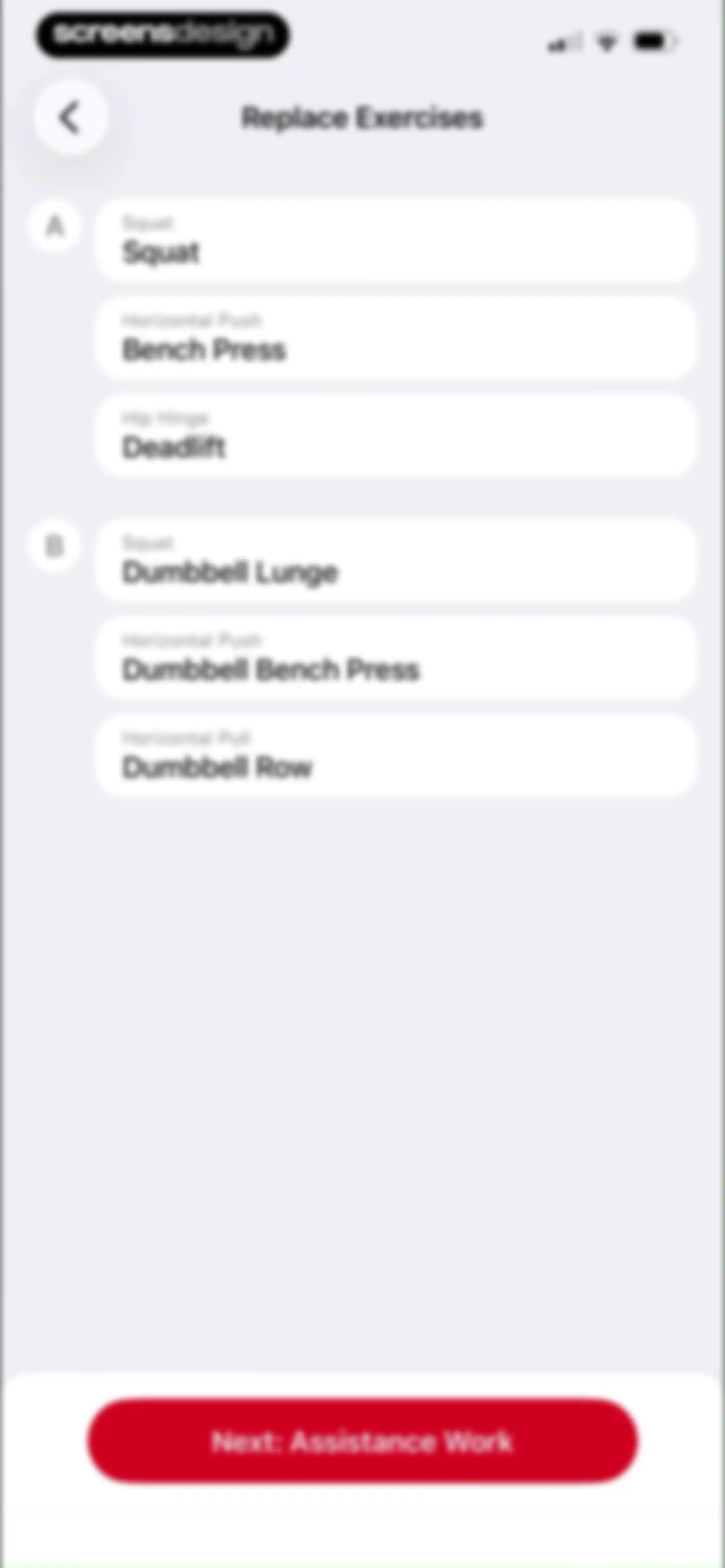
Exercise replacement screen displaying two grouped lists of exercises labeled A and B, with a Next: Assistance Work button at the bottom.Unlock Pro
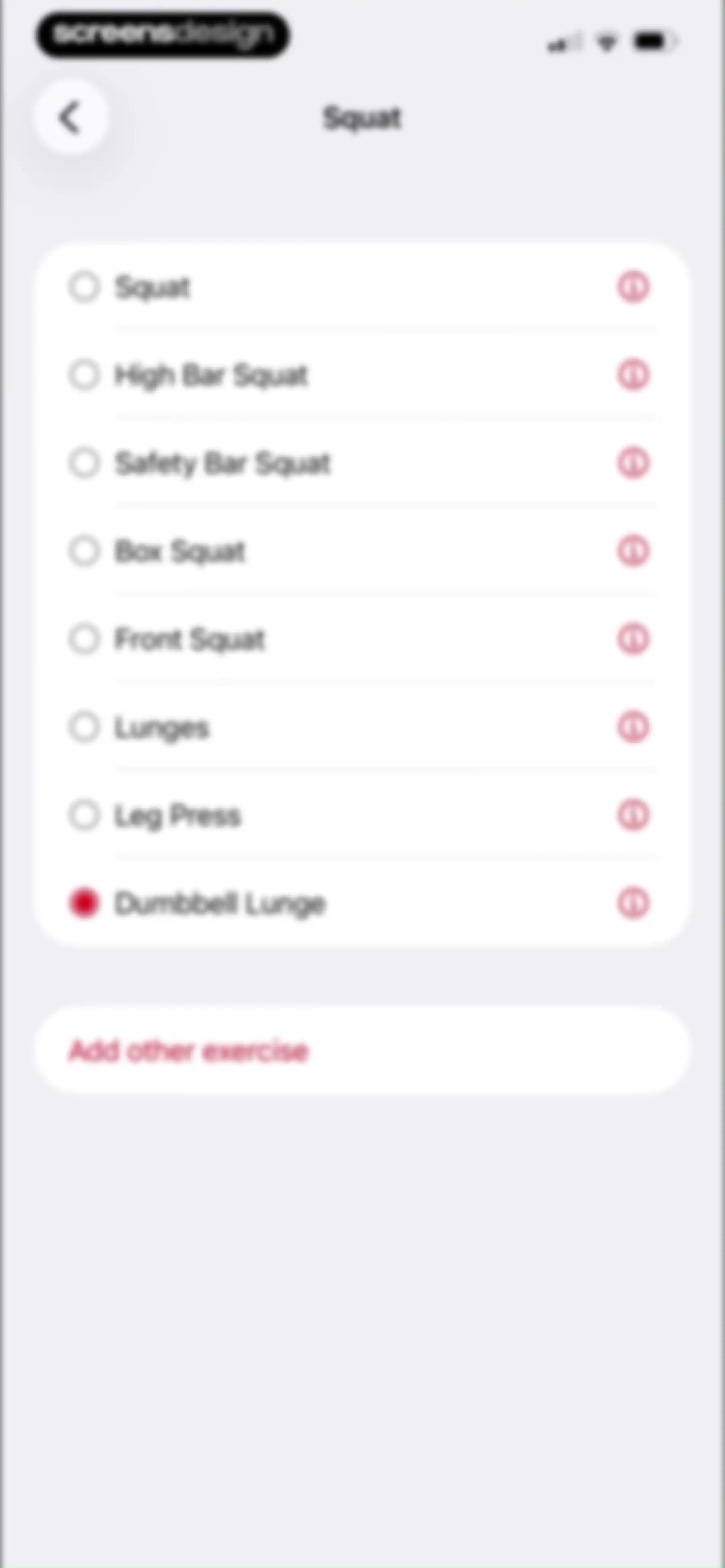
Exercise selection list for squat variations and leg movements, with Dumbbell Lunge selected and an Add other exercise button.Unlock Pro
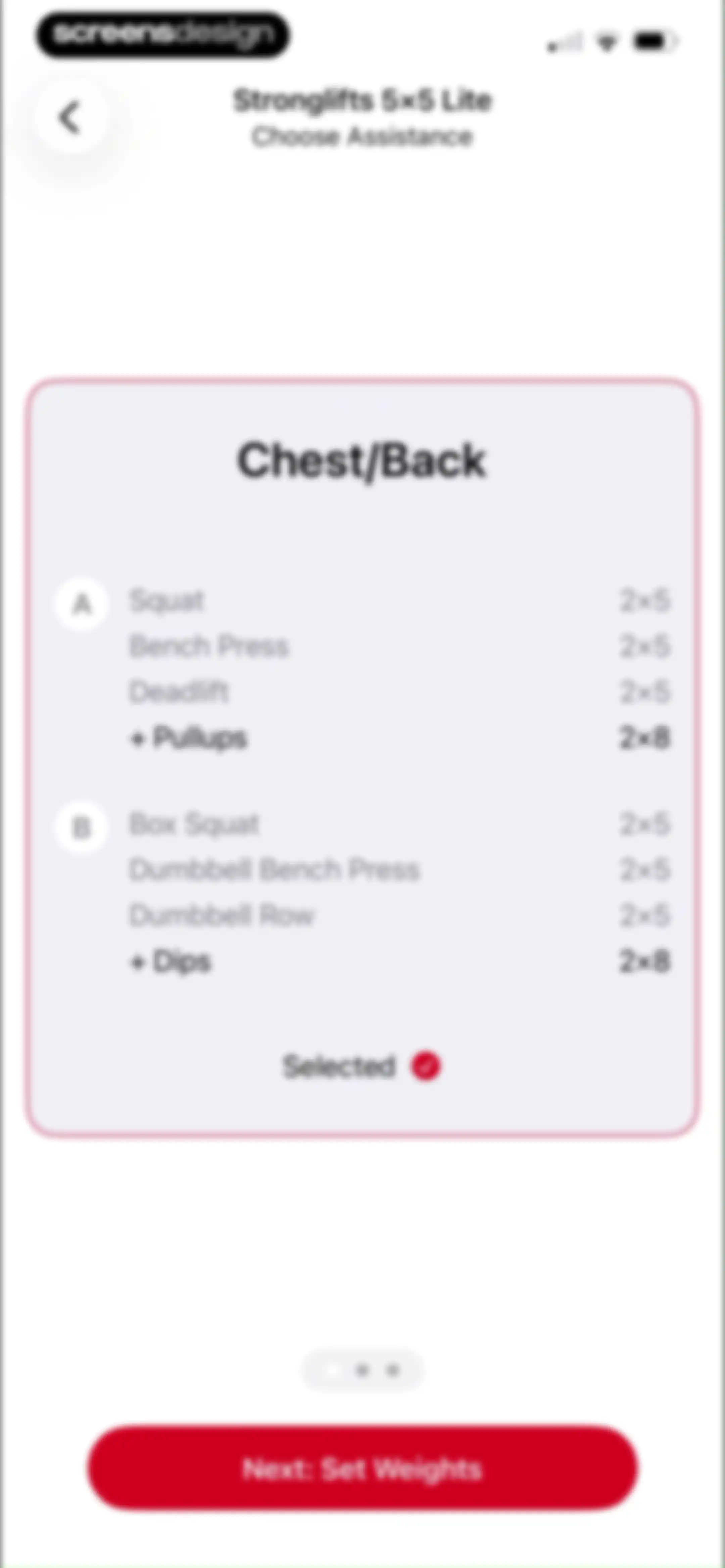
Stronglifts 5x5 Lite onboarding screen for choosing assistance exercises, showing the Chest/Back plan selected with a Next: Set Weights button.Unlock Pro
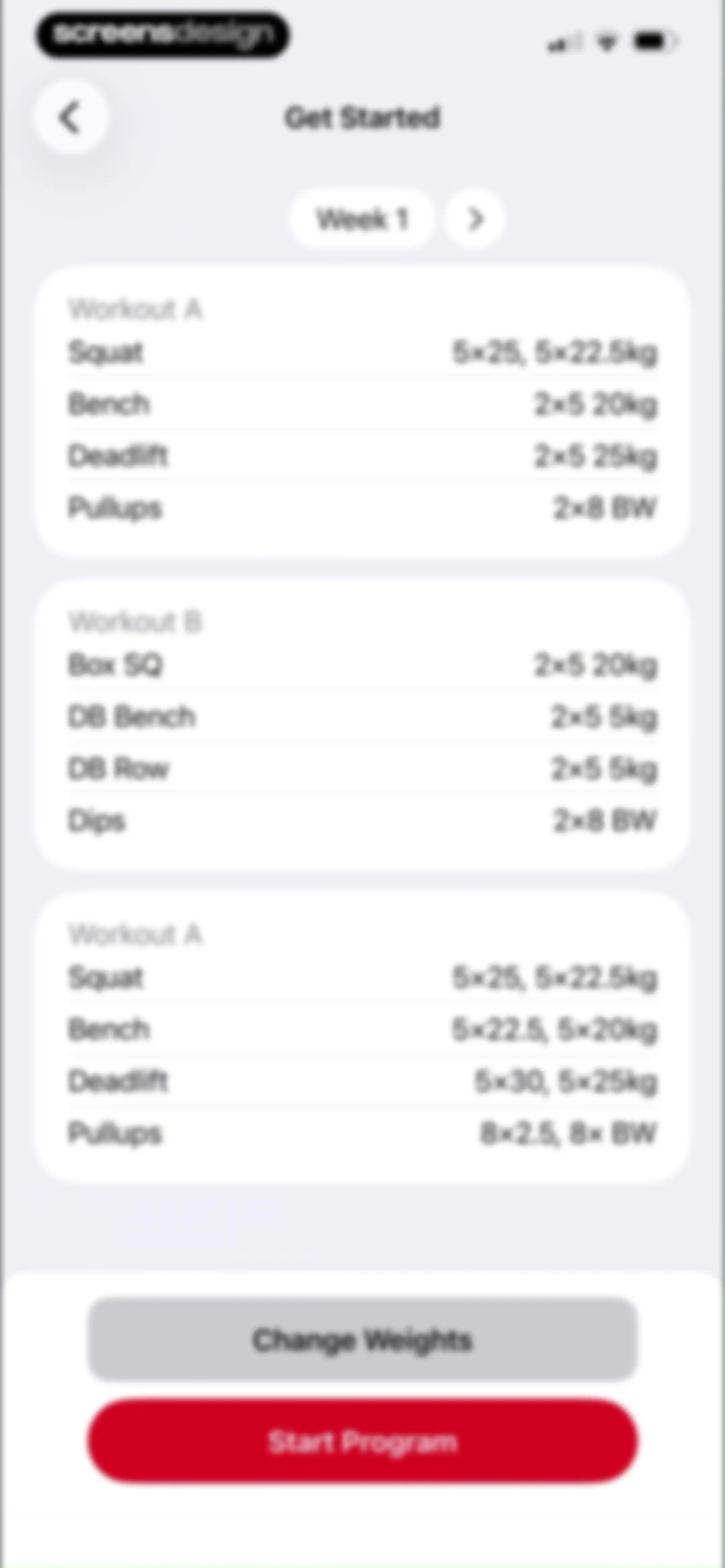
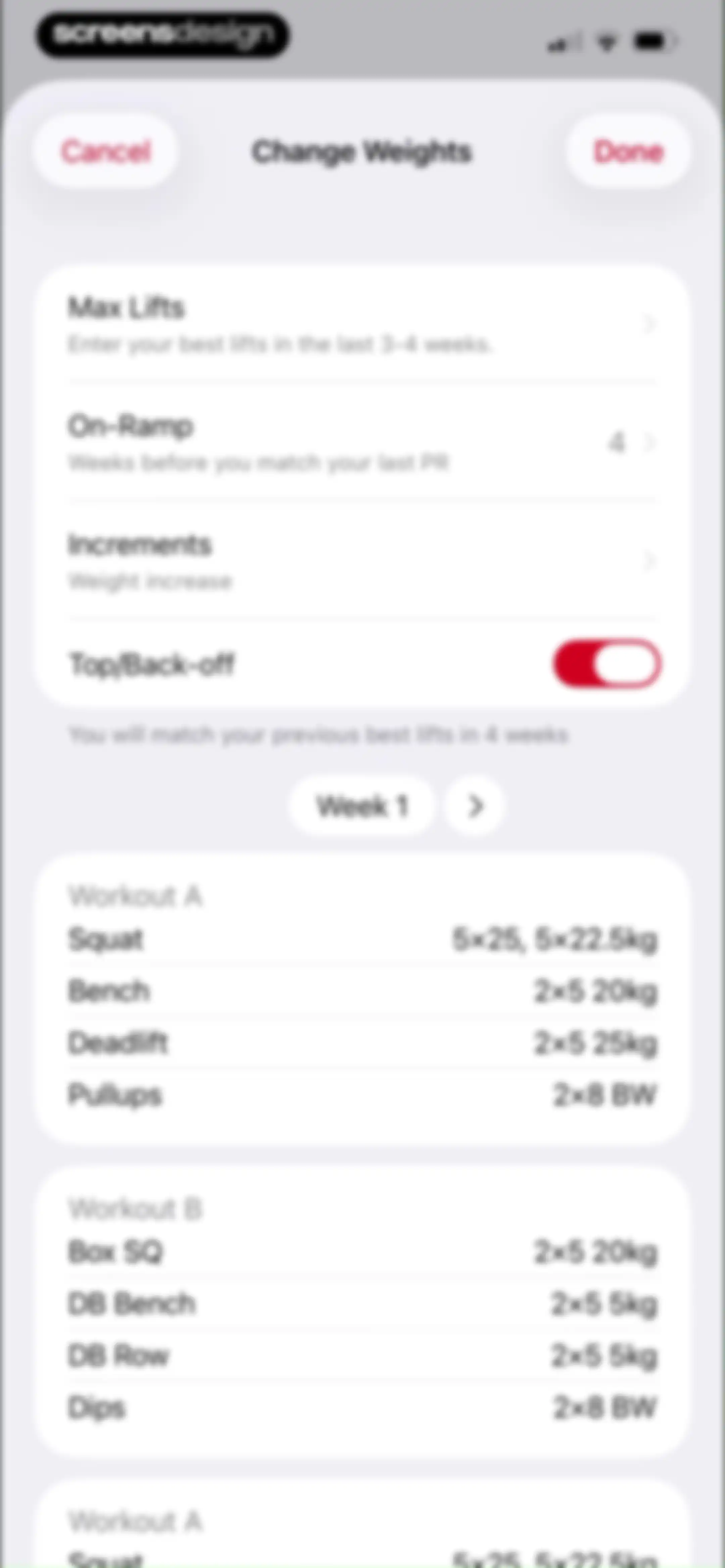
Stronglifts 5x5 onboarding screen showing a Week 1 workout plan with exercise cards, a Change Weights button, and a Start Program button.Unlock Pro
Workout weight configuration settings with options for max lifts, increments, and a vertical list of training routines.Unlock Pro
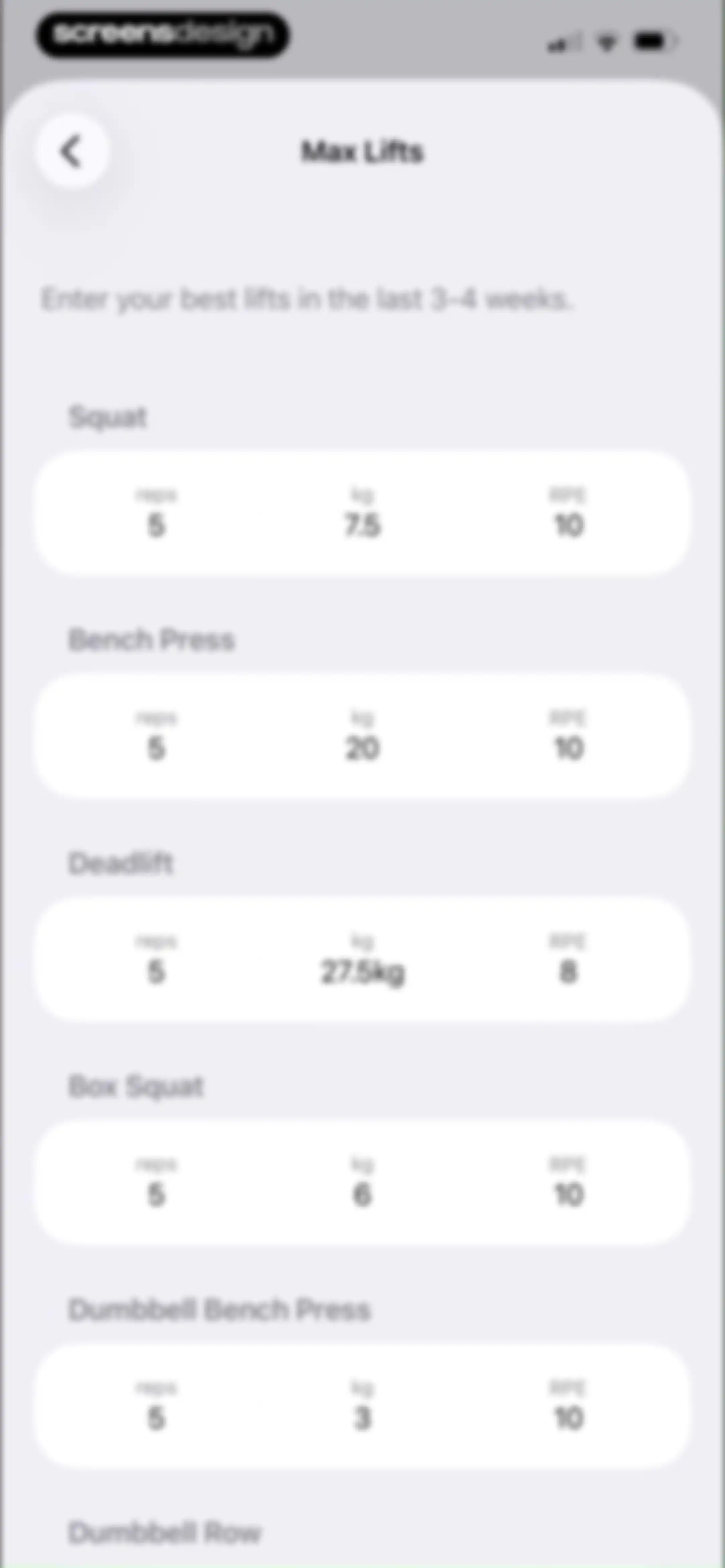
Max Lifts data entry form with input fields for reps, weight, and RPE across exercises like Squat and Bench Press.Unlock Pro
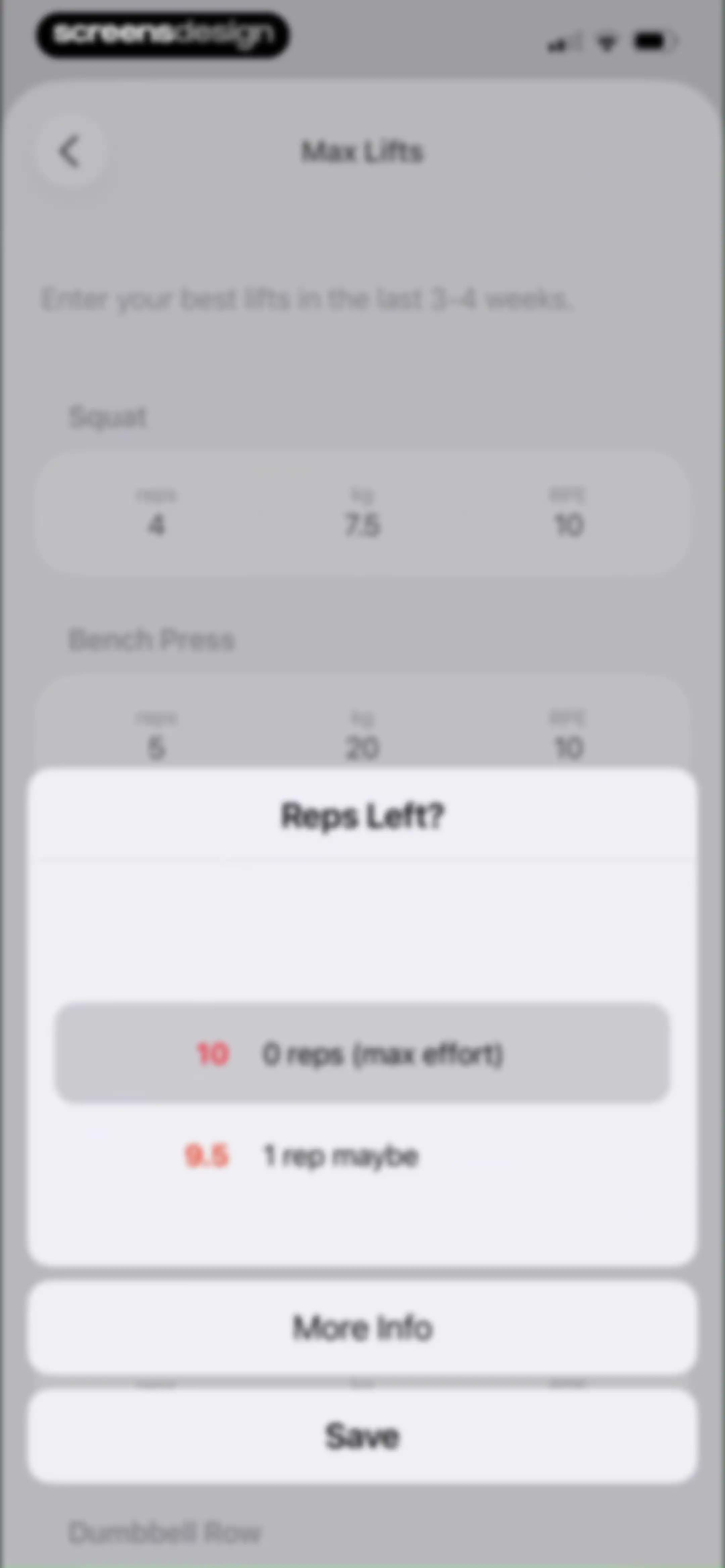
Max lifts form with an RPE selection modal overlay displaying options like 10 and 9.5, alongside More Info and Save buttons.Unlock Pro
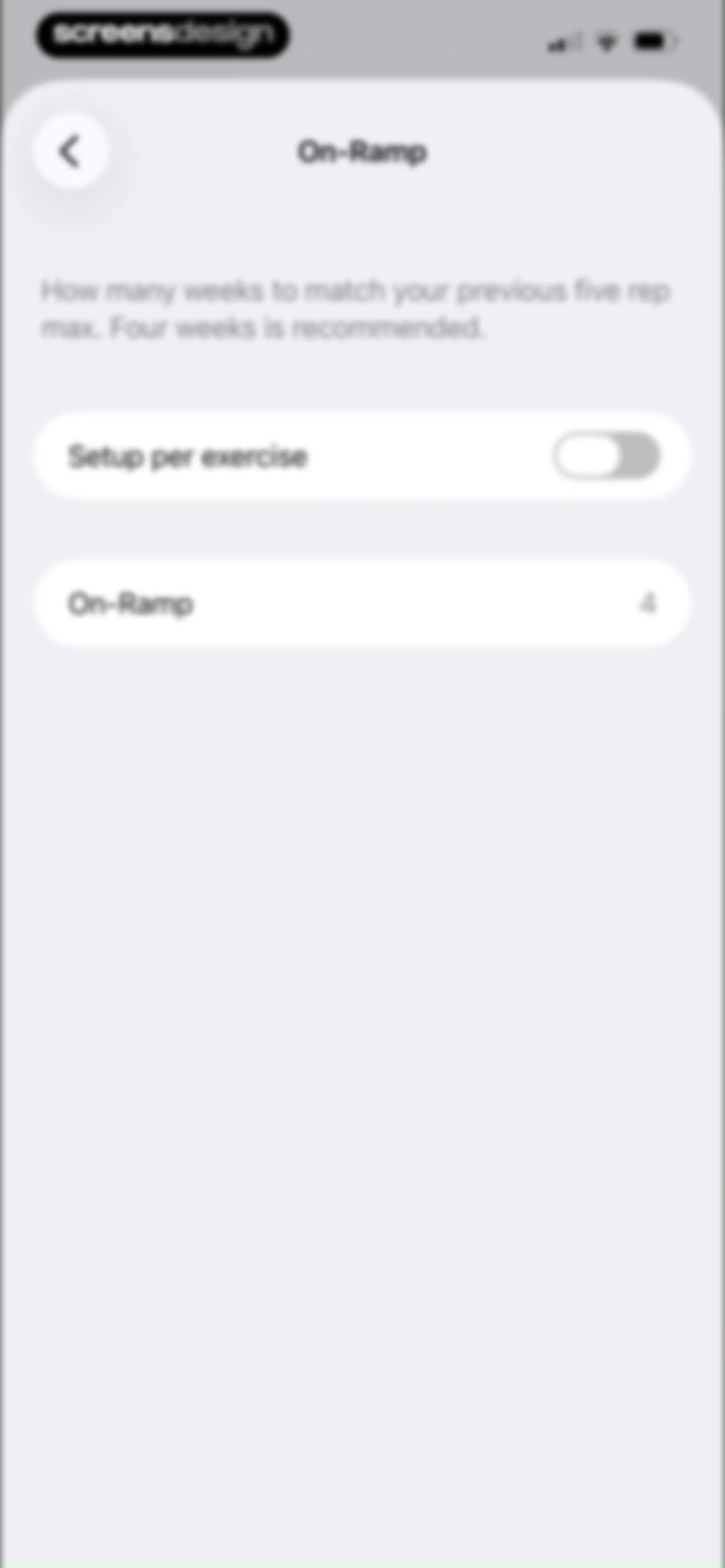
Settings screen for configuring the on-ramp training phase, featuring instructional text and a four-week duration value.Unlock Pro
Stronglifts 5x5 onboarding screen for On-Ramp configuration, featuring instructional text, a toggle for setup per exercise, and a list of strength exercises with week values set to four.Unlock Pro
Workout app settings screen with a duration selection modal for the On-Ramp program, showing four weeks selected and Save and Apply to All buttons.Unlock Pro
Exercise increments settings screen displaying grouped cards with weight values for exercises like Squat and Bench Press.Unlock Pro
Programs dashboard showing a workout list with Workout A and Workout B, a schedule card, and the Workouts tab selected.Unlock Pro
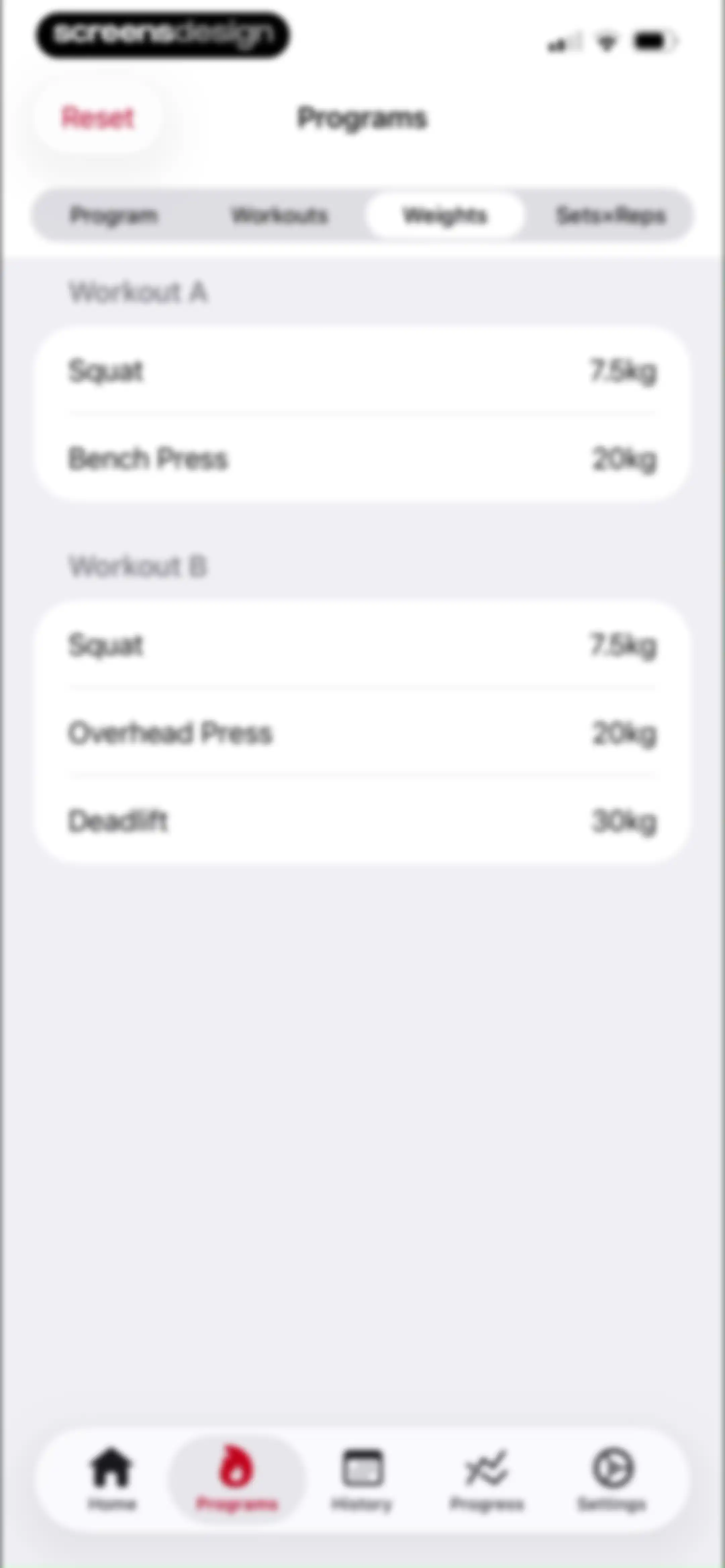
Fitness app weights management screen displaying Workout A and Workout B cards with exercise lists and associated weights, with the Weights tab selected.Unlock Pro
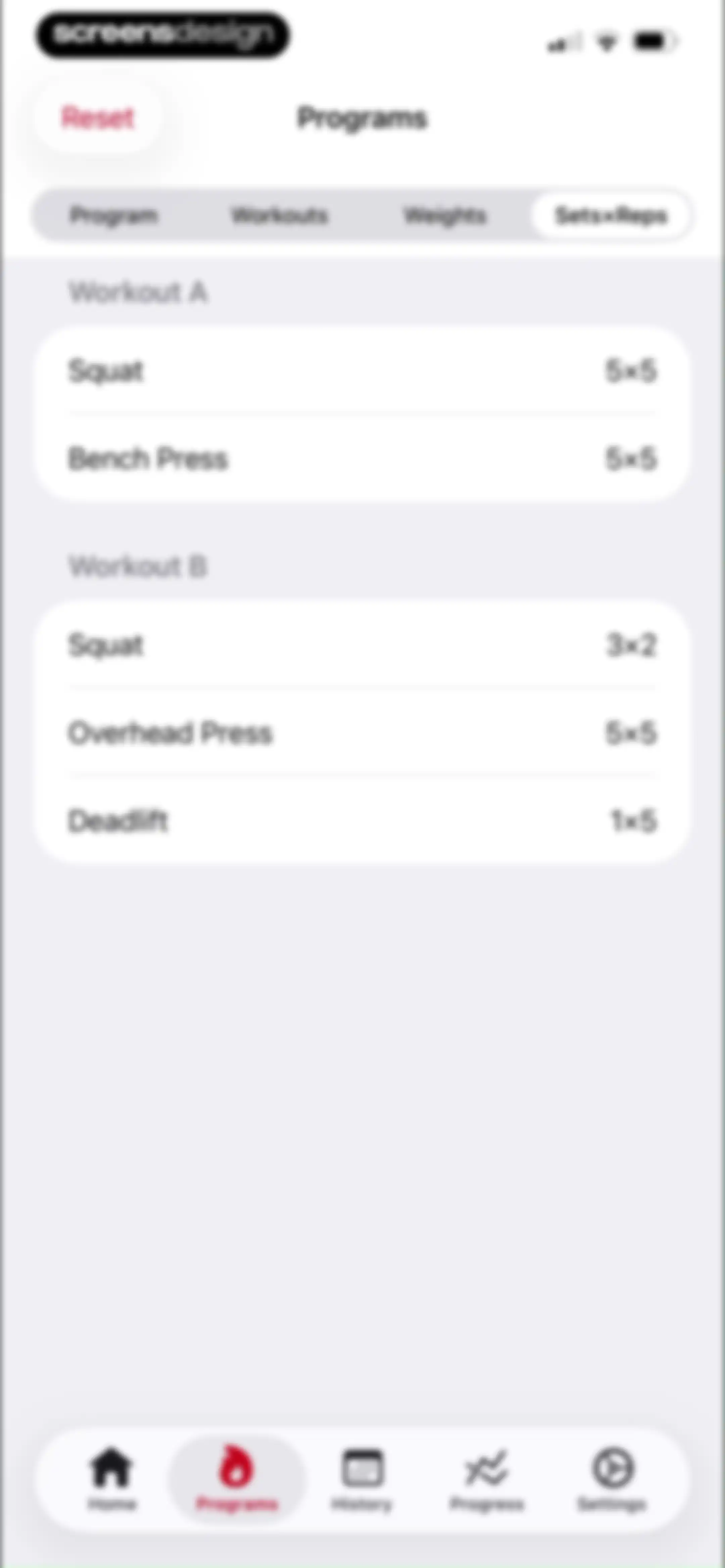
Workout program dashboard showing cards for Workout A and Workout B with sets and reps details, featuring a top reset button and bottom navigation.Unlock Pro
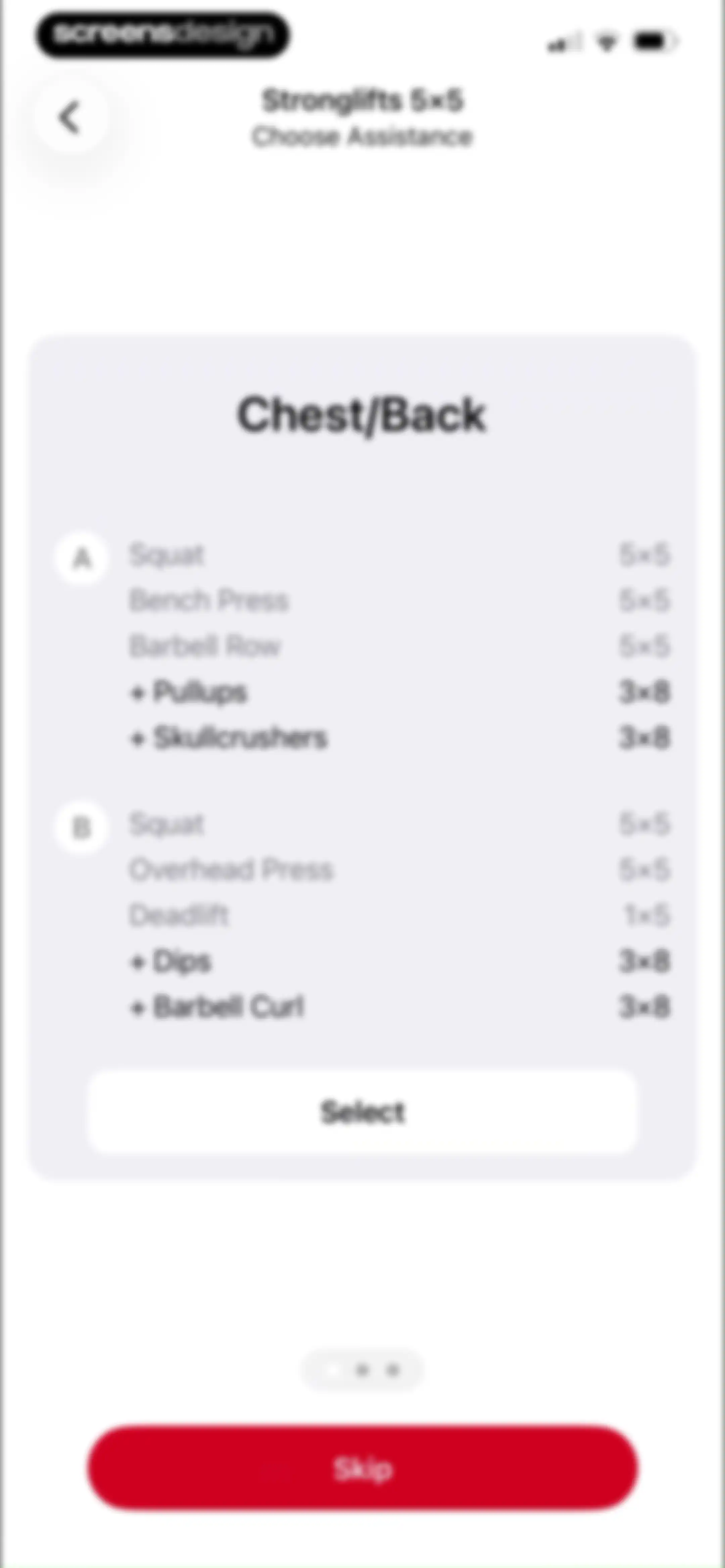
Stronglifts 5x5 onboarding screen for choosing assistance exercises, displaying a Chest/Back workout card with a Select button and a bottom skip option.Unlock Pro
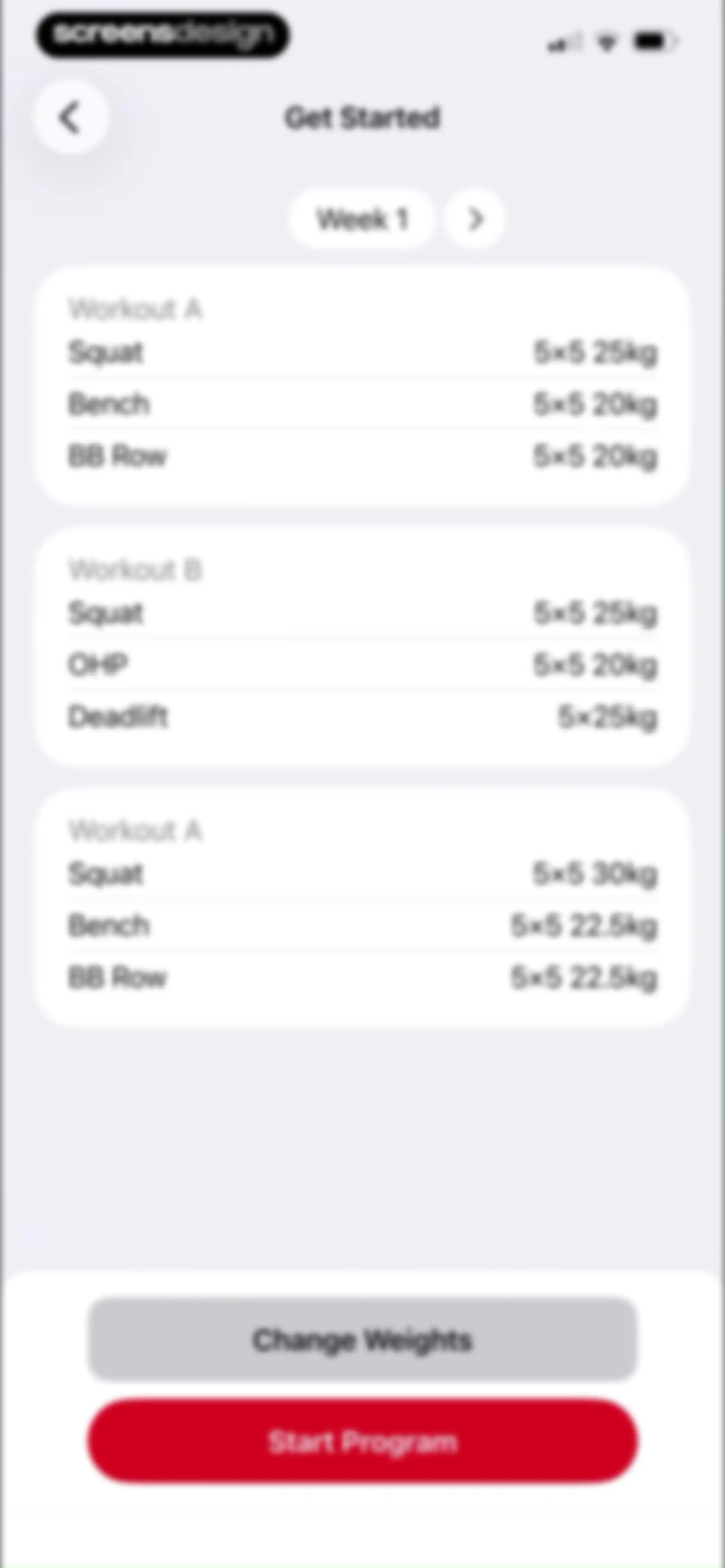
Onboarding screen displaying a Week 1 workout schedule with three exercise cards and Start Program and Change Weights buttons.Unlock Pro
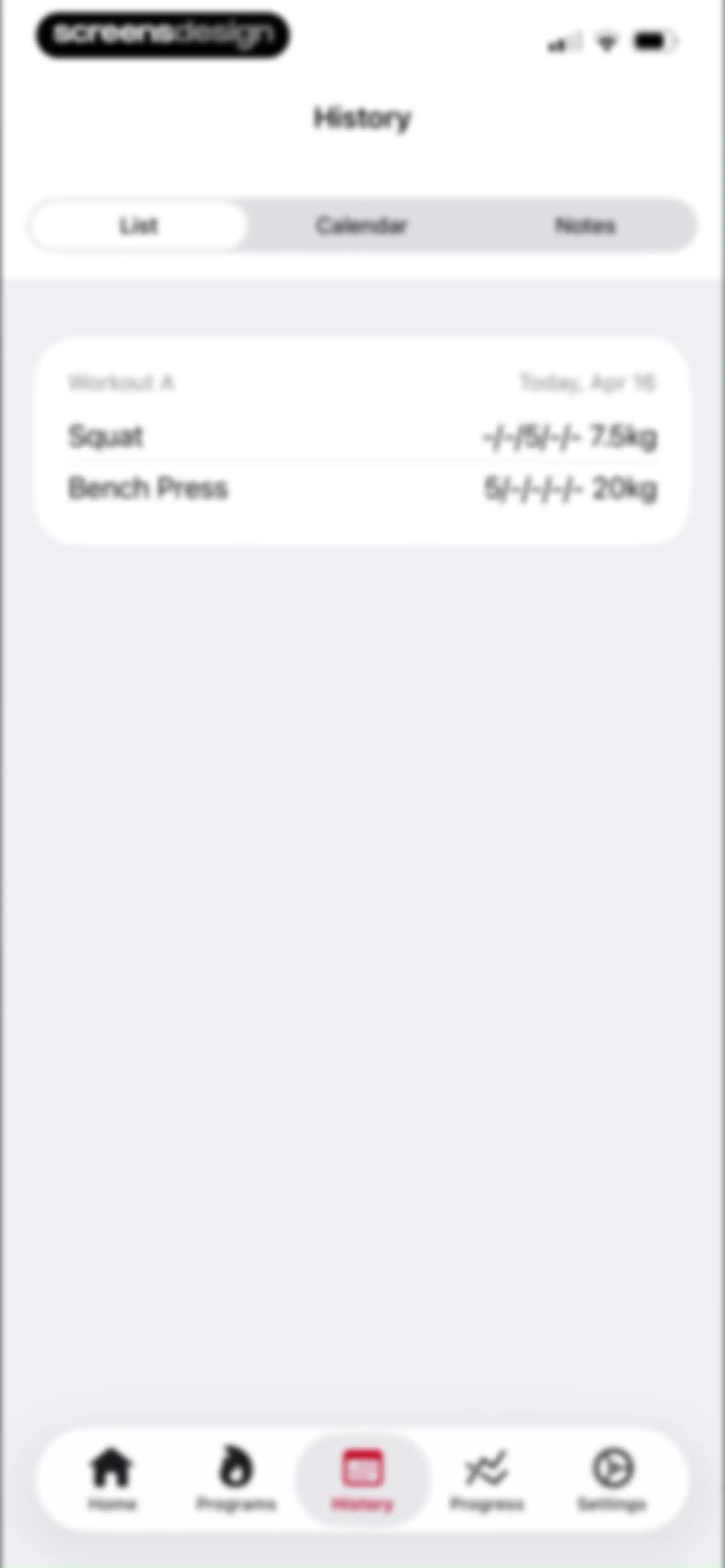
Workout history list dashboard showing a past entry for Workout A with squat and bench press exercises.Unlock Pro
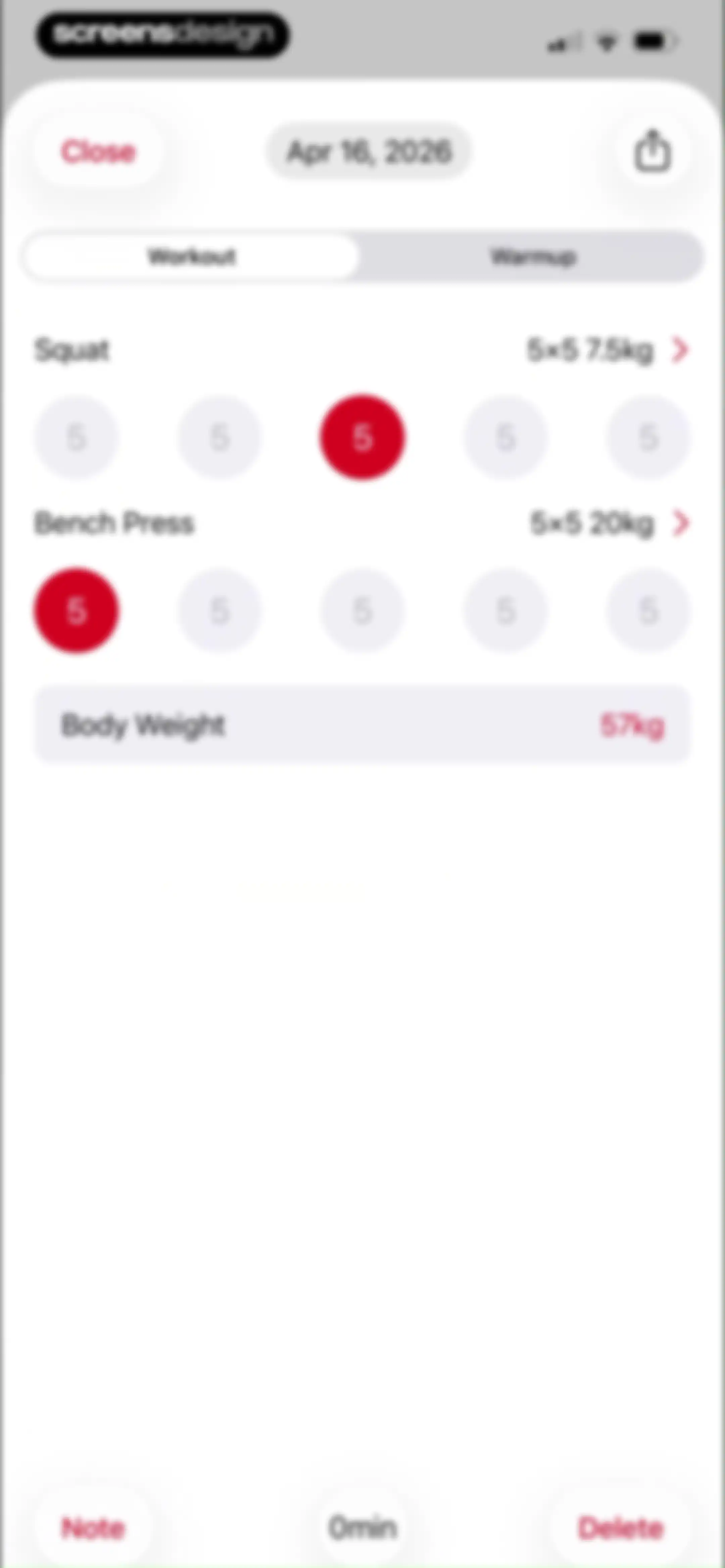
Fitness tracking dashboard displaying a workout session for April 16, 2026, with an exercise list including Squat and Bench Press, set trackers, and a body weight entry.Unlock Pro
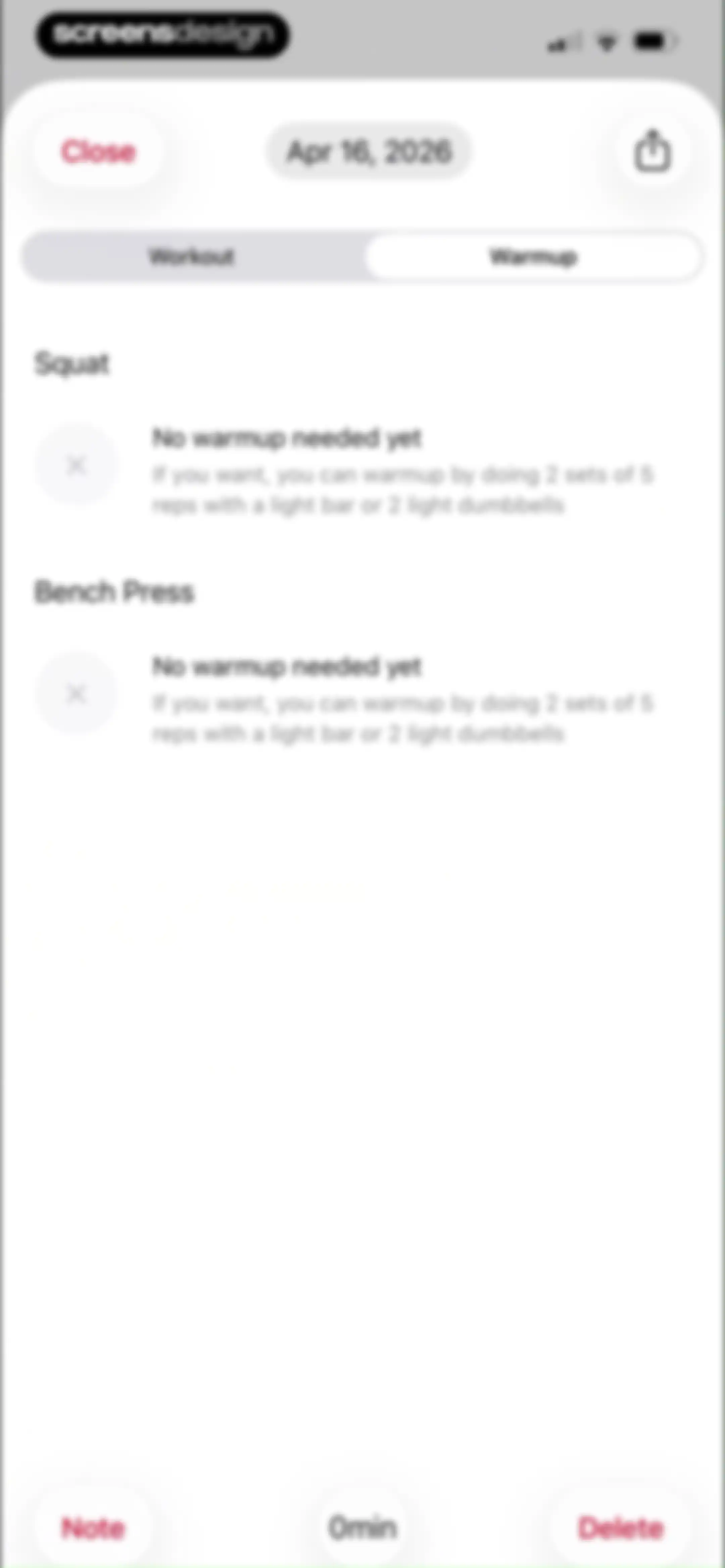
Workout warmup screen listing squat and bench press exercises with warmup instructions, featuring a selected warmup tab and a bottom toolbar.Unlock Pro
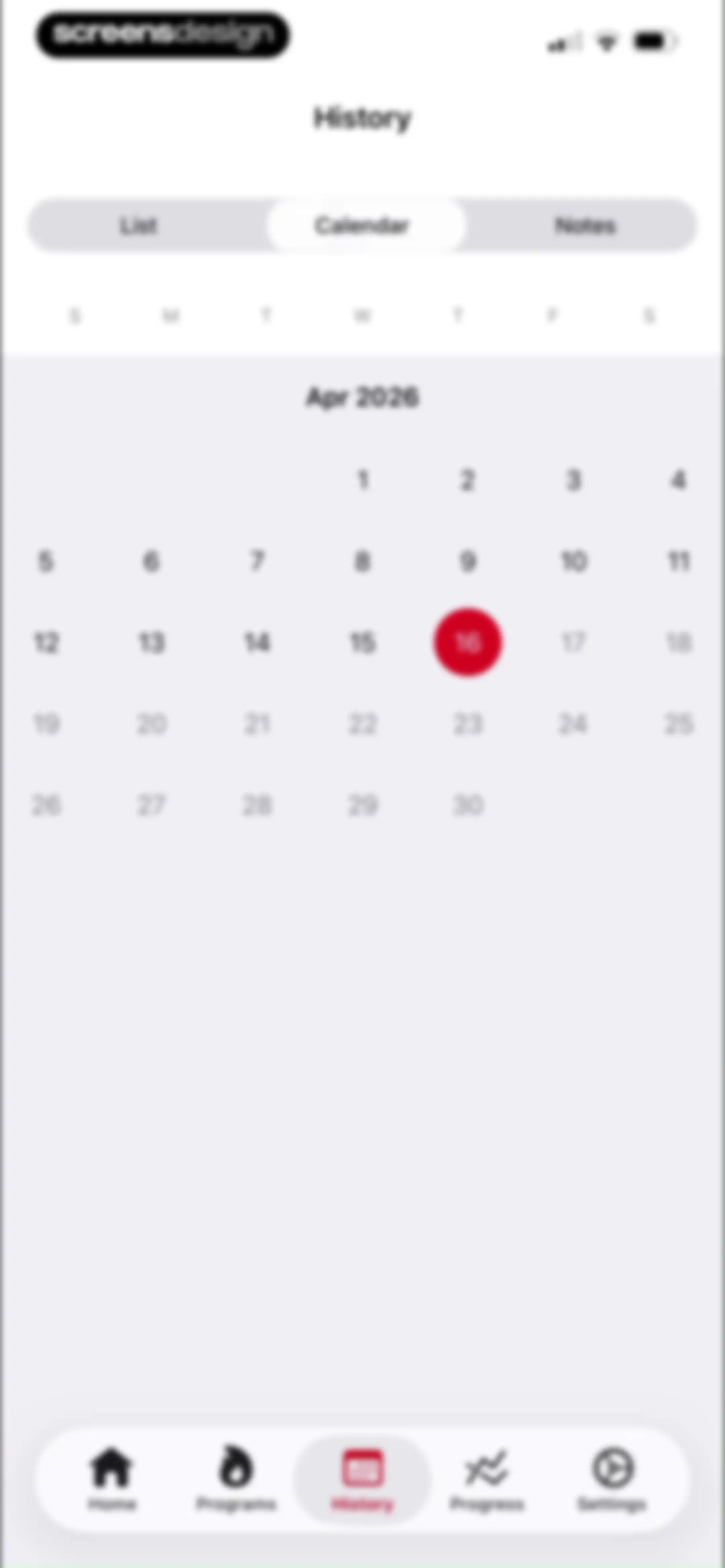
Fitness app history dashboard featuring a monthly calendar grid for April 2026 with the calendar view selected.Unlock Pro
History screen showing the notes tab in an empty state with the message that no notes have been added yet.Unlock Pro
Fitness app progress dashboard displaying favorite exercises, total weight lifted, and body weight metrics.Unlock Pro
Analytics screen showing a Bench Press progress chart with a one-month time range and weight metric enabled.Unlock Pro
Bench Press analytics screen displaying a progress chart with a one-month timeframe selected and toggleable data series below.Unlock Pro
Strength training analytics screen displaying a weight progress chart with a 1M time-range selector and data toggles for weight and estimated one rep max.Unlock Pro
Analytics screen displaying a body weight line chart with the 1M time range selected and a highlighted weight of 57kg.Unlock Pro
Favorites list in a fitness app displaying Bench Press and Squat items with gold star icons.Unlock Pro
Settings screen with grouped list sections for account, preferences, and support, and a bottom navigation bar.Unlock Pro
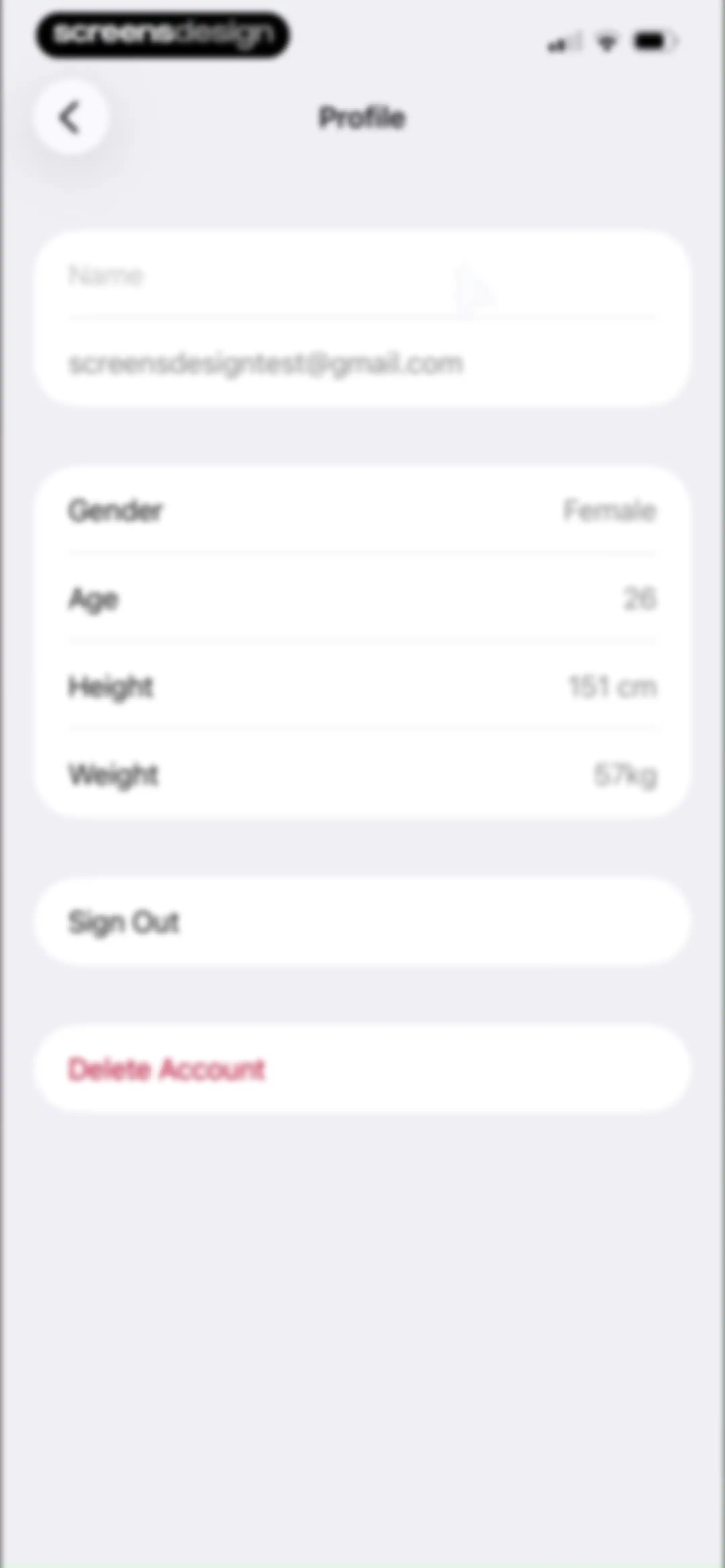
Profile settings screen displaying user account details, personal metrics, and sign out and delete account buttons.Unlock Pro
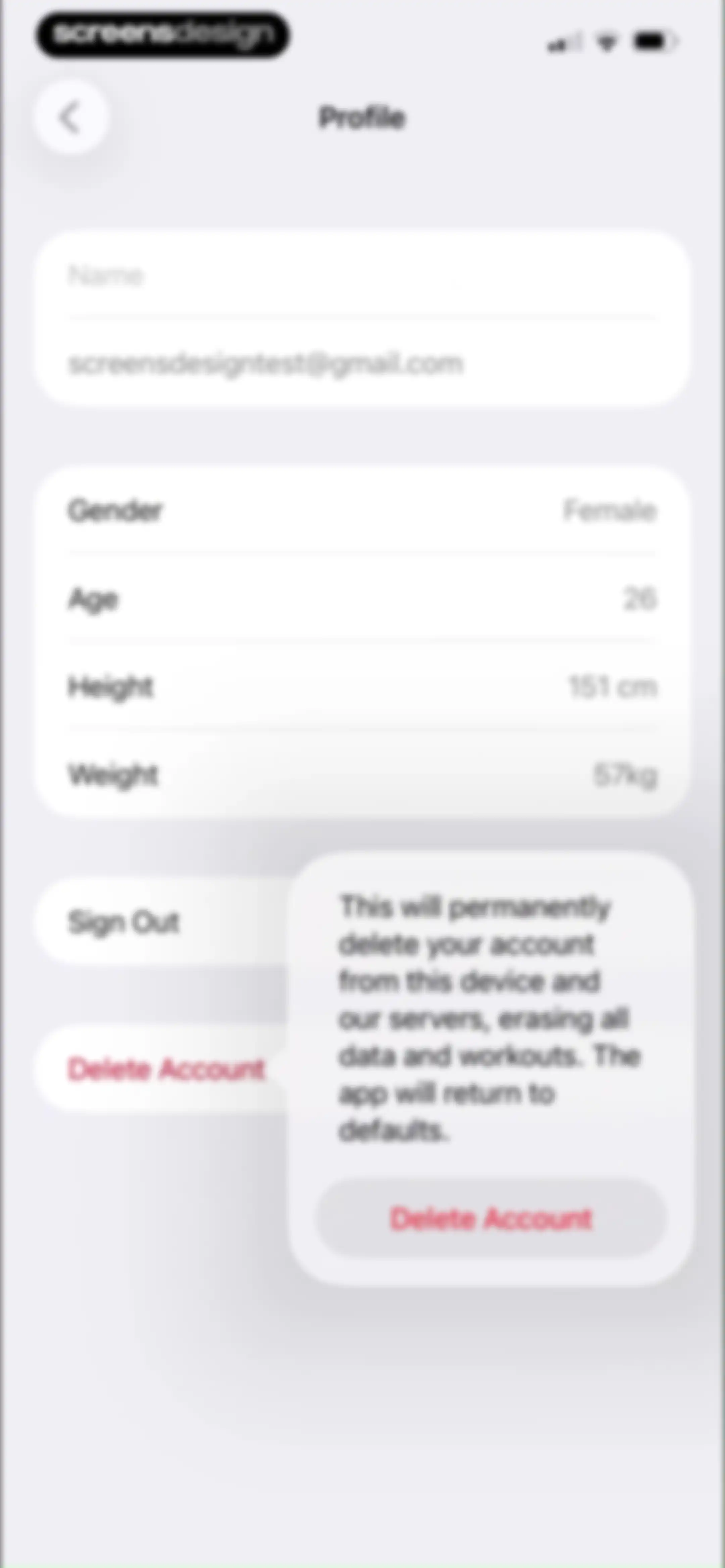
Profile settings screen featuring a confirmation modal warning that deleting the account will permanently erase all data and workouts.Unlock Pro
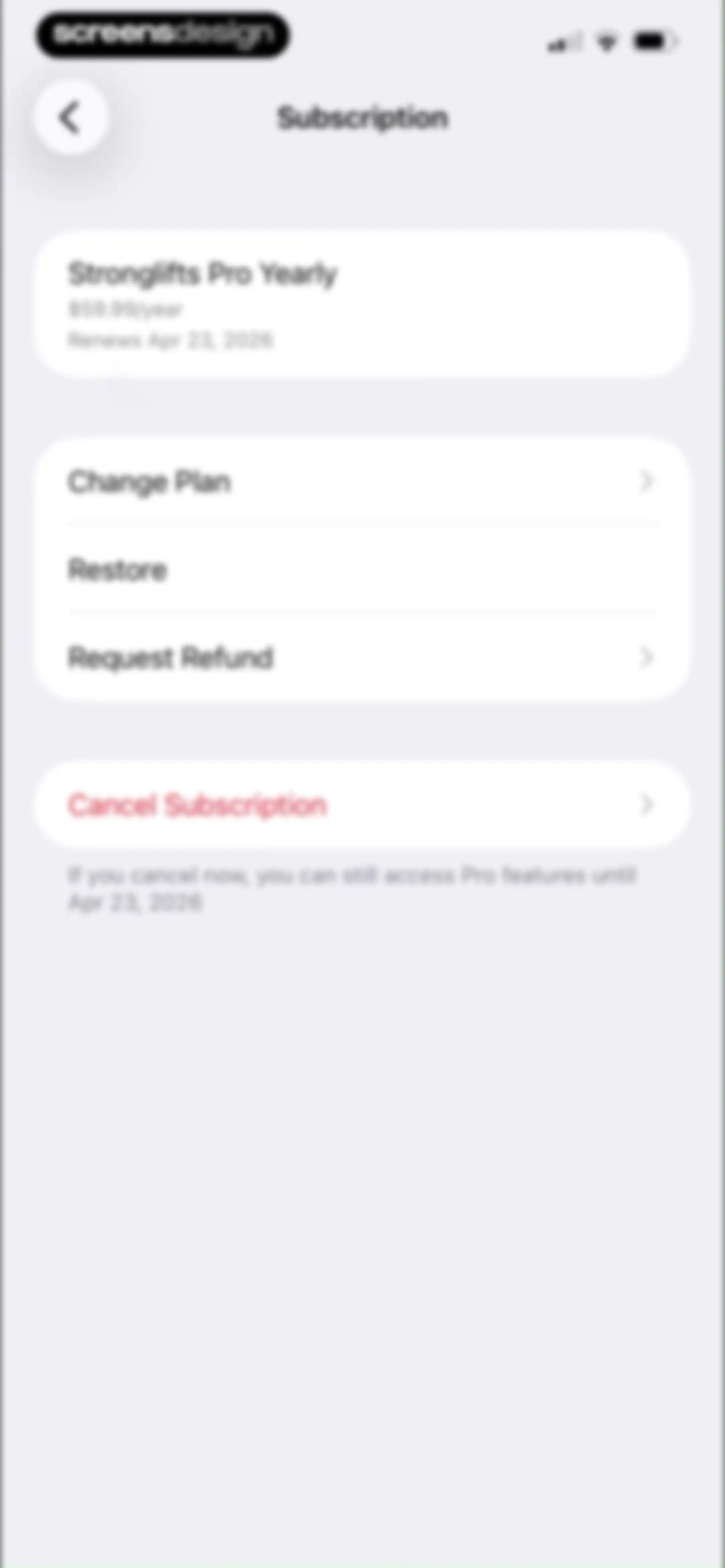
Subscription settings screen showing the active Stronglifts Pro Yearly plan, renewal date, and options to change the plan, request a refund, or cancel.Unlock Pro
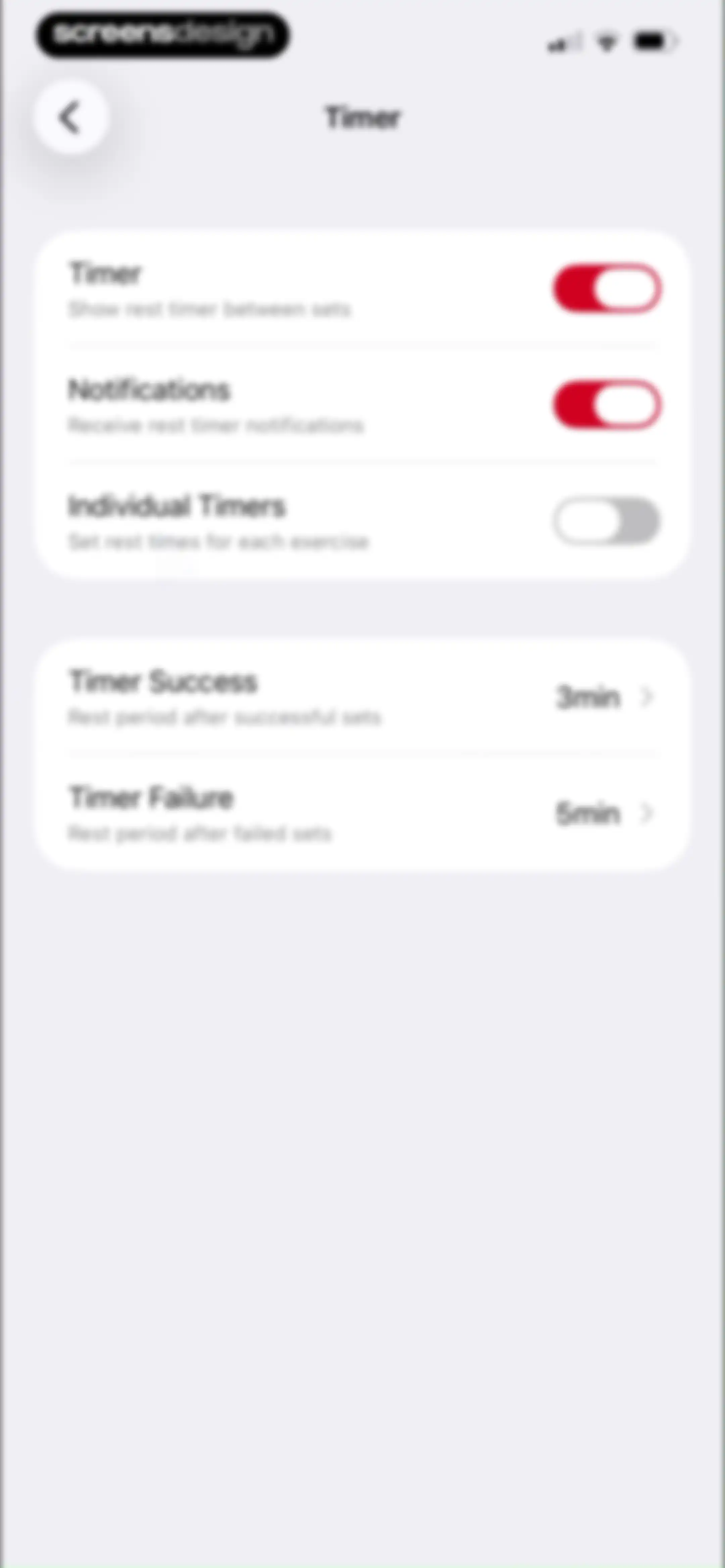
Settings screen for workout timers with toggles for notifications and individual timers, and duration options for successful and failed sets.Unlock Pro
Timer settings screen with toggle switches and a list of five exercises to customize rest durations.Unlock Pro
Barbell Row settings screen displaying rest timer configurations for success and failure sets, with an Apply to button.Unlock Pro
Timer settings screen displaying a list of durations with the 3min option selected and an Add Timer button.Unlock Pro
Weight unit settings screen with kilograms selected for exercise and body weight, and an active toggle to show body weight in workouts.Unlock Pro
Stronglifts app settings screen for Auto-Lock Display with a toggle switch and descriptive battery-saving text.Unlock Pro
Permissions settings screen for StrongLifts with a toggle to sync Apple Health data and a Privacy Policy link.Unlock Pro
StrongLifts health access permission screen with a list of enabled data categories and Allow and Don't Allow buttons.Unlock Pro
Apple Watch settings screen with a back button and a single toggle to start exercises with a warmup.Unlock Pro
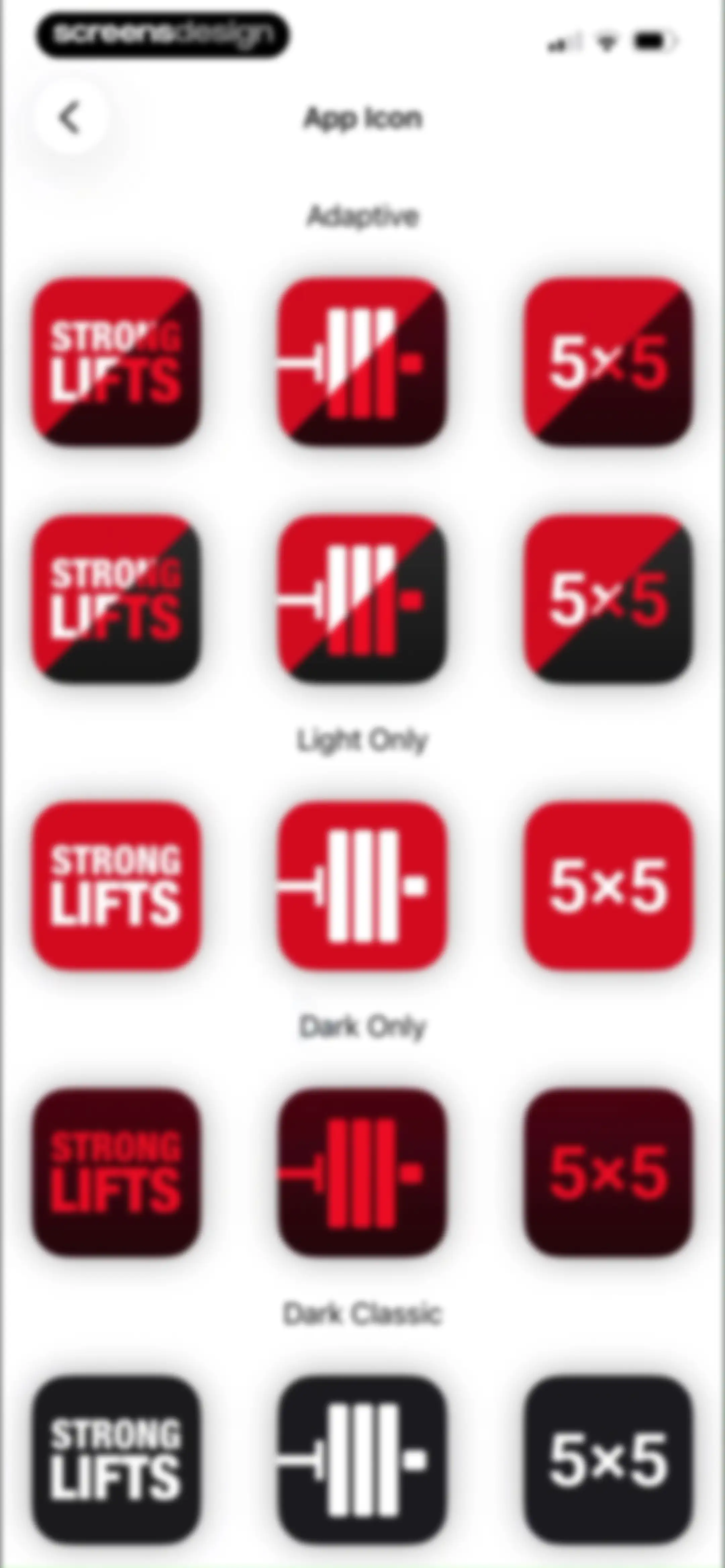
App icon settings screen displaying a grid of custom icon options categorized by adaptive, light, dark, and classic styles.Unlock Pro
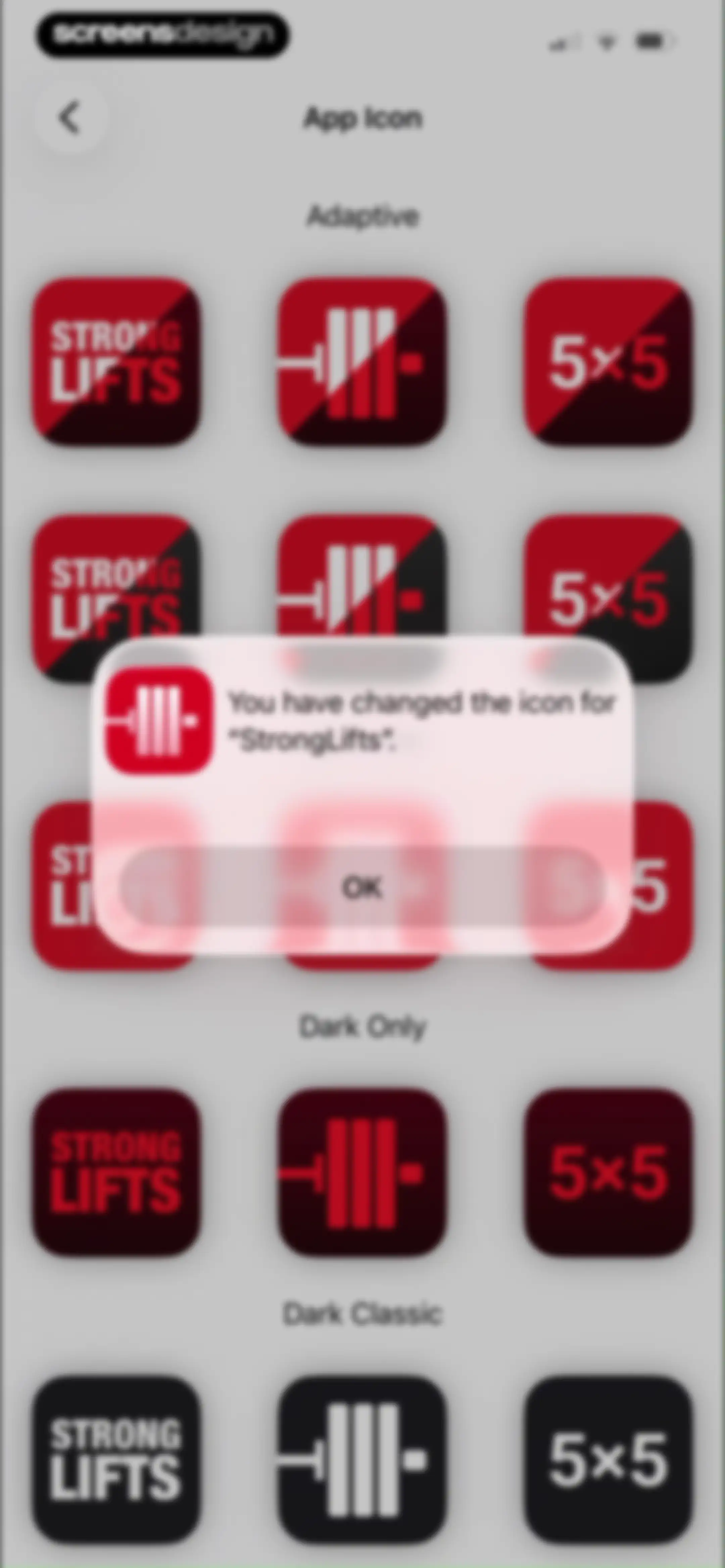
App icon settings screen with a confirmation modal stating the icon was changed, featuring an OK button.Unlock Pro

About Stronglifts 5x5 Workout Plan

A structured barbell strength training app that automates the 5x5 program, guiding users through progressive workouts three times weekly.

Explore Stronglifts 5x5 Workout Plan across ScreensDesign

Apps similar to Stronglifts 5x5 Workout Plan
Unlock all similar apps

See every comparable app, revenue, installs, and flows.

Unlock Pro
  • Stronger - Gym Workout Planner

    4.8
    Atlas Smart Technologies LTDRevenue$85kInstalls55k
  • Hevy - Workout Tracker Gym Log

    4.9
    Hevy Studios S.L.Revenue$1MInstalls450k
  • Setgraph: Gym Workout Tracker

    4.7
    Setgraph LLCRevenue$5kInstalls10k
  • Boostcamp: Workout Programs

    4.8
    BPM Health Co.Revenue$100kInstalls40k
  • LADDER Strength Training Plans

    5.0
    Ladder Technologies, Inc.Revenue$7MInstalls300k
  • Fitness AI Gym Workout Planner

    4.7
    FitnessAI Inc.Revenue$70kInstalls<5k
  • Liftoff - Ranked Gym Workouts

    4.8
    GymBros Inc.Revenue$750kInstalls350k
  • Peak Strength

    4.8
    Garage StrengthRevenue$25kInstalls<5k
  • BUFF | Gym Workout Tracker

    4.8
    Buff Dudes LLCRevenue$15kInstalls<5k
  • Alpha Progression Gym Tracker

    4.9
    Alpha Progression GmbHRevenue$65kInstalls15k
  • Peloton Strength+

    4.8
    Peloton Interactive, Inc.Revenue$<5kInstalls<5k
  • MacroFactor Workouts - Tracker

    4.8
    Stronger By Science Technologies LLCRevenue$200kInstalls<5k
  • GymStreak: AI Personal Trainer

    4.7
    GymStreak LtdRevenue$<5kInstalls<5k
  • OWNU

    4.8
    Hanna ÖbergRevenue$35kInstalls<5k
  • Hybrid Calisthenics

    4.8
    Hybrid Calisthenics LLCRevenue$60kInstalls10k
  • MyFitCoach - Workout Planner

    4.6
    MyFitCoach GmbHRevenue$200kInstalls25k
  • Gravl: AI Personal Trainer

    4.9
    GAINS AIRevenue$350kInstalls25k
  • SmartGym: Gym & Home Workouts

    4.7
    Mateus AbrasRevenue$50kInstalls12k
  • EvolveYou: Strength For Women

    4.8
    EvolveYou App LtdRevenue$150kInstalls<5k
  • SHRED: Gym & Home Workouts

    4.8
    Shred Labs, LLCRevenue$50kInstalls<5k
  • Fitbod: Gym & Fitness Planner

    4.8
    Fitbod Inc.Revenue$750kInstalls150k
  • JEFIT Workout Plan Gym Tracker

    4.8
    Jefit Inc.Revenue$50kInstalls6k
  • Caliber: Strength Training

    4.8
    Caliber Fitness, IncRevenue$50kInstalls30k
  • Strength by Mari

    4.5
    Mari Fitness LLCRevenue$<5kInstalls<5k
  • Calisteniapp: Fit & Strong

    4.8
    Calisteniapp, Sociedad LimitadaRevenue$60kInstalls15k
  • Keto diet app-Low carb manager

    4.6
    Zinaida DavydovaRevenue$<5kInstalls<5k
  • Bodybuilding.com - Fitness App

    4.6
    Bodybuilding.comRevenue$60kInstalls<5k
  • Planfit AI Gym Workout Planner

    4.8
    Planfit Inc.Revenue$250kInstalls35k
  • MOVES by Madeline

    4.9
    Madeline Moves, Inc.Revenue$90kInstalls<5k
  • THRST

    4.8
    MIKE THURSTON LTDRevenue$15kInstalls<5k
  • Gym WP - Workout Planner & Log

    4.8
    Leal AppsRevenue$50kInstalls15k
  • JuggernautAI

    4.8
    Juggernaut AppsRevenue$35kInstalls<5k
  • Fitplan®: Gym & Home Workouts

    4.8
    Fitplan Technologies IncRevenue$<5kInstalls<5k
  • Symmetry: Gym Workout Tracker

    4.8
    Symmetry Club LLCRevenue$150kInstalls200k
  • Muscle Monster Workout Planner

    4.7
    TechPioneers LimitedRevenue$400kInstalls90k
  • BetterMe Well-Being Coach

    4.7
    BetterMe LimitedRevenue$1MInstalls250k
  • Calorie Counter - MyNetDiary

    4.8
    MyNetDiary Inc.Revenue$1.3MInstalls50k
  • STNDRD Workout & Fitness Plans

    4.6
    Set The Standard LLCRevenue$250kInstalls25k
  • STRNG

    4.7
    STRONG&SXY LTDRevenue$20kInstalls<5k
  • Jump Rope Training | Crossrope

    4.9
    Crossrope LLCRevenue$55kInstalls<5k
  • Daily Workouts - Home Fitness

    4.7
    Daily Workout Apps, LLCRevenue$<5kInstalls<5k
  • Calorie Counter PRO MyNetDiary

    4.8
    MyNetDiary Inc.Revenue$60kInstalls<5k
  • Interval Timer □ HIIT Timer

    4.8
    Float Tech, LLCRevenue$55kInstalls30k
  • Home Workout - No Equipments

    4.9
    Leap HealthRevenue$450kInstalls300k
  • Tone It Up: Workout For Women

    4.8
    Tone It Up, LLCRevenue$55kInstalls<5k
  • 90 Day Challenge

    4.7
    Browney B.V.Revenue$<5kInstalls<5k