CraftNote: Smart AI Note Taker

$200k revenue, 4.7 rating

Splash Screen
0:00 / 16:42

Onboarding flow, Paywall & Inside the App

Watch the full screen-by-screen UX video of CraftNote: Smart AI Note Taker with onboarding, paywall, and every core flow.

Splash screen for CraftNote with a centered purple microphone icon, sparkles, and brand name on a plain white background.
CraftNote app splash screen displaying a centered logo and a progress bar at 33% completion.
Sign-up screen for an AI meeting notes app featuring a 4.9 star rating and four authentication buttons.
Sign-up modal with an email address entered, a Send magic link button, and social login options below.
Email verification modal stating a sign-in link was sent, with an Open email app button and a resend option.
iOS app tracking permission prompt overlaid on the CraftNote onboarding screen with Allow and Ask App Not to Track buttons.
CraftNote onboarding welcome screen displaying a meeting note illustration and a See How It Works button.
CraftNote onboarding screen featuring a central product mockup of a meeting transcription interface, a progress indicator, and a Continue button.
CraftNote onboarding screen inviting users to personalize their experience, featuring a central illustration, a security notice card, and a Continue button.Unlock Pro
CraftNote onboarding screen asking how the user usually takes notes, with a vertical list of six selection options.Unlock Pro
Onboarding goal selection screen for CraftNote asking for the user's main goal with six selectable options and a top progress bar.Unlock Pro
CraftNote onboarding screen featuring feature cards for transcripts and summaries, with a top progress bar and a bottom Continue button.Unlock Pro
CraftNote onboarding screen asking what users struggle with most when taking notes, featuring a list of six pain point selection options.Unlock Pro
CraftNote onboarding screen asking What is your current role with a vertical list of eight professional categories to select from.Unlock Pro
CraftNote onboarding screen displaying social proof with user avatars, a retention statistic, and a Continue button.Unlock Pro
Onboarding screen asking where the user will mostly use CraftNote, with a vertical list of use case options.Unlock Pro
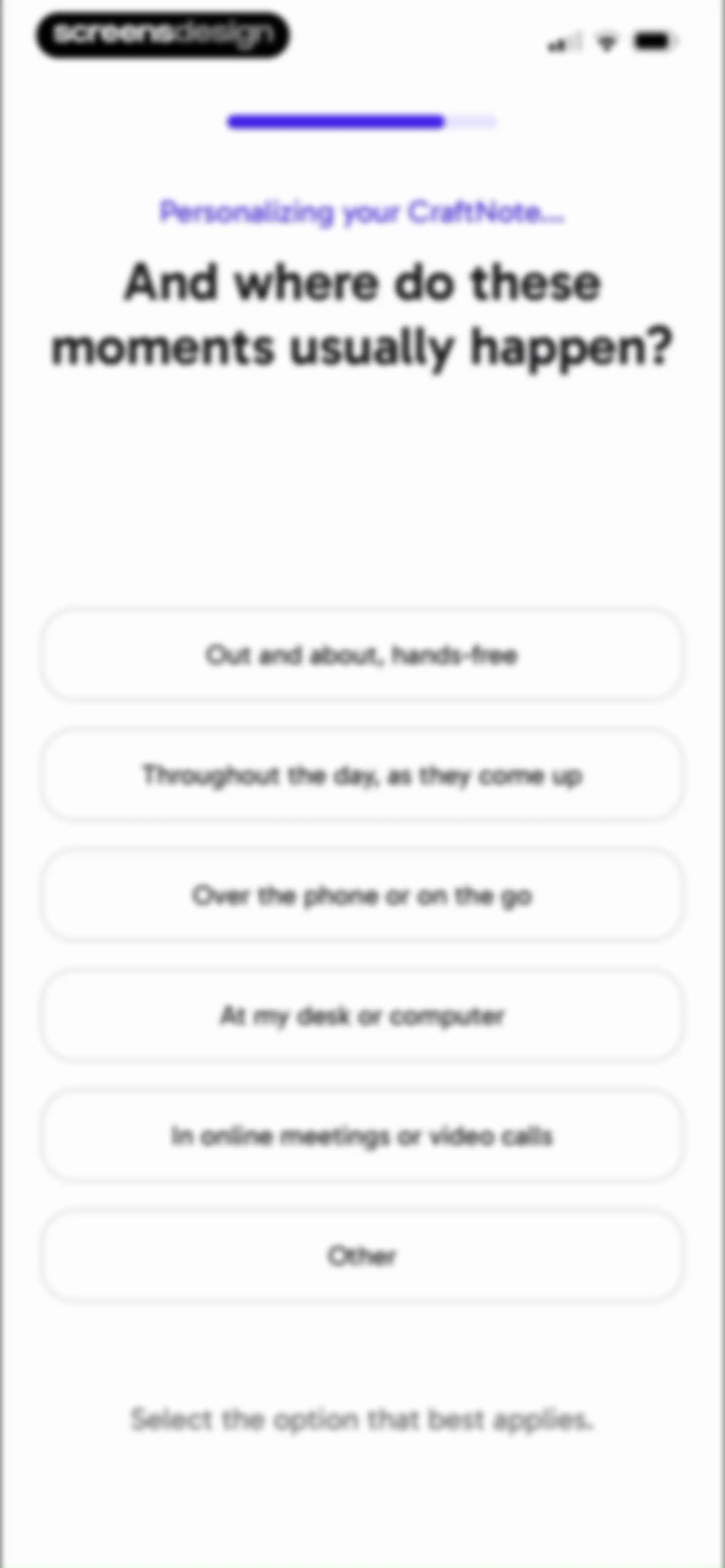
CraftNote onboarding personalization screen asking where moments usually happen, with a list of six usage context options and a top progress bar.Unlock Pro
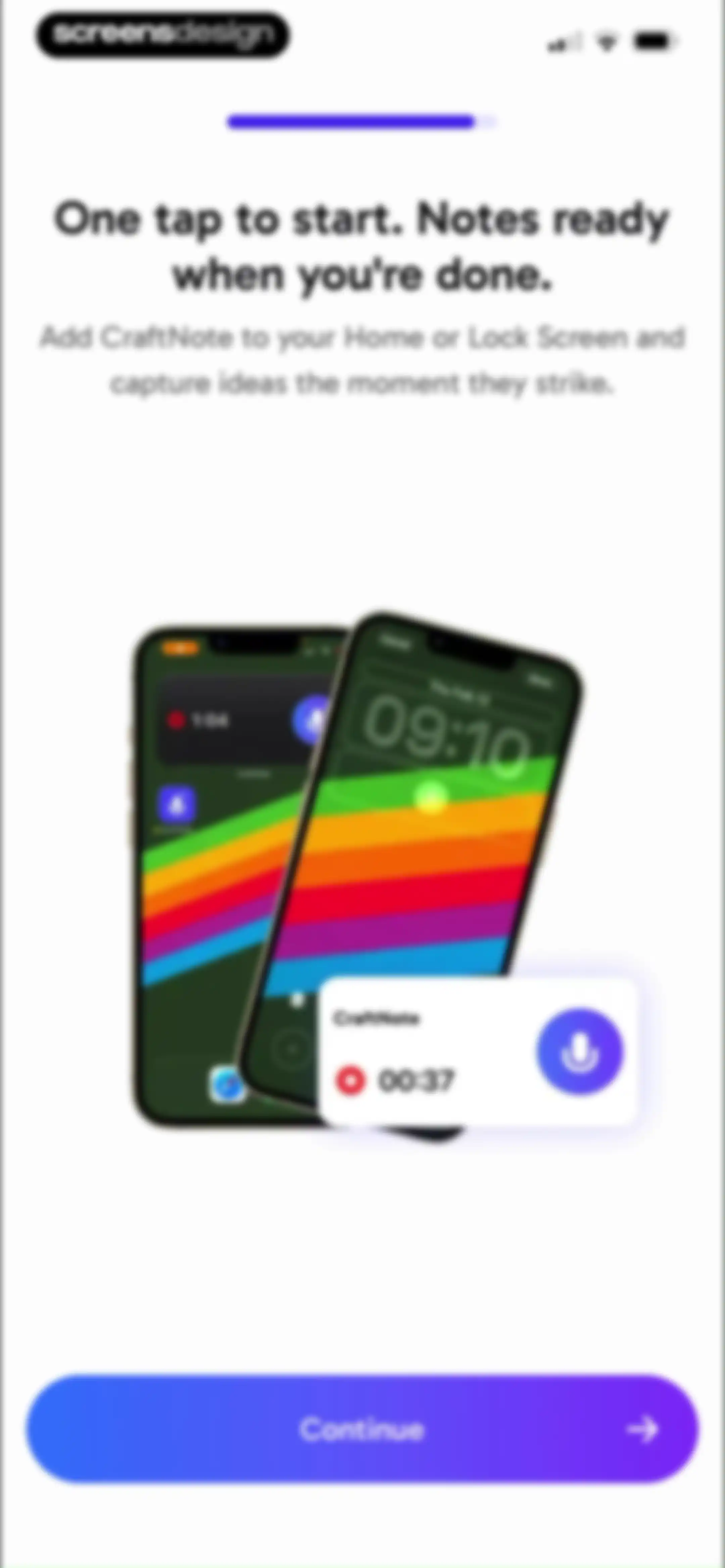
App onboarding screen explaining how to add the CraftNote home screen widget, featuring a product mockup and a Continue button.Unlock Pro
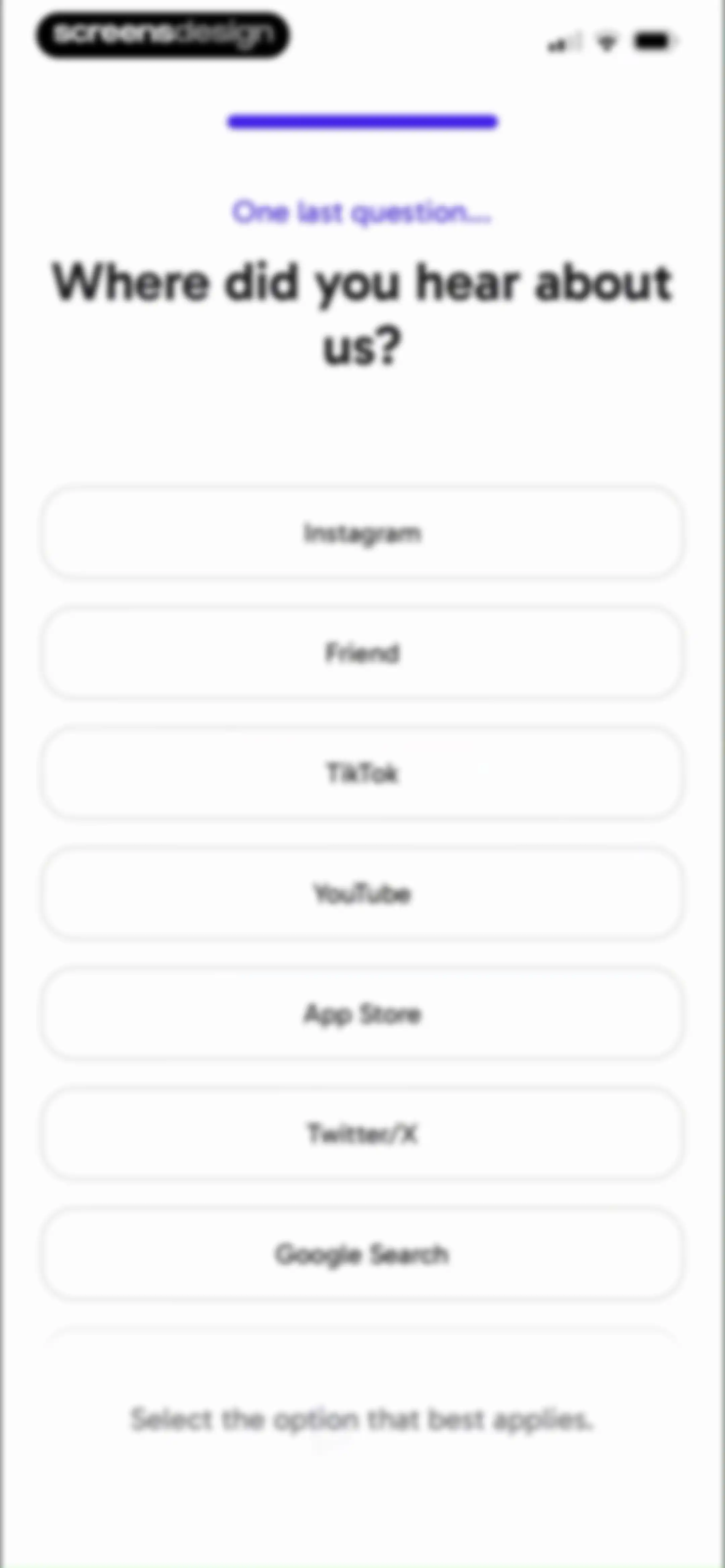
Onboarding survey screen asking where the user heard about the app, displaying a vertical list of channel options.Unlock Pro
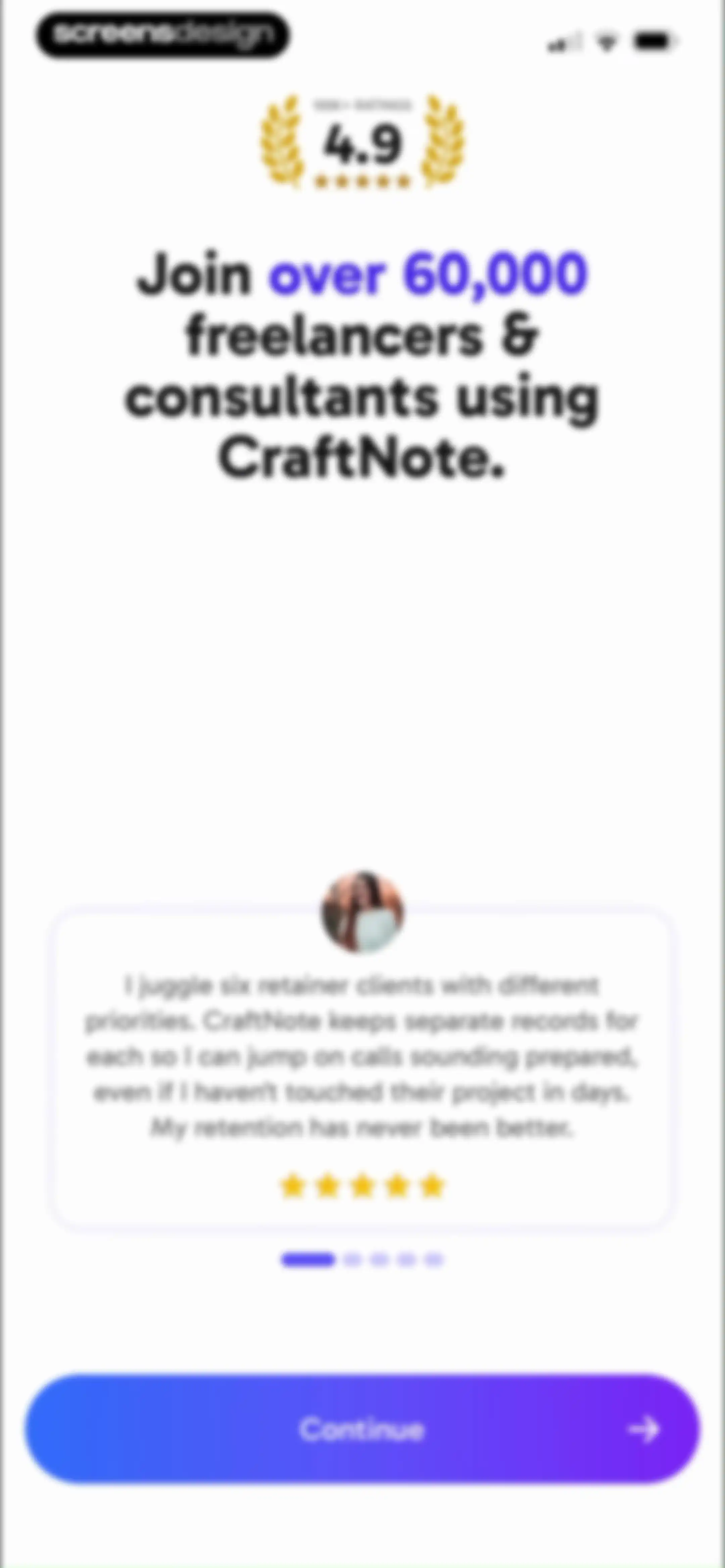
Onboarding social proof screen featuring a 4.9-star rating badge, a user testimonial card, and a Continue button.Unlock Pro
App review request screen for CraftNote with a centered microphone illustration and a gradient Help Us Grow button.Unlock Pro
App rating prompt modal with empty stars and submit and cancel buttons, displayed over a personalization screen with a progress indicator.Unlock Pro
CraftNote onboarding screen with a 25% progress indicator, a feedback modal overlay, and a focus question with binary choice buttons.Unlock Pro
CraftNote onboarding screen at twenty-five percent progress, asking if the user wants to stay more focused during meetings, with Yes and Not really response buttons.Unlock Pro
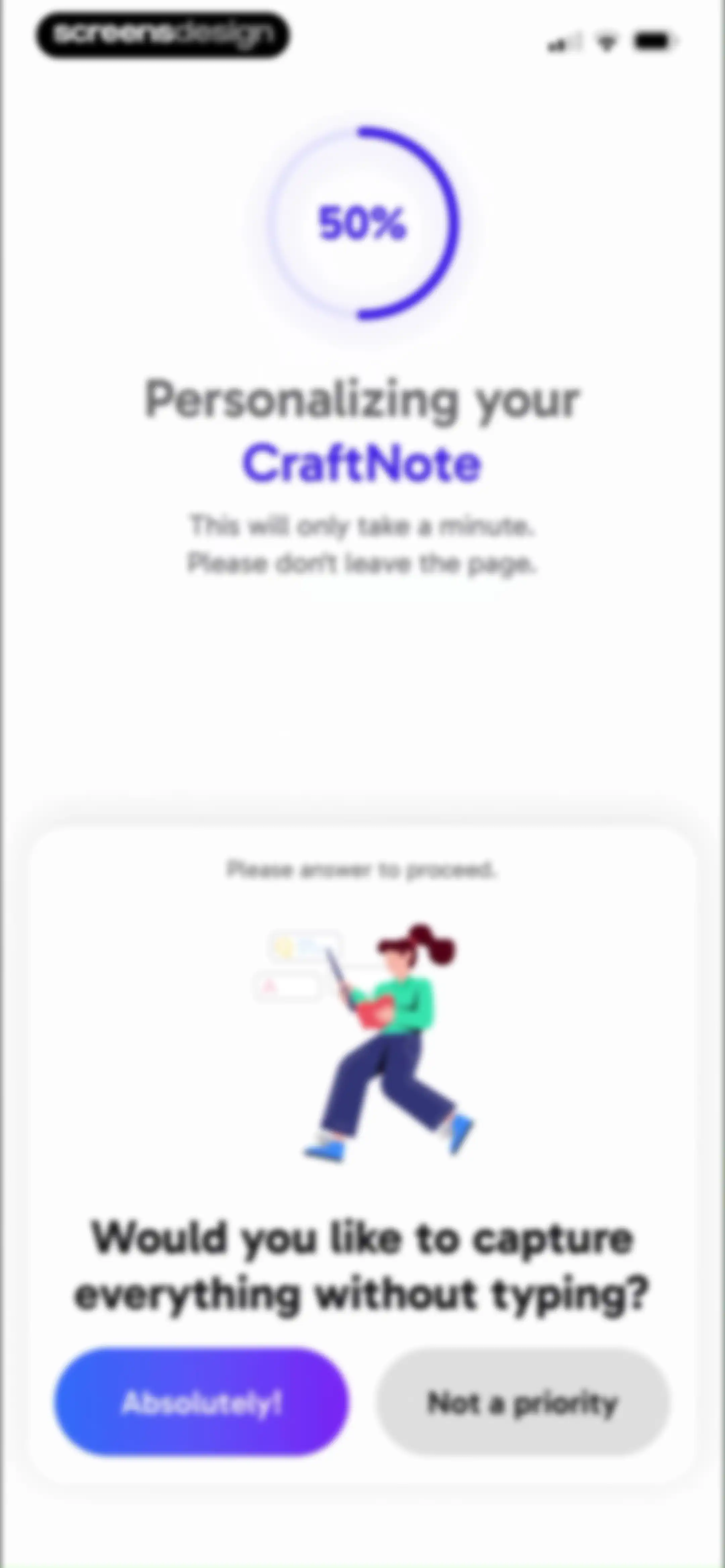
CraftNote onboarding screen at 50% progress, asking a personalization question with a central illustration and two response buttons.Unlock Pro
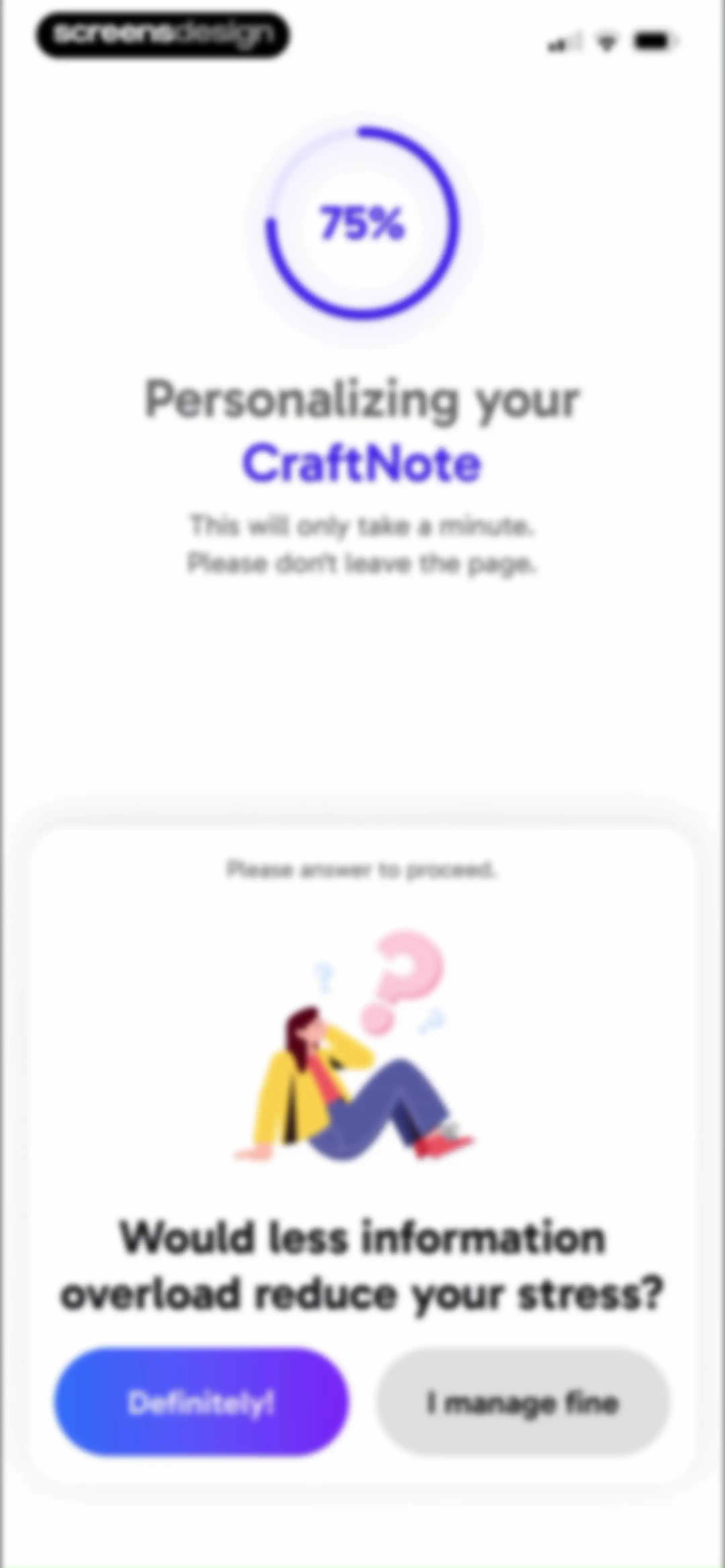
CraftNote onboarding screen at 75 percent progress, asking a personalization question with two response buttons.Unlock Pro
CraftNote onboarding completion screen featuring a success checkmark and a Start Using CraftNote button.Unlock Pro
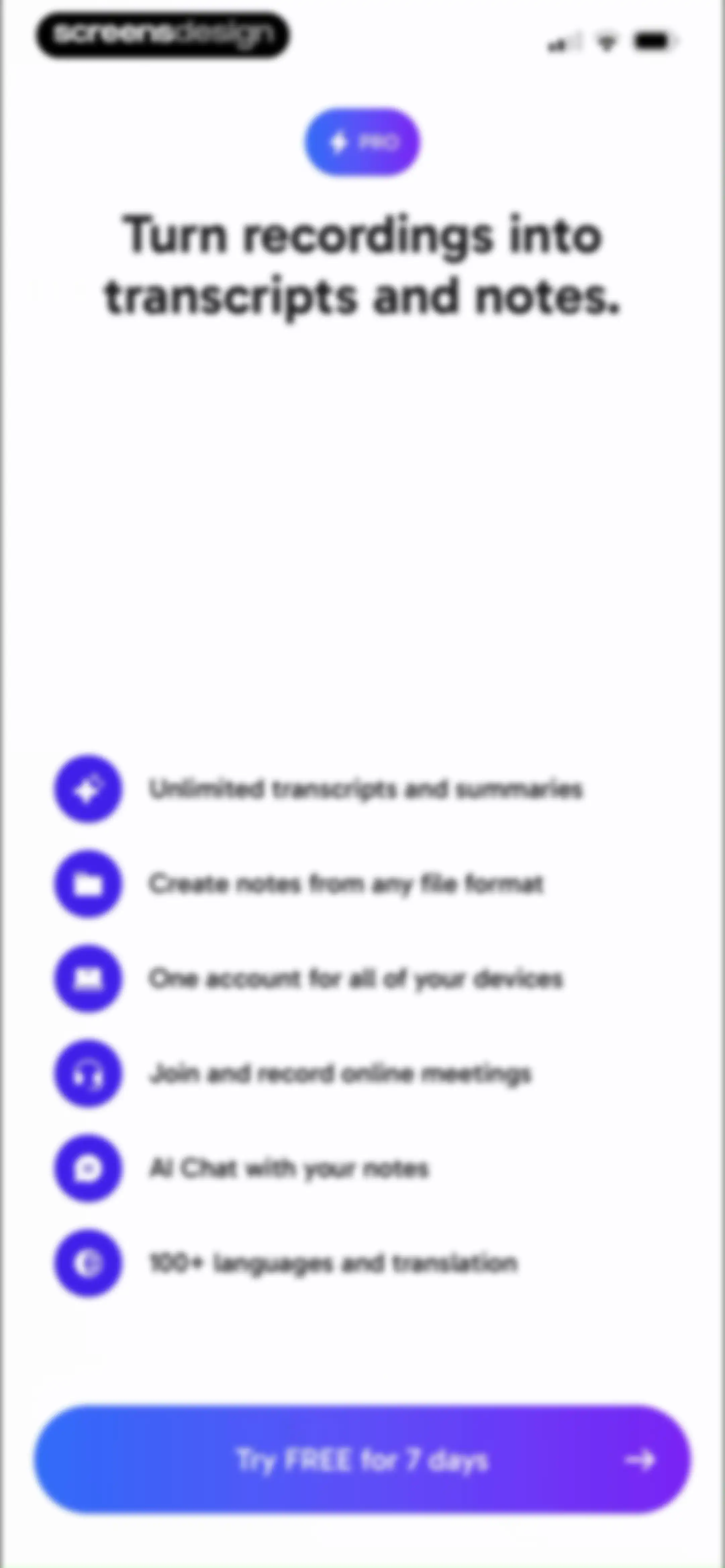
Paywall screen listing premium features for transcripts and notes, with a Try FREE for 7 days button.Unlock Pro
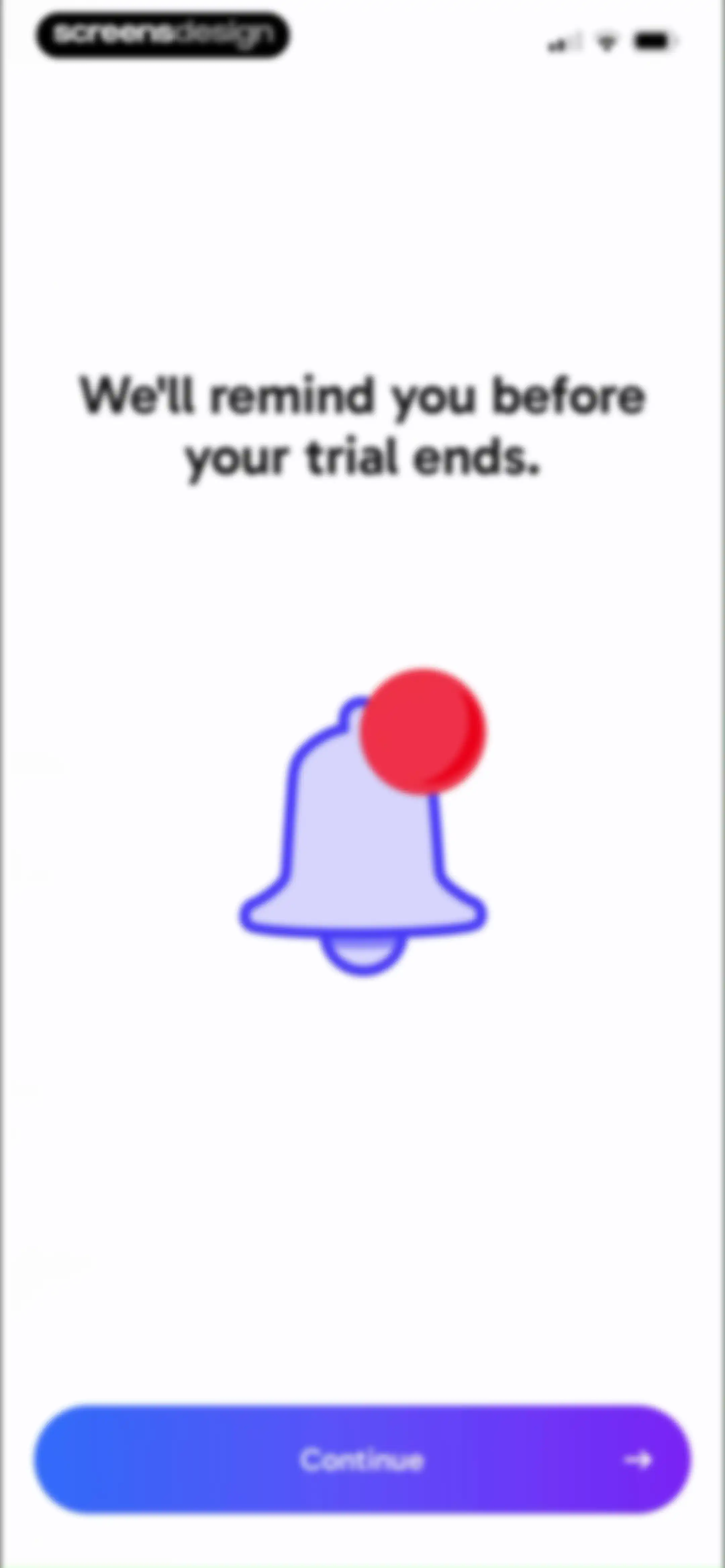
Onboarding trial reminder screen featuring a notification bell illustration and a Continue button.Unlock Pro
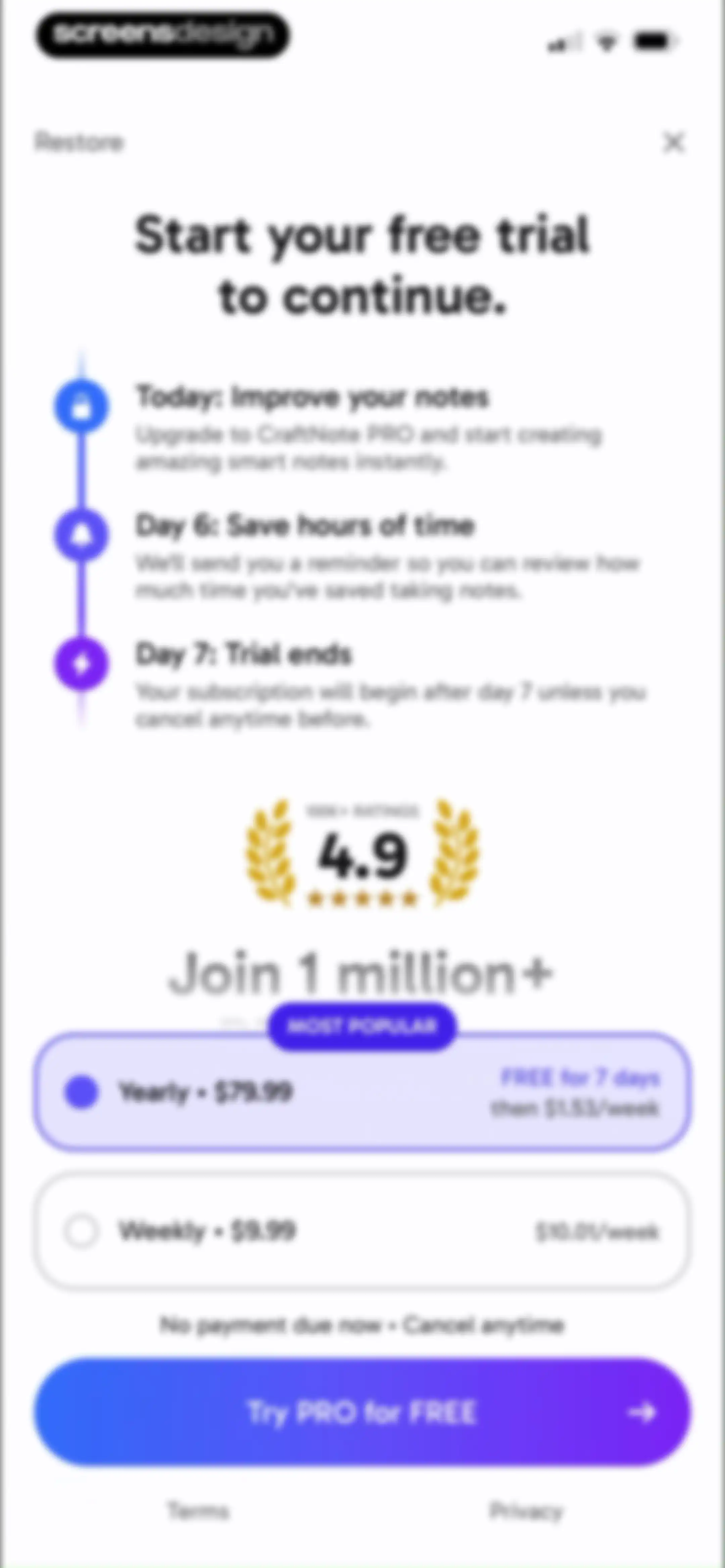
CraftNote paywall subscription screen comparing yearly and weekly plans with a free trial timeline and a Try PRO for FREE button.Unlock Pro
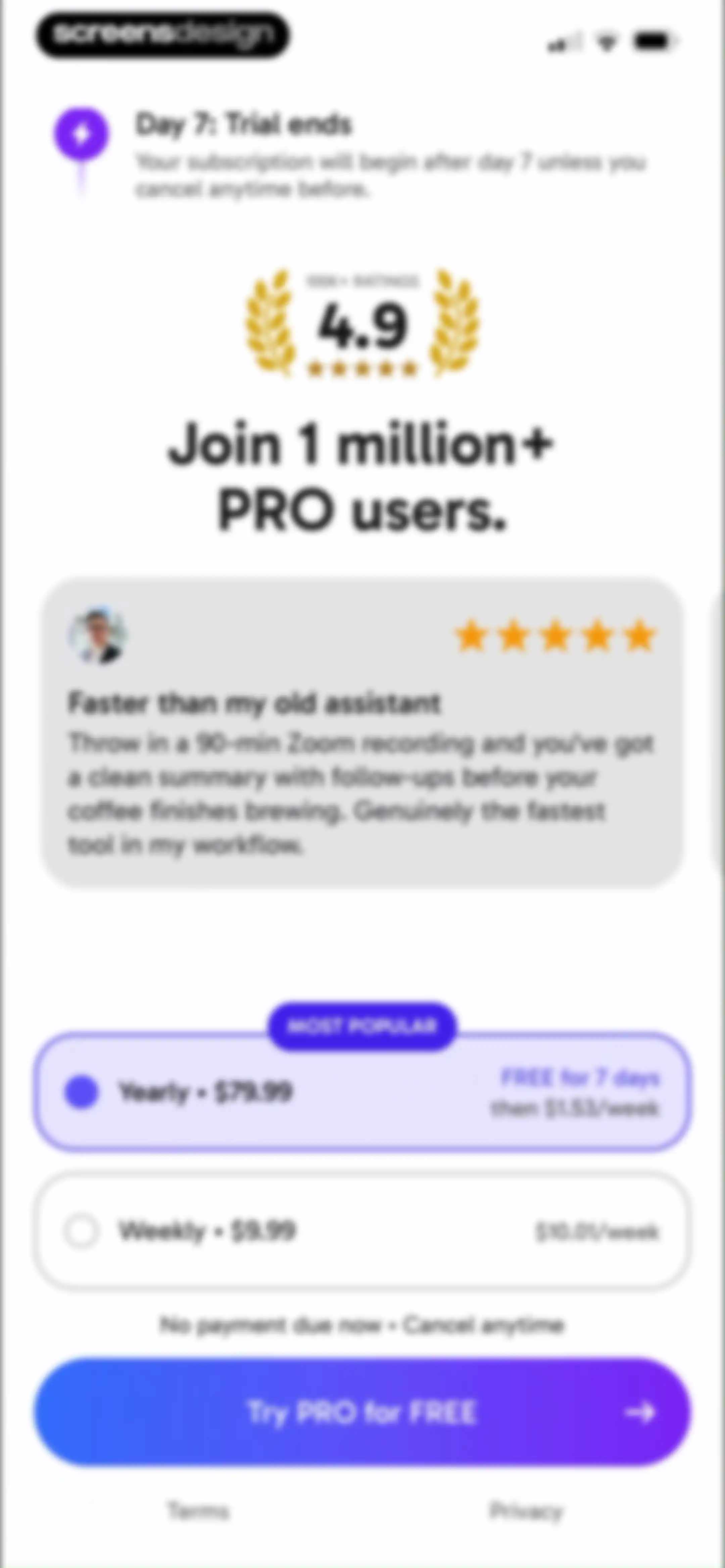
Paywall screen comparing yearly and weekly subscription plans with a user testimonial and a Try PRO for FREE button.Unlock Pro
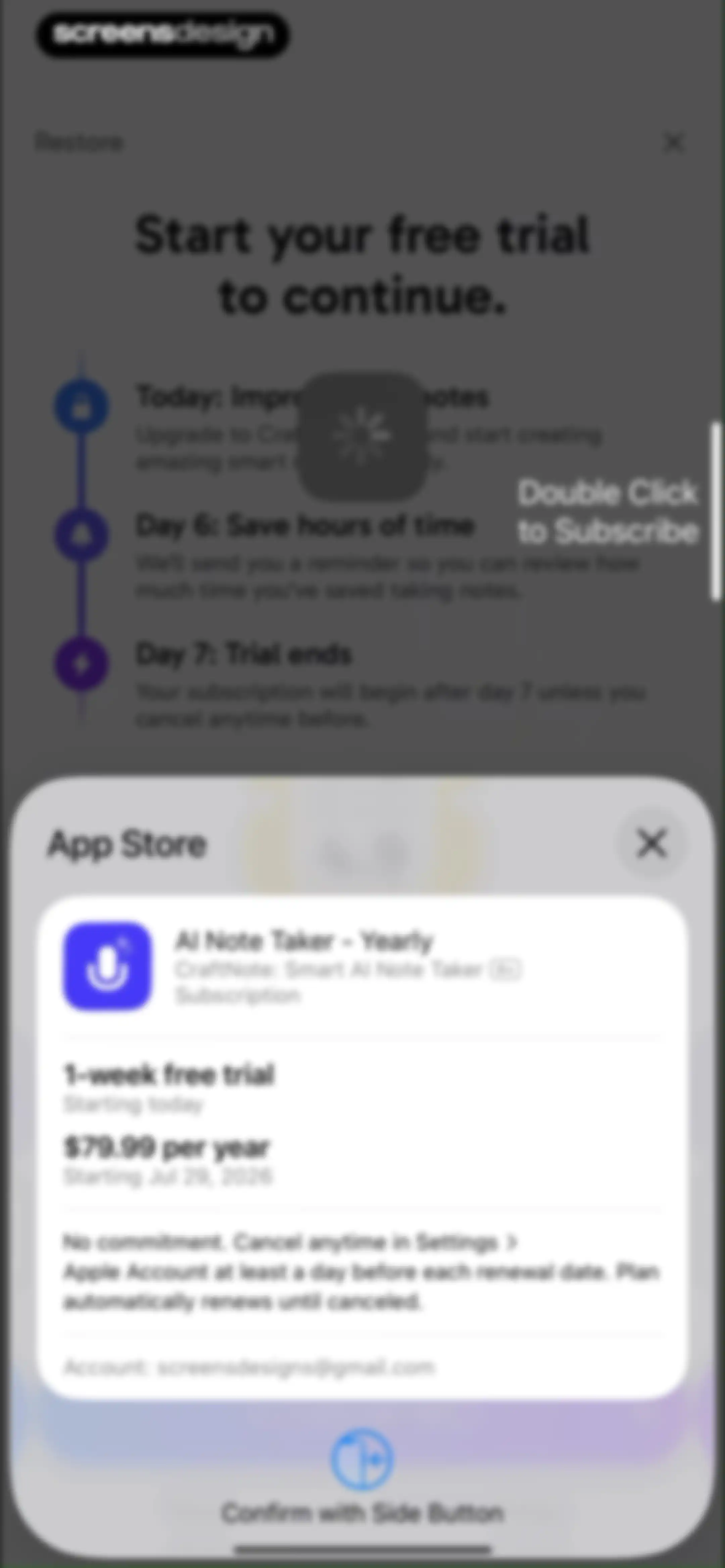
Subscription payment sheet for CraftNote offering a yearly plan with a free trial and a confirm with side button action.Unlock Pro
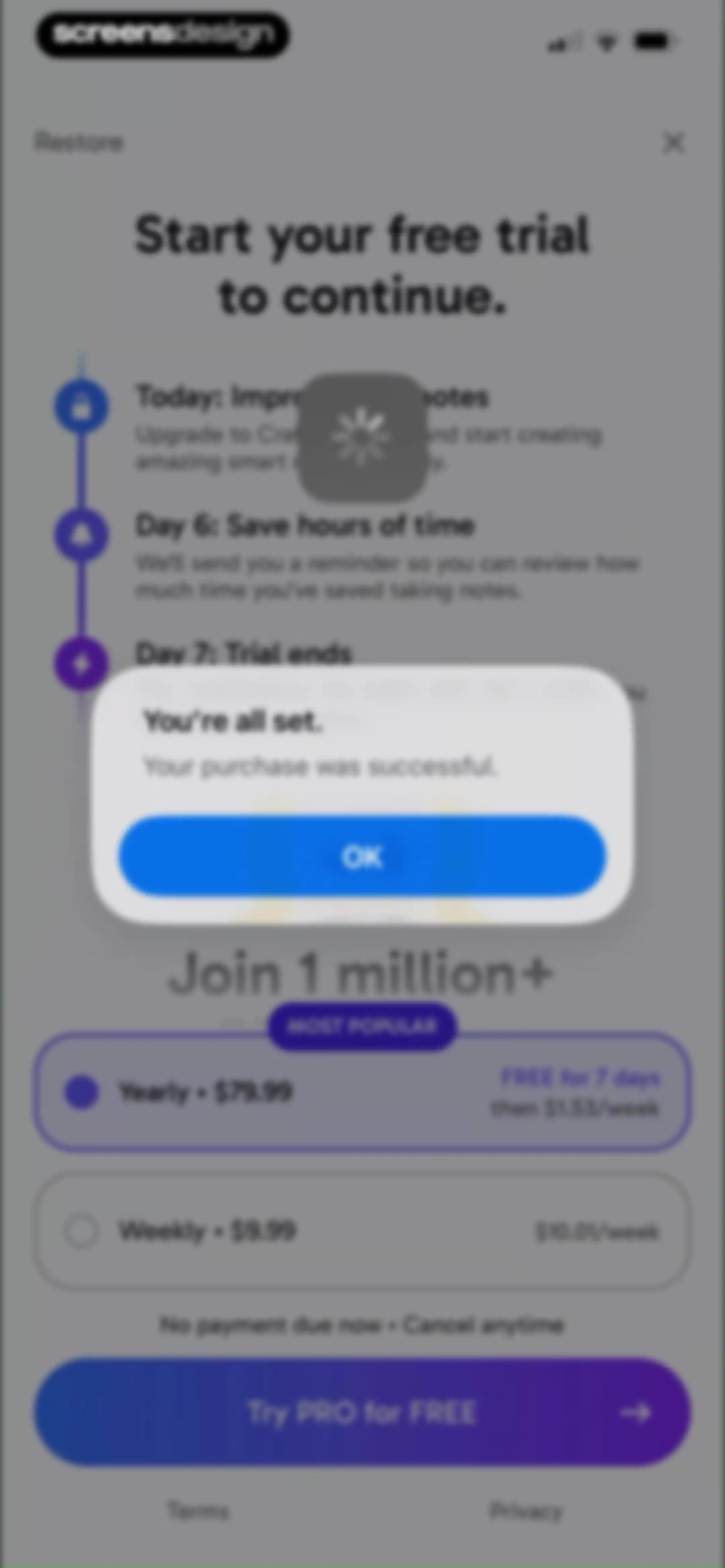
Paywall screen with subscription plans and a centered success modal stating your purchase was successful with an OK button.Unlock Pro
CraftNote subscription success screen with a celebratory star graphic, confetti, membership confirmation text, and a Continue button.Unlock Pro
Subscription success screen for CraftNote confirming PRO membership with a star icon and a Continue button.Unlock Pro
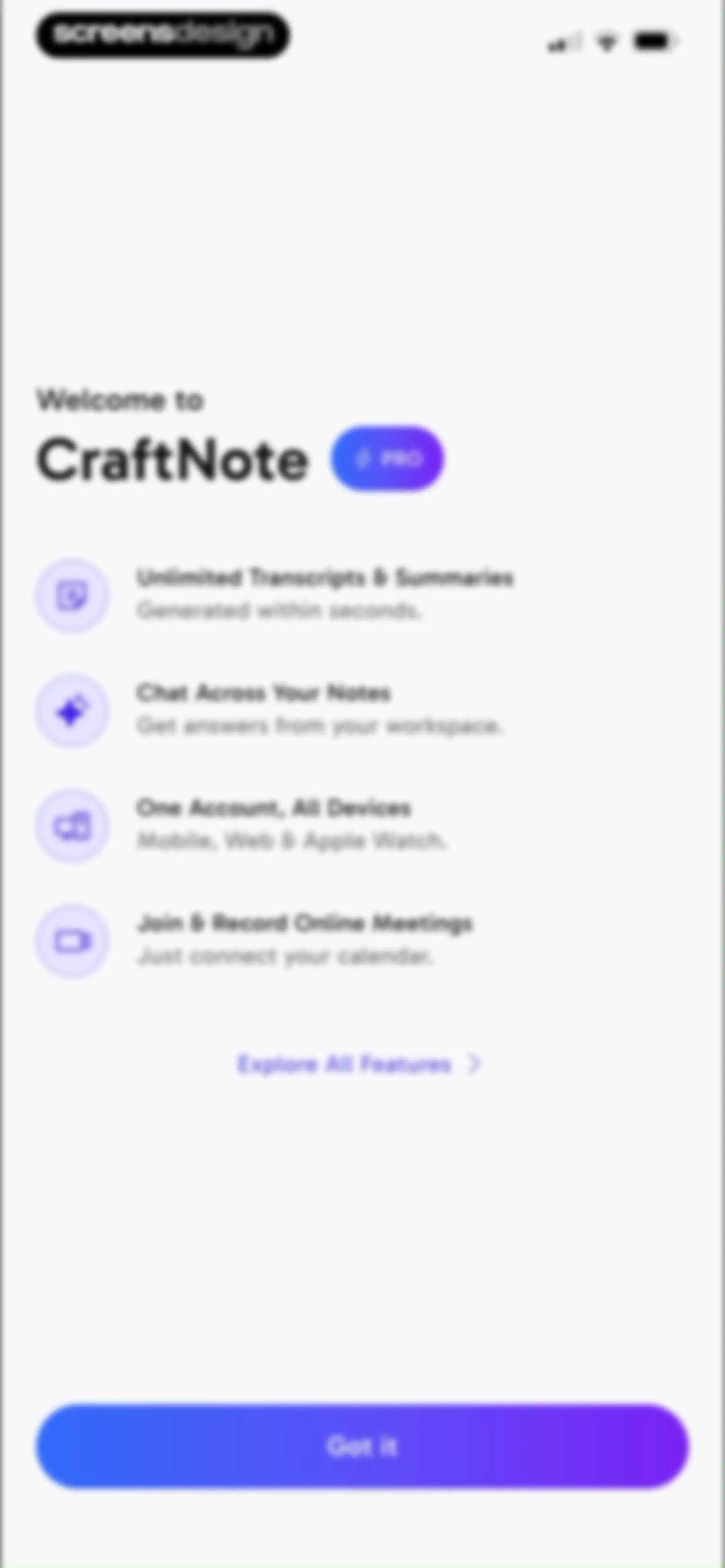
CraftNote onboarding screen highlighting four key app features with a purple Got it button at the bottom.Unlock Pro
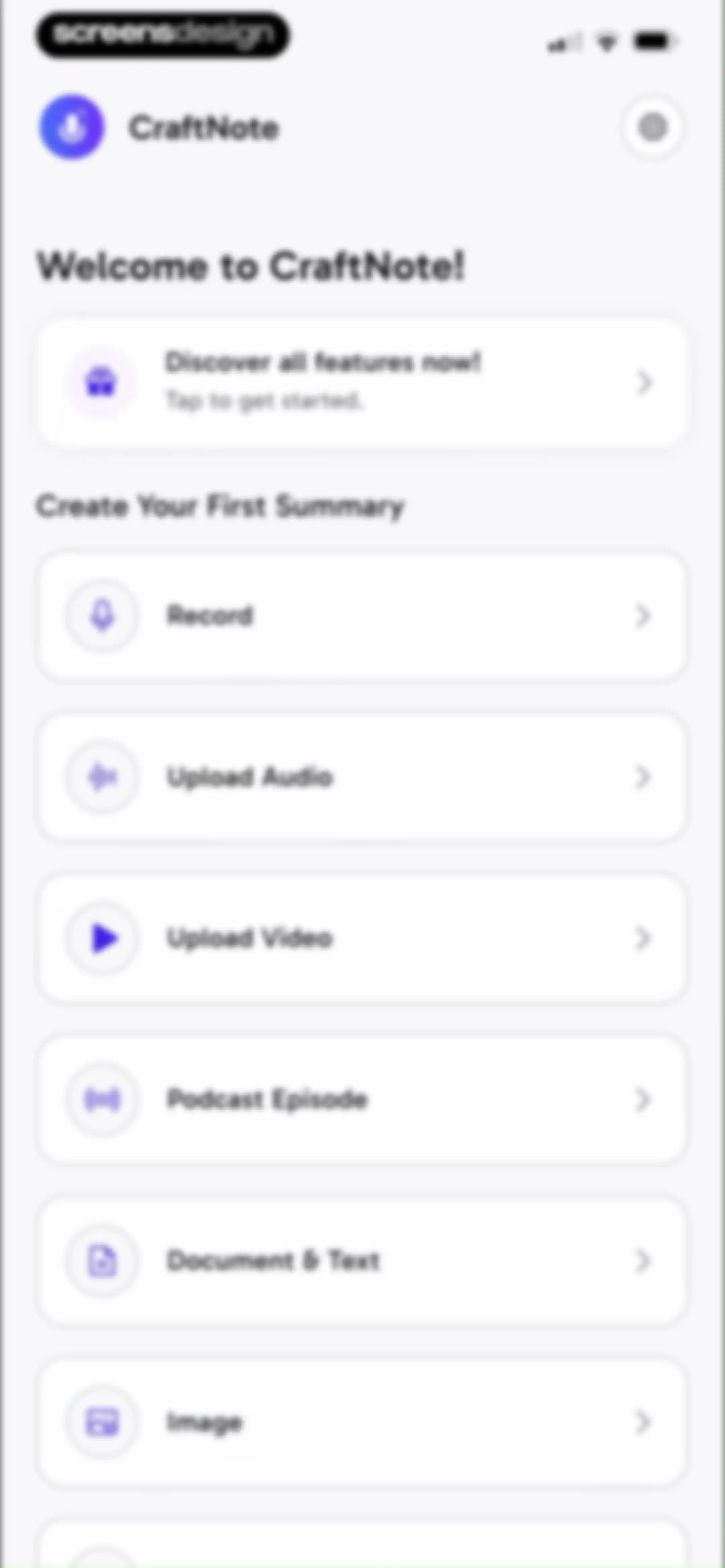
CraftNote home screen displaying a welcome greeting, a feature discovery card, and a list of input method action cards including Record and Upload Audio.Unlock Pro
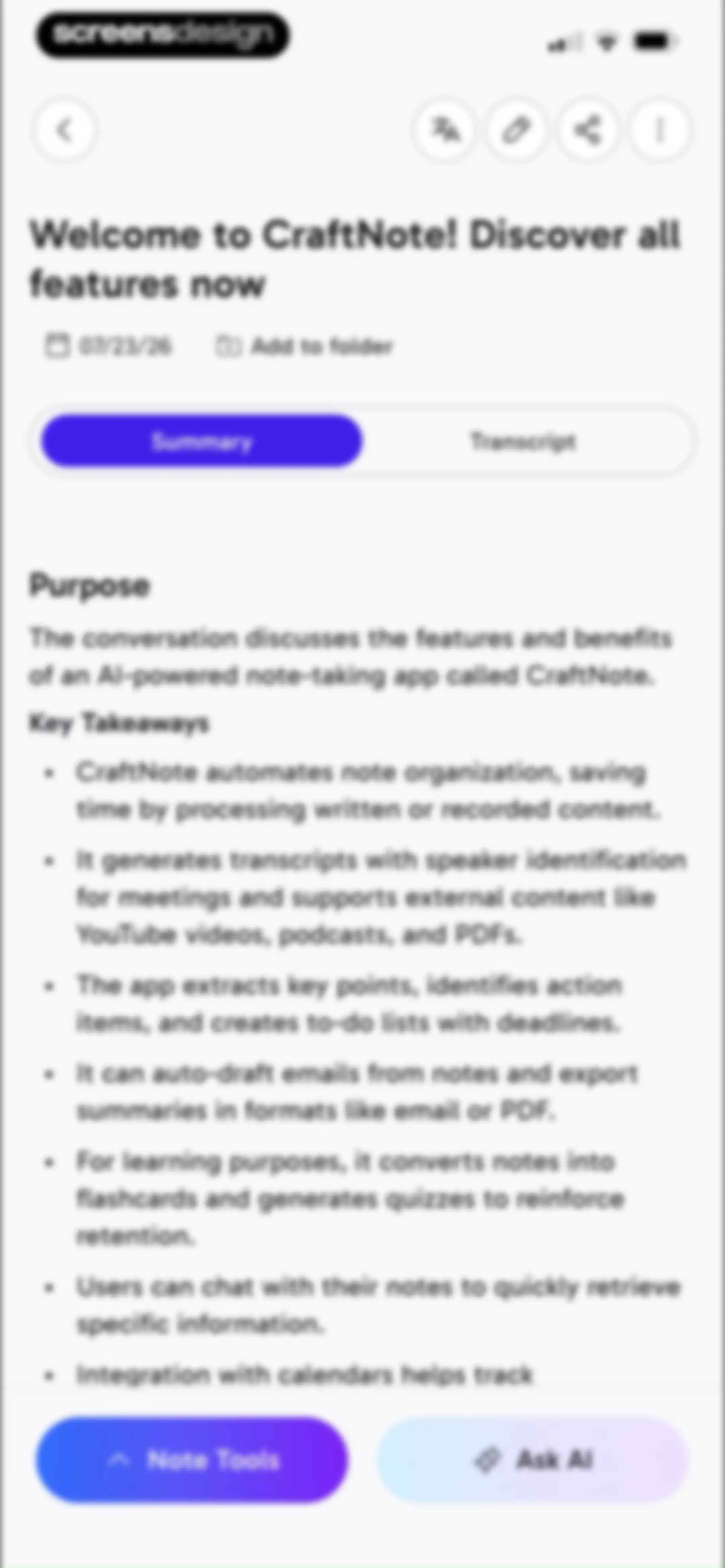
CraftNote summary dashboard displaying AI-generated key takeaways, a date, and bottom action buttons for note tools and Ask AI.Unlock Pro
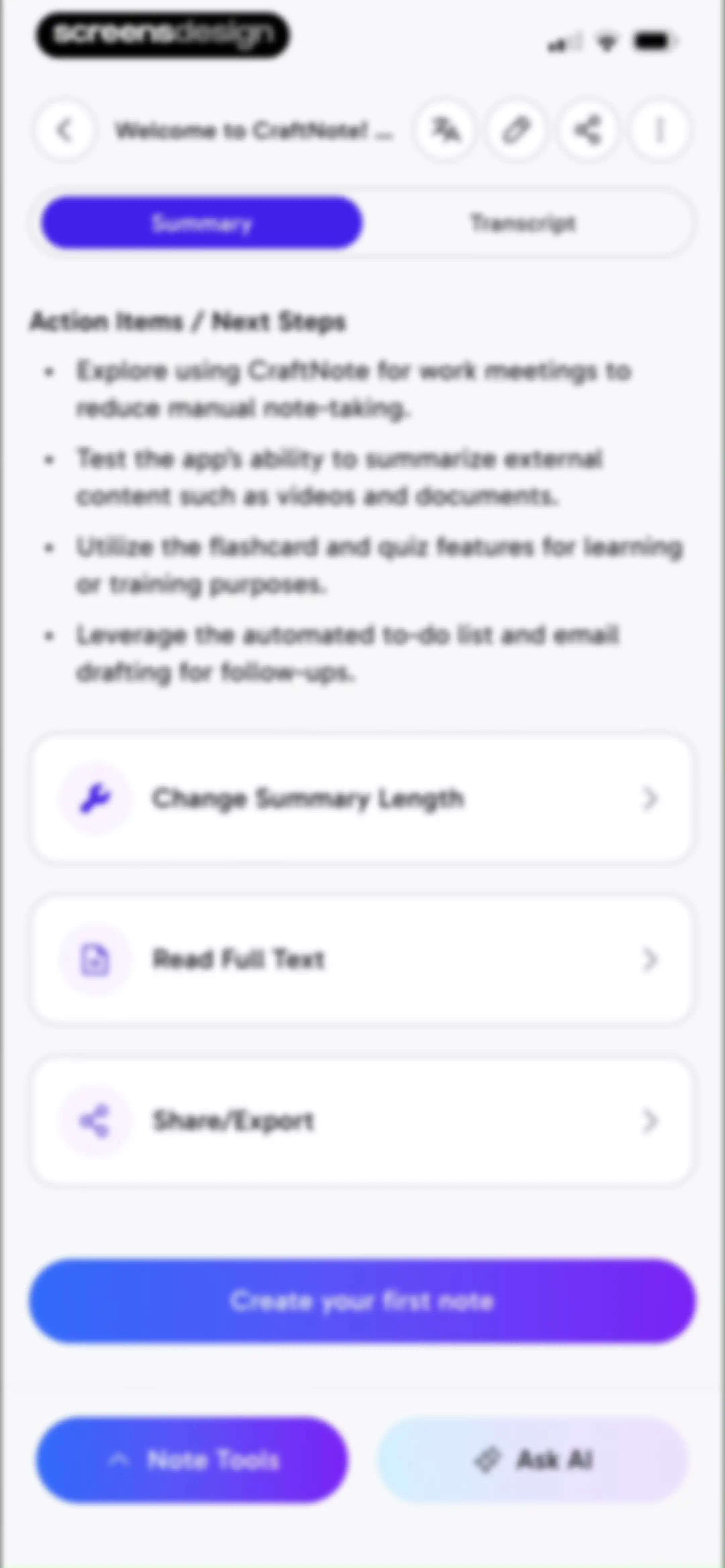
Dashboard showing an AI-generated summary with action items, summary options, and a primary button to create a note.Unlock Pro
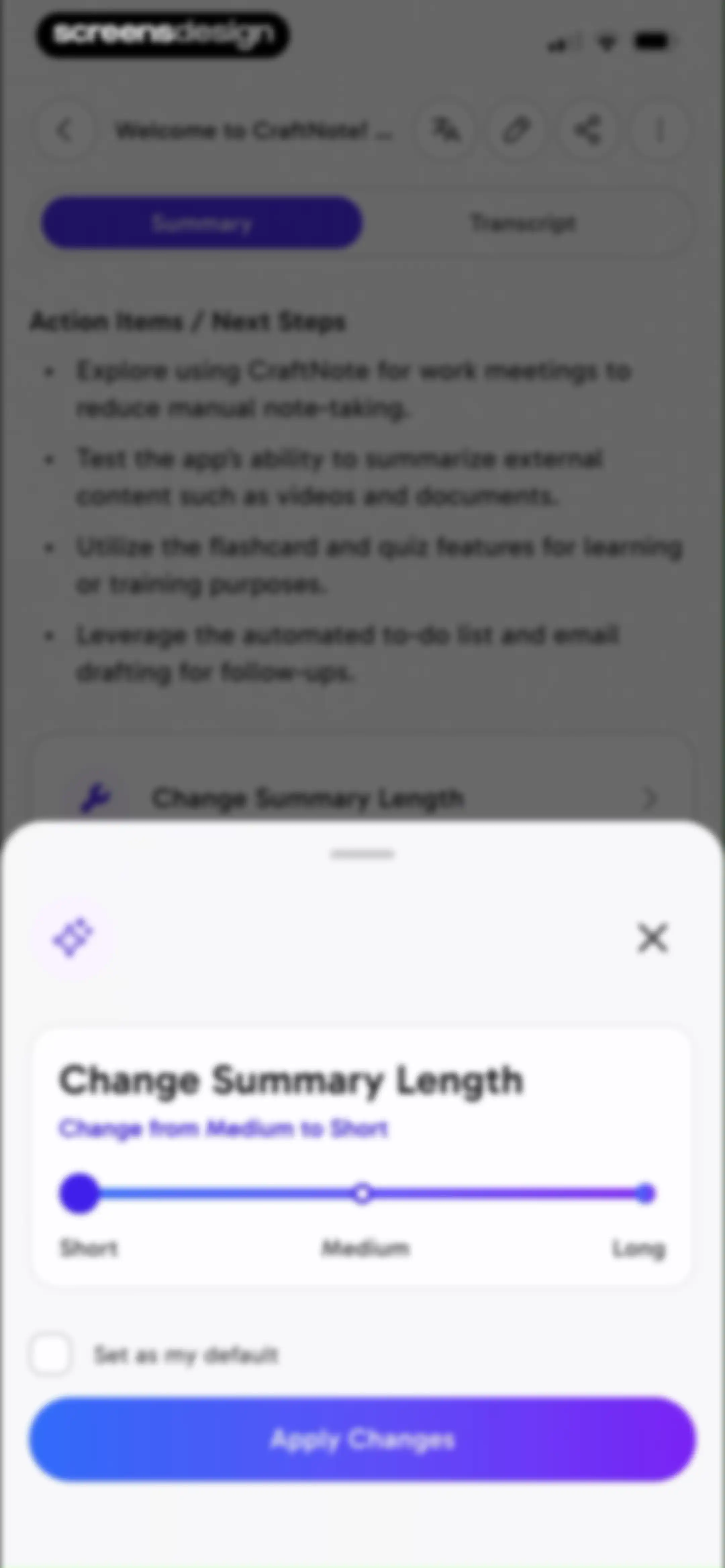
Modal overlay for changing summary length with a slider, default checkbox, and an Apply Changes button.Unlock Pro
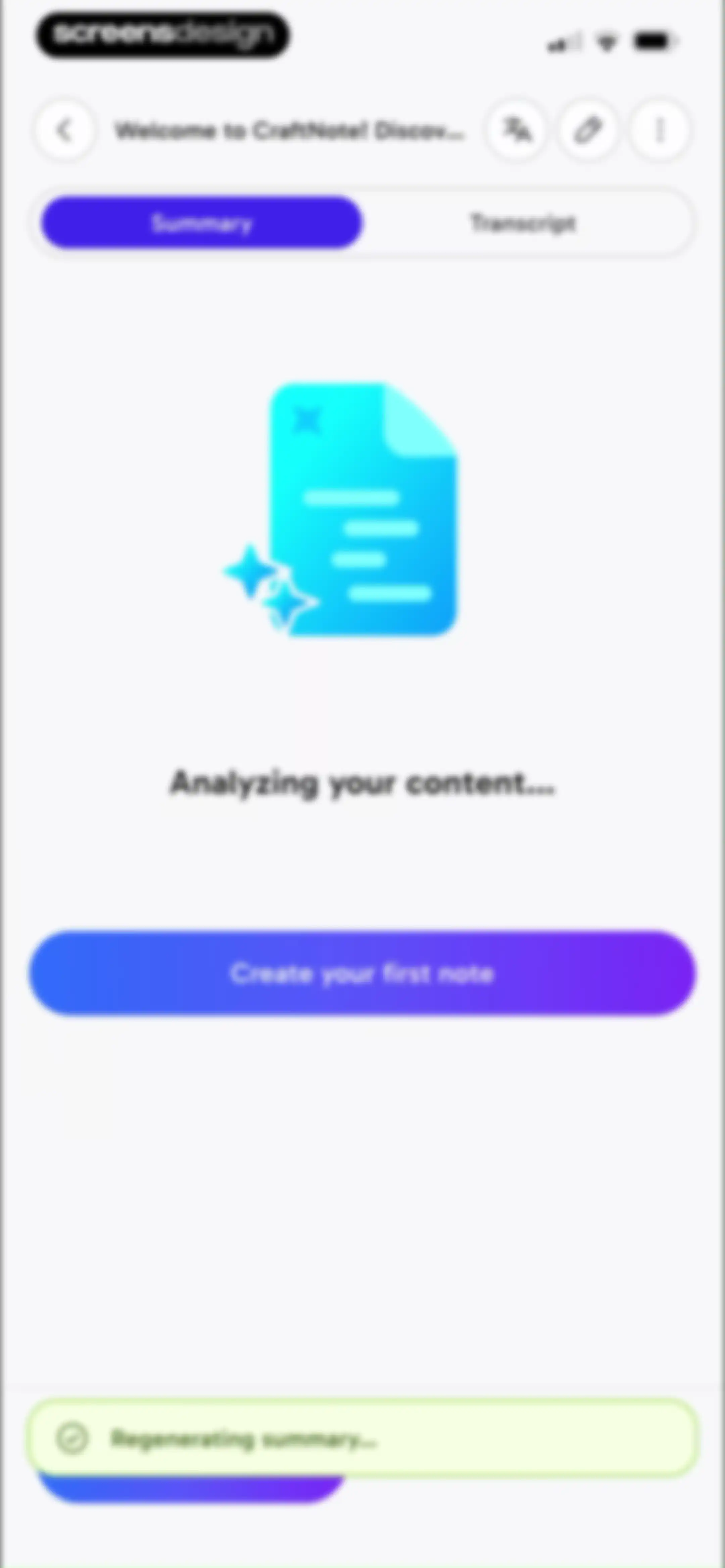
Empty state screen for CraftNote with a Summary tab selected, an AI processing illustration, and a Create your first note button.Unlock Pro
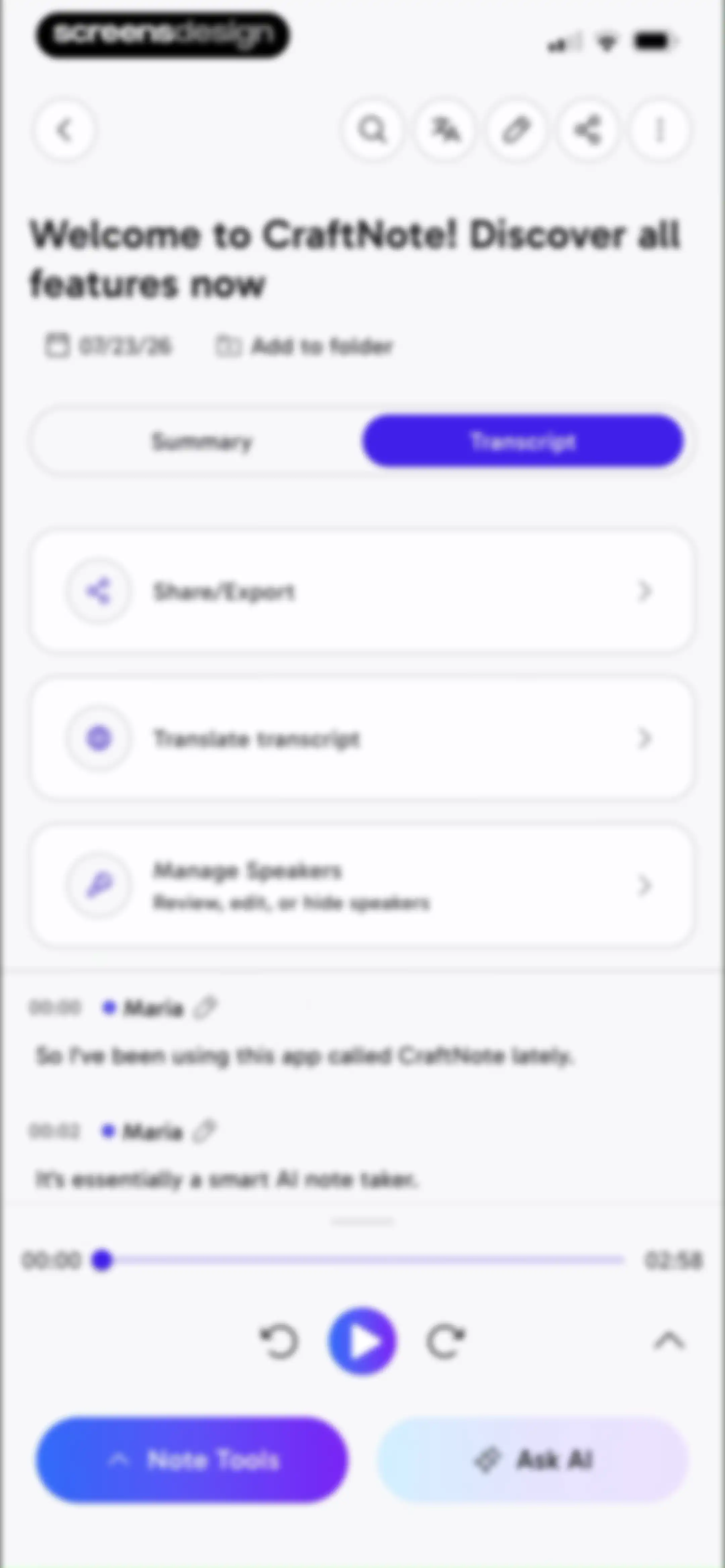
Transcript editor screen displaying utility cards, a scrollable speaker log for CraftNote, playback controls, and Ask AI action buttons.Unlock Pro
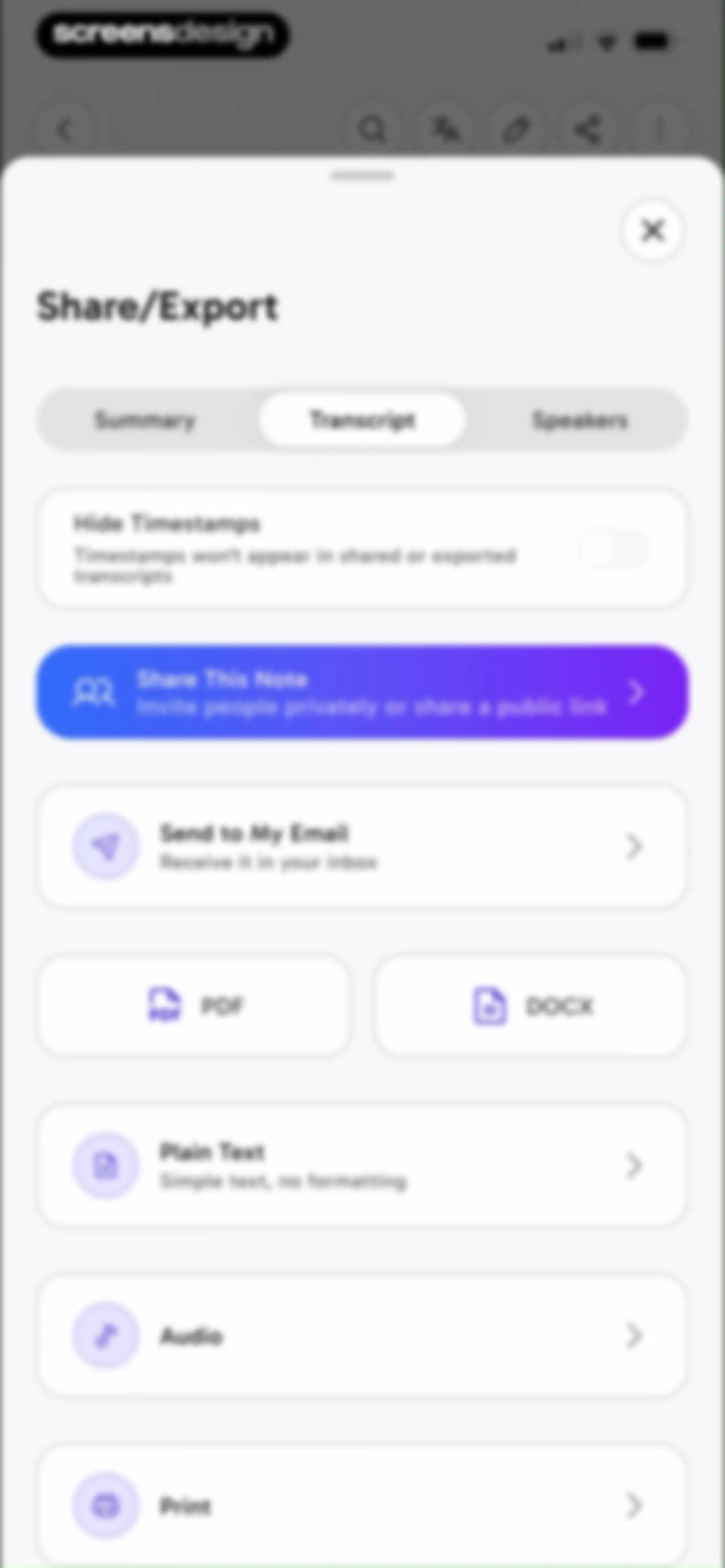
Share and export modal displaying a transcript view, timestamp toggle, and a list of options including PDF, DOCX, and email.Unlock Pro
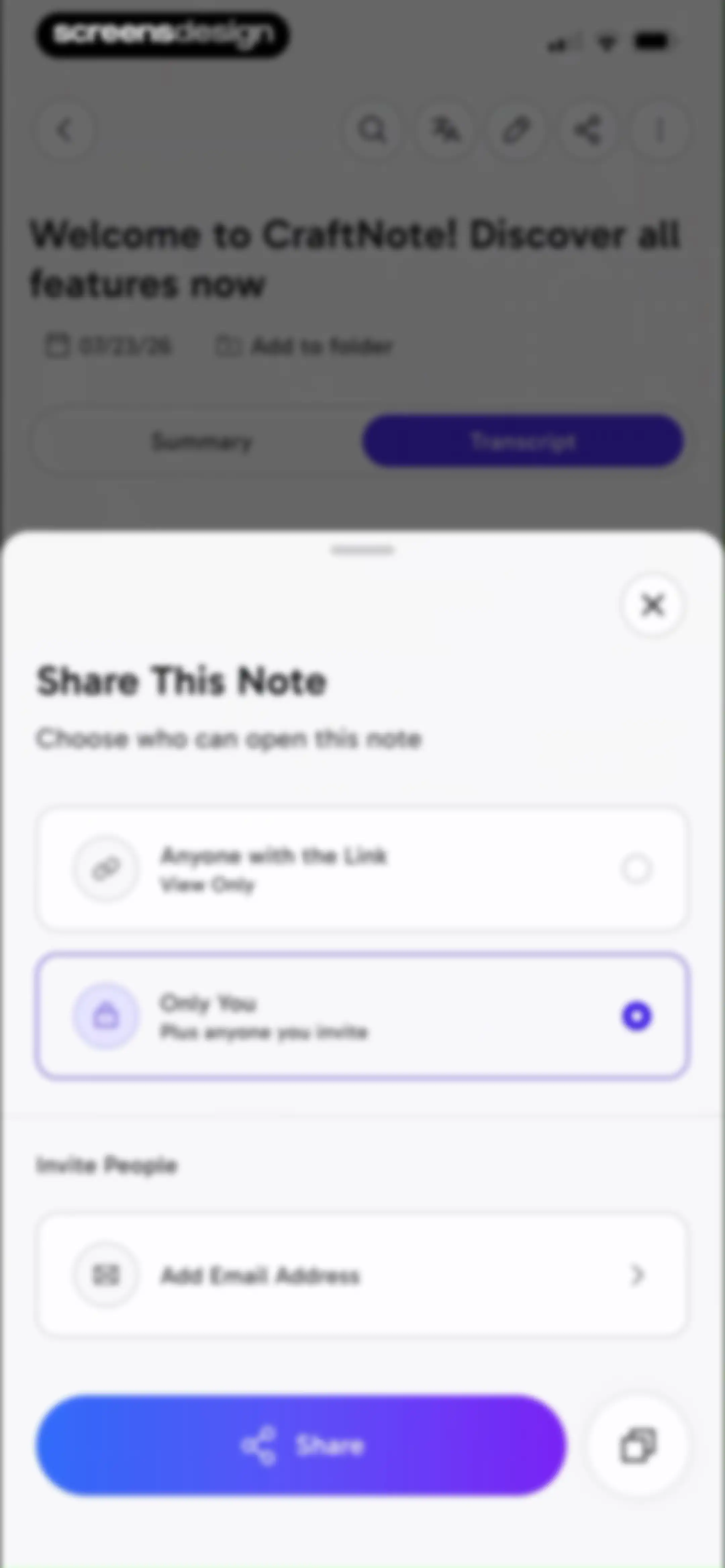
Note sharing modal with permission selection options, an email invitation input field, and a Share button.Unlock Pro
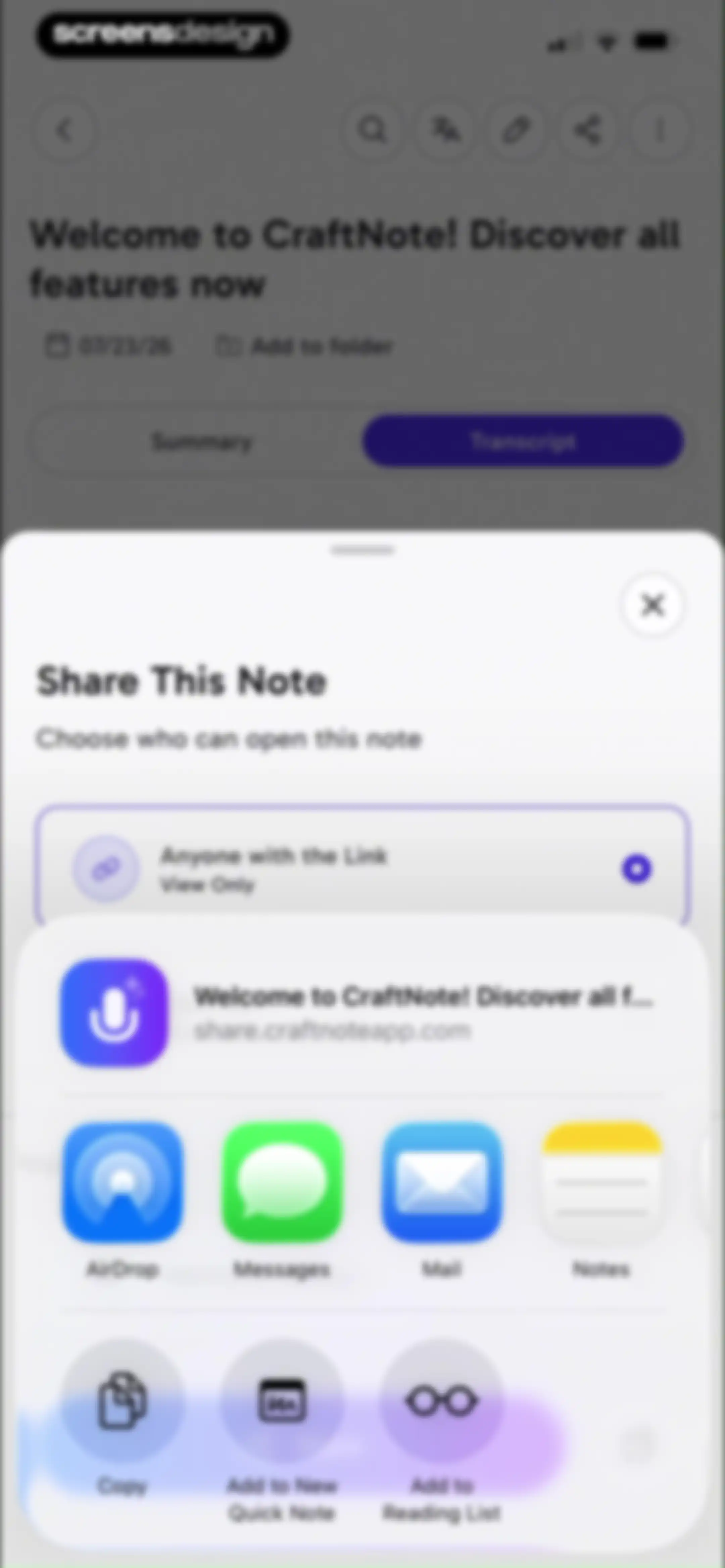
Note sharing modal with permission settings for anyone with the link and a grid of sharing destinations including AirDrop and Messages.Unlock Pro
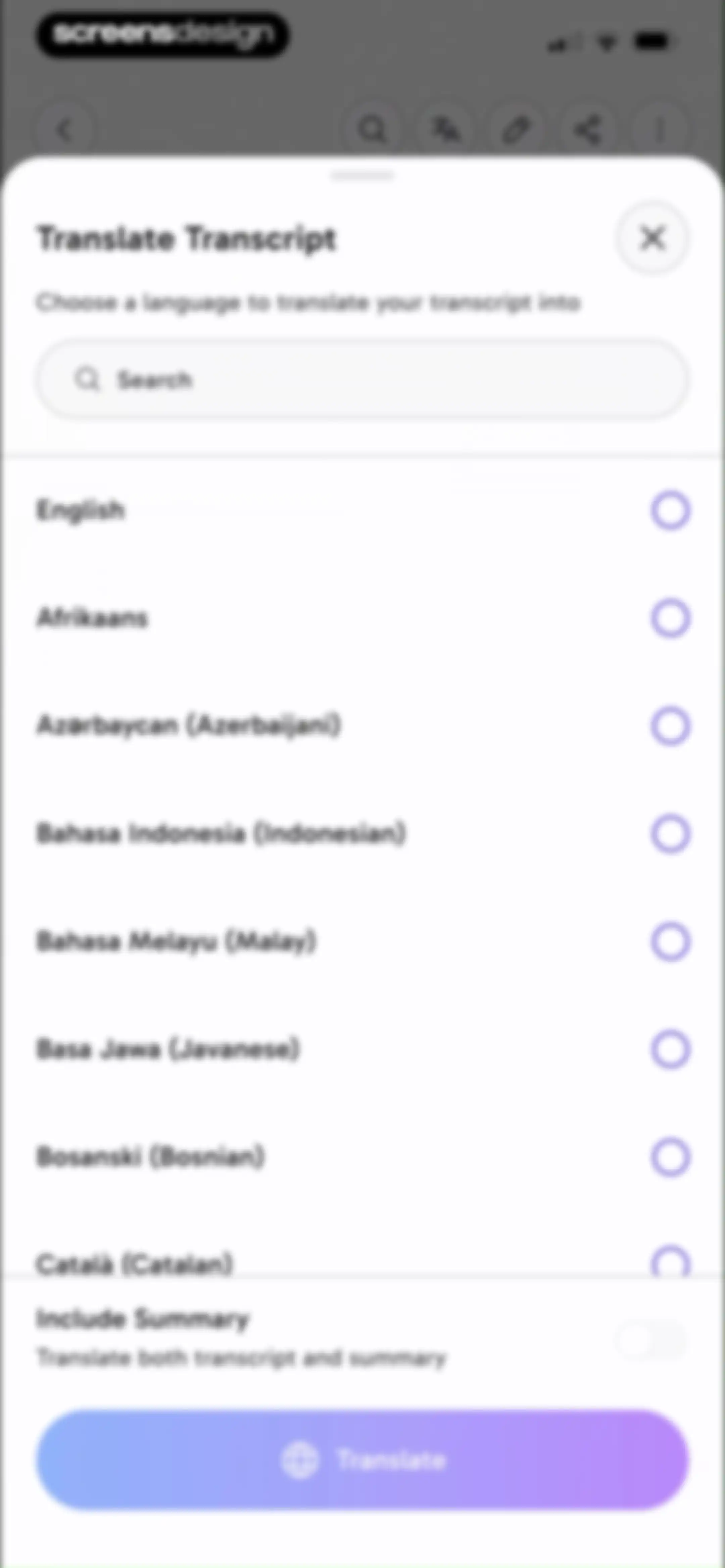
Language selection modal for translating transcripts, featuring a search bar, scrollable language list, an include summary toggle, and a Translate button.Unlock Pro
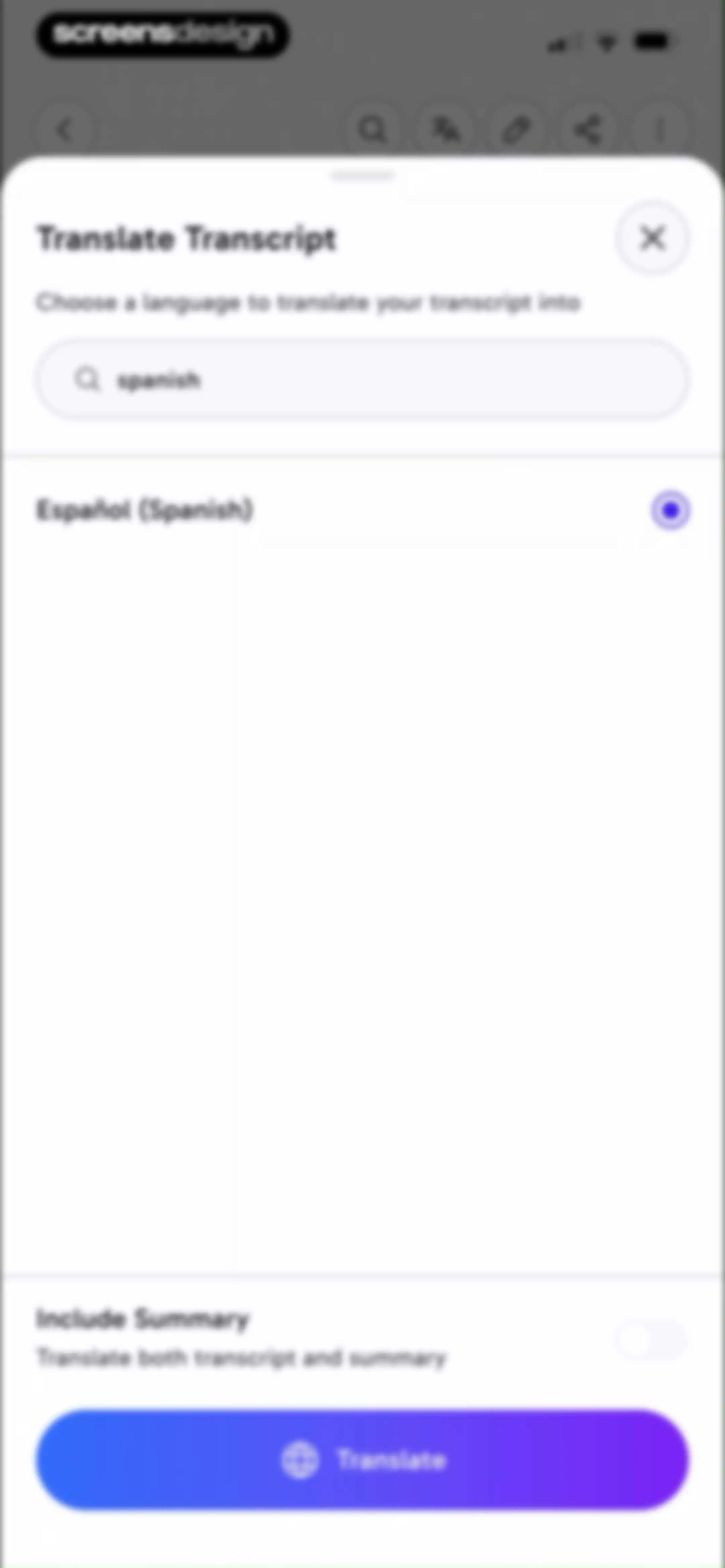
Modal bottom sheet for translating transcripts with Spanish selected, a summary inclusion toggle, and a Translate button.Unlock Pro
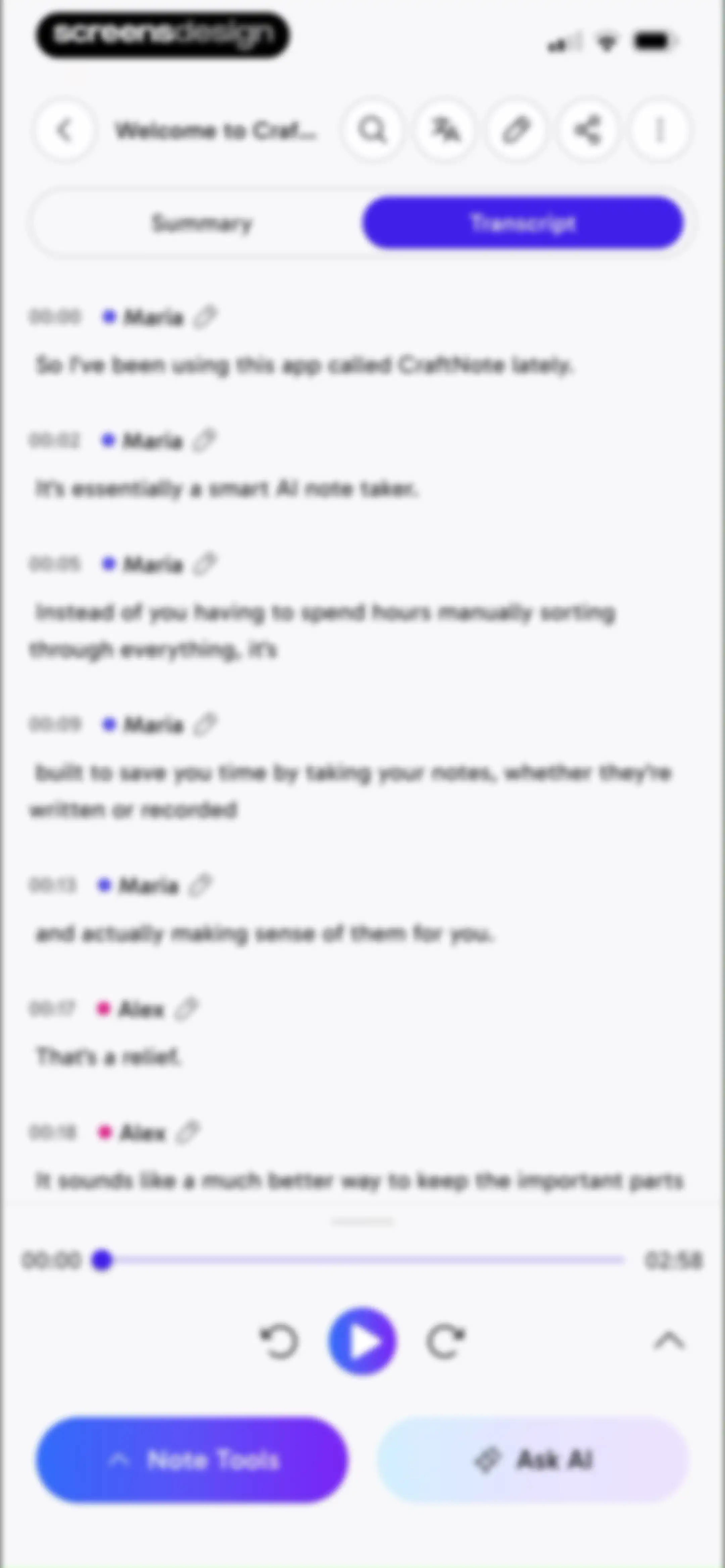
Editor screen showing a dialogue transcript with speaker names, a bottom media player, and Note Tools and Ask AI buttons.Unlock Pro
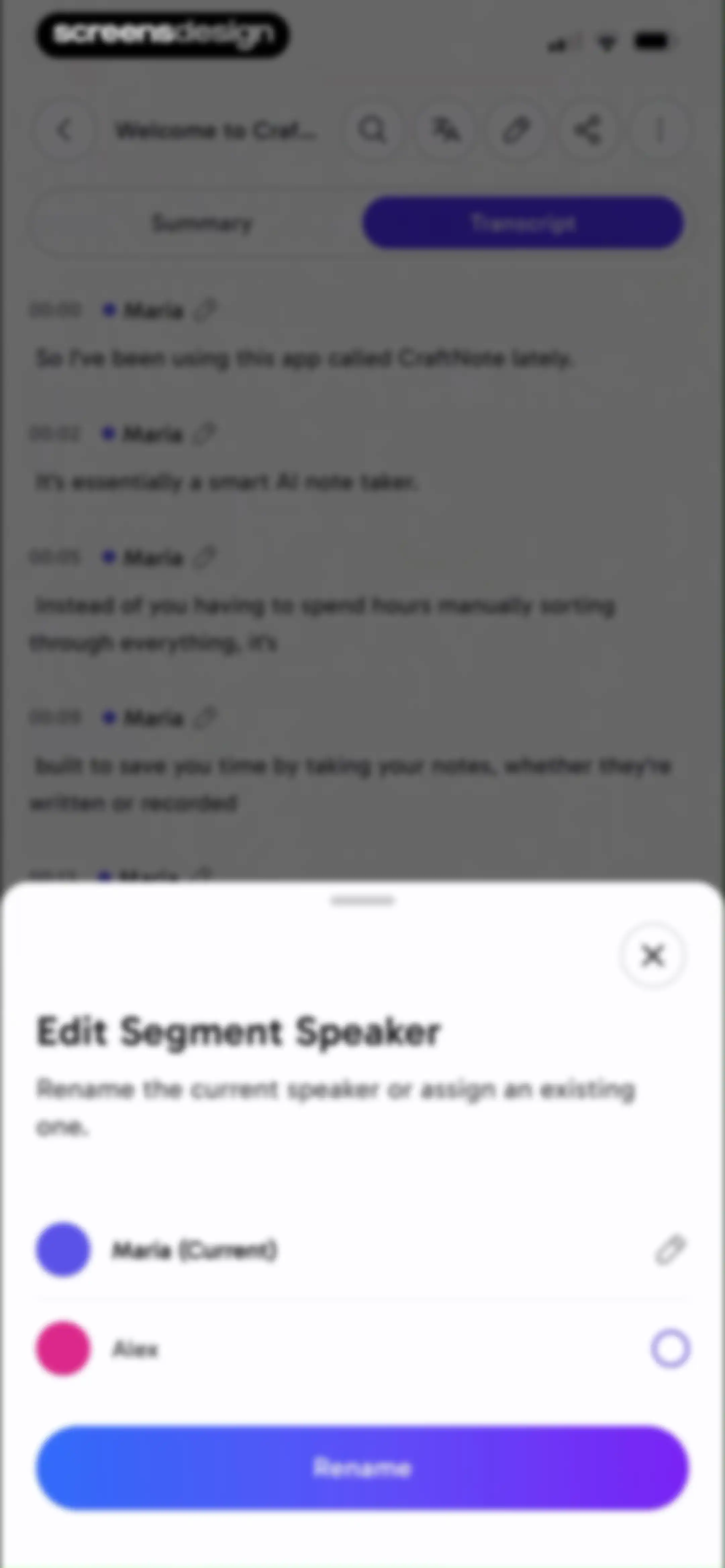
Transcript editor screen with a bottom modal to edit segment speakers, listing Maria as the current speaker and Alex with a Rename button.Unlock Pro
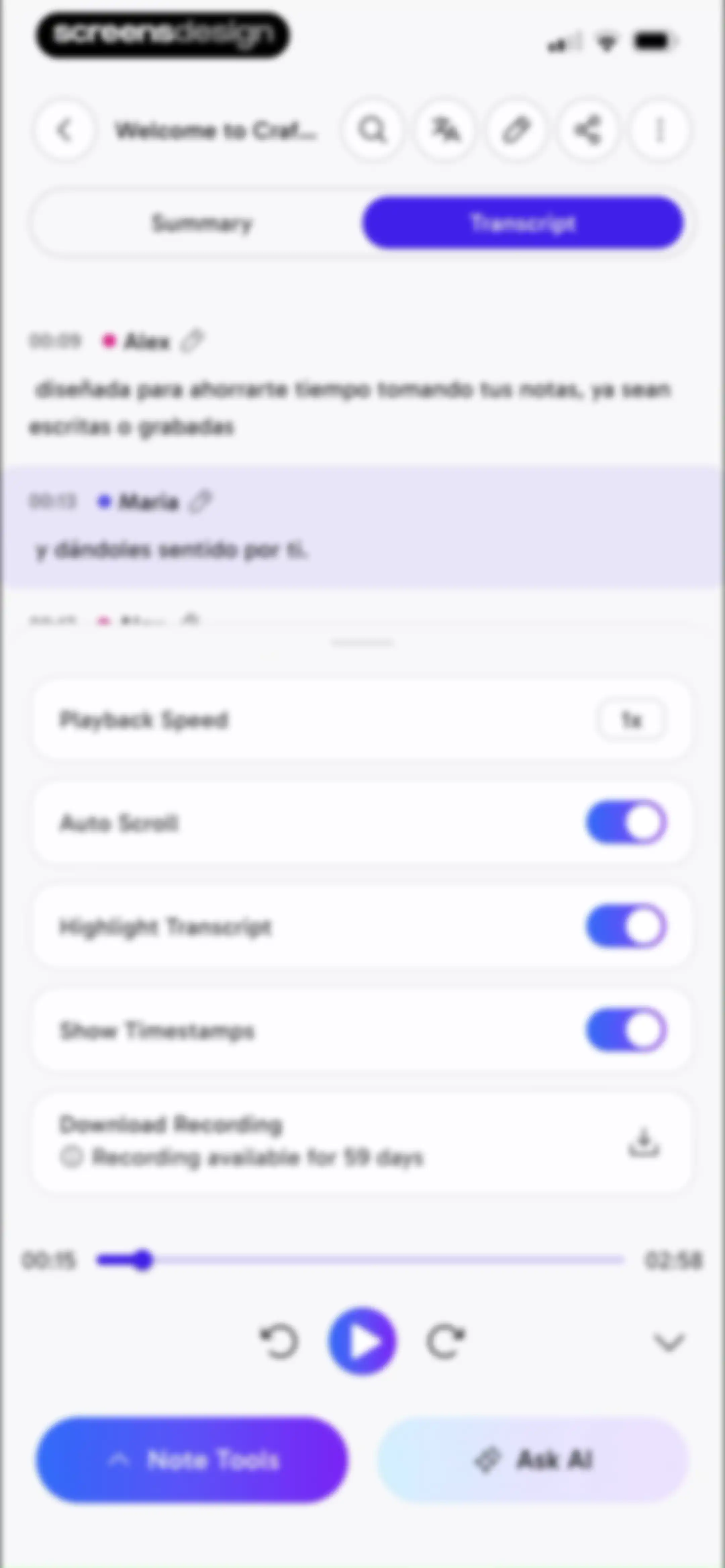
Transcript editor screen showing a scrollable meeting transcript with speaker labels and a bottom sheet for audio playback settings and controls.Unlock Pro
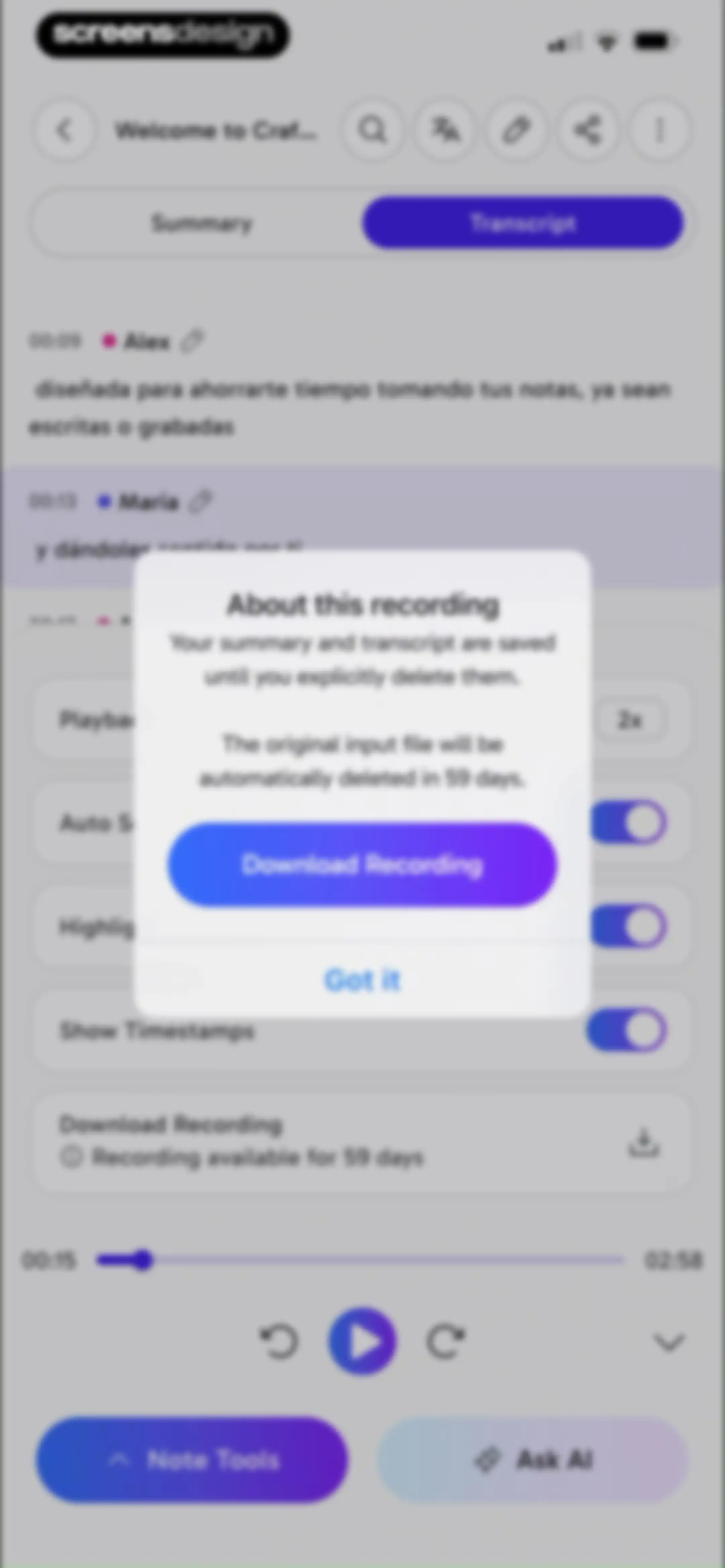
Transcript editor screen displaying a modal overlay with recording retention details and a Download Recording button.Unlock Pro
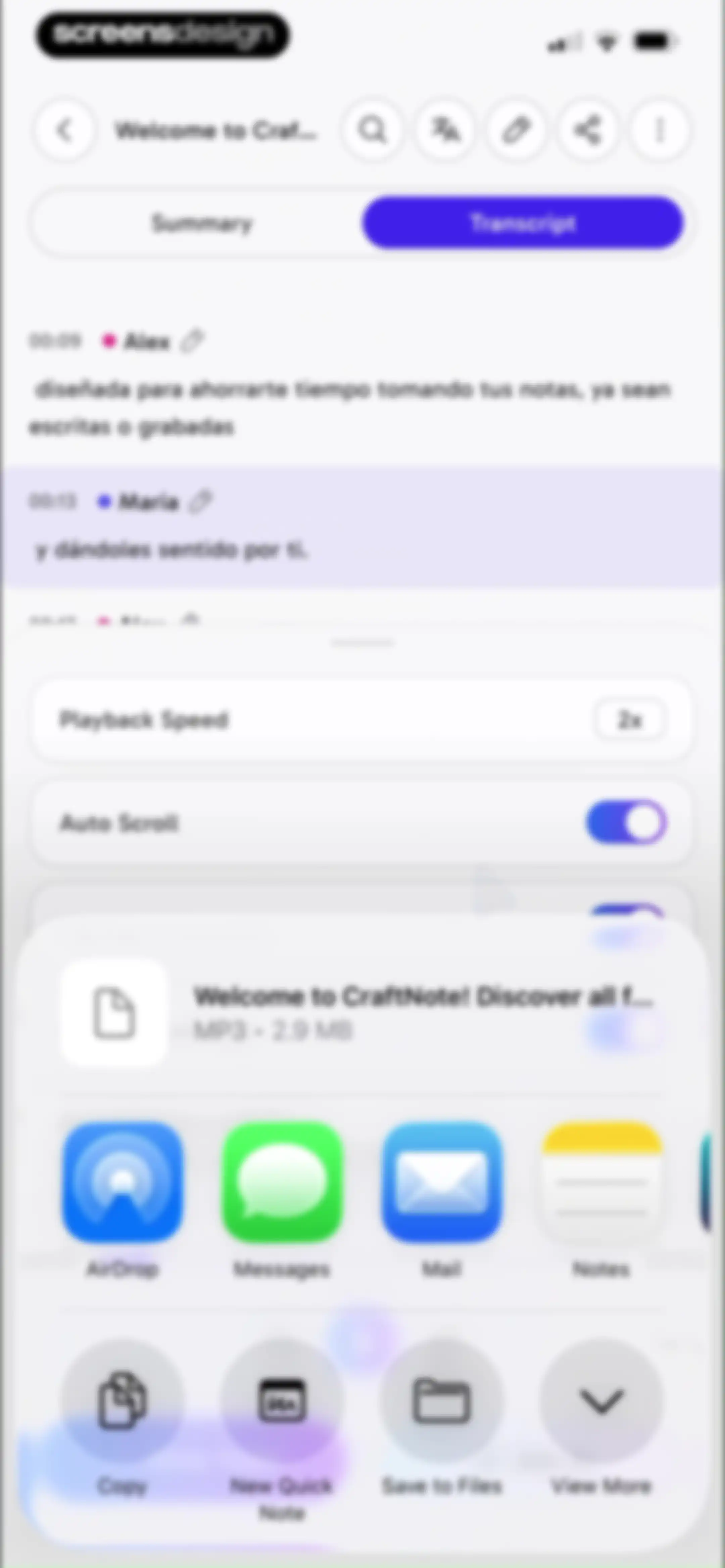
Transcript screen showing timestamped entries and an open share sheet modal with various file sharing options.Unlock Pro
Note Tools modal displaying a list of productivity and AI features like Email, Quiz, and Todo List with a close button.Unlock Pro
Email composition screen drafting an introduction to CraftNote with a Send Email button.Unlock Pro
Informational onboarding page detailing CraftNote app features like smart summaries, live recording, and task management with edit and share options.Unlock Pro
Quiz onboarding screen showing question one of five, four multiple-choice options with one selected, an explanation card, and a Next button.Unlock Pro
Interactive quiz screen with a question about audio recordings, a highlighted correct answer, an explanation card, and Next and Prev buttons.Unlock Pro
Quiz completion screen showing question five of five with a selected answer, an explanation box, and a Complete button.Unlock Pro
Quiz results summary showing a 40 percent score with correct and incorrect counts, a Try Again button, and options to generate more questions or end the quiz.Unlock Pro
Flashcard screen displaying a question about CraftNote with a progress indicator and an instruction to tap to flip.Unlock Pro
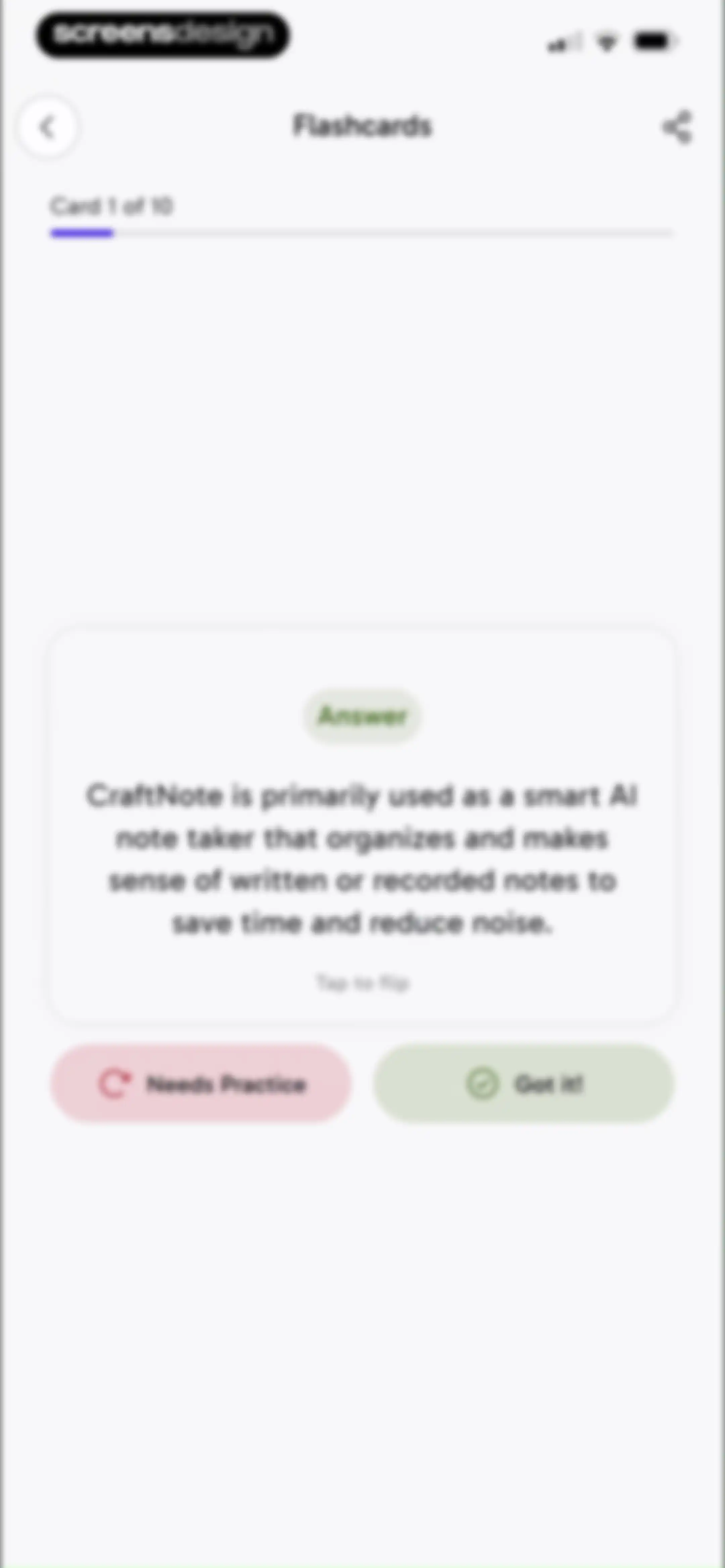
Flashcard study interface showing card one of ten with an answer about CraftNote, a tap to flip instruction, and two bottom self-assessment buttons.Unlock Pro
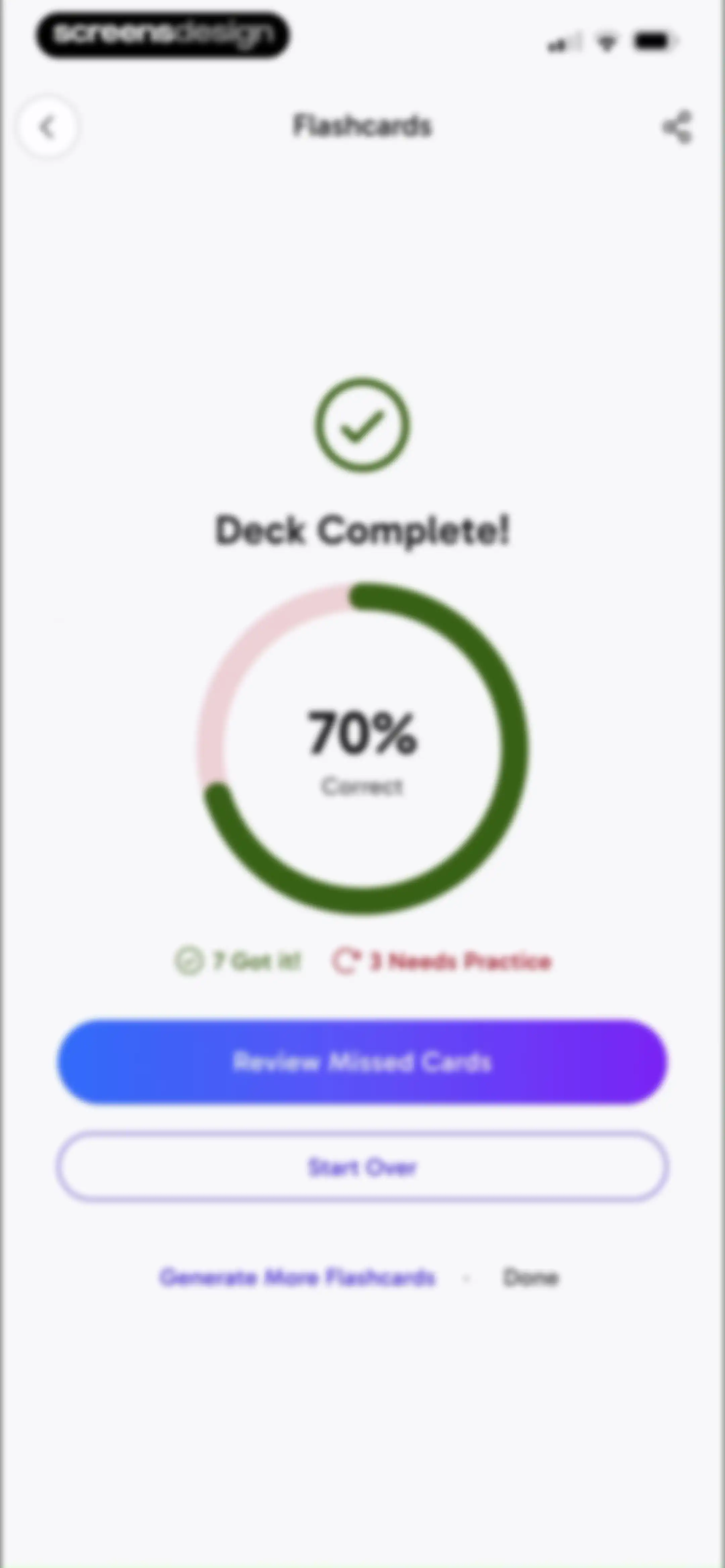
Flashcard study results screen displaying a deck complete summary with a seventy percent correct progress chart and action buttons to review missed cards.Unlock Pro
Todo list empty state screen with a centered checkmark icon, instructional text, and an Add your first todo button.Unlock Pro
Todo list task creation modal with an input field containing Summarize the notes, Cancel and Create buttons, and a keyboard.Unlock Pro
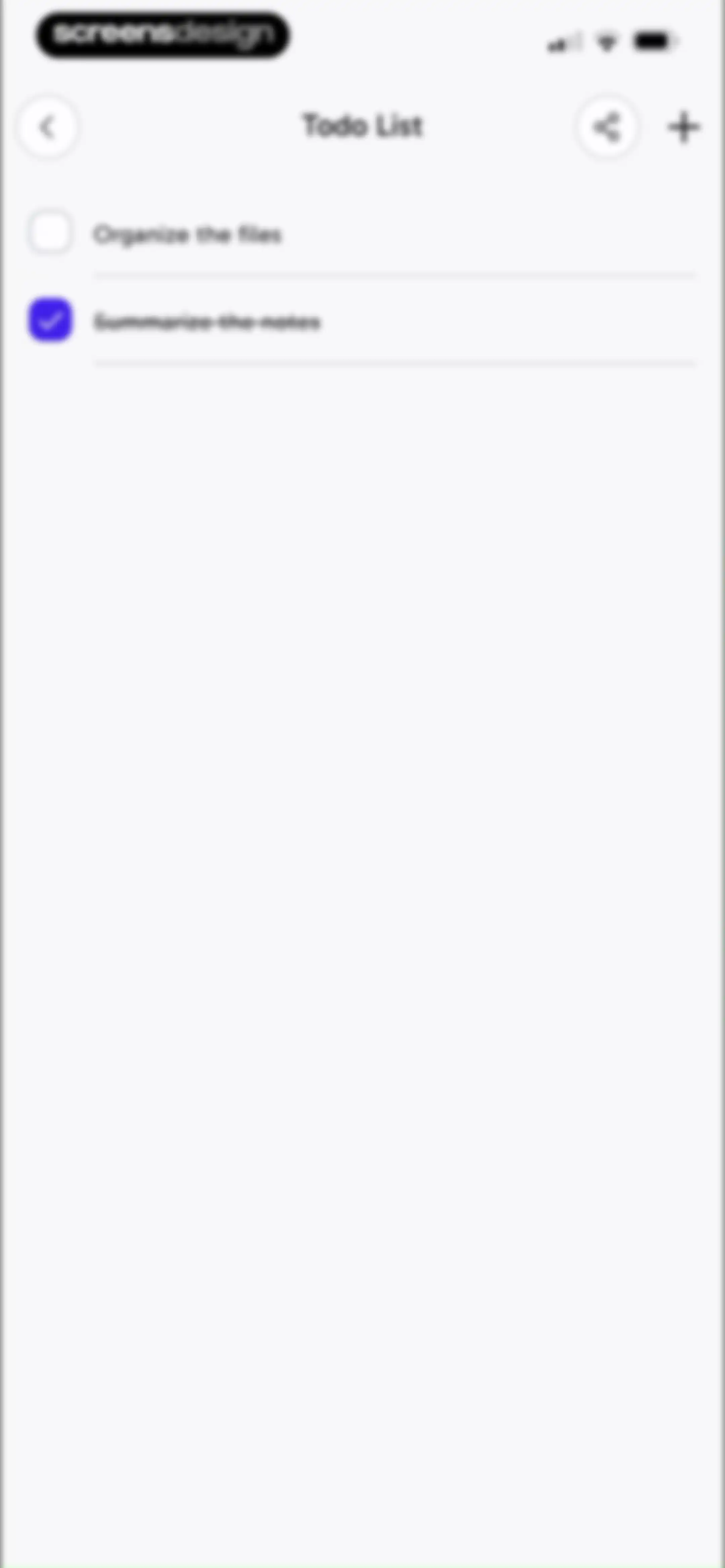
Todo list screen displaying checklist items including 'Organize the files' and completed 'Summarize the notes'.Unlock Pro
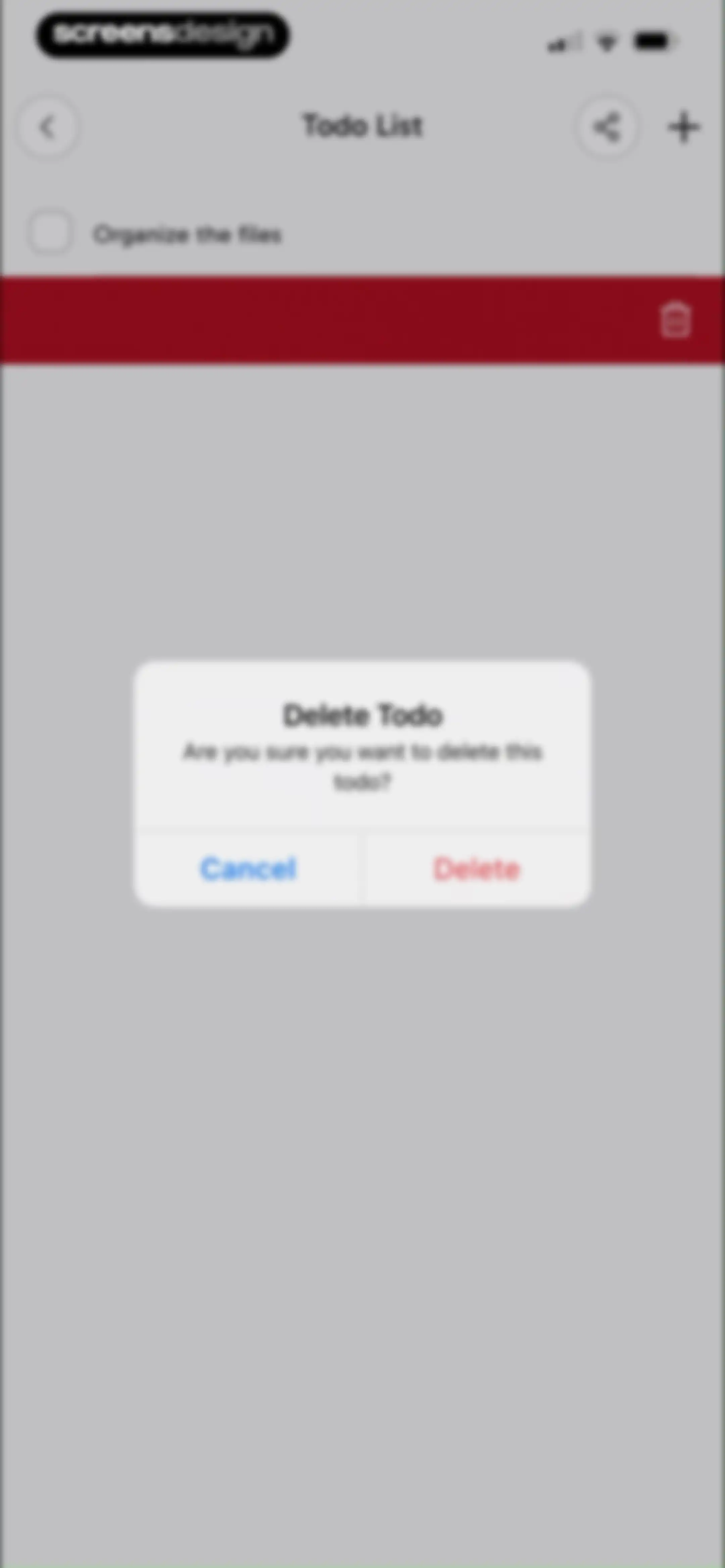
Todo list delete confirmation modal asking if the user is sure they want to delete the todo, with Cancel and Delete buttons.Unlock Pro
Podcast summary loading screen featuring a central generating animation and a bottom tip carousel.Unlock Pro
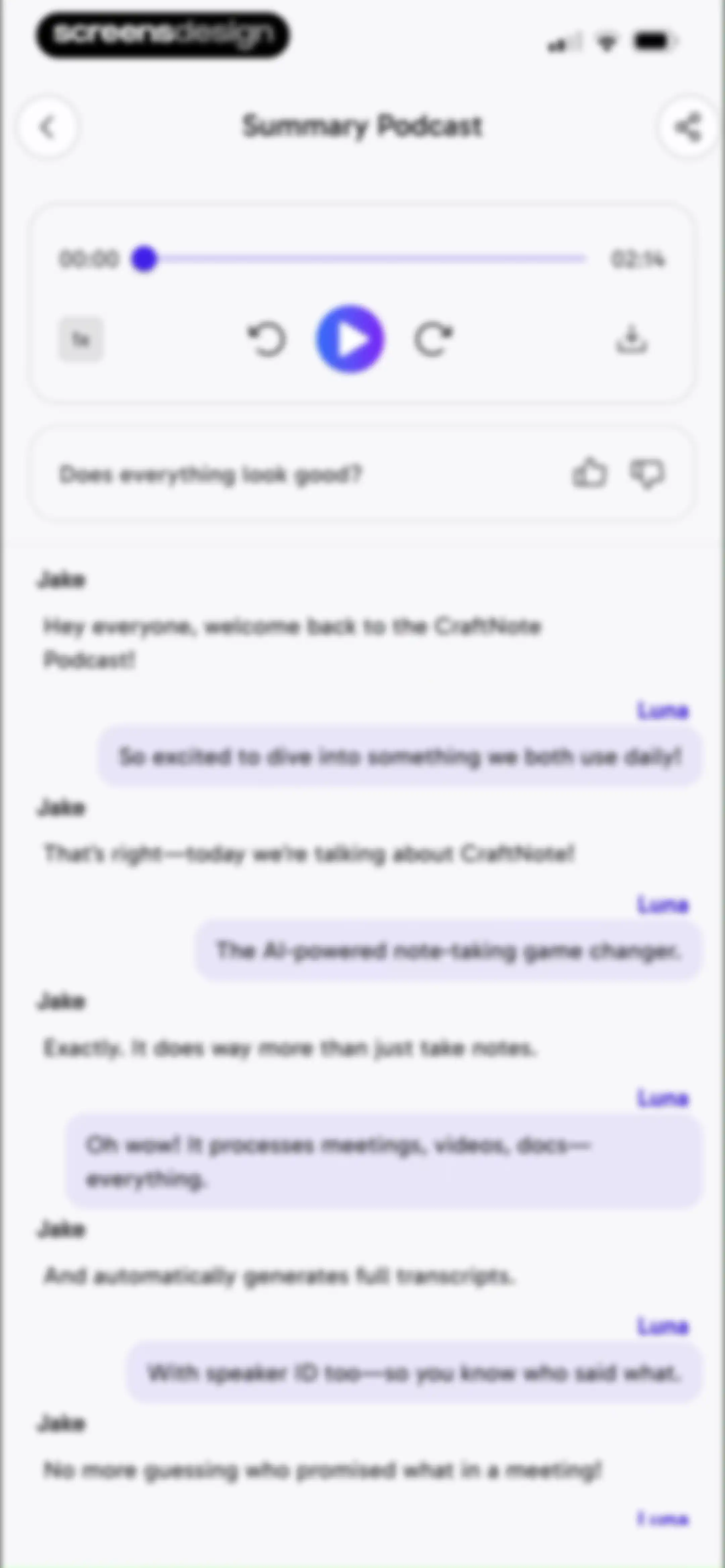
Audio player and transcript editor for a summary podcast, featuring a media player card, feedback prompt, and a scrolling speaker-identified dialogue list.Unlock Pro
Audio playback and transcript screen with a system share sheet overlay open at the bottom.Unlock Pro
Podcast transcript screen with an audio player card, a conversation between two speakers, and a success notification.Unlock Pro
Share and export modal displaying a vertical list of three format options: Audio, Plain Text, and PDF.Unlock Pro
Audio playback interface for a Summary Podcast with a chat-style transcript and a share sheet overlay at the bottom.Unlock Pro
Editor screen showing an AI-generated summary with purpose, key takeaways, and action items, featuring a selected summary tab and bottom tool buttons.Unlock Pro
Chat screen with a welcome header, action buttons, suggestion cards, and an Ask Anything input field.Unlock Pro
Confirmation modal in CraftNote asking to open a document outside of chat, with Cancel and Open buttons.Unlock Pro
Informational overview screen detailing CraftNote app features like smart summaries, live recording, and task management.Unlock Pro
CraftNote onboarding feature list detailing AI summaries, live recording, and task management capabilities.Unlock Pro
Summary screen showing an AI-generated meeting summary, audio player card, key takeaways, and an Ask AI button at the bottom.Unlock Pro
Meeting transcription editor screen displaying translated transcript text, speaker labels, action cards, and bottom AI note tools.Unlock Pro
Language selection modal for transcript translation with a search bar, a list of languages where Spanish is selected, an Include Summary toggle, and a Translate button.Unlock Pro
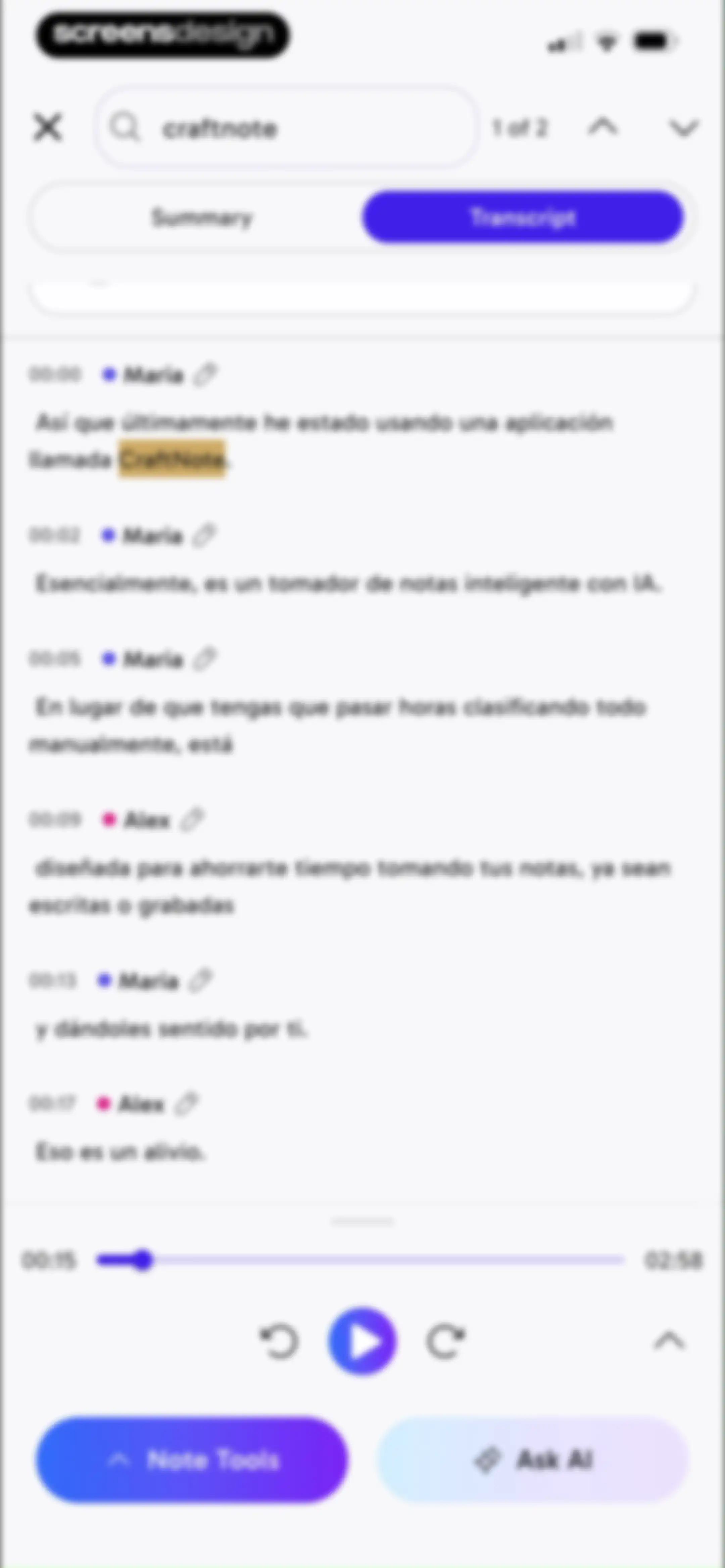
Editor screen showing a speaker-labeled transcript with timestamps, audio playback controls, and bottom action buttons including Note Tools and Ask AI.Unlock Pro
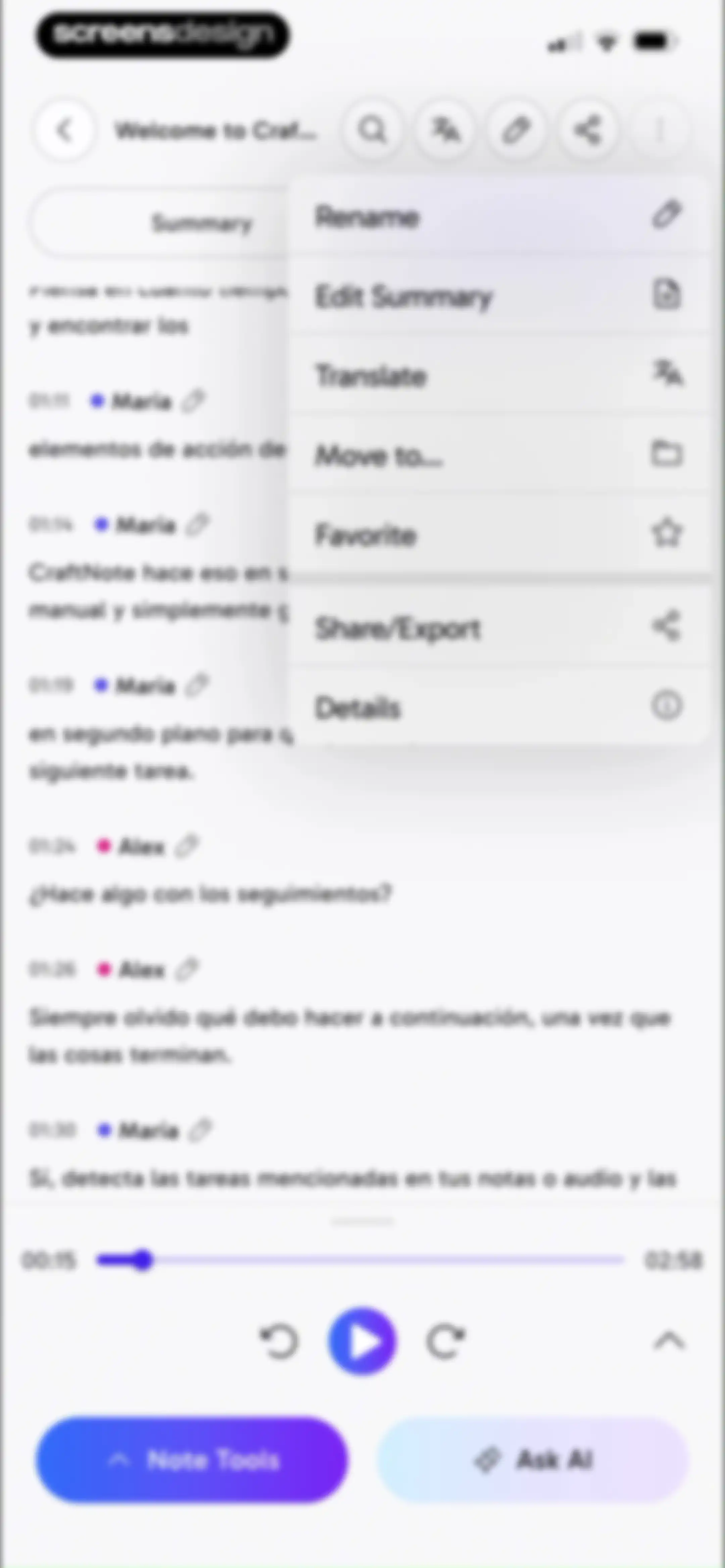
Transcript editor screen displaying a conversation between Maria and Alex, with an open action menu and a bottom audio playback bar.Unlock Pro
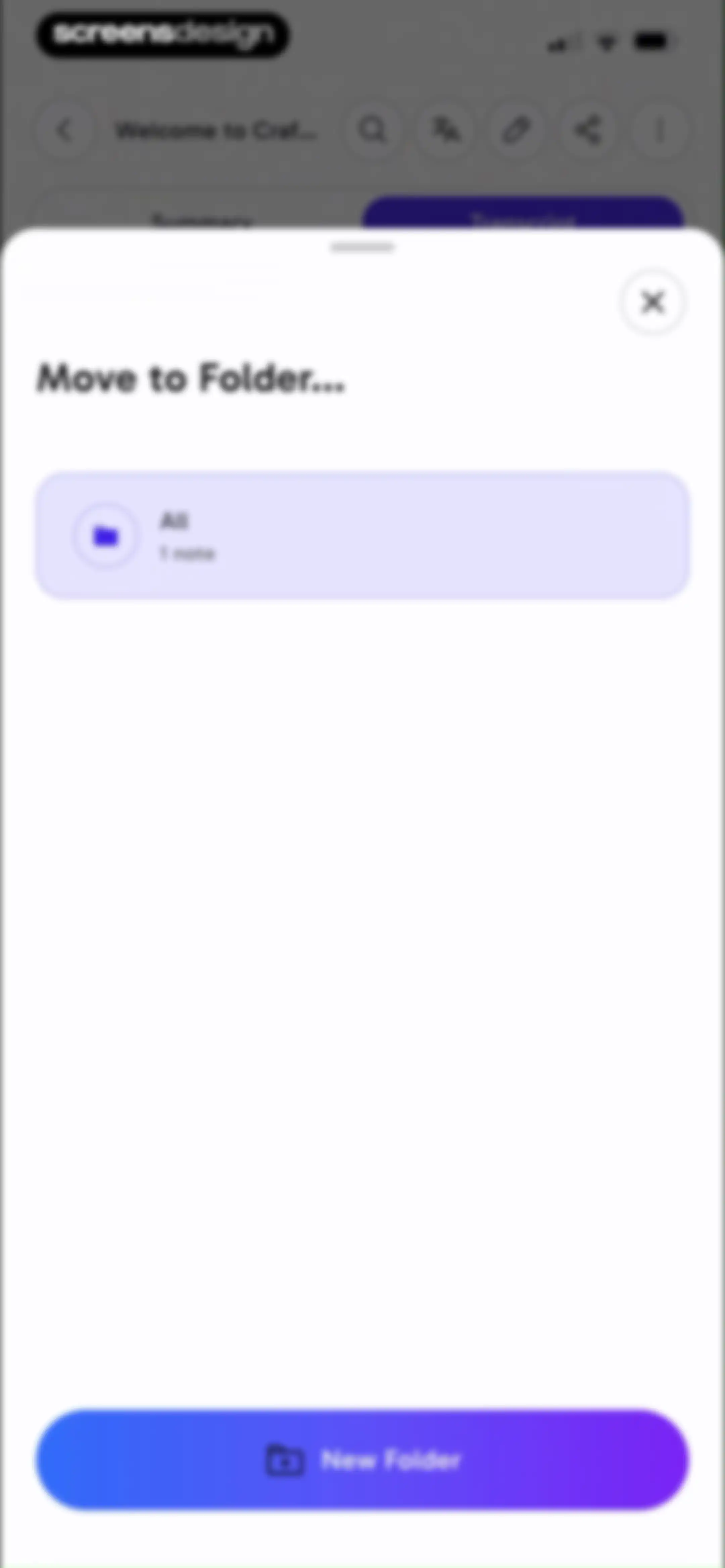
Folder selection modal to move a note, featuring an All folder card and a New Folder button.Unlock Pro
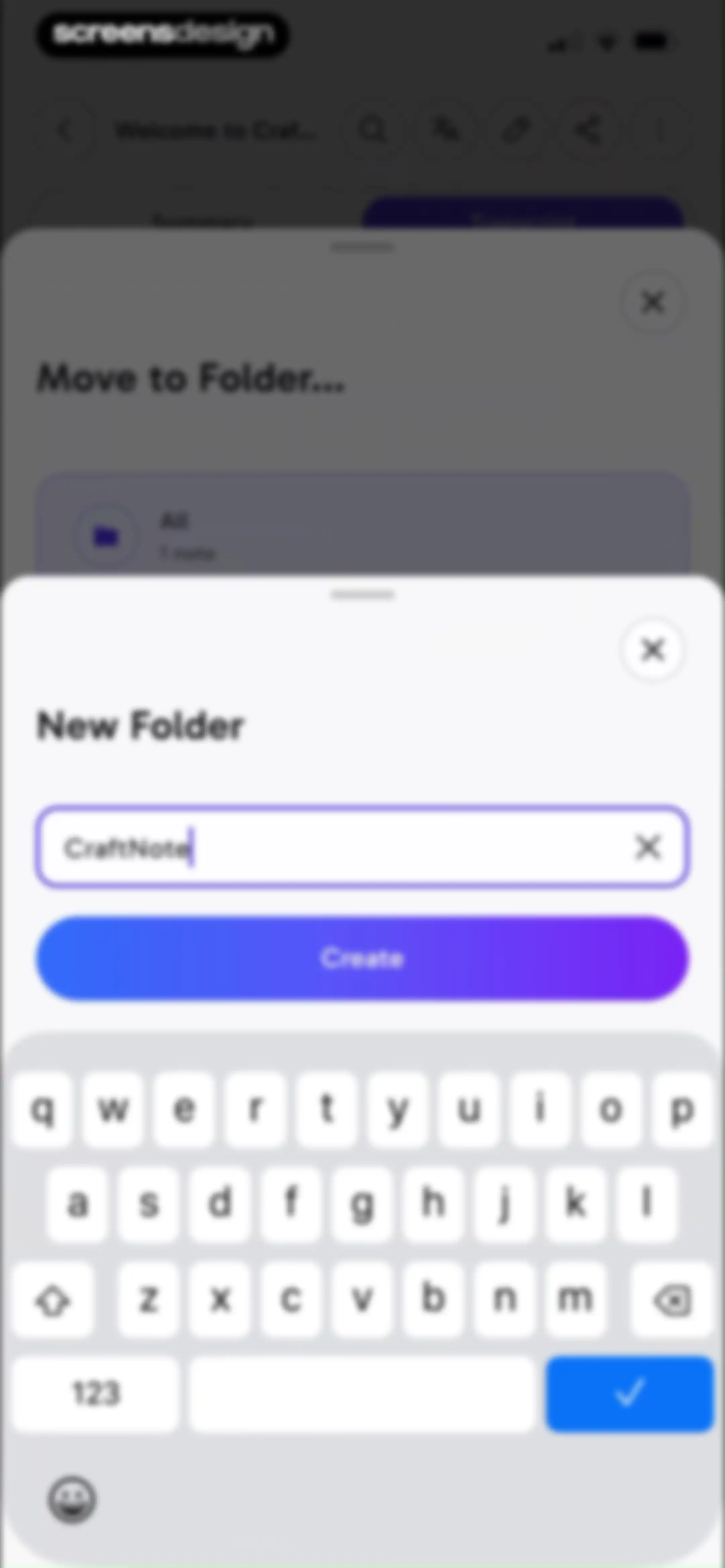
New folder creation modal in the CraftNote app with an input field pre-filled with CraftNote, a clear button, and a Create button above the keyboard.Unlock Pro
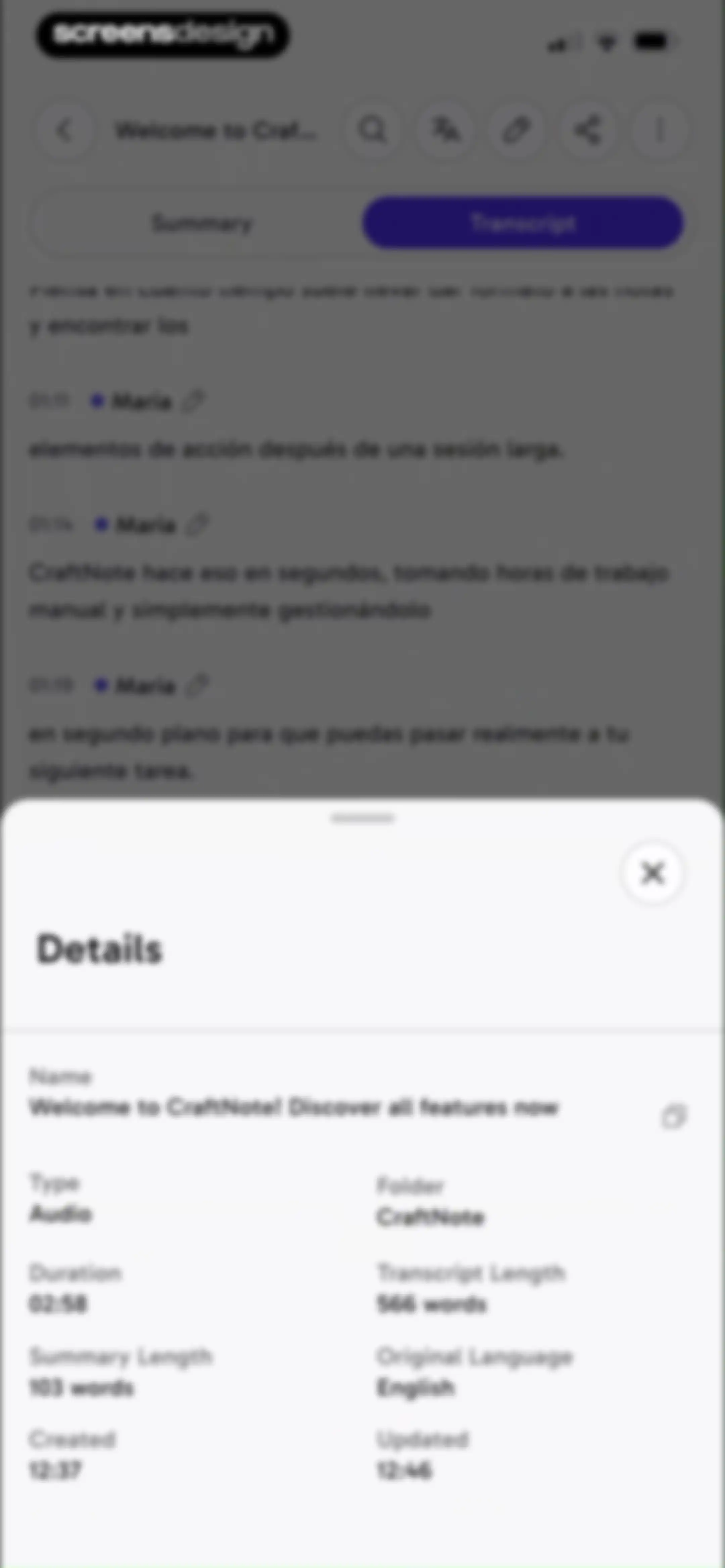
CraftNote details modal displaying audio file metadata like duration, word counts, and timestamps over a transcript view.Unlock Pro
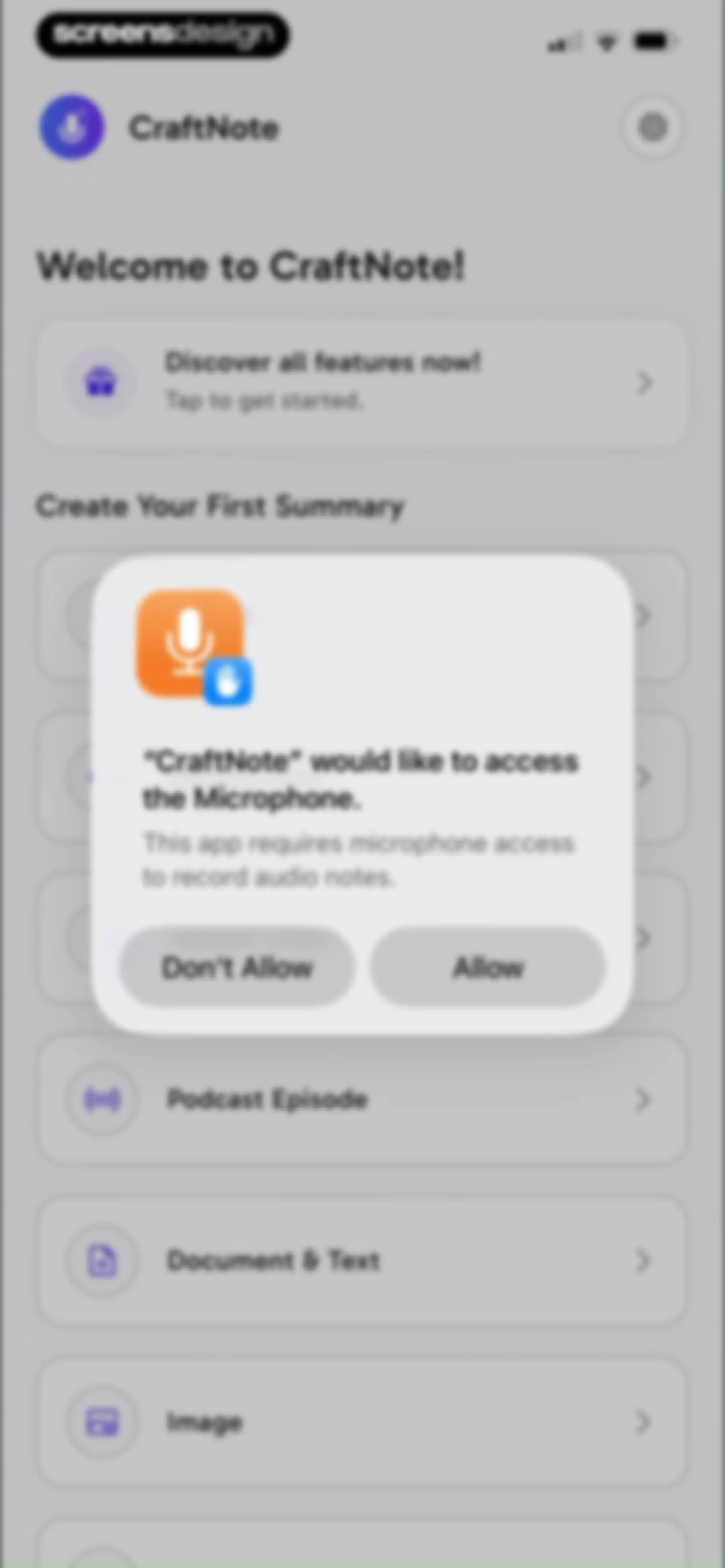
CraftNote permissions screen with a modal requesting microphone access overlaid on the app dashboard, featuring Don't Allow and Allow buttons.Unlock Pro
Audio recording screen displaying an active timer at eight seconds, a central waveform, and a pause button.Unlock Pro
Audio recording interface featuring a timer, central waveform visualization, and Summarize and Resume action buttons.Unlock Pro
Notification permission modal with an illustration, explanatory text, and a Notify Me button over a recording interface.Unlock Pro
Notification permission request modal with Don't Allow and Allow buttons, overlaid on an AI note-taking app screen.Unlock Pro
Home screen of CraftNote displaying top navigation tabs, an onboarding card, a list of today's note cards, and bottom action buttons for recording and creating notes.Unlock Pro
Modal overlay listing six creation options including upload audio, document and text, and online meeting with a close button.Unlock Pro
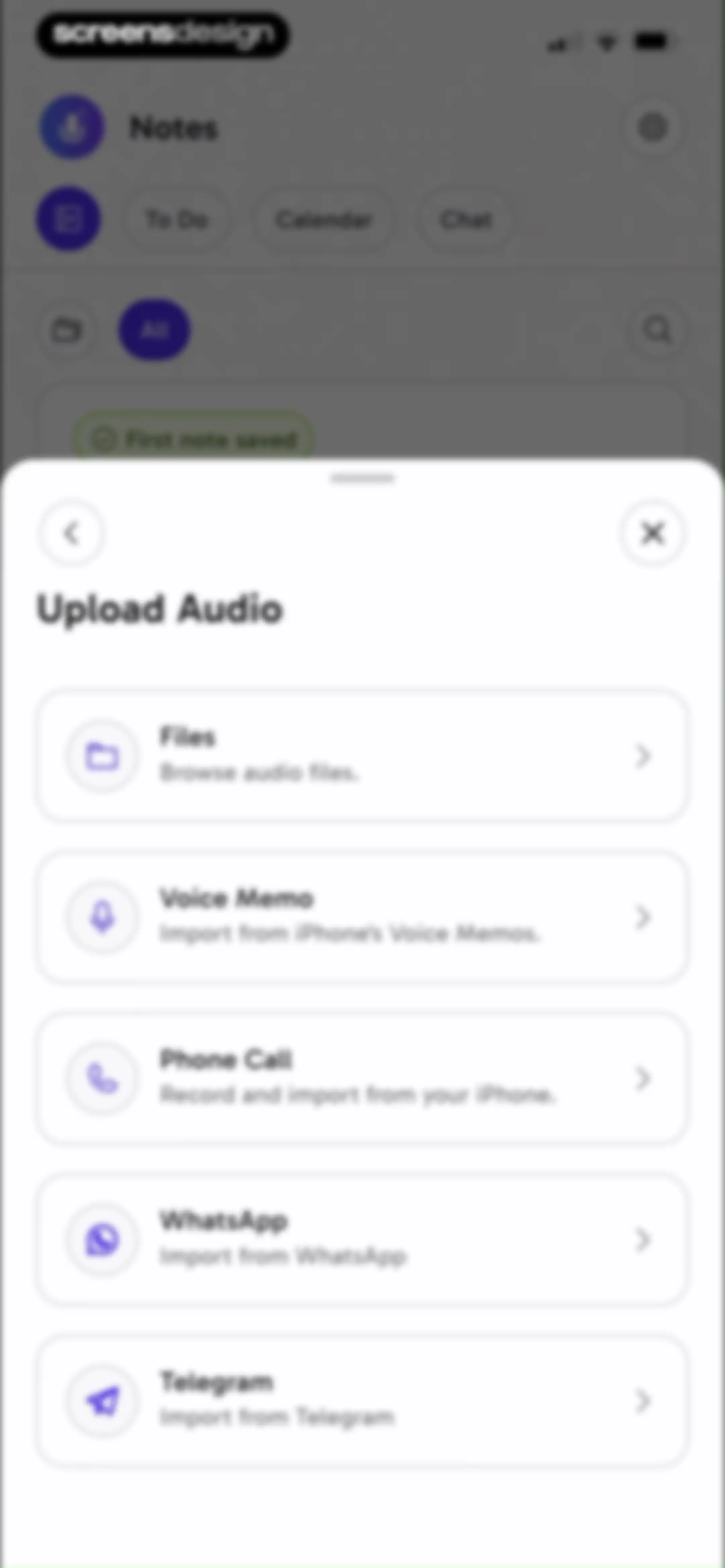
Modal overlay listing audio import options including Files, Voice Memo, Phone Call, WhatsApp, and Telegram over a dashboard.Unlock Pro
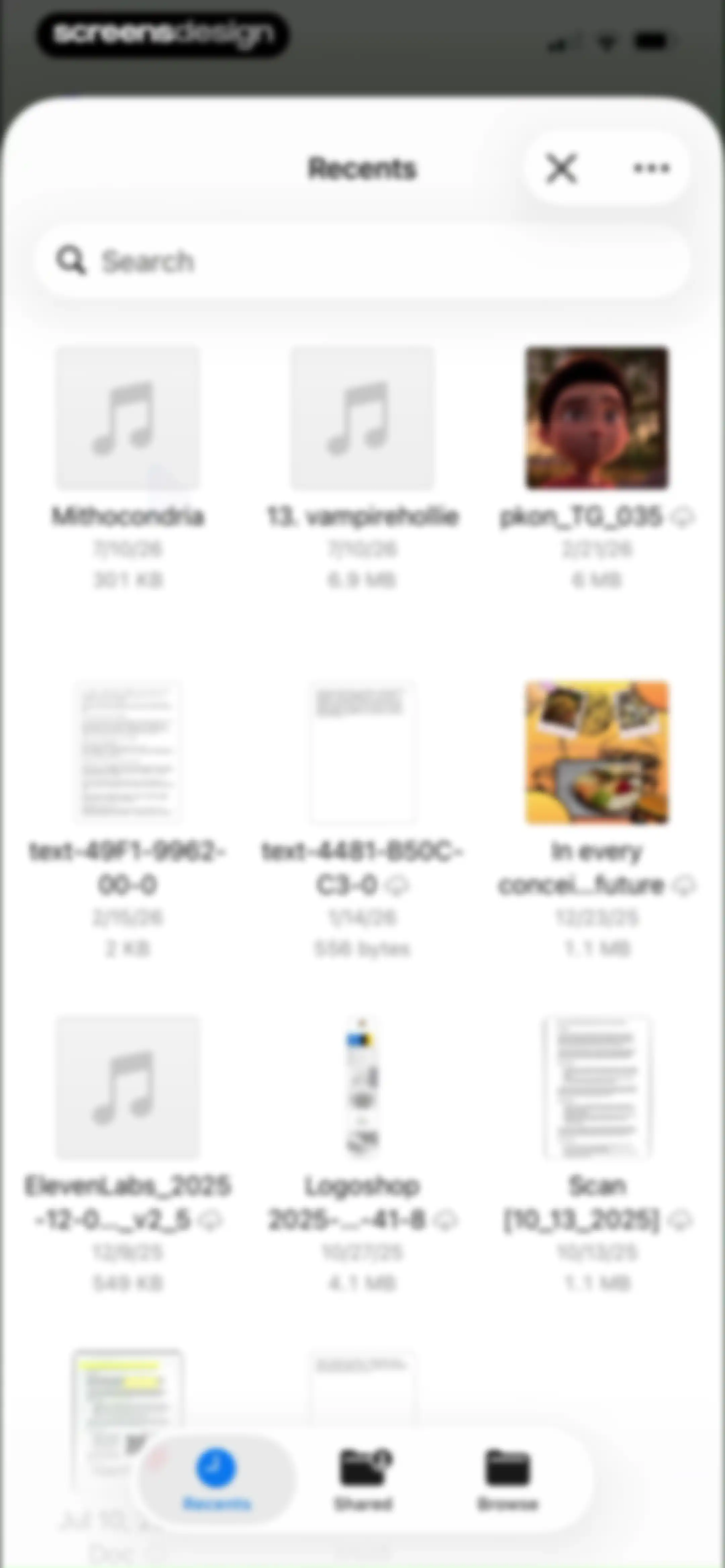
File manager content feed displaying a grid of recent files, a search bar at the top, and Recents selected in the bottom navigation bar.Unlock Pro
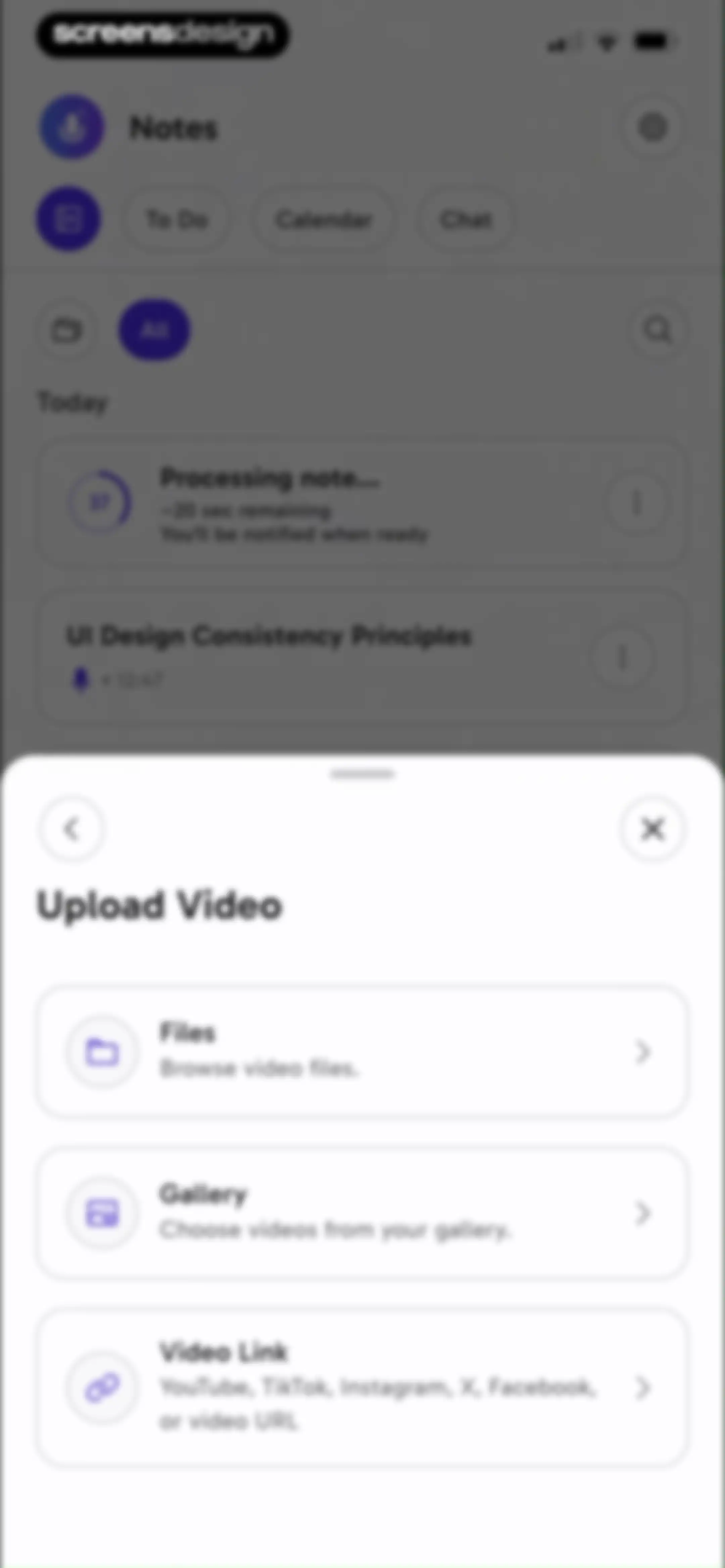
Upload Video modal overlay with cards for Files, Gallery, and Video Link, centered over a notes dashboard.Unlock Pro
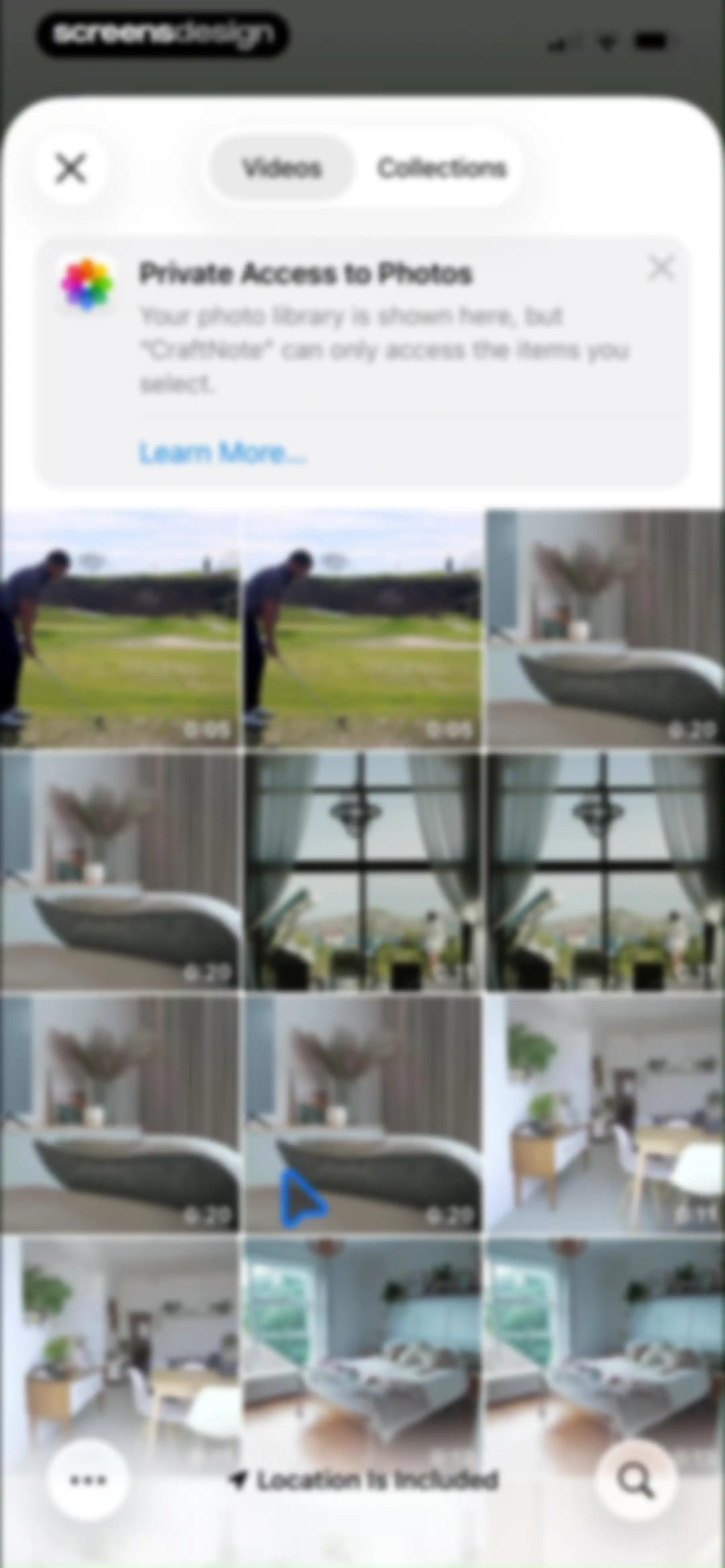
CraftNote media import screen displaying a scrollable video thumbnail grid, a privacy notice, and a bottom floating action bar with a search icon.Unlock Pro
Upload selection modal displaying options for Document, Text, WhatsApp, and Telegram over a dashboard with a processing task status.Unlock Pro
Podcast search modal with an empty search input field and a scrollable list of popular podcasts.Unlock Pro
Podcast episode selection modal with a search bar and a vertical list of episode cards showing titles and durations.Unlock Pro
Podcast episode details modal showing artwork and metadata for New Heights, with a bottom Summarize button.Unlock Pro
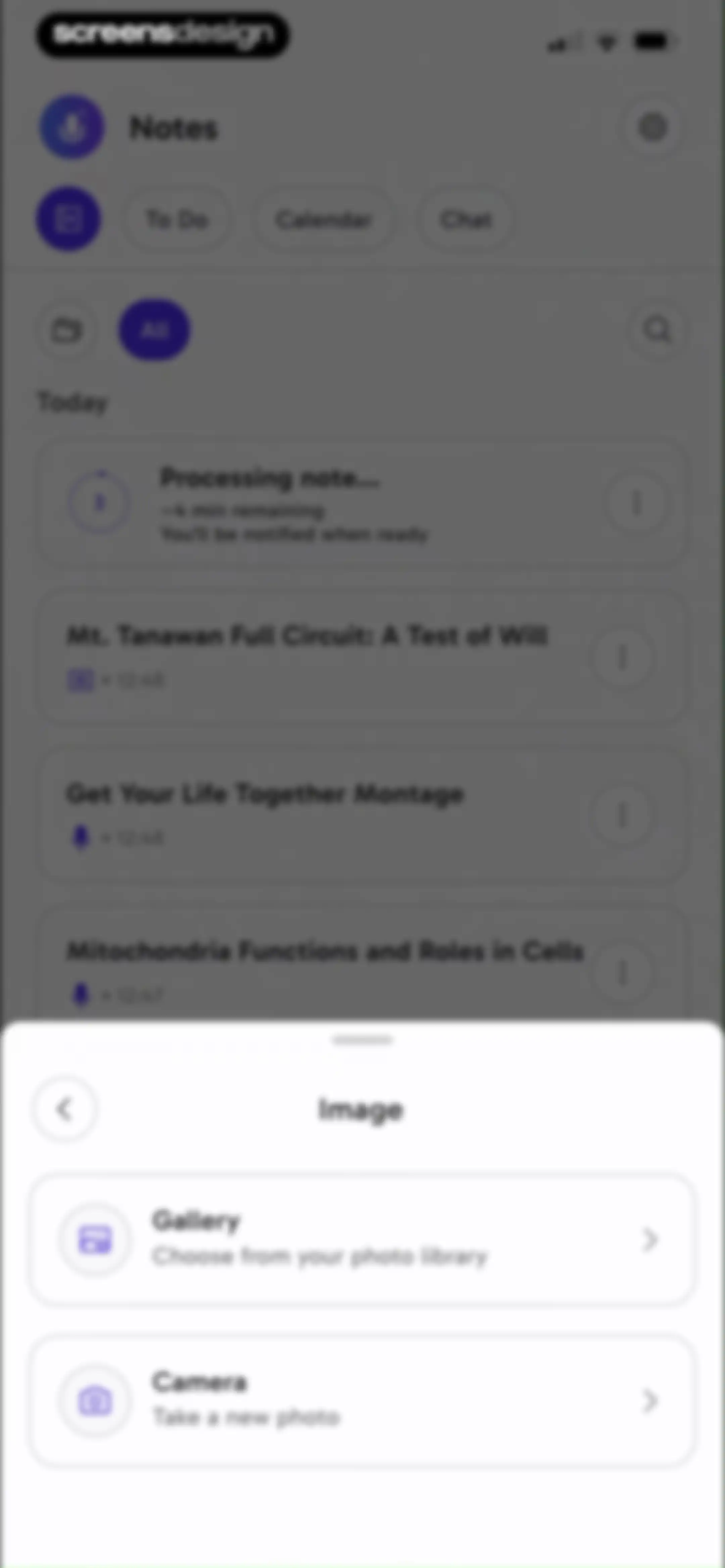
Note-taking app home screen displaying a list of notes with an image selection bottom modal overlaying the content.Unlock Pro
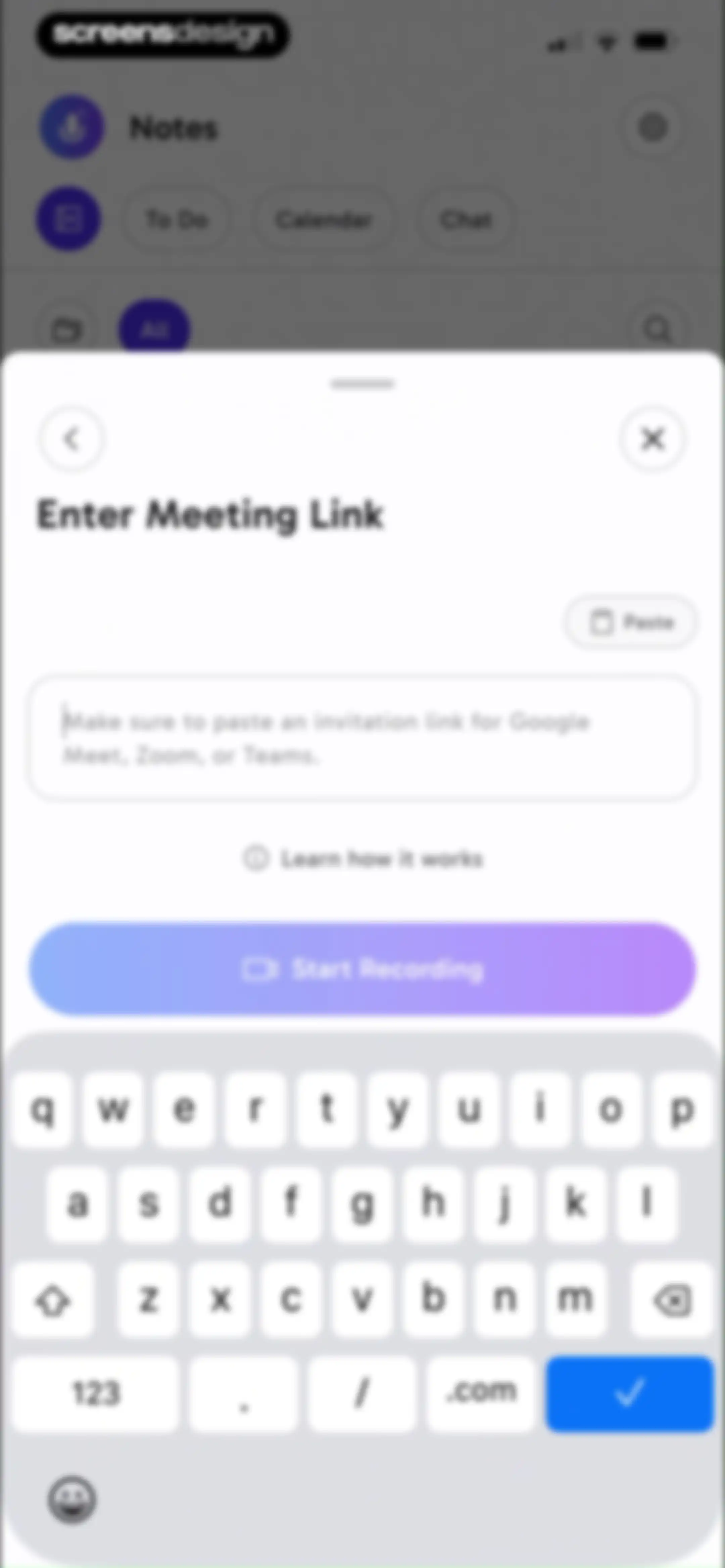
Meeting link entry modal with a text input field, a paste button, instructions, and a Start Recording button.Unlock Pro
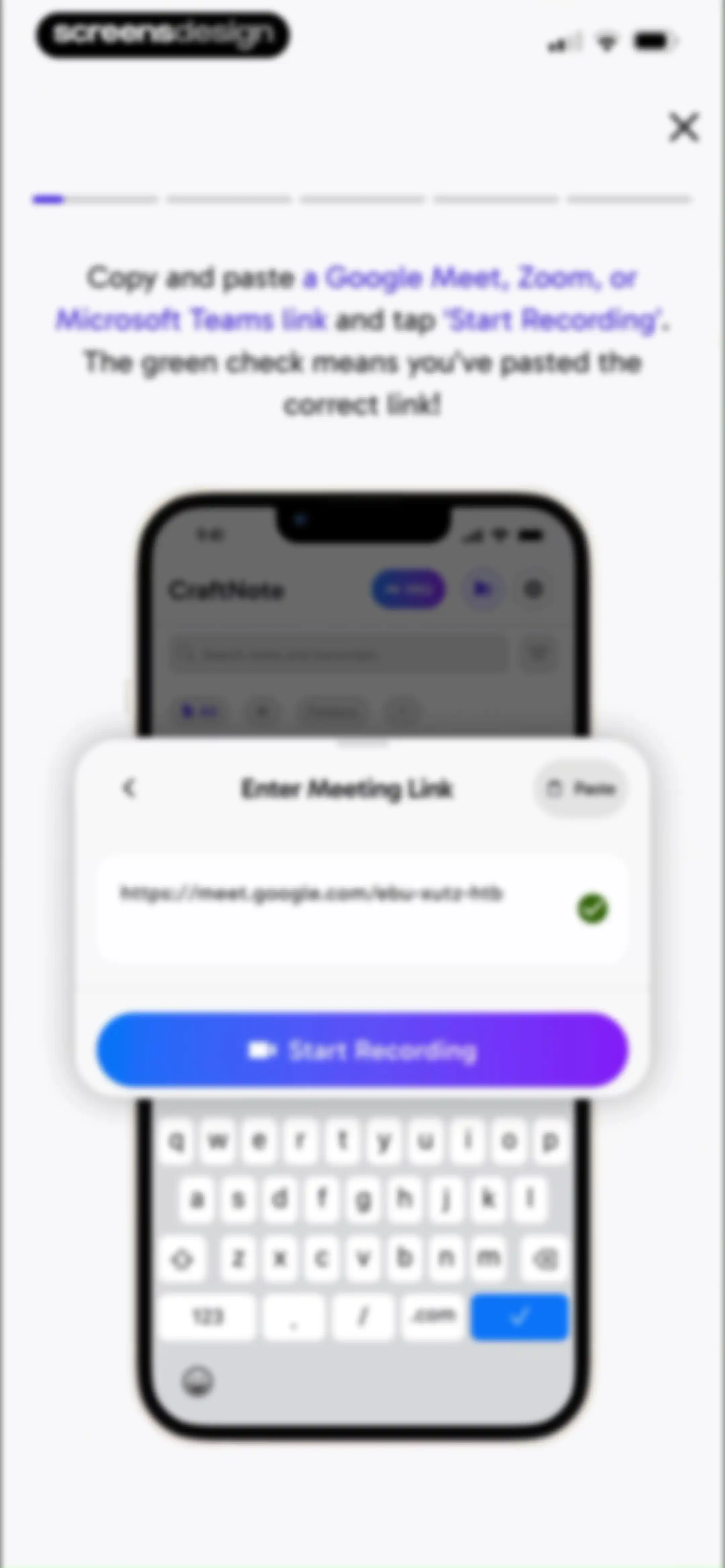
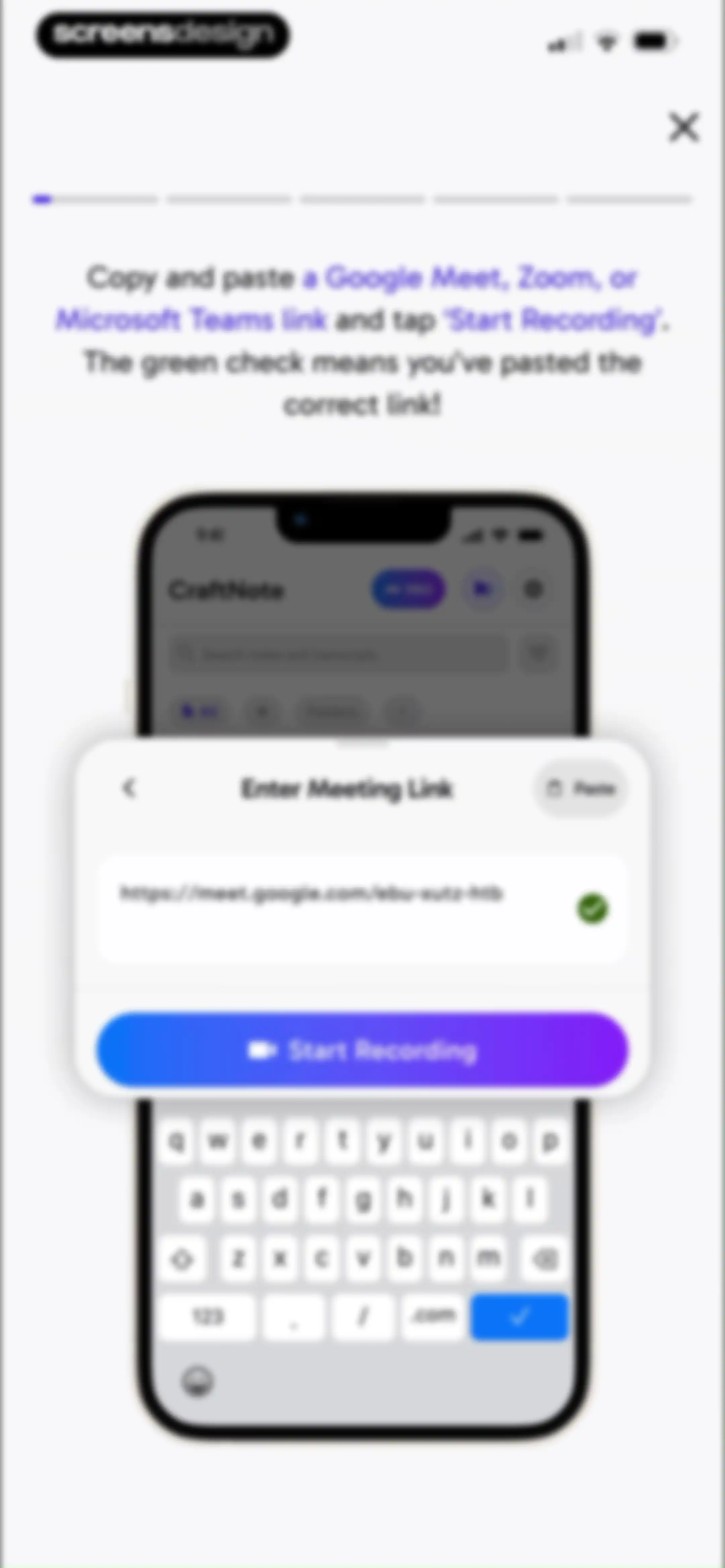
Onboarding screen instructing users to enter a meeting link, showing a filled input field with a green checkmark and a Start Recording button.Unlock Pro
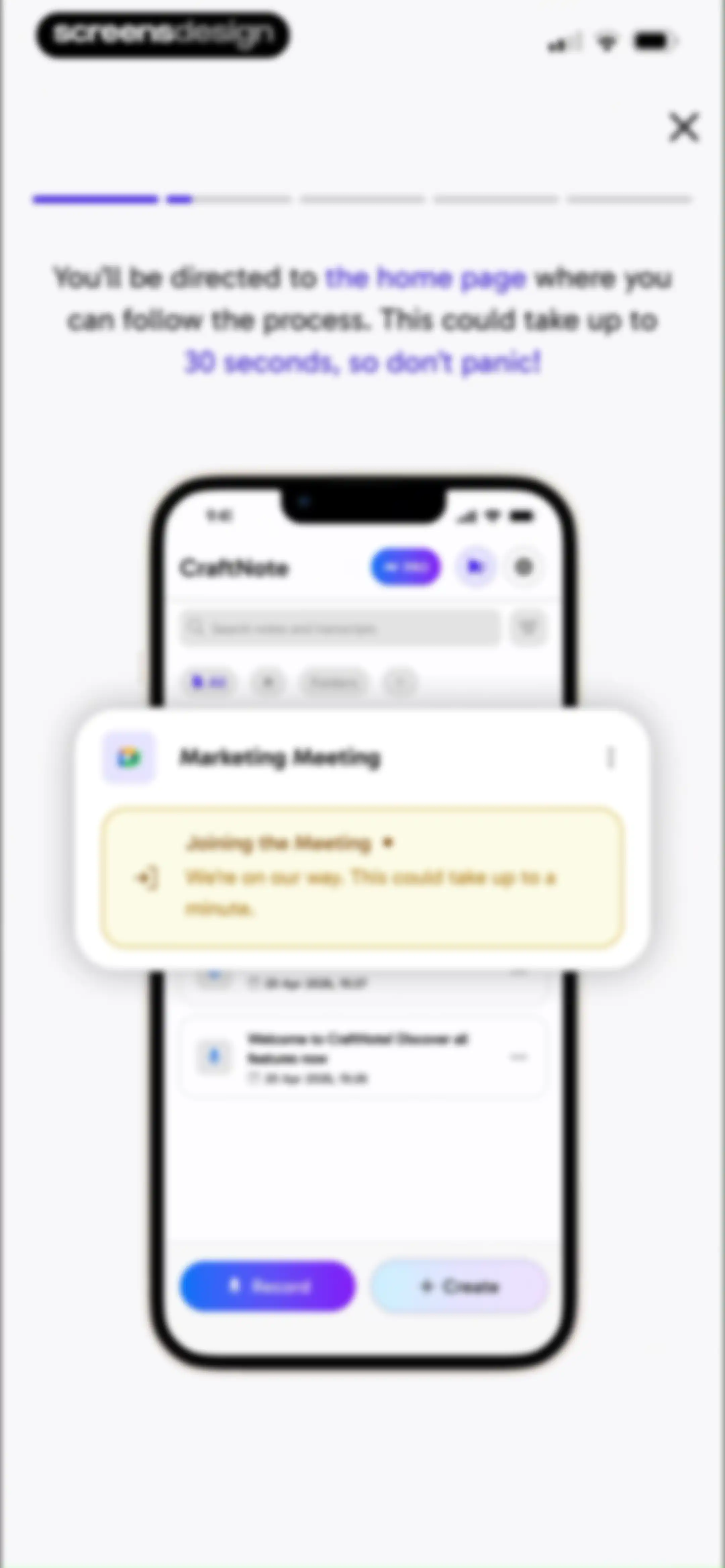
CraftNote onboarding screen with a progress bar, instructional text, and a centered phone mockup showing a meeting joining status.Unlock Pro
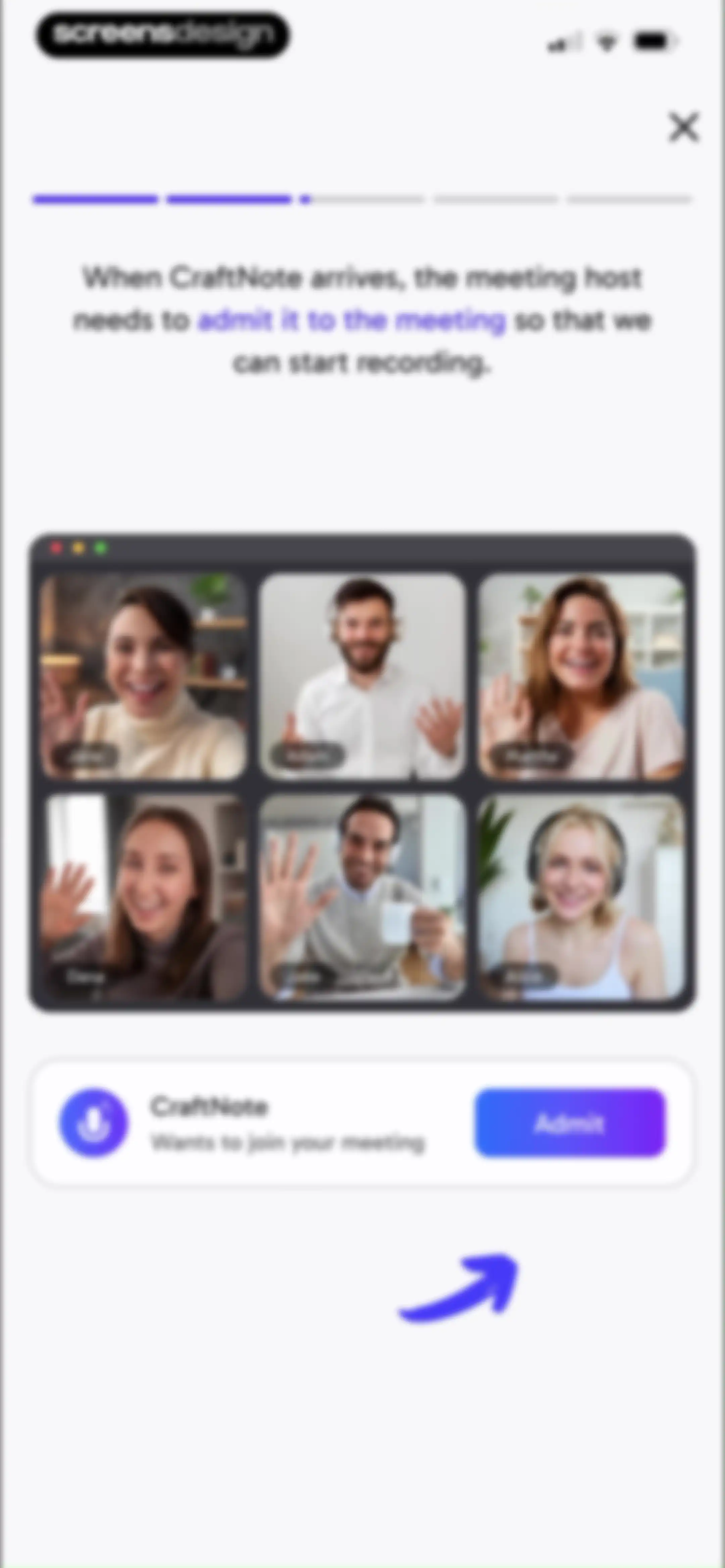
CraftNote onboarding screen explaining how to admit the AI assistant to a meeting, featuring a video call mockup and an Admit button.Unlock Pro
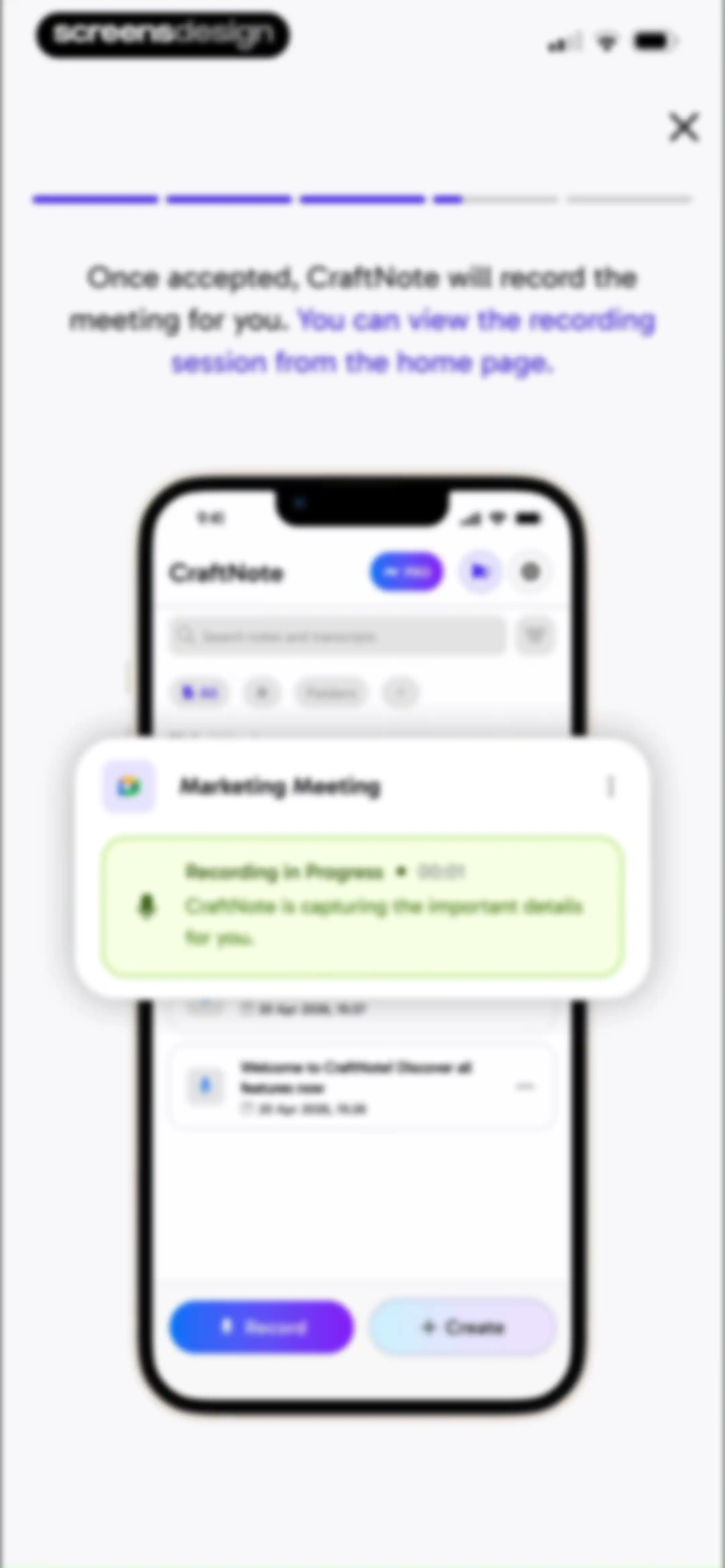
CraftNote app onboarding screen demonstrating meeting recording features with a central smartphone mockup displaying a recording in progress card.Unlock Pro
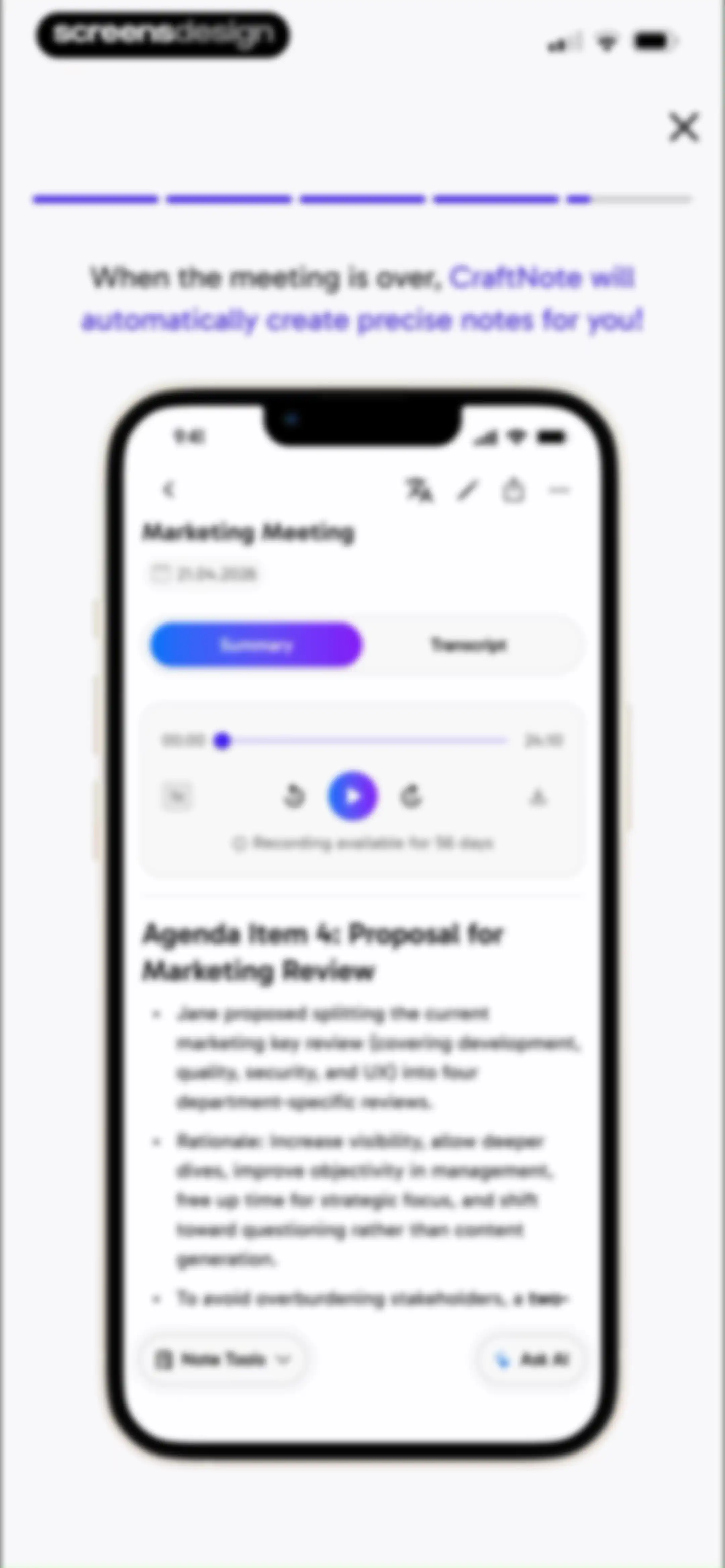
Onboarding screen displaying a smartphone mockup of an automated meeting summary with audio controls and an Ask AI button.Unlock Pro
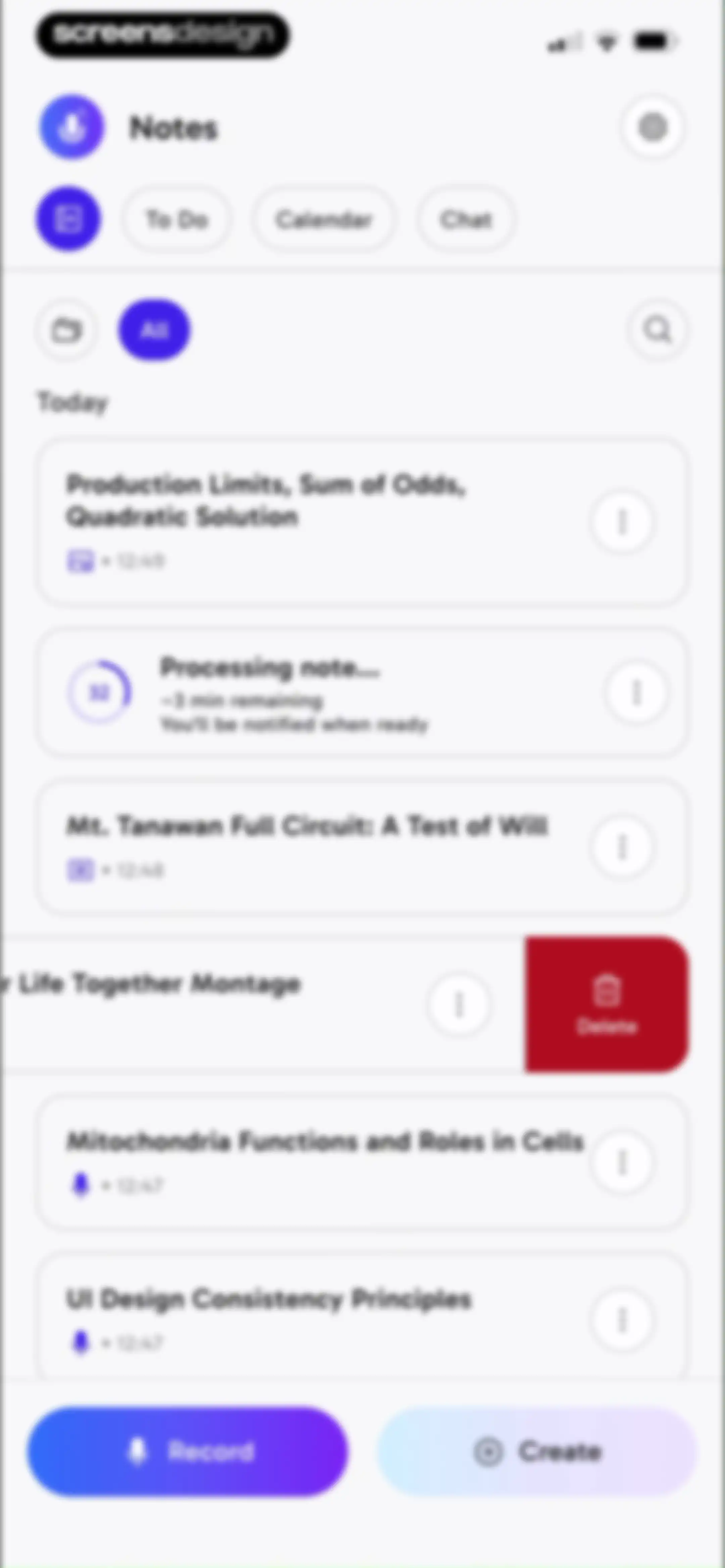
Dashboard displaying a list of note cards, category tabs, and bottom action buttons for recording and creating notes.Unlock Pro
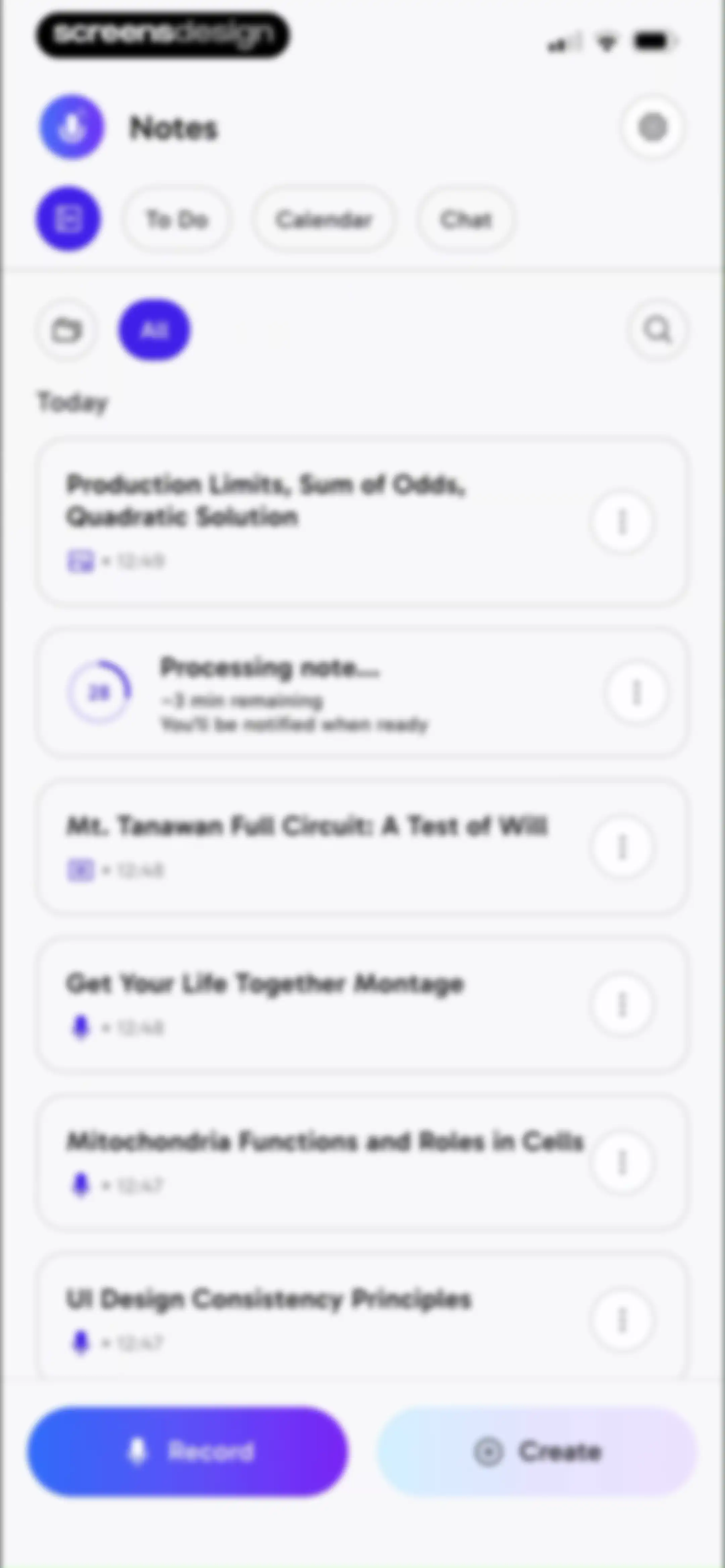
Dashboard showing a list of note cards, a processing status indicator, and bottom Record and Create buttons.Unlock Pro
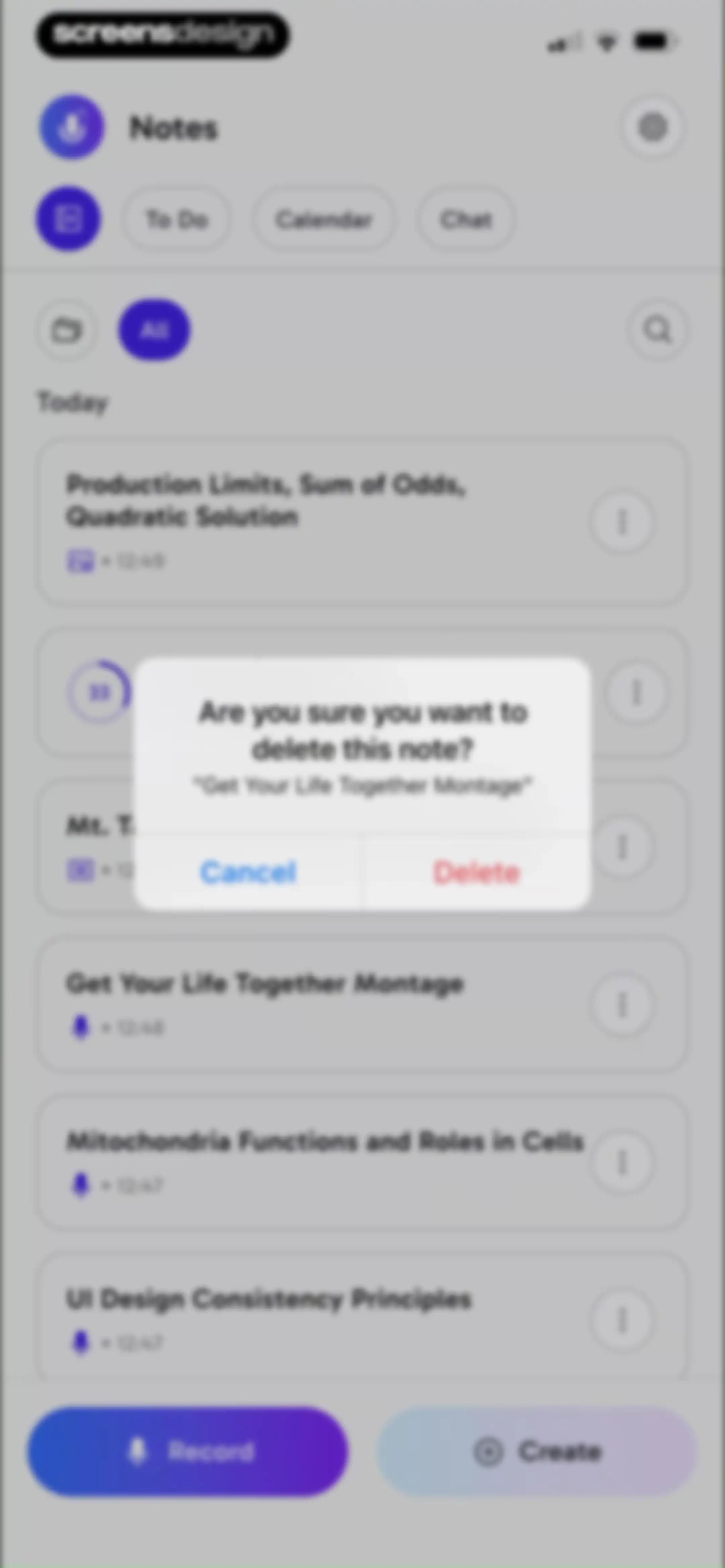
Home dashboard displaying a list of note cards with an overlay confirmation modal asking if you are sure you want to delete this note, featuring Cancel and Delete buttons.Unlock Pro
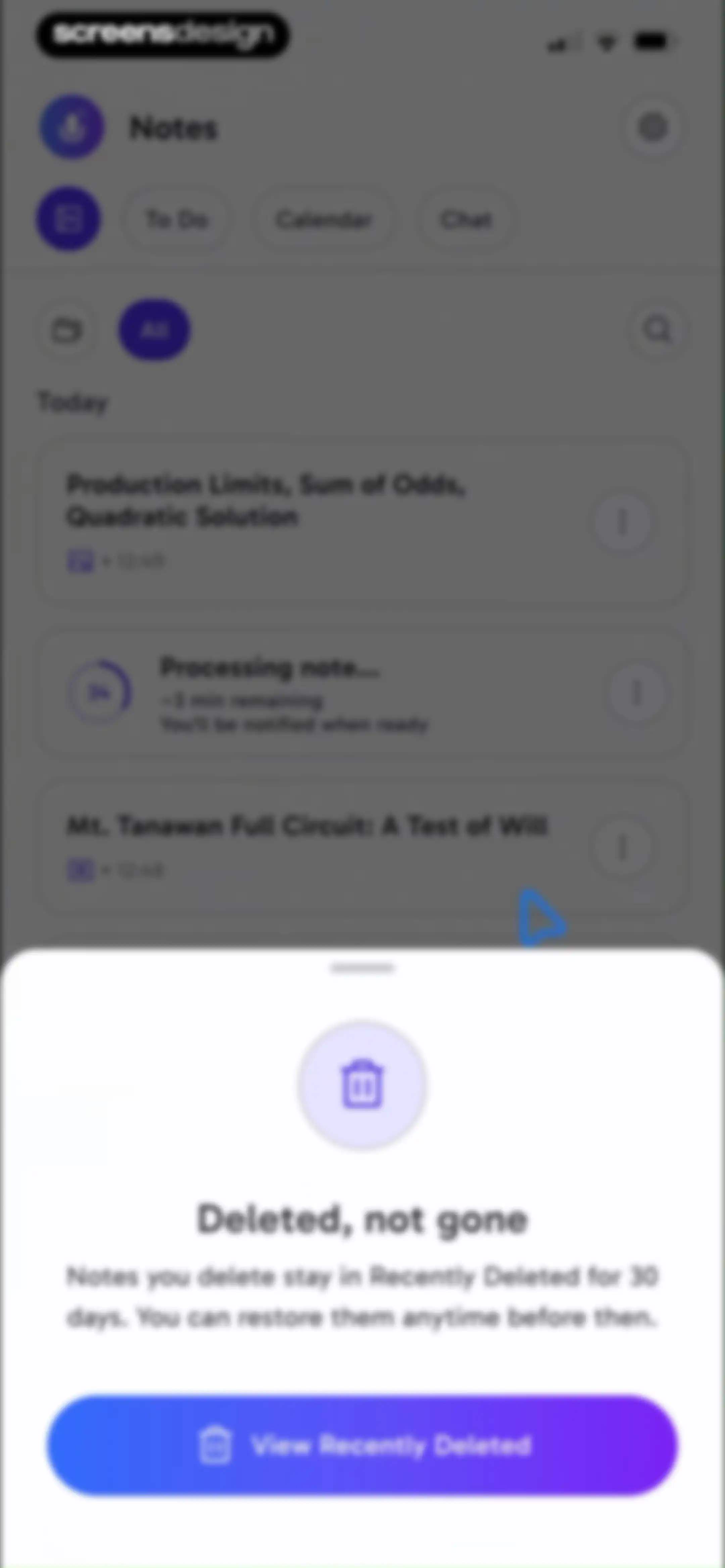
Note-taking dashboard with a bottom modal explaining that deleted notes stay in Recently Deleted for 30 days, featuring a View Recently Deleted button.Unlock Pro
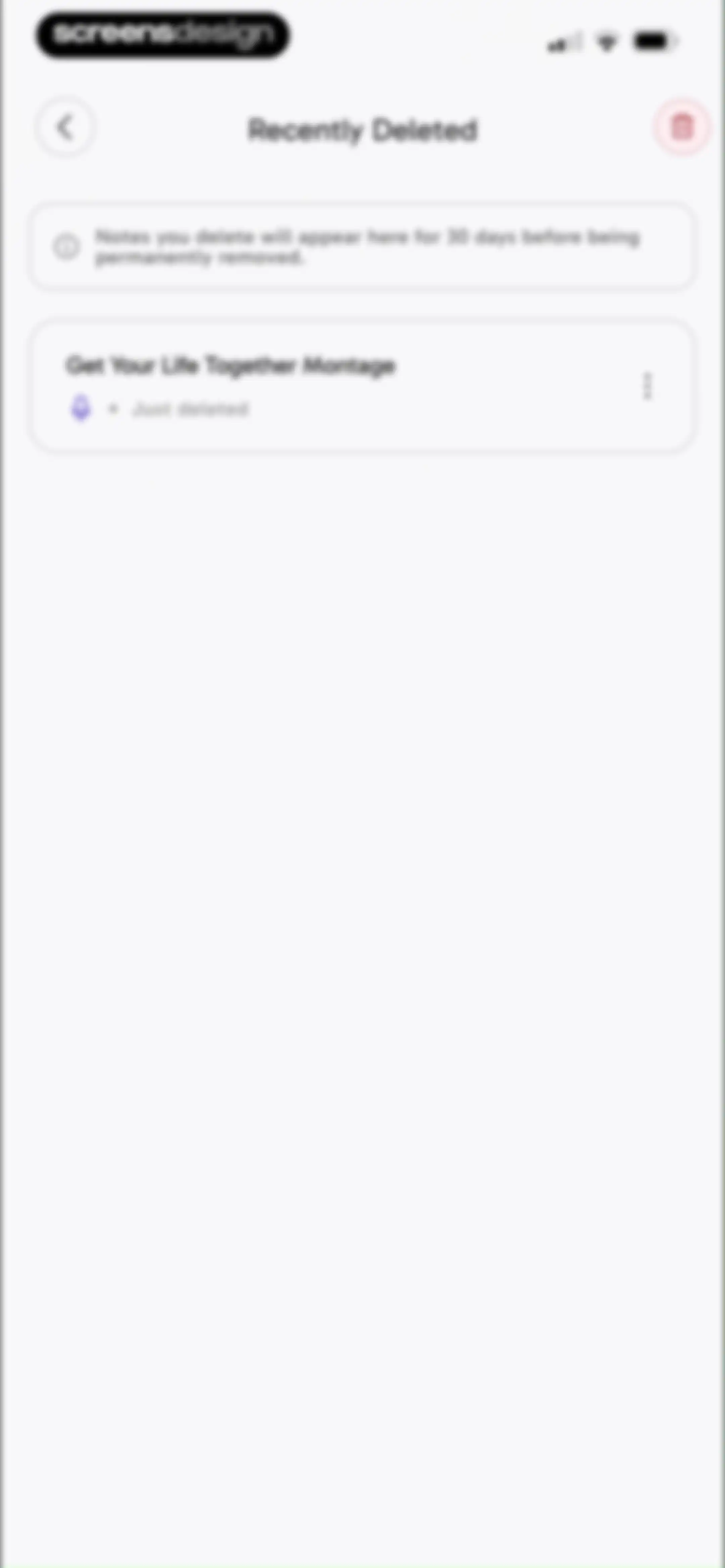
Recently Deleted screen displaying an informational retention banner and a list item for a deleted note.Unlock Pro
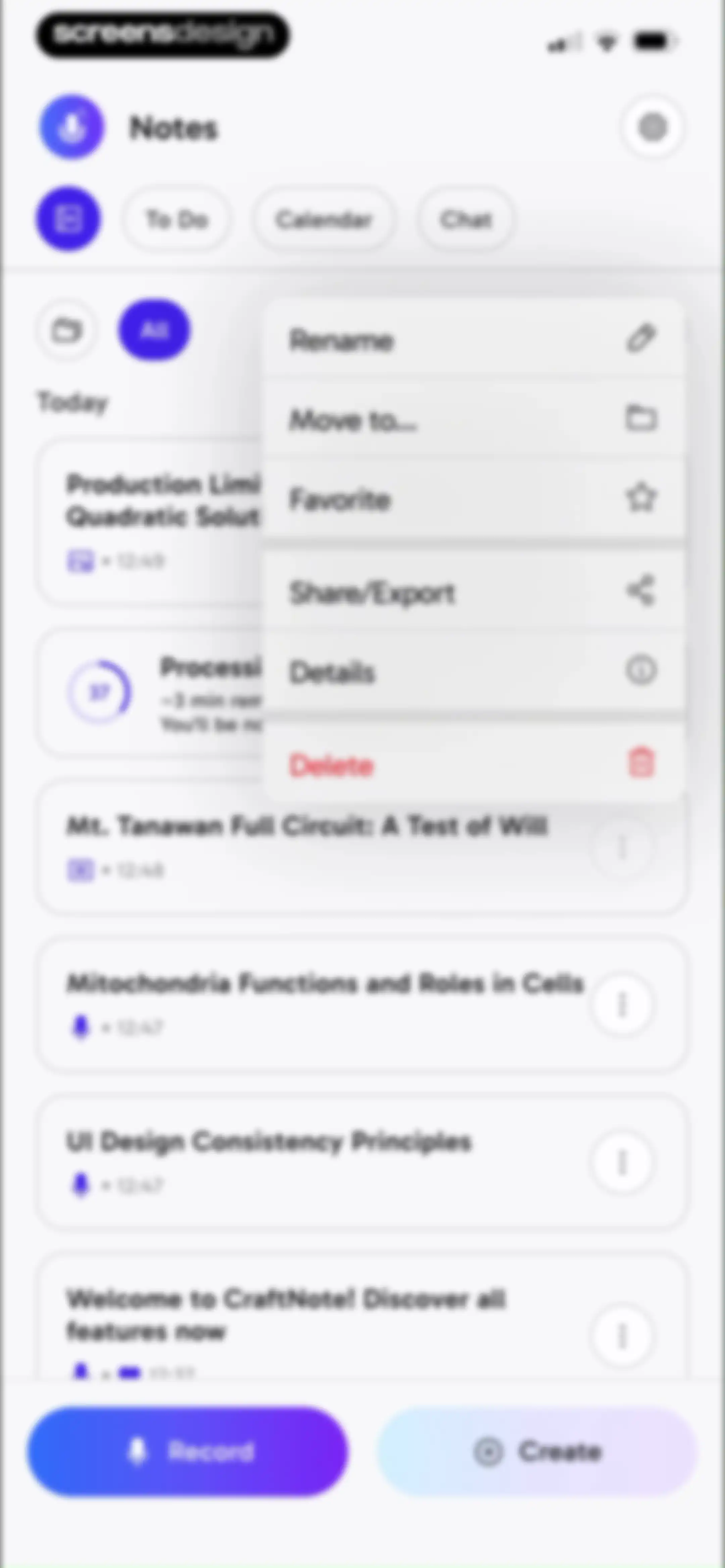
Home screen displaying a list of note cards with an open modal action menu showing options like Rename, Delete, and Share/Export.Unlock Pro
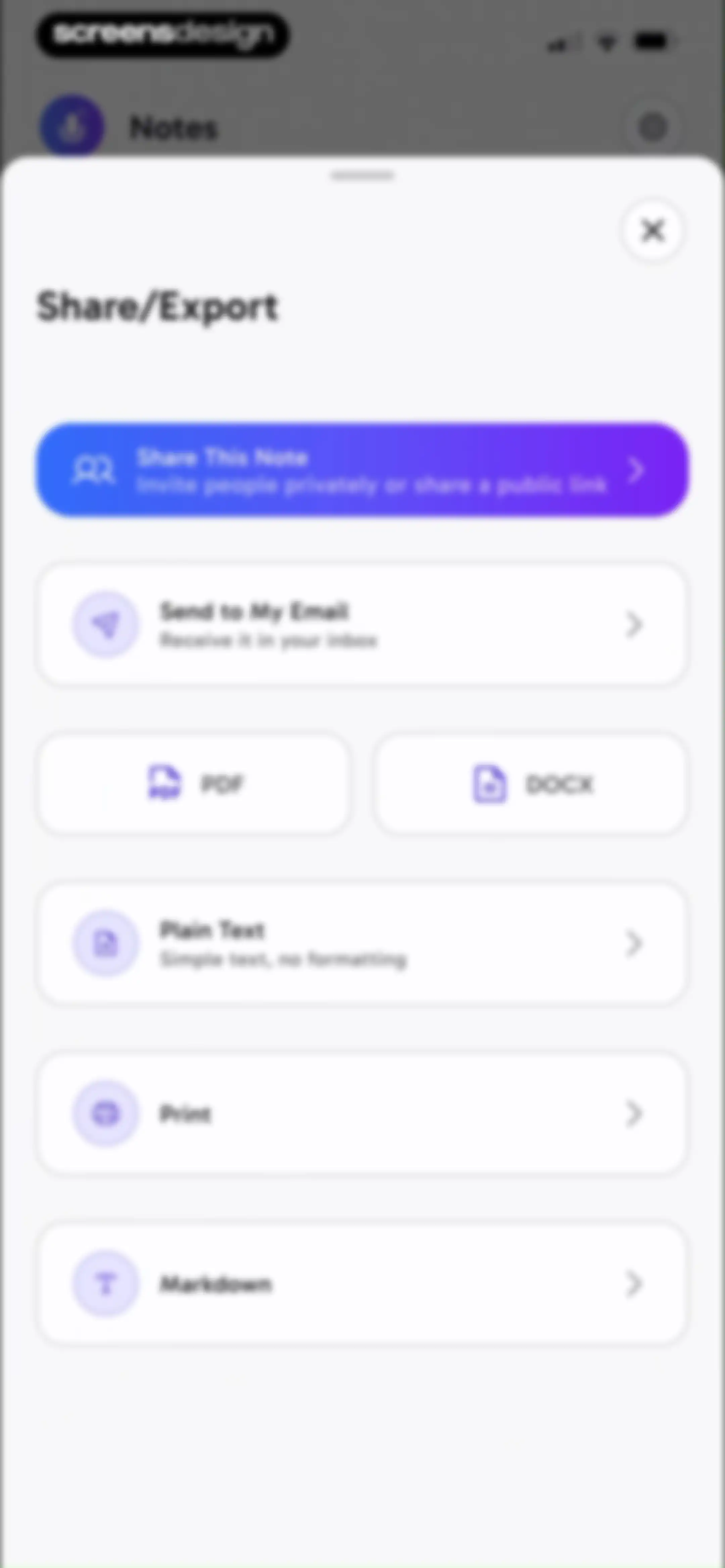
Share and export menu in a bottom-sheet modal with options to share the note, email it, or export in formats like PDF and Markdown.Unlock Pro
CraftNote home dashboard displaying a list of notes with a processing status and a promotional modal for web access featuring a Try CraftNote for Web button.Unlock Pro
Home dashboard displaying a feature promotion modal for web access, with a background note list and bottom Record and Create buttons.Unlock Pro
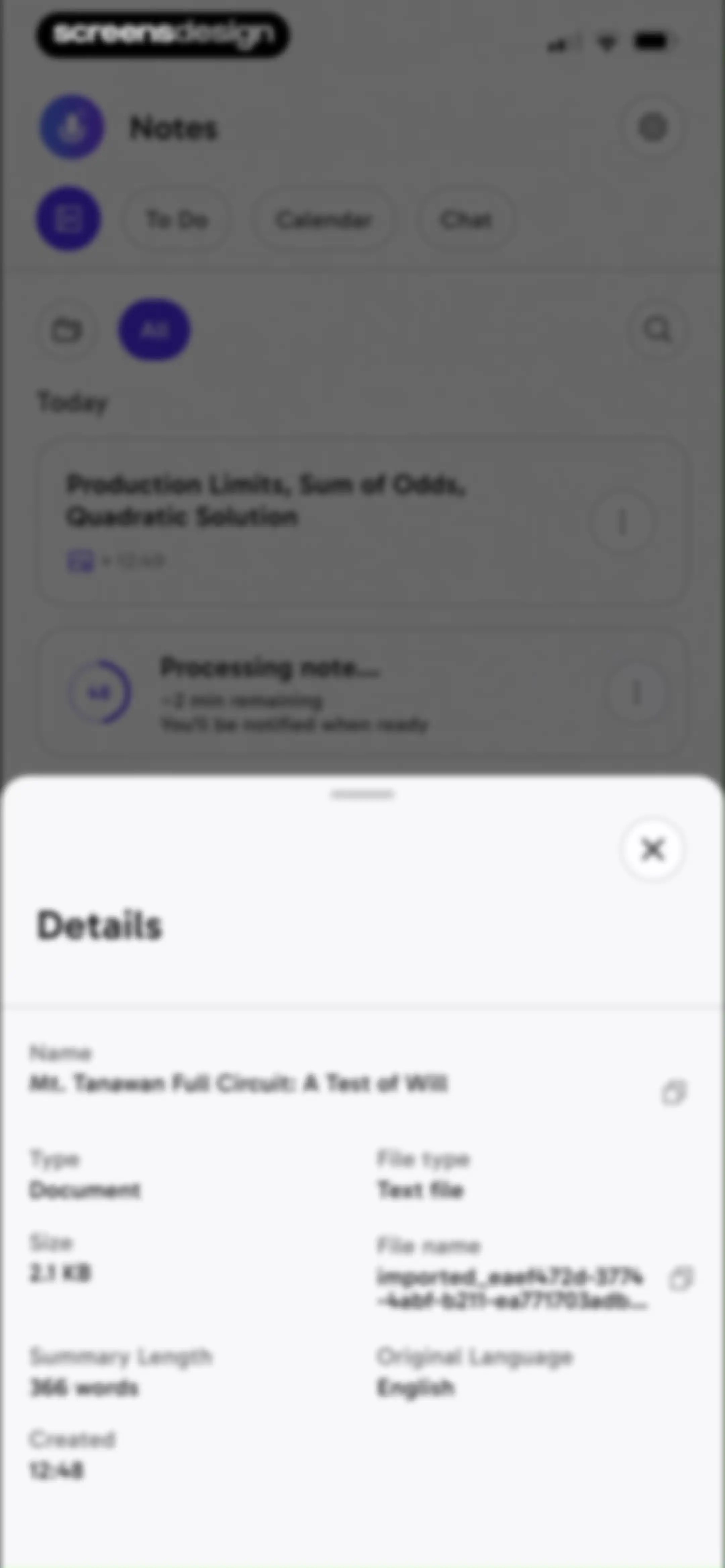
Dashboard displaying a details modal overlay with metadata for a note titled Mt. Tanawan Full Circuit over a background note list.Unlock Pro
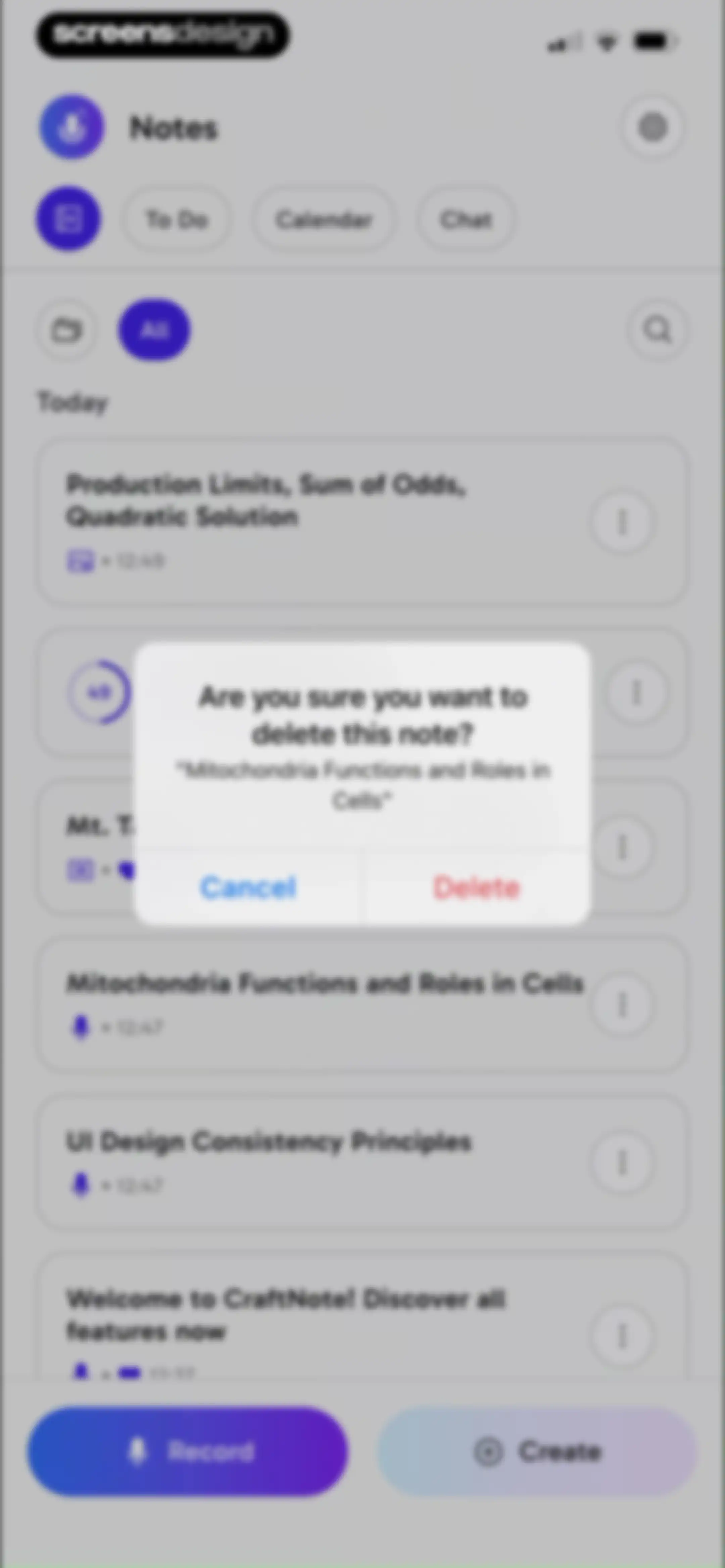
Home screen showing a list of notes with a delete confirmation modal open and Cancel and Delete buttons.Unlock Pro
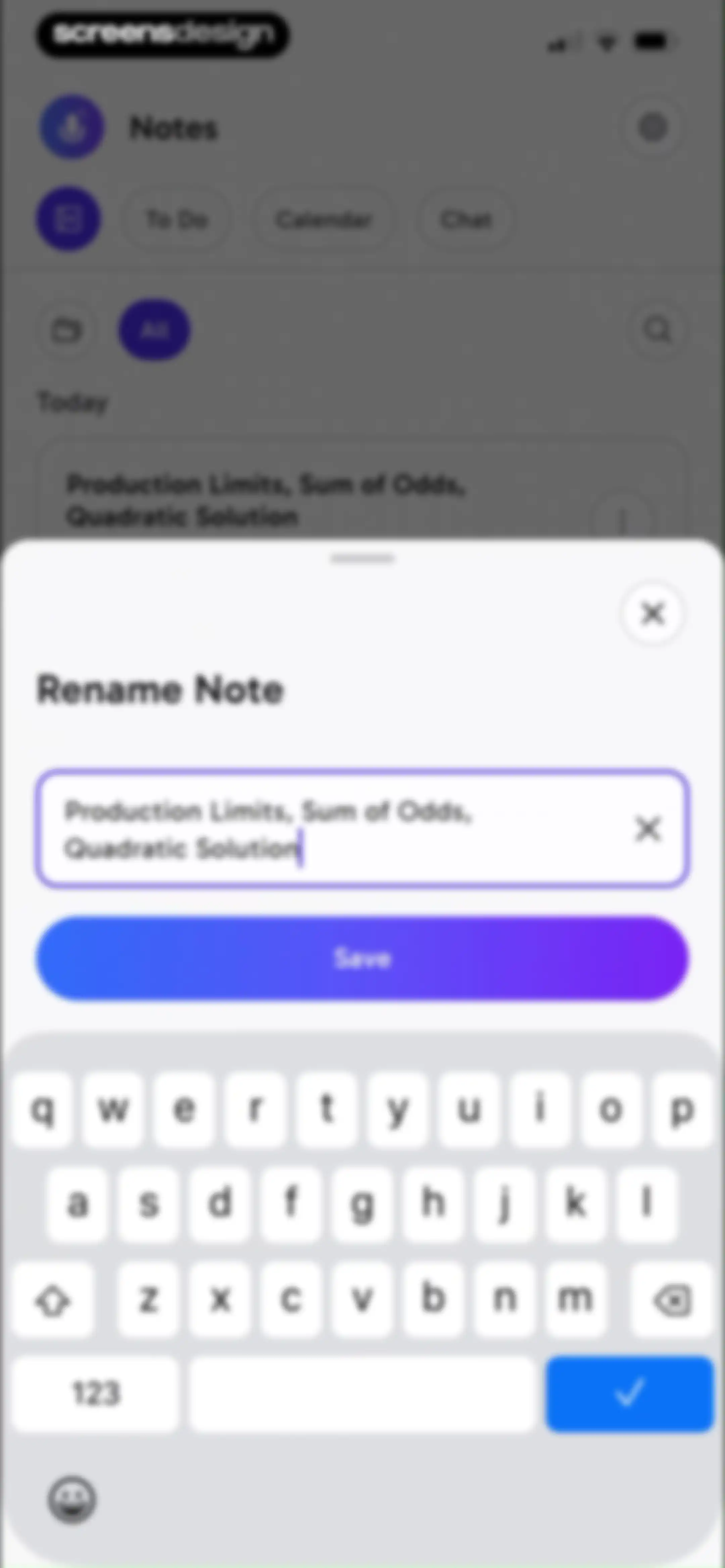
Rename note modal overlaying a dashboard, with a pre-filled input field and a Save button.Unlock Pro
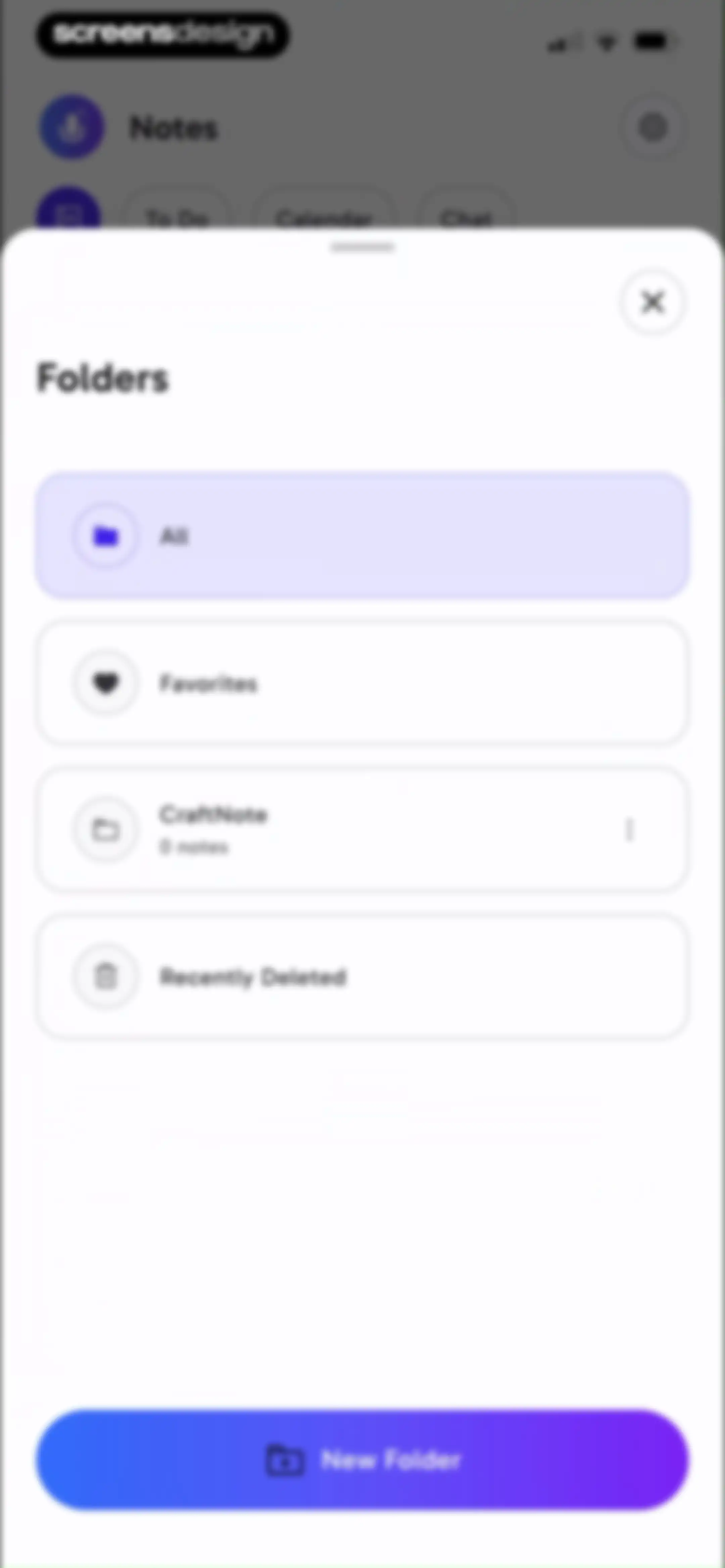
Folder selection modal showing a vertical list of categories with All selected, and a New Folder button at the bottom.Unlock Pro
CraftNote home screen displaying a list of note cards, filter options, and bottom action buttons for recording and creating notes.Unlock Pro
Dashboard for CraftNote featuring a welcome card, top navigation tabs, and bottom Record and Create action buttons.Unlock Pro
Recently deleted notes list displaying two note cards, an informational banner about retention, and a trash icon.Unlock Pro
Recently deleted notes list with a bottom action modal showing a selected note, a Restore button, and a Delete Permanently button.Unlock Pro
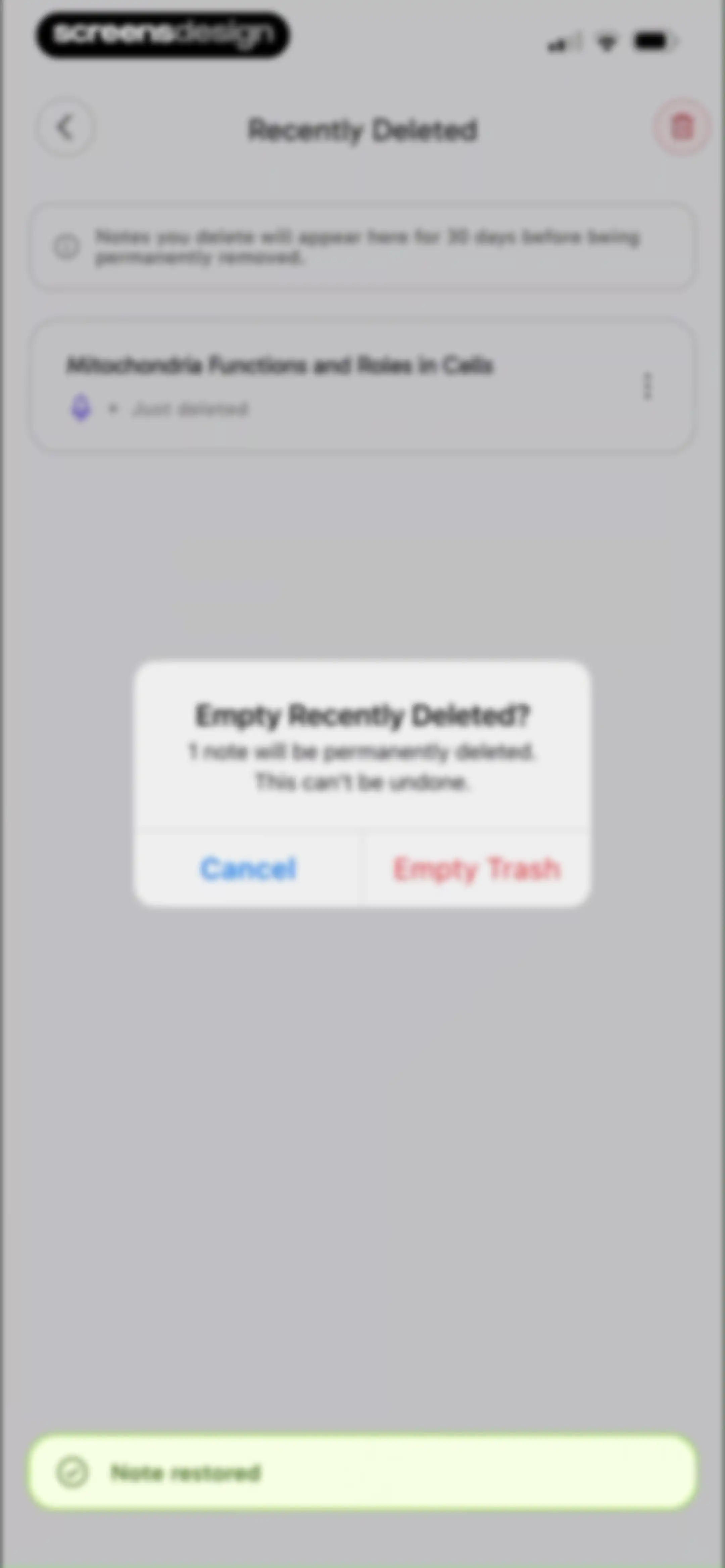
Recently deleted notes screen with a confirmation modal to empty trash and a toast notification confirming a note was restored.Unlock Pro
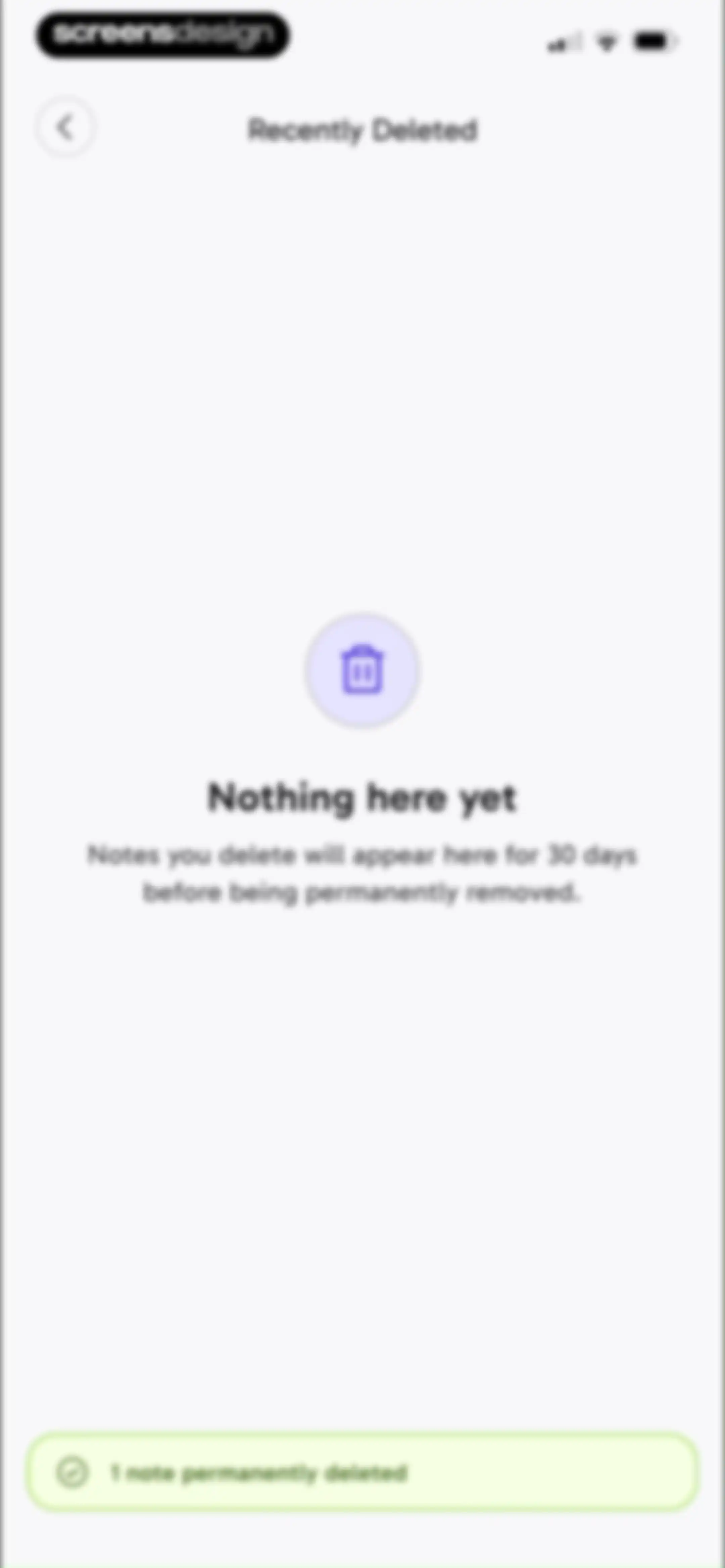
Recently deleted notes empty state screen with a trash icon and a bottom notification confirming one note was permanently deleted.Unlock Pro
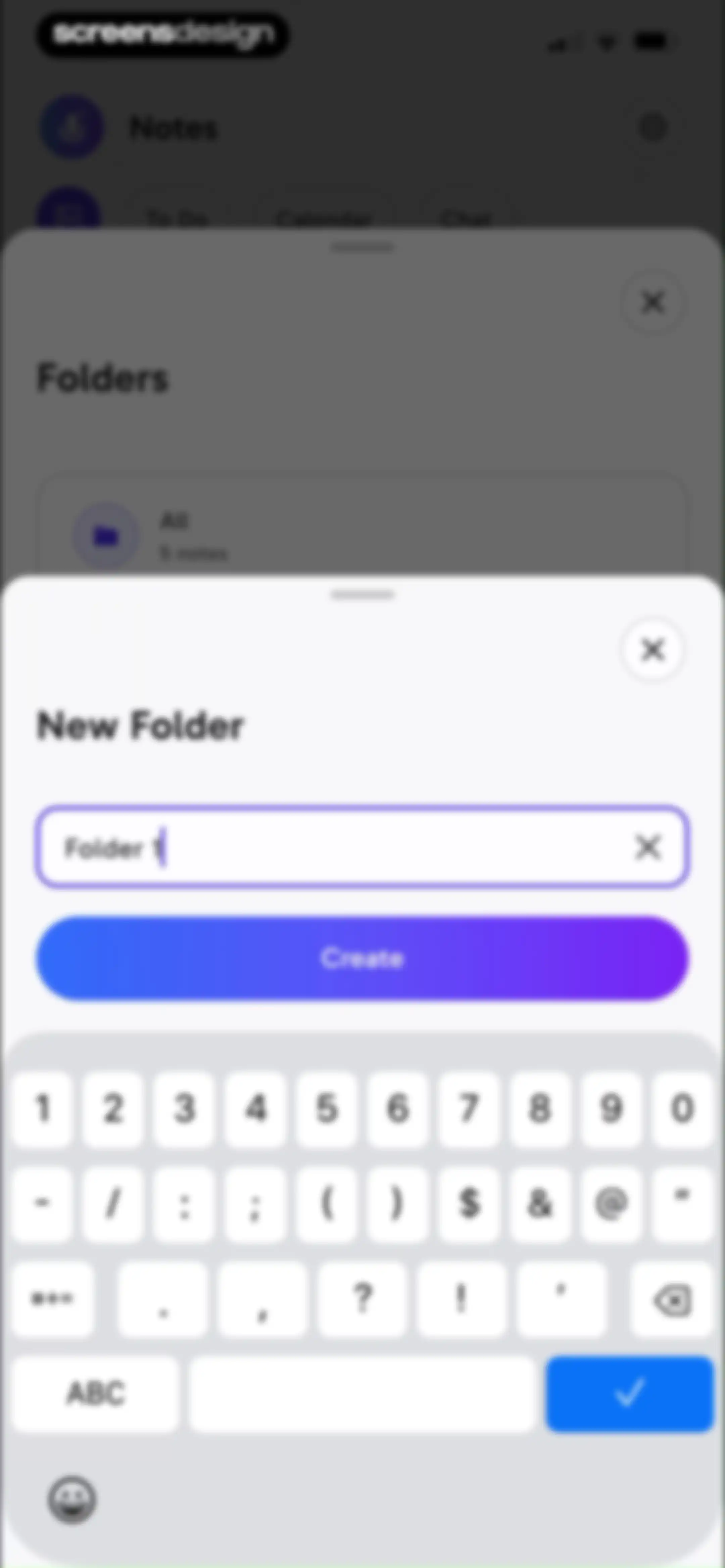
Form modal for creating a new folder with a text input field pre-filled with Folder 1 and a Create button.Unlock Pro
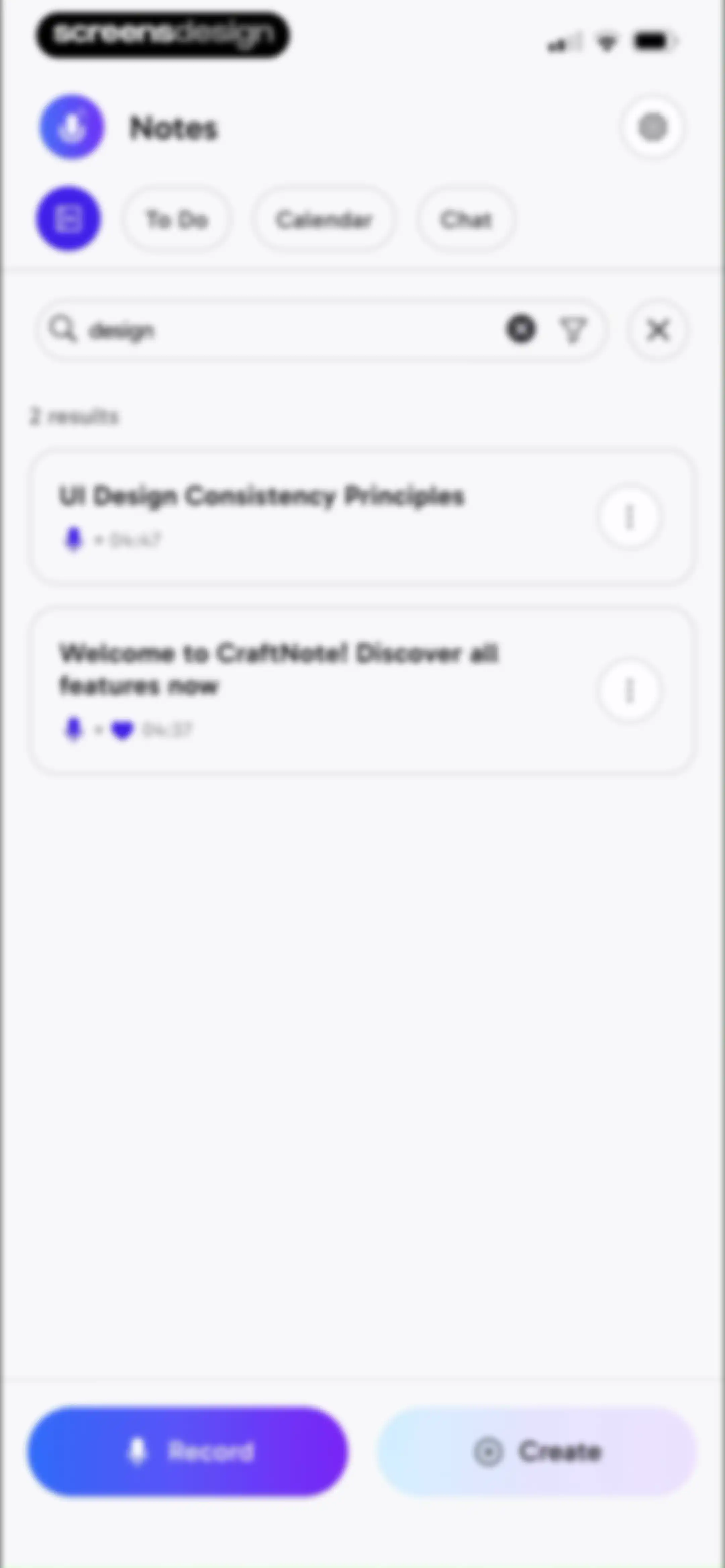
Search results screen displaying two note cards matching the query design, with top navigation tabs and bottom Record and Create buttons.Unlock Pro
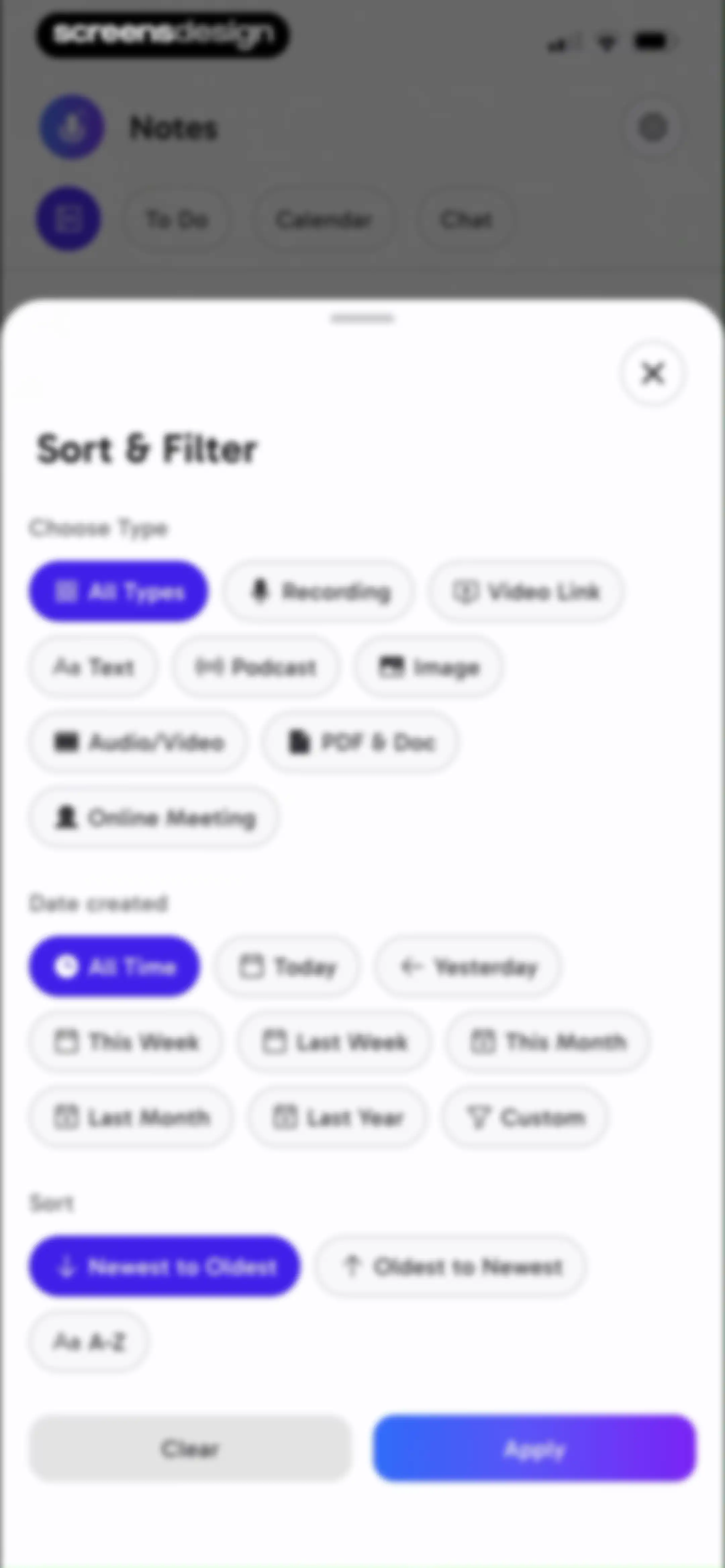
Sort and filter modal with options for content type, creation date, and sorting order, featuring Clear and Apply buttons.Unlock Pro
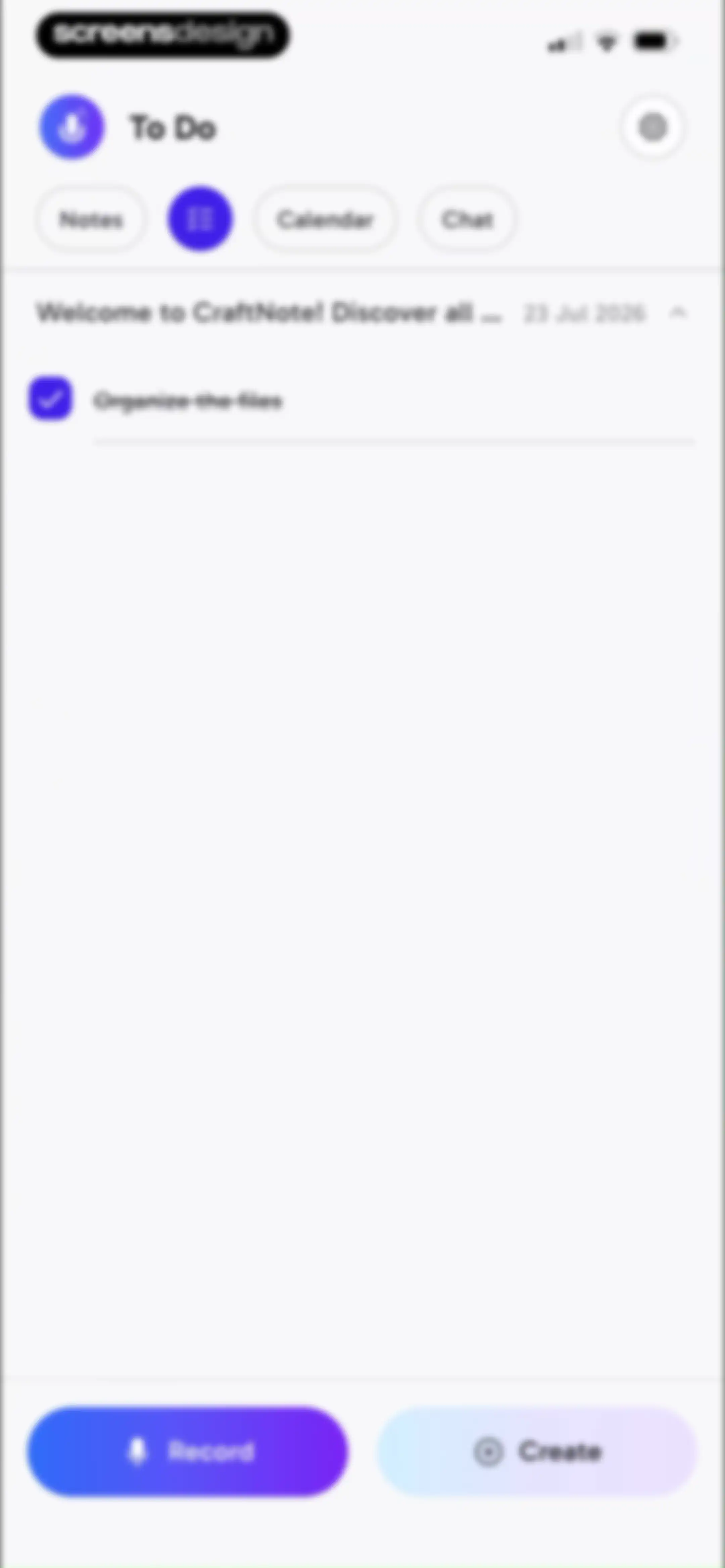
To Do dashboard in CraftNote with navigation tabs, a task list containing Organize the files, and bottom Record and Create buttons.Unlock Pro
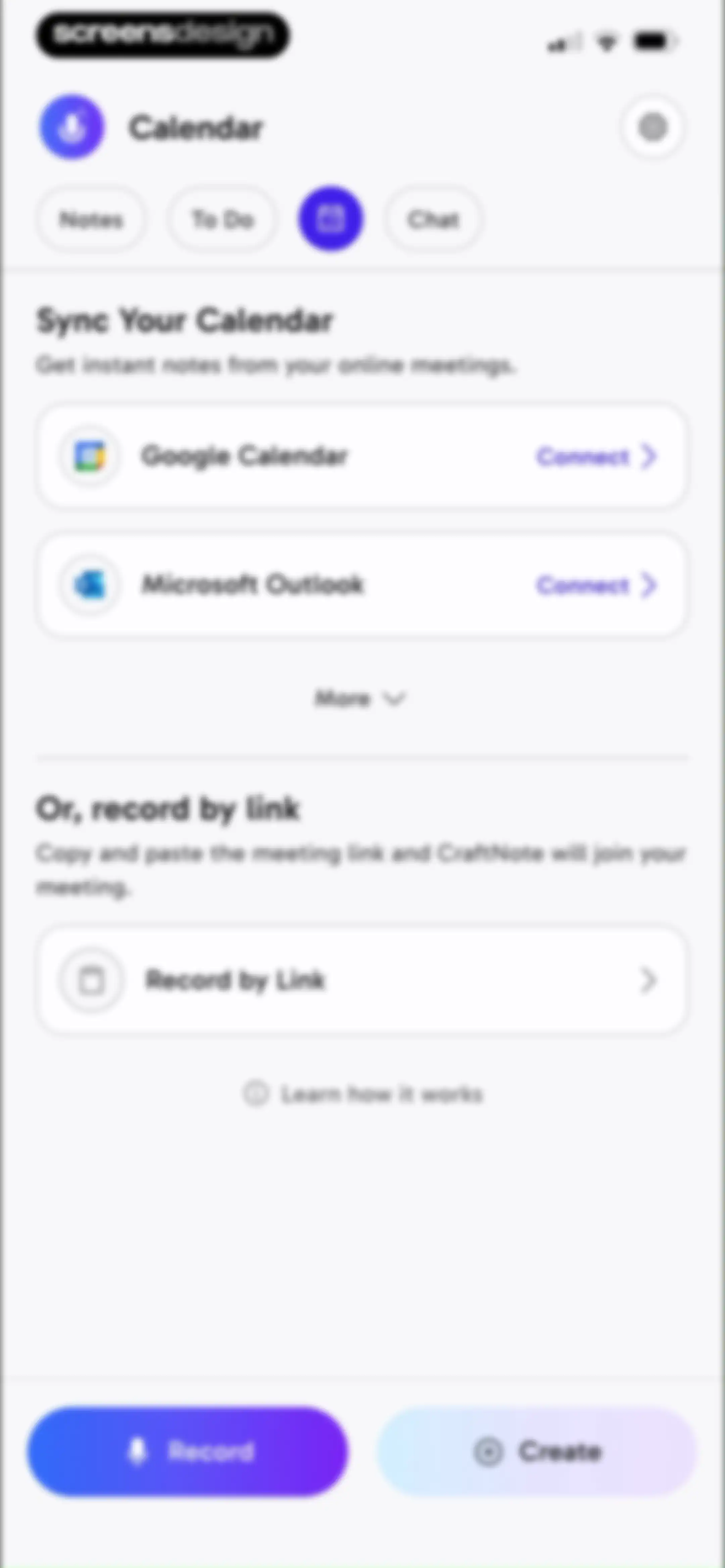
Dashboard for setting up calendar sync and meeting link recording, with cards for Google Calendar and Microsoft Outlook integration and a bottom action bar.Unlock Pro
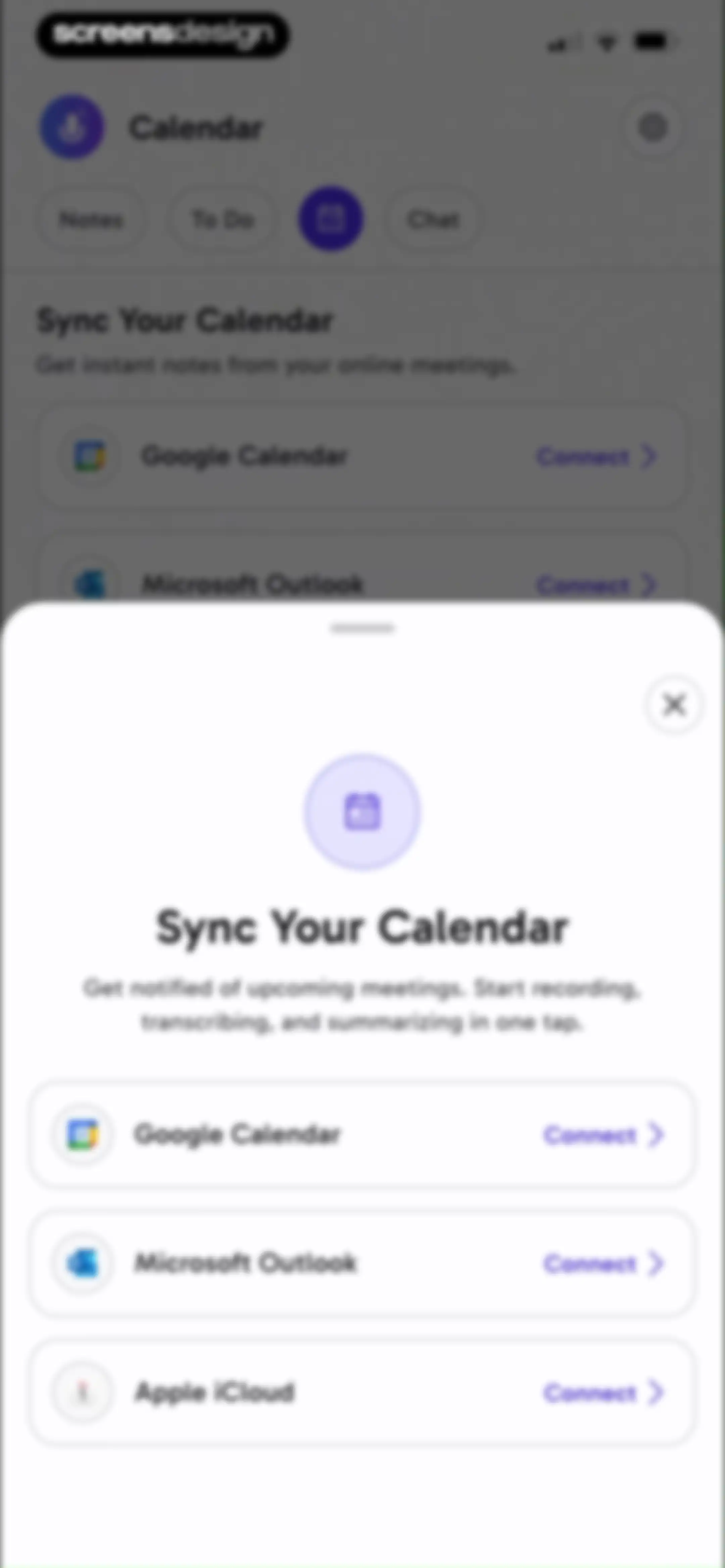
Permissions modal for syncing a calendar, listing Google Calendar, Microsoft Outlook, and Apple iCloud options with connect buttons.Unlock Pro
Chat feature onboarding screen with a feature list for searching all notes and a Prepare my notes action button.Unlock Pro
Loading screen showing an indexing progress indicator with the text Indexing your notes and a progress count of 0 of 6 notes.Unlock Pro
Chat interface for an AI assistant featuring suggestion cards for notes, a bottom input bar labeled Ask Anything, and top navigation tabs.Unlock Pro
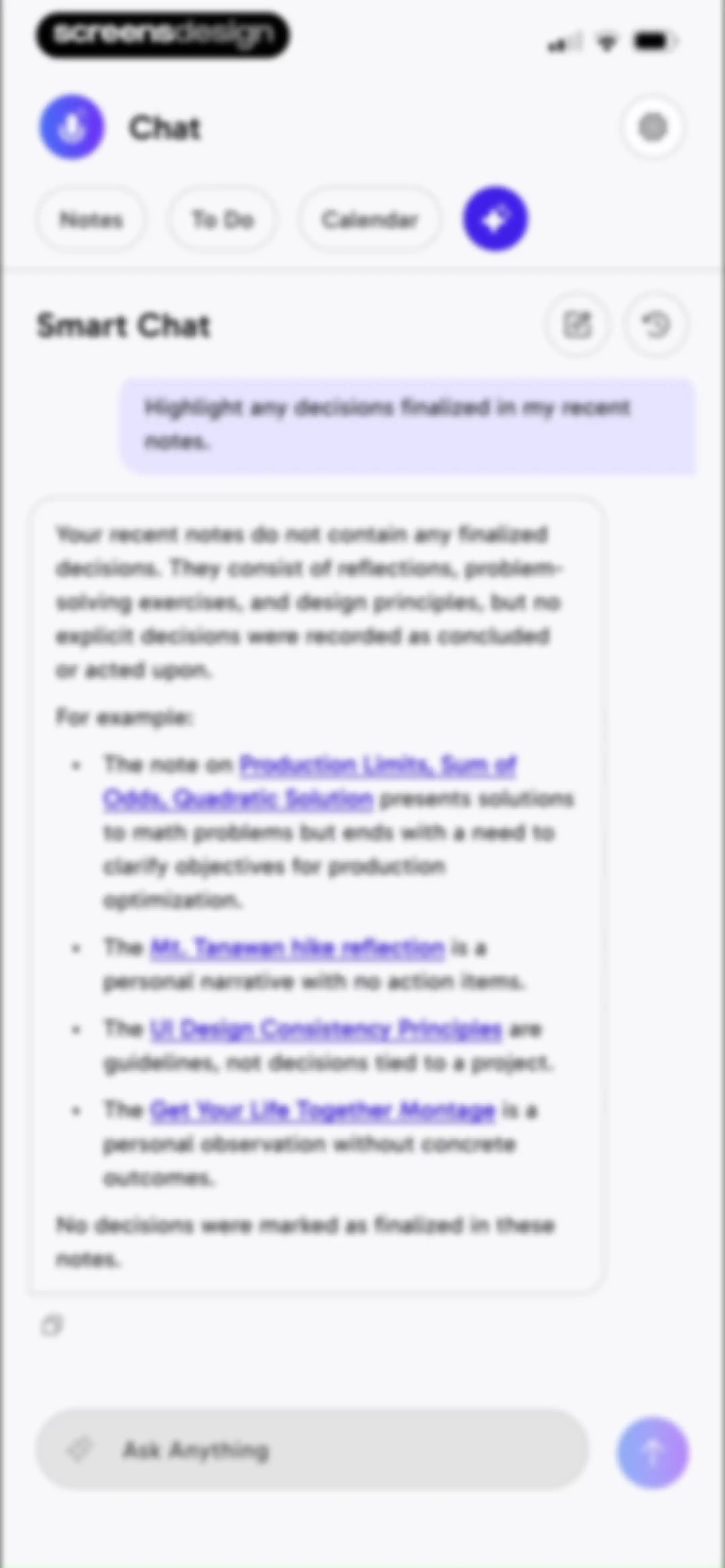
AI chat interface with a user prompt about notes decisions, an AI response card, and a bottom input field.Unlock Pro
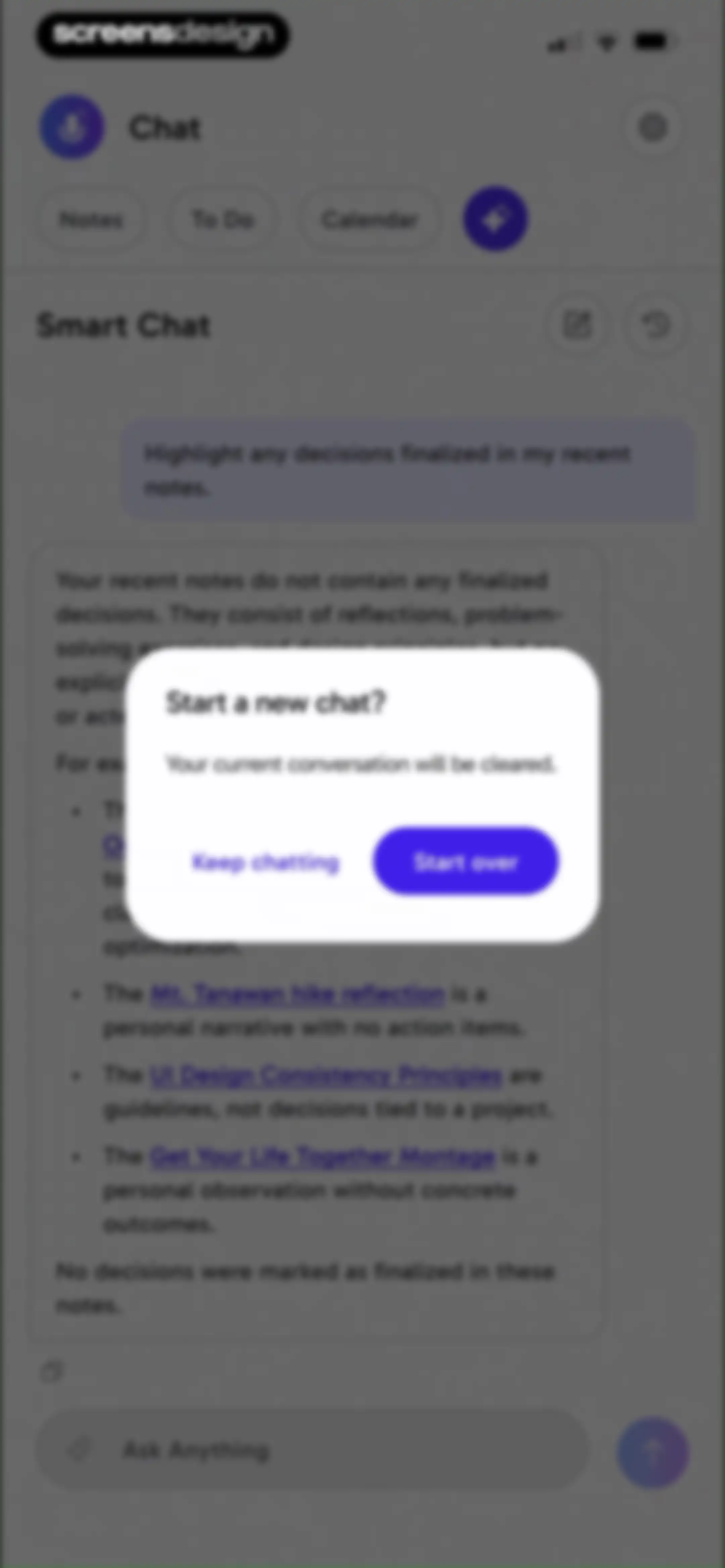
Chat screen with a confirmation modal overlay asking to start a new chat, featuring Keep chatting and Start over buttons.Unlock Pro
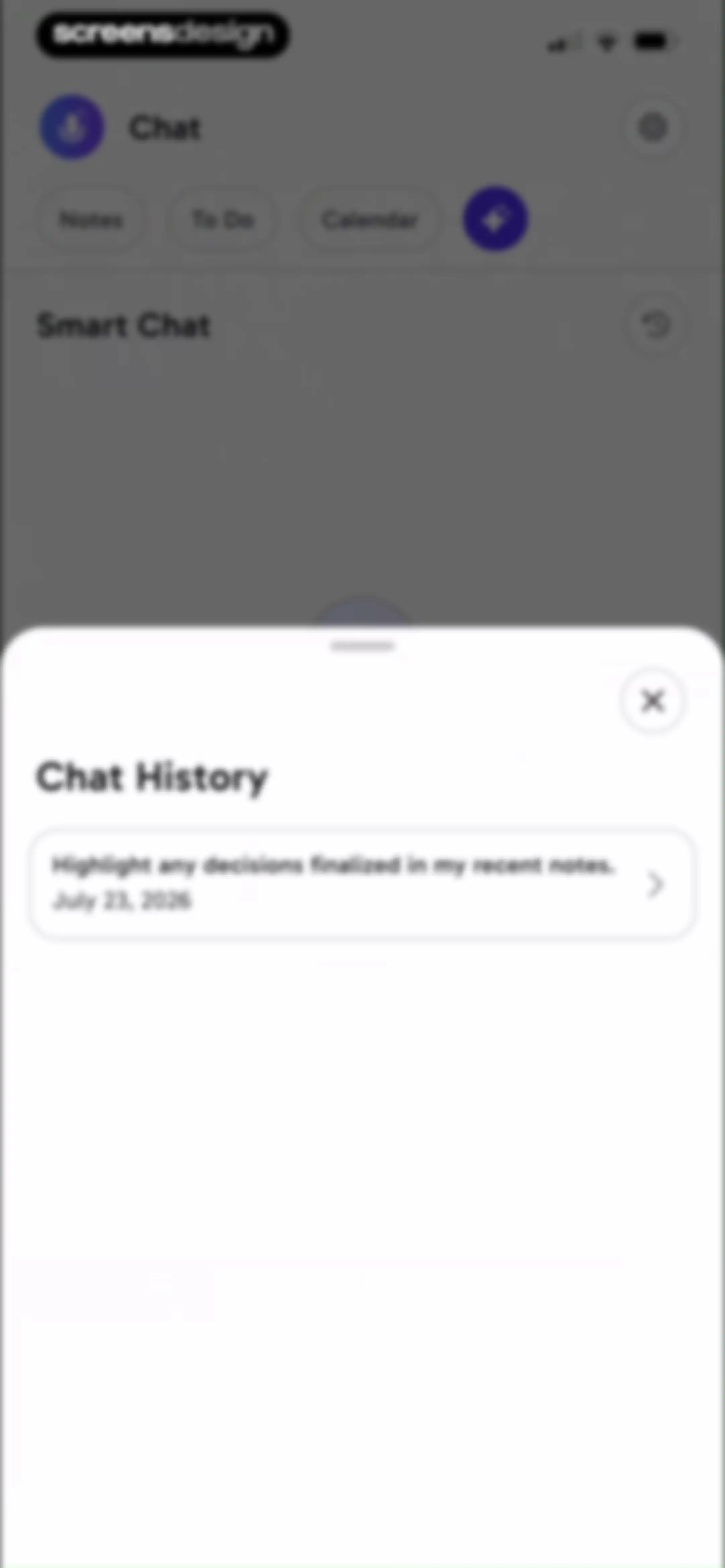
Chat history modal overlaying a smart chat interface with a saved chat session from July 23, 2026.Unlock Pro
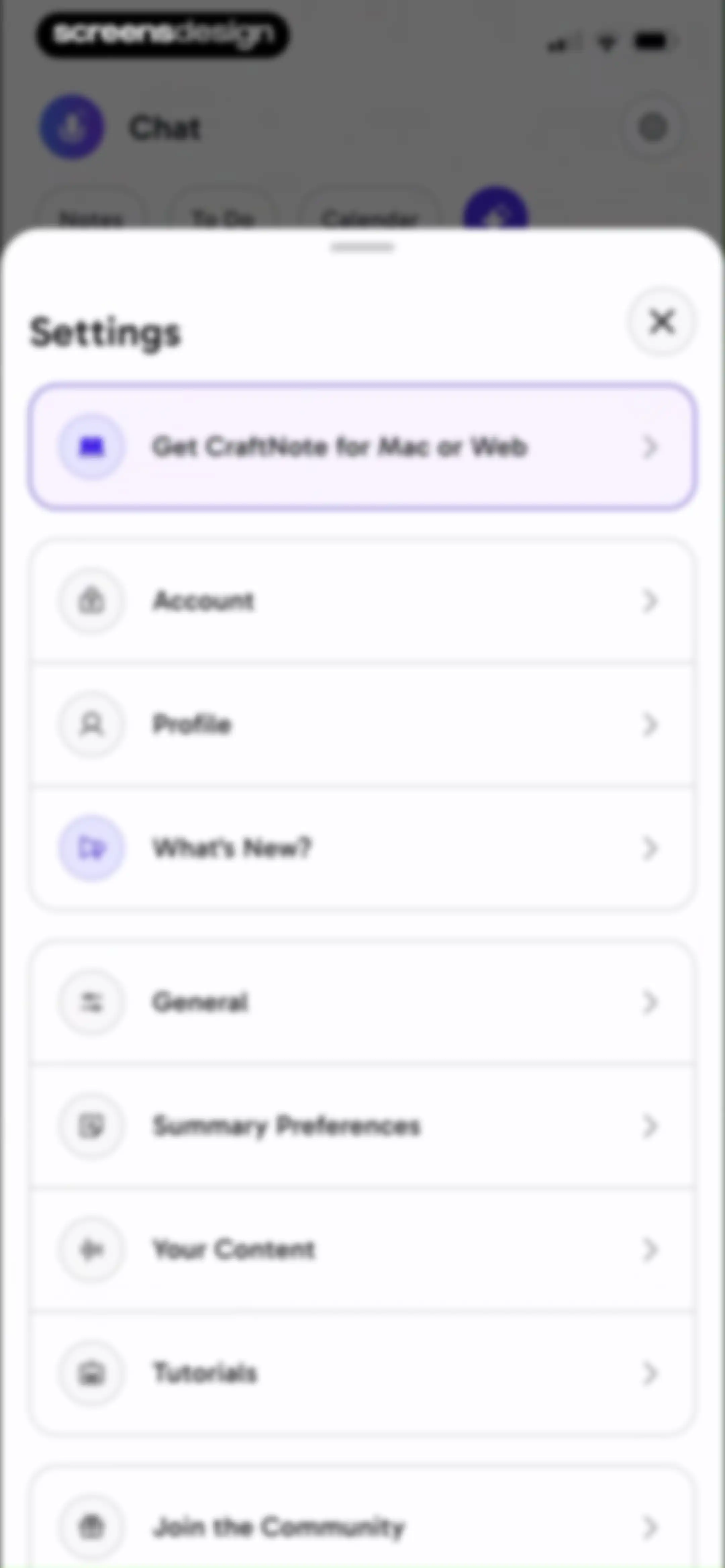
Settings modal displaying grouped navigation items, a promotional card at the top, and a close button in the corner.Unlock Pro
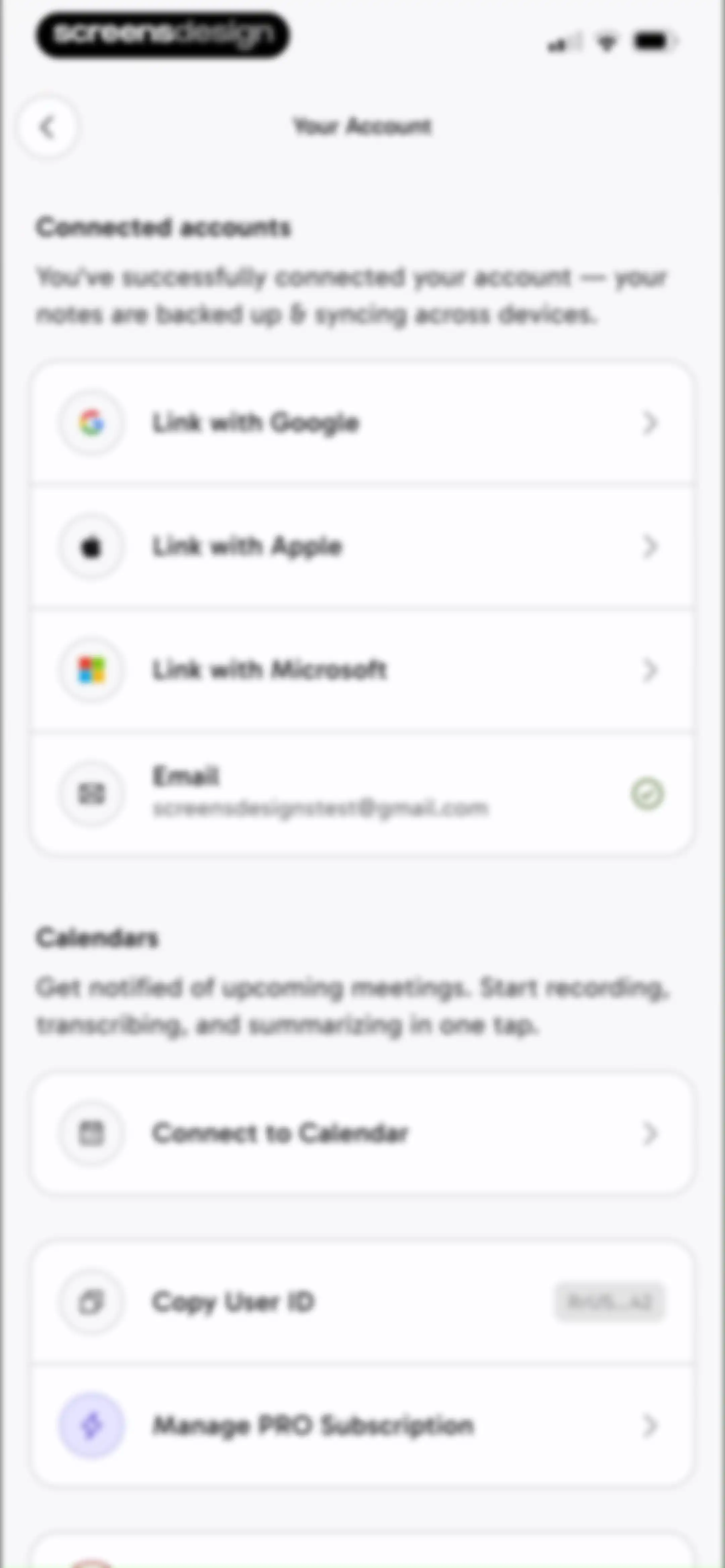
Your Account settings screen with sections for connected accounts, calendar integration, and subscription management.Unlock Pro
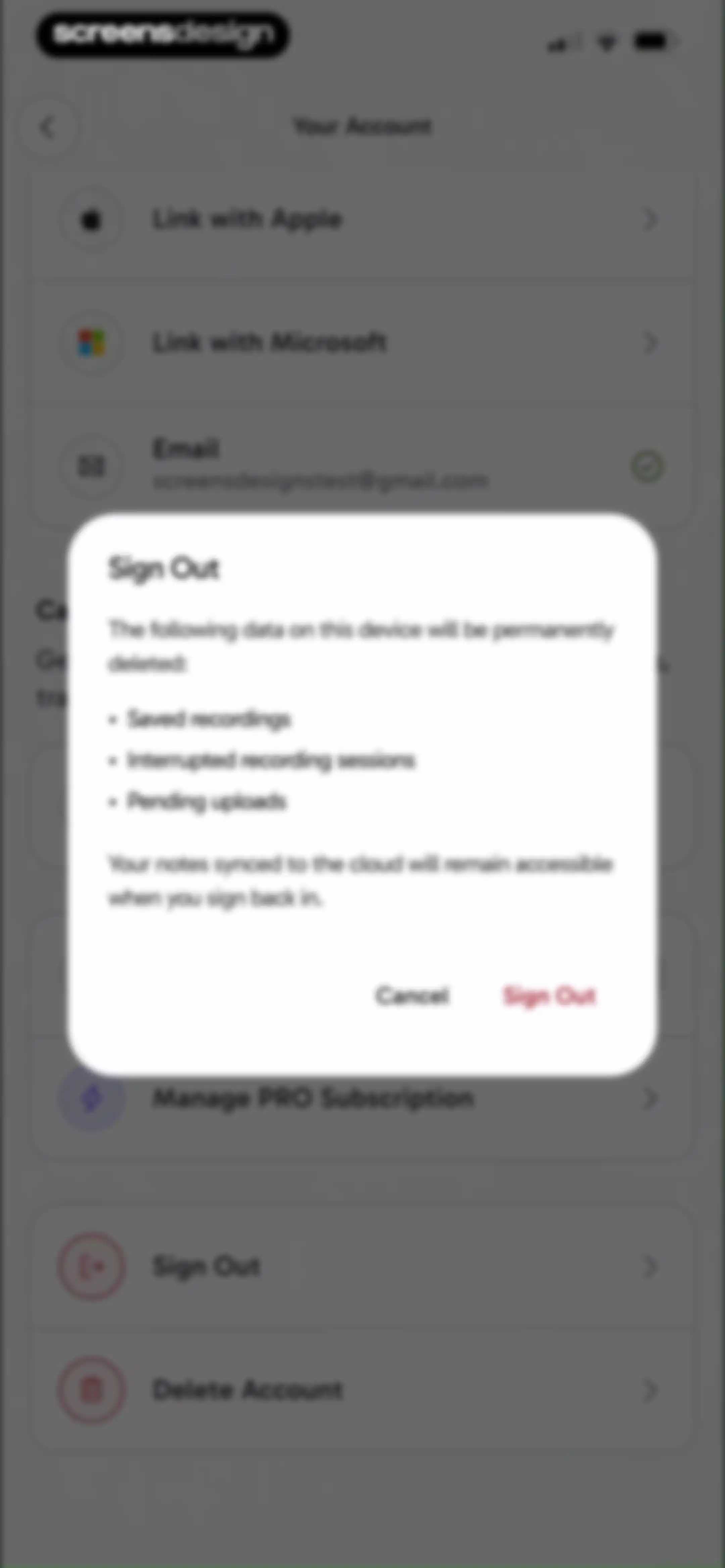
Account settings screen with a sign out confirmation modal warning about permanent deletion of local data and offering Cancel and Sign Out buttons.Unlock Pro
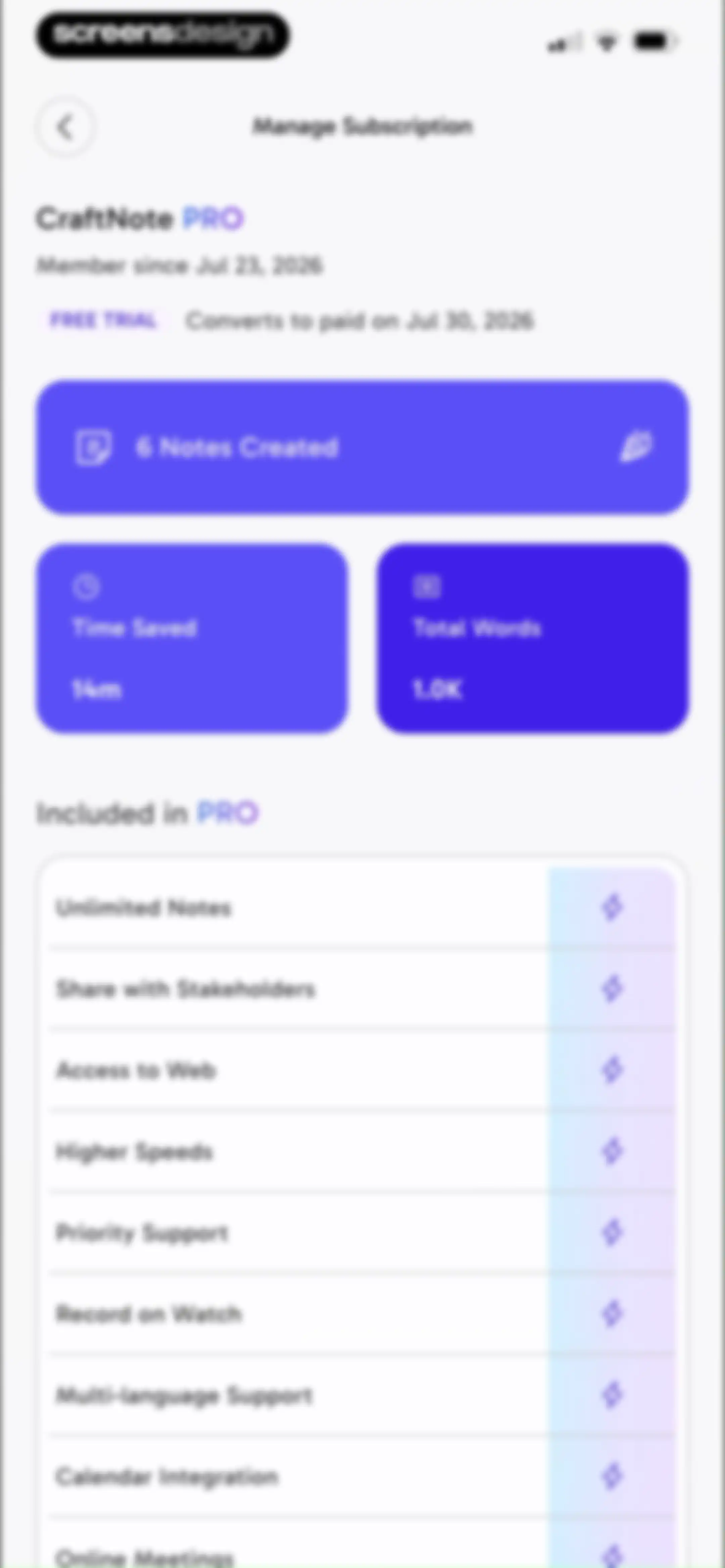
Subscription management screen for CraftNote PRO displaying trial details, usage statistics cards, and a list of included Pro features.Unlock Pro
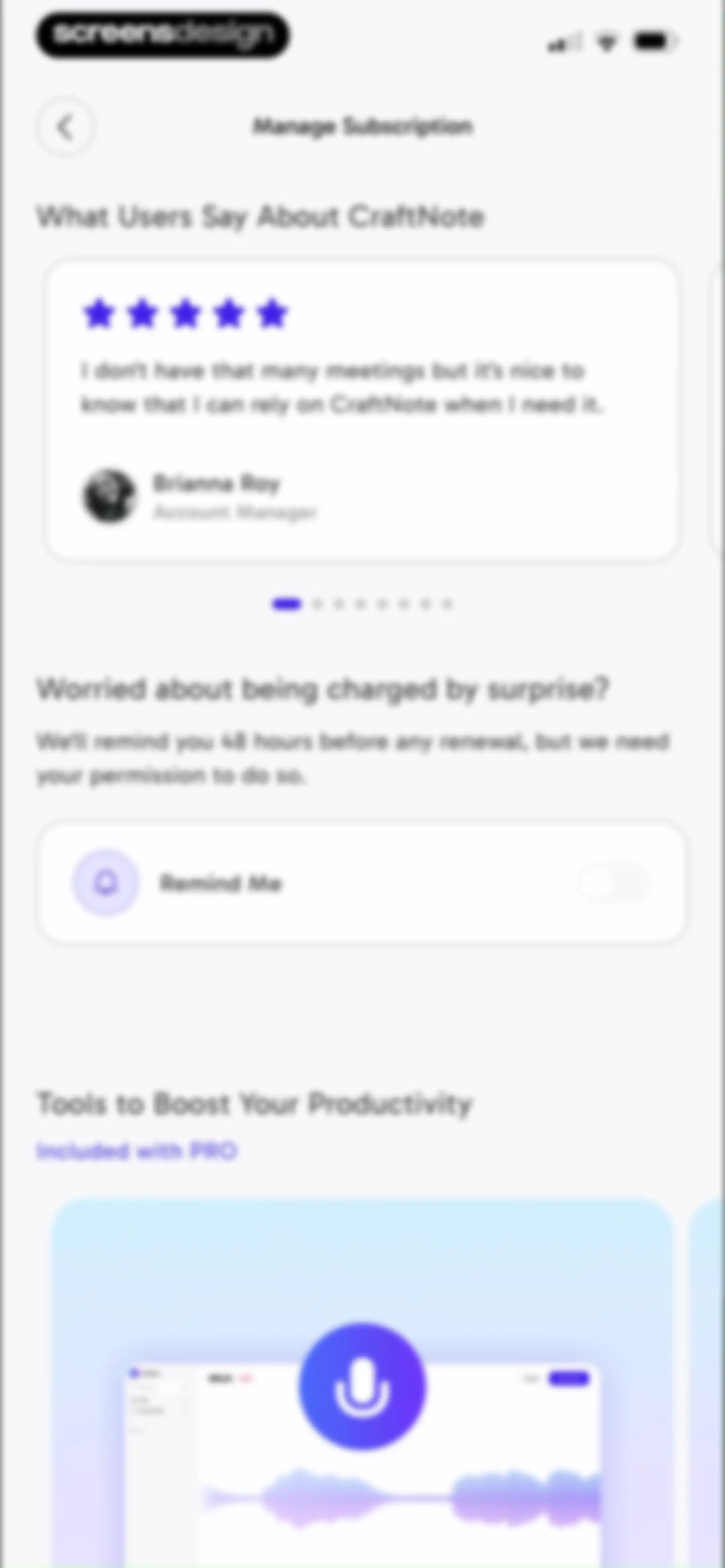
Subscription management settings screen featuring a testimonial carousel, a renewal reminder toggle, and a pro feature showcase.Unlock Pro
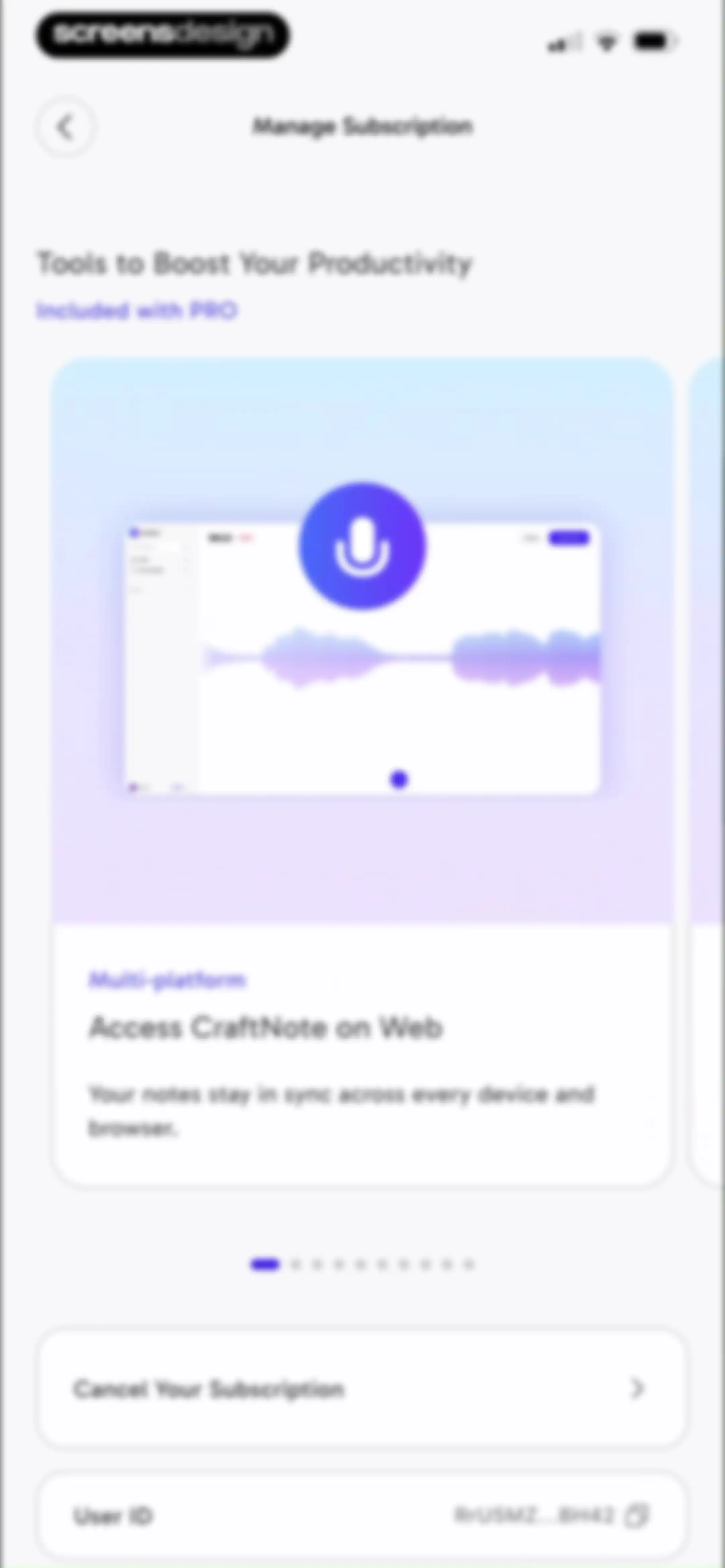
Subscription settings screen featuring a feature carousel and options to cancel the subscription or copy the user ID.Unlock Pro
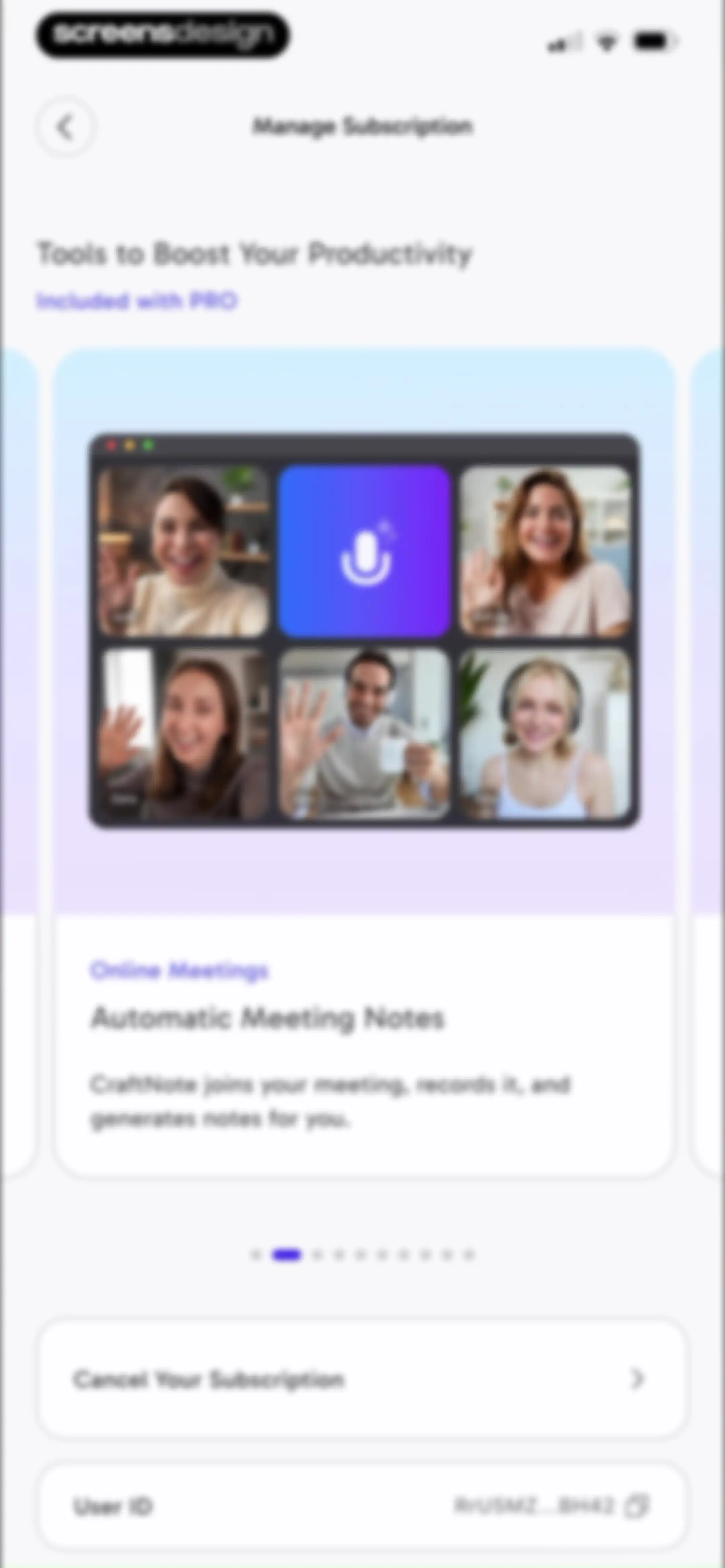
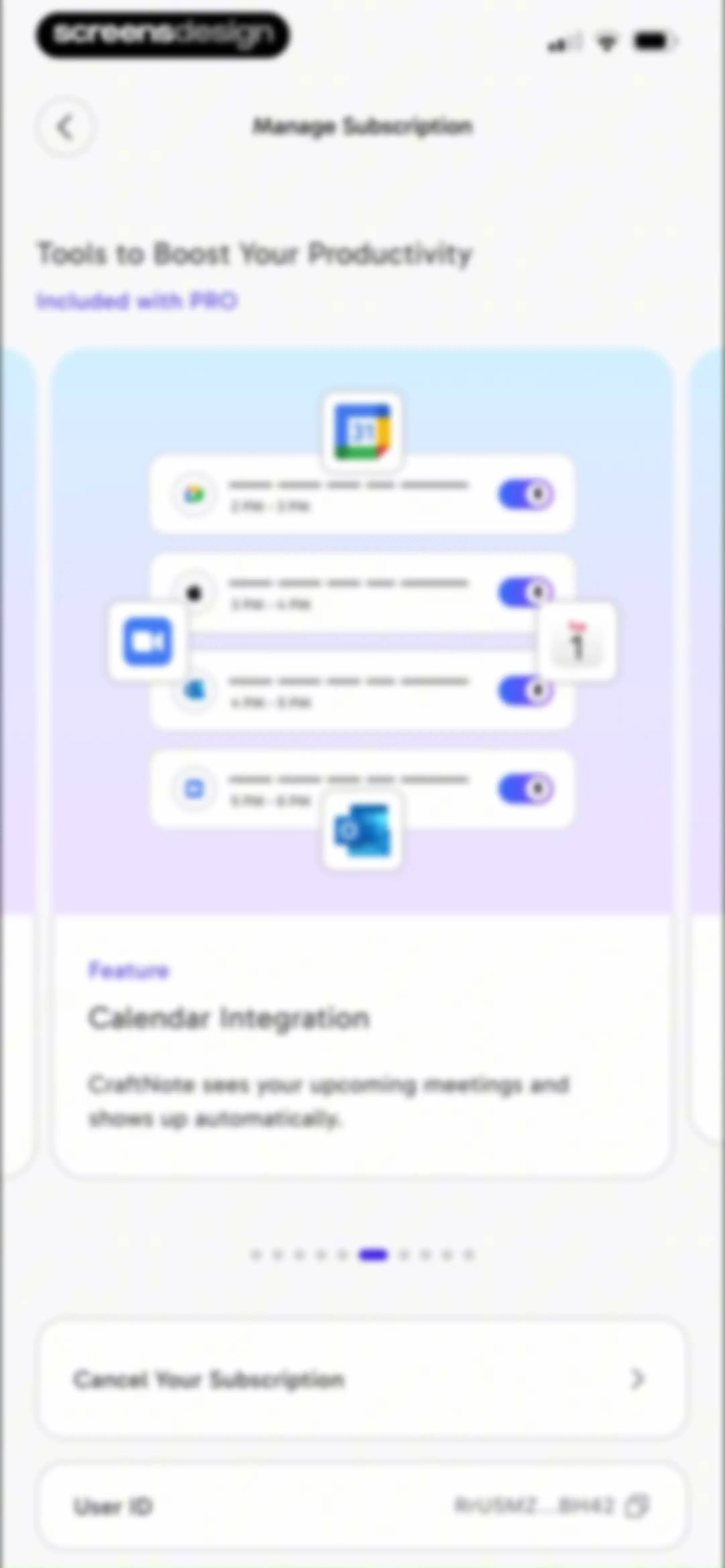
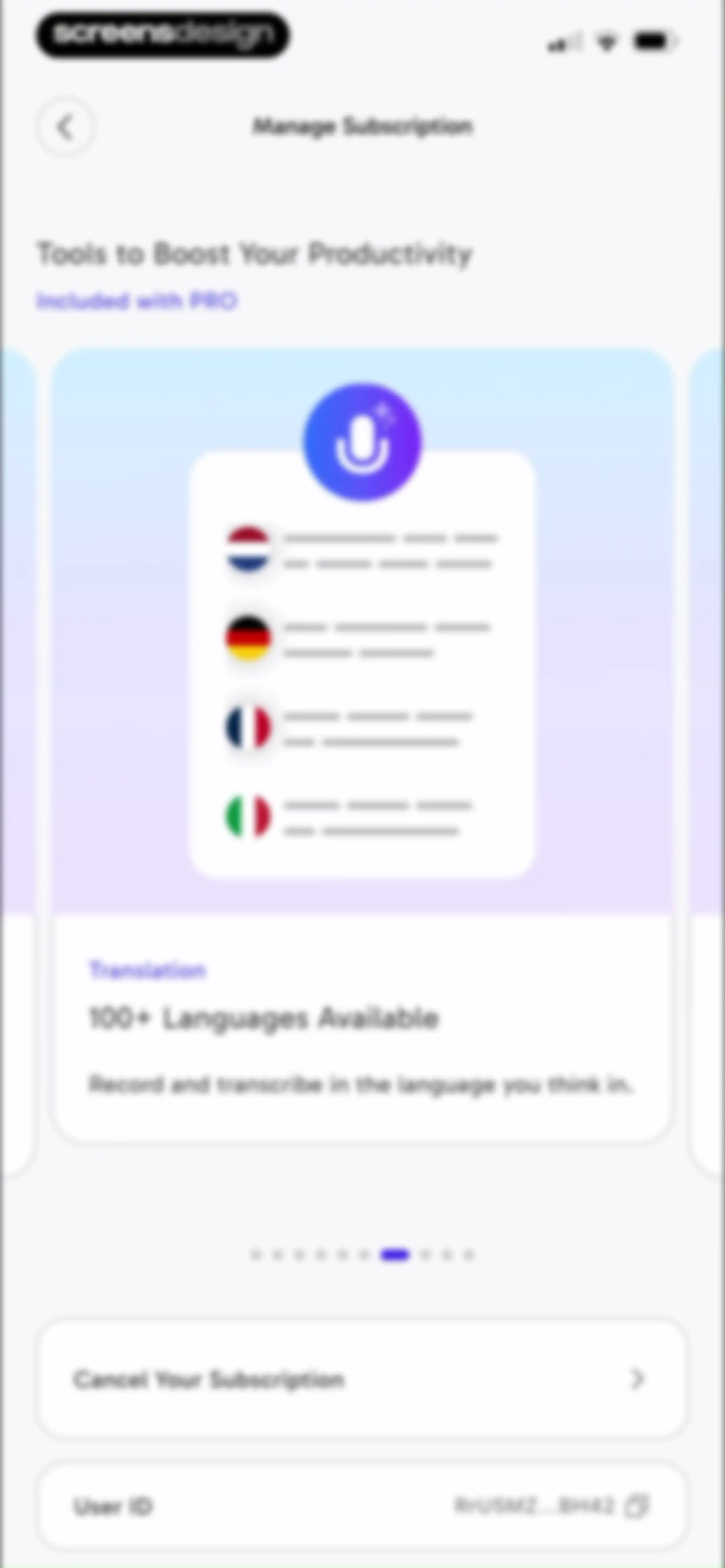
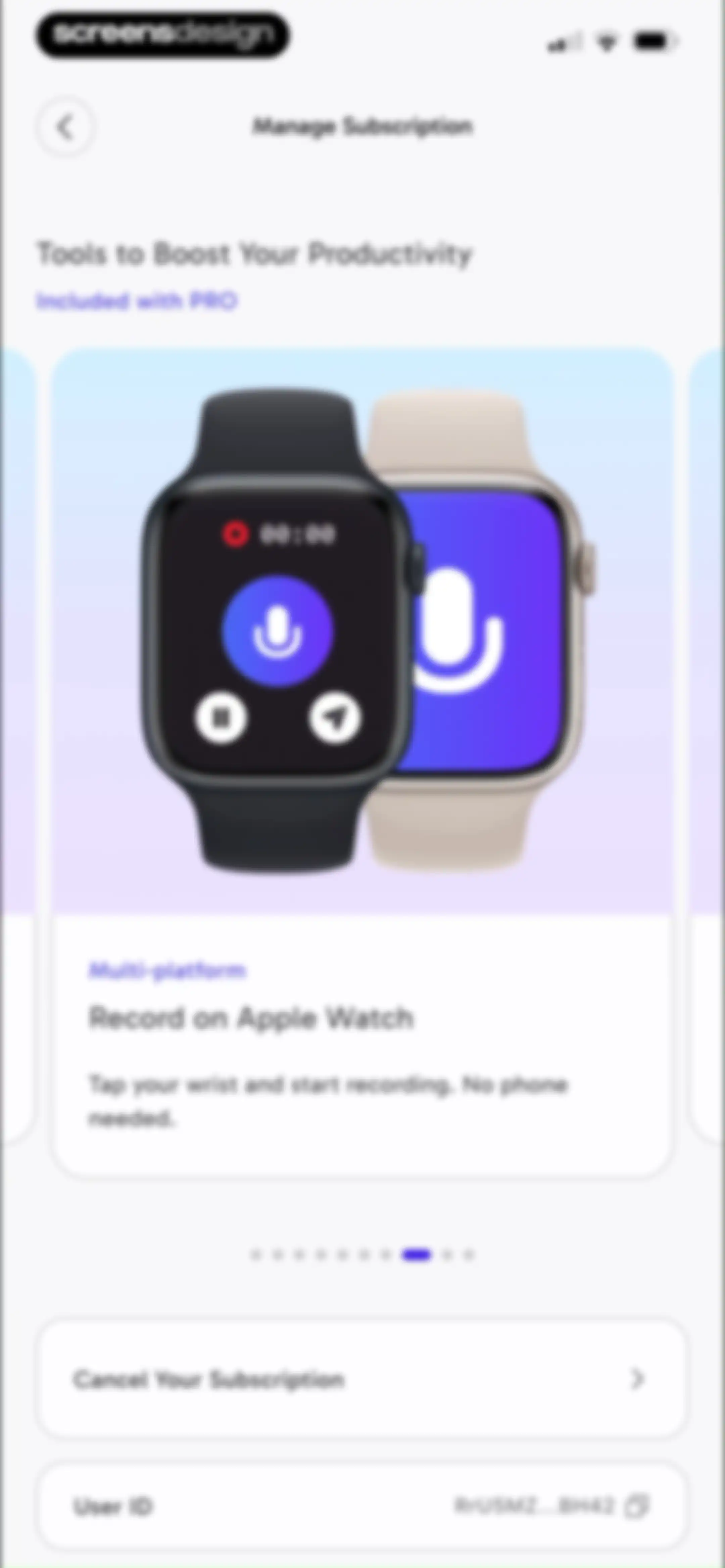
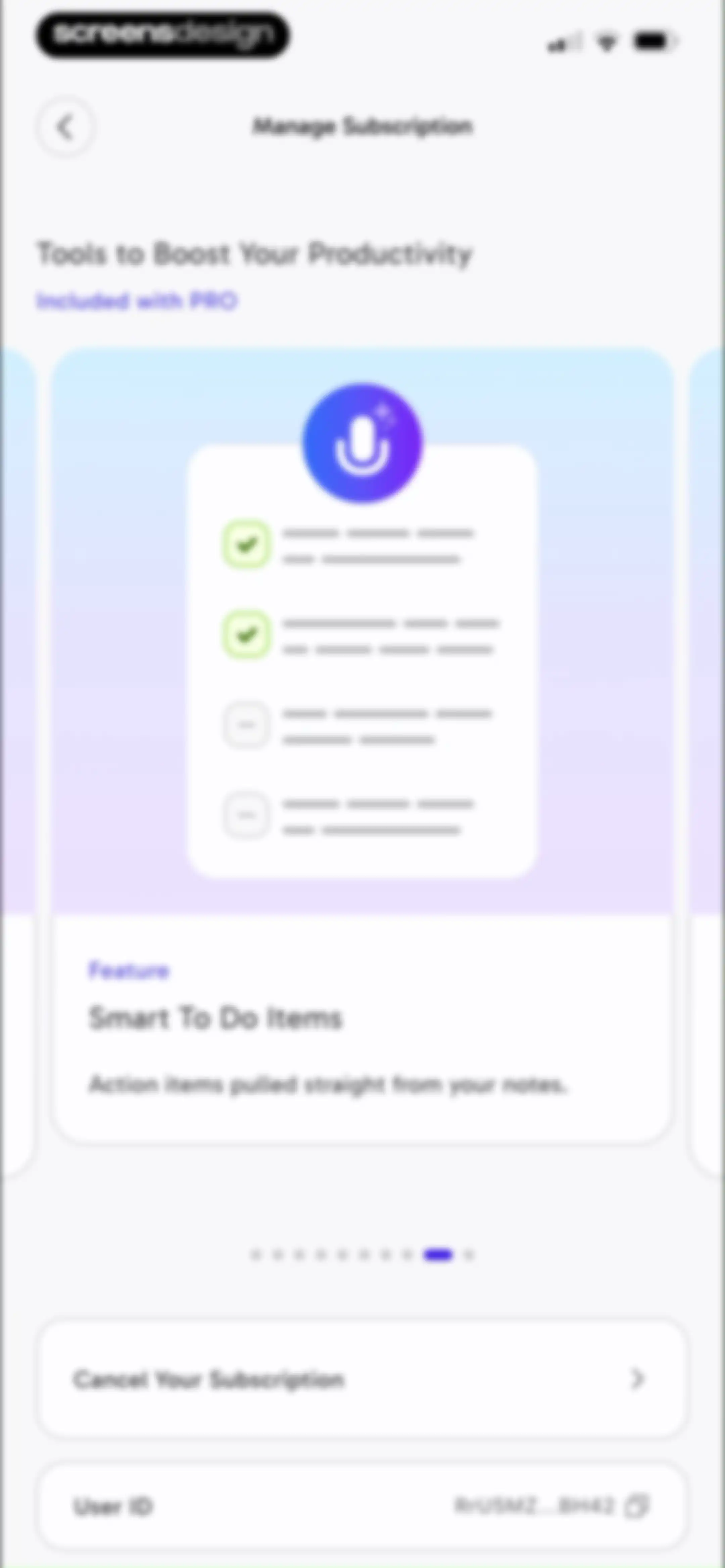
CraftNote manage subscription screen highlighting PRO features in a carousel and providing options to cancel the subscription or copy the user ID.Unlock Pro
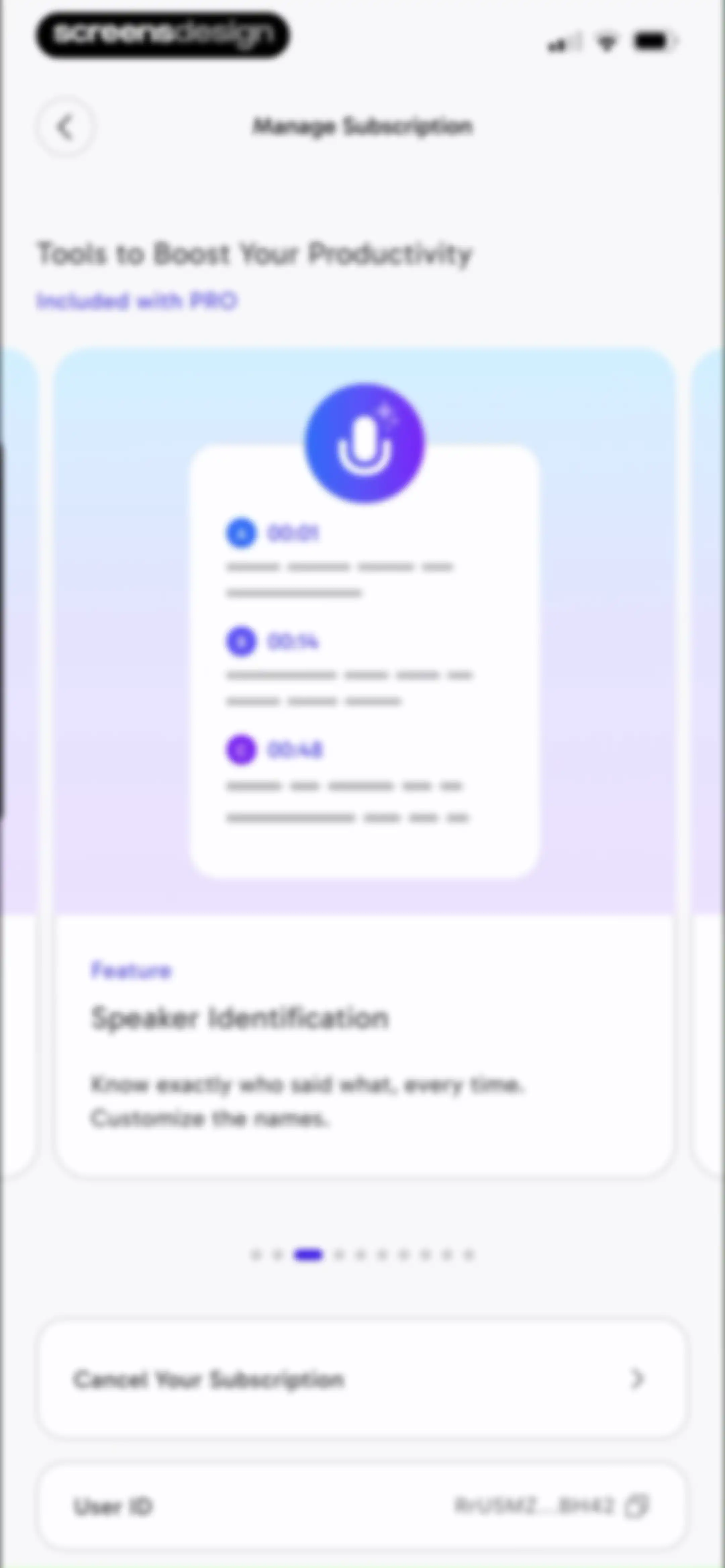
Manage subscription settings screen featuring a feature carousel for PRO tools, a speaker identification showcase, and options to cancel the subscription or copy the user ID.Unlock Pro
CraftNote subscription settings screen featuring a feature carousel, a cancel subscription button, and a user ID display with a copy icon.Unlock Pro
Manage subscription settings screen displaying PRO feature benefits in a carousel, along with a subscription cancellation option and user ID display.Unlock Pro
CraftNote subscription management settings screen featuring a feature carousel, subscription cancellation option, and user ID display.Unlock Pro
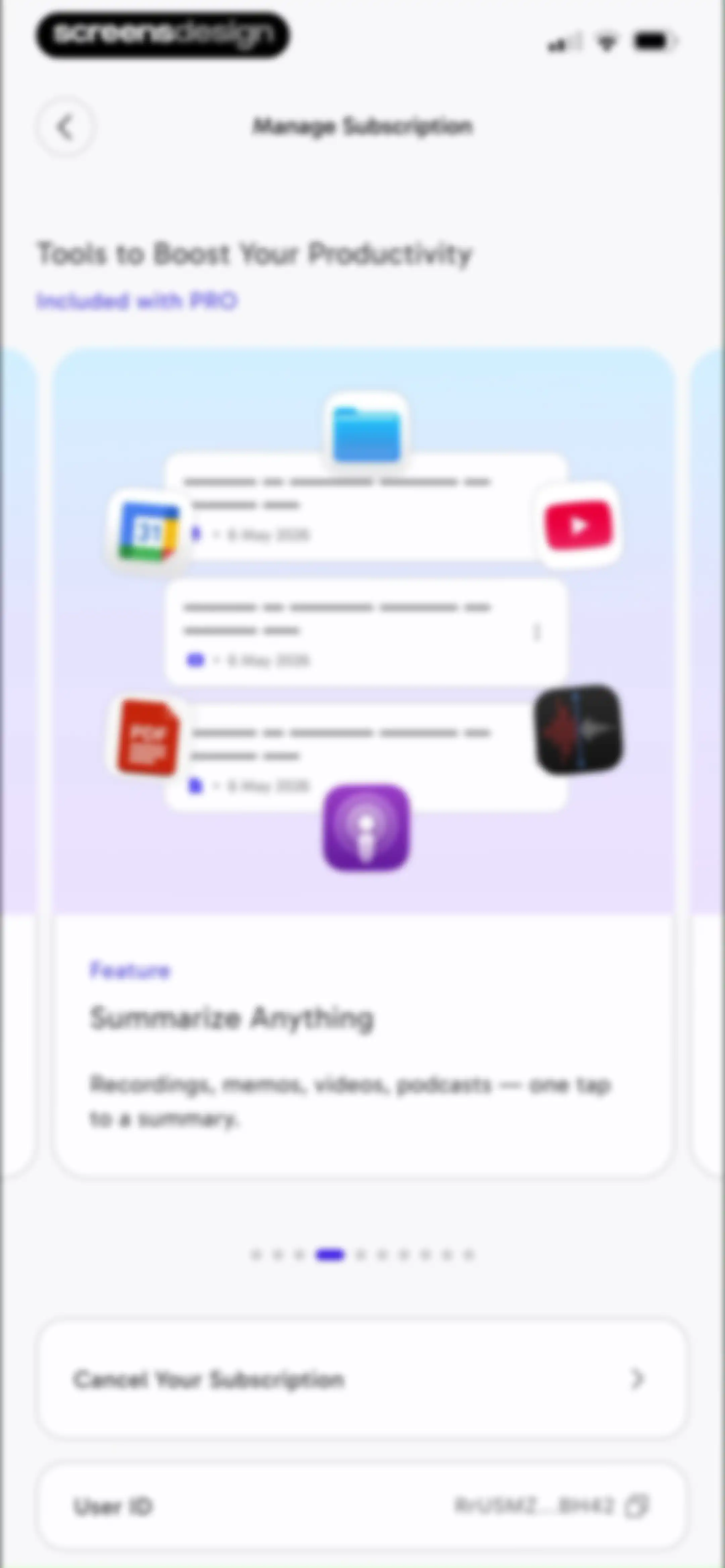
CraftNote subscription management screen featuring a feature carousel for PRO tools, a cancel subscription button, and a user ID copy field.Unlock Pro
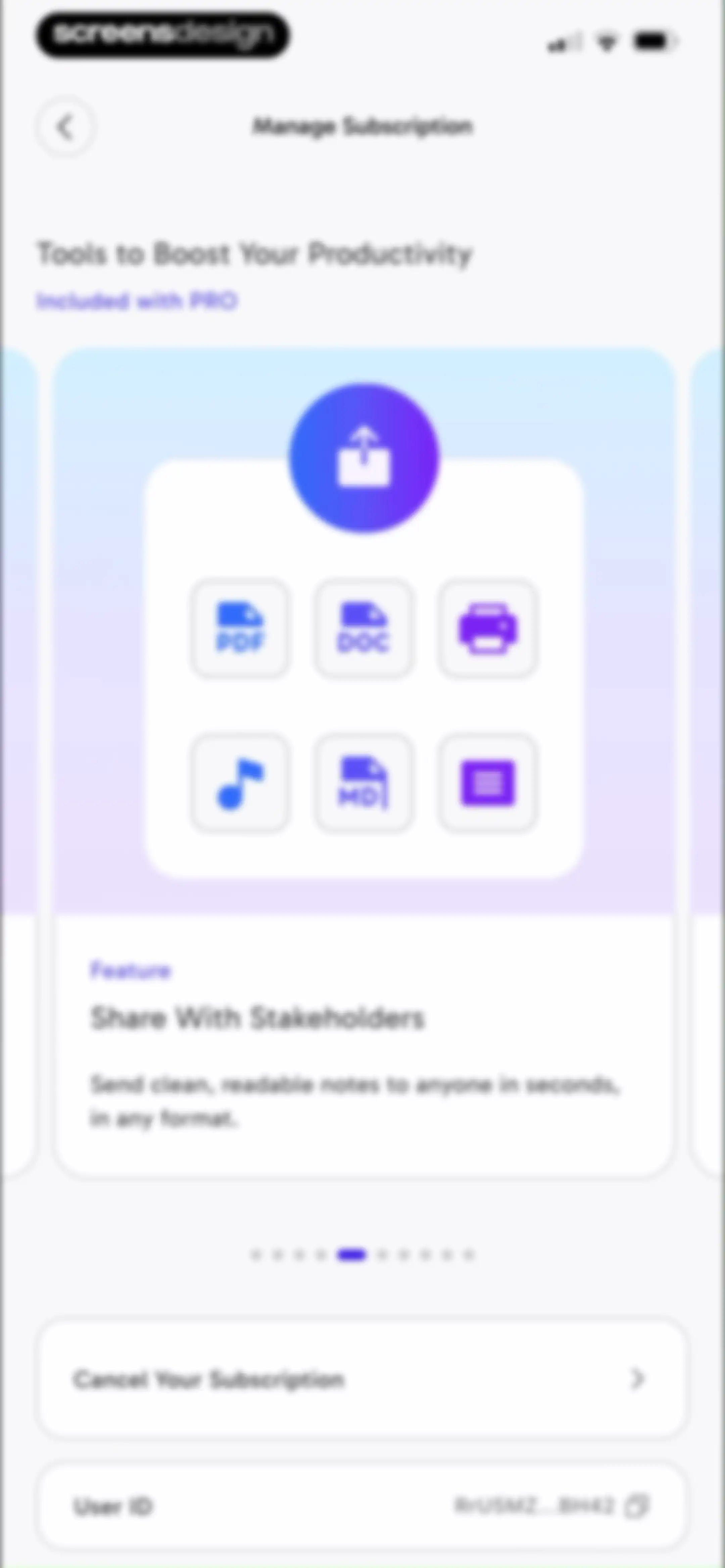
Subscription settings screen featuring a promotional feature carousel for PRO users, a cancel subscription option, and a user ID display.Unlock Pro
CraftNote subscription settings screen featuring a productivity features carousel, subscription cancellation option, and user ID display.Unlock Pro
Subscription management settings page featuring a productivity features carousel, a cancel subscription button, and a user ID copy option.Unlock Pro
CraftNote profile setup form featuring a profile picture upload and input fields for name, occupation, and role description.Unlock Pro
Profile setup screen with name and occupation fields, displaying a bottom sheet modal to take or choose a profile photo.Unlock Pro
CraftNote profile setup screen displaying an editable name field in a modal overlay with a Save Changes button.Unlock Pro
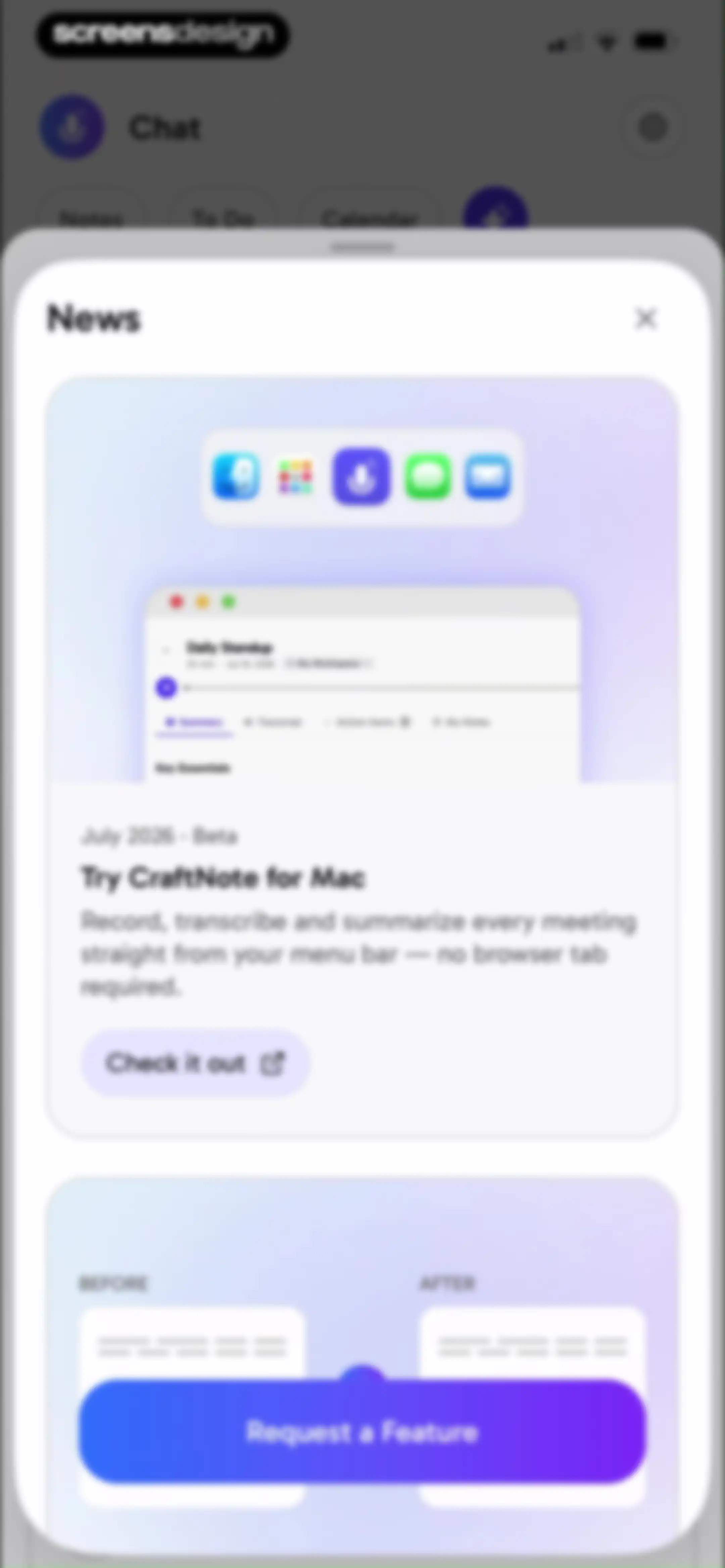
News modal featuring a Mac app announcement card with a Check it out button and a feature request card.Unlock Pro
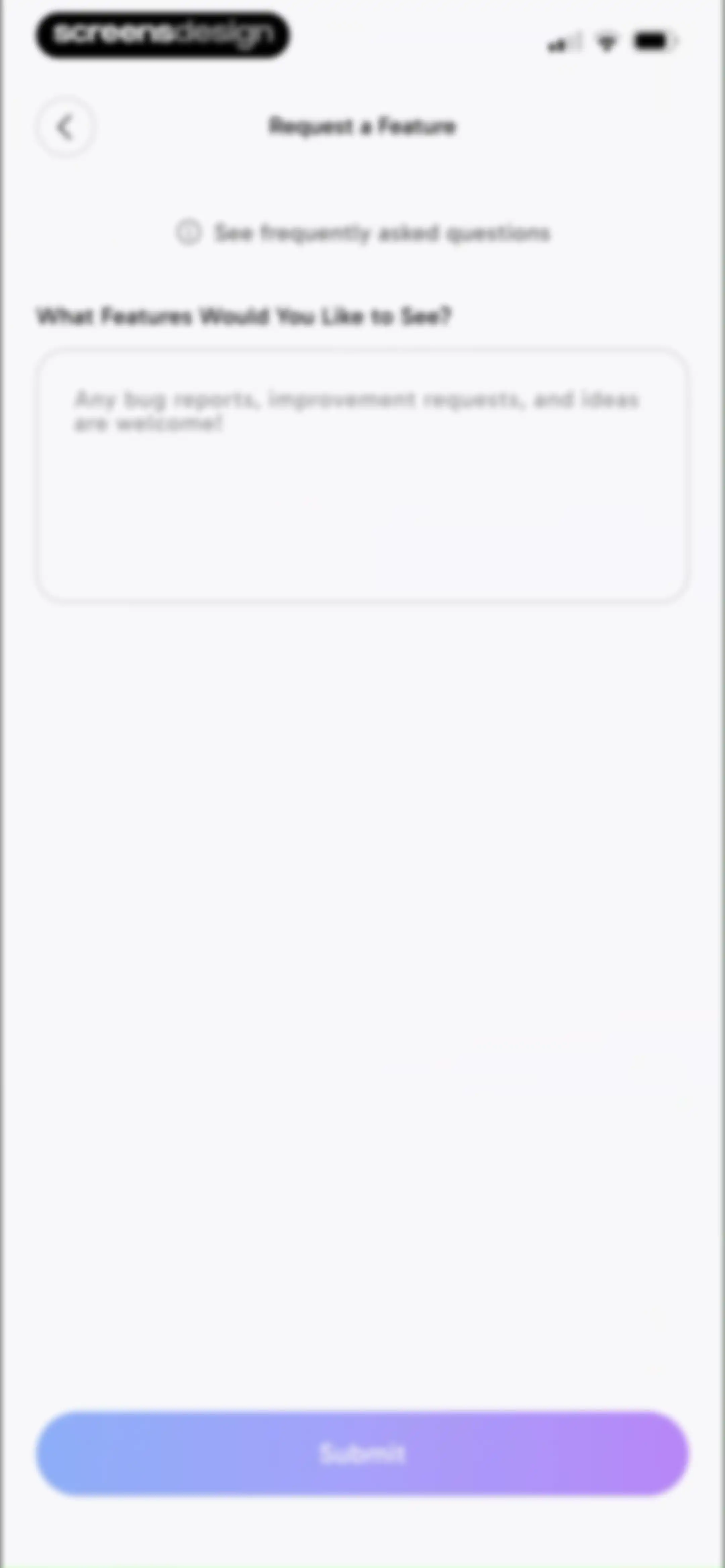
Feature request form in CraftNote with a text input area, an FAQ link, and a gradient Submit button.Unlock Pro
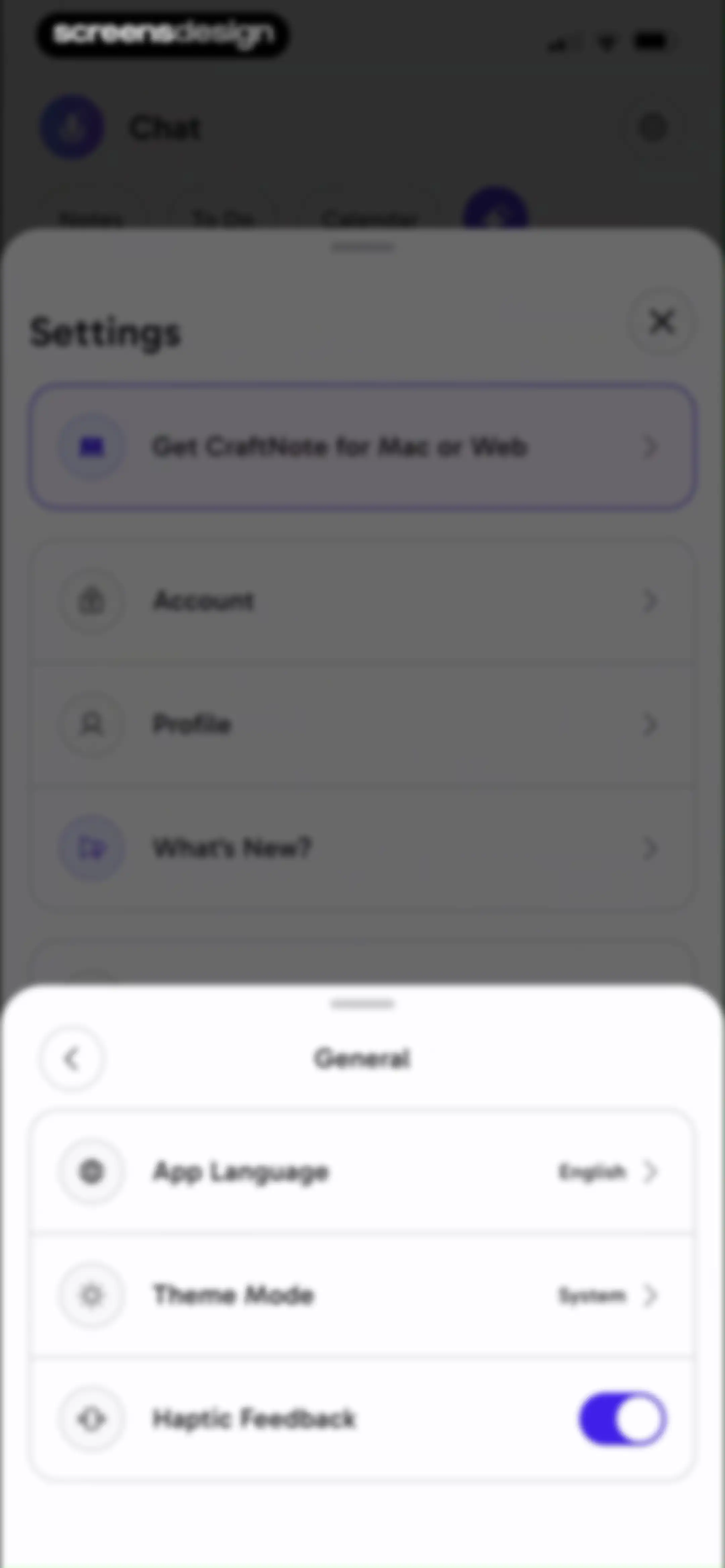
General settings modal overlaying a primary settings page, featuring options for app language, theme mode, and a haptic feedback toggle.Unlock Pro
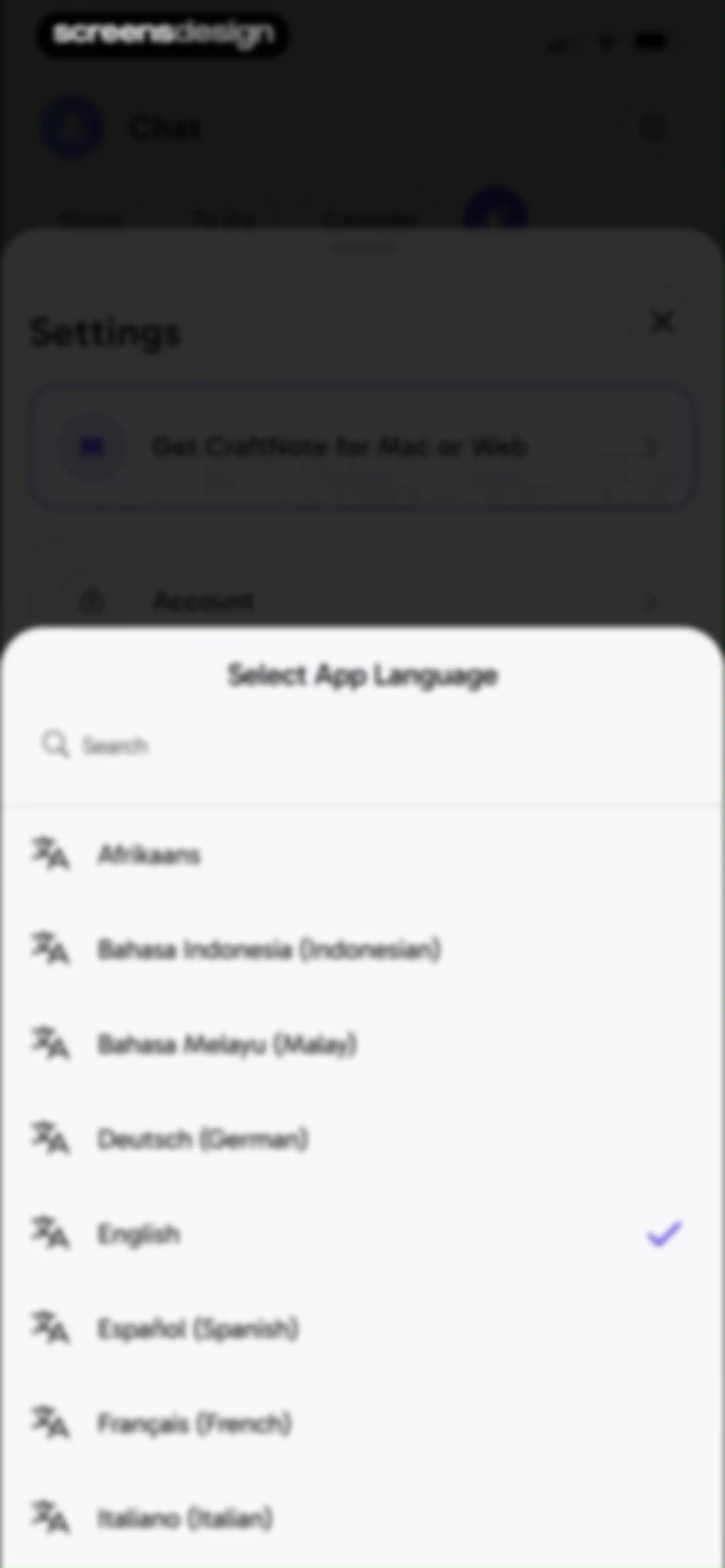
Language selection modal with a search field and a list of languages, showing English selected with a checkmark.Unlock Pro
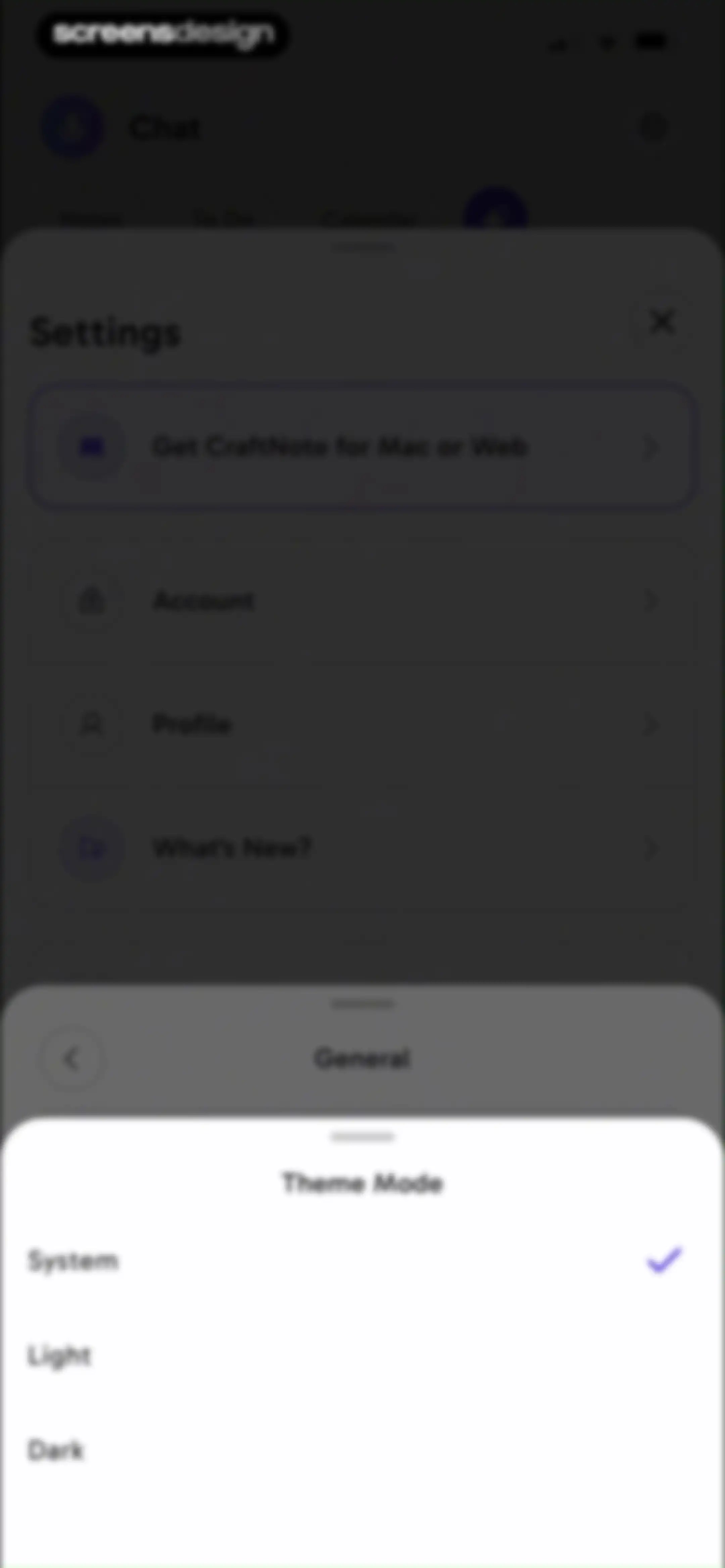
Theme Mode settings modal in the CraftNote app, displaying System, Light, and Dark options with System selected.Unlock Pro
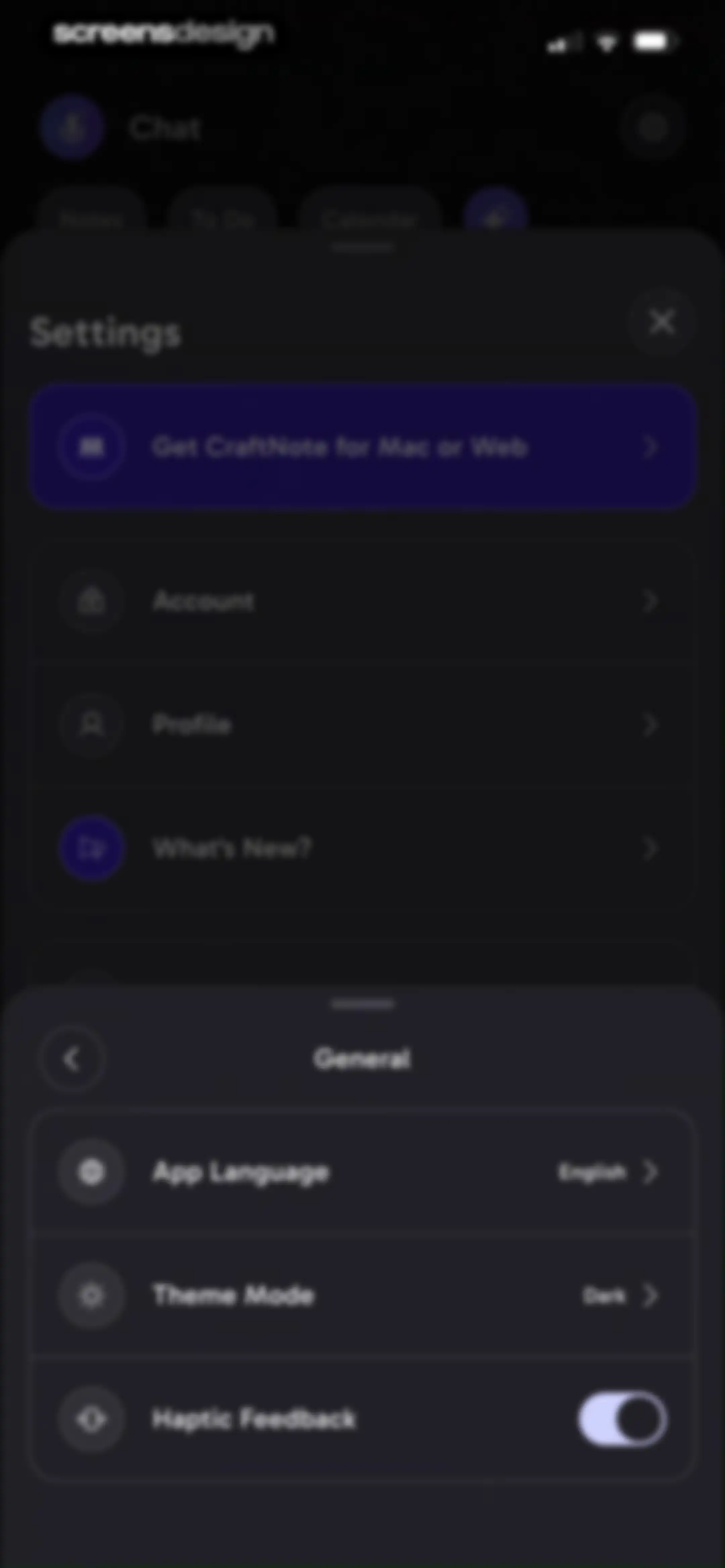
Settings modal overlaying a dark-themed menu, displaying options for app language, dark theme mode, and a haptic feedback toggle.Unlock Pro
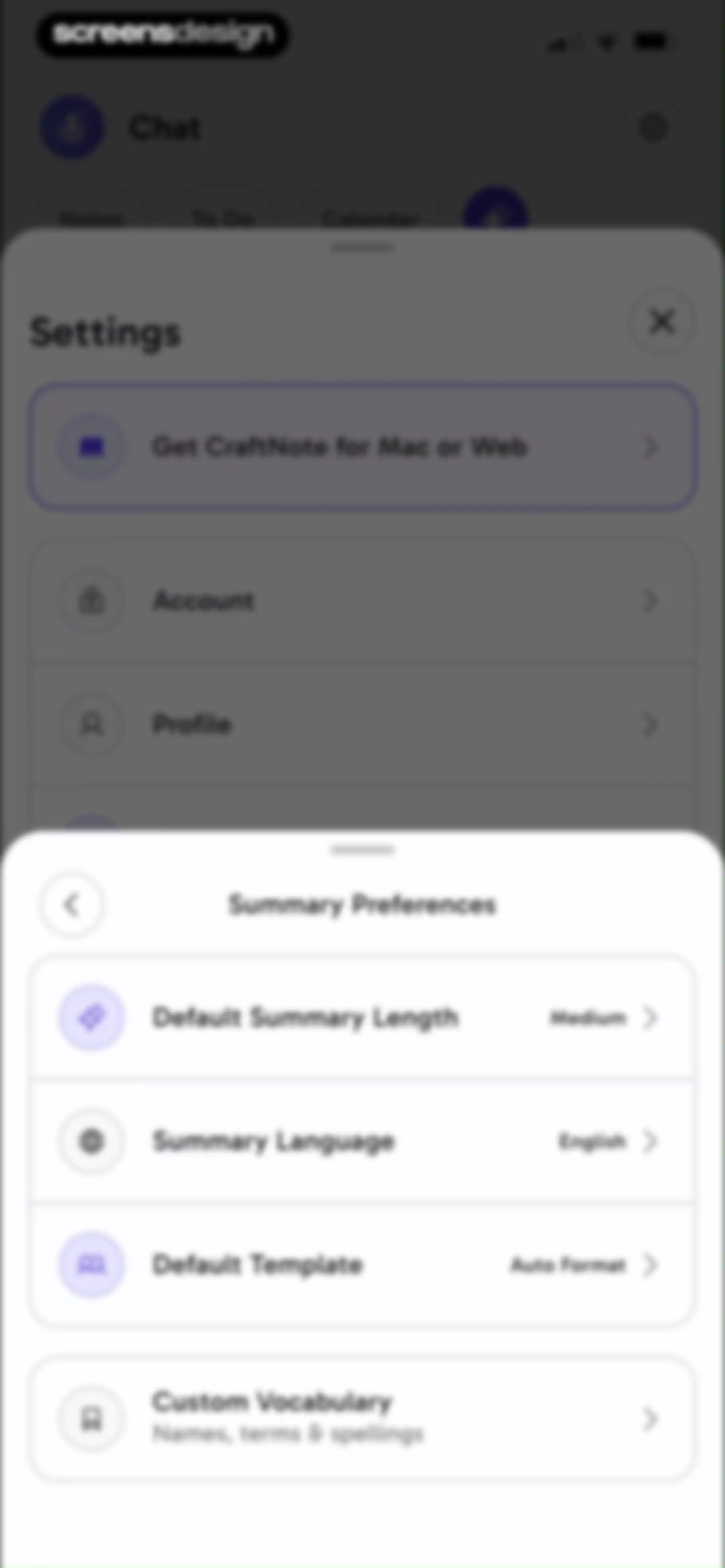
Summary preferences settings modal displaying configuration options for default length, language, template, and custom vocabulary with a back button.Unlock Pro
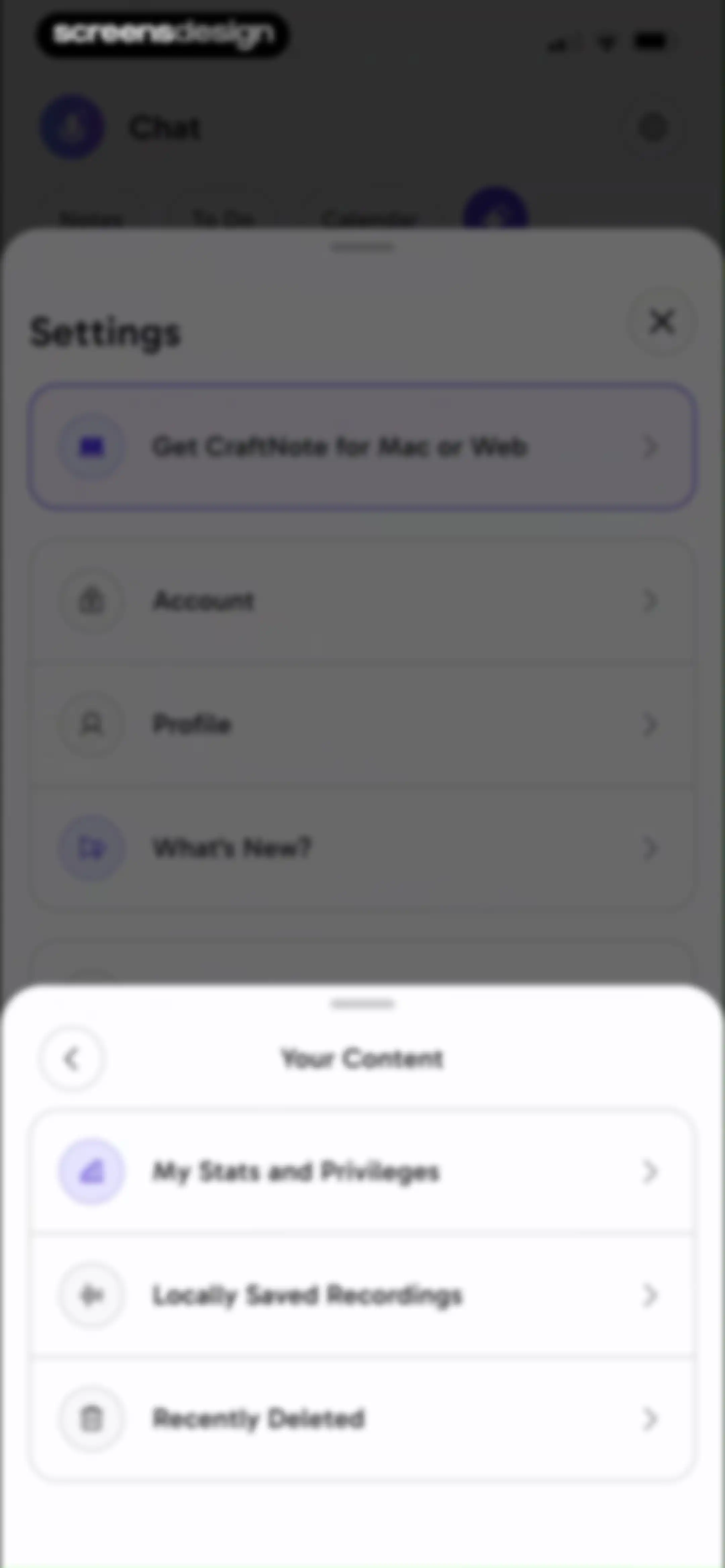
Settings screen featuring a 'Your Content' modal overlay with a list of navigation options including local recordings and deleted items.Unlock Pro
Profile modal displaying PRO membership status, usage statistics, and a list of premium benefits in the CraftNote app.Unlock Pro
Settings screen for locally saved recordings with a storage warning alert, a recording list item, and a Clear Cache action button.Unlock Pro
Locally saved recordings settings screen featuring a Clear Recordings Cache confirmation modal with Cancel and Clear Cache buttons.Unlock Pro
Empty state screen for locally saved recordings in CraftNote with a cache cleared successfully notification at the bottom.Unlock Pro
Recently deleted notes empty state screen with a trash can icon and text explaining the 30-day retention period.Unlock Pro
Tutorials modal overlaying a settings screen with a list of instructional topics including widget and device integration guides.Unlock Pro
Widget configuration screen displaying a smartphone home screen preview, with the Home Screen tab selected and an Add Widget button at the bottom.Unlock Pro
Onboarding tutorial for CraftNote showing a progress bar, instructional text, and a smartphone home screen mockup.Unlock Pro
Widget configuration screen displaying Lock Screen options with an iPhone mockup and an Add Widget button.Unlock Pro
Widget configuration screen displaying a phone mockup with a microphone icon preview and an Add Widget button.Unlock Pro
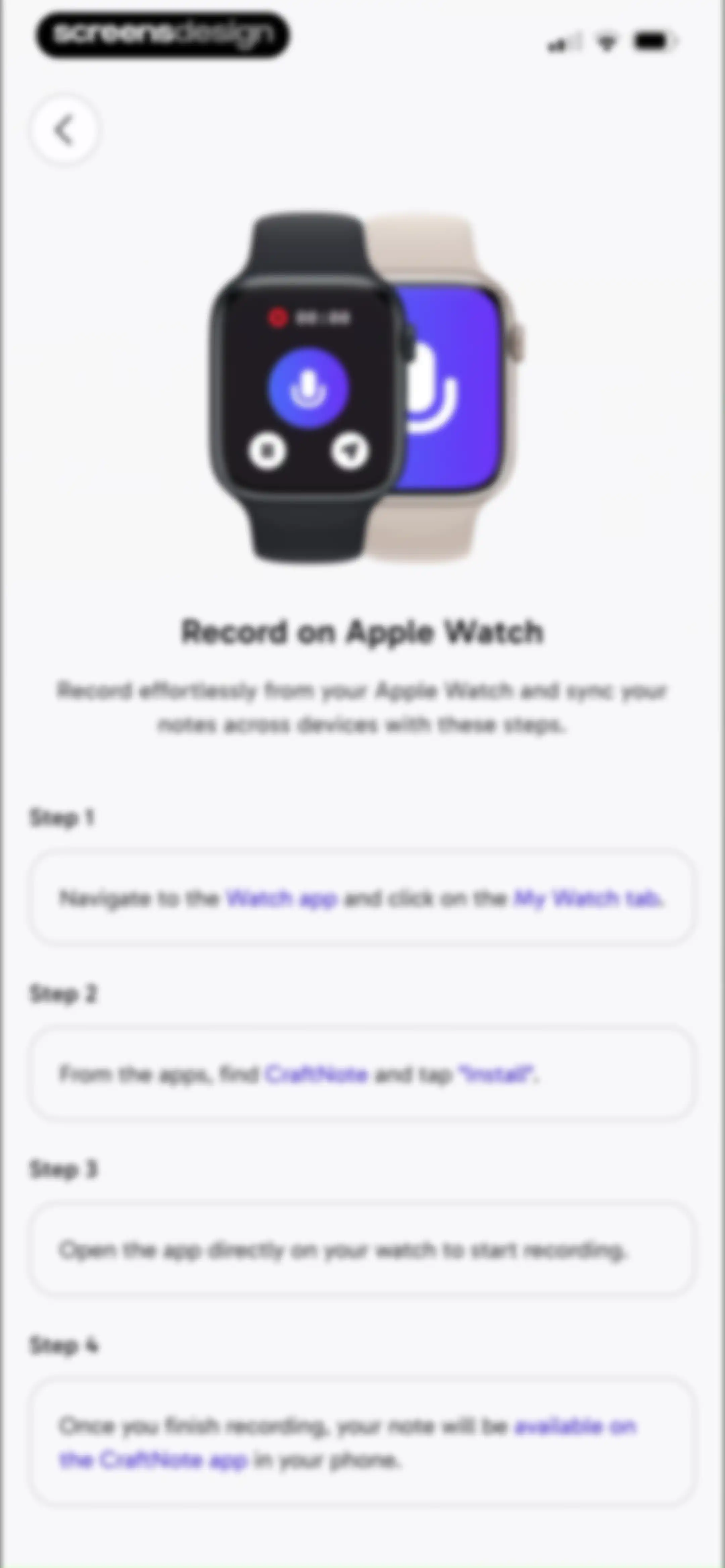
Onboarding screen explaining how to record notes on an Apple Watch using CraftNote with a central product illustration and four instructional cards.Unlock Pro
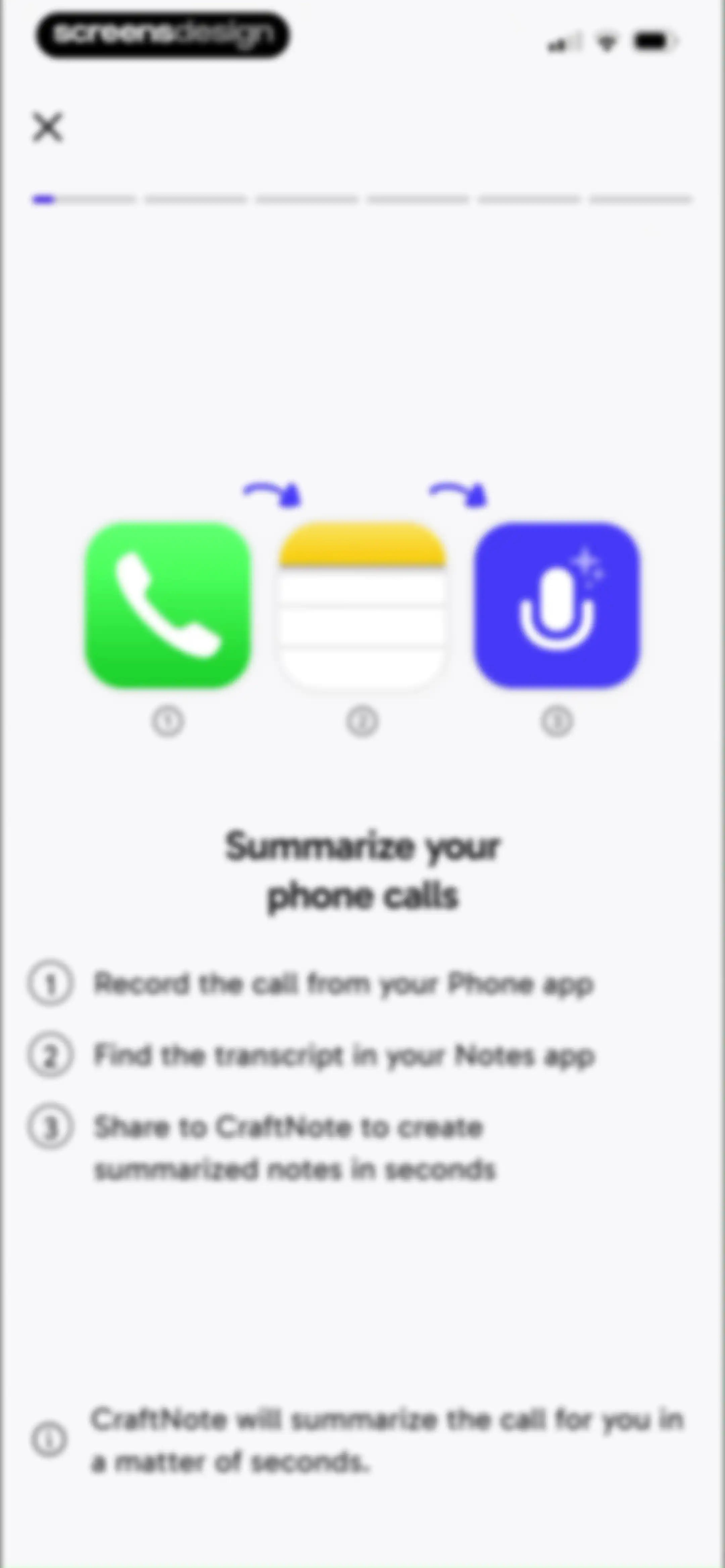
CraftNote onboarding screen explaining the three-step phone call summarization workflow with a central icon diagram and instructional list.Unlock Pro
Onboarding screen instructing the user to enter a meeting link, with a valid URL entered and a Start Recording button.Unlock Pro
Settings screen with a vertical list of menu items organized into grouped cards for general options, community links, and legal information.Unlock Pro

About CraftNote: Smart AI Note Taker

An AI-powered meeting assistant that records, transcribes, and summarizes audio conversations, video calls, and various media files for professionals.

Explore CraftNote: Smart AI Note Taker across ScreensDesign

Apps similar to CraftNote: Smart AI Note Taker
Unlock all similar apps

See every comparable app, revenue, installs, and flows.

Unlock Pro
  • HyNote: AI Note Taker, Summary

    4.8
    Tuling Network LimitedRevenue$50kInstalls45k
  • Voicenotes AI Notes & Meetings

    4.8
    Coping Hard IncRevenue$200kInstalls<5k
  • Otter Transcribe Voice Notes

    4.8
    Otter.ai, Inc.Revenue$1MInstalls150k
  • AI Meeting Note Taker - Jamie

    4.9
    wespond UG (haftungsbeschränkt)Revenue$35kInstalls<5k
  • Wave AI Note Taker & Recorder

    4.9
    Mohrer Associates LLCRevenue$350kInstalls<5k
  • FoxNote - AI Note Taker

    4.5
    Faliane Ltd.Revenue$<5kInstalls<5k
  • Noteflow: AI Notes Taking

    4.6
    DIGITAL LIONS APPSRevenue$<5kInstalls<5k
  • Proactor – Note Taking

    4.5
    proactorRevenue$25kInstalls25k
  • Owll: AI Note Taker&Assistant

    4.8
    RAMBUTANAI PTE. LTD.Revenue$300kInstalls55k
  • AI Note Taker - Voice to Notes

    4.7
    EVOLLY.APPRevenue$45kInstalls<5k
  • Echo – AI Meeting Note Taker

    4.5
    Tappz LabsRevenue$100kInstalls<5k
  • Smart Noter - AI Note Taker

    4.6
    DEEP FLOW SOFTWARE SERVICESRevenue$150kInstalls12k
  • Note AI: Smart Note Taker

    4.5
    HUBXRevenue$100kInstalls40k
  • Tiro - AI Meeting Notes

    4.9
    ThePlato Inc.Revenue$20kInstalls<5k
  • Minutes: AI Meeting Note Taker

    4.9
    Minutes AIRevenue$300kInstalls<5k
  • SpeakApp AI: Voice Notes

    4.6
    VoicePop Inc.Revenue$300kInstalls25k
  • Anotar: Work Meeting Recorder

    4.8
    Genio Tech, LLCRevenue$50kInstalls<5k
  • AI Note Taker - NotebookAI

    4.5
    APPNATION YAZILIM HIZMETLERI TICARET ANONIM SIRKETIRevenue$<5kInstalls<5k
  • Voice Recorder: AI Note Taker

    4.7
    Voice Inc.Revenue$65kInstalls6k
  • WriteSwift AI - Note Taking

    4.5
    Stilwell LimitedRevenue$150kInstalls35k
  • Notta Transcribe Voice to Text

    4.1
    MindCruiserRevenue$300kInstalls60k
  • Rev: Record & Transcribe

    4.5
    RevRevenue$<5kInstalls<5k
  • VoiceNotes: Audio Recordings

    4.4
    MobileTech OURevenue$50kInstalls12k
  • Summary - AI Note Taker

    4.7
    Labhouse MobileRevenue$1MInstalls350k
  • Noted: Record & AI Transcribe

    4.5
    Digital Workroom LtdRevenue$7kInstalls<5k
  • Transkriptor - Speech to Text

    4.7
    TorappRevenue$100kInstalls25k
  • HiNoter - AI Note Taker

    4.7
    Chongqing Yeyuegua Technology Co., LtdRevenue$50kInstalls75k
  • Voice Recorder & Notes Pro

    4.6
    Linfei Ltd.Revenue$25kInstalls<5k
  • Noteshelf 3: AI Digital Notes

    4.6
    Fluid Touch Pte. Ltd.Revenue$50kInstalls150k
  • iTranscribe - Audio to Text

    4.6
    TALENT ME TECHNOLOGY PTE. LTD. Revenue$150kInstalls<5k
  • AI Summary - Meeting Notes

    4.4
    Yaremenko OleksandrRevenue$35kInstalls13k
  • Voice Recorder & Audio Editor

    4.7
    TapMedia LtdRevenue$250kInstalls10k
  • TapNote - Flashcards & Quizzes

    4.6
    App Magic Sp zooRevenue$25kInstalls<5k
  • Coconote - AI Note Taker

    4.8
    CoconoteRevenue$250kInstalls35k
  • CollaNote: Notes & PDF Markup

    4.7
    Zauberberg Lab Company LimitedRevenue$100kInstalls200k
  • Voice Recorder-Audio Memos Арр

    4.3
    Tonti LagunaRevenue$250kInstalls70k
  • Craft: Notes, Documents, AI

    4.8
    Craft Docs LimitedRevenue$25kInstalls<5k
  • Evernote: AI Notes & Notebook

    4.4
    Evernote CorporationRevenue$750kInstalls25k
  • Scenara: AI Editing Tools

    4.7
    Hanna MolenaarRevenue$<5kInstalls<5k
  • Kiwi AI - Notetaker

    4.7
    Blackboard Studio S.r.l.Revenue$35kInstalls35k
  • MyScript Notes: AI Handwriting

    4.7
    MyScriptRevenue$35kInstalls35k
  • TLDL: AI Lecture Note Taker

    4.8
    Catch Social, Inc.Revenue$<5kInstalls<5k
  • ChatPod - AI Chatbot Assistant

    4.7
    Stream Cast TVRevenue$<5kInstalls<5k
  • AI Chat - Instant Chatbot

    4.6
    Appfluo LtdRevenue$<5kInstalls<5k
  • Freenotes®: AI Notes Taking

    4.7
    Free Notes (Hangzhou) Ltd.Revenue$500kInstalls850k
  • ThetaWave-AI Study Notes

    4.6
    ThetawaveRevenue$20kInstalls15k
  • Typeless: AI Voice Keyboard

    4.5
    Simply CA LLCRevenue$45kInstalls30k