Prodrafts - Infinite Notes

$35k revenue, 4.8 rating

App walkthrough
0:00 / 13:27

Onboarding flow, Paywall & Inside the App

Watch the full screen-by-screen UX video of Prodrafts - Infinite Notes with onboarding, paywall, and every core flow.

Prodrafts splash screen featuring a central illustration of diverse file and media icons on a white background.
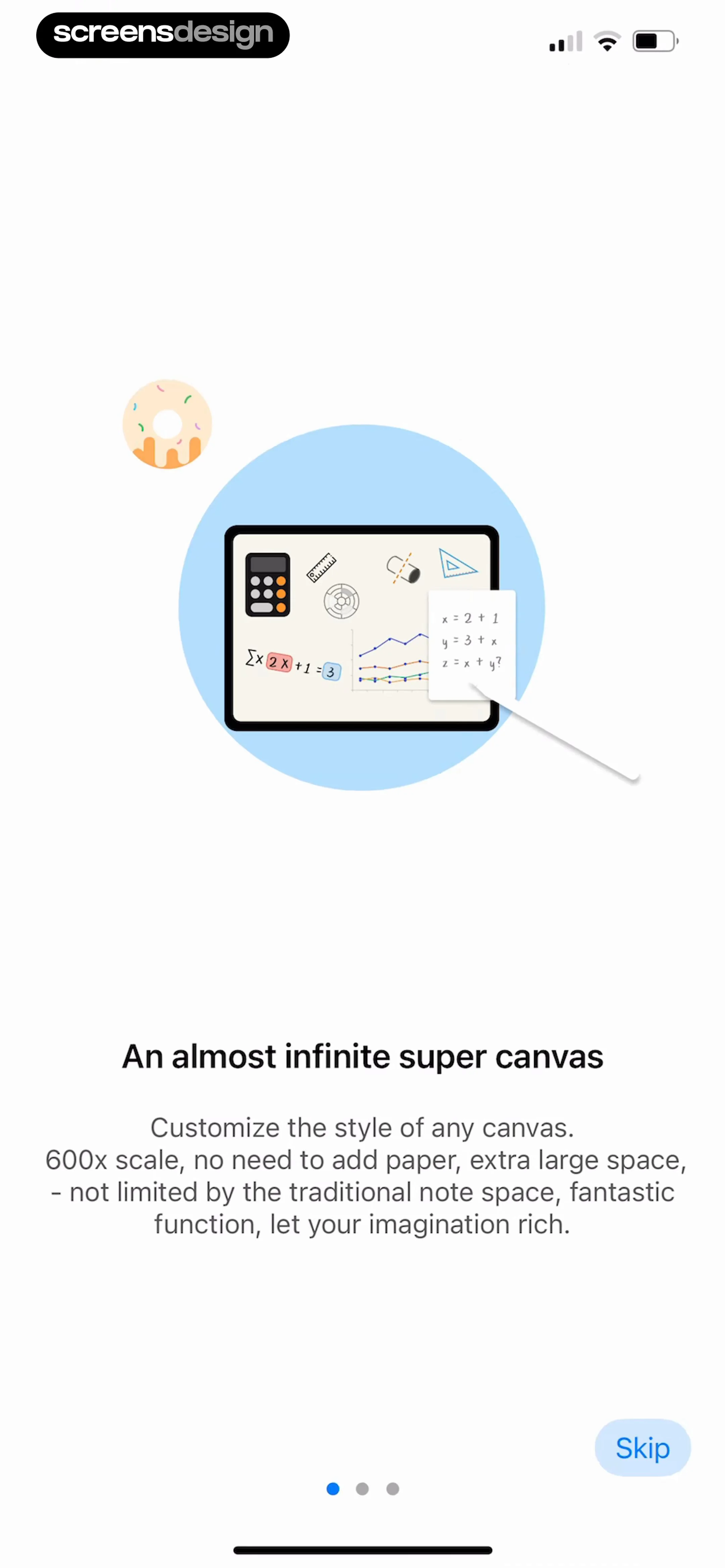
Onboarding screen introducing an infinite canvas feature for notes, with a tablet illustration, descriptive text, pagination dots, and a Skip button.
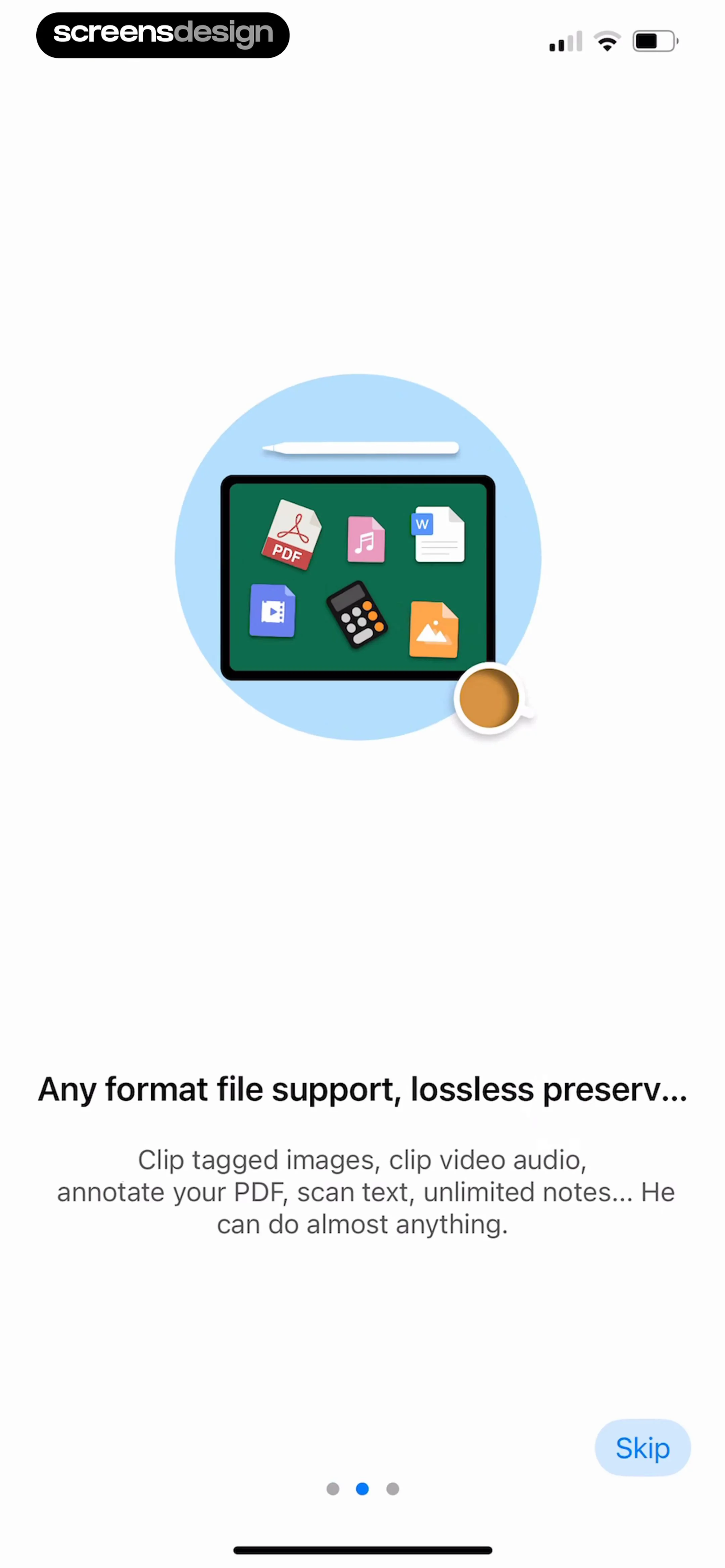
Onboarding screen introducing file support with a central tablet illustration, pagination dots, and a Skip button.
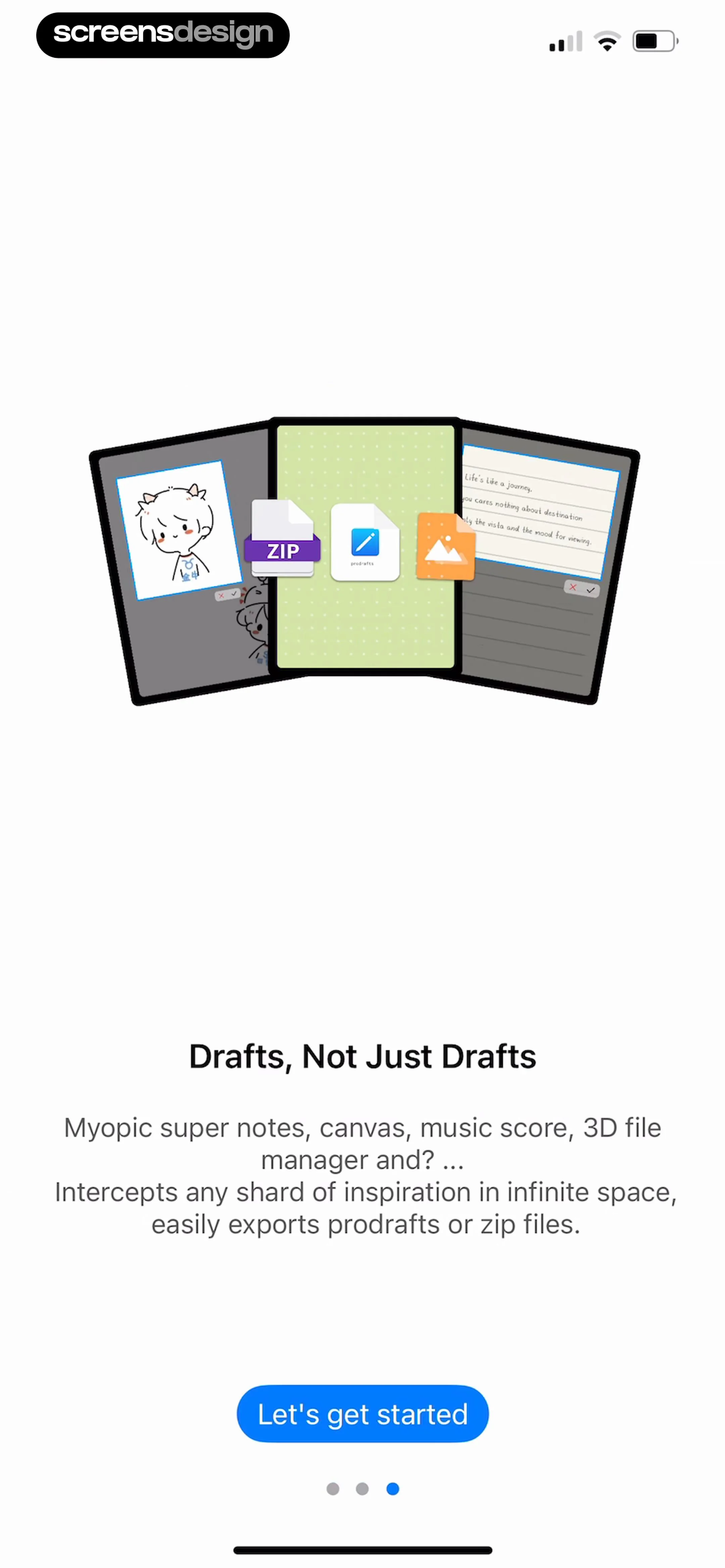
Prodrafts onboarding screen featuring a hero illustration, explanatory text about super notes, a Let's get started button, and pagination dots.
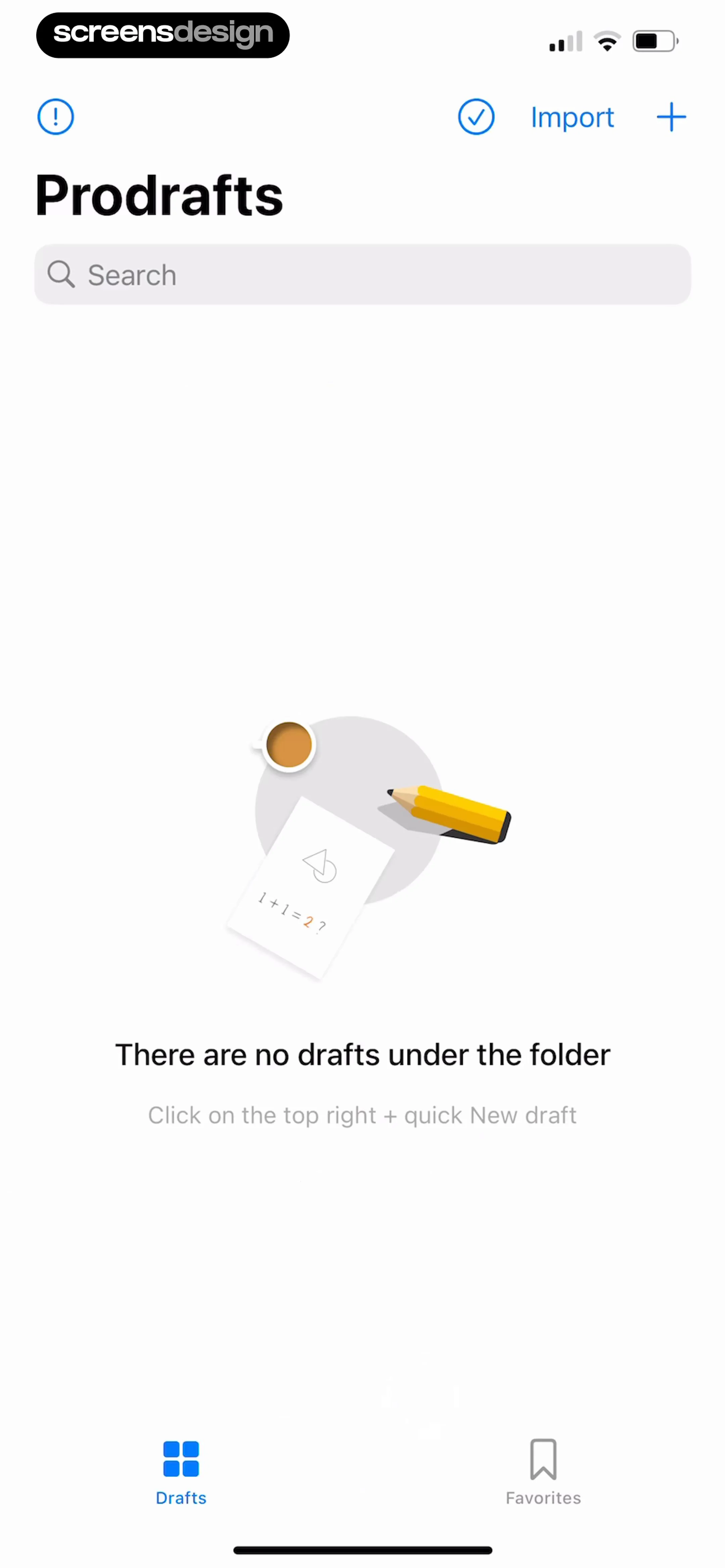
Prodrafts empty state screen with a search bar, an illustration, and instructions to create a new draft.
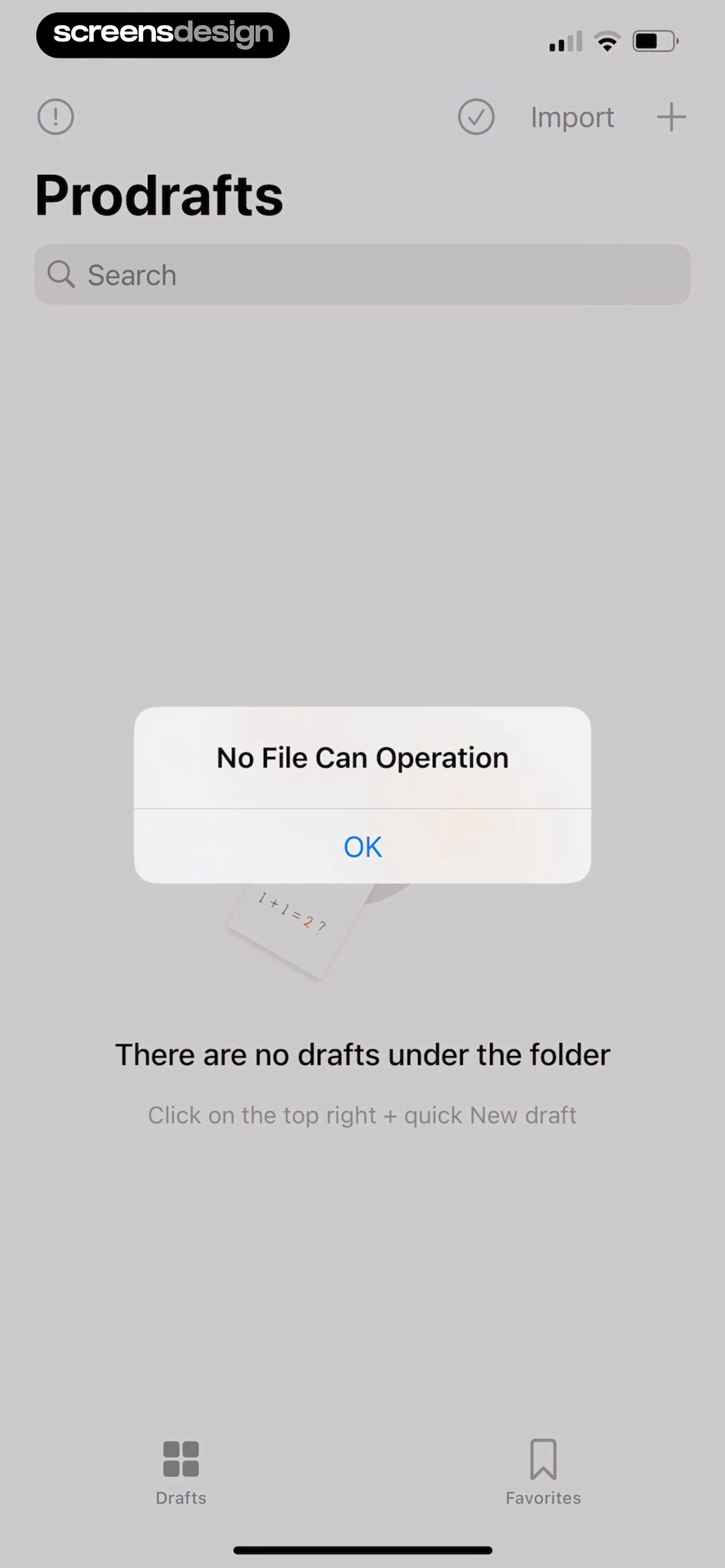
Prodrafts empty drafts screen with a modal error alert displaying No File Can Operation and an OK button.
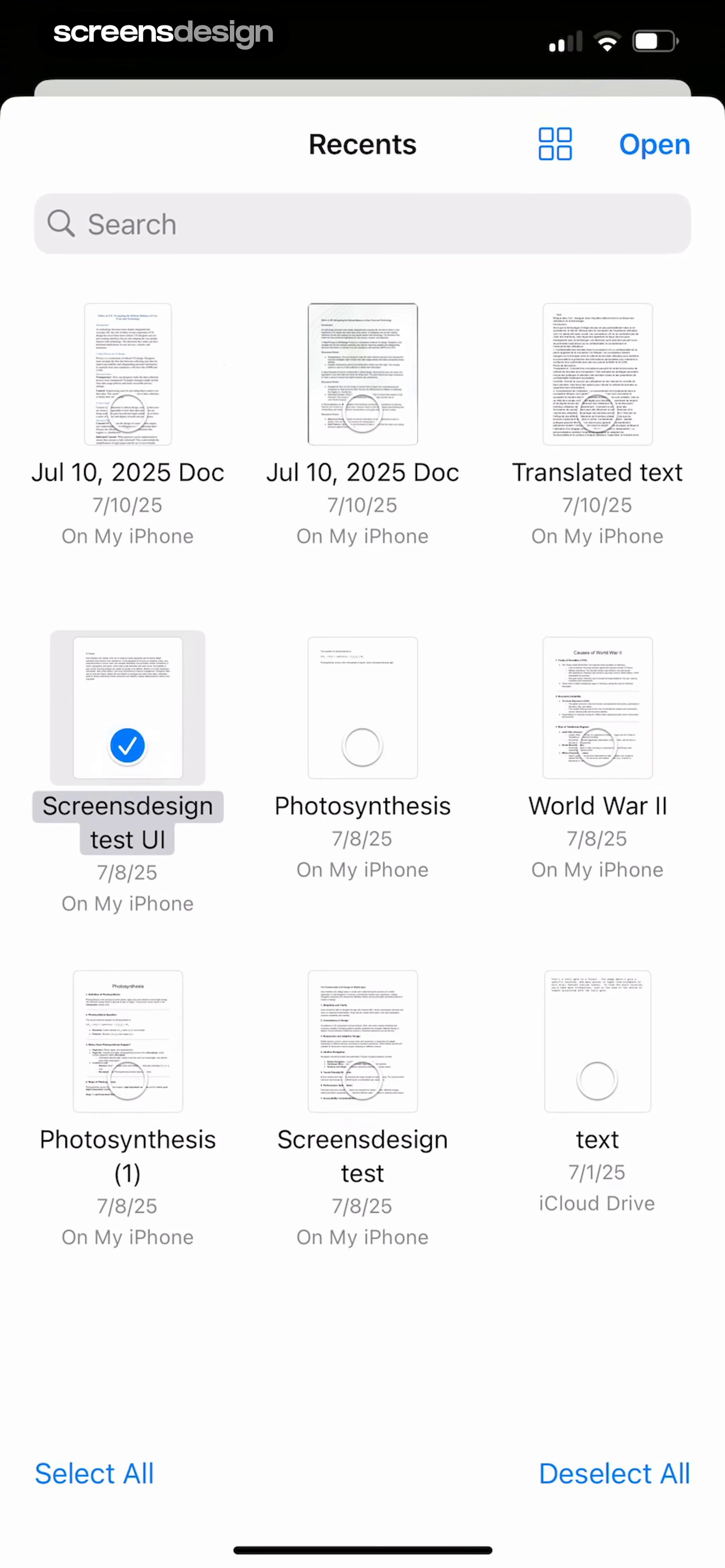
Recent documents grid showing file thumbnails with a search bar, an open button, and one selected document.
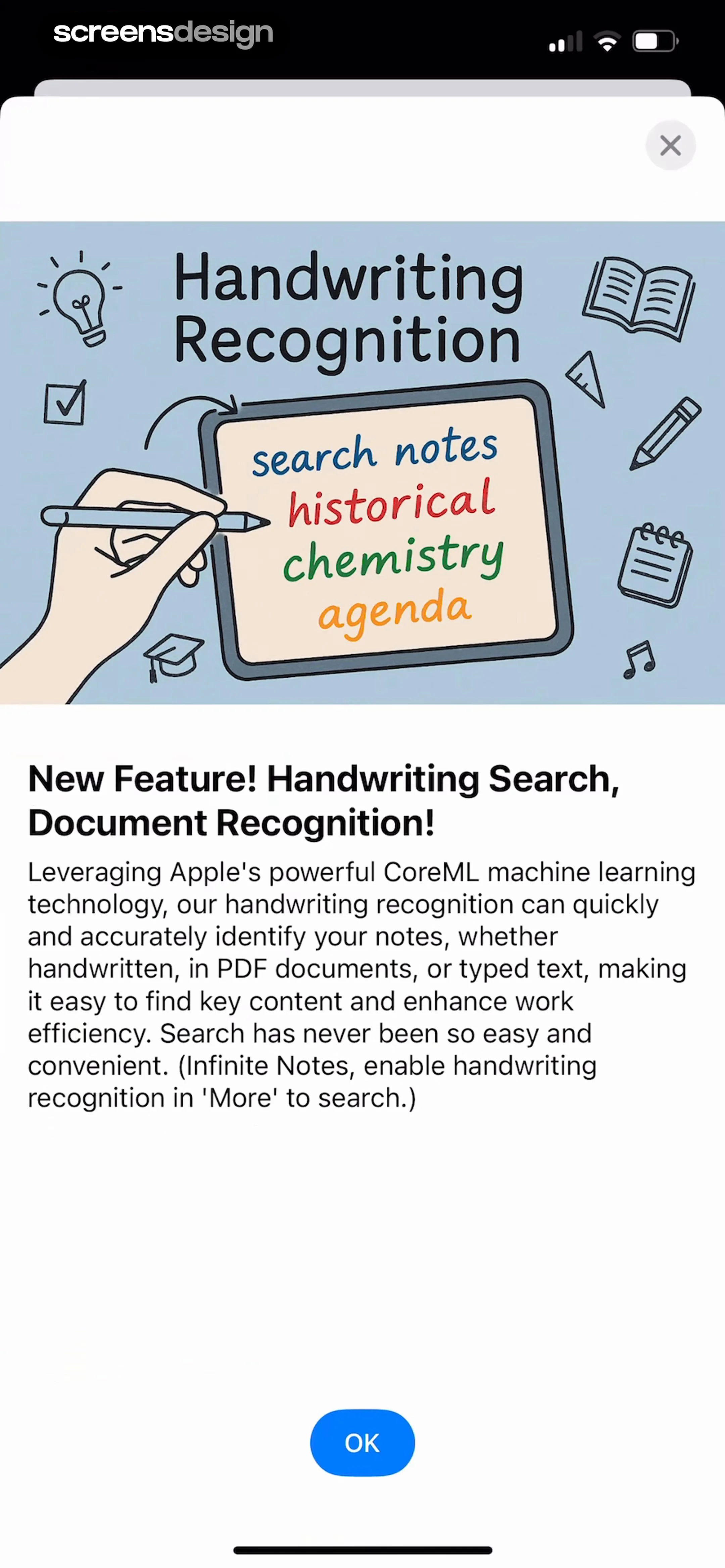
Feature announcement modal for handwriting search and document recognition with an illustration and an OK button.
Document editor with a top floating toolbar and a central canvas displaying a text note about UI design.Unlock Pro
Document editor screen displaying a UI Design text block with floating top and bottom toolbars.Unlock Pro
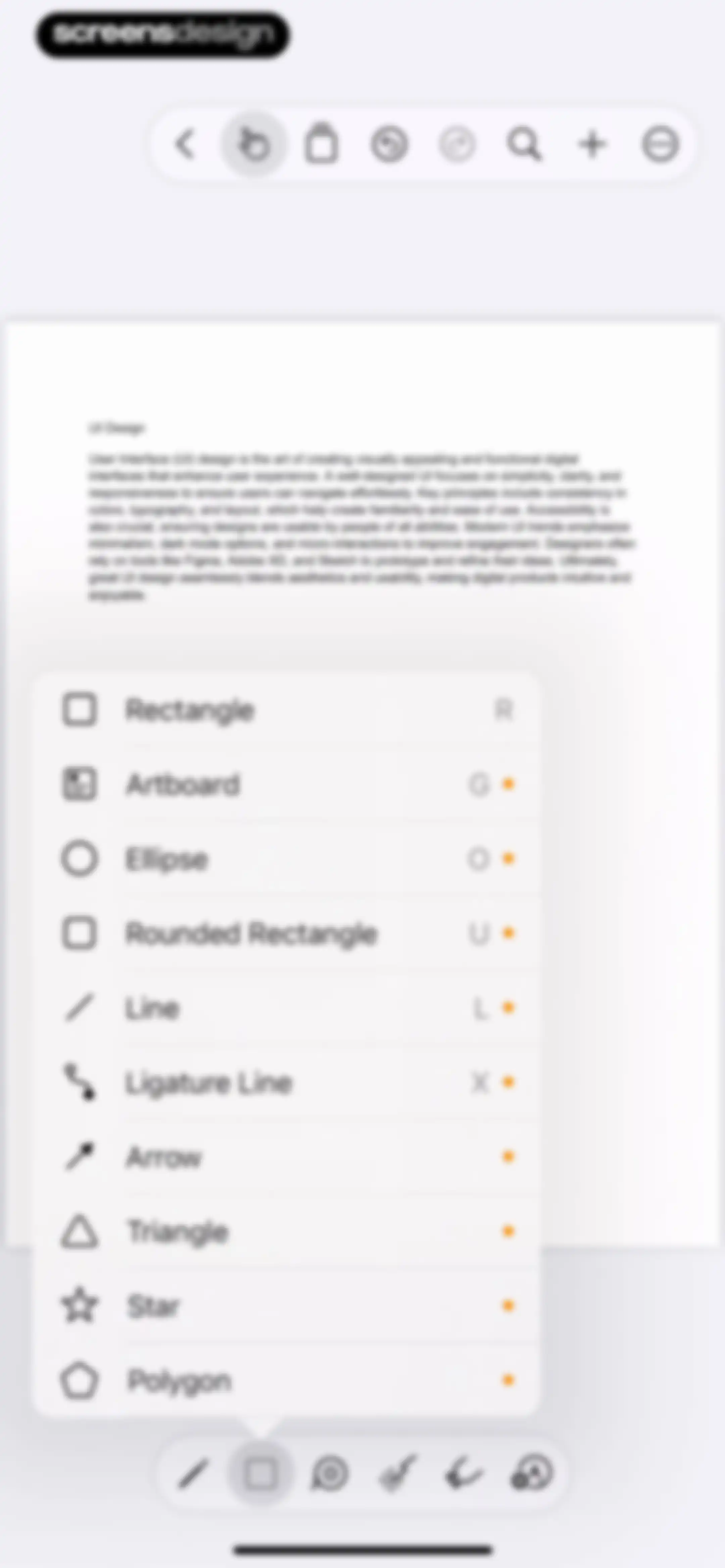
Editor screen displaying text content on a canvas with a floating shape selection modal and bottom toolbars.Unlock Pro
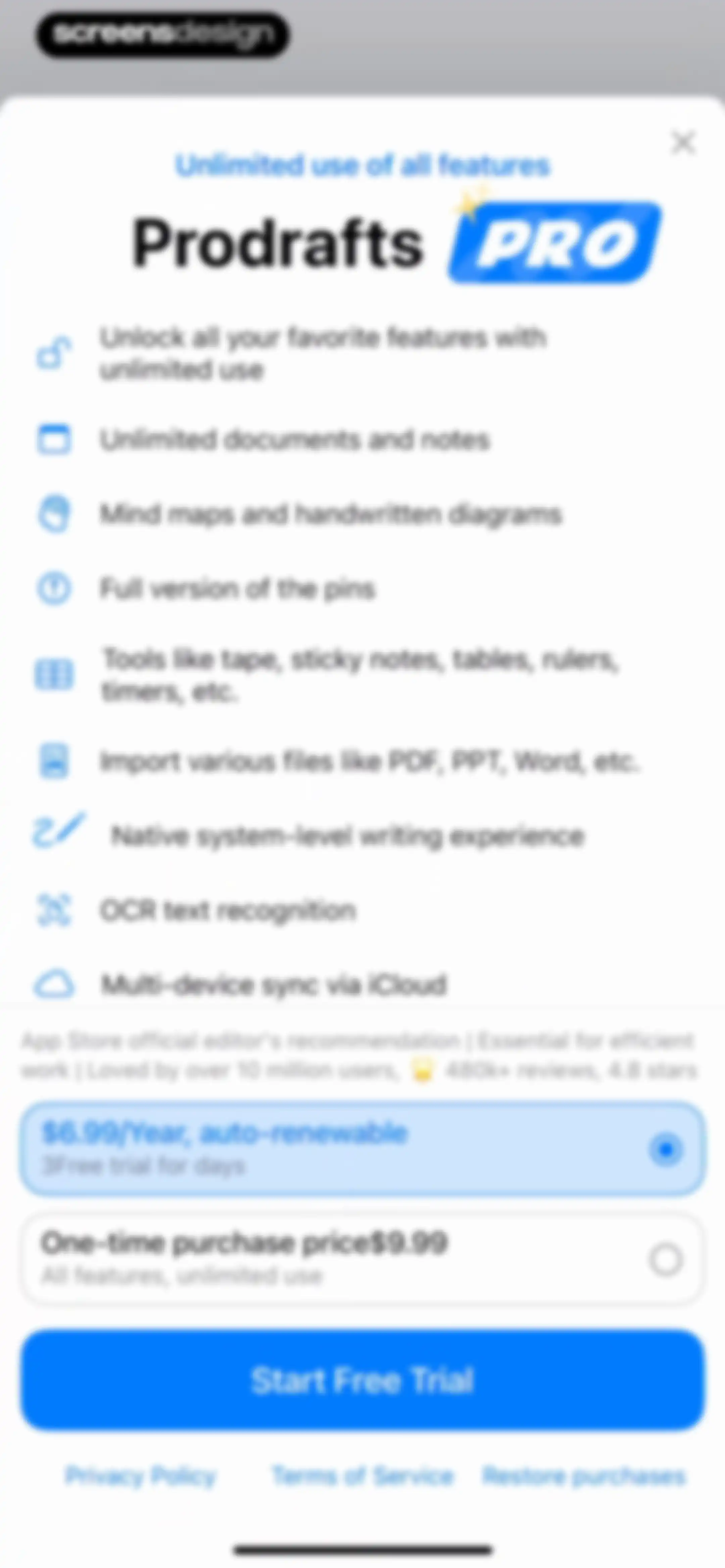
Subscription paywall screen listing PRO features and user reviews, offering an annual plan with a free trial and a Start Free Trial button.Unlock Pro
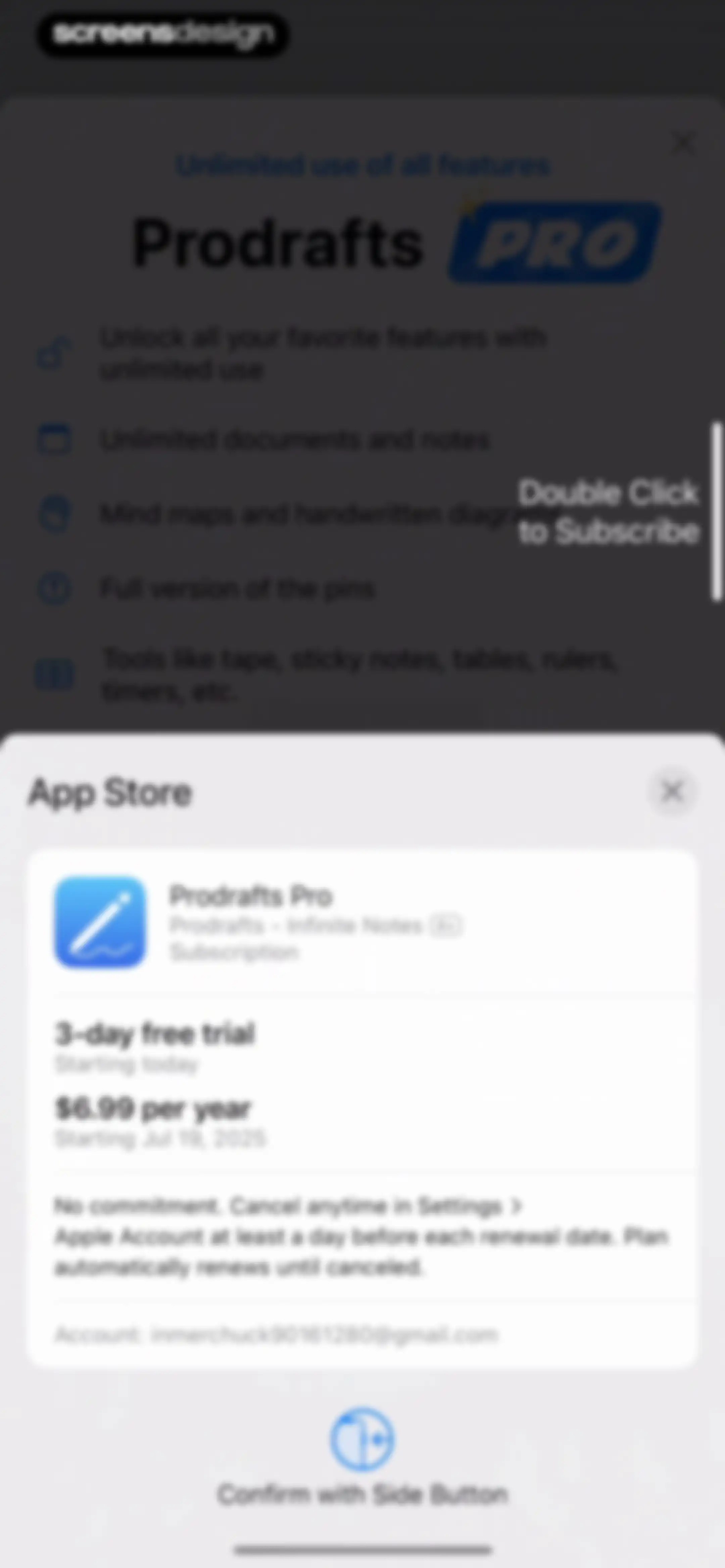
Subscription confirmation modal for Prodrafts Pro featuring a three-day free trial, annual pricing, and a side button confirmation prompt.Unlock Pro
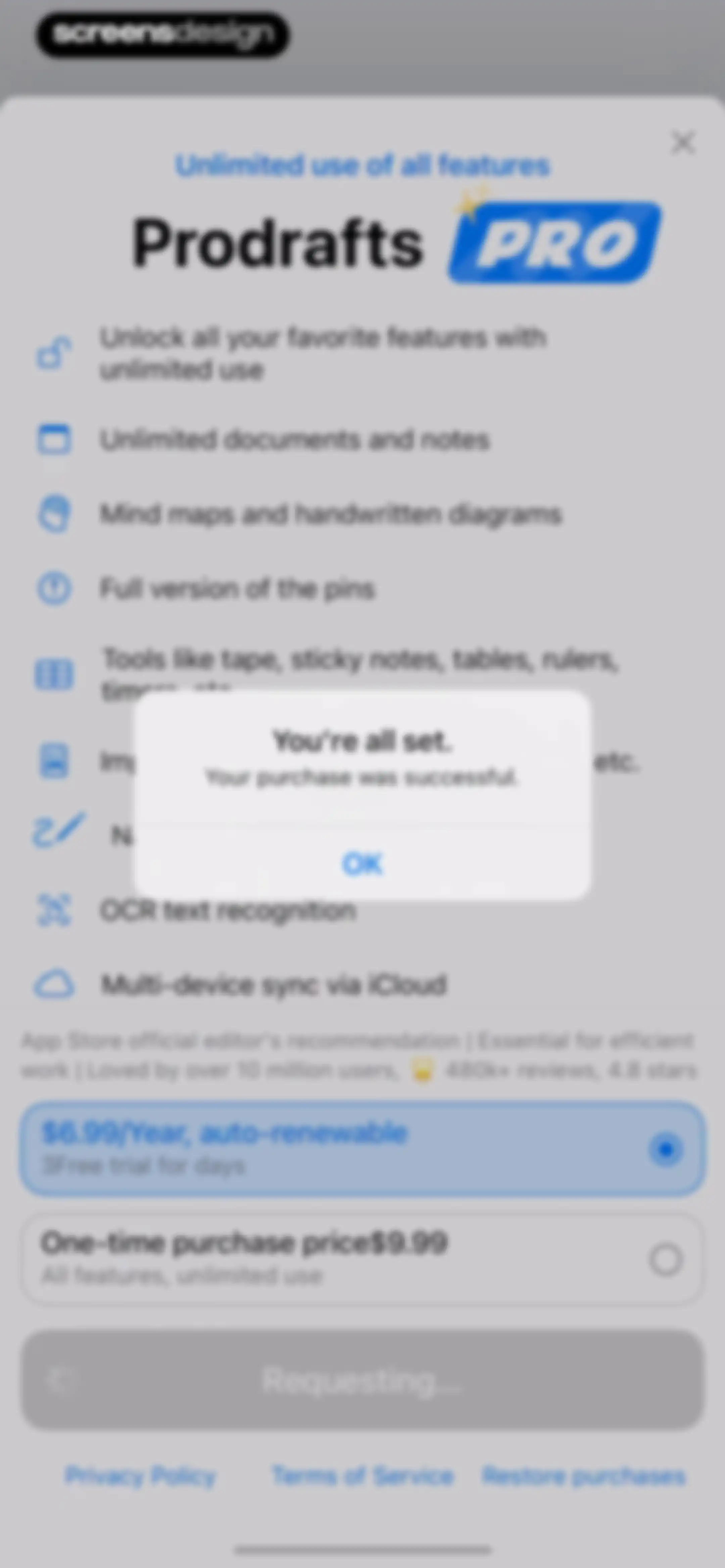
Prodrafts paywall subscription screen featuring feature lists, social proof, plan cards, and a purchase success modal with an OK button.Unlock Pro
Editor screen displaying a document canvas with an open shape selection menu and a bottom toolbar.Unlock Pro
Editor screen with an infinite canvas displaying a selected yellow triangle shape, a text block about UI Design, and bottom toolbars.Unlock Pro
Editor screen with a selected yellow triangle on the canvas, a floating color selection popover, and a secondary object manipulation toolbar.Unlock Pro
Shape editing modal overlaying a document canvas with controls for shape type, opacity, fill, border, and line style, featuring a Save As Default button.Unlock Pro
Shape editing modal overlay with controls for type, opacity, fill, border, and line width, accompanied by a success notification.Unlock Pro
Editor screen displaying text and an orange triangle on a canvas with a top floating toolbar and a bottom keyboard formatting bar.Unlock Pro
Editor screen displaying an infinite canvas with a selected yellow triangle shape and a bottom drawing toolbar.Unlock Pro
Prodrafts editor screen displaying text about UI design and a floating context menu with connection style and compactness options.Unlock Pro
Editor screen displaying a mind map canvas with a floating context menu open for adjusting connection style and compactness.Unlock Pro
Editor screen with an infinite canvas displaying a text block and an orange triangle, featuring a contextual floating toolbar and a bottom tool palette.Unlock Pro
Editor screen displaying a context menu with options like Paste as Node and Cut overlaying an infinite canvas workspace.Unlock Pro
Prodrafts editor screen displaying an infinite canvas with text about UI Design, an orange triangle shape selected, and bottom drawing tools.Unlock Pro
Infinite canvas editor displaying a note about UI design, an orange triangle shape with a blue selection bounding box, and a bottom tool palette.Unlock Pro
Modal window displaying a grid of sticker and element categories with item counts, featuring Cancel and Add buttons in the header.Unlock Pro
Editor screen displaying text and an orange triangle shape on an infinite canvas with a floating toolbar and bottom drawing tools.Unlock Pro
Editor screen displaying a canvas with a text block and an open context menu offering object manipulation options.Unlock Pro
Export options modal showing format selections with PNG selected, two settings toggles, and Cancel and Export buttons.Unlock Pro
Share sheet modal displaying a file preview, app sharing options, and a vertical list of actions including Save Image.Unlock Pro
Permission modal requesting photo access to save a diagram draft, overlaid on a note-taking canvas with editing tools.Unlock Pro
Editor screen displaying a note titled UI Design with text and orange triangle shapes on a canvas, featuring top navigation and a bottom drawing tool palette.Unlock Pro
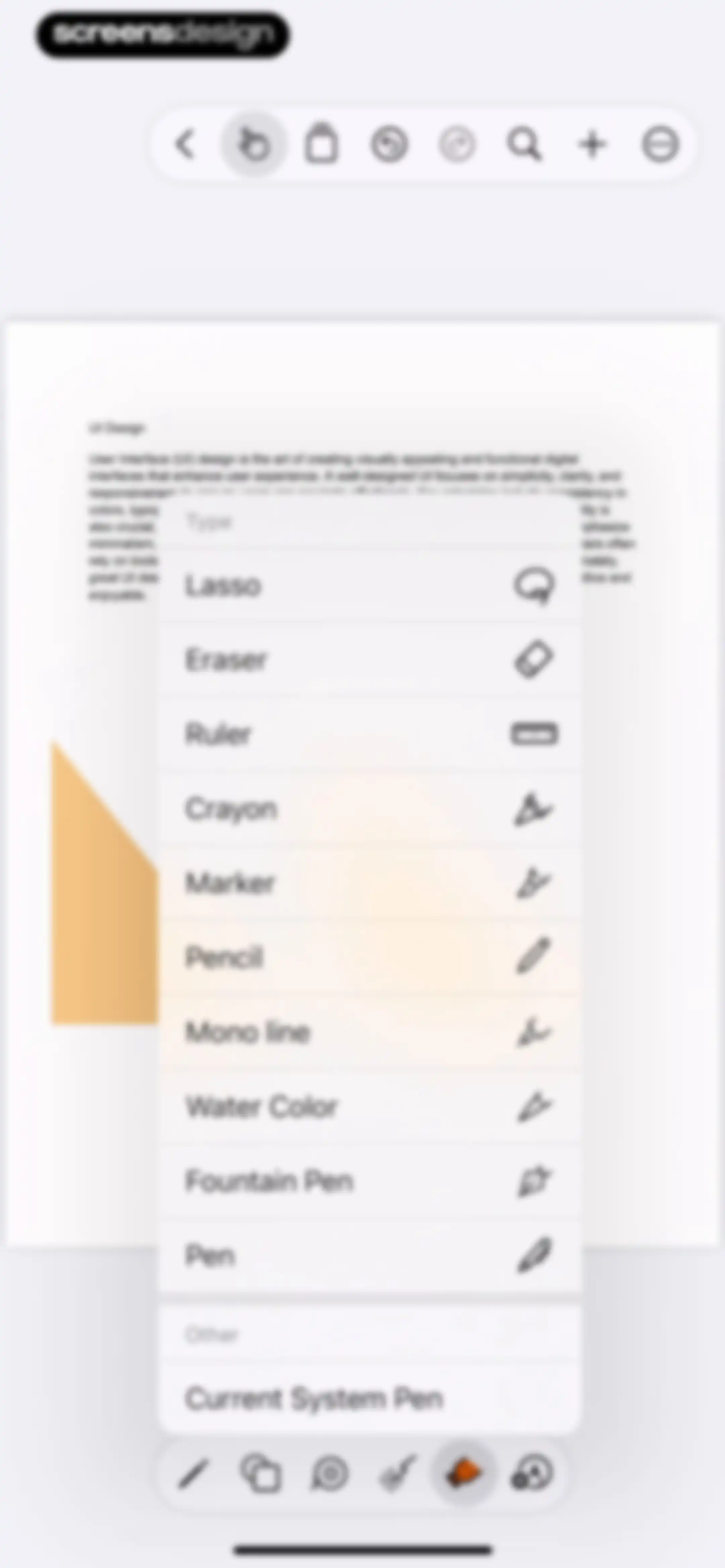
Editor screen displaying an open tool selection menu with a list of drawing and editing tools over a document canvas.Unlock Pro
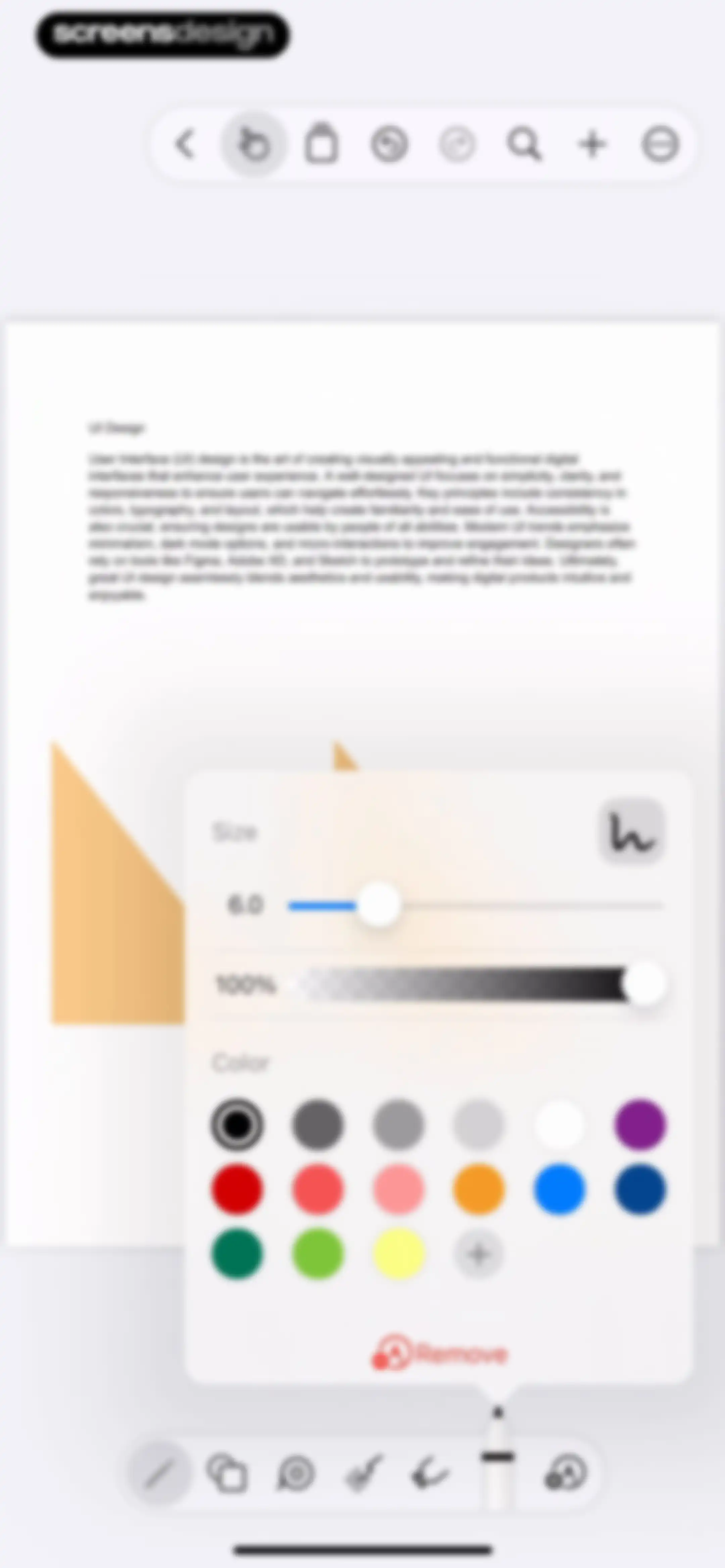
Editor screen with a floating configuration modal open over a canvas showing text and graphics, featuring size and opacity sliders and color options.Unlock Pro
Document page overview showing a grid view with a single page thumbnail for UI Design and a Select action.Unlock Pro
Empty state screen for manuscript favorites, featuring a centered illustration and instructional text with a top navigation bar.Unlock Pro
Empty state screen for a document outline with a central illustration and an Add Outline button.Unlock Pro
Empty state screen for the pin feature with centered instructions and an Add Group button in the bottom right corner.Unlock Pro
Editor screen displaying text and shapes on an infinite canvas with top and bottom floating toolbars.Unlock Pro
Edit Pin modal dialog featuring color and icon pickers, a title input field, a Show Title toggle, and a Done button.Unlock Pro
Editor screen displaying an infinite canvas with UI Design text, geometric shapes, and a bottom toolbar featuring the selected pen tool.Unlock Pro
Search modal with an empty state, a search input field, and filter tabs for All, Document, and Handwriting/Text.Unlock Pro
Search screen showing the query Design, filter tabs with All selected, and a single UI Design result card with a thumbnail preview.Unlock Pro
Search screen displaying a filled query and a no matches found empty state with the Handwriting/Text filter selected.Unlock Pro
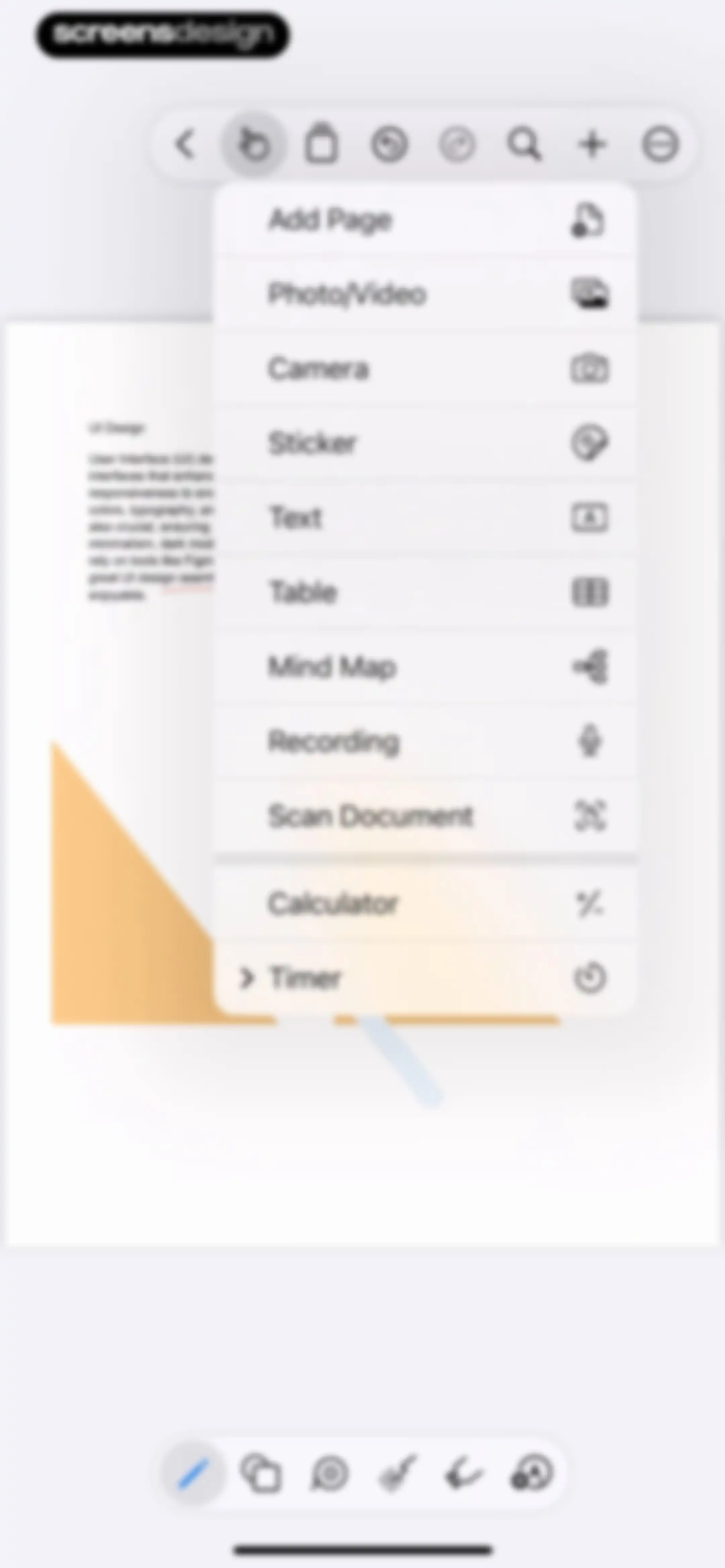
Editor screen displaying a content insertion modal menu over a document canvas, with options to add pages, media, text, and other elements.Unlock Pro
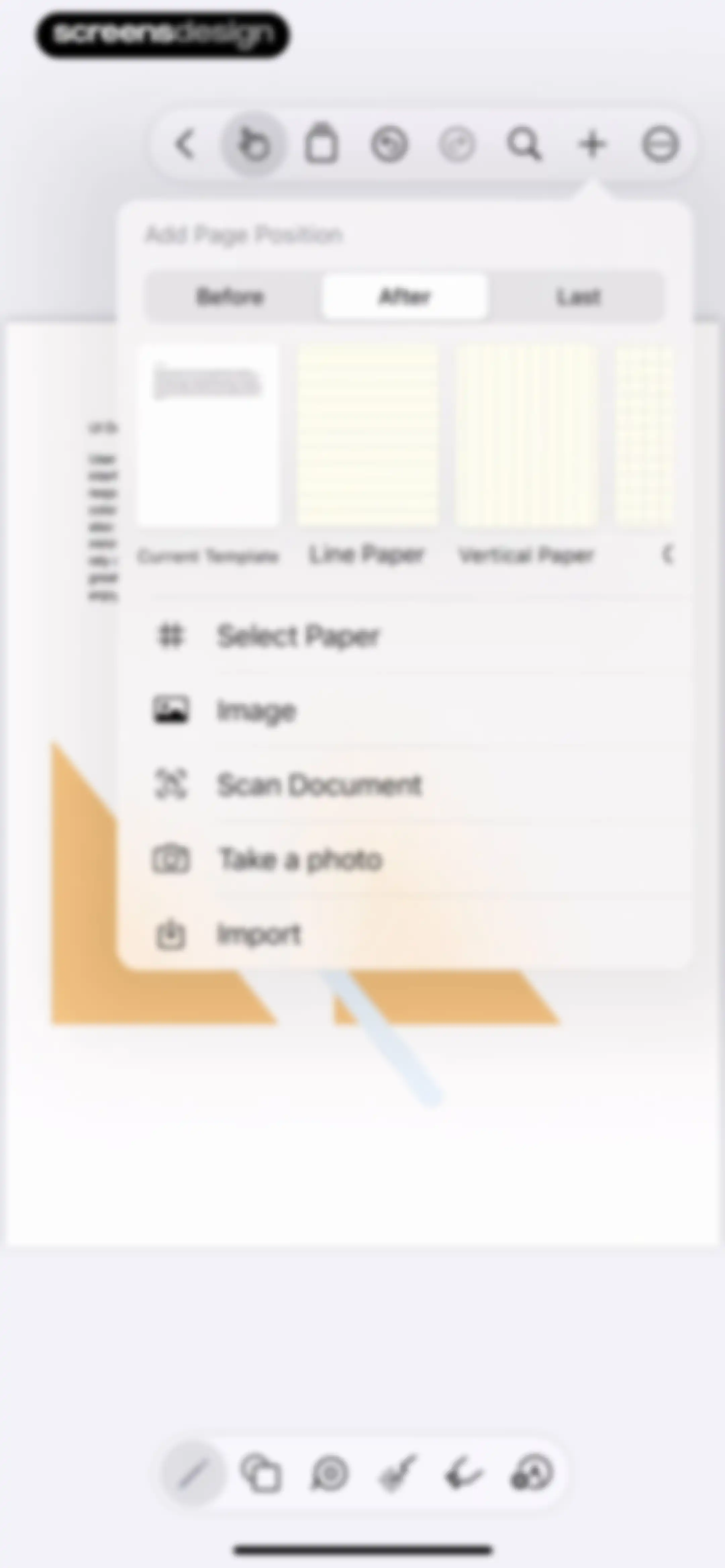
Add Page modal in a note-taking app with a position selector, template carousel, and action list for inserting content.Unlock Pro
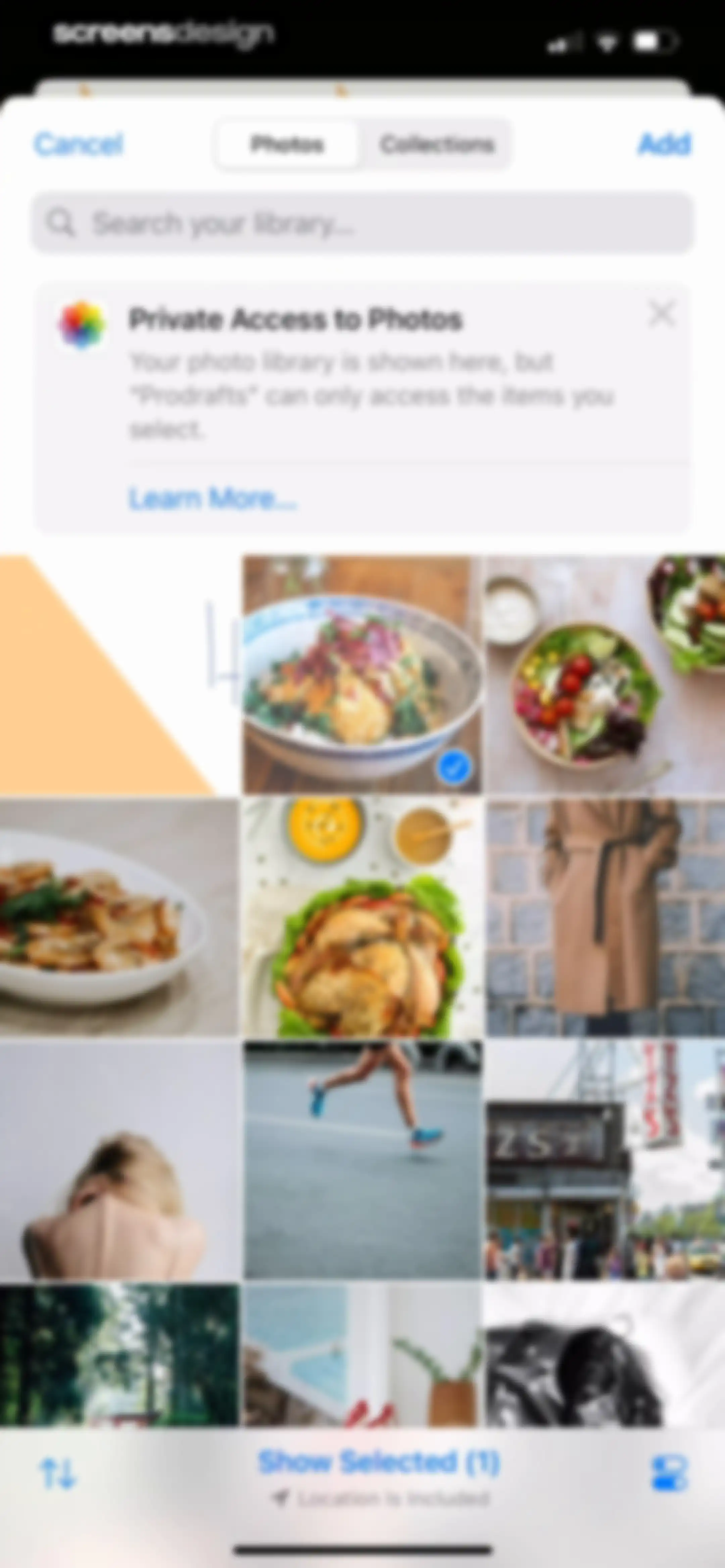
Prodrafts photo selection screen displaying a library grid with one selected photo and an Add button.Unlock Pro
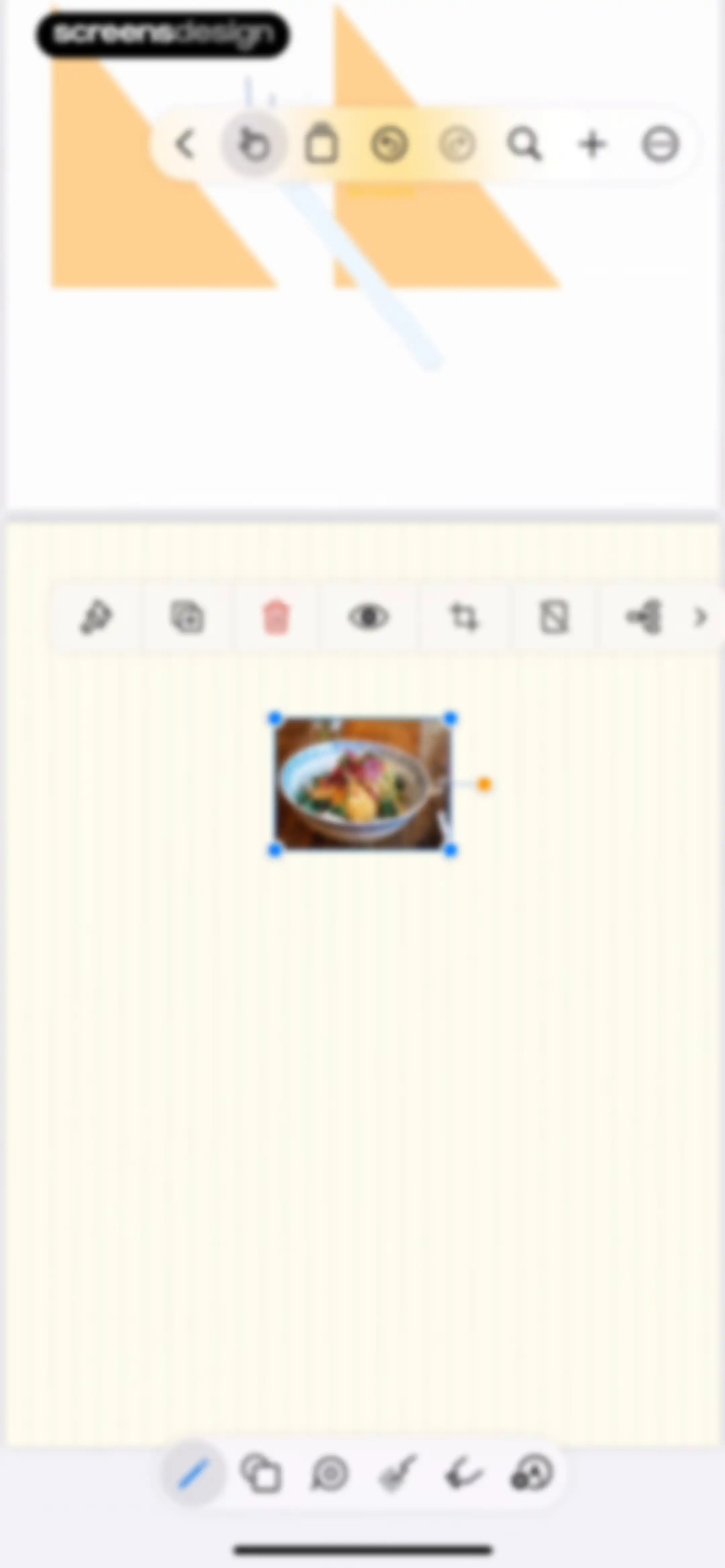
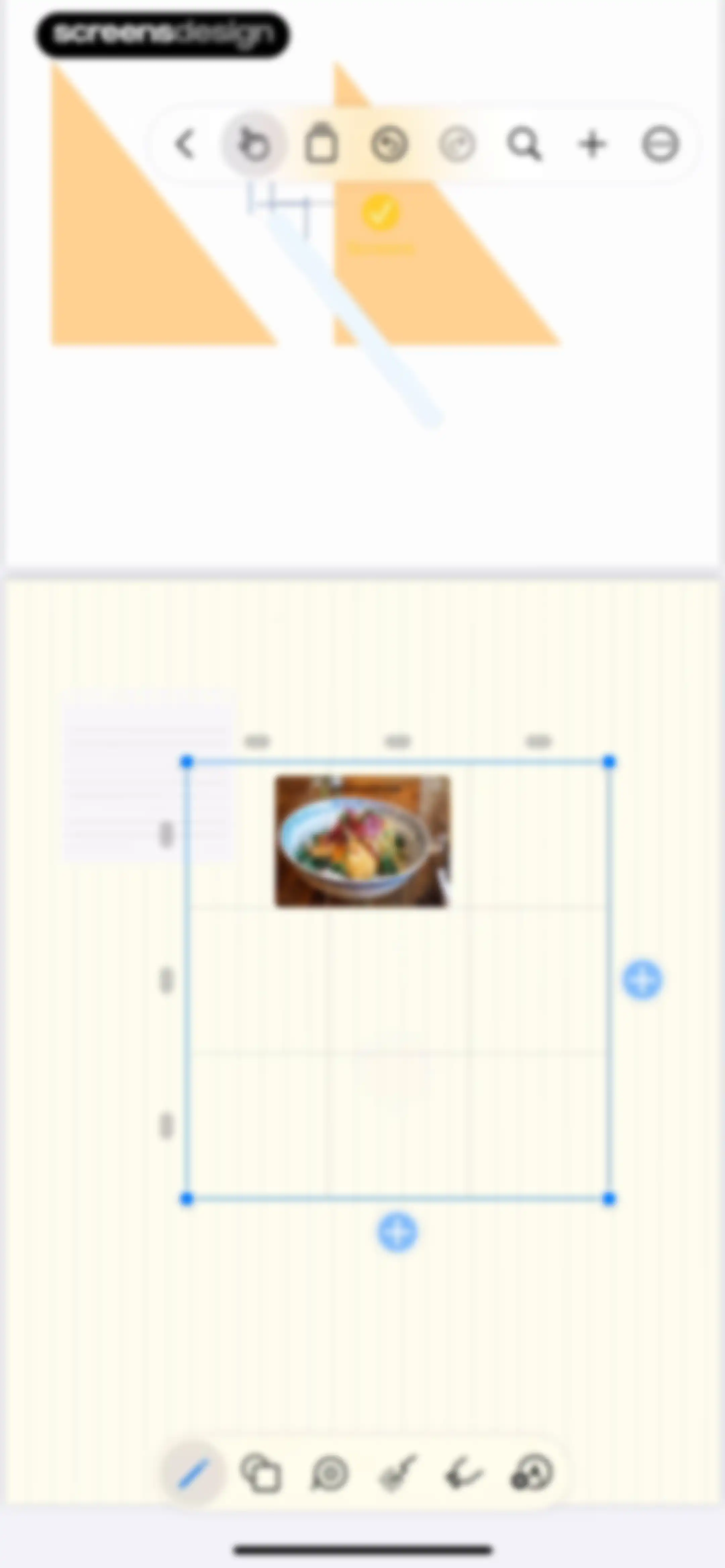
Editor screen featuring an infinite canvas with a selected food bowl image, a top floating toolbar, an image context toolbar, and a bottom tool dock.Unlock Pro
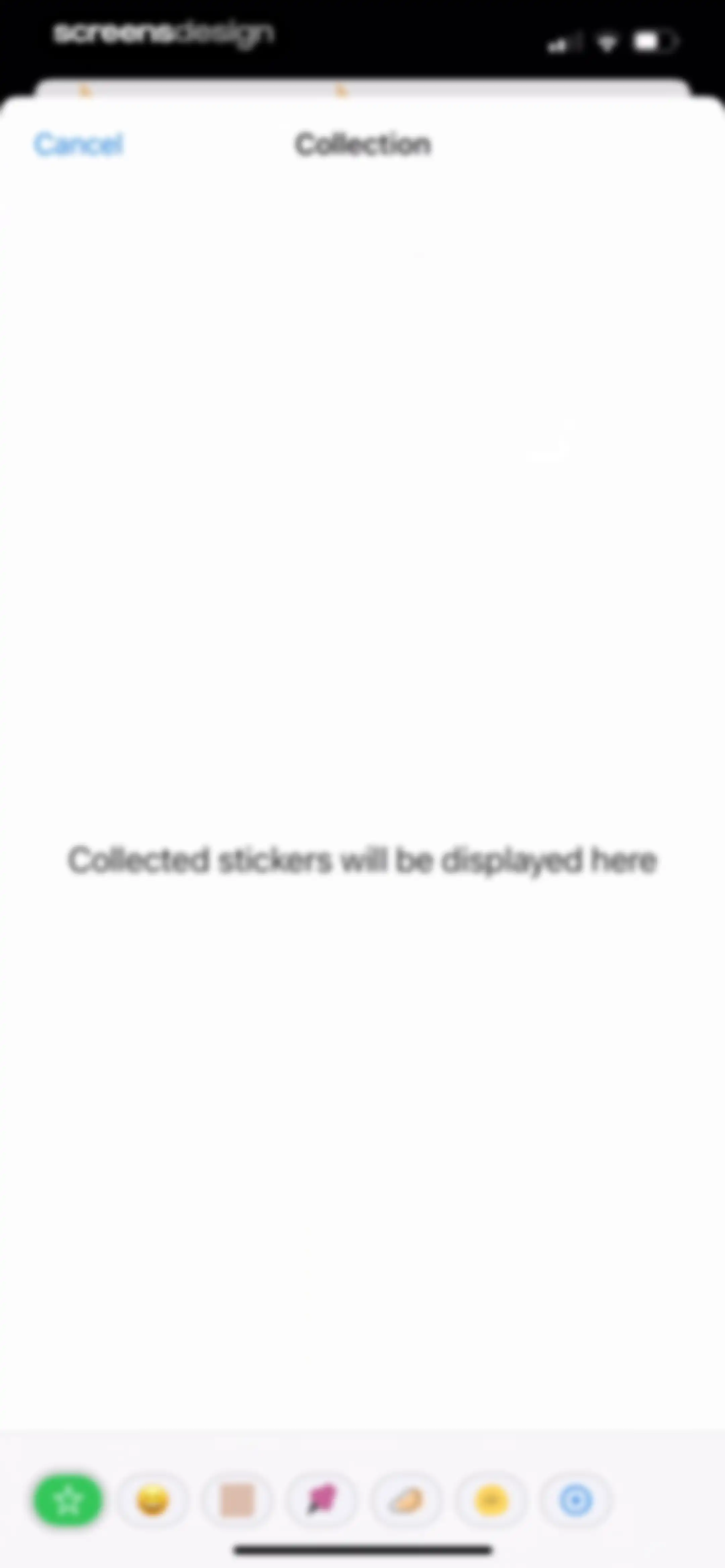
Empty state screen for the sticker collection, featuring instructional text in the center and a bottom toolbar with category icons and an add button.Unlock Pro
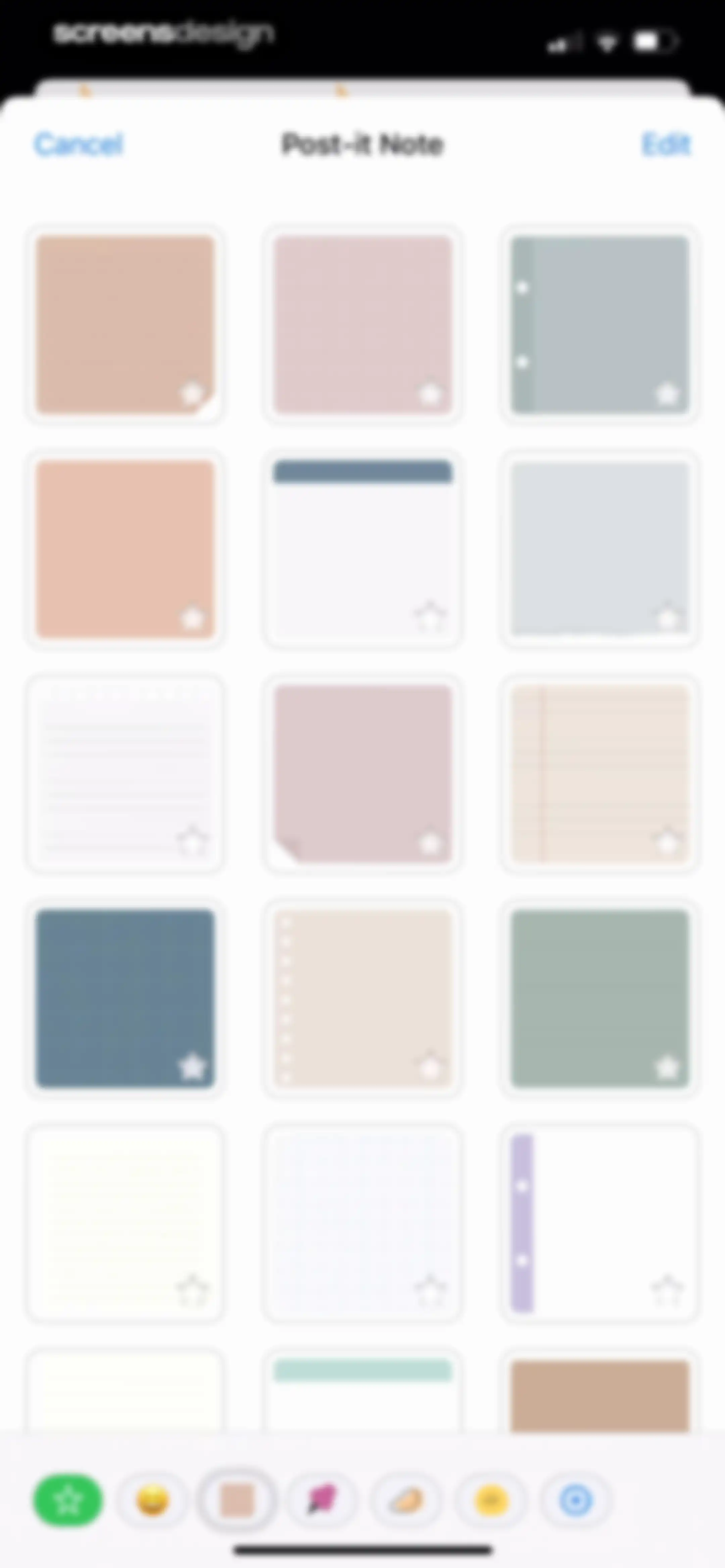
Note template selection modal displaying a grid of Post-it note styles and a bottom category toolbar with Cancel and Edit buttons.Unlock Pro
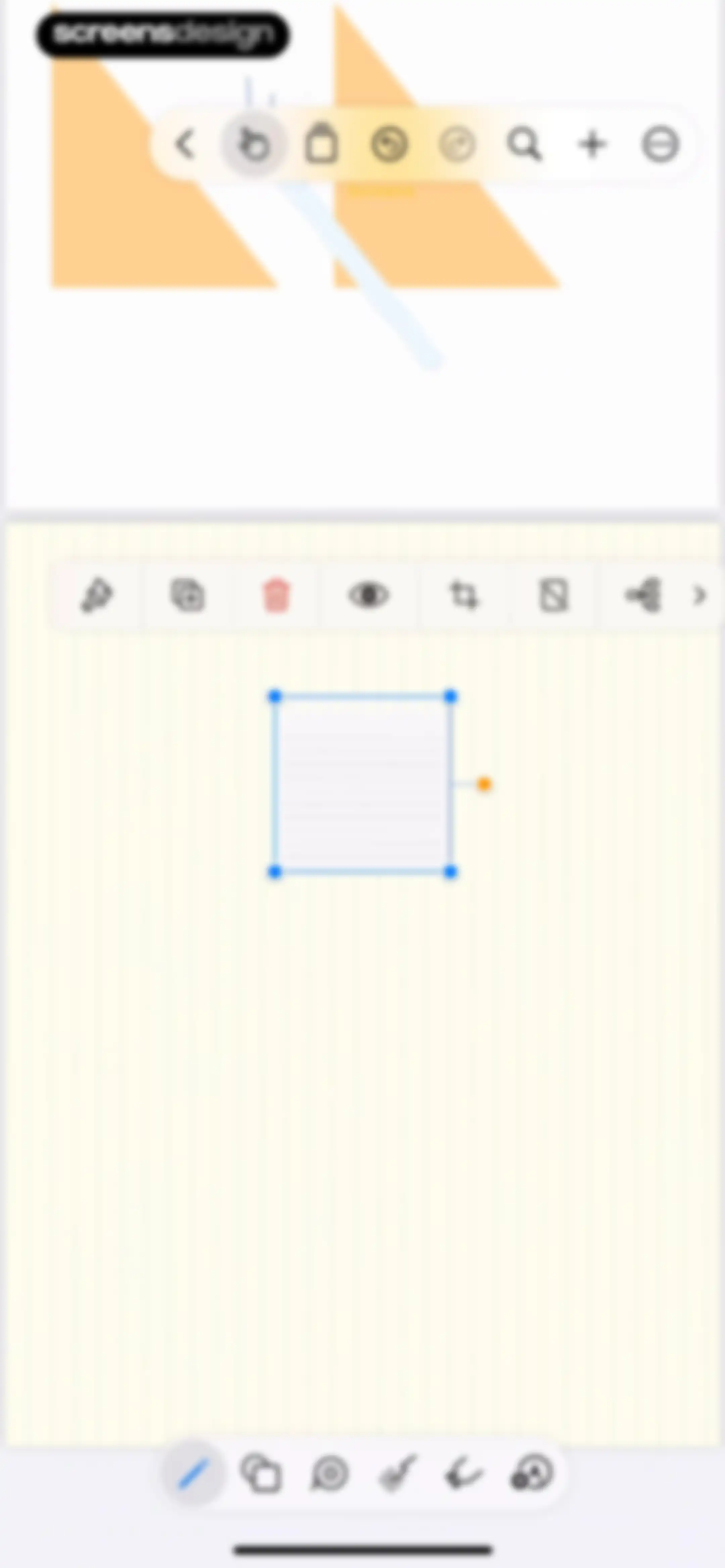
Note-taking editor showing a selected note card on an infinite canvas with top, secondary, and bottom toolbars.Unlock Pro
Note editor showing a white card with a perforated top edge and horizontal lines on a black background.Unlock Pro
Document preview screen in Prodrafts showing a lined paper template with a PNG image format selector and a Done button.Unlock Pro
Note editor on an infinite canvas with a floating toolbar, a photo attachment, and a keyboard with a text formatting toolbar.Unlock Pro
Font selection modal with a search bar and an alphabetical list of font options.Unlock Pro
Text editor interface displaying a font size modal popover, formatting toolbar, and system keyboard.Unlock Pro
Editor screen with a central canvas showing a selected photo object, a floating top toolbar, and a bottom drawing toolbar.Unlock Pro
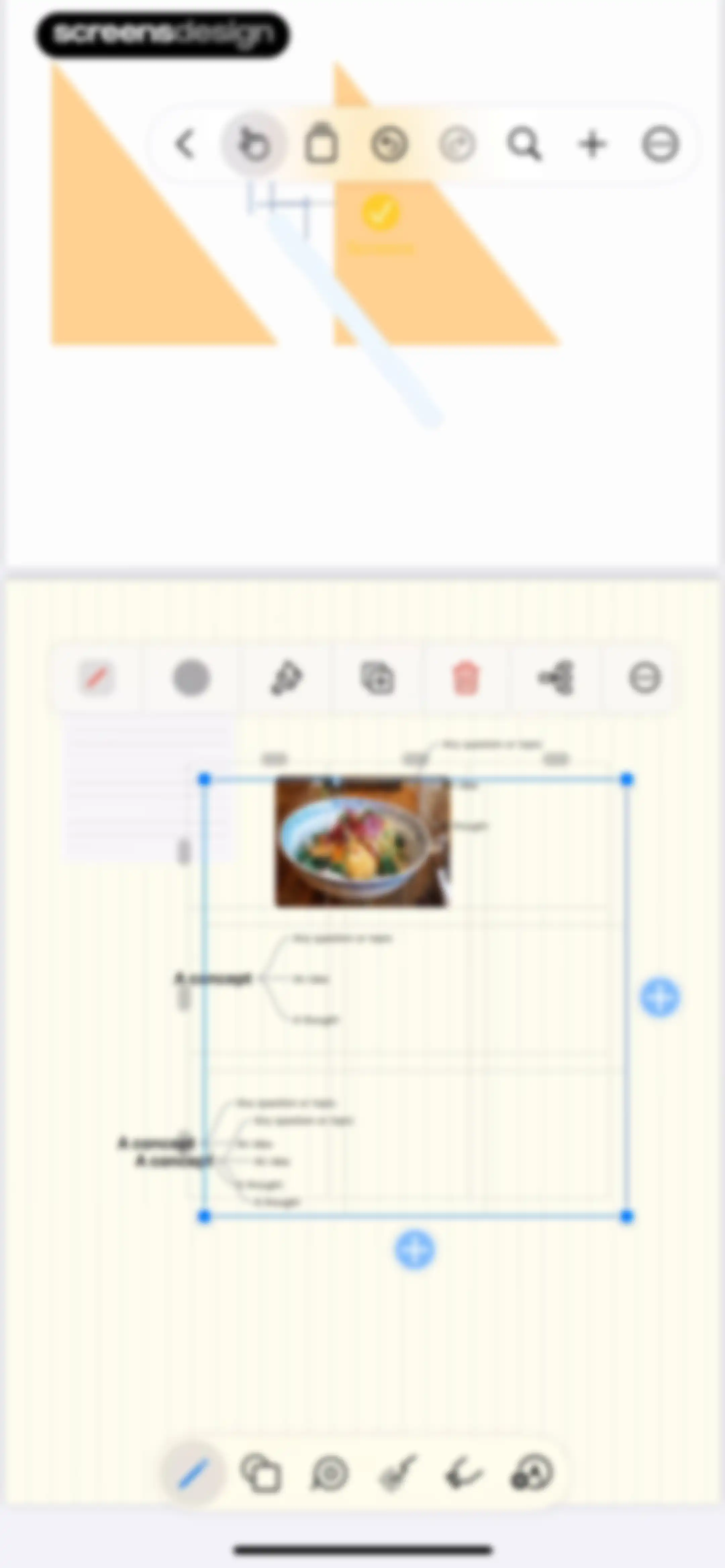
Infinite canvas editor displaying a mind map workspace with floating top and bottom toolbars.Unlock Pro
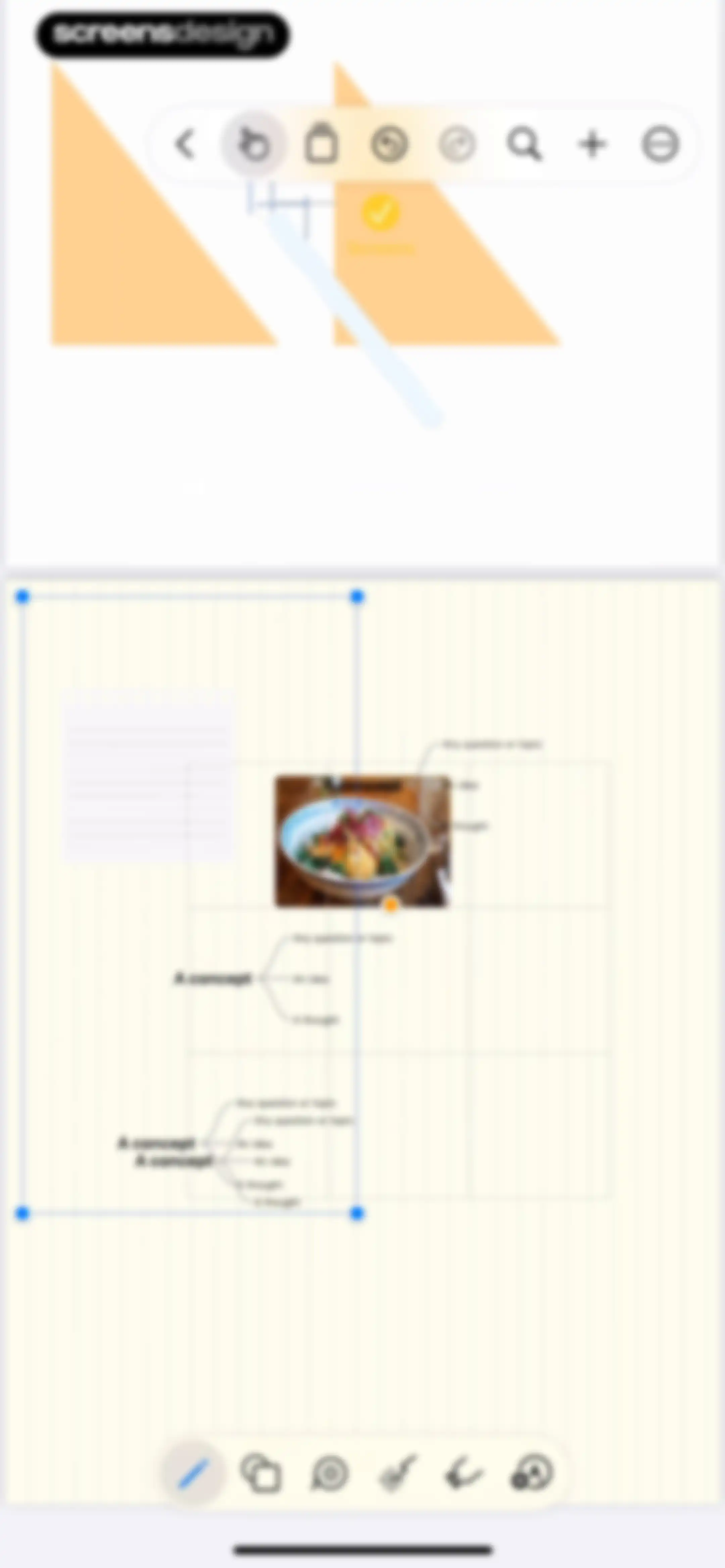
Mind mapping editor screen displaying a central food photo with concept labels on an infinite canvas, with top and bottom floating toolbars.Unlock Pro
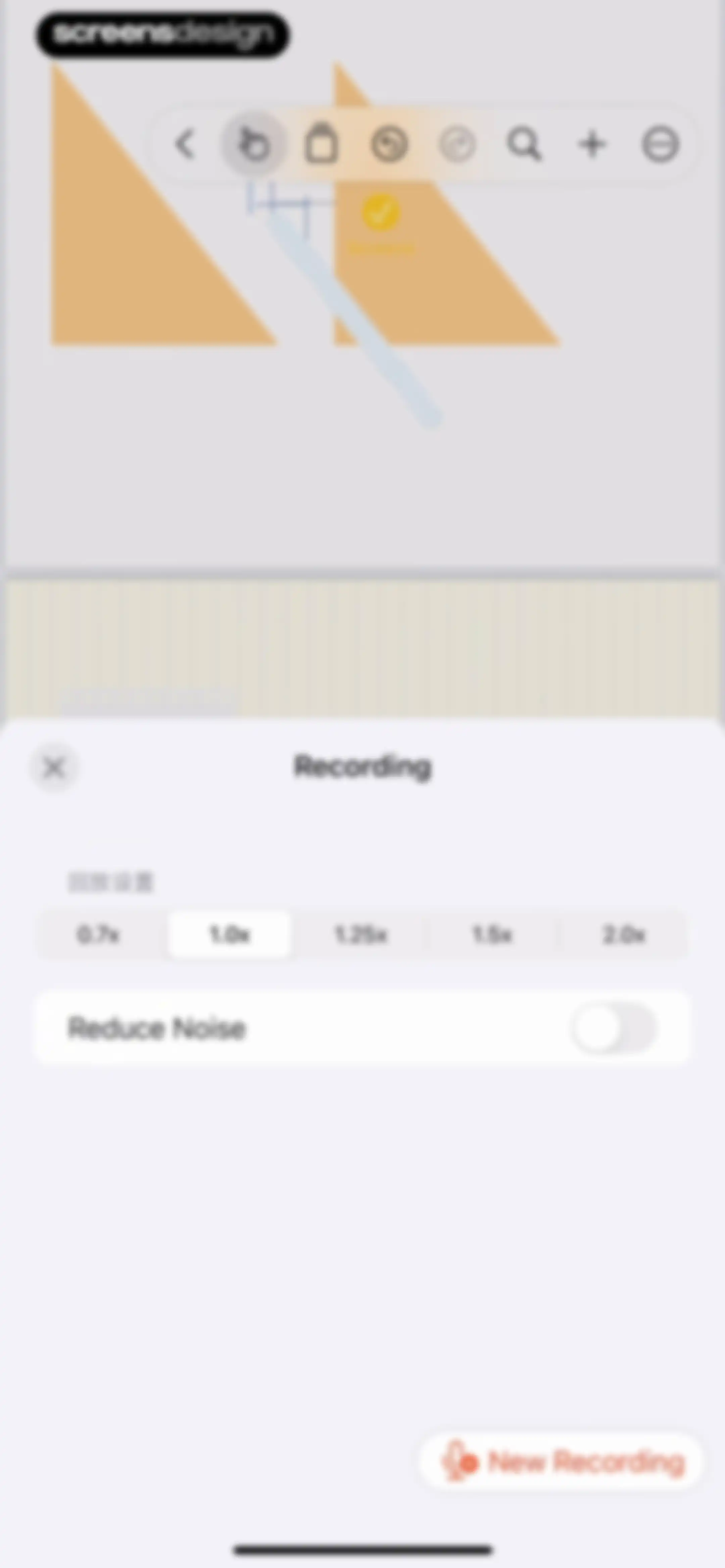
Recording settings modal overlay with playback speed controls, a noise reduction toggle, and a New Recording button.Unlock Pro
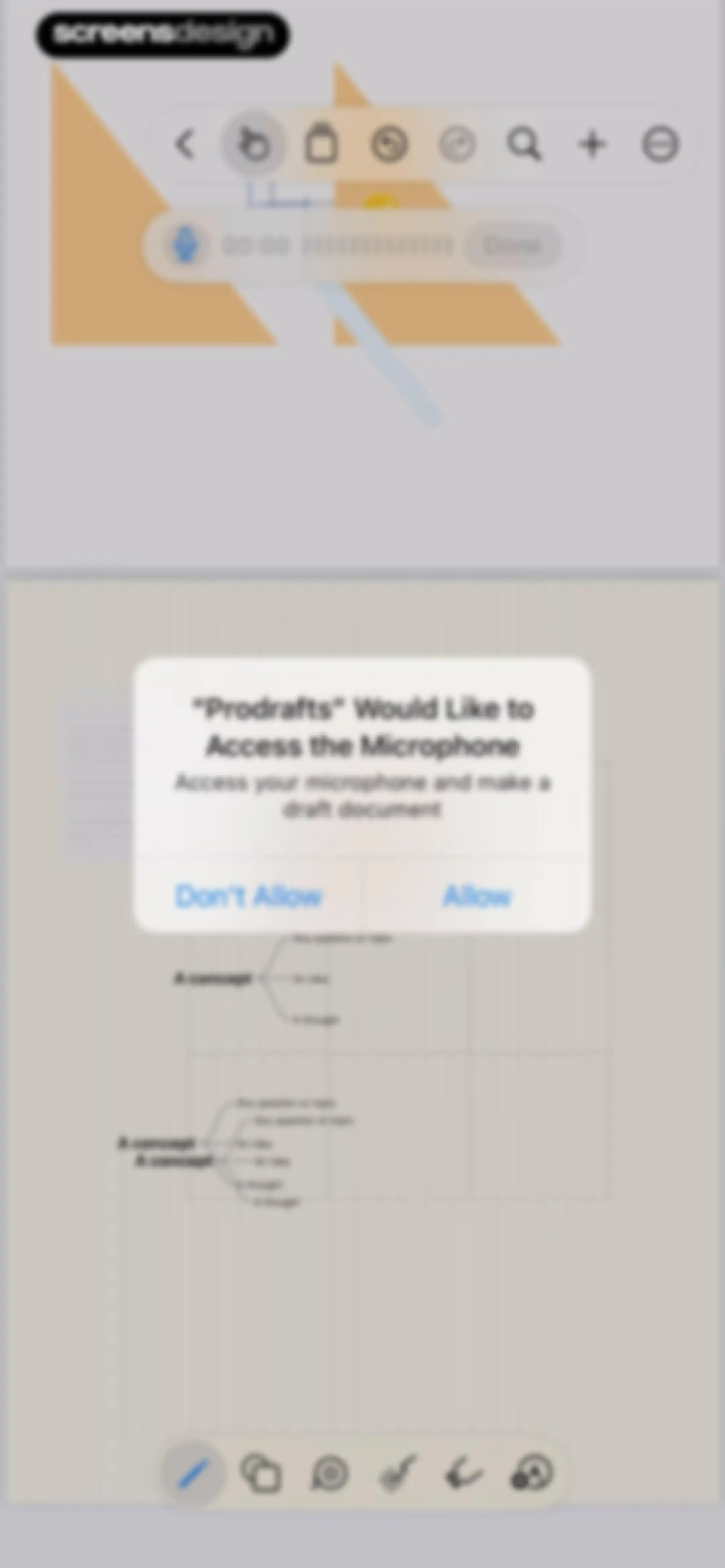
System permission modal requesting microphone access to make a draft document, displayed over a mind map workspace with a top toolbar and bottom editing tools.Unlock Pro
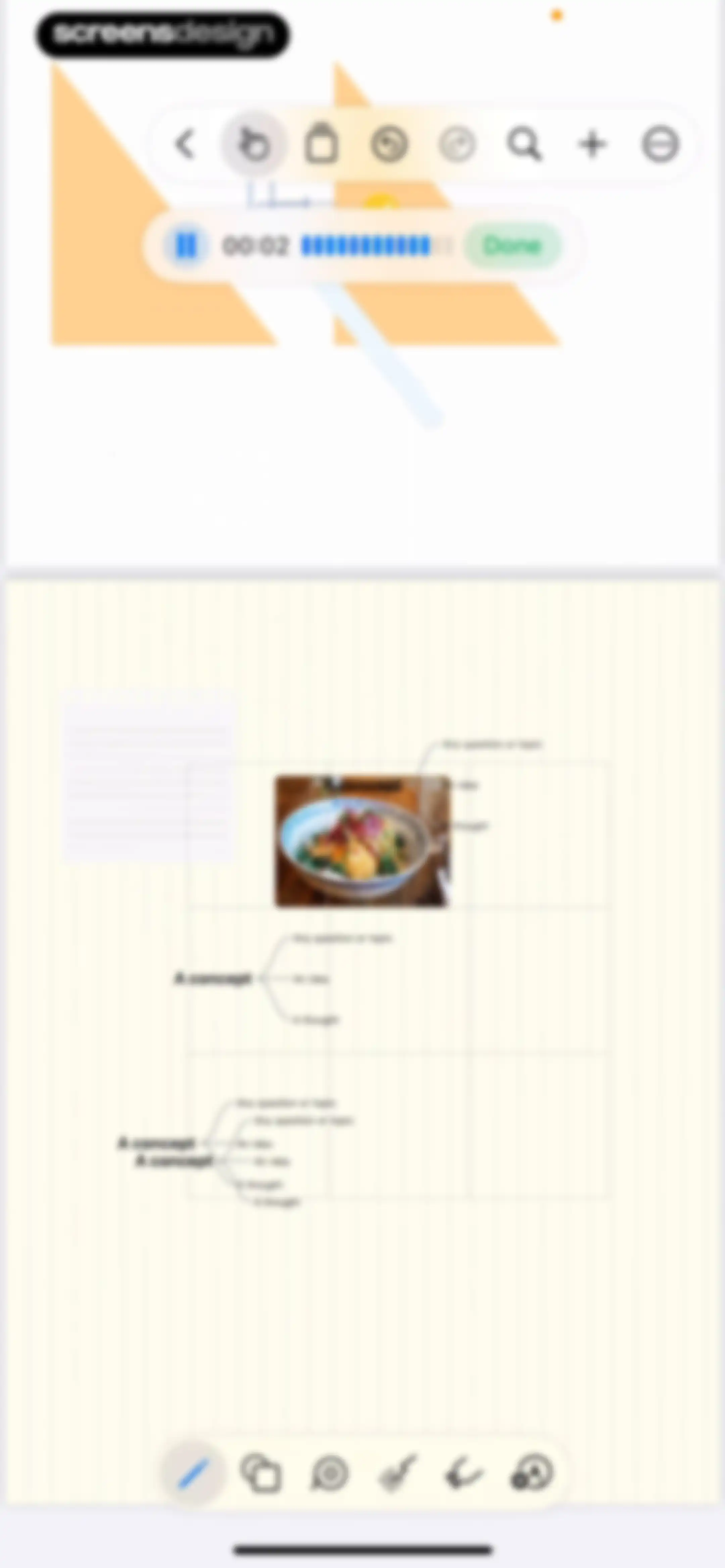
Mind mapping editor with an infinite canvas, a central concept map around a photo, a recording control bar, and top and bottom toolbars.Unlock Pro
Mind mapping editor screen displaying an infinite canvas with a central image and connected text nodes, featuring top and bottom floating toolbars.Unlock Pro
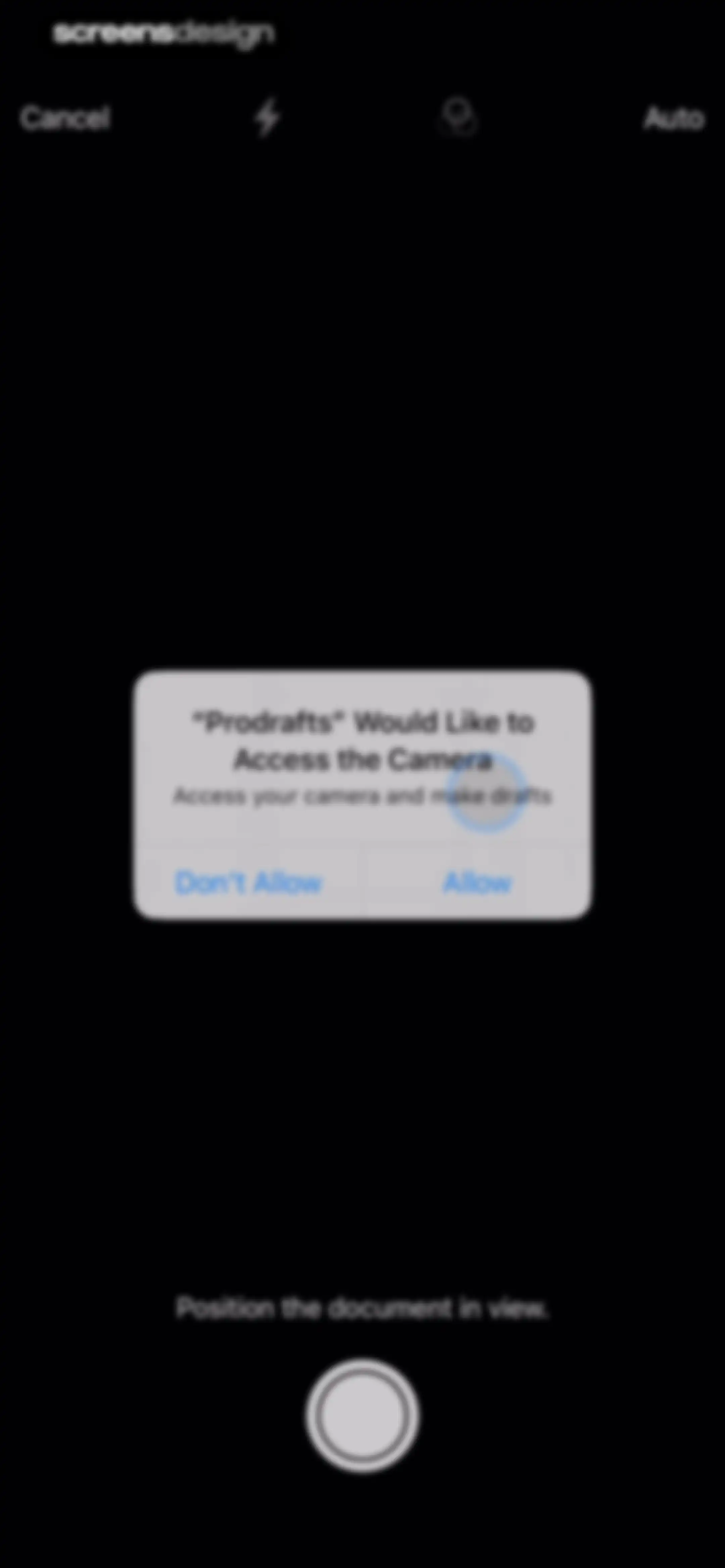
Prodrafts permission request modal overlaying a dark camera interface with a document scanning view and Allow and Don't Allow buttons.Unlock Pro
Document scanner interface showing a camera viewfinder with a detected document and a shutter button at the bottom.Unlock Pro
Document scanner interface showing a camera preview of a page titled Ethics in UX, with a shutter button and a Save action.Unlock Pro
Document scanner interface showing a live camera preview of a text document with a shutter button and a Save option.Unlock Pro
Editor screen featuring a floating calculator modal centered over a lined note-taking canvas with a bottom toolbar.Unlock Pro
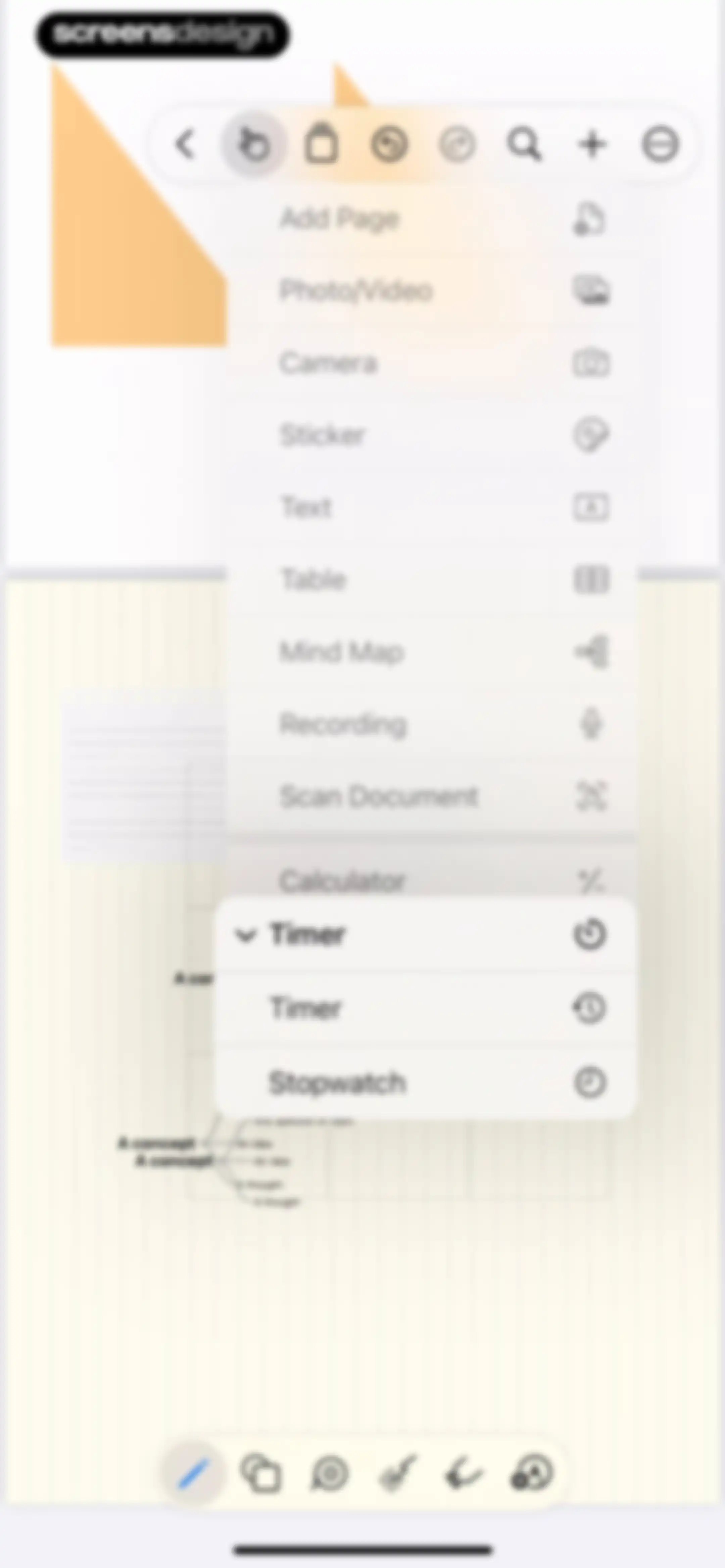
Editor screen showing a floating insertion menu with options like Add Page, Text, and Timer over a note-taking canvas.Unlock Pro
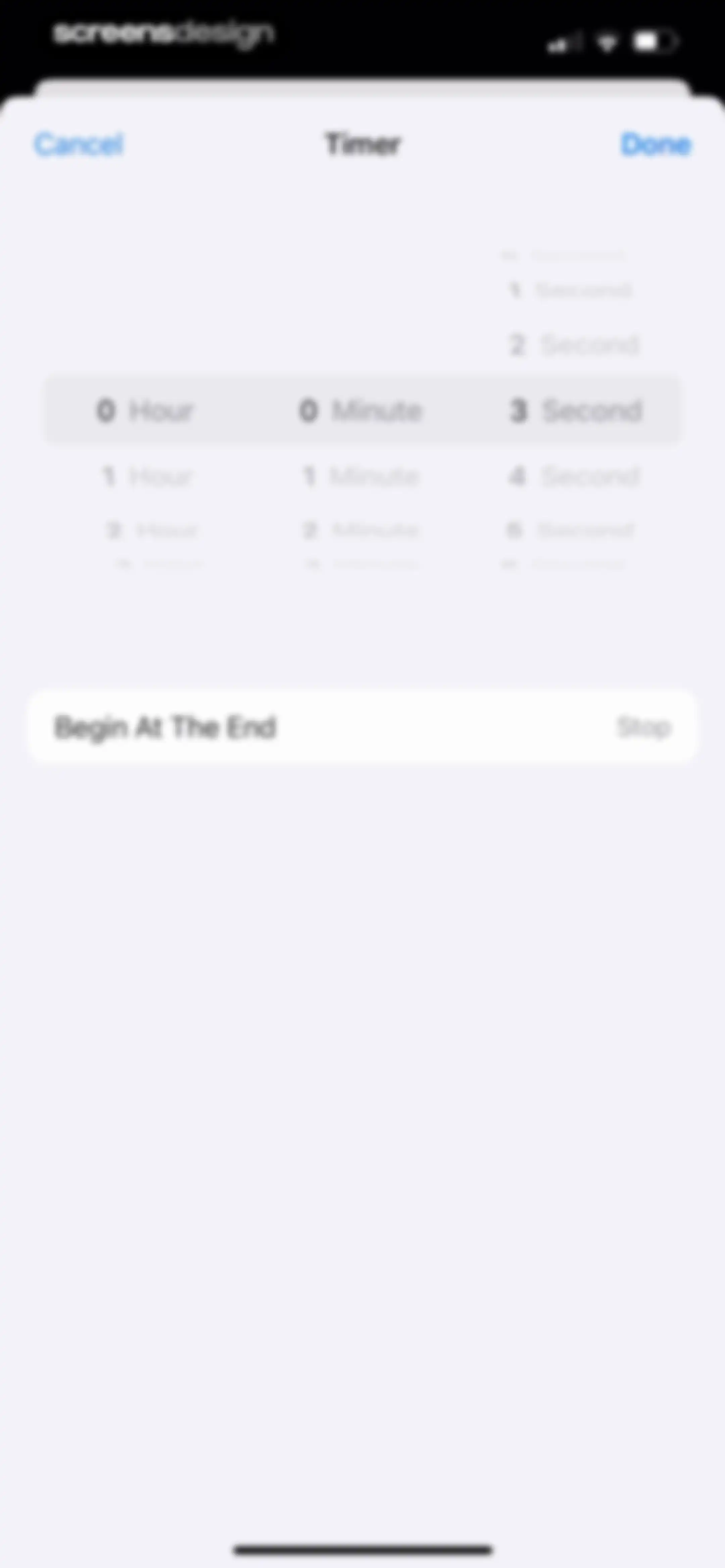
Timer setting screen displaying a duration picker set to three seconds and a behavior option with a Done button.Unlock Pro
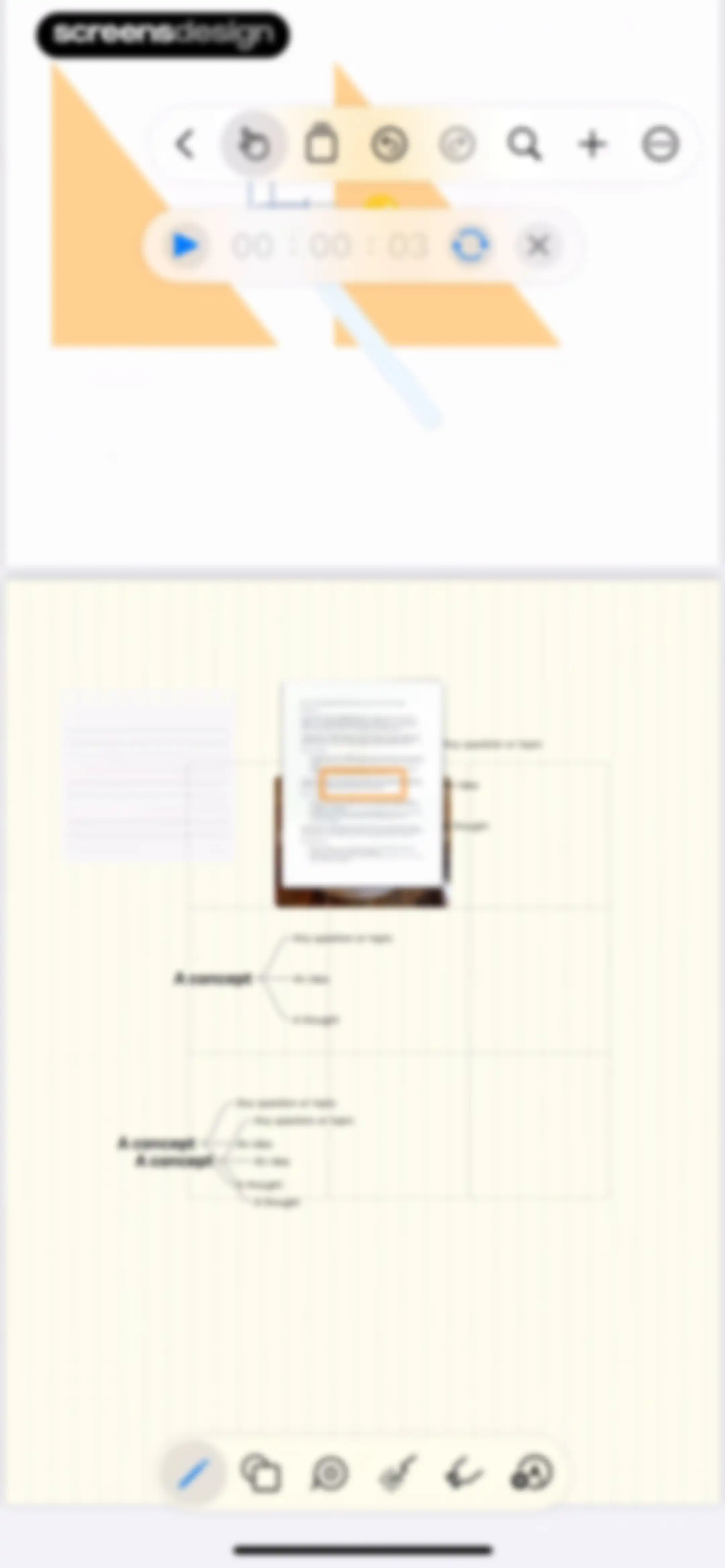
Editor screen with an infinite canvas displaying a concept mind map and a floating audio control bar showing an active timer.Unlock Pro
Editor interface showing an infinite canvas with a mind map, floating toolbars, and an audio recording timer.Unlock Pro
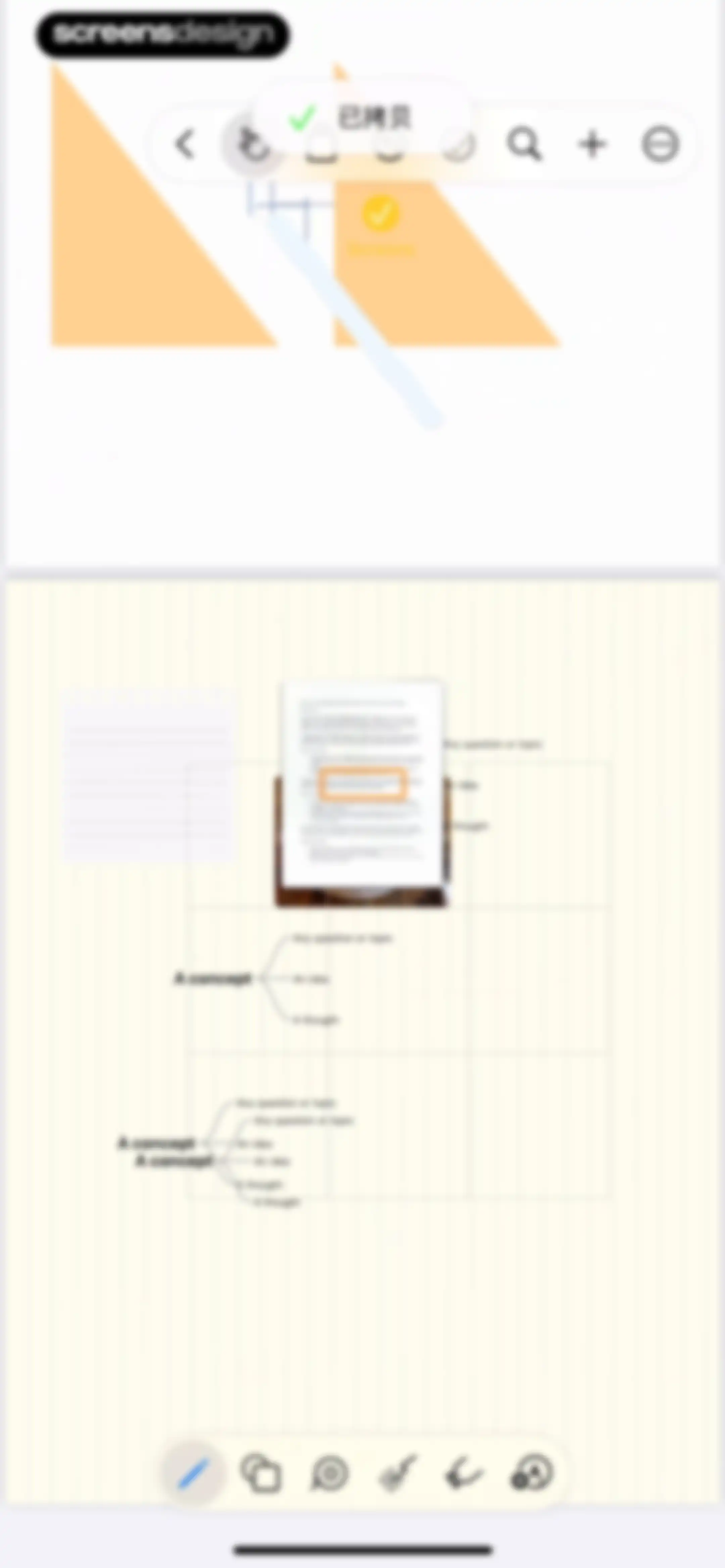
Infinite canvas editor displaying a mind map workspace with a document preview and floating top and bottom toolbars.Unlock Pro
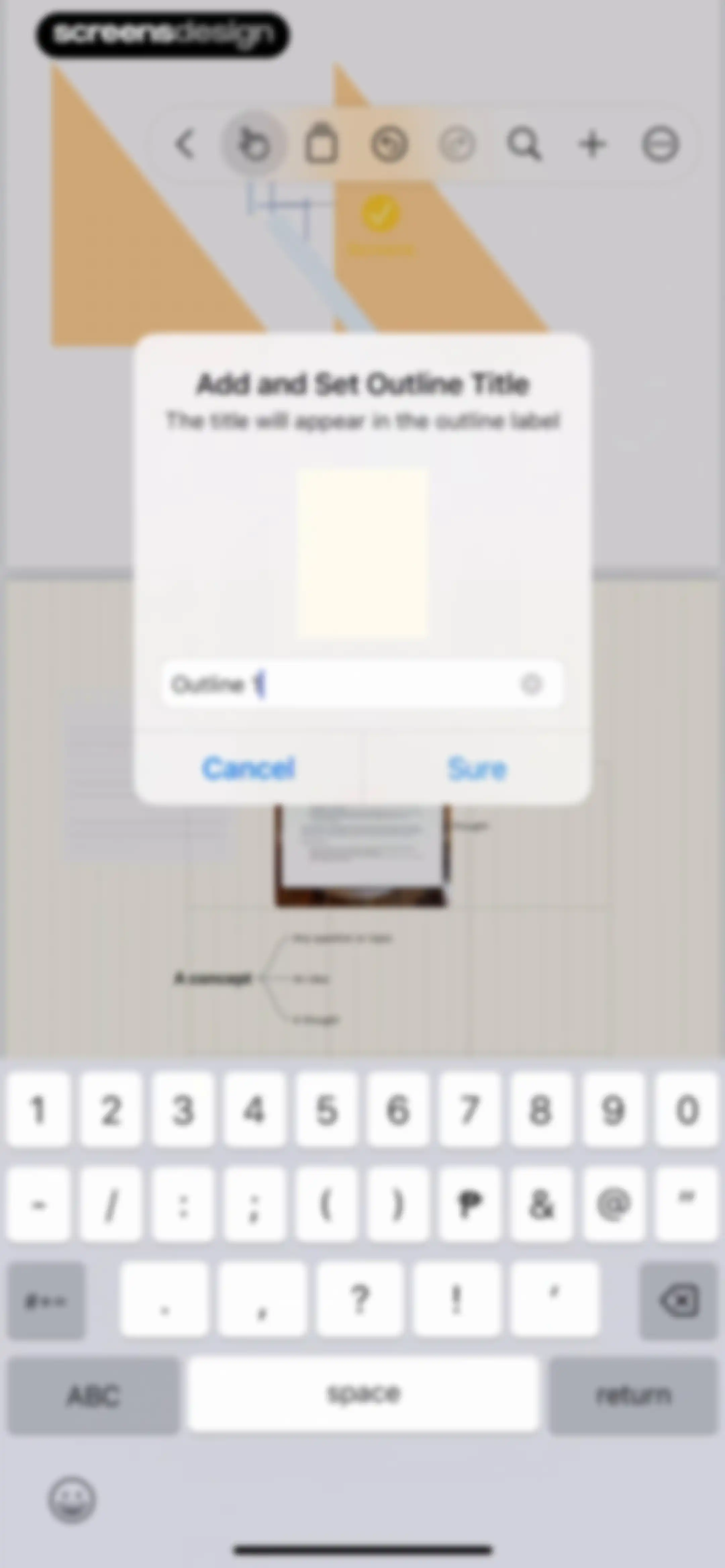
Modal dialog to set an outline title in Prodrafts, with a filled text input field and Cancel and Sure buttons.Unlock Pro
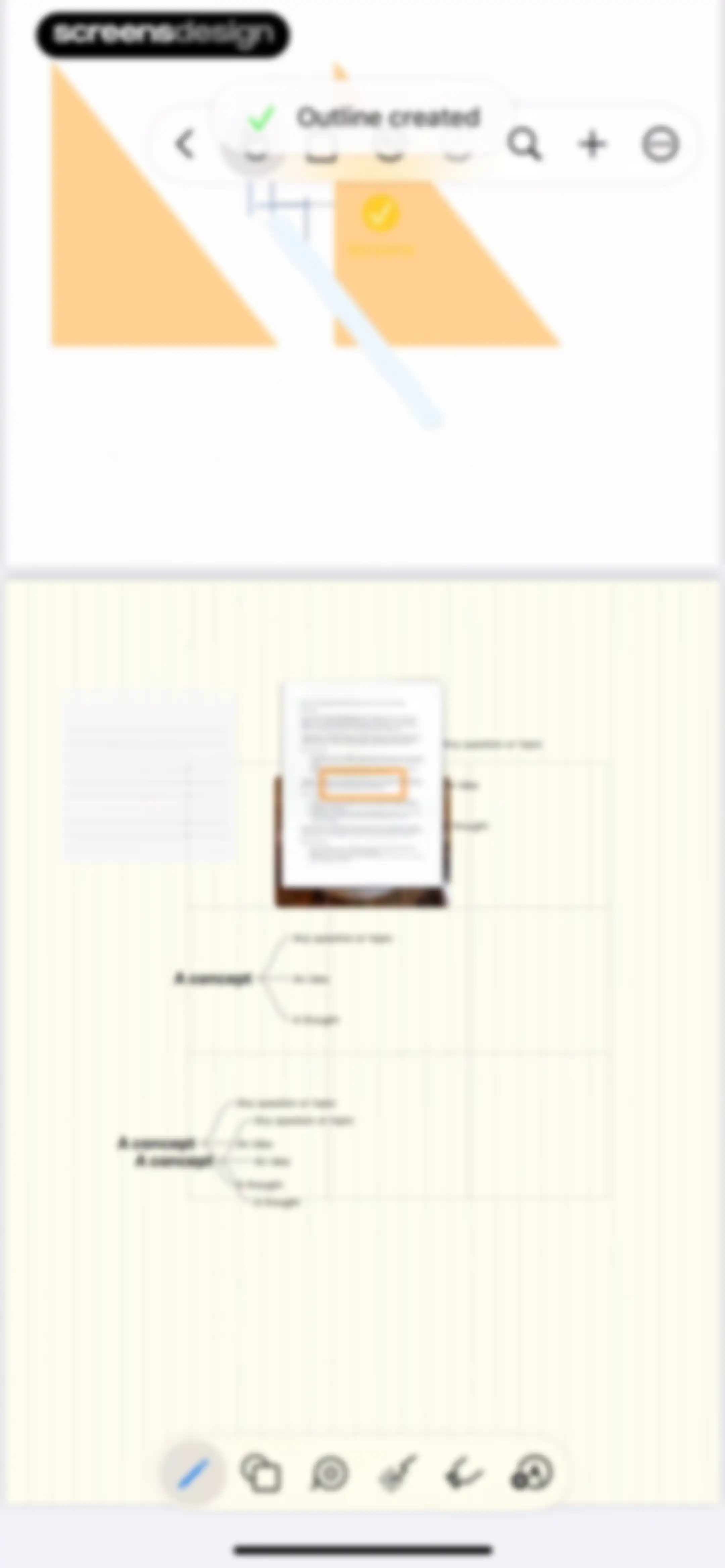
Prodrafts editor showing an infinite canvas with a mind map and Ethics in UX document, with a pen tool selected and an outline created notification.Unlock Pro
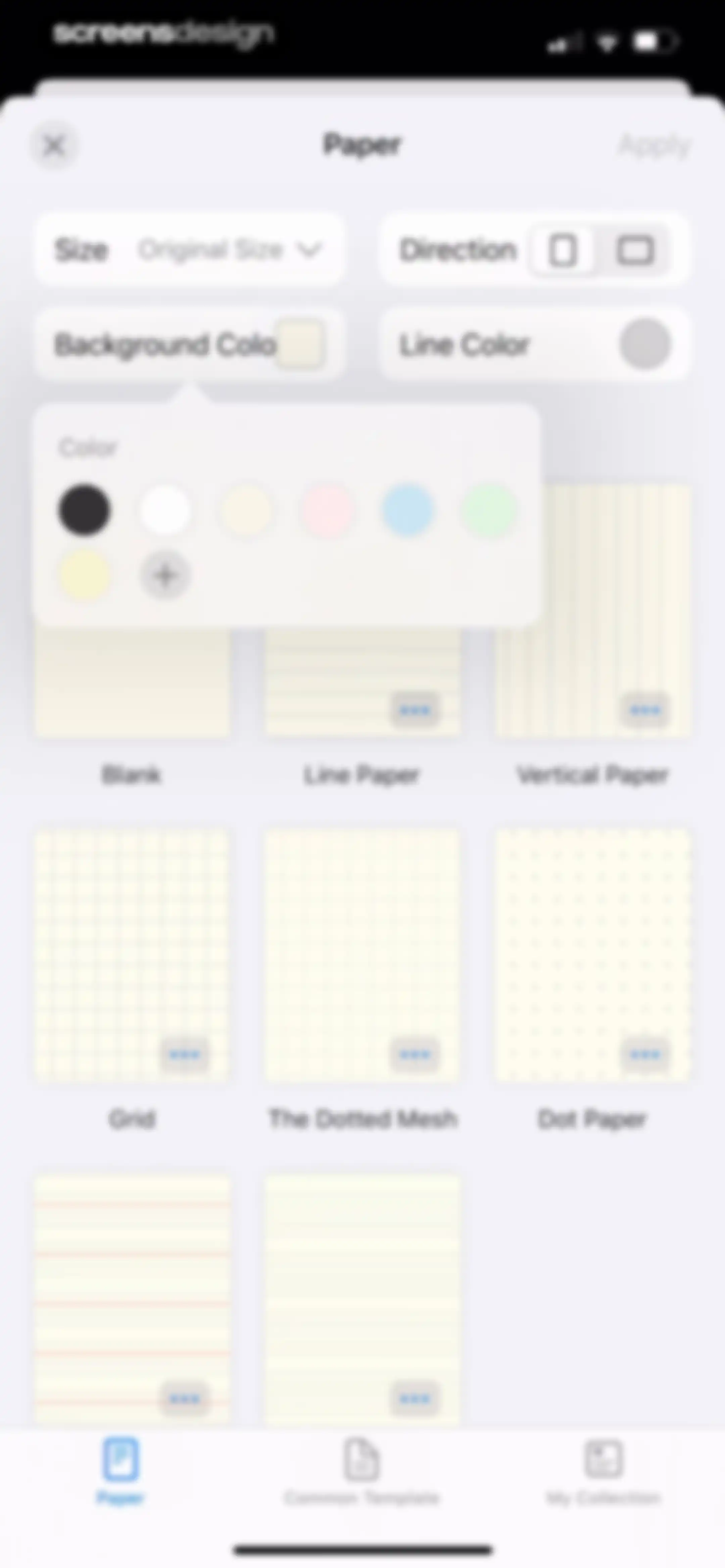
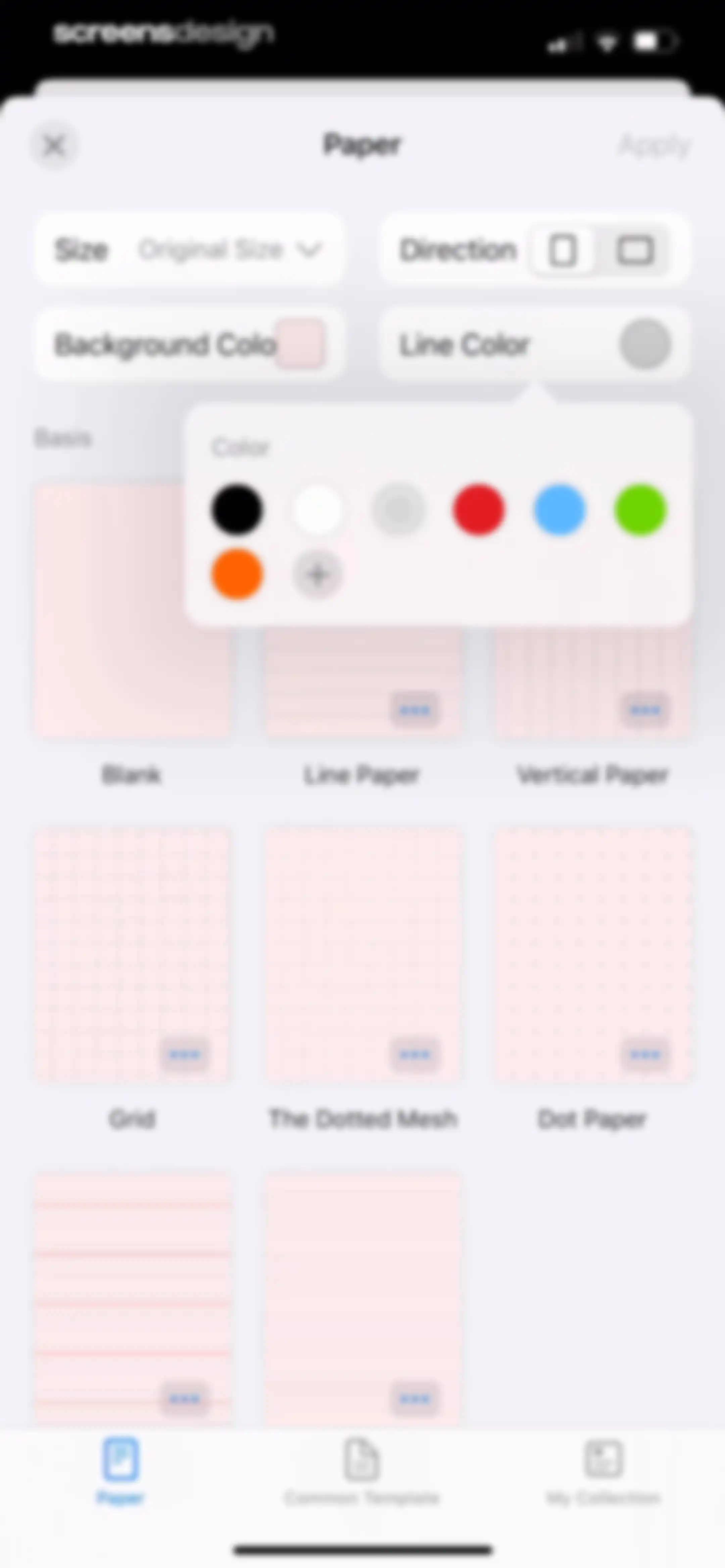
Paper template customization screen displaying a grid of template options, configuration controls, an open color picker, and an Apply button.Unlock Pro
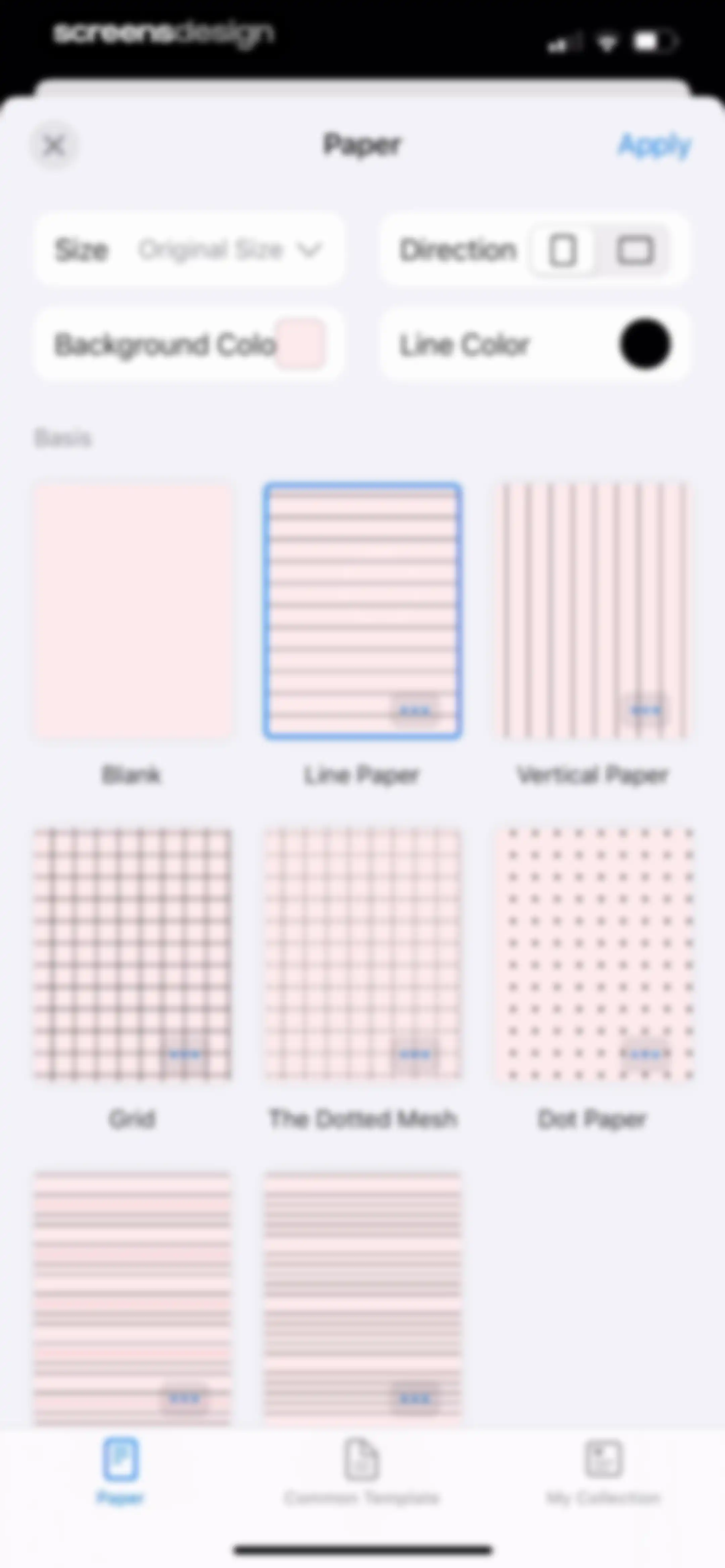
Paper template customization screen with controls for size, direction, and colors, a grid of paper styles, and an Apply button.Unlock Pro
Paper template selection screen with a grid of options, top size and color controls, and an Apply button.Unlock Pro
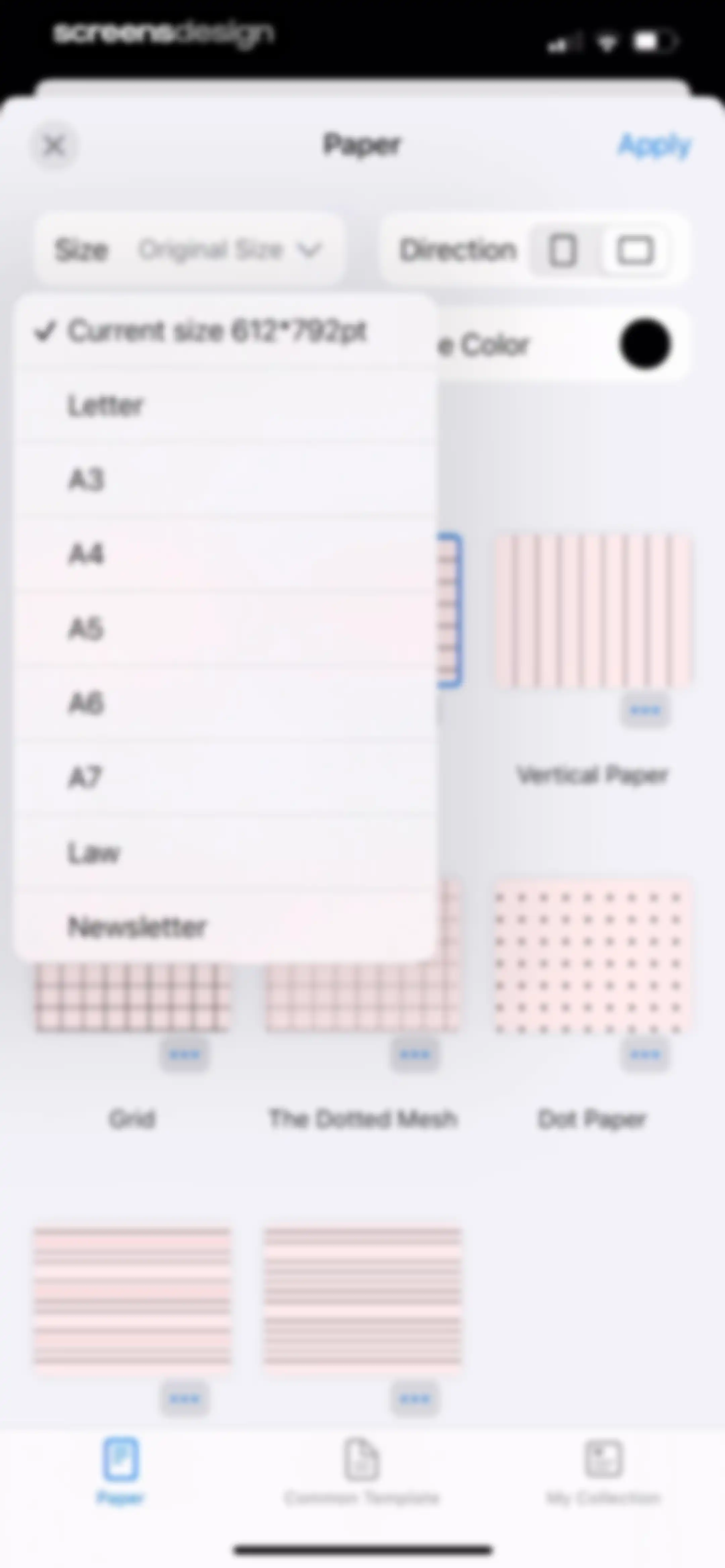
Paper configuration settings screen with an open size dropdown menu showing standard paper formats and an Apply button.Unlock Pro
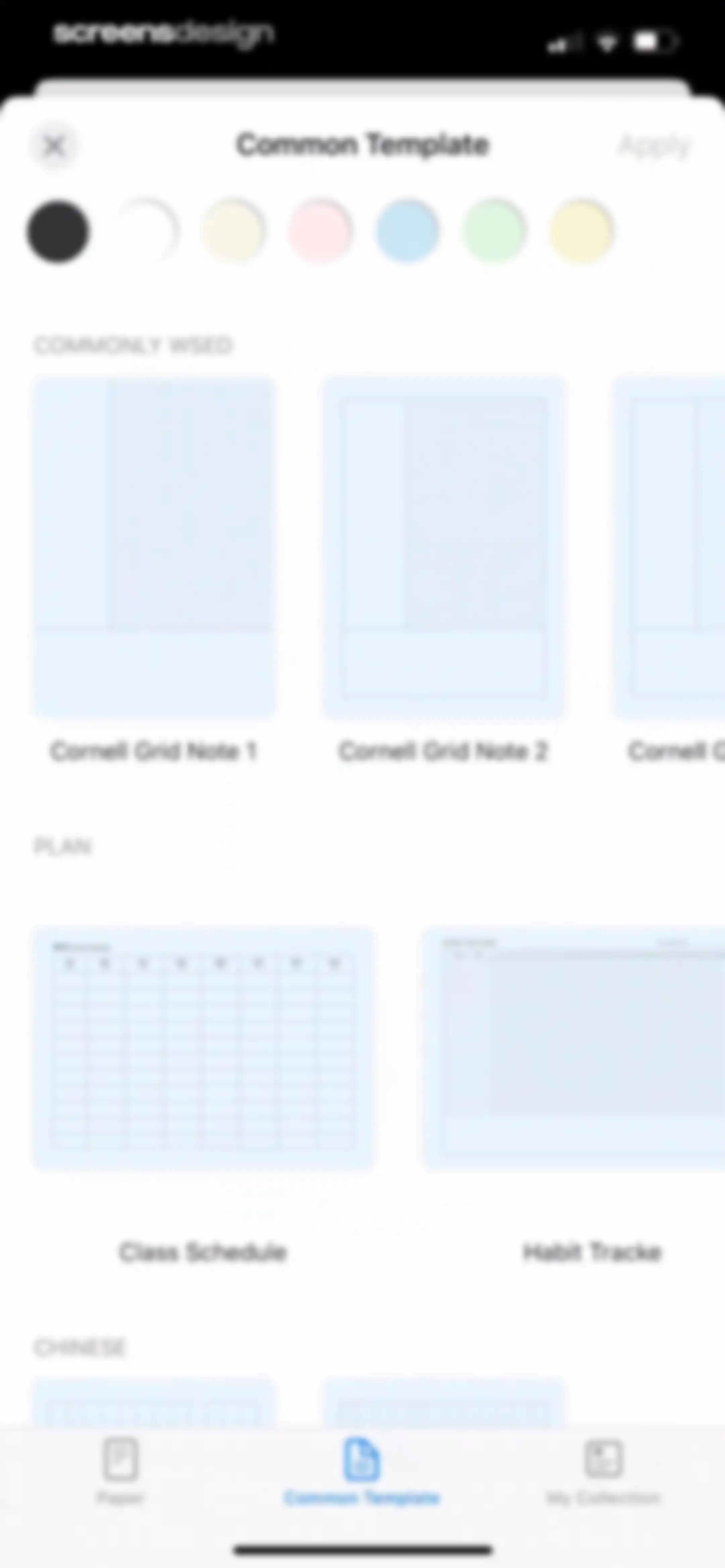
Template selection screen displaying categorized grid cards including Cornell notes and planner templates, with an Apply button and bottom navigation.Unlock Pro
Empty state view for My Collection showing an instructional text and an add button, with the My Collection tab selected in the bottom navigation.Unlock Pro
Paper template settings modal with a grid of paper styles, adjustment sliders for spacing and margins, and an Apply button.Unlock Pro
Editor screen with a template change confirmation modal and cancel and apply buttons over a note-taking canvas.Unlock Pro
Document editor displaying UI Design text and graphics on a central canvas with a bottom floating tool palette.Unlock Pro
Editor screen displaying a document canvas with text and geometric shapes, a top floating toolbar, and a bottom numeric keypad.Unlock Pro
Editor screen displaying a modal dialog to clear current canvas content with Cancel, Clear All, and Clear Handwriting Only options.Unlock Pro
Document editor displaying a delete confirmation modal with Cancel and Sure buttons over a UI Design note.Unlock Pro
Editor screen displaying text and shapes on an infinite canvas with top and bottom floating toolbars.Unlock Pro
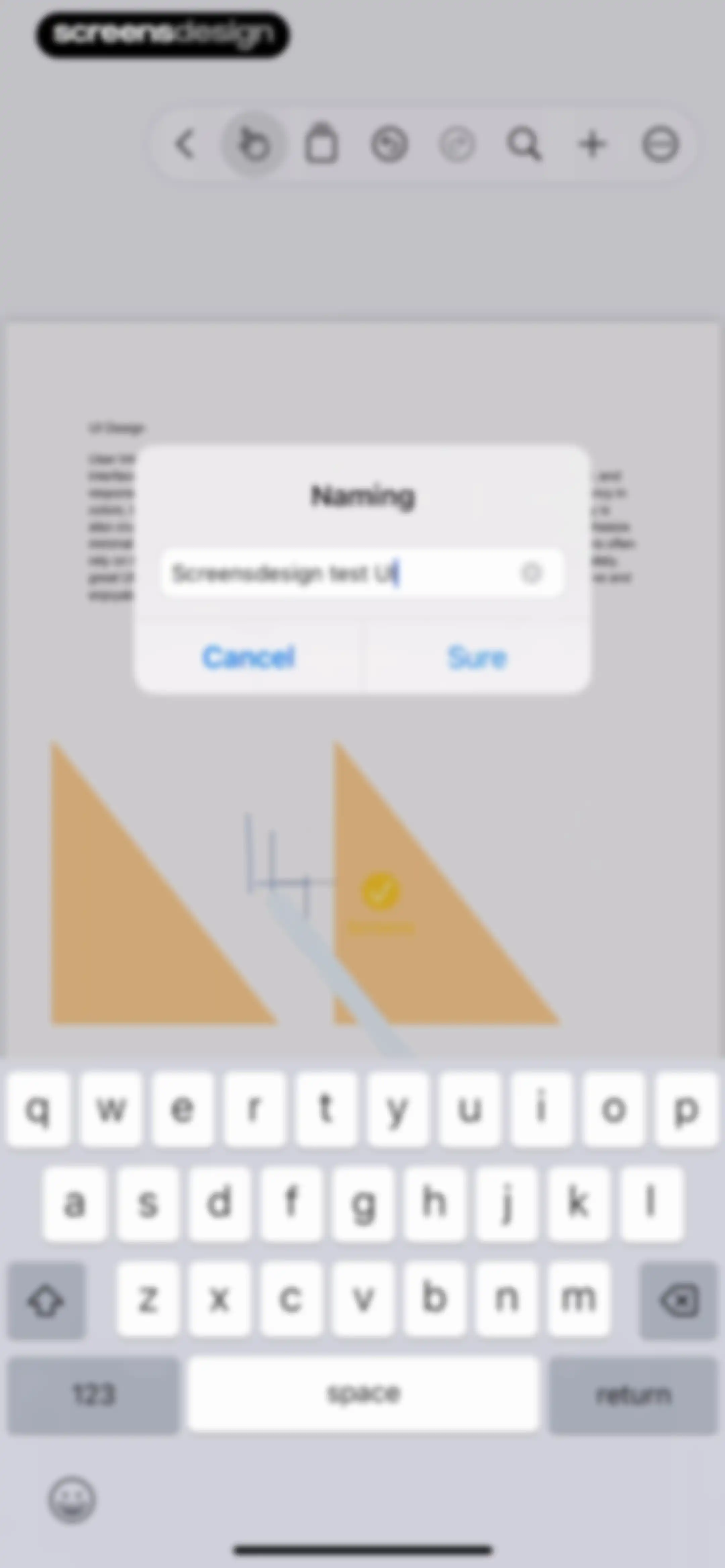
Editor screen featuring a central naming modal with a text input field, cancel and sure buttons, and a bottom keyboard.Unlock Pro
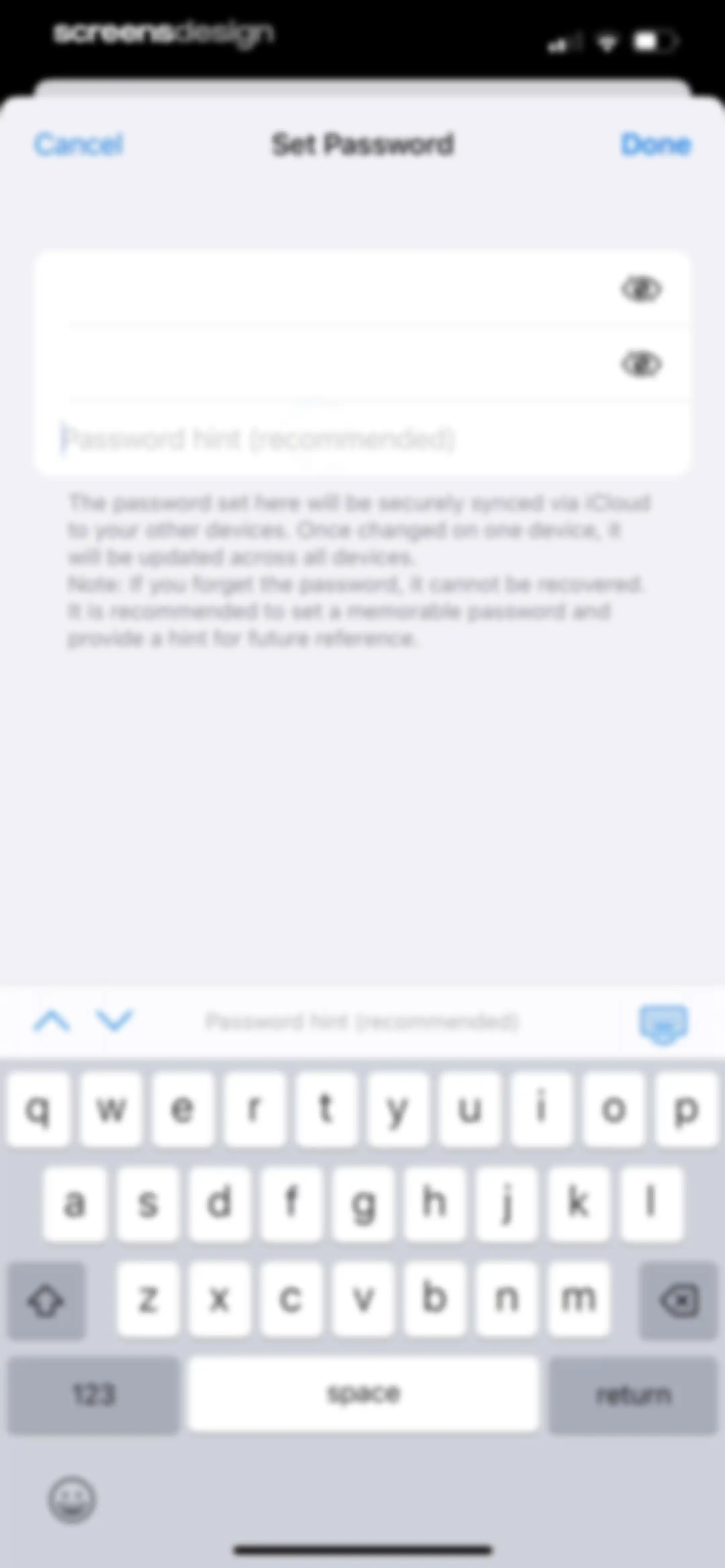
Password setup form with three input fields for a new password, confirmation, and hint, featuring Cancel and Done buttons.Unlock Pro
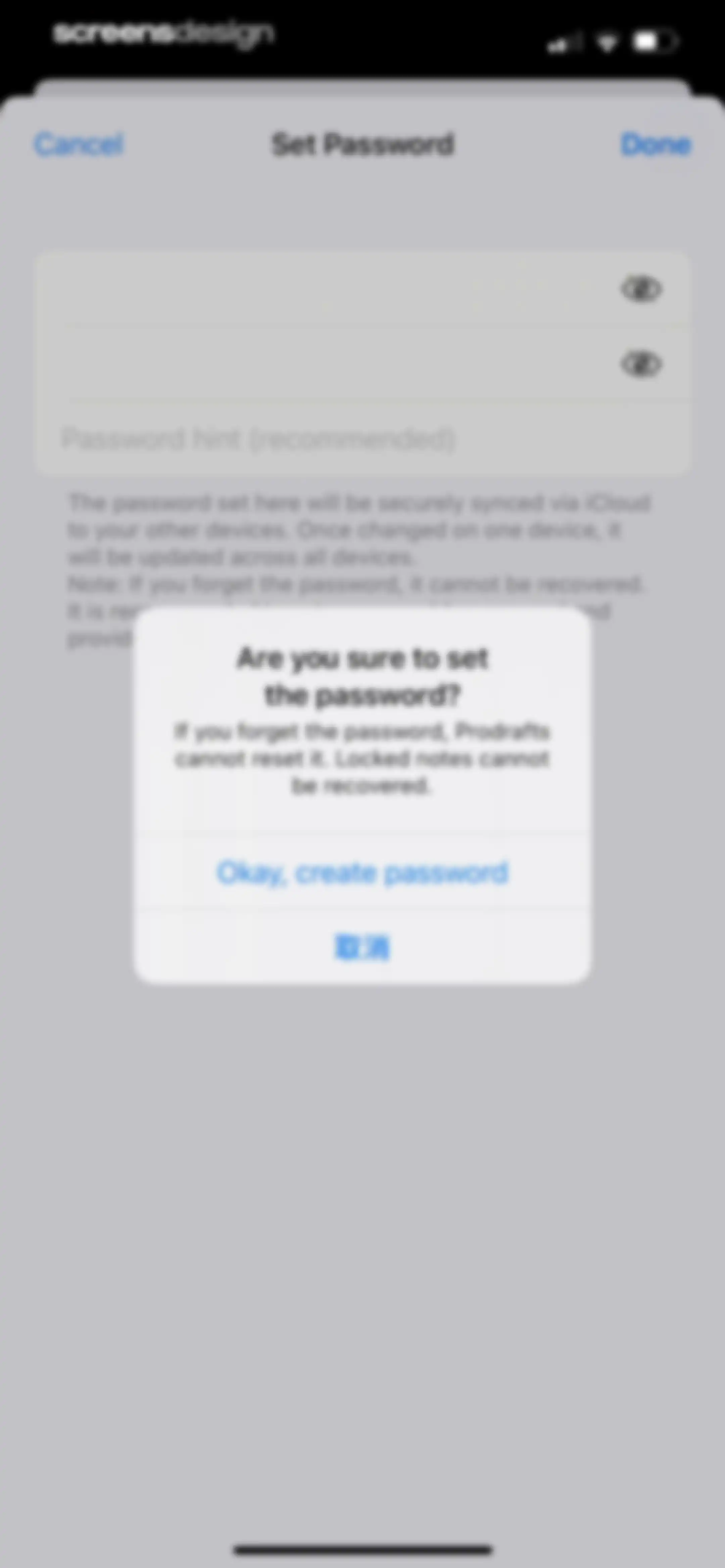
Prodrafts password setup screen with a confirmation modal warning that lost passwords cannot be recovered and locked notes cannot be retrieved.Unlock Pro
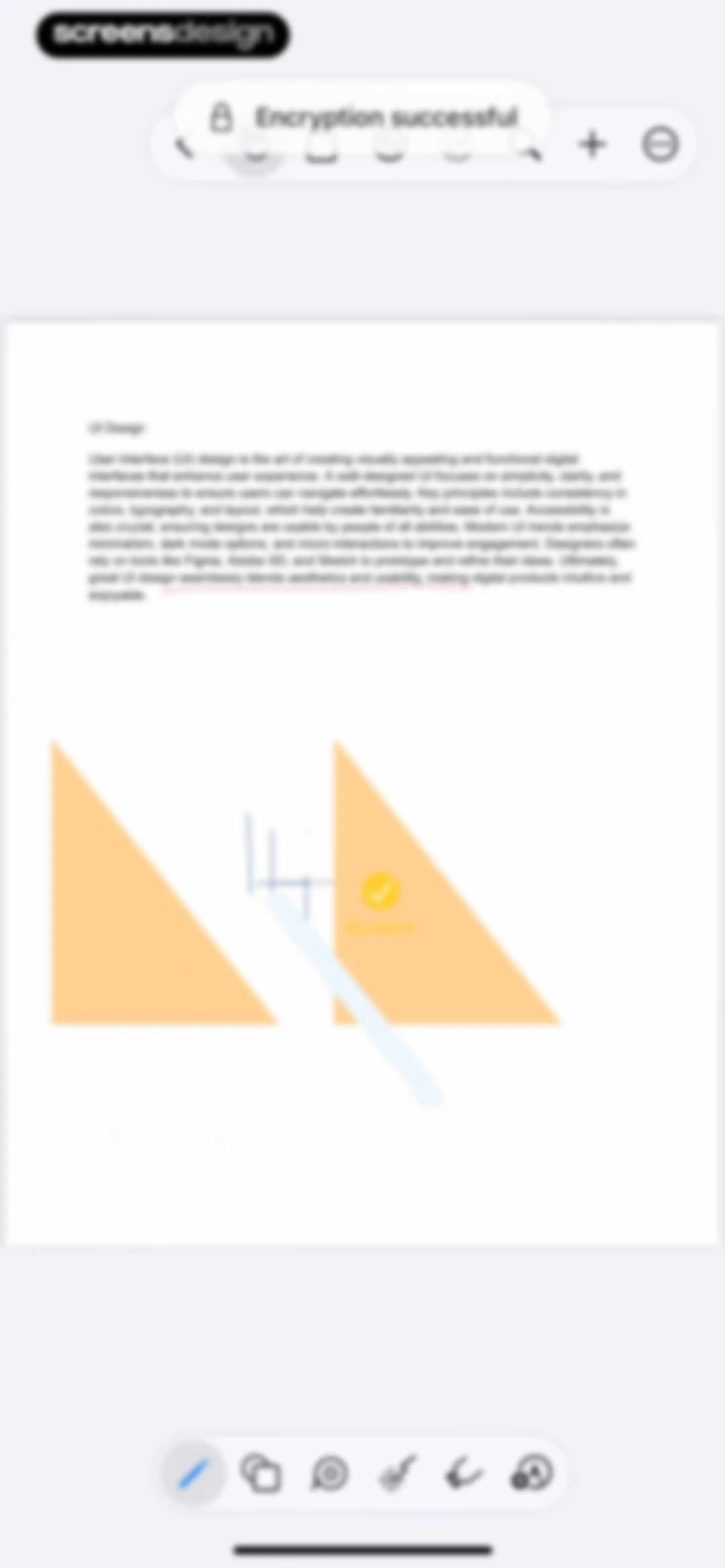
Editor screen displaying UI design notes and shapes on a canvas, with top utility toolbars and a bottom drawing tool menu.Unlock Pro
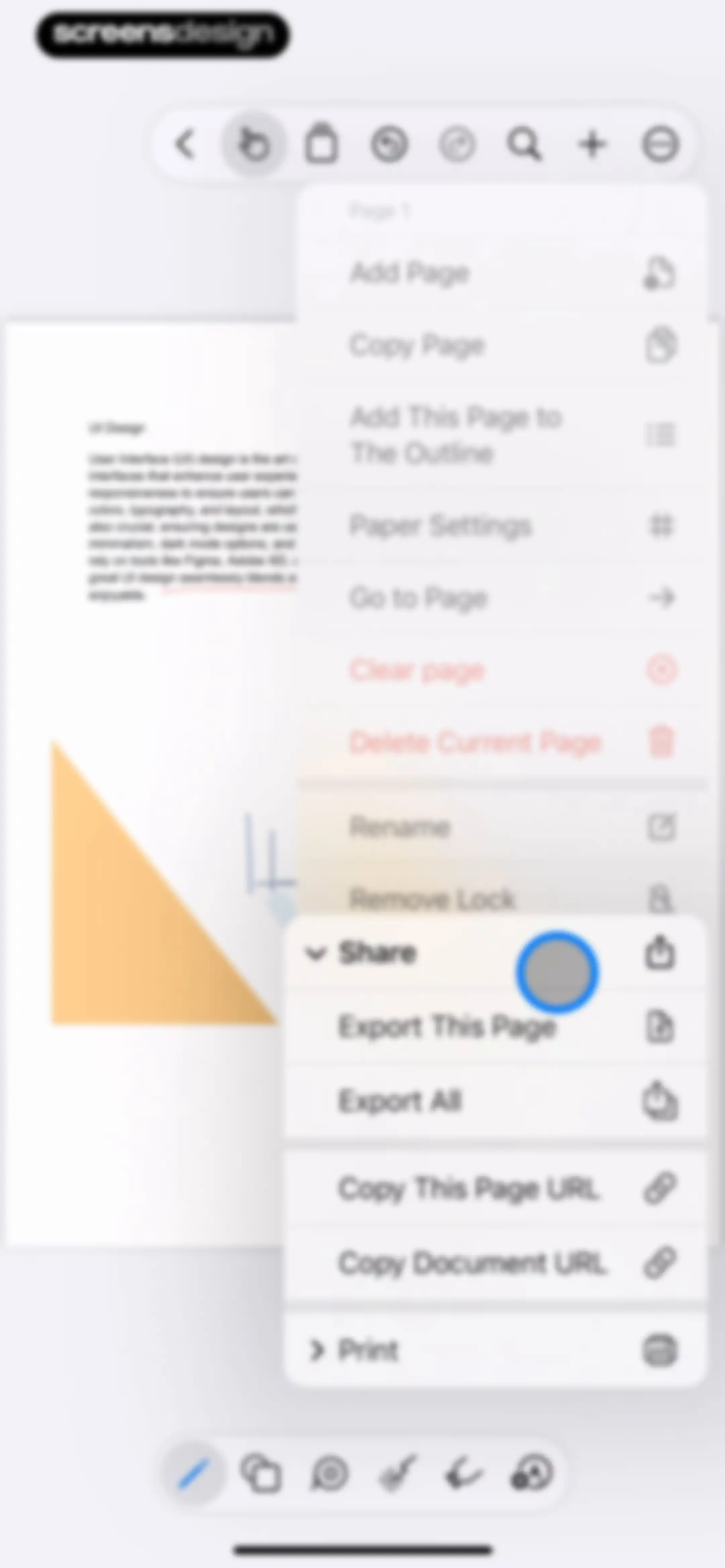
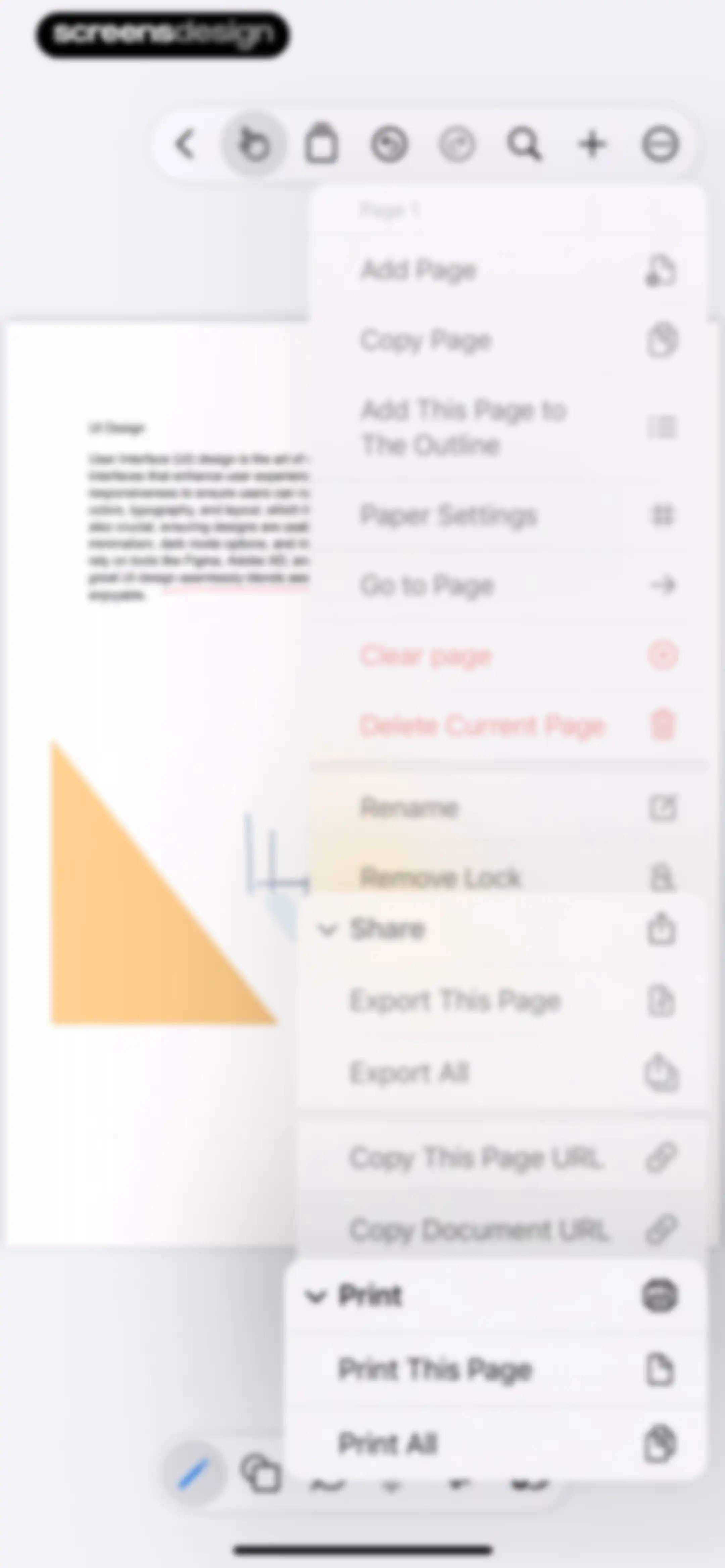
Editor screen displaying a document canvas with an open page management and sharing menu overlay.Unlock Pro
Editor screen displaying a document canvas with an open context menu for page management and export options.Unlock Pro
Editor screen displaying an infinite canvas with UI Design text, geometric shapes, and a bottom toolbar with the pen tool selected.Unlock Pro
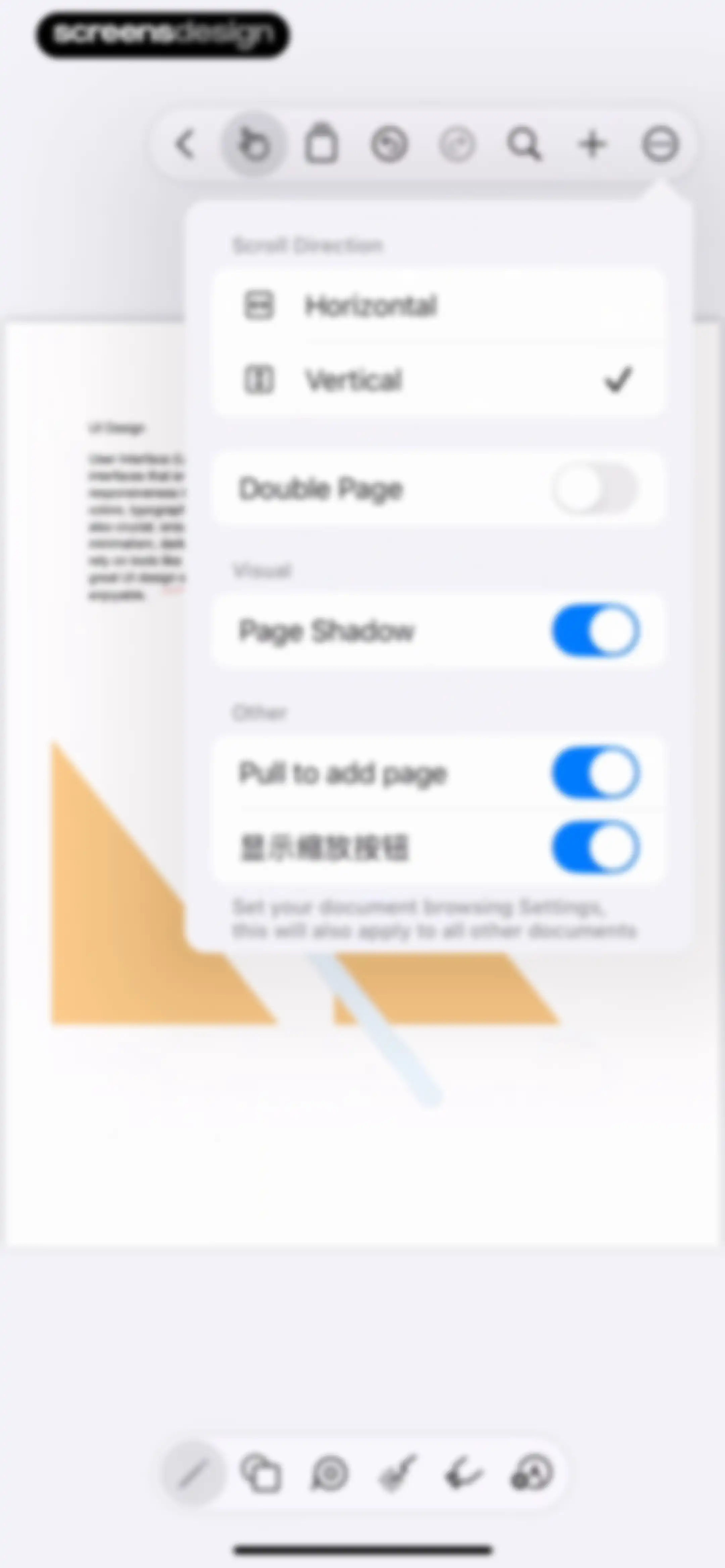
Document browsing settings popover menu with options for scroll direction, page layout, and toggles for shadows and zoom.Unlock Pro
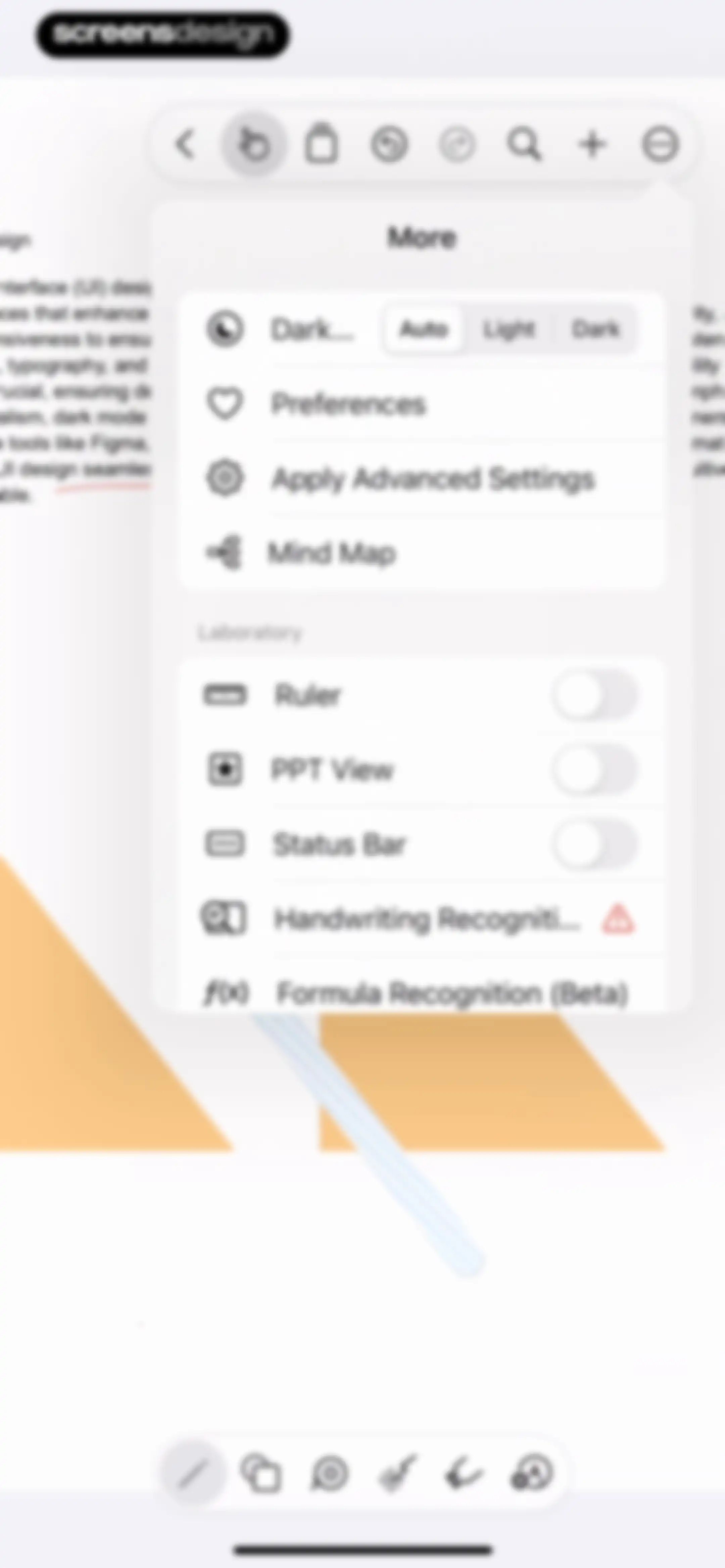
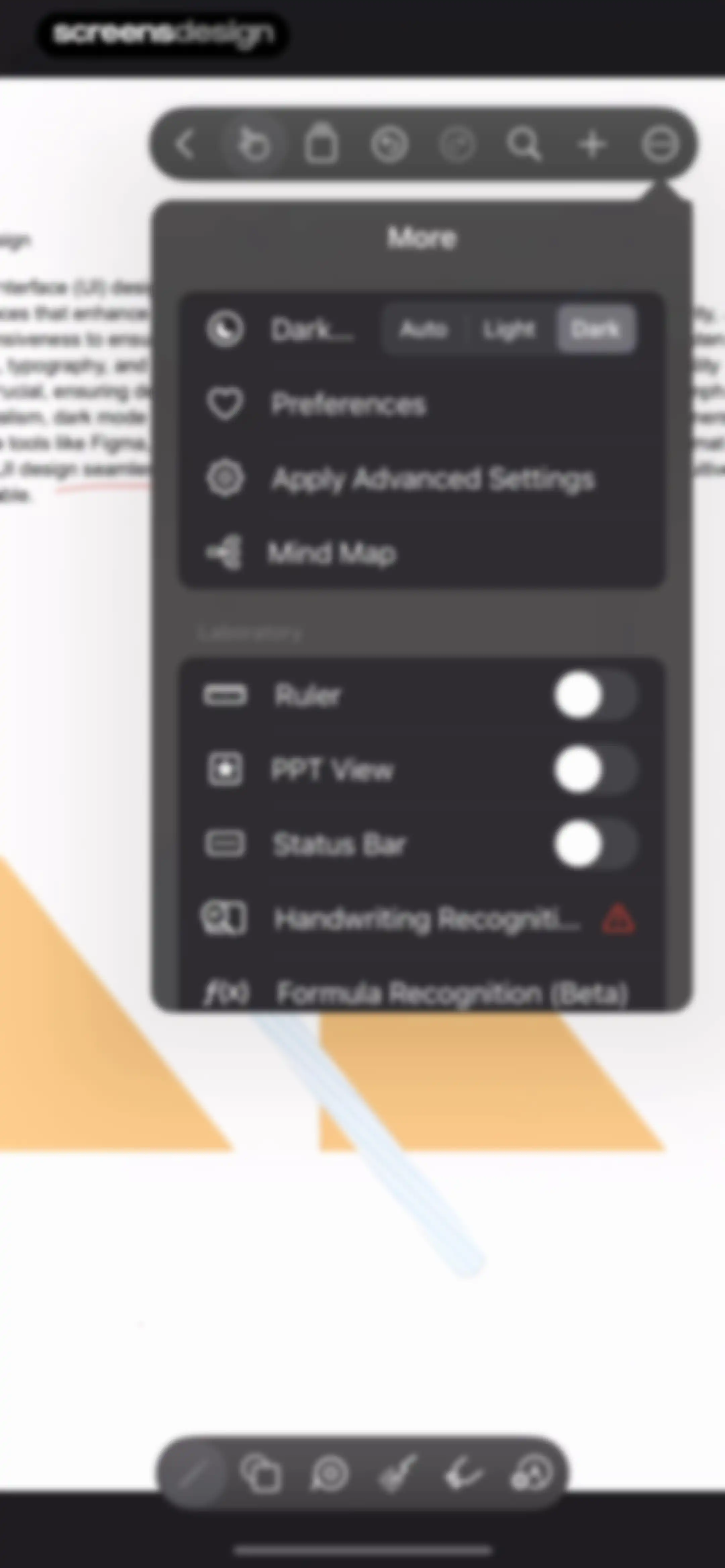
Settings menu floating over a document editing canvas, featuring theme options, preferences, and laboratory toggles for experimental features.Unlock Pro
Settings menu overlay featuring theme controls, preferences, and laboratory toggles for experimental features.Unlock Pro
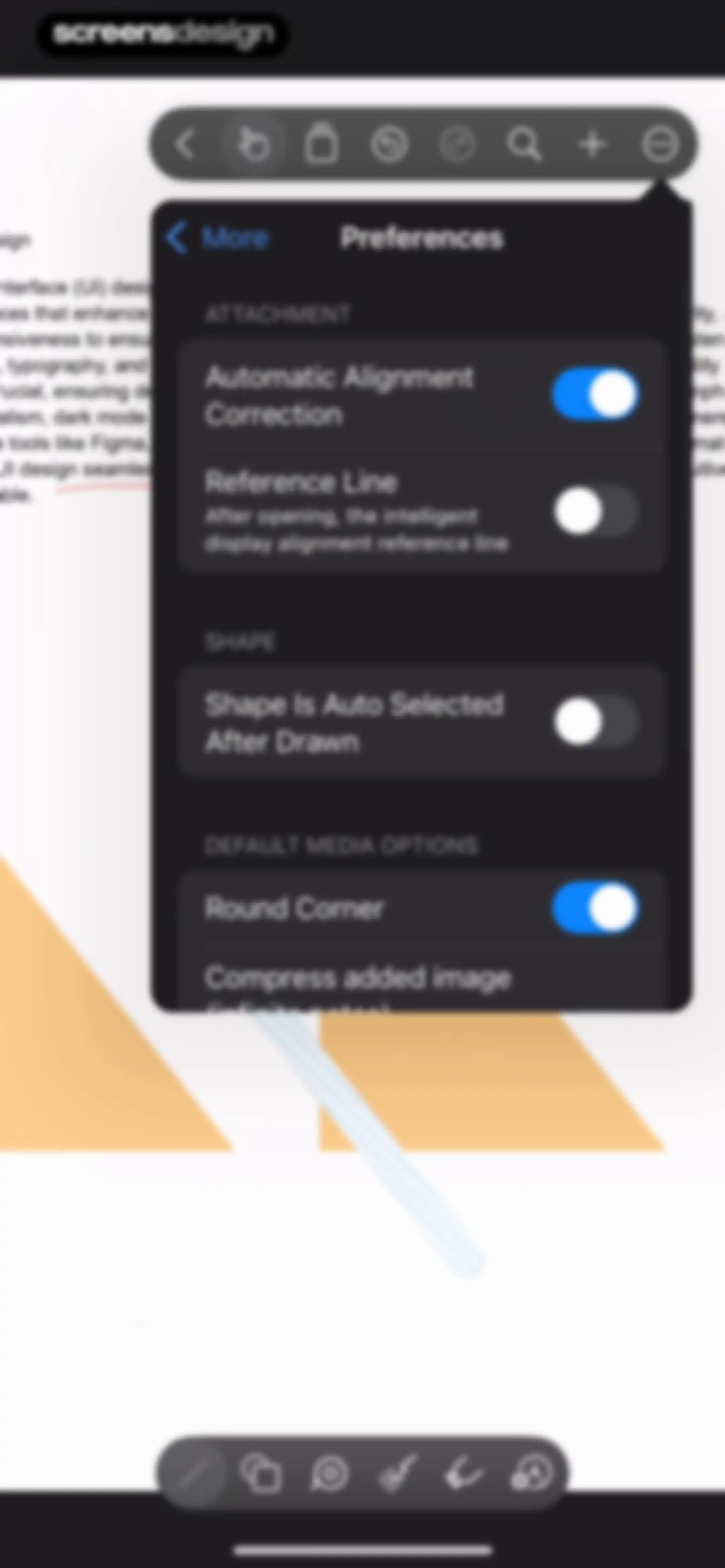
Preferences settings modal with toggle options for attachments, shapes, and media options over a document canvas.Unlock Pro
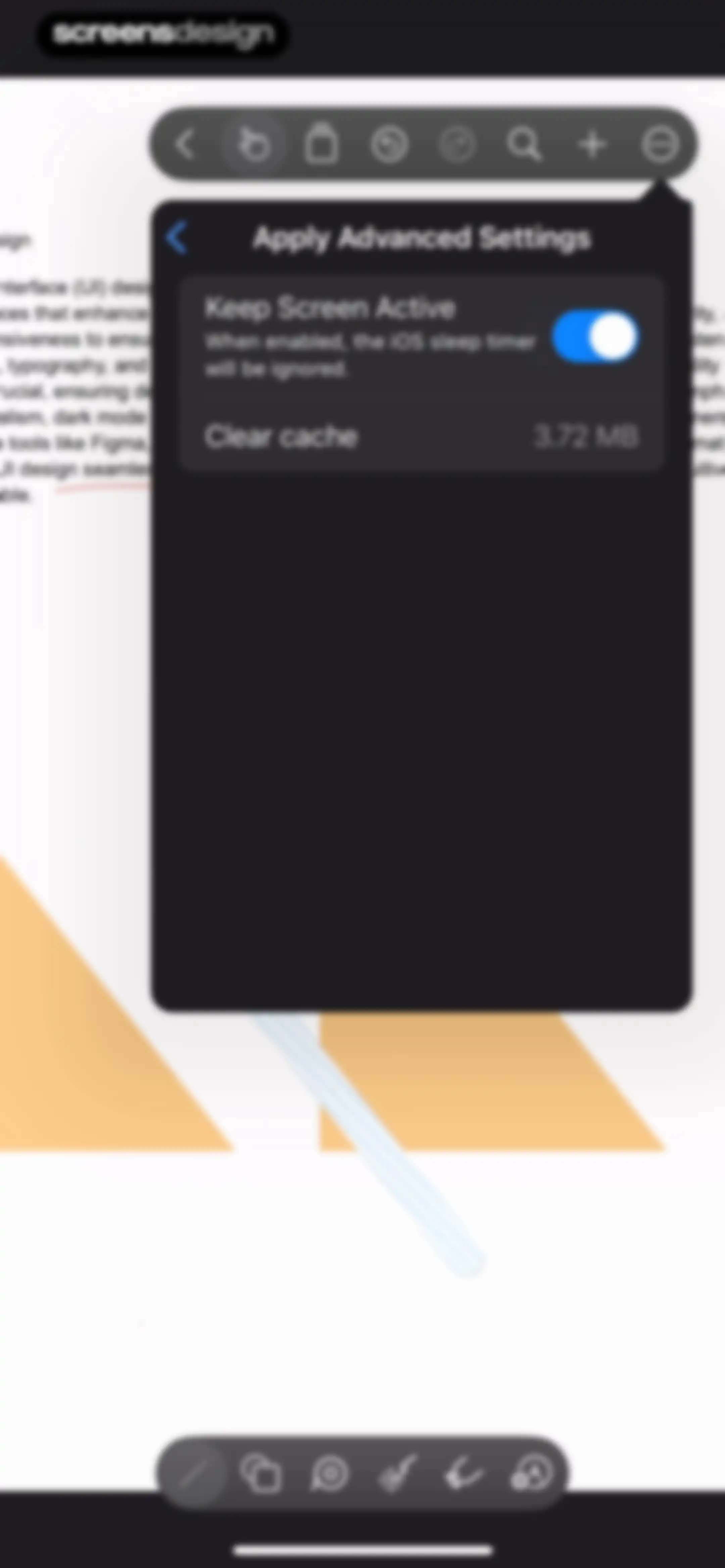
Advanced settings modal overlaying an infinite canvas workspace, featuring a Keep Screen Active toggle and a Clear cache option displaying 3.72 MB.Unlock Pro
Advanced settings modal over a canvas workspace, featuring a keep screen active toggle and a clear cache option with a success notification.Unlock Pro
Prodrafts app menu modal overlaying a document canvas with feature options including Handwriting Recognition and App Support.Unlock Pro
Feedback form in the Prodrafts app featuring a text input area with sample text and a Done button.Unlock Pro
Editor screen displaying text and geometric shapes on a canvas, with a top notification banner and a bottom drawing toolbar.Unlock Pro
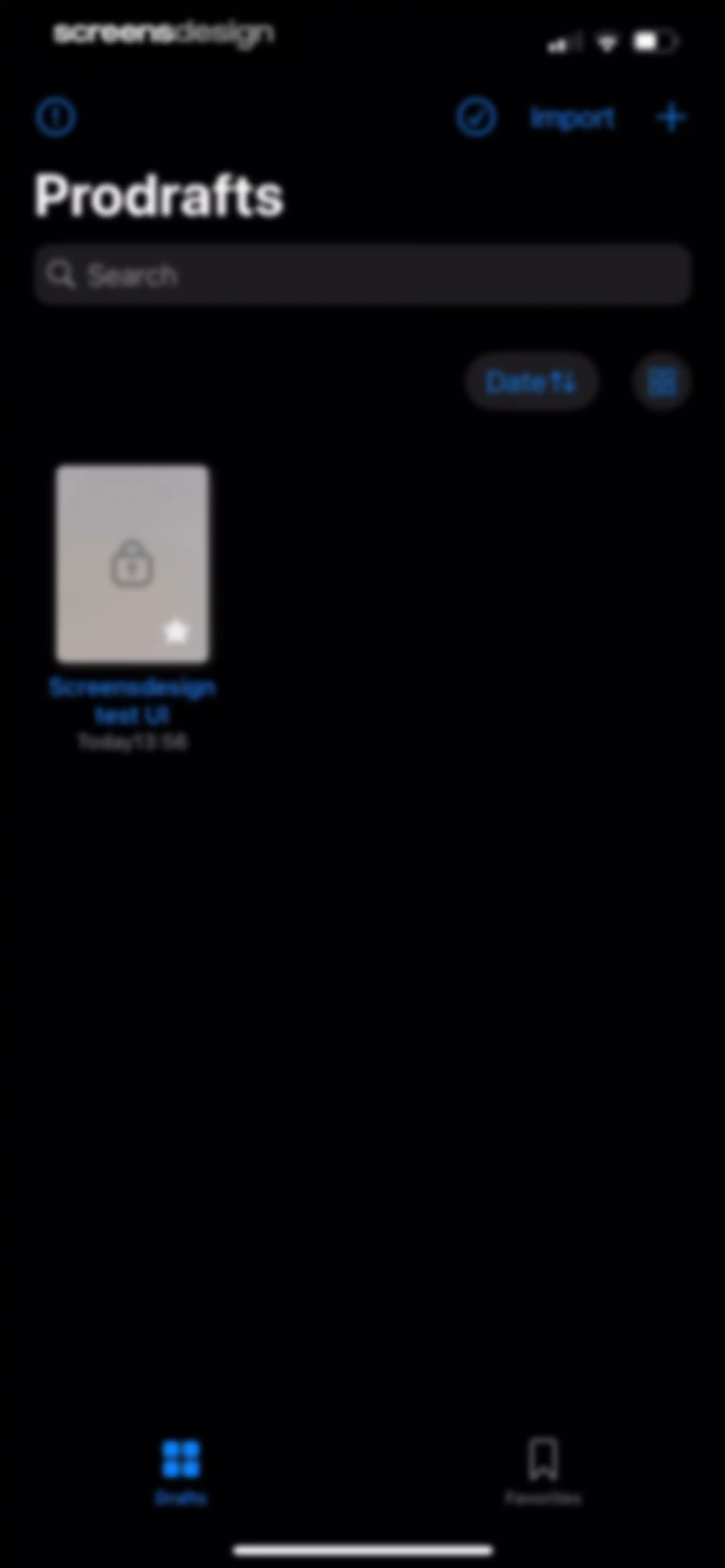
Home screen of the Prodrafts app in dark mode, displaying a search bar, a document card with a lock icon, and active Drafts and Favorites tabs at the bottom.Unlock Pro
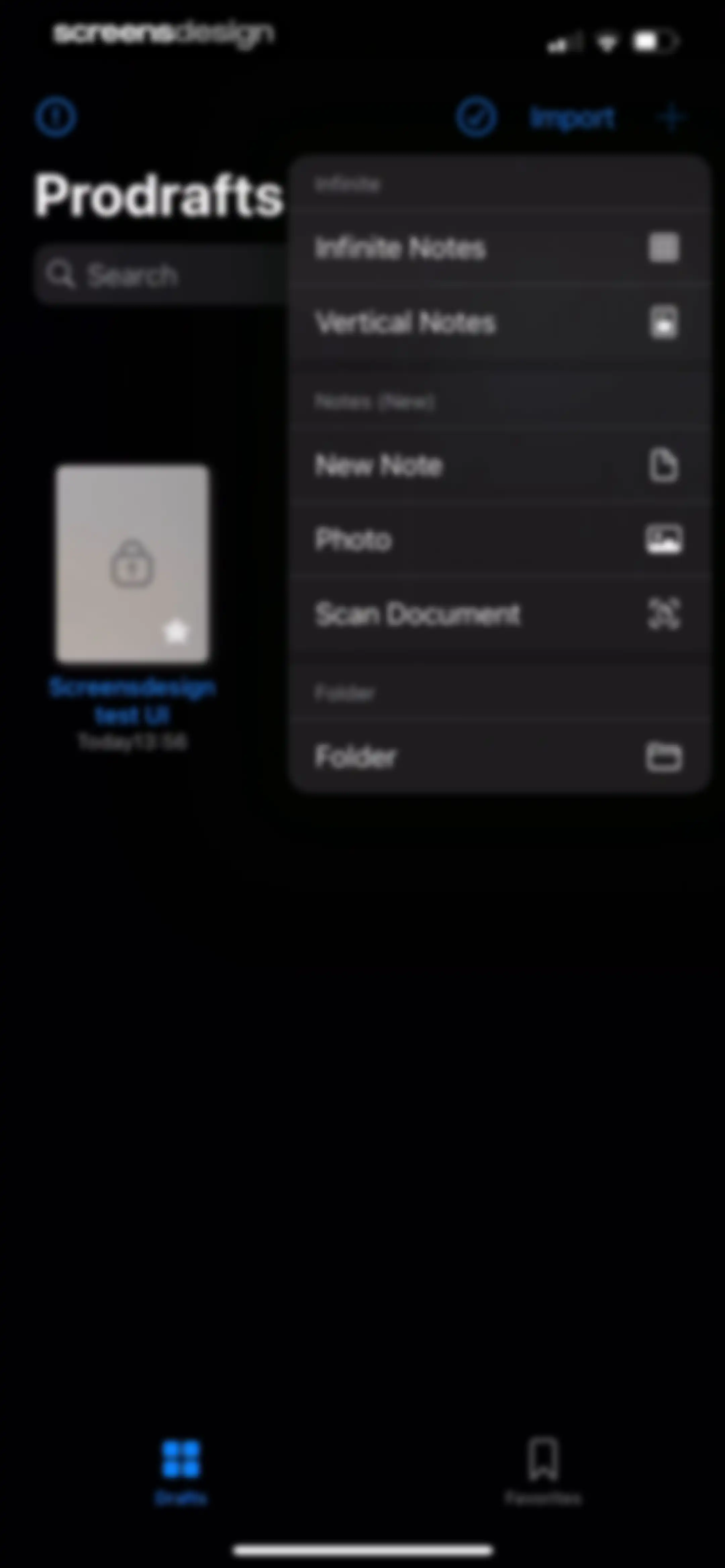
Prodrafts home screen with an open creation modal menu displaying options for infinite notes, vertical notes, new notes, photos, scanned documents, and folders.Unlock Pro
Editor screen featuring an infinite grid canvas and a top floating toolbar with editing and navigation tools.Unlock Pro
Prodrafts feature announcement modal with a product mockup preview, heading, and pagination dots.Unlock Pro
Prodrafts onboarding modal announcing new features over a dark note-taking canvas, with a floating tool menu and pagination indicators.Unlock Pro
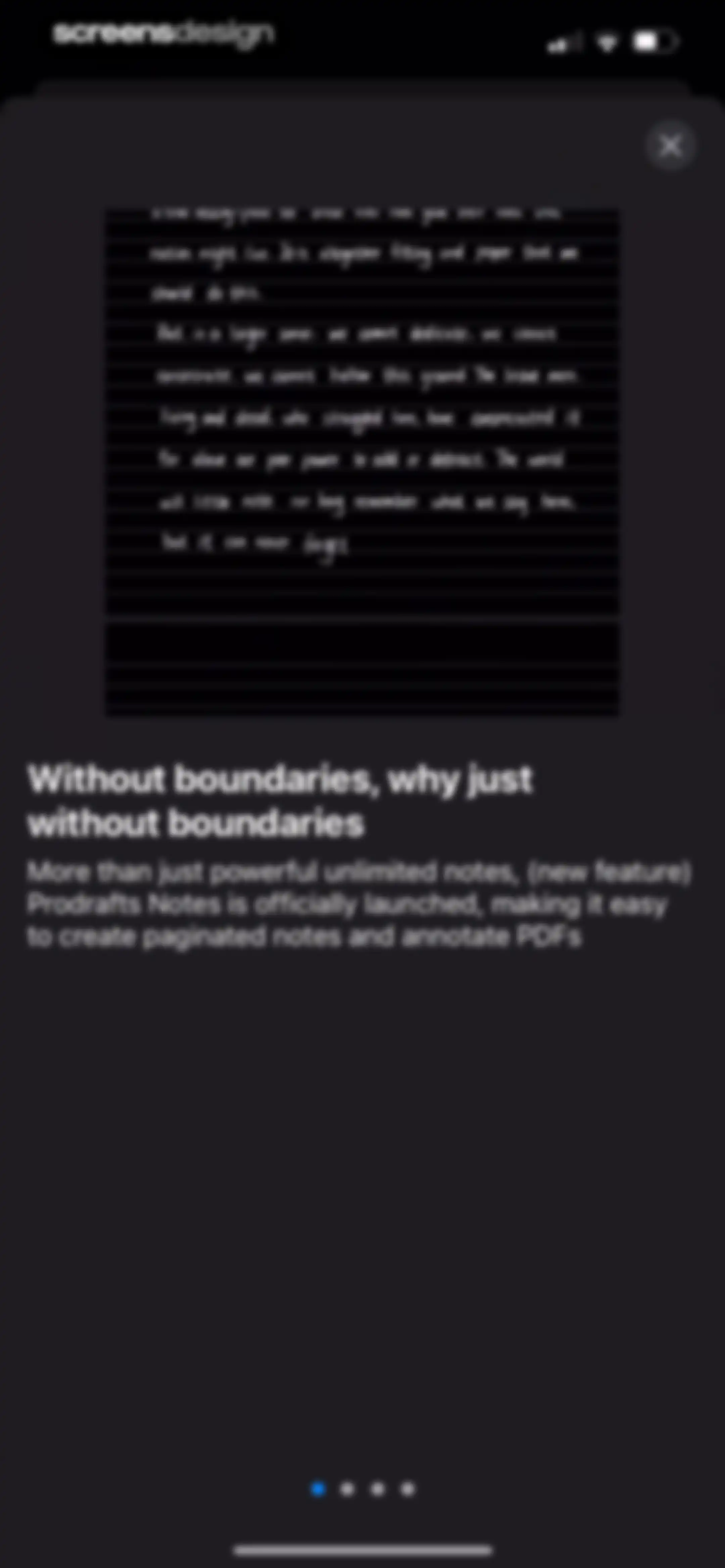
Prodrafts onboarding feature screen introducing notes and PDF annotation with a central document preview, descriptive text, and bottom pagination.Unlock Pro
Prodrafts onboarding modal introducing paginated notes and PDF annotation features, with an app preview carousel and a close button.Unlock Pro
Onboarding screen explaining the Scribble to Erase feature, with a dark-mode editor preview, tutorial card, and pagination dots.Unlock Pro
Onboarding feature highlight modal explaining the new lasso tool, with a dark canvas background, a floating settings menu, and pagination dots.Unlock Pro
Feature announcement modal overlaying a file management dashboard, highlighting new color folder options with an OK button.Unlock Pro
Save as modal dialog with a text input field pre-filled as Note 1, Cancel and Sure buttons, and a software keyboard.Unlock Pro
Prodrafts home screen featuring a feedback modal asking if the app is useful, overlaid on a dark-themed note grid with bottom tabs.Unlock Pro
Prodrafts app home screen with a rating modal asking to rate the app on the App Store, featuring a star rating and Submit button.Unlock Pro
Prodrafts note-taking dashboard featuring a central feedback modal overlay with review buttons and a bottom navigation bar.Unlock Pro
Prodrafts home screen displaying a search bar, sorting controls, and a grid of note cards with the Drafts tab selected.Unlock Pro
Dashboard with an open sorting menu overlaying notes, showing options for date, name, and type.Unlock Pro
Prodrafts home screen displaying a scrollable list of notes, a search bar, sorting controls, and the Drafts tab selected in the bottom navigation.Unlock Pro
Prodrafts dashboard in dark mode displaying a list of notes with an open context menu modal showing file management options.Unlock Pro
File management screen with a password verification modal overlay, a search bar, a document list, and a bottom navigation bar.Unlock Pro
Password verification modal overlaying a document list, featuring an incorrect password error message and an input field.Unlock Pro
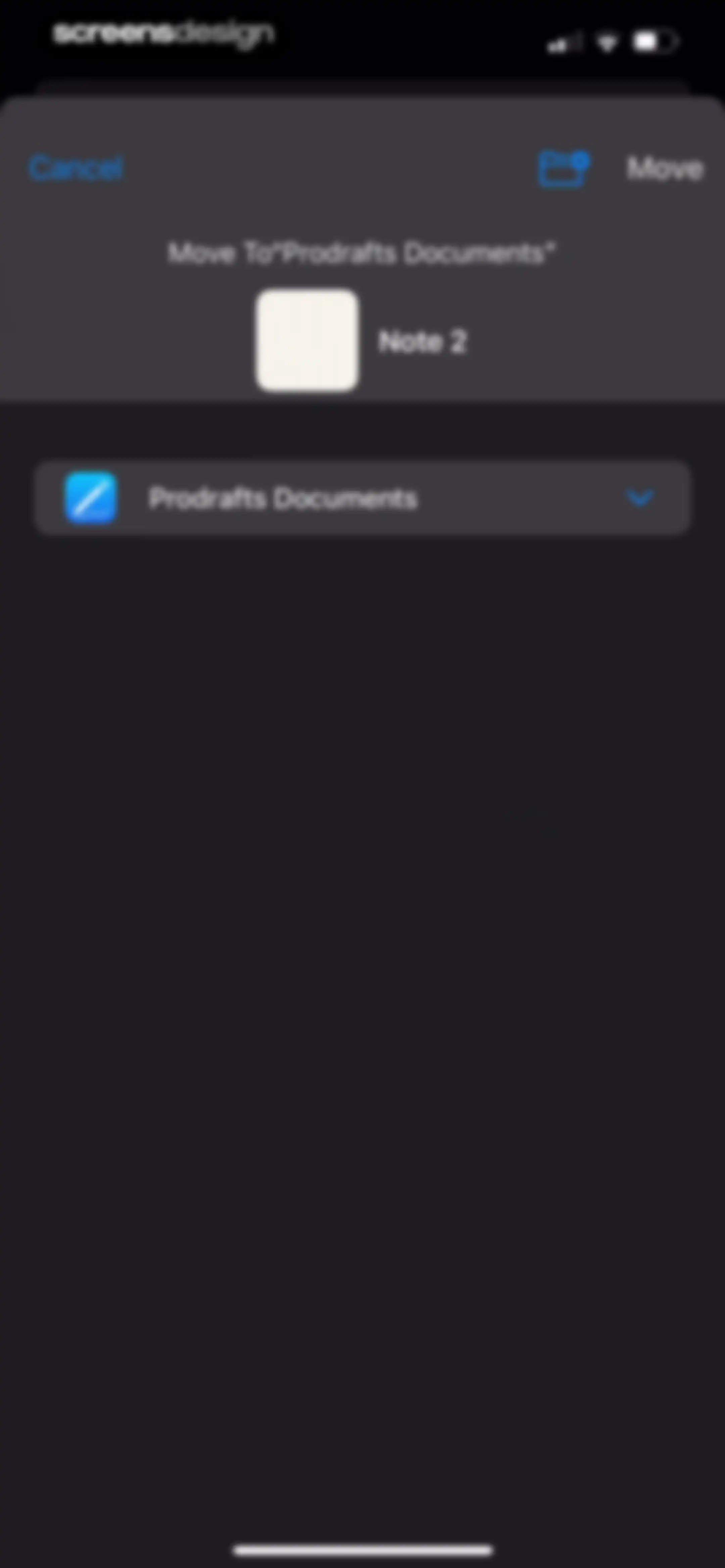
Prodrafts document move modal displaying a preview of Note 2, a destination folder selection row, and Cancel and Move actions.Unlock Pro
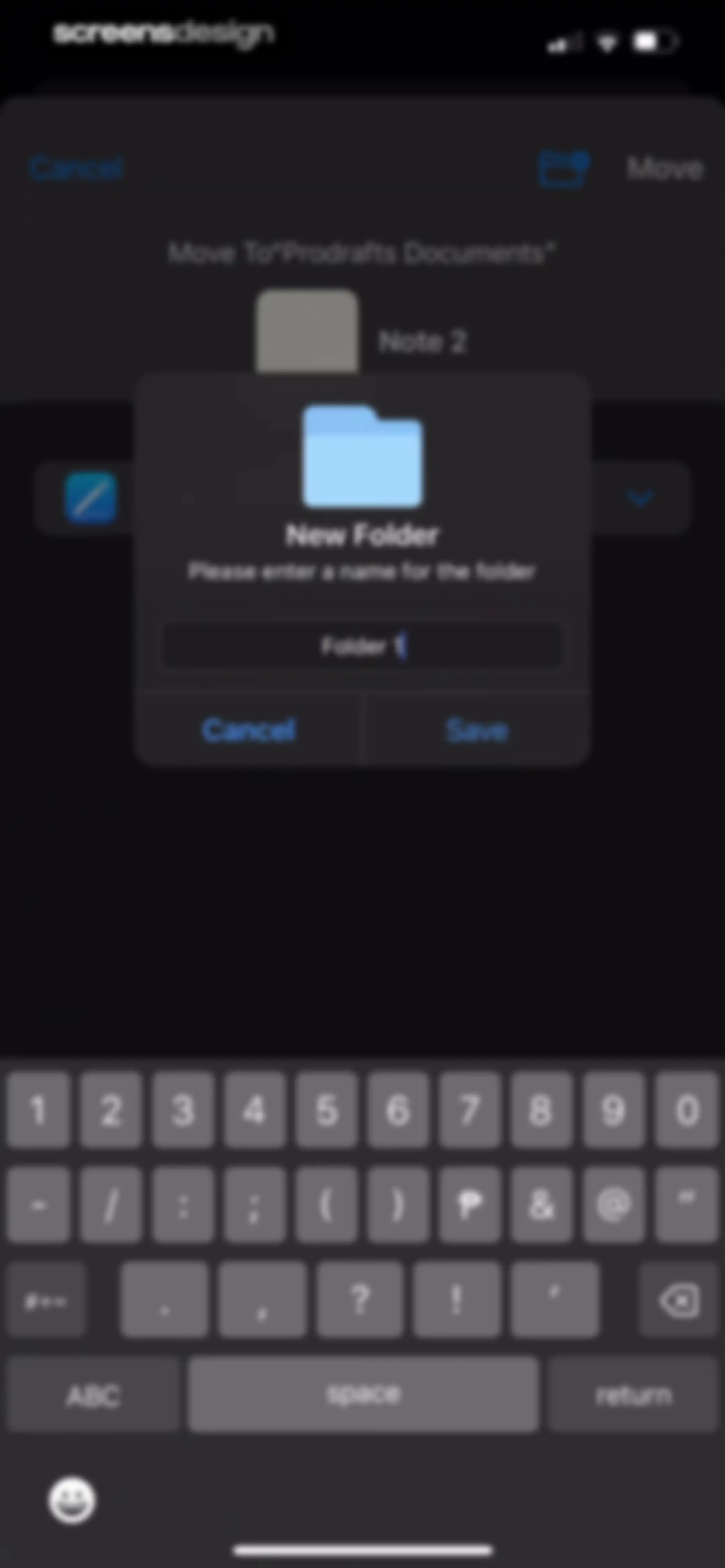
Modal dialog in the Prodrafts app prompting to enter a new folder name, with Folder 1 pre-filled in the input field, Cancel and Save buttons, and a system keyboard.Unlock Pro
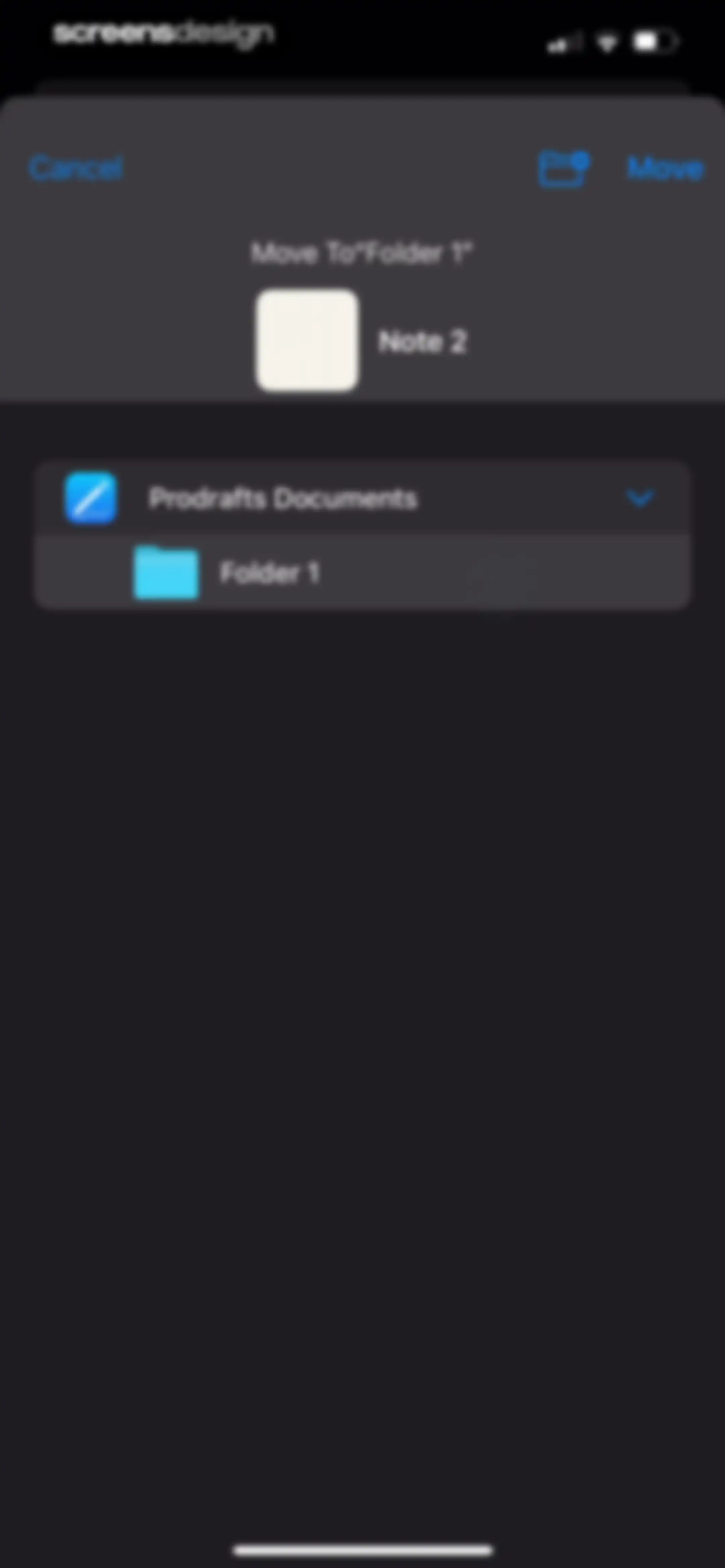
File management modal in Prodrafts for moving Note 2, showing a list of destination folders and a Move action.Unlock Pro
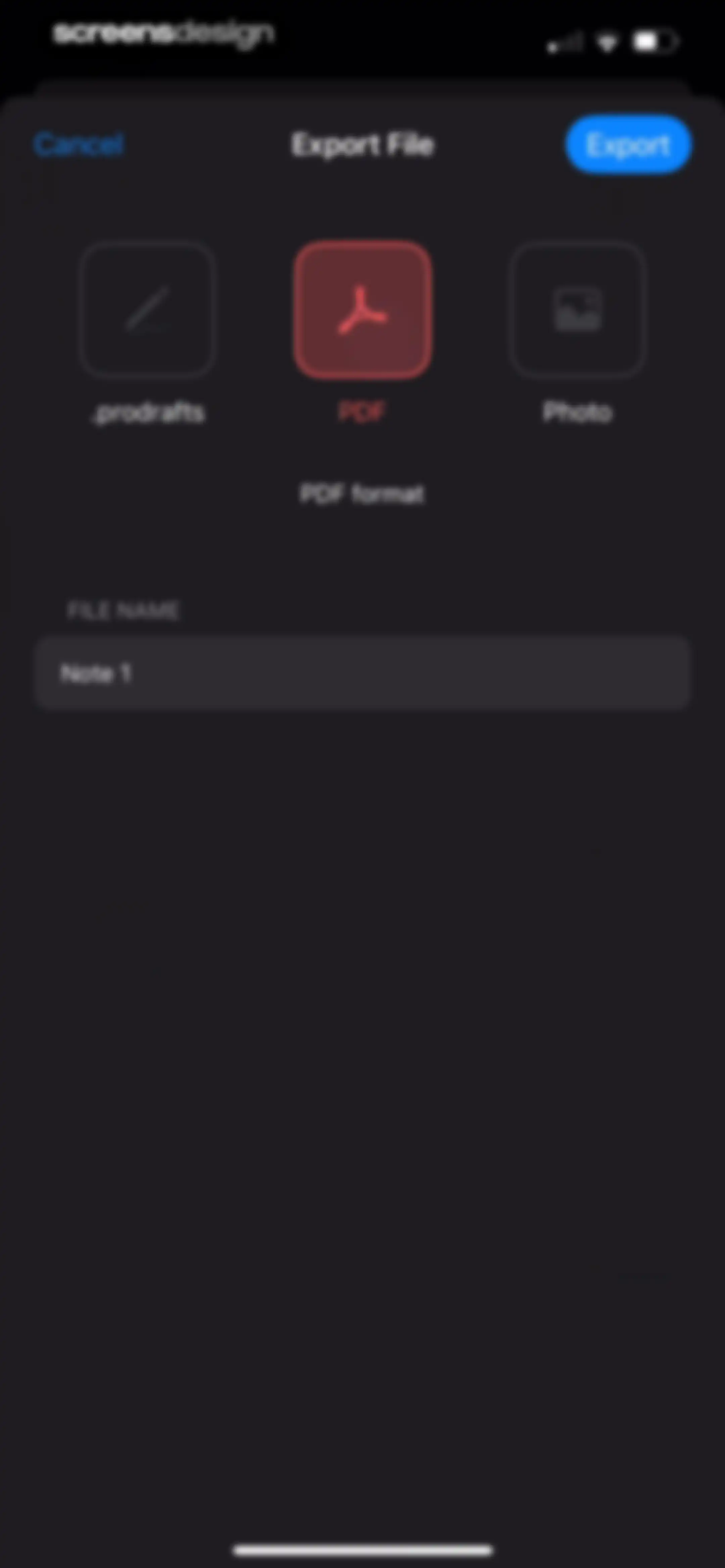
Export file modal comparing format options with PDF selected, a file name input field containing Note 1, and an Export button.Unlock Pro
Dark-themed modal overlay in Prodrafts with a top header bar containing a pen icon and a close button, above a large empty content area.Unlock Pro
Prodrafts dashboard displaying a file list with folders and notes, a search bar, sorting controls, and an active drafts tab.Unlock Pro
Prodrafts home screen with a file list and a centered modal dialog confirming whether to move a document to trash.Unlock Pro
Favorites screen in a note-taking app displaying a list of favorited folders and notes with a search bar and bottom navigation.Unlock Pro
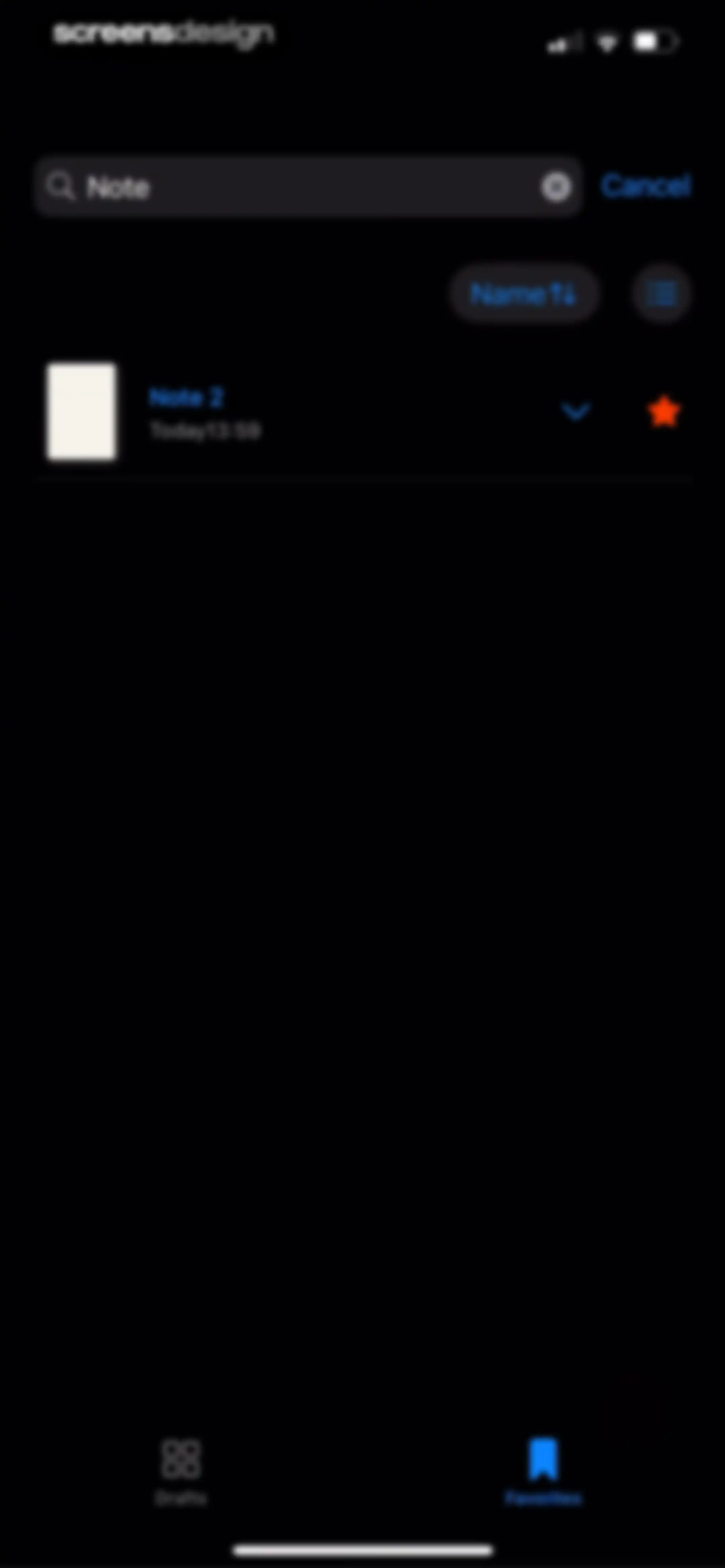
Search results screen displaying a single note entry titled Note 2, with sorting controls and the Favorites tab selected in the bottom navigation.Unlock Pro
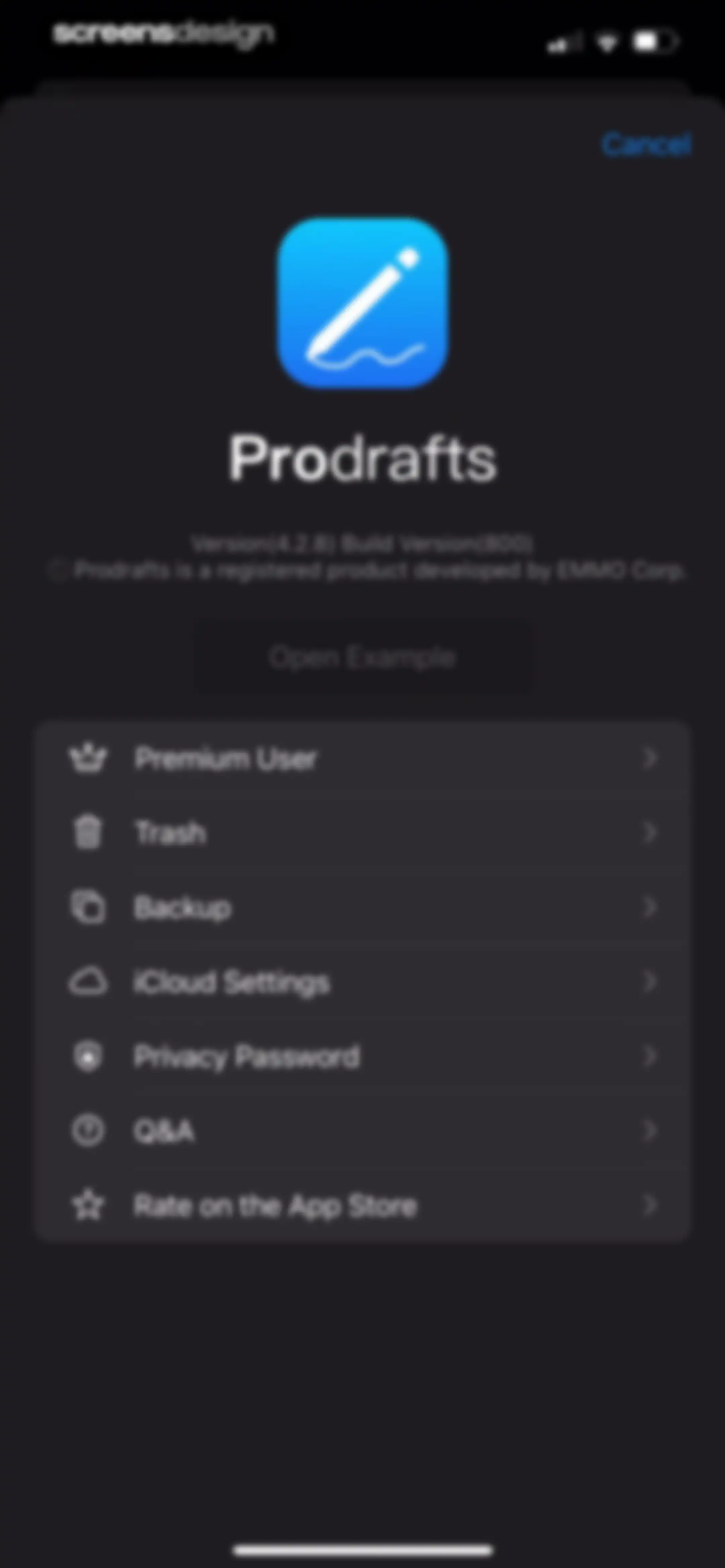
Prodrafts settings modal featuring app branding, version information, and a vertical list of configuration options with a Cancel button.Unlock Pro
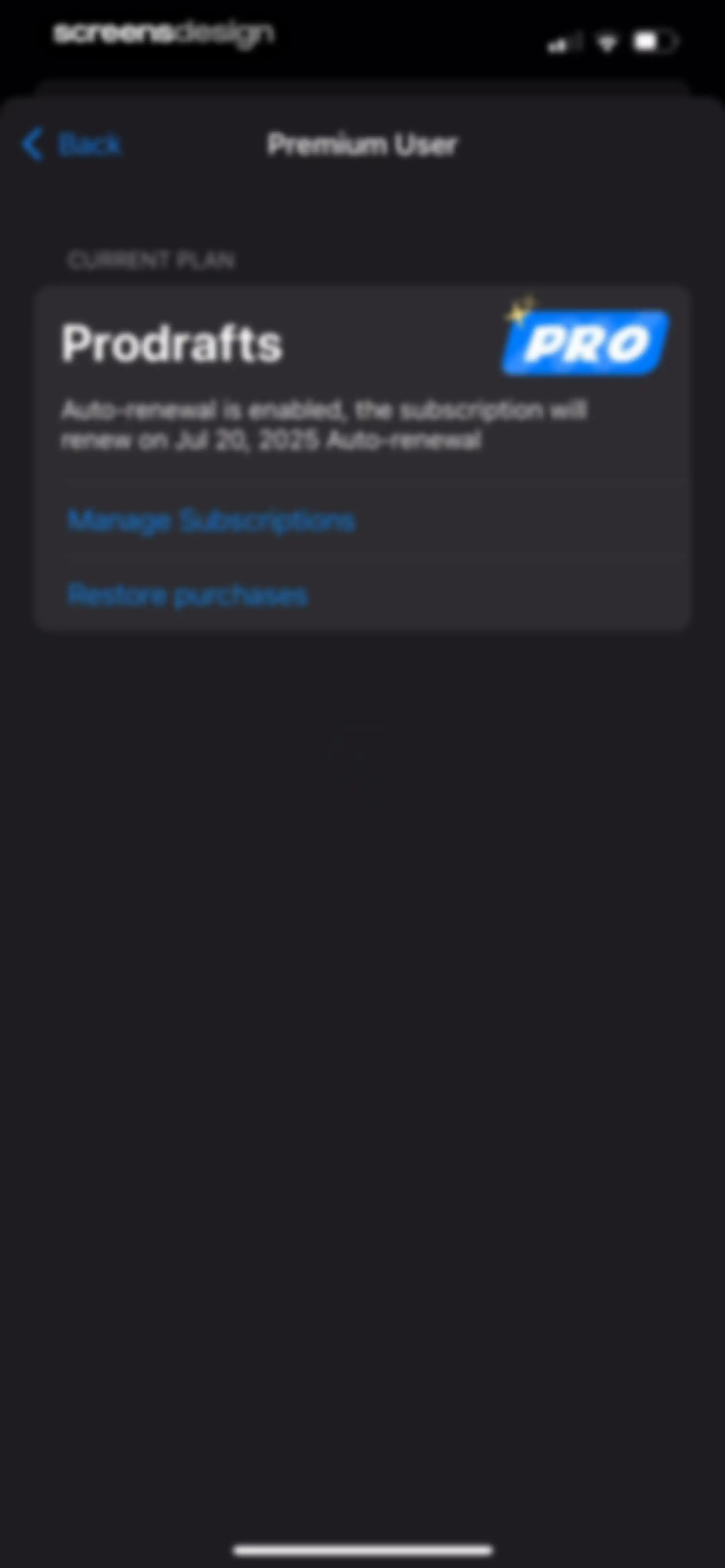
Prodrafts subscription settings screen showing premium user status, renewal details, and a manage subscriptions button.Unlock Pro
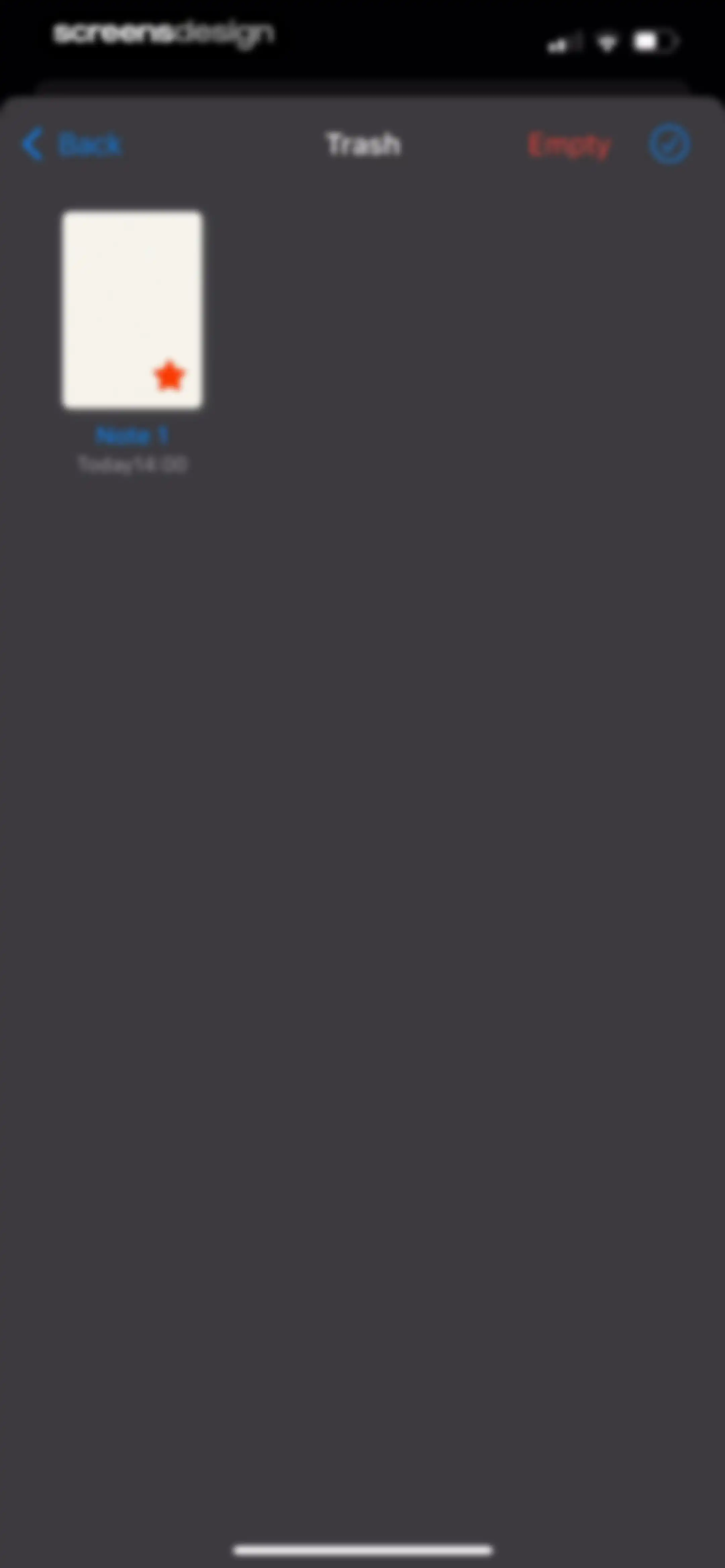
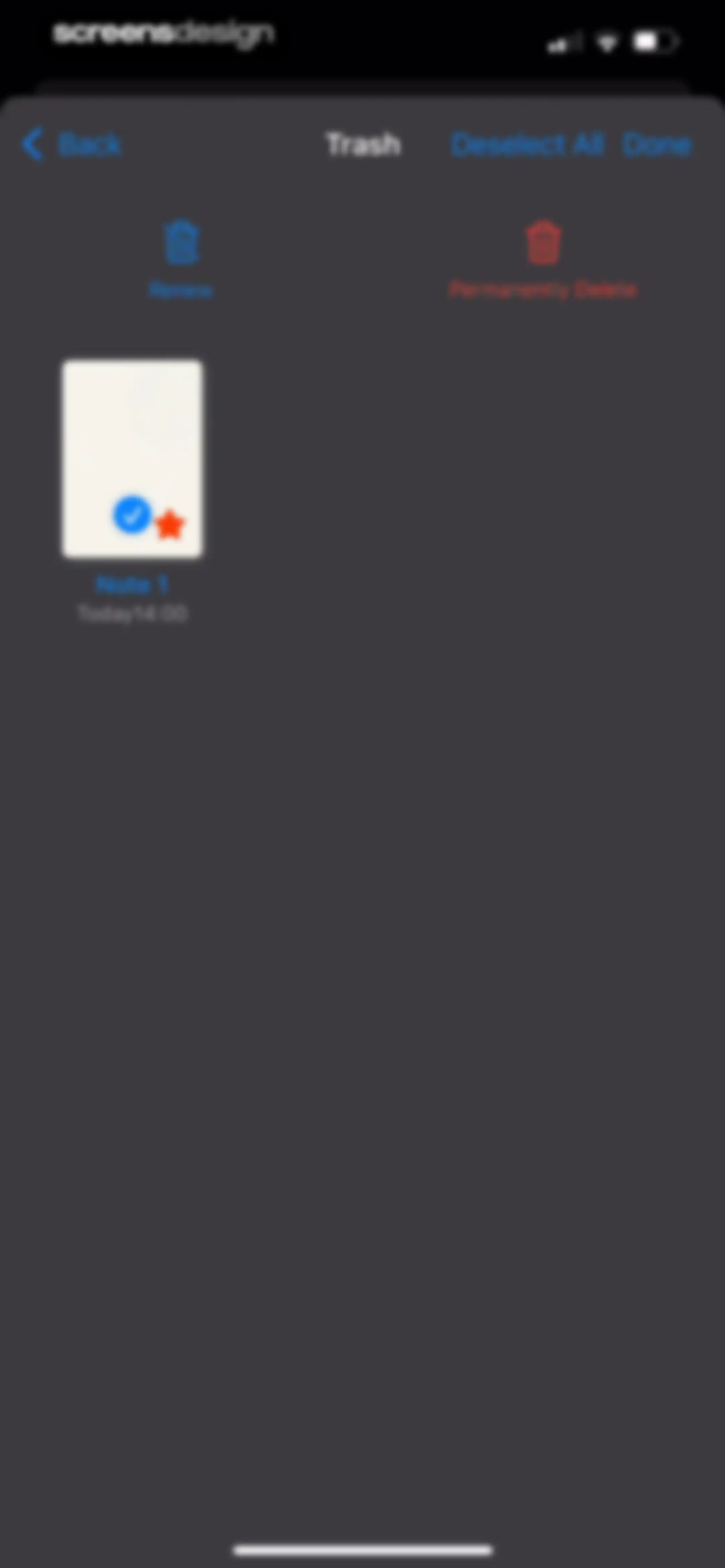
Trash folder screen displaying a deleted note item and an Empty button in a dark theme.Unlock Pro
Trash management screen showing a selected note card with options to renew or permanently delete.Unlock Pro
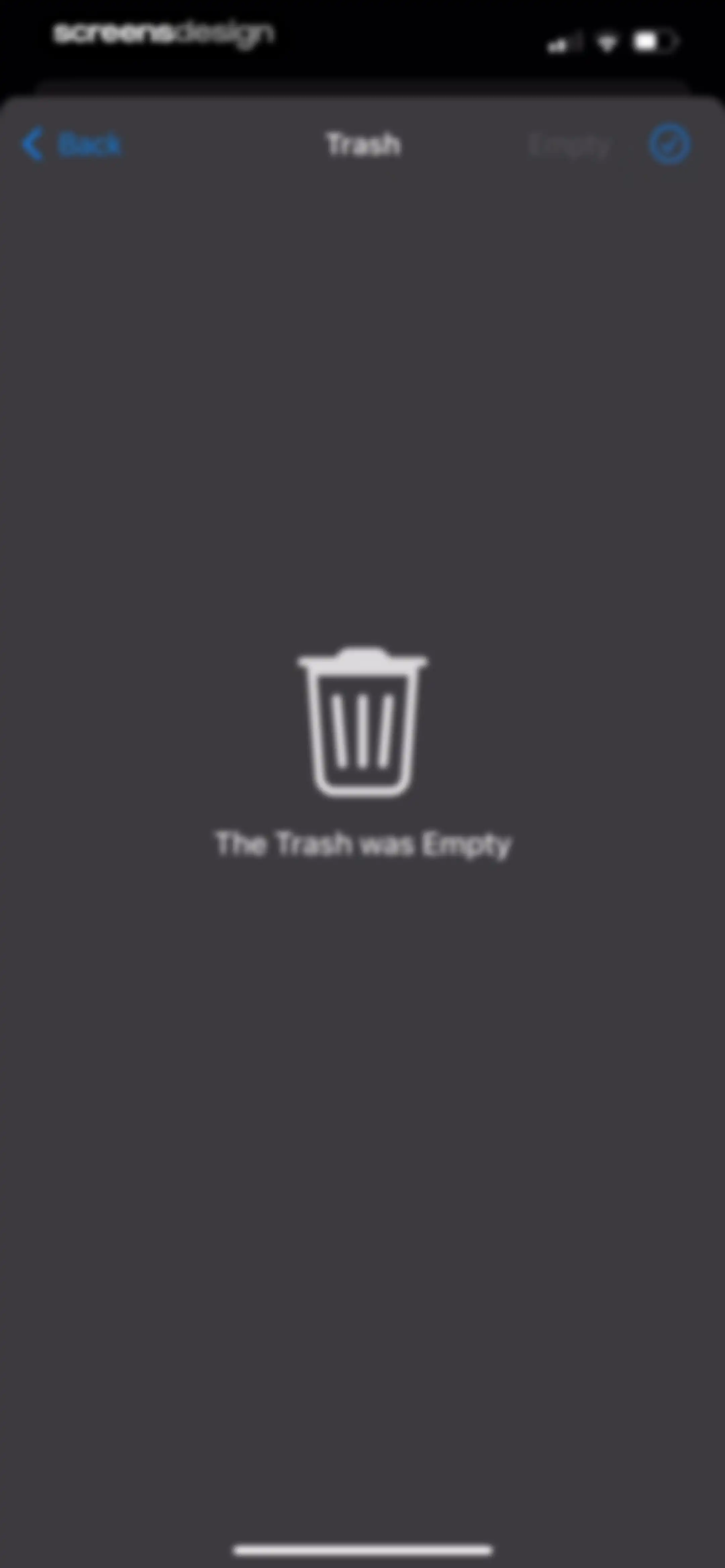
Trash empty state screen in the Prodrafts app with a centered trash can icon and a disabled Empty button in the top right.Unlock Pro
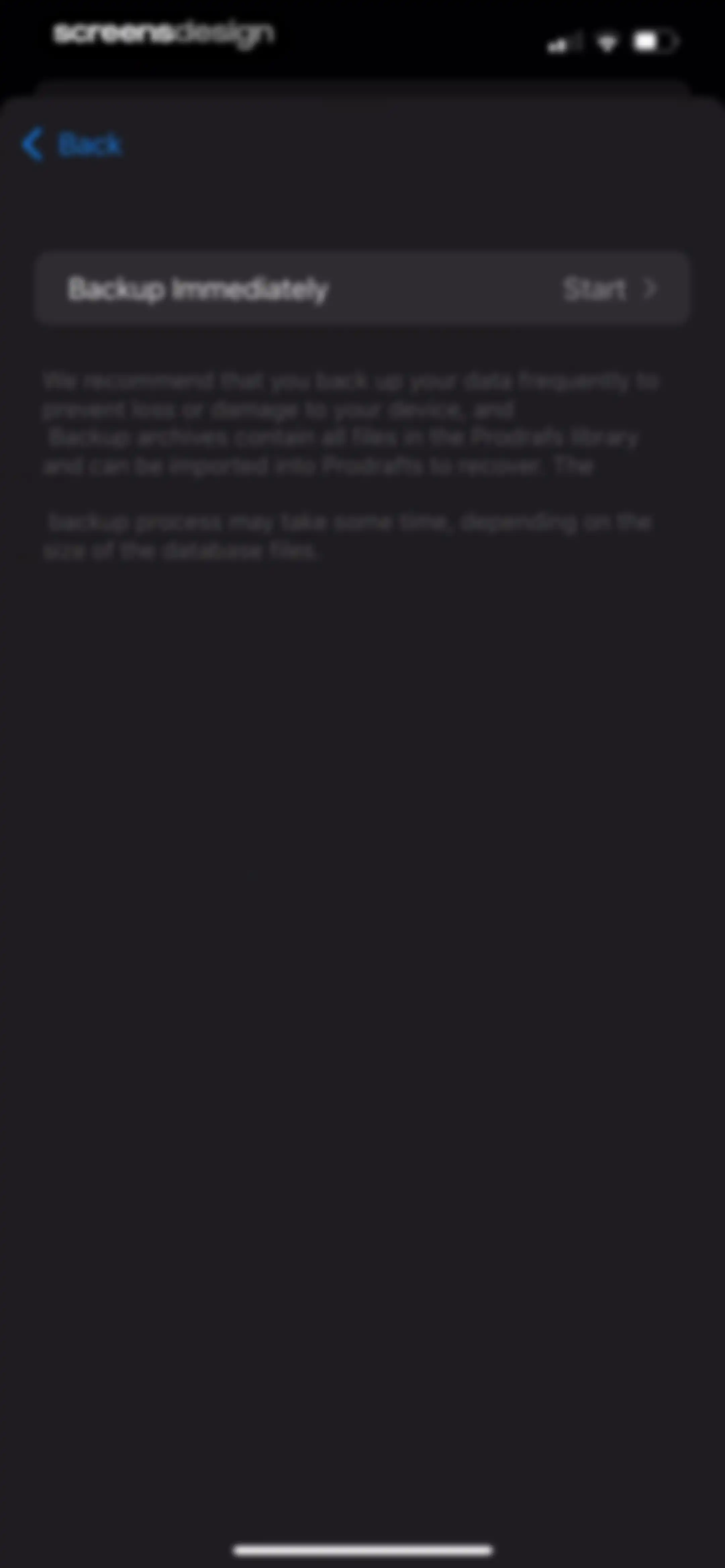
Prodrafts data backup settings screen featuring a Backup Immediately card with a Start button and explanatory text below.Unlock Pro
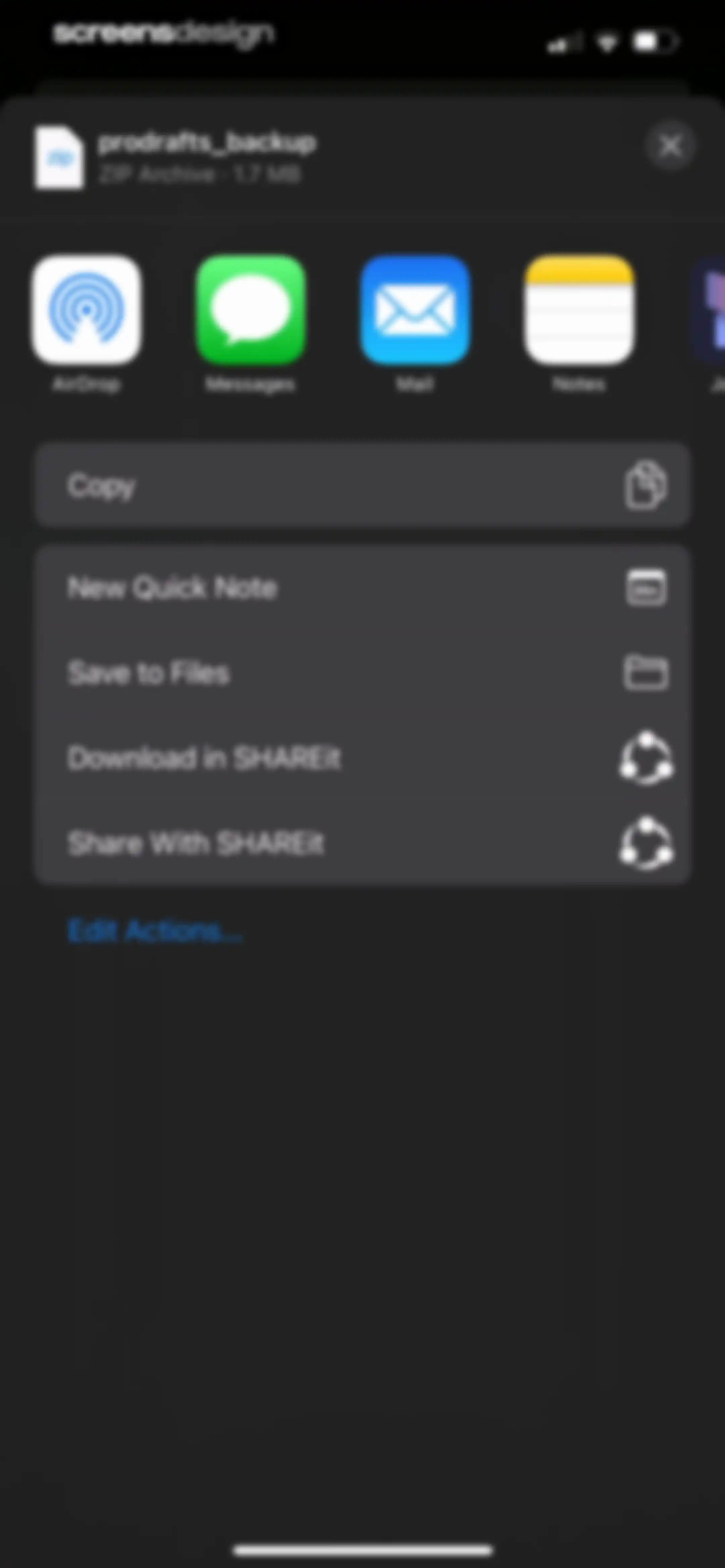
Share sheet modal overlaying a dark background, displaying a file preview card for a ZIP archive and a list of sharing actions.Unlock Pro
Settings screen with a Use iCloud toggle and explanatory text for syncing notes across devices.Unlock Pro
Privacy password settings screen displaying options for document encryption, Face ID unlock, auto-lock timer, and password management.Unlock Pro
Privacy password settings screen displaying an open auto-lock duration dropdown with two minutes selected and a checkmark.Unlock Pro
App Support screen displaying a vertical list of troubleshooting topics and a crash log link in a dark theme.Unlock Pro

About Prodrafts - Infinite Notes

An infinite canvas note-taking application for iPad featuring realistic handwriting, mind mapping, PDF annotation, and multimedia attachment support.

Explore Prodrafts - Infinite Notes across ScreensDesign

Apps similar to Prodrafts - Infinite Notes

Unlock all similar apps

See every comparable app, revenue, installs, and flows.

Unlock Pro
  • Kilonotes-Notes & Mark up PDF

    4.6
    Hefei T-Stack Information Technology Co., Ltd.Revenue$65kInstalls100k
  • CollaNote: Notes & PDF Markup

    4.7
    Zauberberg Lab Company LimitedRevenue$100kInstalls200k
  • Paper: Sketch, Draw & Create

    4.6
    WeTransfer BVRevenue$150kInstalls100k
  • Craft: Notes, Documents, AI

    4.8
    Craft Docs LimitedRevenue$25kInstalls<5k
  • Noteshelf 3: AI Digital Notes

    4.6
    Fluid Touch Pte. Ltd.Revenue$50kInstalls150k
  • PDF App: Convert, Create, Sign

    4.7
    Minimodev Technologies LTDRevenue$<5kInstalls<5k
  • Scanner App - Scan PDF & Docs

    4.6
    xStudios MobileRevenue$2.8MInstalls850k
  • PDF Expert: Editor & Reader

    4.7
    Readdle Technologies LimitedRevenue$1.3MInstalls50k
  • e Signature Scanner, Sign PDF

    4.6
    ProfuseRevenue$75kInstalls25k
  • Documents - File Manager

    4.8
    Readdle Technologies LimitedRevenue$600kInstalls250k
  • iLovePDF - PDF Editor & Scan

    4.8
    iLovePDFRevenue$200kInstalls250k
  • Concepts

    4.7
    TopHatch, Inc.Revenue$50kInstalls55k
  • pdfFiller: edit PDF documents

    4.5
    airSlate, Inc.Revenue$250kInstalls<5k
  • PDF Editor ®

    4.5
    SMM service, s.r.o.Revenue$700kInstalls400k
  • Evernote: AI Notes & Notebook

    4.4
    Evernote CorporationRevenue$750kInstalls25k
  • PDF Converter - PDF Editor・

    4.4
    Techgear IncRevenue$15kInstalls30k
  • My Scanner: Scan to PDF & Edit

    4.7
    Dream App Studio UABRevenue$450kInstalls25k
  • Scanner: Scan Documents

    4.7
    DISTRITO SLURevenue$<5kInstalls<5k
  • MindNode – Classic

    4.5
    IdeasOnCanvas GmbHRevenue$50kInstalls25k
  • Bear - Markdown Notes

    4.7
    Shiny Frog Ltd.Revenue$45kInstalls<5k
  • Scanner PDF – scan document

    4.6
    NeosusRevenue$25kInstalls<5k
  • UPDF - AI-Powered PDF Editor

    4.6
    Superace Software Technology Co., Ltd.Revenue$10kInstalls<5k
  • PDF Fill & Sign. Editor Filler

    4.6
    Micro ApplicationRevenue$9kInstalls<5k
  • Voice Recorder & Notes Pro

    4.6
    Linfei Ltd.Revenue$25kInstalls<5k
  • WPS Office-AI Doc, PDF, Sheet

    4.8
    KINGSOFT OFFICE SOFTWARE CORPORATION LIMITEDRevenue$350kInstalls500k
  • PDF Hero - PDF Editor & Reader

    4.6
    Easy Tiger Apps, LLC.Revenue$40kInstalls<5k
  • PDF Editor: Read Scan Convert

    4.7
    Rhophi Analytics LLPRevenue$300kInstalls95k
  • Listening: Text to Speech

    4.4
    The Listening App Inc.Revenue$<5kInstalls<5k
  • Noted: Record & AI Transcribe

    4.5
    Digital Workroom LtdRevenue$7kInstalls<5k
  • Scanner App: Fast PDF Doc Scan

    4.7
    7270356 Canada IncRevenue$6kInstalls<5k
  • Mobile Scanner App - Scan PDF

    4.8
    Glority Global Group Ltd.Revenue$550kInstalls250k
  • WriteSwift AI - Note Taking

    4.5
    Stilwell LimitedRevenue$150kInstalls35k
  • CraftNote: Smart AI Note Taker

    4.7
    Joyolabs Dijital Hizmetler Anonim SirketiRevenue$200kInstalls35k
  • Documents to PDF Scanner

    4.7
    Fliyin SLURevenue$<5kInstalls<5k
  • xScan : Document Scanner App

    4.6
    VPN MobApps LimitedRevenue$150kInstalls<5k
  • Smart Noter - AI Note Taker

    4.6
    DEEP FLOW SOFTWARE SERVICESRevenue$150kInstalls12k
  • FoxNote - AI Note Taker

    4.5
    Faliane Ltd.Revenue$<5kInstalls<5k
  • Xmind: AI Mind Map, Brainstorm

    4.8
    Xmind Ltd.Revenue$90kInstalls60k
  • PDF & Document Scanner.

    4.7
    CHISQUIBOX SOCIEDAD LIMITADARevenue$20kInstalls40k
  • PDF Scanner App: TapScanner

    4.7
    SMART MEDIA INTERNET MARKETING LTDRevenue$450kInstalls100k
  • uScan - PDF Document Scanner

    4.6
    Lopofist LimitedRevenue$55kInstalls<5k
  • CamScanner - PDF Scanner App

    4.8
    INTSIG Information Co., LtdRevenue$8MInstalls2.8M
  • VoiceNotes: Audio Recordings

    4.4
    MobileTech OURevenue$50kInstalls12k
  • Note AI: Smart Note Taker

    4.5
    HUBXRevenue$100kInstalls40k
  • Scanner App. JPG, Photo to PDF

    4.8
    MunicornRevenue$550kInstalls50k
  • PDF Converter - Word to PDF

    4.7
    Minimodev Technologies LTDRevenue$300kInstalls60k
  • Owll: AI Note Taker&Assistant

    4.8
    RAMBUTANAI PTE. LTD.Revenue$300kInstalls55k