Plan Joy:To-Do List & Reminder

$<5k revenue, 4.7 rating

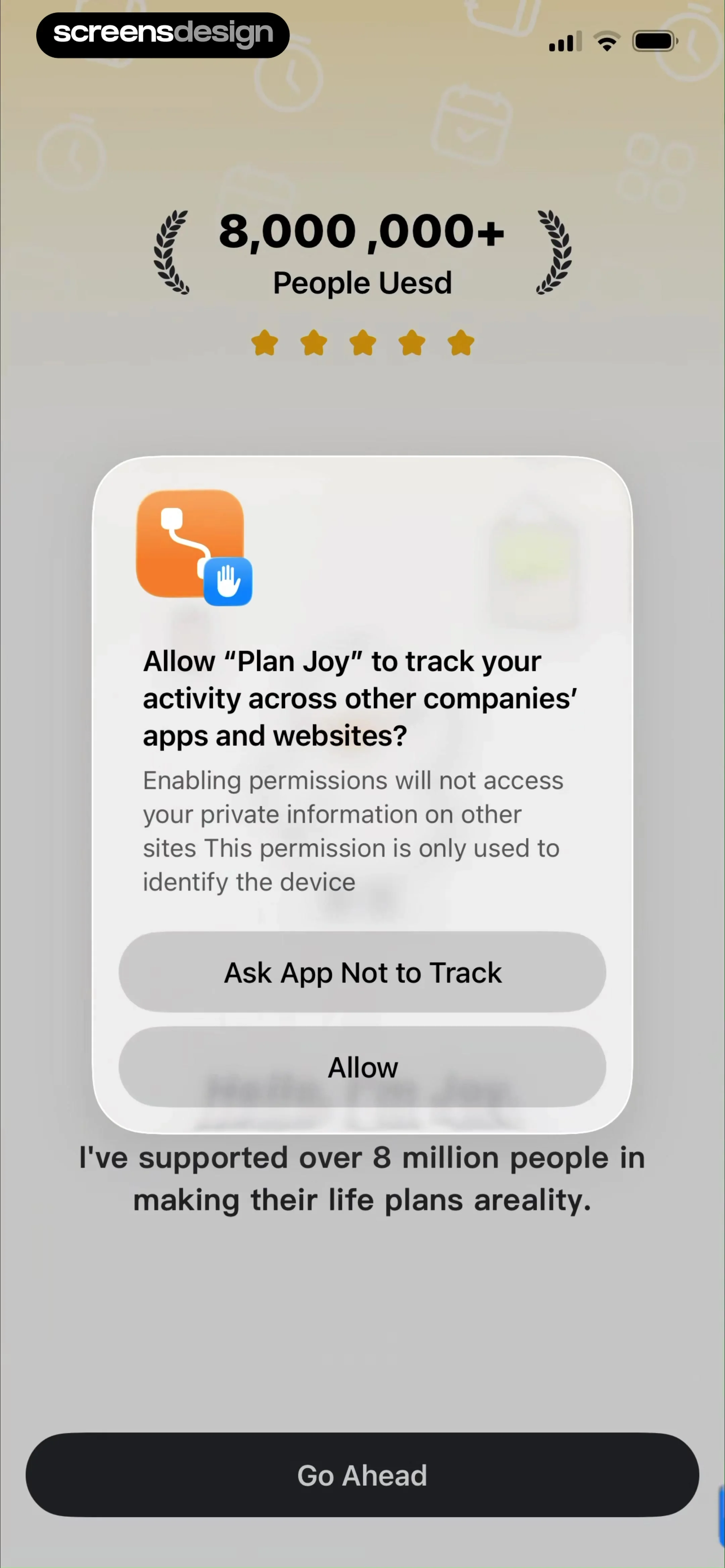
App Tracking Permission Prompt
0:00 / 14:49

Onboarding flow, Paywall & Inside the App

Watch the full screen-by-screen UX video of Plan Joy:To-Do List & Reminder with onboarding, paywall, and every core flow.
Empty loading state screen for the Plan Joy app with a minimalist white background and a centered character mascot illustration at the bottom.
Permissions onboarding screen displaying an app tracking transparency modal for Plan Joy with allow and deny options.
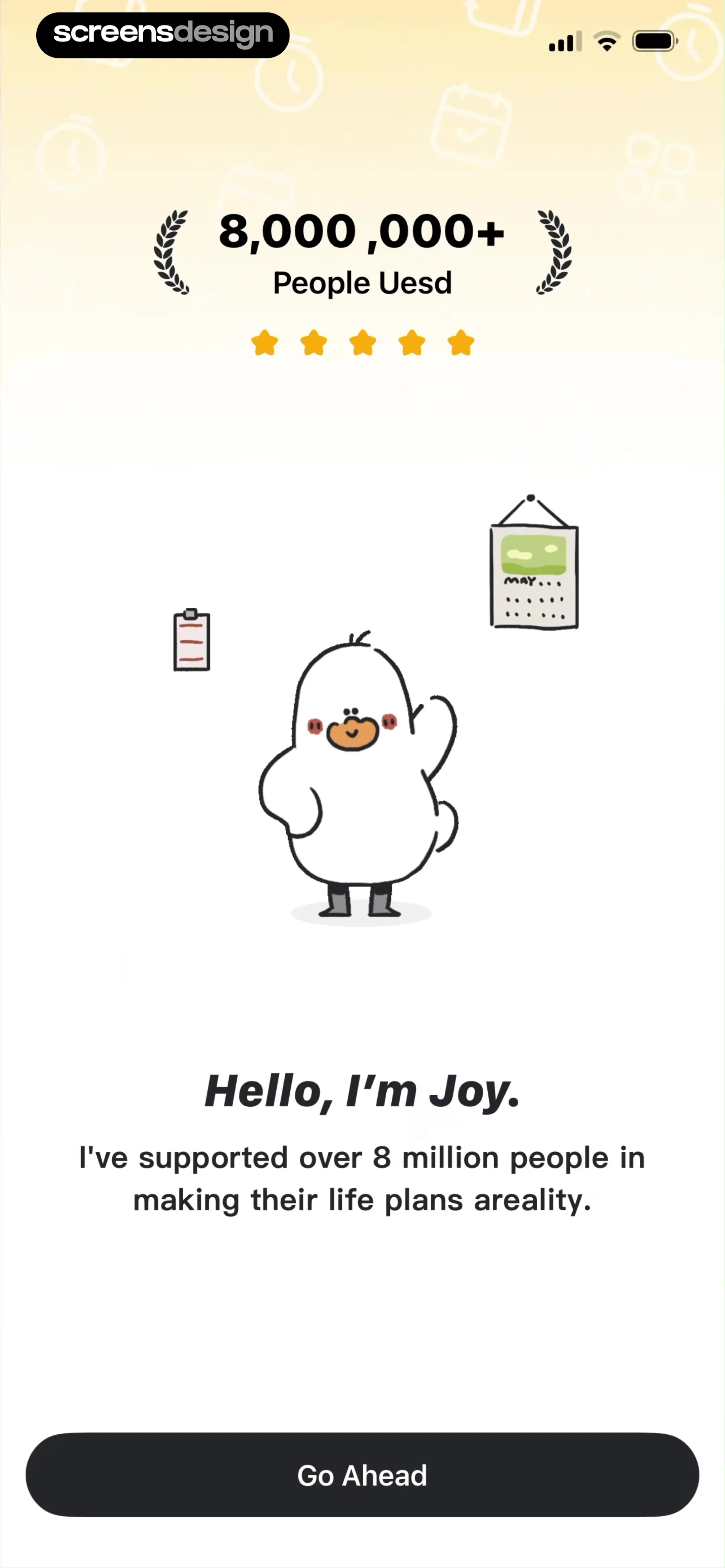
Plan Joy onboarding screen introducing the virtual companion Joy with social proof and a Go Ahead button.
Plan Joy onboarding screen featuring a central illustration, four social and email login buttons, and terms of service links.
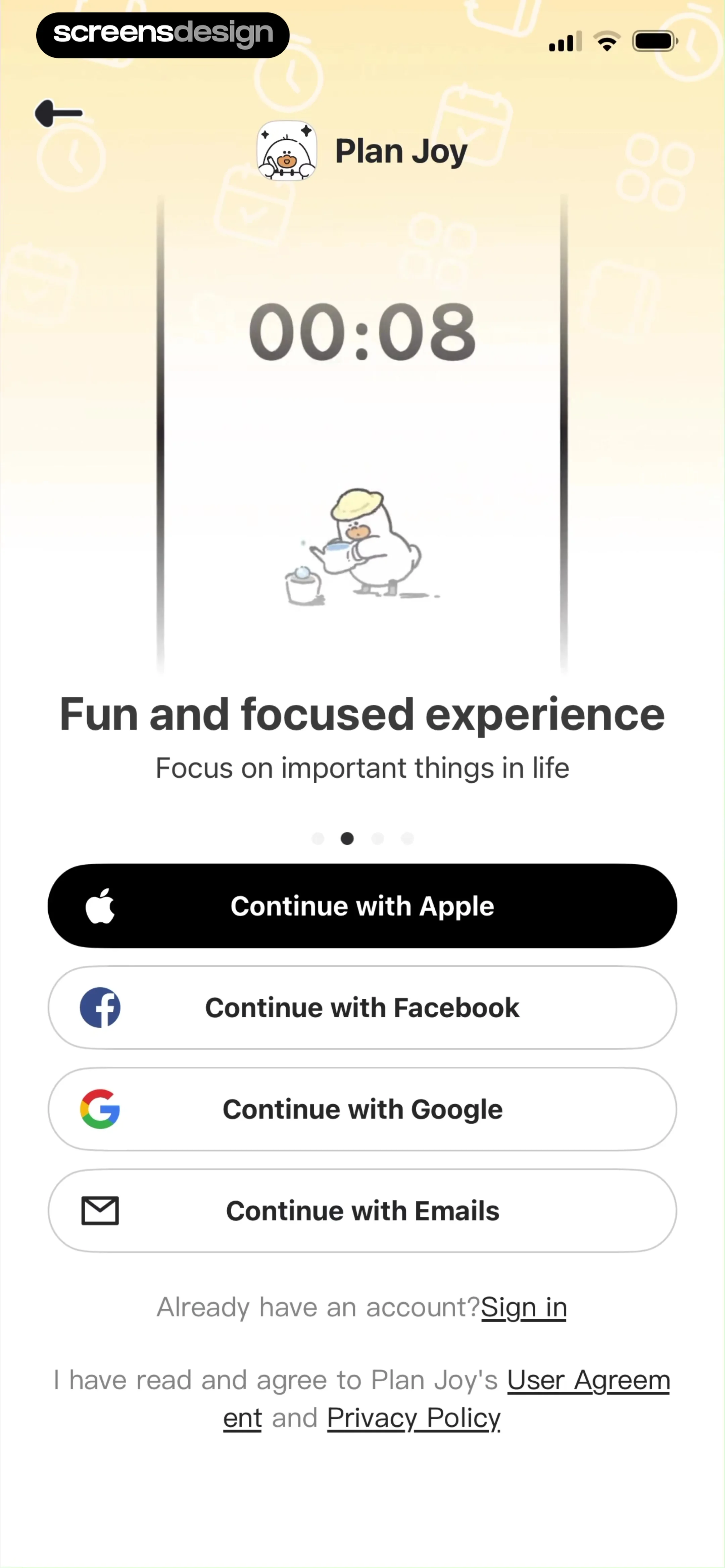
Plan Joy onboarding signup screen displaying a central timer illustration, four social login buttons, and legal agreement links at the bottom.
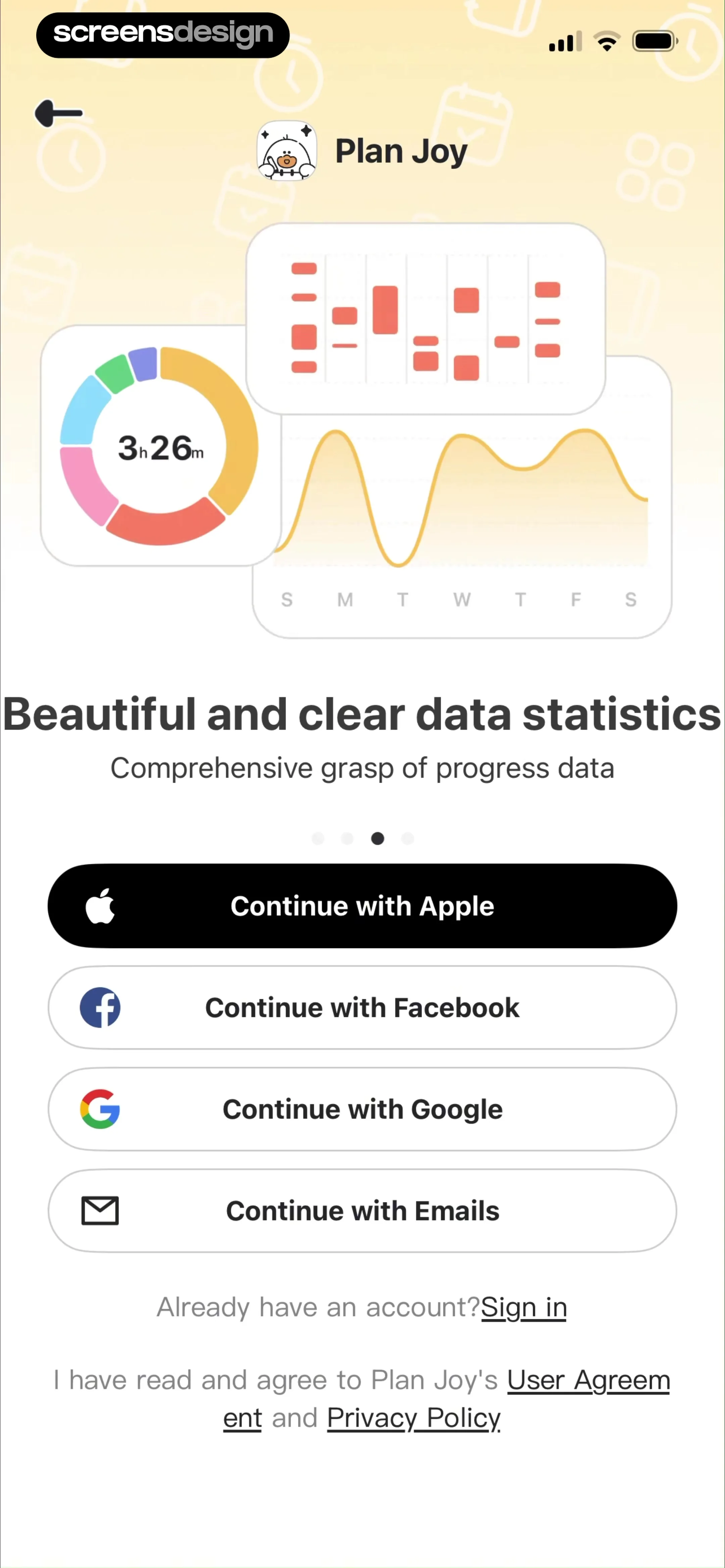
Plan Joy sign-up screen featuring a data statistics card and multiple social login buttons.
Plan Joy sign-up screen featuring a widget preview carousel, four social sign-in buttons, and legal agreement links.
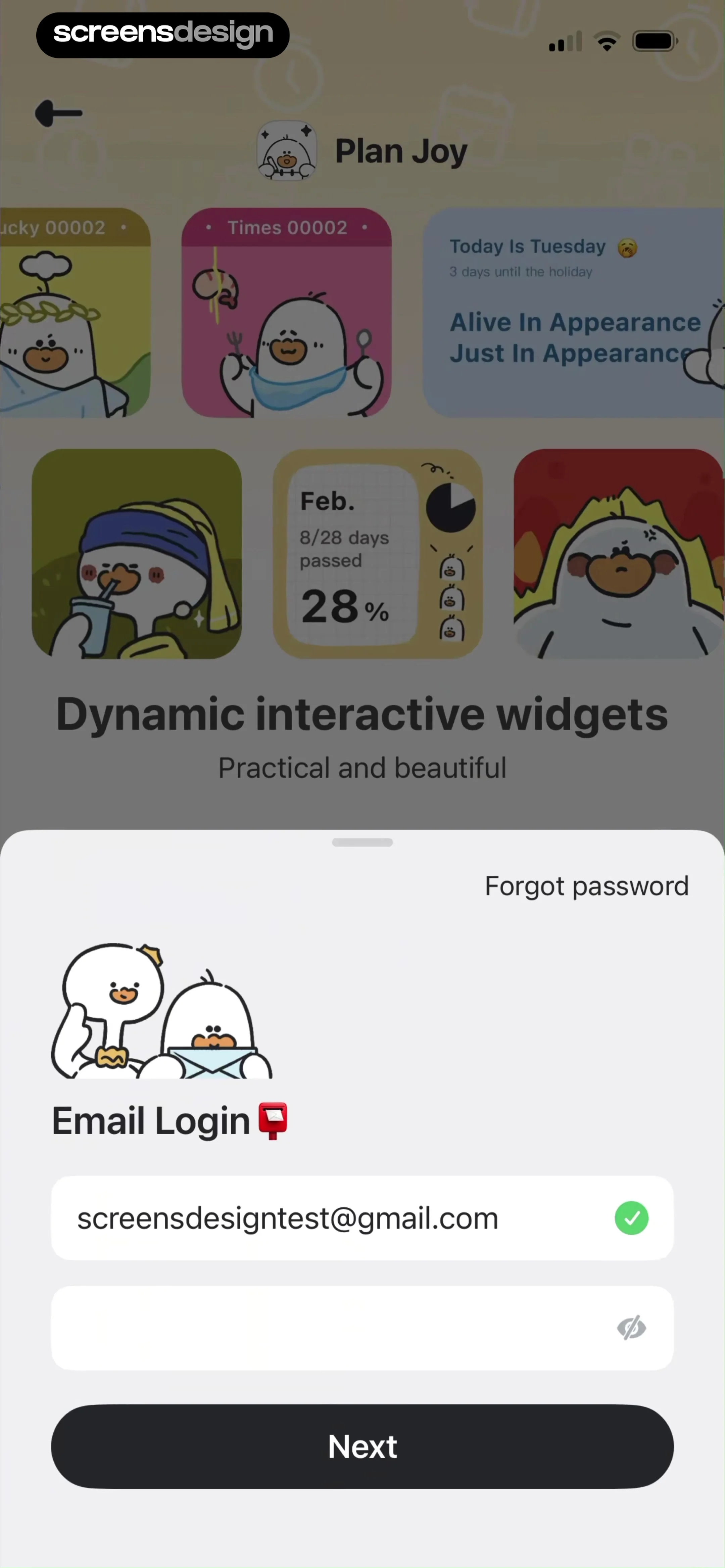
Email login form with a filled email address and a Next button, overlaid on a background showcasing playful app widgets.
Onboarding screen featuring a central illustration, a headline about lifelong habits, pagination dots, and a Go Ahead button.Unlock Pro
Onboarding screen introducing the Eisenhower Matrix with a central illustration, pagination dots, and a Go Ahead button.Unlock Pro
Plan Joy onboarding screen featuring a central illustration of a character on a mountain peak, a four-dot progress indicator with the third dot active, and a Go Ahead button.Unlock Pro
Onboarding screen introducing optimized time allocation with a vertical timeline illustration and a Go Ahead button at the bottom.Unlock Pro
Onboarding survey screen asking how the user heard about the app, featuring a list of selectable social media options.Unlock Pro
Onboarding age selection screen asking What's your age with five selectable life stage cards from Under 18 to 45 and over.Unlock Pro
Onboarding screen for gender selection with a progress bar, heading to select gender, and options including Female selected with a yellow border.Unlock Pro
Plan Joy onboarding screen with reminders text, a central phone illustration of a character, and a Go Ahead button.Unlock Pro
Plan Joy onboarding data review screen displaying a time distribution donut chart, weekly trend options, and a Go Ahead button.Unlock Pro
Onboarding screen introducing the Review Diary feature with productivity framework diagrams and a Go Ahead button.Unlock Pro
PlanJoy notification permission request screen with a system modal and a highlighted Allow button.Unlock Pro
Permission request screen from Plan Joy asking to send notifications, featuring a system modal and a bottom Allow button.Unlock Pro
Social proof screen featuring user review cards praising the app, a top headline, and a Boost Now button.Unlock Pro
Paywall screen comparing free and pro features in a feature comparison table, with pricing details and a Get It Now button.Unlock Pro
Paywall screen comparing free and pro subscription features, showing pricing of $3.33 per month and a GET IT NOW button.Unlock Pro
Paywall screen with a calendar illustration, a feature comparison table for free and pro plans, yearly pricing, and a GET IT NOW! button.Unlock Pro
Paywall screen comparing free and pro subscription plans with a feature table, yearly pricing, and a GET IT NOW! button.Unlock Pro
Paywall screen for Plan Joy comparing free and pro features with an illustration carousel and a Get It Now button.Unlock Pro
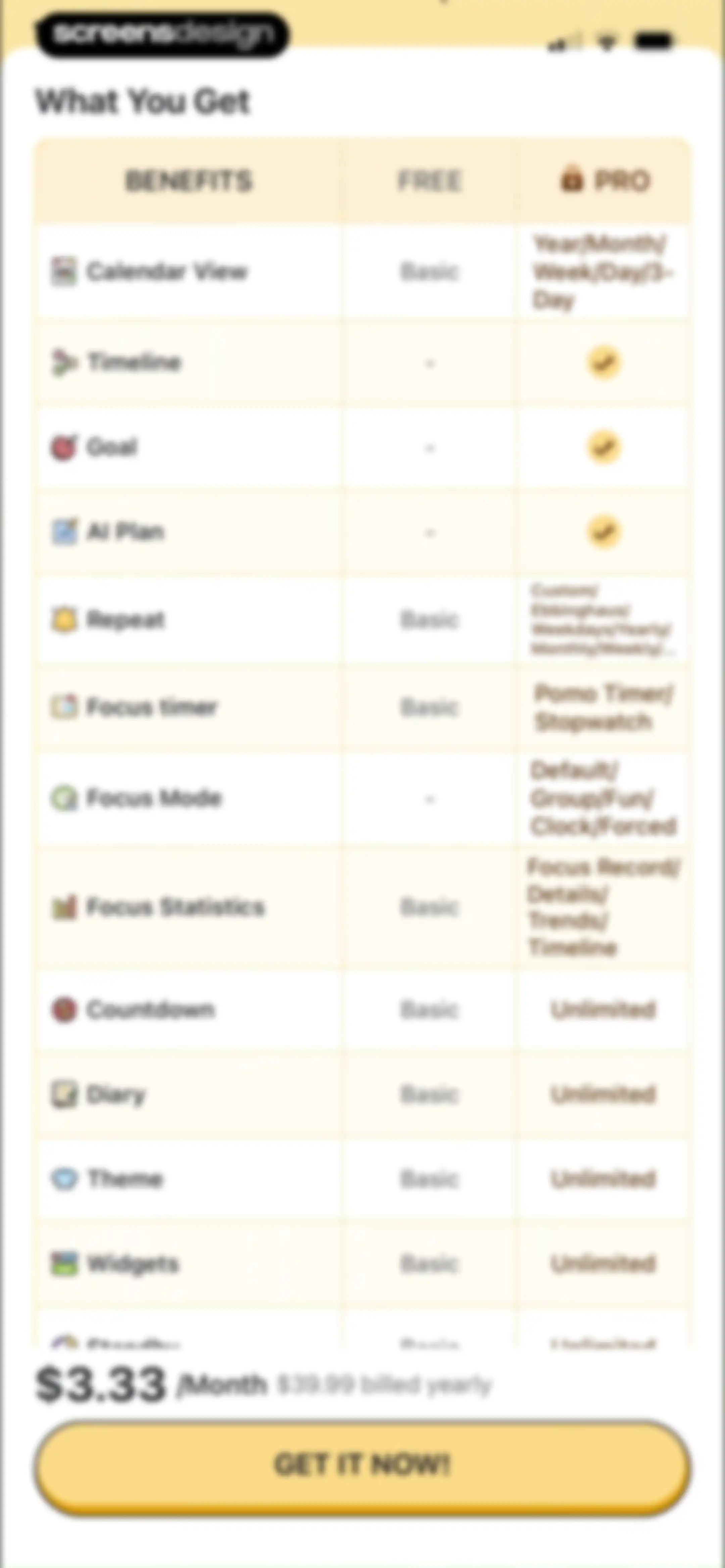
Paywall screen comparing free and pro app features with pricing details and a GET IT NOW! call-to-action button.Unlock Pro
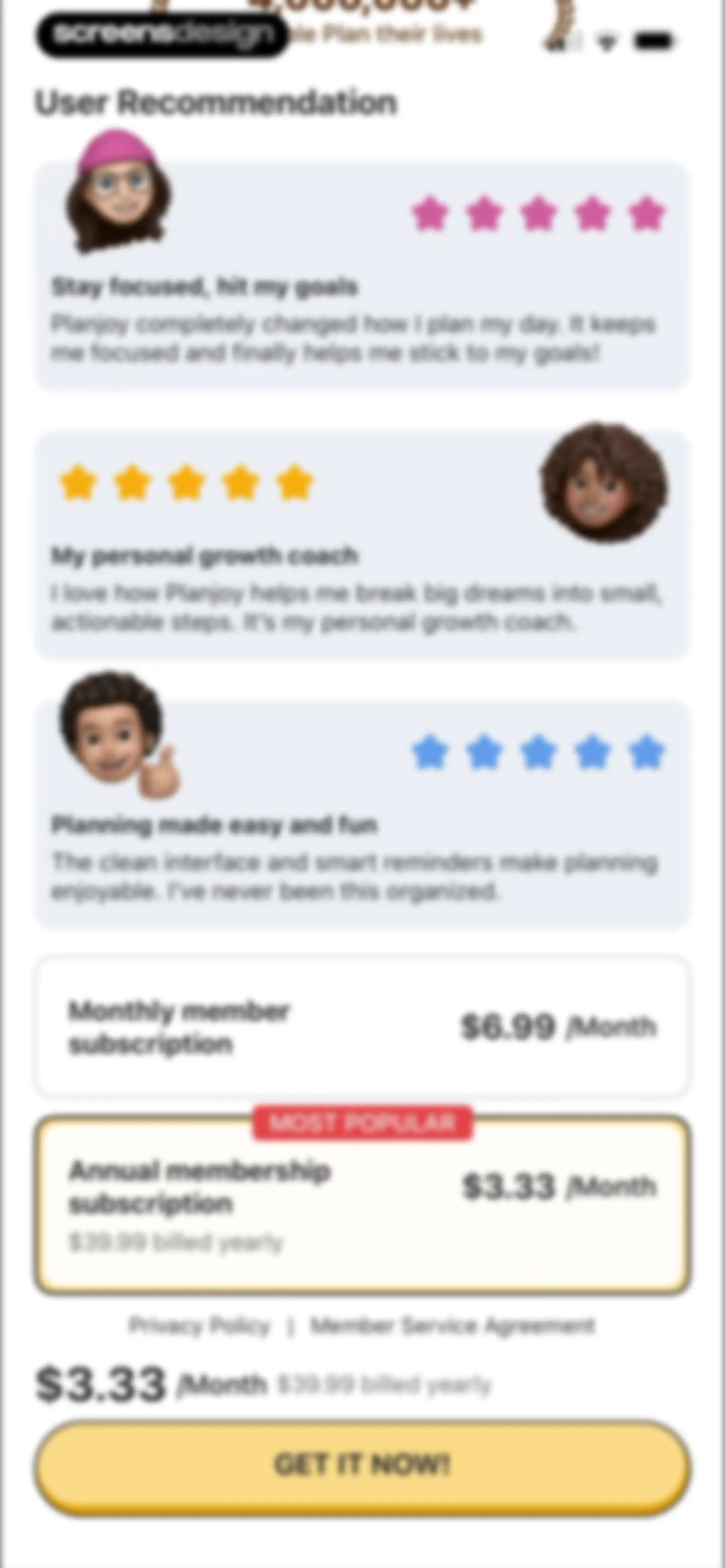
Paywall screen displaying user testimonials and monthly versus annual subscription plans, with the annual plan selected and a Get It Now button.Unlock Pro
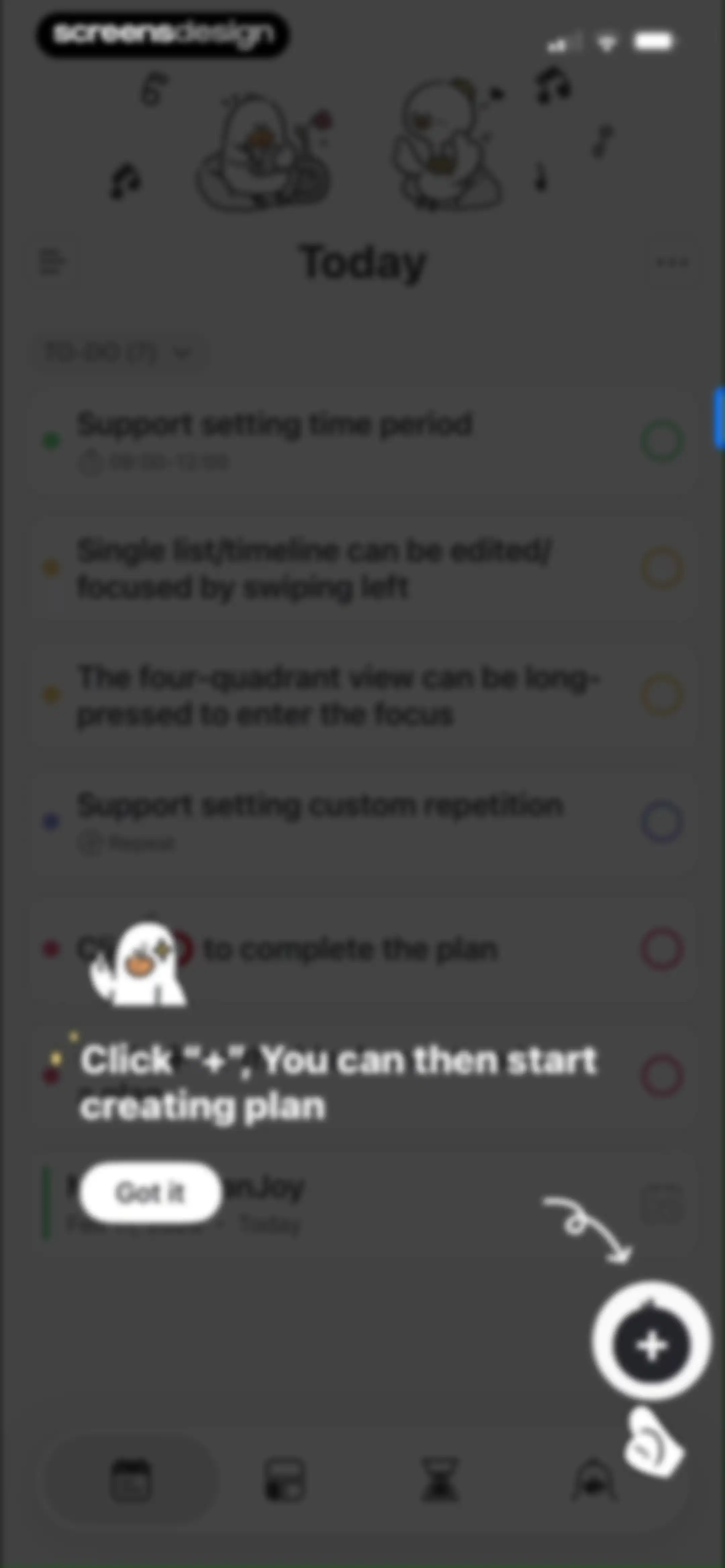
Task management home screen displaying a to-do list and an onboarding tutorial overlay with instructions to create a new plan.Unlock Pro
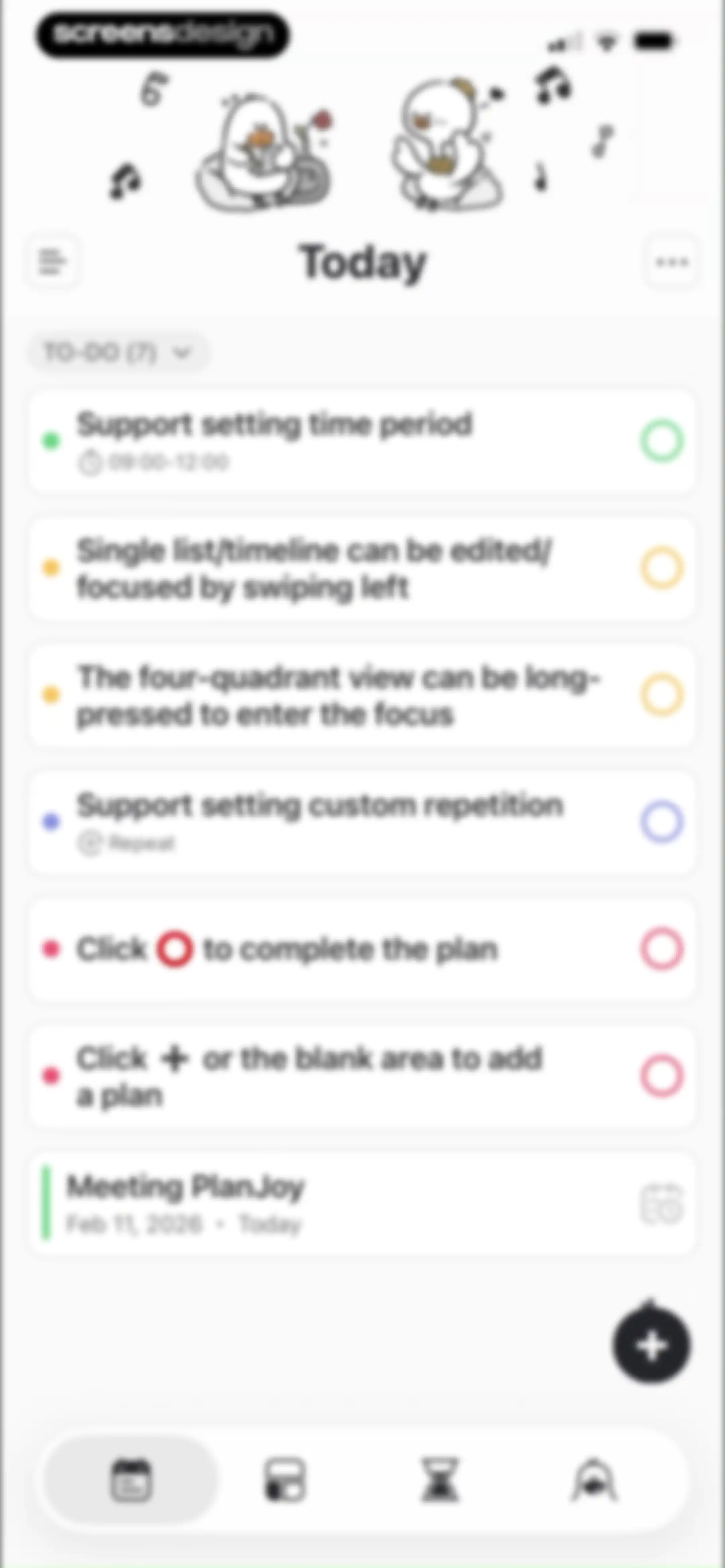
Task management home screen displaying a vertical list of seven task cards, top illustrations of ducks, a floating action button, and a bottom navigation bar.Unlock Pro
Home screen showing an empty task list with a collapsible TO-DO section header and a floating add button.Unlock Pro
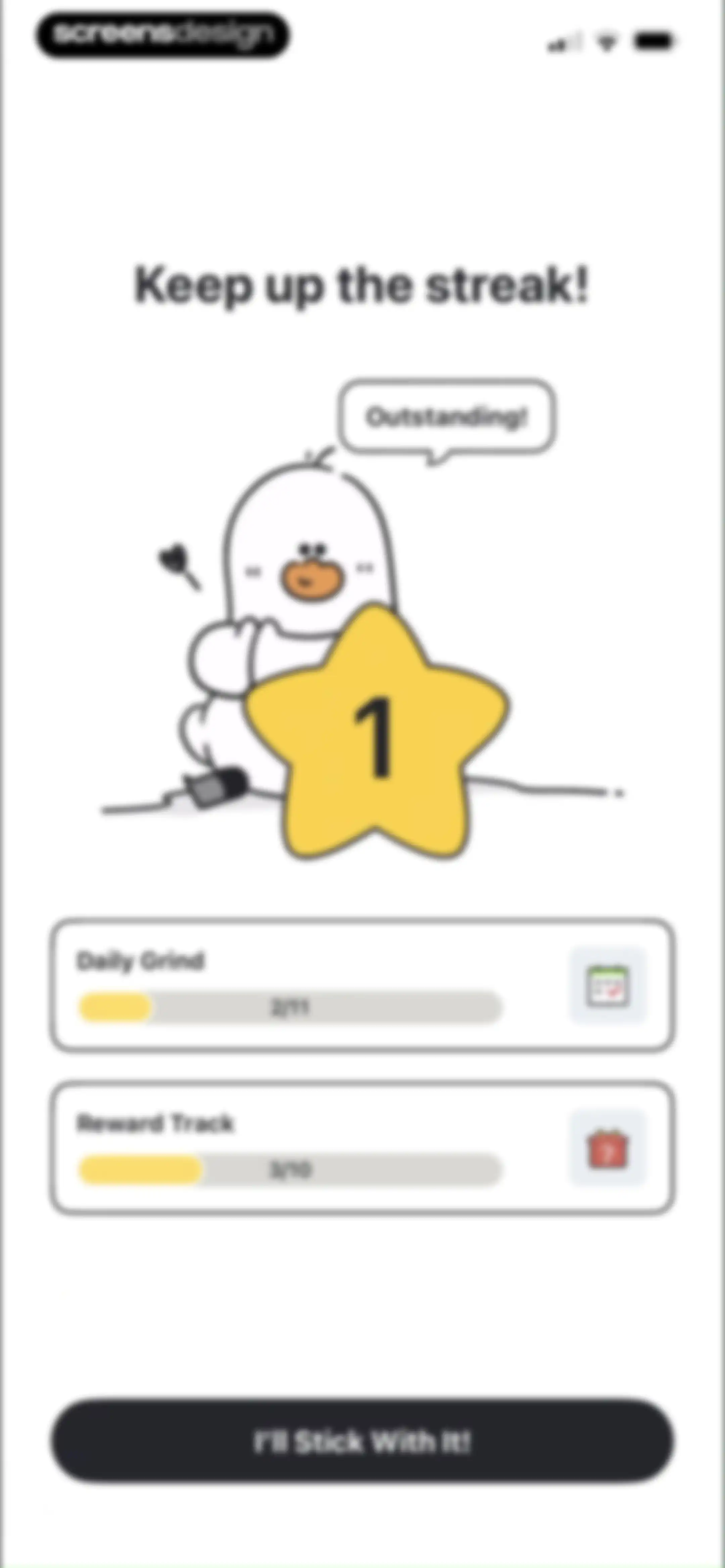
Gamified progress summary screen displaying streak motivation, two progress cards for Daily Grind and Reward Track, and a commitment button.Unlock Pro
Onboarding screen comparing four duration plans with reward points, with the seven-day plan selected and an I'm Ready to Crush button.Unlock Pro
Onboarding feature promotion screen with a character illustration, home screen widget mockup, and Get My Widget button.Unlock Pro
Widget setup screen with a StarSpark preview illustration, tips for daily streaks, and an Add to My Widgets button.Unlock Pro
Task entry modal with an AI toggle and a text input field over a daily to-do list.Unlock Pro
Home task management screen displaying a daily to-do list, a tutorial overlay with instructions, and a bottom input area with a keyboard.Unlock Pro
Task creation form with configuration settings for time, start date, repeat frequency, and a Save button.Unlock Pro
Customization screen featuring a large placeholder circle and a dense grid of locked icons with a Done button.Unlock Pro
Premium icon unlock screen featuring a cooking icon detail and a ProUnlock button over a grid of locked icons.Unlock Pro
Paywall screen comparing Free and Pro plans with a feature table, yearly pricing, and a Get It Now button.Unlock Pro
Task detail form with an Eisenhower matrix modal overlay at the bottom for categorizing priority.Unlock Pro
Task editor screen with configuration fields and an Eisenhower Matrix quadrant selector at the bottom.Unlock Pro
Task editor modal with scheduling fields, sub-plans, notes, and a Save button.Unlock Pro
Task details form with a bottom sheet time picker overlay showing a start time of 14:02.Unlock Pro
Task recurrence settings modal showing a list of frequency options with Never selected and premium options marked by crown icons.Unlock Pro
Task creation form with settings for time, date, repeat, reminders, sub-plans, notes, and a save button.Unlock Pro
Task scheduling form with a bottom sheet overlay displaying end repeat options with Never selected.Unlock Pro
Date picker modal with options for Never and On Date, displaying a February 2026 calendar grid with On Date selected.Unlock Pro
End Repeat modal overlay with the On Date option selected and a February 2026 date picker.Unlock Pro
Task creation form with fields for time, reminders, sub-plans, and notes, featuring a Save button.Unlock Pro
Task tag selection modal overlaying a settings form, featuring the Default tag selected with a checkmark and an Add button.Unlock Pro
Task creation form with scheduling settings, a text input modal showing the word Work, and a system keyboard.Unlock Pro
Timer screen displaying a 25:00 countdown, a Start button, and a bottom illustration with a highlighted timer tab.Unlock Pro
Focus timer screen showing a 24:59 countdown, a bird illustration with fruit, and a tap to show controls prompt.Unlock Pro
Timer screen displaying a 24:54 countdown above an illustration of a character eating strawberries, with stop and pause buttons at the bottom.Unlock Pro
Focus timer screen with a large countdown and a bottom sheet overlay displaying music controls, volume slider, and a rain sound playlist.Unlock Pro
Focus music selection screen displaying categorized audio tracks with premium crown icons and a bottom Playlist button.Unlock Pro
Focus music selection modal with the Fauna category tab selected, a list of premium audio options marked with crown icons, and a Playlist button.Unlock Pro
Focus music selection screen with the Wilderness tab and Sound of rain track selected, alongside a Playlist button.Unlock Pro
Focus music selection list showing ambient audio tracks with crown icons and a Playlist button.Unlock Pro
Modal sheet for managing focus music featuring a media player, volume slider, playlist list, and music discovery cards.Unlock Pro
Focus sound list displaying premium ambient options with crown icons and a Play All button at the bottom.Unlock Pro
Subscription paywall modal overlaying an audio track list, featuring a pricing button for $3.33 per month and a see all plans link.Unlock Pro
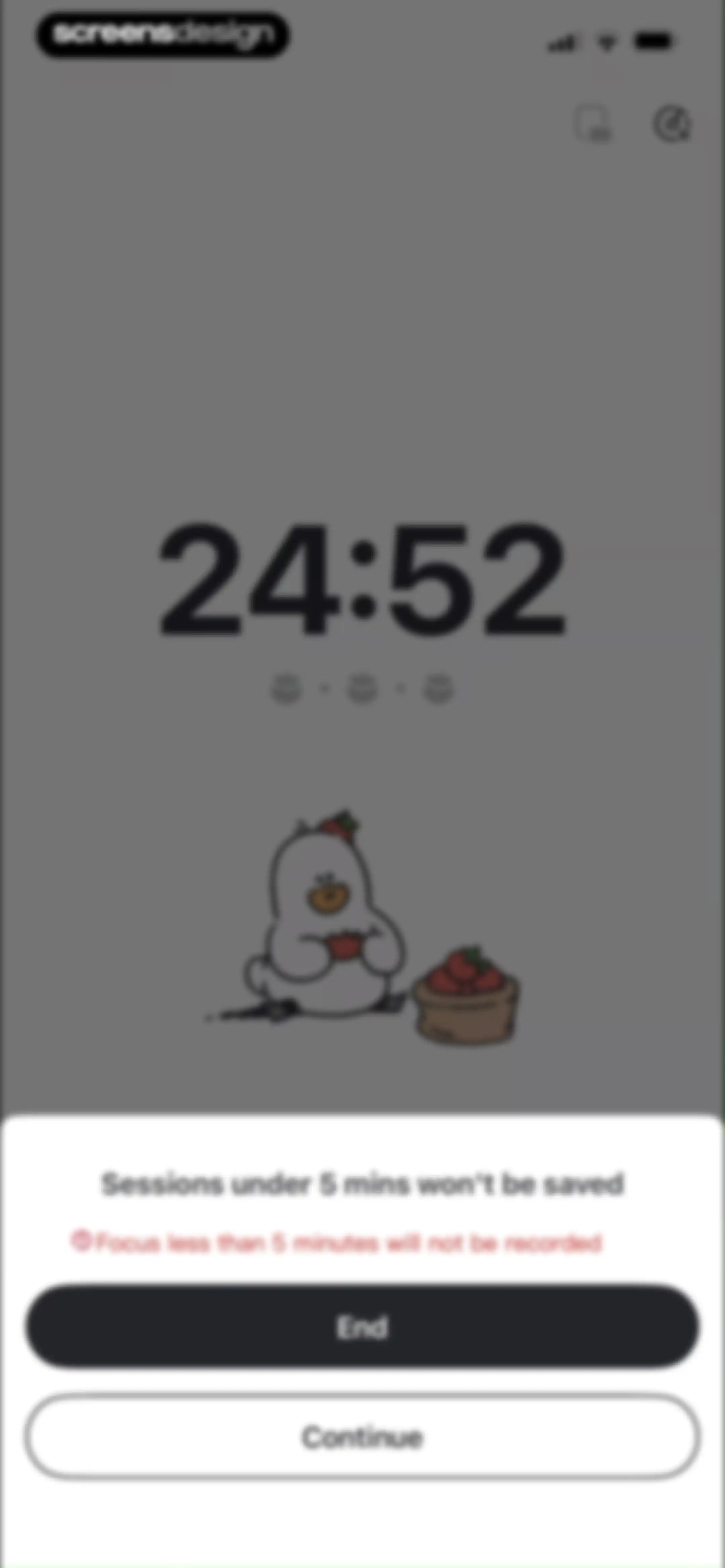
Focus timer screen displaying a warning modal at the bottom that states short sessions will not be saved, with End and Continue buttons.Unlock Pro
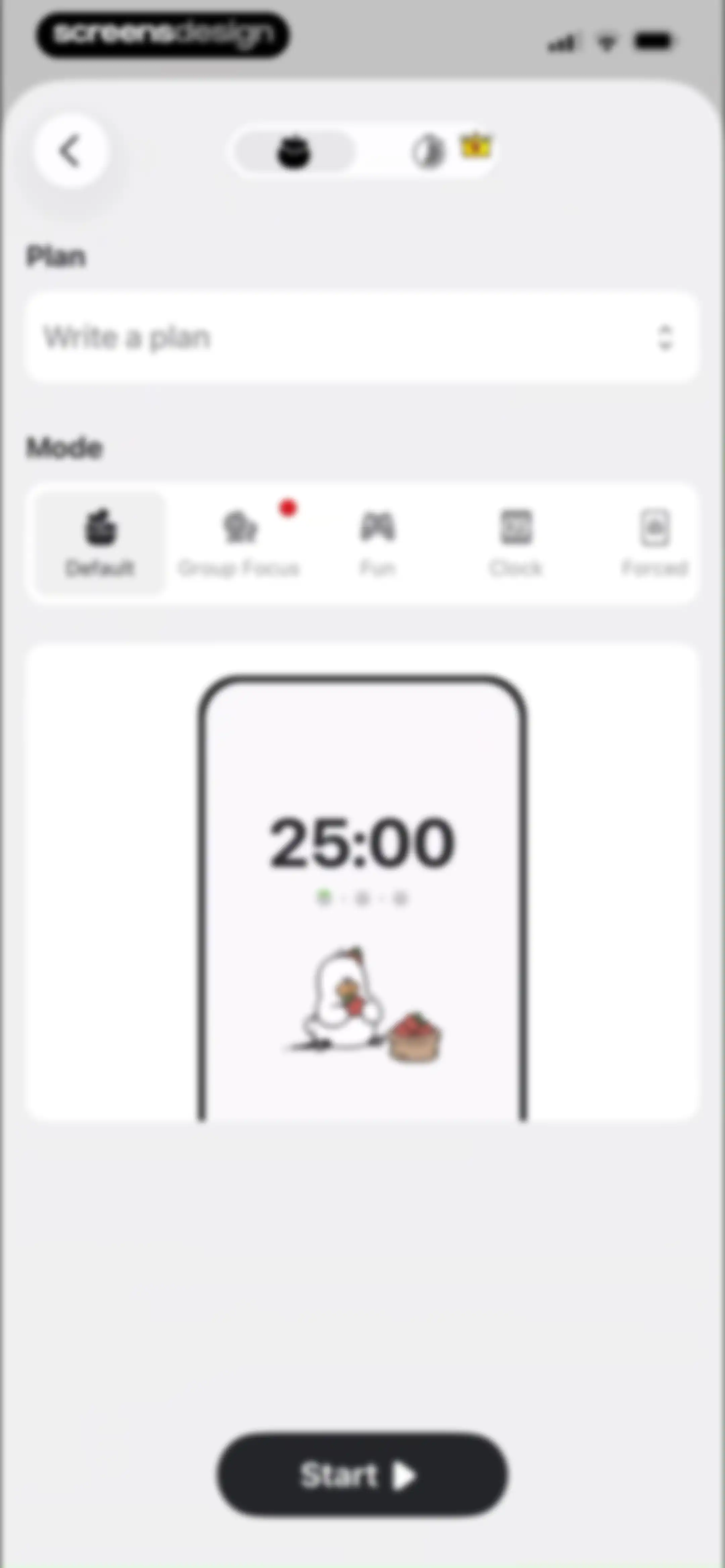
Focus timer setup screen with a plan input field, default mode selected, a 25:00 timer preview card, and a Start button.Unlock Pro
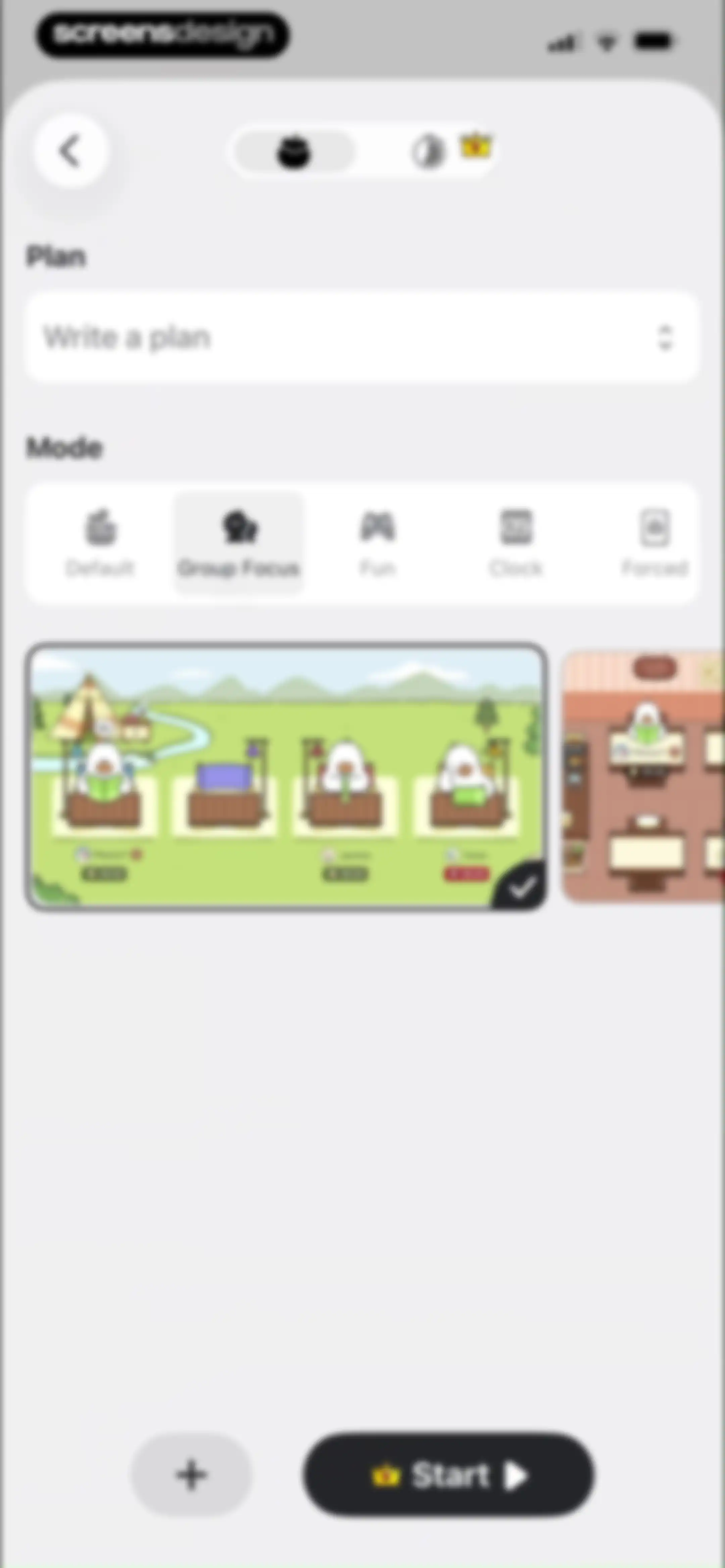
Focus session setup editor with mode selection tabs, a group focus preview card, and a start button.Unlock Pro
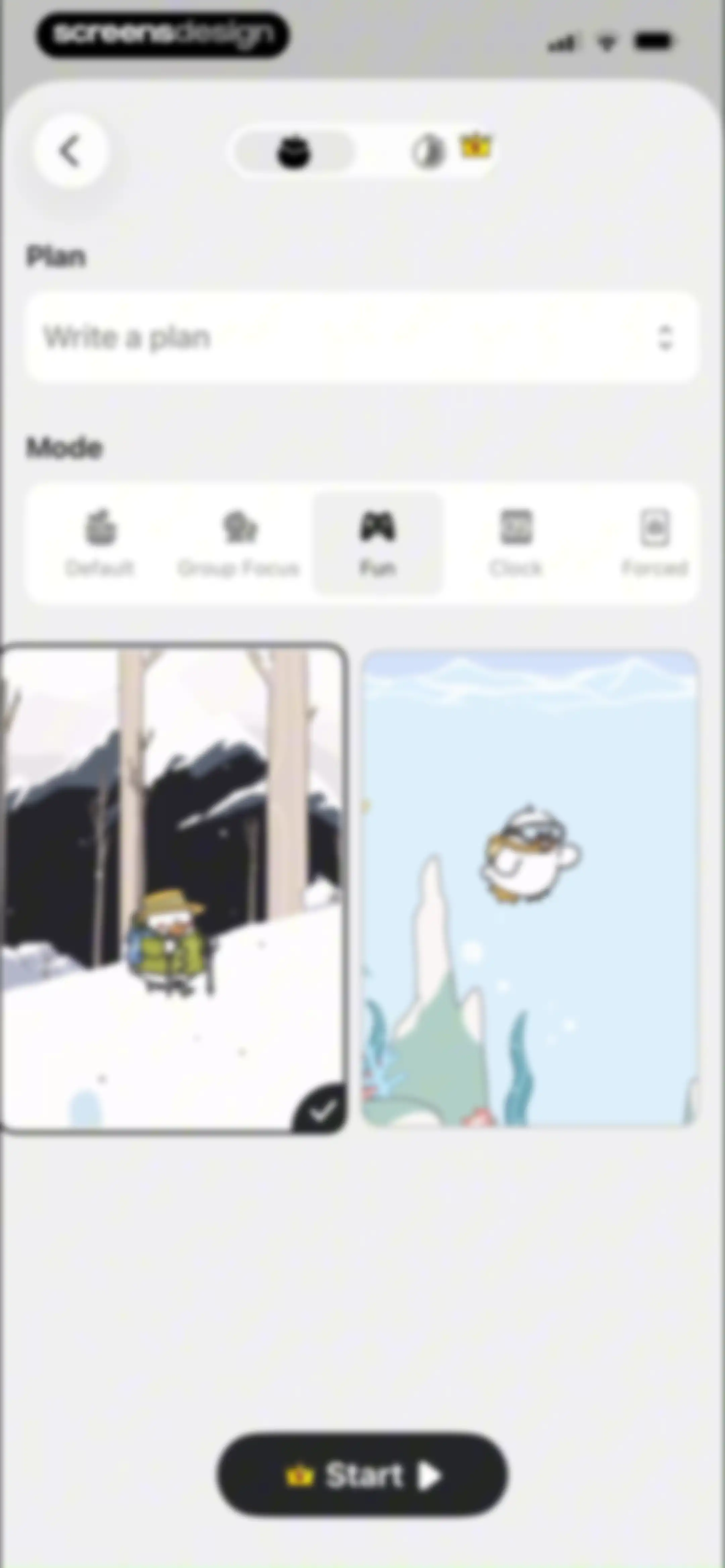
Focus mode selection screen with an empty plan input field, Fun mode selected among five tabs, two theme cards, and a Start button.Unlock Pro
Focus timer configuration screen with a plan input field, mode selection tabs, theme carousel, and a Start button.Unlock Pro
Editor screen with a plan input field, horizontal mode selection list with Forced selected, central phone illustration, and a Start button.Unlock Pro
Task management modal displaying a list of instructional cards with priority tags for Feb 11 and an Inbox tab.Unlock Pro
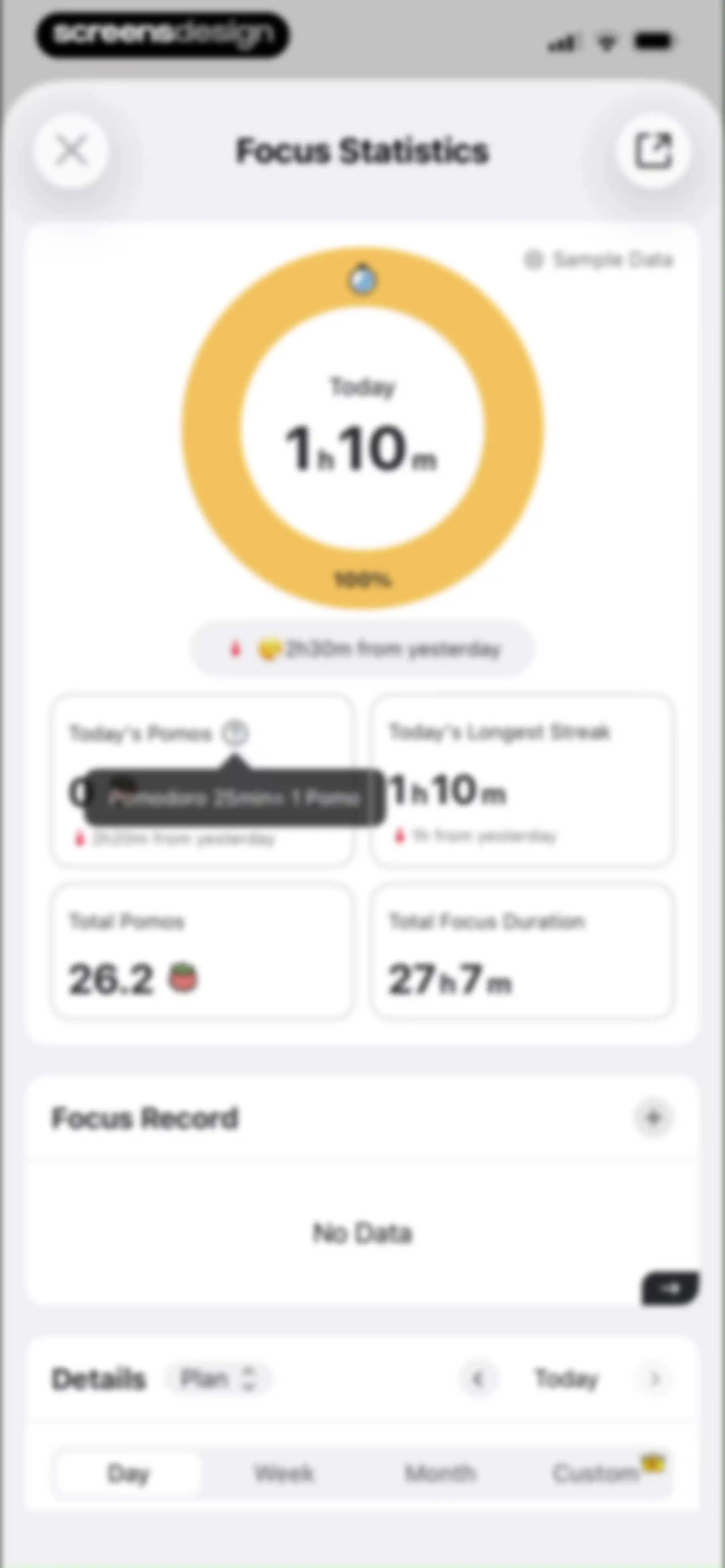
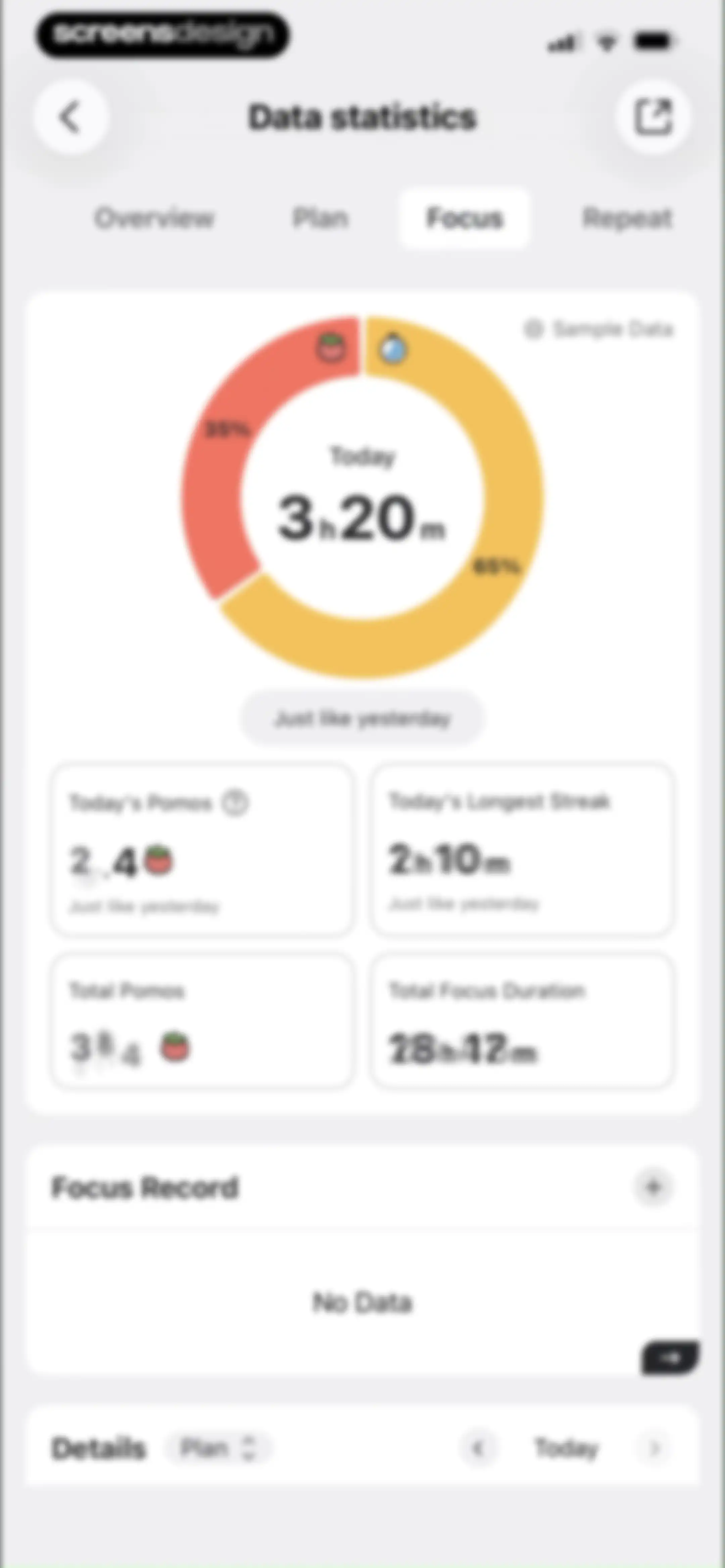
Focus statistics dashboard displaying a circular progress ring, four metric cards, an empty focus record section, and bottom time-range filter tabs.Unlock Pro
Focus statistics analytics screen displaying a circular progress chart, four metric cards, and a day filter tab selected.Unlock Pro
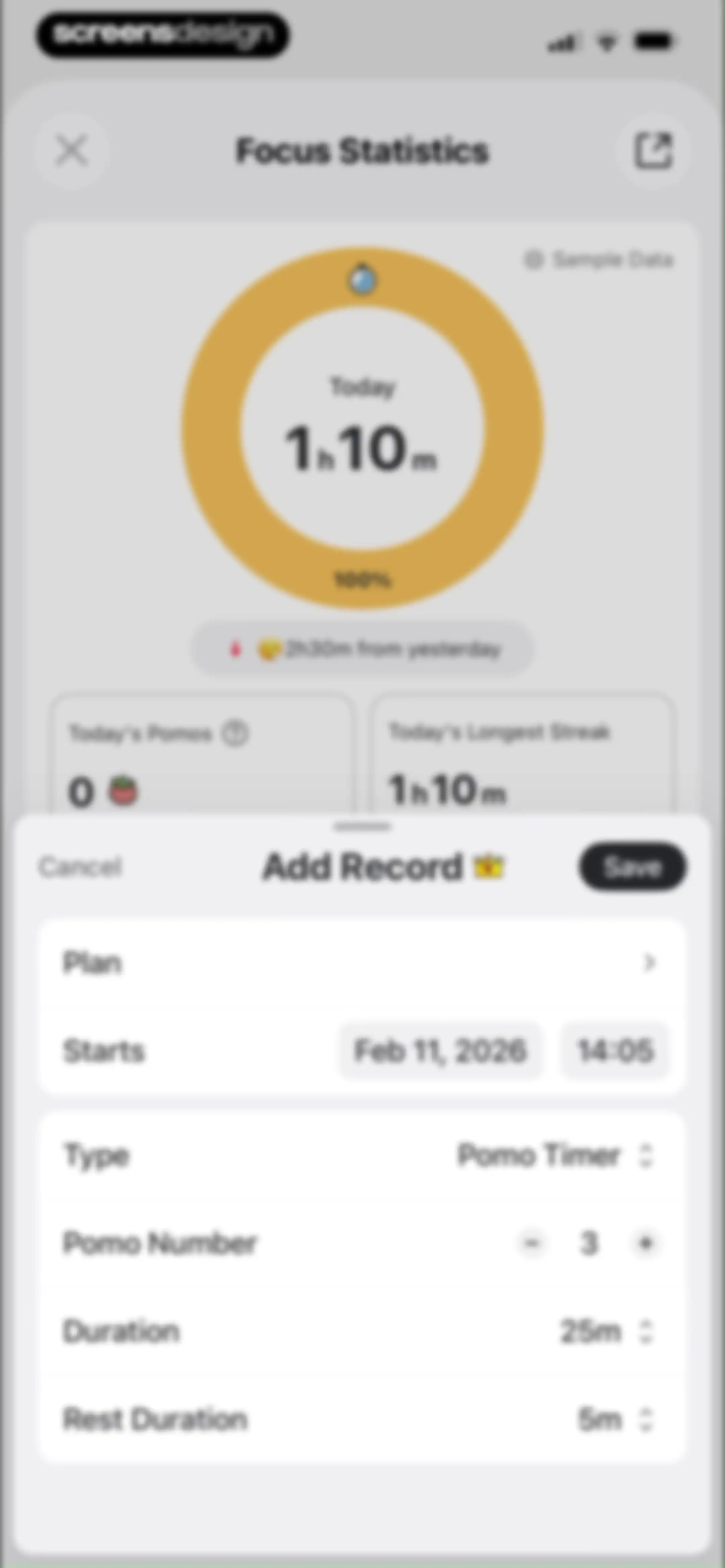
Focus statistics dashboard with a circular progress chart and an Add Record modal overlay for manually logging session details.Unlock Pro
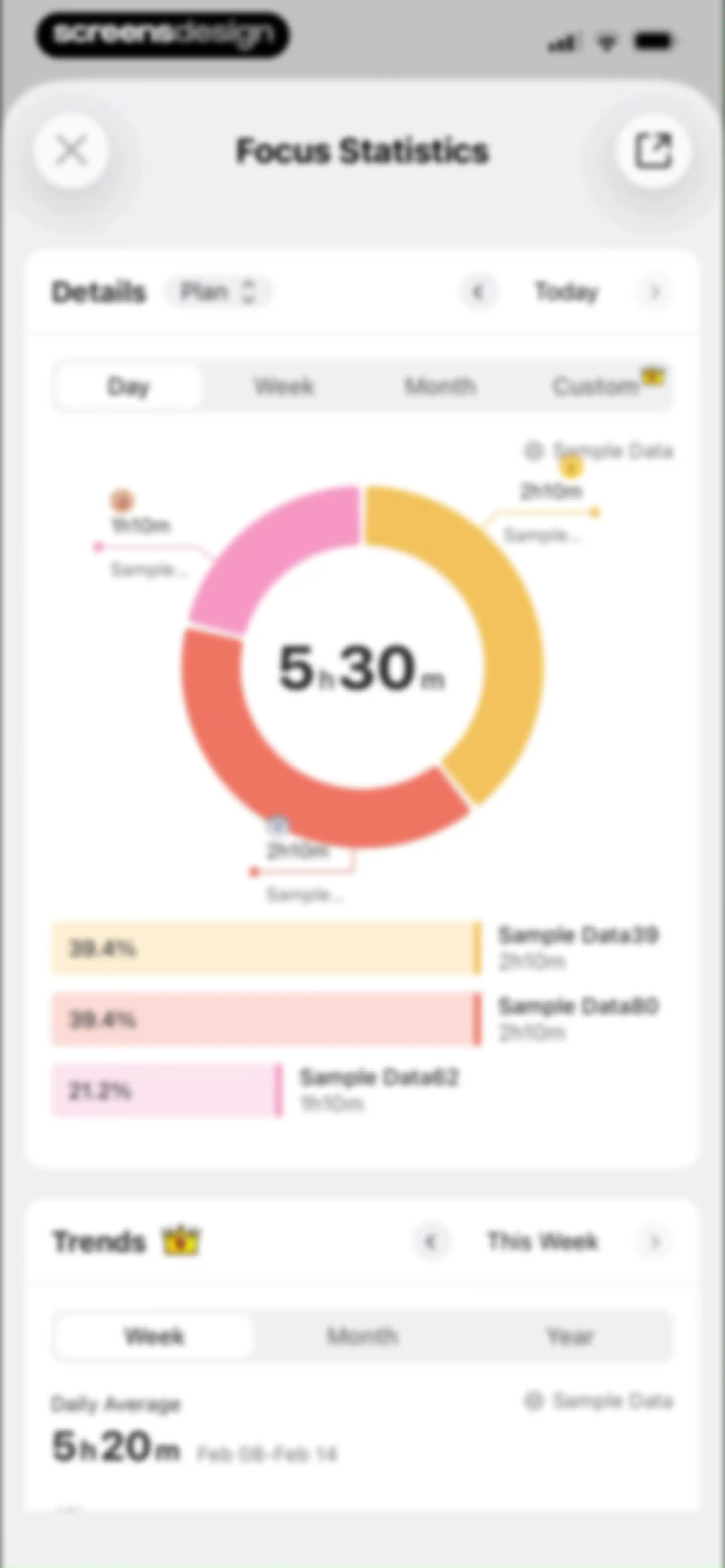
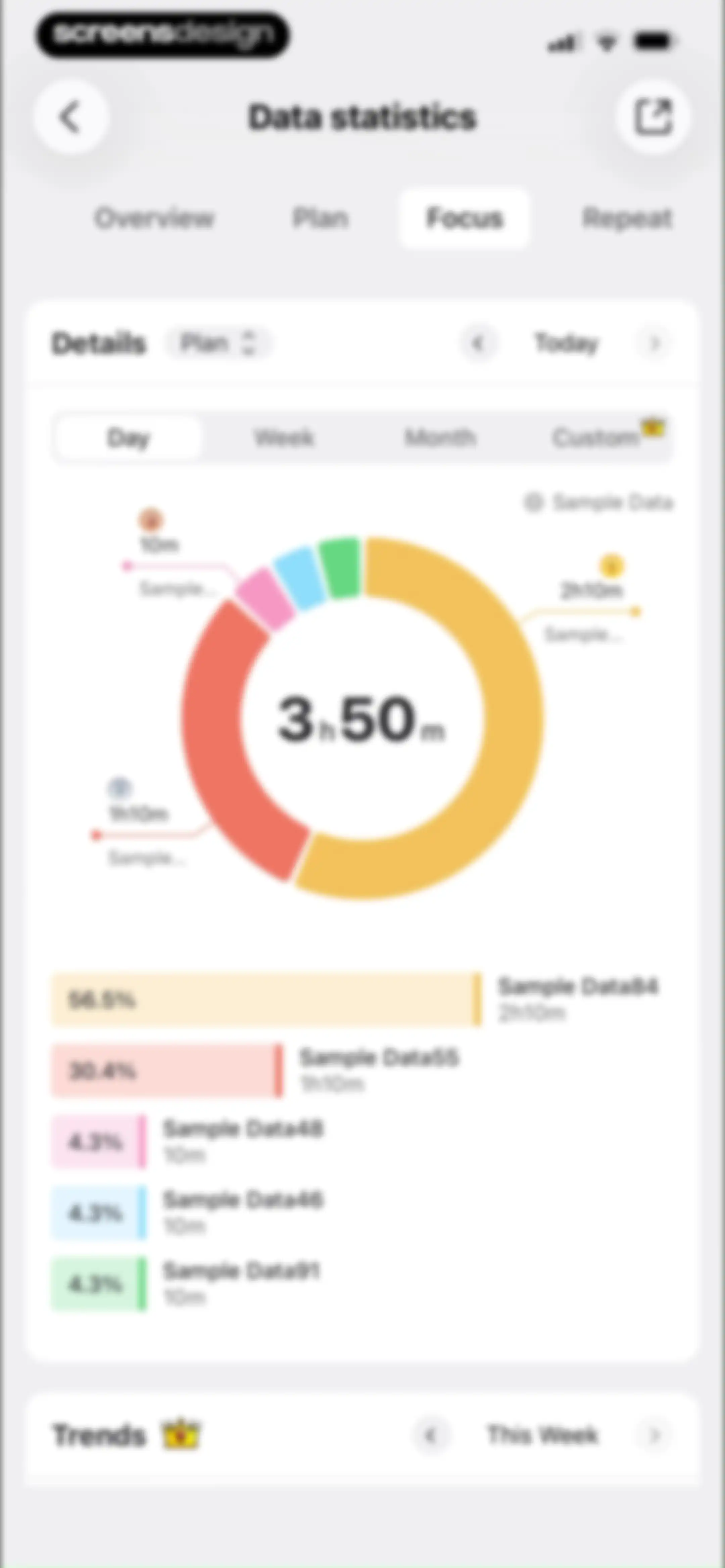
Analytics screen displaying focus statistics with a central donut chart showing daily total time and a task breakdown list below.Unlock Pro
Focus statistics analytics screen displaying a donut chart with time distribution and a bottom trends card with time-range toggles.Unlock Pro
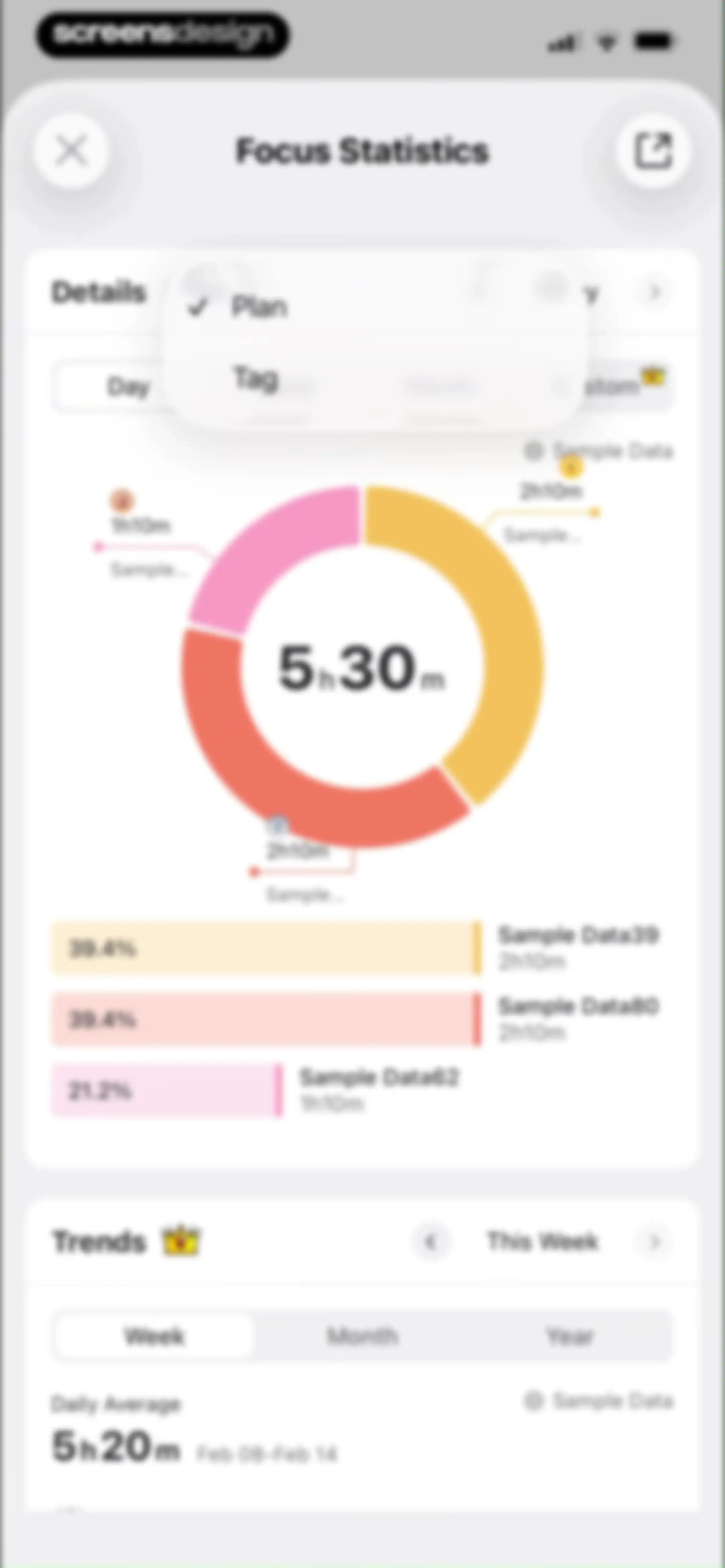
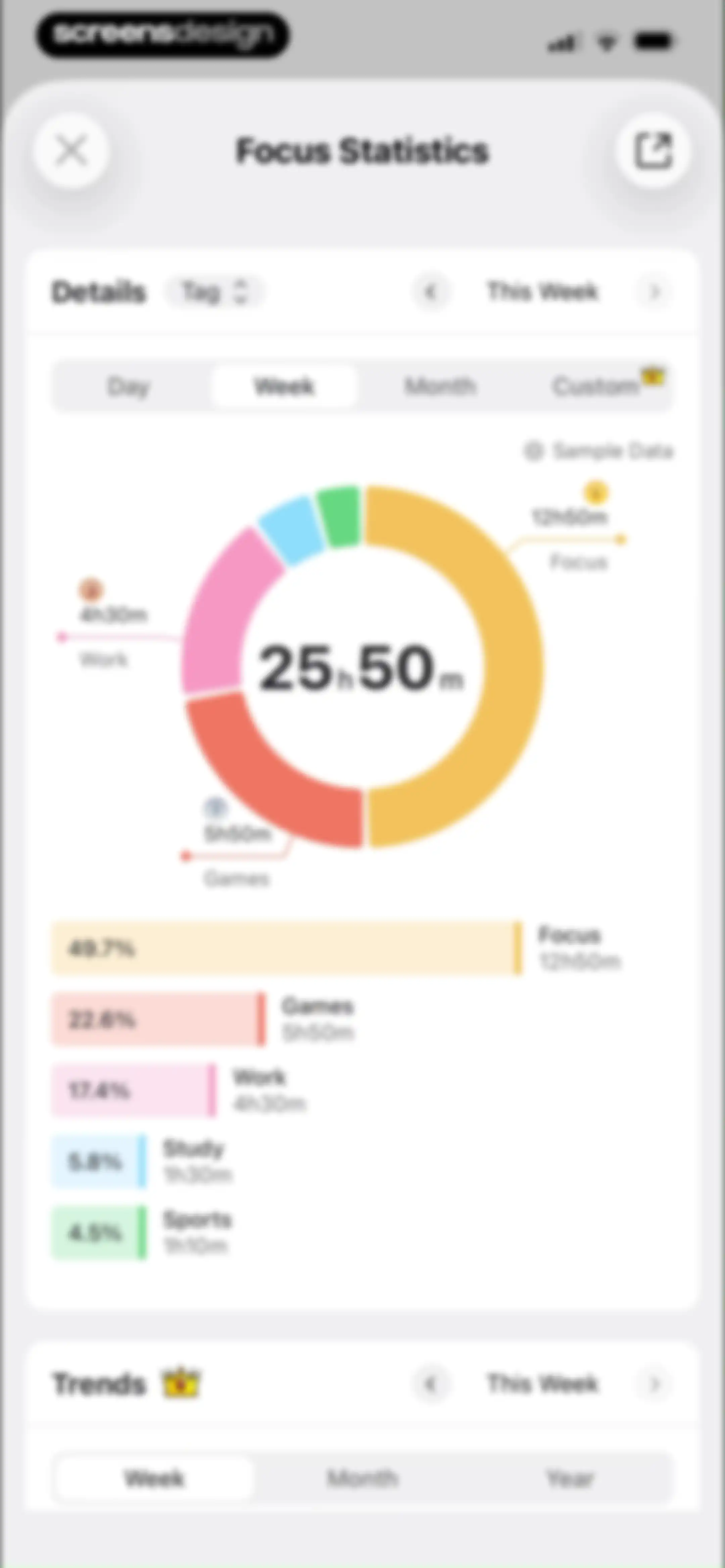
Analytics dashboard displaying focus statistics with a central donut chart, category breakdown list, and a time-range selector.Unlock Pro
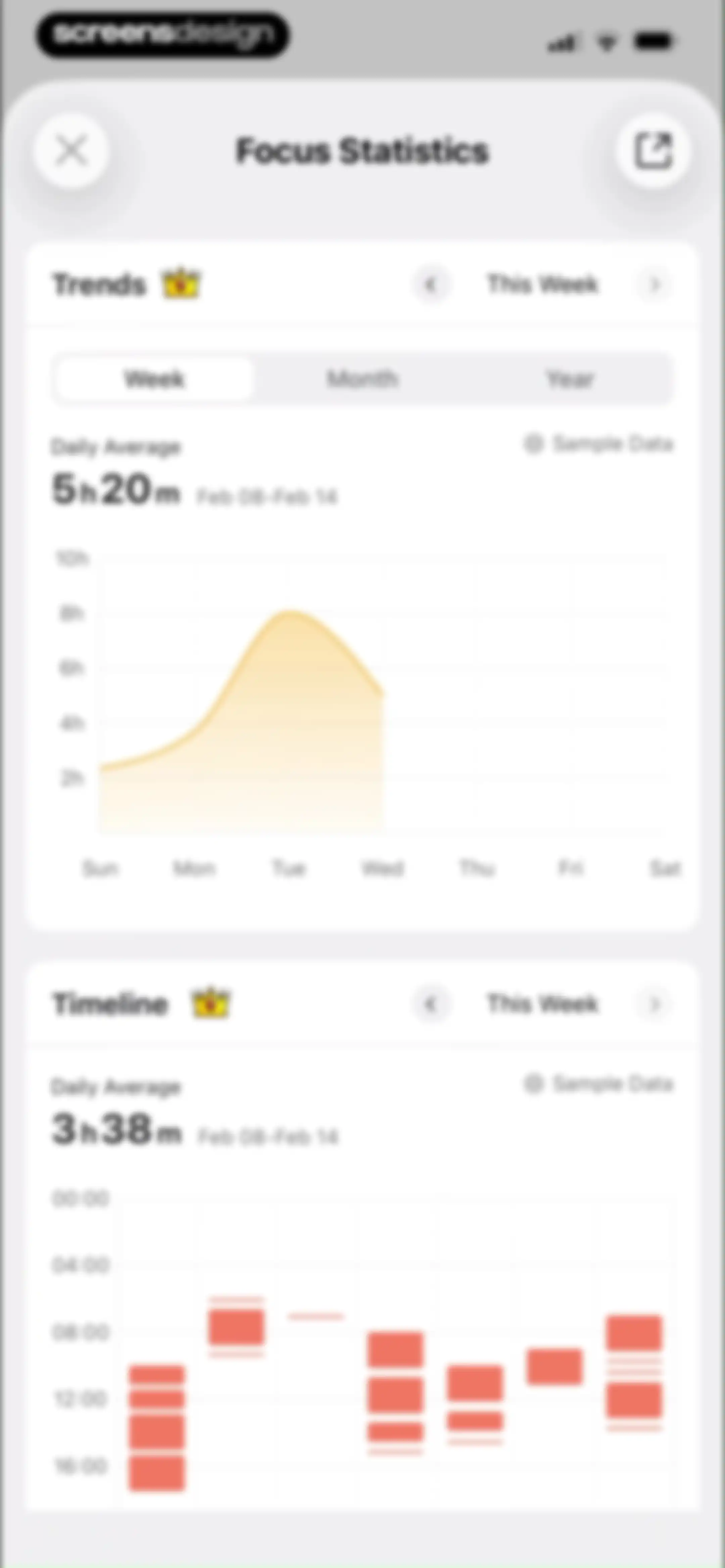
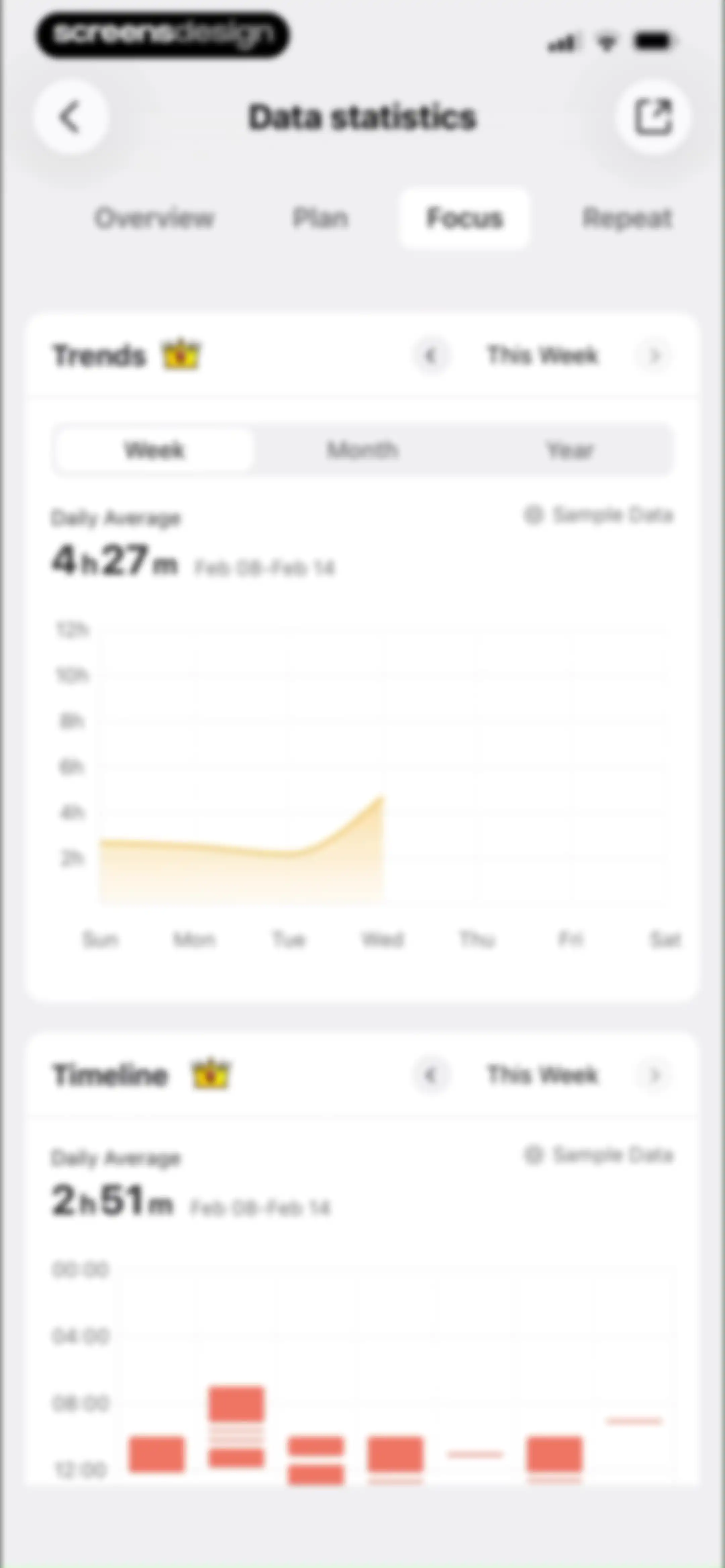
Analytics screen displaying Focus Statistics with cards for Trends and Timeline charts, weekly time filters, and a close button.Unlock Pro
Plan Joy productivity sharing screen with a circular progress chart, overview tabs, metric cards, and a Share button.Unlock Pro
Analytics sharing screen with a donut chart displaying focus and study time breakdown, top navigation tabs, and a bottom Share button.Unlock Pro
Modal share screen displaying a productivity trends chart with the Trends tab selected and a Share button.Unlock Pro
Productivity data modal showing a weekly timeline chart with a daily average of 3h 38m and a Share button.Unlock Pro
Timeline data view with a system share sheet overlay displaying sharing and action options.Unlock Pro
Permissions screen showing a system modal requesting photo access with Allow and Don't Allow buttons over the Plan Joy app interface.Unlock Pro
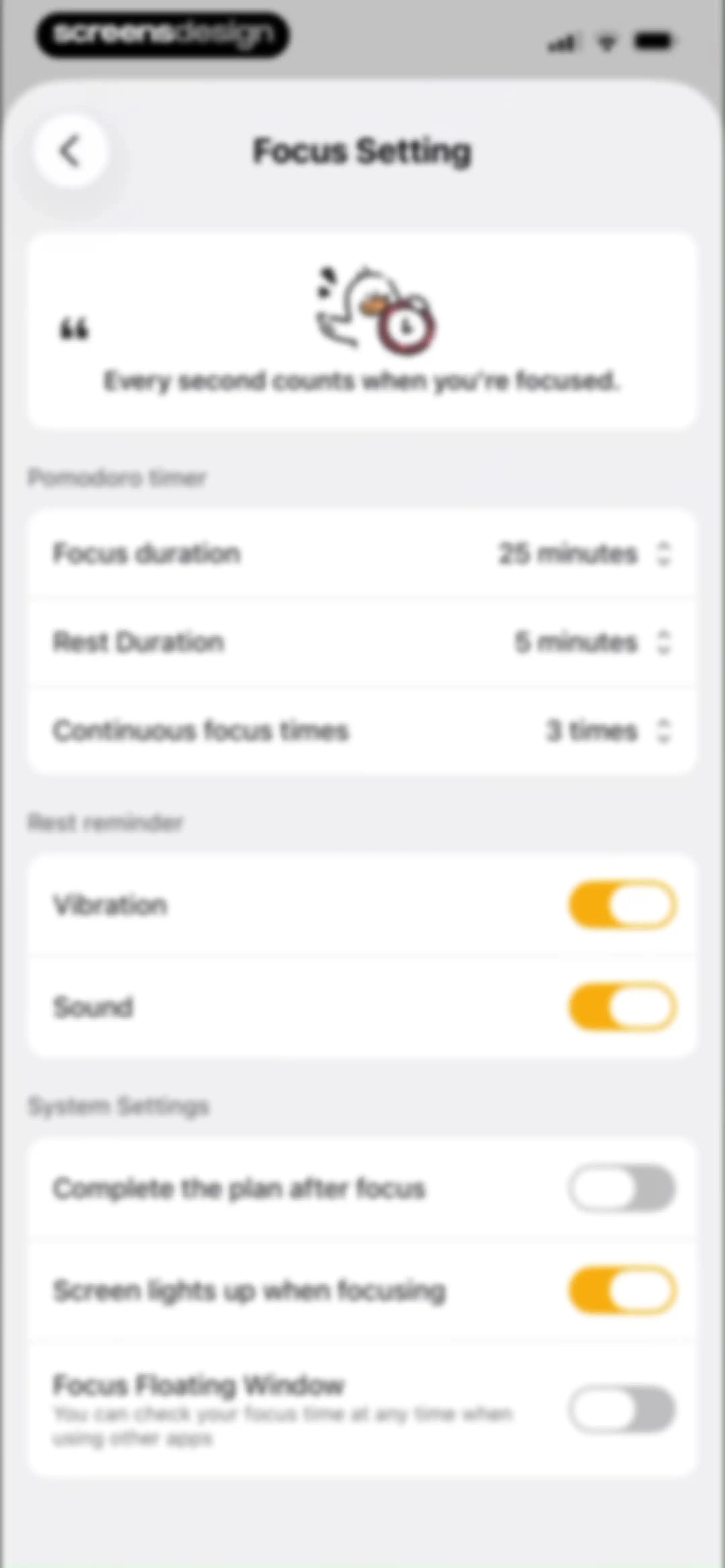
Focus settings screen featuring a hero illustration card, Pomodoro timer duration options, and configurable rest reminder and system preference toggles.Unlock Pro
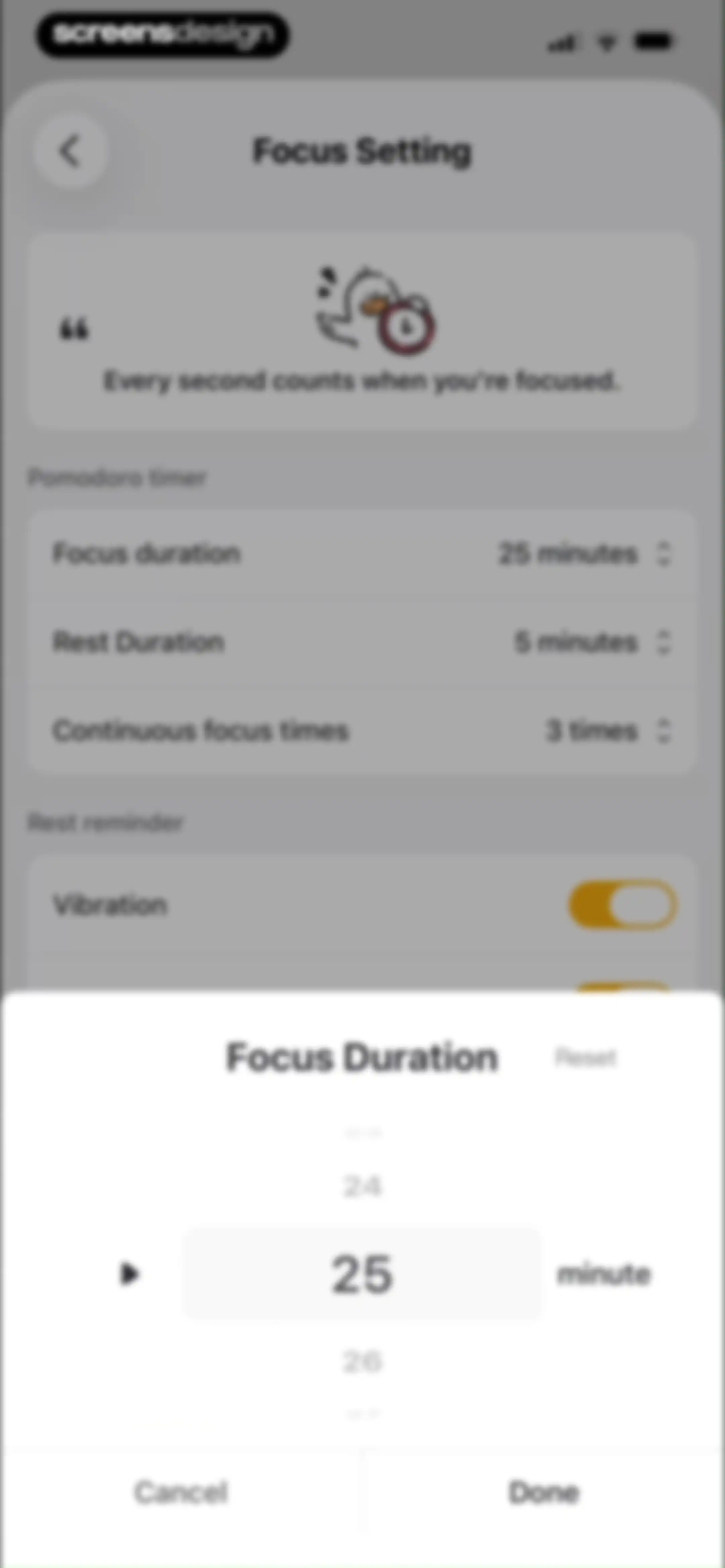
Focus settings screen featuring a Pomodoro timer configuration list and an active time picker modal set to 25 minutes.Unlock Pro
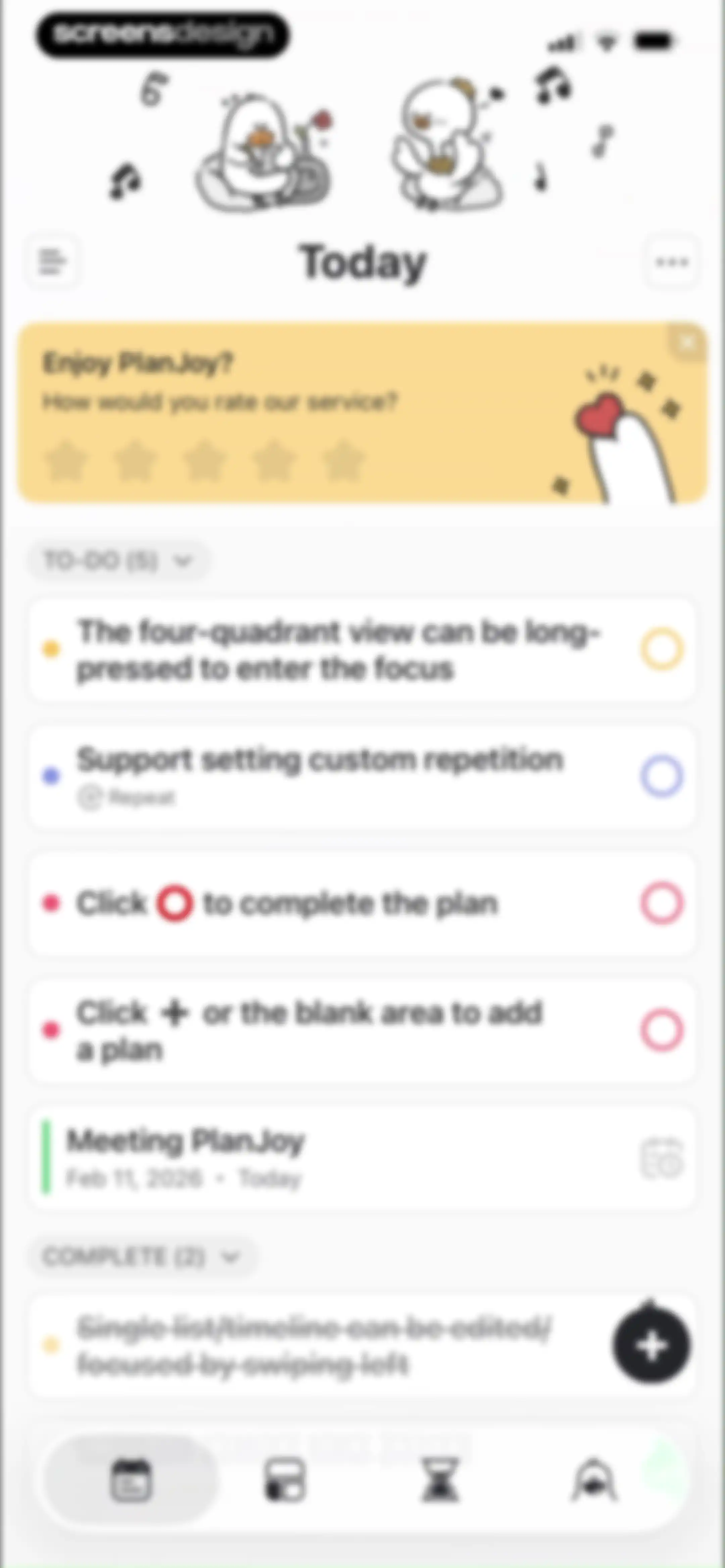
PlanJoy dashboard displaying a rating card, collapsible task lists, and a bottom navigation bar with the calendar tab selected.Unlock Pro
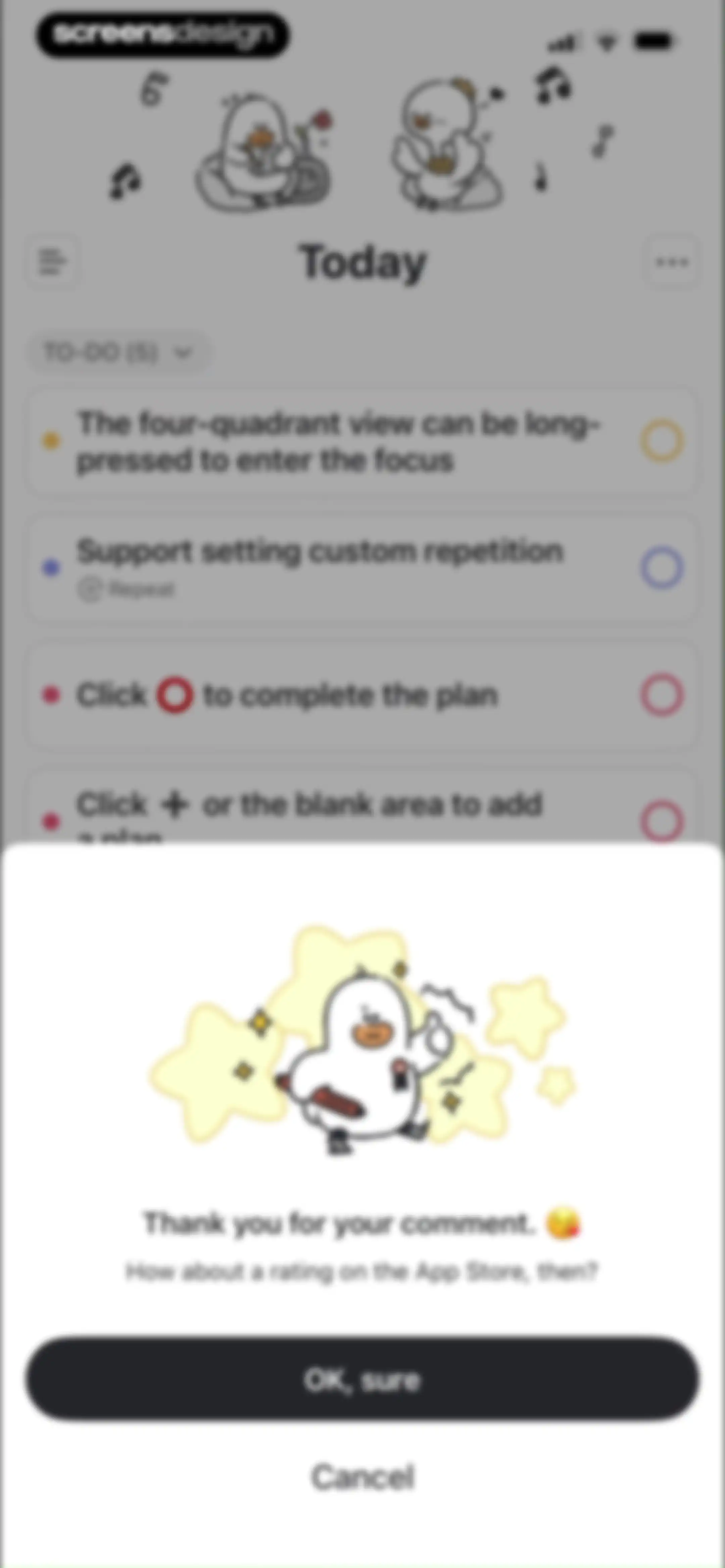
Task list screen with a centered rating modal prompting the user to rate the app on the App Store, featuring an OK sure button and a Cancel link.Unlock Pro
Home task management dashboard displaying a list of active and completed to-do items, central character illustrations, and a bottom navigation bar.Unlock Pro
Task management dashboard displaying active and completed lists, a floating add button, and a bottom navigation bar.Unlock Pro
Task creation form with configuration fields for date, time, repetition, sub-plans, notes, and a Save button.Unlock Pro
Task editor modal showing attribute rows for date, repetition, and sub-plans, with a Save button at the bottom.Unlock Pro
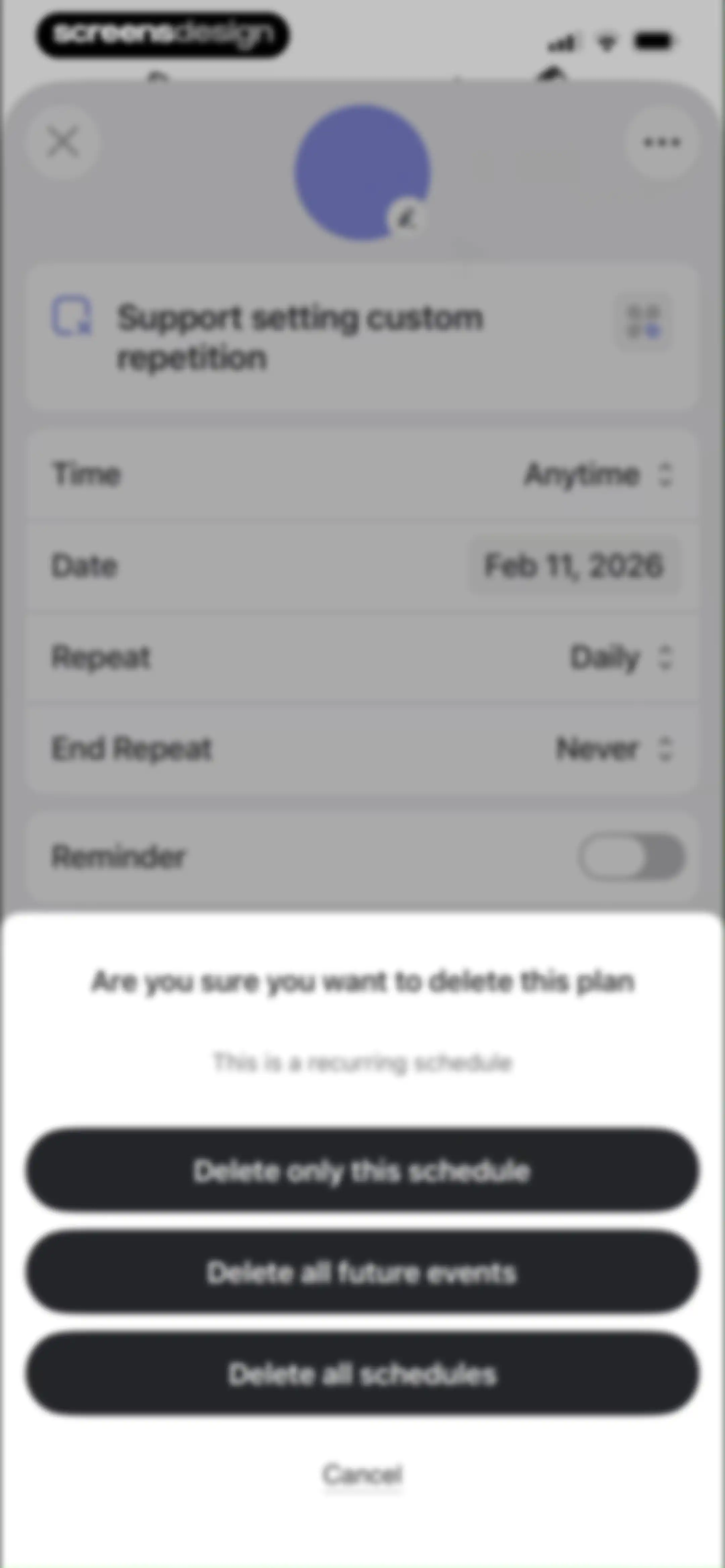
Confirmation modal for deleting a recurring schedule, offering options to delete only this schedule, all future events, or all schedules.Unlock Pro
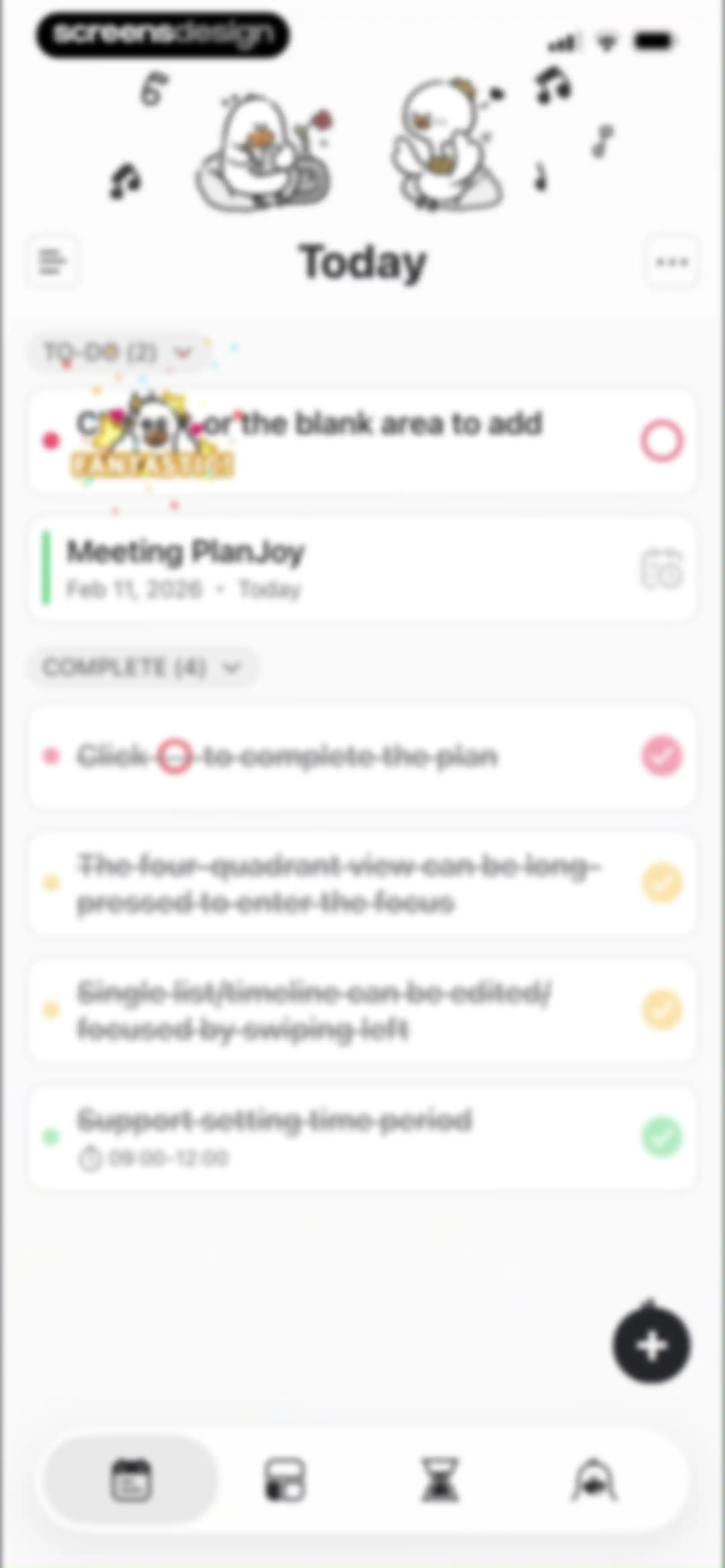
Task management home screen displaying a to-do list with a meeting task, a completed tasks list, and a bottom navigation bar.Unlock Pro
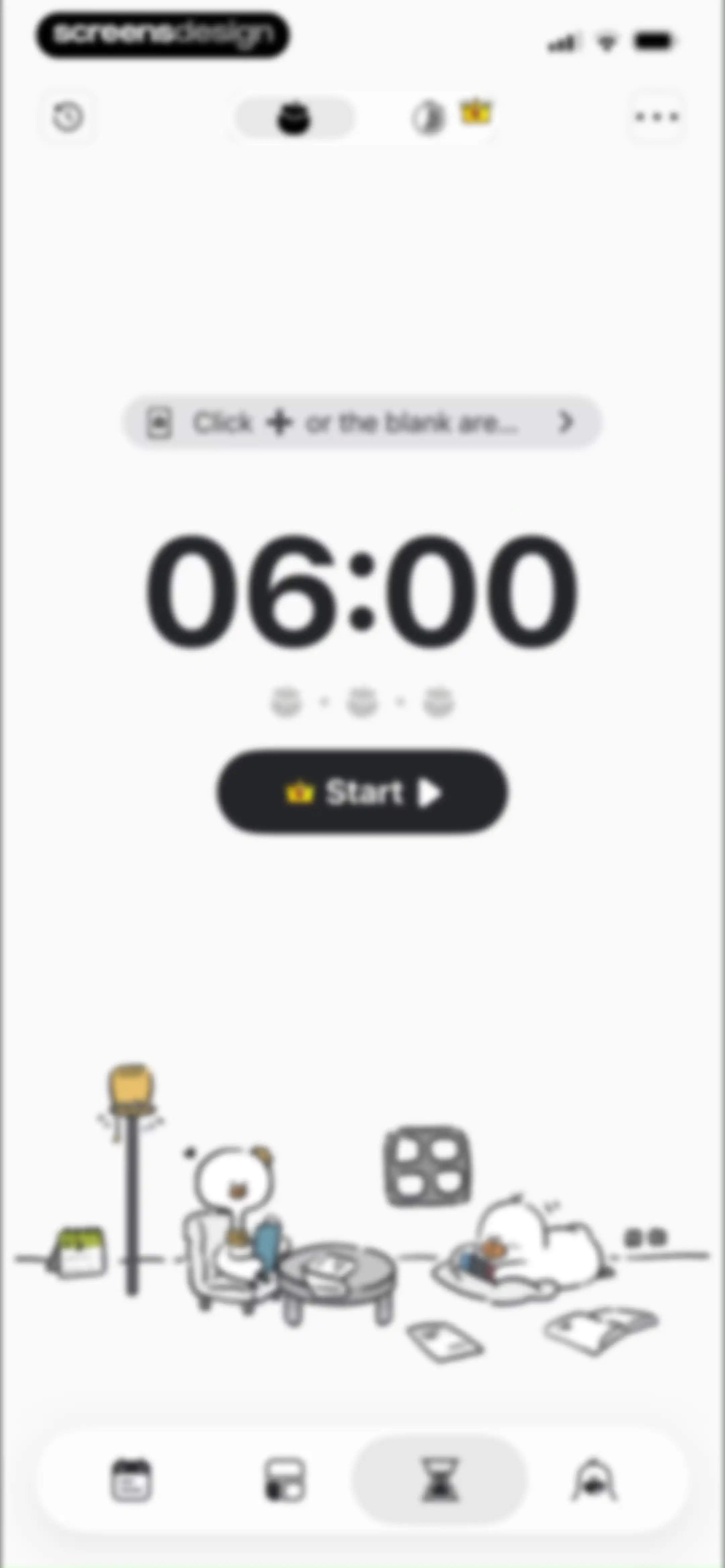
Focus timer dashboard showing a 06:00 countdown, a Start button, an instruction bar, and an illustrative character scene below.Unlock Pro
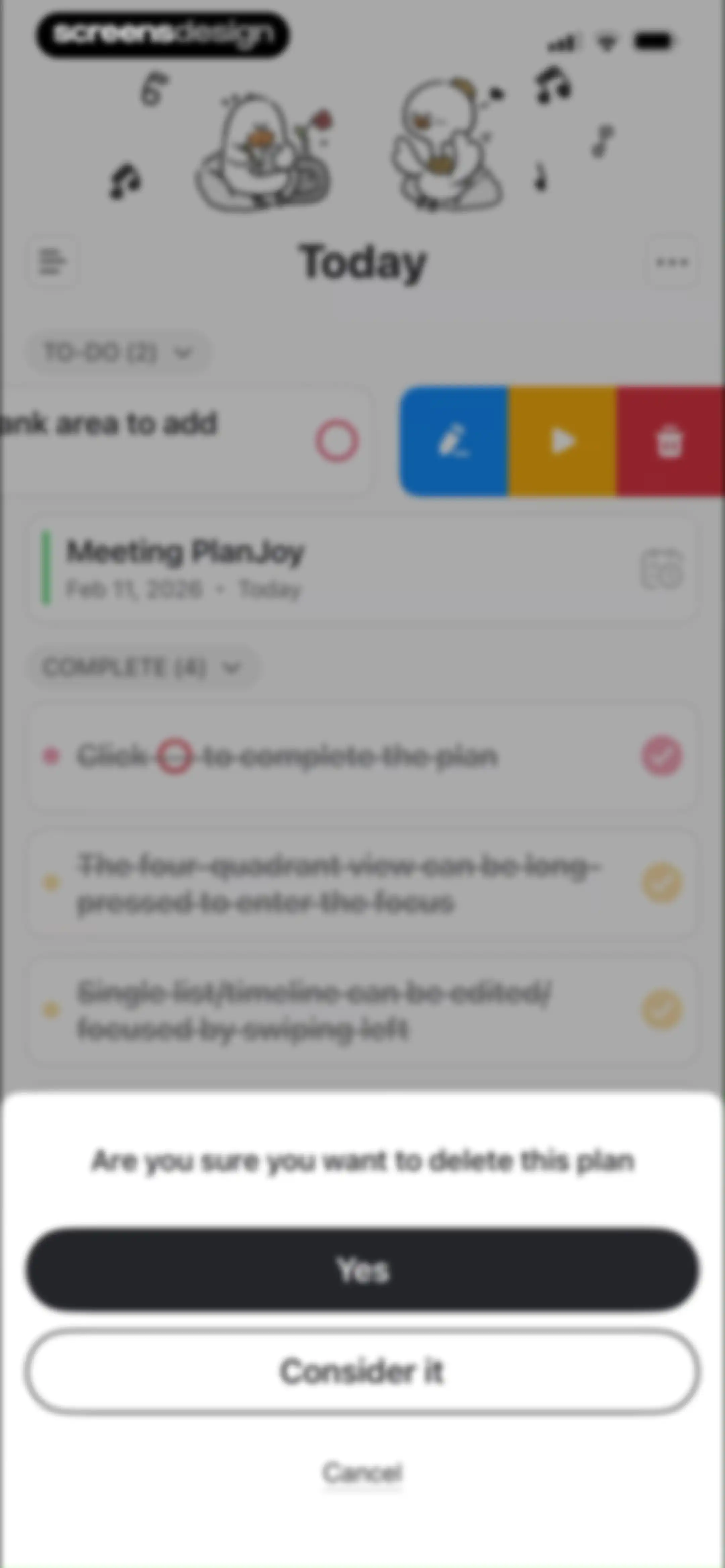
Task management dashboard with a centered deletion confirmation modal asking if you want to delete a plan, featuring Yes, Consider it, and Cancel buttons.Unlock Pro
Task management home screen displaying a task list background and a modal overlay showing details for the Meeting PlanJoy task with an Edit button.Unlock Pro
Home screen showing a daily task list with one to-do item and four completed tasks, plus a floating action button and bottom navigation.Unlock Pro
Home screen showing a daily task list with an active input modal for adding a new task and an on-screen keyboard.Unlock Pro
Task editor screen displaying a task list with a bottom modal for creating new tasks and categorizing them using an Eisenhower matrix.Unlock Pro
Home task list overlaid with a task creation modal for inputting details and scheduling a duration.Unlock Pro
Task editor screen with a task creation modal overlay displaying duration options and start time settings.Unlock Pro
Task detail modal overlaying a to-do list, featuring reminder settings, time range selection, and a premium upgrade banner.Unlock Pro
Task creation form with a filled title, time and reminder settings, sub-plans section, and a Save button.Unlock Pro
Task management home screen displaying a daily to-do list with pending tasks and a bottom input modal for adding new items.Unlock Pro
Task management home screen displaying to-do and complete task sections with an open view mode menu and bottom navigation.Unlock Pro
Task management dashboard displaying an Eisenhower Matrix with four color-coded quadrants, character illustrations, and a bottom navigation bar.Unlock Pro
Onboarding tutorial screen explaining how to schedule tasks on a daily timeline, featuring an Upgrade Now button and bottom navigation.Unlock Pro
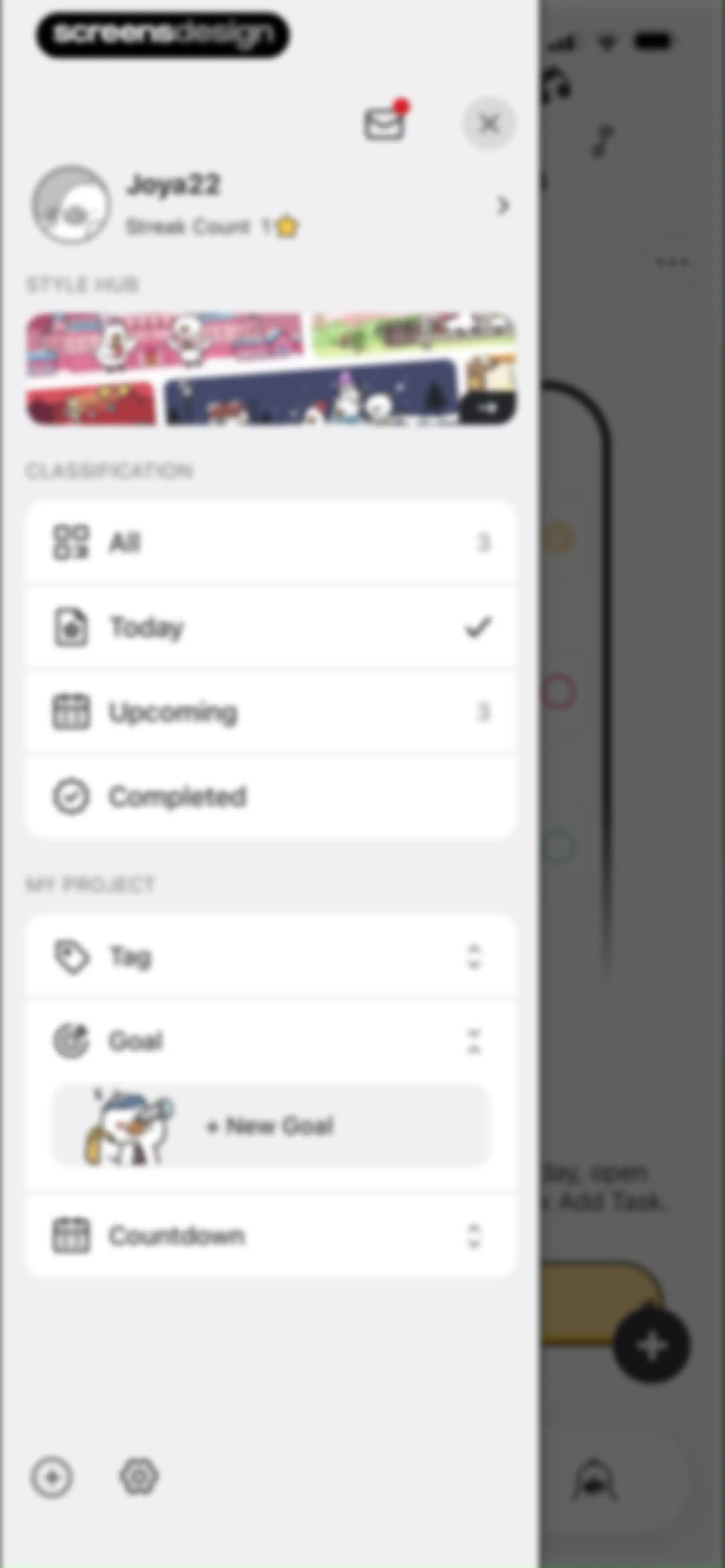
Navigation drawer with user profile, Style Hub banner, classification and project lists, and a bottom utility bar.Unlock Pro
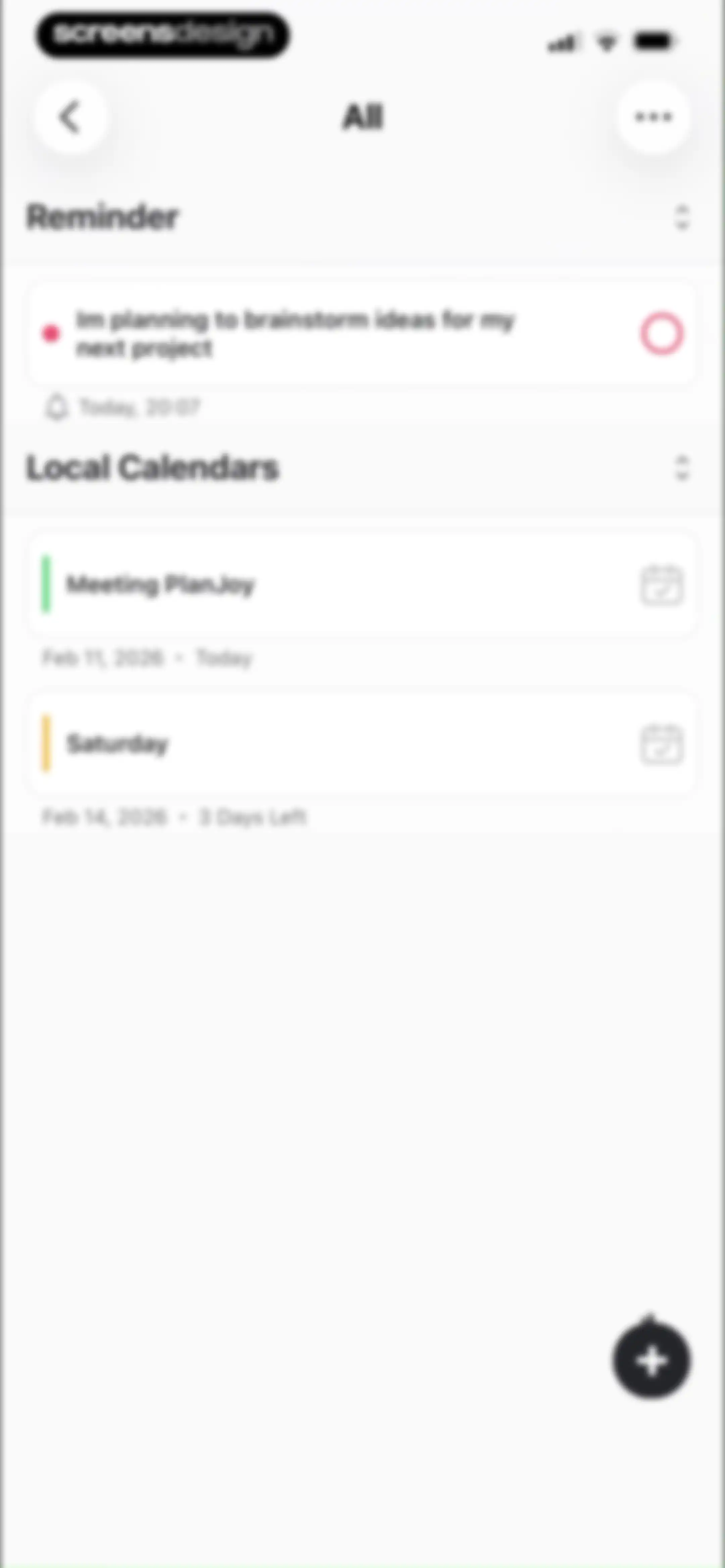
Task and calendar management screen displaying reminder and local calendar sections with a floating action button.Unlock Pro
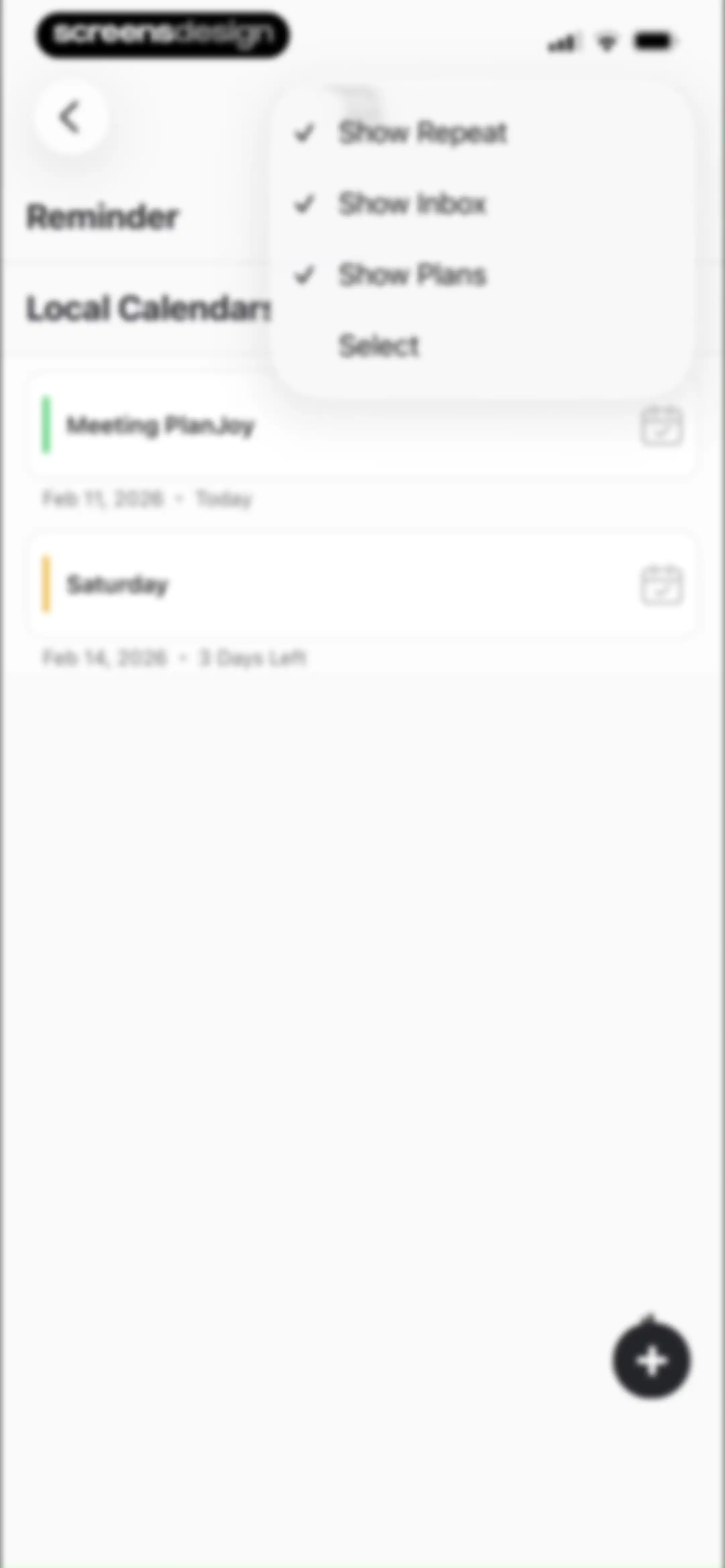
Reminder list displaying task cards like Meeting PlanJoy with an active floating action button and a top-right filter menu.Unlock Pro
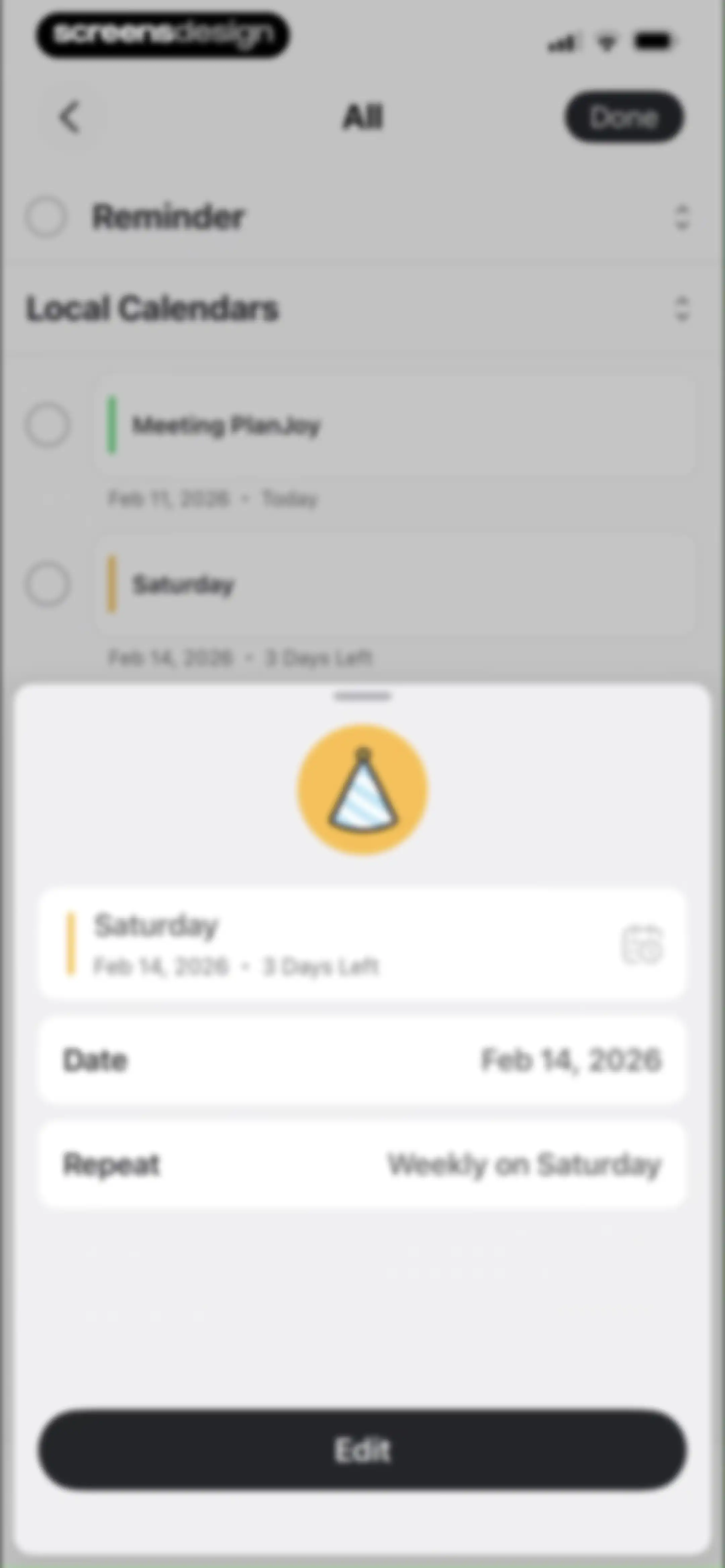
Task management screen featuring a centered modal overlay for a specific task with date details and an Edit button.Unlock Pro
Completed tasks screen displaying a list of finished items grouped under a Today header with an All filter dropdown.Unlock Pro
Task management menu with a user profile, style hub carousel, classification list with Today selected, and project tags.Unlock Pro
Onboarding screen explaining how to schedule tasks with an instructional text block, schedule mockup, and an Upgrade Now button.Unlock Pro
Navigation drawer menu displaying a user profile, streak count, style hub carousel, task classifications, and project filters.Unlock Pro
Productivity app navigation menu displaying a user profile, task classifications, and an expanded countdown project list with a new countdown button.Unlock Pro
Navigation drawer with user profile, streak count, style hub carousel, classification and project lists, and quick action options.Unlock Pro
Task categorization form with a user profile, classification list, and active text input field displaying Personal with a character count.Unlock Pro
Settings screen listing options like Goals and categories, Reminders and Sounds, App Lock, and Language in a centered card.Unlock Pro
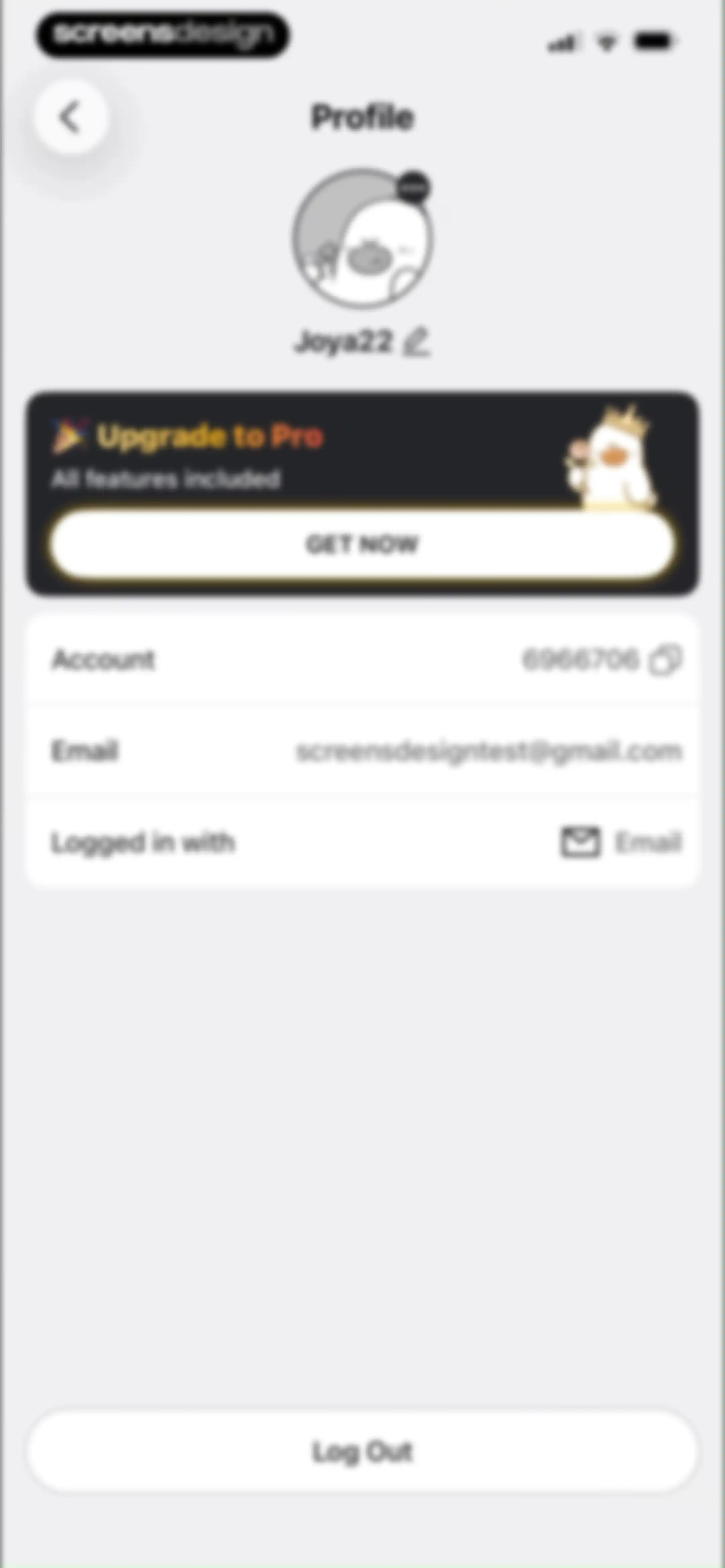
Profile settings screen displaying user info for Joya22, an Upgrade to Pro promotional card, account details, and a Log Out button.Unlock Pro
Empty state screen for messages featuring a sleeping character illustration and a red notification badge on the Message tab.Unlock Pro
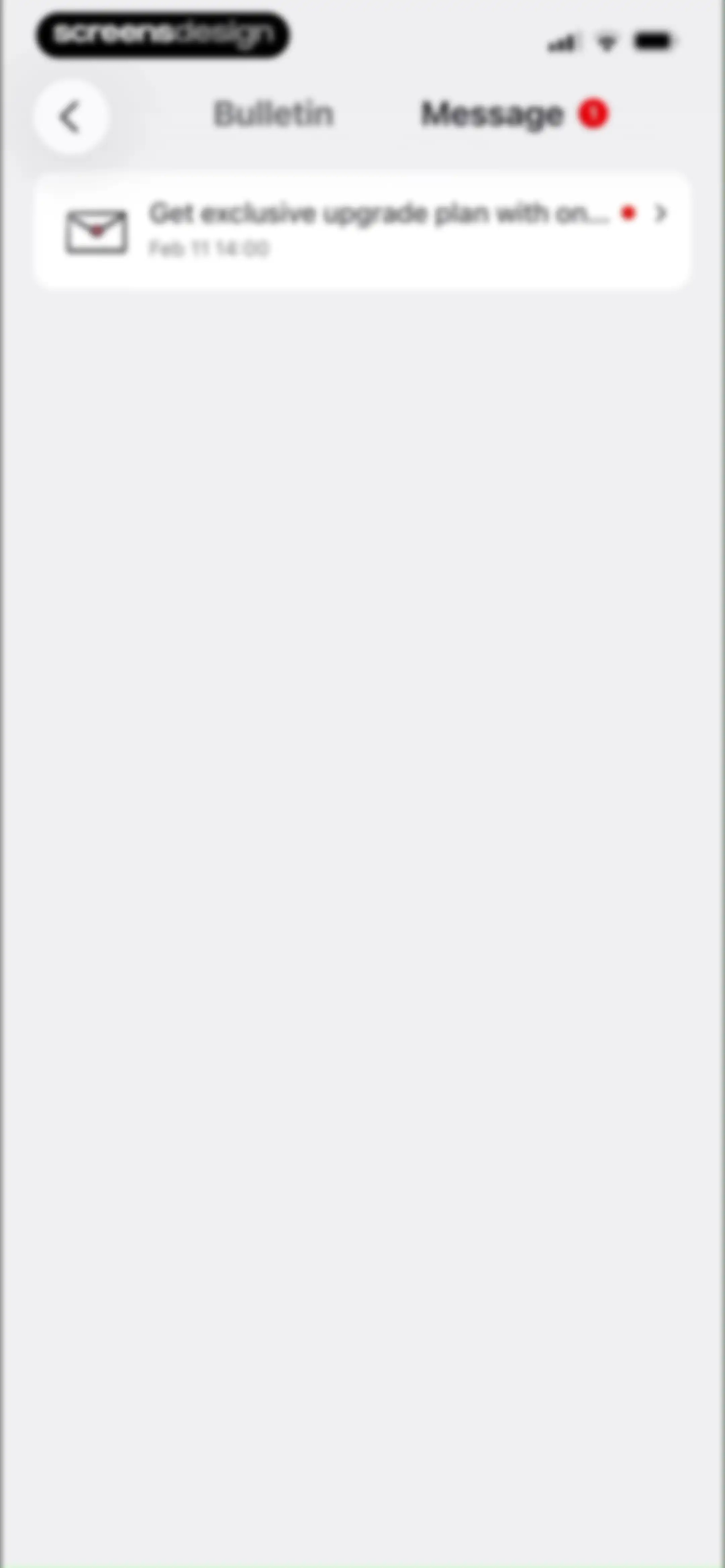
Message inbox screen with an unread upgrade plan notification card and a selected Message tab.Unlock Pro
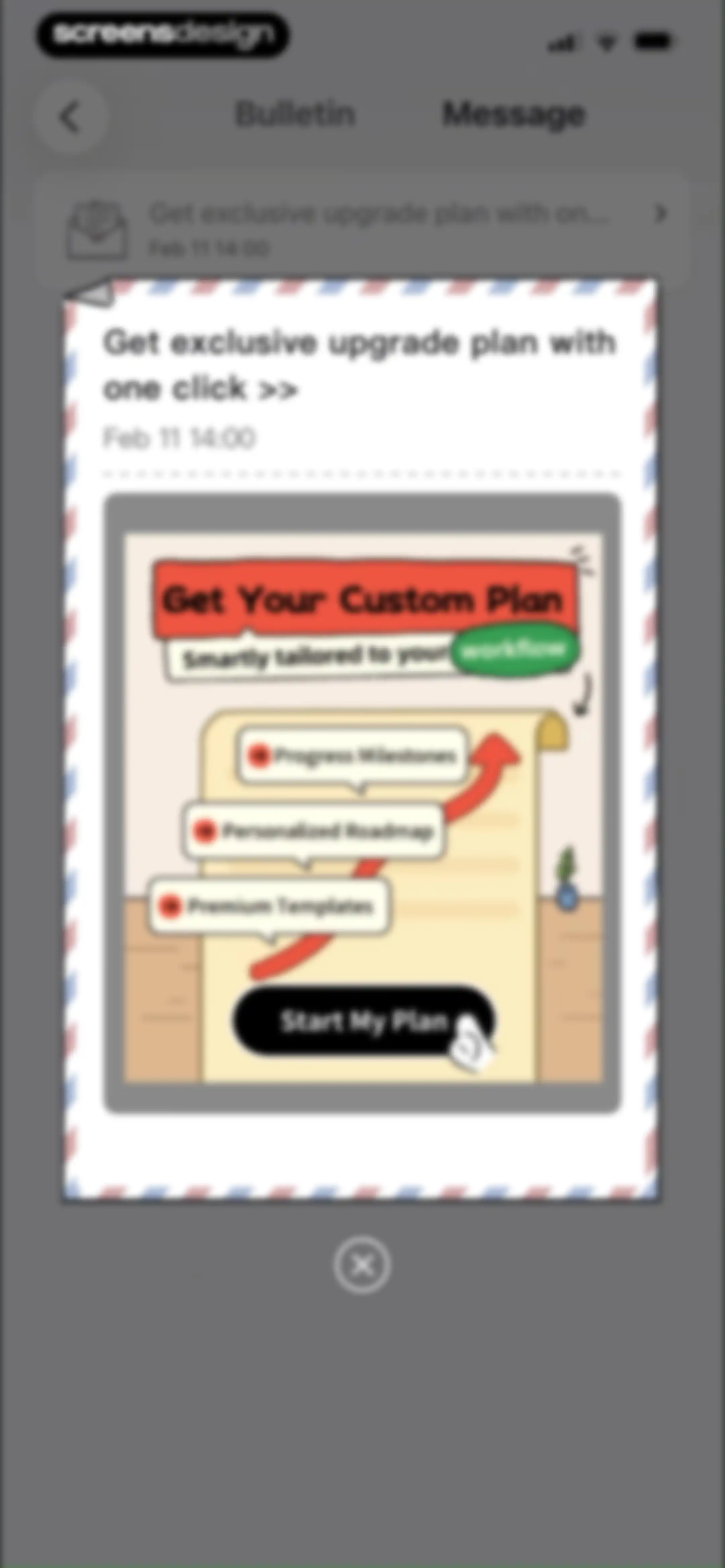
Promotional modal offering a custom upgrade plan with features like progress milestones and a Start My Plan button.Unlock Pro
Task management home screen featuring a top calendar strip, a vertical list of scheduled task cards, and a floating action button.Unlock Pro
Home calendar view featuring a monthly calendar at the top and a vertical list of task cards below.Unlock Pro
Calendar dashboard displaying a February grid, a date details card for Saturday, Feb 14, 2026, and a bottom navigation bar.Unlock Pro
Calendar home screen displaying a monthly grid, a top menu overlay with view options, and a bottom navigation bar.Unlock Pro
Onboarding screen showcasing the 3 Day Calendar View feature with a central schedule mockup, descriptive text, and an Upgrade Now button.Unlock Pro
Feature promotion screen for Weekly Calendar View showcasing a calendar grid, descriptive text, and an Upgrade Now button.Unlock Pro
Yearly progress calendar dashboard displaying completion status by color blocks, descriptive text, and an Upgrade Now button.Unlock Pro
Dashboard highlighting the monthly calendar view with descriptive feature text, a central calendar graphic, and an Upgrade Now button.Unlock Pro
Focus timer screen displaying a 06:00 countdown, a Start button, and an illustration at the bottom with a bottom navigation bar.Unlock Pro
Profile screen with a subscription paywall offering Pro status for $3.33 per month, user progress metrics, and a bottom navigation bar.Unlock Pro
Profile settings screen displaying user information, an Upgrade to Pro card, account details, and a log out button.Unlock Pro
Profile settings screen featuring account details, an Upgrade to Pro banner, and a sign-out confirmation modal with Done and Cancel buttons.Unlock Pro
Paywall subscription screen comparing free and pro features in a table, showing yearly pricing and a Get It Now button.Unlock Pro
Dashboard with a consecutive days counter, reward cards, and a vertical list of daily tasks with Go buttons.Unlock Pro
Task planner editor displaying a daily schedule card and a bottom input modal with an active keyboard.Unlock Pro
Mission Hub dashboard displaying a vertical list of task cards with Go buttons and checkmarks for daily productivity missions.Unlock Pro
Analytics dashboard showing productivity summary cards, completion metrics, and circular data visualizations with the Overview tab selected.Unlock Pro
Analytics screen displaying productivity statistics with summary cards, a donut chart for focus distribution, and a categorized data list.Unlock Pro
Analytics screen displaying productivity statistics with a central donut chart showing total time, a data breakdown list, and time-range selector.Unlock Pro
Analytics dashboard displaying productivity statistics with a monthly time distribution donut chart, summary cards for total focus duration and pomodoros, and category breakdowns.Unlock Pro
Analytics dashboard displaying task completion statistics and an Eisenhower Matrix bubble chart with the Plan tab selected.Unlock Pro
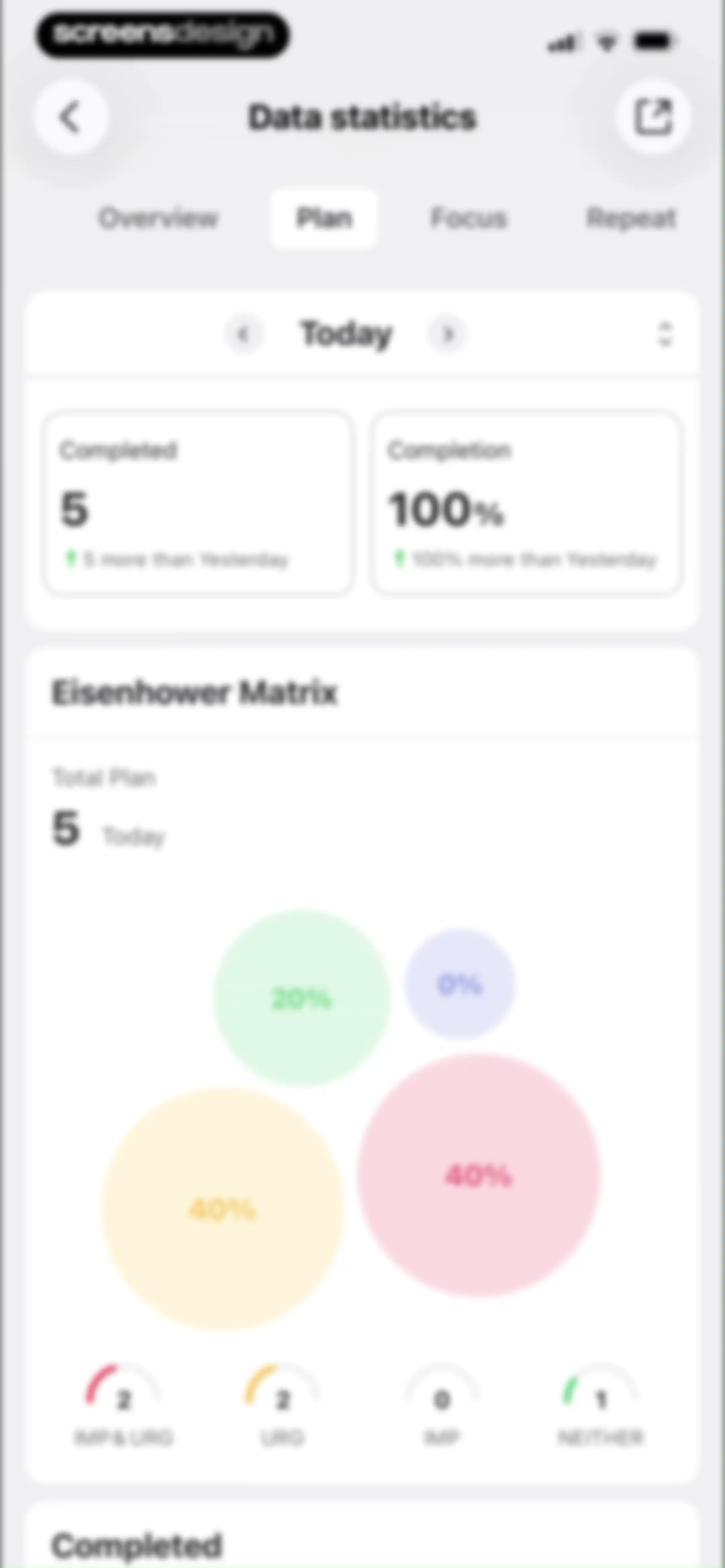
Analytics screen displaying an Eisenhower Matrix chart and task statistics with the Plan tab and Today time range selected.Unlock Pro
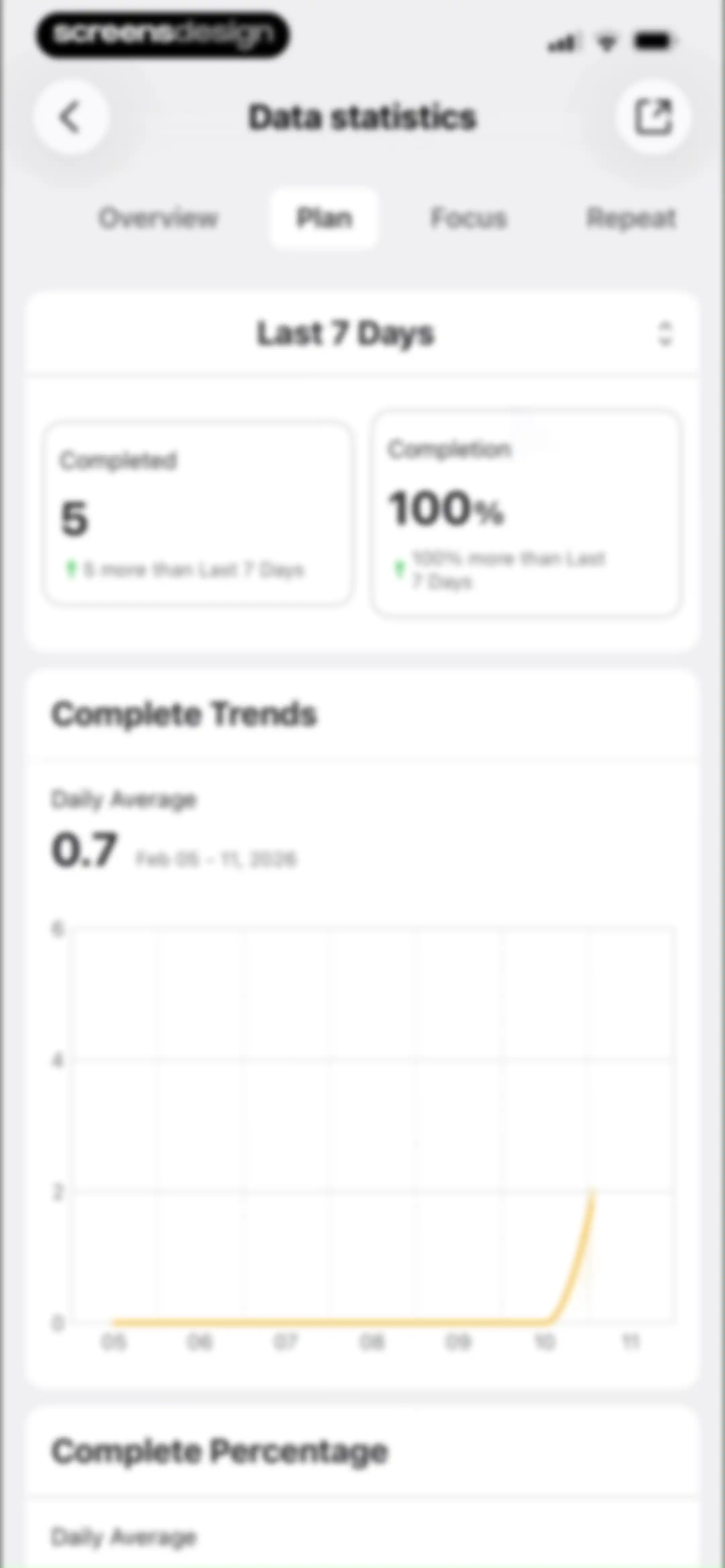
Data statistics screen displaying weekly plan metrics with summary cards for completed tasks and a trend line chart.Unlock Pro
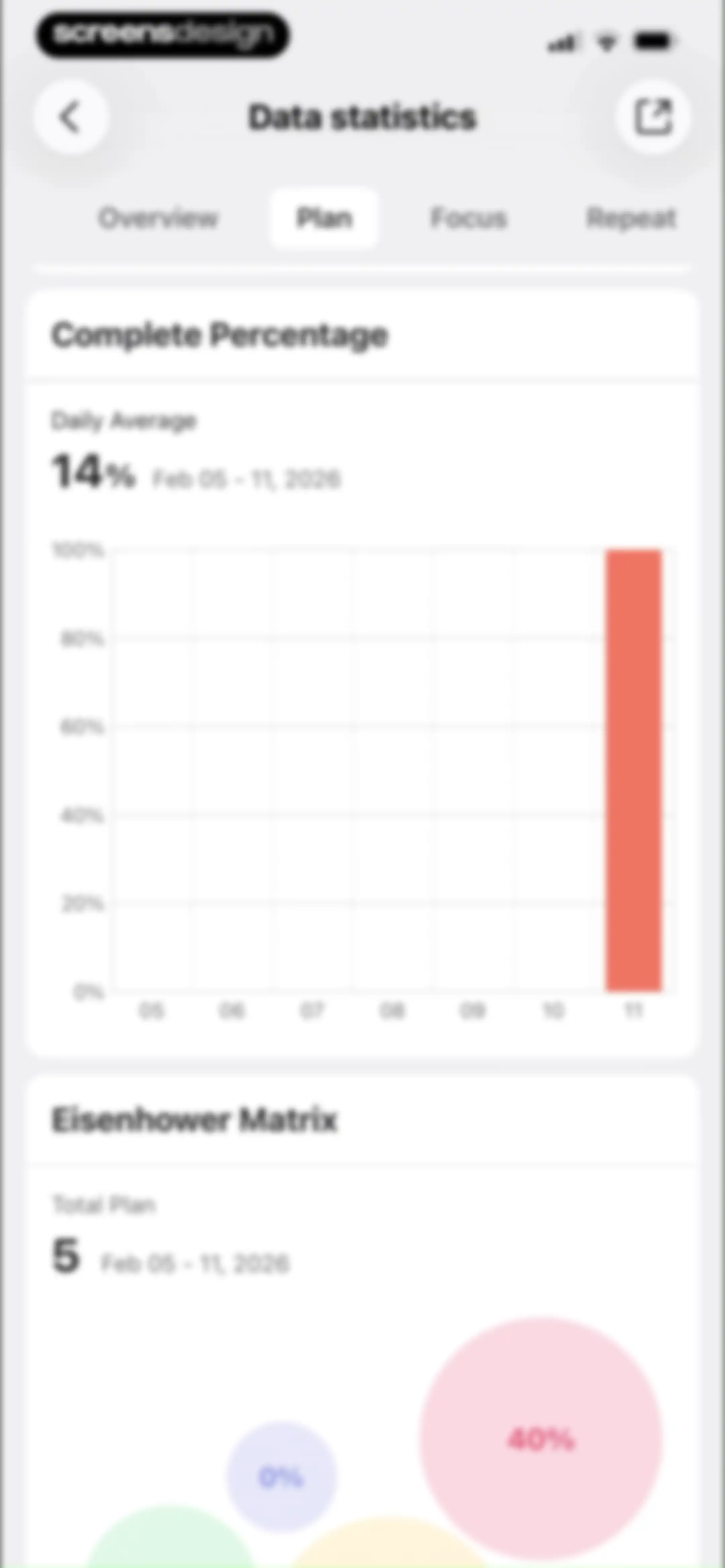
Analytics screen displaying productivity statistics and data visualizations with the Plan tab selected.Unlock Pro
Analytics dashboard displaying focus statistics with a circular progress chart, summary cards, and an empty focus record list.Unlock Pro
Analytics screen displaying focus time statistics with a donut chart, percentage breakdown list, and a selected Day time filter.Unlock Pro
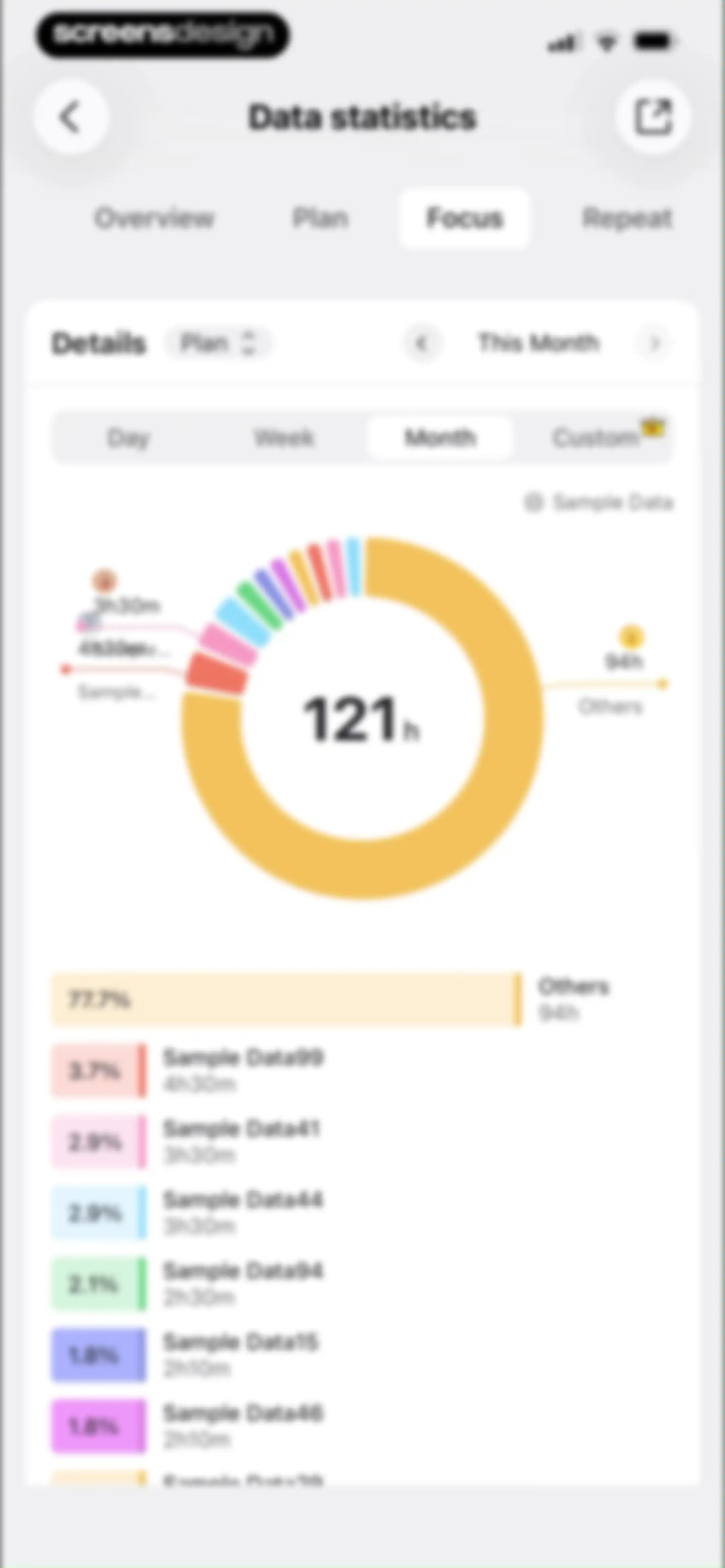
Analytics dashboard displaying focus time statistics with a donut chart, monthly filter, and a detailed task breakdown list.Unlock Pro
Analytics screen displaying focus time statistics with weekly trends and timeline charts, featuring premium crown icons and date range filters.Unlock Pro
Analytics screen with the Repeat tab selected, displaying empty ongoing and completed sections with cute illustrations and no plans yet messages.Unlock Pro
Settings screen featuring grouped lists of features and support options, a Style Hub banner, and a bottom navigation bar.Unlock Pro
Theme selection screen featuring a promotional upgrade banner and a vertical list of theme cards with the default theme currently in use.Unlock Pro
Style Hub widget customization screen featuring categorized sections like Recommend and Popular with horizontal carousels of stylized widget previews.Unlock Pro
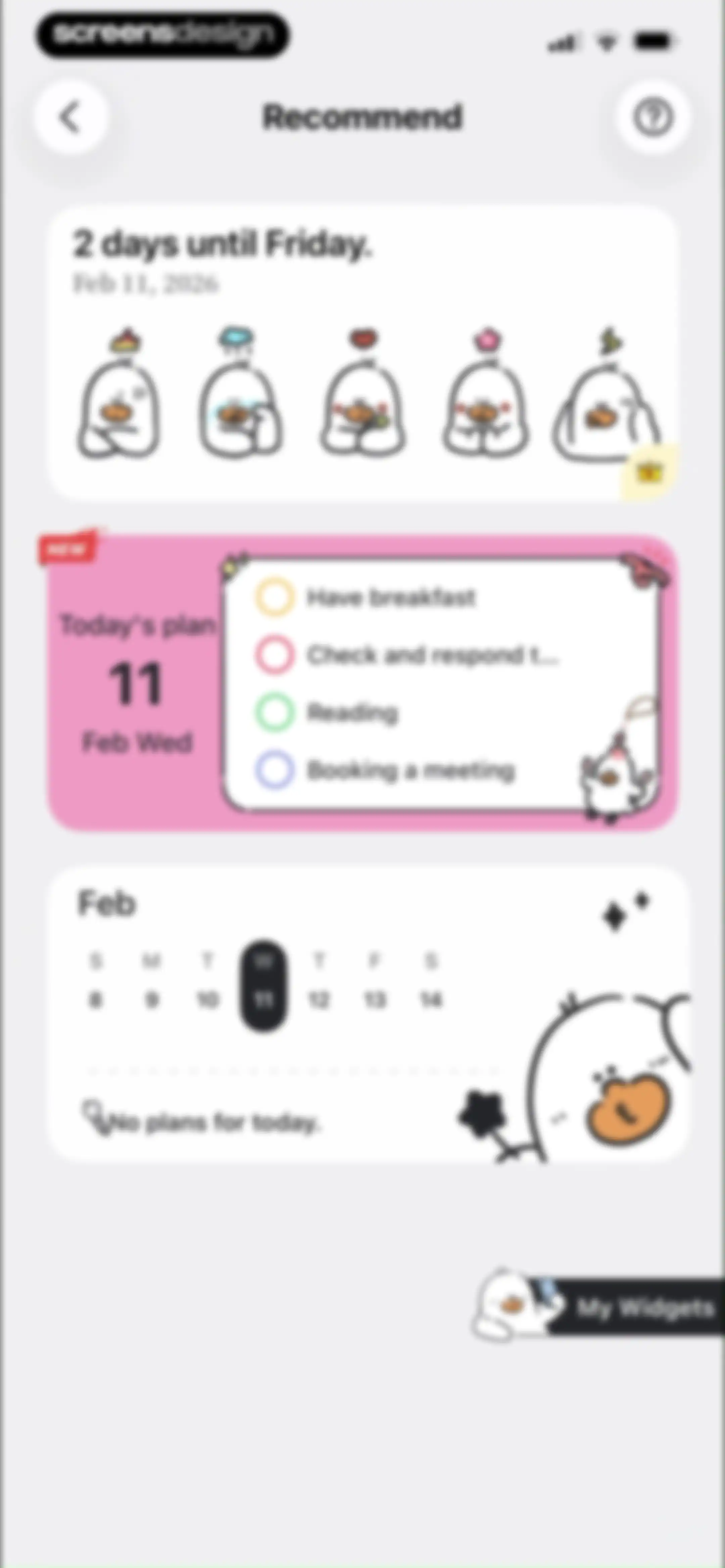
Dashboard with a countdown card, a today's plan task list, a calendar widget, and a My Widgets floating action button.Unlock Pro
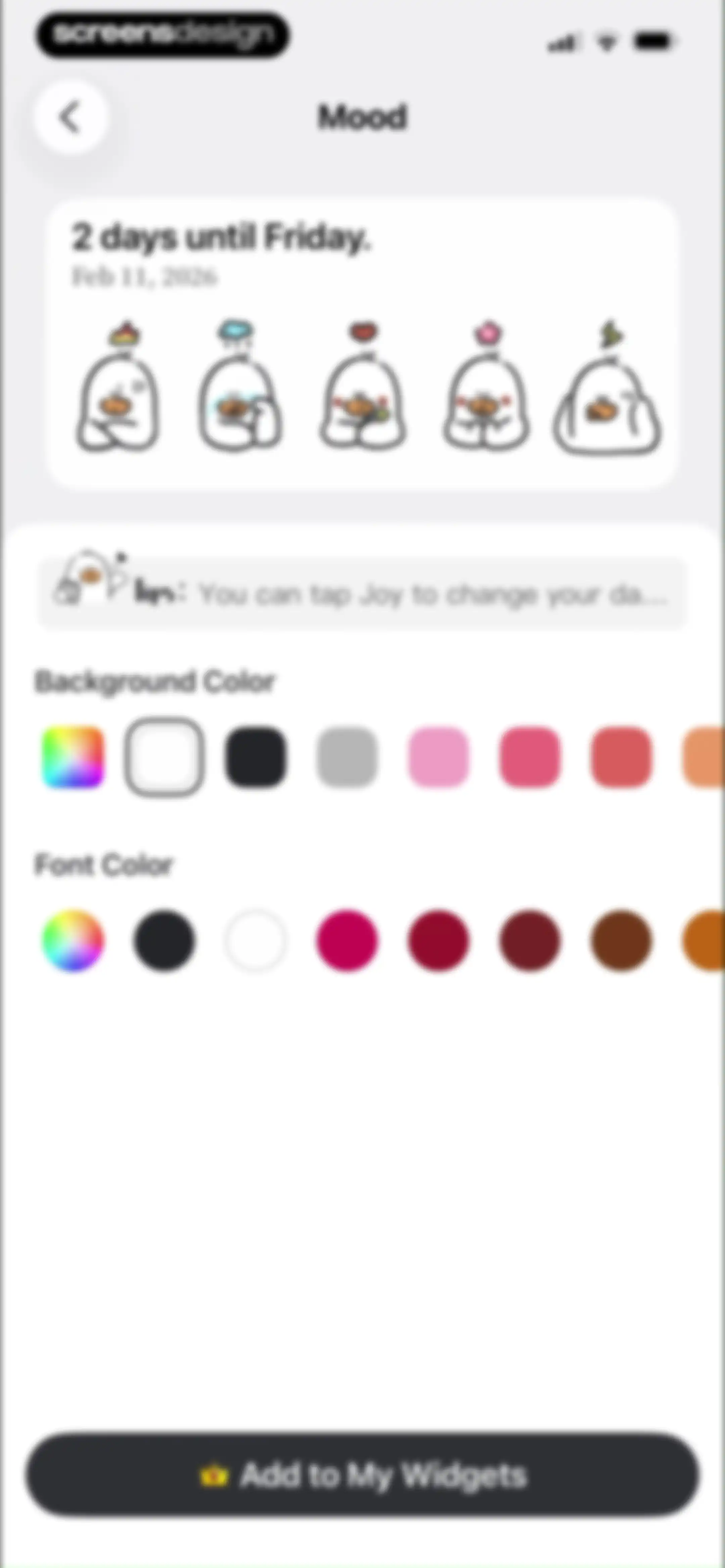
Widget customization screen with a preview card, tips banner, background and font color selectors, and an Add to My Widgets button.Unlock Pro
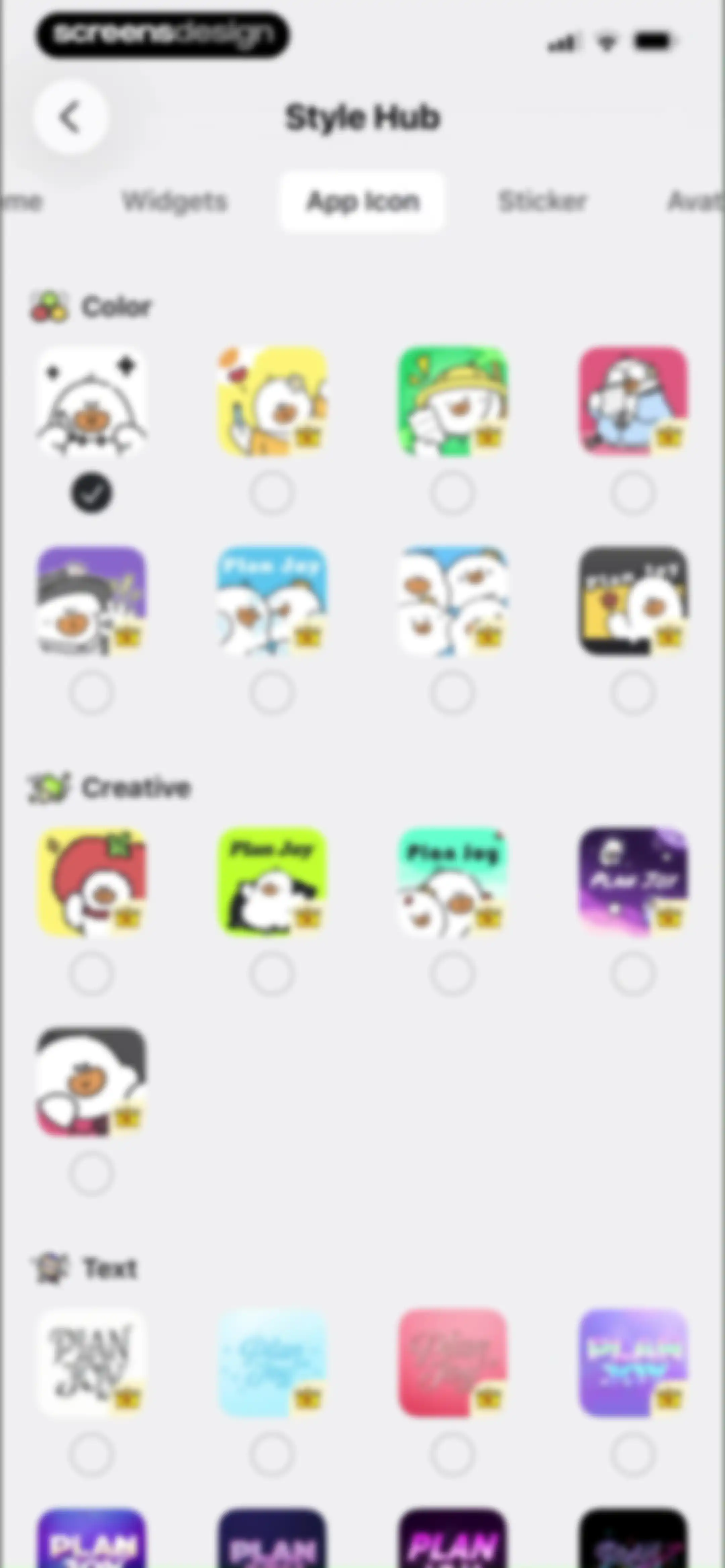
Style Hub settings screen with categorized grids of app icon options and premium crown badges.Unlock Pro
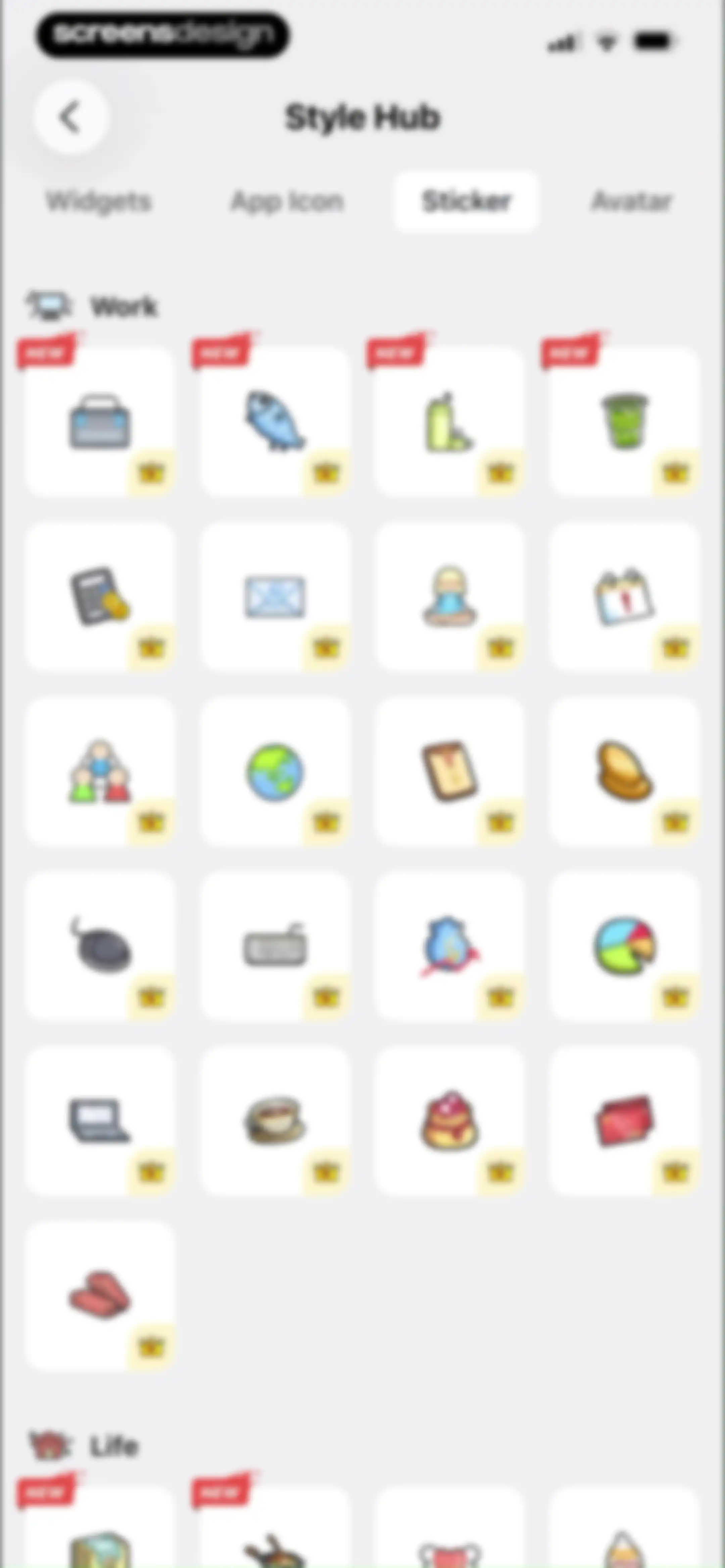
Style Hub sticker gallery featuring categorized grid cards with work illustrations, premium crown badges, and a selected Sticker tab.Unlock Pro
Avatar customization screen displaying a character preview and a scrollable grid of avatar options with a Save button.Unlock Pro
Avatar customization settings screen with background color and image options, a central character illustration, and a Save button.Unlock Pro
Style Hub customization screen with a central cartoon character preview, sticker grid, and Save button.Unlock Pro
Dashboard displaying a list of two countdown cards for upcoming events and a floating action button for adding new items.Unlock Pro
Task detail screen in PlanJoy displaying a central white card with an illustration, the date Feb 11, 2026, and meeting details.Unlock Pro
Share modal displaying a daily schedule preview card for PlanJoy with an illustration, date, and a Share button.Unlock Pro
Share menu overlaying a PlanJoy daily task list preview with options like AirDrop, Messages, and Mail.Unlock Pro
PlanJoy widget style customization screen featuring a central preview area and a bottom sheet carousel with the grey theme selected.Unlock Pro
Customization screen featuring a PlanJoy task card preview with a mint green theme and a color selection grid below.Unlock Pro
Task detail screen displaying a central card for a meeting with a cute mascot illustration, edit and delete options, and a bottom action bar.Unlock Pro
Event deletion confirmation dialog with Delete and Cancel buttons displayed over an event detail card.Unlock Pro
Integration Calendar settings screen with a Local Calendars toggle switch and an explanatory sub-label.Unlock Pro
Permission request modal asking for full calendar access, displaying an event preview and Allow Full Access and Don't Allow buttons.Unlock Pro
Integration Calendar settings screen with a main toggle and grouped lists of local calendars and checkboxes.Unlock Pro
Widget gallery with categorized horizontal scrolling sections including Recommend, Popular, Plan, and Focus, featuring a My Widgets floating action button.Unlock Pro
Calendar empty state for February 11, 2026, displaying an illustration, a message indicating no review notes, and a Record button.Unlock Pro
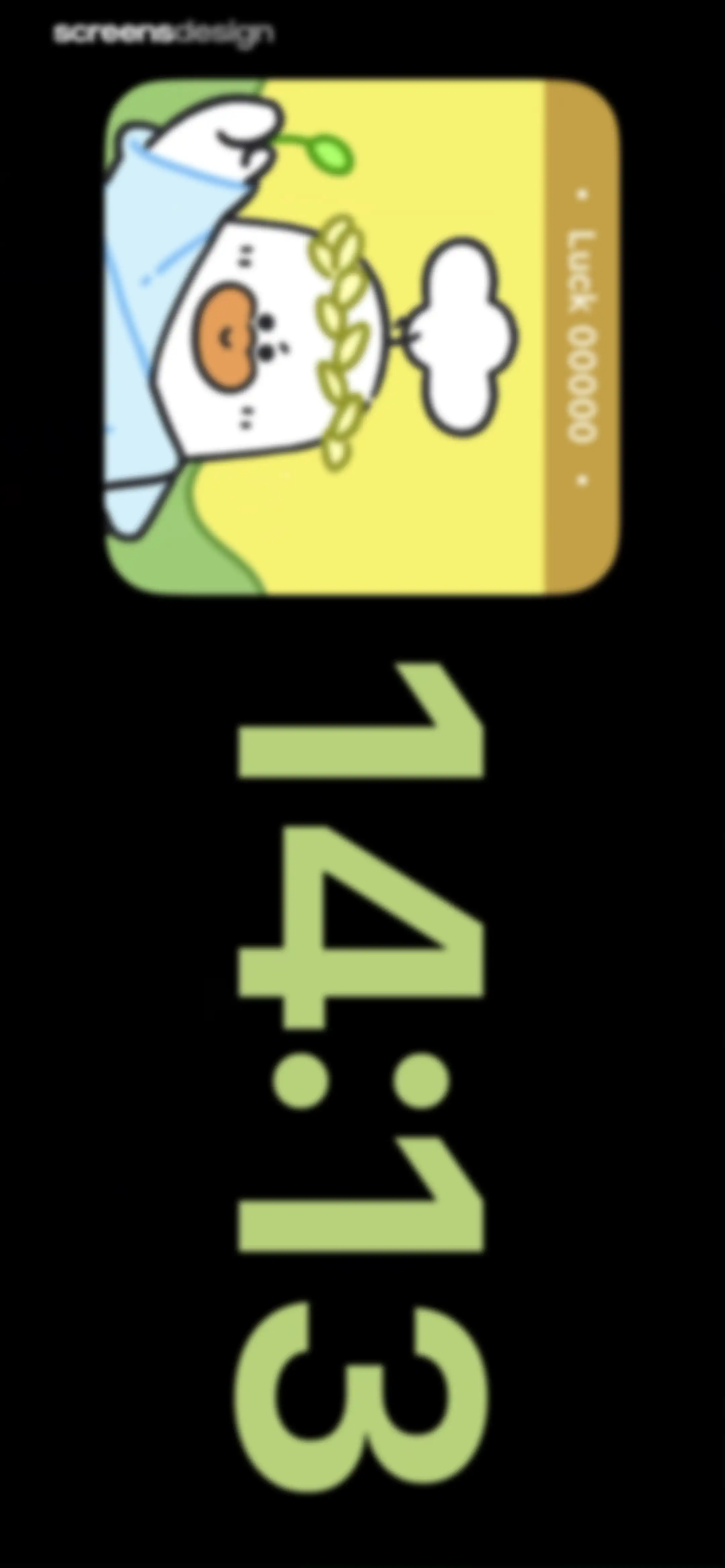
Plan Joy app widget featuring a playful character with a luck score and a large vertical time display.Unlock Pro
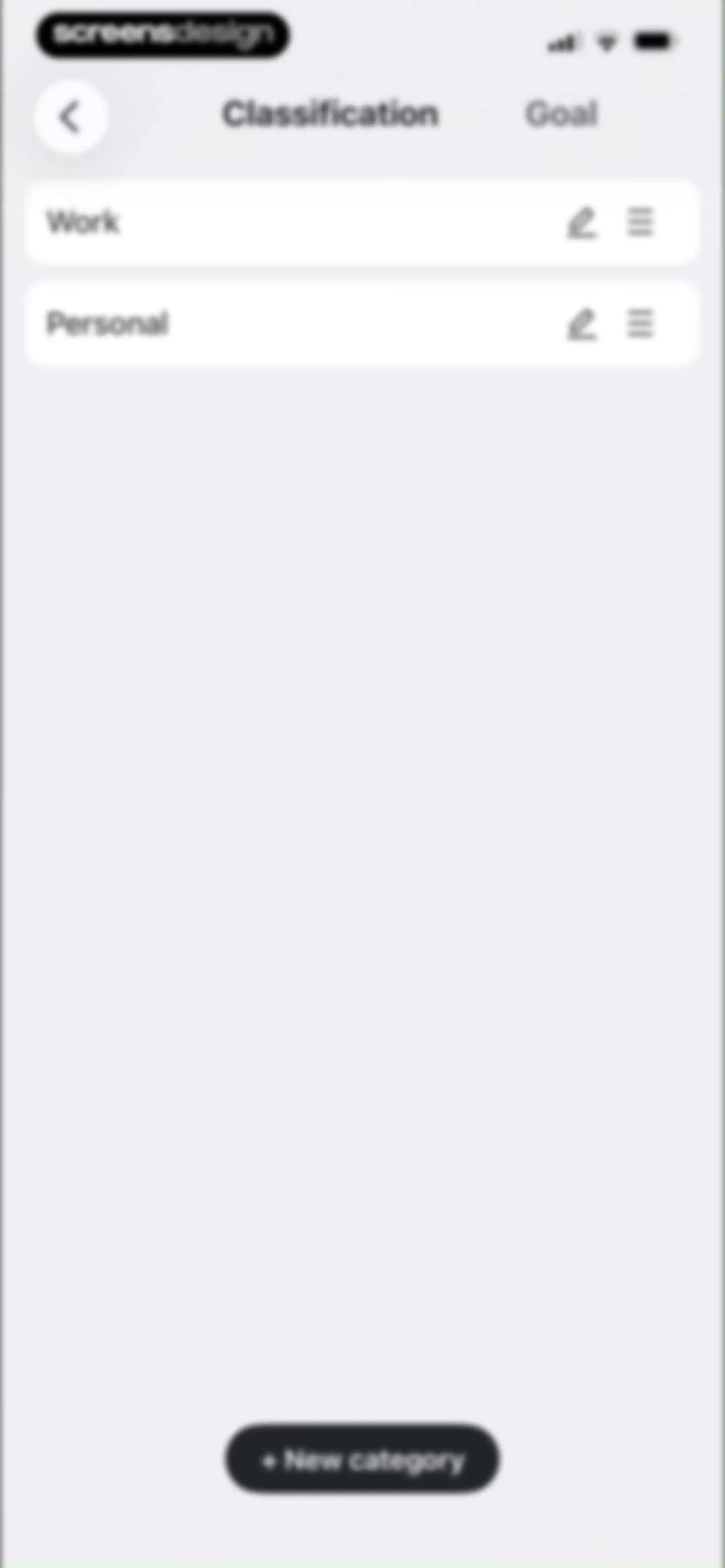
Task classification settings screen listing Work and Personal categories with edit and reorder icons, plus a New category button.Unlock Pro
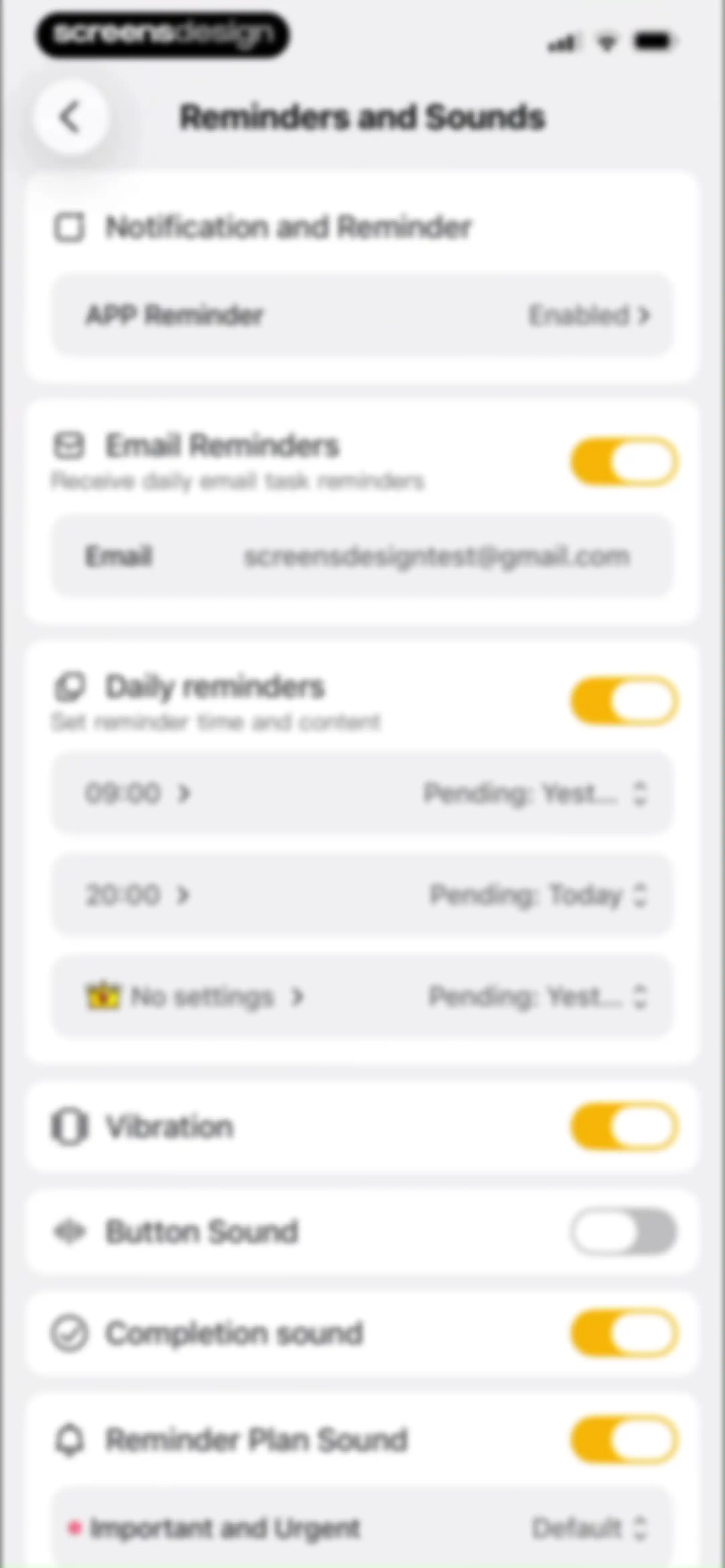
Settings screen for reminders and sounds featuring toggle switches and time configurations for notifications, email reminders, vibration, and audio options.Unlock Pro
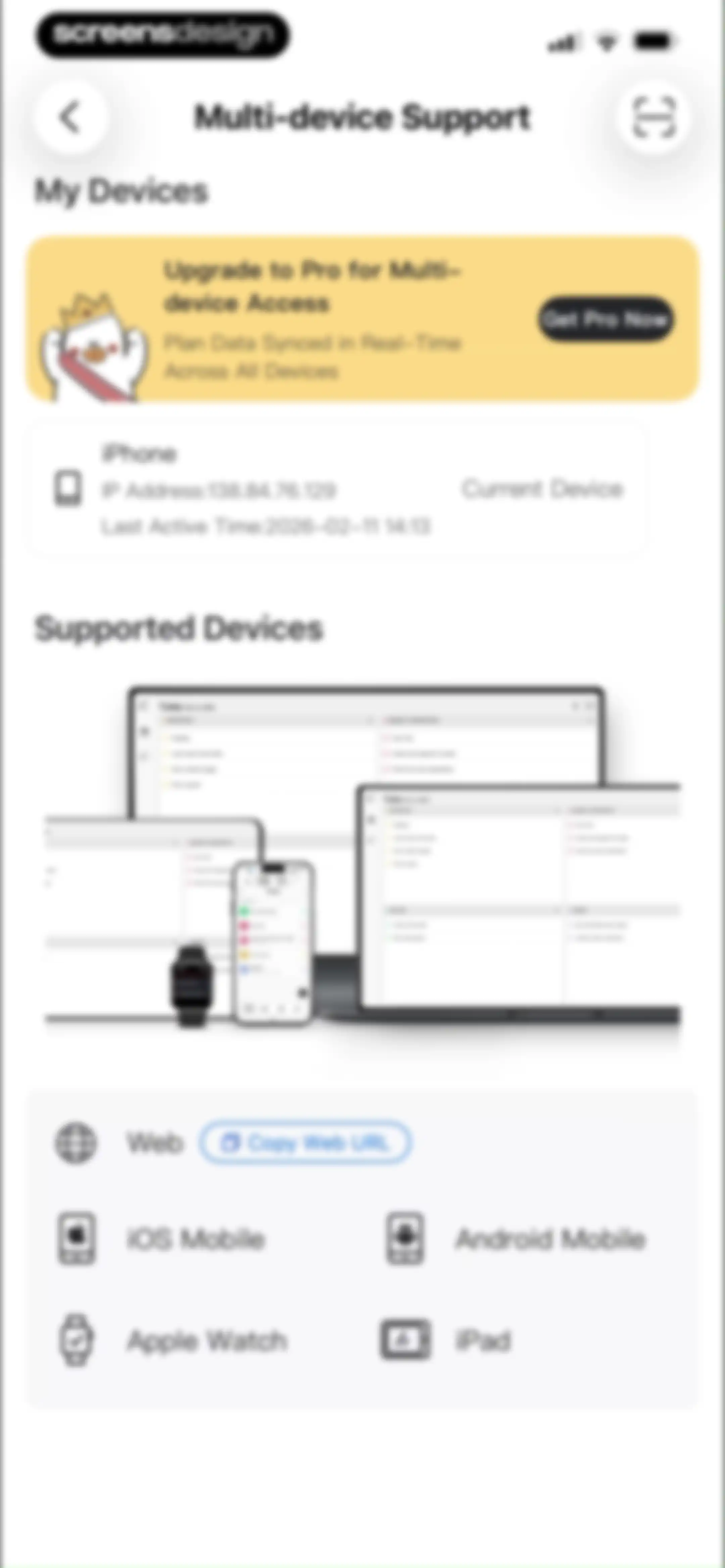
Multi-device support settings featuring an upgrade to Pro promotional card, current device status, and a list of compatible platforms.Unlock Pro
App Lock settings screen with a Password Protection toggle and a crown icon indicating a premium feature.Unlock Pro
About Us settings screen for Plan Joy version 3.3.0 with options for feedback, app updates, and account deletion.Unlock Pro
Account cancellation confirmation modal with a warning message, an ID or nickname input field, and a confirmation button.Unlock Pro
Empty state screen titled Detials featuring a sleeping character illustration and the message No detailed data.Unlock Pro
Empty state message screen with a top tab switcher and a centered illustration of a sleeping character below the text No Message.Unlock Pro
Message inbox screen with a notification card about an upgrade plan, featuring tabs at the top and a timestamp of Feb 11 14:00.Unlock Pro

About Plan Joy:To-Do List & Reminder

A comprehensive productivity app featuring task management, habit tracking, Pomodoro timers, and customizable goal-setting with a virtual companion.

Explore Plan Joy:To-Do List & Reminder across ScreensDesign

Apps similar to Plan Joy:To-Do List & Reminder

Unlock all similar apps

See every comparable app, revenue, installs, and flows.

Unlock Pro
  • Planner Pro - Daily Planner

    4.5
    Beesoft AppsRevenue$10kInstalls<5k
  • Structured: Daily Planner Todo

    4.8
    unorderly GmbHRevenue$300kInstalls350k
  • Amie - Todos, calendar

    3.4
    Amie GmbHRevenue$<5kInstalls<5k
  • Journal: Planner, Notes, PDFs

    4.6
    Tuat TranRevenue$45kInstalls90k
  • Focus To-Do: Focus Timer&Tasks

    4.8
    Shenzhen Tomato Software Technology Co., Ltd.Revenue$8kInstalls25k
  • Weekly Planner - Diary, Notes

    4.7
    Digital Legal TechRevenue$40kInstalls40k
  • Focus Friend, by Hank Green

    4.8
    B-Tech Consulting Group LLCRevenue$150kInstalls15k
  • Tiimo: To-Do List Planner

    4.6
    tiimoRevenue$250kInstalls65k
  • Planfit AI Gym Workout Planner

    4.8
    Planfit Inc.Revenue$250kInstalls35k
  • Todo List & Reminder - Todoery

    4.6
    BetterApp Tech Co., LimitedRevenue$20kInstalls35k
  • Chillio: Life Planner

    4.6
    COREMOVE LIMITEDRevenue$85kInstalls5k
  • BetterMe Well-Being Coach

    4.7
    BetterMe LimitedRevenue$1MInstalls250k
  • Any.do: To do list & Planner

    4.6
    Any.DORevenue$30kInstalls<5k
  • My Timetable: Class Schedule

    4.6
    Kodeon, Inc.Revenue$<5kInstalls15k
  • HelloHabit - Habit Tracker

    4.9
    RightLife, Inc.Revenue$30kInstalls20k
  • Planner & Journal - Zinnia

    4.6
    Pixite Inc.Revenue$200kInstalls45k
  • Focus Keeper - Pomodoro Timer

    4.8
    PIXO IncorporationRevenue$<5kInstalls<5k
  • Artful Agenda

    4.7
    Artful, LLCRevenue$45kInstalls20k
  • Smart Timetable: Study Planner

    4.6
    Denis KravcovRevenue$<5kInstalls40k
  • Daylio Journal - Mood Tracker

    4.8
    Relaxio s.r.o.Revenue$100kInstalls40k
  • Shmoody: Mood & Habit Tracker

    4.8
    Moodworks Inc.Revenue$<5kInstalls<5k
  • Fabulous: Daily Habit Tracker

    4.4
    FabulousRevenue$50kInstalls20k
  • Trello: Daily Task Tracker

    4.3
    Trello, Inc.Revenue$<5kInstalls150k
  • Bento: The Do Less Timer

    4.1
    Keep Productive LtdRevenue$<5kInstalls<5k
  • Calendars: Schedule Planner

    4.7
    Readdle Technologies LimitedRevenue$250kInstalls150k
  • Focused Work - Pomodoro Timer

    4.7
    Michael TigasRevenue$<5kInstalls<5k
  • To Do List MinimaList & Widget

    4.8
    Davetech Co., Ltd.Revenue$5kInstalls95k
  • Routine Planner, Habit Tracker

    4.7
    Routinery Corp.Revenue$35kInstalls<5k
  • Flow: Focus & Pomodoro Timer

    4.8
    Yugen GmbHRevenue$<5kInstalls<5k
  • Couple Joy - Relationship App

    4.9
    HEARTBIT S.R.L.Revenue$250kInstalls250k
  • Planoly: Social Media Planner

    4.7
    Planogram, IncRevenue$35kInstalls<5k
  • Due Gooder

    3.2
    Nathan RoyalRevenue$150kInstalls150k
  • EveryDollar: Budget Management

    4.7
    The Lampo Group IncorporatedRevenue$100kInstalls50k
  • Countdown

    4.8
    Find Appiness LLCRevenue$15kInstalls300k
  • Unimeal: Fasting and Diet

    4.4
    Amoapps LimitedRevenue$<5kInstalls<5k
  • Fantastical Calendar

    4.2
    Flexibits Inc.Revenue$150kInstalls<5k
  • Productive - Habit Tracker

    4.6
    Easy Tiger Apps, LLC.Revenue$20kInstalls<5k
  • TickTick:To-Do List & Calendar

    4.9
    Appest LimitedRevenue$450kInstalls200k
  • MagicInsight:Test Lie Detector

    4.5
    NAR YIURevenue$25kInstalls<5k
  • Muscle Monster Workout Planner

    4.7
    TechPioneers LimitedRevenue$400kInstalls90k
  • Timella: Study & Work Timer

    0.0
    Jordan Andrade Carlota
  • Home Workouts & Fitness | Luvu

    4.8
    LuvuRevenue$<5kInstalls<5k
  • Eat This Much - Meal Planner

    4.7
    Eat This Much Inc.Revenue$30kInstalls7k
  • Joggo - Run Tracker & Coach

    4.4
    JOGGO UABRevenue$<5kInstalls<5k
  • Evernote: AI Notes & Notebook

    4.4
    Evernote CorporationRevenue$750kInstalls25k
  • Befit: Gym Workout Tracker

    4.8
    3Apps SolutionsRevenue$250kInstalls50k
  • Results Wellness Lifestyle

    5.0
    Results Wellness Lifestyle LimitedRevenue$25kInstalls<5k