To Do List MinimaList & Widget

$5k revenue, 4.8 rating

Welcome Screen
0:00 / 17:00

Onboarding flow, Paywall & Inside the App

Watch the full screen-by-screen UX video of To Do List MinimaList & Widget with onboarding, paywall, and every core flow.

Splash screen for the MinimaList app on a white background, featuring a centered checkmark icon, the app name, and the tagline Less is More.
MinimaList onboarding welcome screen featuring a central cluster of productivity feature icons and a Start Now button.
Onboarding screen for interaction mode selection featuring side-by-side phone mockups, with the Button option selected and a Continue button.
Onboarding screen asking the user to select a checkbox style, with the square option selected and a continue button.
Paywall screen comparing yearly and lifetime plans, with feature lists, social proof ratings, and a Try for free button.
App Store subscription confirmation modal showing family plan details, a 3-day free trial, annual pricing, and a side button confirmation prompt.
Paywall screen with a success modal overlay stating your purchase was successful and an OK button.
Empty state screen with centered instruction to pull down to add, a bottom navigation bar, and a tutorial tooltip.
Task editor screen displaying a main task title, a vertical list of subtasks, and a keyboard with utility icons.Unlock Pro
MinimaList home screen displaying a vertical task list with three items, a bottom navigation bar, and a tutorial tooltip in the corner.Unlock Pro
MinimaList onboarding screen demonstrating task management features with a task list, product mockup, and instructional gesture text.Unlock Pro
MinimaList onboarding screen demonstrating task interaction with a sample task list, a product mockup, and instructional text at the bottom.Unlock Pro
Onboarding screen for the MinimaList app demonstrating swipe gestures to delete tasks, featuring a tutorial mockup and pagination dots.Unlock Pro
Confirmation modal asking whether to turn off the tutorial button, overlaid on a task list with Disable Tutorial and Ok buttons.Unlock Pro
Minimalist task list screen displaying three tasks with subtasks and a bottom navigation bar with History, Add, and Lists options.Unlock Pro
Task list creation form with a name input field, color swatches, configuration rows, and a Save button.Unlock Pro
Task list creation form with a name input, color selection options, and a centered color picker modal overlay.Unlock Pro
Task list creation form with a name input, color selection, settings toggles, and an illustrative product preview at the bottom.Unlock Pro
Task list form with a name input, color selection row, and an expanded sorting options menu with Follow Setting selected.Unlock Pro
List creation form with an open ringtone selection dropdown displaying various options and a save action.Unlock Pro
Form for adding a new list with input fields for name, color swatches, sorting options, and theme settings, plus a Save button.Unlock Pro
Theme customization settings screen with a live task preview card, dark mode toggles, color grids, font options, and a Save button.Unlock Pro
Color picker modal with a spectrum view, opacity slider set to 100%, and a preset color palette grid at the bottom.Unlock Pro
Color picker modal featuring a large color grid, an opacity slider, and preset color swatches with the Grid tab selected.Unlock Pro
Color picker modal displaying RGB sliders, hex input, opacity control, and color presets with the Sliders view selected.Unlock Pro
Theme and font customization settings screen featuring a task list preview card, light mode options, and a scrollable font selection list.Unlock Pro
Theme settings screen with a task list preview card, light and dark mode controls, font weight and size options, and a Save button.Unlock Pro
Theme customization settings screen displaying a task list preview, appearance toggles, light and dark mode selectors, and font controls.Unlock Pro
Add list form with a name input, color selection, settings rows, and a save button.Unlock Pro
Task management screen displaying a task detail modal overlay with subtasks and action buttons for delete, edit, focus time, and completion.Unlock Pro
Pomodoro timer screen showing a twenty-five minute countdown for the task improve form usability, with a Start button and customization icons.Unlock Pro
Pomodoro timer screen displaying a twenty-five minute countdown, task title, tag selection, and tag list in a minimalist white interface.Unlock Pro
Focus timer screen displaying the task improve form usability, a 24:56 countdown inside a circular progress indicator, and an encouraging message.Unlock Pro
Timer screen displaying twenty-four minutes and forty-seven seconds with a stop button at the bottom.Unlock Pro
Focus timer screen displaying a large flip-clock timer at 24:38, playback controls, and vertical menu icons for style, sound, and mode.Unlock Pro
Focus timer screen with a large flip-clock display showing 24:09 and a grid of soundscape options below.Unlock Pro
Focus timer dashboard with a large flip-clock display showing 24:02 and a bottom navigation bar with Pomodoro, countdown, and timer options.Unlock Pro
Focus timer screen displaying a twenty-five minute countdown card for a task, with playback controls and style, sound, and mode buttons.Unlock Pro
Focus timer screen displaying a central flip-clock set to 00:00, task title, vertical customization icons, and a bottom play button.Unlock Pro
Focus timer screen with a task completion modal overlay asking whether the task is completed, alongside Not yet and Completed buttons.Unlock Pro
Task management home screen displaying a list of to-do items, progress indicators, a bottom navigation bar, and an add task button.Unlock Pro
MinimaList home screen showing a task list with completion progress and a bottom navigation bar with a central add task button.Unlock Pro
Task editor screen showing a title, a list of subtasks with one active for editing, a keyboard toolbar, and the system keyboard.Unlock Pro
MinimaList home screen displaying a task list overlaid with a confirmation modal to remove a task, featuring Cancel and Confirm buttons.Unlock Pro
MinimaList home screen displaying a task list and a bottom snackbar notification with an undo action.Unlock Pro
Task list screen displaying daily tasks with timestamps, a search bar, a date header, and a bottom summary bar.Unlock Pro
Task list home screen with a search bar, a date header for Feb 20, 2025, and a settings tooltip.Unlock Pro
Task detail screen displaying subtasks for improving form usability with options to add a subtask, delete, or reuse.Unlock Pro
Analytics screen displaying summary cards and weekly charts for completed tasks and focused time, with a top close button.Unlock Pro
Analytics dashboard featuring summary cards, a bar chart, and a heat map showing completed task statistics.Unlock Pro
Analytics screen displaying focus time statistics with summary cards, a weekly trends chart, and a task focus section.Unlock Pro
Focus Records empty state screen with a top navigation bar and close button above a blank content area.Unlock Pro
MinimaList home screen displaying a grid of task list preview cards and an Add list button.Unlock Pro
Task list creation form filled with the name Books To Read, color options, configuration rows, and a Save button.Unlock Pro
Task search screen displaying a single matching result for navigation with the system keyboard open at the bottom.Unlock Pro
Task editor screen displaying the task card for Refine mobile navigation, subtasks, and a bottom toolbar with delete, edit, focus time, and done actions.Unlock Pro
Task management home screen displaying a grid of list cards and an open display mode pop-up menu.Unlock Pro
Home screen featuring a grid of task list cards including To do and Books To Read, with a top navigation bar and an add new list button.Unlock Pro
Home screen featuring a vertical list of task categories including To do and Books To Read, with search and add list options.Unlock Pro
Task management home screen displaying a list of categories with an open action sheet overlay offering list options like collaborate, theme settings, and delete.Unlock Pro
Task manager home screen showing a vertical list of categories including To do, Books To Read, and Mobile Ui, with a bottom add button.Unlock Pro
Collaboration modal with options to share a list via QRCode, SMS, and Copy List.Unlock Pro
Task management screen with a centered modal alert displaying the linkCopied message and an OK button.Unlock Pro
QR code sharing modal for a collaborate list, featuring a central QR code and a bottom sharing button.Unlock Pro
Onboarding screen showing a to-do list wallpaper preview with a theme selection segmented control and a Next button.Unlock Pro
Photo picker modal displaying a grid of photo thumbnails, a search bar, a Photos and Collections segmented control, and a bottom toolbar.Unlock Pro
Widget customization screen displaying a central task list preview card, theme controls with the dark option selected, and a Next button.Unlock Pro
MinimaList photo library permission modal requesting access to save wallpapers, with a photo grid preview and Allow Full Access, Limit Access, and Don't Allow buttons.Unlock Pro
Modal alert stating Wallpaper saved in Photo over a task list, featuring an OK button.Unlock Pro
Permission request modal overlaying a minimalist task list in MinimaList, with options to Allow or Don't Allow notifications.Unlock Pro
Permission request modal asking to use MinimaList with Siri, featuring Allow and Don't Allow buttons over a task list.Unlock Pro
Task list home screen with an open bottom action sheet displaying list management options and a red delete button.Unlock Pro
Task list screen displaying a modal alert with the message copied to your clipboard and an OK button.Unlock Pro
Form modal for adding a list, populated with the name Books To Read, color swatches, configuration options, and a delete button.Unlock Pro
Confirmation modal warning that deleting a list will delete its contents, with Cancel and Delete buttons.Unlock Pro
Settings screen with a yearly member profile header and grouped list cards containing customization, sync, and security options.Unlock Pro
Profile settings screen displaying a user avatar, username, and a card with membership, user ID, and iCloud status details.Unlock Pro
Subscription paywall screen comparing yearly and lifetime plans, with social proof badges, a pro feature list, and a Try for free button.Unlock Pro
Profile screen with membership status and user ID, displaying a modal notification with the message Copied to your clipboard and an OK button.Unlock Pro
Onboarding screen displaying categorized widget preview cards with a top segmented control and an Add Widget button at the bottom.Unlock Pro
Widget selection modal with a grid of preview cards and sizes including Today, Small List, and Large List.Unlock Pro
Widget configuration modal displaying a calendar preview and a list selection with To do selected and a Save button.Unlock Pro
Widget configuration screen displaying a preview card, settings list with source options, and a Next button.Unlock Pro
Widget customization settings screen featuring a live preview at the top and options for background, font color, and font size below with Save and Previous buttons.Unlock Pro
Tutorial screen displaying LockScreen widget preview cards with a segmented control and an Add Widget button.Unlock Pro
Tutorial settings screen displaying preview cards for List and Timer Live Activities with toggle switches and a top segmented control.Unlock Pro
Tutorial onboarding screen with instructional text, a three-image carousel for setting up iOS lock screen widgets, and a Got it button.Unlock Pro
Onboarding tutorial screen for setting up home screen widgets with an instructional carousel and a Got it button.Unlock Pro
Widget setup tutorial screen with a segmented control, instructional text, a product mockup carousel, and a Got it button.Unlock Pro
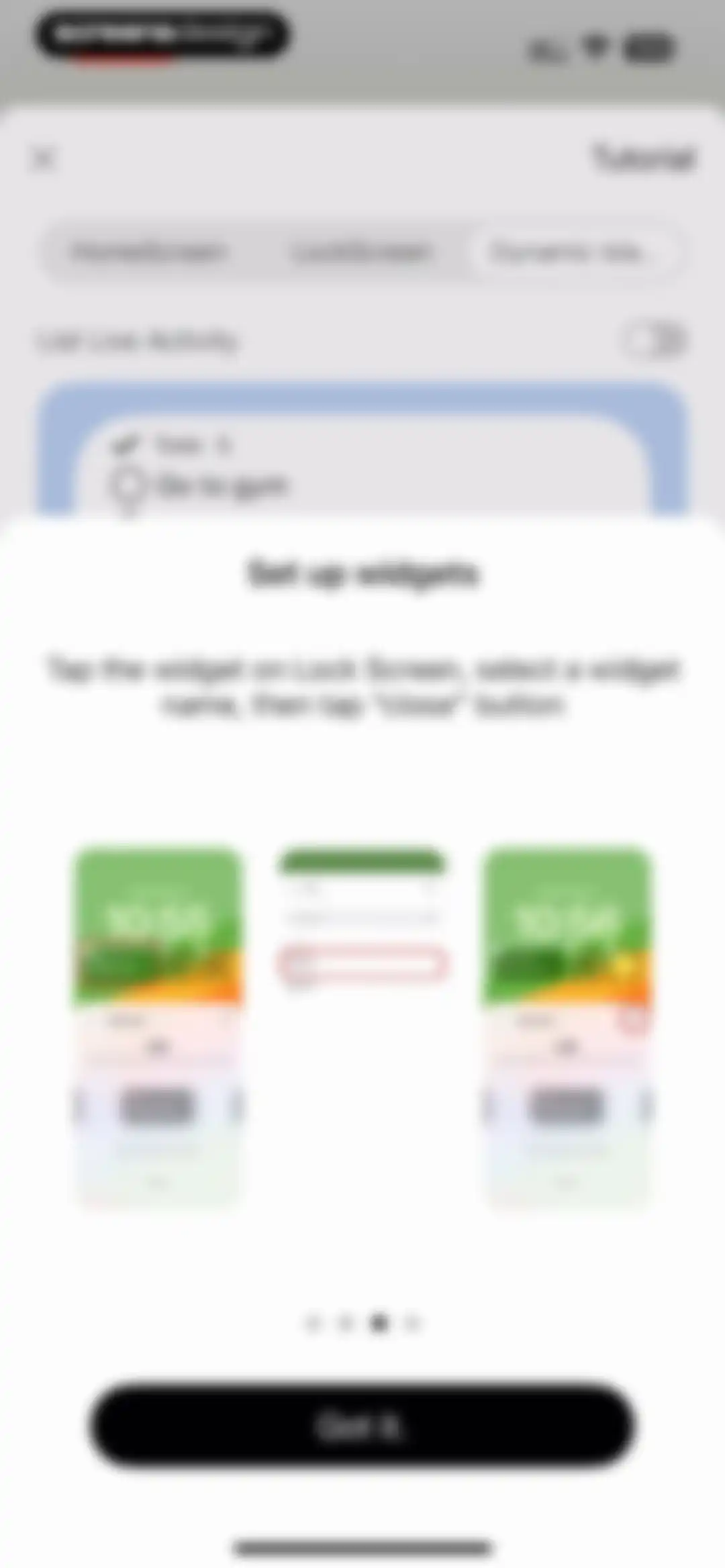
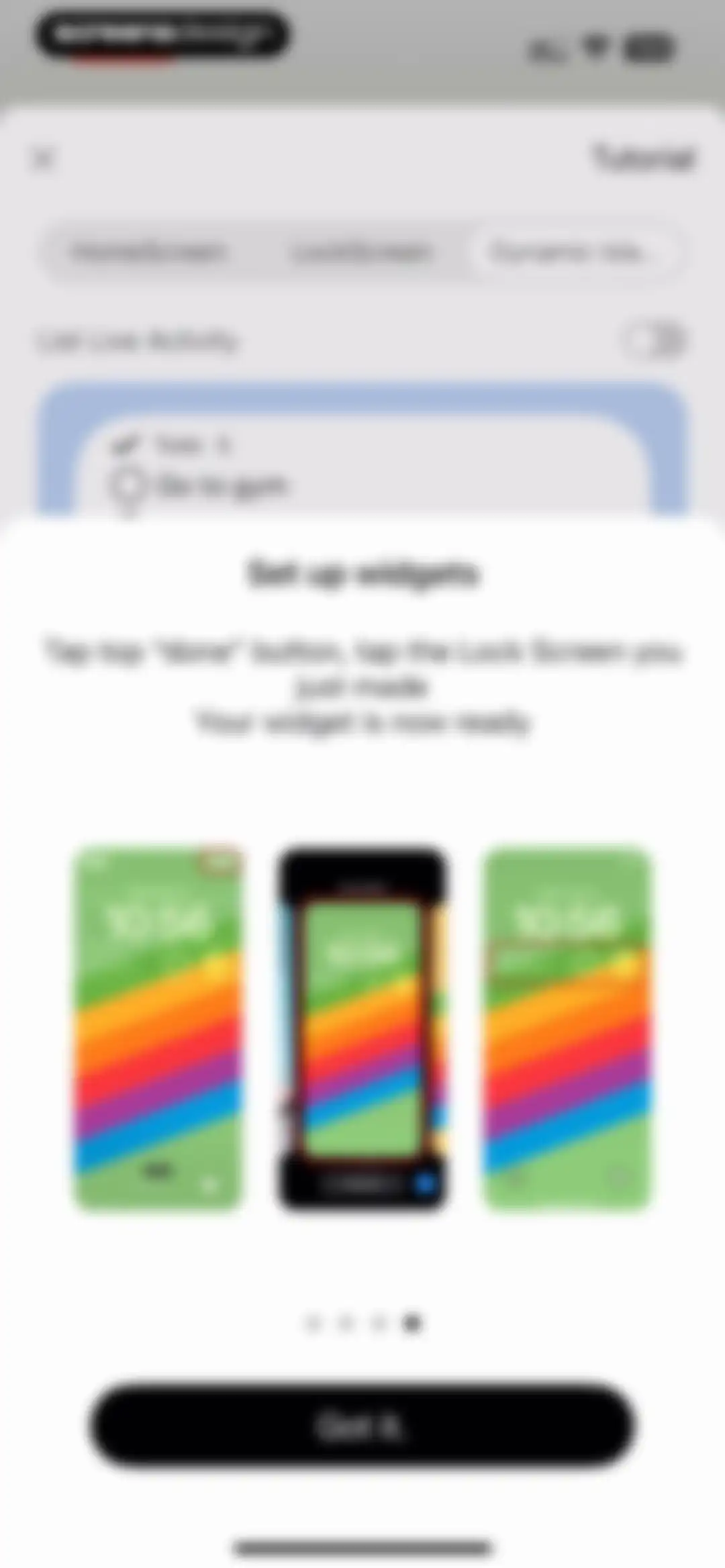
MinimaList app tutorial screen featuring a modal with lock screen widget setup instructions, a mockup carousel, and a Got it button.Unlock Pro
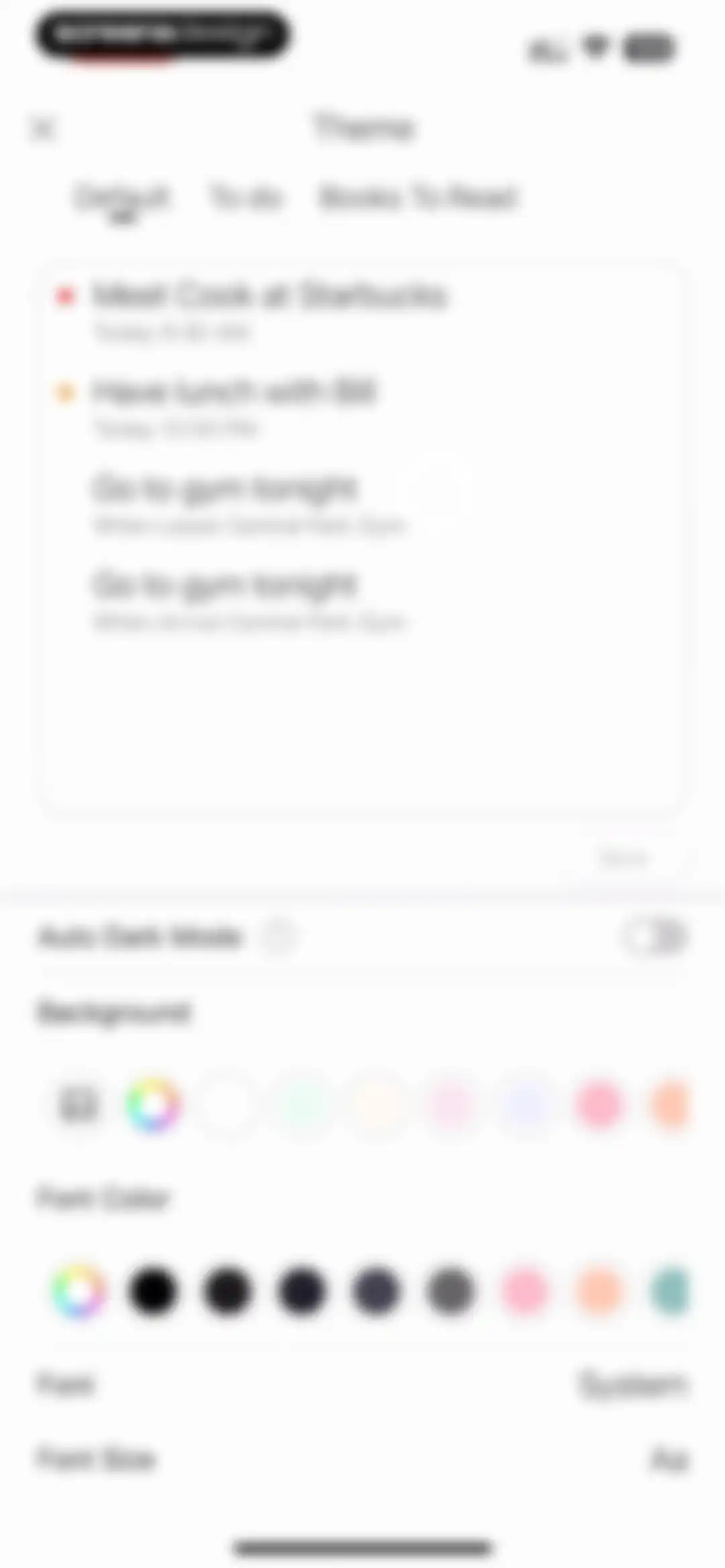
Theme settings screen with a task list preview card, customization options for background and font color, and a save button.Unlock Pro
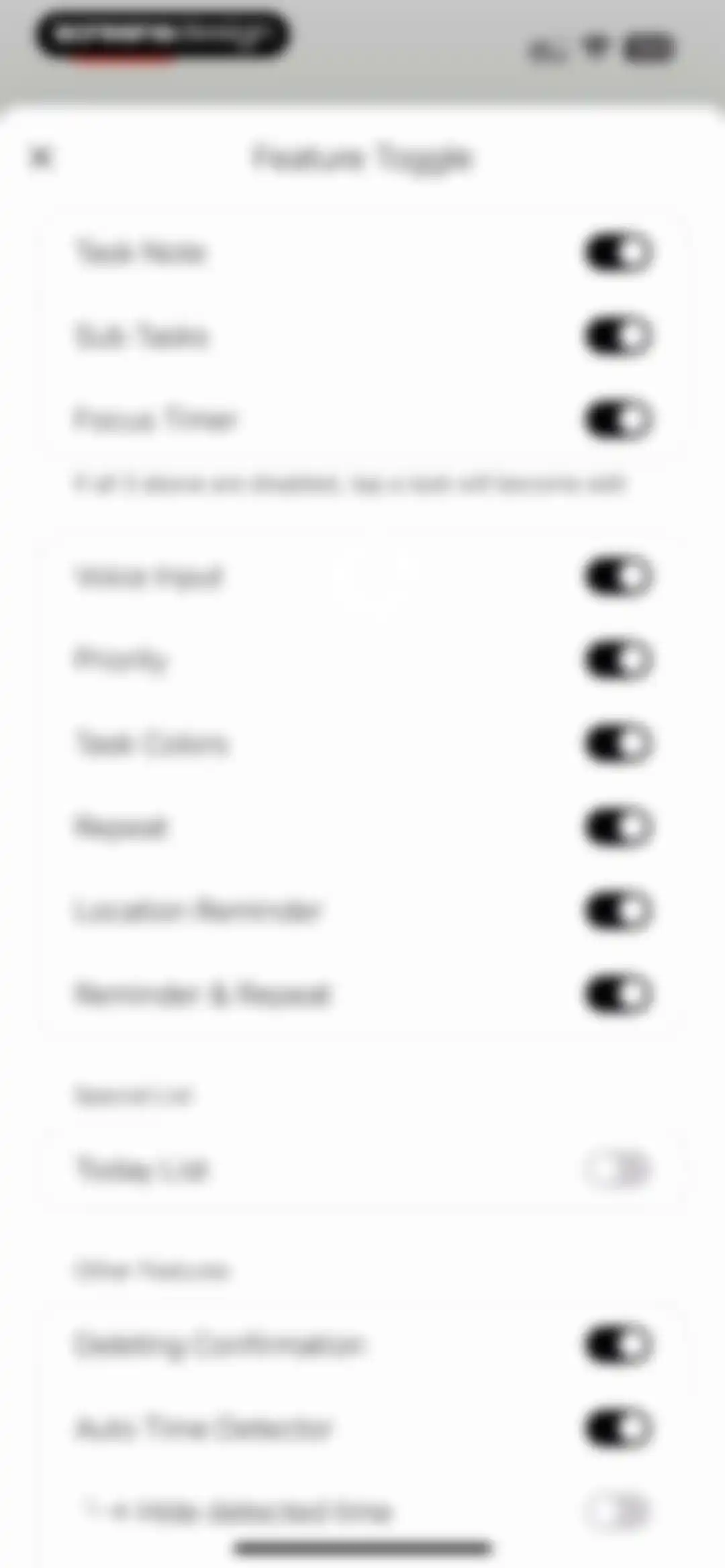
Feature toggle settings modal with grouped lists of task management features and toggle switches.Unlock Pro
Settings modal displaying feature toggles and a centered Deleting Confirmation sub-modal with multiple options.Unlock Pro
Settings modal displaying feature toggles, a central numeric adjustment card for interval and repeat, and navigation-style configuration options.Unlock Pro
Settings modal displaying feature toggles and a selection list with Never selected.Unlock Pro
Minimalist modal screen with a close button in the top left and a Collaborate List button at the bottom.Unlock Pro
Settings screen featuring an interaction preferences modal with Button selected over Gesture, alongside list options like Calendar Sync and FaceID.Unlock Pro
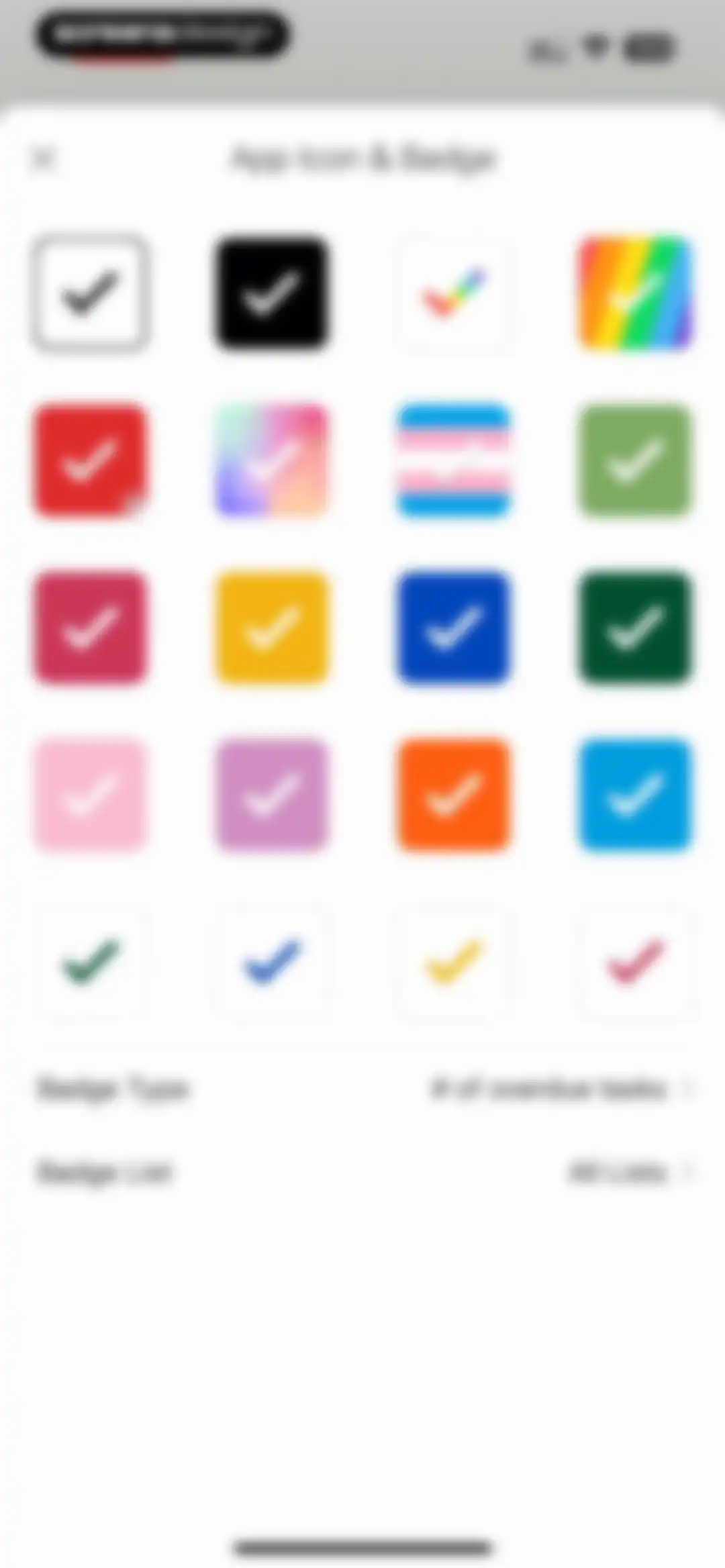
App icon and badge settings screen featuring a grid of icon options and configuration rows for badge type and list.Unlock Pro
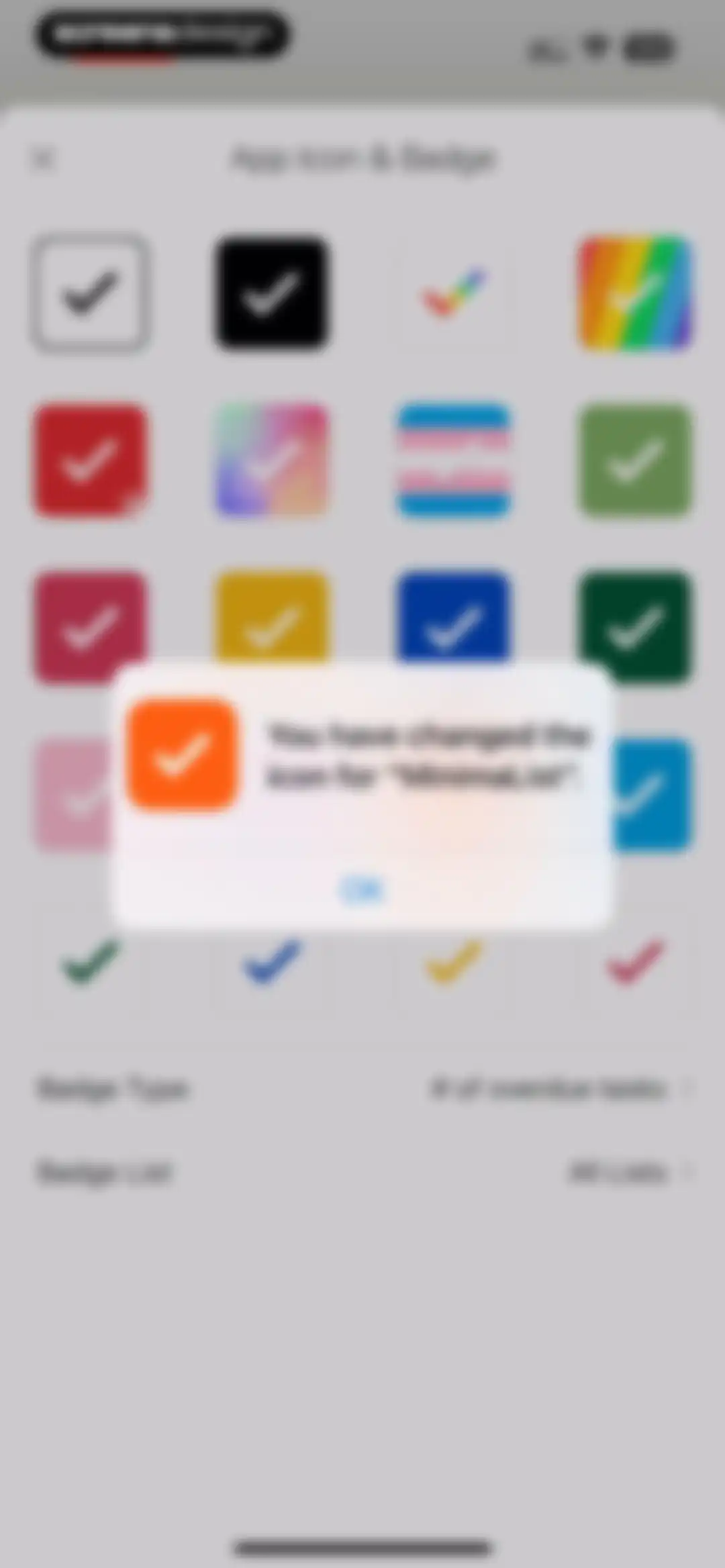
App icon and badge settings screen with a confirmation modal displaying the message You have changed the icon for MinimaList and an OK button.Unlock Pro
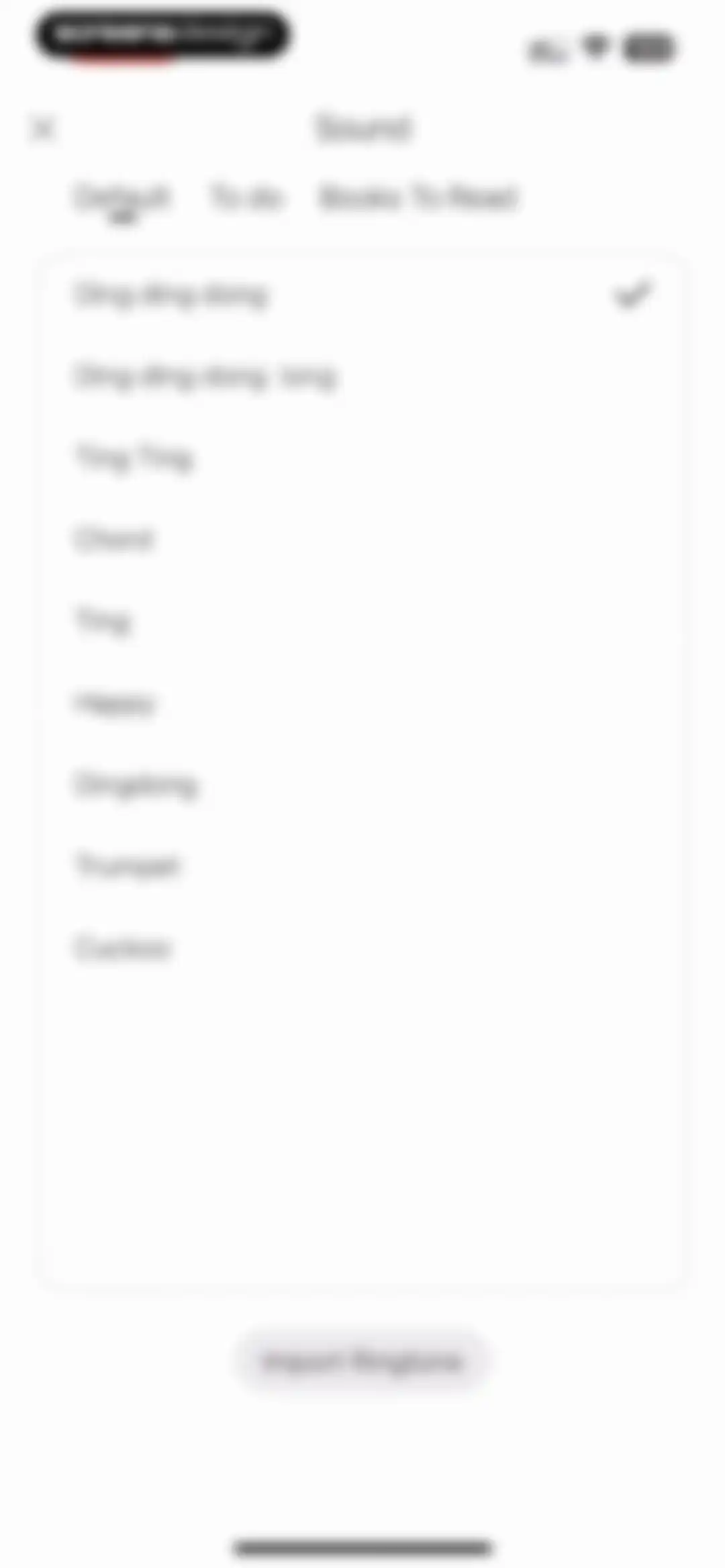
Sound settings modal with a list of notification sounds, the Ding ding dong option selected, and an import ringtone button.Unlock Pro
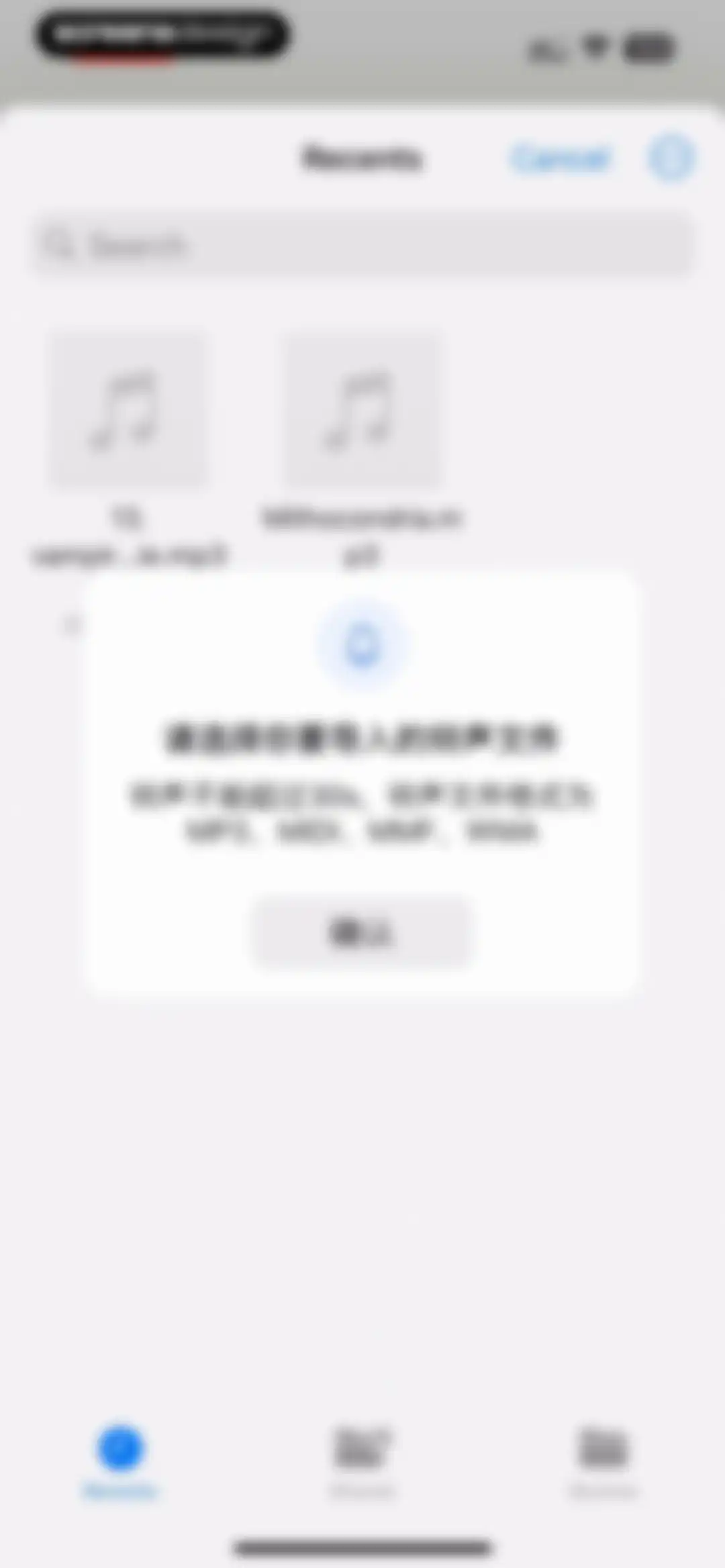
File picker screen displaying a modal overlay with ringtone format requirements and a confirm button over a list of MP3 files.Unlock Pro
Sorting option modal displaying a list of criteria with Alphabetically z-a selected and a close button.Unlock Pro
Cloud Sync settings screen with an active toggle, status rows for network and iCloud service, and a data backup informational footer.Unlock Pro
Permission request modal asking for full calendar access, with Allow Full Access and Don't Allow buttons over a settings page background.Unlock Pro
Calendar sync settings modal with selectable calendar items, a sync toggle, and a list of options including Work and Home.Unlock Pro
Calendar Sync settings screen with a list of calendar mappings and toggle switches for sync options.Unlock Pro
Reminder sync settings page with a system permission modal overlay requesting access to device reminders, featuring Allow and Don't Allow buttons.Unlock Pro
Reminder Sync settings modal with configuration options for sync type, list selection, and a toggle for timed only sync.Unlock Pro
Daily Reminder settings screen with a toggle switch and an Add Reminder button to configure task alerts.Unlock Pro
Reminder settings modal with a time picker set to 10:48 AM, a Daily Reminder toggle, and Cancel and Confirm buttons.Unlock Pro
Reminder settings screen featuring an active Daily Reminder toggle, a scheduled reminder at 2:48 PM, and an Add Reminder button.Unlock Pro
Language settings screen displaying lists for display and voice input languages, with System language currently selected and a close button.Unlock Pro
Customer support chat interface featuring conversation history, an email input prompt for notifications, and a message composer at the bottom.Unlock Pro
Settings screen featuring a vertical list of configuration options and a bottom modal overlay with an instructional phone mockup and pagination dots.Unlock Pro
Shortcut selection menu listing actions like Show all Lists and Open To do, with a close button in the top left.Unlock Pro
Siri shortcut setup screen for the MinimaList app, featuring instructions to record a voice command and a Record Phrase button.Unlock Pro
Permission dialog asking to enable Dictation with an Enable Dictation button and a privacy information link.Unlock Pro
Siri shortcut configuration screen displaying an Invalid Name error modal with an OK button over the setup instructions and Record Phrase button.Unlock Pro
Siri shortcut confirmation modal displaying the voice phrase and a Done button.Unlock Pro

About To Do List MinimaList & Widget

A minimalist task manager and planner featuring shared lists, focus timers, smart reminders, and customizable widgets for daily productivity.

Explore To Do List MinimaList & Widget across ScreensDesign

Apps similar to To Do List MinimaList & Widget

Unlock all similar apps

See every comparable app, revenue, installs, and flows.

Unlock Pro
  • Focus - Deep Work Timer

    4.4
    Meaningful Things GmbH & Co. KGRevenue$<5kInstalls<5k
  • Fantastical Calendar

    4.2
    Flexibits Inc.Revenue$150kInstalls<5k
  • minical - Planner & Calendar

    4.8
    minical Inc.Revenue$15kInstalls50k
  • Todo List & Reminder - Todoery

    4.6
    BetterApp Tech Co., LimitedRevenue$20kInstalls35k
  • Amie - Todos, calendar

    3.4
    Amie GmbHRevenue$<5kInstalls<5k
  • Weekly Planner - Diary, Notes

    4.7
    Digital Legal TechRevenue$40kInstalls40k
  • Focus To-Do: Focus Timer&Tasks

    4.8
    Shenzhen Tomato Software Technology Co., Ltd.Revenue$8kInstalls25k
  • minimalist phone ® Block Apps

    4.6
    Focus ExpertsRevenue$50kInstalls70k
  • Countdown

    4.8
    Find Appiness LLCRevenue$15kInstalls300k
  • My Timetable: Class Schedule

    4.6
    Kodeon, Inc.Revenue$<5kInstalls15k
  • Planner Pro - Daily Planner

    4.5
    Beesoft AppsRevenue$10kInstalls<5k
  • Blank Spaces Launcher

    4.6
    Ecstasis LLCRevenue$200kInstalls35k
  • Smart Timetable: Study Planner

    4.6
    Denis KravcovRevenue$<5kInstalls40k
  • TimeBloc - Daily Planner

    4.3
    Reflective Technologies ApSRevenue$<5kInstalls<5k
  • Focused Work - Pomodoro Timer

    4.7
    Michael TigasRevenue$<5kInstalls<5k
  • Calendars: Schedule Planner

    4.7
    Readdle Technologies LimitedRevenue$250kInstalls150k
  • Bear - Markdown Notes

    4.7
    Shiny Frog Ltd.Revenue$45kInstalls<5k
  • Structured: Daily Planner Todo

    4.8
    unorderly GmbHRevenue$300kInstalls350k
  • OmniFocus 4

    4.0
    The Omni GroupRevenue$<5kInstalls<5k
  • MindNode – Classic

    4.5
    IdeasOnCanvas GmbHRevenue$50kInstalls25k
  • Interval Timer □ HIIT Timer

    4.8
    Float Tech, LLCRevenue$55kInstalls30k
  • Cozi Family Organizer

    4.8
    CoziRevenue$350kInstalls55k
  • Dumb Phone (dp)

    4.6
    Michael TigasRevenue$10kInstalls<5k
  • Productive - Habit Tracker

    4.6
    Easy Tiger Apps, LLC.Revenue$20kInstalls<5k
  • Bento: The Do Less Timer

    4.1
    Keep Productive LtdRevenue$<5kInstalls<5k
  • Evernote: AI Notes & Notebook

    4.4
    Evernote CorporationRevenue$750kInstalls25k
  • Timepage: Calendar Planner

    4.6
    BonoboRevenue$25kInstalls<5k
  • Copilot: Track & Budget Money

    4.8
    Copilot Money, Inc.Revenue$250kInstalls<5k
  • Cleaner Assistant -Phone Clean

    4.3
    Focwork Global Company LimitedRevenue$30kInstalls<5k
  • Fancy Widgets & Themes

    4.4
    Top Widgets & Themes LabsRevenue$10kInstalls<5k
  • Shared Family Calendar: FamCal

    4.9
    Beesoft AppsRevenue$100kInstalls<5k
  • Powerful Cleaner-Clean Storage

    4.6
    WEBEYE MOBILE HK LIMITEDRevenue$250kInstalls15k
  • Freedom: Screen Time Control

    4.4
    Eighty Percent SolutionsRevenue$100kInstalls13k
  • Photo Organizer: FocusClean

    4.3
    Ultra Logic LimitedRevenue$35kInstalls<5k
  • Tally: The Anything Tracker

    4.4
    Reflective Technologies ApSRevenue$<5kInstalls<5k
  • Artful Agenda

    4.7
    Artful, LLCRevenue$45kInstalls20k
  • Tiimo: To-Do List Planner

    4.6
    tiimoRevenue$250kInstalls65k
  • Craft: Notes, Documents, AI

    4.8
    Craft Docs LimitedRevenue$25kInstalls<5k
  • Invoice Maker ▸ Estimate App

    4.8
    GetPaid Inc.Revenue$800kInstalls35k
  • AnyList: Grocery Shopping List

    4.9
    Purple Cover, Inc.Revenue$55kInstalls35k
  • 75 Days Challenge Tough & Soft

    4.8
    BeHard, Inc.Revenue$85kInstalls45k
  • Clean Manager: Storage Cleaner

    4.2
    Quiet GamesRevenue$250kInstalls100k
  • Space Cleaner: File Manager

    4.5
    AppCentury AppsRevenue$<5kInstalls<5k
  • HelloHabit - Habit Tracker

    4.9
    RightLife, Inc.Revenue$30kInstalls20k
  • Cleanup App - Phone Cleaner

    4.4
    DevMeAppRevenue$550kInstalls15k
  • FocusFlight - Deepfocus Timer

    4.9
    Cement Planet LTDRevenue$45kInstalls100k
  • Her 75

    4.8
    My Viral AgentRevenue$30kInstalls20k