Forma: PDF Document Editor

$250k revenue, 4.7 rating

Splash Screen
0:00 / 18:46

Onboarding flow, Paywall & Inside the App

Watch the full screen-by-screen UX video of Forma: PDF Document Editor with onboarding, paywall, and every core flow.

Splash screen featuring the blue and green Forma PDF app logo and brand name centered on a light gray background.
Permission prompt asking if Forma can track activity across apps, with Ask App Not to Track and Allow buttons.
Forma PDF Editor onboarding welcome screen with a central text block, background photo, pagination dots, and a bottom Continue button.
Forma onboarding screen introducing PDF creation with a central document icon, descriptive text, pagination dots, and a Continue button.
Onboarding screen introducing PDF conversion features with a central graphic, pagination dots, and a Continue button.
Forma onboarding screen for the PDF editor featuring descriptive text, feature icons, a pagination indicator with the third dot highlighted, and a Continue button.
Onboarding screen for a PDF form filler app, featuring a central document icon, feature description, pagination dots, and a Continue button.
Forma PDF editor subscription confirmation screen displaying an enabled toggle switch and text confirming a 3-day free trial.
Paywall screen offering unlimited access and PDF editing features, featuring yearly and free trial plans with a Start Your Free Trial button.Unlock Pro
Paywall screen promoting unlimited PDF access with yearly plan options and a start your free trial button.Unlock Pro
Paywall screen offering unlimited access with a yearly subscription plan, free trial toggle, and a Start Your Free Trial button.Unlock Pro
Paywall screen offering unlimited PDF access with a yearly plan, free trial toggle, and a Start Your Free Trial button.Unlock Pro
Paywall screen for a PDF editor offering a yearly subscription plan with a free trial toggle and a Start Your Free Trial button.Unlock Pro
Subscription paywall screen offering unlimited access and a yearly plan with a free trial toggle and Start Your Free Trial button.Unlock Pro
Subscription paywall for Forma Pro showing a 3-day free trial, weekly pricing, and a side button confirmation instruction.Unlock Pro
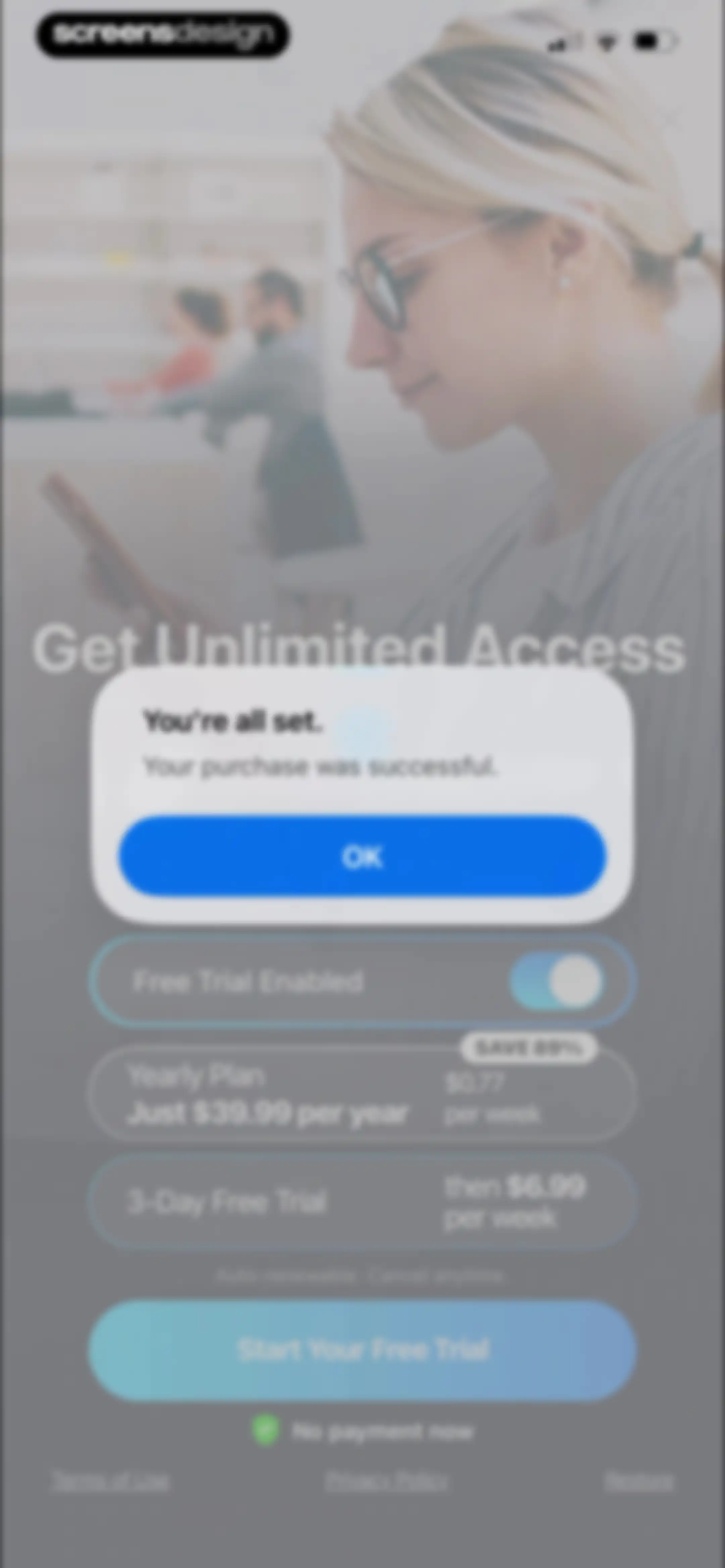
Paywall screen with a centered success confirmation modal stating your purchase was successful and an OK button.Unlock Pro
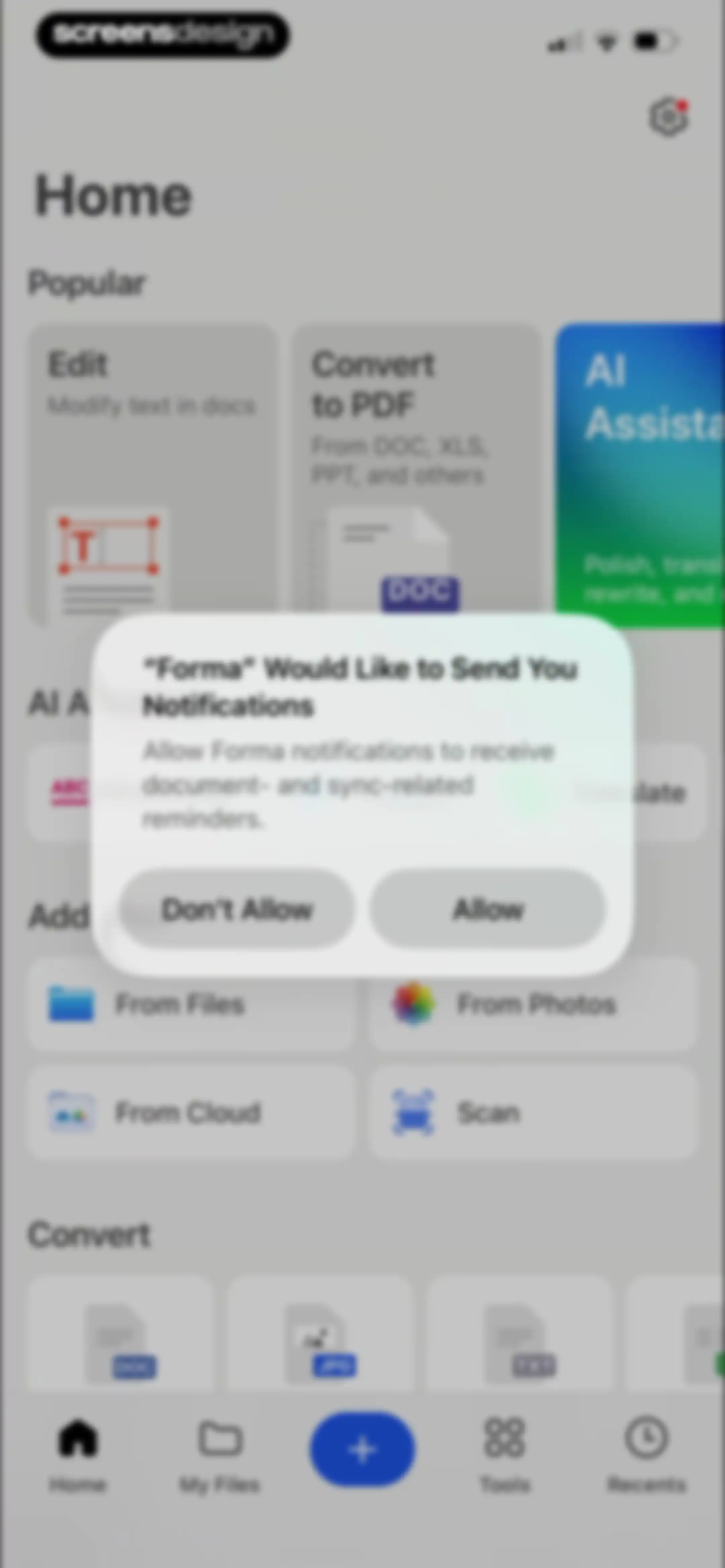
Home screen of the Forma document app displaying a notification permission prompt modal with Allow and Don't Allow buttons over editing and import options.Unlock Pro
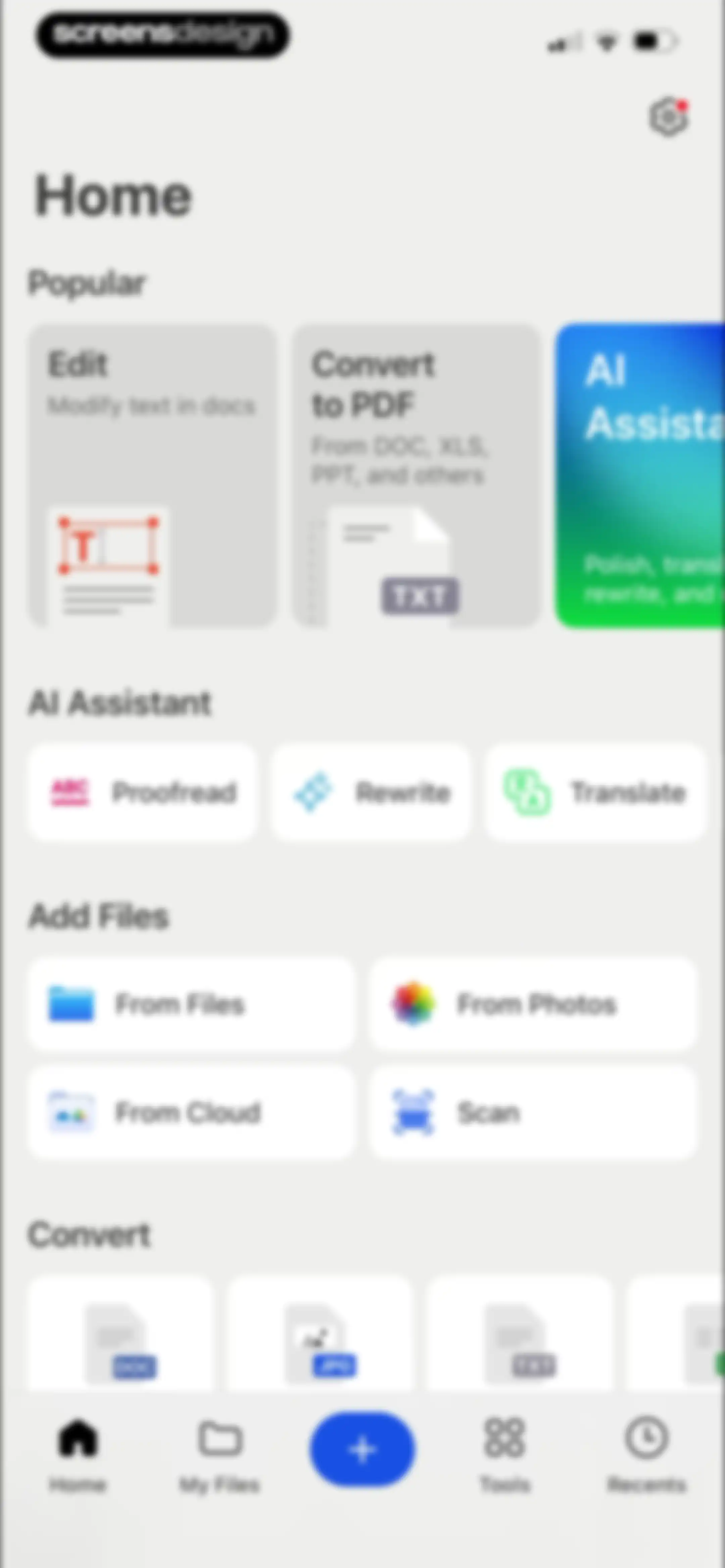
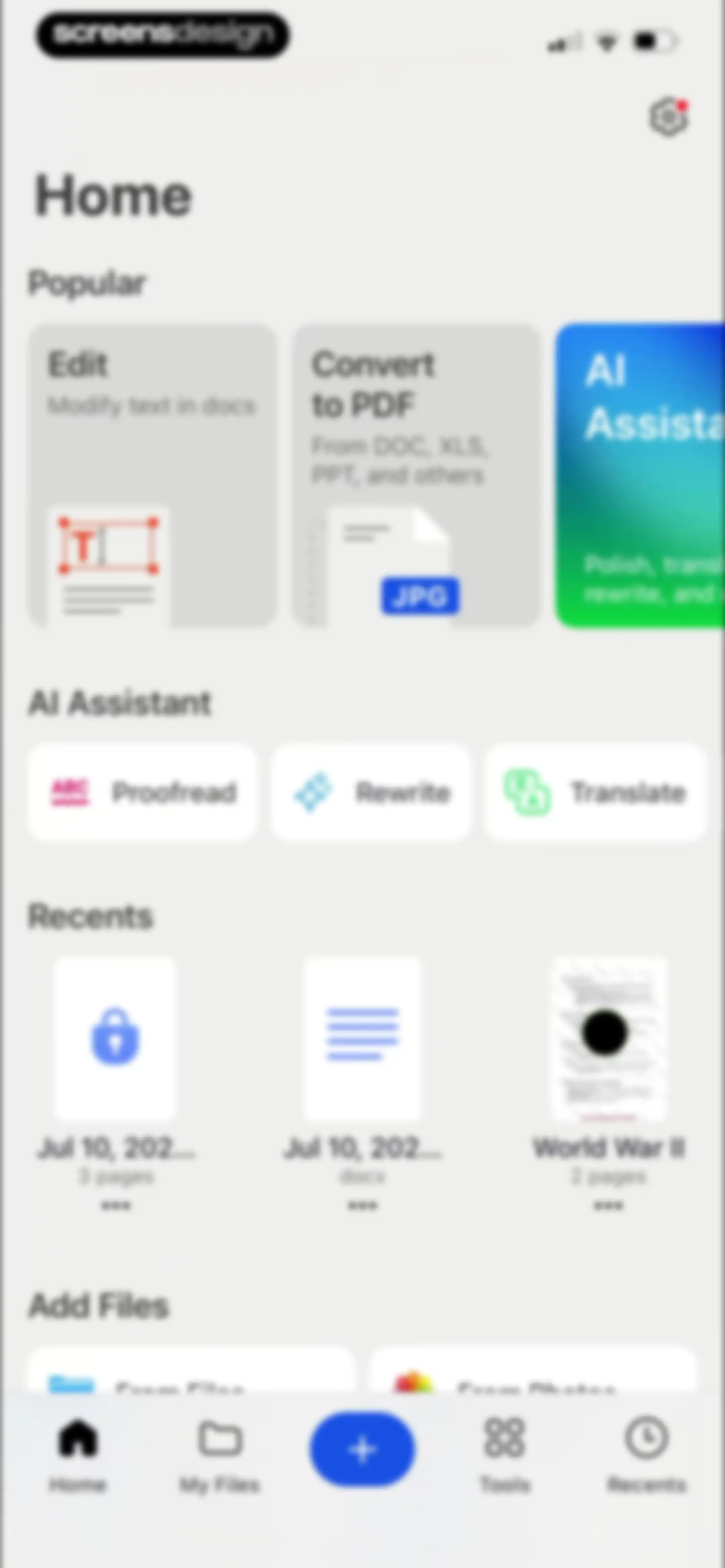
Home screen featuring a popular carousel, AI action buttons, file import grid, and a bottom navigation bar.Unlock Pro
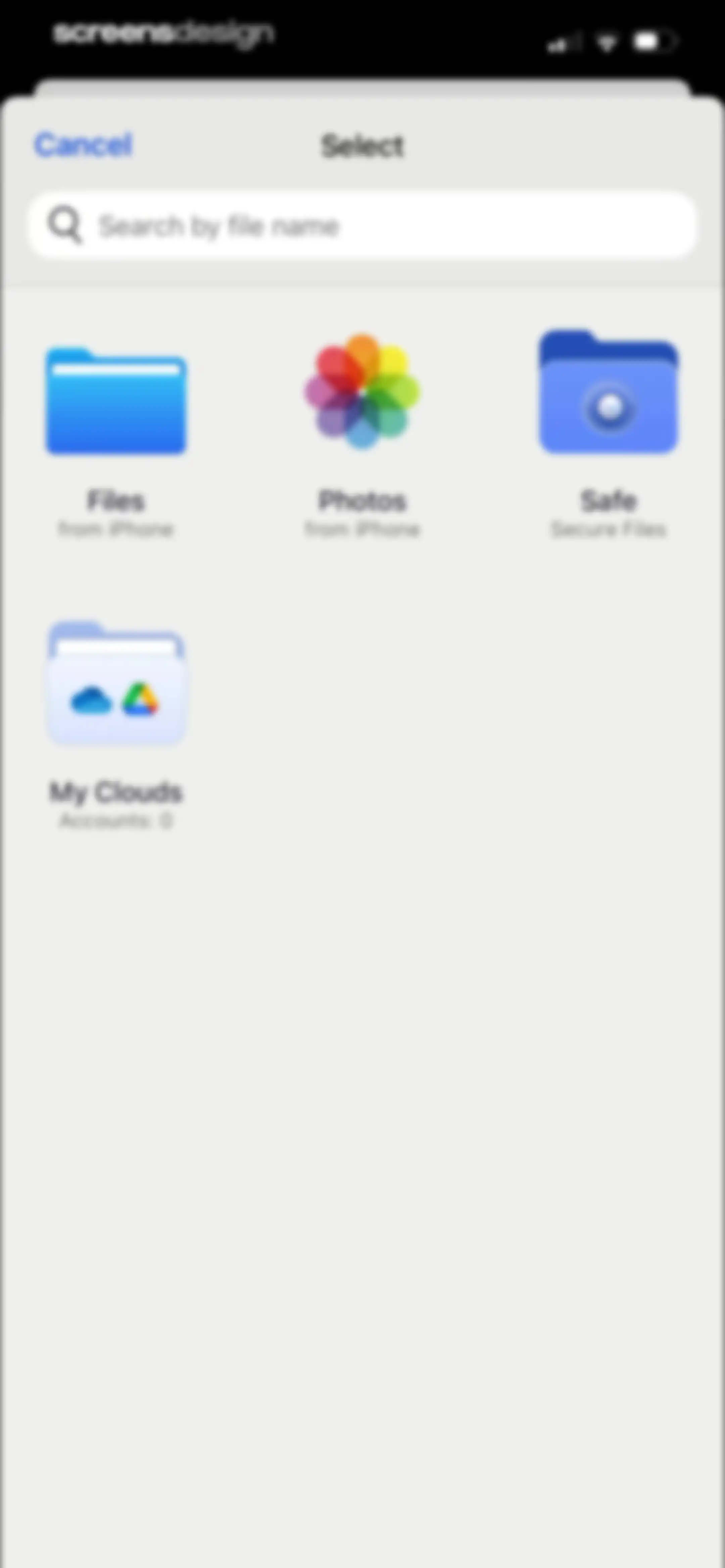
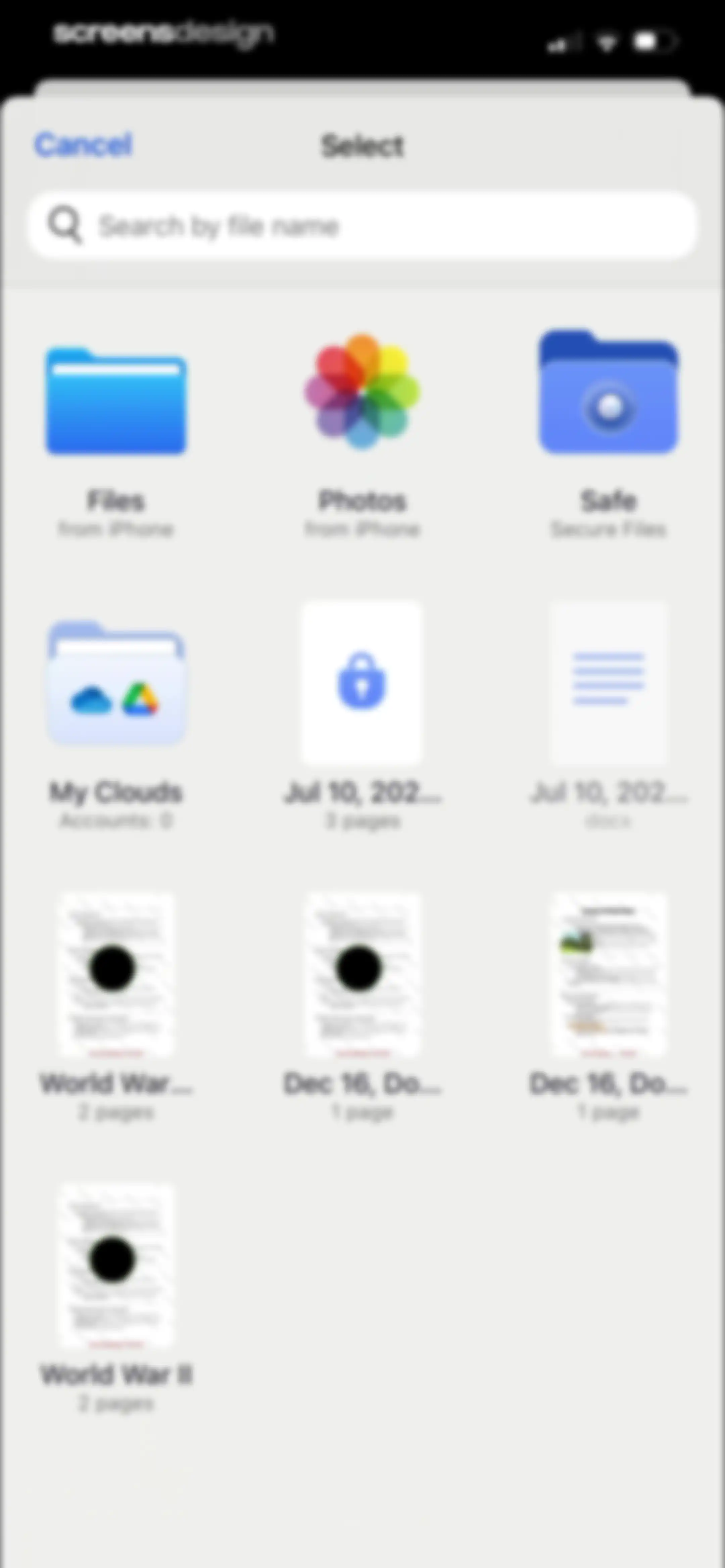
File selection modal displaying a search bar and a grid of four file source options including Files, Photos, Safe, and My Clouds.Unlock Pro
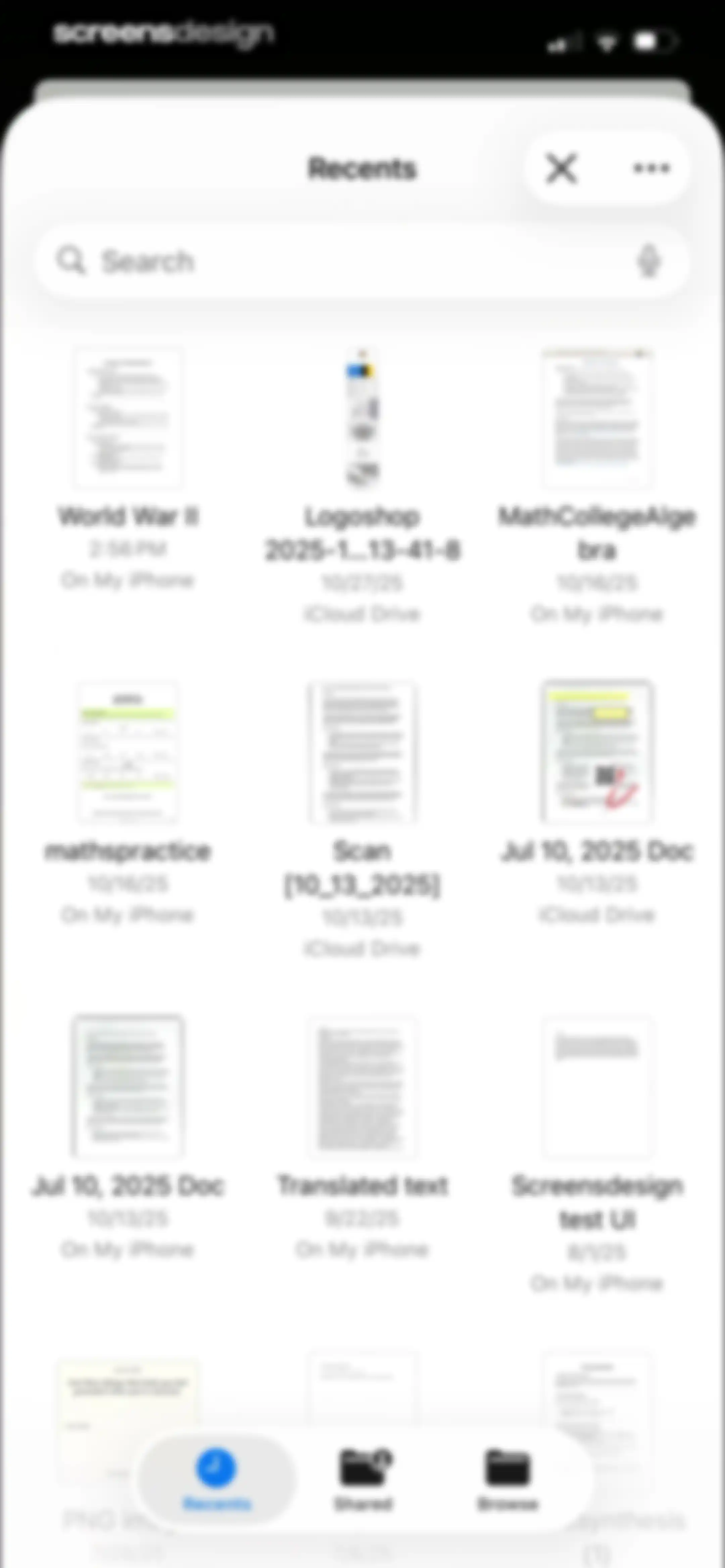
Home screen displaying a scrollable grid of recent documents with a search bar at the top and the Recents tab selected in the bottom navigation bar.Unlock Pro
PDF document viewer displaying a page titled Causes of World War II with a floating Edit button and bottom toolbar for signing, text, and markup tools.Unlock Pro
Document editor displaying a historical text titled Causes of World War II, with back and save actions.Unlock Pro
Document editor screen displaying a PDF about the Causes of World War II with a floating toolbar showing the Delete option selected and a Save button.Unlock Pro
Document reader displaying a historical text about the causes of World War II, with a page indicator and top navigation icons.Unlock Pro
Document viewer displaying a PDF about the causes of World War I, with a bottom toolbar containing a brightness control and page indicator.Unlock Pro
Document viewer showing Causes of World War I text with a bottom toolbar and page indicator.Unlock Pro
Document viewer showing historical notes with a brightness adjustment modal overlay at the bottom set to 55.Unlock Pro
Document editor displaying a historical text page and summary table, with a bottom editing toolbar including Sign and Text options.Unlock Pro
Document editor displaying a historical notes PDF with a bottom modal toolbar featuring signature and annotation options.Unlock Pro
Signature creation screen with a blank drawing canvas, top Cancel and Save buttons, and a bottom control panel featuring a thickness slider and color swatches.Unlock Pro
Drawing and signature capture editor featuring a blank white canvas, top Cancel and Save actions, and a bottom toolbar with stroke thickness and color options.Unlock Pro
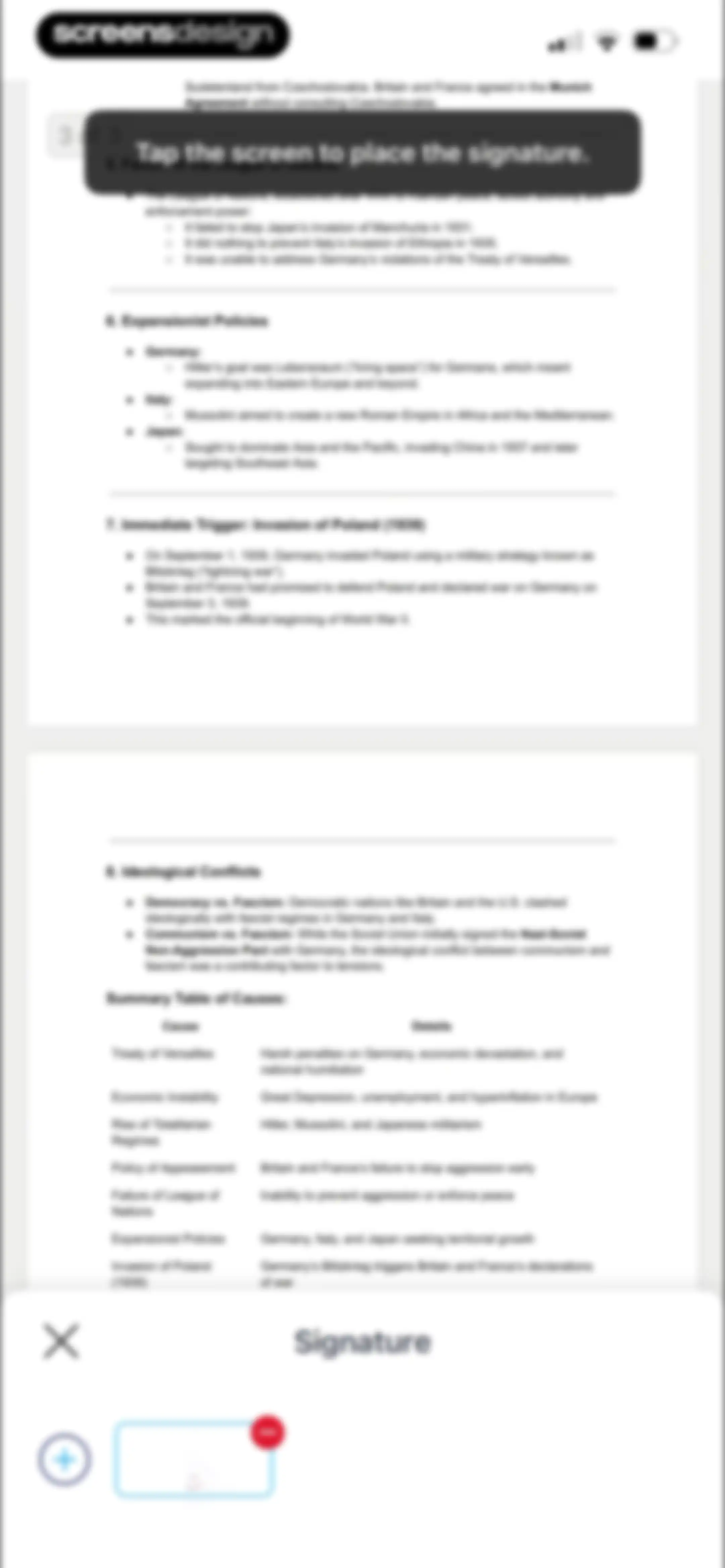
PDF editor document preview with a signature selection modal at the bottom and a prompt to tap and place the signature.Unlock Pro
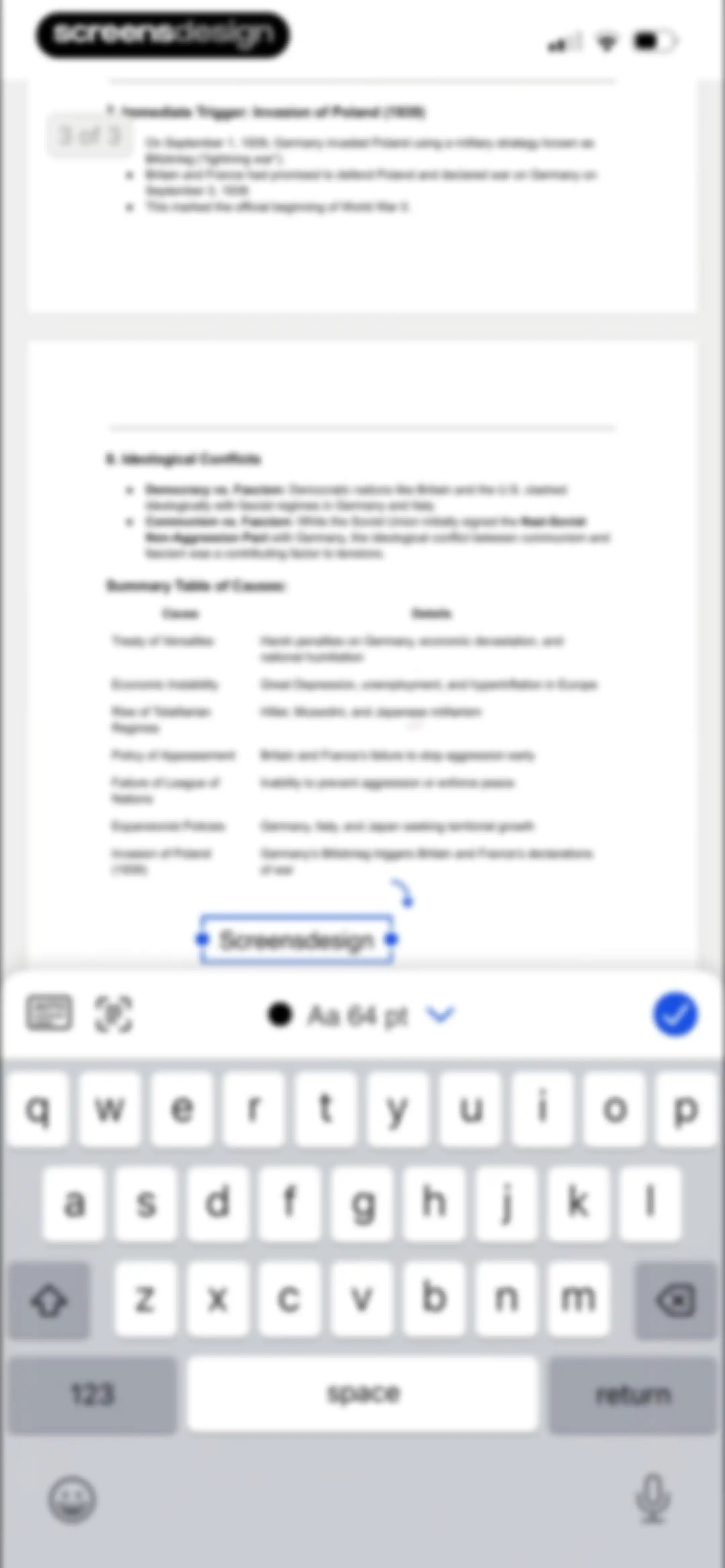
Document editor displaying a historical text page with a selected text box, formatting toolbar, and keyboard.Unlock Pro
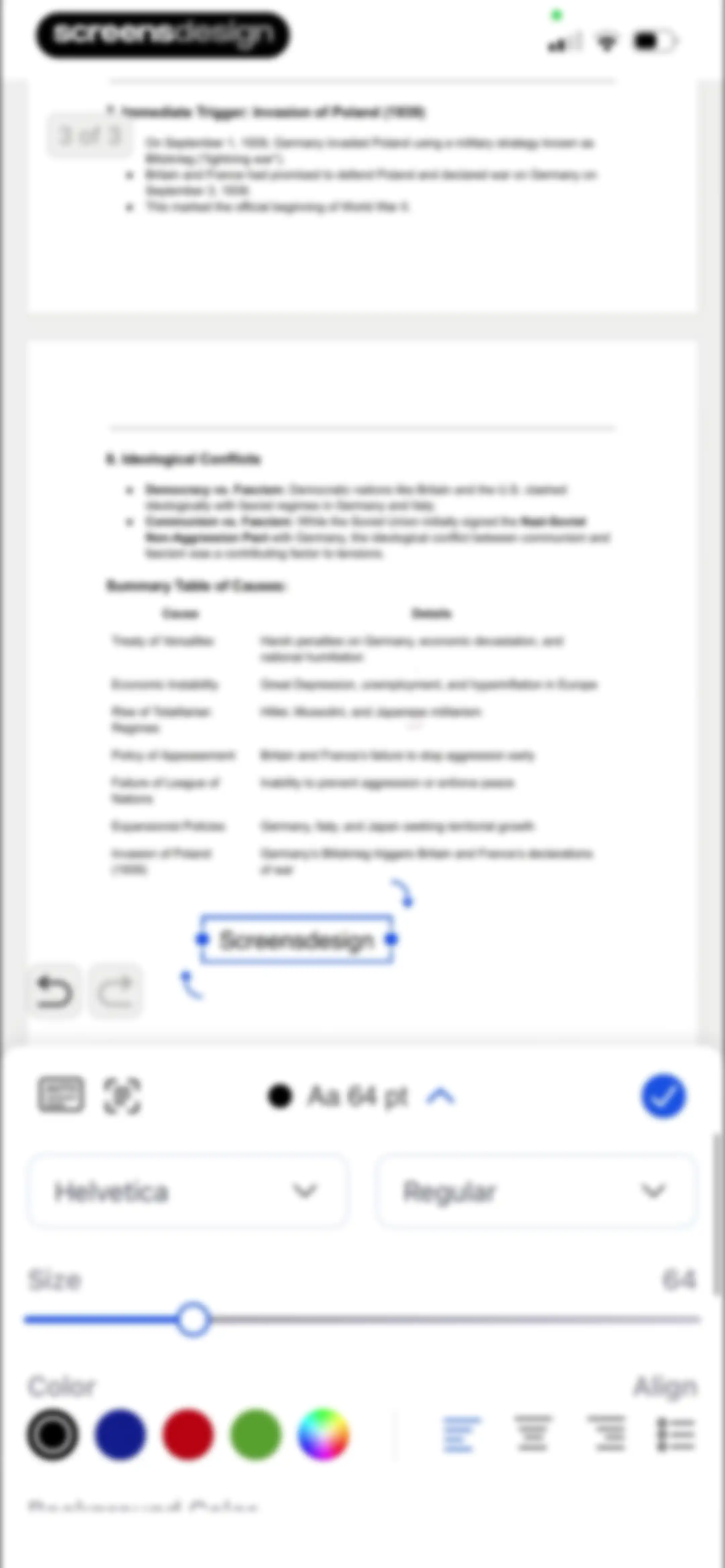
PDF text editor screen with a selected text box displaying 'Screensdesign' and a bottom formatting control panel for font and size adjustments.Unlock Pro
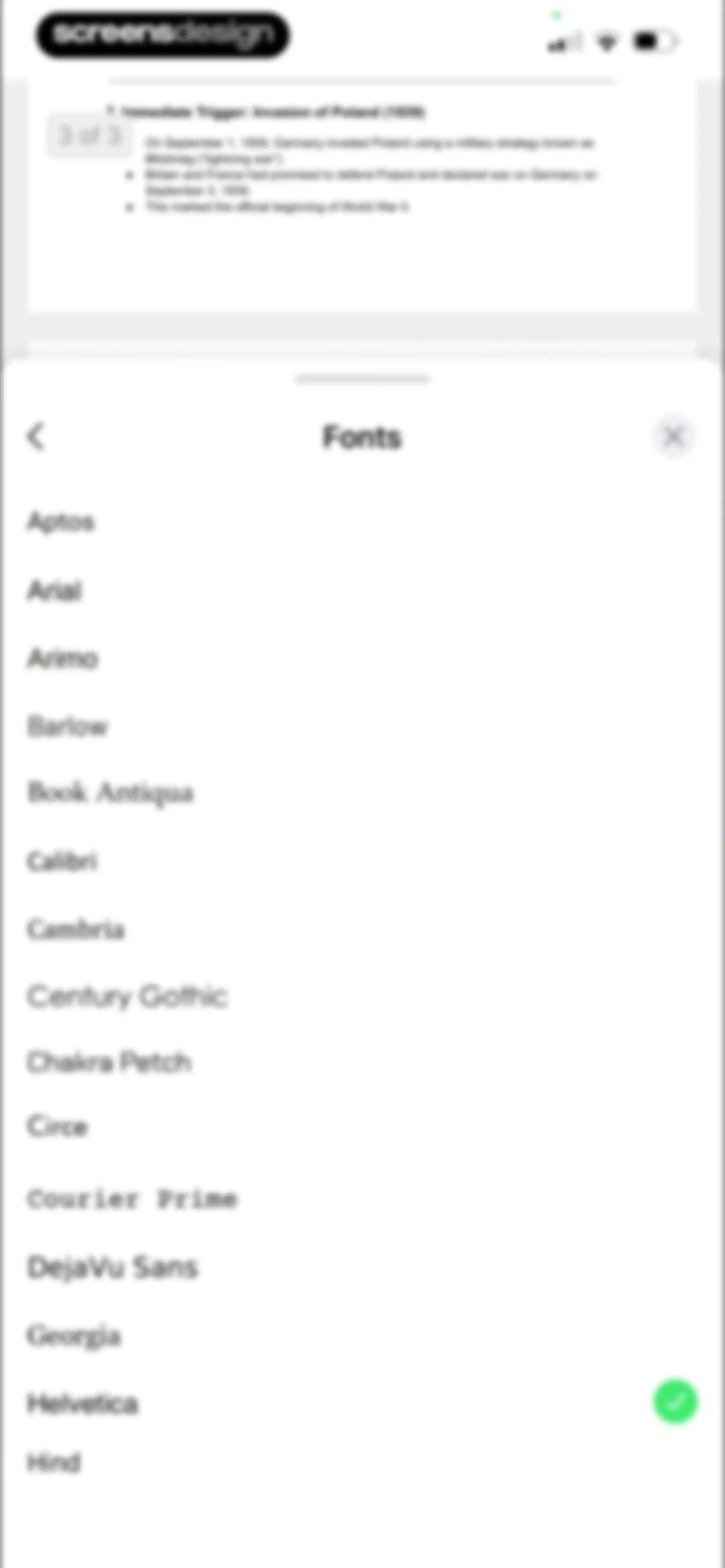
Font selection modal showing a list of font options, with Helvetica selected and a green checkmark.Unlock Pro
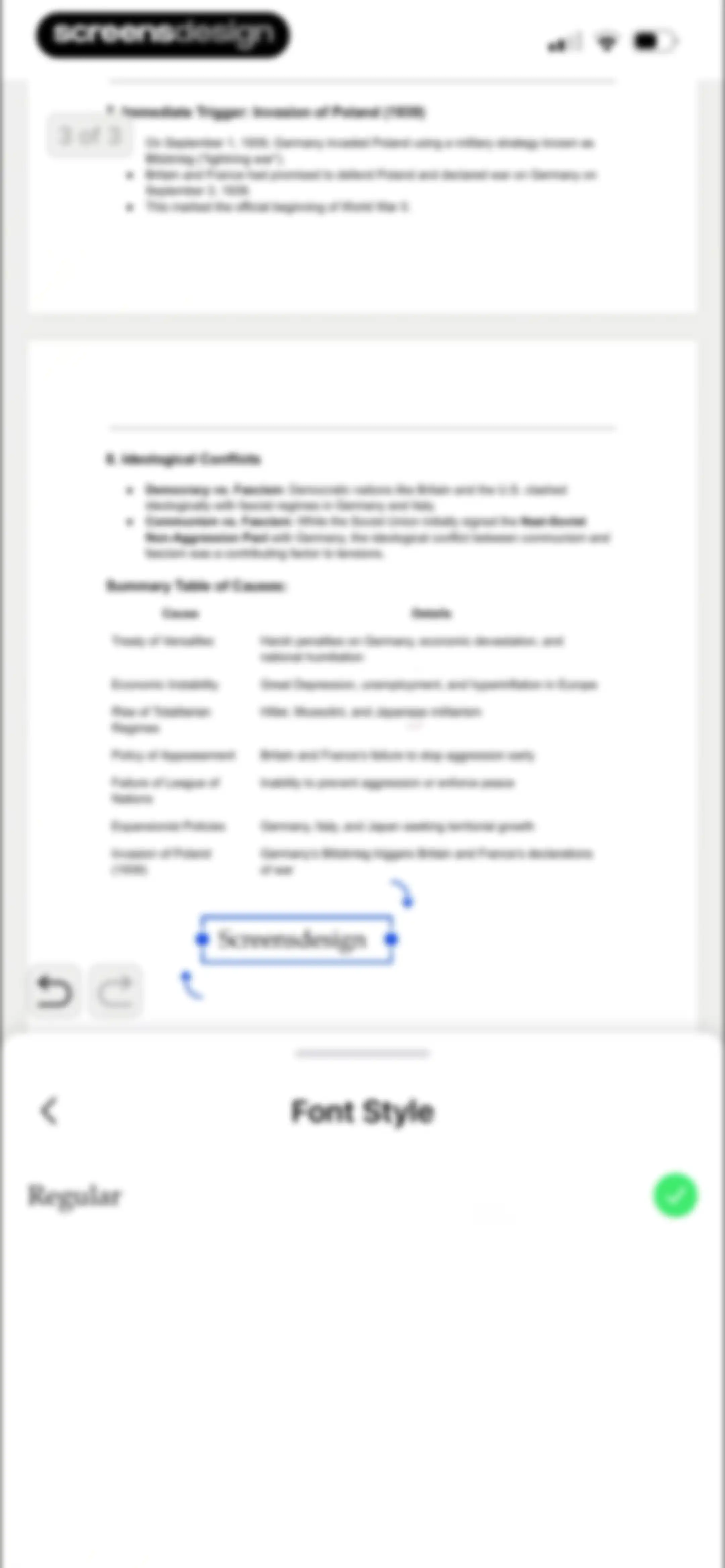
Document editor screen displaying a history page with an active text box and a font style bottom sheet with Regular selected.Unlock Pro
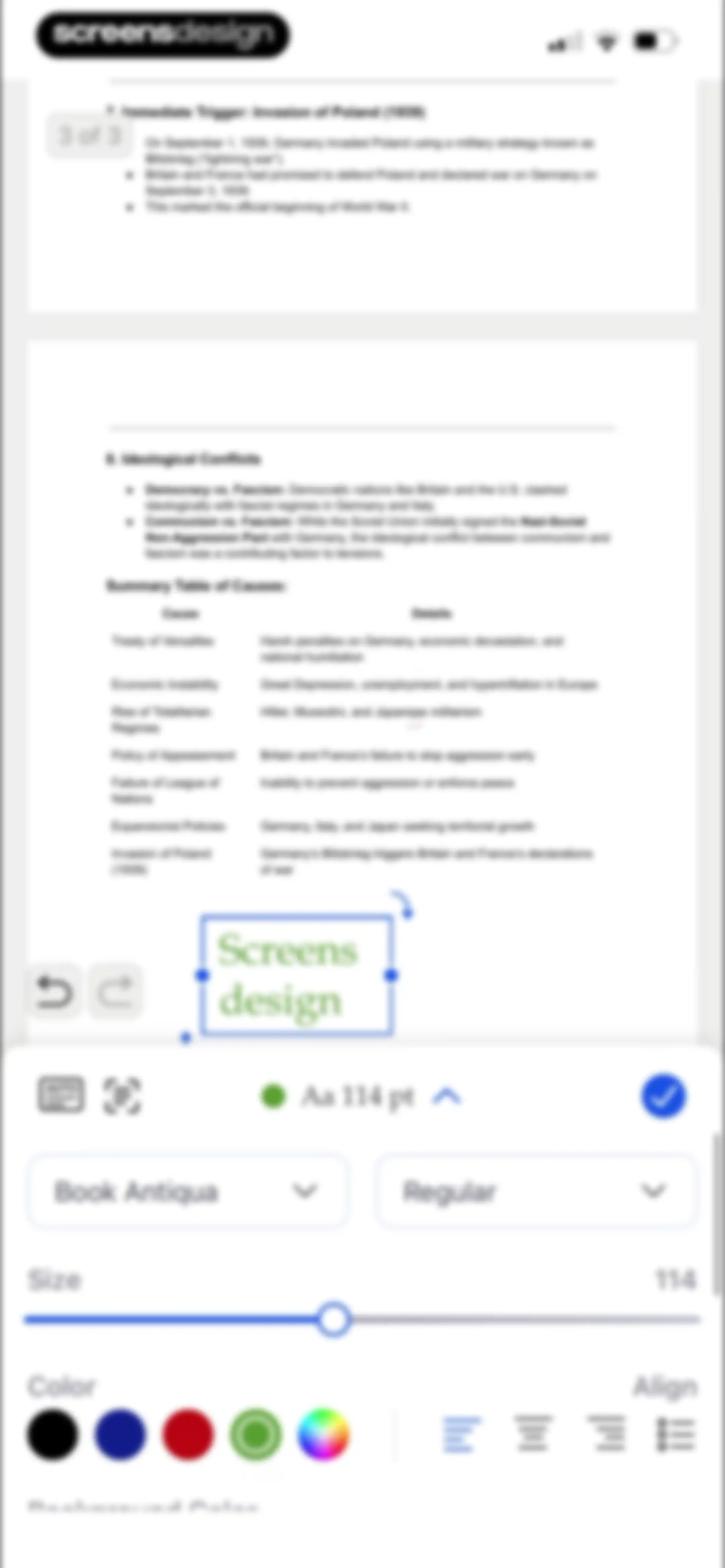
Document editor displaying a PDF page with text formatting controls at the bottom and a font size set to 114 pt.Unlock Pro
Document editor screen with a bottom modal overlay titled Insert Image, offering Photos and Camera options.Unlock Pro
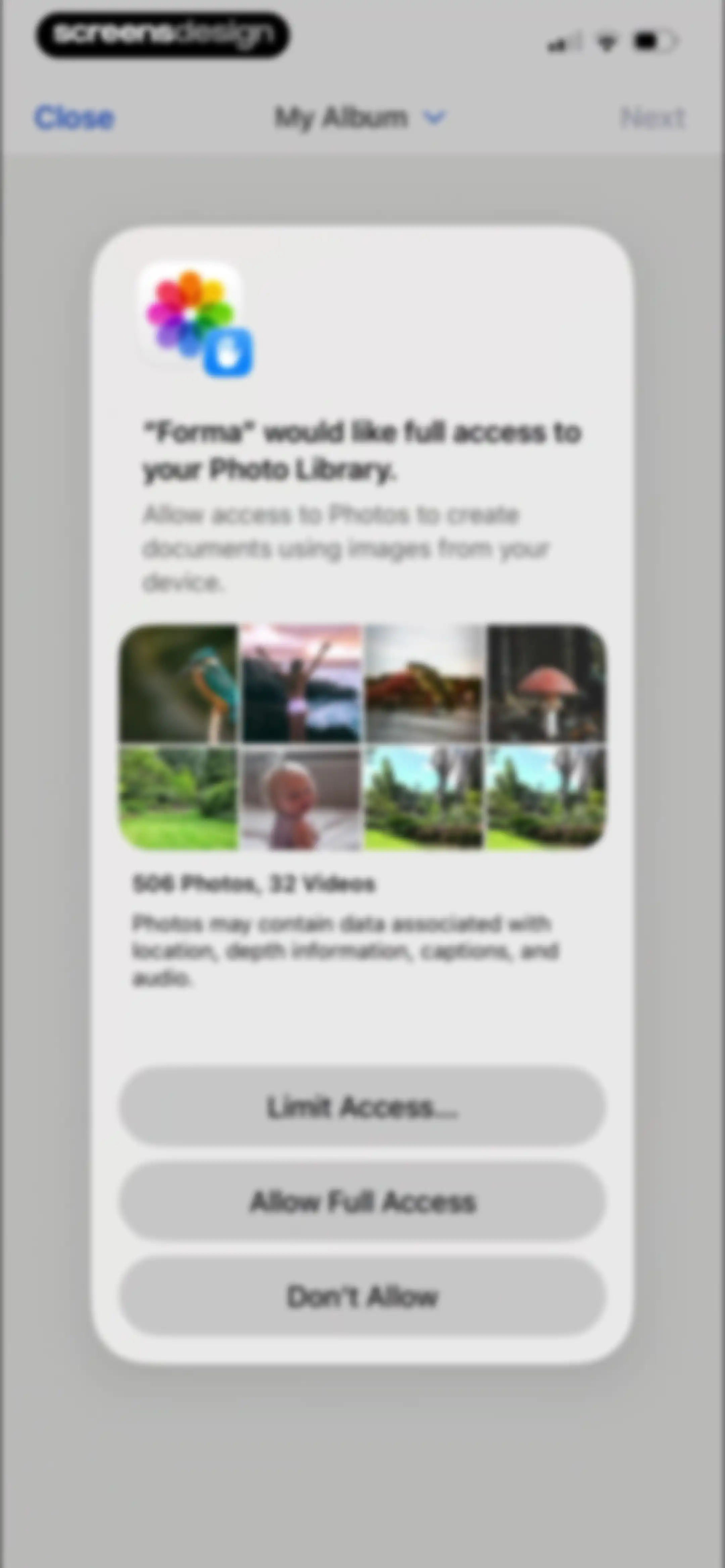
Permission request modal asking for full access to the photo library, with a photo grid preview and three action buttons.Unlock Pro
Photo selection grid showing a 3x5 layout with a Recents dropdown, one selected image marked with the number 1, and a Next button.Unlock Pro
Document editor displaying a PDF titled Causes of World War I with a bottom editing toolbar including Sign and Text buttons.Unlock Pro
Document editor displaying a historical summary of World War II causes with a bottom modal toolbar for form and annotation tools.Unlock Pro
Document editor displaying a historical text about the Causes of World War I and a bottom sheet overlay with color and size adjustment controls.Unlock Pro
Document editor displaying a historical text titled Causes of World War I with a markup control modal at the bottom.Unlock Pro
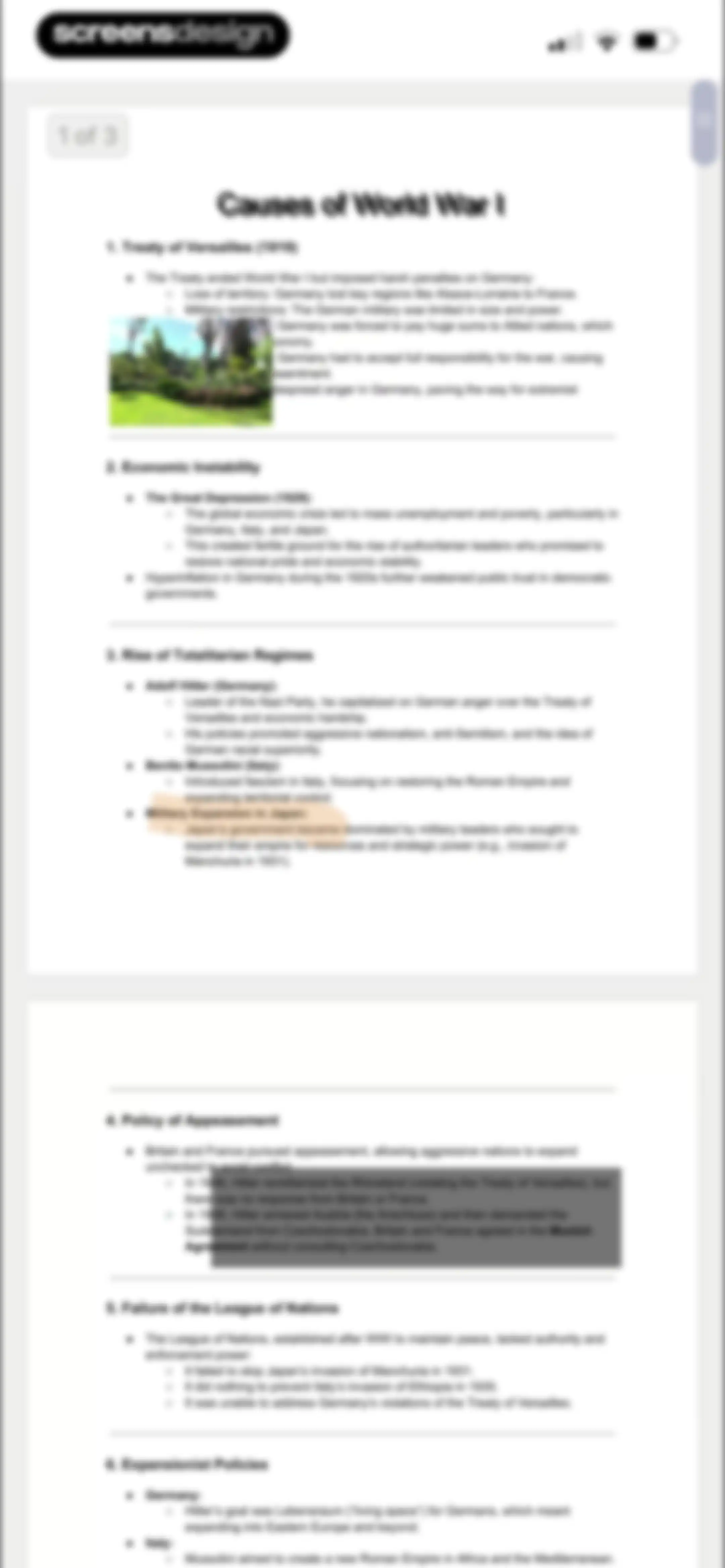
Document viewer showing an educational PDF titled Causes of World War I, with a page indicator and scroll handle.Unlock Pro
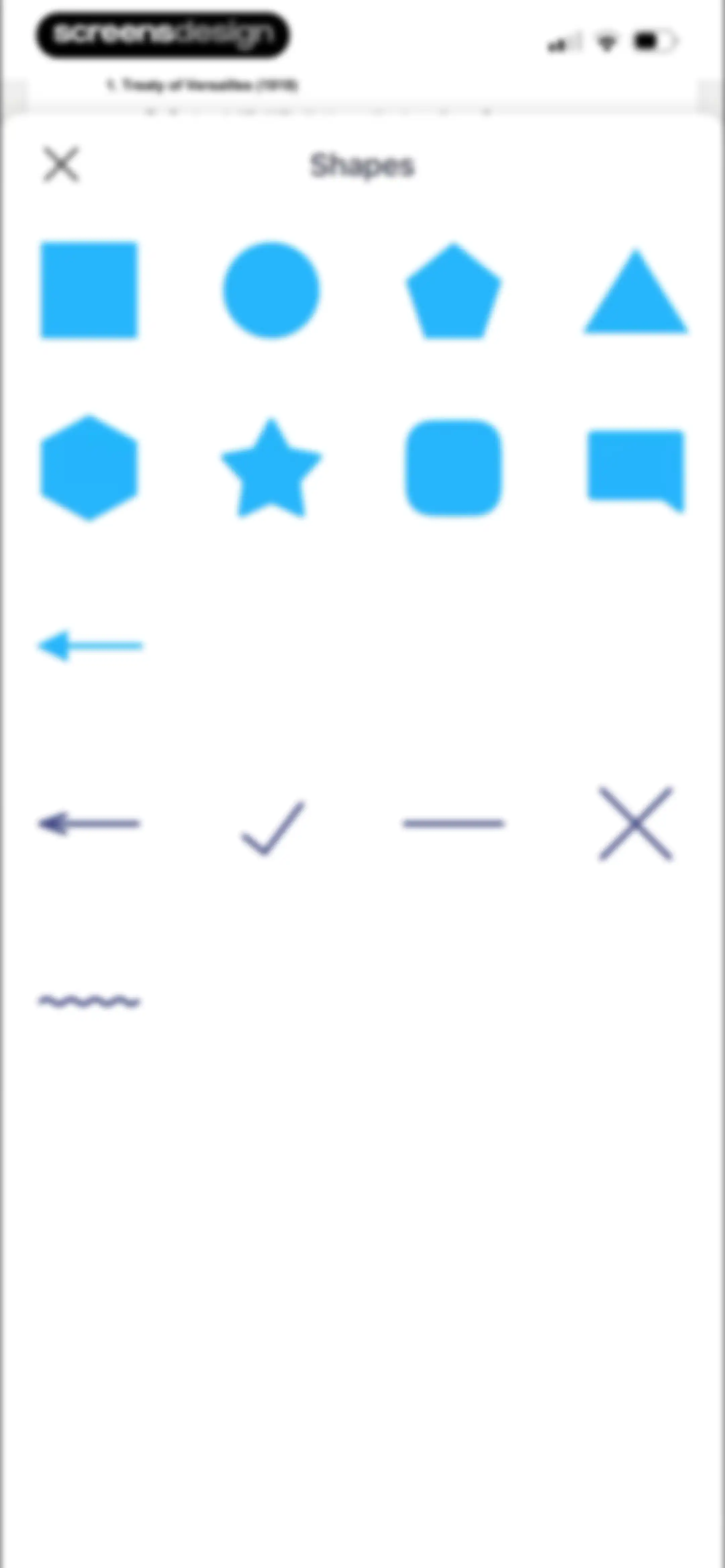
Shapes modal containing a grid of geometric forms and annotation symbols for inserting into a document.Unlock Pro
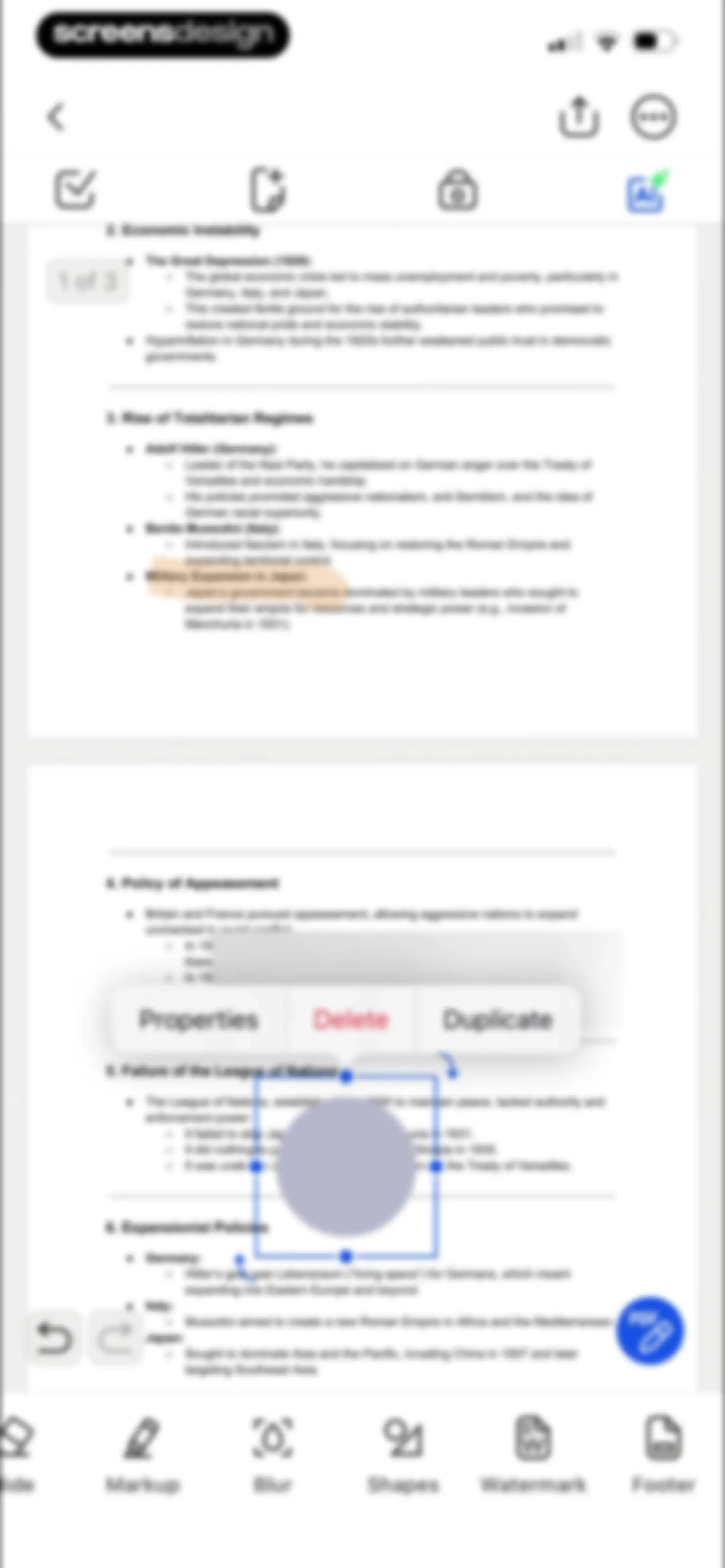
PDF editor interface showing a historical document with a floating context menu for properties, delete, and duplicate actions.Unlock Pro
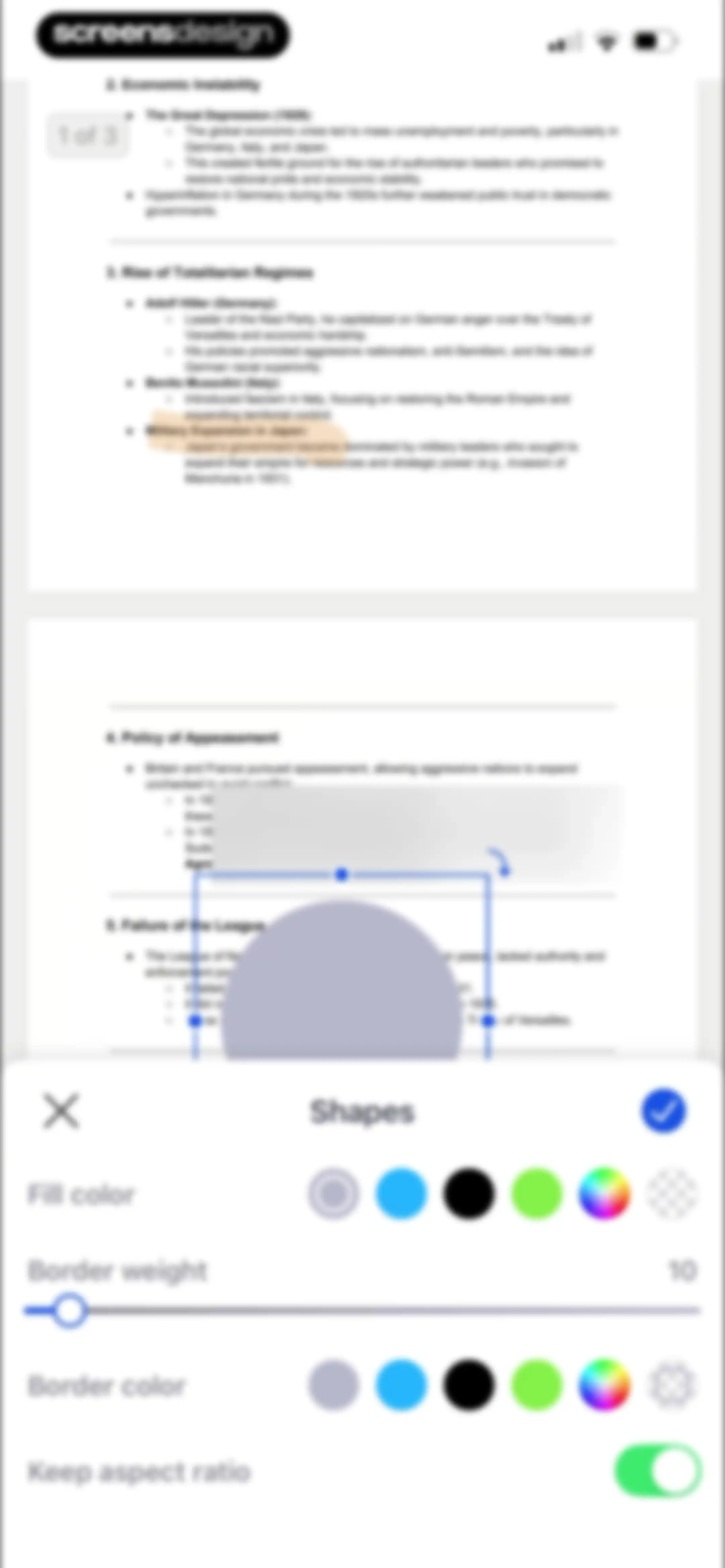
PDF editor screen displaying a shapes configuration bottom sheet with color options, border weight set to 10, and a confirm button.Unlock Pro
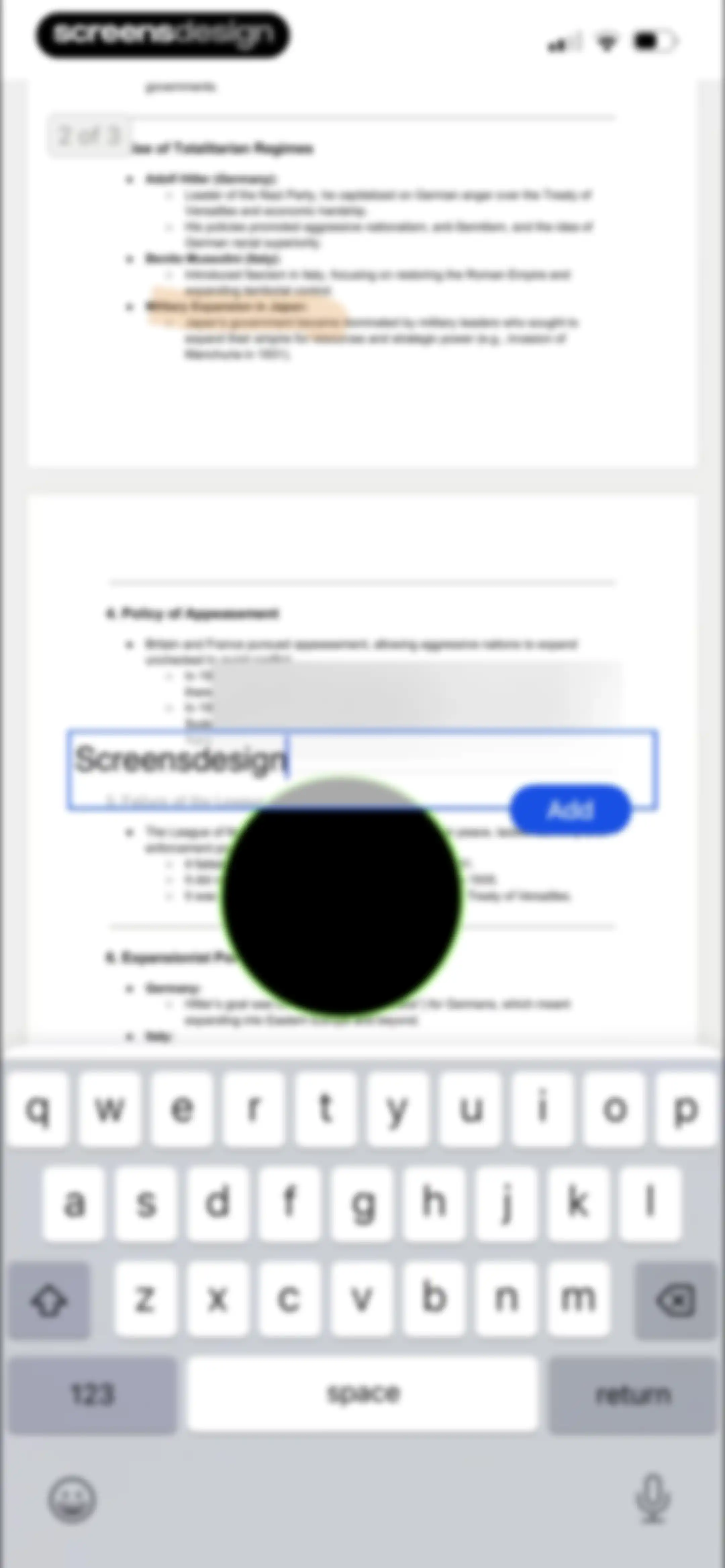
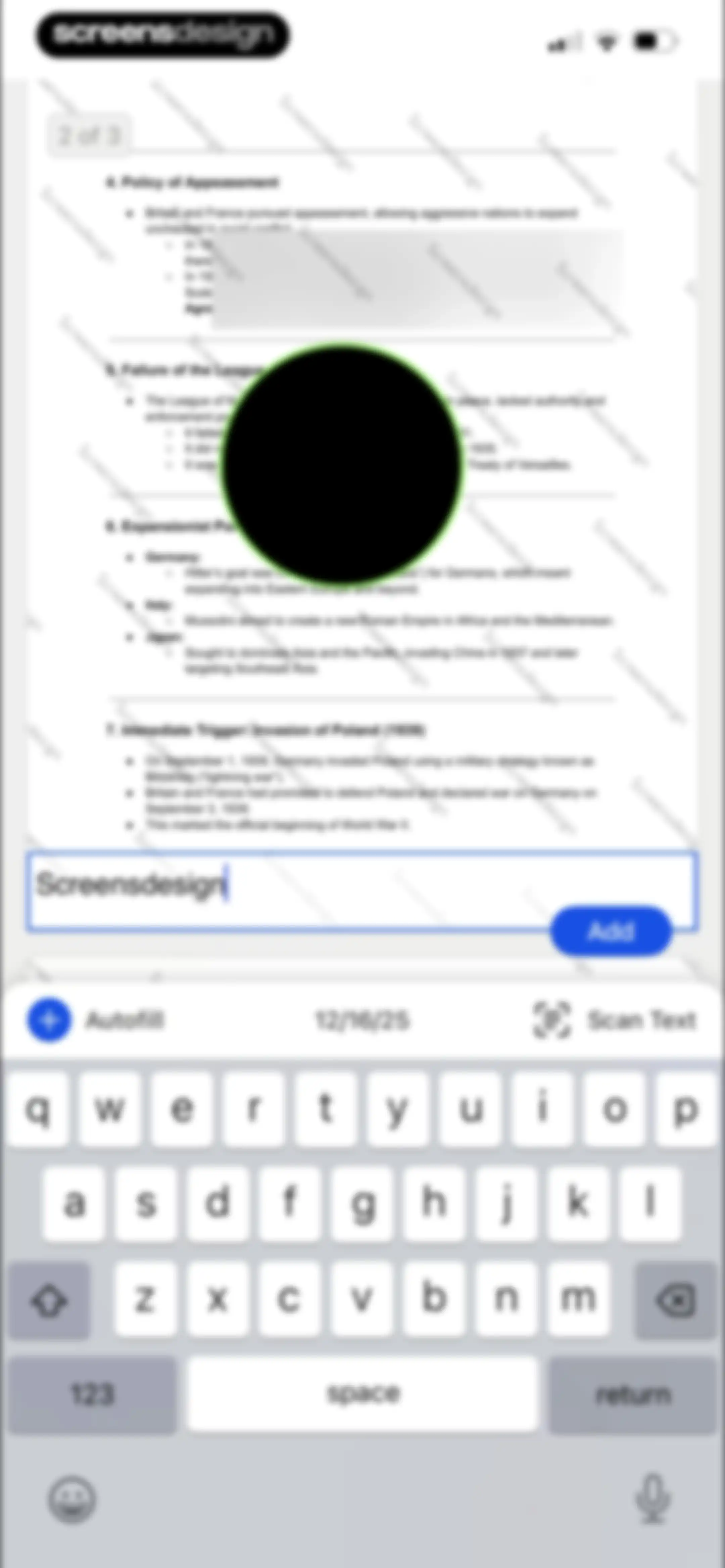
PDF editor interface with an active text input overlay containing the text Screensdesign and an Add button above the system keyboard.Unlock Pro
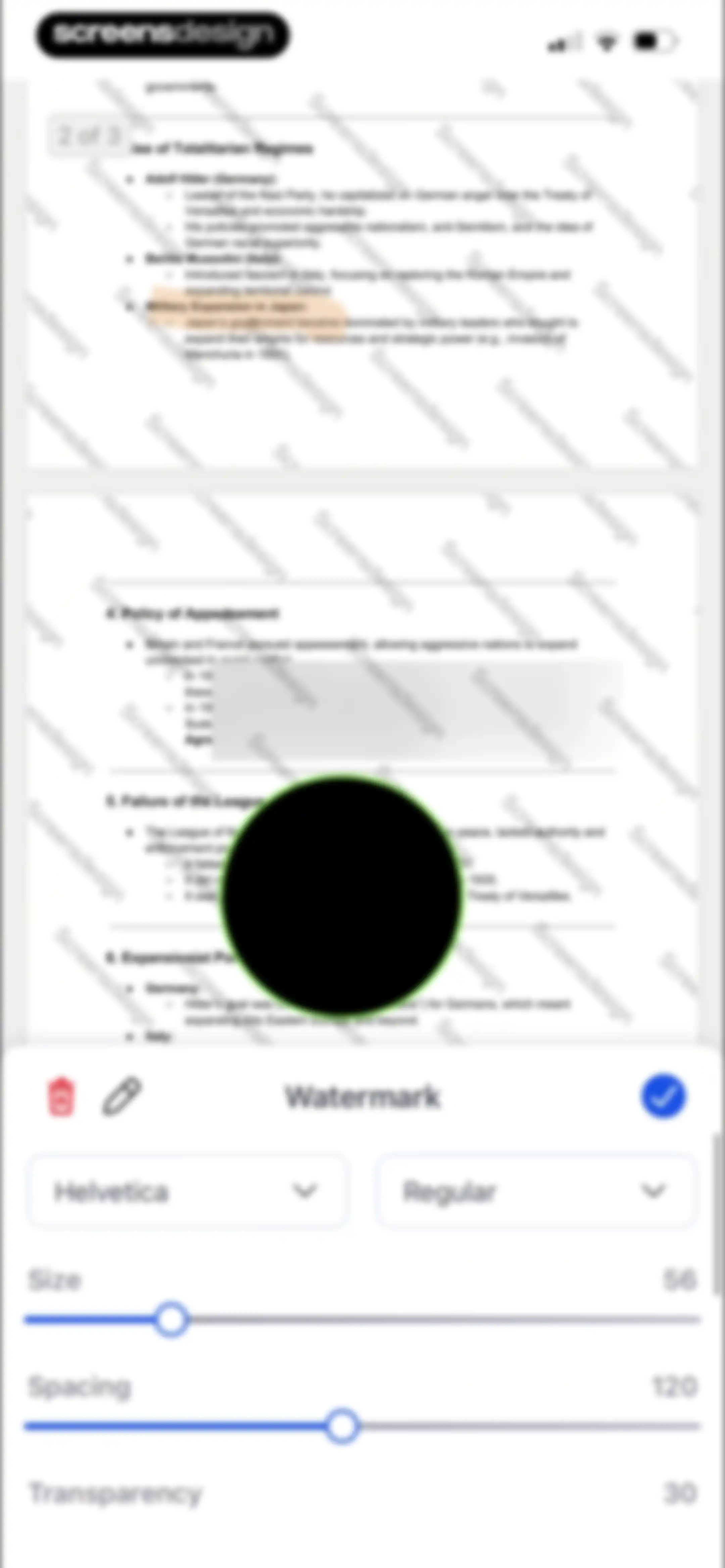
PDF editor watermark configuration panel showing font settings, sliders for size, spacing, and transparency, and a confirm button.Unlock Pro
Font selection modal overlaying a document preview, with the Circe font selected and a checkmark icon.Unlock Pro
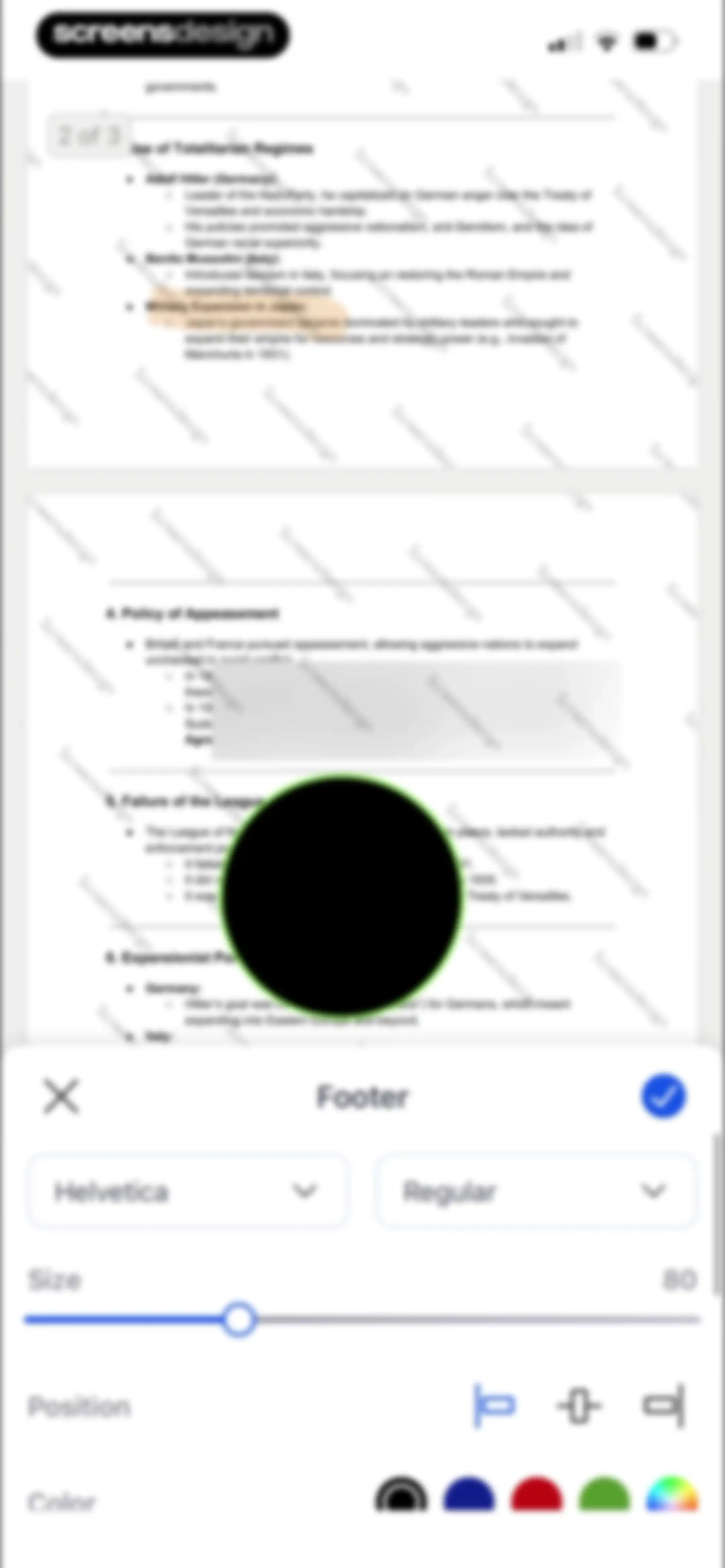
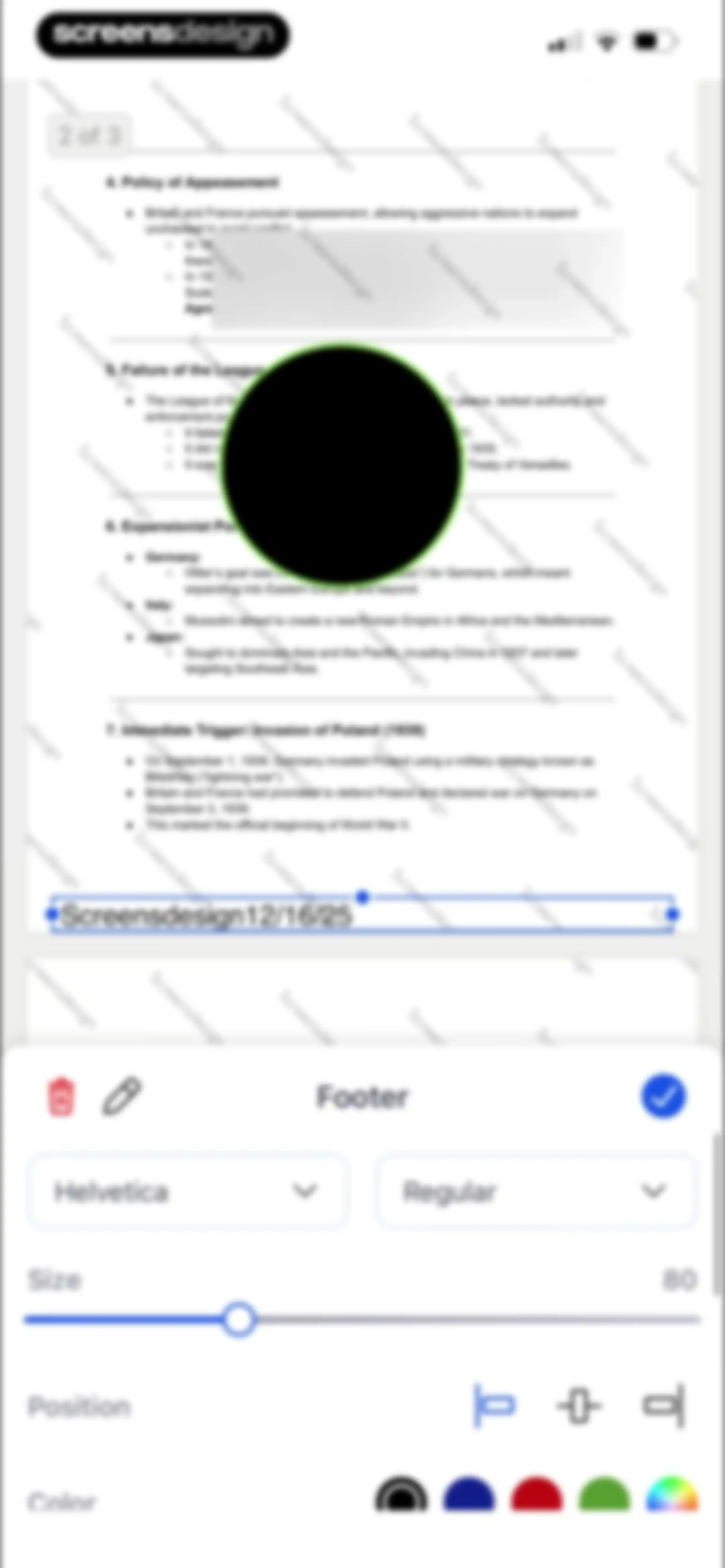
PDF editor screen displaying a document preview at the top and a footer text formatting toolbar at the bottom with font, size, alignment, and color controls.Unlock Pro
PDF editor screen displaying historical notes with a text input field containing 'Screensdesign', an Add button, and a keyboard toolbar at the bottom.Unlock Pro
Document editor screen displaying a text preview at the top and formatting controls for font, size, position, and color in a bottom sheet.Unlock Pro
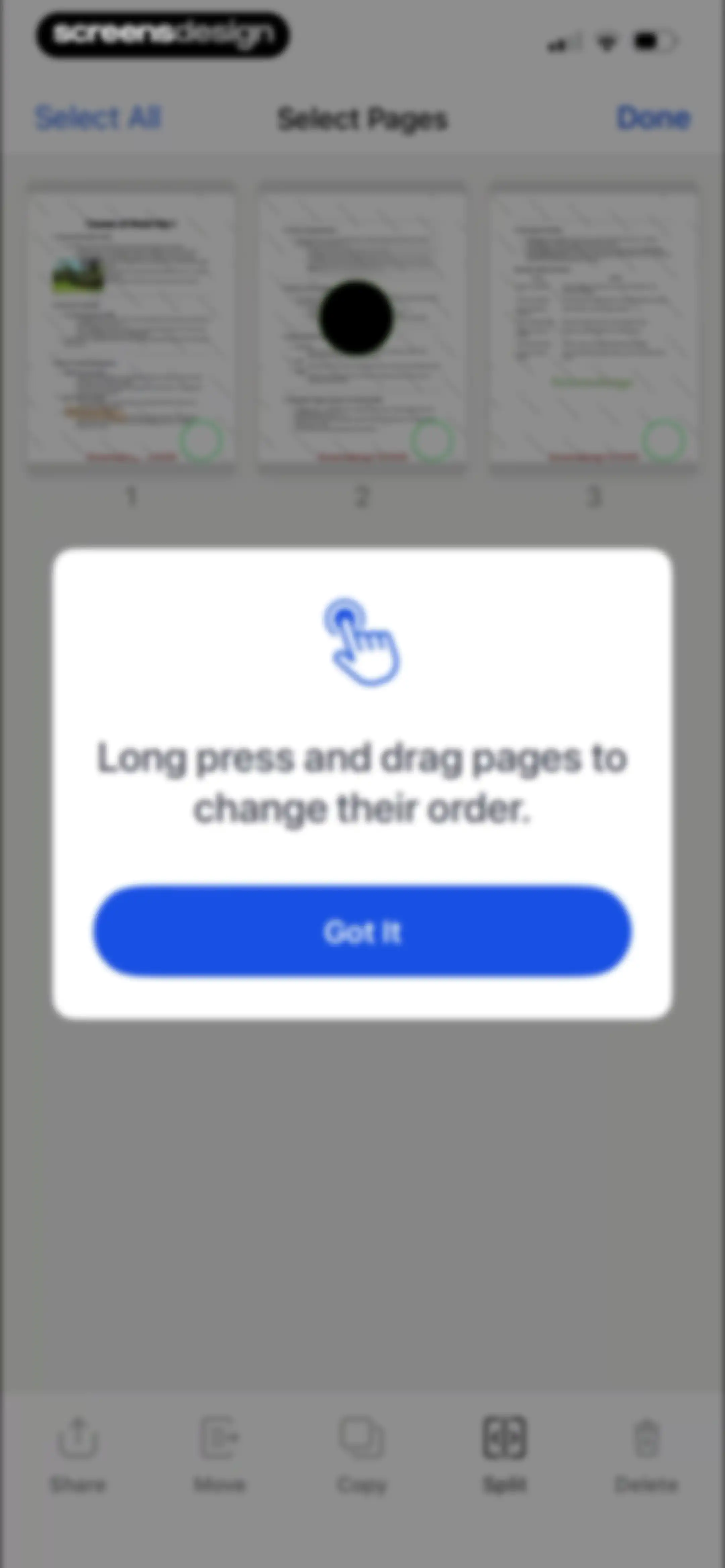
PDF page organizer showing a grid of thumbnails with a centered modal instructing how to reorder pages and a Got It button.Unlock Pro
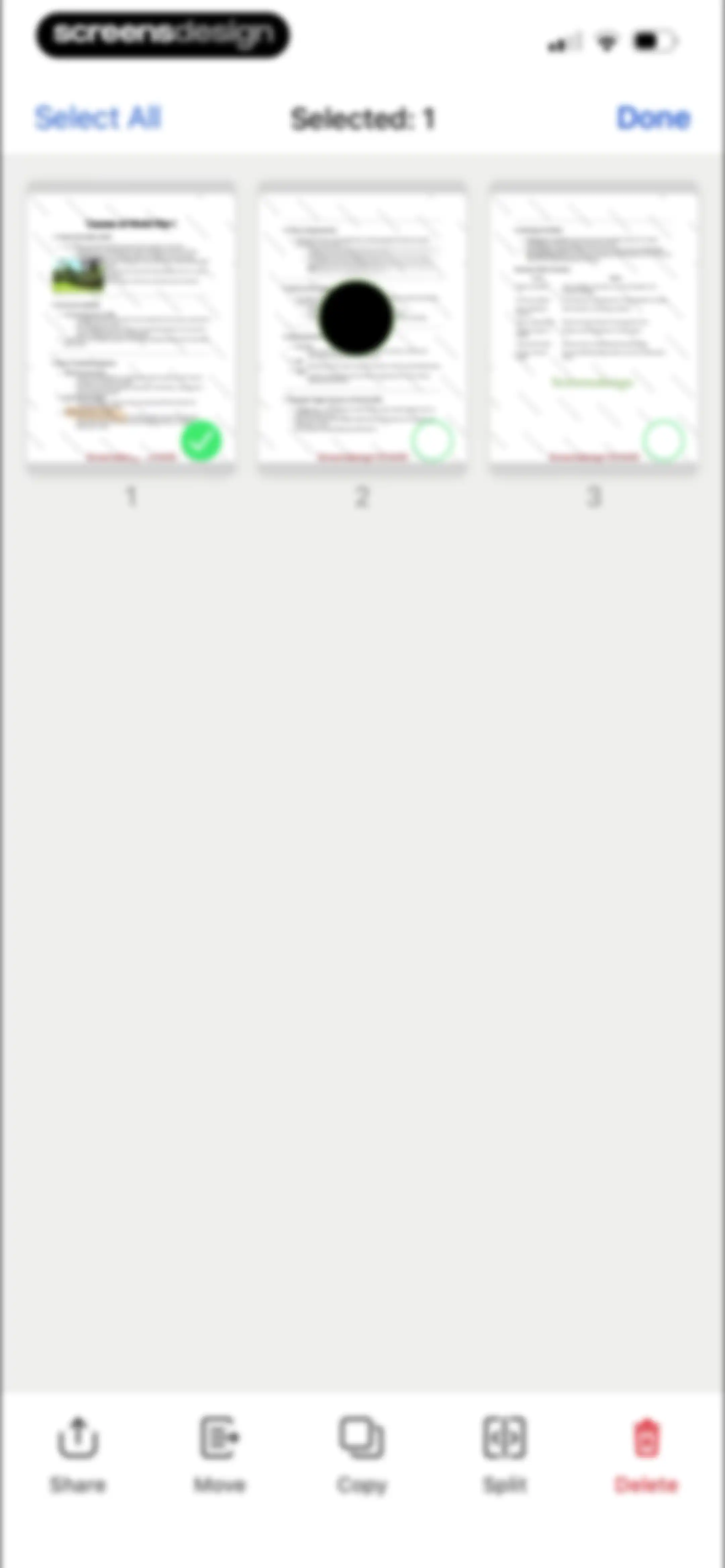
Document selection screen displaying a grid of thumbnails with one document selected and a bottom action bar containing share, move, copy, split, and delete options.Unlock Pro
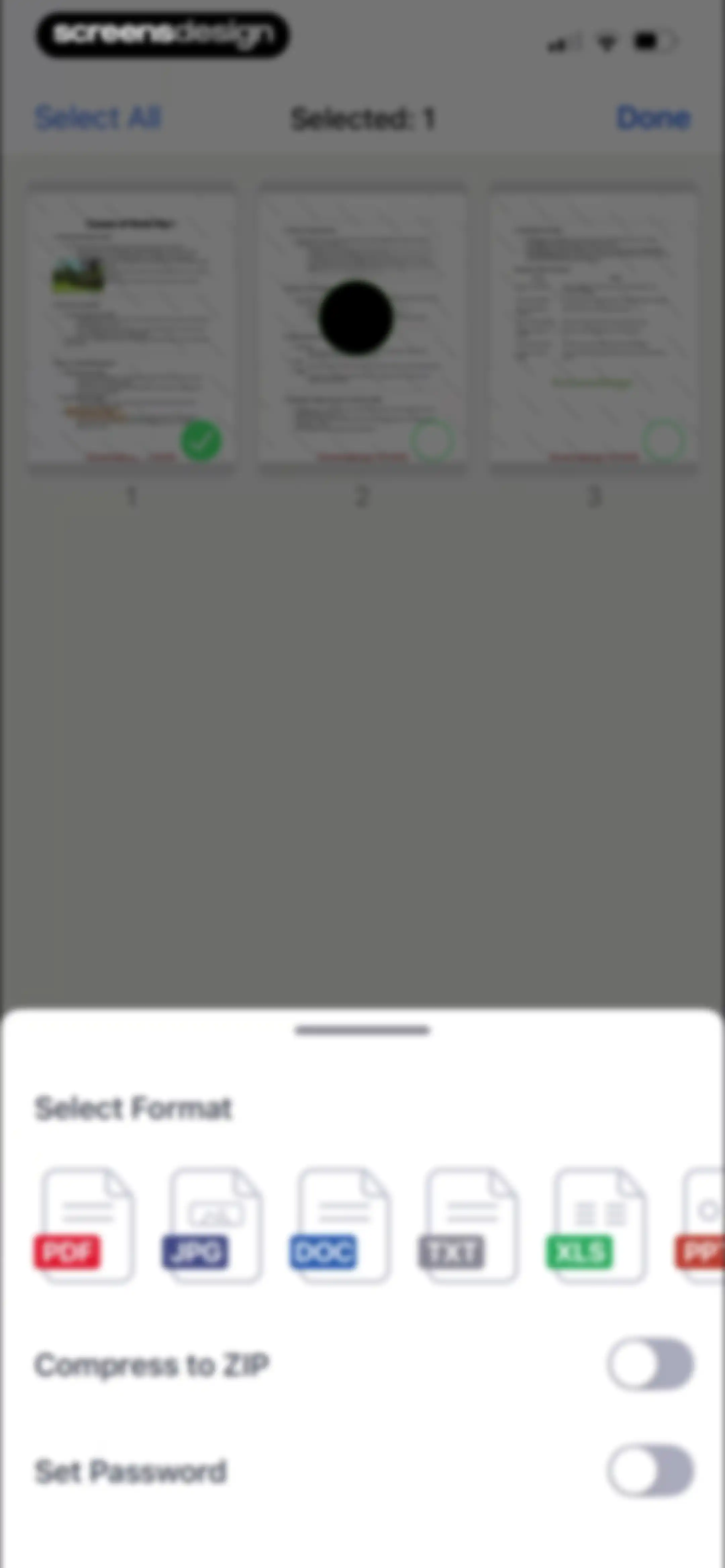
Document selection screen displaying a grid with one file selected and a bottom sheet for format conversion and security settings.Unlock Pro
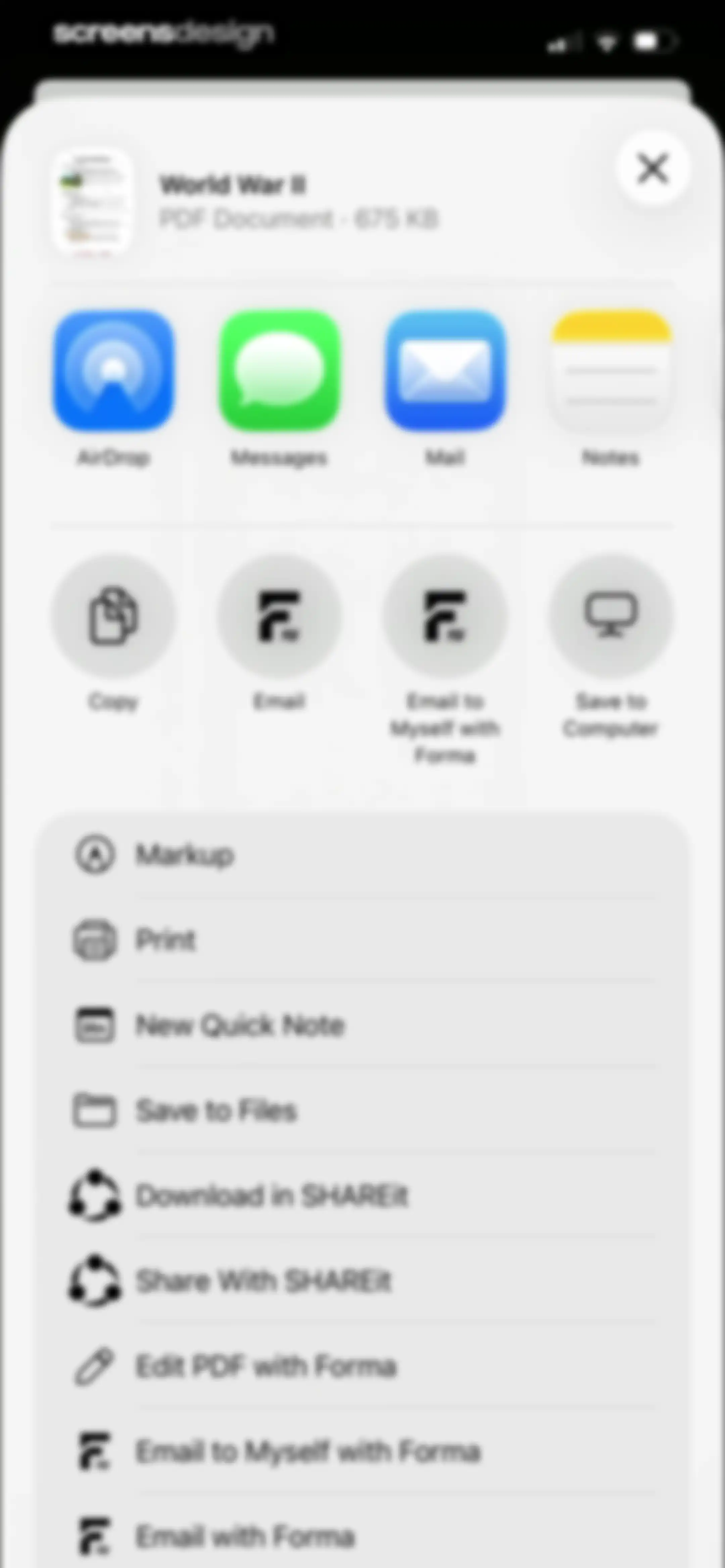
Document share sheet overlay for a World War II PDF, displaying sharing options, app shortcuts, and an edit action for Forma.Unlock Pro
App Store rating prompt modal overlaid on a document viewer, with rating stars, Submit and Cancel buttons, and a bottom control bar.Unlock Pro
Feedback modal thanking the user with star rating and Write a Review and OK buttons.Unlock Pro
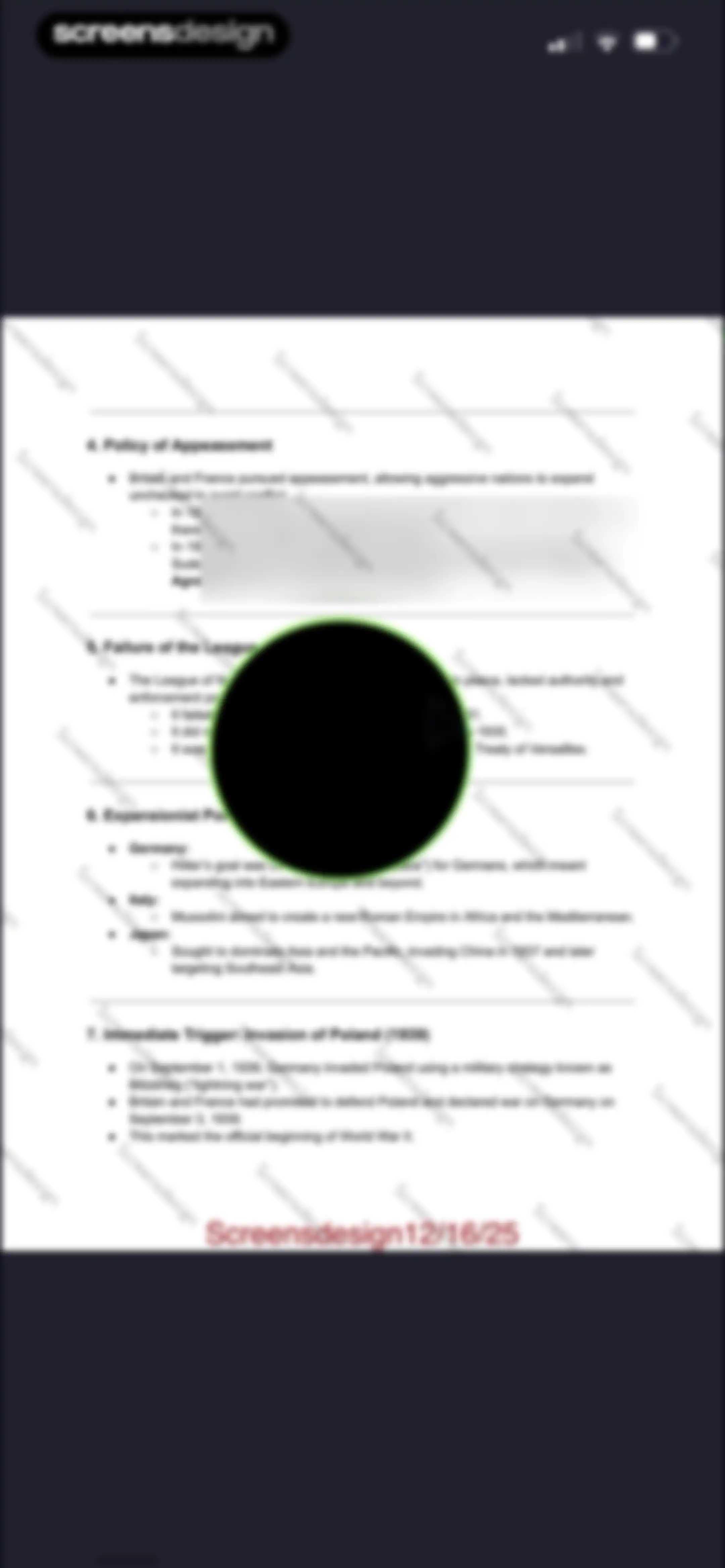
Document editor displaying historical notes about World War II with a central circular floating tool overlay.Unlock Pro
File management interface showing a list of folders and files with Cancel and Move actions in the top navigation bar.Unlock Pro
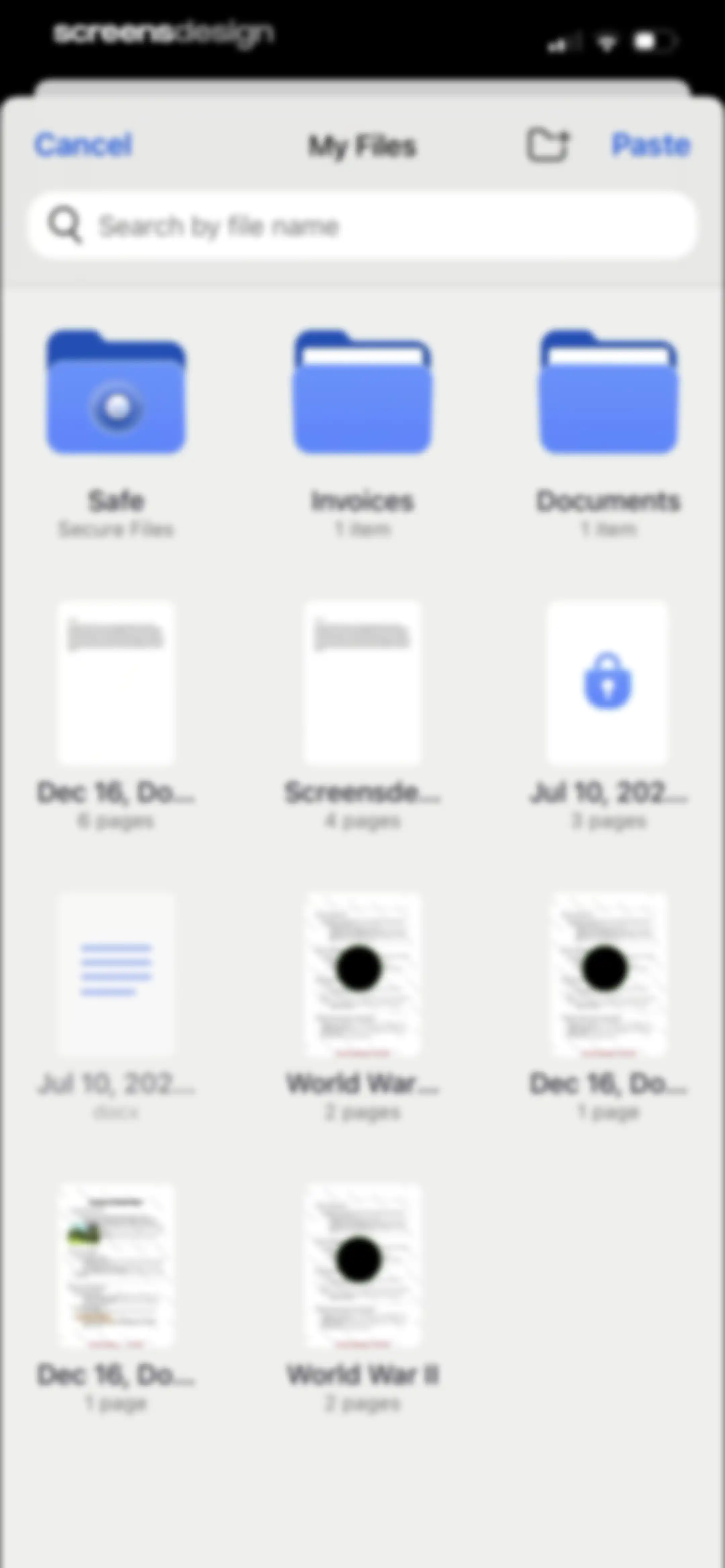
File management screen with a search bar and a grid of files and folders, including Cancel and Paste actions.Unlock Pro
PDF page extraction screen displaying a grid of thumbnails, with one page selected and an Extract button at the bottom.Unlock Pro
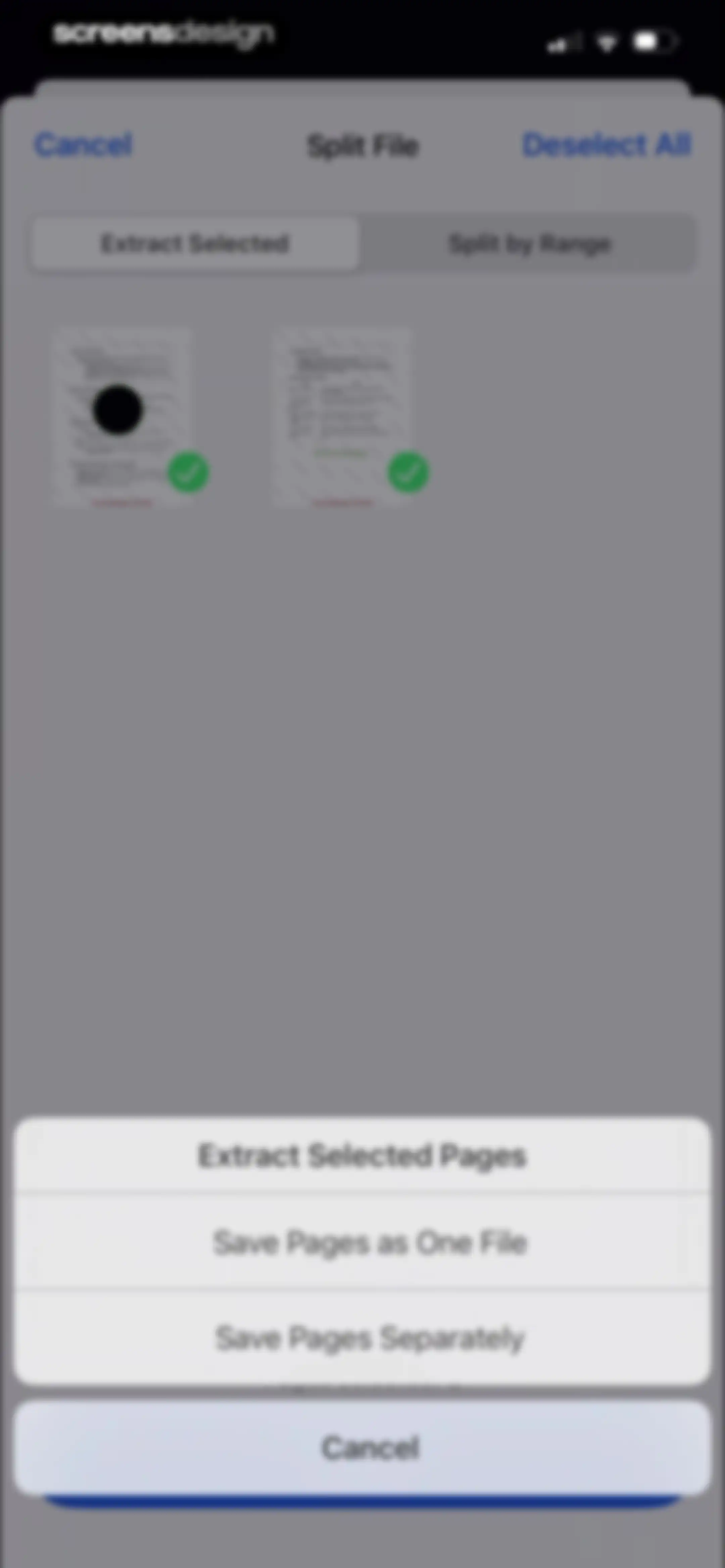
PDF split editor displaying a grid of selected page thumbnails and a bottom action sheet for extraction options.Unlock Pro
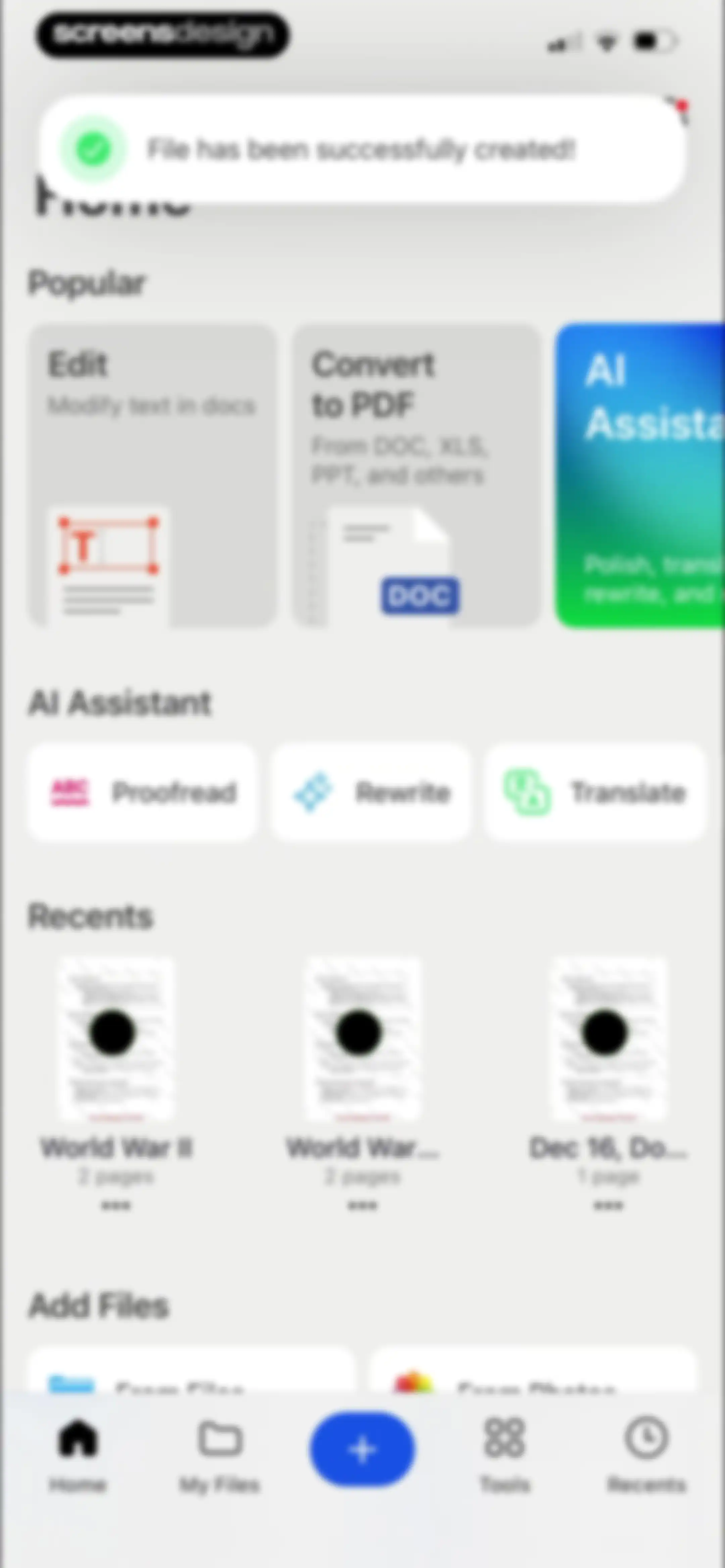
Home screen of a document management app displaying a success notification, popular tools, AI assistant options, and a list of recent files.Unlock Pro
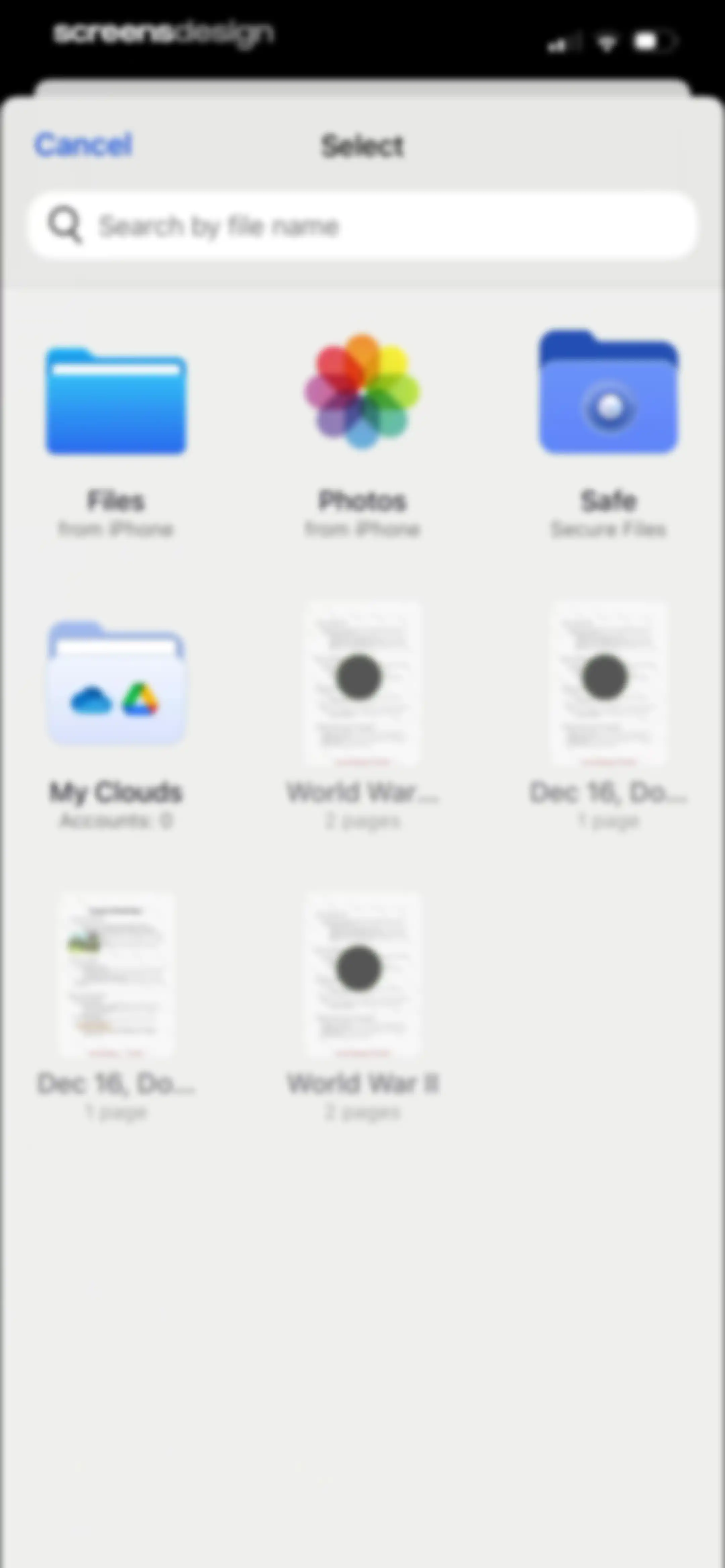
File picker screen displaying a search bar, file source icons, and document thumbnails with a Cancel button.Unlock Pro
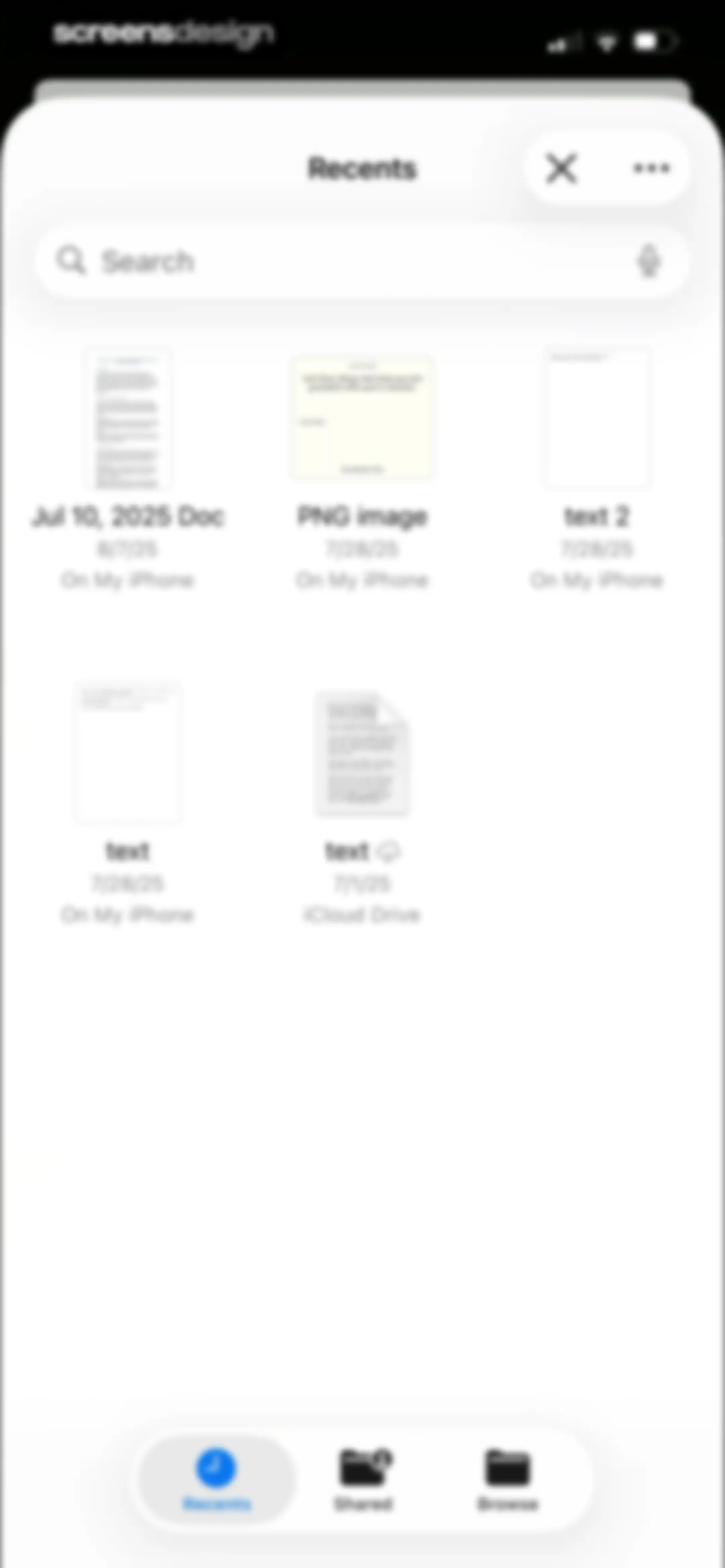
File management screen showing recent documents in a grid with a search bar at the top and a three-tab navigation bar at the bottom.Unlock Pro
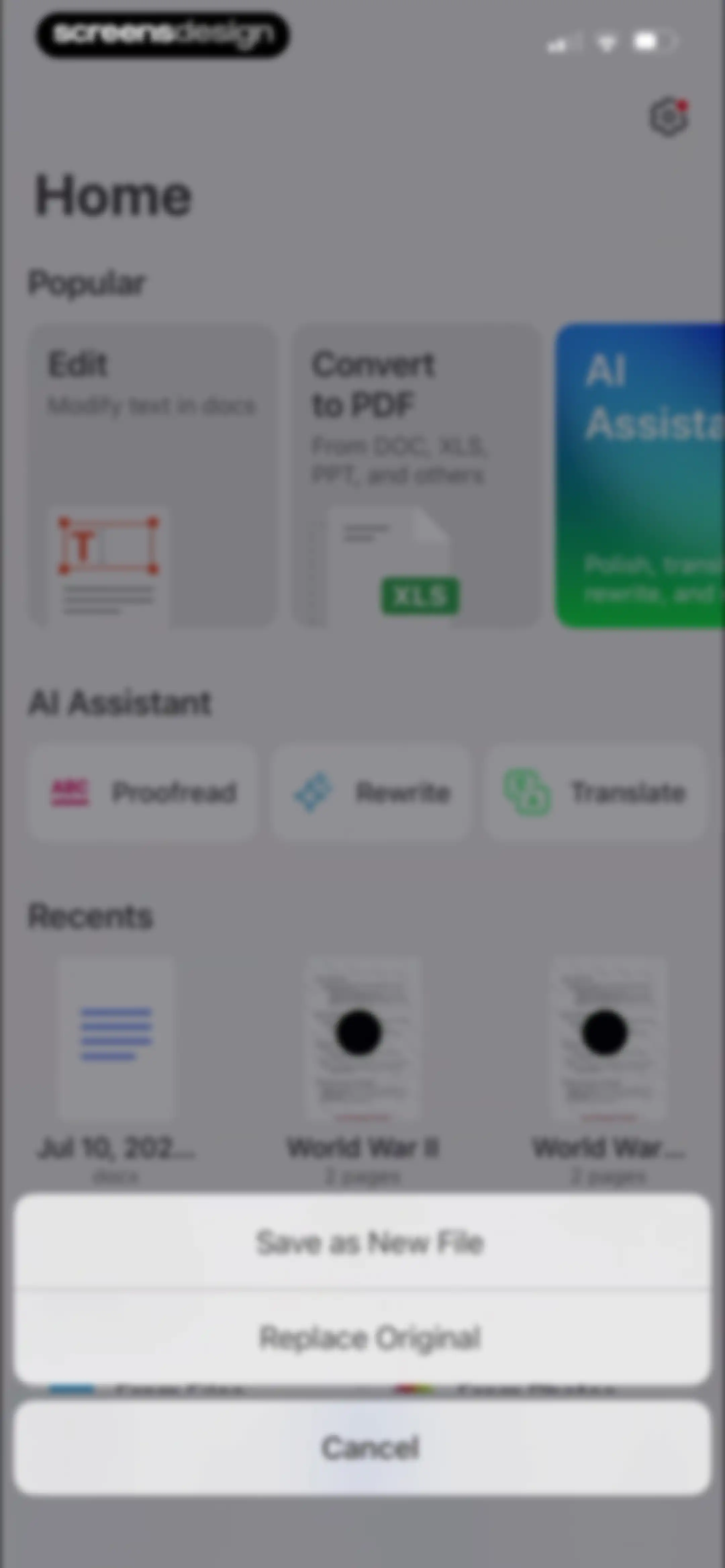
Home screen displaying popular document tools, AI assistant options, recent files, and a save modal with file-saving choices.Unlock Pro
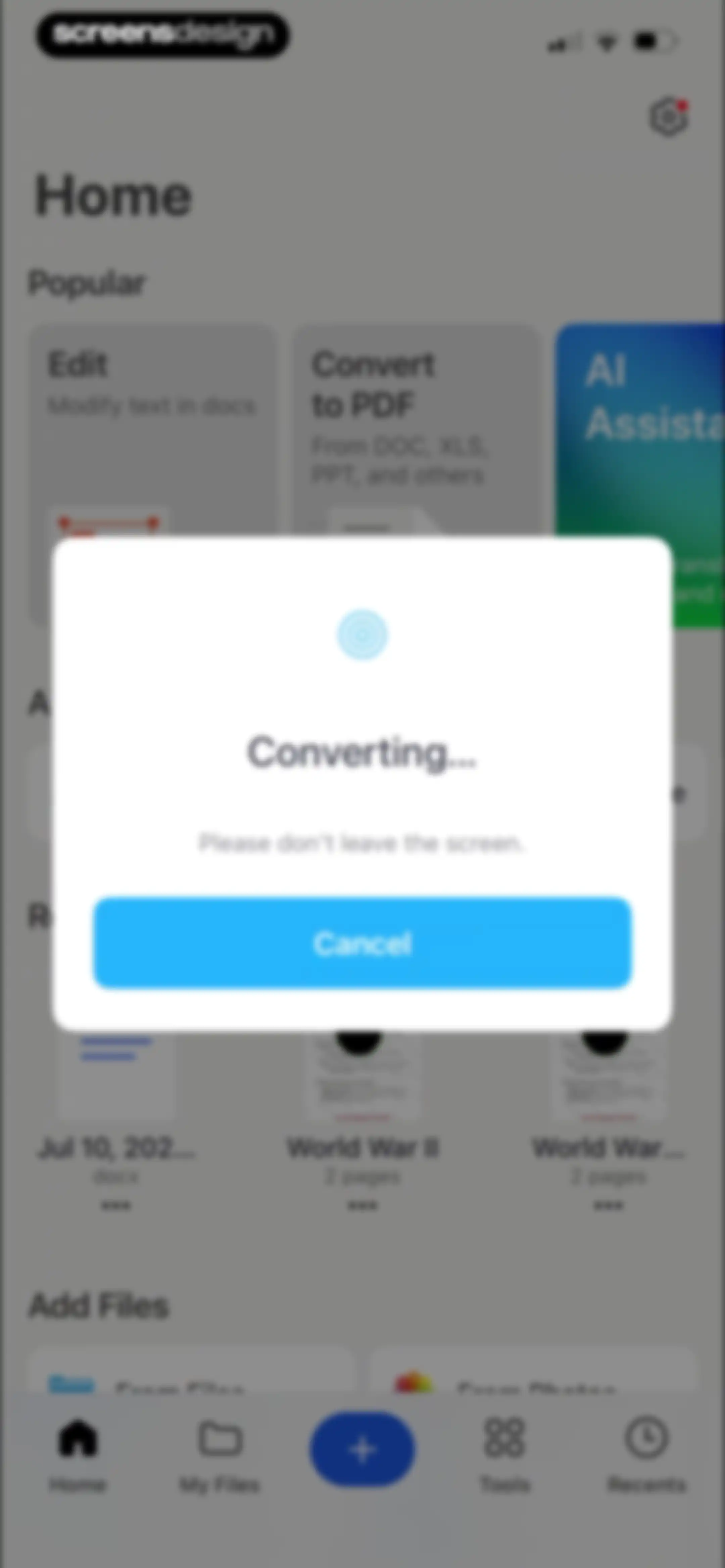
Conversion progress modal overlaying a document dashboard with a loading animation, a warning message, and a cancel button.Unlock Pro
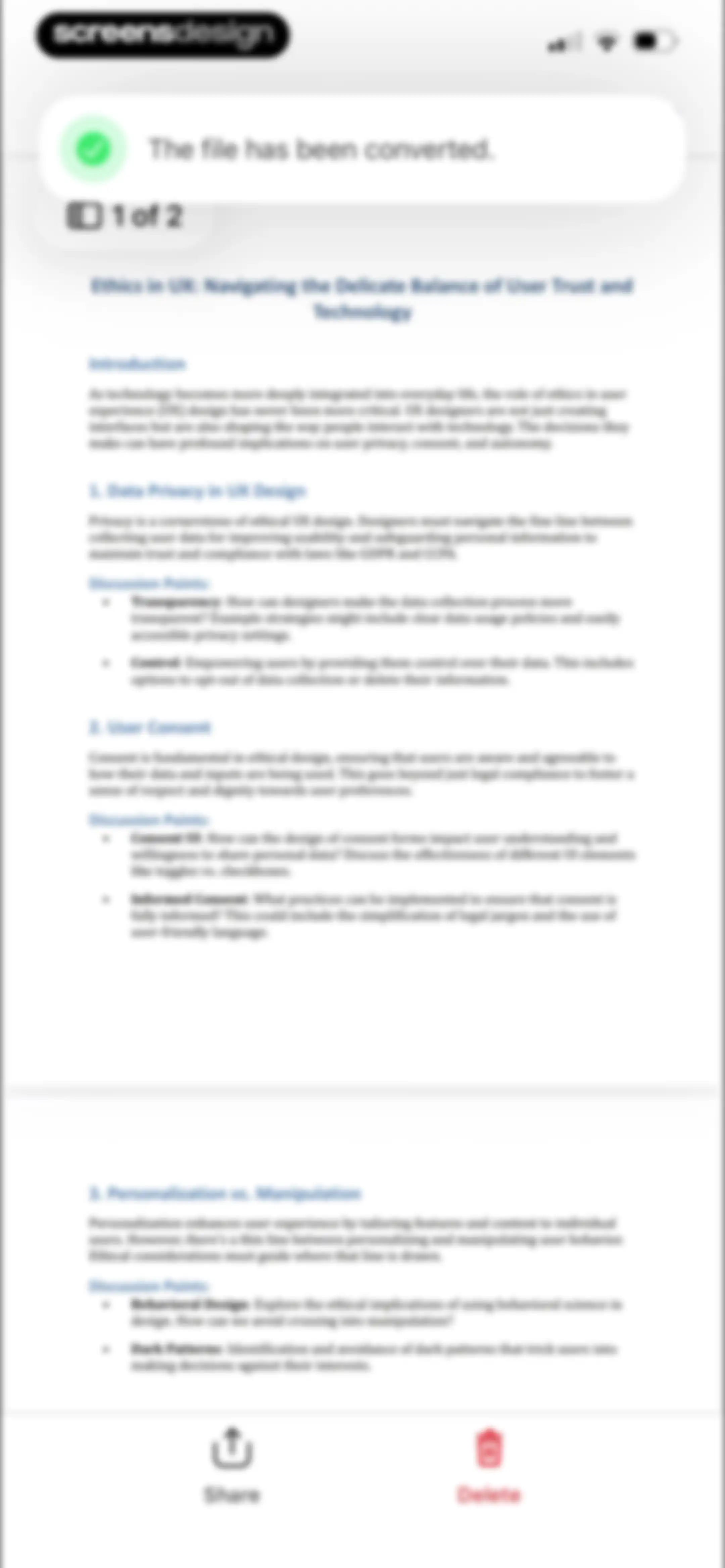
Document viewer showing a converted PDF about ethics in UX, with a success notification at the top and Share and Delete buttons at the bottom.Unlock Pro
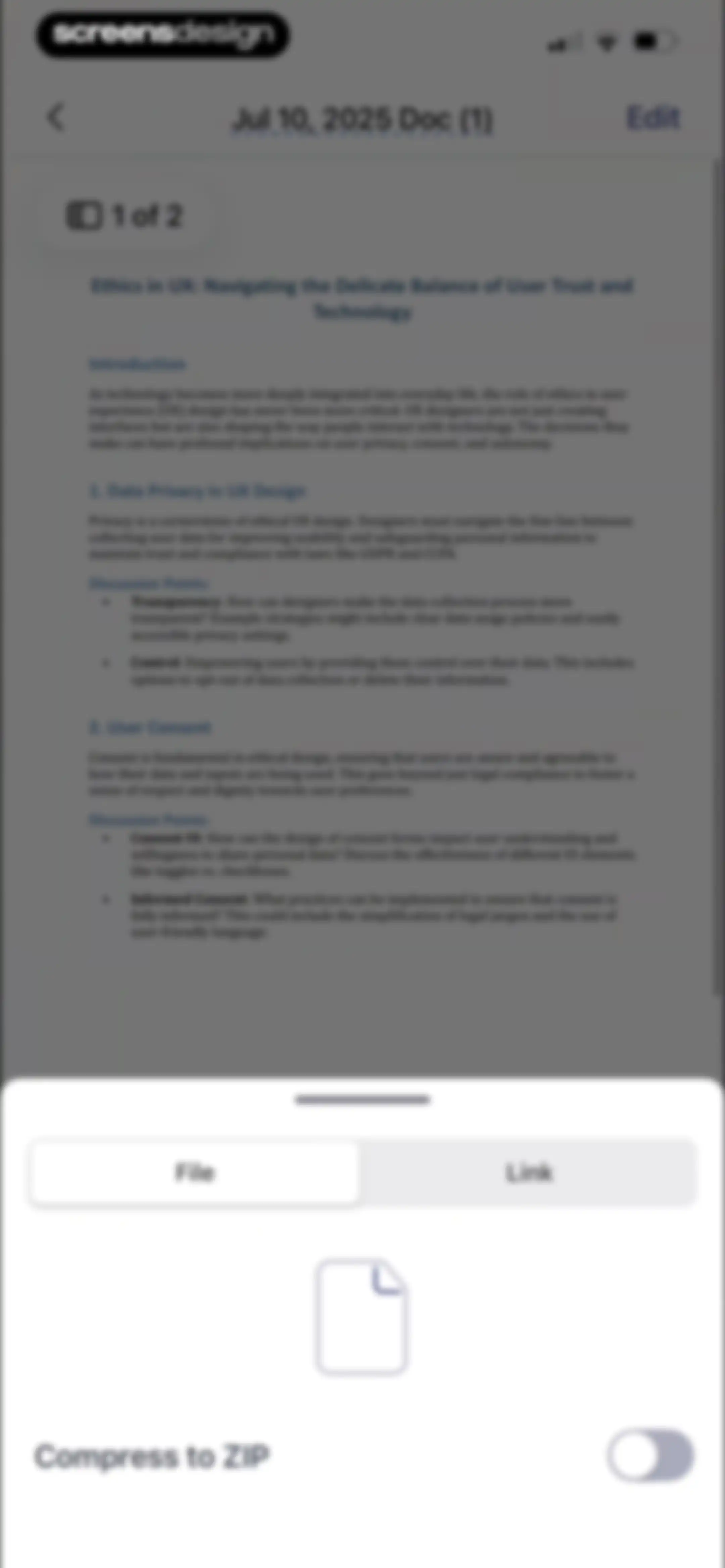
Document editor displaying a PDF about UX ethics with a bottom sheet overlay for sharing options and file compression.Unlock Pro
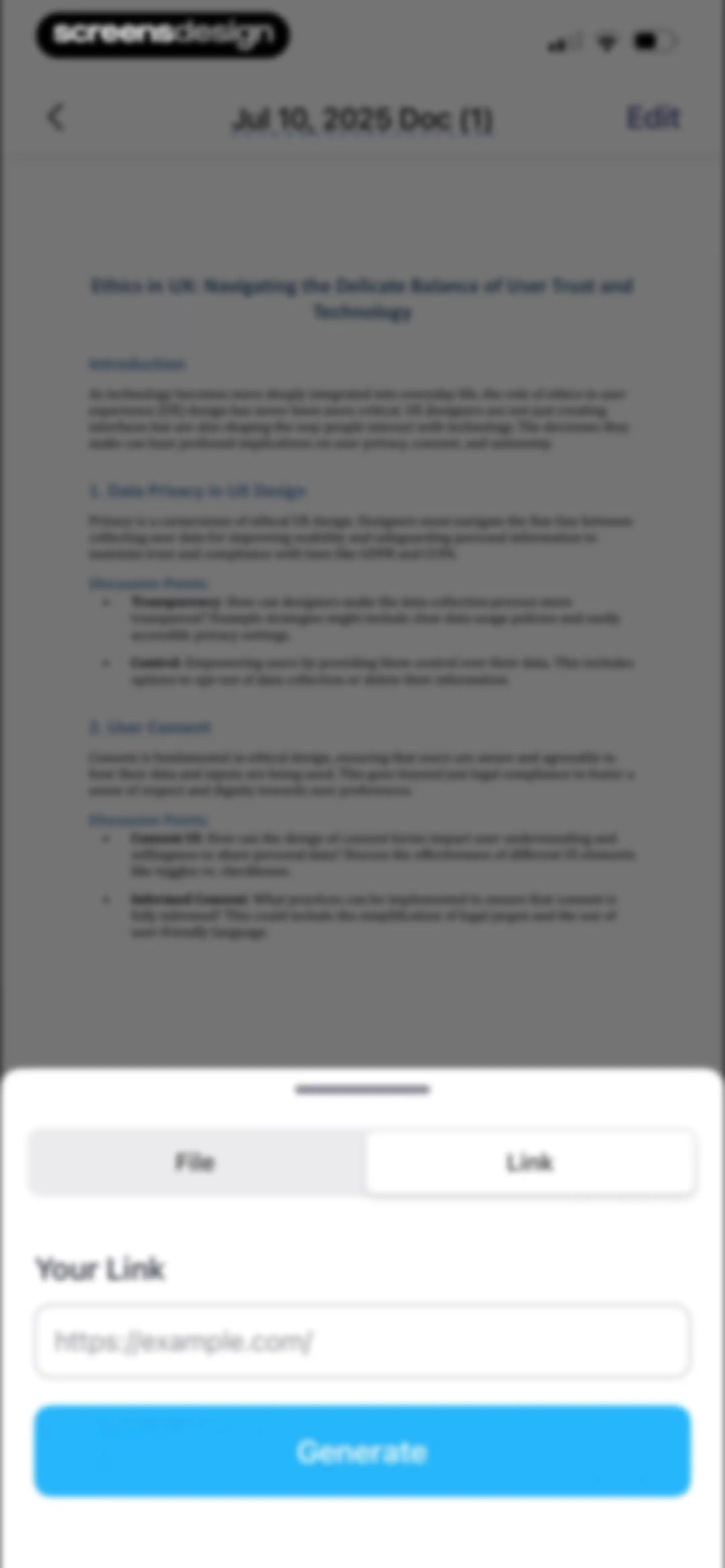
Document editor screen displaying a PDF about UX ethics with an open link generation modal at the bottom.Unlock Pro
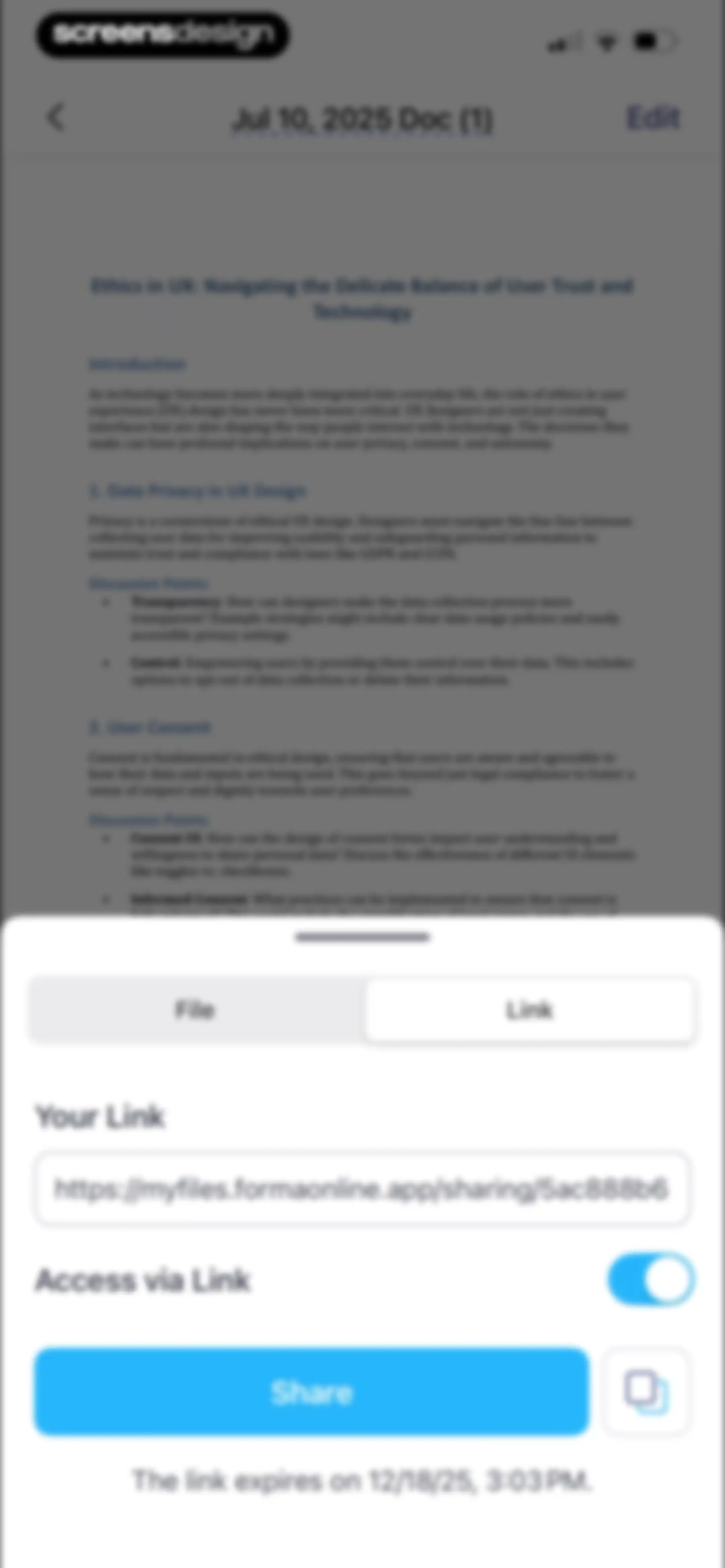
Document sharing modal with the Link tab selected, an active link URL, and a share button displayed over a document viewer.Unlock Pro
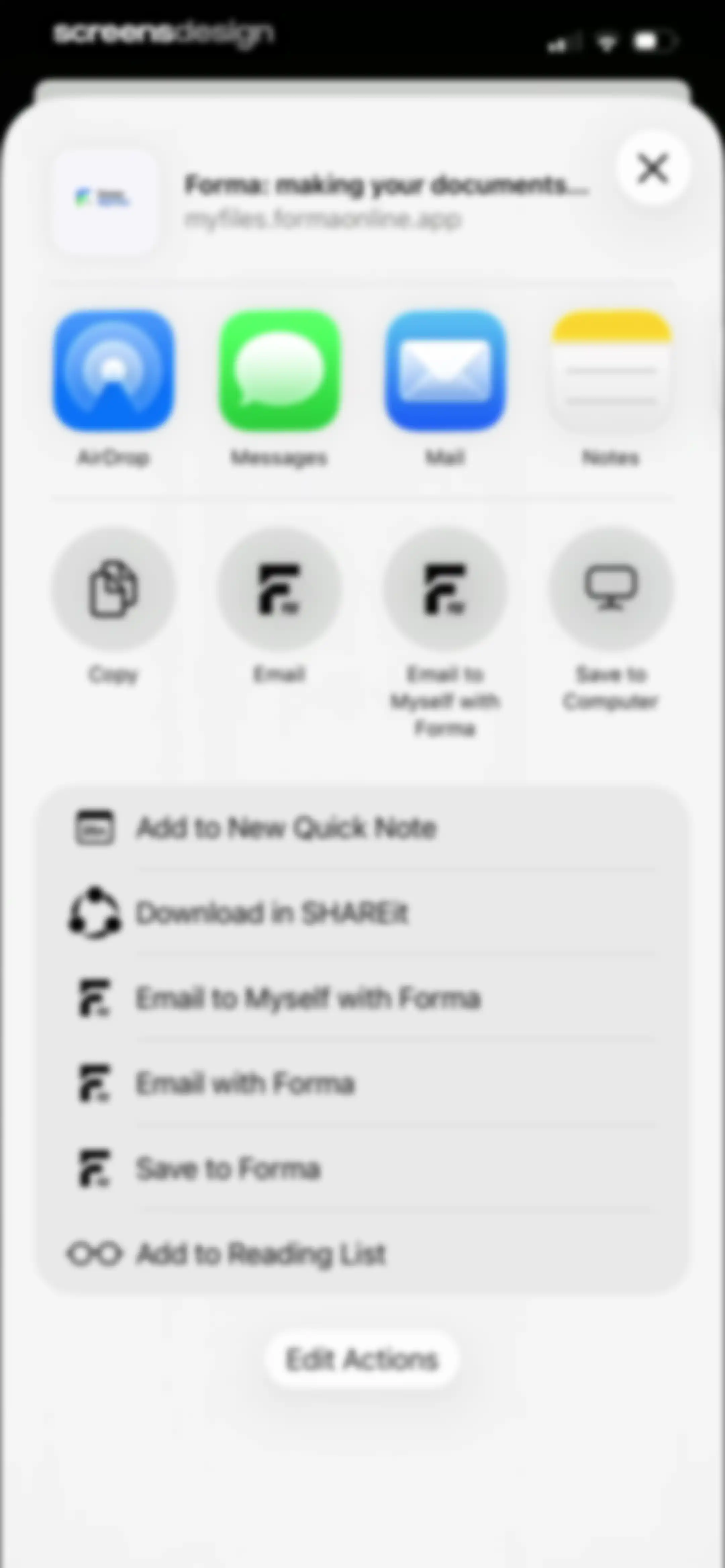
Share sheet displaying export options and app-specific actions for a document from the Forma app, with a close button and an Edit Actions button.Unlock Pro
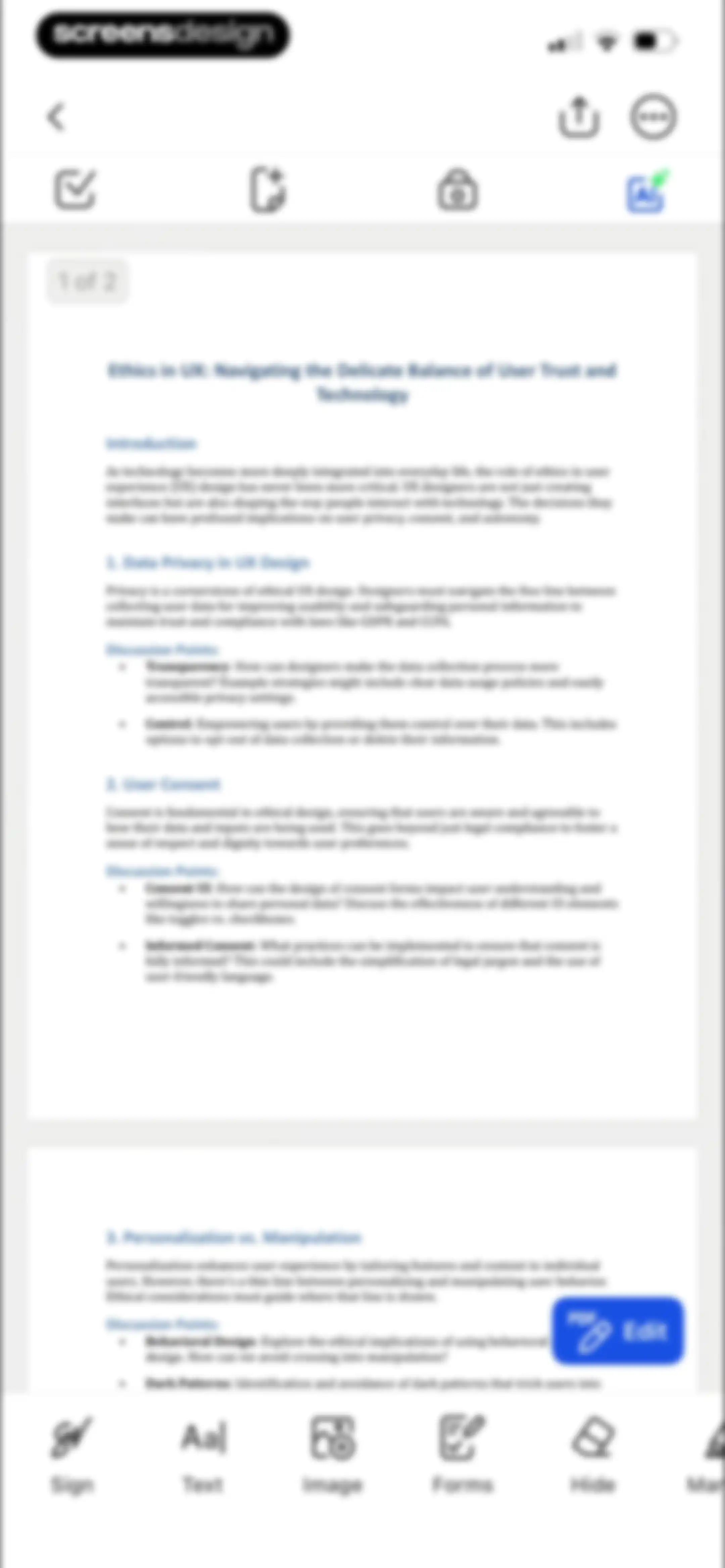
Document editor displaying an Ethics in UX PDF with a bottom toolbar of editing options and a floating edit button.Unlock Pro
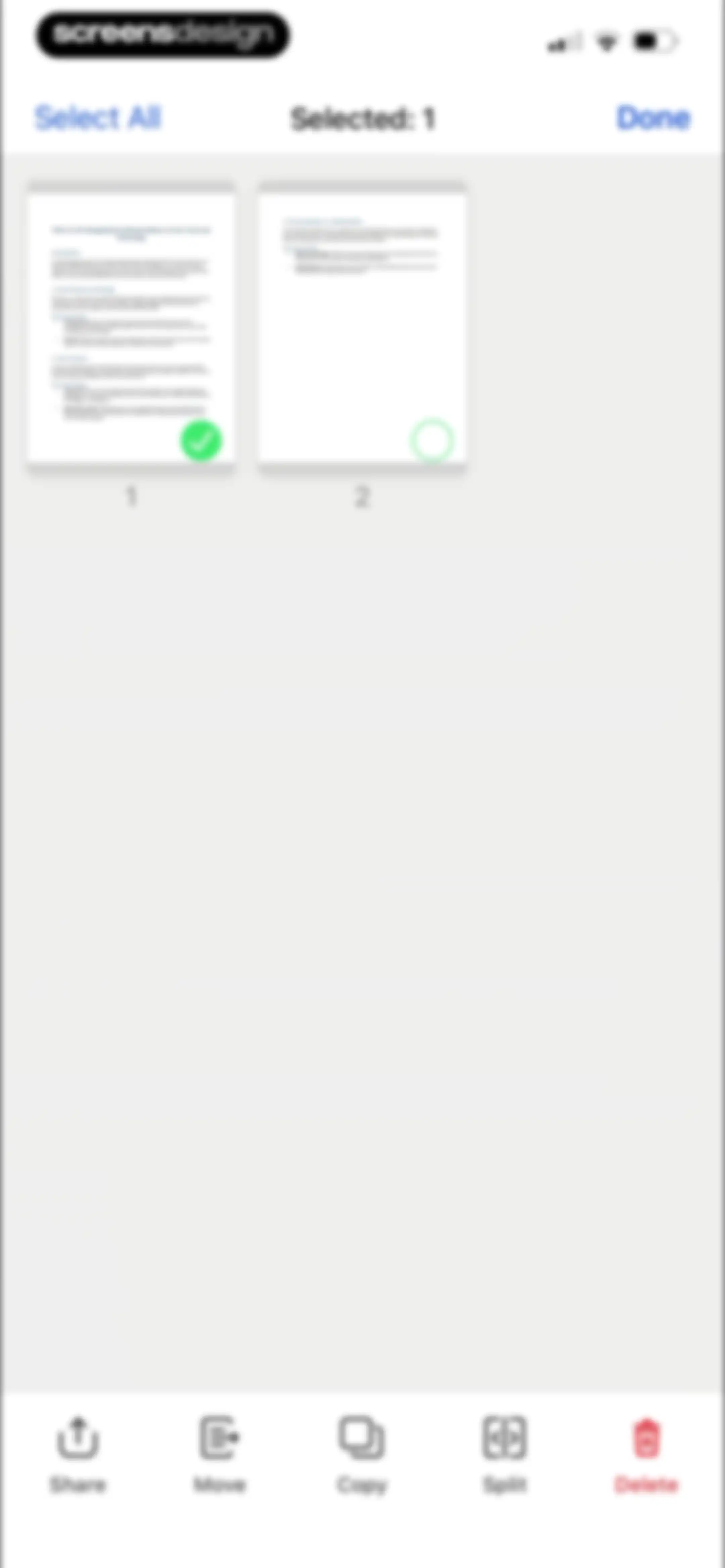
PDF page management interface displaying two page thumbnails with one page selected and a bottom action toolbar for batch operations.Unlock Pro
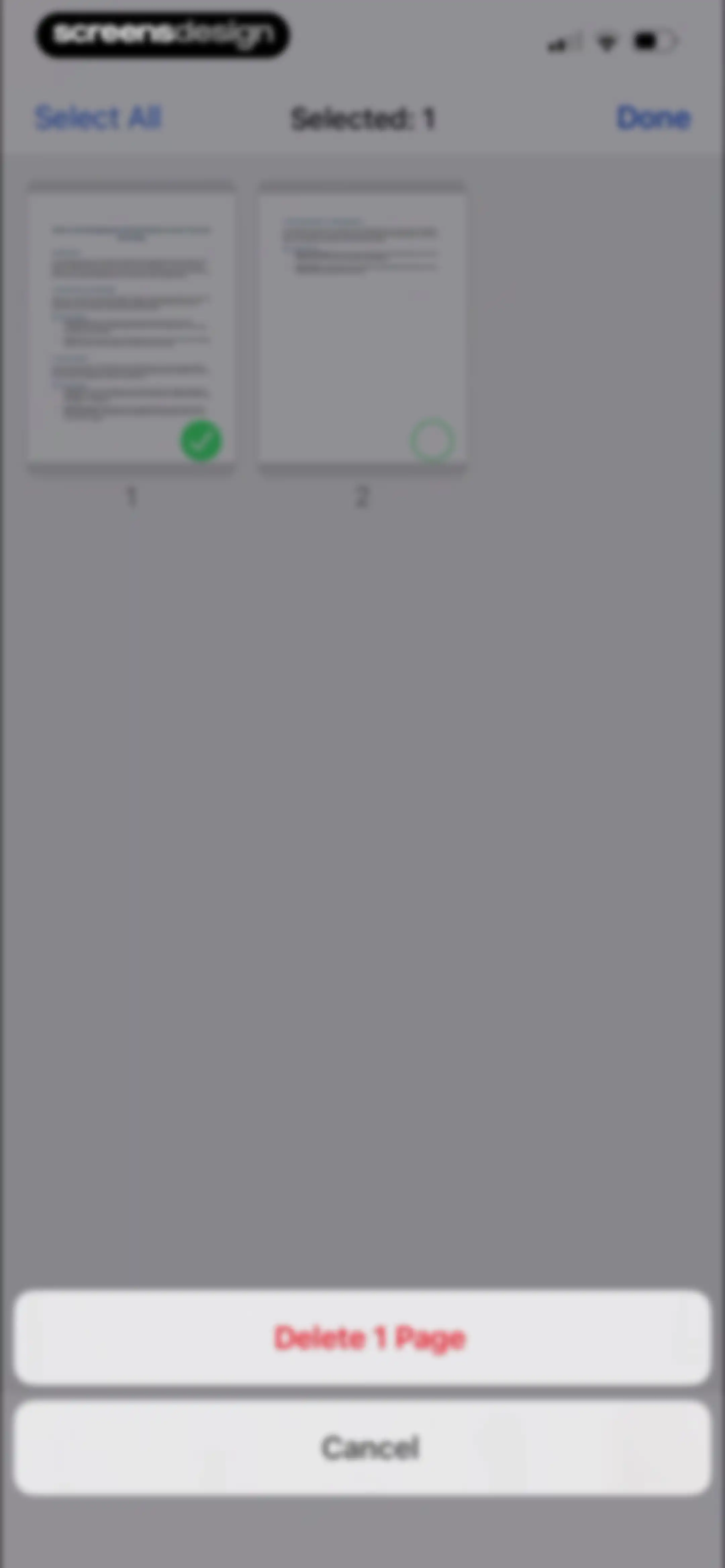
Document page management interface displaying a grid of thumbnails with one page selected and a Delete 1 Page action button.Unlock Pro
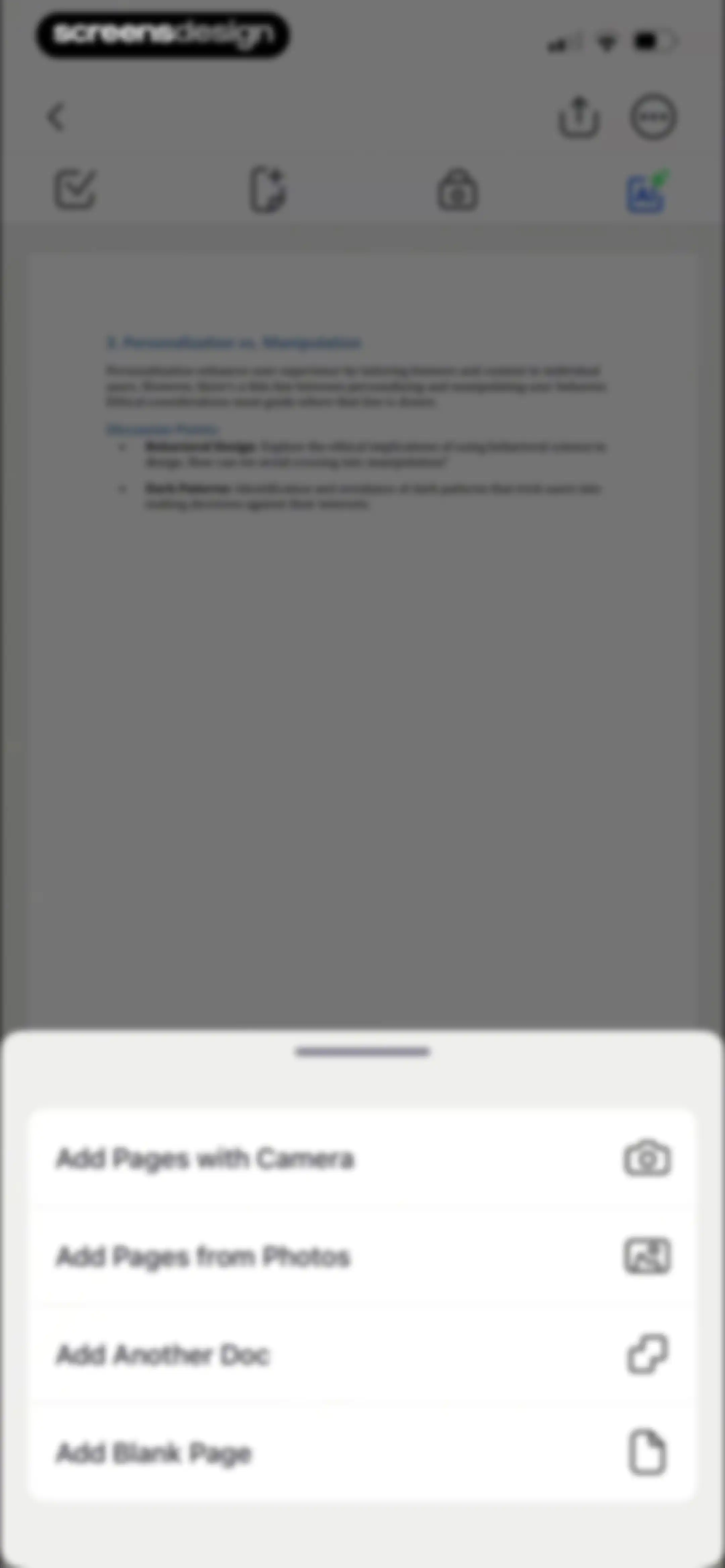
Document editor screen displaying a PDF about personalization with an open bottom sheet menu to add pages from various sources.Unlock Pro
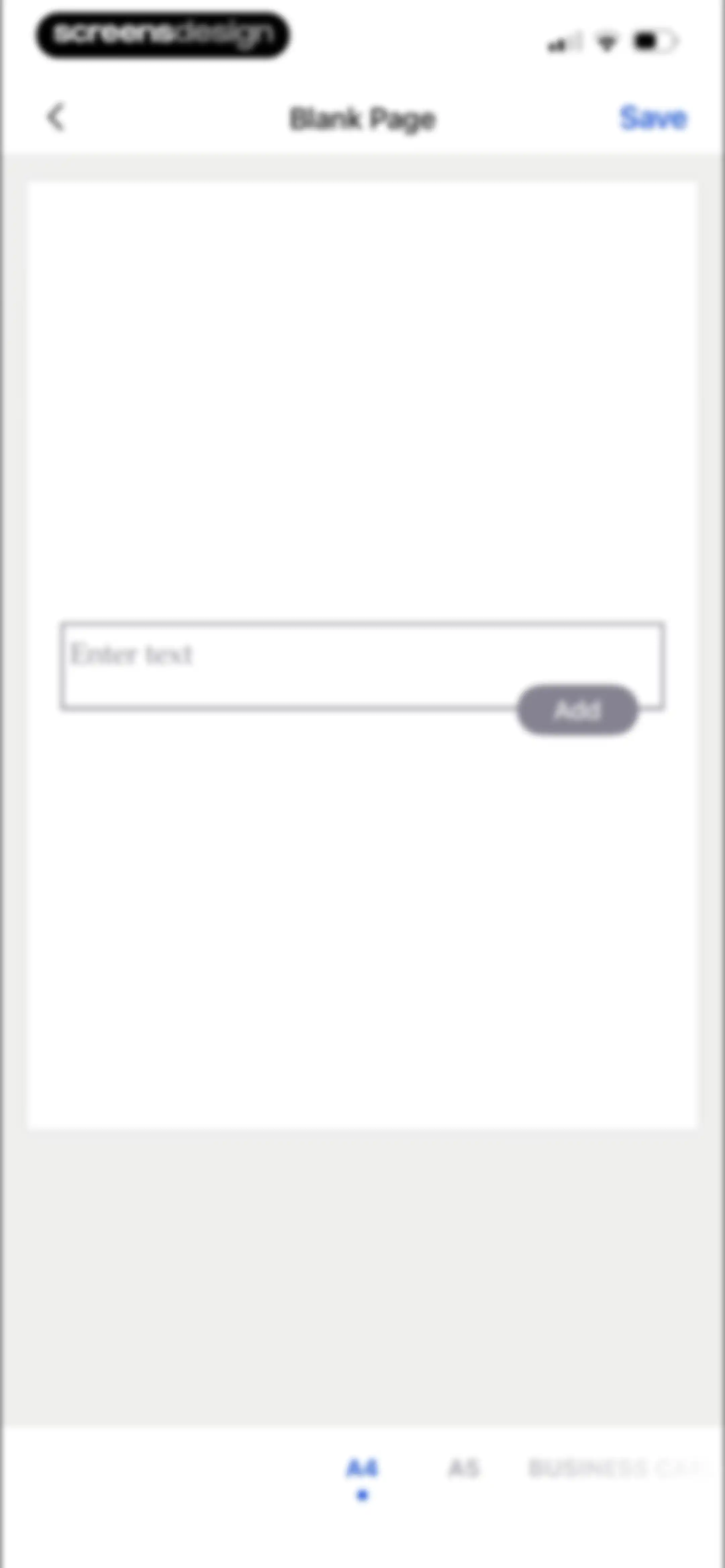
Blank page document editor with a text input field, save button, and page size selector with A4 selected.Unlock Pro
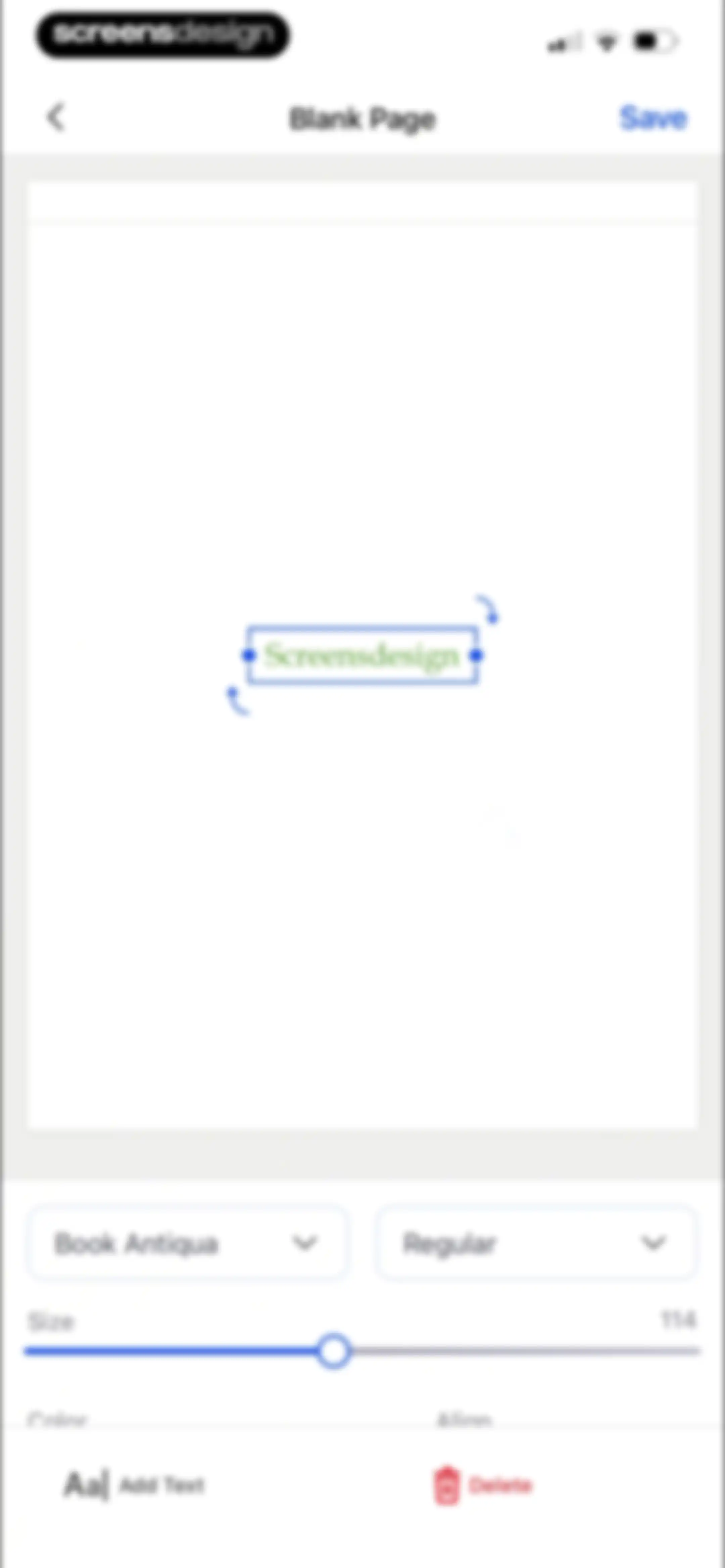
Document editor screen displaying a blank page with a selected text box and bottom formatting controls for font, size, and alignment.Unlock Pro
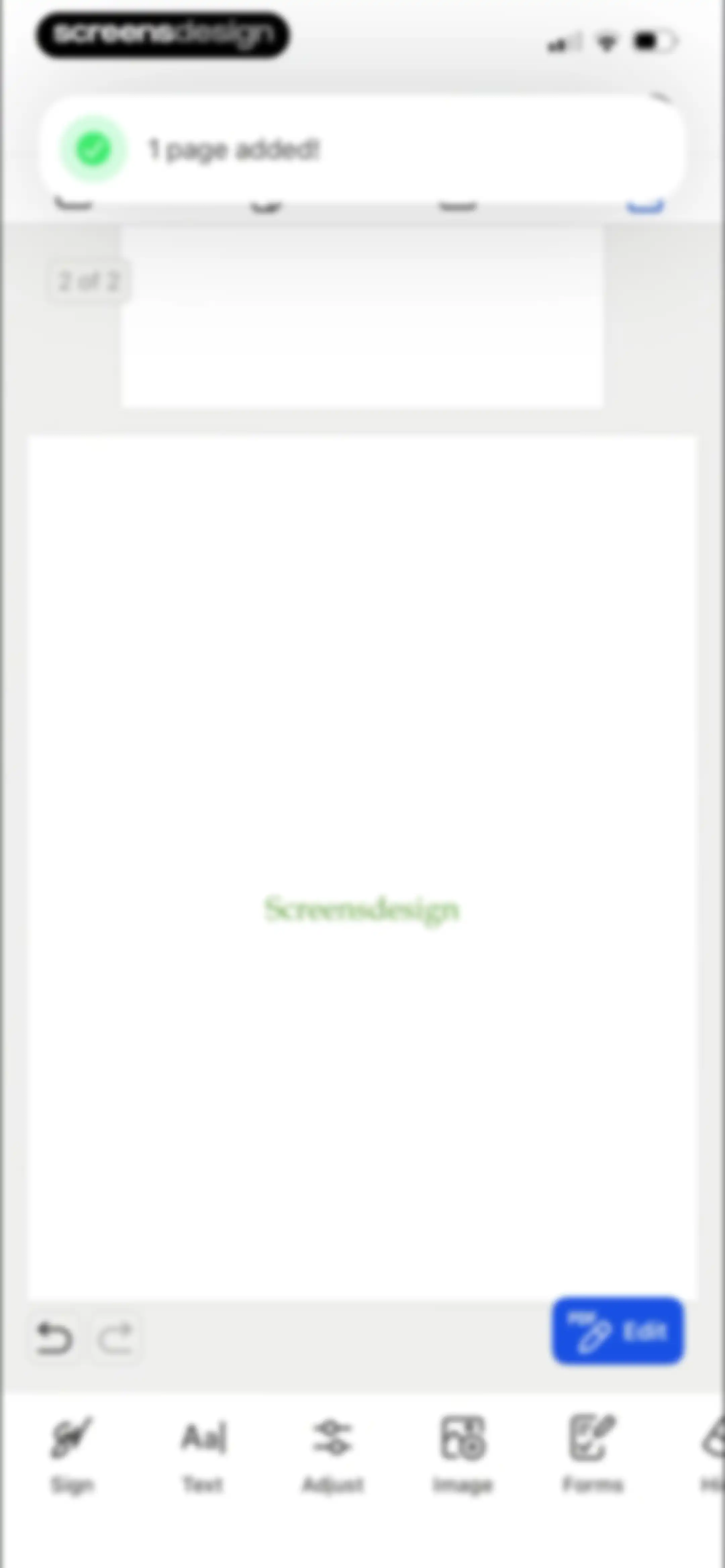
PDF editor screen displaying a document preview, a top toast notification confirming a page added, and a bottom navigation bar for editing tools.Unlock Pro
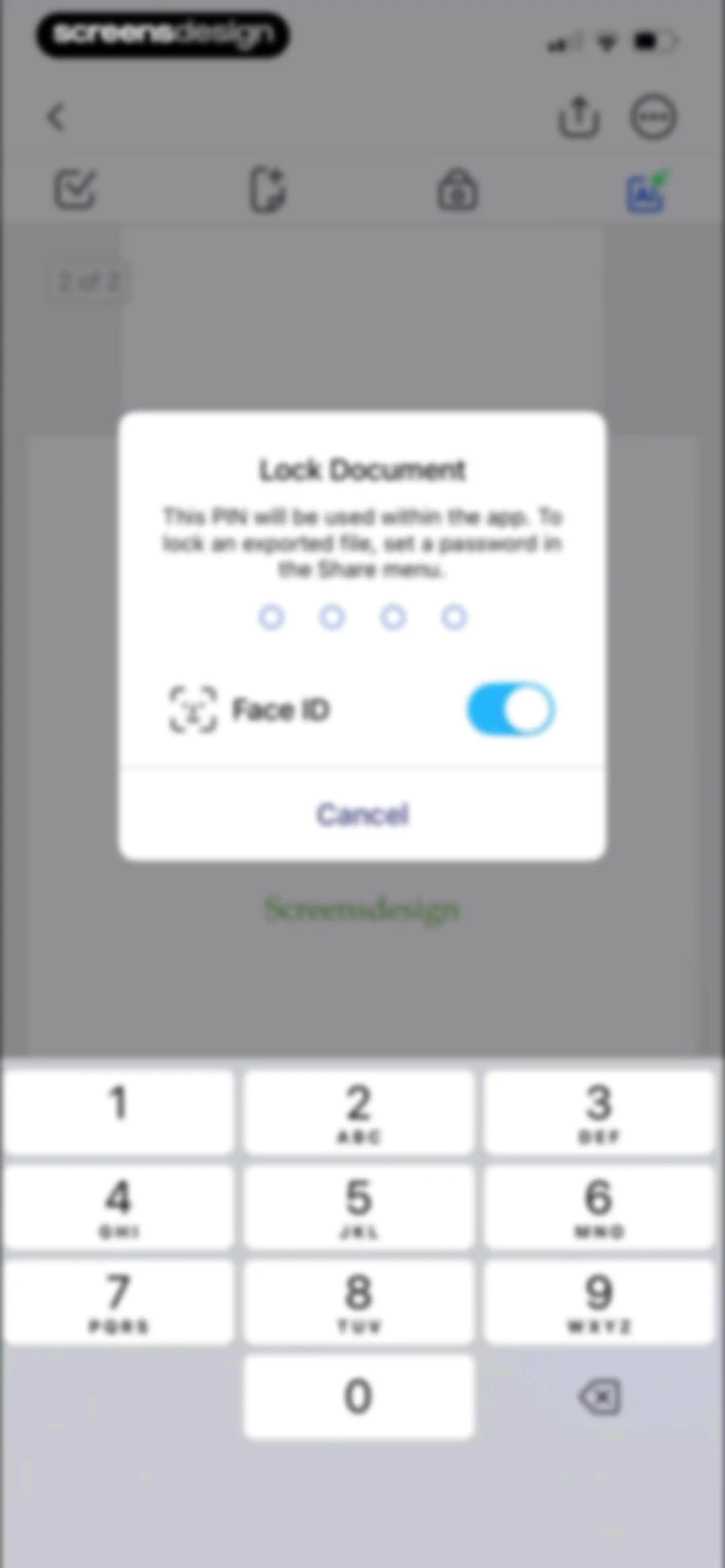
Lock Document modal with a PIN entry prompt, an active Face ID toggle, a Cancel button, and a numeric keypad.Unlock Pro
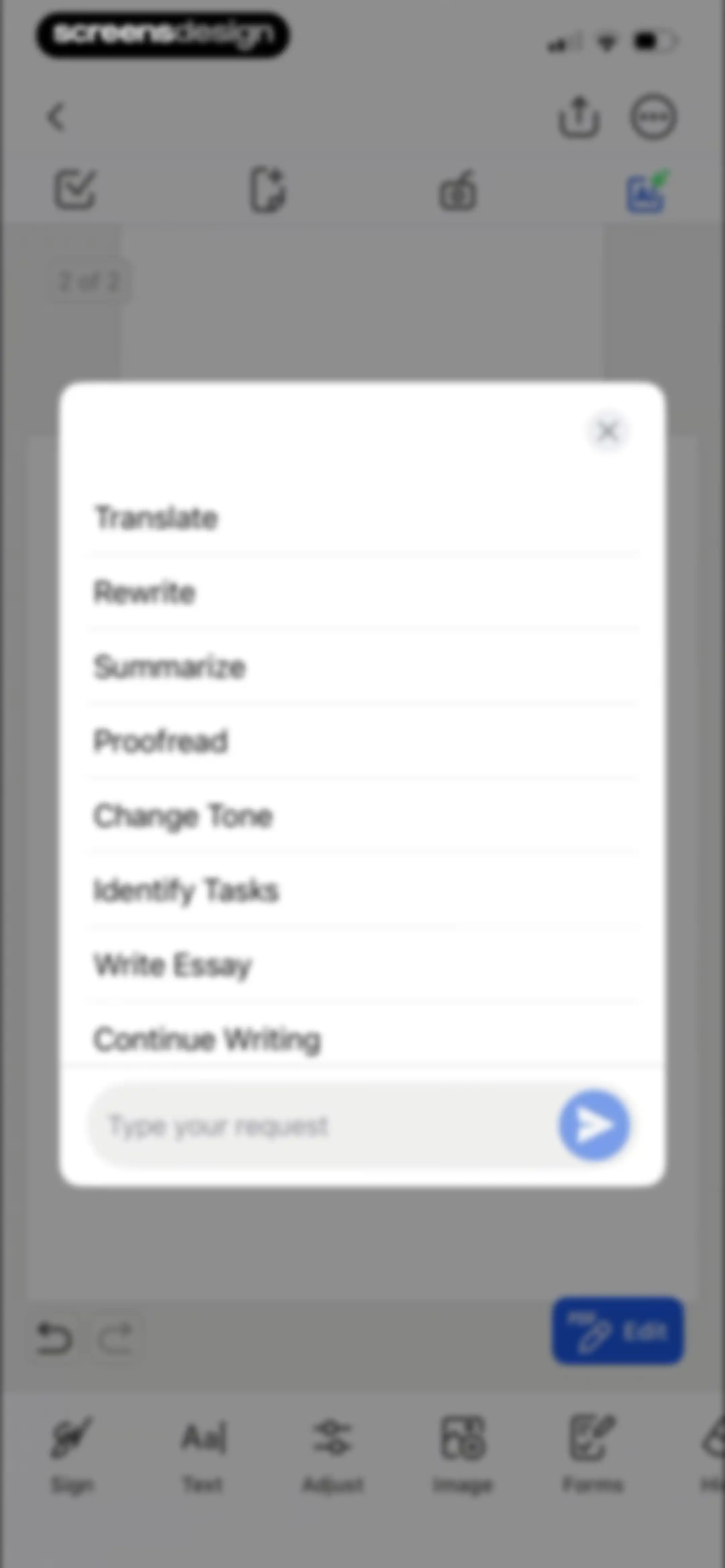
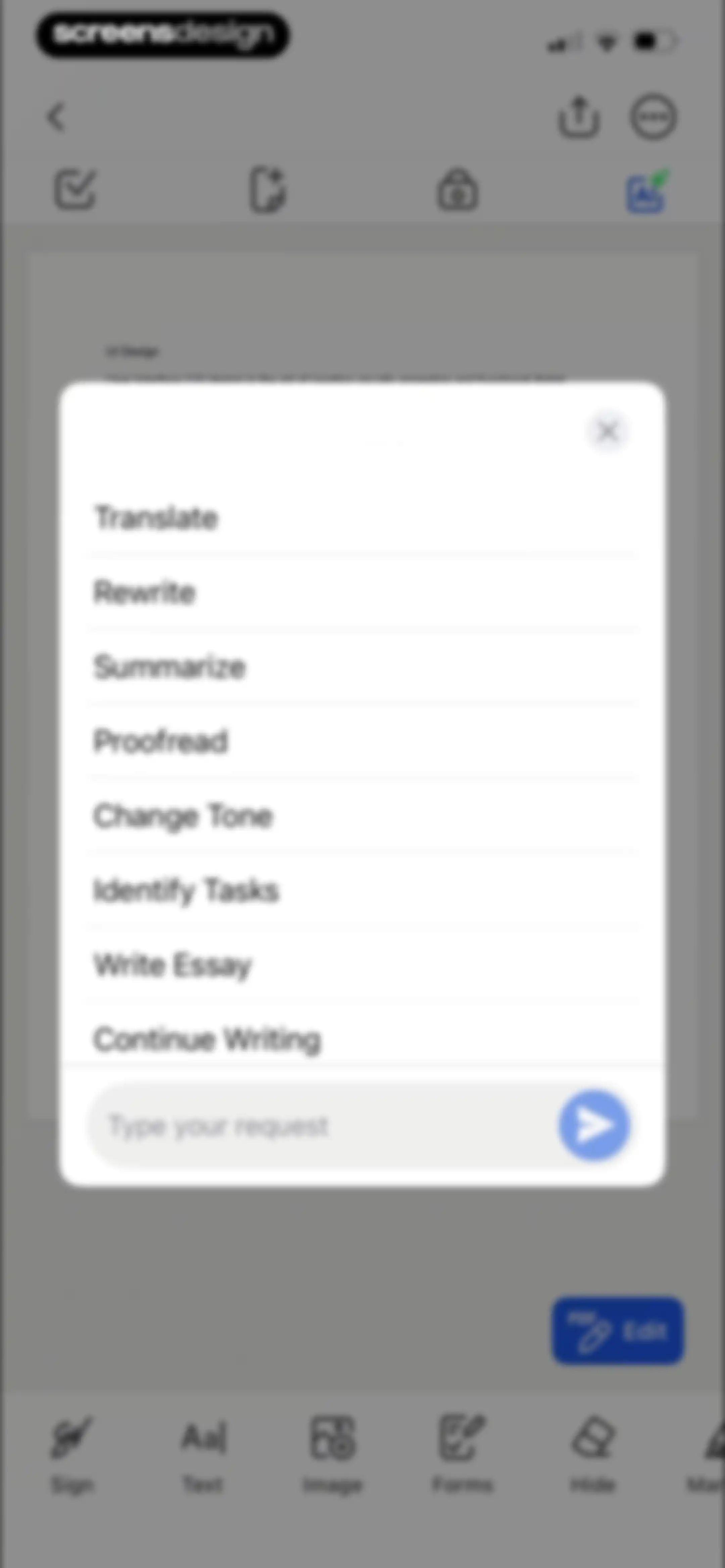
Document editor screen with an AI assistant modal overlay displaying text processing options and a custom request input field.Unlock Pro
Document editor with a centered AI request modal and a bottom toolbar for editing tools.Unlock Pro
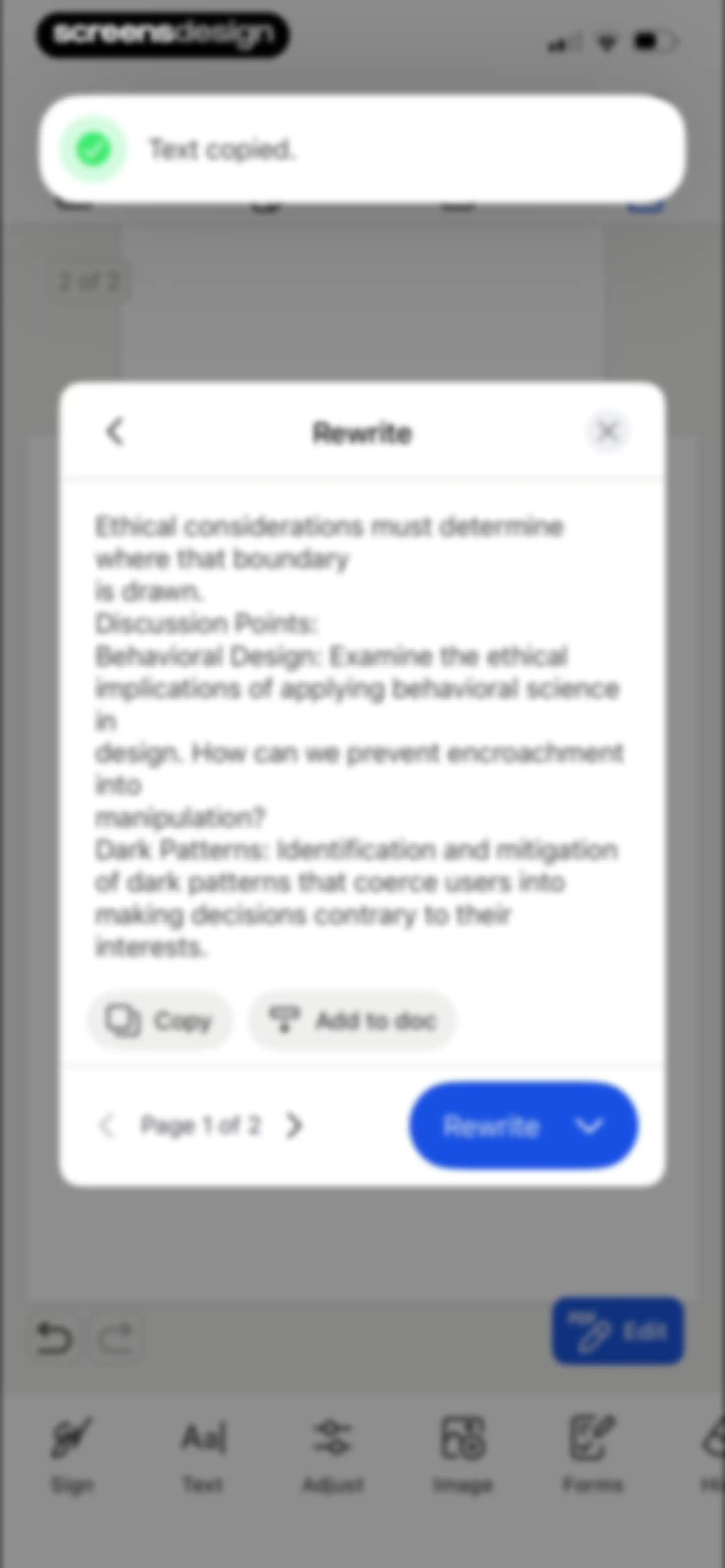
AI rewrite modal displaying discussion points with Copy and Add to doc buttons over a document editor background and a top text copied notification.Unlock Pro
Editor screen displaying a rewrite modal over a document with options to copy text or add it to the document.Unlock Pro
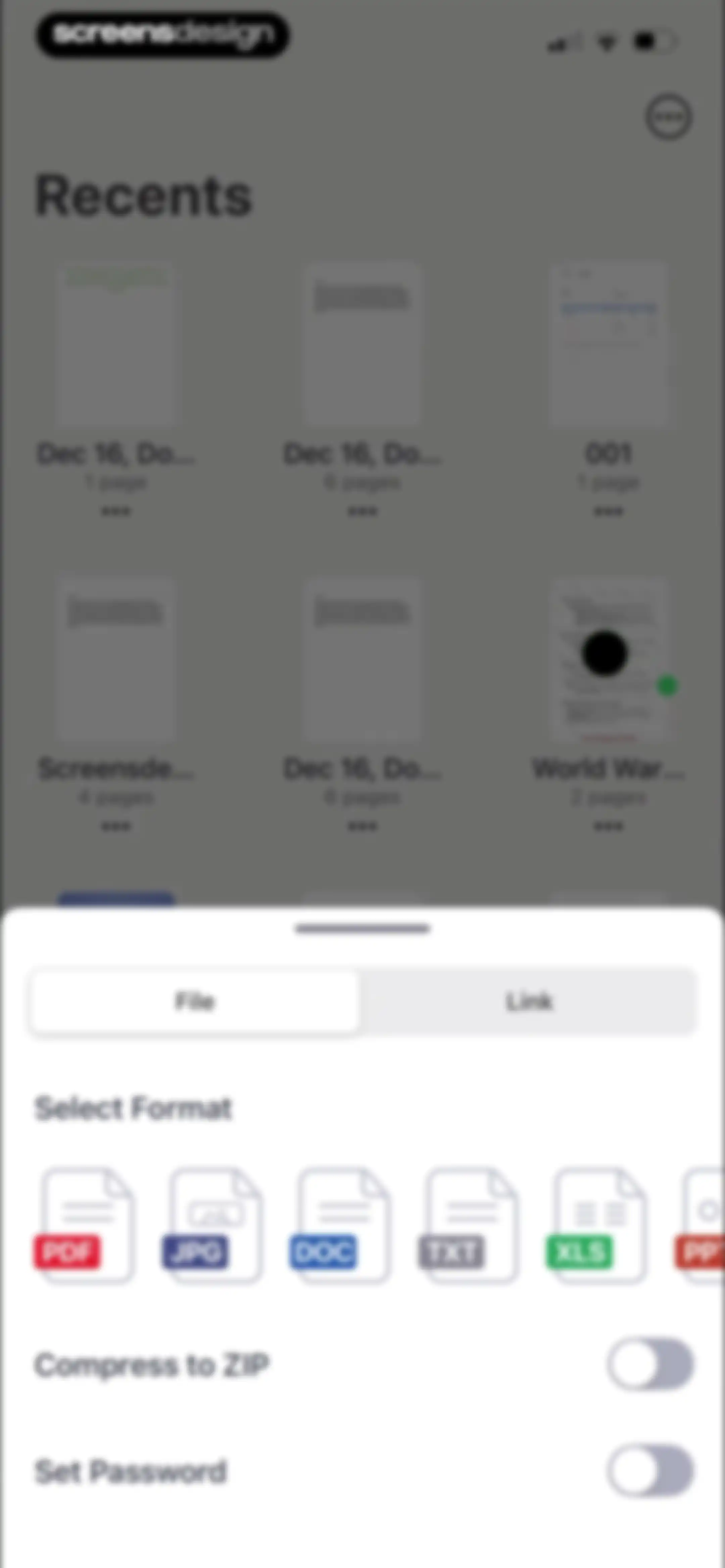
Document editor with an export settings modal displaying file format options and toggles for compression and password protection.Unlock Pro
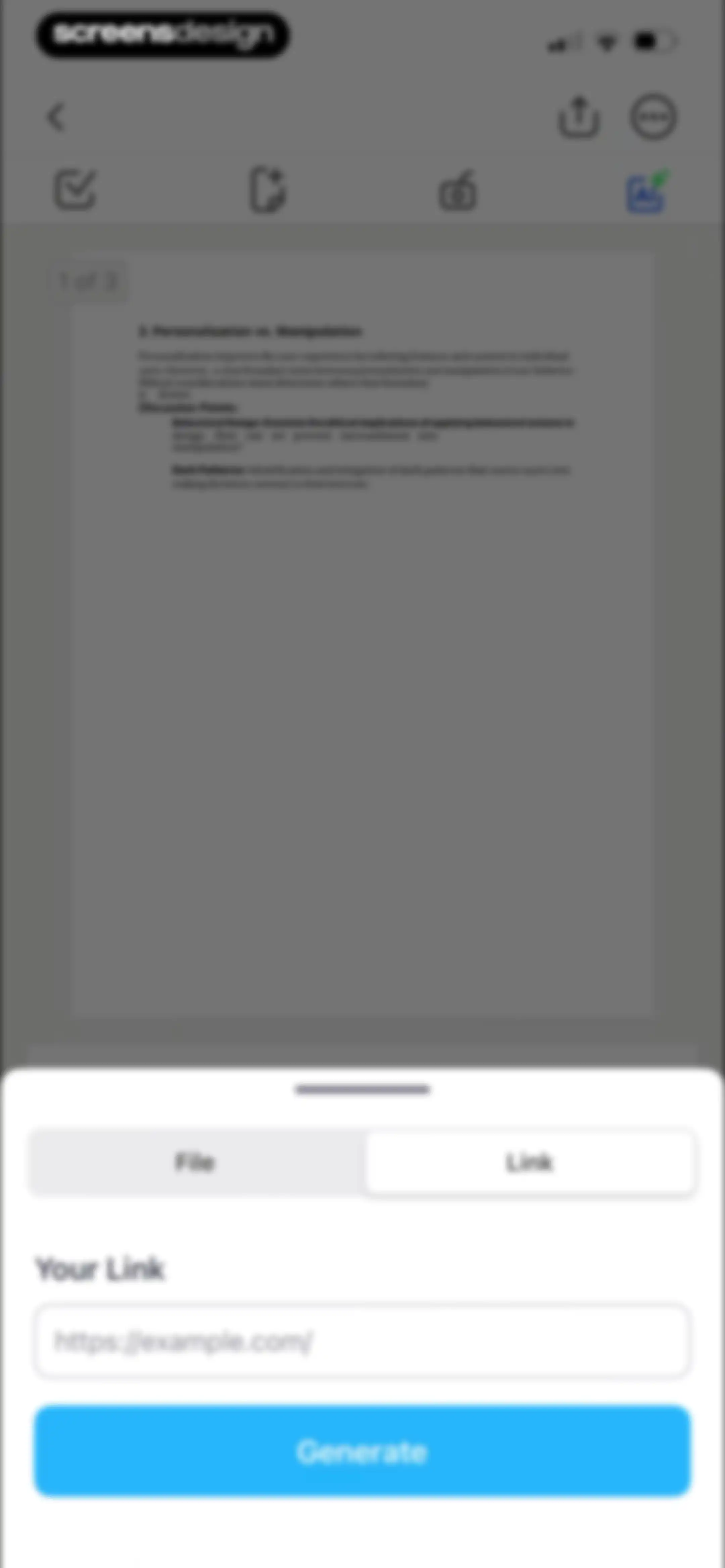
PDF editor screen displaying a document preview and an open link insertion modal with a URL input field and a Generate button.Unlock Pro
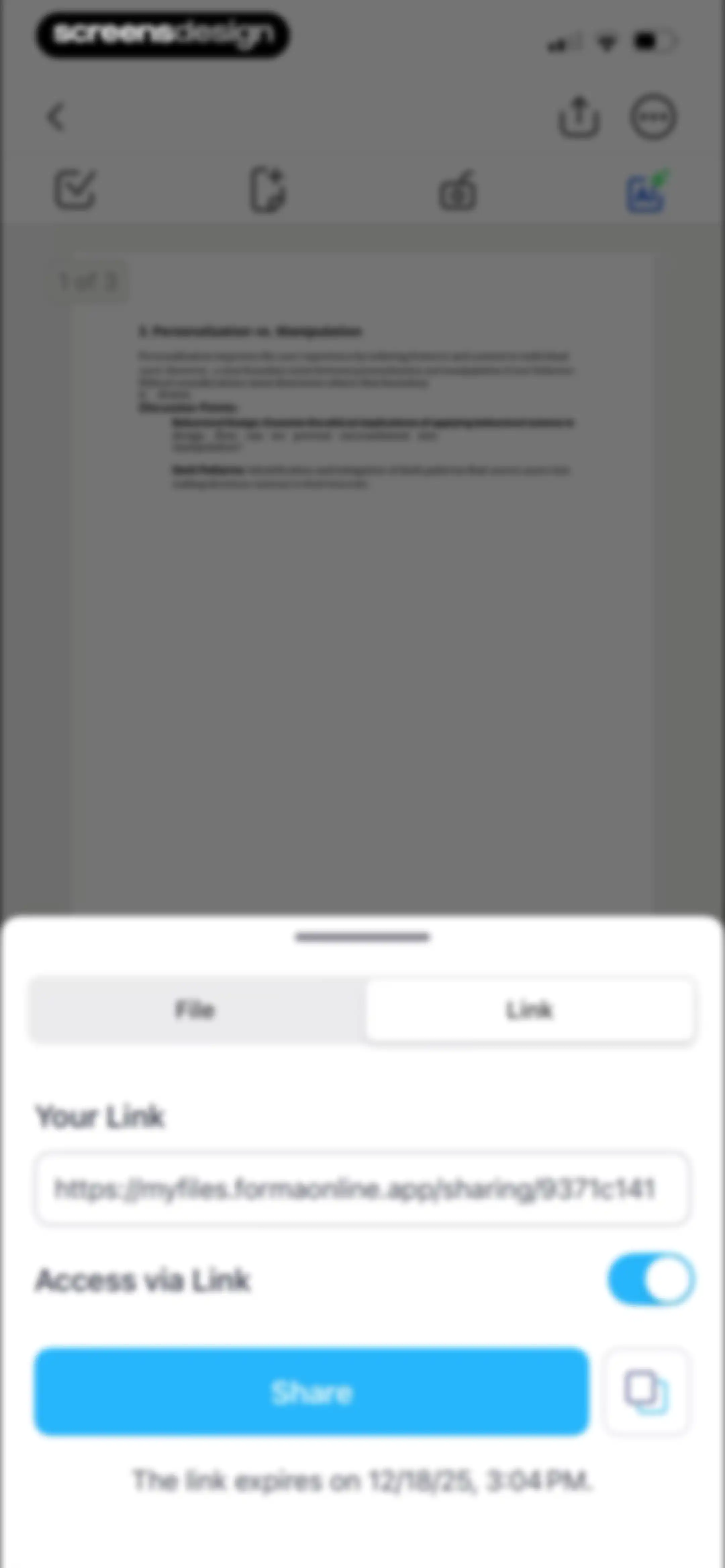
Document sharing modal displaying a generated URL, an active link access toggle, an expiration date, and a Share button.Unlock Pro
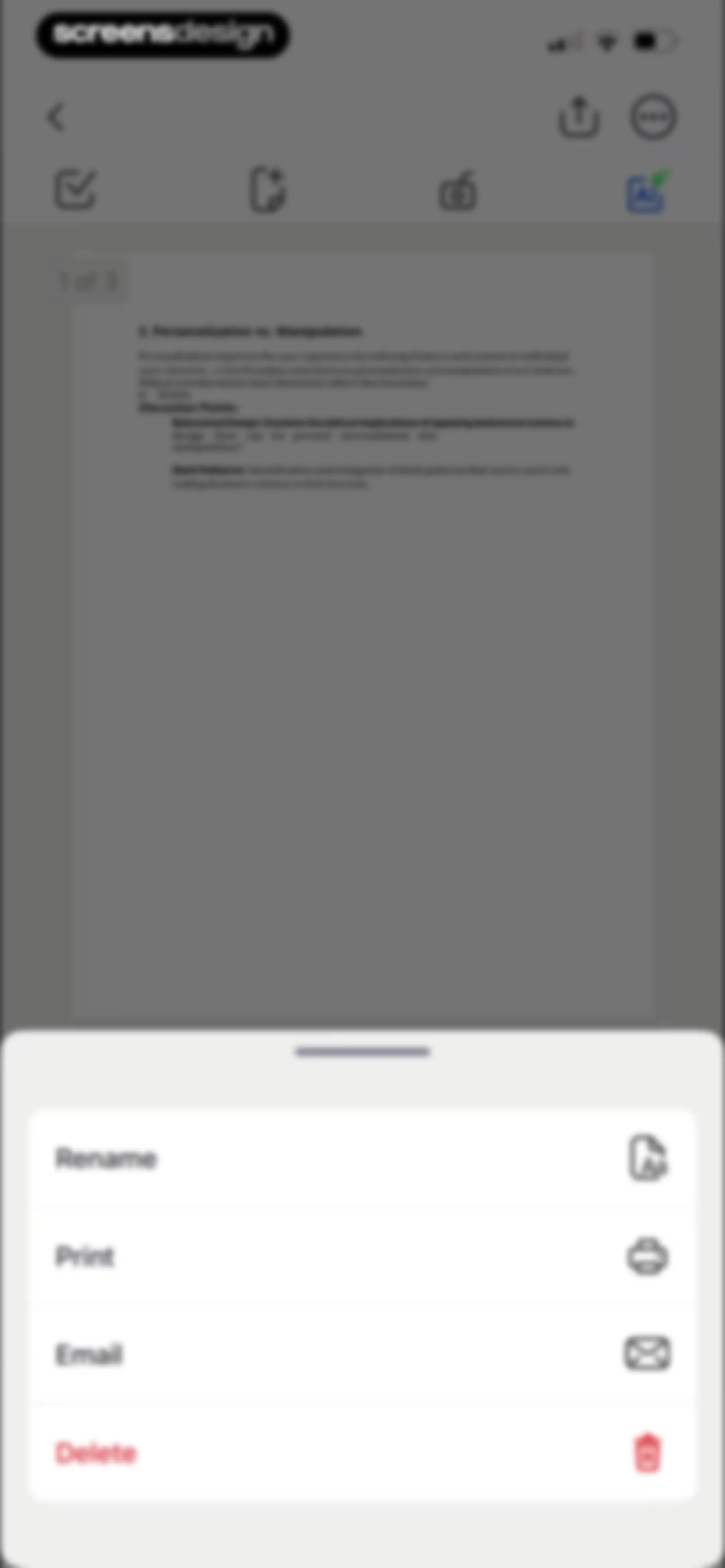
Document editor displaying a PDF preview and a bottom sheet menu with options to rename, print, email, and delete.Unlock Pro
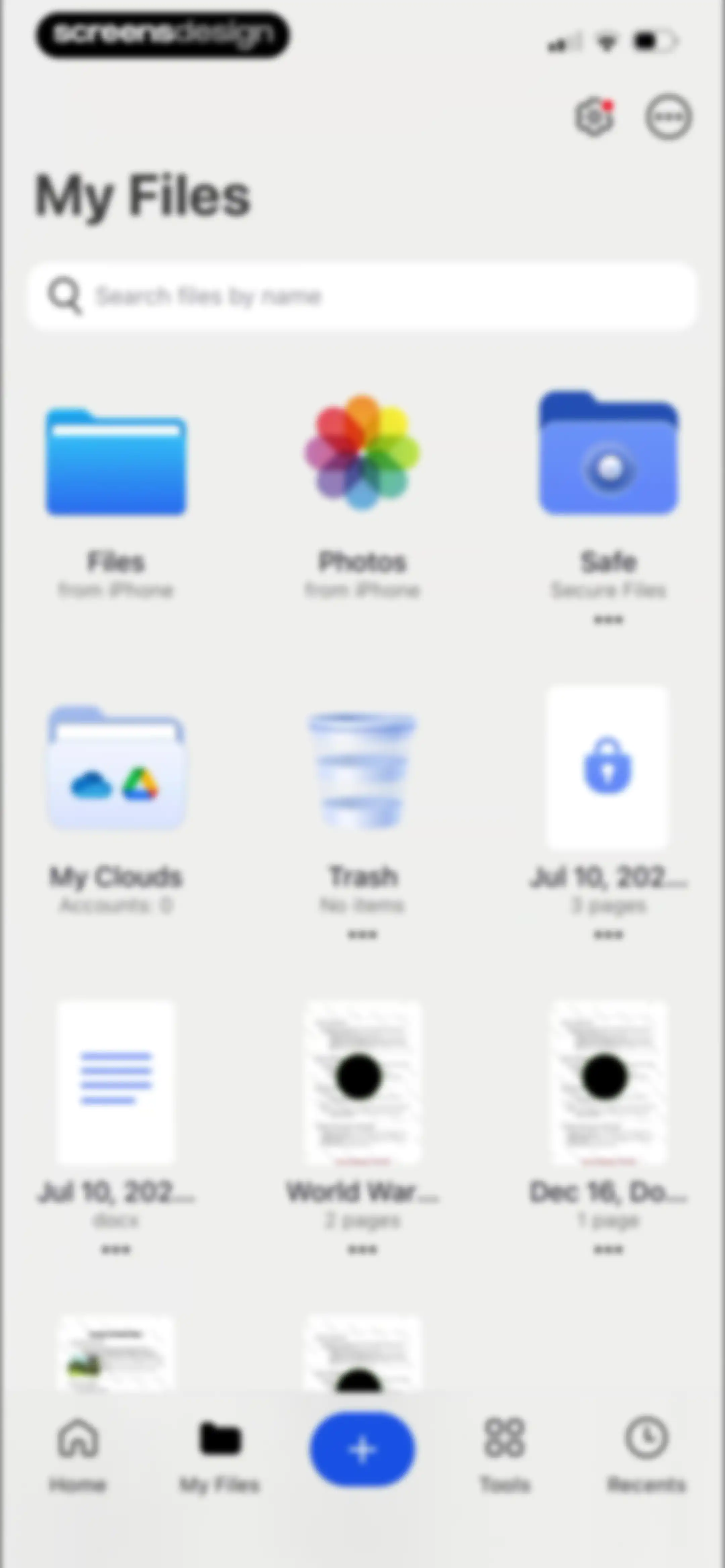
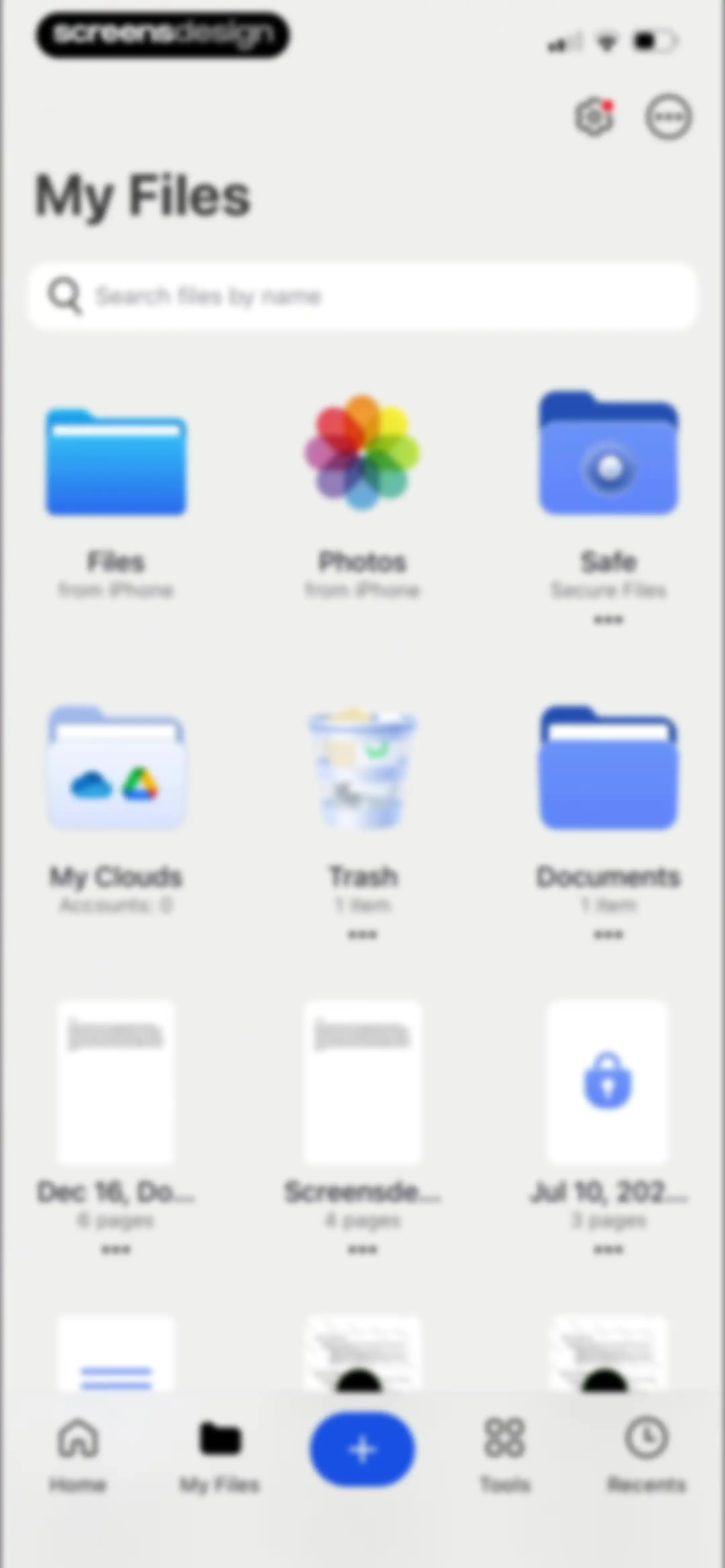
File manager dashboard showing a search bar, a grid of folders and document thumbnails, and a bottom navigation bar with My Files selected.Unlock Pro
Home screen featuring popular document editing tools, AI assistant options, recent files, and a bottom navigation bar.Unlock Pro
File selection screen with a search bar and a grid of folders, photos, and document icons.Unlock Pro
Home screen displaying a grid of recent documents with a search bar and a bottom navigation bar.Unlock Pro
Document editor displaying a centered AI assistant modal with a list of text editing options and a custom request input field.Unlock Pro
Document editor with a centered AI writing modal displaying options to make text shorter, longer, or continue writing.Unlock Pro
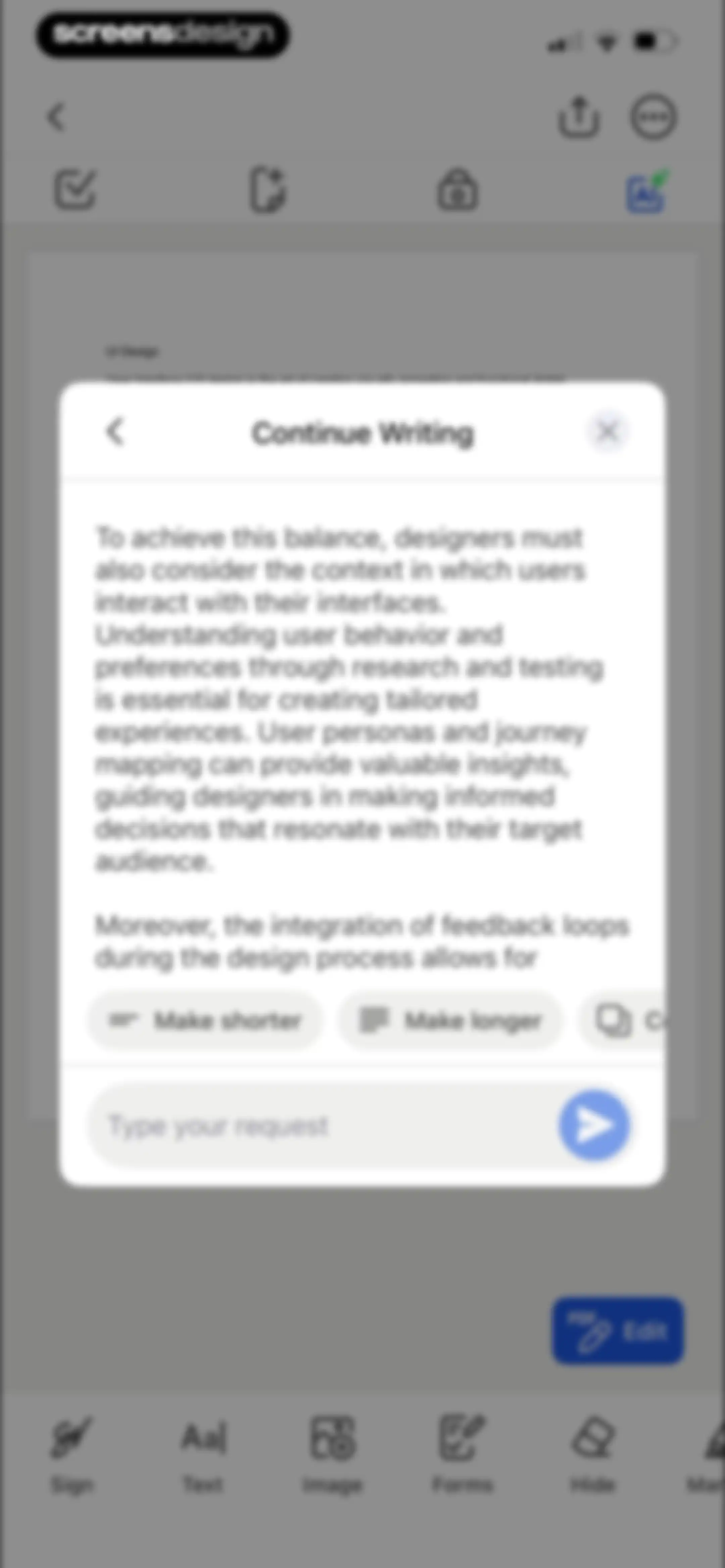
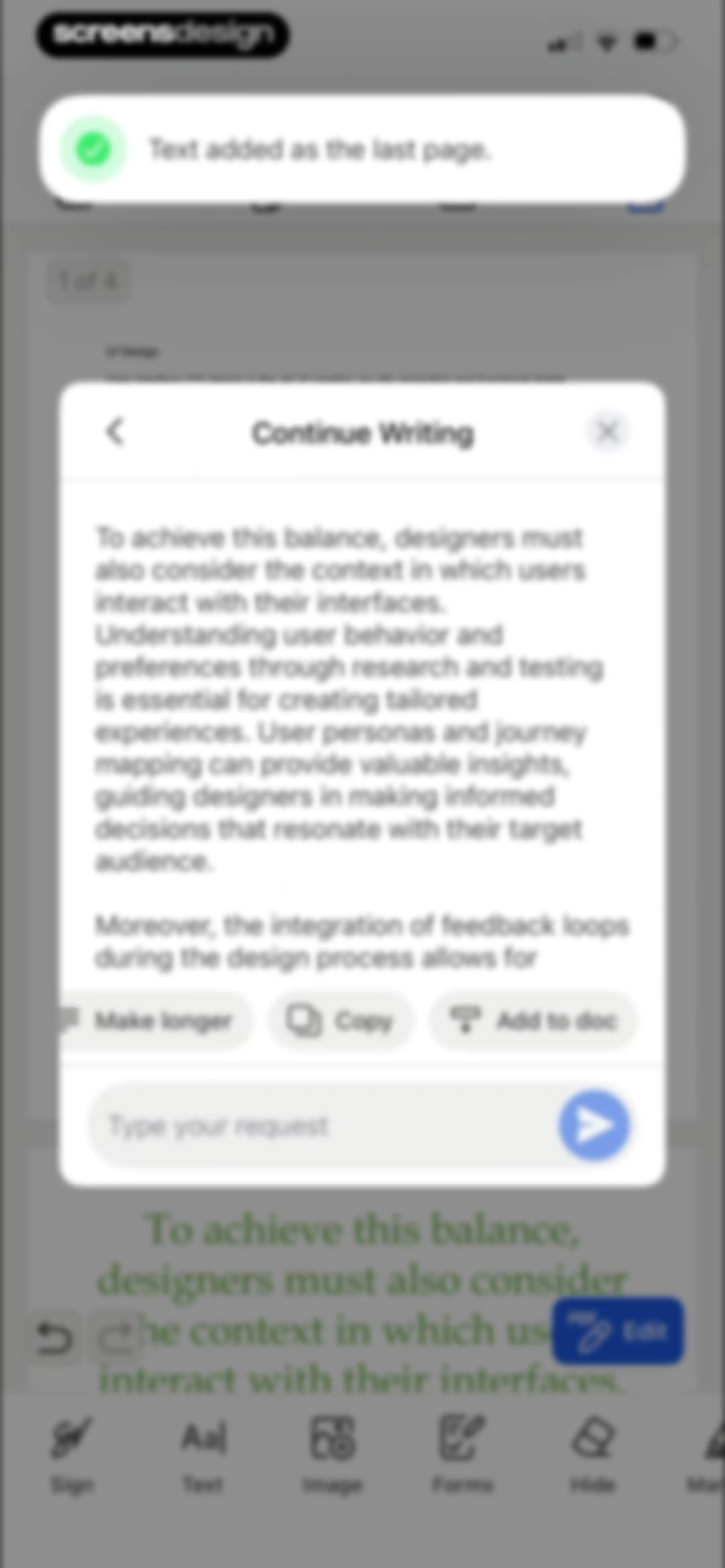
Document editor with an AI writing modal displaying a generated paragraph, action buttons, and an Add to doc option.Unlock Pro
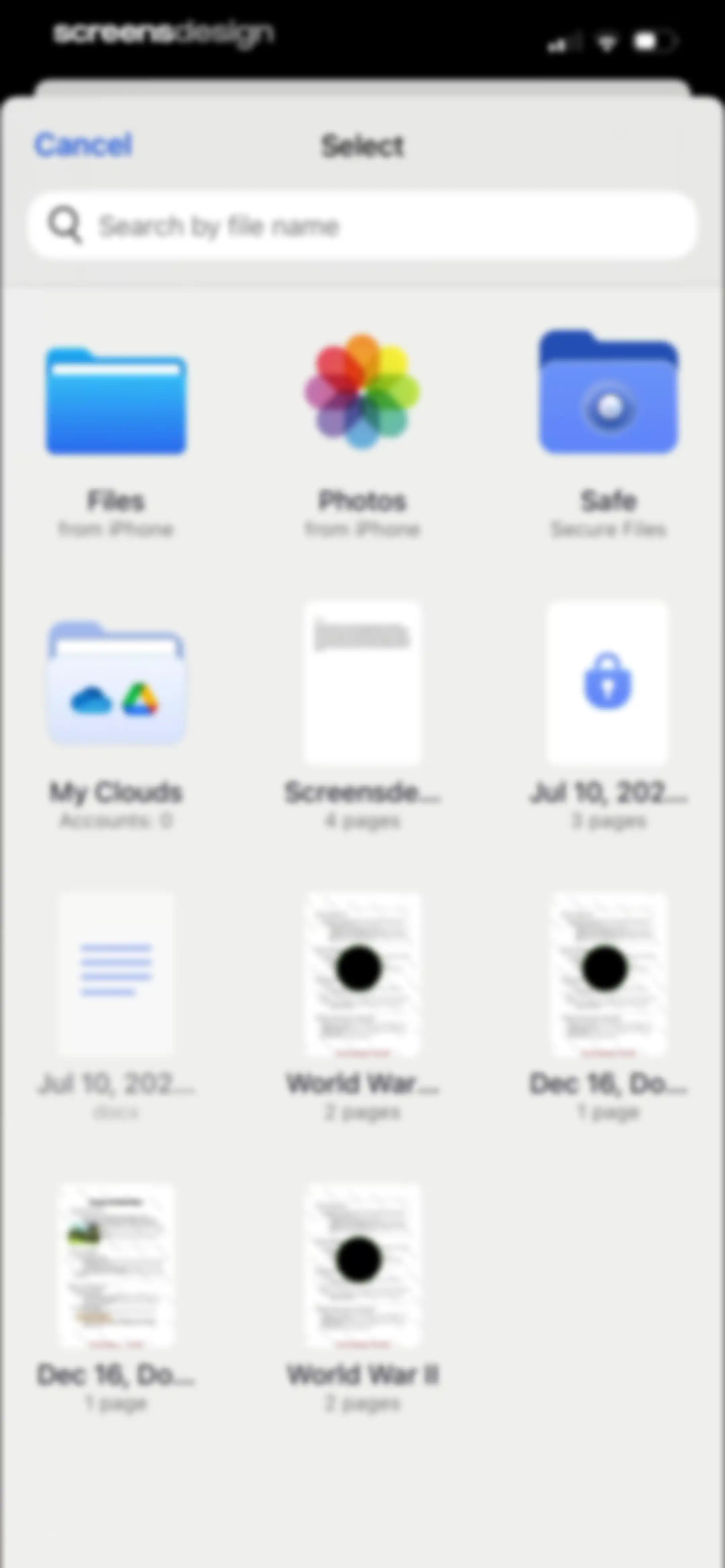
File selection screen displaying a search bar and a grid of document and folder icons with page counts.Unlock Pro
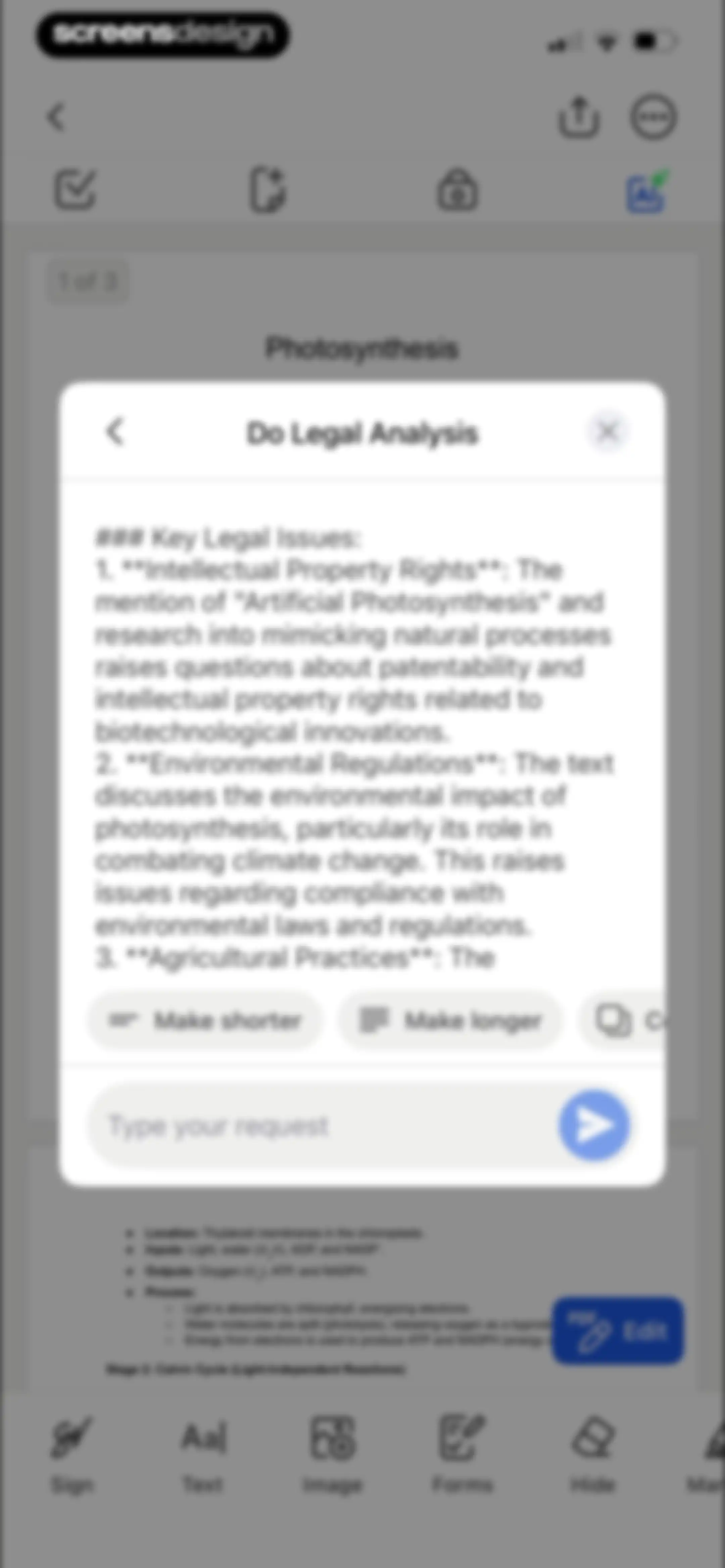
Document editor with an AI analysis modal displaying key legal issues and quick-action refinement buttons over a photosynthesis PDF.Unlock Pro
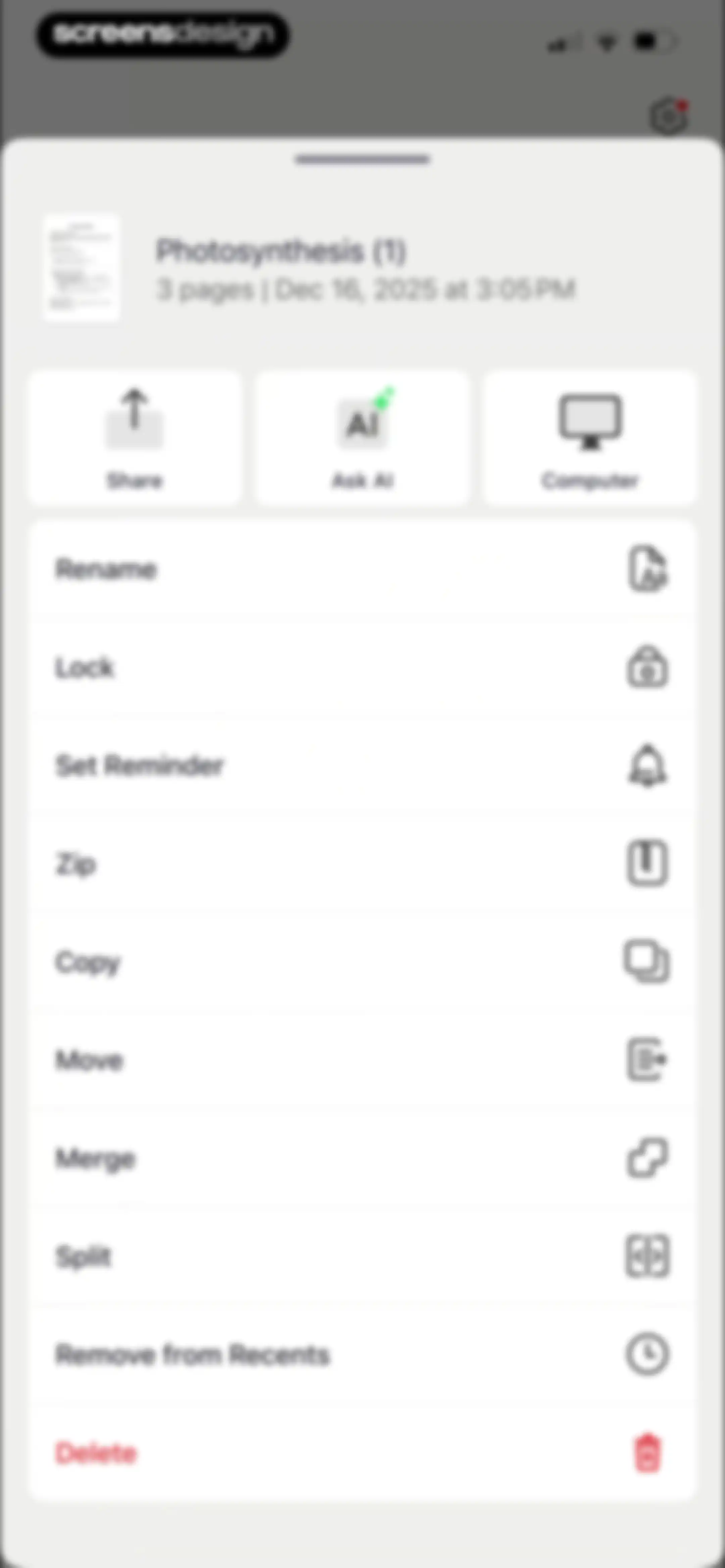
Document management bottom sheet for Photosynthesis with three primary action buttons and a vertical list of file options including delete.Unlock Pro
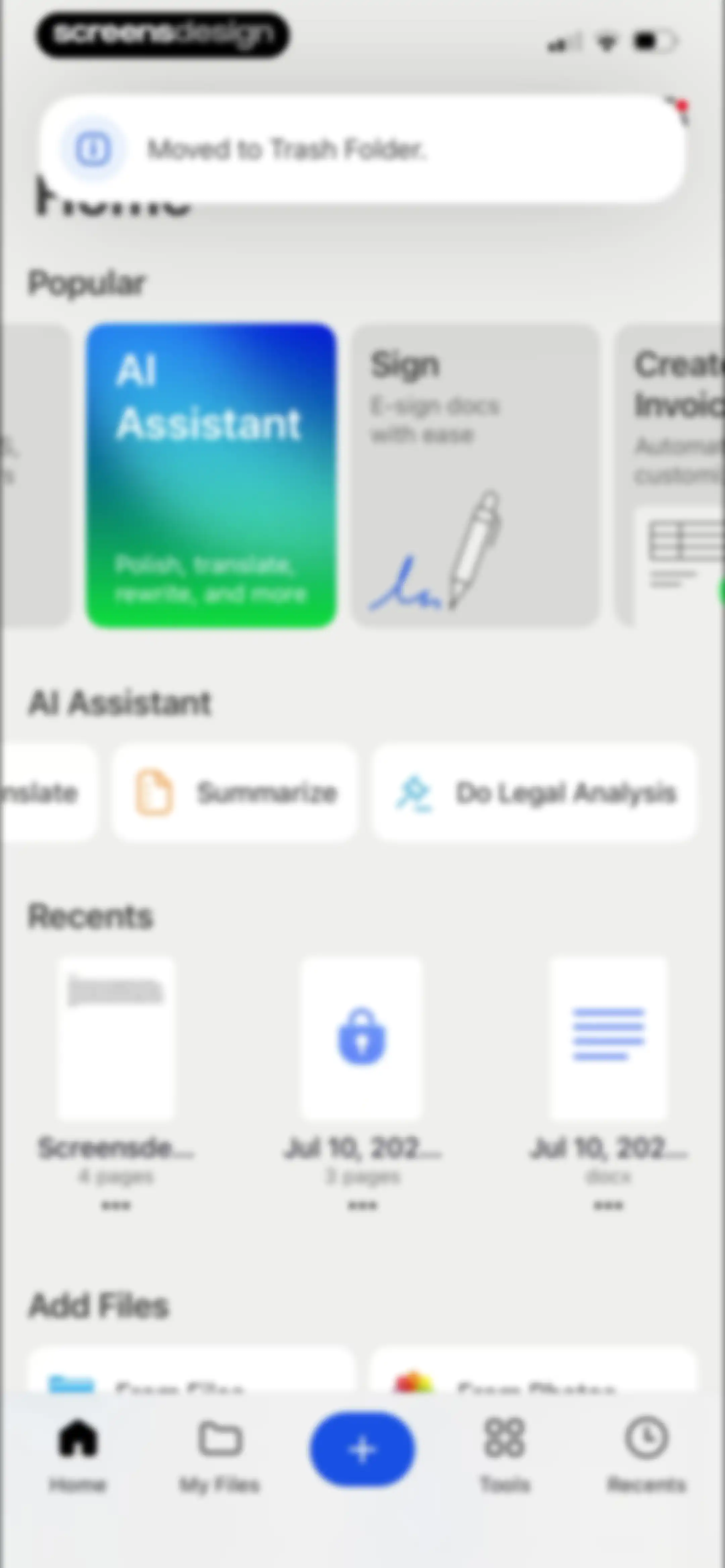
Home screen featuring popular AI tools, quick action cards, a list of recent documents, and a trash notification at the top.Unlock Pro
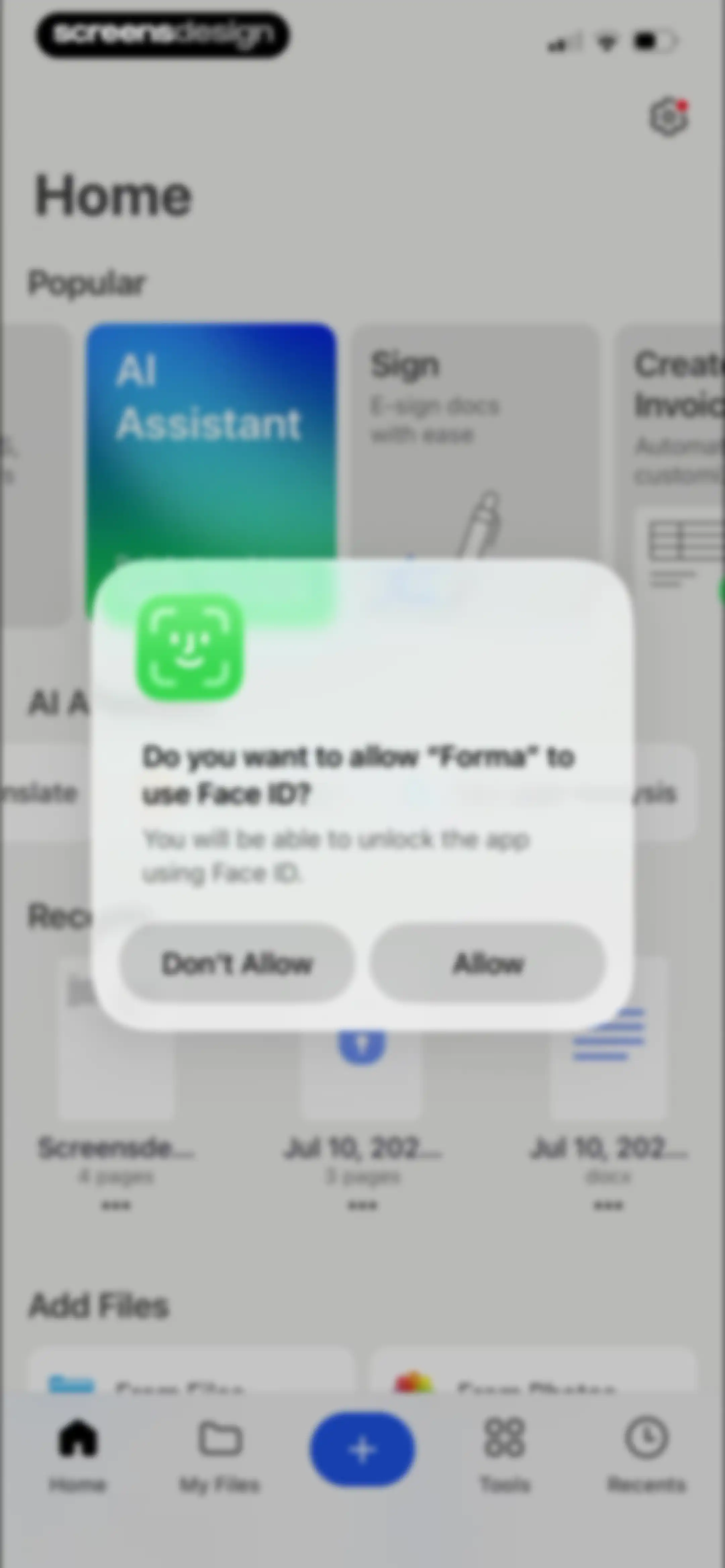
Forma app home screen with a Face ID permission modal asking to allow biometric unlocking, including Allow and Don't Allow buttons.Unlock Pro
PDF editor screen displaying a document preview with a floating edit button and bottom editing tools including sign, text, and markup.Unlock Pro
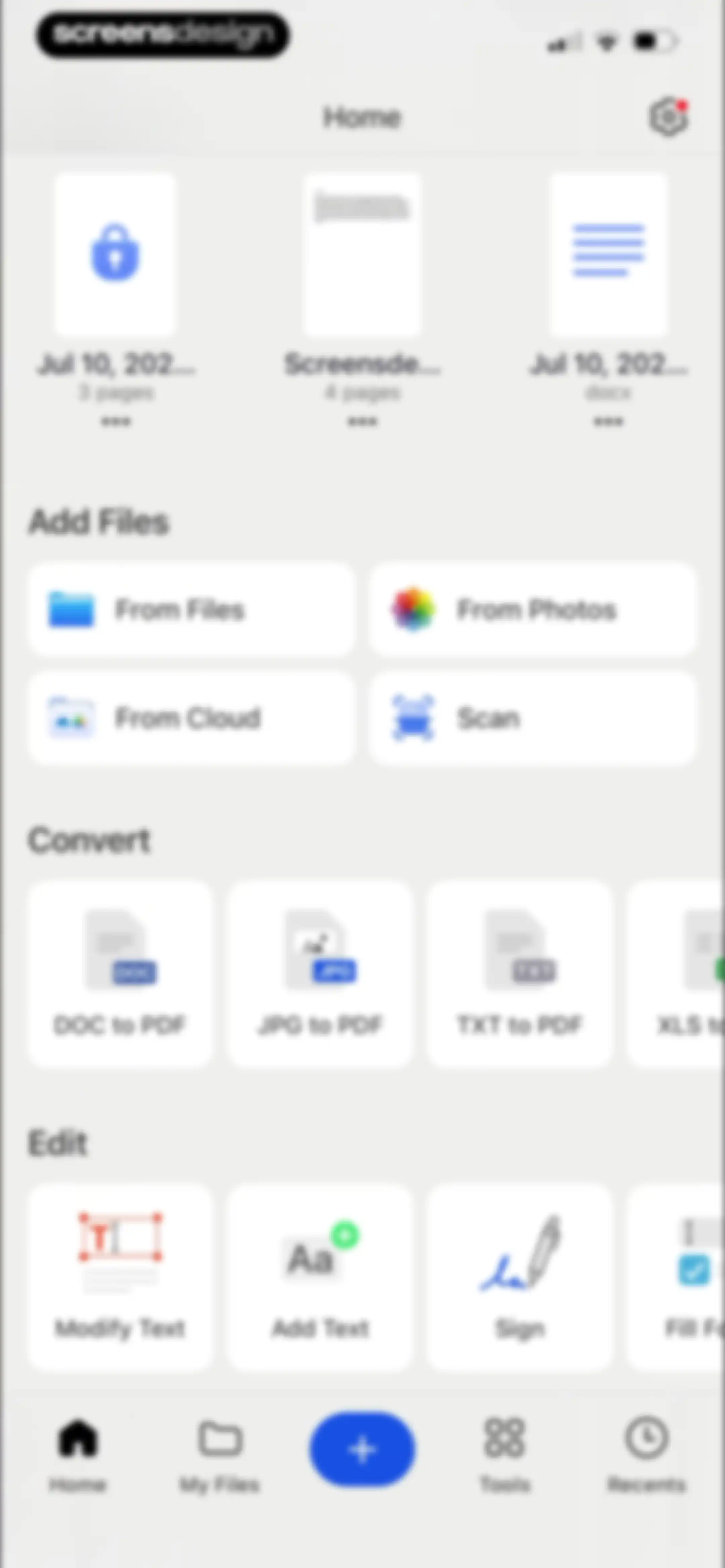
Home screen displaying recent files, an Add Files section with options to scan or import, and conversion and editing tools.Unlock Pro
Camera permission request modal overlaid on the Forma app camera interface, with Allow and Don't Allow buttons.Unlock Pro
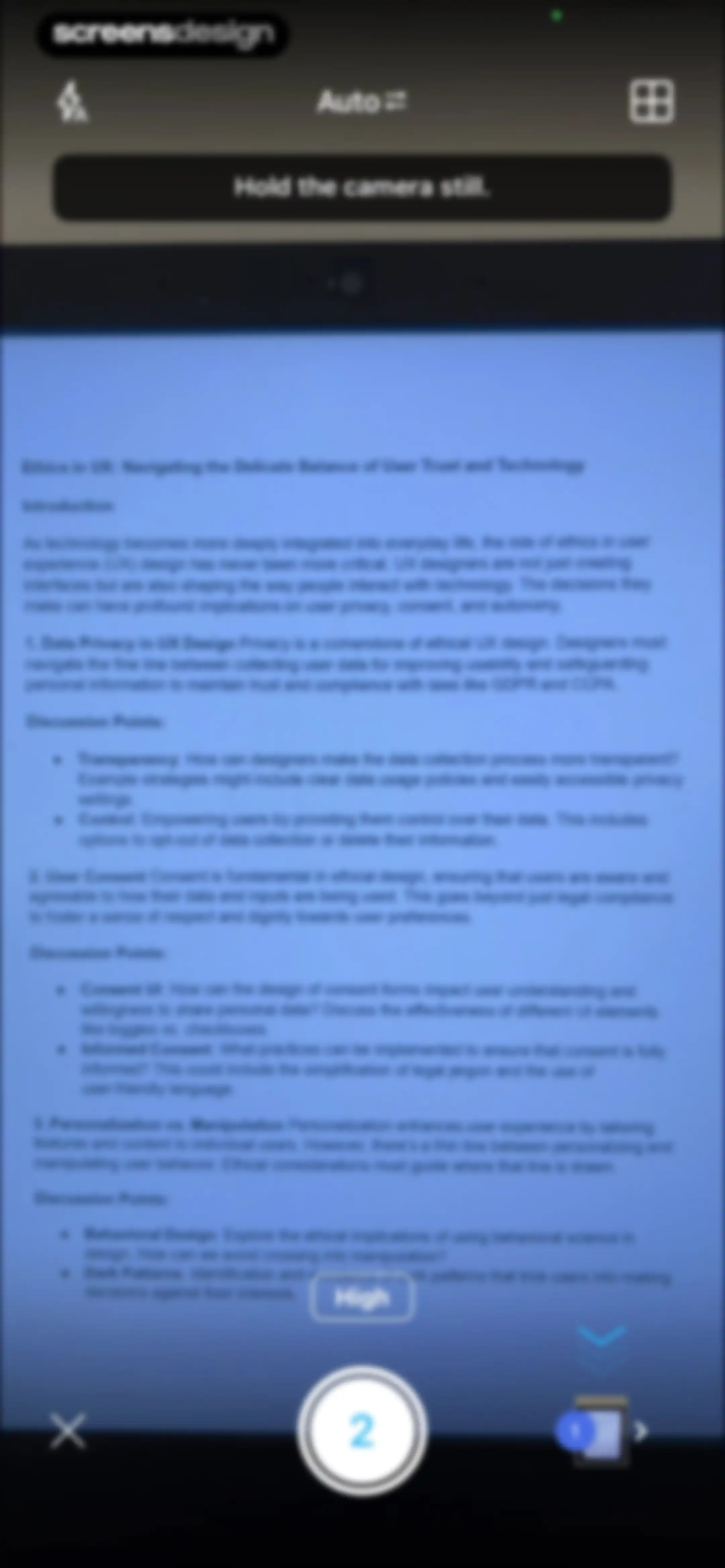
Document scanner camera viewfinder showing an Ethics in UX document, with an Auto mode indicator and a shutter button showing two scanned pages.Unlock Pro
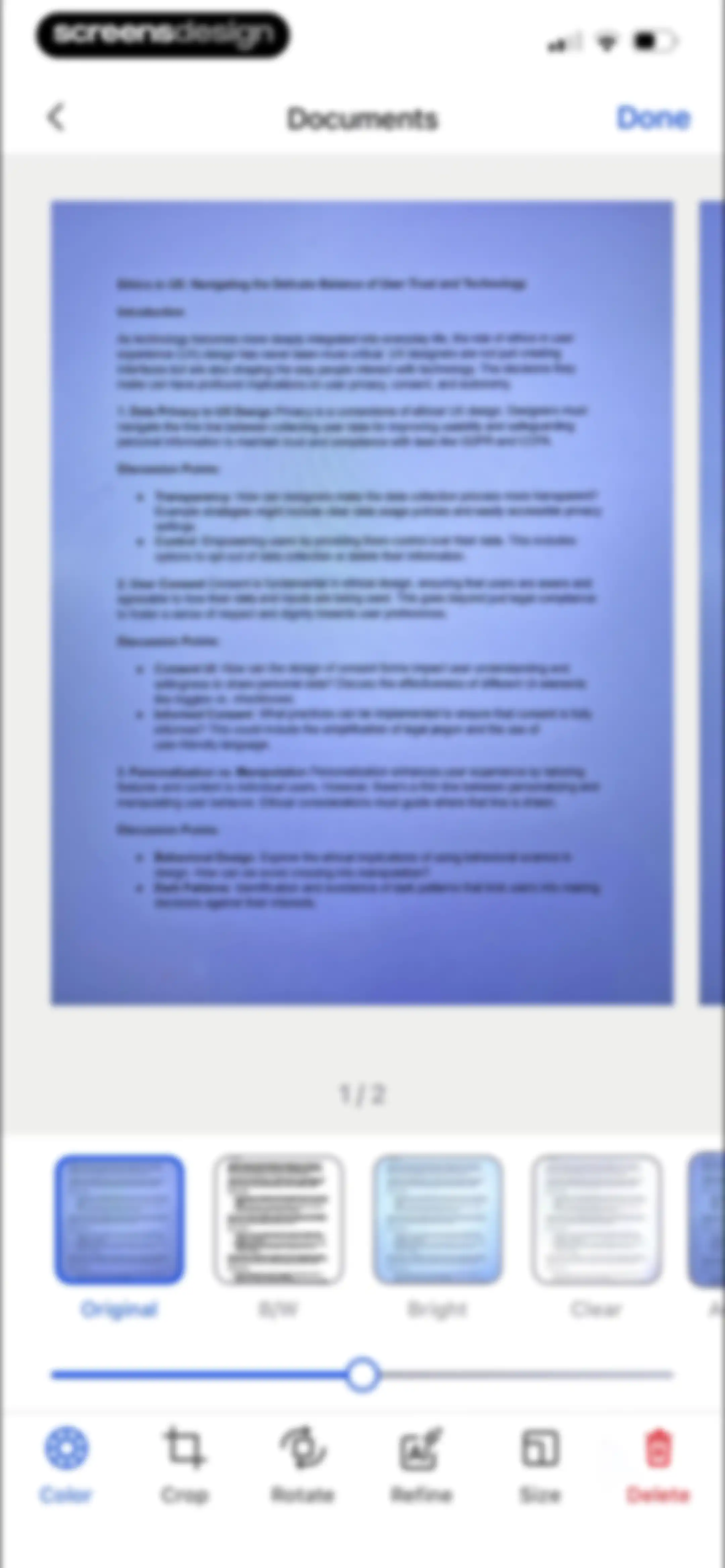
Document editor displaying a scanned page preview with a filter carousel, intensity slider, and a bottom tool navigation bar with a Done button.Unlock Pro
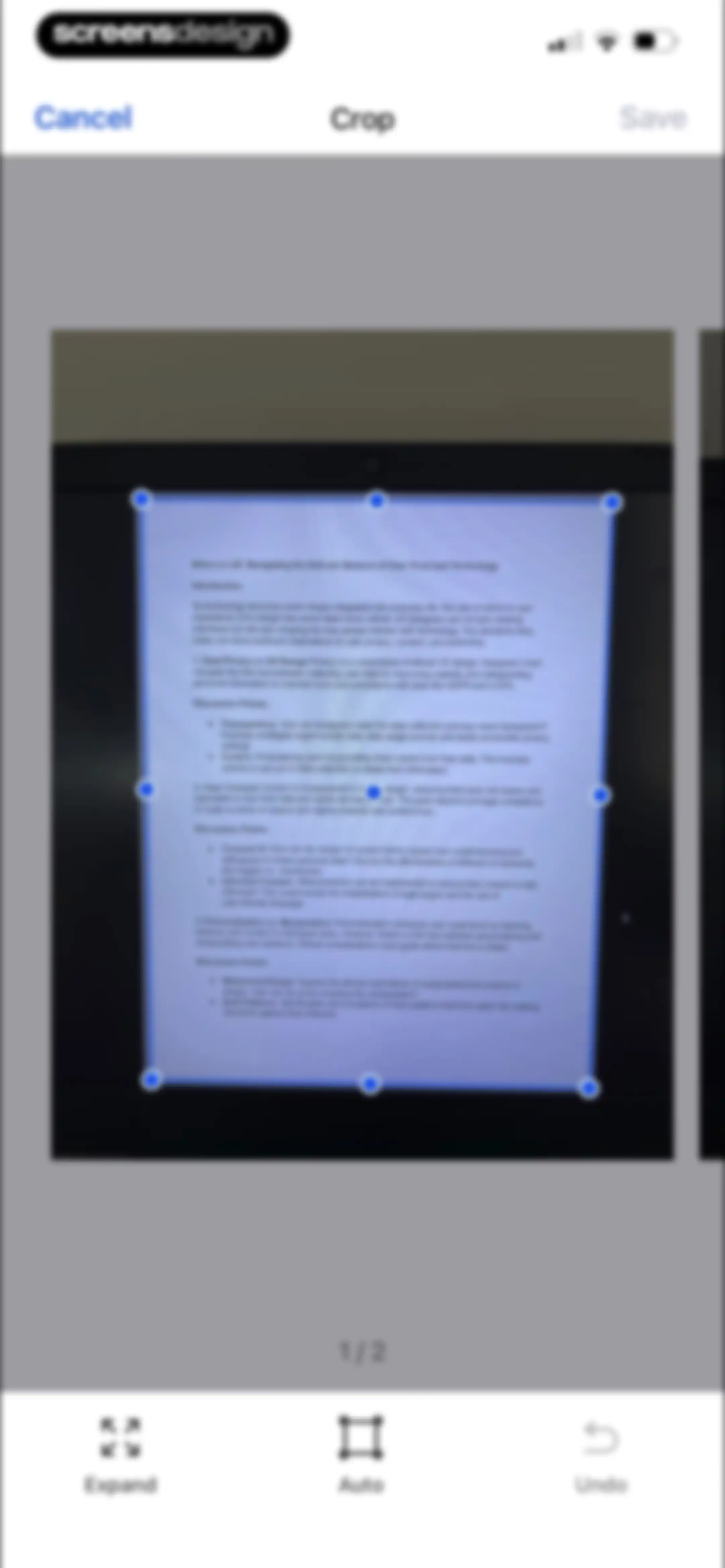
Document cropping editor showing a scanned page with a blue crop overlay, edit handles, and a bottom toolbar with Expand, Auto, and Undo buttons.Unlock Pro
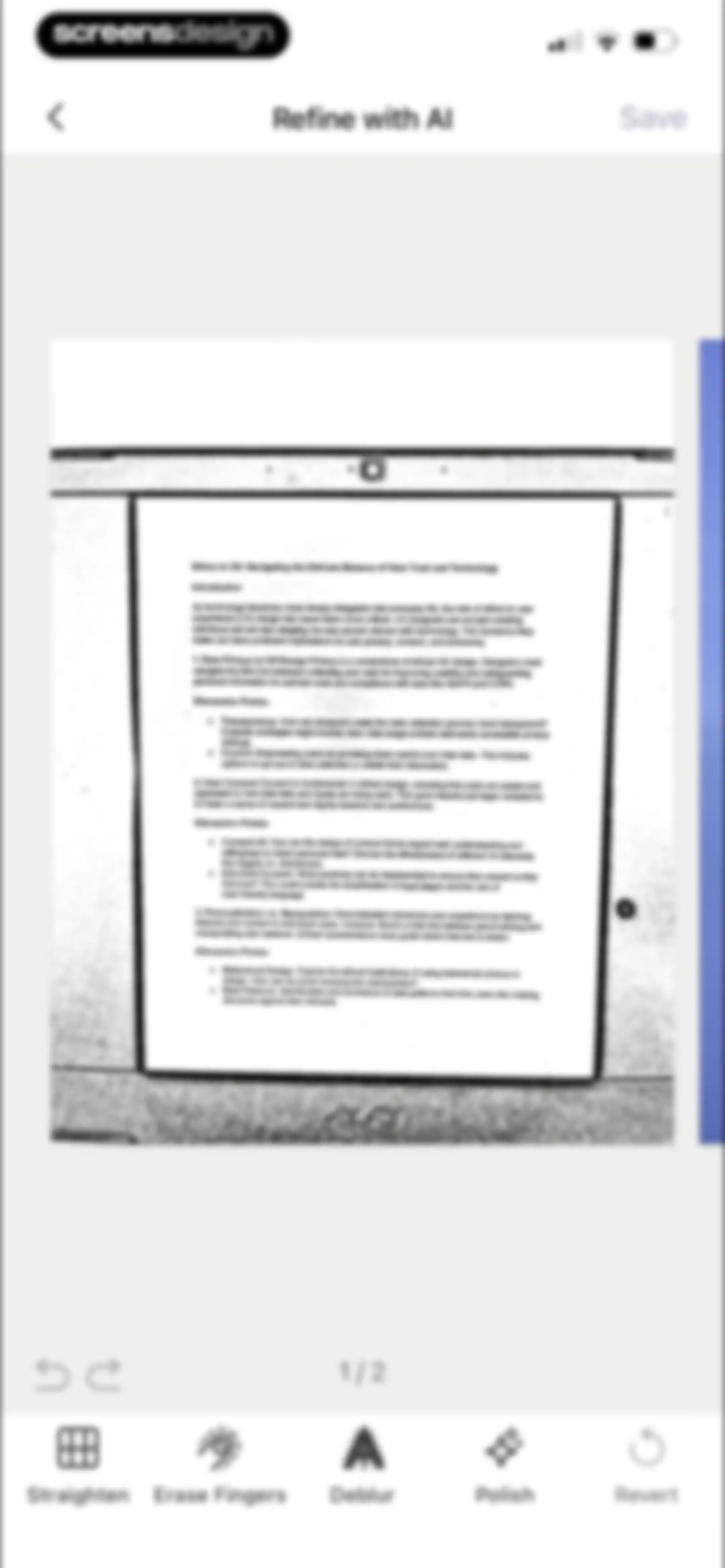
Document editor screen displaying a scanned page with AI enhancement tools including straighten, deblur, and polish, alongside a save button.Unlock Pro
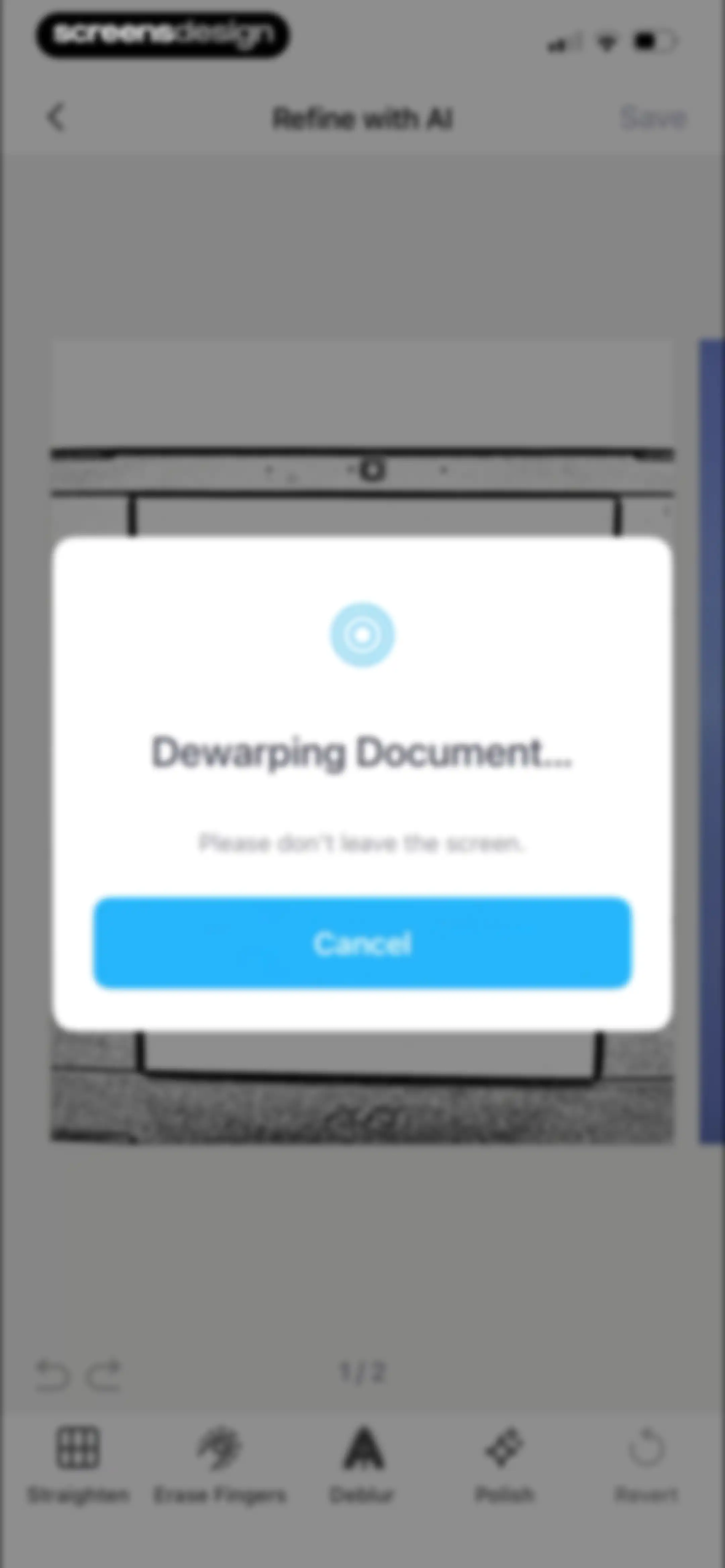
Document editor screen with an AI processing modal overlay stating Dewarping Document and a Cancel button over a bottom editing toolbar.Unlock Pro
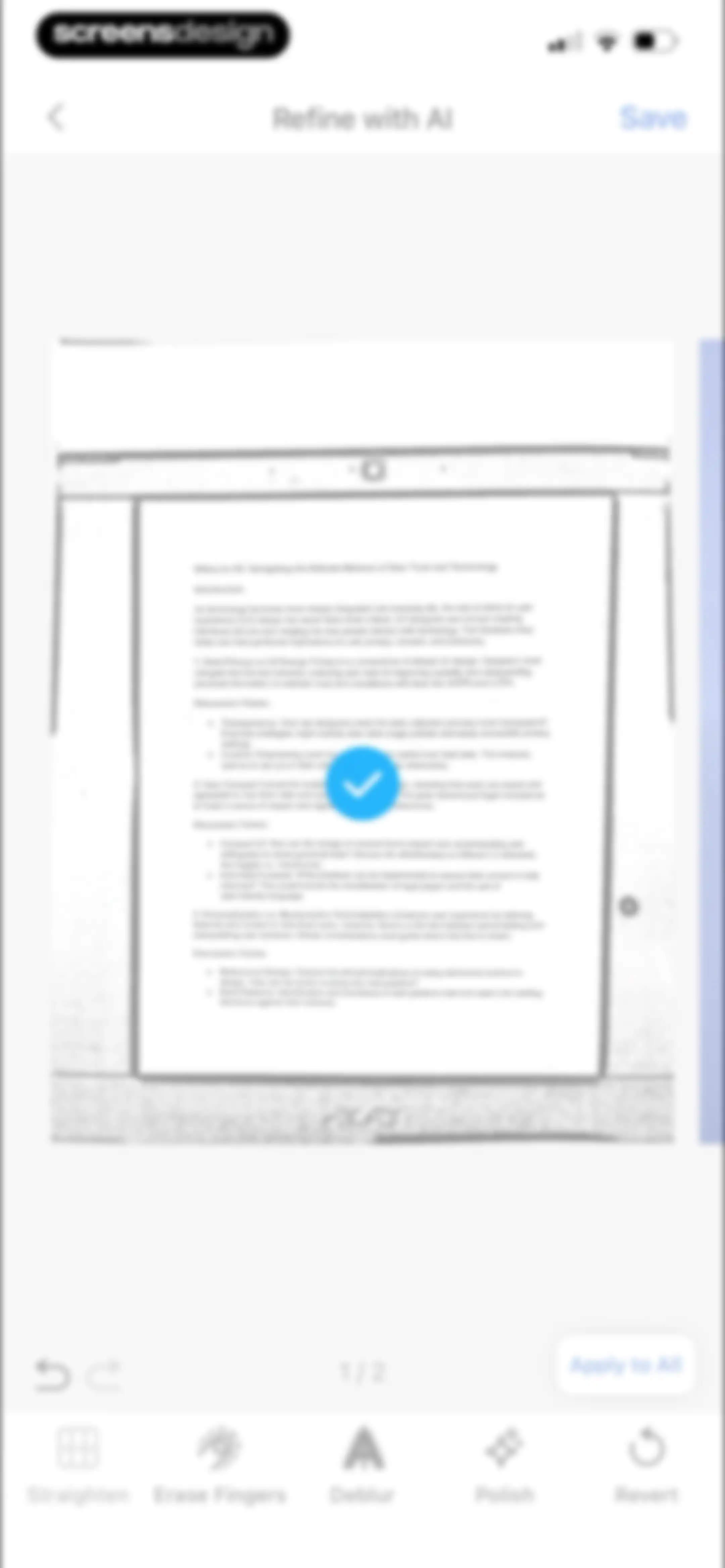
Document editor screen showing a scanned page preview with a bottom toolbar of editing tools and a Save button.Unlock Pro
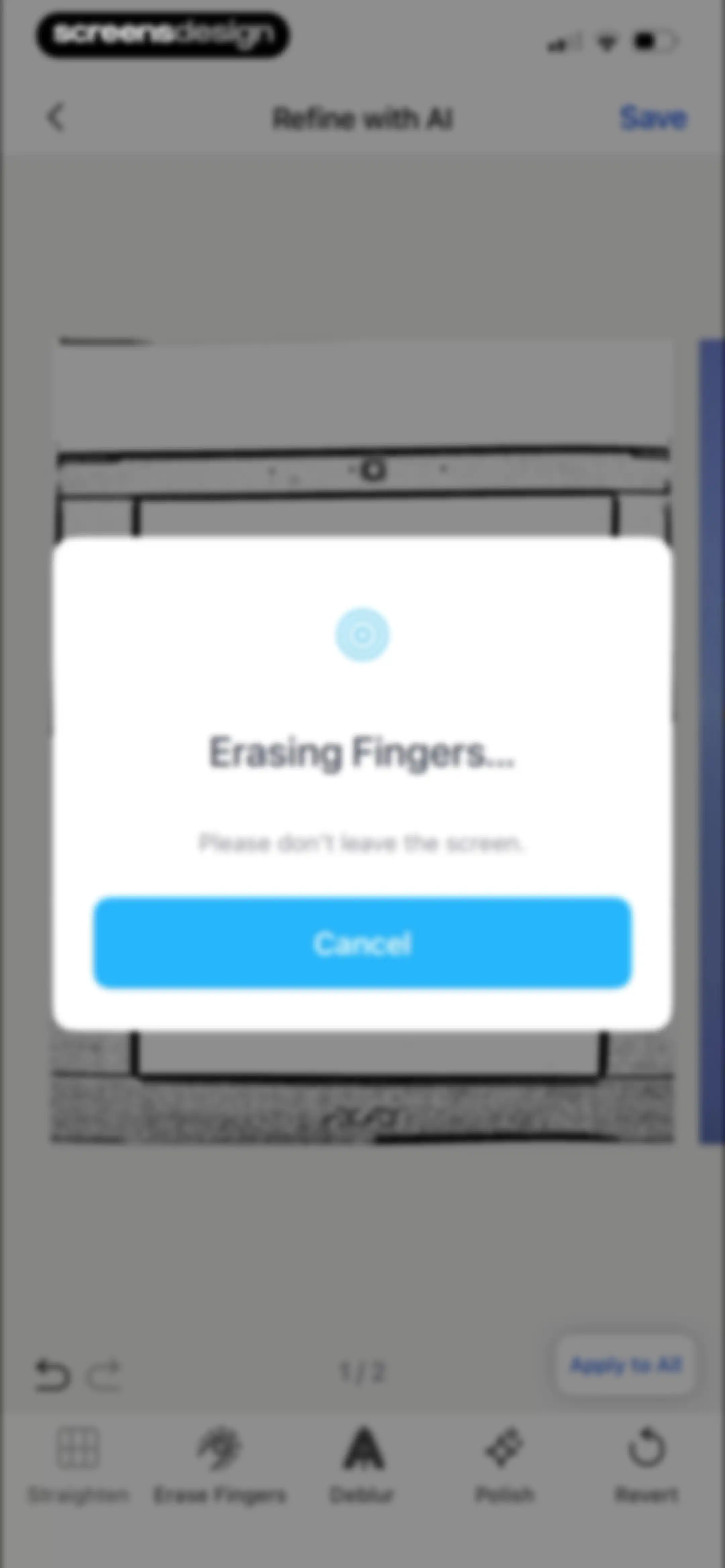
Document editor with a modal displaying Erasing Fingers loading progress, a Cancel button, and an editing toolbar below.Unlock Pro
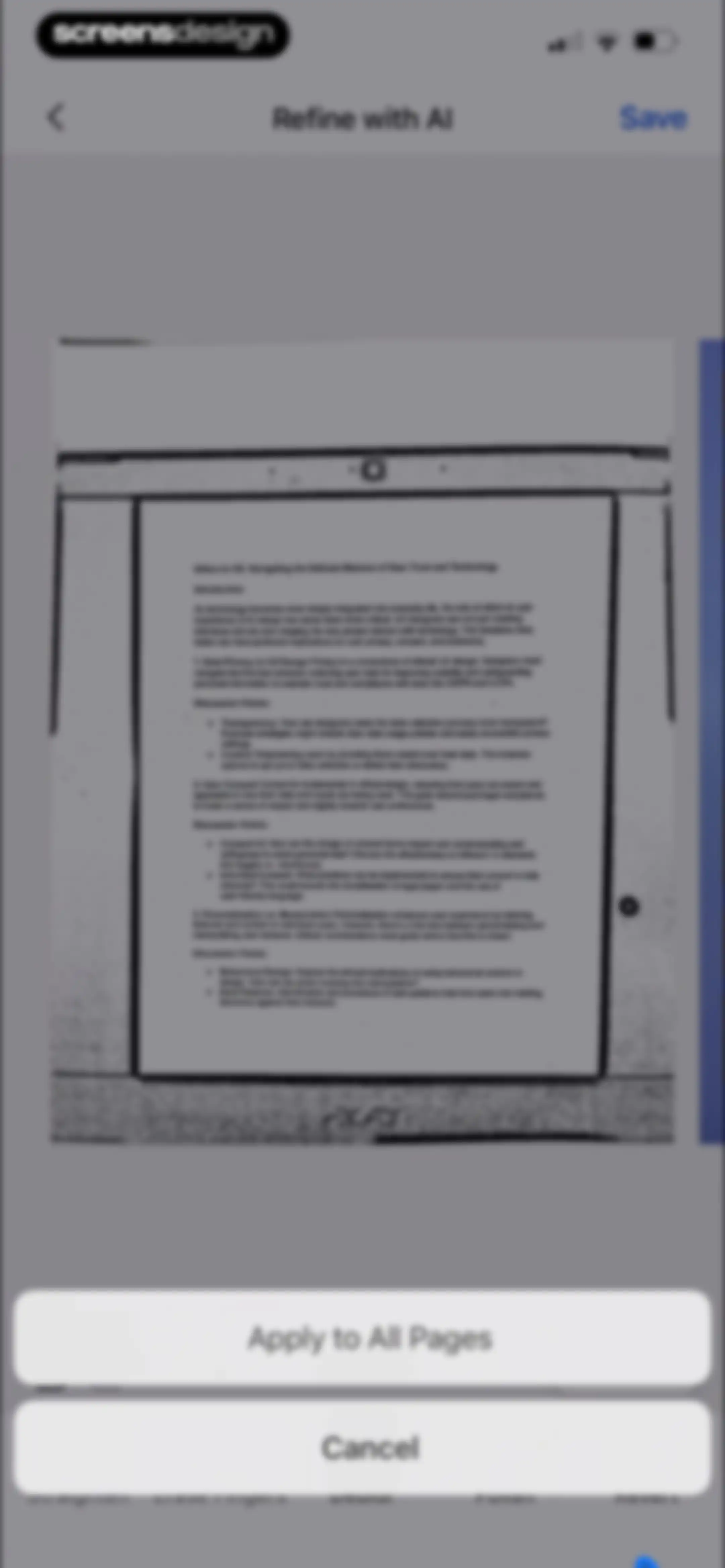
Document editor displaying an Ethics in UX preview with an AI refinement modal, featuring Apply to All Pages and Cancel buttons.Unlock Pro
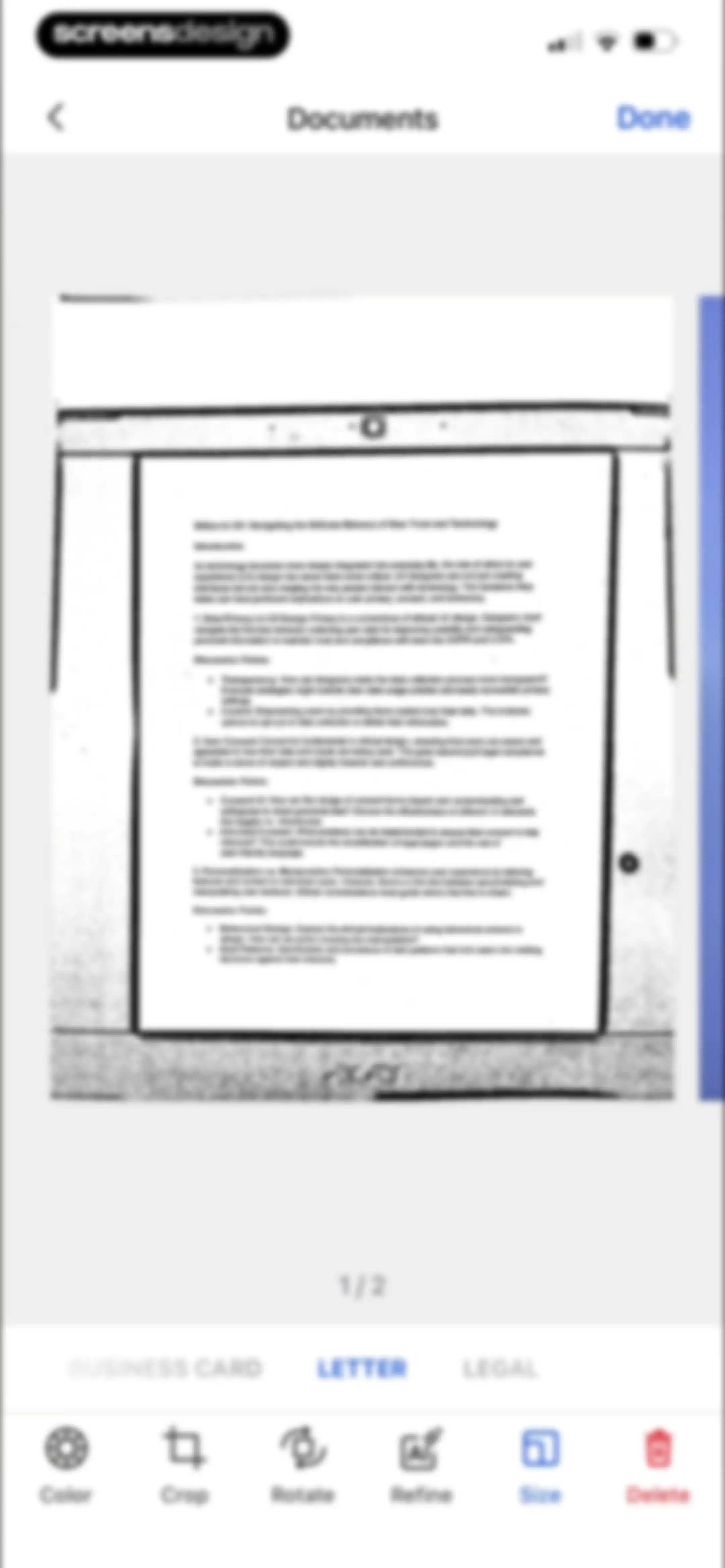
Document editor screen displaying a scanned document preview with size selection tabs, the letter size selected, and a bottom editing toolbar.Unlock Pro
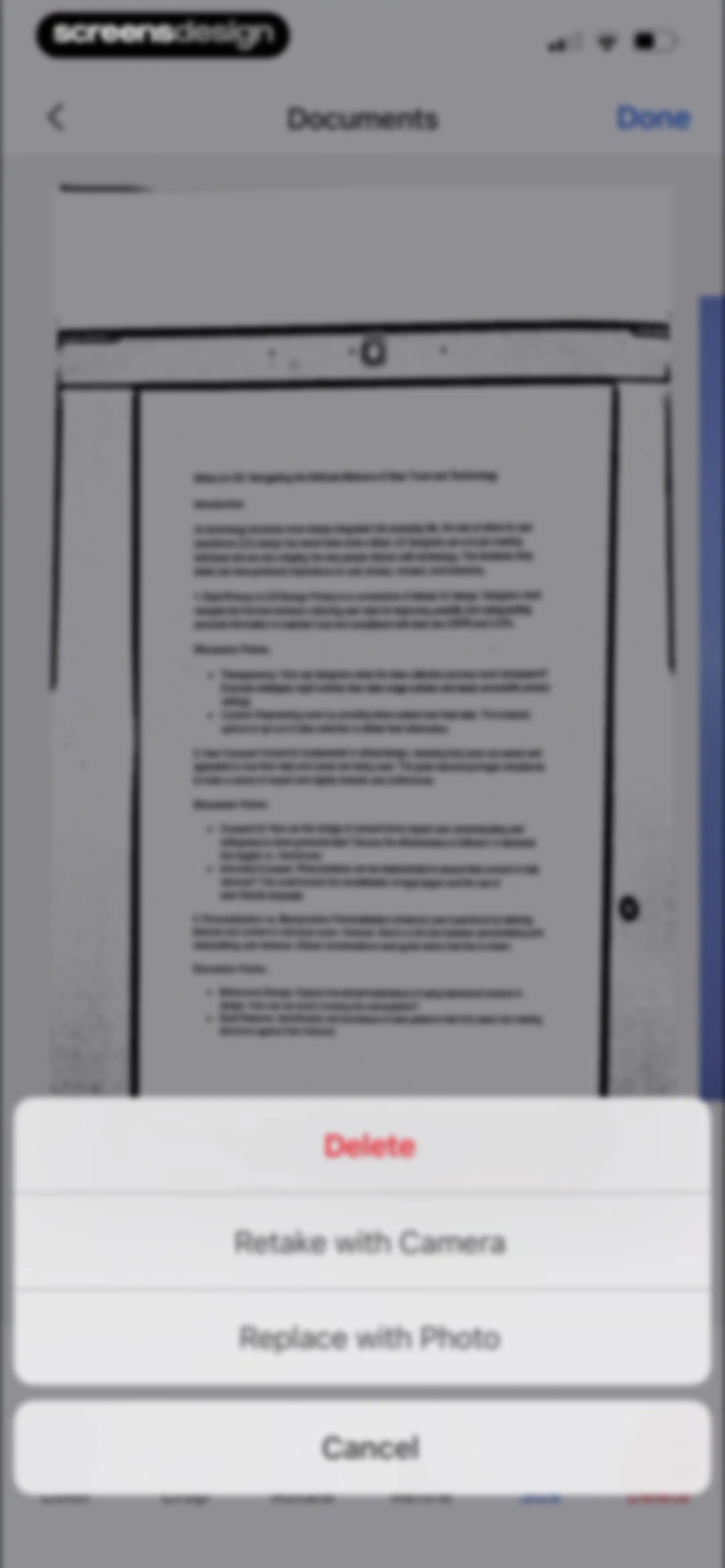
Document editor displaying a scanned page with an action sheet modal showing delete, retake, and replace options.Unlock Pro
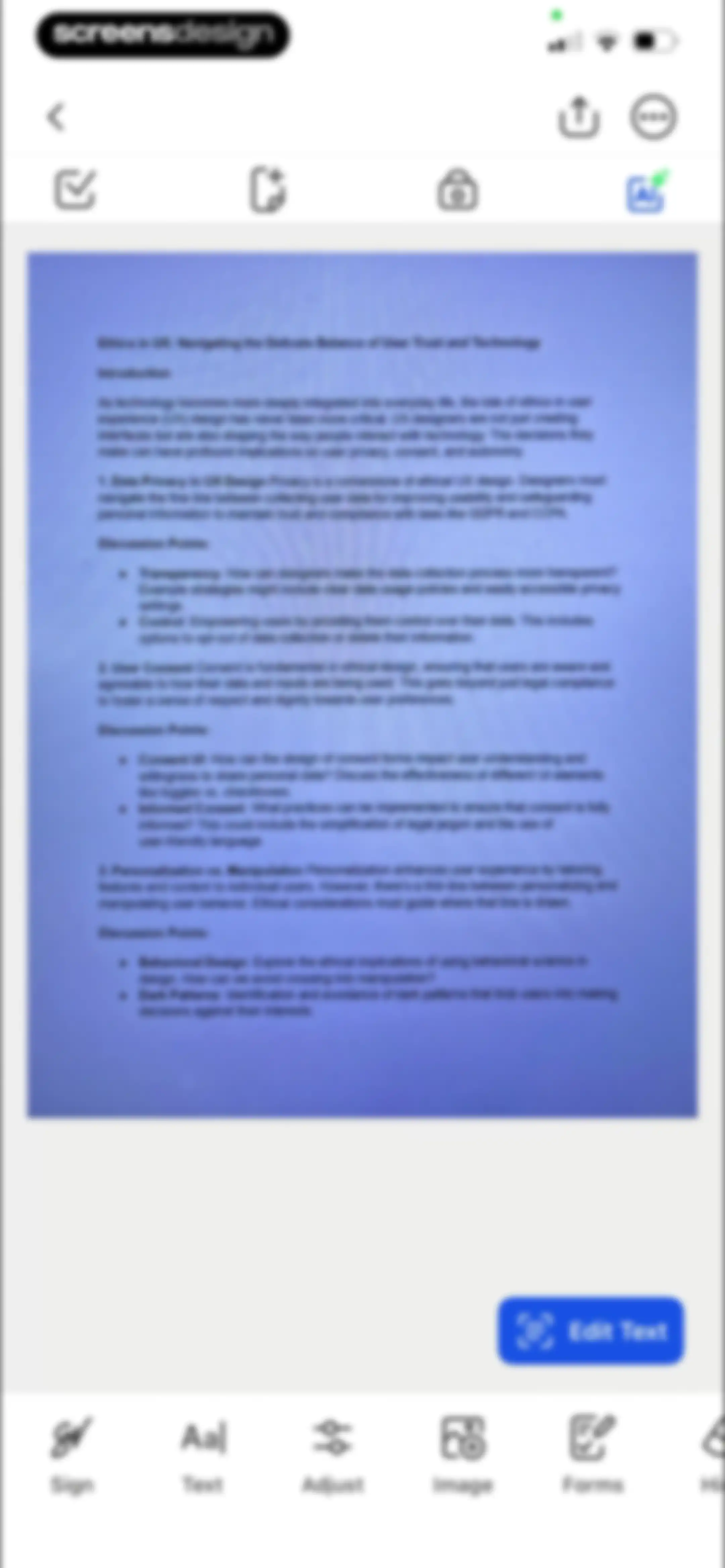
Document editor displaying an Ethics in UX document preview with a bottom editing toolbar and a floating Edit Text button.Unlock Pro
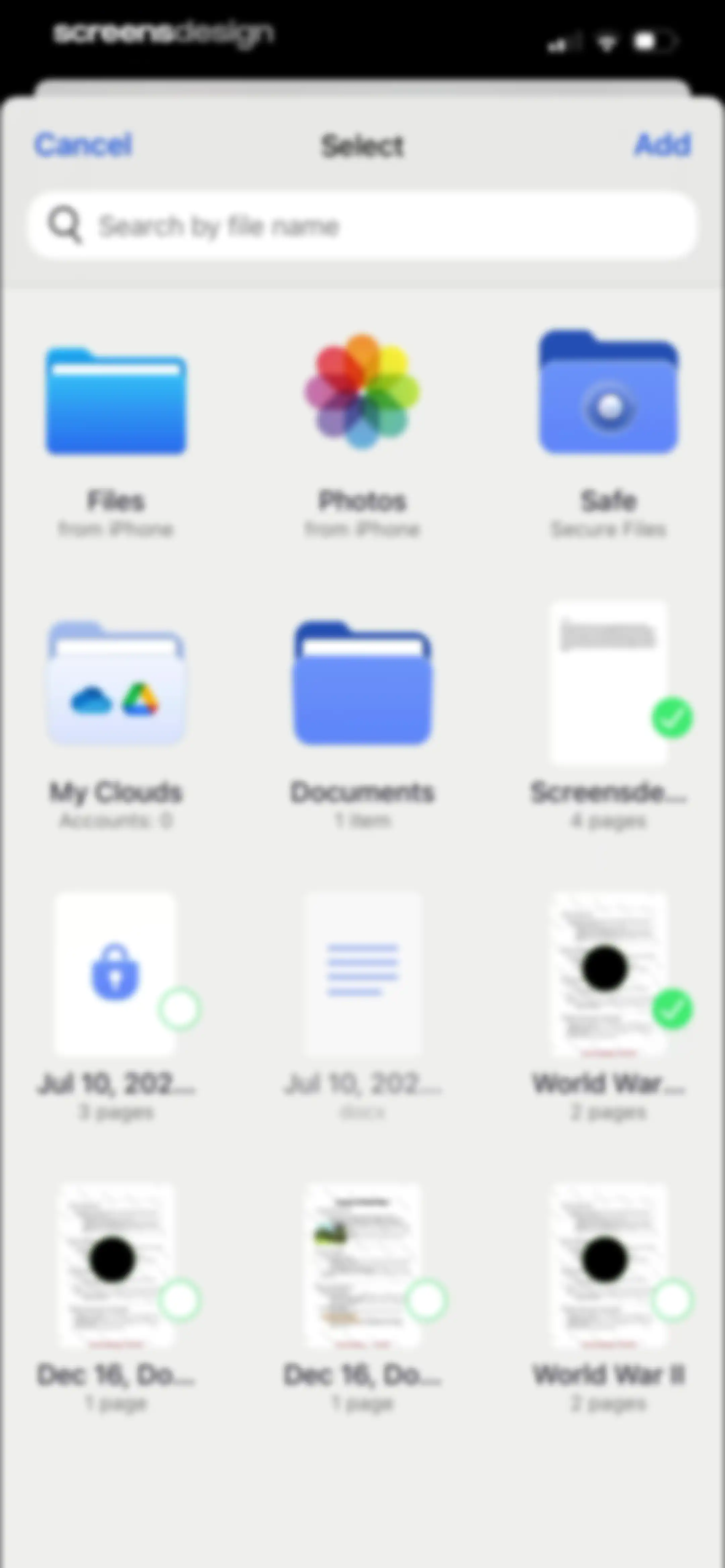
File picker screen displaying a search bar, file source icons, and a grid of document previews with selected items and an Add button.Unlock Pro
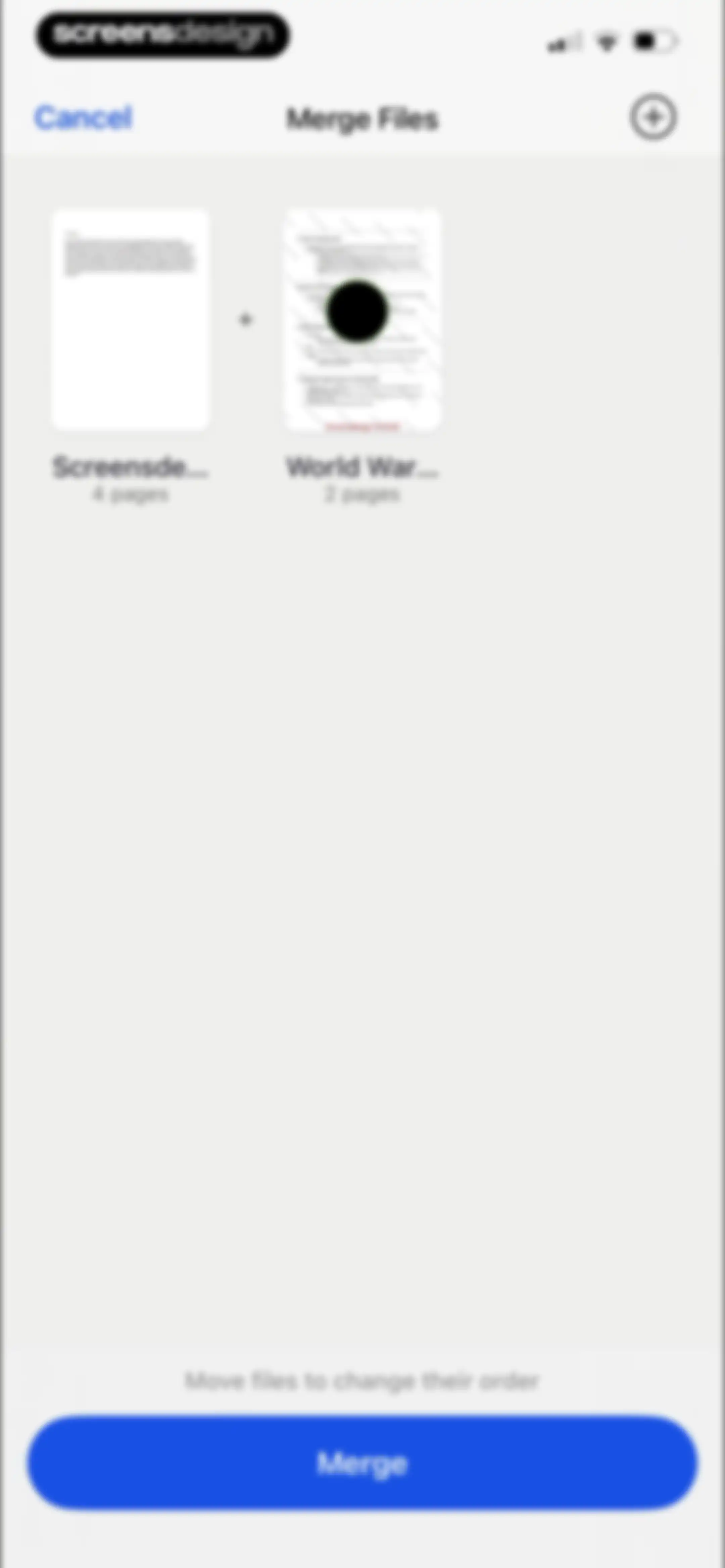
PDF merge editor screen displaying two document thumbnails with a Merge button and instructions to reorder files.Unlock Pro
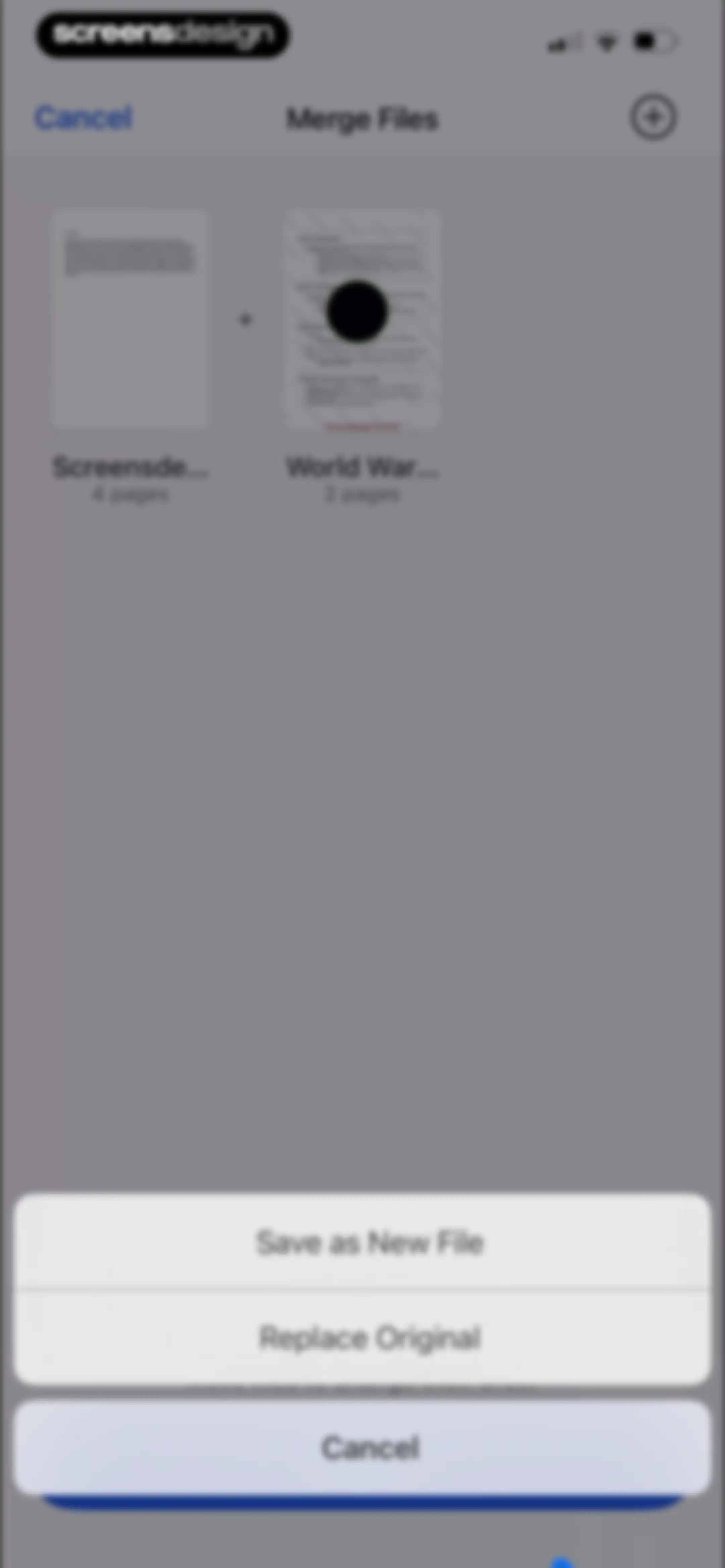
PDF merge screen displaying two document thumbnails and a bottom action sheet with options to save as a new file or replace the original.Unlock Pro
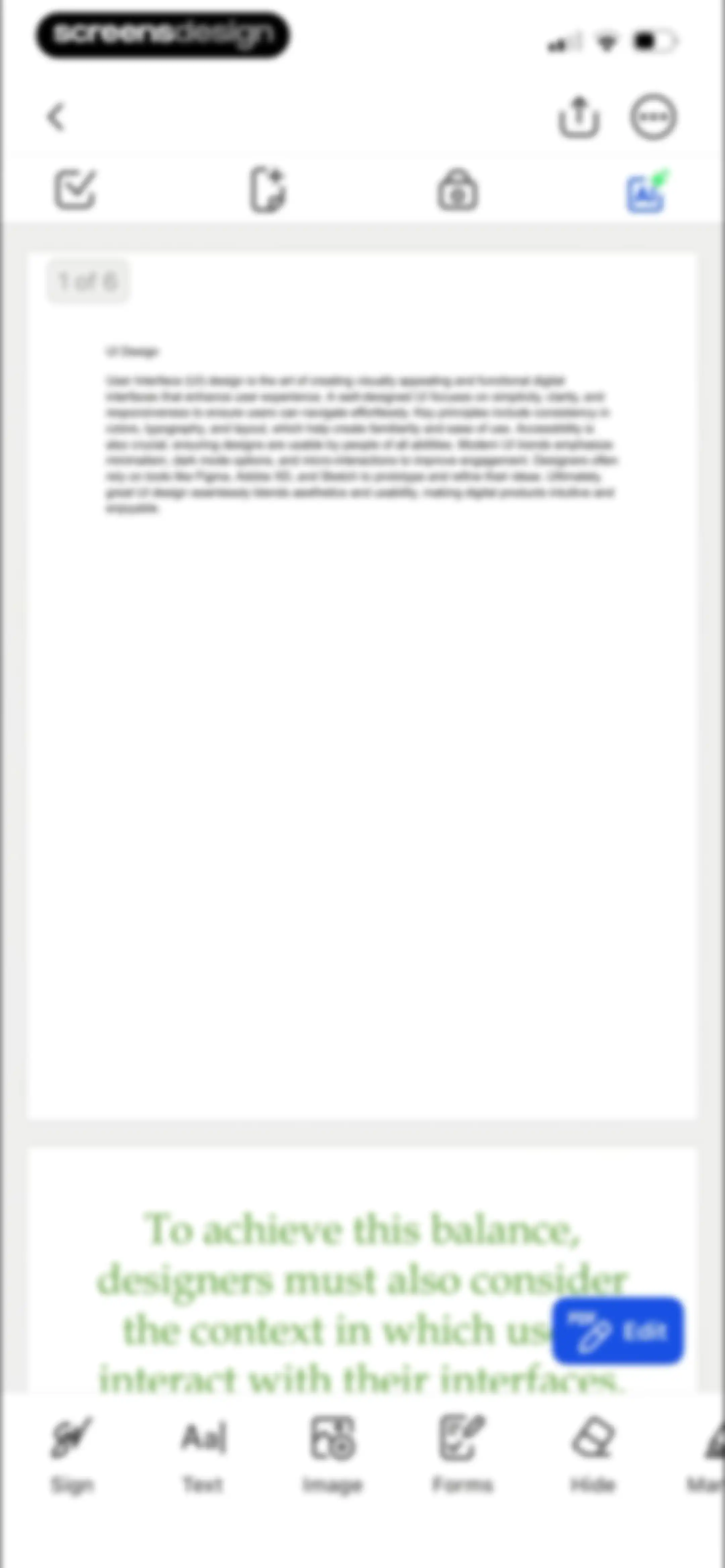
PDF editor screen displaying a document about UI design, a floating PDF Edit button, and a bottom editing toolbar.Unlock Pro
File manager home screen displaying a search bar, a grid of folders, document previews, and a bottom navigation bar with the Home tab selected.Unlock Pro
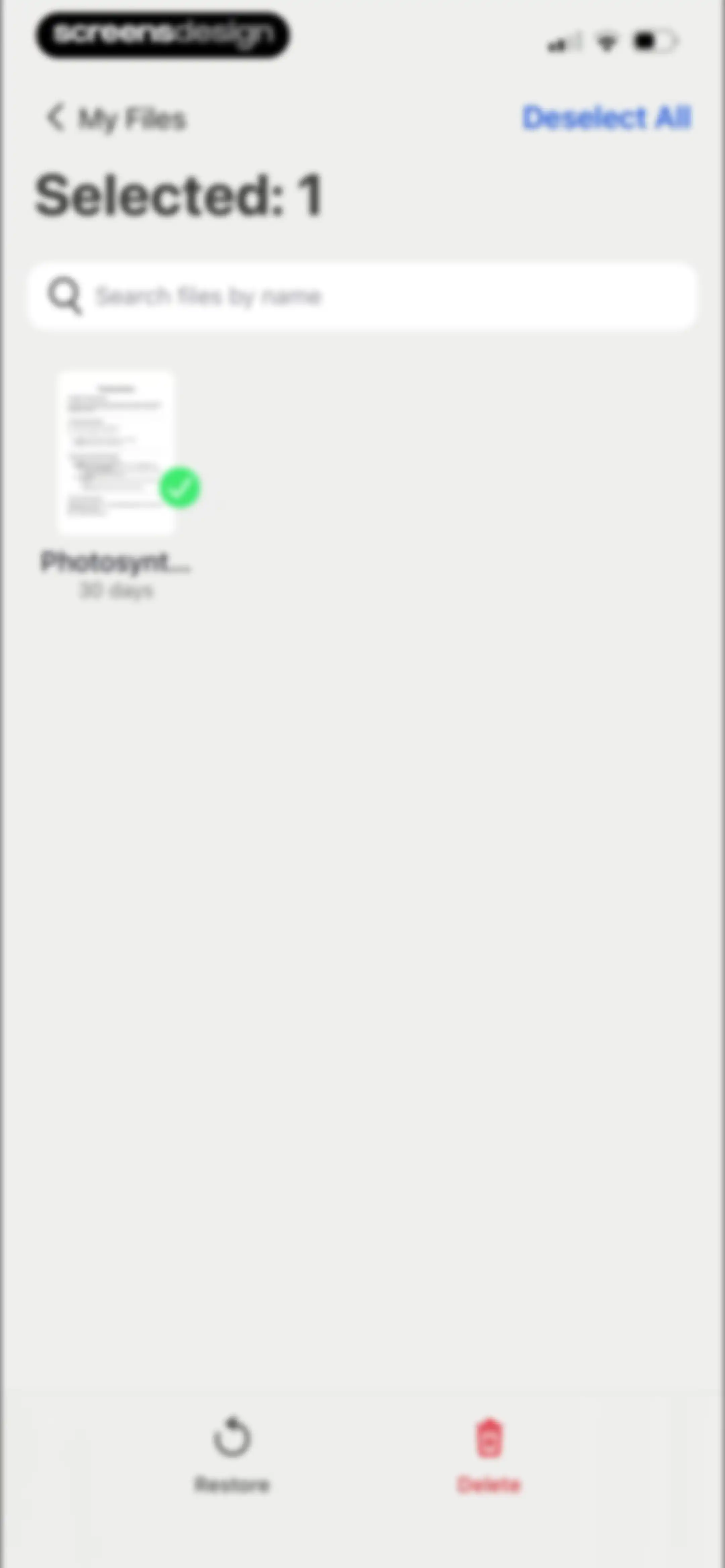
File management screen showing one selected document with Restore and Delete actions at the bottom.Unlock Pro
Empty state screen for the Trash folder in a PDF app, displaying a Folder Is Empty message and a back button to My Files.Unlock Pro
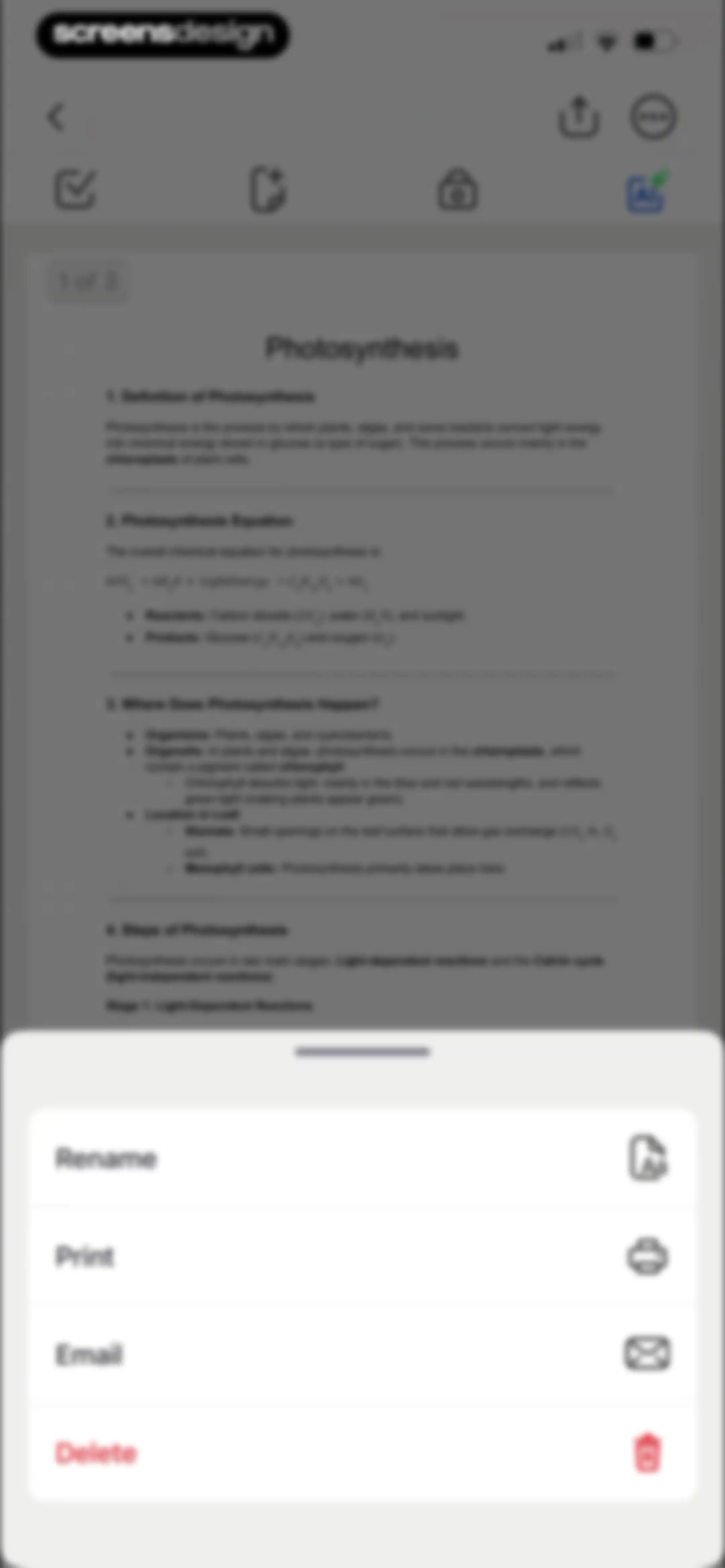
Document editor screen displaying a Photosynthesis PDF and a bottom sheet modal with Rename, Print, Email, and Delete options.Unlock Pro
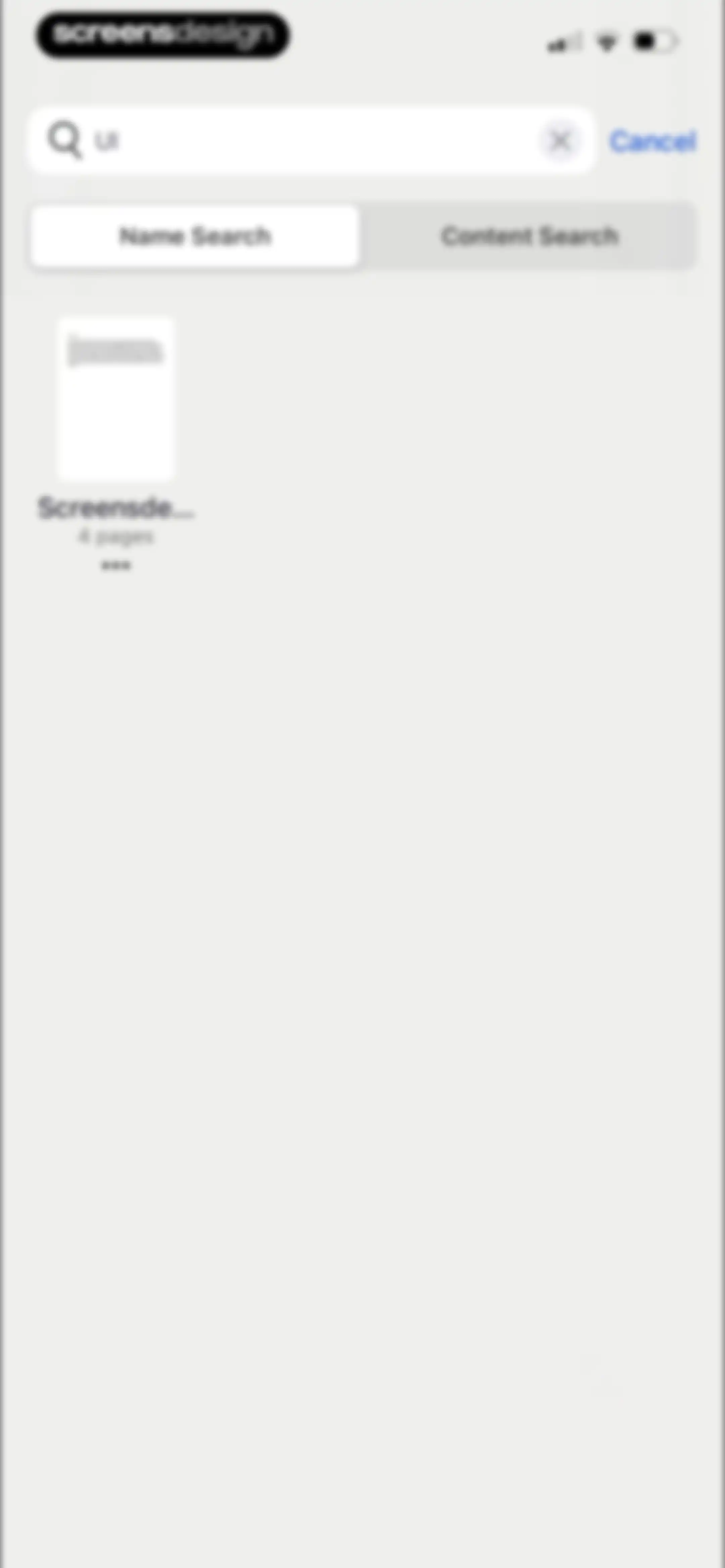
Search screen displaying a document result for the query UI, with Name Search selected and a Cancel button.Unlock Pro
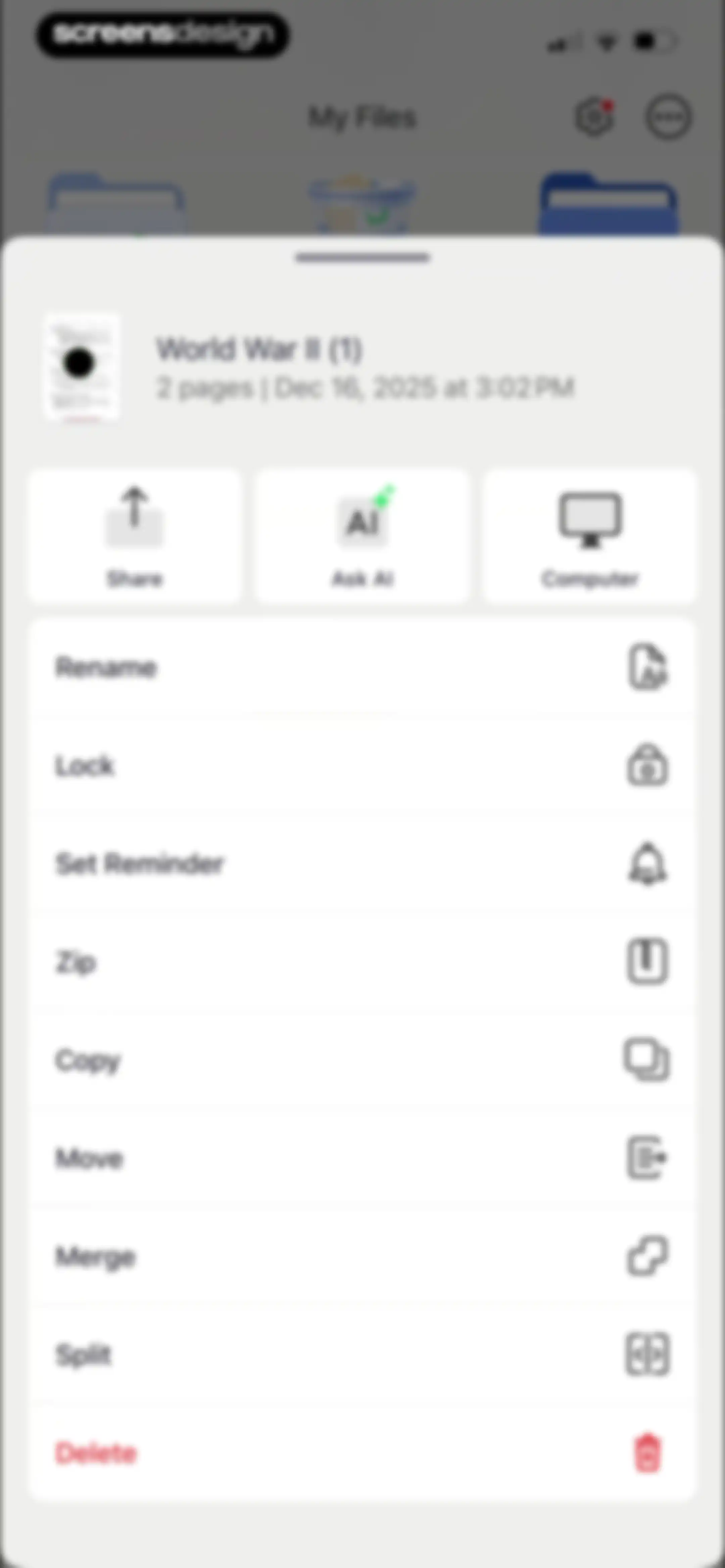
File management bottom sheet modal for the World War II document, featuring primary action buttons and a vertical list of operations.Unlock Pro
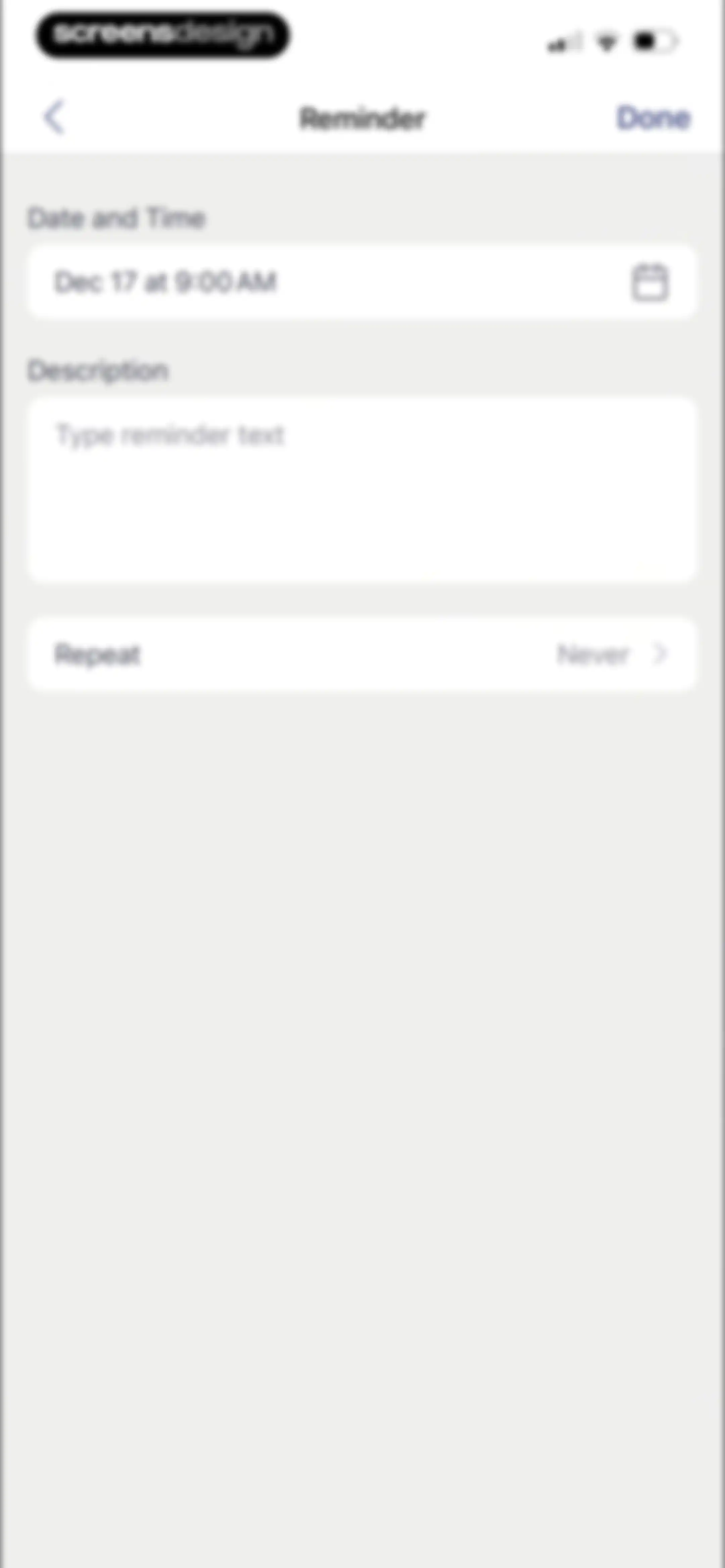
Reminder creation form with date and time set to Dec 17 at 9:00 AM, a description text area, and a Done button.Unlock Pro
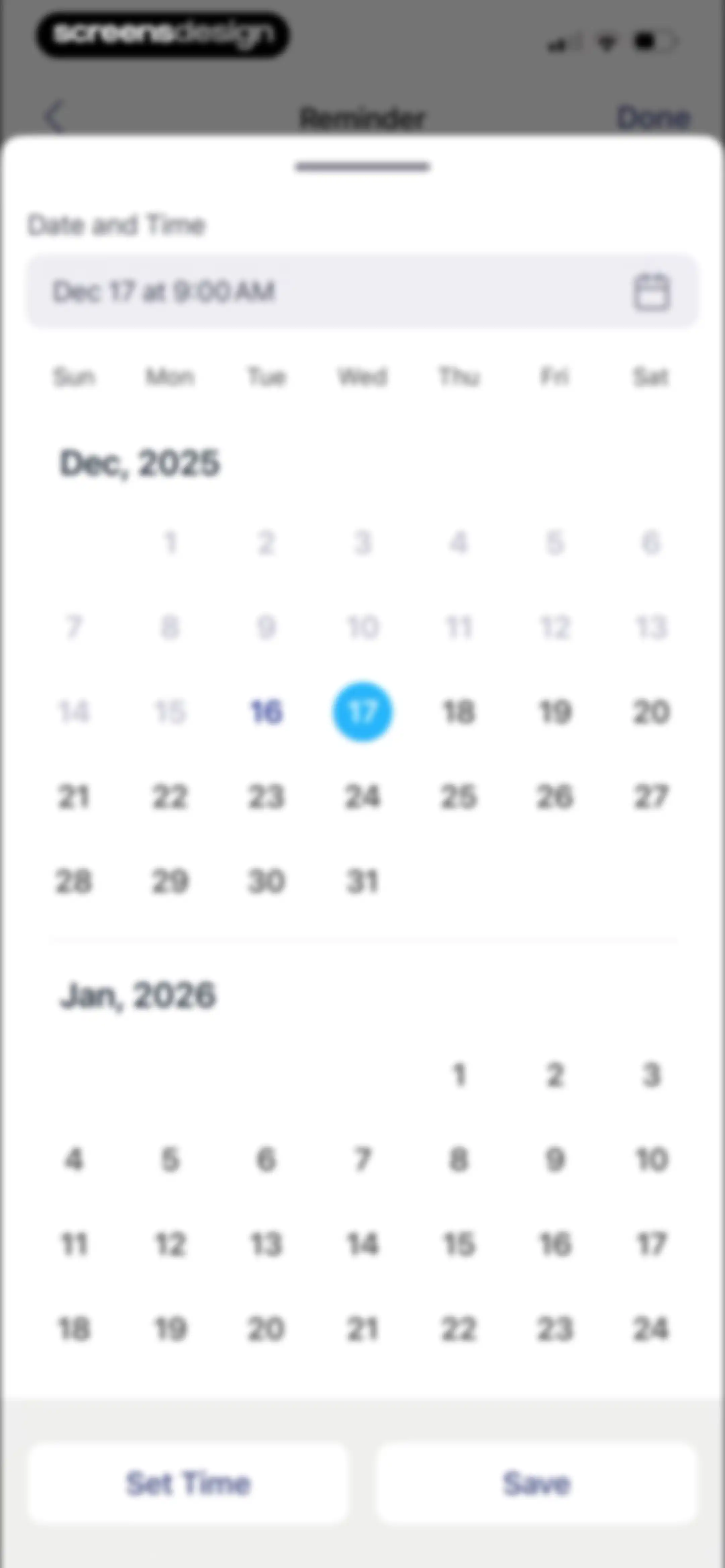
Reminder date and time selection modal displaying a calendar grid with December 17 selected, a Set Time button, and a Save button.Unlock Pro
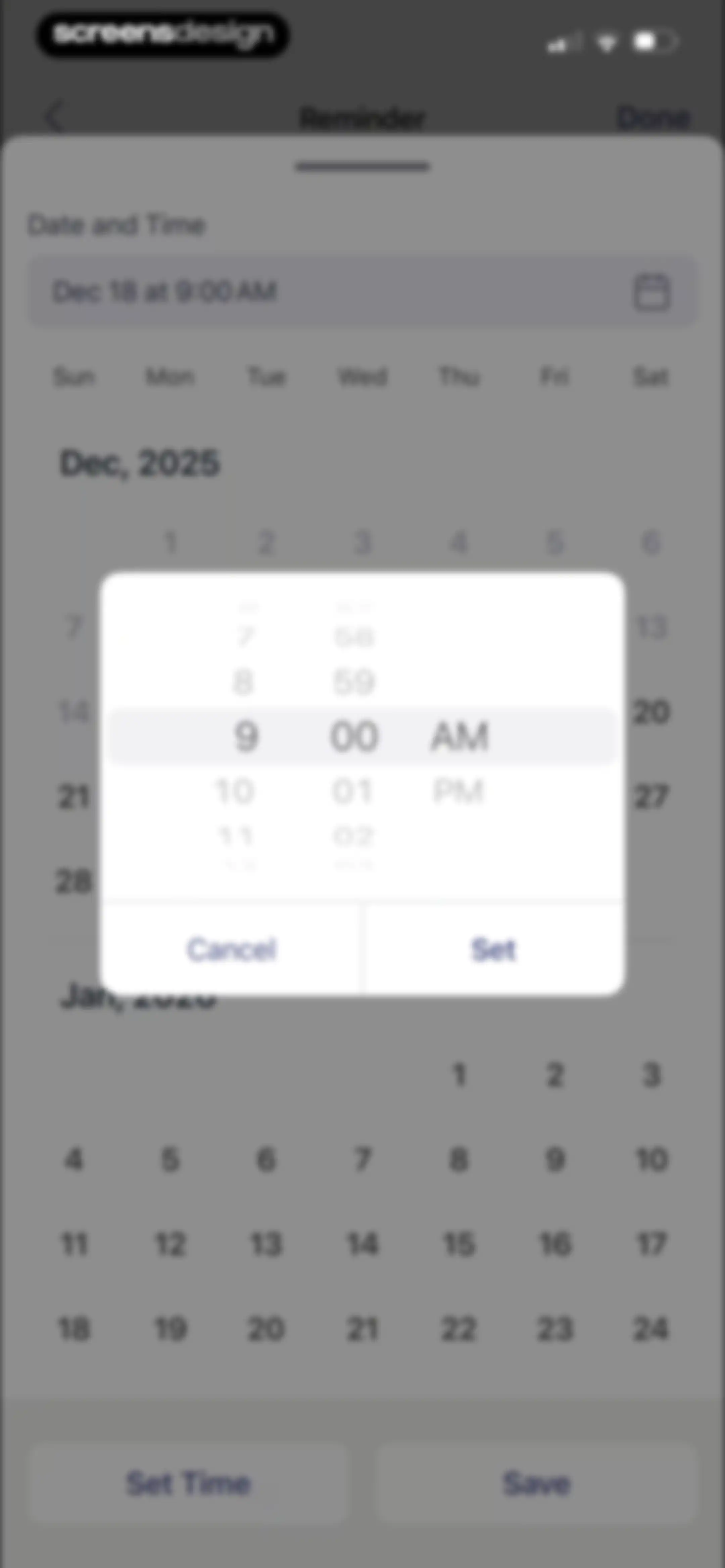
Reminder date and time selection screen with a calendar view and a time picker modal displaying December 2025.Unlock Pro
Repeat frequency selection list with Never selected by a checkmark and a Done button.Unlock Pro
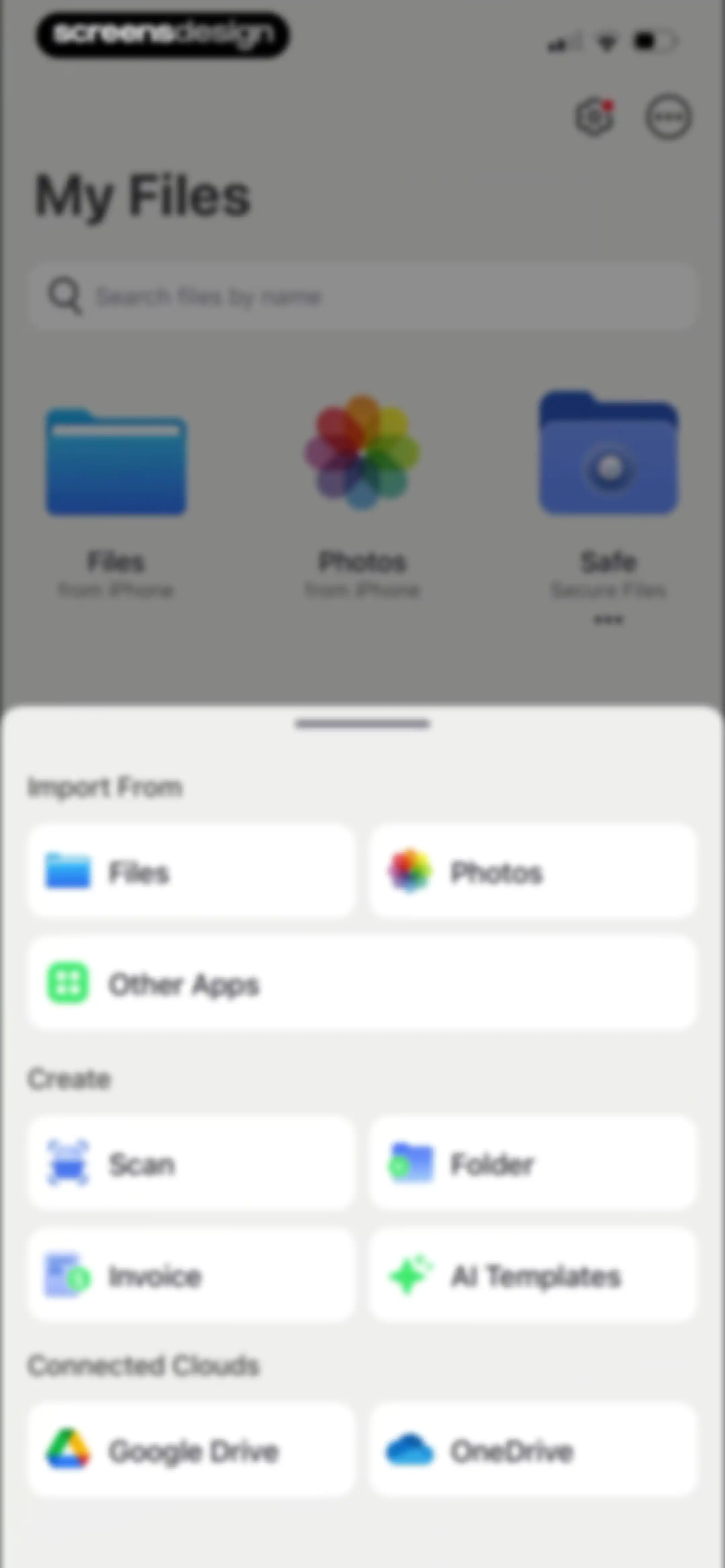
Home screen featuring a search bar, file source icons, and a bottom modal sheet with import, creation, and cloud storage action buttons.Unlock Pro
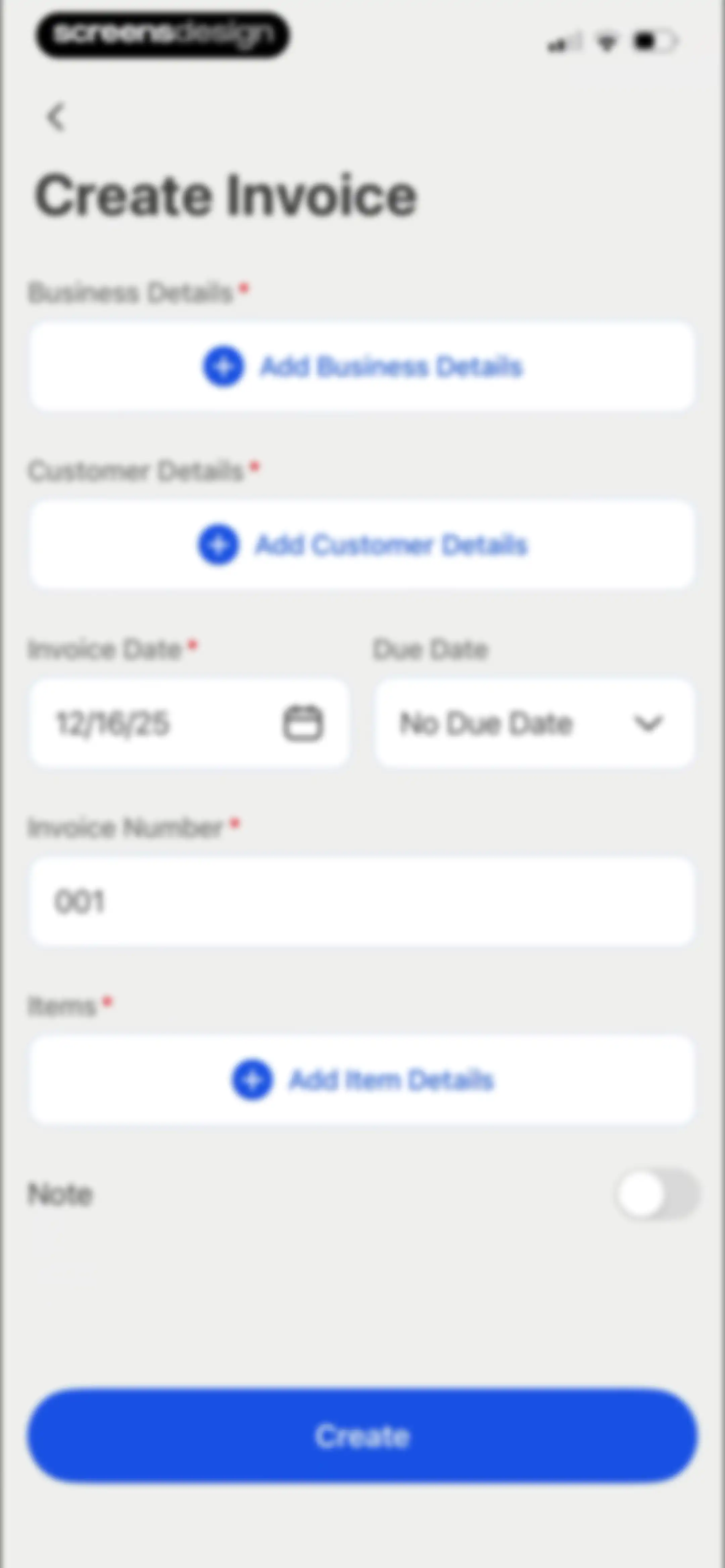
Create Invoice form with fields for business details, customer information, date, items, and a Create button at the bottom.Unlock Pro
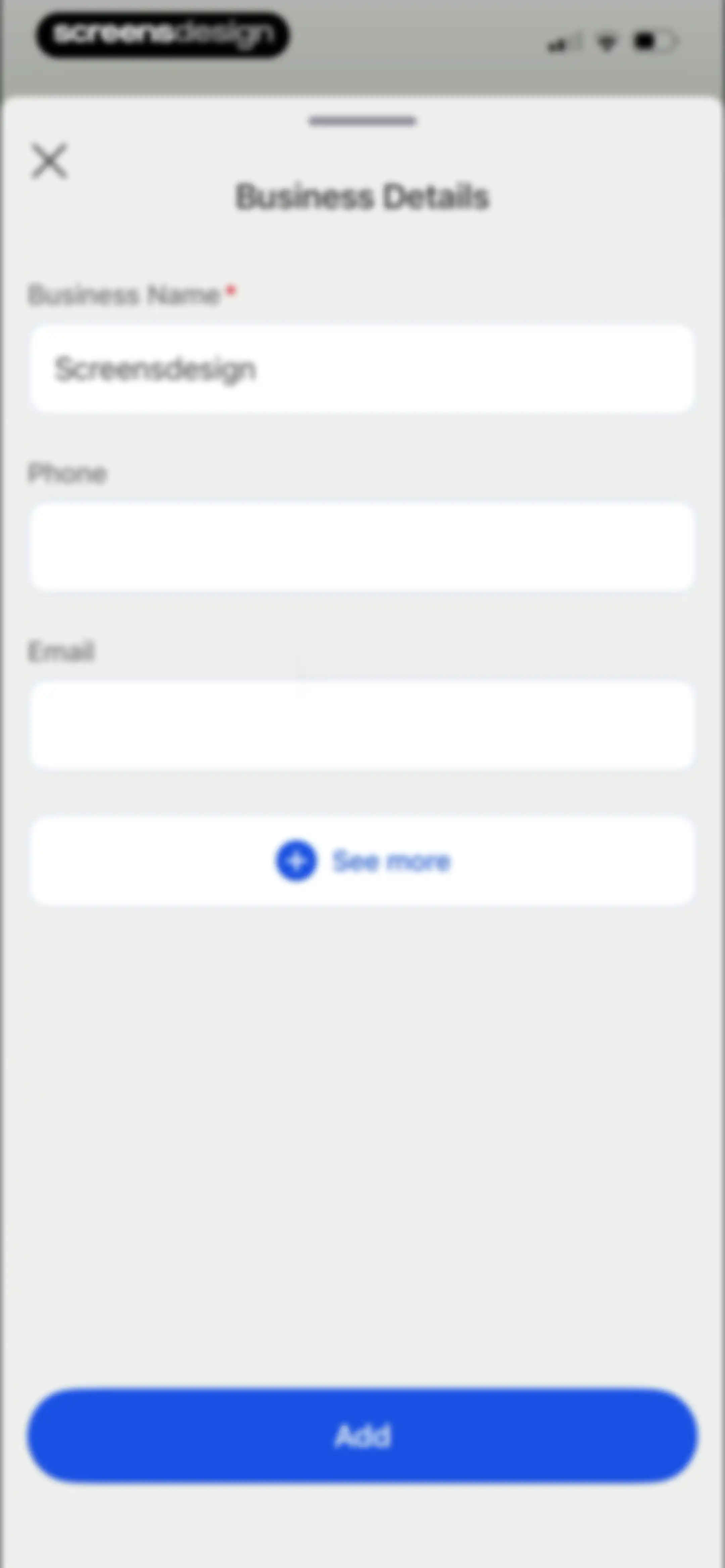
Business Details form modal with input fields for name, phone, and email, a See more button, and an Add button.Unlock Pro
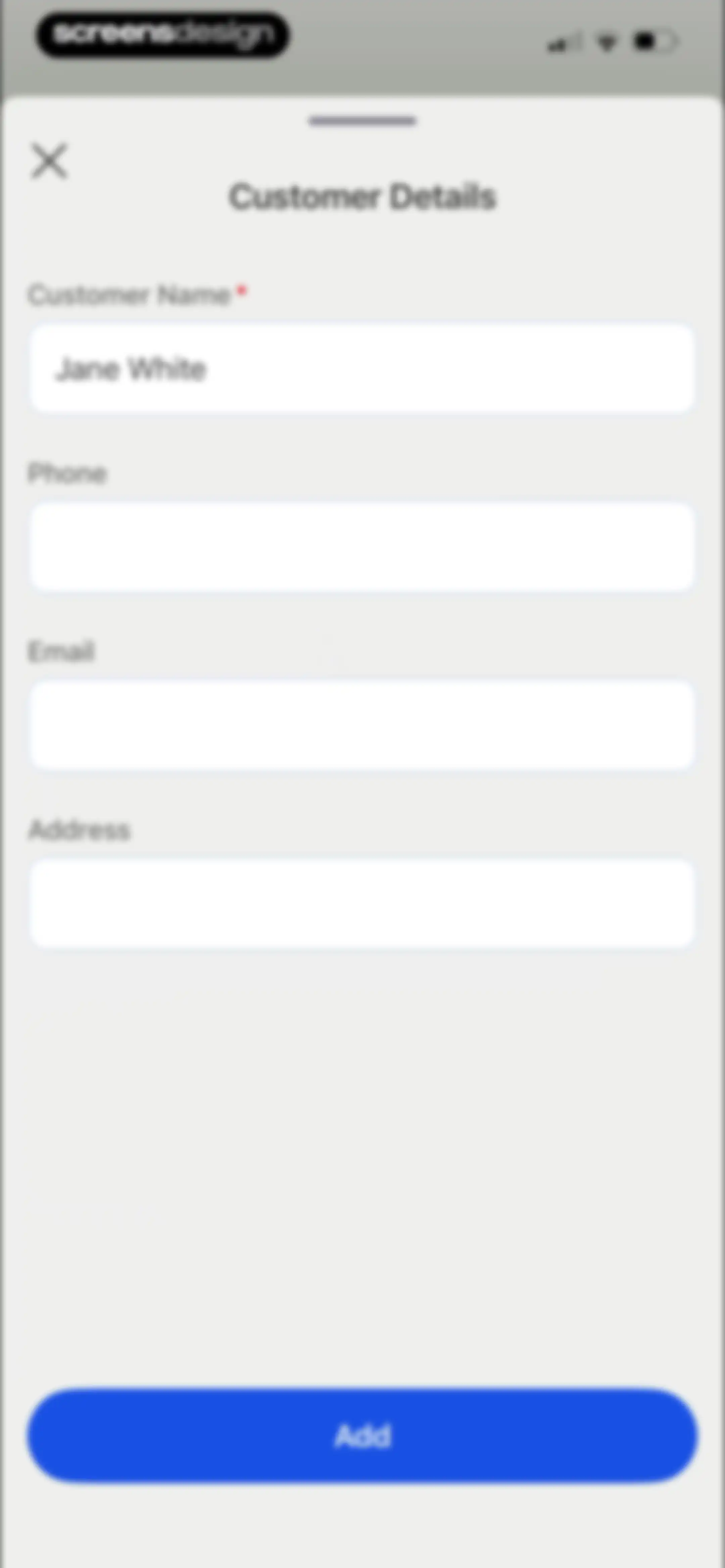
Customer details modal form with four input fields including a pre-filled customer name and an Add button.Unlock Pro
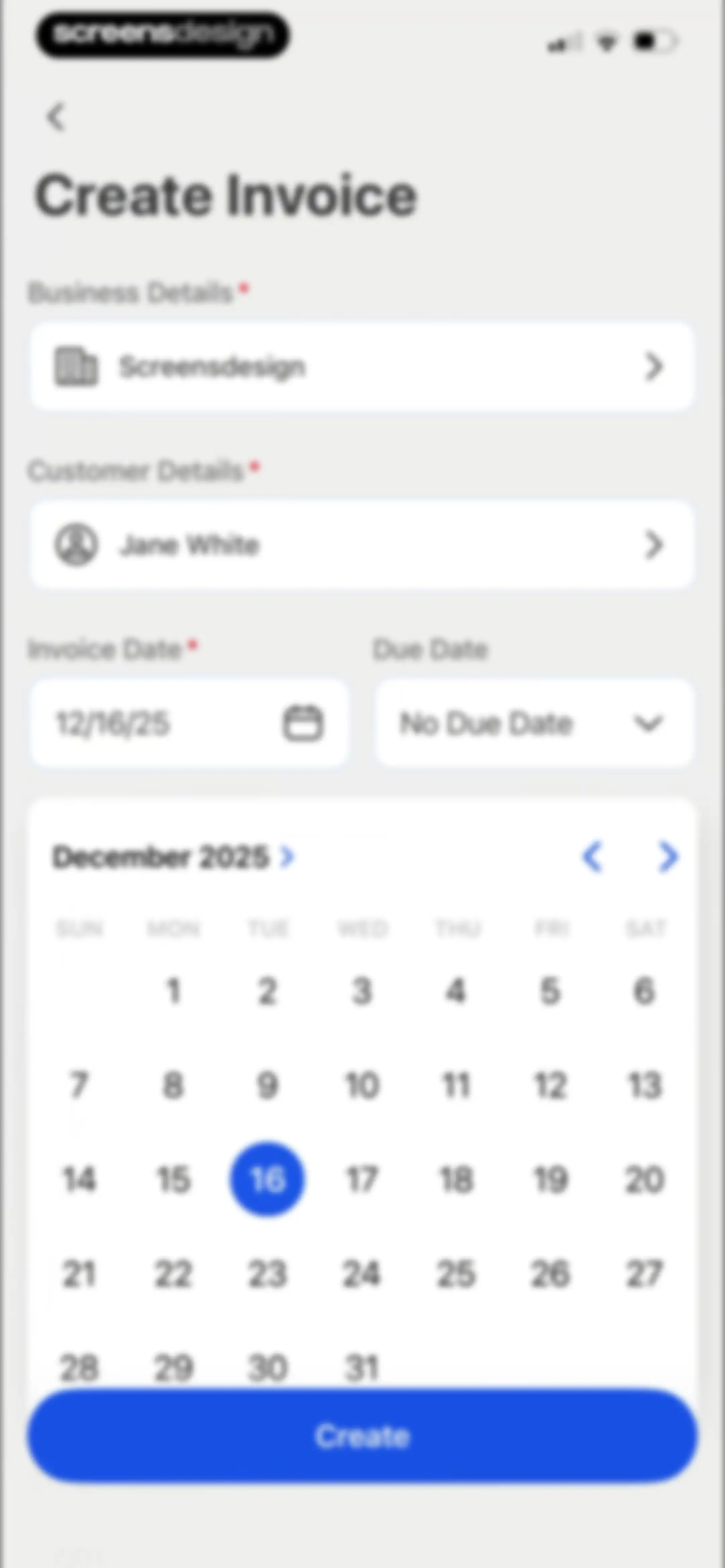
Create Invoice form with filled business and customer details, a date picker set to December 16, 2025, and a Create button.Unlock Pro
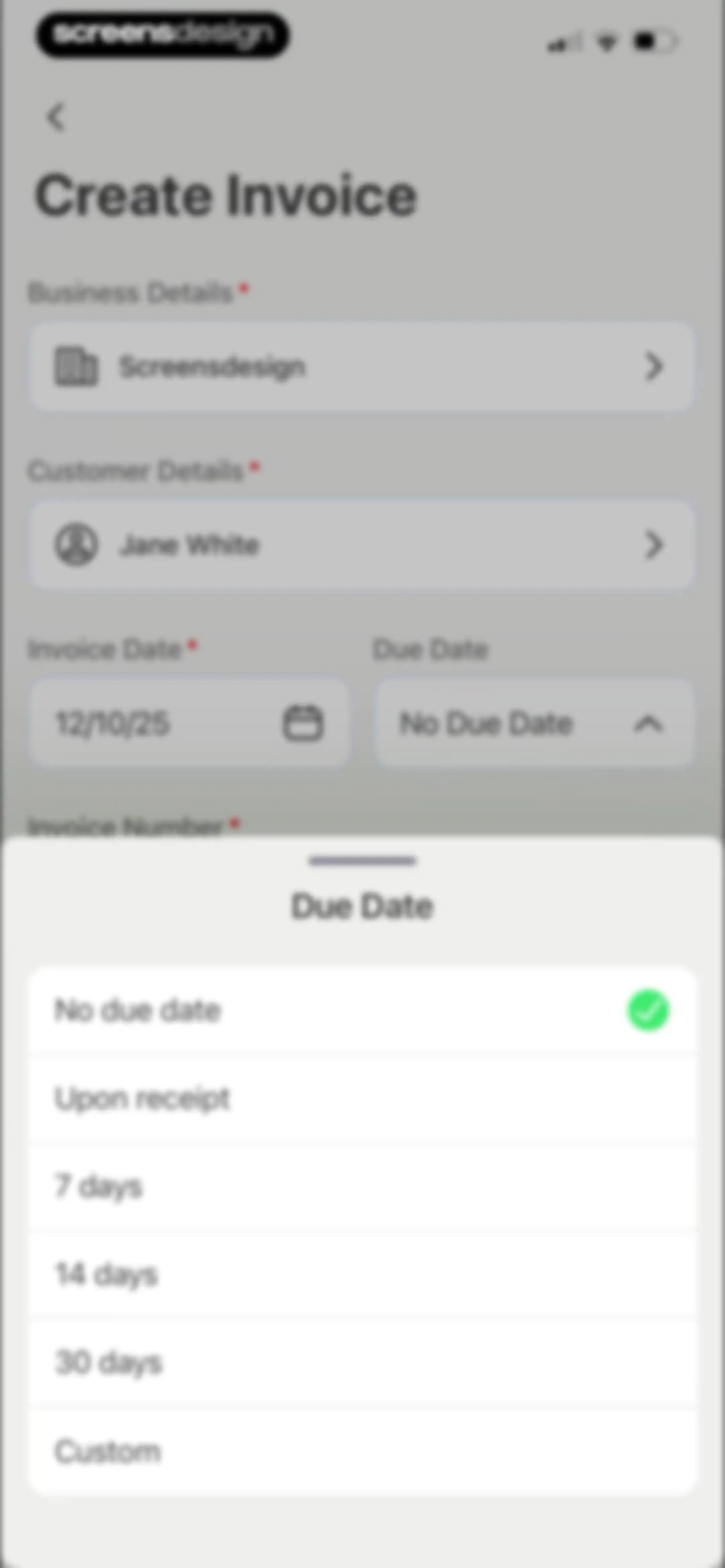
Create Invoice form with a due date selection modal open at the bottom, showing the No due date option selected with a checkmark.Unlock Pro
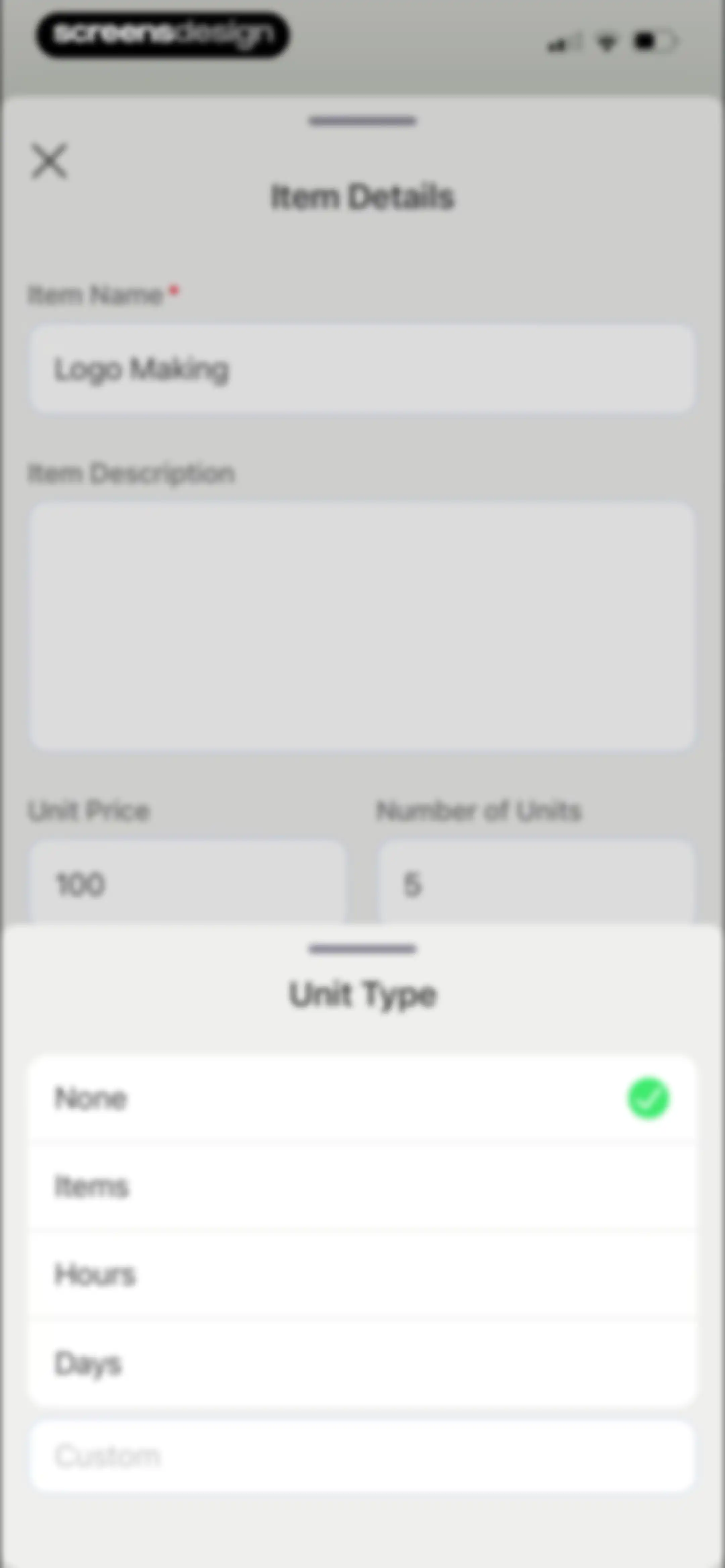
Item details form with a bottom-up modal sheet displaying unit type options, with None selected and a close button.Unlock Pro
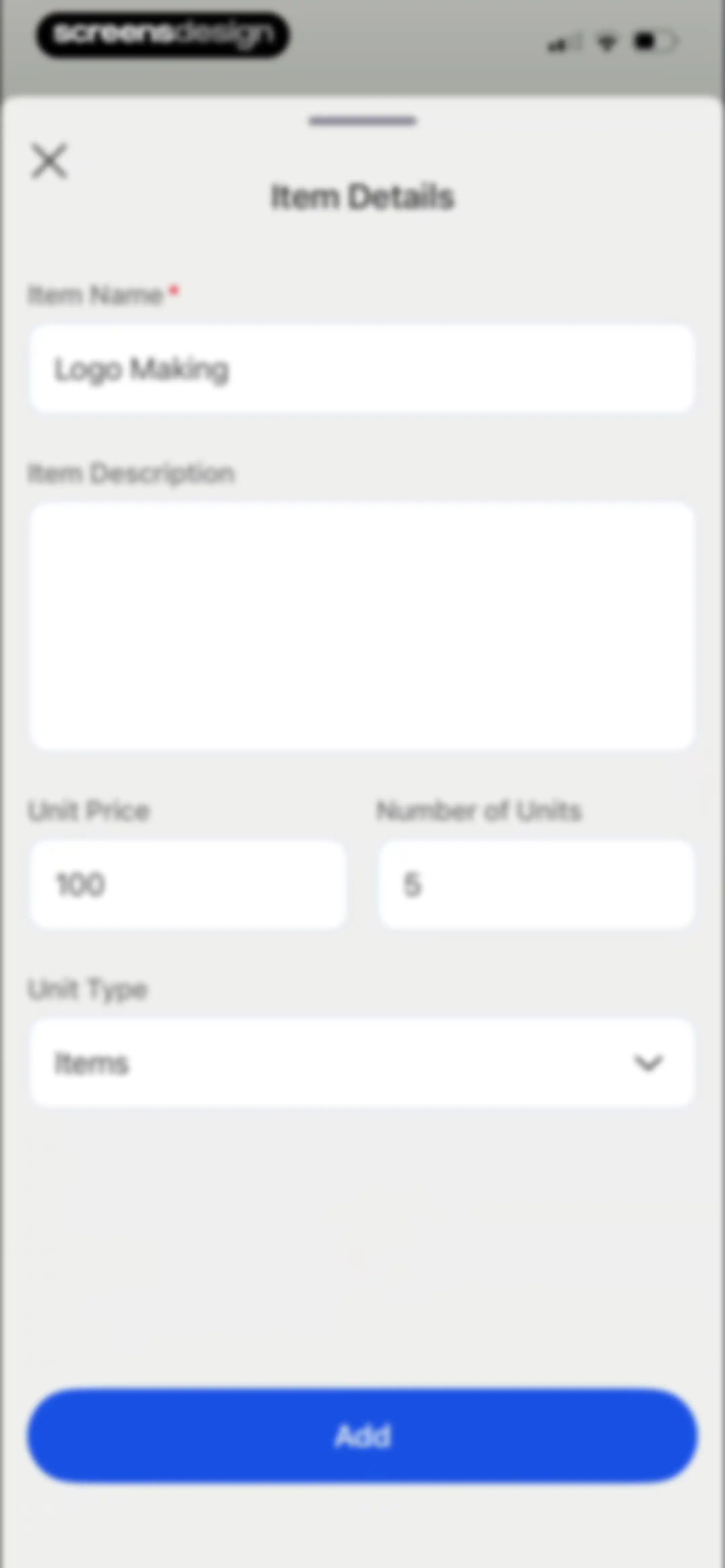
Form modal for entering item details with filled fields for name, price, and units, and an Add button.Unlock Pro
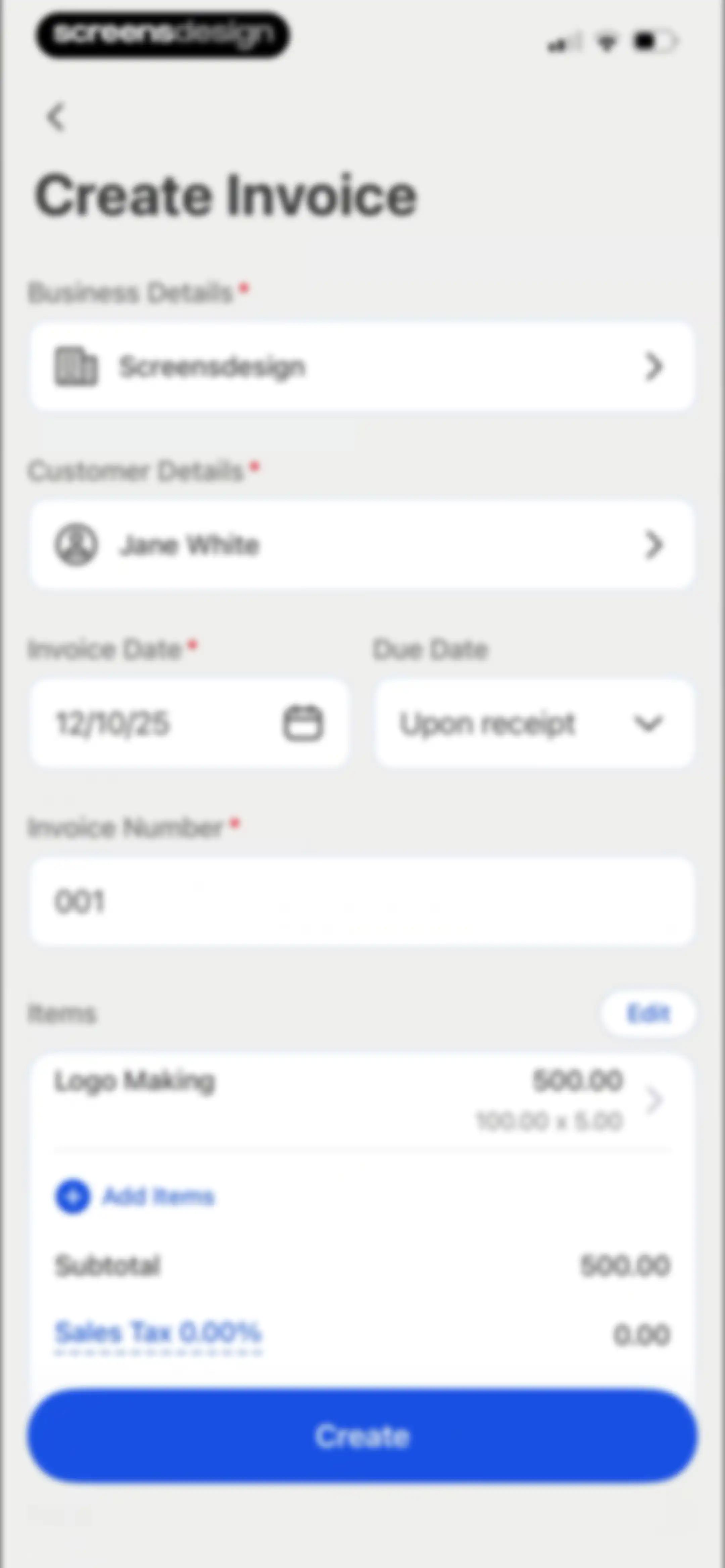
Create Invoice form with business and customer details, line items, summary, and a Create button.Unlock Pro
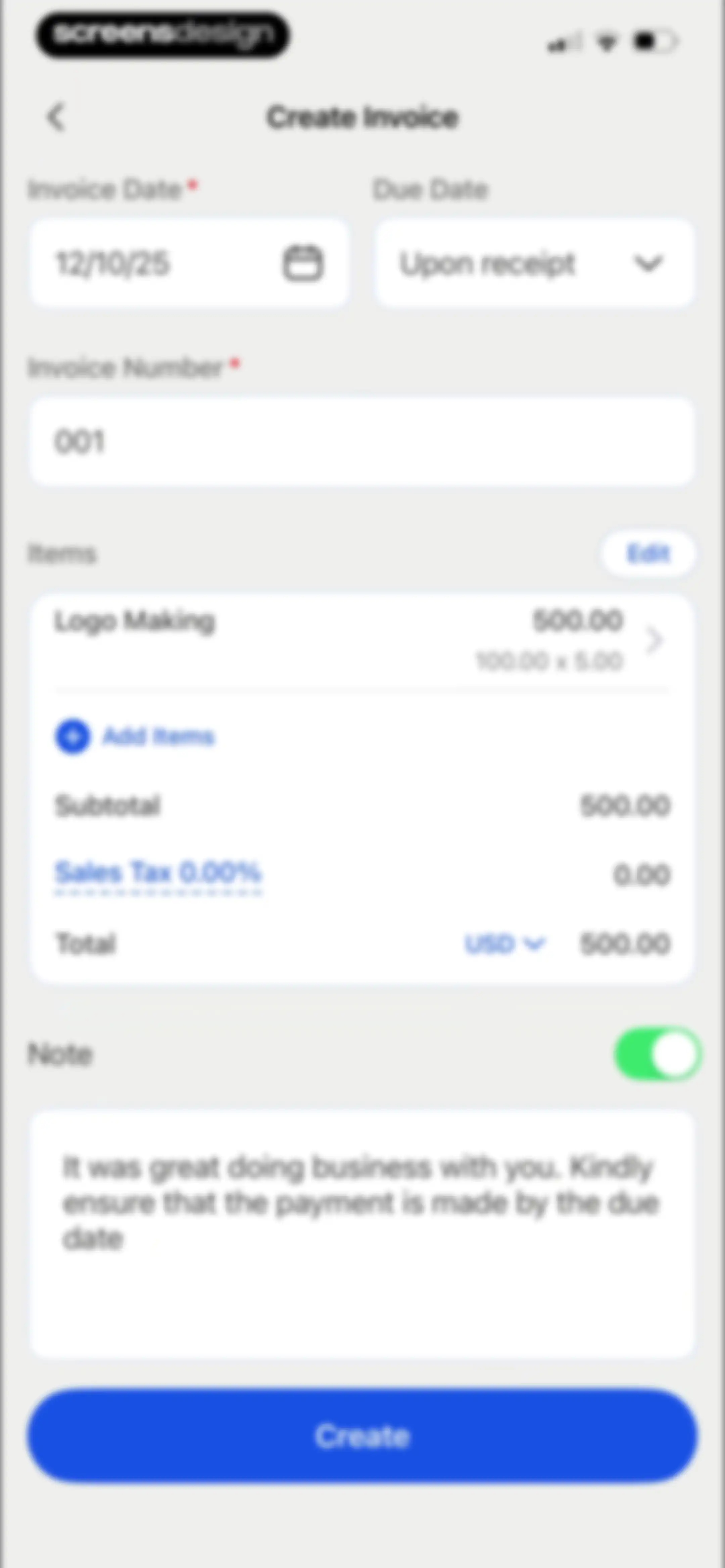
Create Invoice form with date fields, an items summary including Logo Making, a notes section, and a Create button.Unlock Pro
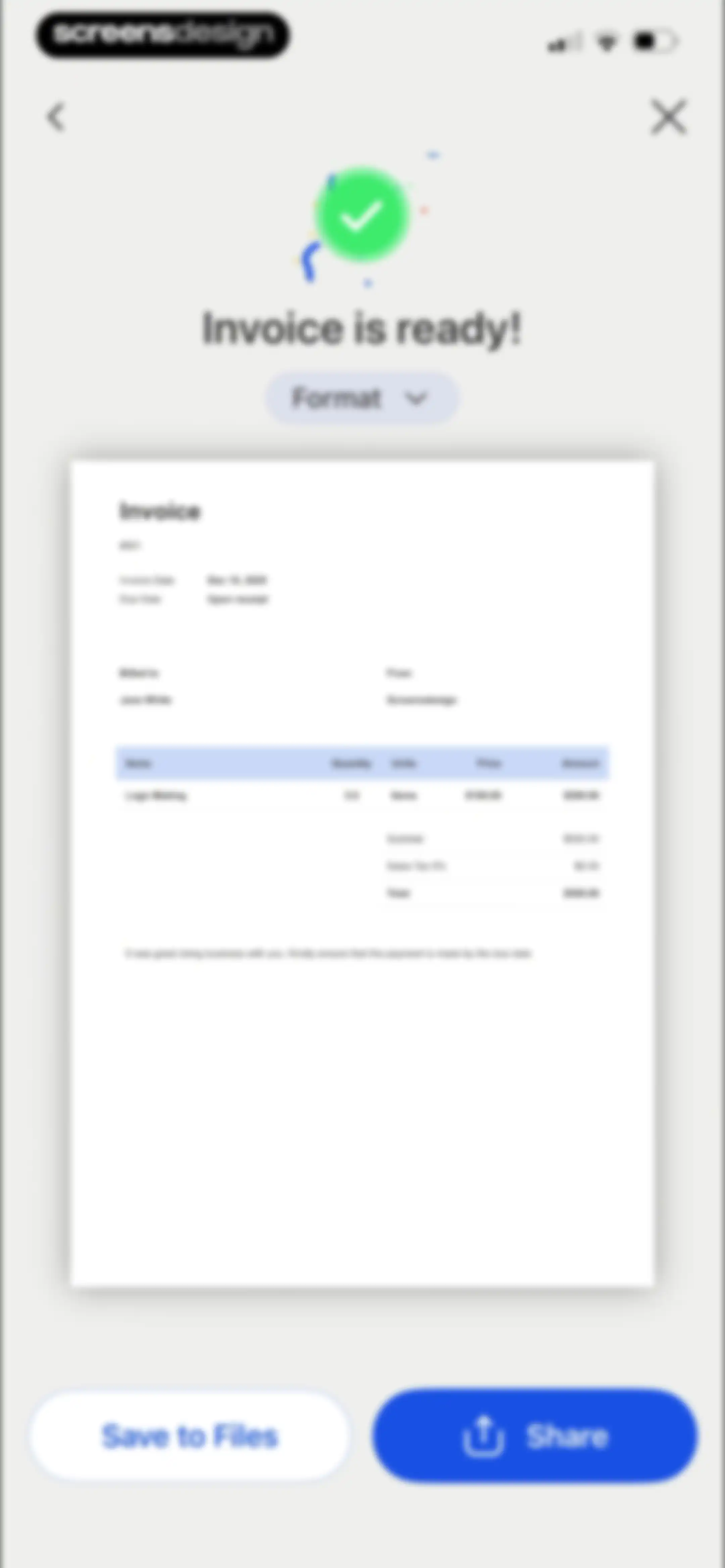
Document preview screen showing a generated invoice confirmation, a format selector, and Save to Files and Share buttons at the bottom.Unlock Pro
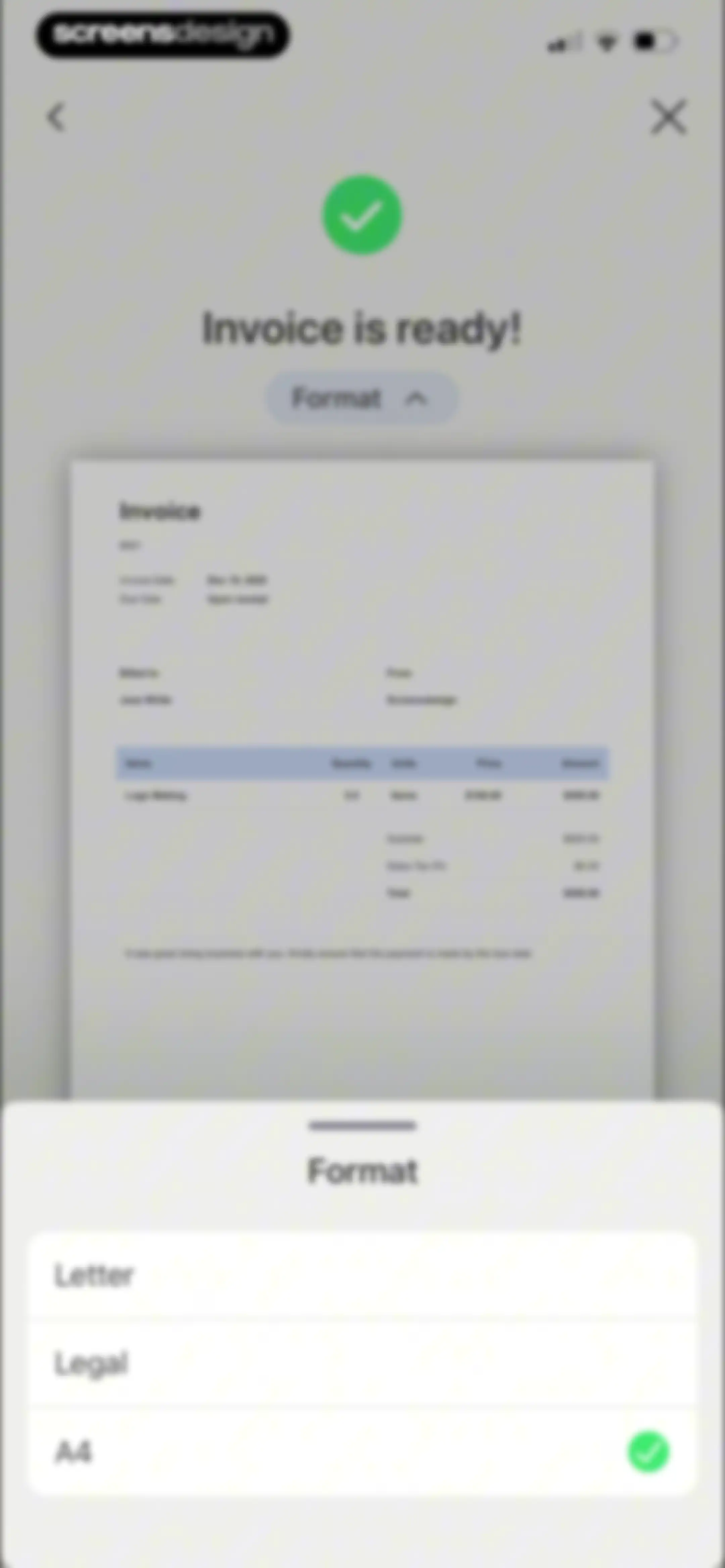
Invoice preview screen displaying success status, document details, and a bottom sheet for paper format selection with A4 selected.Unlock Pro
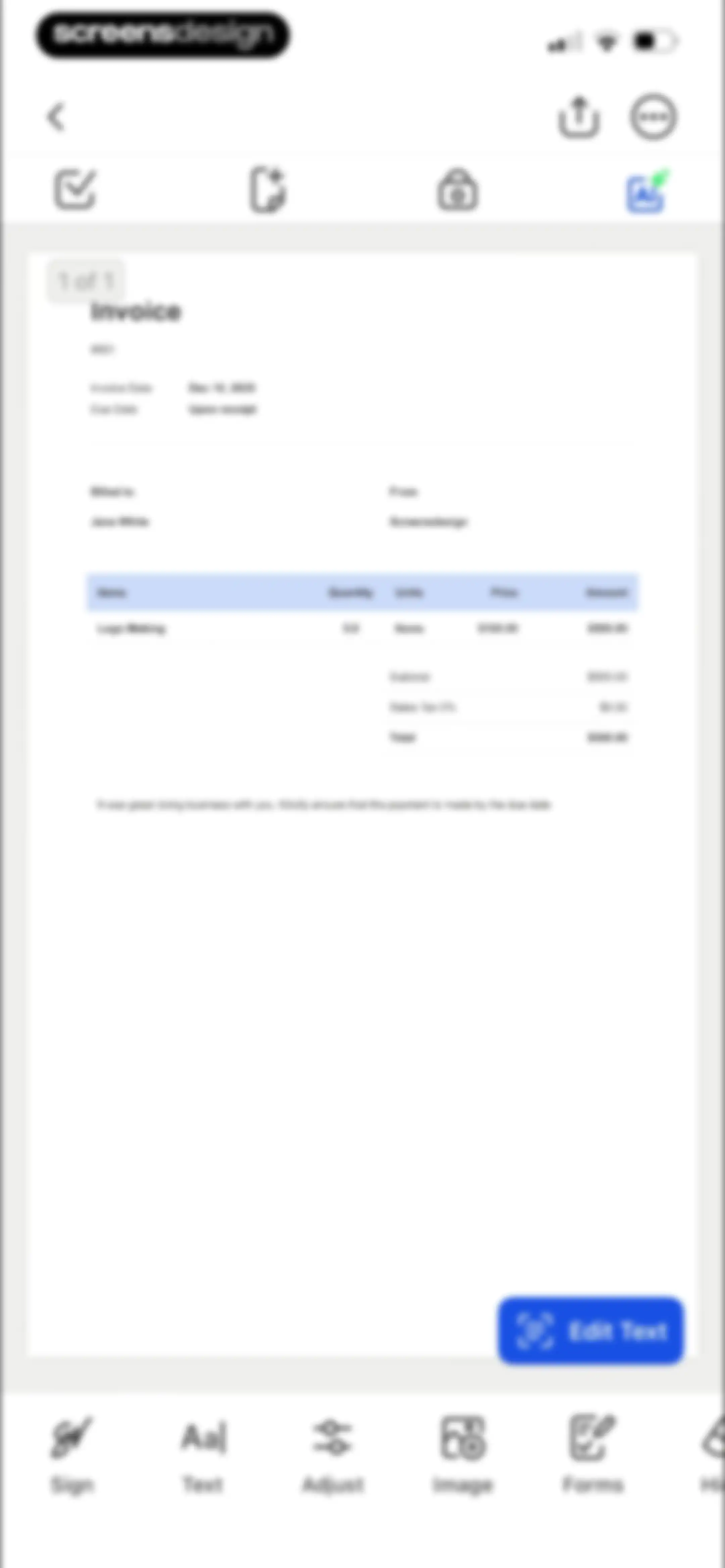
PDF document editor interface displaying an invoice preview, a floating edit text button, and a bottom toolbar with signing and text tools.Unlock Pro
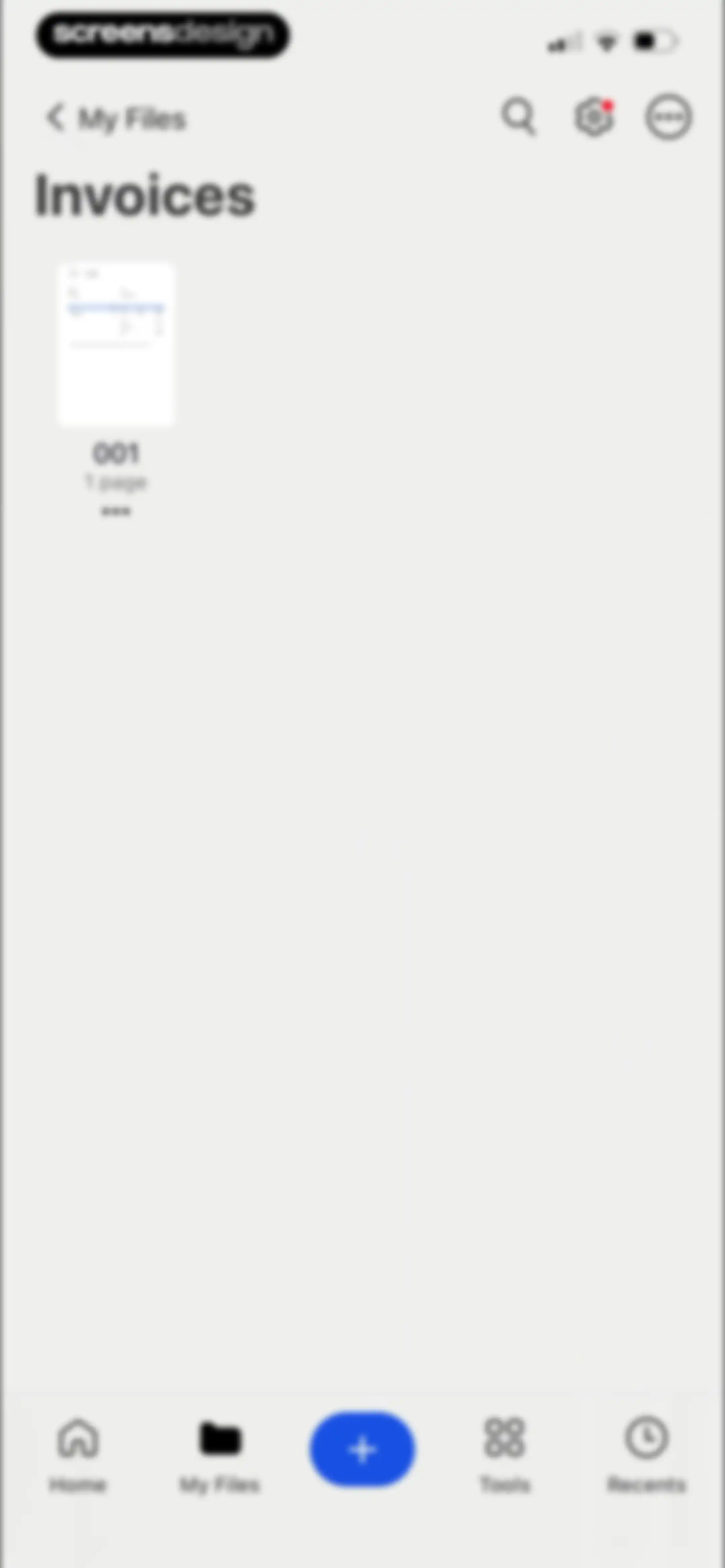
Folder contents screen displaying an Invoices folder with a document titled 001 and the My Files tab selected in the bottom navigation bar.Unlock Pro
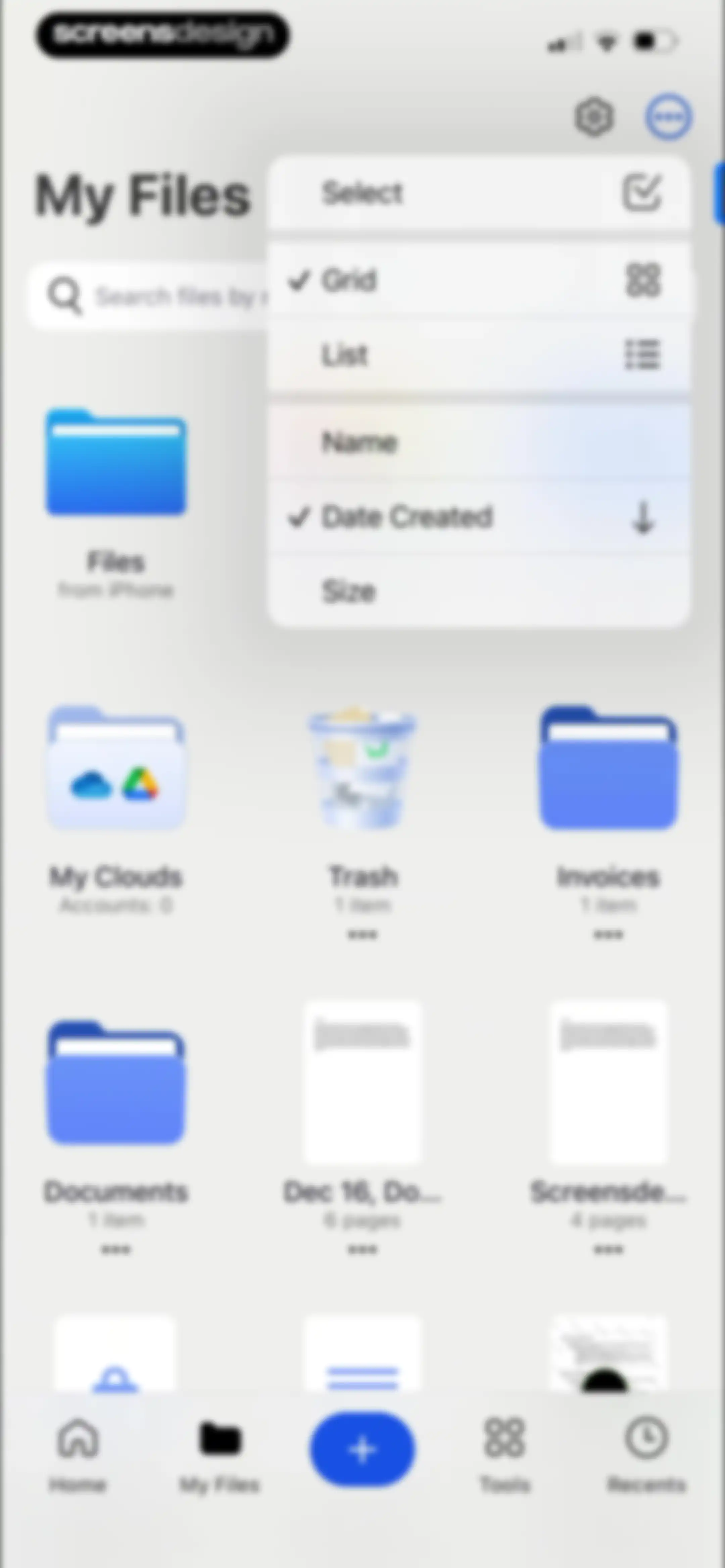
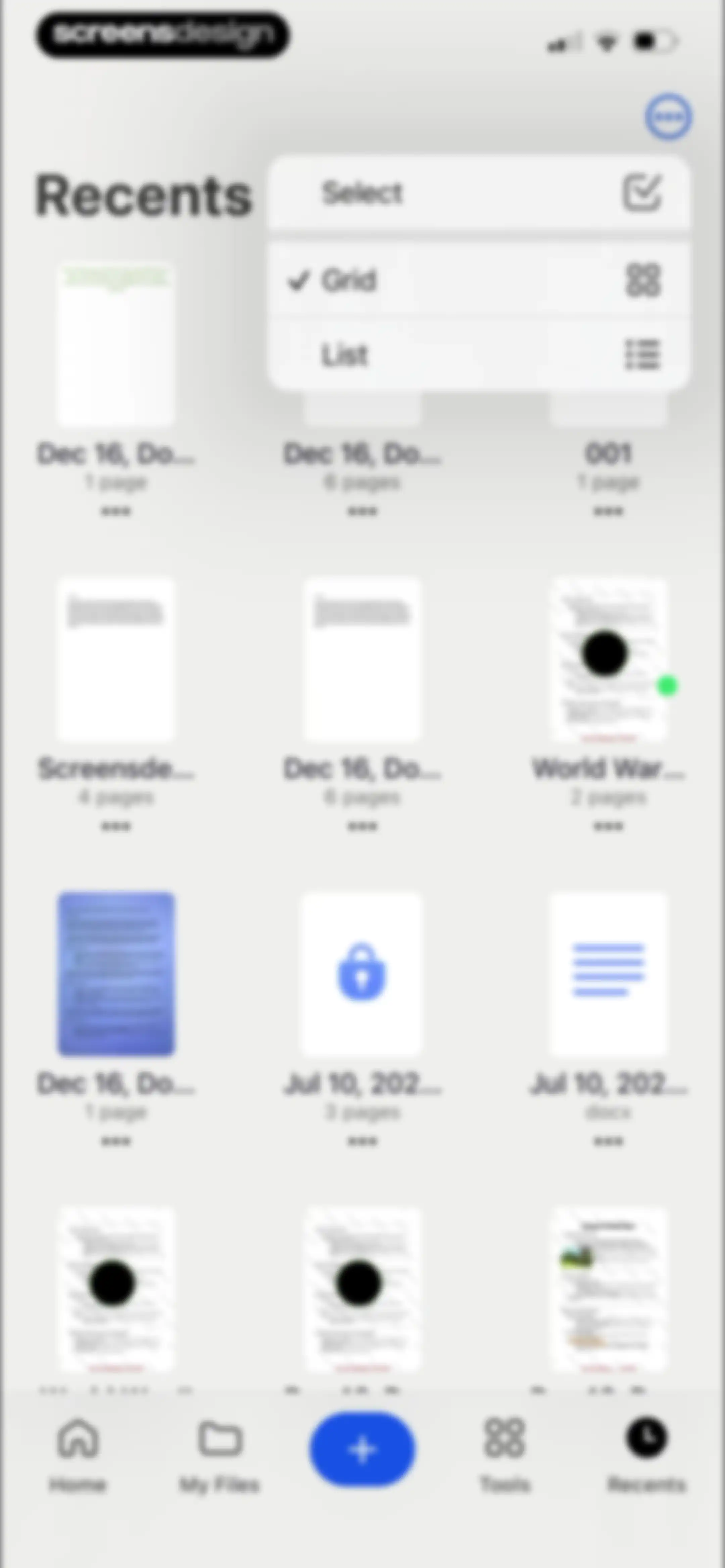
File manager dashboard displaying a grid of folders and documents, with a sort and view menu open in the top right.Unlock Pro
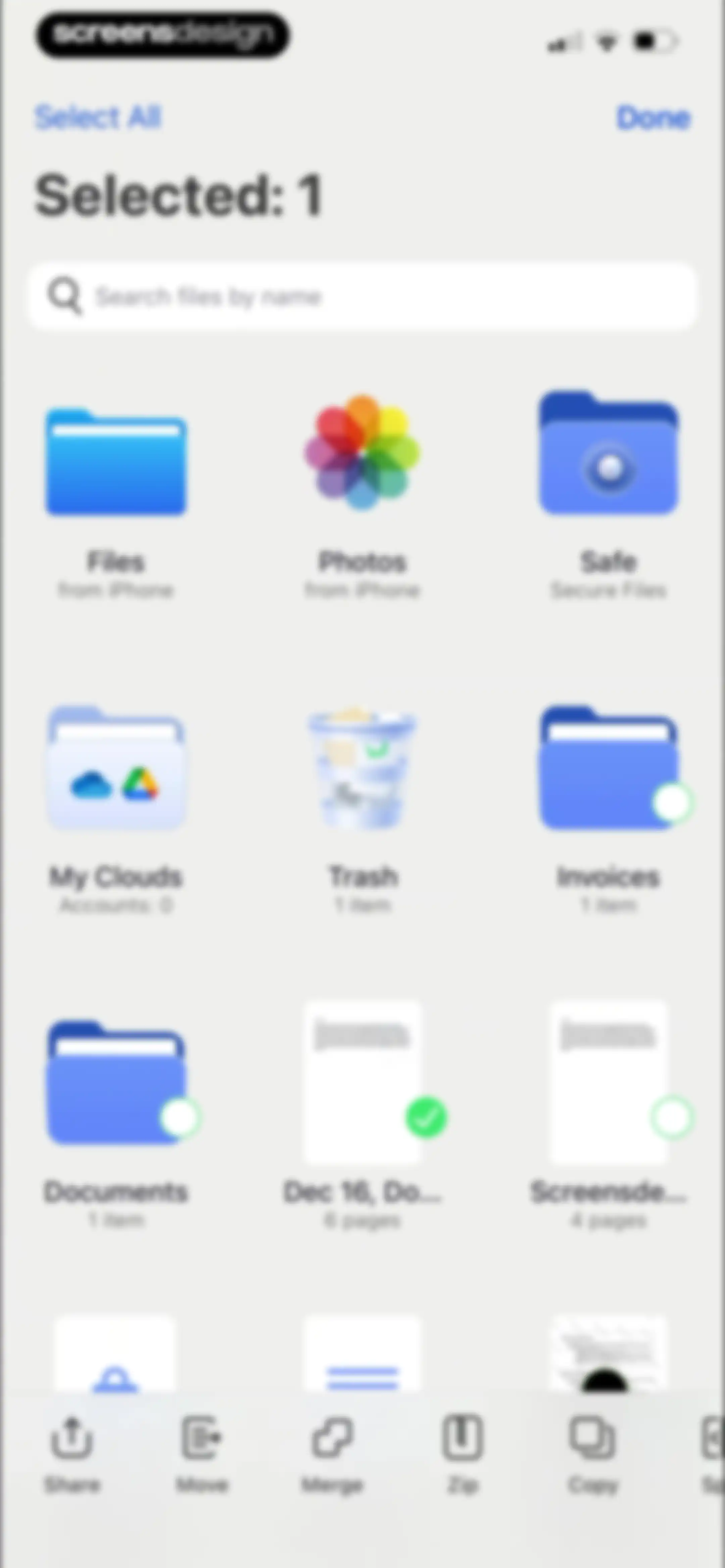
File management dashboard in multi-select mode with one item selected, featuring a search bar, a grid of document and folder icons, and a bottom action toolbar.Unlock Pro
File manager home screen displaying folders and document thumbnails with a search bar and Paste action.Unlock Pro
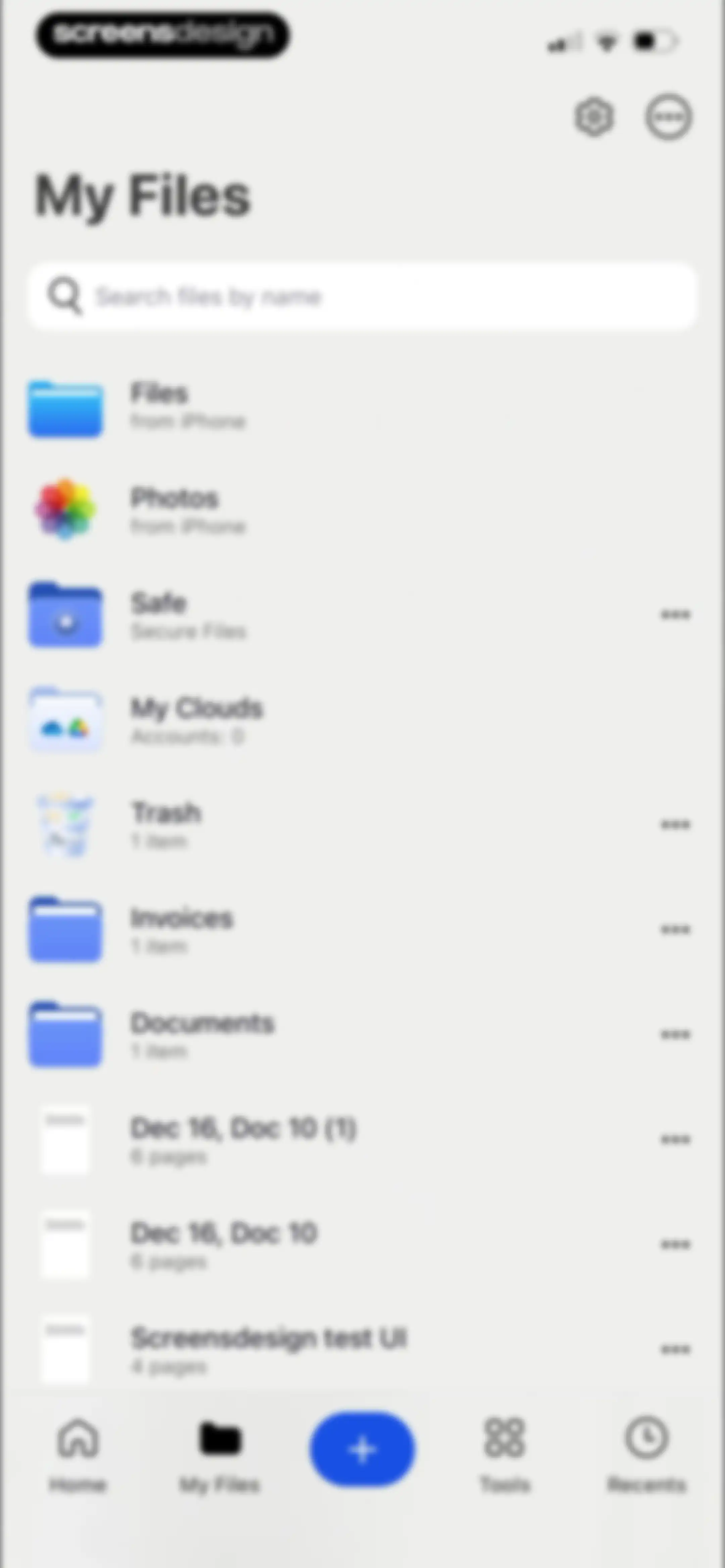
File manager home screen listing folders and PDF documents with a search bar and a bottom navigation bar.Unlock Pro
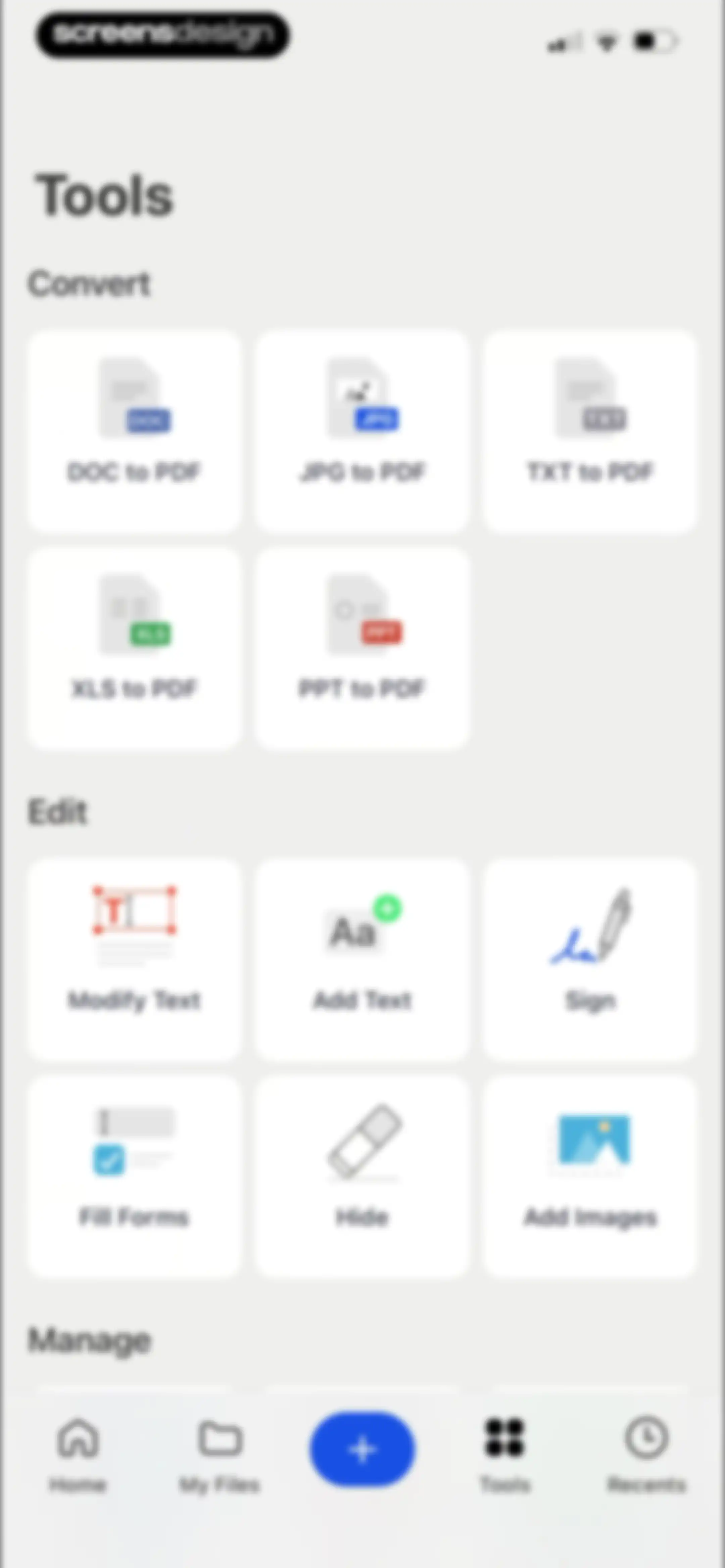
Tools dashboard displaying categorized grids of PDF conversion and editing options, with the Tools tab selected in the bottom navigation bar.Unlock Pro
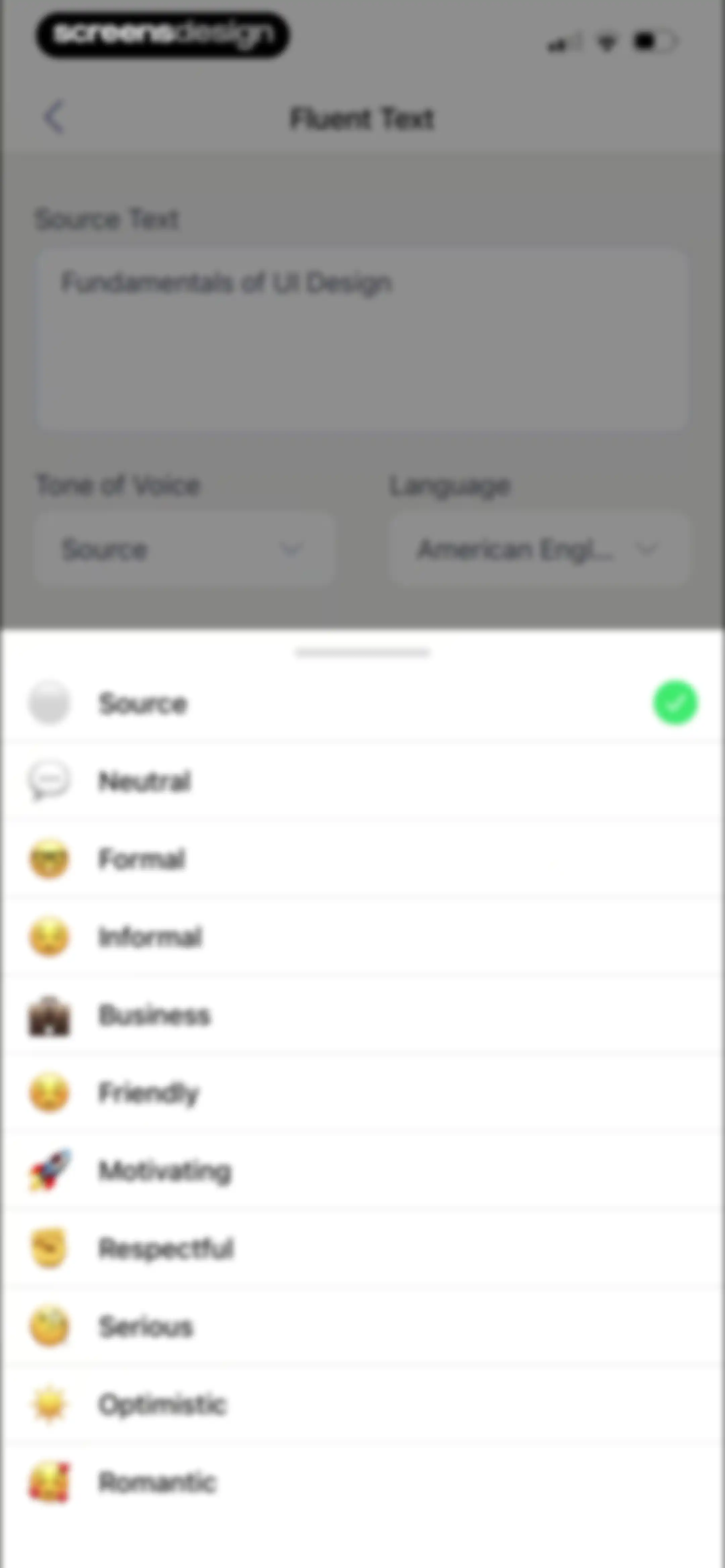
Text editing screen featuring a source text input and a scrollable list of tone options with the Source option selected.Unlock Pro
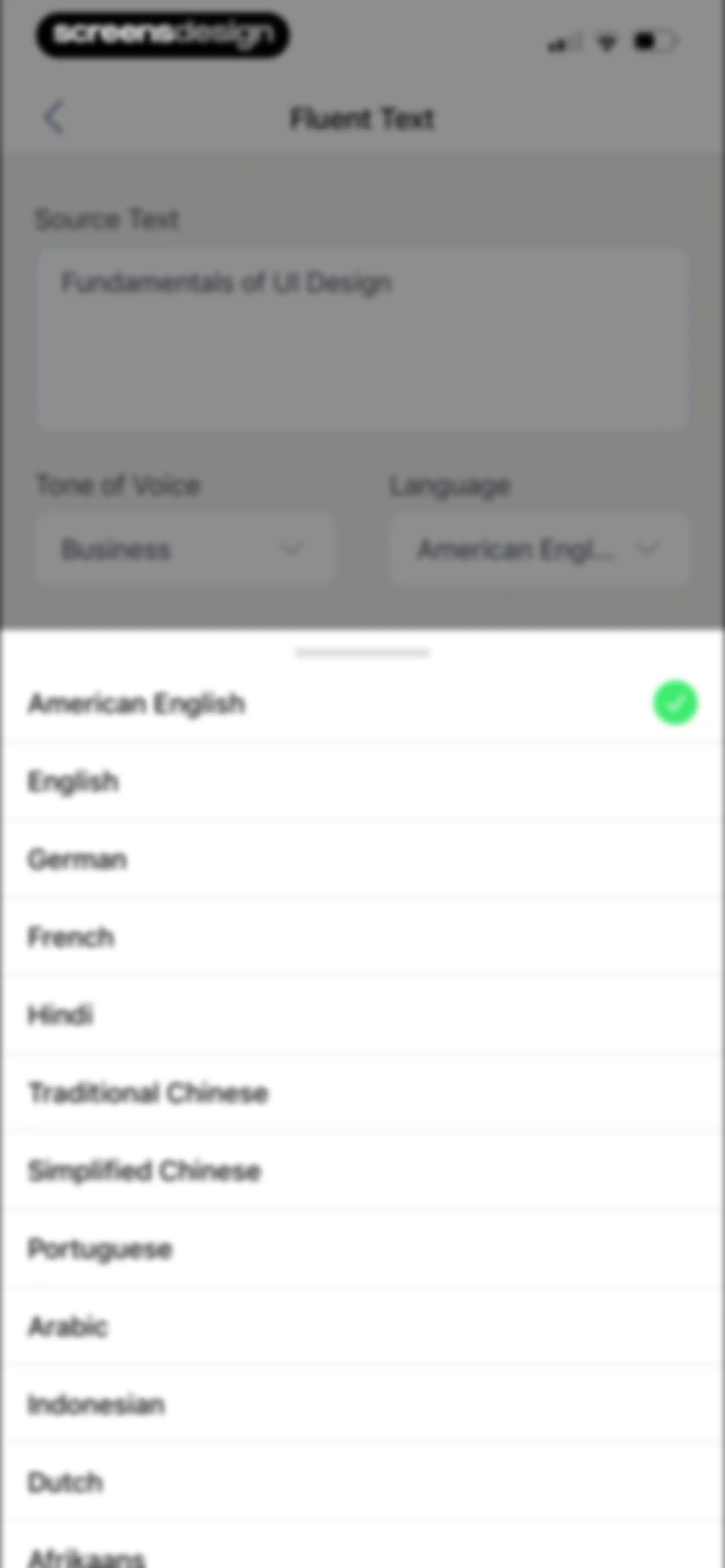
Language selection screen with a scrollable list of languages in a bottom sheet, showing American English selected with a checkmark.Unlock Pro
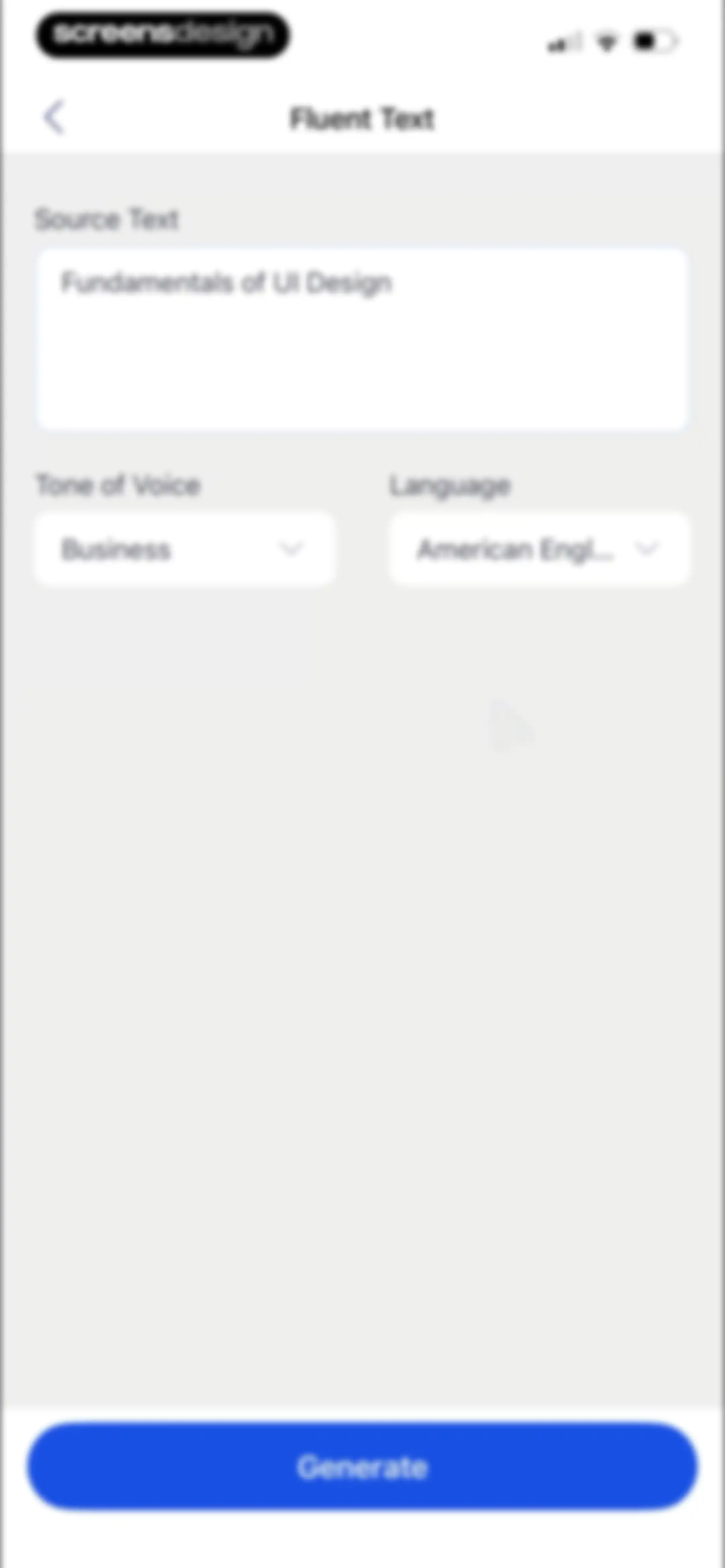
Text editor screen with source text input, tone and language dropdown menus, and a Generate button.Unlock Pro
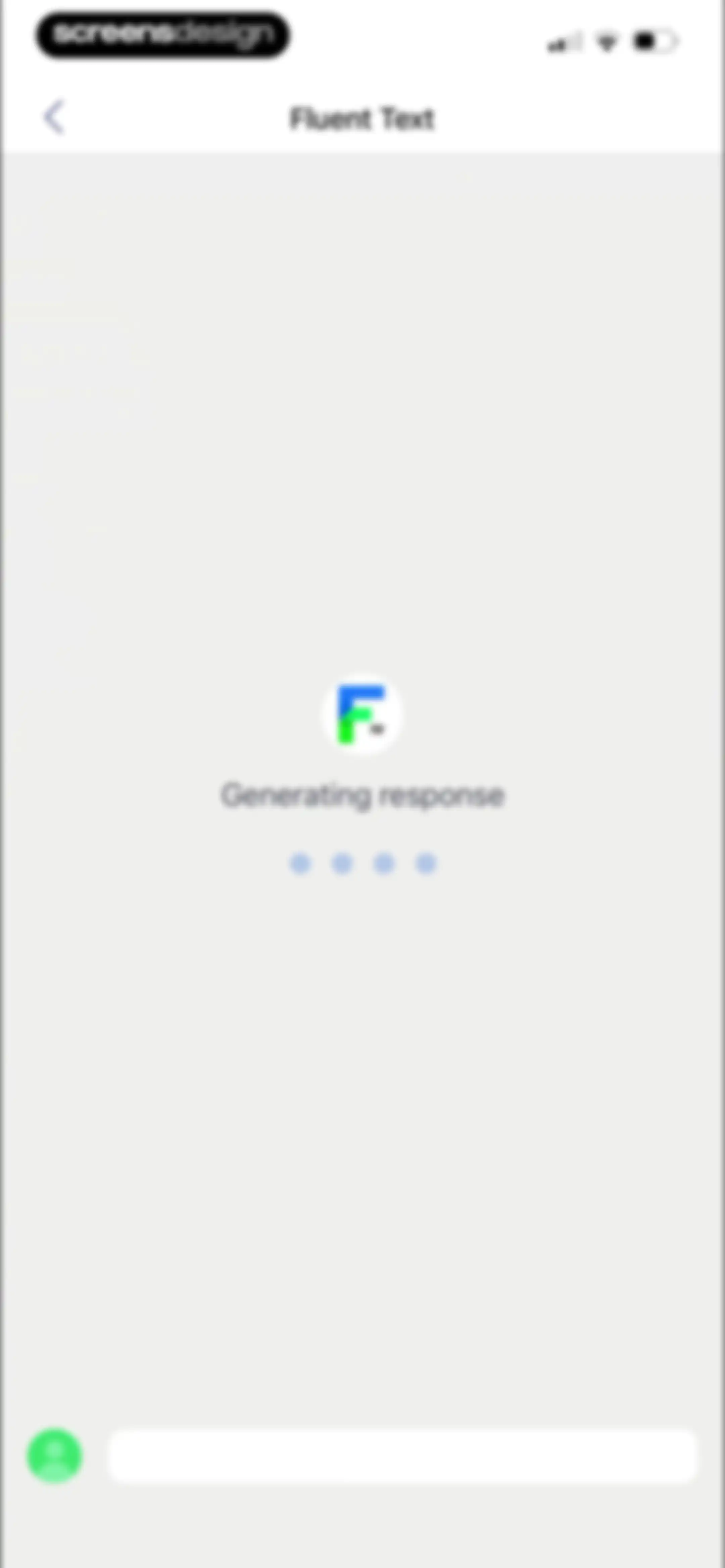
Chat loading screen for the Fluent Text feature displaying a generation status and a bottom input field.Unlock Pro
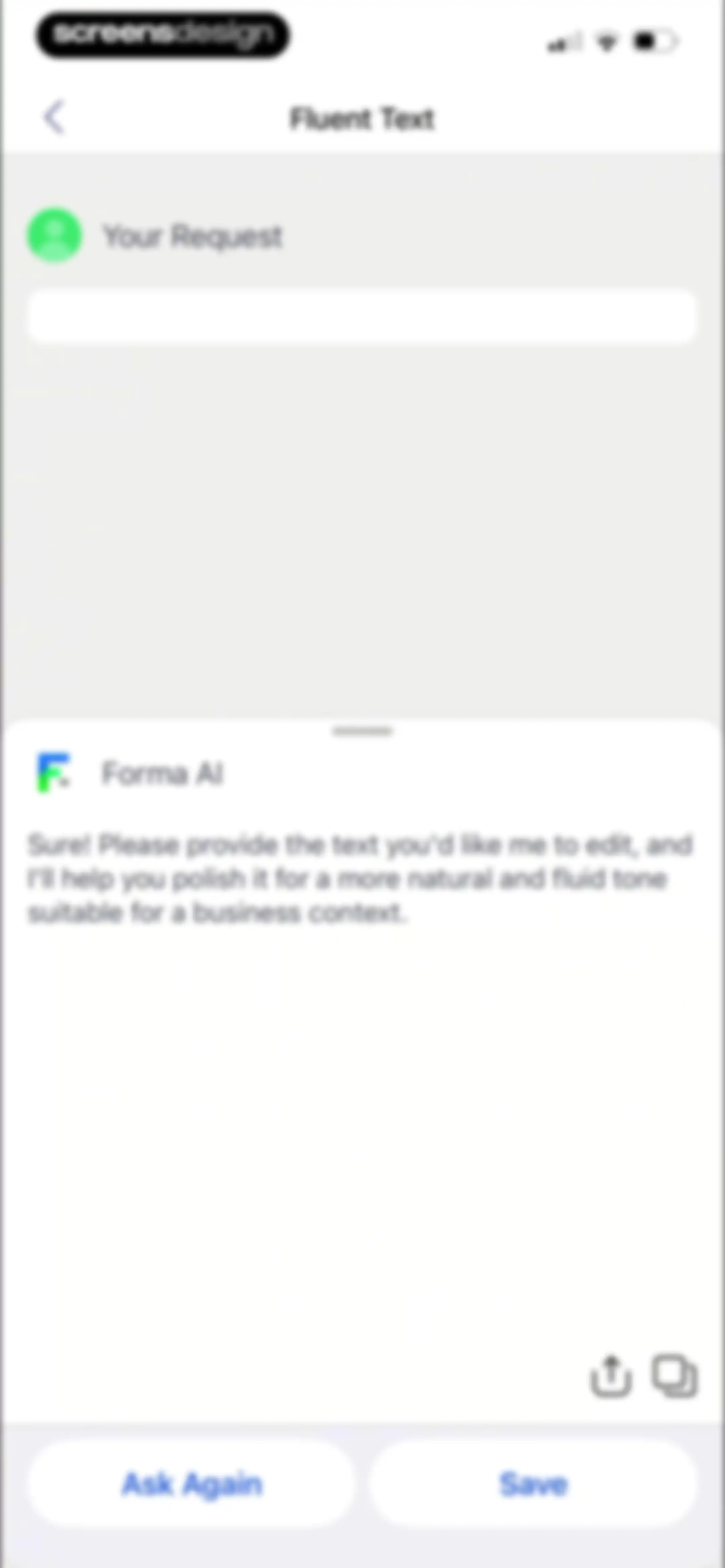
Chat screen showing an AI assistant response in a bottom modal with Ask Again and Save buttons, plus a request input area above.Unlock Pro
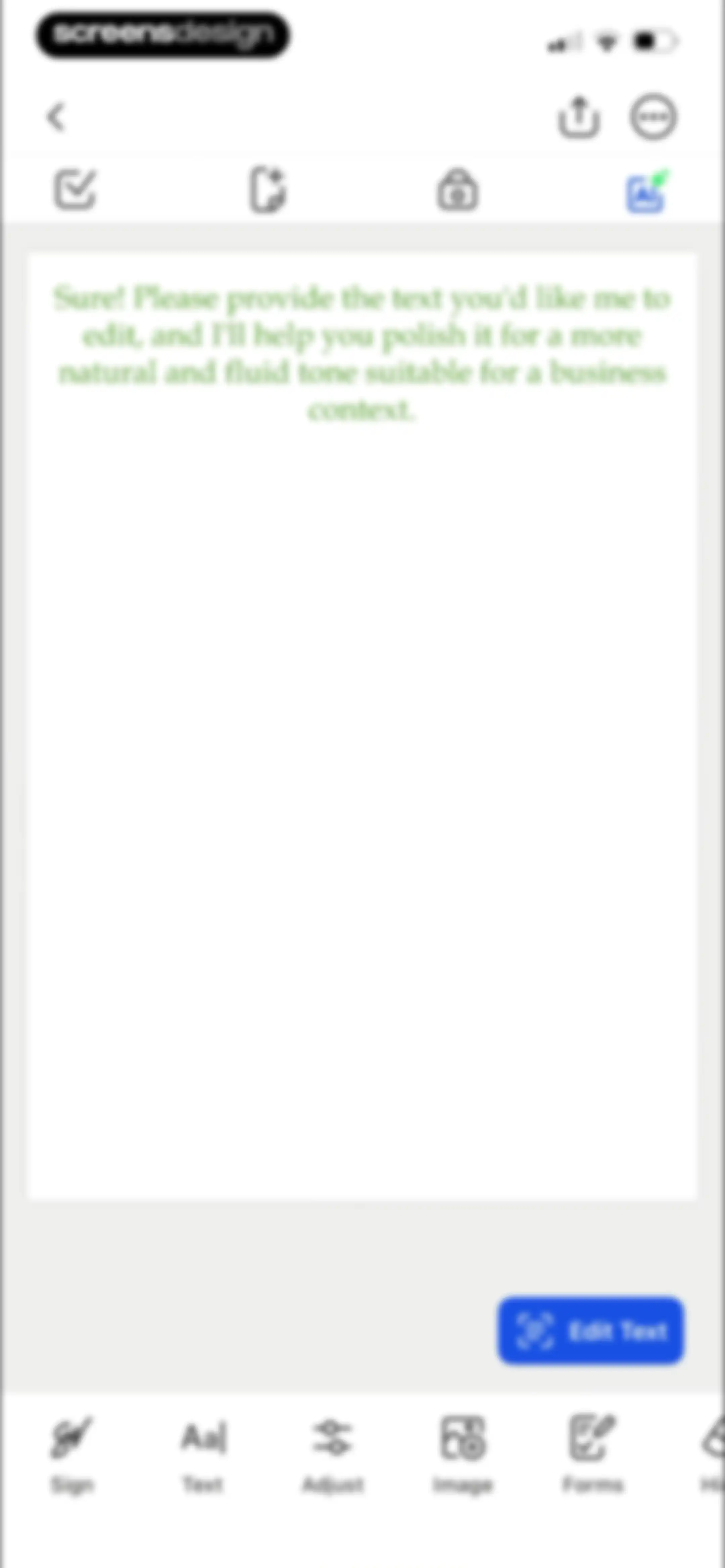
AI document editor interface displaying an AI prompt to polish business text, with an Edit Text button and a bottom editing toolbar.Unlock Pro
Home screen displaying a grid of recent document cards with page counts and a bottom navigation bar.Unlock Pro
Document management bottom sheet showing file options like share, rename, and delete for a selected PDF.Unlock Pro
Document export modal overlaying a recent documents list, featuring format options and toggle settings for compression and password protection.Unlock Pro
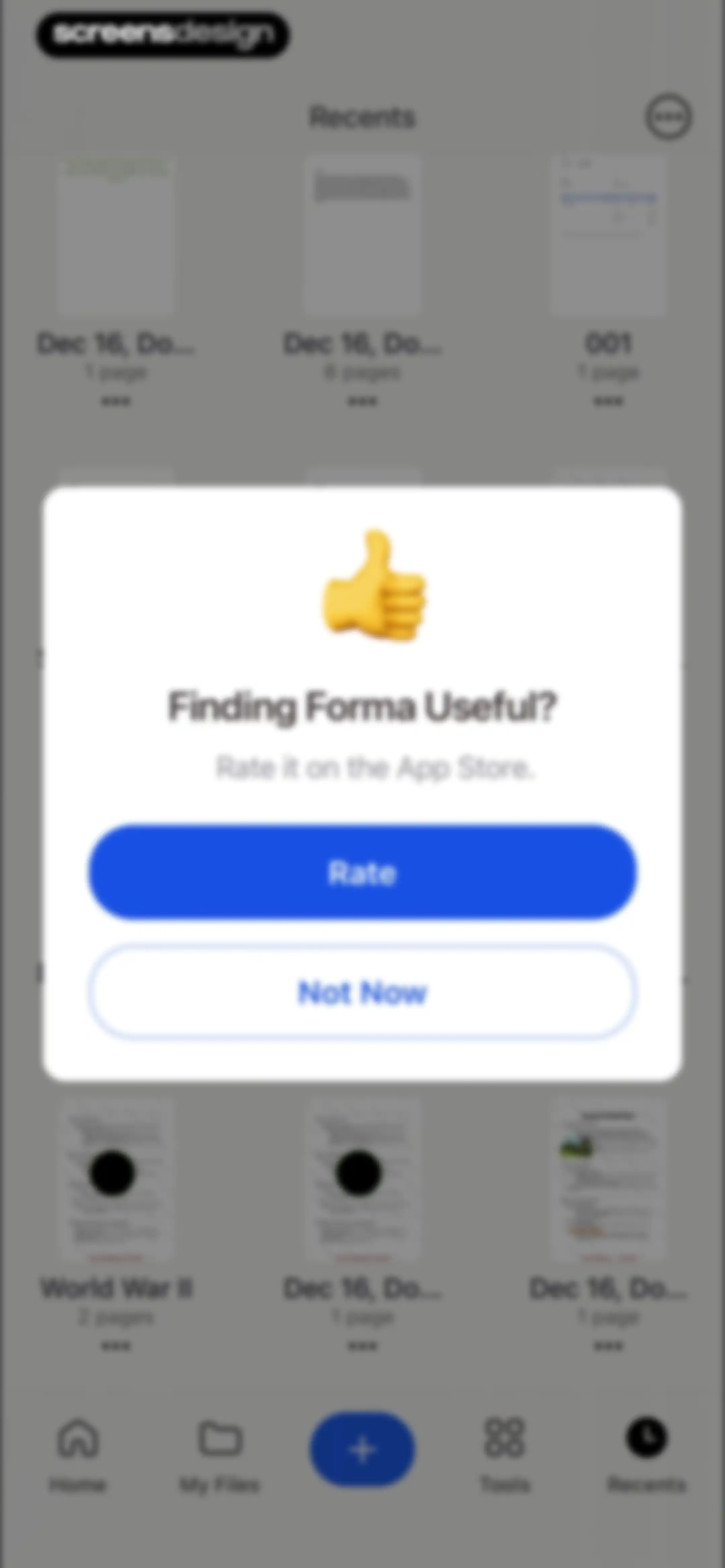
App rating prompt modal centered over a document dashboard, featuring a thumbs-up icon, Rate button, and Not Now button.Unlock Pro
Home screen showing a grid of recent PDF documents with page counts and a bottom navigation bar.Unlock Pro
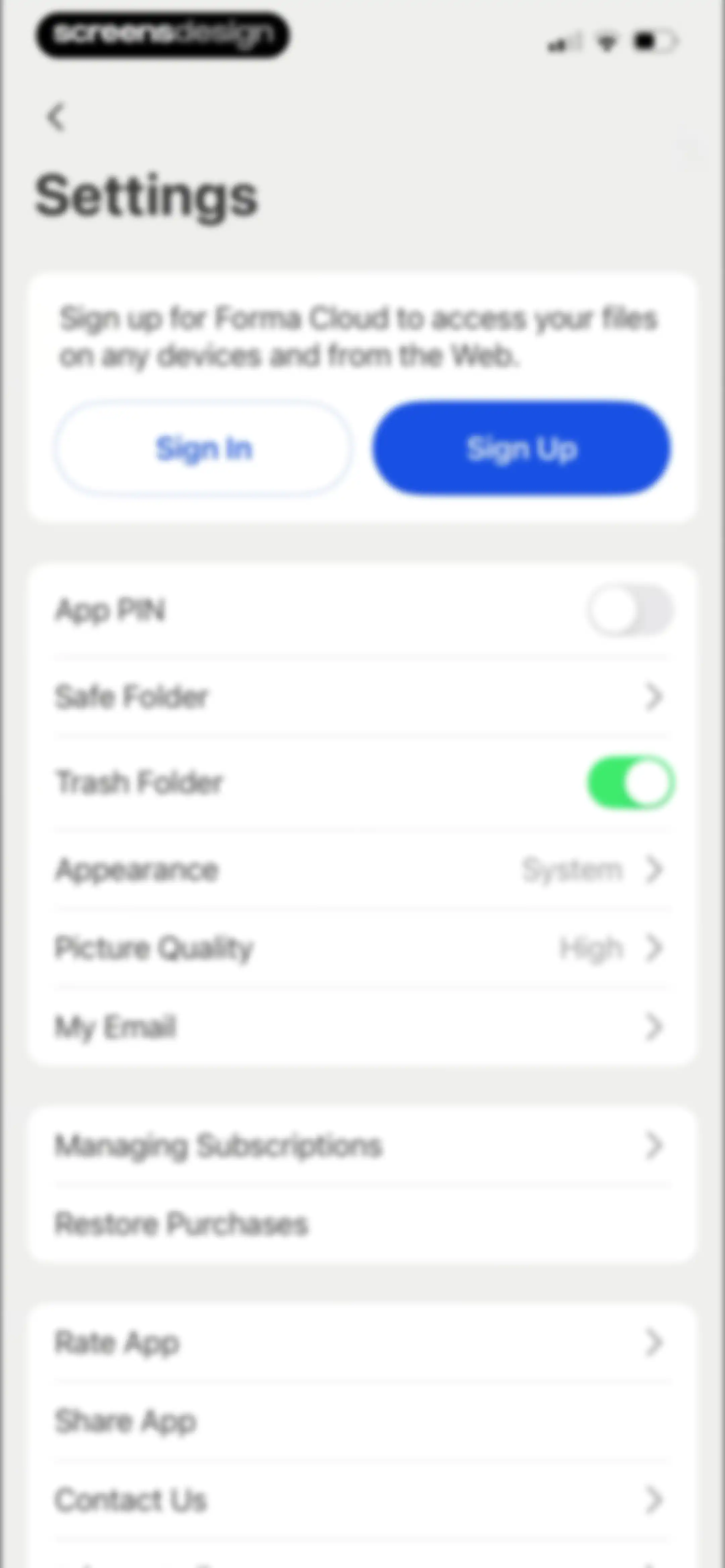
Settings screen featuring a Forma Cloud sign-up card and grouped configuration lists for app security, appearance, subscriptions, and support.Unlock Pro
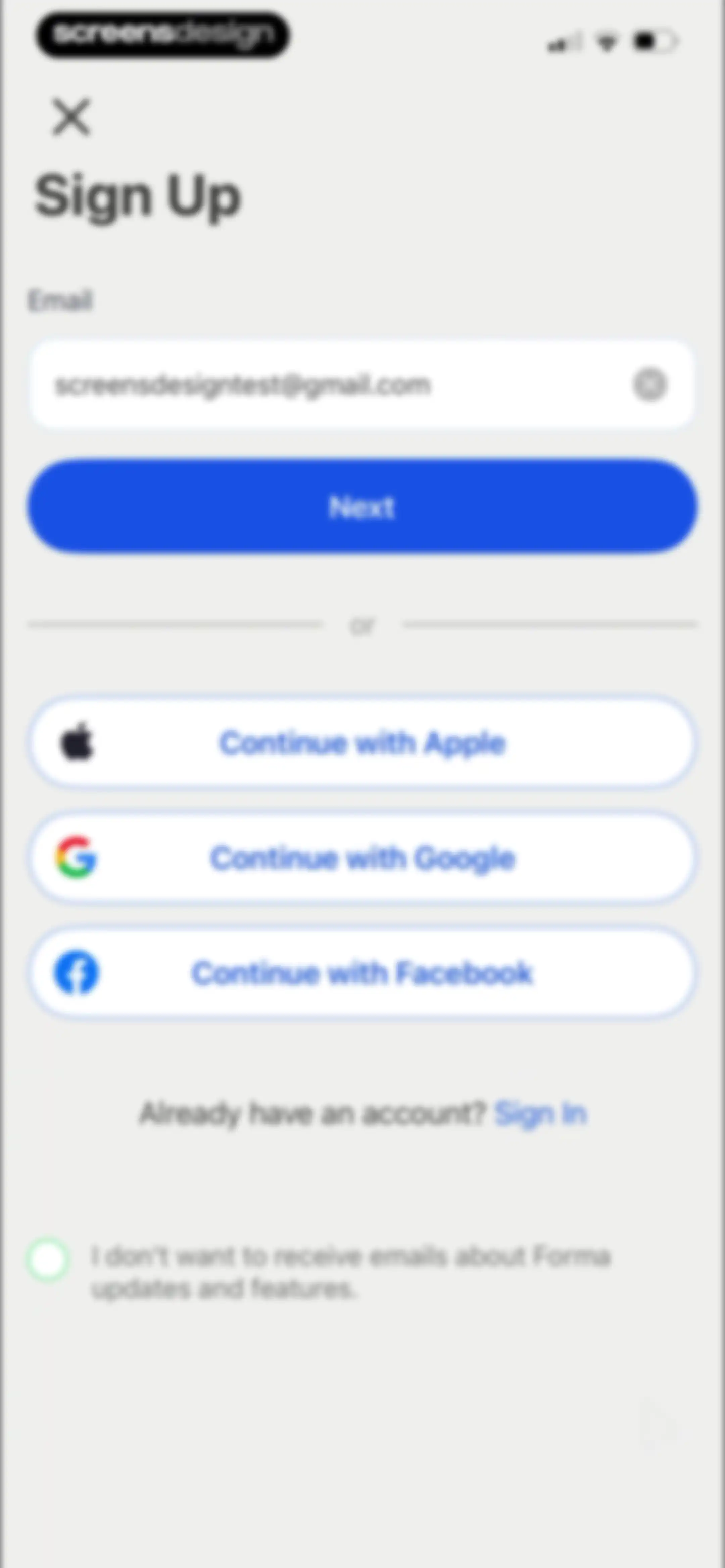
Sign-up screen with an email input field, a Next button, social login options, and an email opt-out checkbox.Unlock Pro
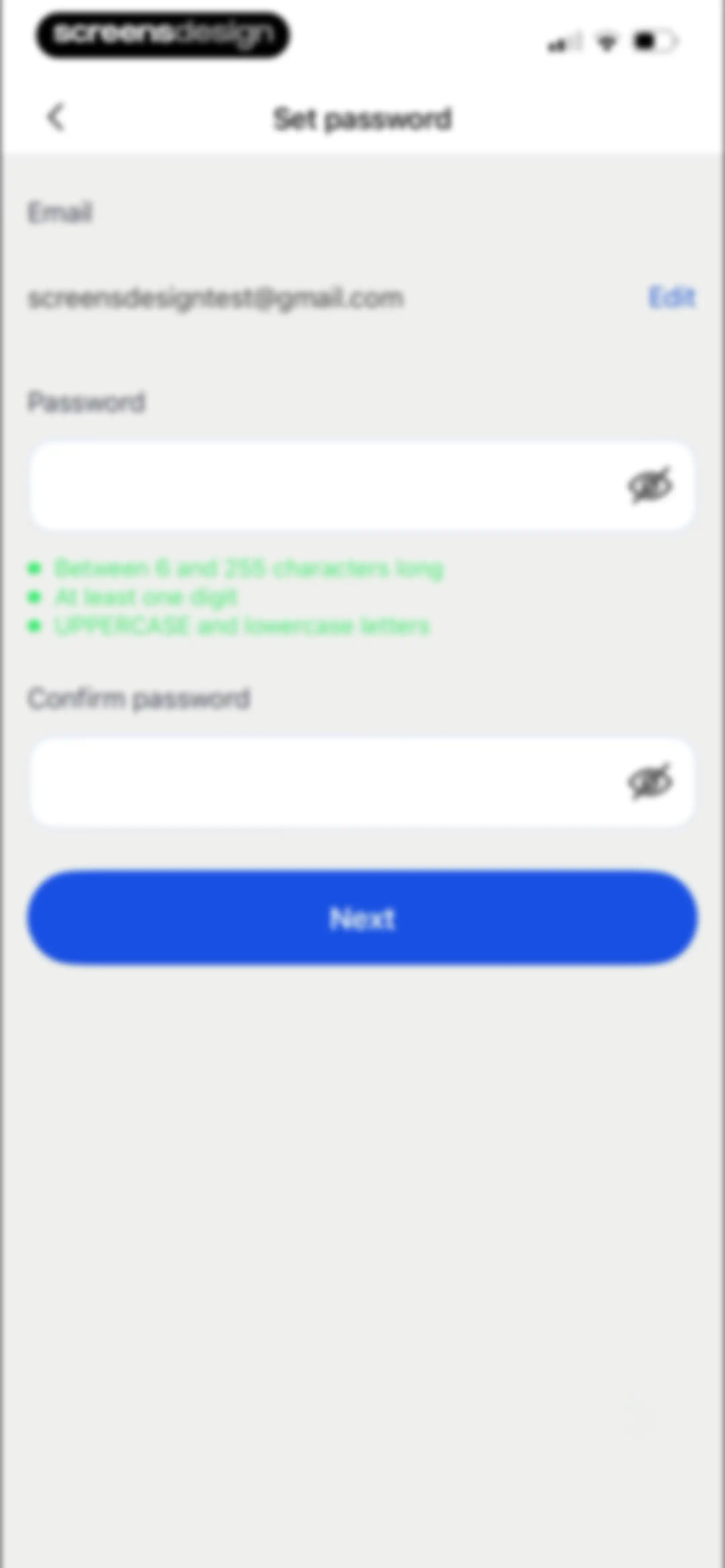
Password setup form with requirements for length, digits, and case, plus password and confirm password fields and a Next button.Unlock Pro
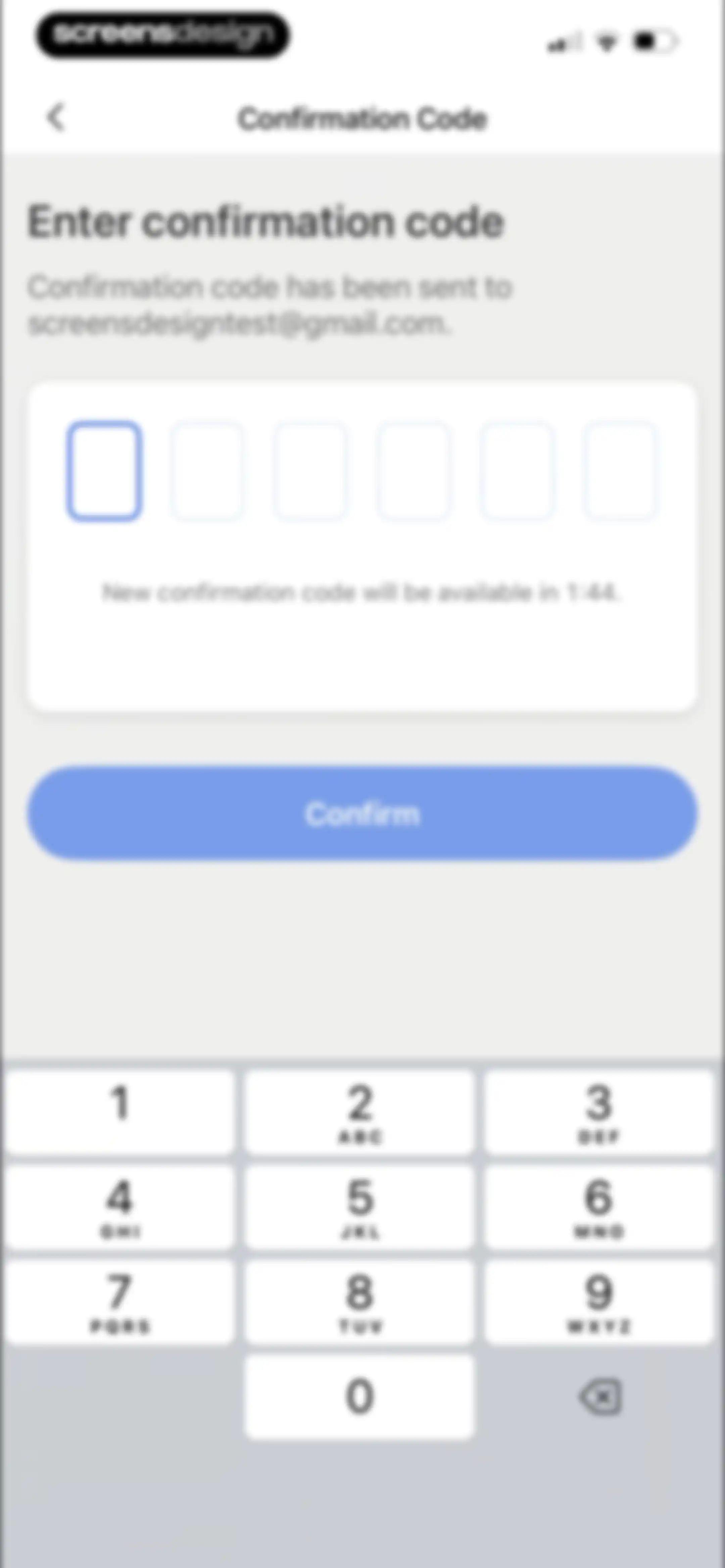
Email verification screen with empty 6-digit input fields, a countdown timer, a Confirm button, and a numeric keypad.Unlock Pro
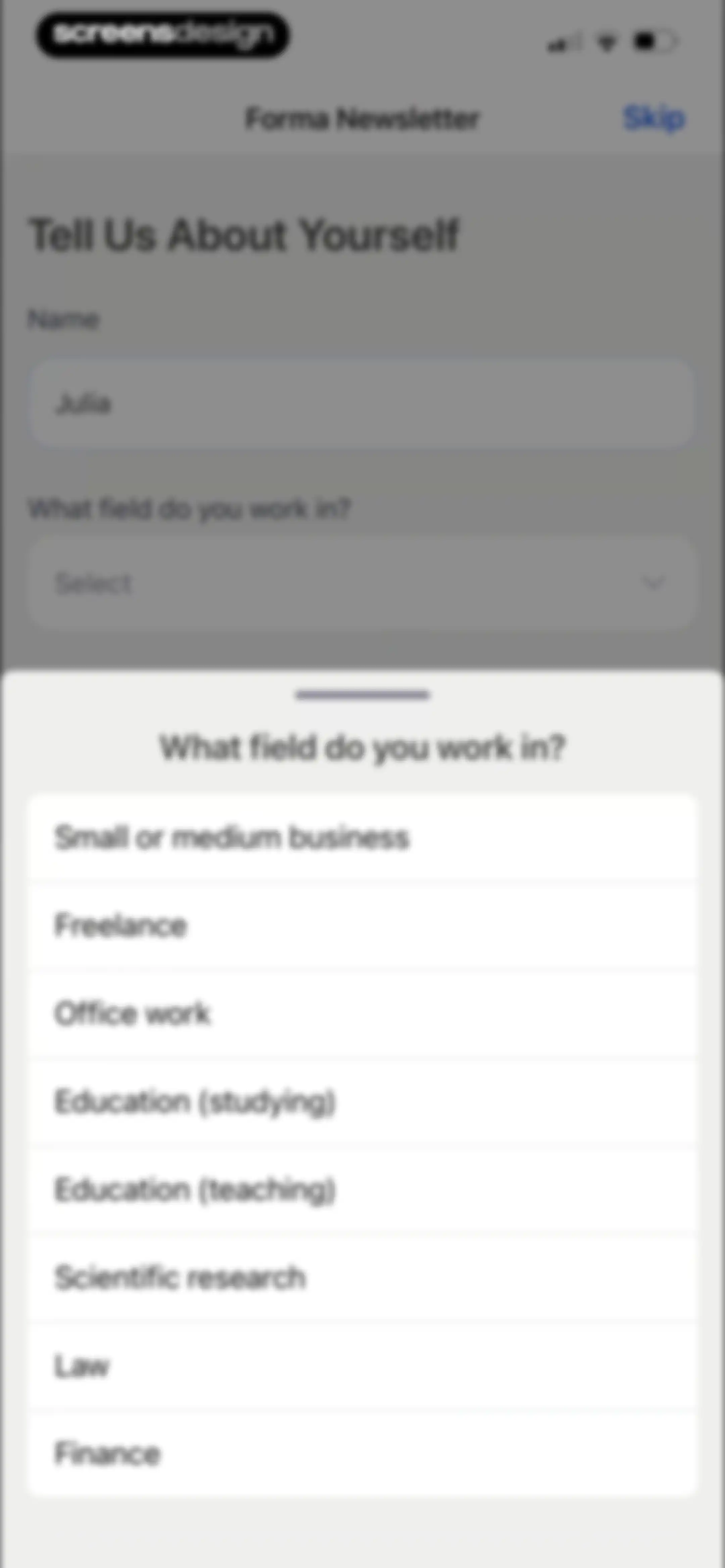
Forma onboarding screen with a name input field and a bottom modal displaying a list of professional fields to select from.Unlock Pro
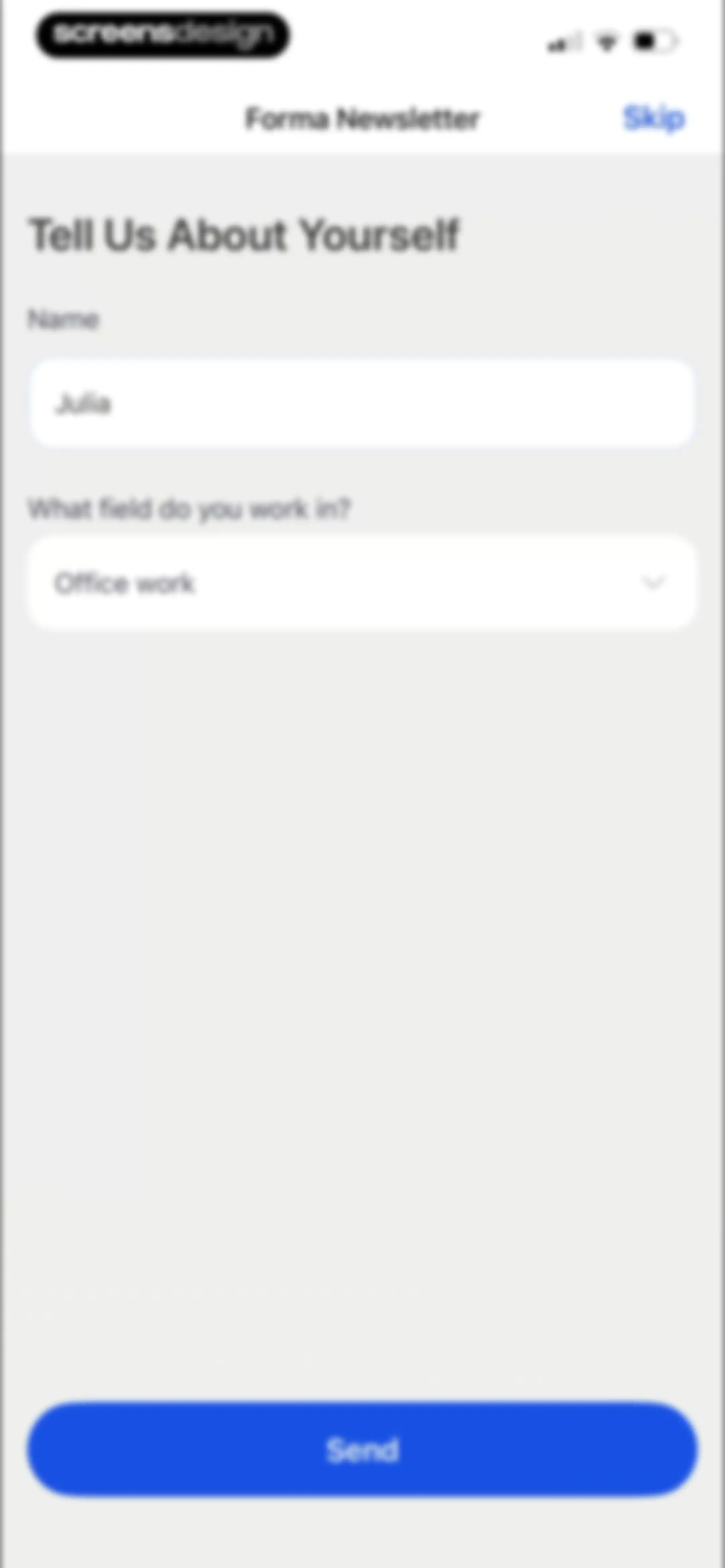
Forma newsletter onboarding form with filled name and work field inputs, a Send button, and a skip option.Unlock Pro
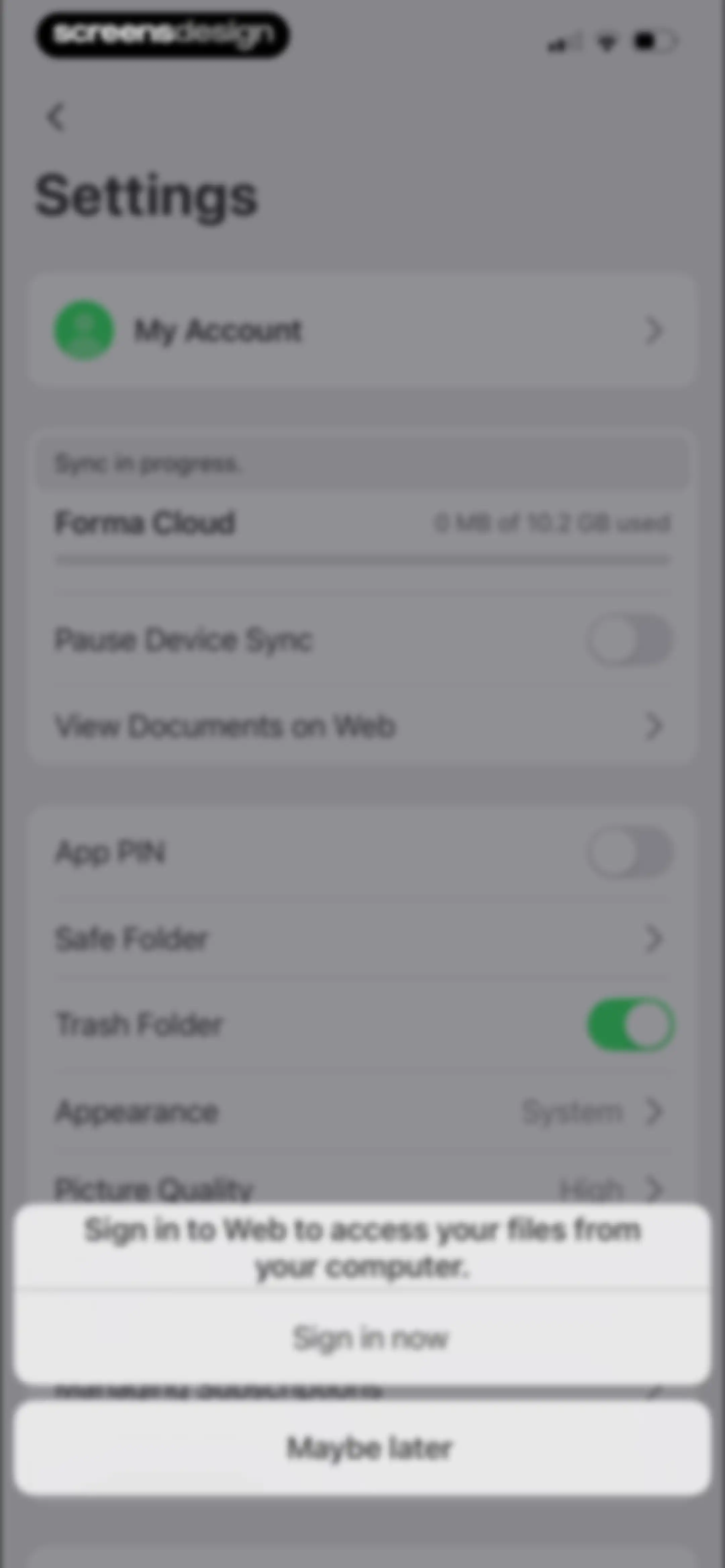
Settings screen with a centered modal overlay prompting the user to sign in to the web, featuring a list of account and preference options in the background.Unlock Pro
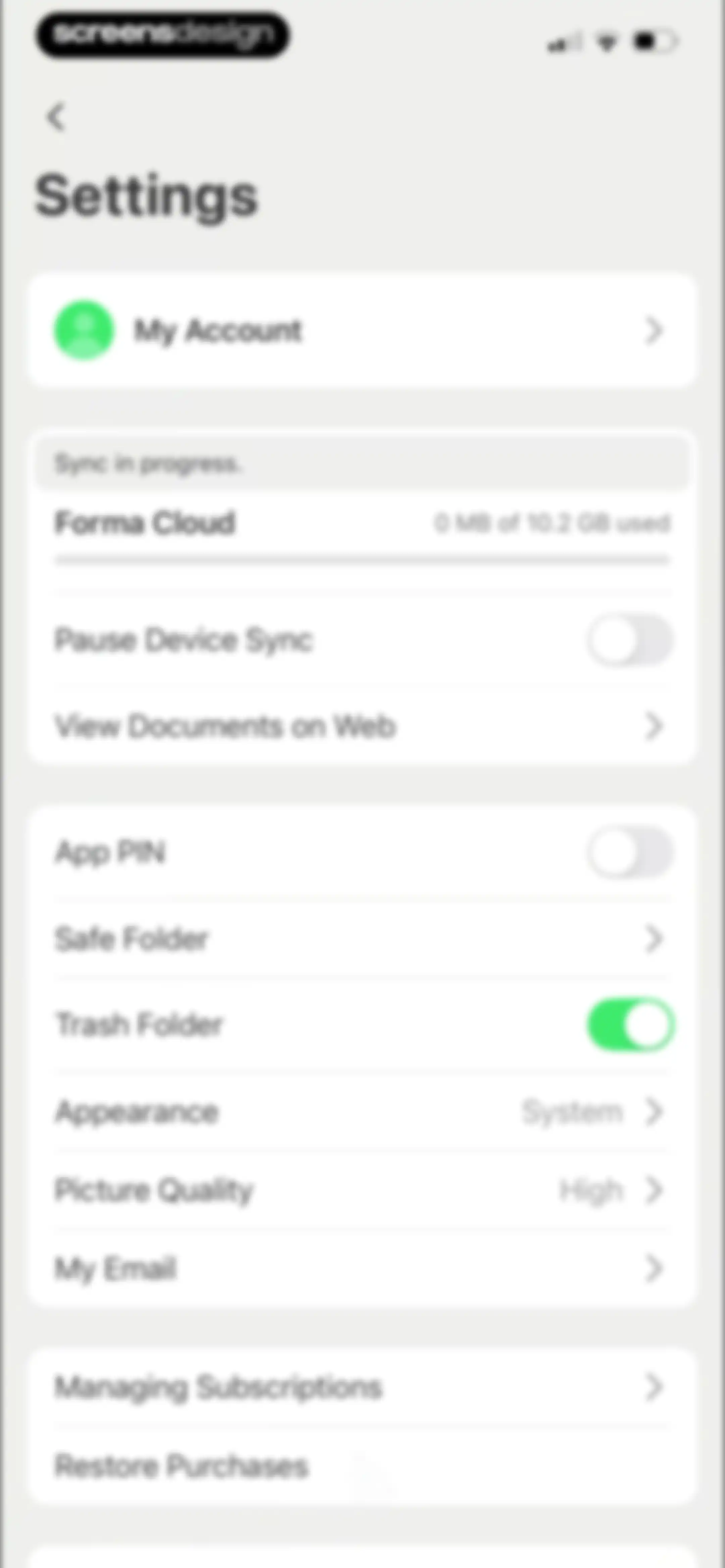
Settings screen with grouped cards for account details, cloud sync status, security options, and subscription management.Unlock Pro
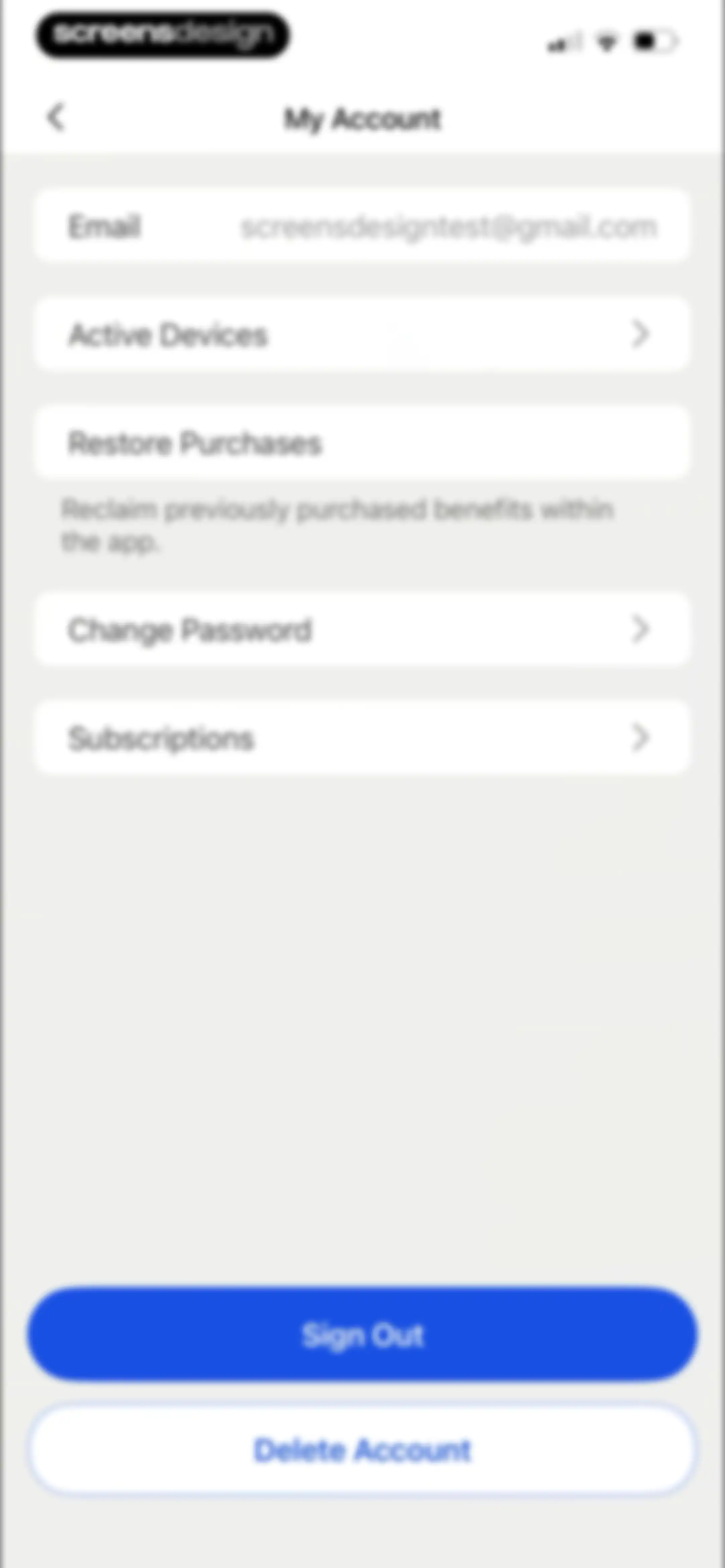
My Account settings screen with options for email, active devices, subscriptions, and password, plus sign out and delete account buttons.Unlock Pro
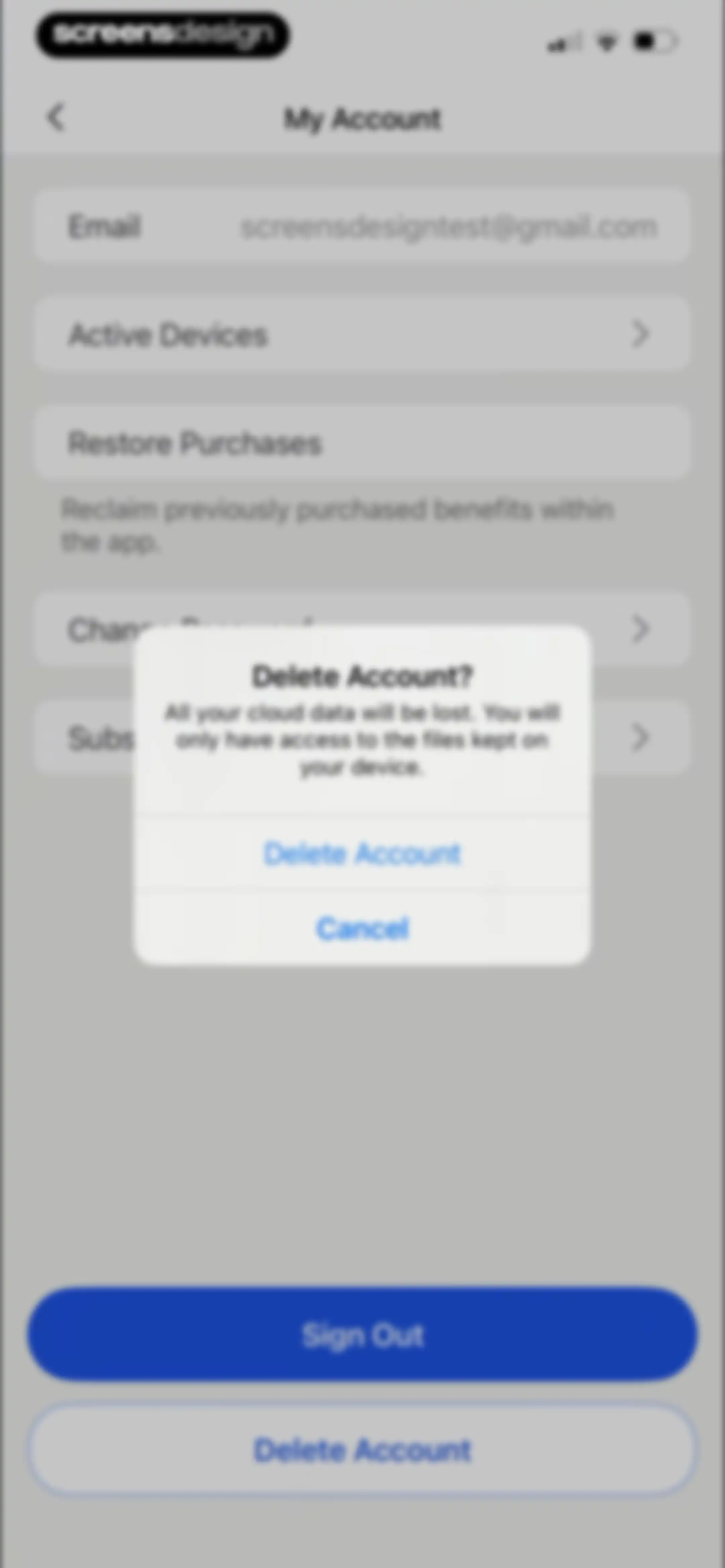
Account settings screen featuring a centered delete account confirmation modal with a warning about losing cloud data and action buttons.Unlock Pro
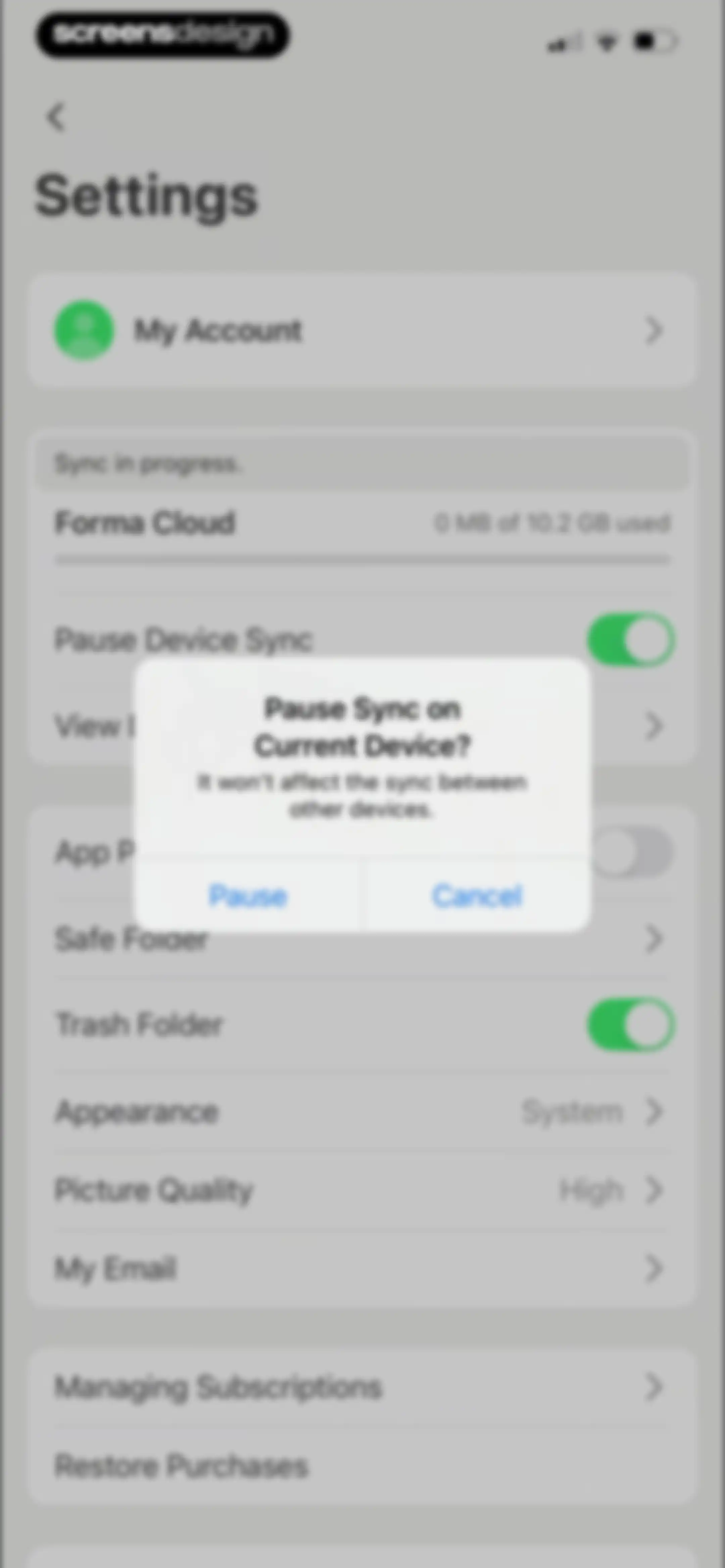
Settings screen with a confirmation modal asking whether to pause sync on the current device, alongside Pause and Cancel buttons.Unlock Pro
QR code scanner modal with a centered frame and instructions to visit formadoc.com/qr, featuring a close button in the bottom left.Unlock Pro
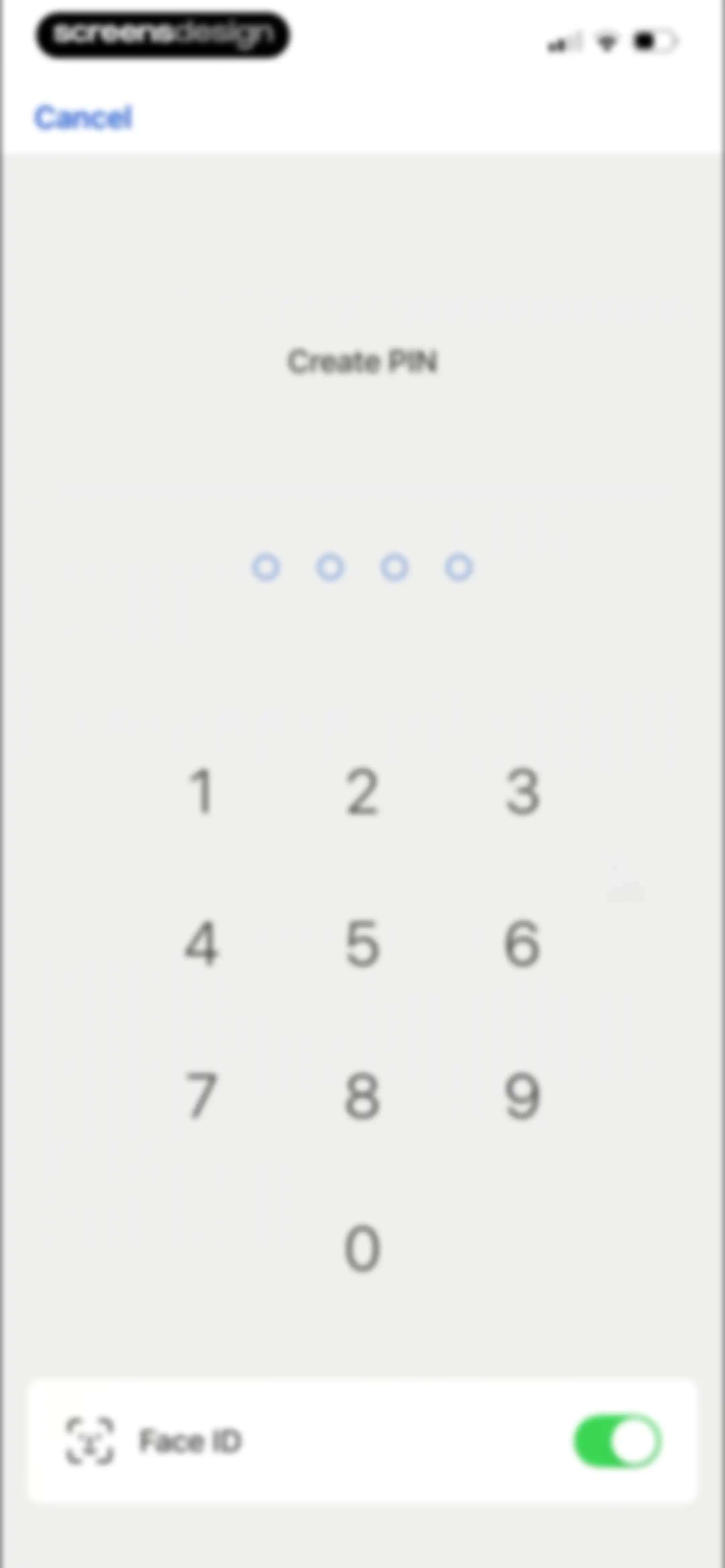
Settings screen for creating a PIN with circular indicators, a numeric keypad, and a Face ID toggle at the bottom.Unlock Pro
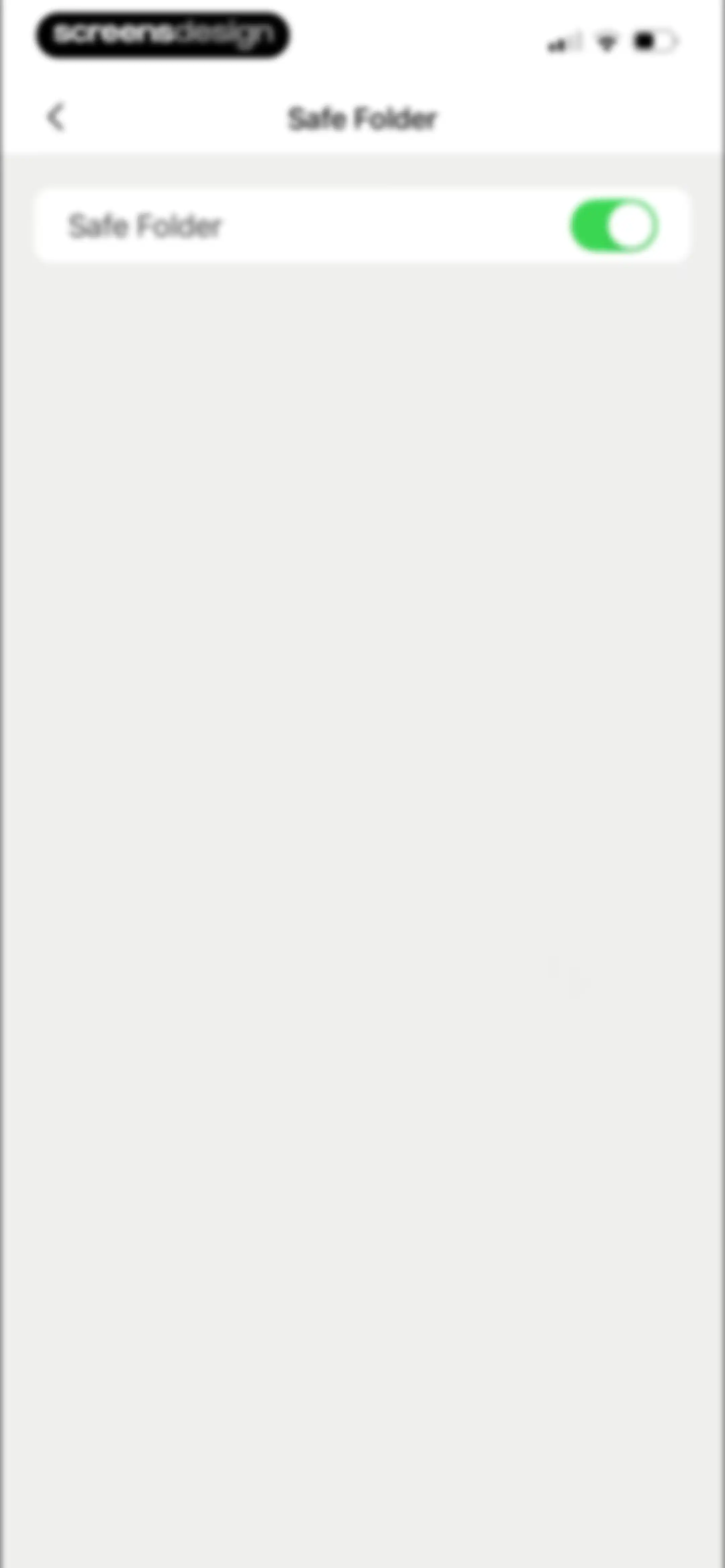
Settings screen for Safe Folder with an active green toggle switch inside a white card.Unlock Pro
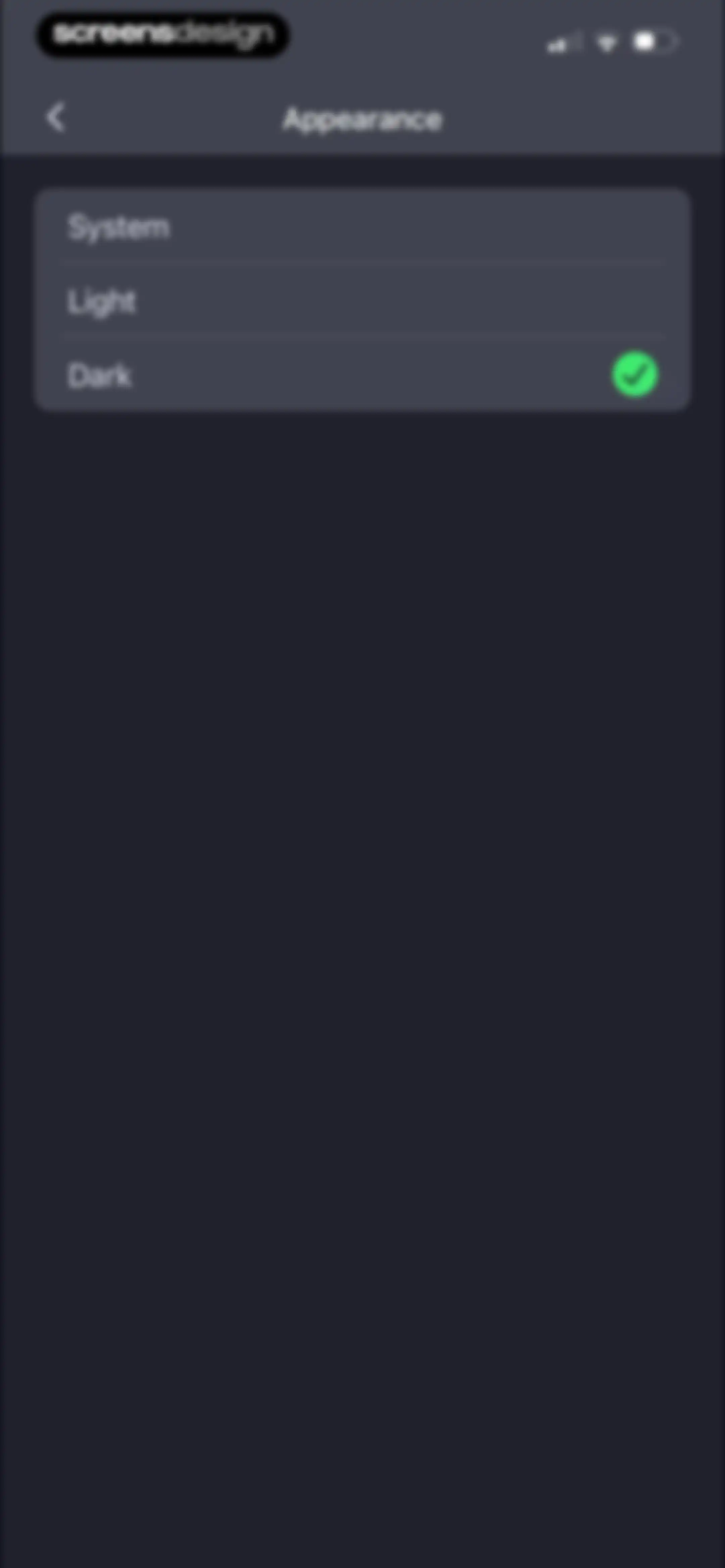
Appearance settings screen listing System, Light, and Dark options, with the Dark option selected and marked by a checkmark.Unlock Pro
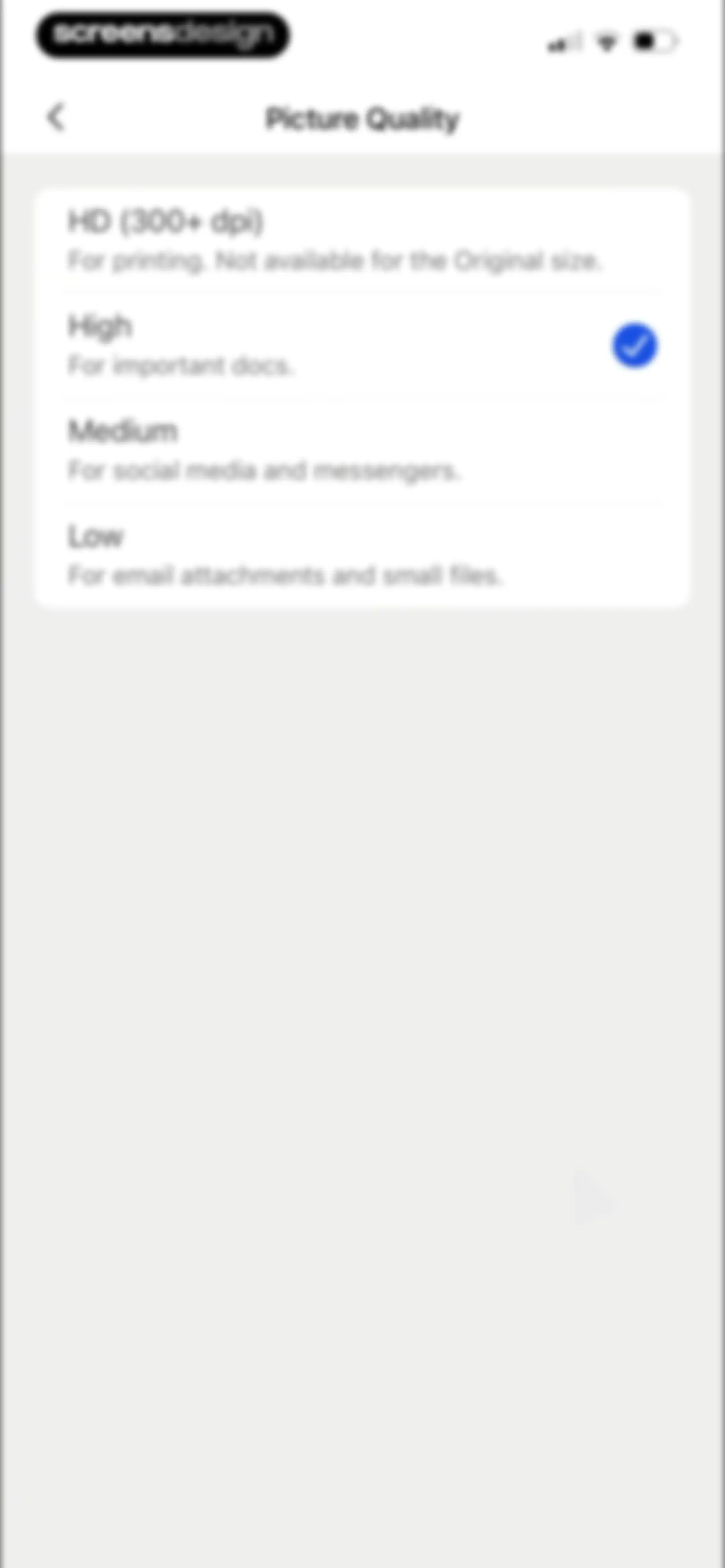
Picture Quality settings screen listing four resolution options, with the High option selected.Unlock Pro
Email configuration form with an empty email input field and a Done action button.Unlock Pro
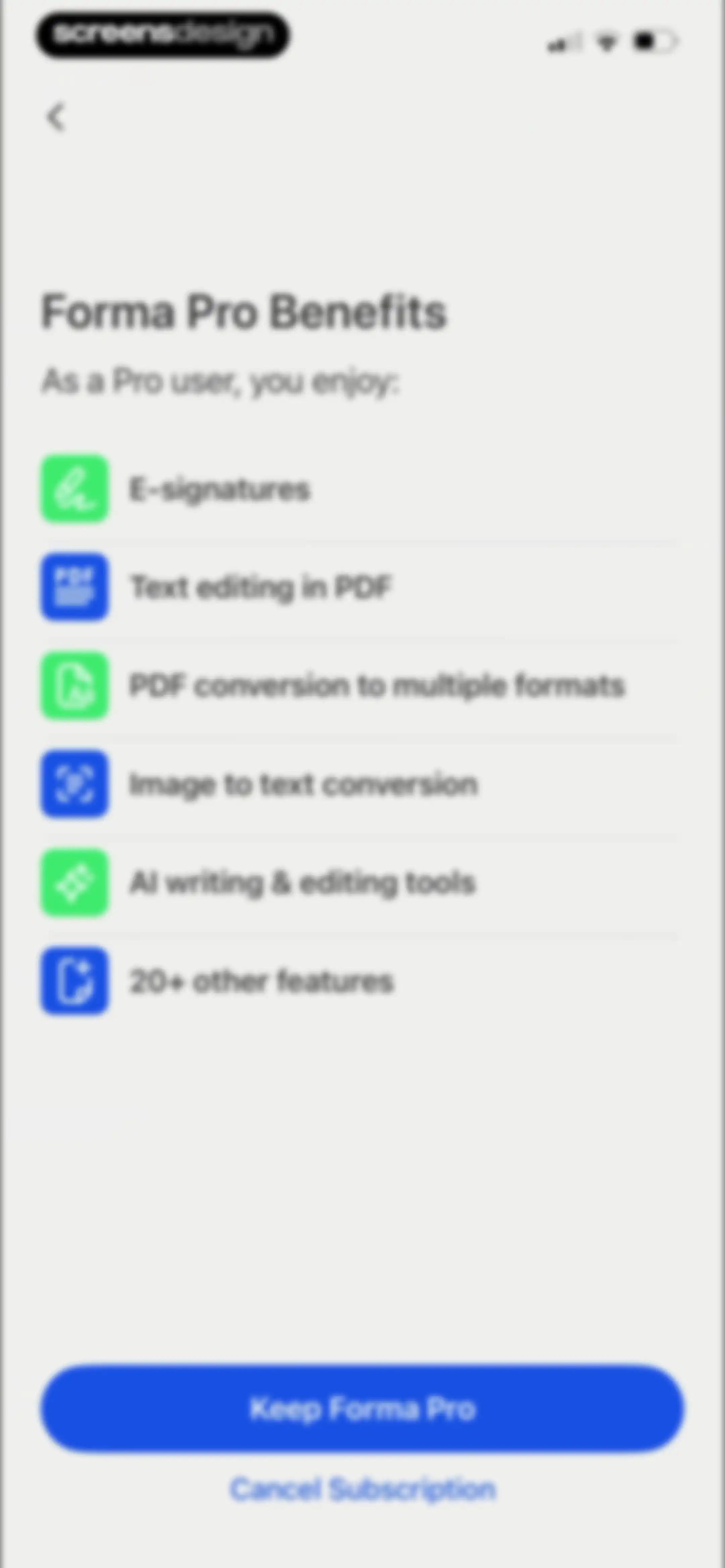
Forma Pro subscription retention screen listing pro benefits and featuring Keep Forma Pro and Cancel Subscription buttons.Unlock Pro
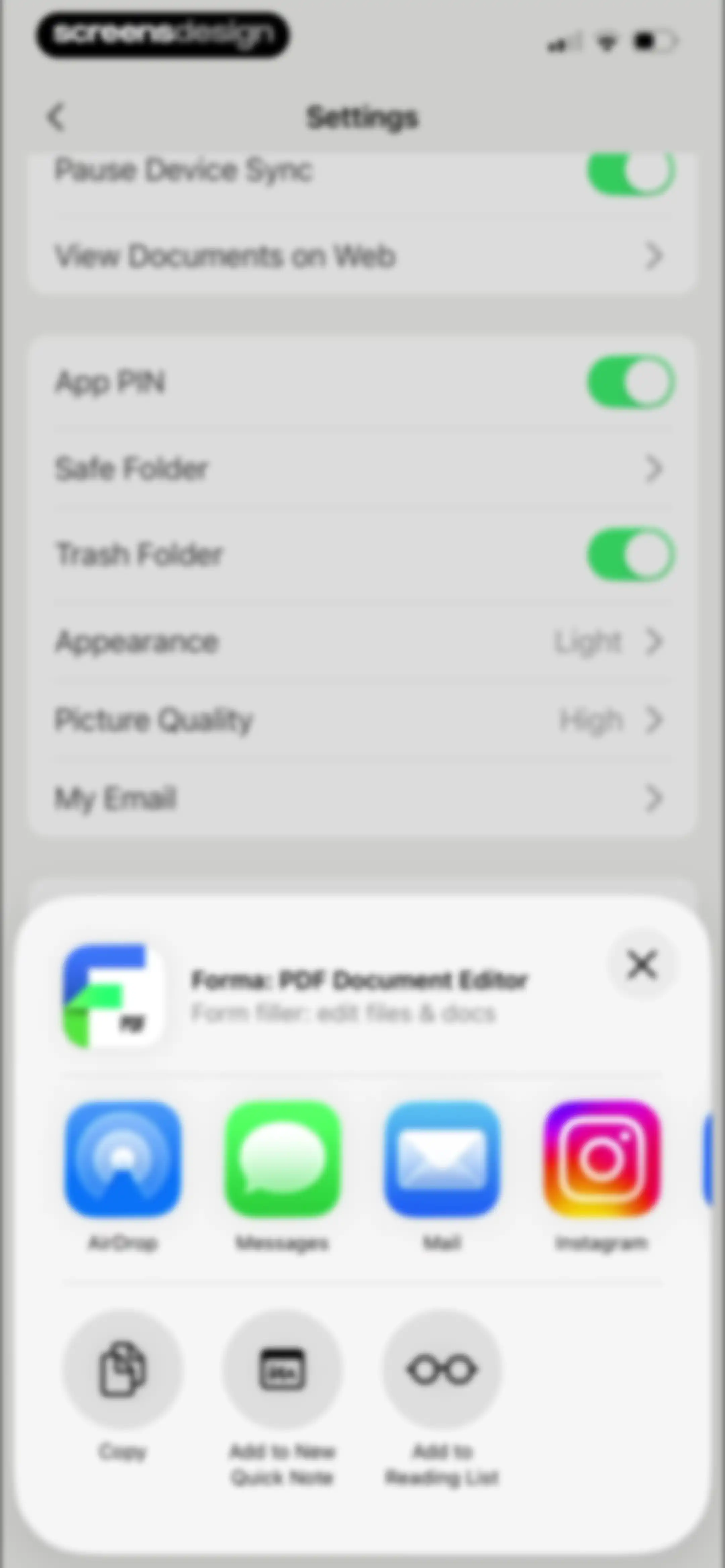
Forma PDF Document Editor settings menu with a share sheet modal overlaying the bottom half to share the app.Unlock Pro
Contact Us form with a subscription management inquiry selected and a Next button.Unlock Pro
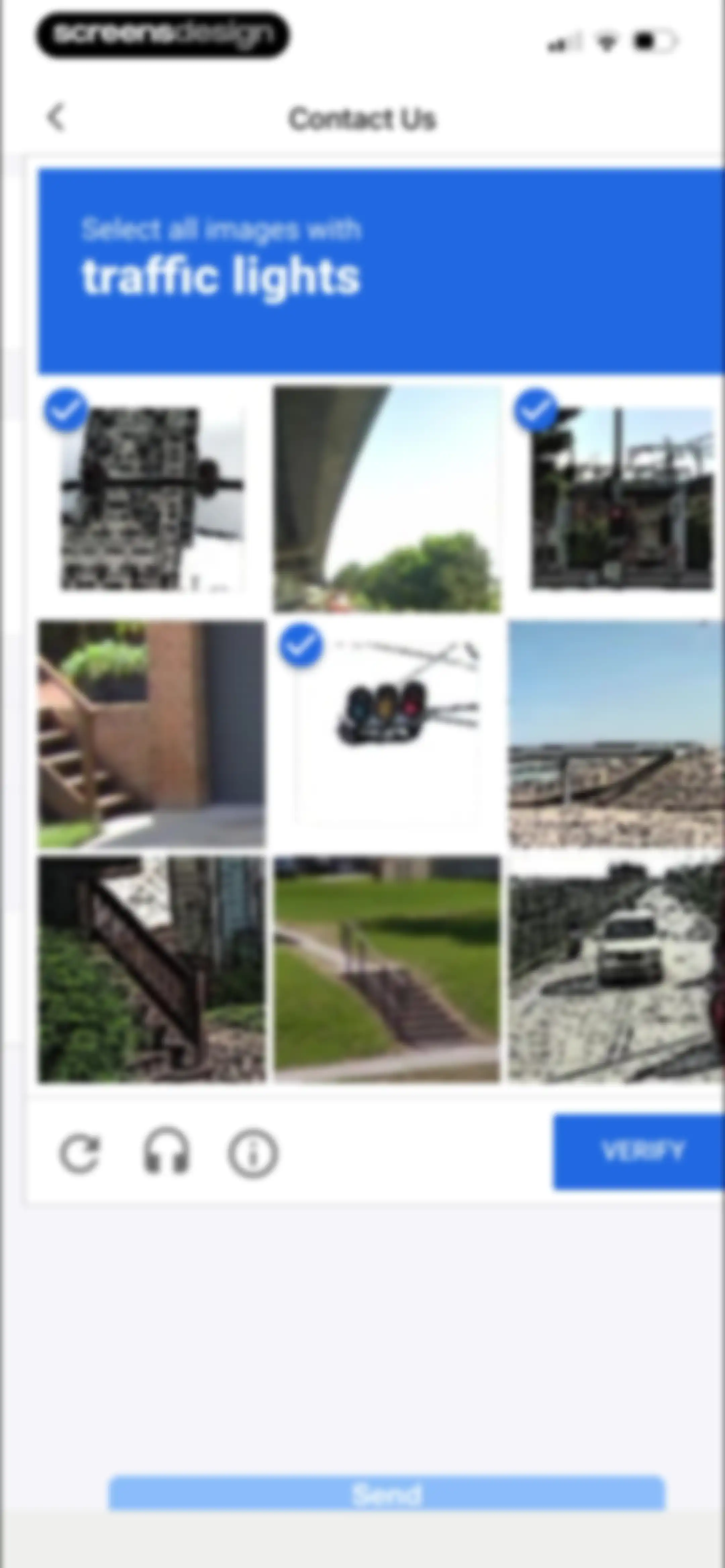
CAPTCHA verification screen with a 3x3 image grid instructing users to select traffic lights, featuring a VERIFY button.Unlock Pro
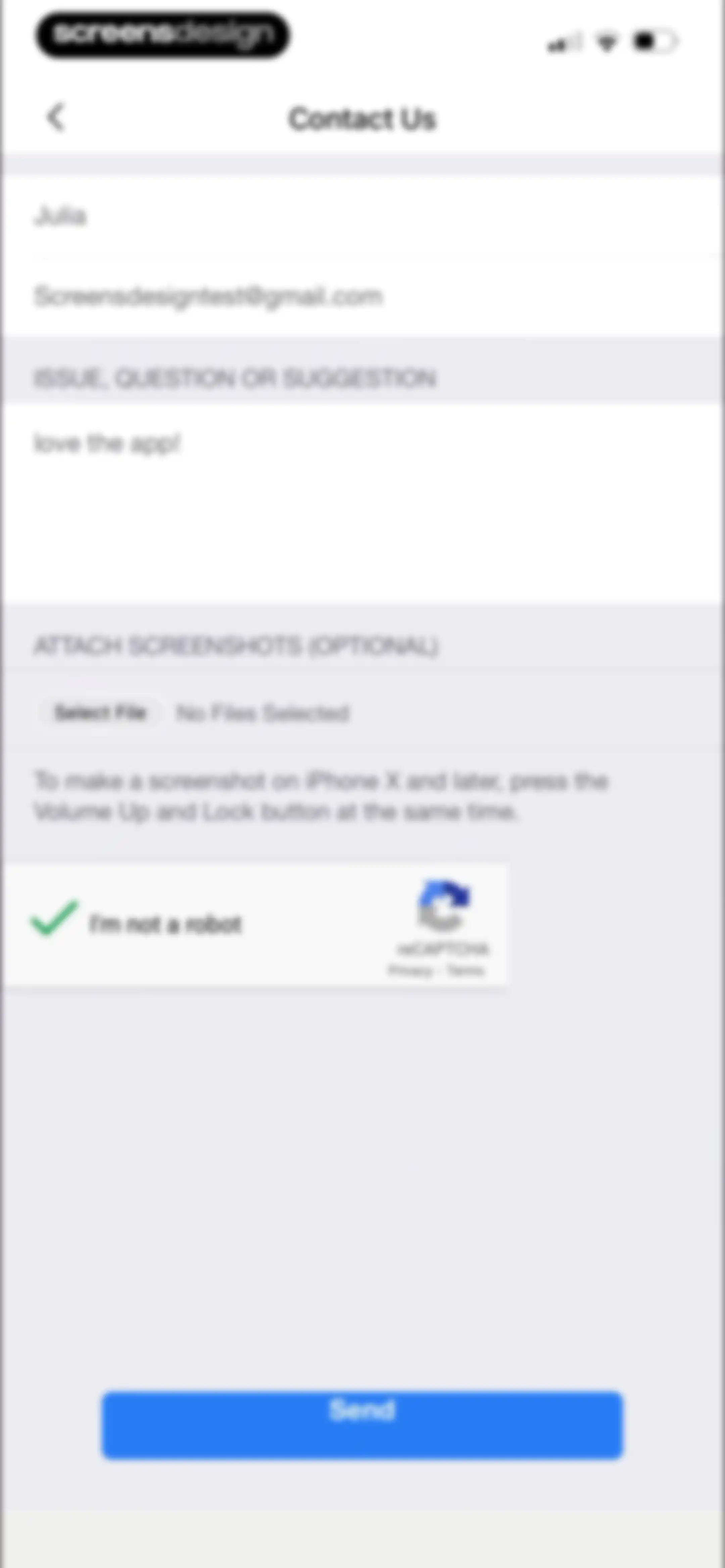
Contact Us support form with filled input fields, a file attachment section, a reCAPTCHA widget, and a Send button.Unlock Pro
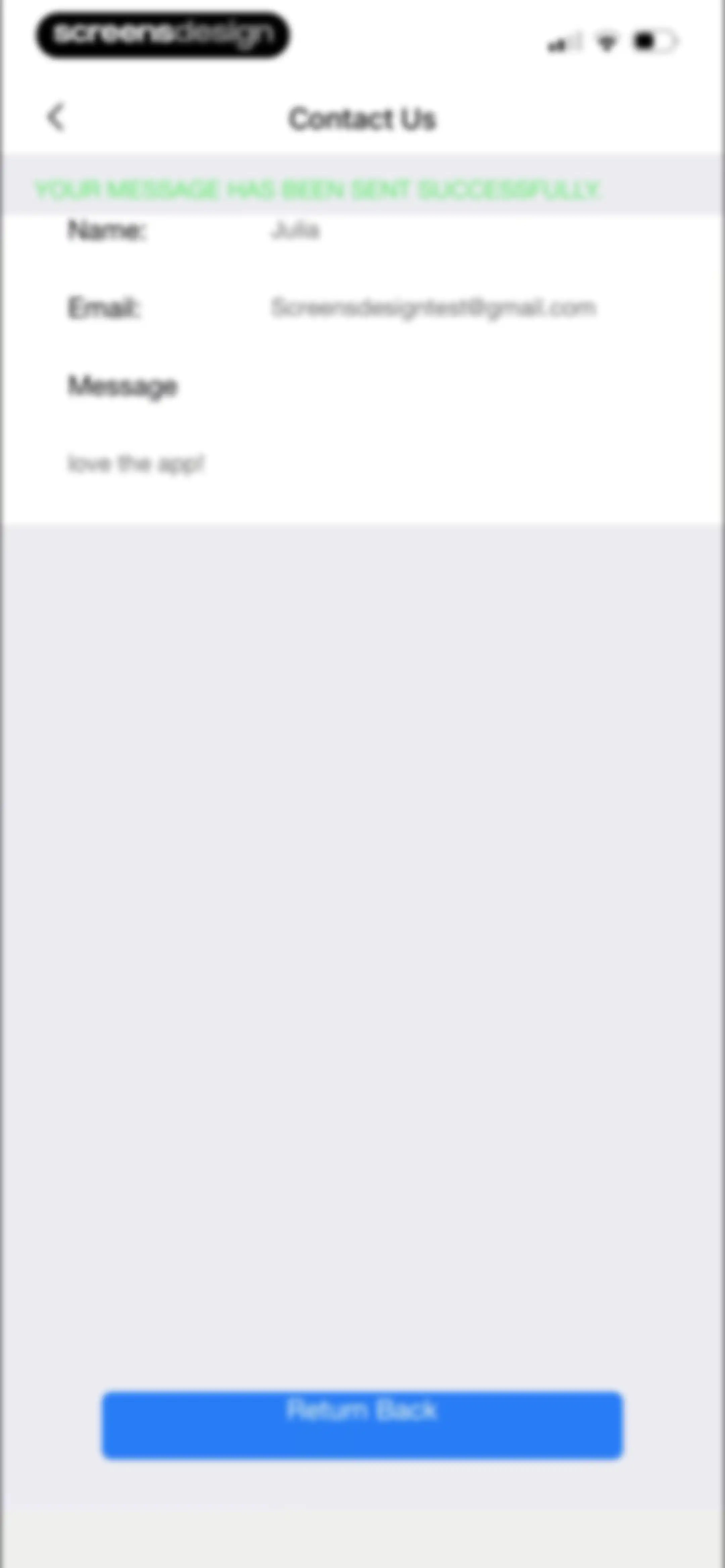
Contact confirmation screen displaying a success banner, submitted form details, and a Return Back button.Unlock Pro
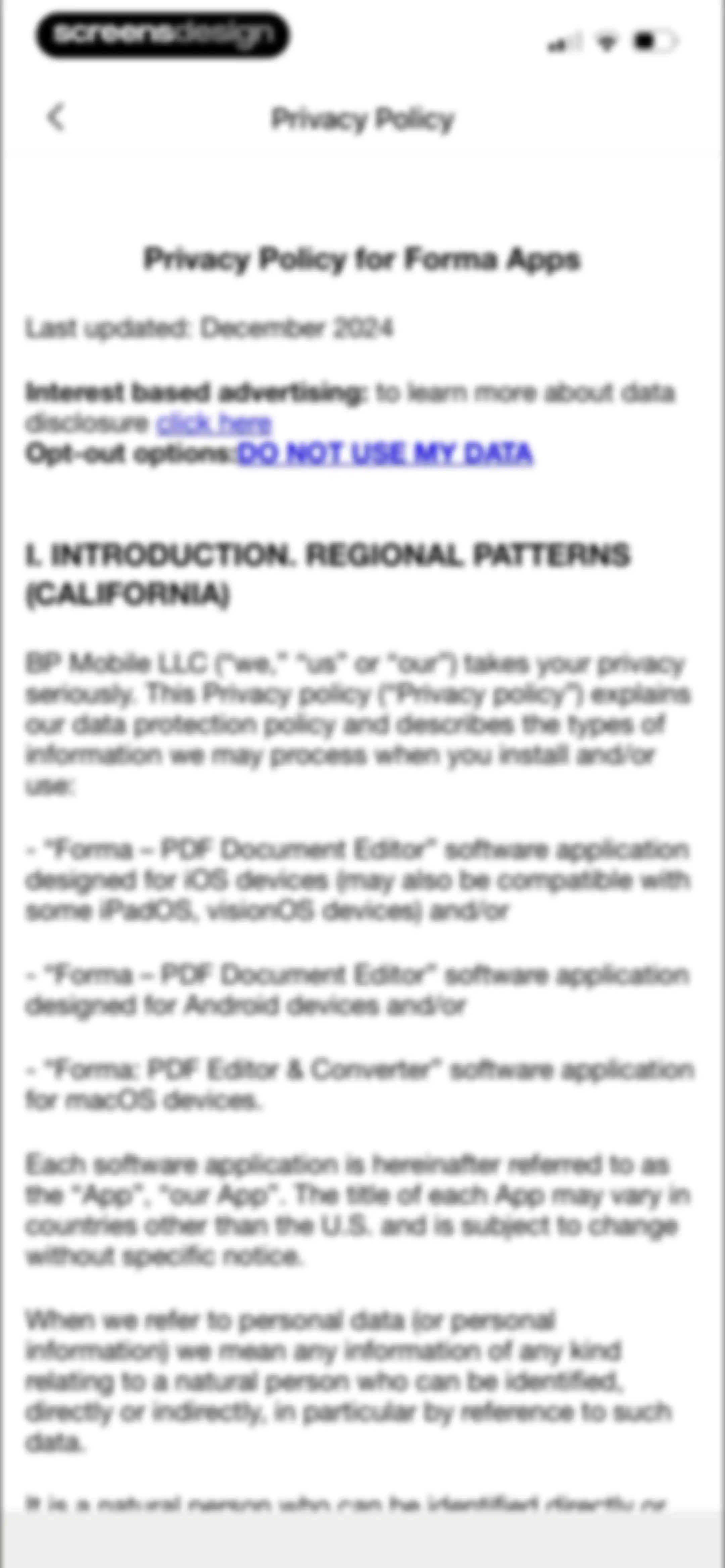
Privacy policy document for Forma PDF Document Editor with opt-out options and a top back button.Unlock Pro

About Forma: PDF Document Editor

A comprehensive mobile PDF editor featuring AI-powered text editing, document scanning, form filling, e-signing, and file conversion capabilities.

Explore Forma: PDF Document Editor across ScreensDesign

Apps similar to Forma: PDF Document Editor

Unlock all similar apps

See every comparable app, revenue, installs, and flows.

Unlock Pro
  • PDF Expert: Editor & Reader

    4.7
    Readdle Technologies LimitedRevenue$1.3MInstalls50k
  • PDF Editor ®

    4.5
    SMM service, s.r.o.Revenue$700kInstalls400k
  • iLovePDF - PDF Editor & Scan

    4.8
    iLovePDFRevenue$200kInstalls250k
  • UPDF - AI-Powered PDF Editor

    4.6
    Superace Software Technology Co., Ltd.Revenue$10kInstalls<5k
  • pdfFiller: edit PDF documents

    4.5
    airSlate, Inc.Revenue$250kInstalls<5k
  • PDF App: Convert, Create, Sign

    4.7
    Minimodev Technologies LTDRevenue$<5kInstalls<5k
  • MobiPDF・PDF Text Editor・Reader

    4.8
    MobiSystems, Inc.Revenue$450kInstalls100k
  • Documents - File Manager

    4.8
    Readdle Technologies LimitedRevenue$600kInstalls250k
  • Scanner App - Scan PDF & Docs

    4.6
    xStudios MobileRevenue$2.8MInstalls850k
  • Smallpdf: Scanner & PDF Editor

    4.8
    SmallpdfRevenue$25kInstalls6k
  • My Scanner: Scan to PDF & Edit

    4.7
    Dream App Studio UABRevenue$450kInstalls25k
  • PDFelement: PDF Editor, Viewer

    4.6
    Wondershare Technology (Hunan) Co.,Ltd.Revenue$70kInstalls15k
  • PDF Fill & Sign. Editor Filler

    4.6
    Micro ApplicationRevenue$9kInstalls<5k
  • PDF Scanner App: TapScanner

    4.7
    SMART MEDIA INTERNET MARKETING LTDRevenue$450kInstalls100k
  • Scanner App: Scan Documents

    4.6
    UNITEMAN TECHNOLOGY (HK) LIMITEDRevenue$550kInstalls950k
  • iScanner: PDF Document Scanner

    4.8
    BPMobileRevenue$3.8MInstalls300k
  • PDF Scanner App: Scan Document

    4.5
    Smart Tool StudioRevenue$<5kInstalls<5k
  • Scan Hero: PDF Scanner

    4.7
    Easy Tiger Apps, LLC.Revenue$400kInstalls11k
  • PDF Scanner AI: Scan Documents

    4.7
    Cacao MobileRevenue$150kInstalls15k
  • Camera Scanner - PDF

    4.5
    Position Mobile Ltd SEZCRevenue$90kInstalls<5k
  • Scanner App. JPG, Photo to PDF

    4.8
    MunicornRevenue$550kInstalls50k
  • CamScanner - PDF Scanner App

    4.8
    INTSIG Information Co., LtdRevenue$8MInstalls2.8M
  • PDF Converter - Word to PDF

    4.7
    Minimodev Technologies LTDRevenue$300kInstalls60k
  • xScan : Document Scanner App

    4.6
    VPN MobApps LimitedRevenue$150kInstalls<5k
  • FineReader: PDF Scanner & OCR

    4.7
    ABBYYRevenue$20kInstalls<5k
  • QR Code Reader & PDF Scanner

    4.7
    Dmytro RodionovRevenue$250kInstalls80k
  • Scanner App: Fast PDF Doc Scan

    4.7
    7270356 Canada IncRevenue$6kInstalls<5k
  • PDF Scanner App: Scanner+ Docs

    4.6
    Codeway Dijital Hizmetler Anonim SirketiRevenue$15kInstalls<5k
  • Scan to PDF-Document Scanner

    4.7
    Scanner App PDF ToolRevenue$700kInstalls20k
  • iScan - PDF & Document Scanner

    4.5
    Some CompanyRevenue$<5kInstalls<5k
  • Atlas AI: PDF Document Scanner

    4.9
    Atlas Documents LLCRevenue$35kInstalls<5k
  • Scan Now: PDF Document Scanner

    4.8
    East End Technologies Ltd.Revenue$200kInstalls<5k
  • ScanNow: Convert PDF, JPG, Doc

    4.7
    Magenta AppsRevenue$65kInstalls<5k
  • Mobile Scanner App - Scan PDF

    4.8
    Glority Global Group Ltd.Revenue$550kInstalls250k
  • Scanner PDF – scan document

    4.6
    NeosusRevenue$25kInstalls<5k
  • Photo to PDF Convert Scanner +

    4.6
    AccordmobiRevenue$70kInstalls<5k
  • Scanner App To PDF

    4.7
    BACKLIGHT DIGITAL SOLUTIONS SLURevenue$<5kInstalls<5k
  • uScan - PDF Document Scanner

    4.6
    Lopofist LimitedRevenue$55kInstalls<5k
  • Image to PDF Converter · Edit

    4.6
    Simple HealthRevenue$40kInstalls200k
  • Scan to PDF: Converter Scanner

    4.7
    Must Have AppsRevenue$45kInstalls<5k
  • Forms for Google Docs

    4.7
    Aurora InnovationRevenue$450kInstalls200k
  • QR Reader- Scanner & Generator

    5.0
    SAN MOBILERevenue$<5kInstalls<5k
  • Adobe Scan: PDF & Doc Scanner

    4.9
    Adobe Inc.Revenue$2.3MInstalls650k
  • Scanner Pro - Scan to PDF

    4.9
    Readdle Technologies LimitedRevenue$600kInstalls45k
  • SwiftScan AI Document Scanner

    4.8
    Maple Media Apps, LLCRevenue$40kInstalls<5k
  • eSign App: Sign PDF Documents

    4.8
    MunicornRevenue$150kInstalls5k
  • OneDocs Scanner Translator

    4.5
    Nayer AbuAlSoudRevenue$30kInstalls15k