Concepts

$50k revenue, 4.7 rating

Feature Introduction
0:00 / 13:10

Onboarding flow, Paywall & Inside the App

Watch the full screen-by-screen UX video of Concepts with onboarding, paywall, and every core flow.

Splash screen for the Concepts app featuring a centered app logo on a solid grey background.
Onboarding screen featuring header text about sketching, legal disclaimers, and a hero image of a phone camera interface with a carousel indicator.
Onboarding screen displaying a minimalist text block about infinite space over a dark background with page indicator dots.
Concepts onboarding screen highlighting infinite canvas features, featuring a central product mockup of a blueprint sketch and six pagination dots.
Onboarding screen highlighting app customization features with the third of six dots selected in the bottom page indicator.
Onboarding screen featuring the headline Everything is adjustable, a floating editing toolbar, and a grid canvas workspace.
Onboarding feature highlight screen for the Concepts app, displaying a dark background with the heading Plays well with others and a bottom carousel indicator.
Concepts onboarding screen prompting account creation to sync data, featuring a Sign Up / Sign In button and a skip option.
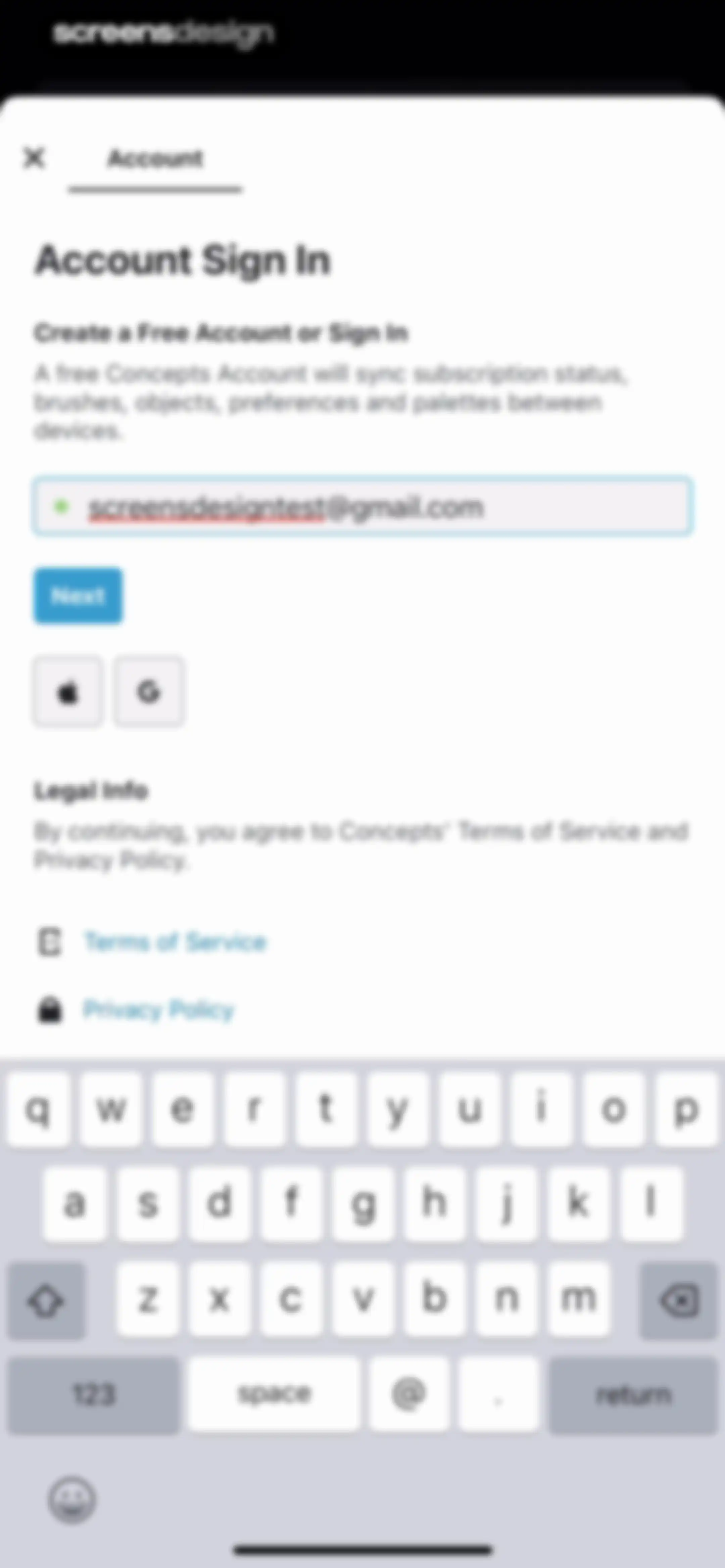
Account sign-in form for Concepts with an email input field, a Next button, and social login options.Unlock Pro
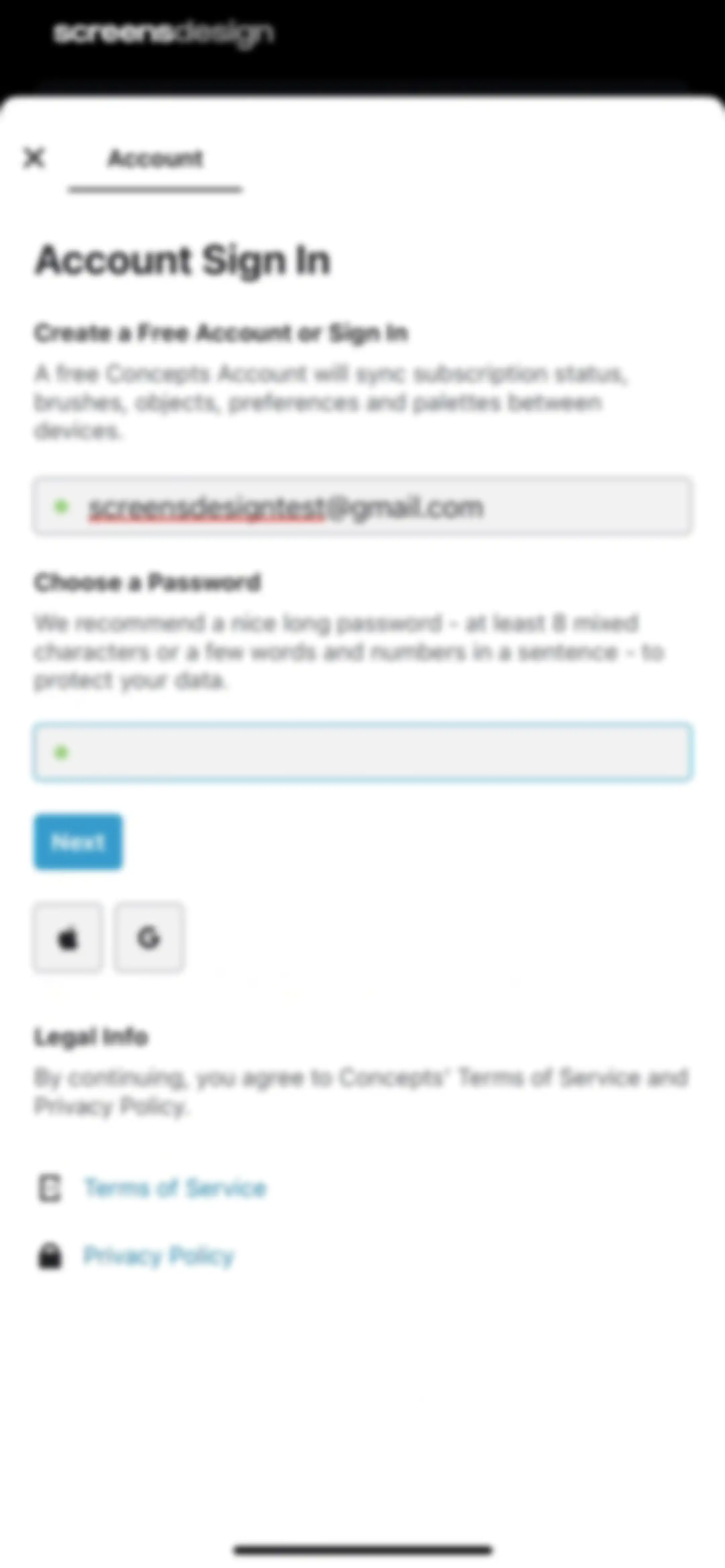
Account sign-in modal for the Concepts app featuring email and password inputs, a Next button, and social login options.Unlock Pro
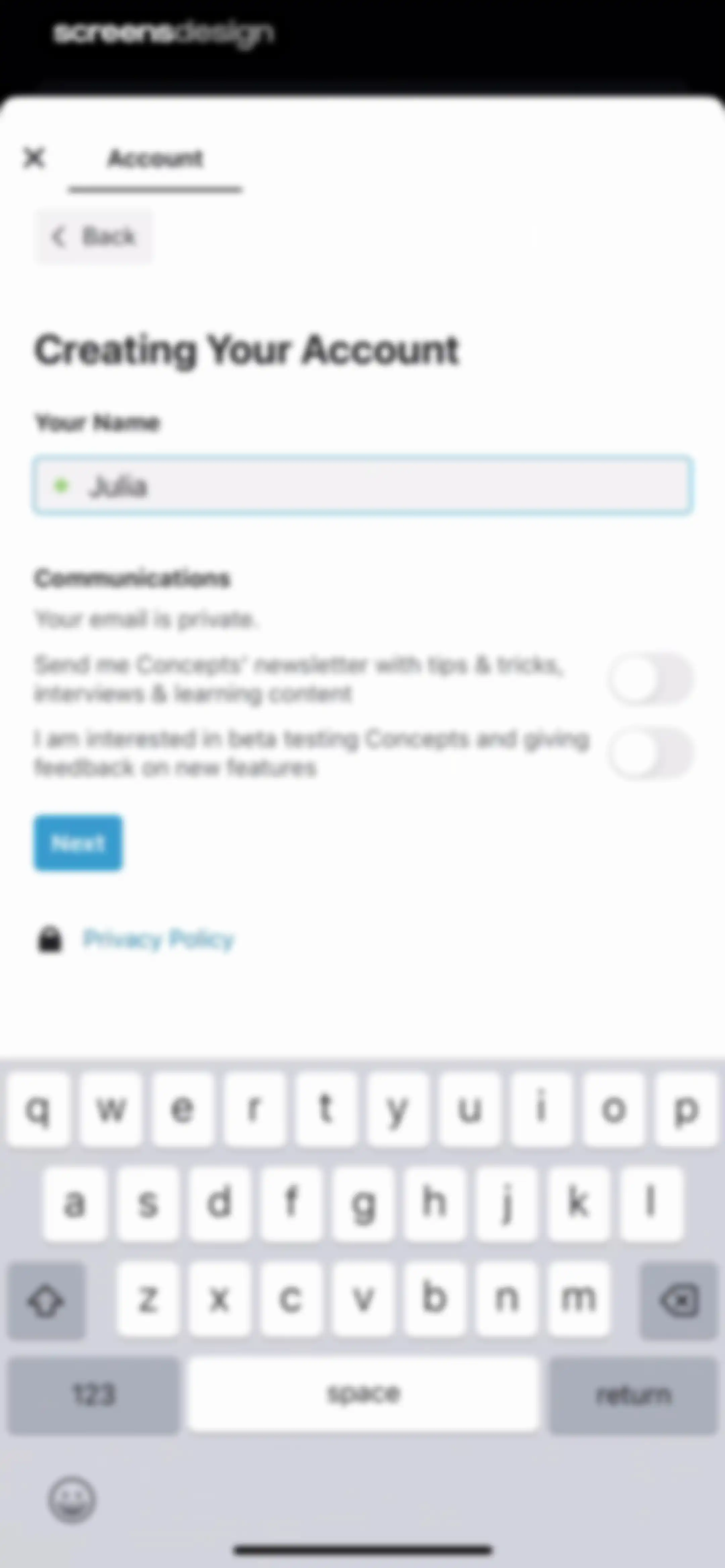
Account creation form with a filled name field, communication preference toggles, a Next button, and the system keyboard.Unlock Pro
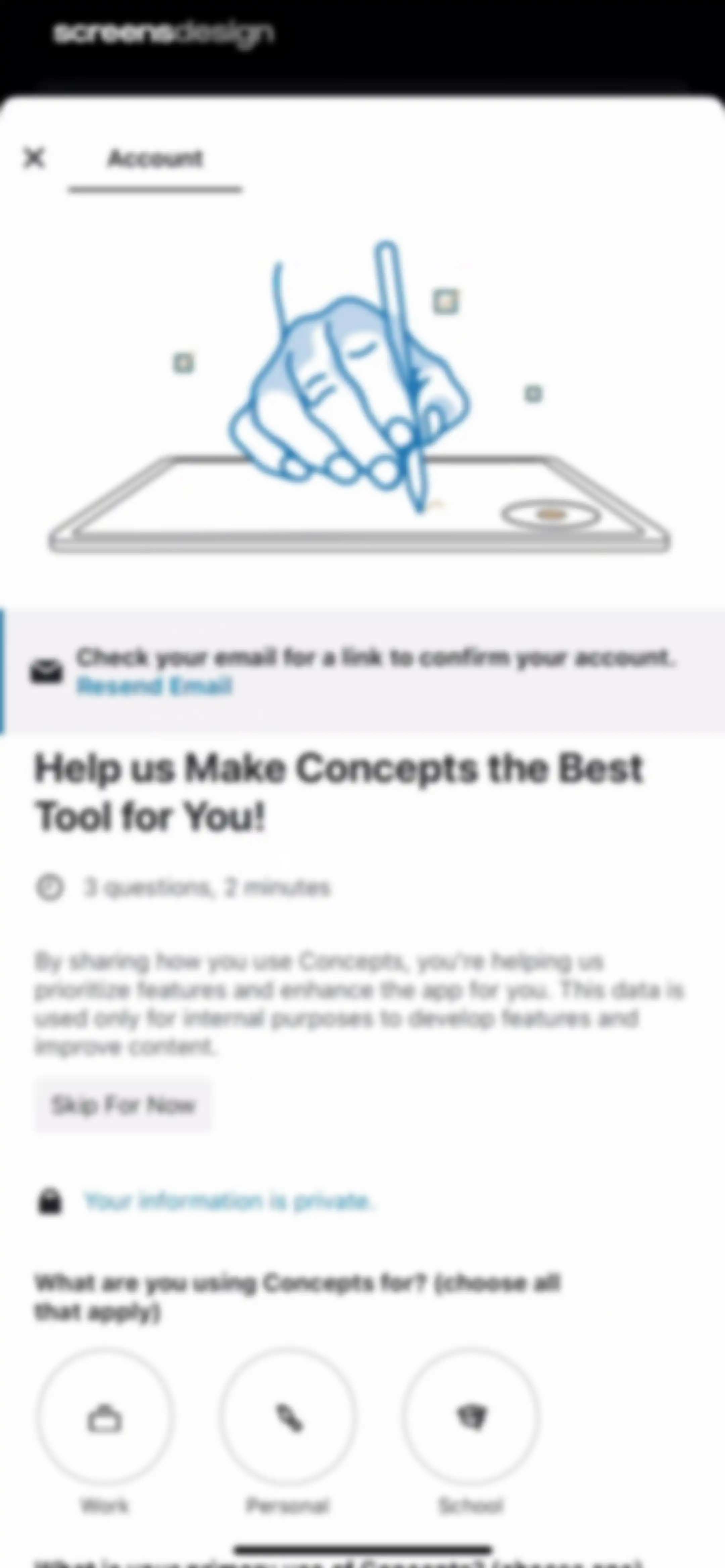
Onboarding survey screen in the Concepts app asking what the user is using the app for, with options for work, personal, and school.Unlock Pro
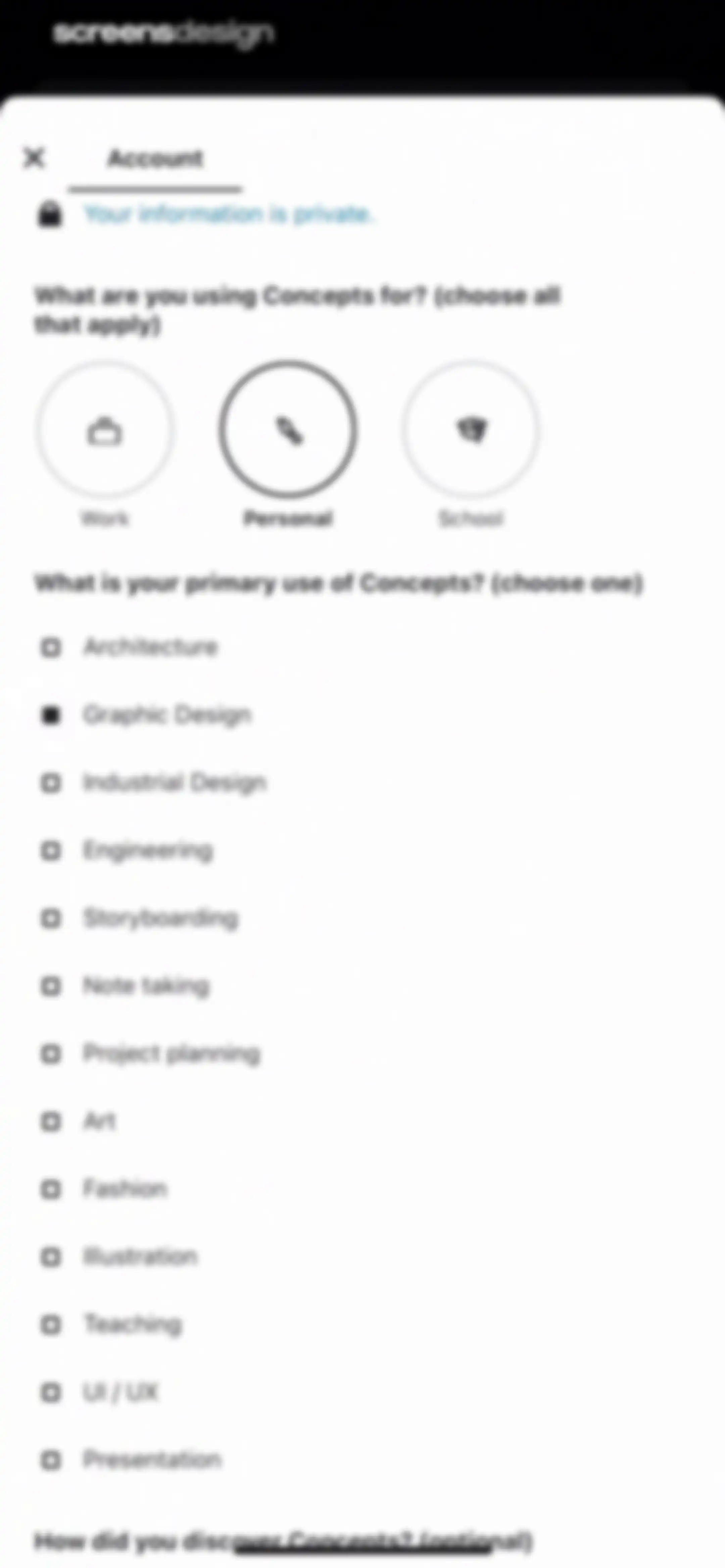
Onboarding account setup screen with usage intent and primary use case options, showing Personal and Graphic Design selected.Unlock Pro
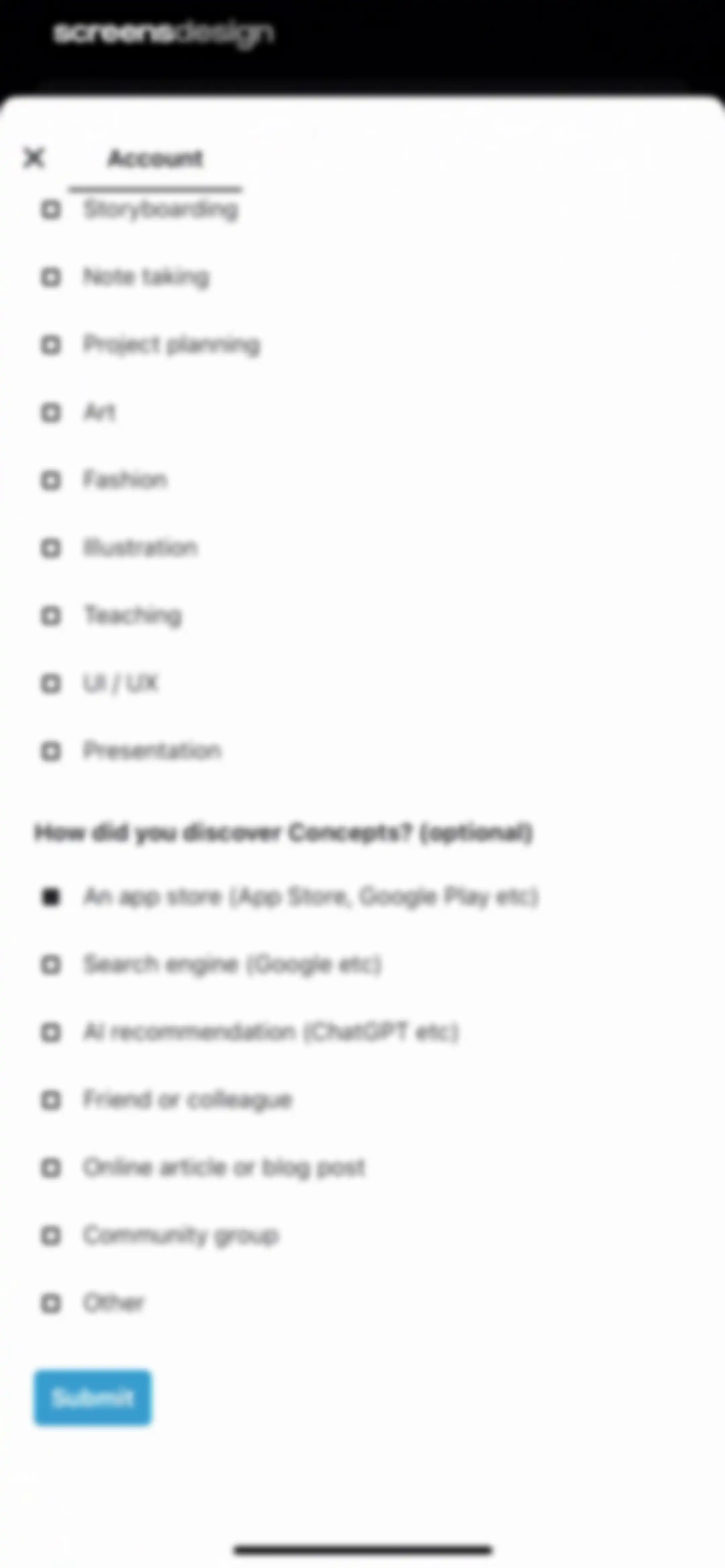
Onboarding form with selectable use case and discovery source options, and a submit button.Unlock Pro
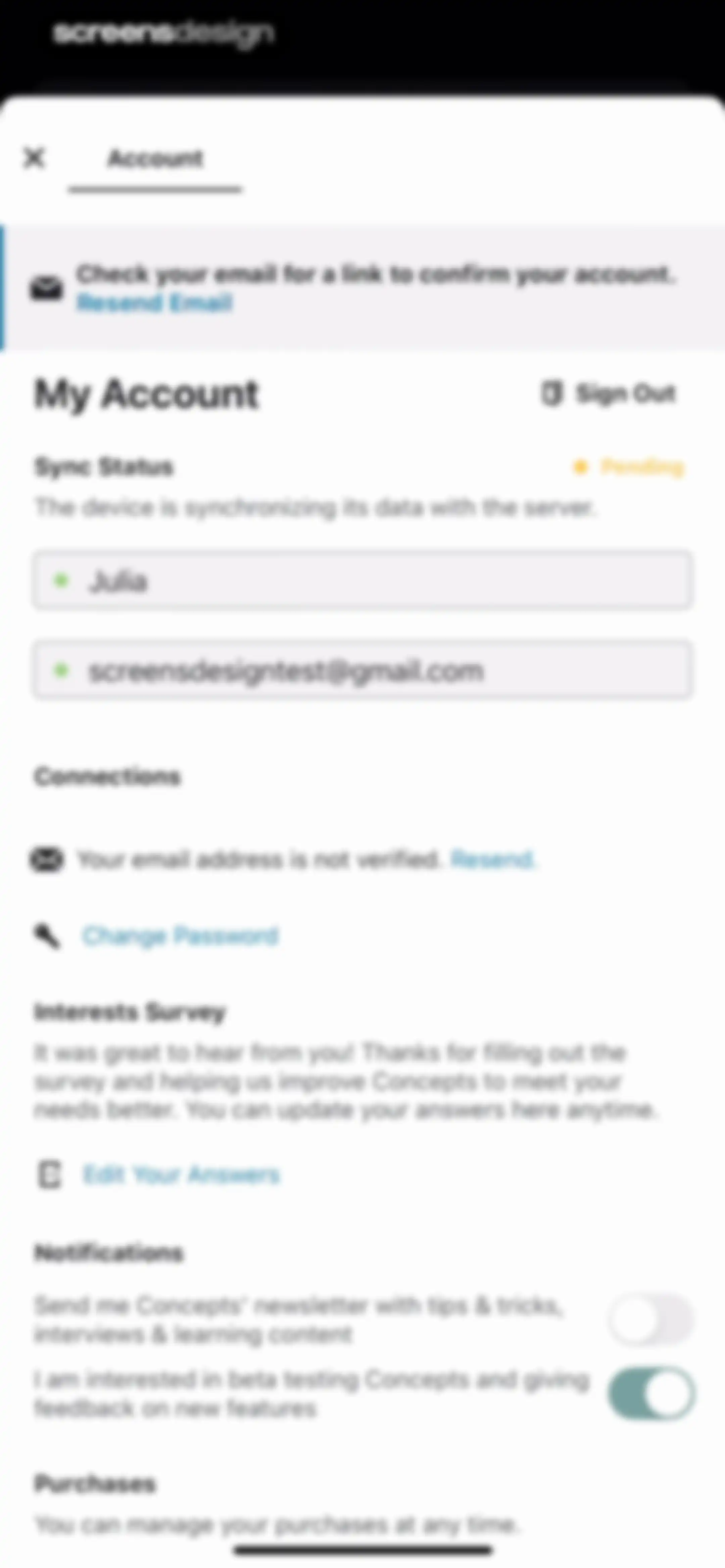
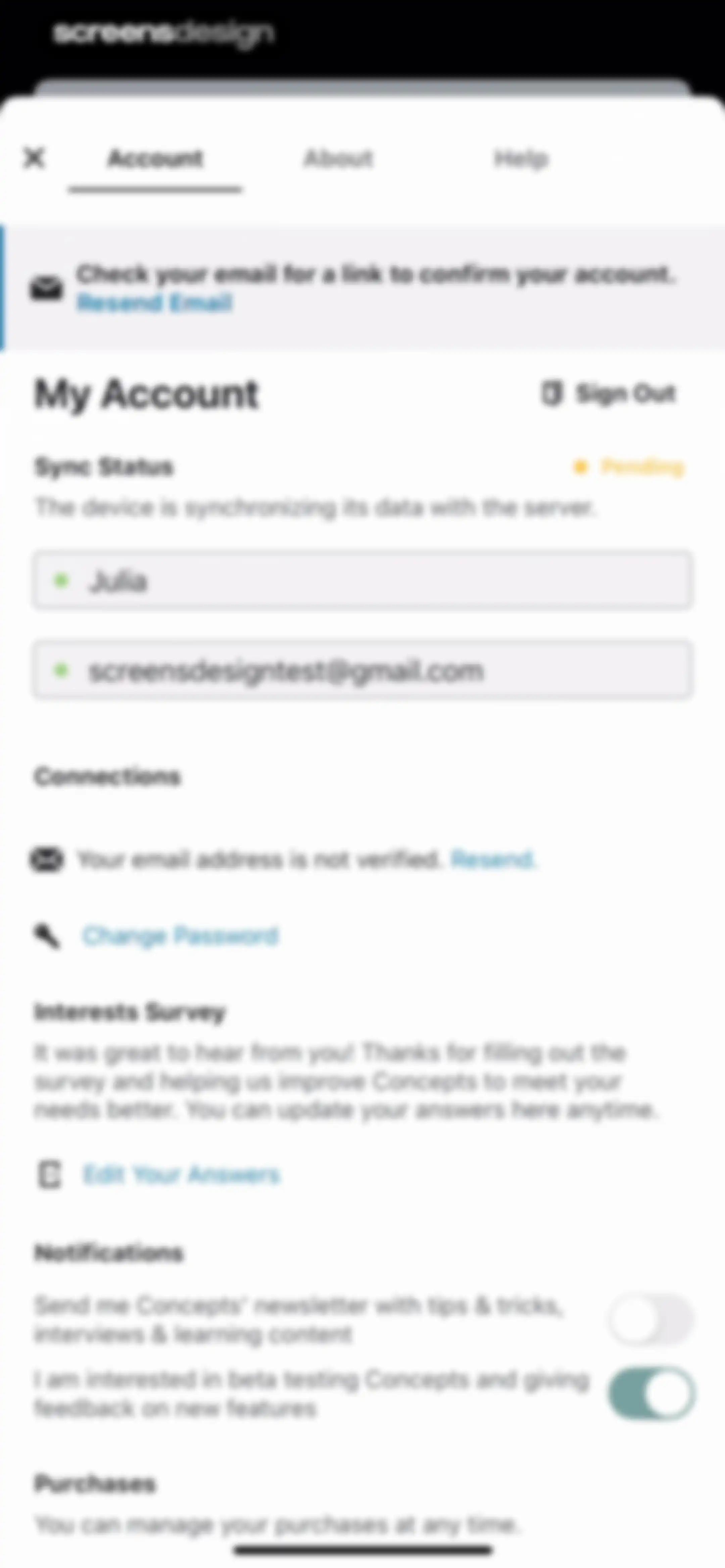
Account settings modal displaying profile information, an unverified email warning with a resend action, sync status, and notification toggles.Unlock Pro
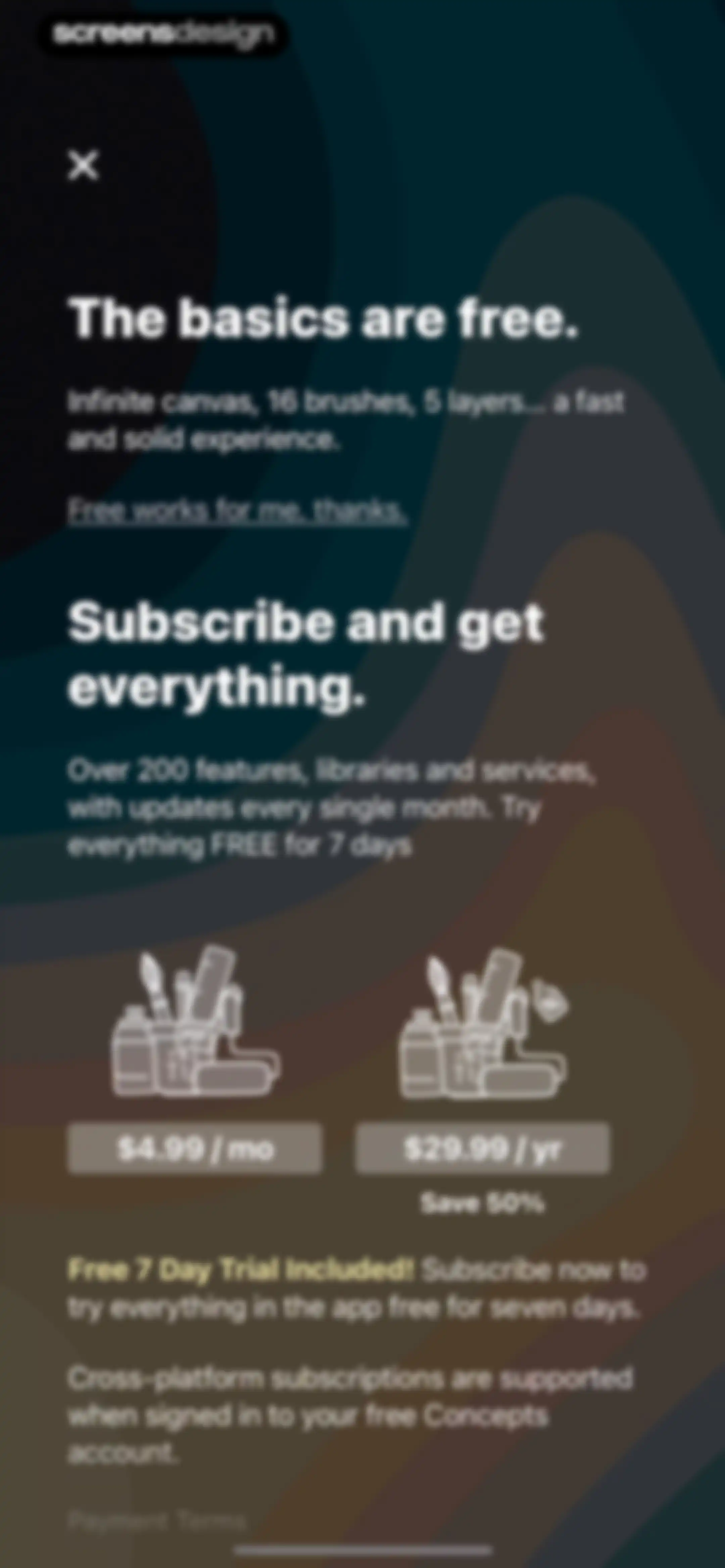
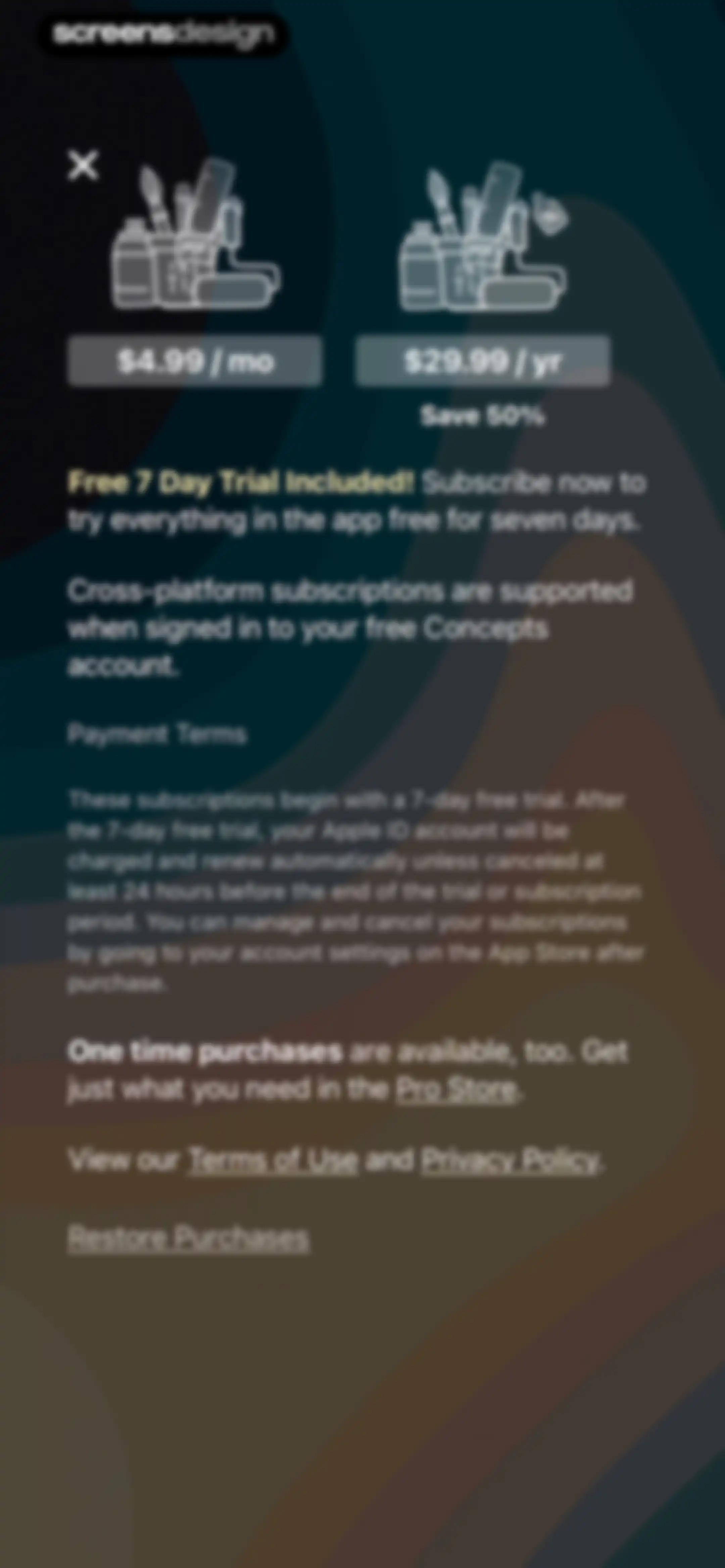
Paywall screen comparing monthly and annual subscription plans with a seven-day free trial, featuring pricing cards and a close button.Unlock Pro
Concepts paywall comparing monthly and annual subscription plans with a free seven-day trial and a close button.Unlock Pro
iOS subscription confirmation modal for Concepts displaying monthly pricing with a free trial and a prompt to confirm with the side button.Unlock Pro
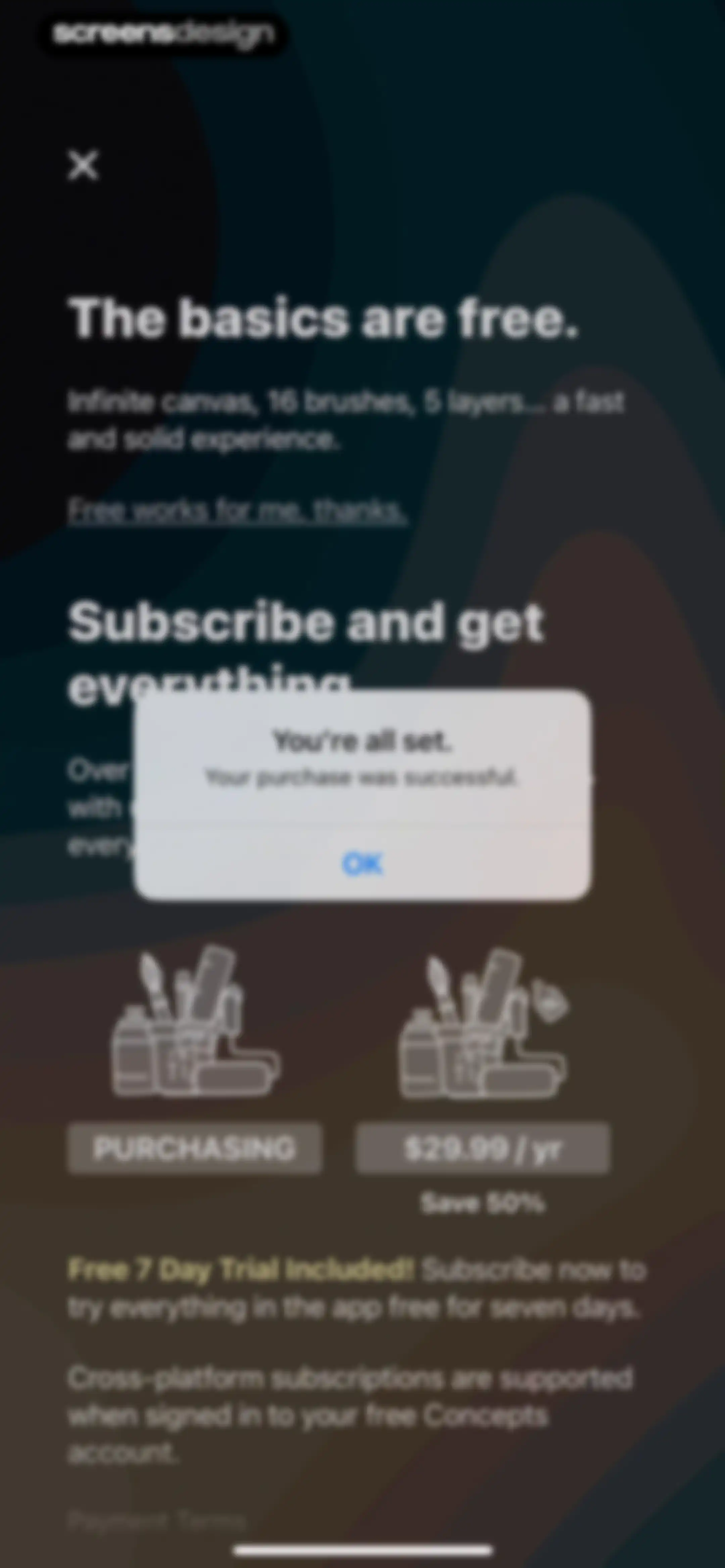
Paywall screen with a purchase success modal displayed in the center, showing the confirmation message and an OK button.Unlock Pro
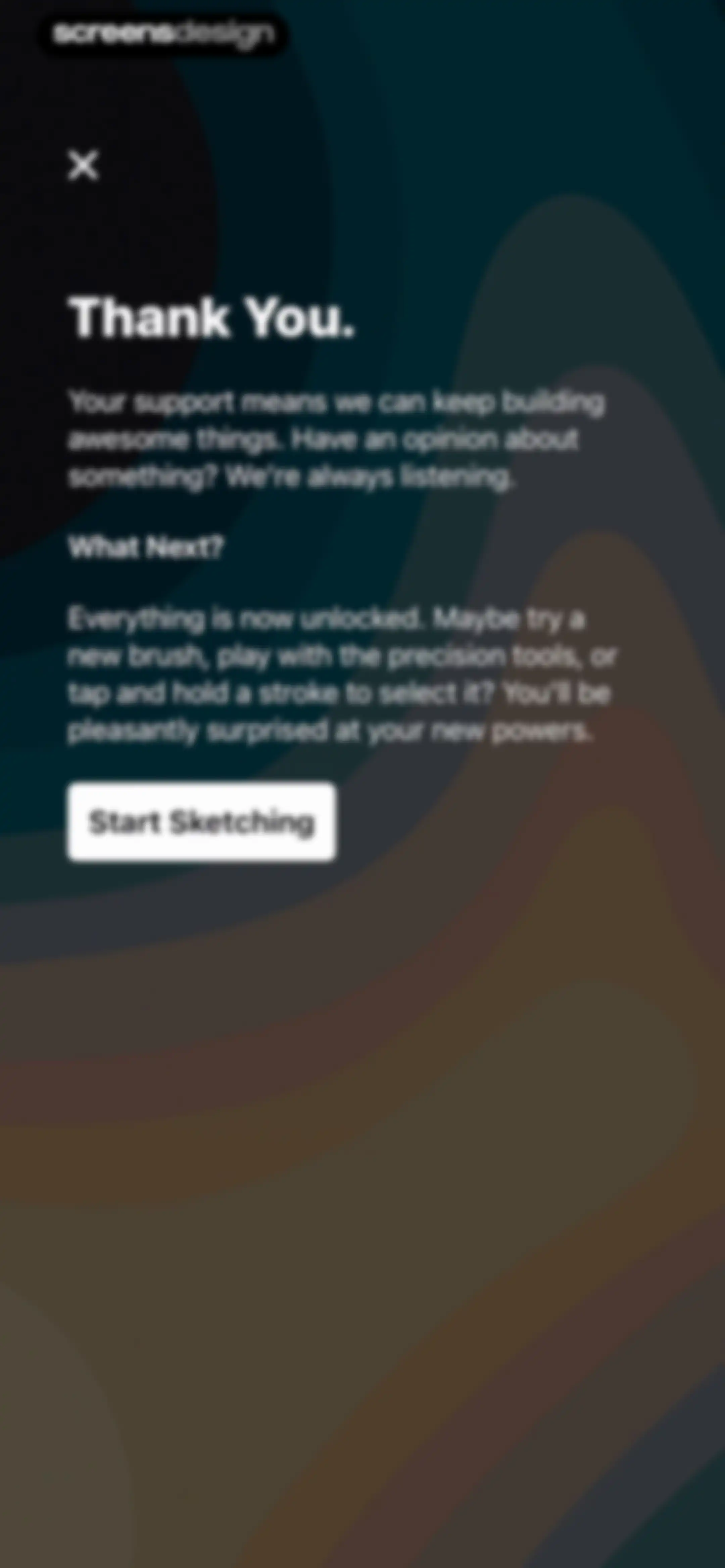
Post-purchase confirmation screen in the Concepts app with a thank you message, feature unlock details, and a Start Sketching button.Unlock Pro
Empty folder view in the Concepts app with metadata, sorting controls, and a bottom New Drawing action button.Unlock Pro
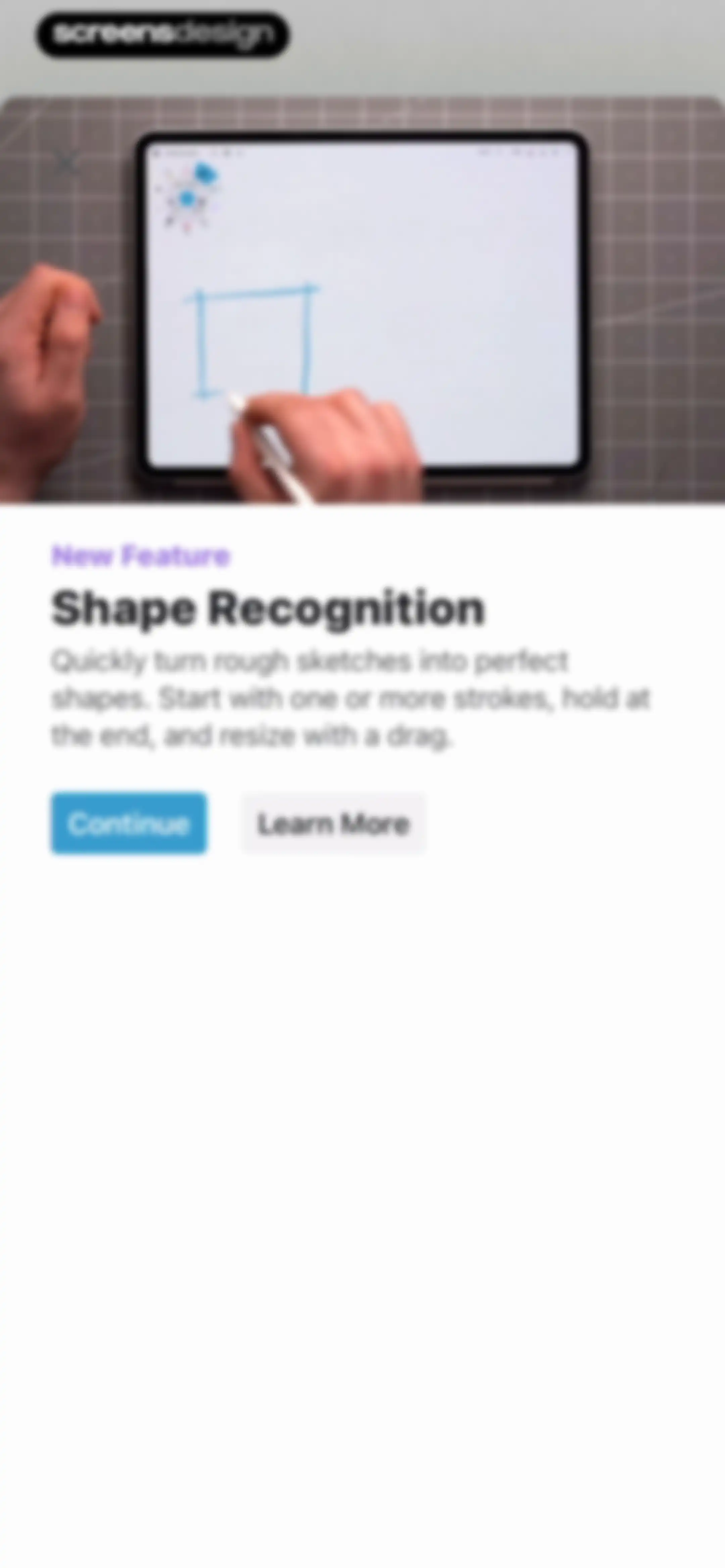
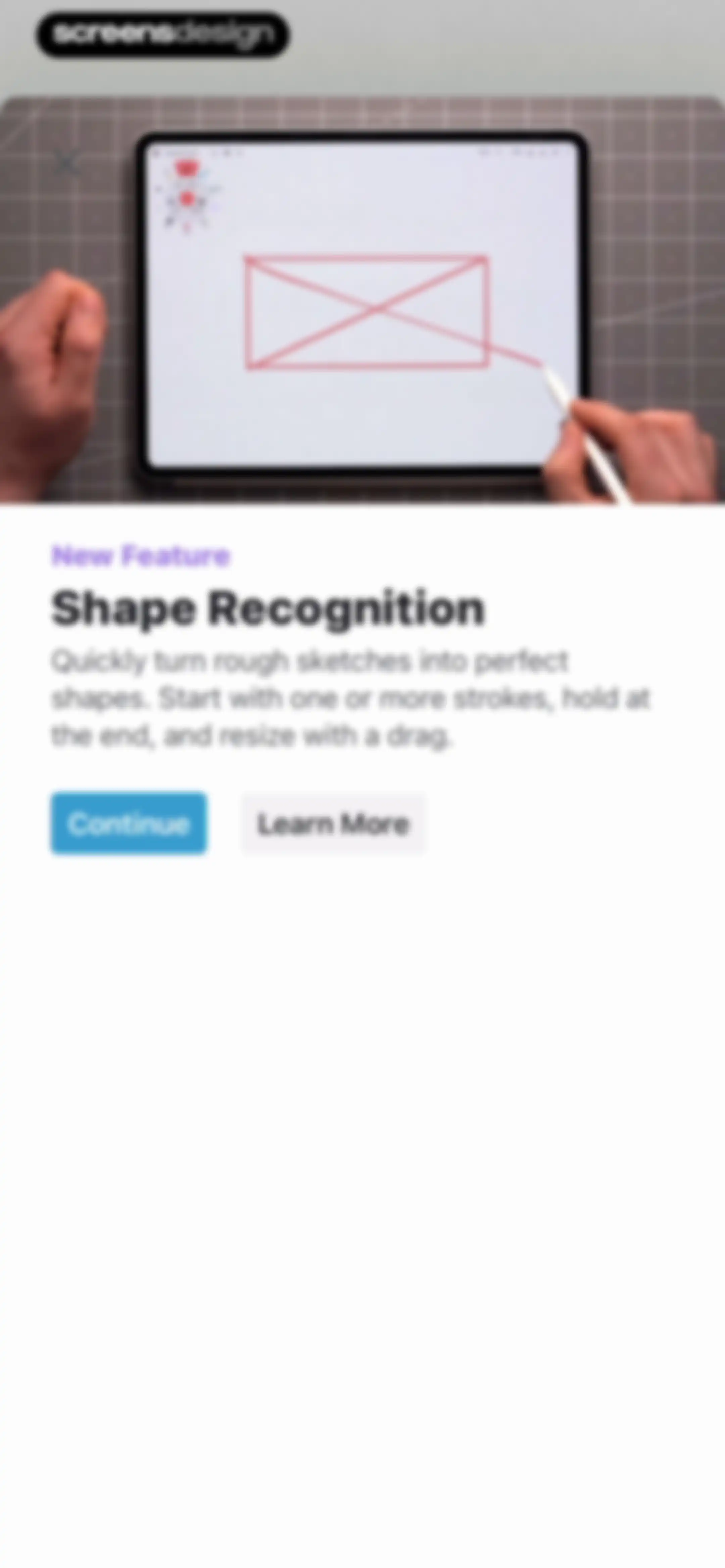
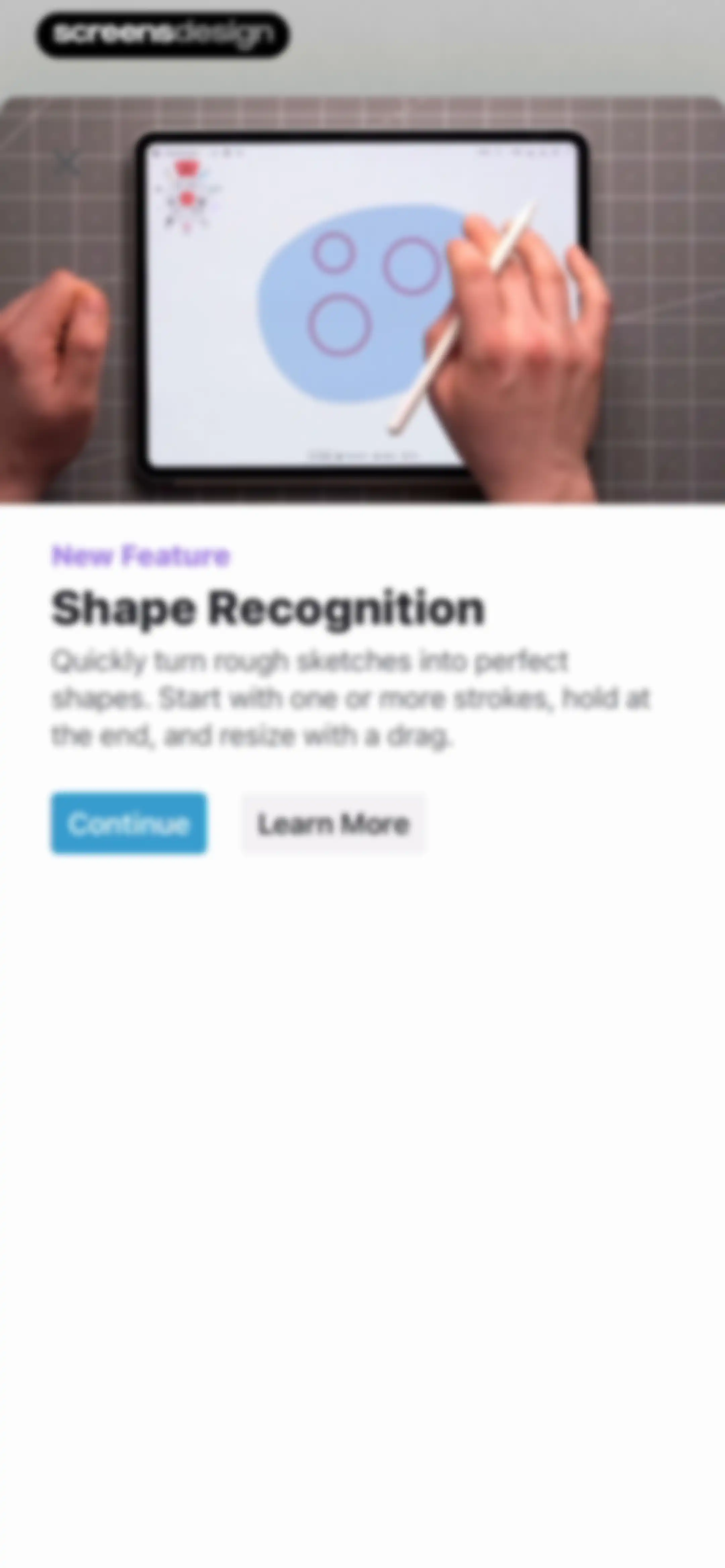
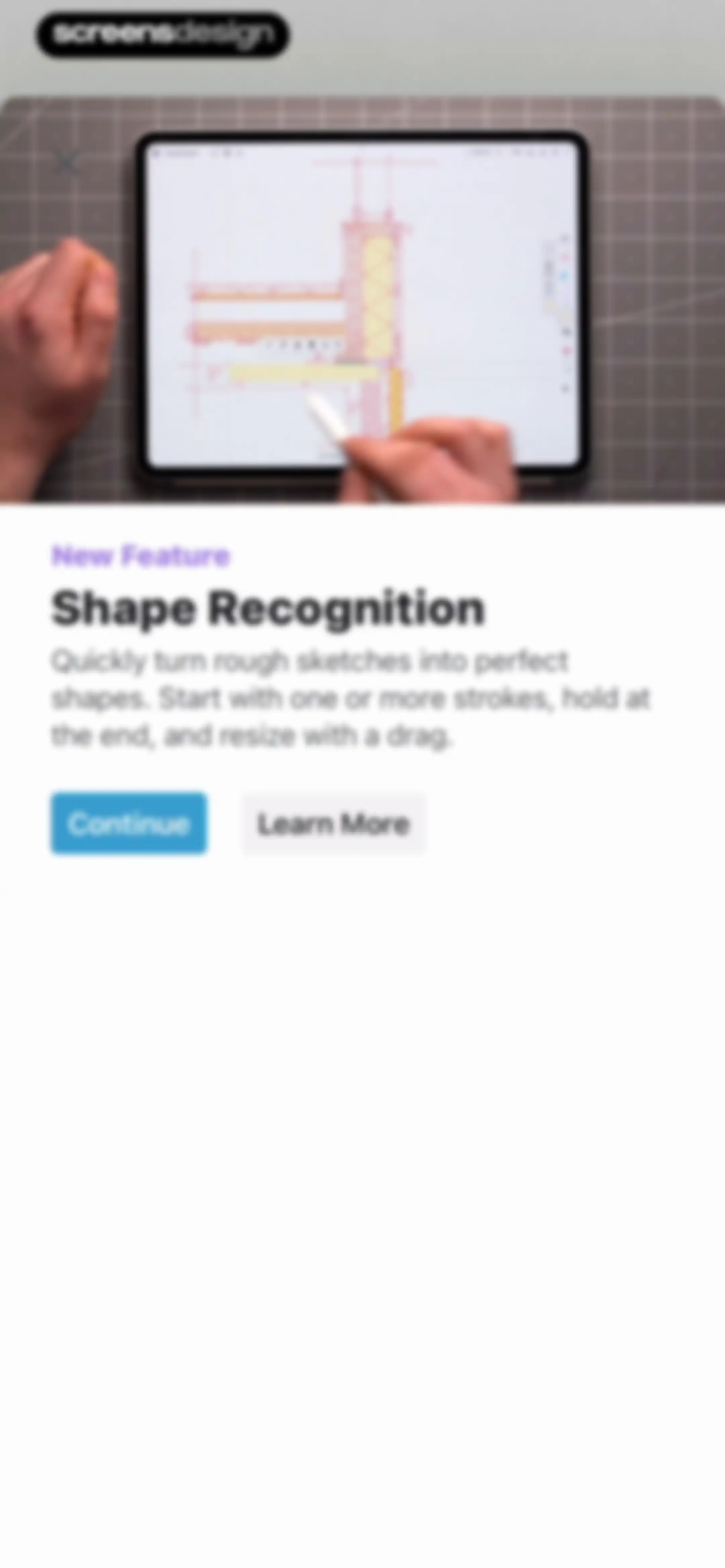
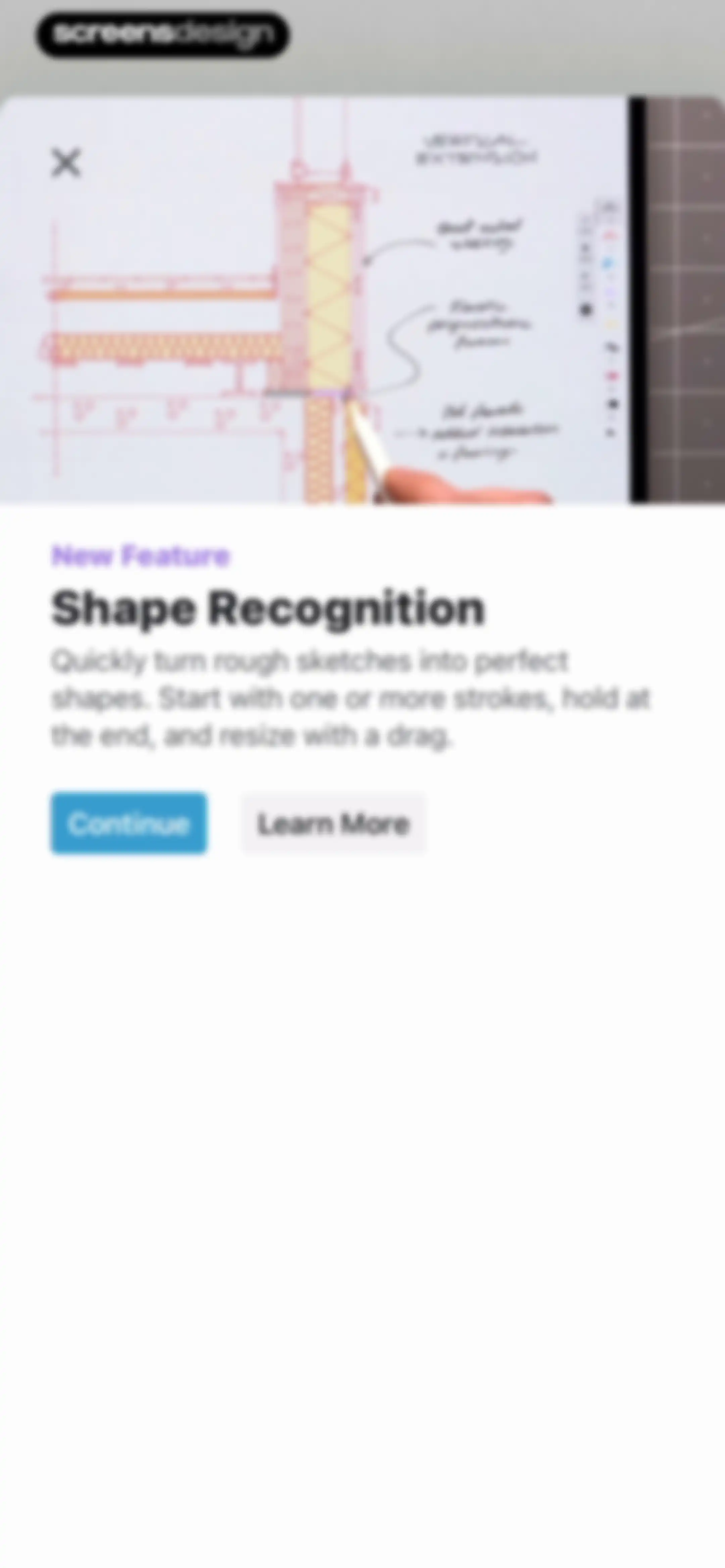
Onboarding screen highlighting the Shape Recognition feature with a demonstration photo, descriptive text, and Continue and Learn More buttons.Unlock Pro
Onboarding feature announcement modal for shape recognition, with a top product mockup, descriptive text, and Continue and Learn More buttons.Unlock Pro
Onboarding screen introducing the Shape Recognition feature with a product mockup, descriptive text, Continue, and Learn More buttons.Unlock Pro
Onboarding feature highlight modal for Shape Recognition with a tablet mockup, a descriptive text block, and Continue and Learn More buttons.Unlock Pro
Feature announcement modal for Shape Recognition with a preview of technical drawings, a Continue button, and a Learn More button.Unlock Pro
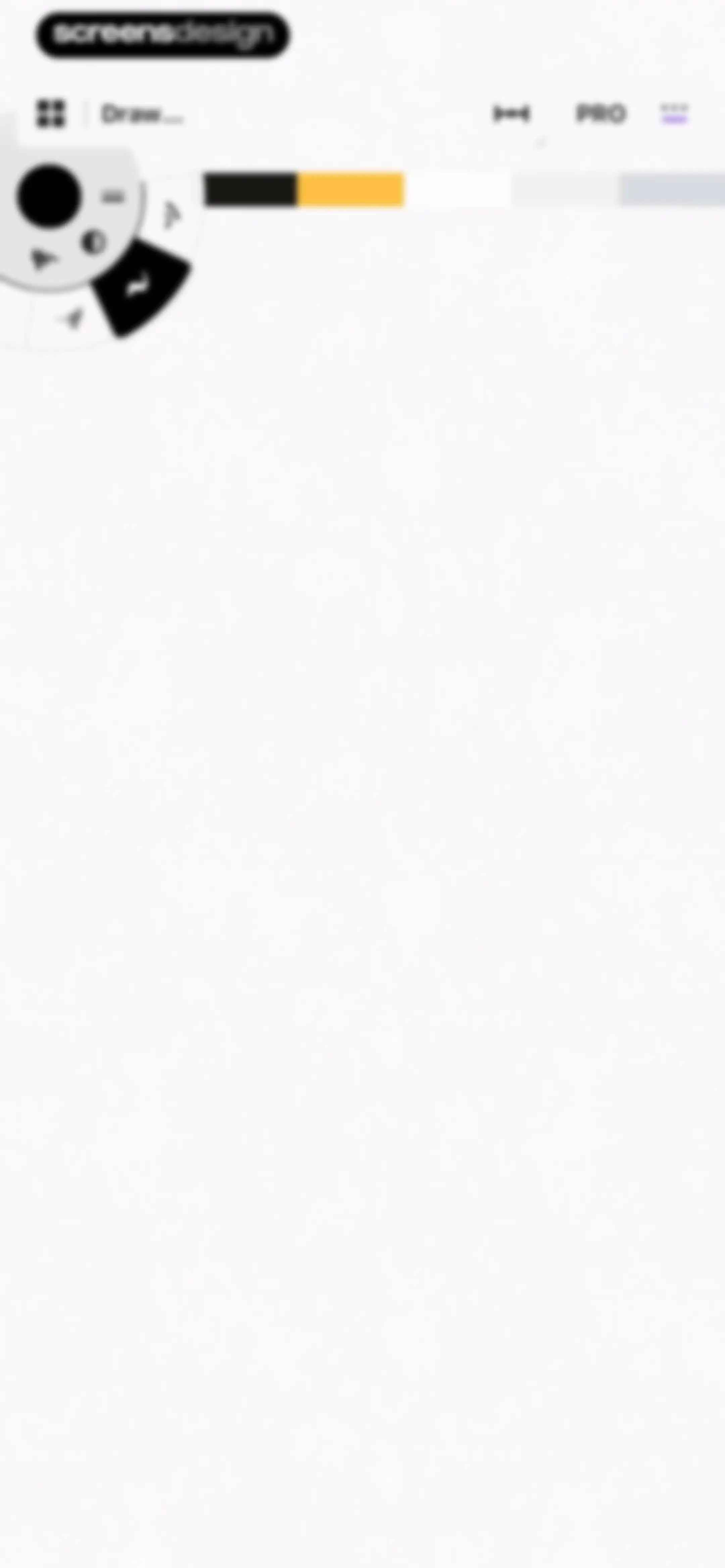
Concepts drawing editor with an infinite canvas, a floating tool wheel in the upper left, a horizontal color palette, and a PRO upgrade button.Unlock Pro
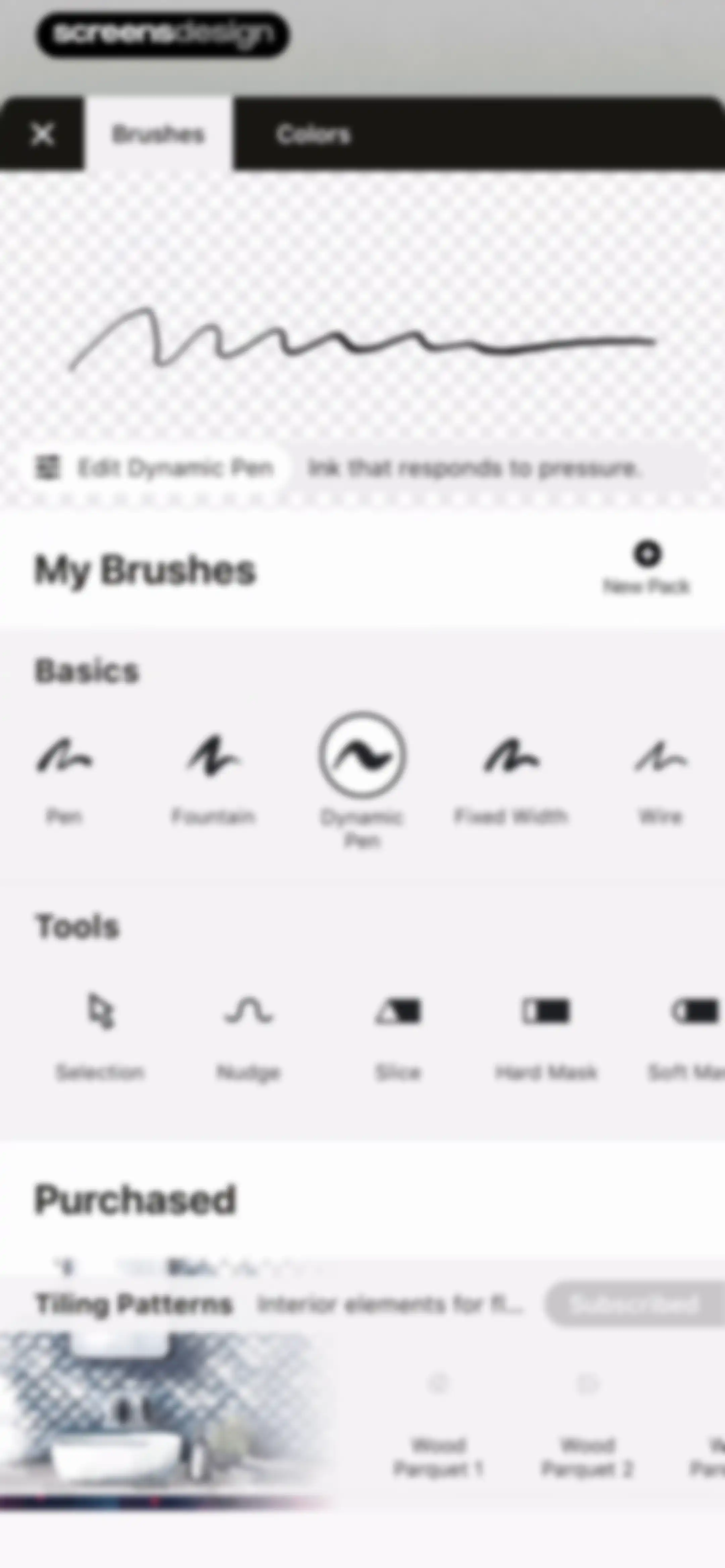
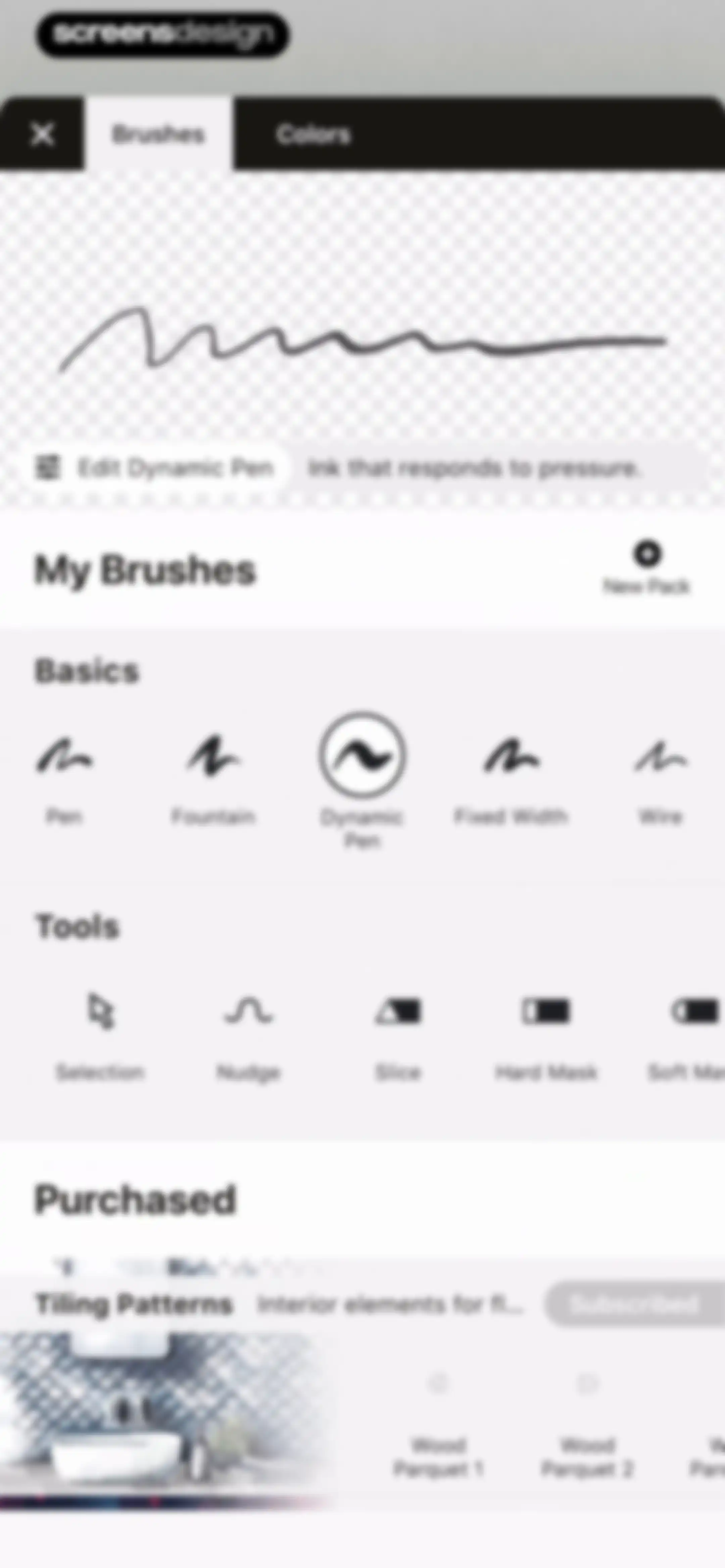
Brush selection menu with a preview for Dynamic Pen, categorized lists for brushes and tools, and a purchased content section.Unlock Pro
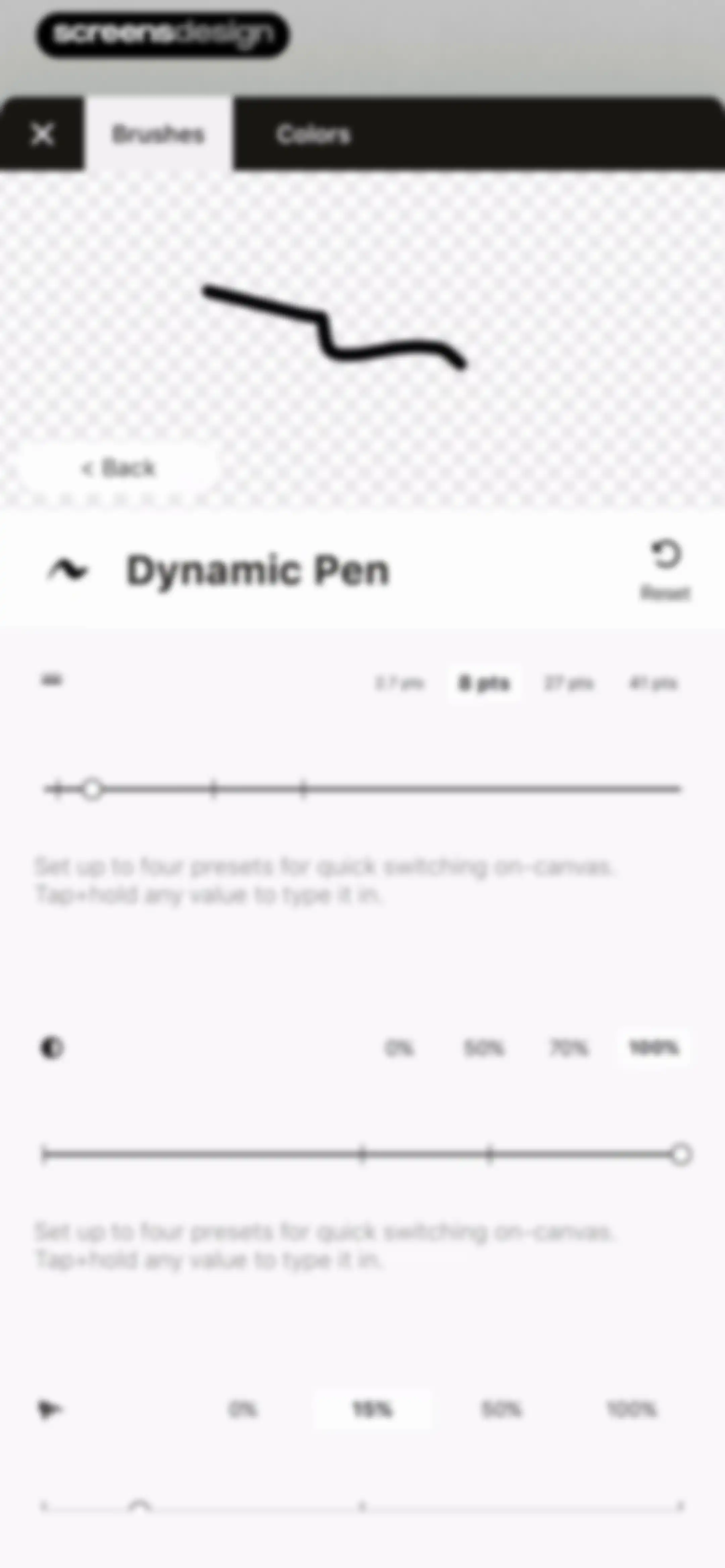
Brush settings editor with tabs for Brushes and Colors, a stroke preview for Dynamic Pen, and slider controls for size, opacity, and smoothing.Unlock Pro
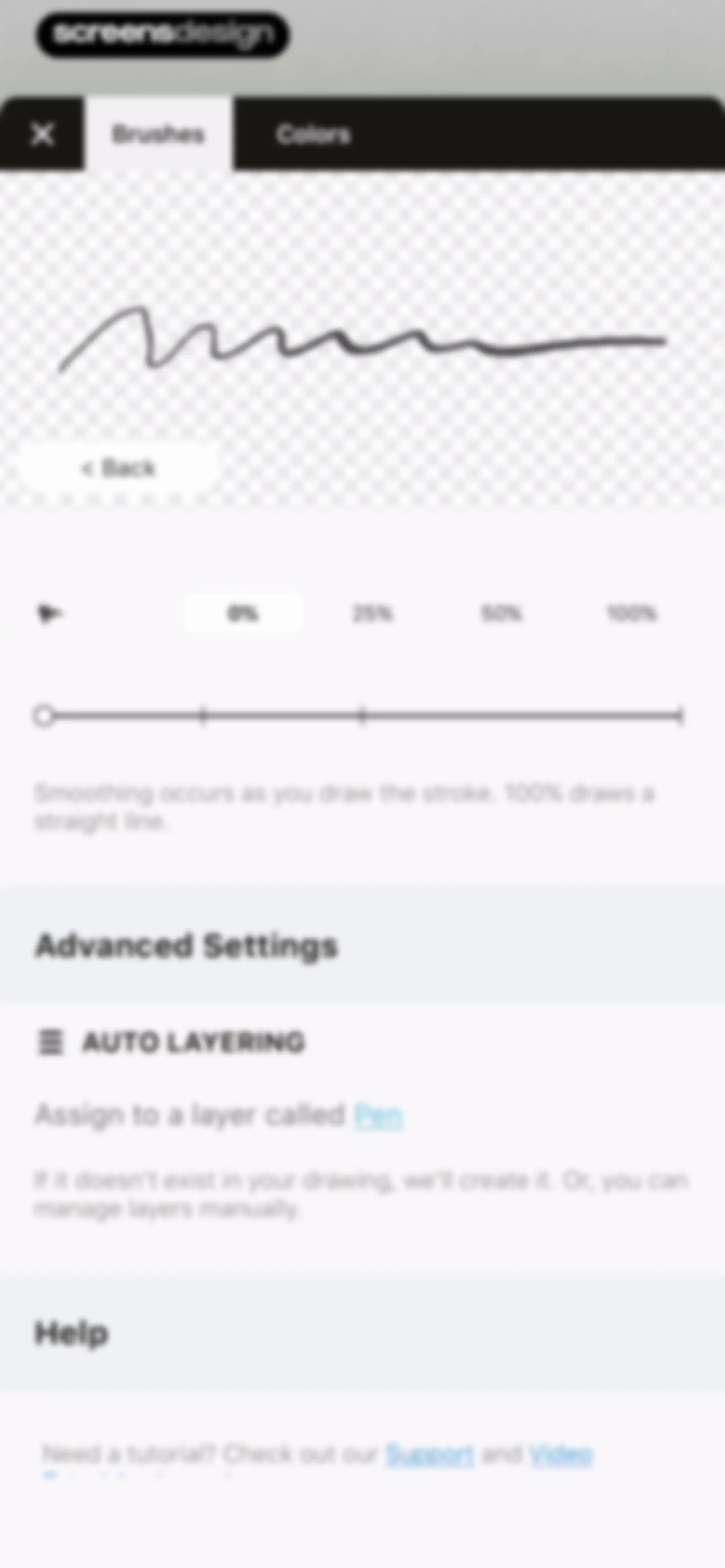
Brush settings screen with a smoothing slider, auto-layering toggle, and help links, featuring the Brushes tab selected.Unlock Pro
Brush and tool selection menu featuring categorized lists of brushes, utility tools, and a purchased content section with subscribed packs.Unlock Pro
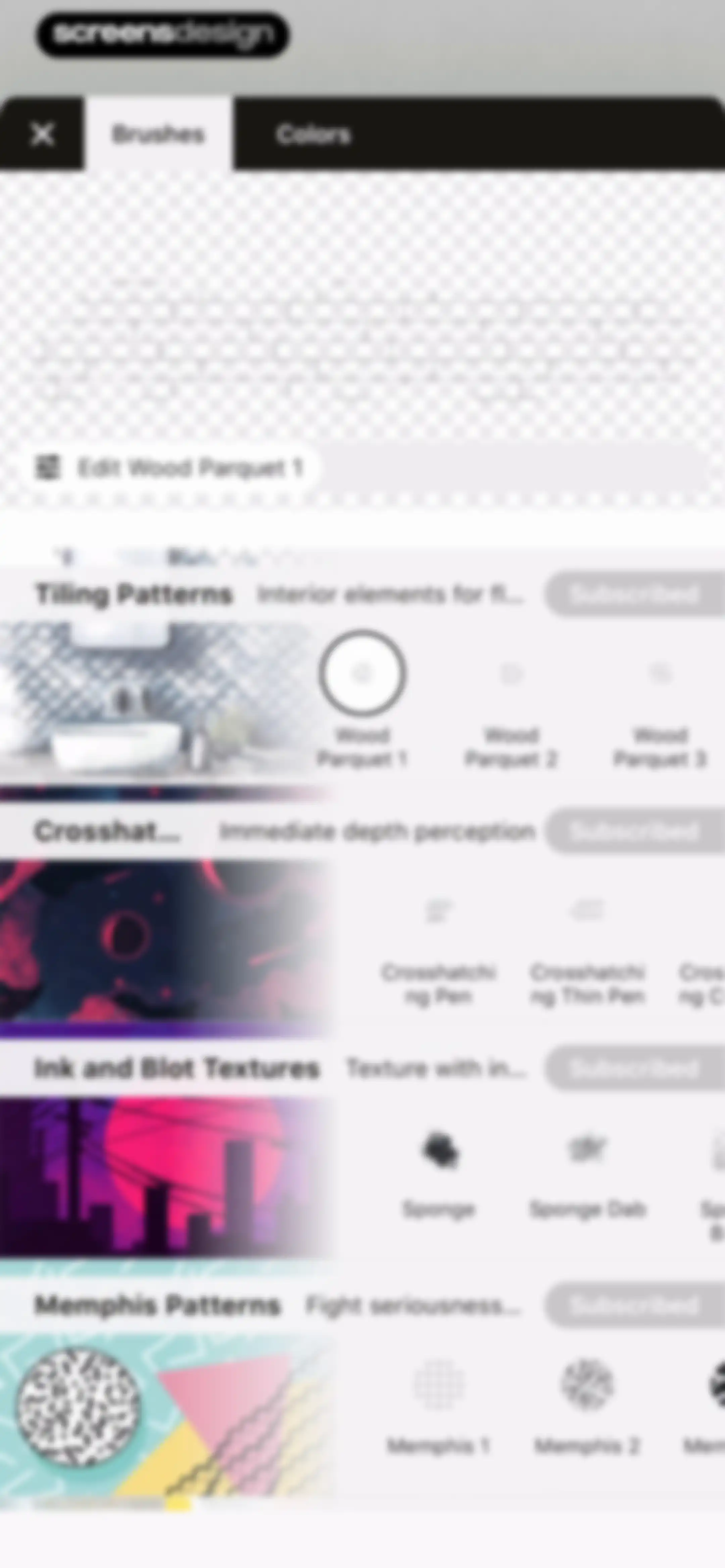
Concepts app brush library modal displaying categorized brush sets, with Wood Parquet 1 selected and an edit button below the preview area.Unlock Pro
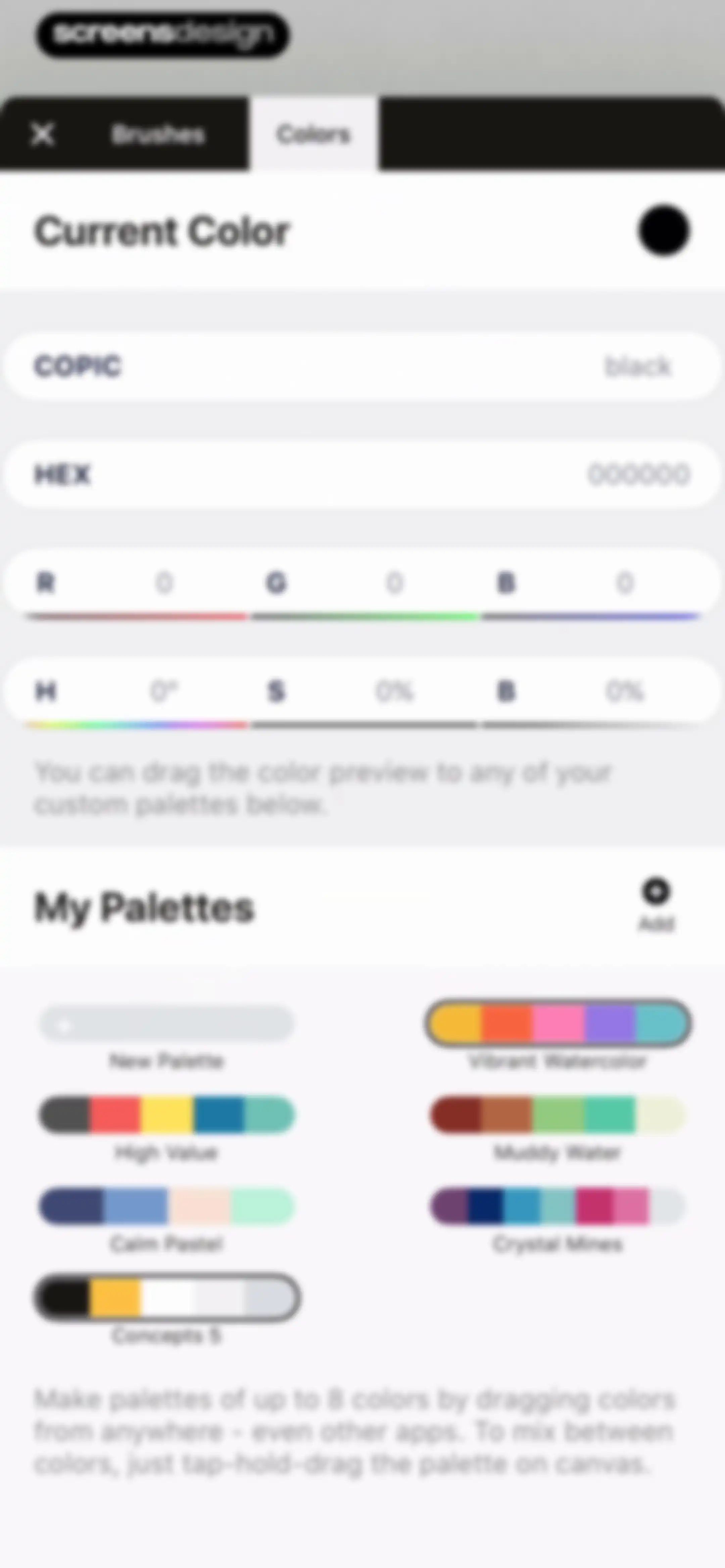
Color editor screen with a current color preview, numeric input fields, and a grid of saved custom color palettes.Unlock Pro
Color selection screen featuring a large circular color wheel, color value inputs, and a list of saved palettes.Unlock Pro
Color settings screen displaying current color details and a grid of custom color palettes with an add button.Unlock Pro
Color settings screen displaying current color details, a list of custom palettes including Vibrant Watercolor, and an Add button.Unlock Pro
Color settings screen displaying current color details and a grid of custom palettes with an Add button.Unlock Pro
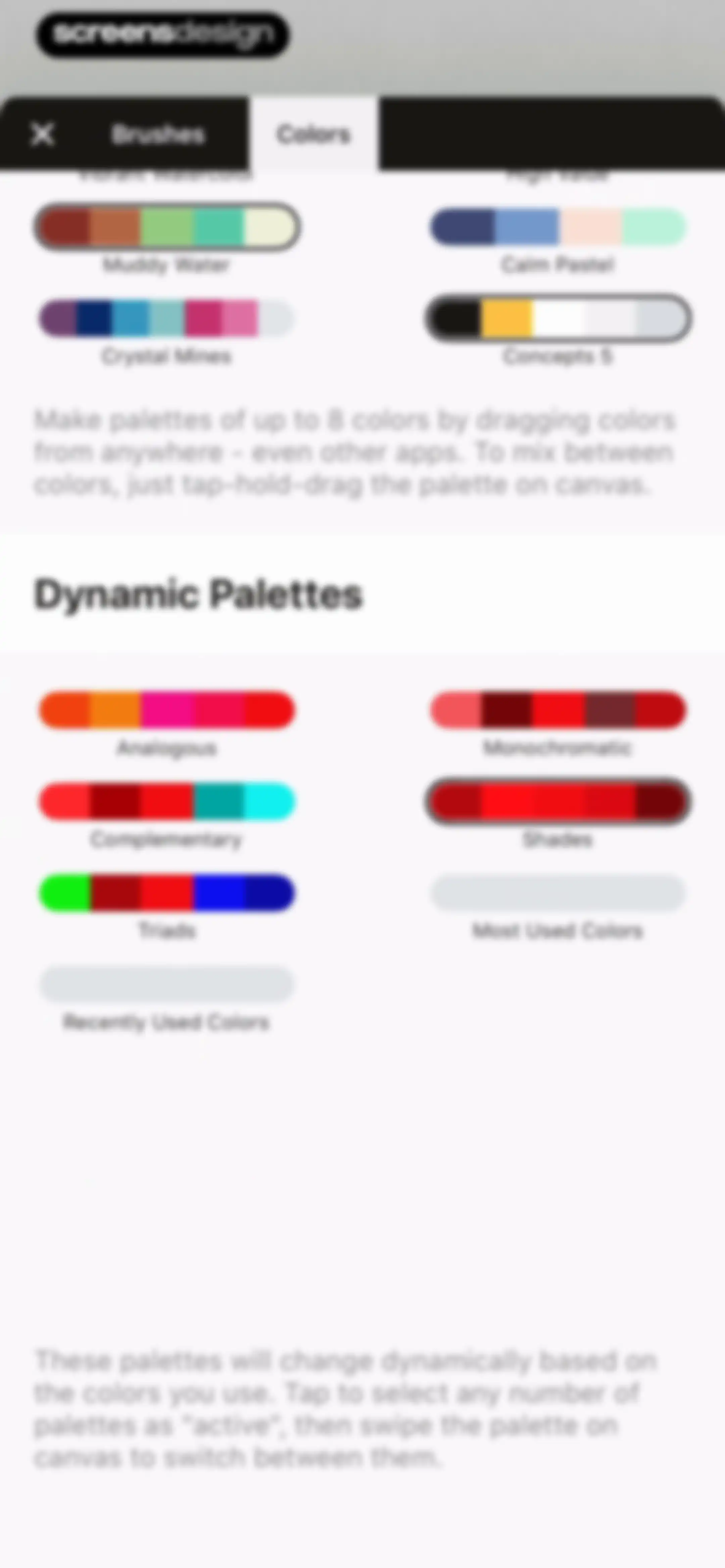
Color settings screen displaying static palette cards and a list of dynamic palettes with instructional text.Unlock Pro
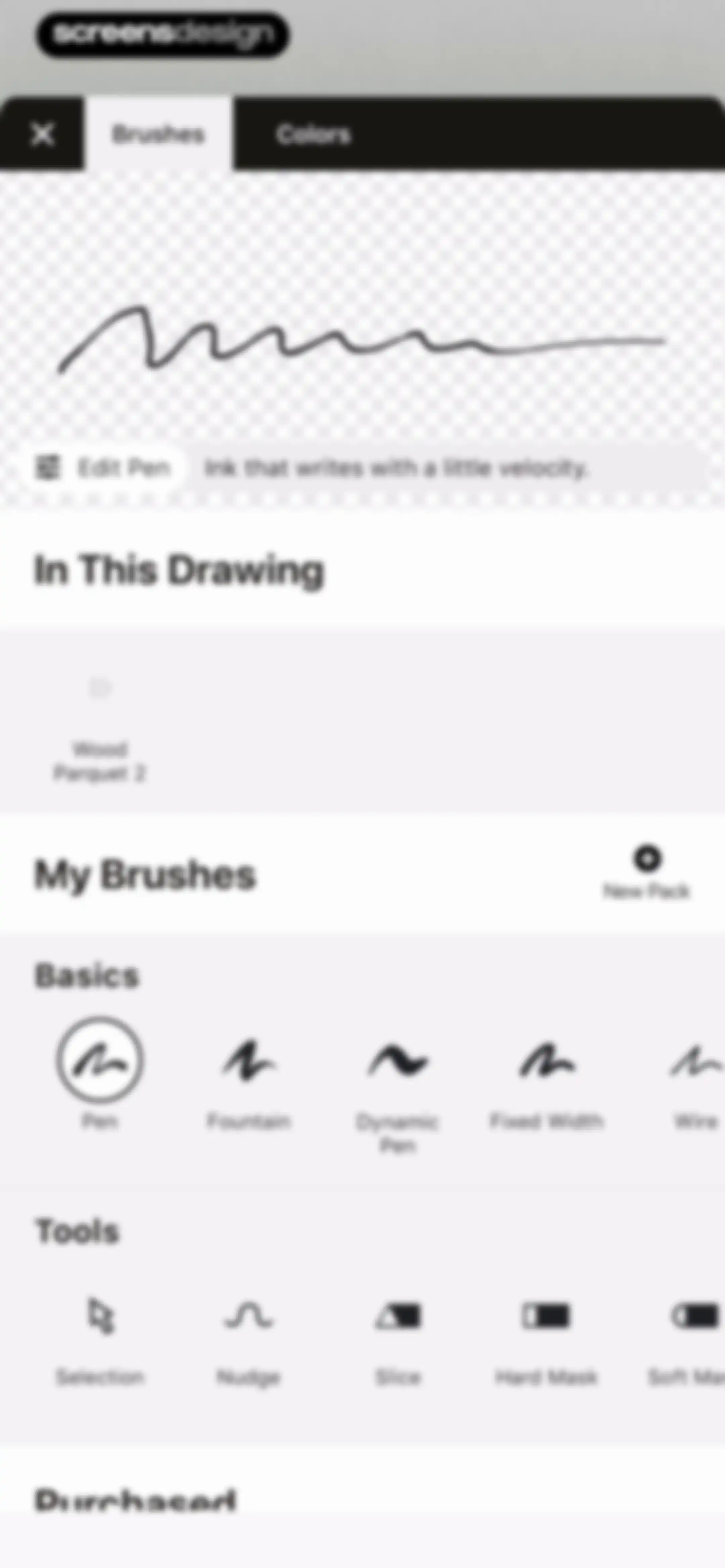
Brush and tool selection menu featuring categorized lists of drawing tools, brush packs, and a stroke preview area with an Edit Pen button.Unlock Pro
Concepts digital sketching editor with an infinite canvas, a top toolbar, and a radial menu displaying active brush and color settings.Unlock Pro
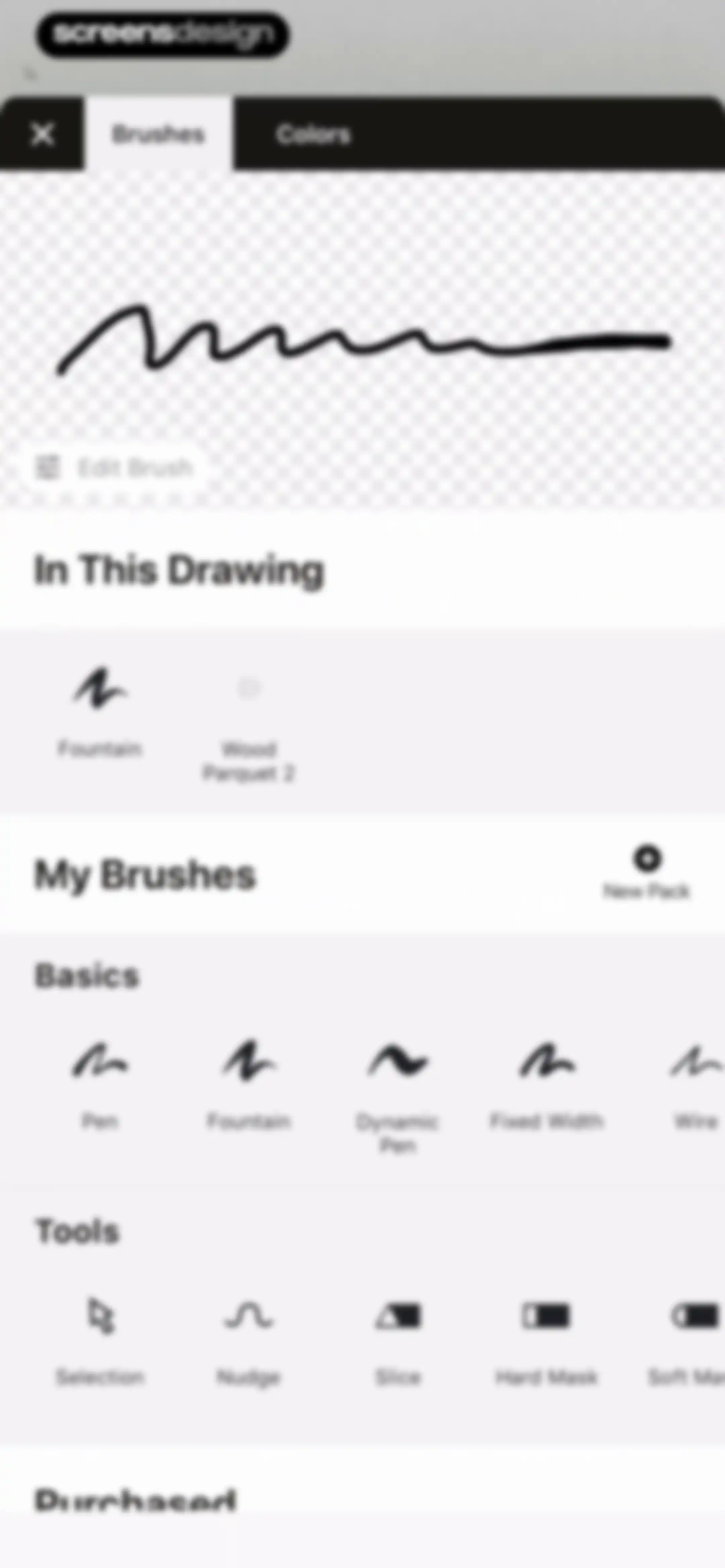
Brush selection panel with categorized sections including Basics and Tools, a stroke preview area, and an Edit Brush button.Unlock Pro
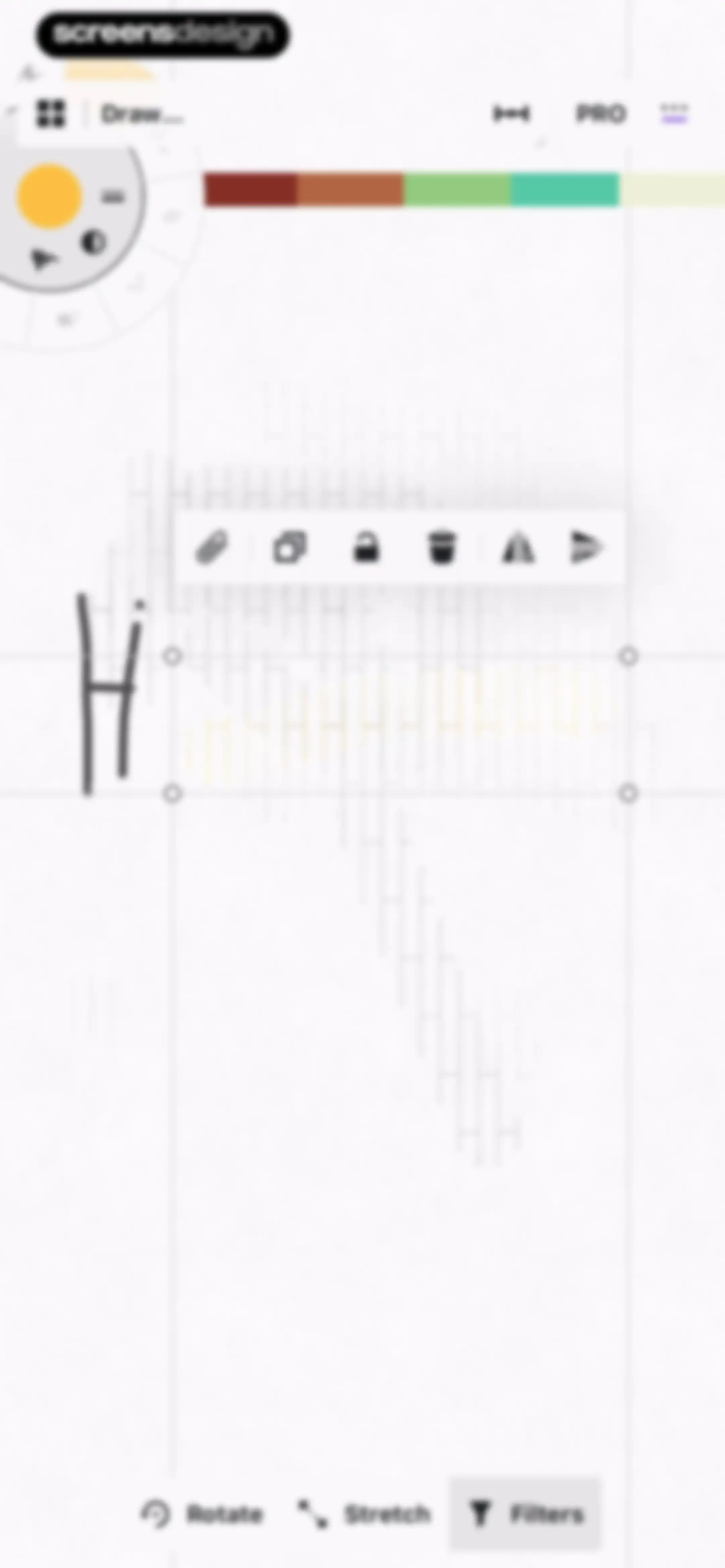
Editor screen displaying a selected vector object on an infinite canvas with floating transformation controls and a bottom toolbar for rotate, stretch, and filters.Unlock Pro
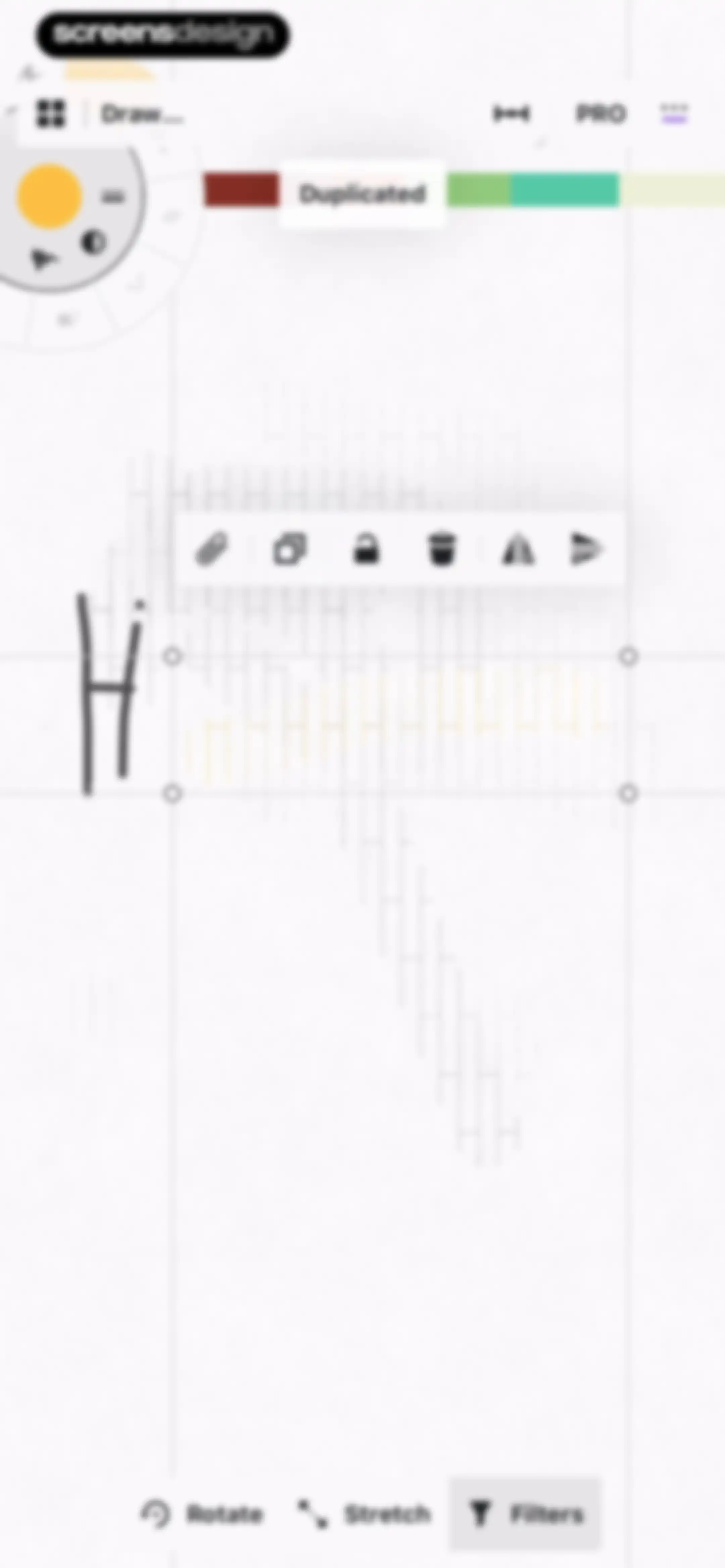
Editor screen showing a selected vector drawing with a floating toolbar and bottom editing options including Rotate, Stretch, and Filters.Unlock Pro
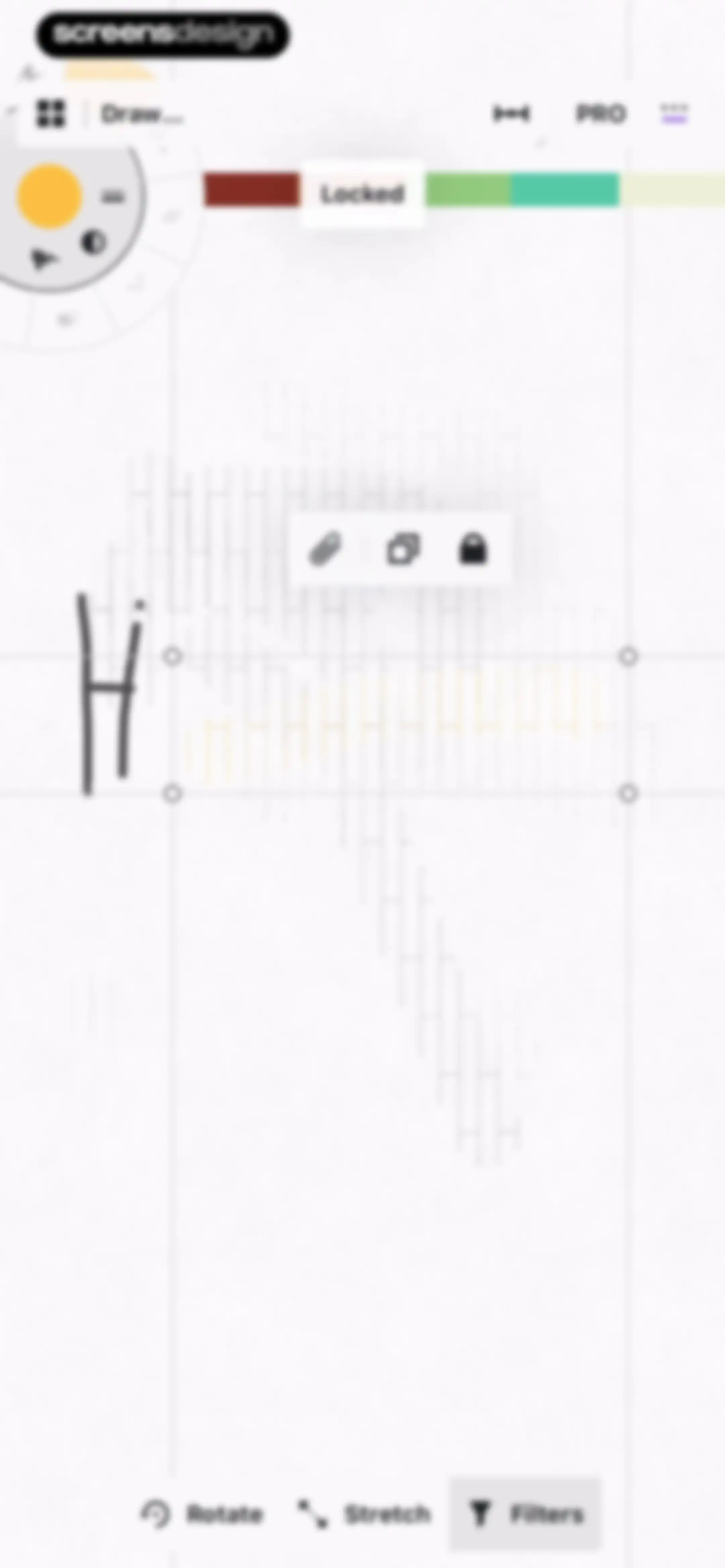
Editor screen with a central selection box around a hand-drawn sketch, featuring a floating toolbar and bottom control buttons for rotation, stretching, and filters.Unlock Pro
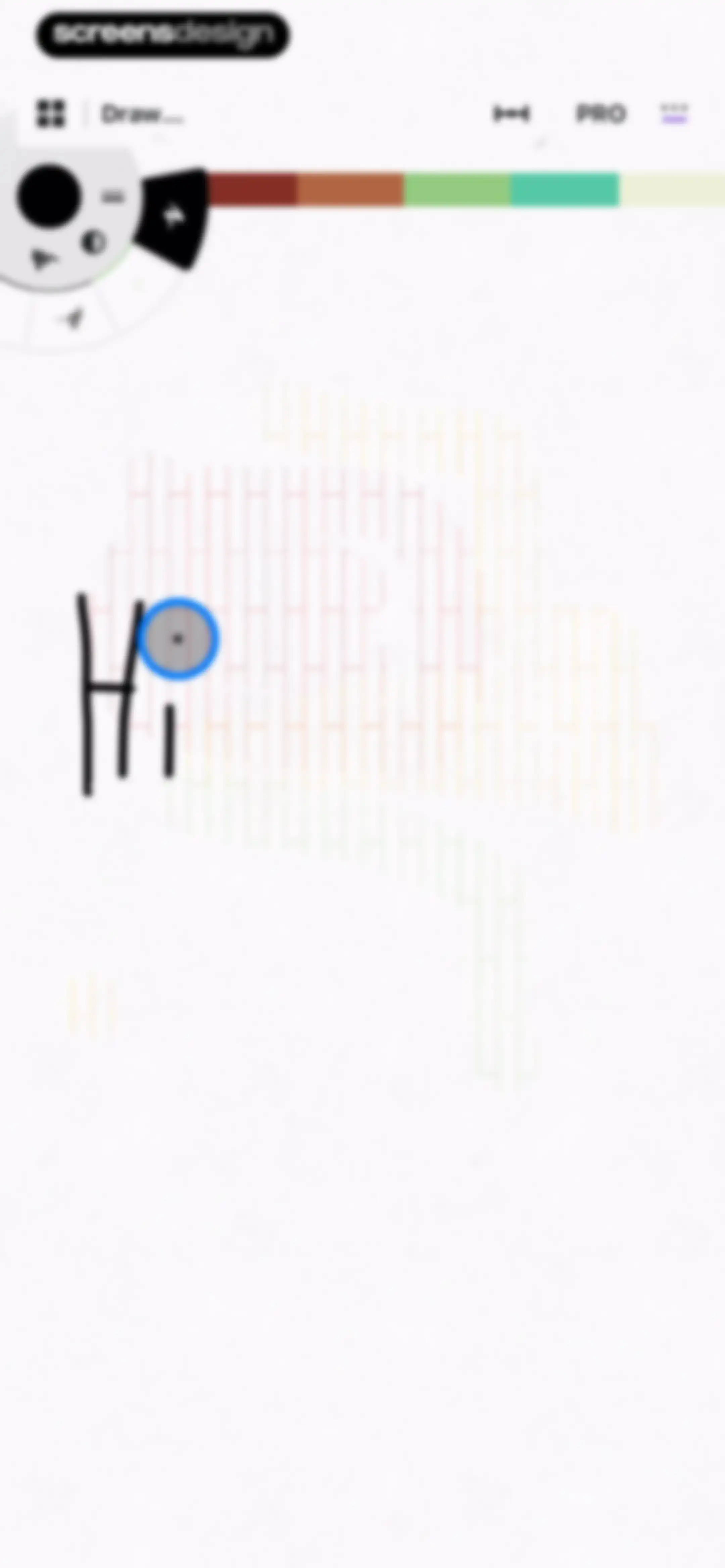
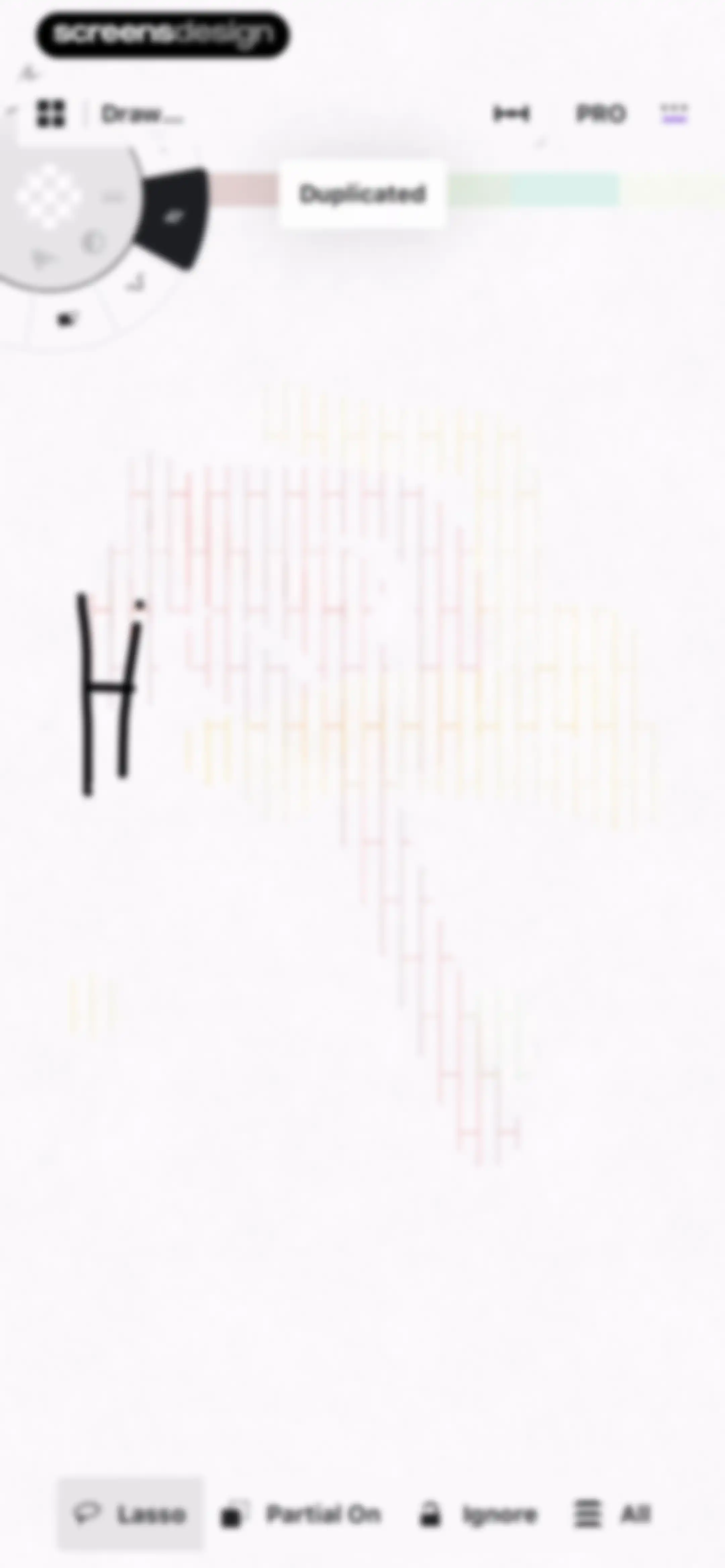
Vector editor canvas with a hand-drawn letter H, vertical colored lines, and a bottom selection toolbar with Lasso highlighted.Unlock Pro
Editor screen displaying a selected vector line pattern on a canvas, with a floating toolbar and bottom manipulation buttons including Rotate, Stretch, and Filters.Unlock Pro
Editor screen showing an infinite canvas with a selected vector object and a bottom toolbar for lasso selection.Unlock Pro
Drawing editor interface with a radial tool wheel, color palette, and a hand-drawn letter H on an infinite canvas.Unlock Pro
Drawing editor featuring an infinite canvas, a floating radial tool menu, and an opacity control slider panel.Unlock Pro
Vector sketching editor showing an infinite canvas with a stroke thickness slider at the top and a floating tool menu.Unlock Pro
Concepts drawing editor showing an infinite canvas with a floating brush settings overlay and a circular tool wheel.Unlock Pro
Drawing editor with a centered rename modal, showing the input field populated with Drawing and a disabled Rename button.Unlock Pro
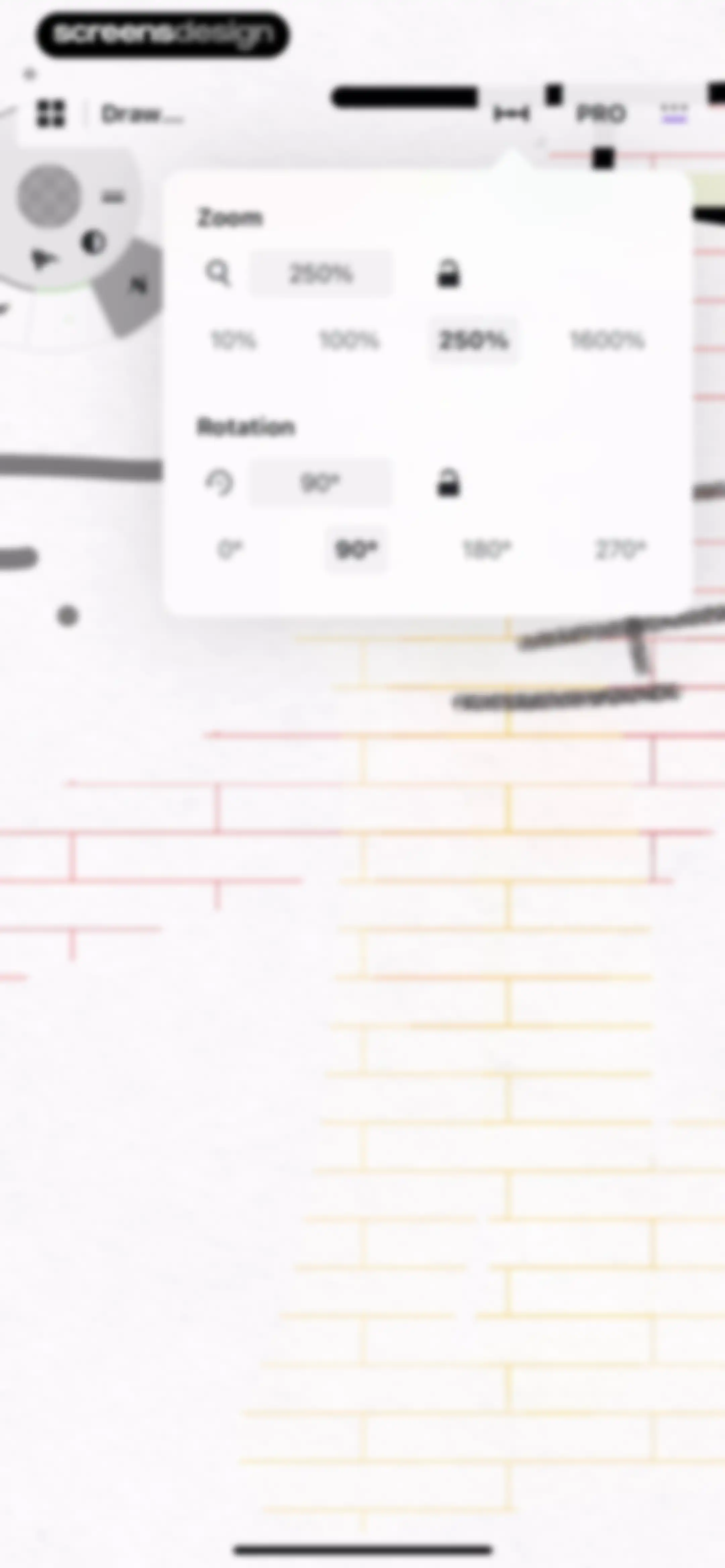
Drawing editor screen showing a canvas control popover with zoom and rotation settings over a sketching canvas.Unlock Pro
Concepts editor screen with a zoom and rotation popover menu, showing 250% zoom and 90° rotation options selected.Unlock Pro
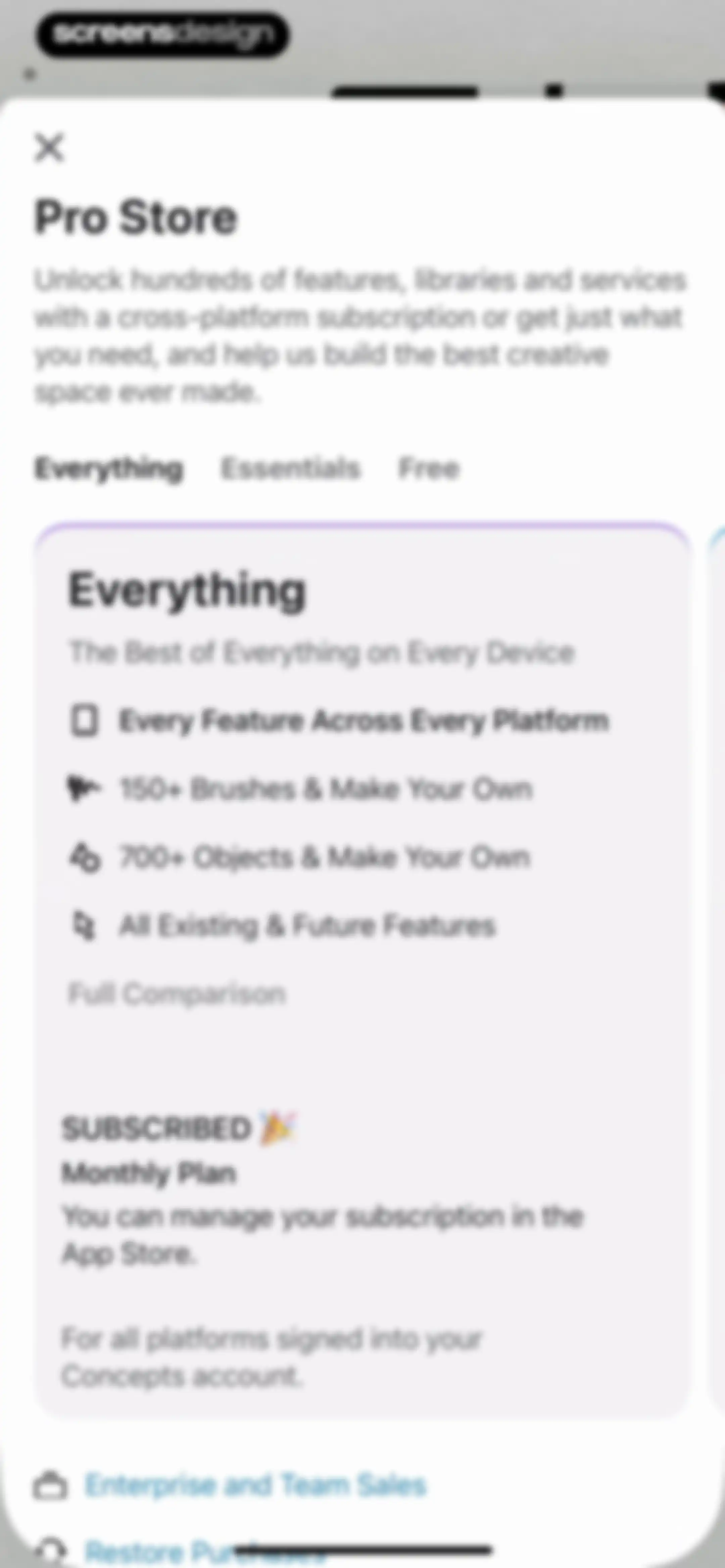
Paywall subscription screen for the Concepts app with the Everything tab selected, showing a subscribed monthly plan and feature list.Unlock Pro
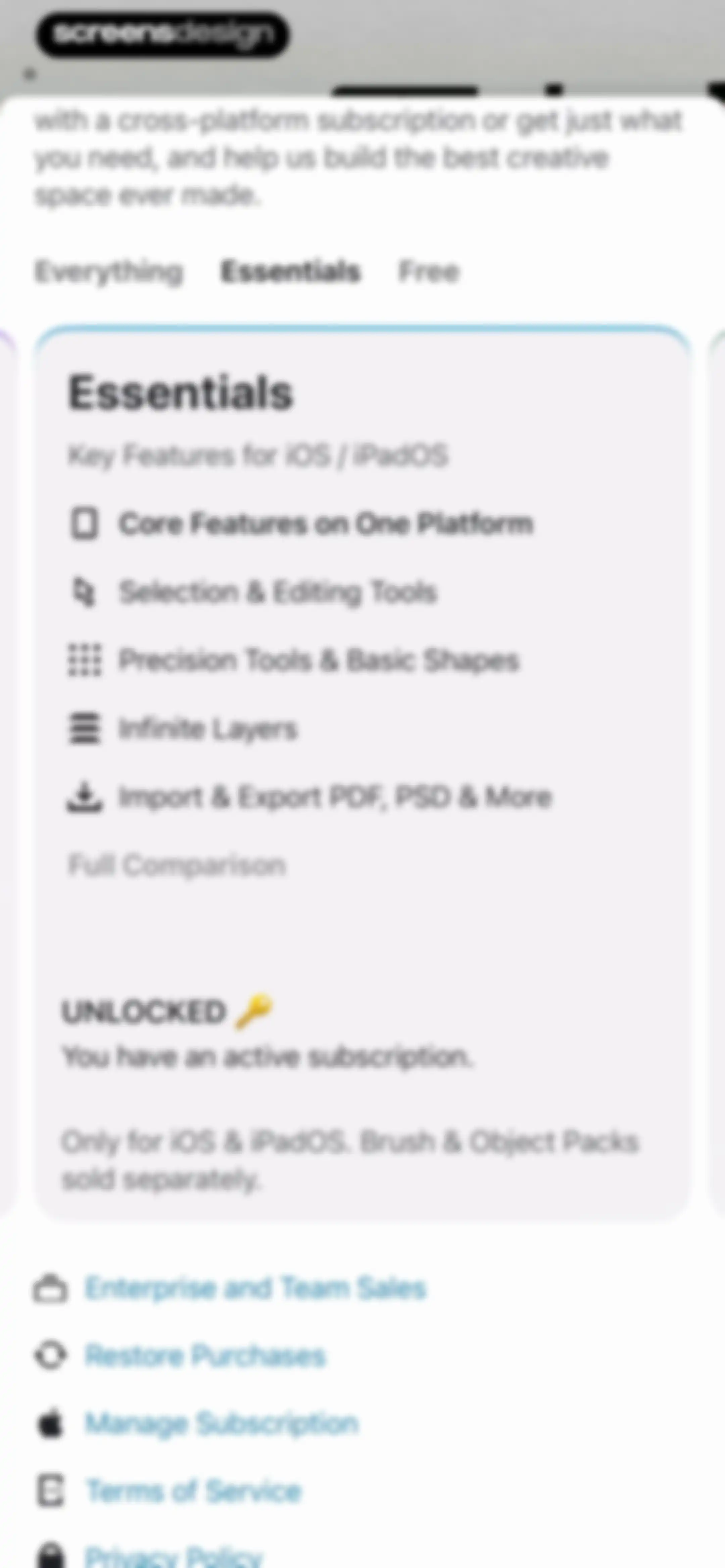
Subscription screen displaying the Essentials plan with feature details, an active unlocked status, and a list of account management links.Unlock Pro
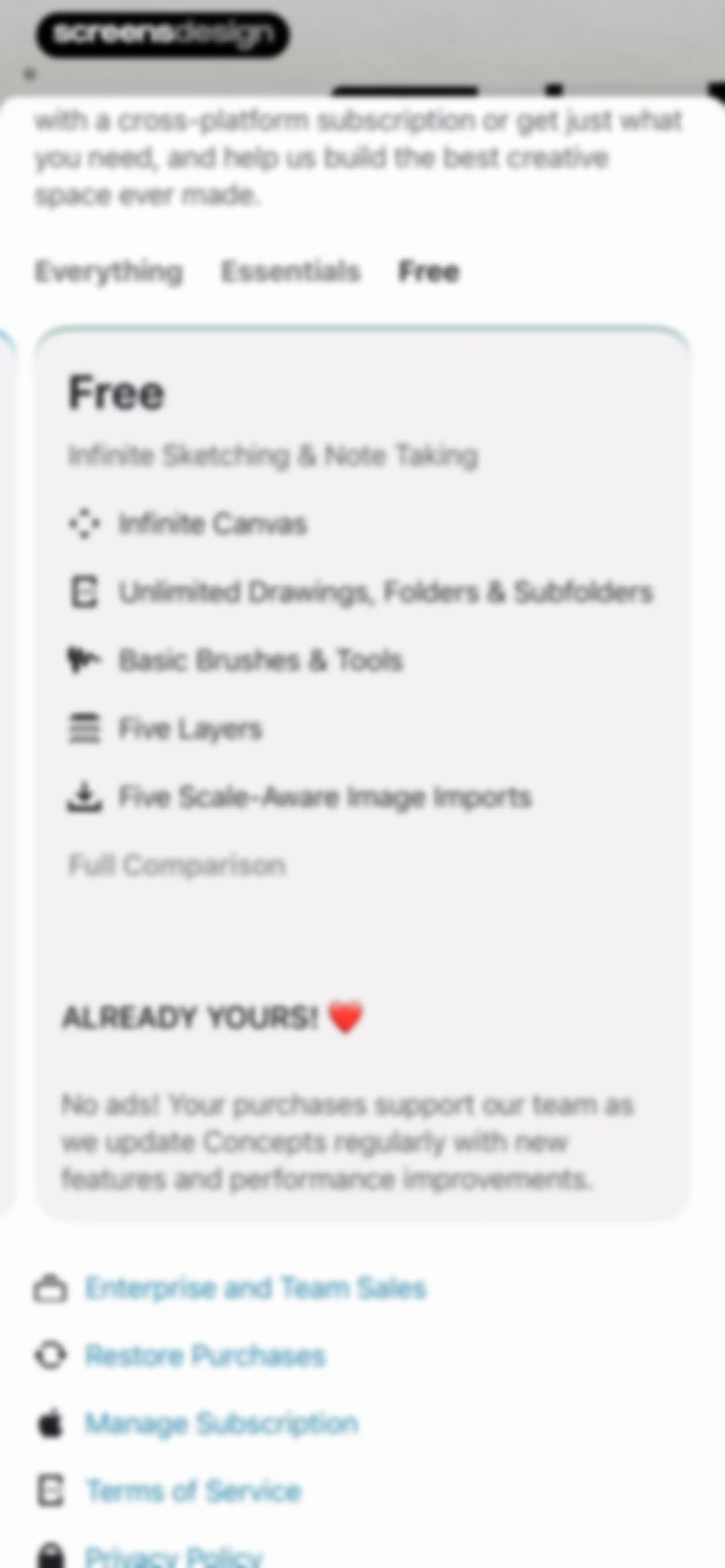
Subscription paywall screen with the Free plan selected, featuring a central feature card, plan comparison tabs, and account settings links at the bottom.Unlock Pro
Concepts app settings screen confirming feature ownership, with a list of subscription and legal links.Unlock Pro
Editor screen showing an infinite canvas with a grid pattern, a top-left radial menu, and a floating toolbar with drawing and management tools.Unlock Pro
Concepts app editor screen with an infinite canvas, top toolbar, left-aligned tool wheel, and a settings list showing grid, snap, and measure options.Unlock Pro
Workspace settings modal with grid type options, artboard size presets, and collapsible menus for measurements and tool setup.Unlock Pro
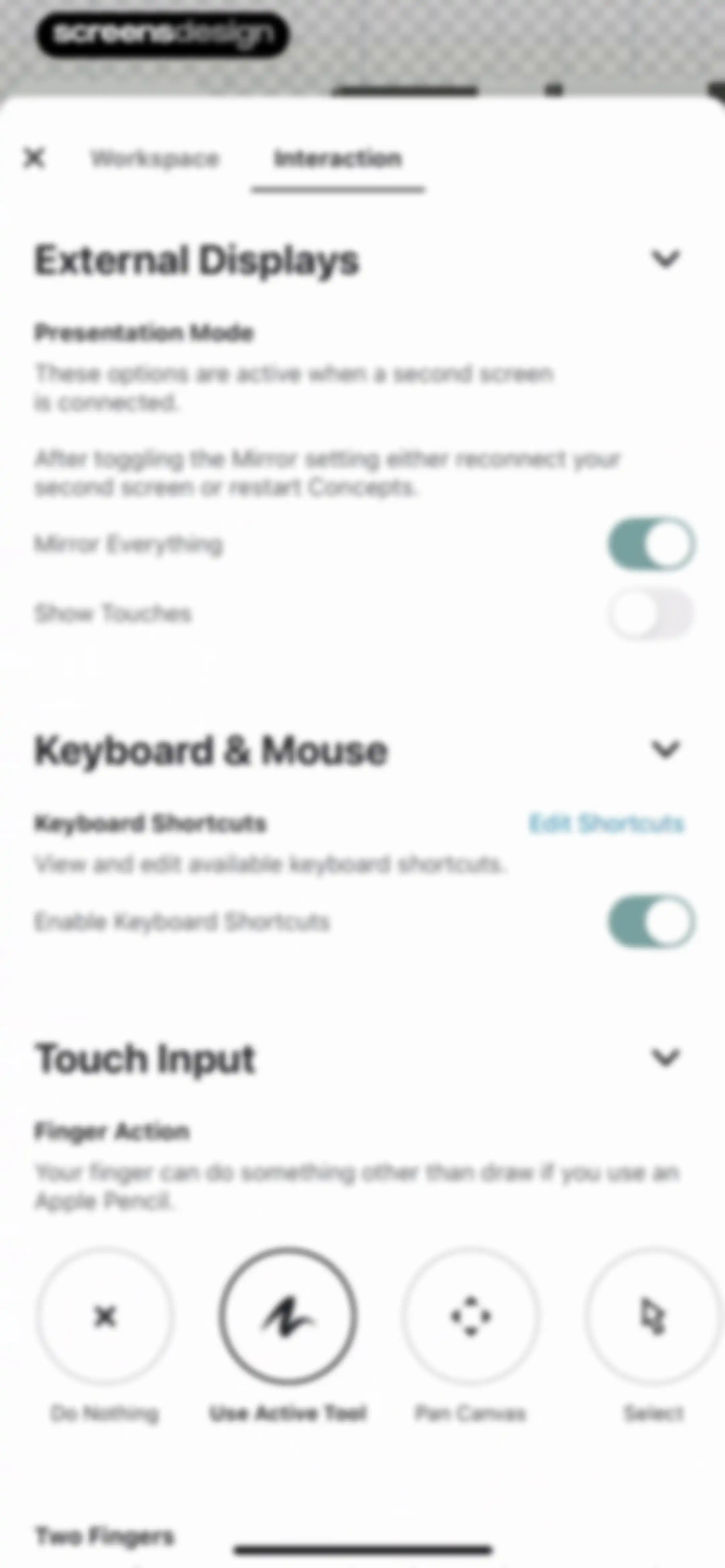
Settings modal displaying interaction preferences with the Interaction tab selected and collapsible sections for external displays, keyboard, and touch input.Unlock Pro
Settings screen for interaction preferences and stylus connectivity, with the Interaction tab selected and options for shape recognition and handedness.Unlock Pro
Concepts app editor screen showing an infinite canvas with an arc guide, floating tool wheel, and settings sidebar.Unlock Pro
Drawing editor interface featuring an infinite canvas with a radial tool menu in the top-left, precision settings on the left, and a bottom action bar.Unlock Pro
Drawing editor screen displaying a central protractor tool on a grid canvas, with a top navigation bar and bottom rotate and scale controls.Unlock Pro
Vector editor screen showing a central arc object on a grid canvas, a left layer stack, a radial tool menu, and bottom transformation controls.Unlock Pro
Editor screen showing a vector arc on an infinite canvas with a left layer panel and a bottom transformation toolbar.Unlock Pro
Editor interface displaying an infinite canvas with a central vector arc, a layer management sidebar, and grid editing controls including a Done button.Unlock Pro
Drawing editor featuring a top radial tool menu, a left-aligned layer management panel, and an infinite canvas with a tip overlay.Unlock Pro
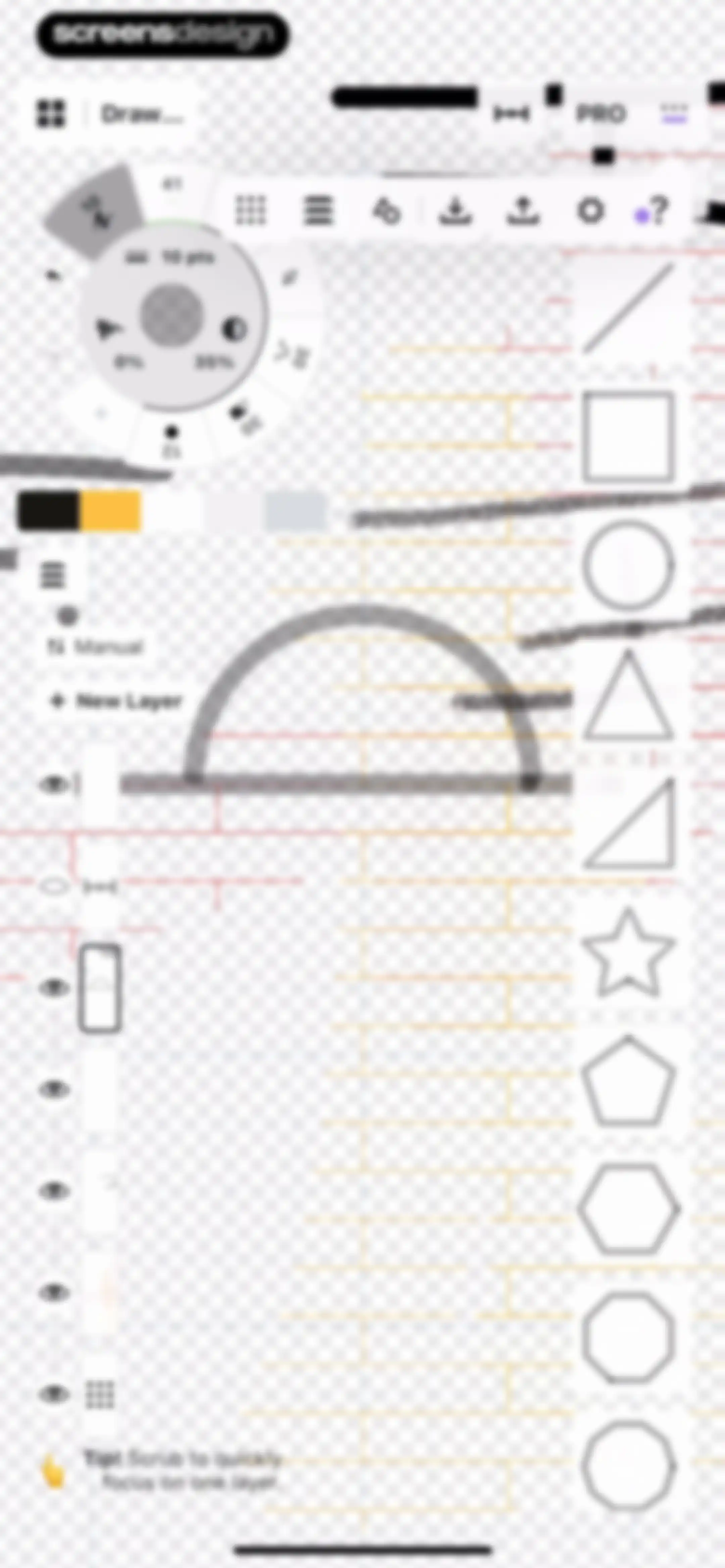
Drawing editor featuring an infinite canvas, a layer management panel, a shape palette, and a top navigation bar with tool settings.Unlock Pro
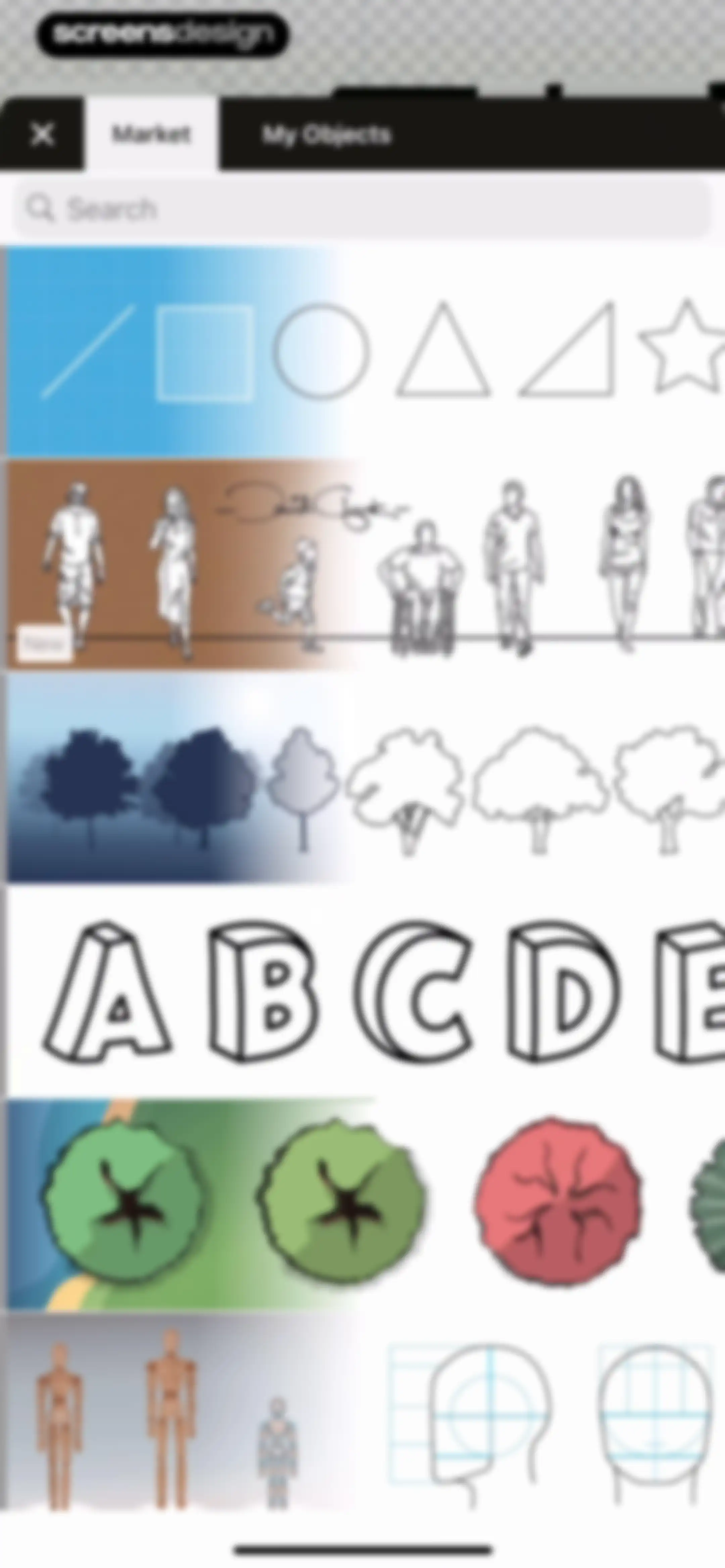
Concepts app object library modal with top tabs, a search bar, and a vertical list of horizontal asset categories.Unlock Pro
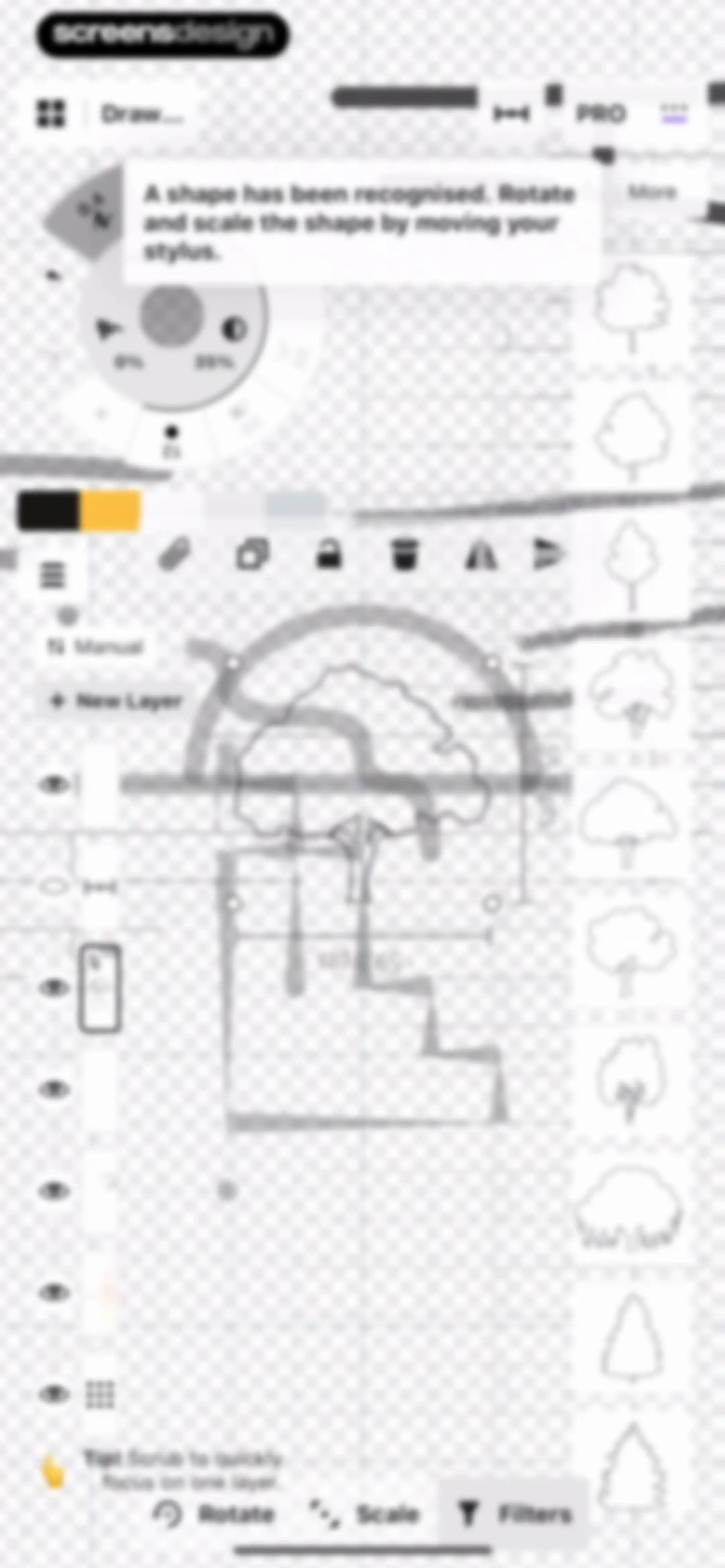
Drawing editor canvas displaying a recognized vector shape with transformation handles and a bottom toolbar for rotate, scale, and filters.Unlock Pro
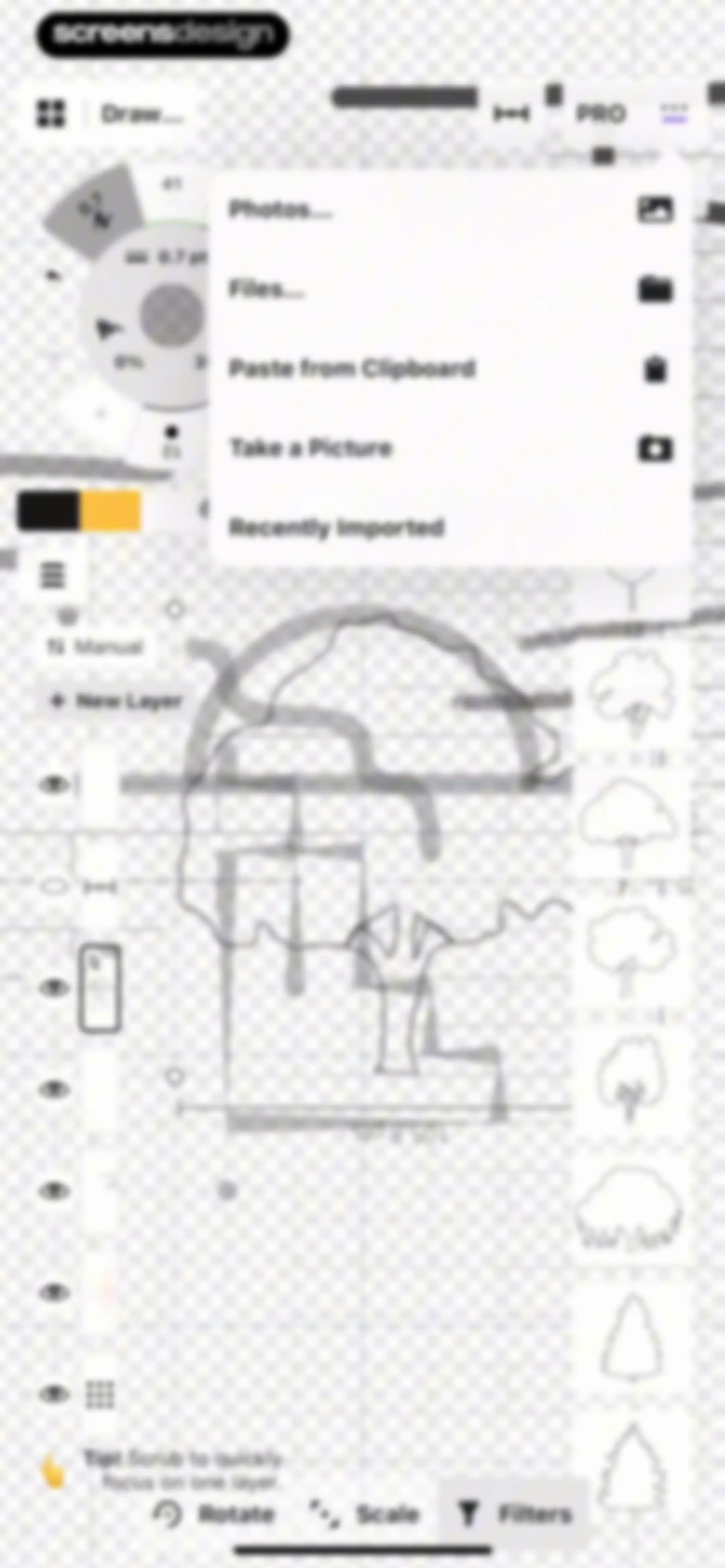
Editor screen featuring a central import modal with photo and file options, flanked by a layer panel and a stamp library.Unlock Pro
Concepts editor workspace featuring a floating tool wheel, a left layer management panel, a right stamp carousel, and a bottom transformation toolbar.Unlock Pro
Photo selection permissions screen featuring a grid of photo thumbnails, a privacy notice card, and a search bar.Unlock Pro
Editor screen displaying an imported food bowl photo on a grid canvas, with a floating radial menu, image manipulation tools, and a deselect option.Unlock Pro
Editor screen displaying an image selected on an infinite canvas with a floating toolbar and bottom actions for rotate, scale, and filters.Unlock Pro
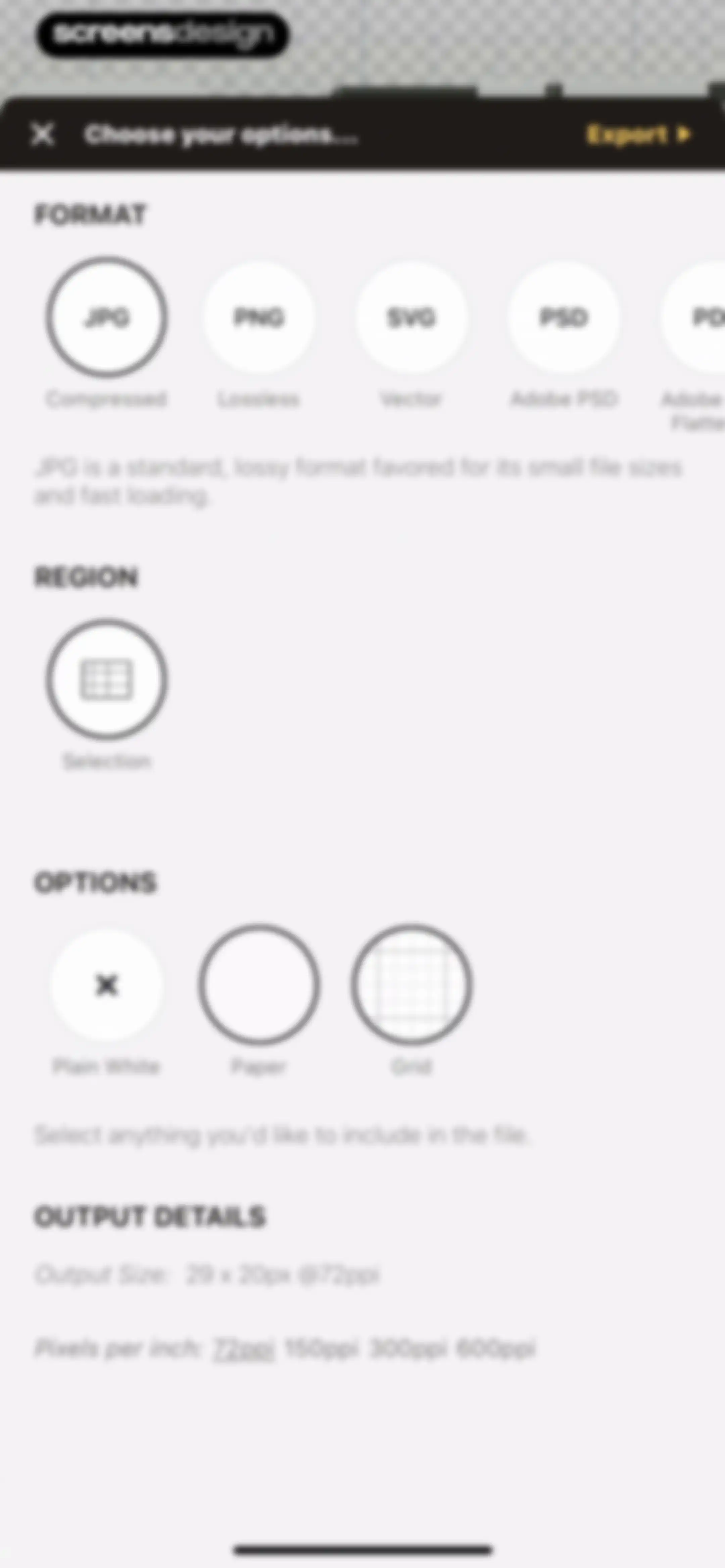
Export configuration modal with format, region, and background options, showing JPG selected and an Export button.Unlock Pro
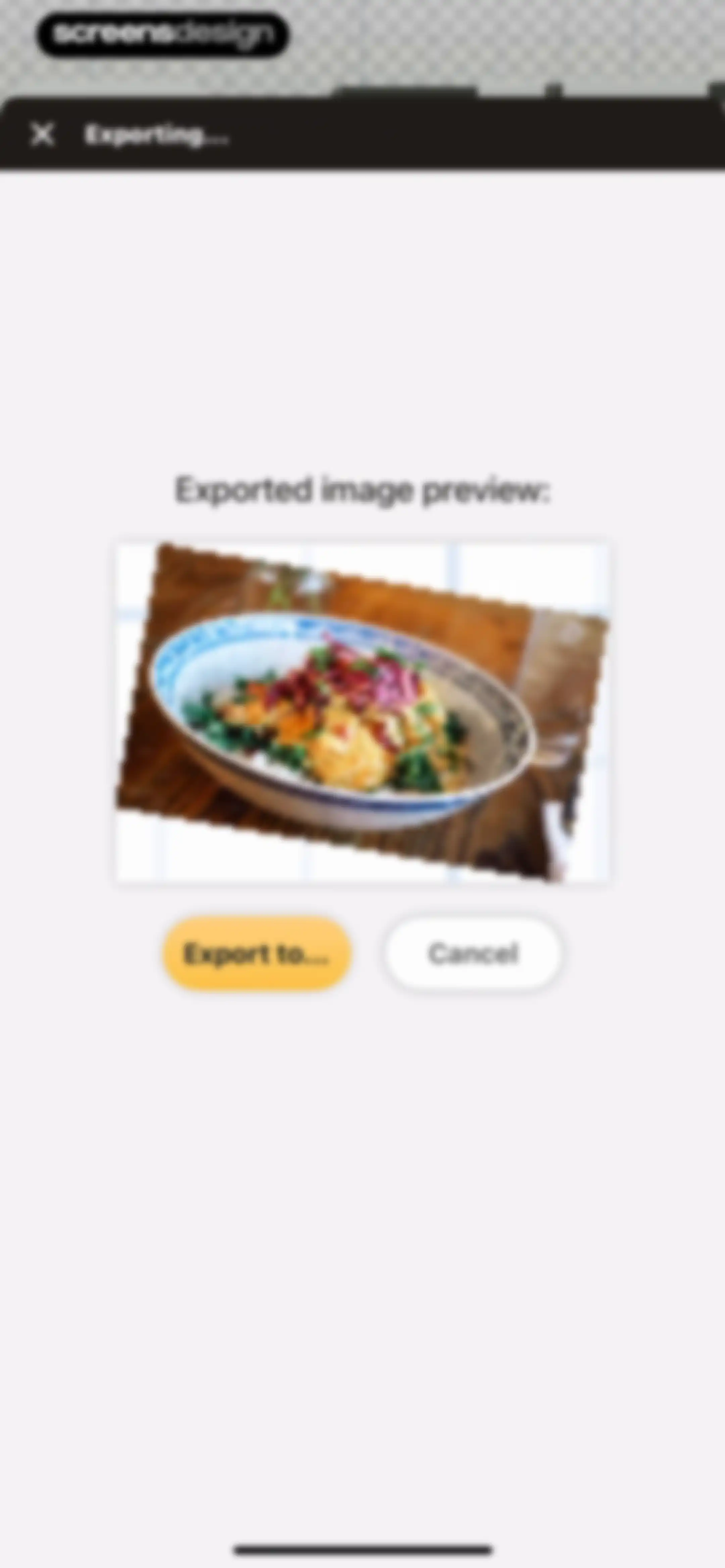
Export modal showing an image preview, an Export to... button, and a Cancel button.Unlock Pro
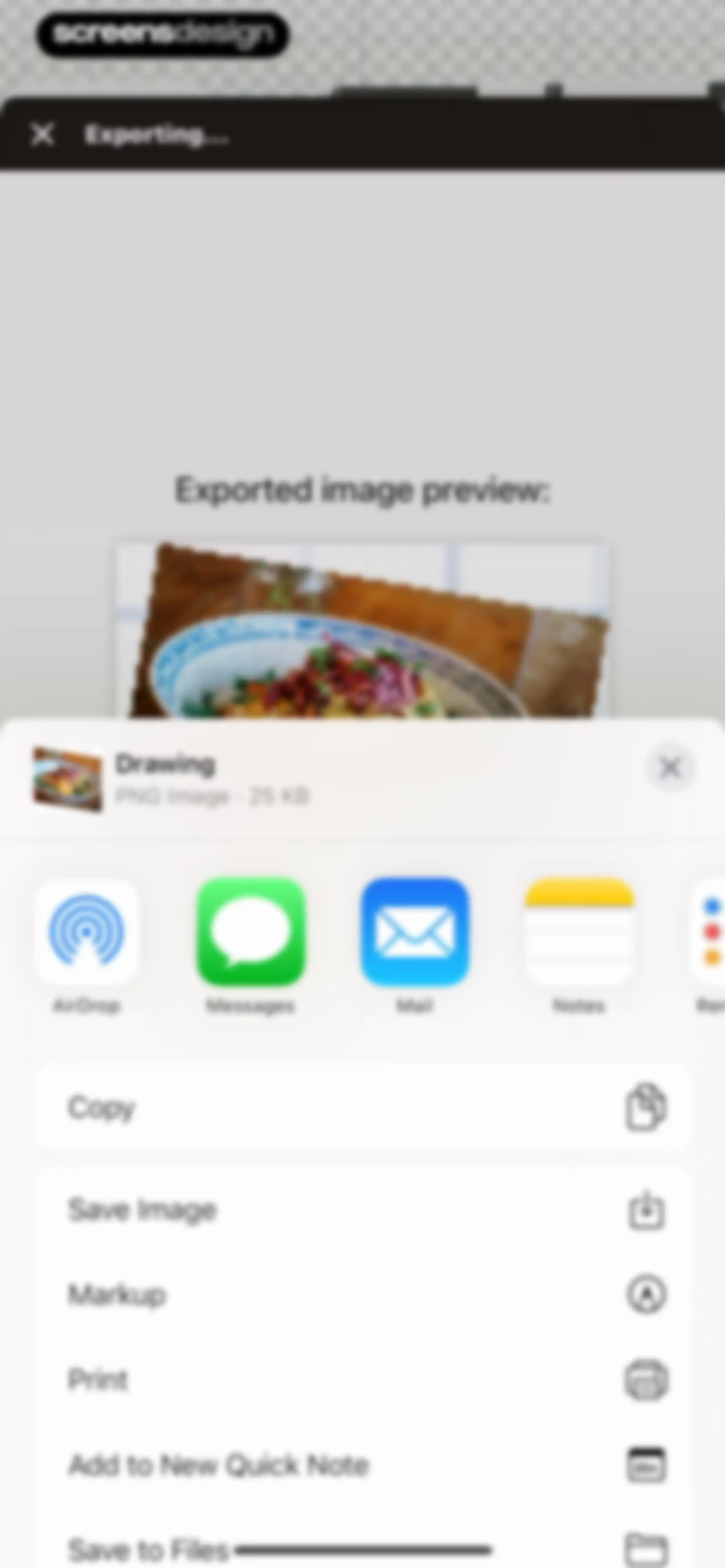
Share sheet displaying an exported drawing preview, file information, a horizontal app share carousel, and a vertical list of actions.Unlock Pro
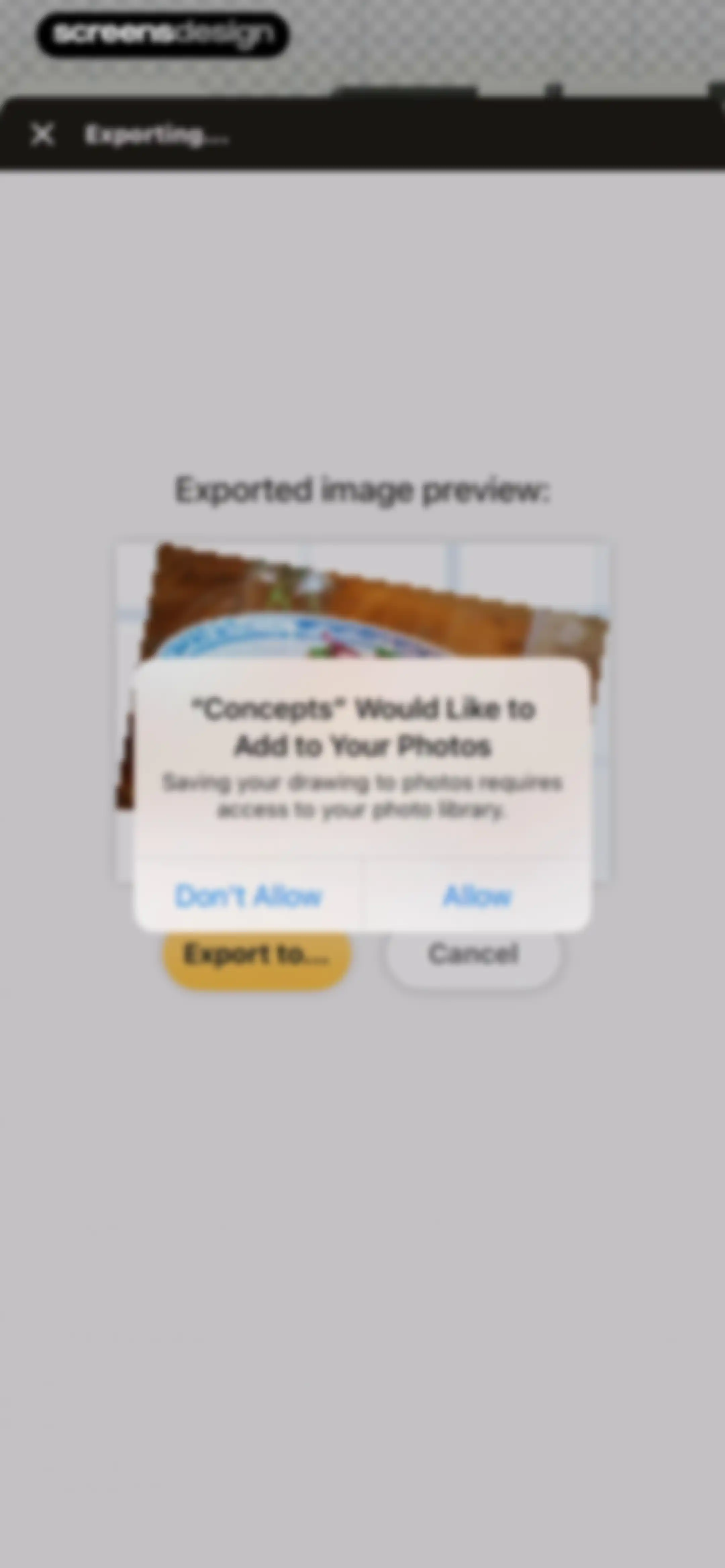
System permission modal requesting photo library access for drawing exports, with Allow and Don't Allow buttons.Unlock Pro
Interaction settings modal with collapsible sections for external displays, keyboard shortcuts, and touch input configuration.Unlock Pro
Help screen with promotional team offer carousel, support links, feedback options, and business information.Unlock Pro
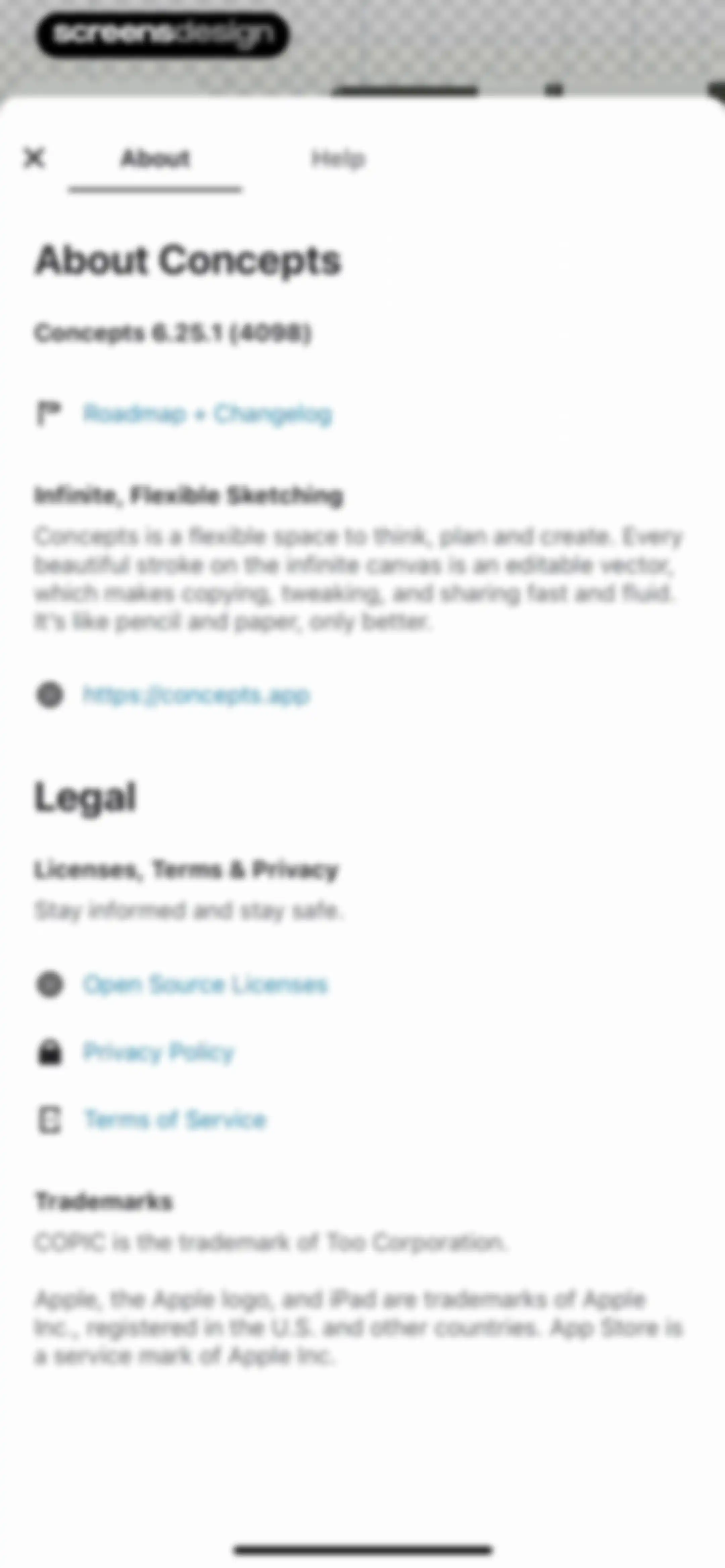
About screen for the Concepts app showing version information, a website link, and legal notices with the About tab selected.Unlock Pro
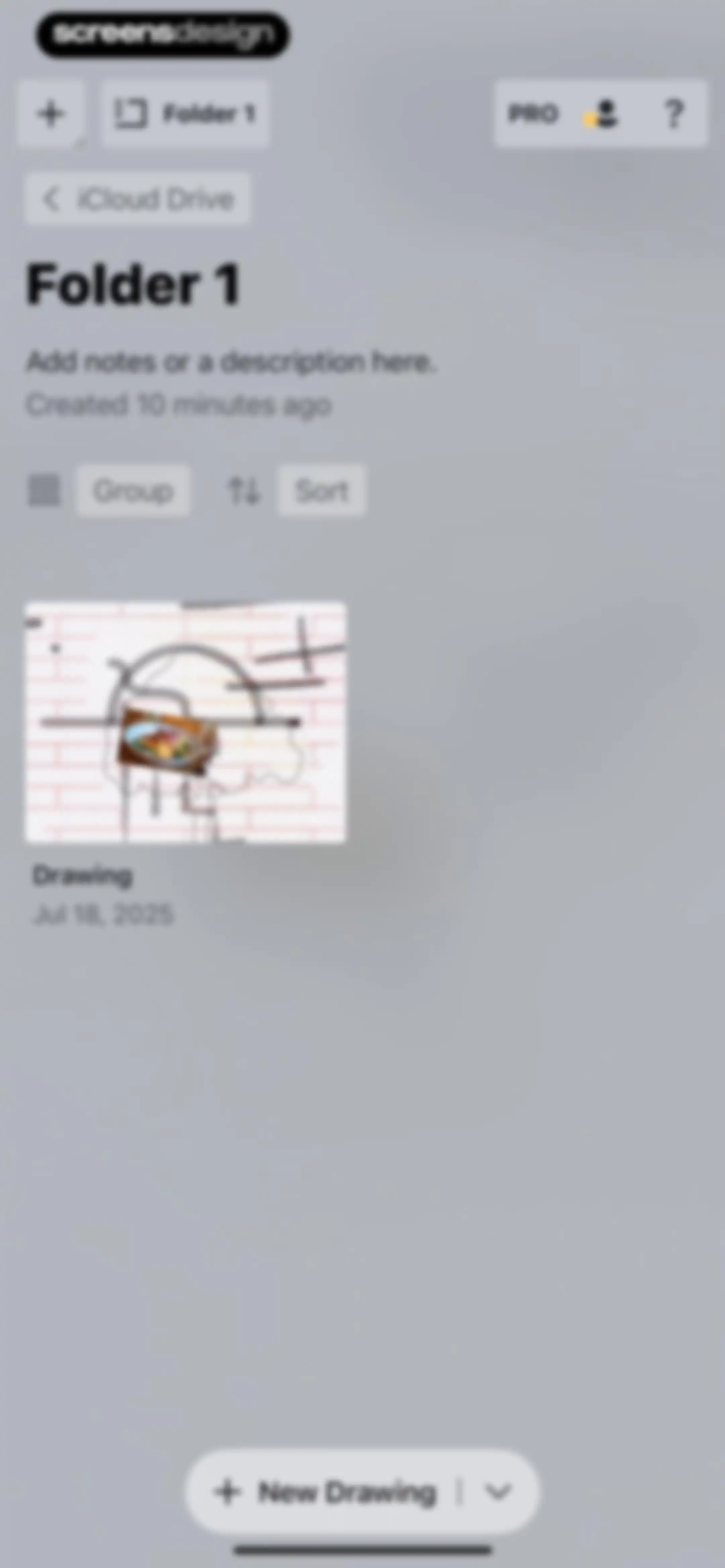
Folder dashboard displaying a drawing thumbnail, sort and group controls, and a New Drawing button.Unlock Pro
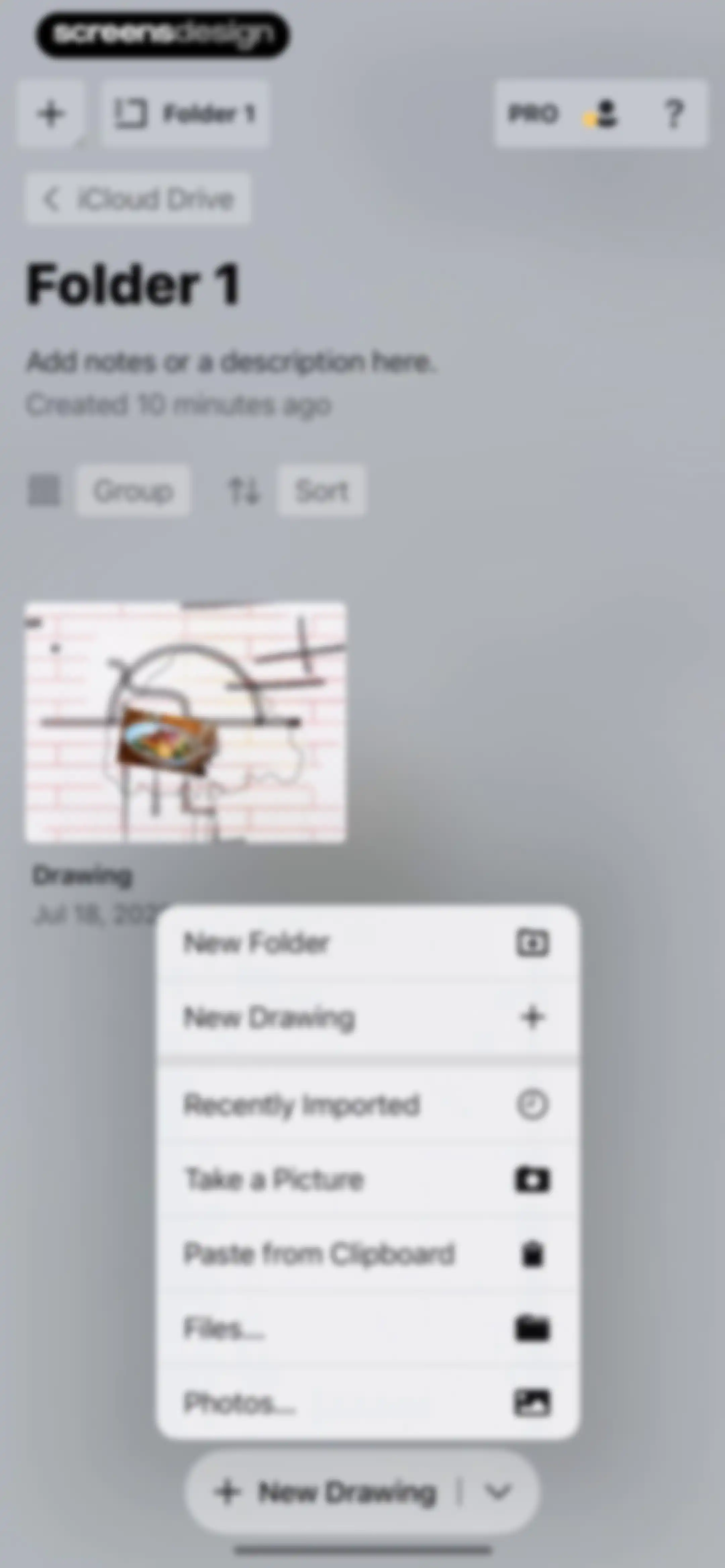
Folder dashboard displaying a file grid and an open modal menu with options to create a new drawing, folder, or import files.Unlock Pro
Document browser displaying a grid of recent files, with the Photosynthesis document selected and an Open button at the top right.Unlock Pro
Editor screen displaying notes about photosynthesis on a central artboard with a floating radial tool wheel and a top navigation bar.Unlock Pro
Concepts editor screen with an infinite canvas displaying handwritten notes on photosynthesis, a floating radial menu, and a color palette.Unlock Pro
Folder view showing project cards for Drawing and Photosynthesis, with sorting controls and a New Drawing floating action button.Unlock Pro
Folder view displaying metadata, sorting controls, a grid of project cards, and a new drawing action button.Unlock Pro
Context menu overlay with options to rename, duplicate, add to widgets, and delete an item.Unlock Pro
Folder rename modal with an active text input field populated with Folder 1, Cancel and Rename buttons, and a visible keyboard.Unlock Pro
Context menu with file management options including rename, duplicate, share, and delete, displayed above a document preview card.Unlock Pro
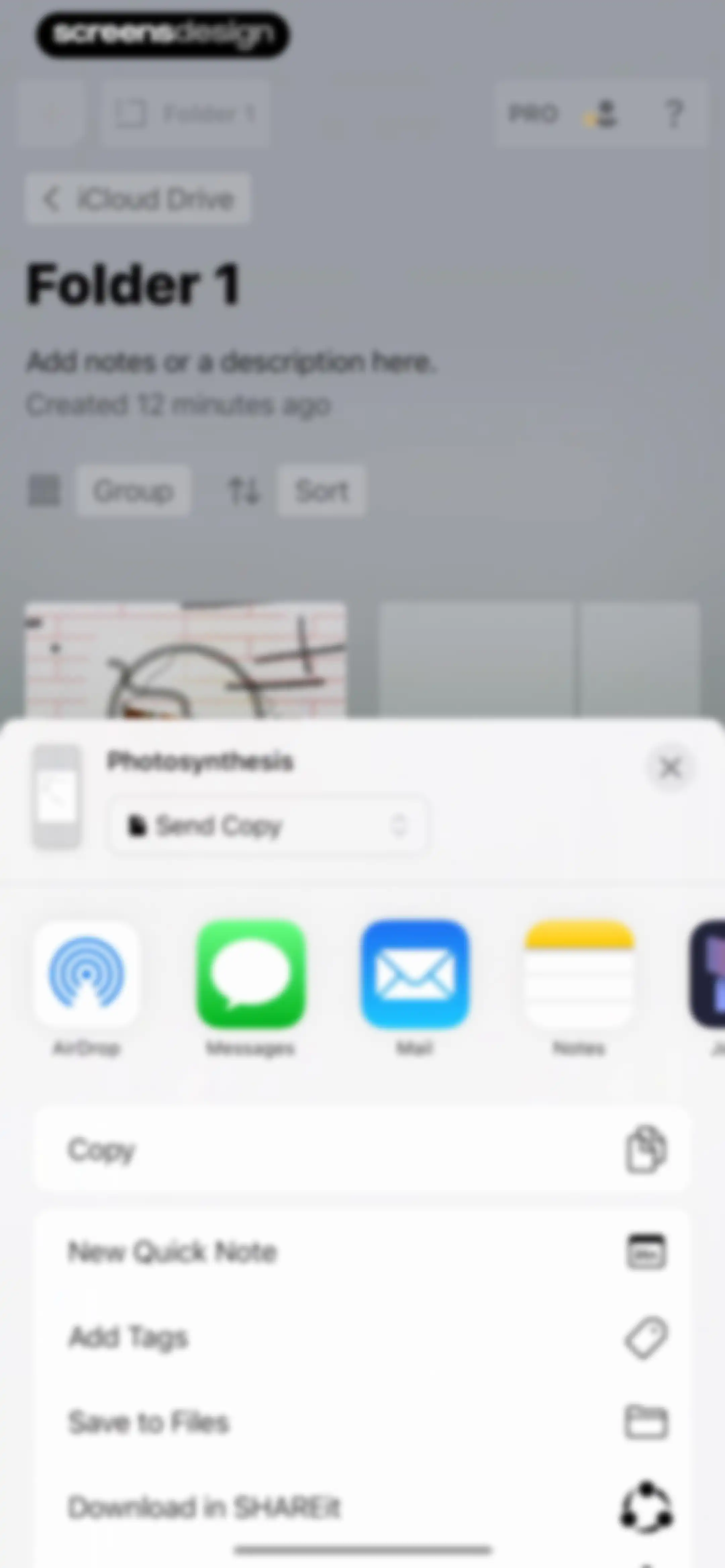
File management screen displaying a folder view with an open share sheet modal for a document titled Photosynthesis.Unlock Pro
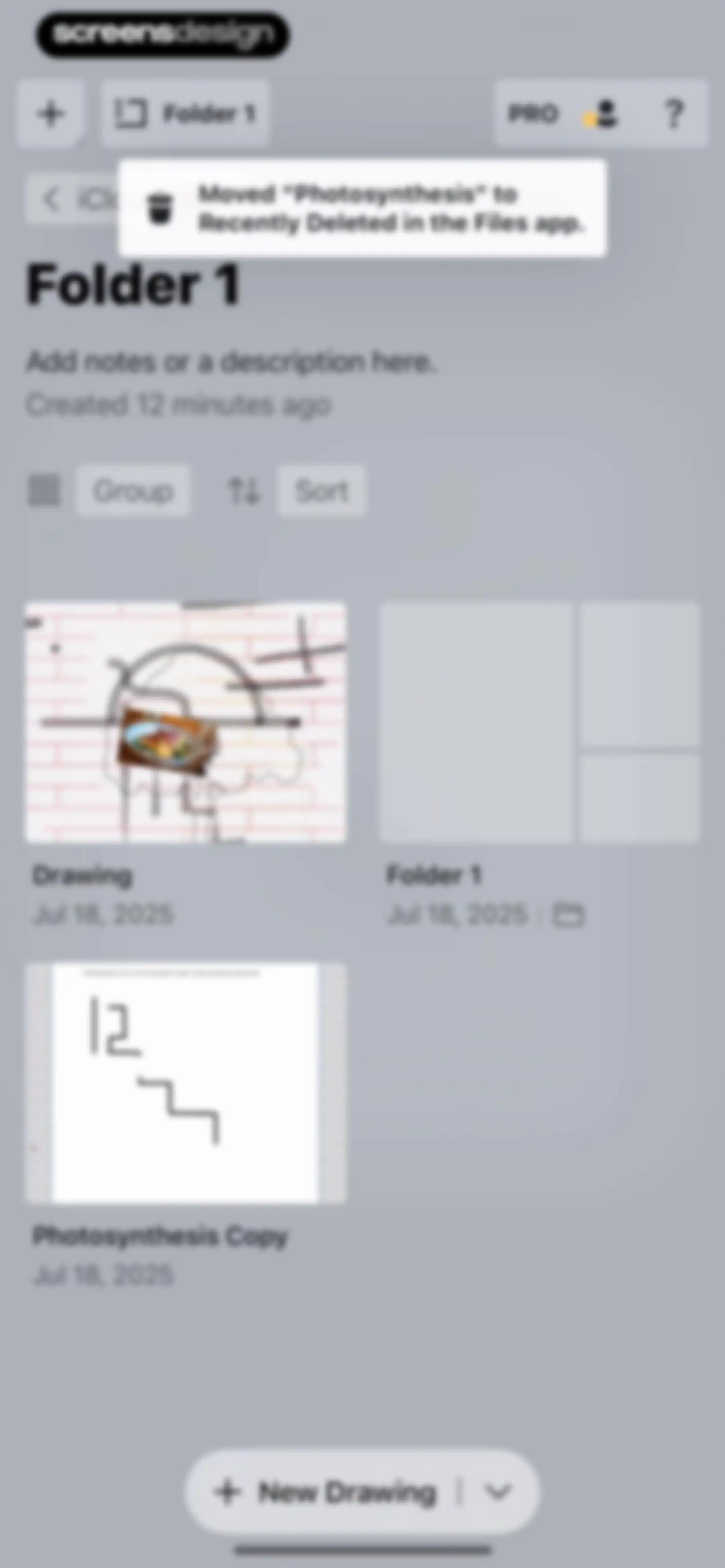
Folder dashboard displaying a grid of project cards, sorting controls, a deletion confirmation toast notification, and a New Drawing action button.Unlock Pro
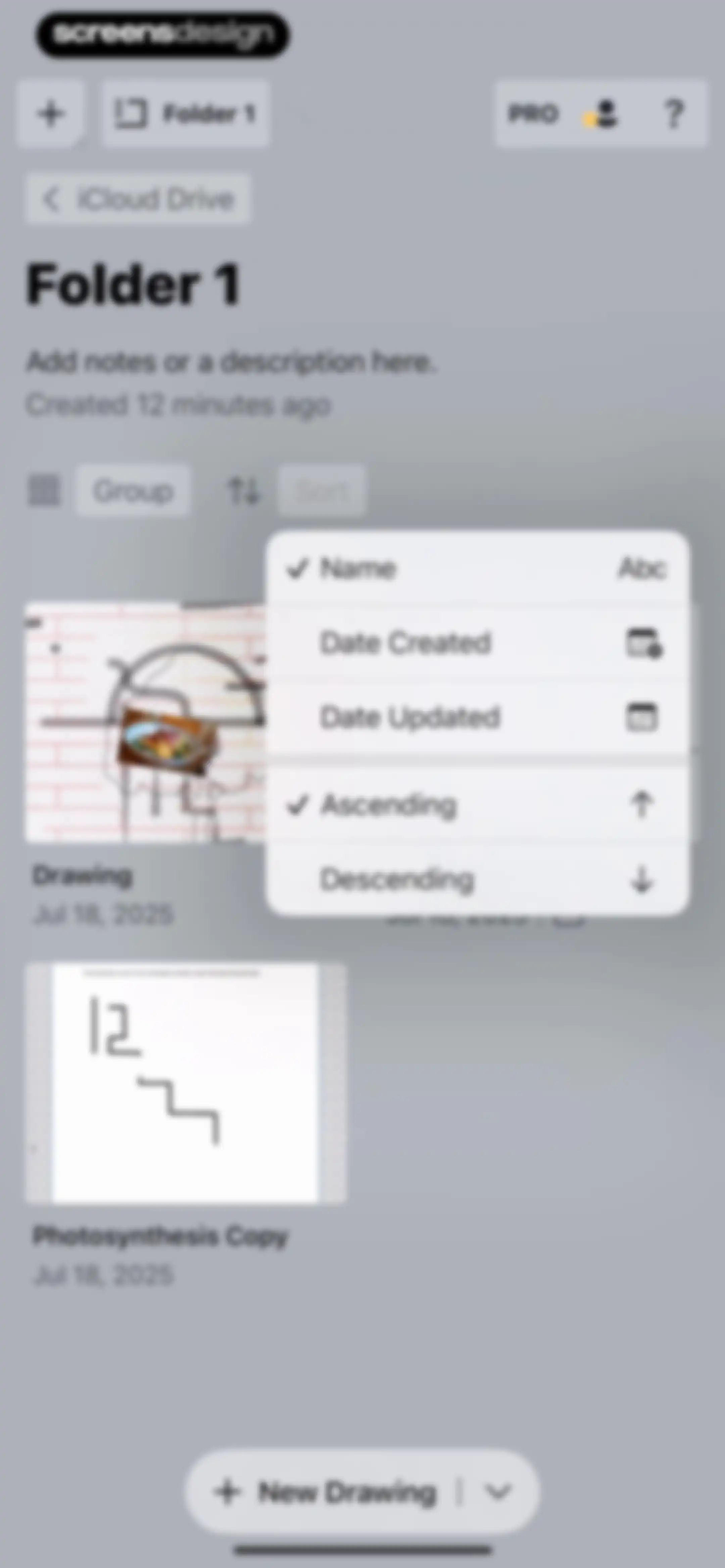
Folder dashboard displaying project cards and an open sort menu with Name and Ascending selected.Unlock Pro
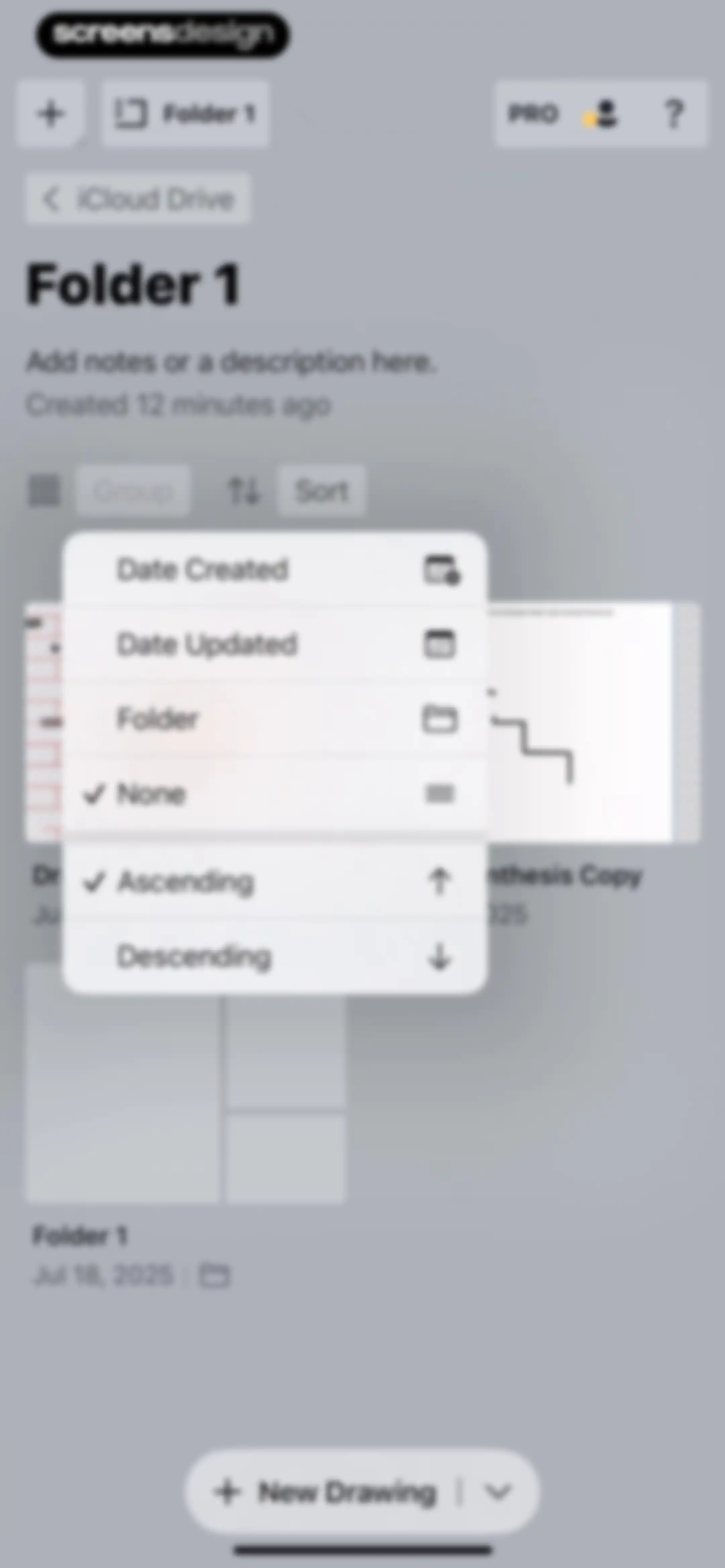
Folder contents screen displaying file management options, a sorting menu open with date and folder options, and a New Drawing button.Unlock Pro
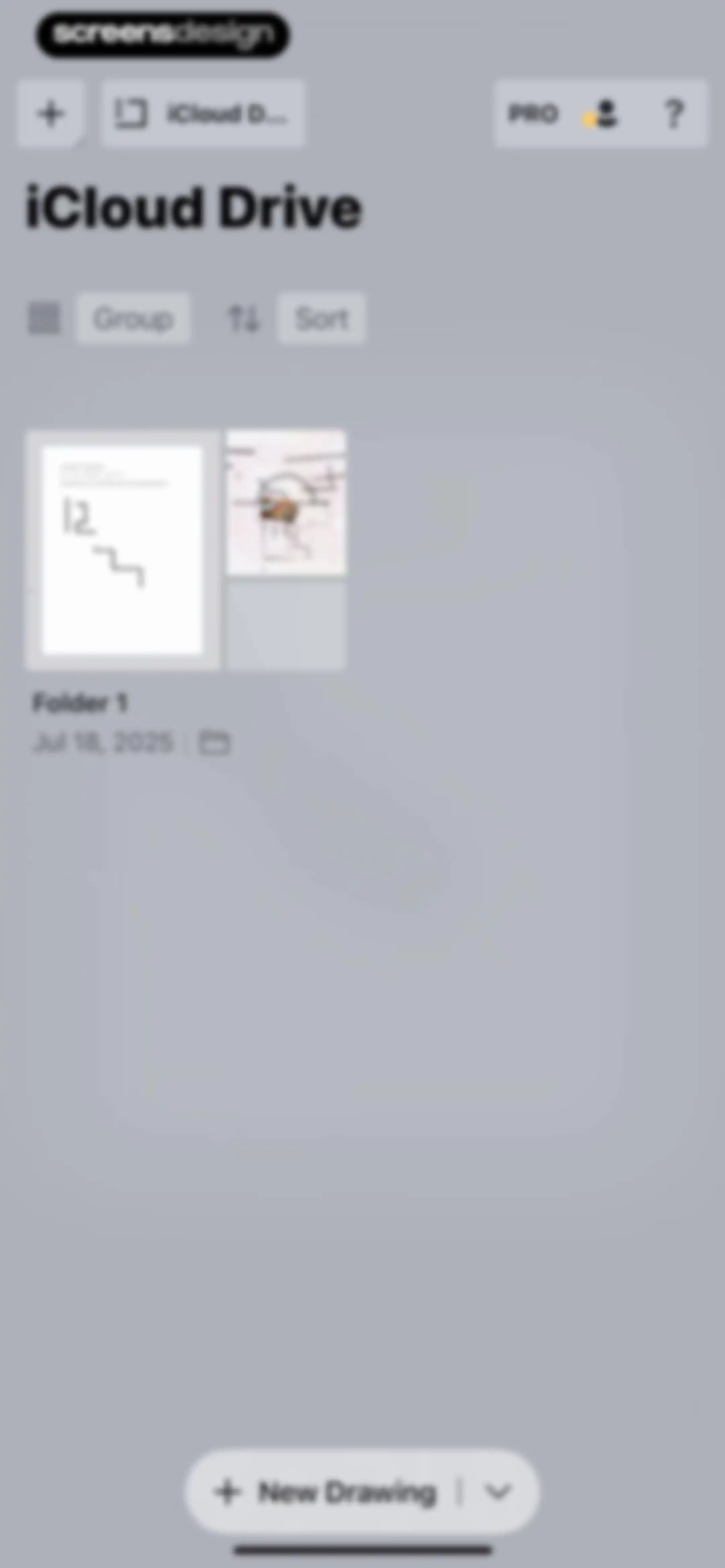
File manager home screen displaying iCloud Drive contents with a folder, sorting controls, and a New Drawing button.Unlock Pro
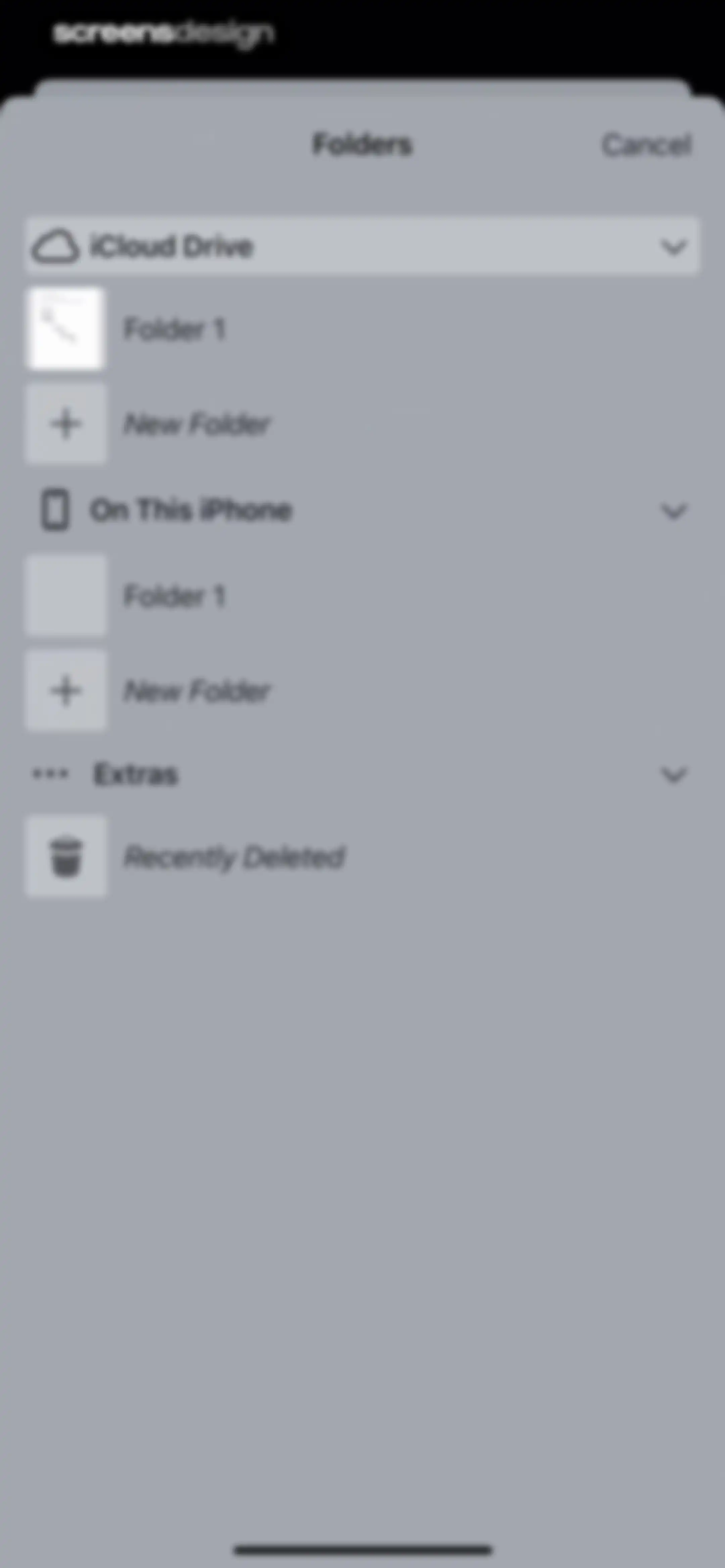
Folder selection modal showing a vertical list of expandable storage locations with iCloud Drive and On This iPhone sections and a cancel button.Unlock Pro
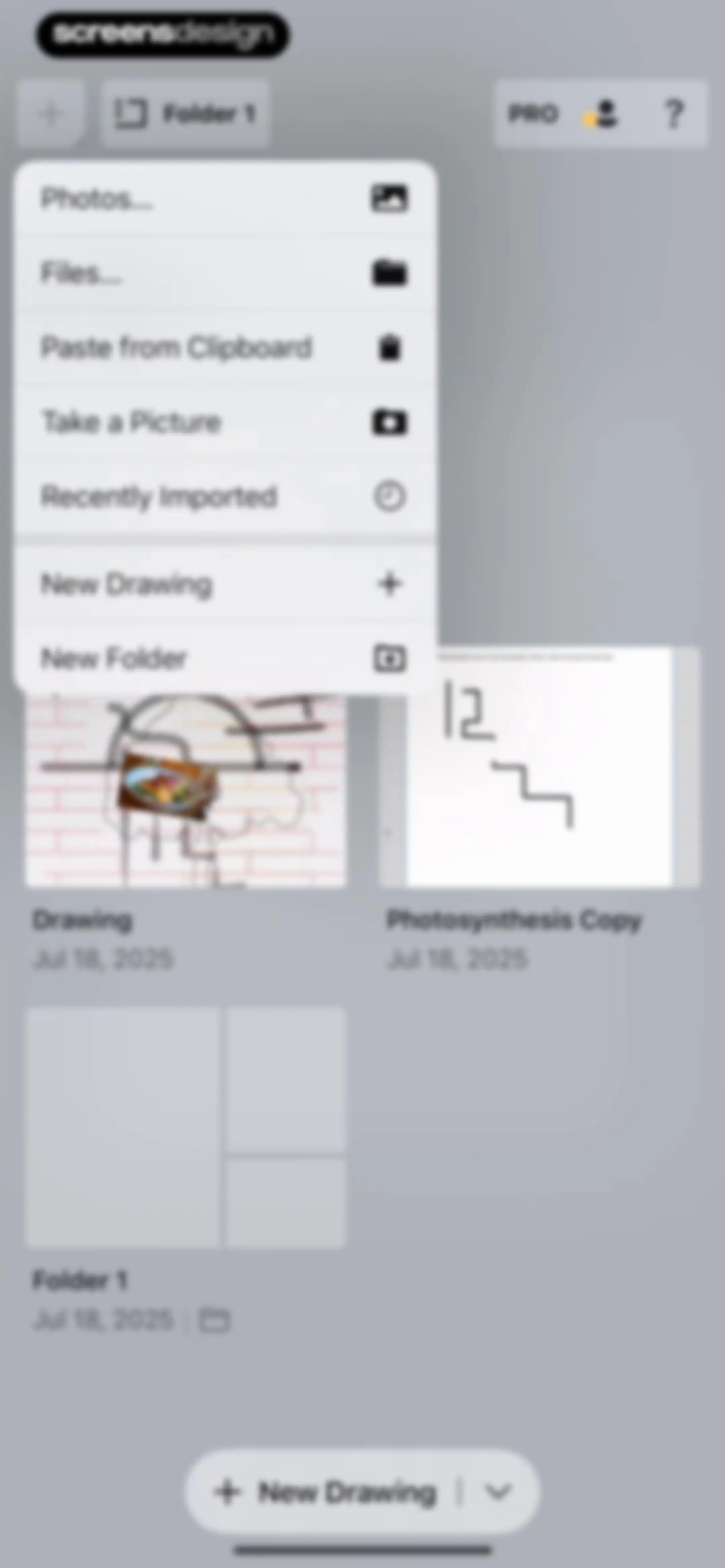
Home screen featuring a project grid with an open import modal menu displaying options for new drawings, folders, and file imports.Unlock Pro
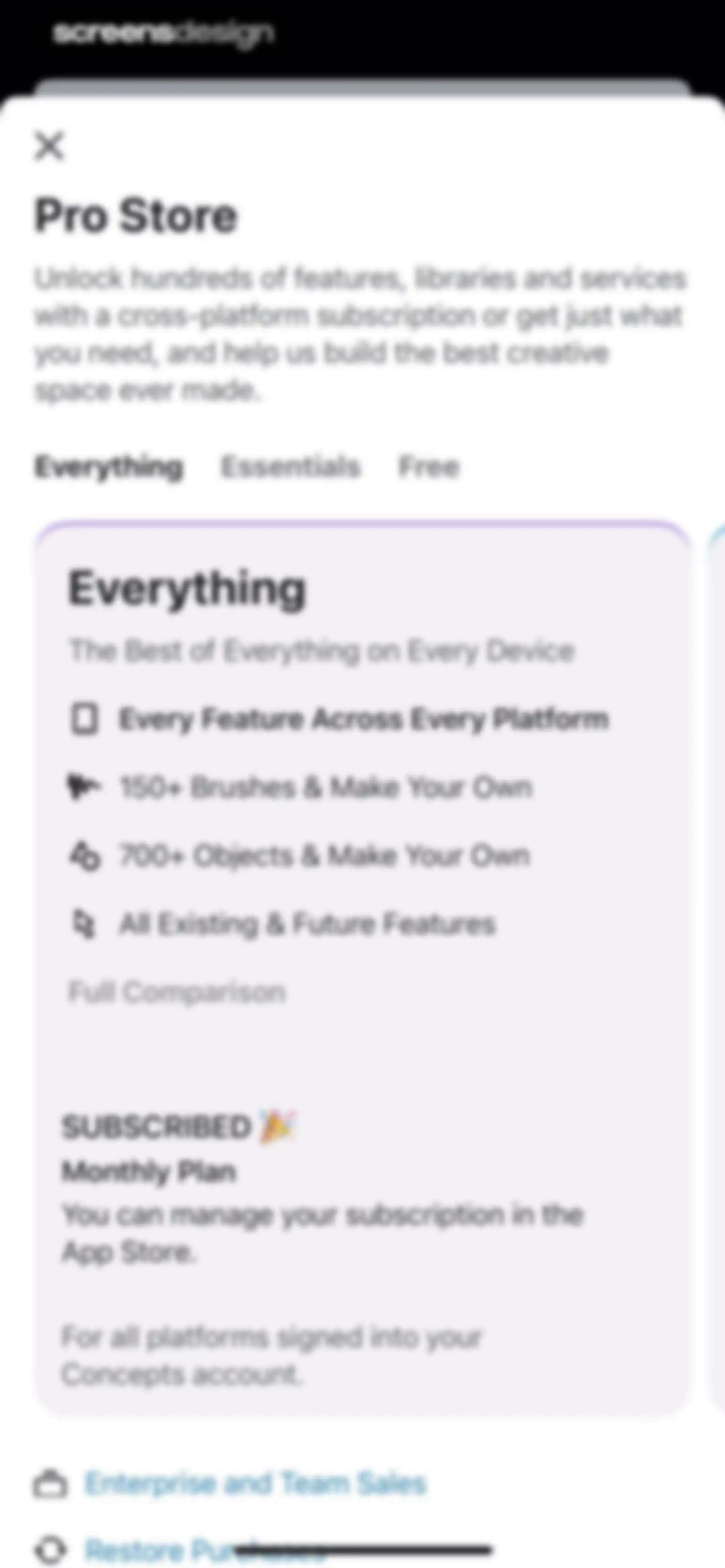
Pro Store paywall for the Concepts app displaying subscription plans with the Everything tab selected and an active monthly subscription status.Unlock Pro
Account settings screen displaying email verification warnings, user profile details, connection options, and notification toggles.Unlock Pro
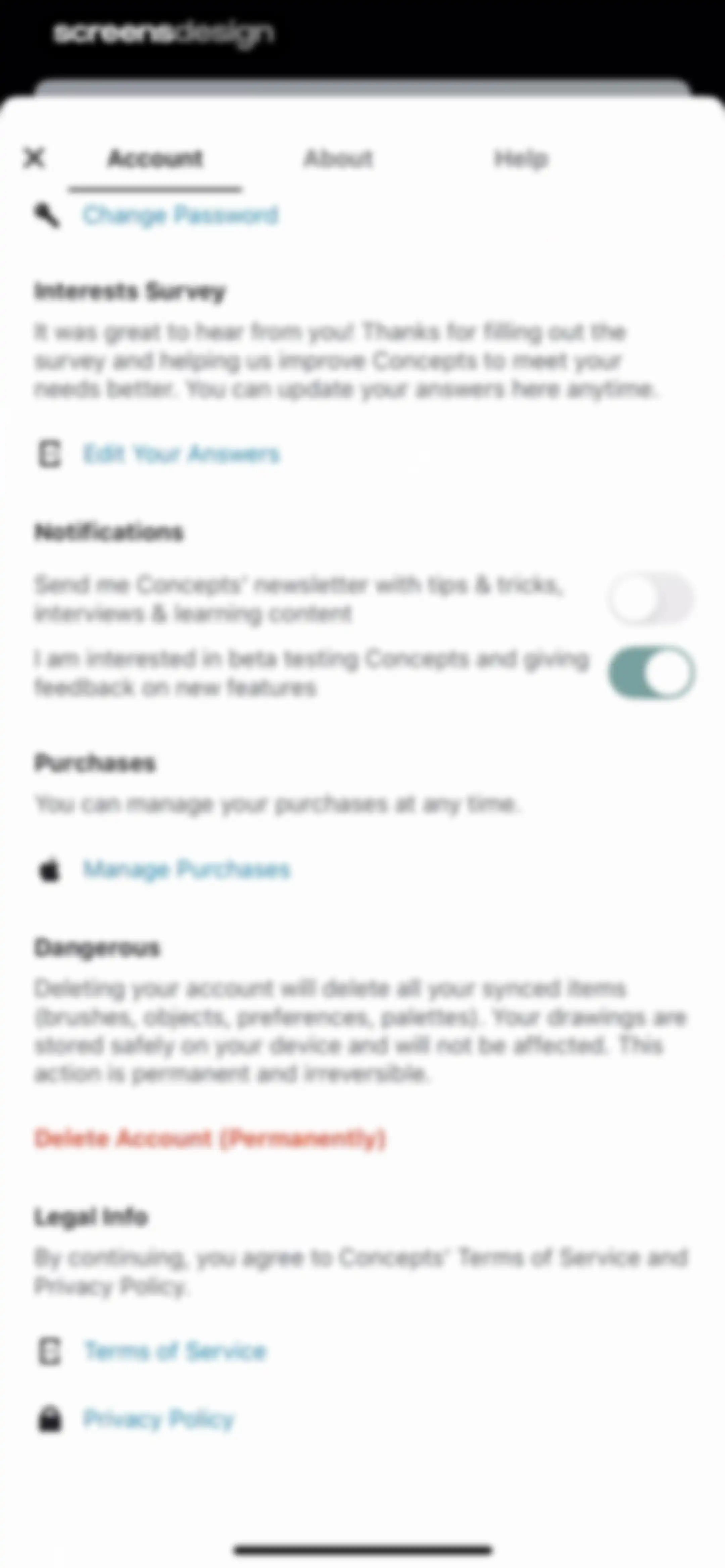
Settings modal on the Account tab, featuring notification toggles, account management links, and a delete account button.Unlock Pro
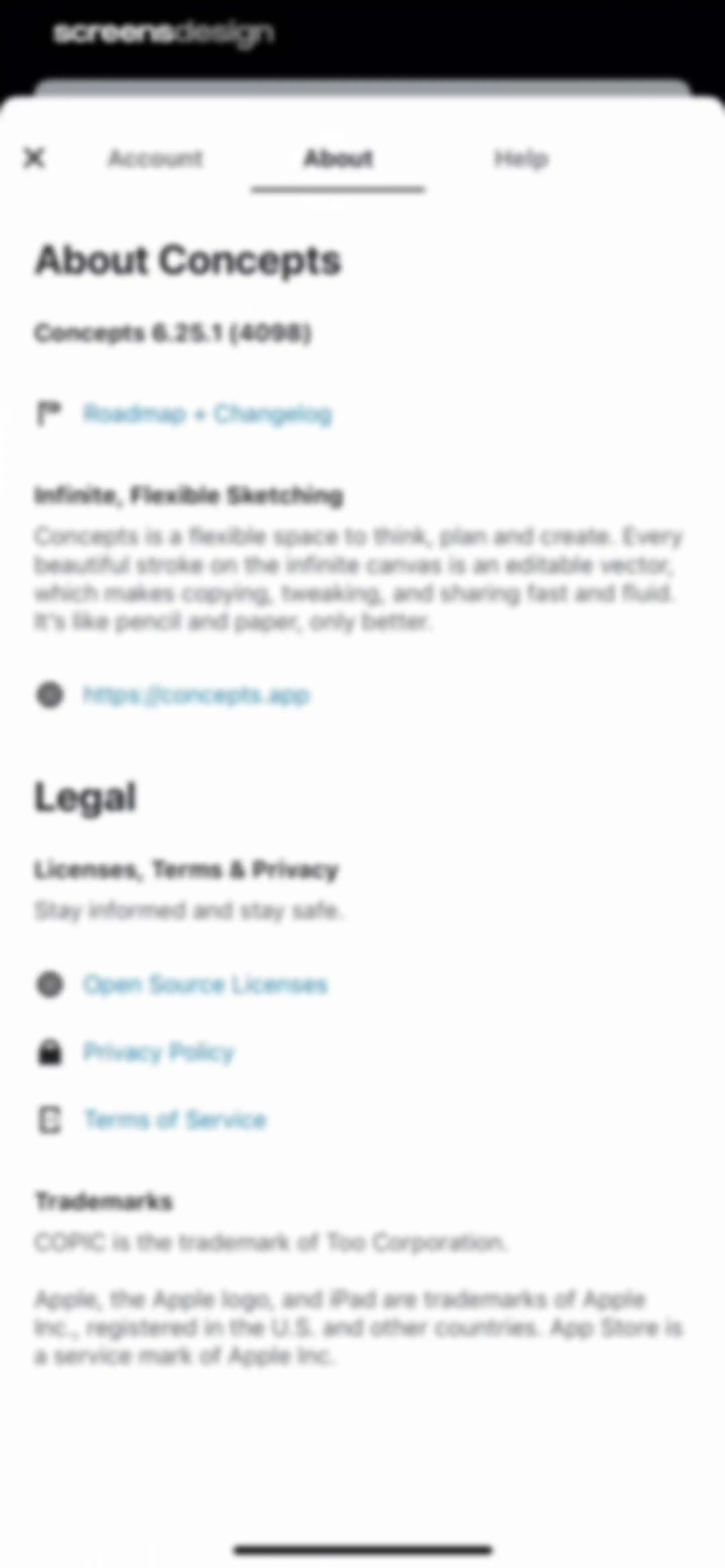
About screen in the Concepts app displaying version information, roadmap link, and legal documentation links with the About tab selected.Unlock Pro
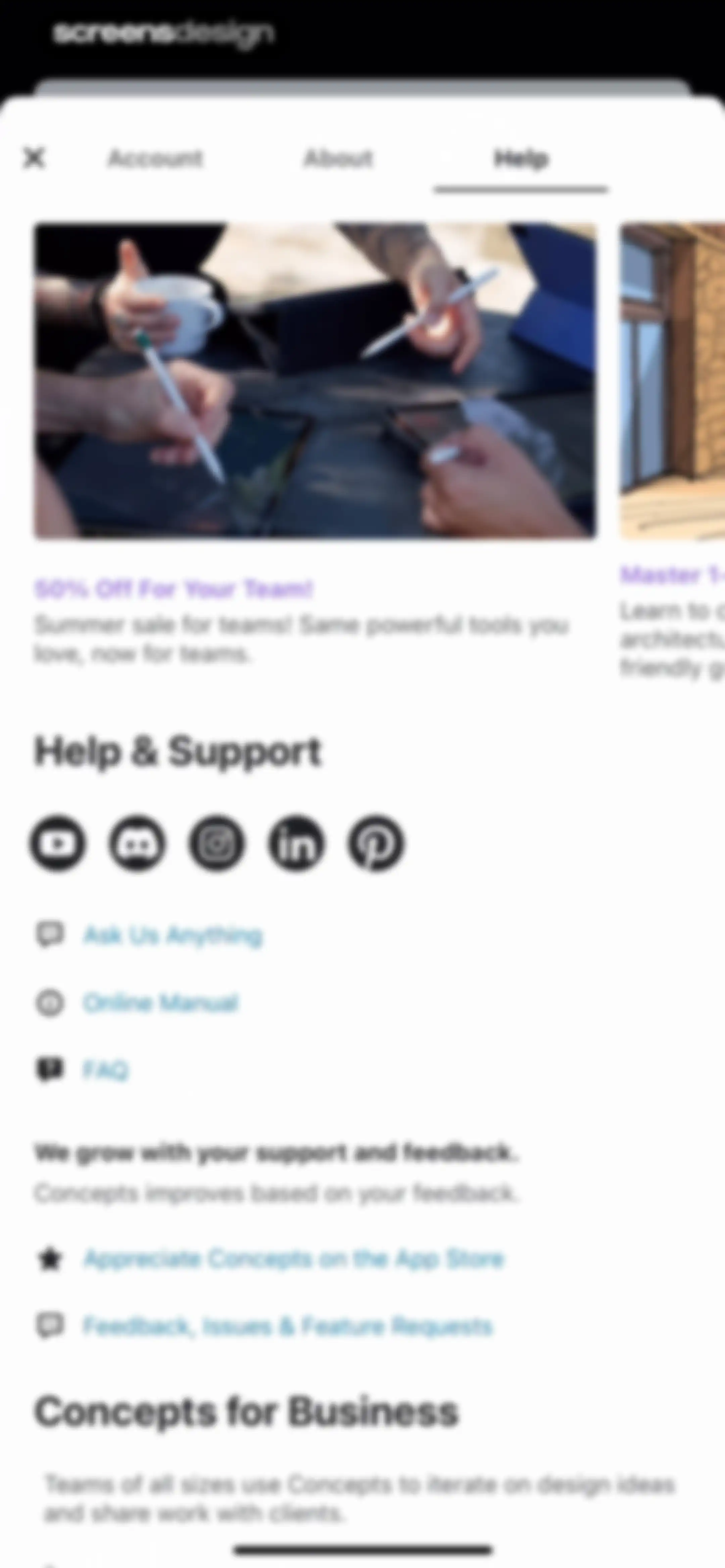
Help screen in the Concepts app displaying a promotional carousel, social media links, support options, and feedback sections.Unlock Pro
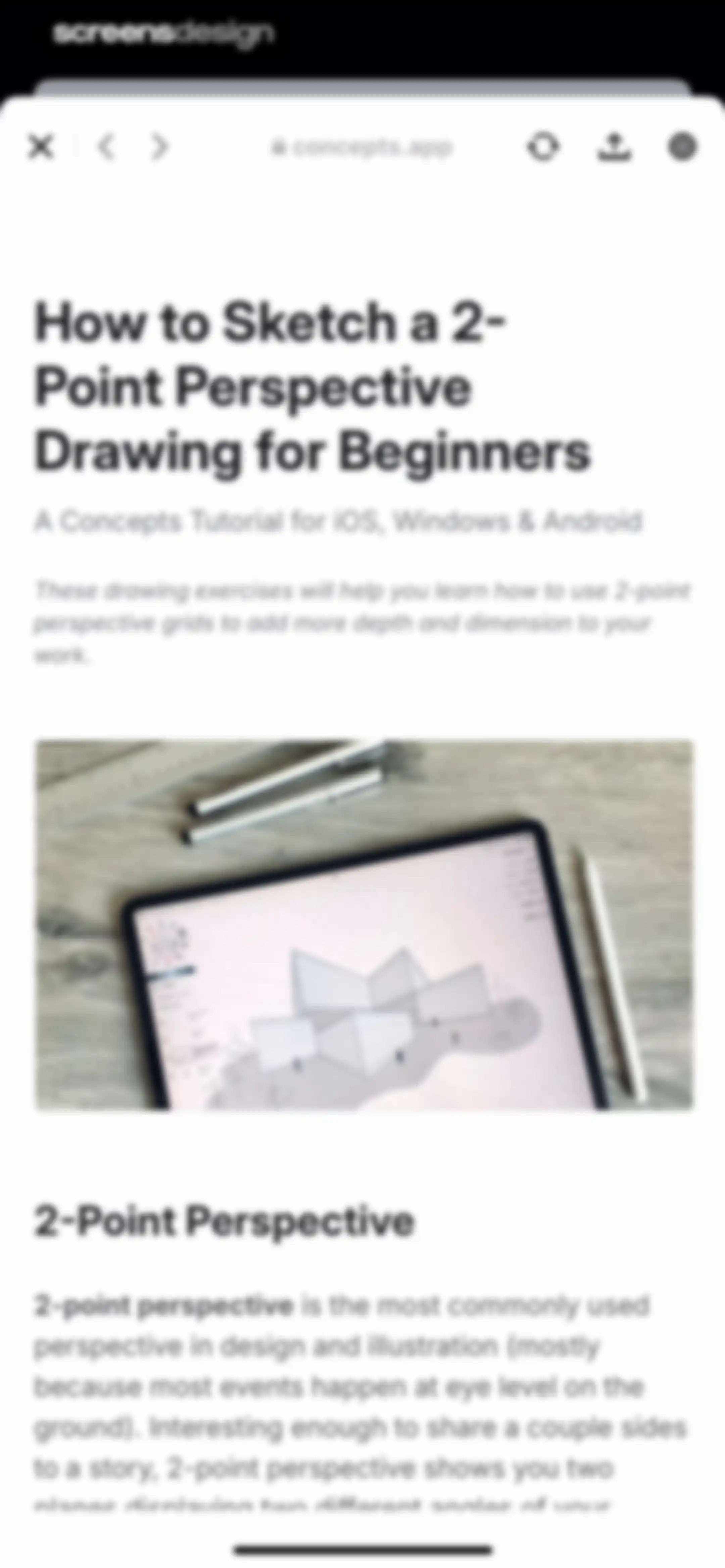
Tutorial article titled How to Sketch a 2-Point Perspective Drawing for Beginners displayed in an in-app browser with a hero image.Unlock Pro
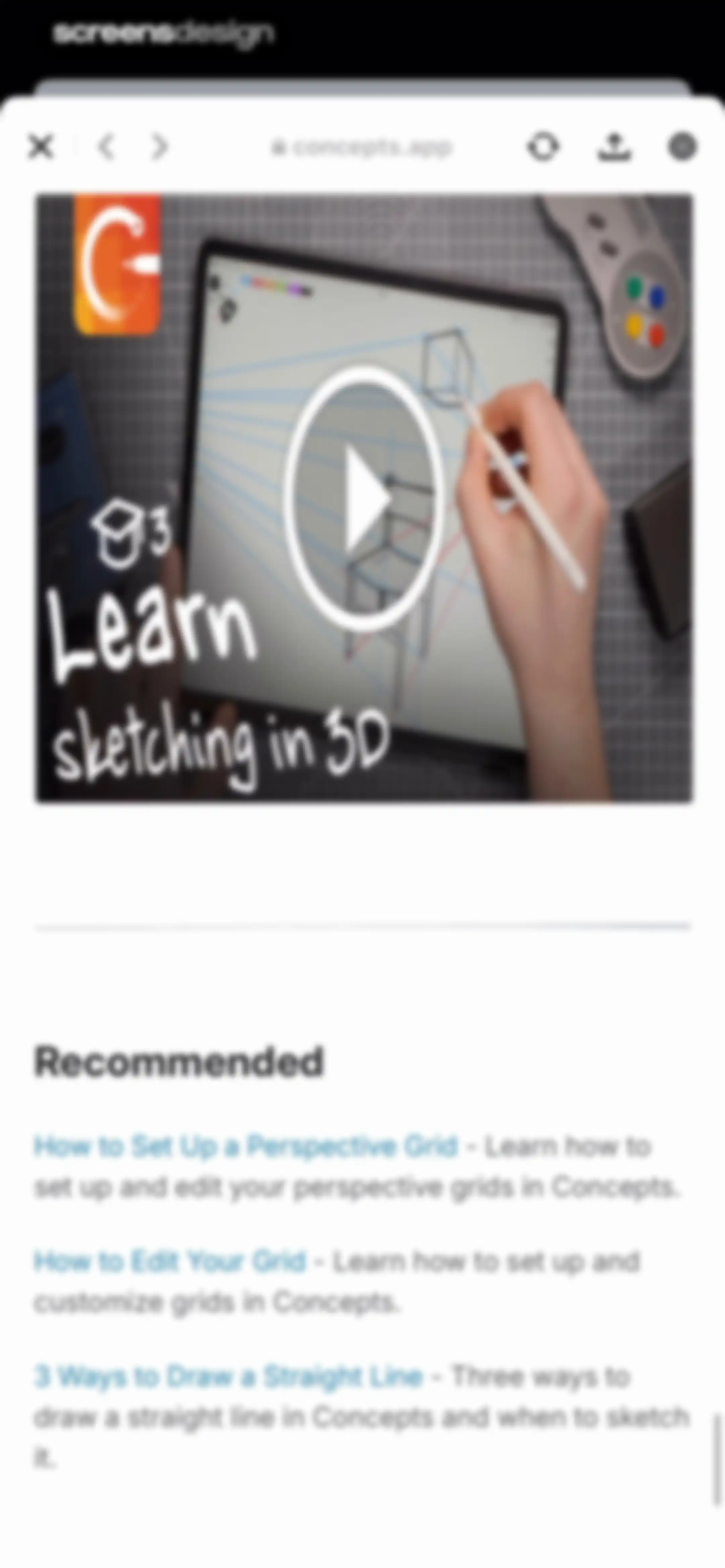
Educational video and tutorial list screen featuring a 3D sketching video thumbnail and recommended articles on perspective grids.Unlock Pro

About Concepts

A flexible vector-based sketching and design application featuring an infinite canvas for professional ideation, note-taking, and technical drawing workflows.

Explore Concepts across ScreensDesign

Apps similar to Concepts

Unlock all similar apps

See every comparable app, revenue, installs, and flows.

Unlock Pro
  • MindNode – Classic

    4.5
    IdeasOnCanvas GmbHRevenue$50kInstalls25k
  • CollaNote: Notes & PDF Markup

    4.7
    Zauberberg Lab Company LimitedRevenue$100kInstalls200k
  • Ideogram AI - Image Generator

    4.8
    IdeogramRevenue$45kInstalls30k
  • Alight Motion

    4.4
    Bending Spoons Apps ApSRevenue$500kInstalls350k
  • Magnific - AI Video & Image

    4.7
    Freepik Company S.L.U.Revenue$80kInstalls35k
  • Graphic Design & Logo Creator.

    4.6
    Ever Fun Apps LLCRevenue$55kInstalls40k
  • Planner & Journal - Zinnia

    4.6
    Pixite Inc.Revenue$200kInstalls45k
  • Vidy: AI Video Maker & Editor

    3.3
    AI GeneratorRevenue$35kInstalls12k
  • Noteful: Notes & PDF Markup

    4.8
    Noteful Technologies LtdRevenue$85kInstalls150k
  • Evernote: AI Notes & Notebook

    4.4
    Evernote CorporationRevenue$750kInstalls25k
  • ReRoom AI: Interior Design

    4.6
    GM UniverseApps LimitedRevenue$95kInstalls<5k
  • Demo: Songwriting Studio

    4.6
    Demo MusicRevenue$60kInstalls15k
  • PDF & Document Scanner.

    4.7
    CHISQUIBOX SOCIEDAD LIMITADARevenue$20kInstalls40k
  • Craft: Notes, Documents, AI

    4.8
    Craft Docs LimitedRevenue$25kInstalls<5k
  • Kilonotes-Notes & Mark up PDF

    4.6
    Hefei T-Stack Information Technology Co., Ltd.Revenue$65kInstalls100k
  • PhotoGrid: Video Collage Maker

    4.9
    JUPITER PALACE PTE. LTD.Revenue$600kInstalls150k
  • Photo Collage Maker: InCollage

    4.8
    SHANTANU PTE. LTD.Revenue$15kInstalls95k
  • Bazaart AI Photo Editor Design

    4.8
    Bazaart Ltd.Revenue$500kInstalls75k
  • PDF Scanner・Scan Documents App

    4.7
    DivMulTechRevenue$35kInstalls10k
  • Skillshare: Creativity Classes

    4.8
    Skillshare, Inc.Revenue$85kInstalls<5k
  • Scanner: Scan Documents

    4.7
    DISTRITO SLURevenue$<5kInstalls<5k
  • PDF App: Convert, Create, Sign

    4.7
    Minimodev Technologies LTDRevenue$<5kInstalls<5k
  • Instories: AI Photo & Video

    4.7
    Ylee Studio LTDRevenue$1.3MInstalls200k
  • Behance – Creative Portfolios

    4.6
    Adobe Inc.Revenue$<5kInstalls50k
  • AI Home Design: Interior DecAI

    4.6
    COOL SUMMER LIMITEDRevenue$1.3MInstalls250k
  • Xmind: AI Mind Map, Brainstorm

    4.8
    Xmind Ltd.Revenue$90kInstalls60k
  • illus - Face Effects Editor

    4.4
    Inmoji Co.,LtdRevenue$8kInstalls<5k
  • Adult Coloring Book - Pigment

    4.6
    Pixite Inc.Revenue$450kInstalls250k
  • Logo Maker: Art Design Creator

    4.8
    LOGOFLY LLCRevenue$35kInstalls15k
  • Adobe Express: Create Anything

    4.8
    Adobe Inc.Revenue$350kInstalls350k
  • Color Pop: AI Coloring Book

    4.8
    MWMRevenue$1MInstalls200k
  • PicMonkey Photo + Video Design

    4.8
    PicMonkeyRevenue$25kInstalls<5k
  • Freenotes®: AI Notes Taking

    4.7
    Free Notes (Hangzhou) Ltd.Revenue$500kInstalls850k
  • Clicam -Hairstyle, Aging

    3.7
    HK FLYBULL TECHNOLOGY CO., LIMITEDRevenue$45kInstalls<5k
  • GammaAI - Presentation Maker

    4.1
    SAHAB VILLAS CONTRACTING COMPANY PRIVATE LIMITEDRevenue$55kInstalls150k
  • Guma-AI Photo Video Editor

    4.3
    嶂琪 陶Revenue$55kInstalls20k
  • ImagineArt: AI Video Generator

    4.4
    vyro.ai pvt ltdRevenue$15kInstalls<5k
  • Tape Measure & Ruler Арр

    4.2
    Free Style Dev LCCRevenue$350kInstalls50k
  • AI Art Generator - UniDream AI

    4.5
    妙 李Revenue$<5kInstalls<5k
  • Creatic: Graphic Design Editor

    4.6
    DELIX SOFTWARE SH.P.KRevenue$60kInstalls25k
  • xScan : Document Scanner App

    4.6
    VPN MobApps LimitedRevenue$150kInstalls<5k
  • InstaSize: AI Photo Editor

    4.7
    Instasize Inc.Revenue$650kInstalls65k
  • Noteshelf 3: AI Digital Notes

    4.6
    Fluid Touch Pte. Ltd.Revenue$50kInstalls150k
  • AI Painting: Generate Art Girl

    4.5
    BC LTDRevenue$<5kInstalls<5k
  • Lake: Coloring Book for Adults

    4.6
    Lake ColoringRevenue$100kInstalls45k
  • Documents to PDF Scanner

    4.7
    Fliyin SLURevenue$<5kInstalls<5k
  • Luma Dream Machine

    4.5
    Luma AI, Inc.Revenue$<5kInstalls30k