Calendars: Schedule Planner

$250k revenue, 4.7 rating

Welcome Screen
0:00 / 10:58

Onboarding flow, Paywall & Inside the App

Watch the full screen-by-screen UX video of Calendars: Schedule Planner with onboarding, paywall, and every core flow.

Splash screen with a centered calendar app icon on a white background and the Readdle brand name at the bottom.
Calendars app onboarding welcome screen featuring social proof and a Get Started button.
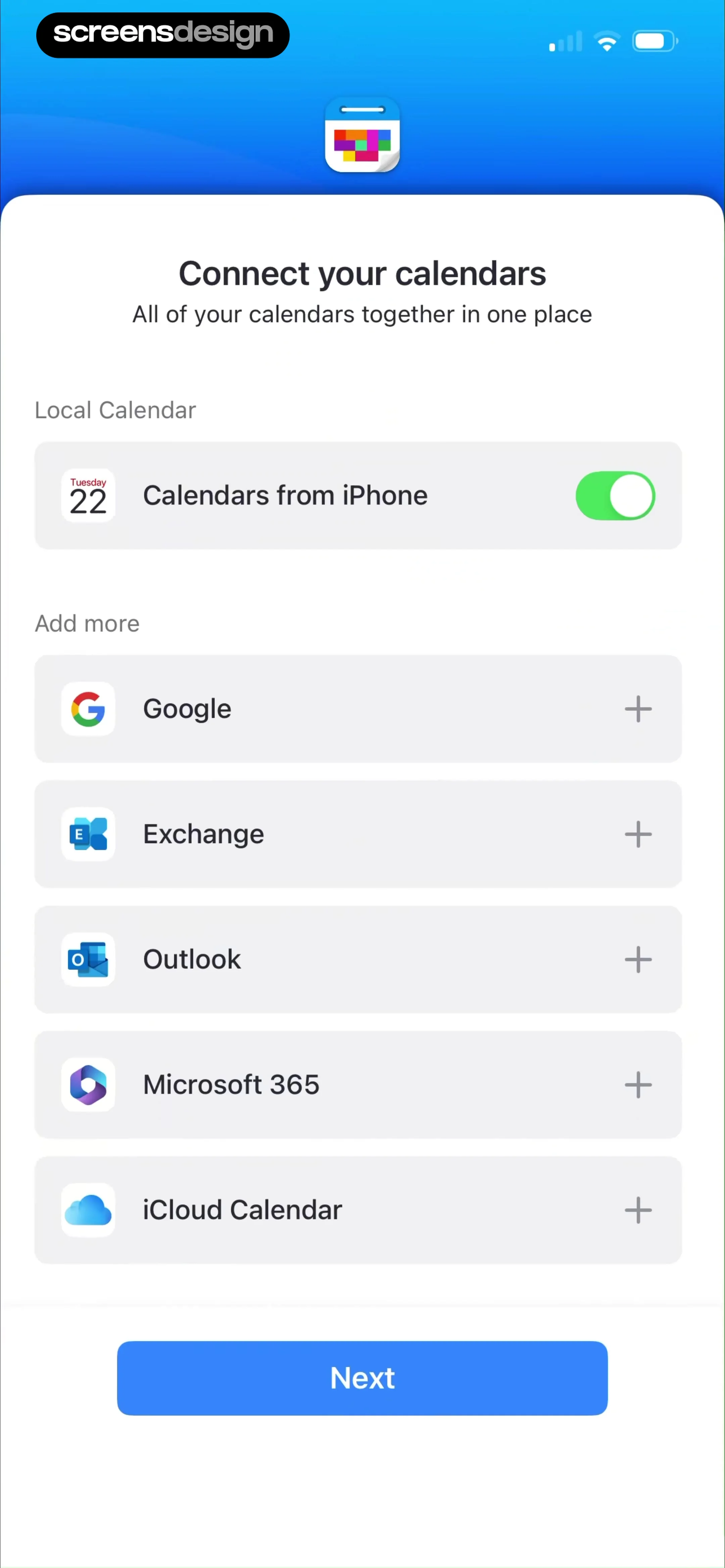
Calendar connection onboarding screen featuring a local calendar toggle and a list of external providers with a Next button.
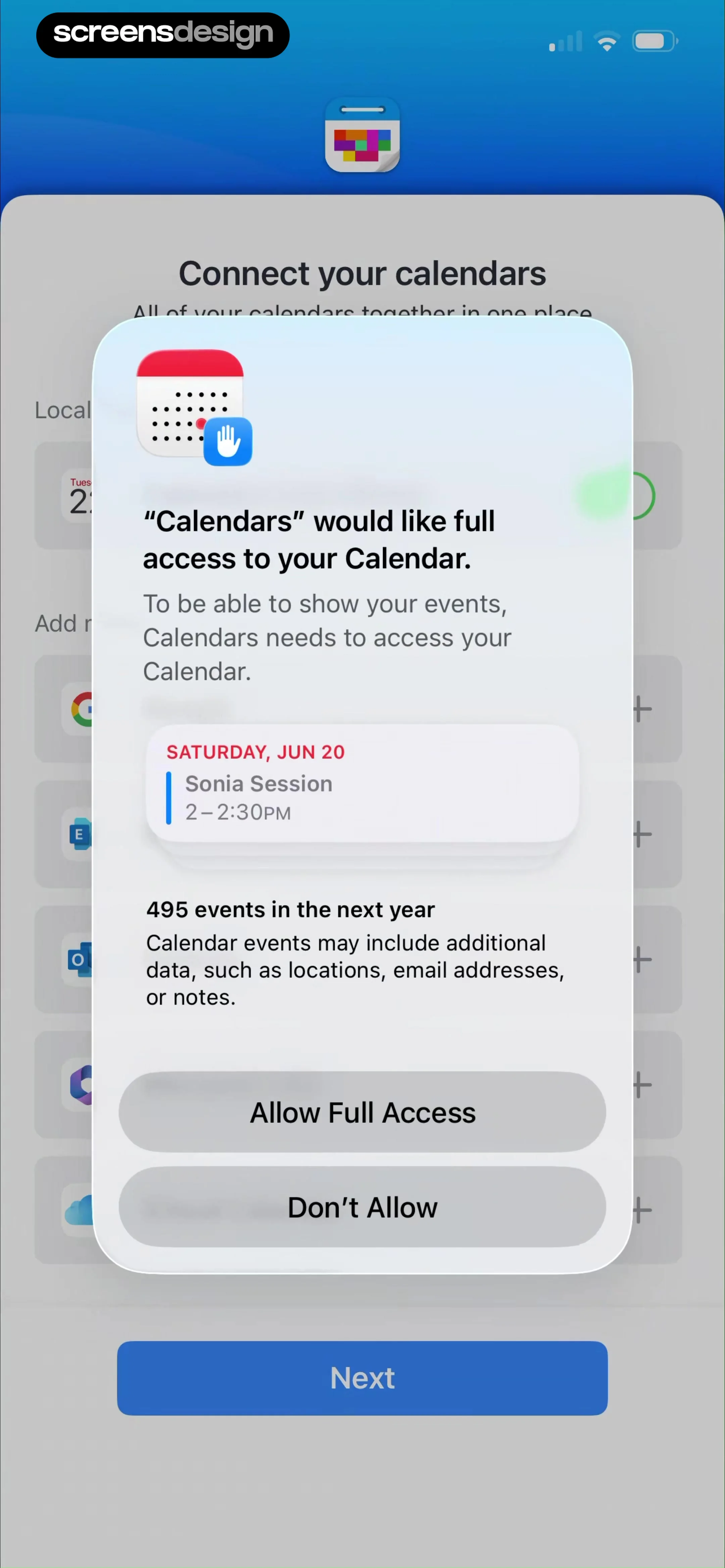
Permission request modal asking for full calendar access, displaying an event preview and Allow Full Access and Don't Allow buttons.
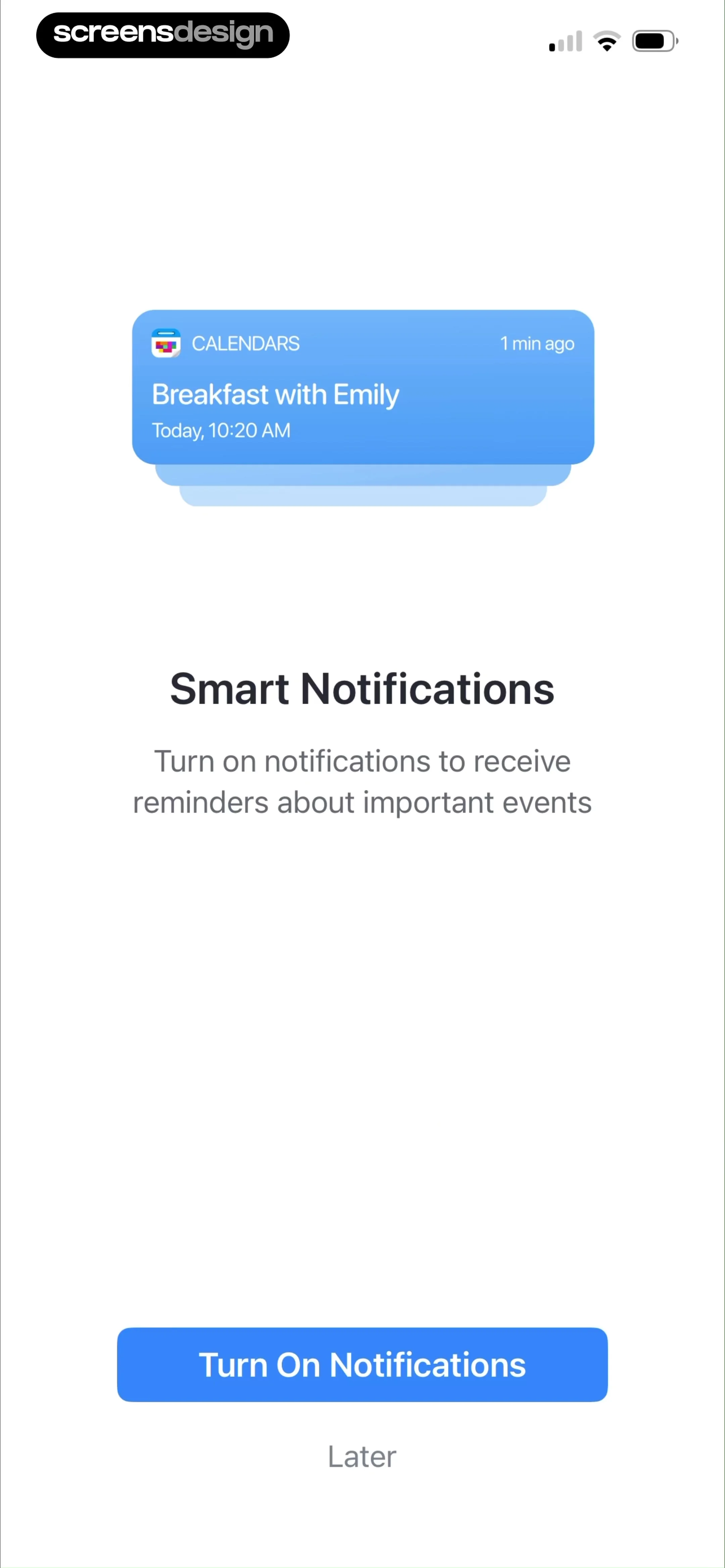
Permission request screen for notifications, featuring a calendar event preview, a primary Turn On Notifications button, and a Later link.
Permission request modal asking to send notifications, featuring Allow and Don't Allow buttons over a calendar notification preview.
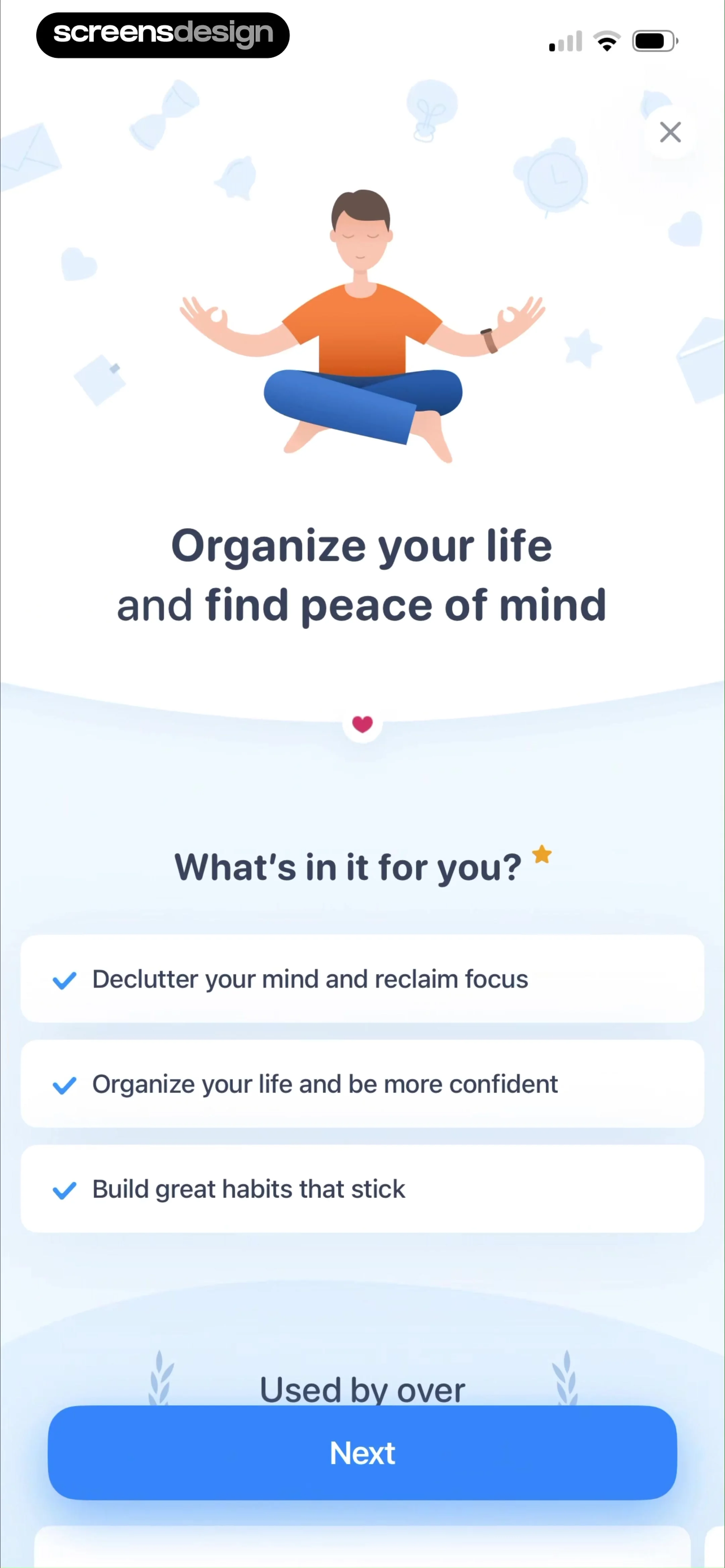
Productivity app onboarding screen displaying a central meditation illustration, a list of three value proposition benefits, and a Next button.
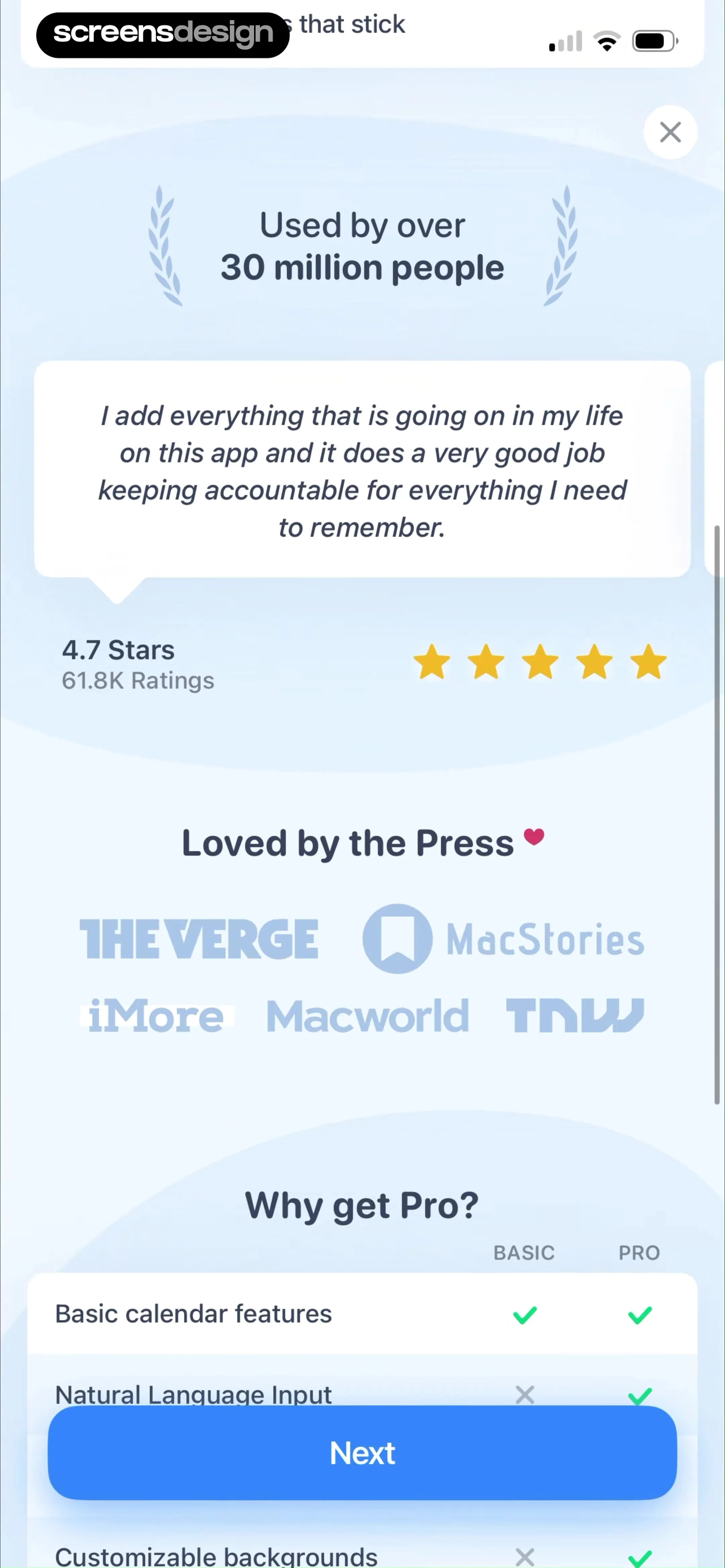
Subscription paywall displaying user testimonials, a feature comparison table for Basic and Pro plans, and a Next button.
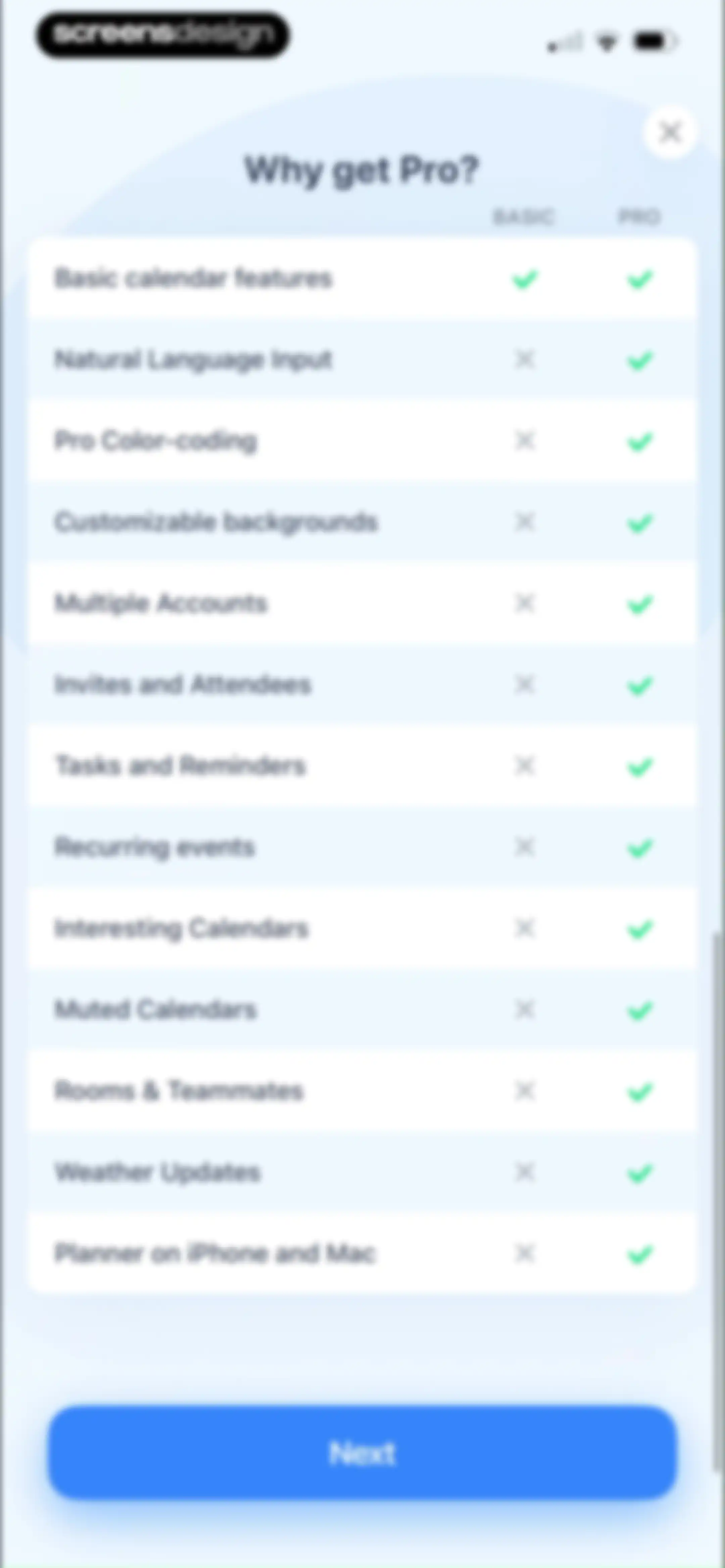
Paywall screen featuring a feature comparison table between Basic and Pro tiers, titled Why get Pro? with a Next button at the bottom.Unlock Pro
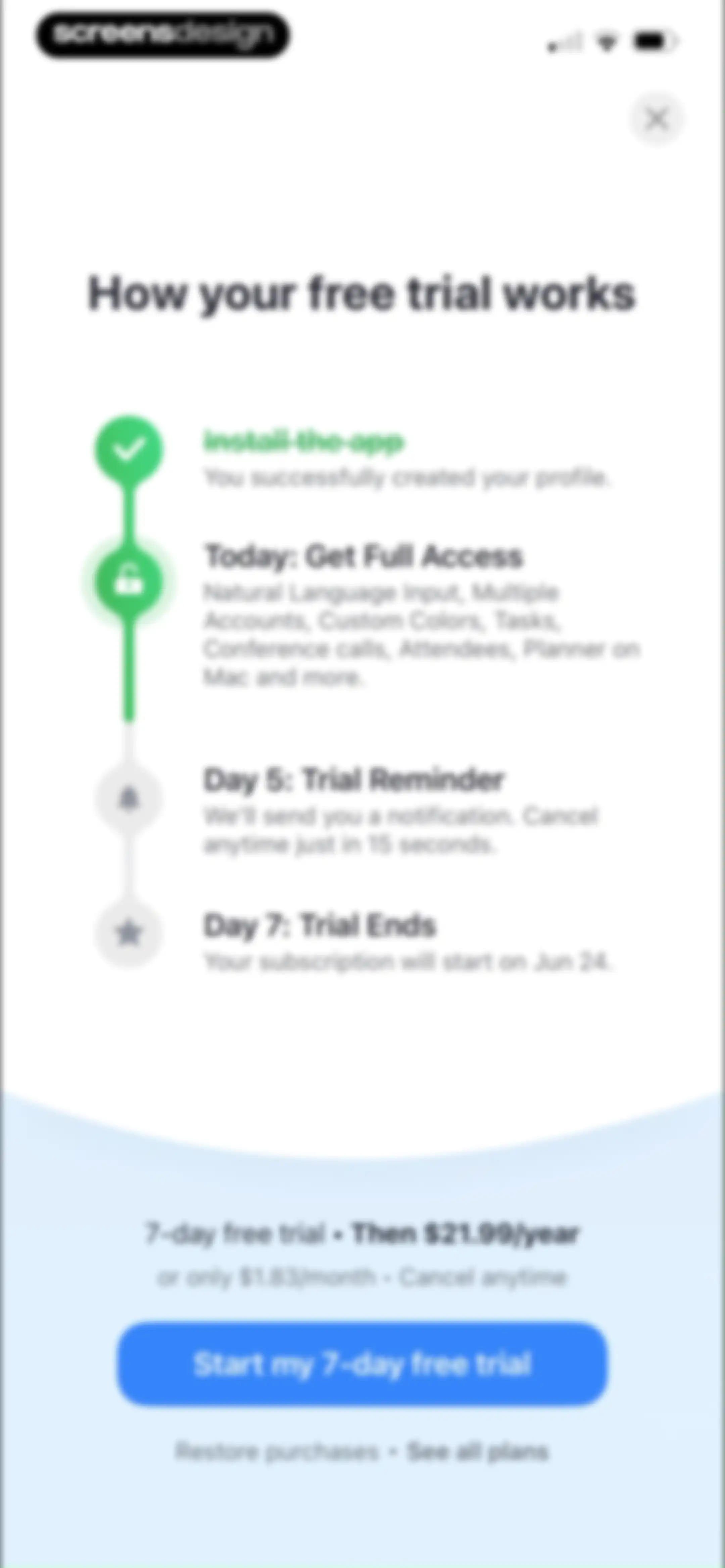
Paywall screen detailing free trial steps and pricing with an annual plan summary and a start trial button.Unlock Pro
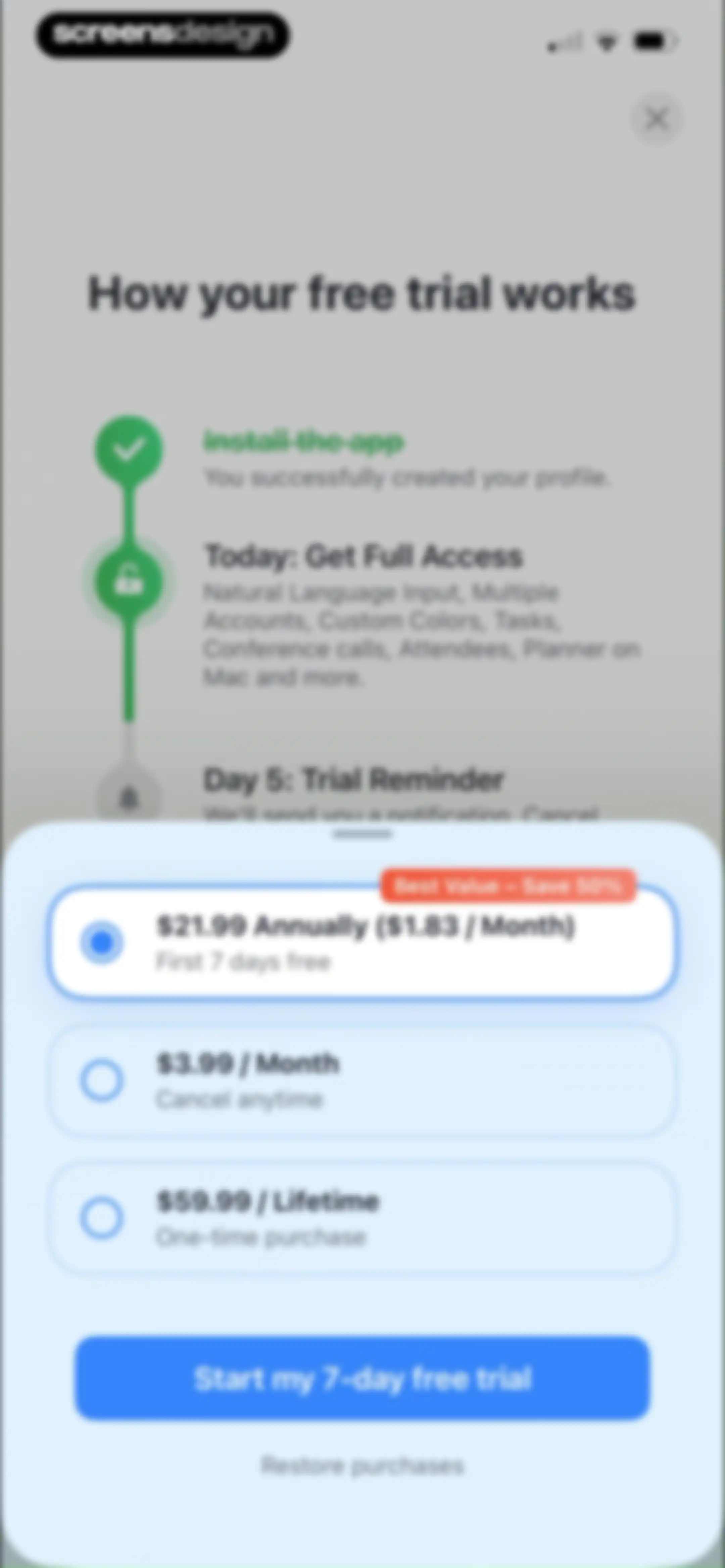
Paywall screen detailing free trial steps and subscription plans, featuring annual, monthly, and lifetime options with a start free trial button.Unlock Pro
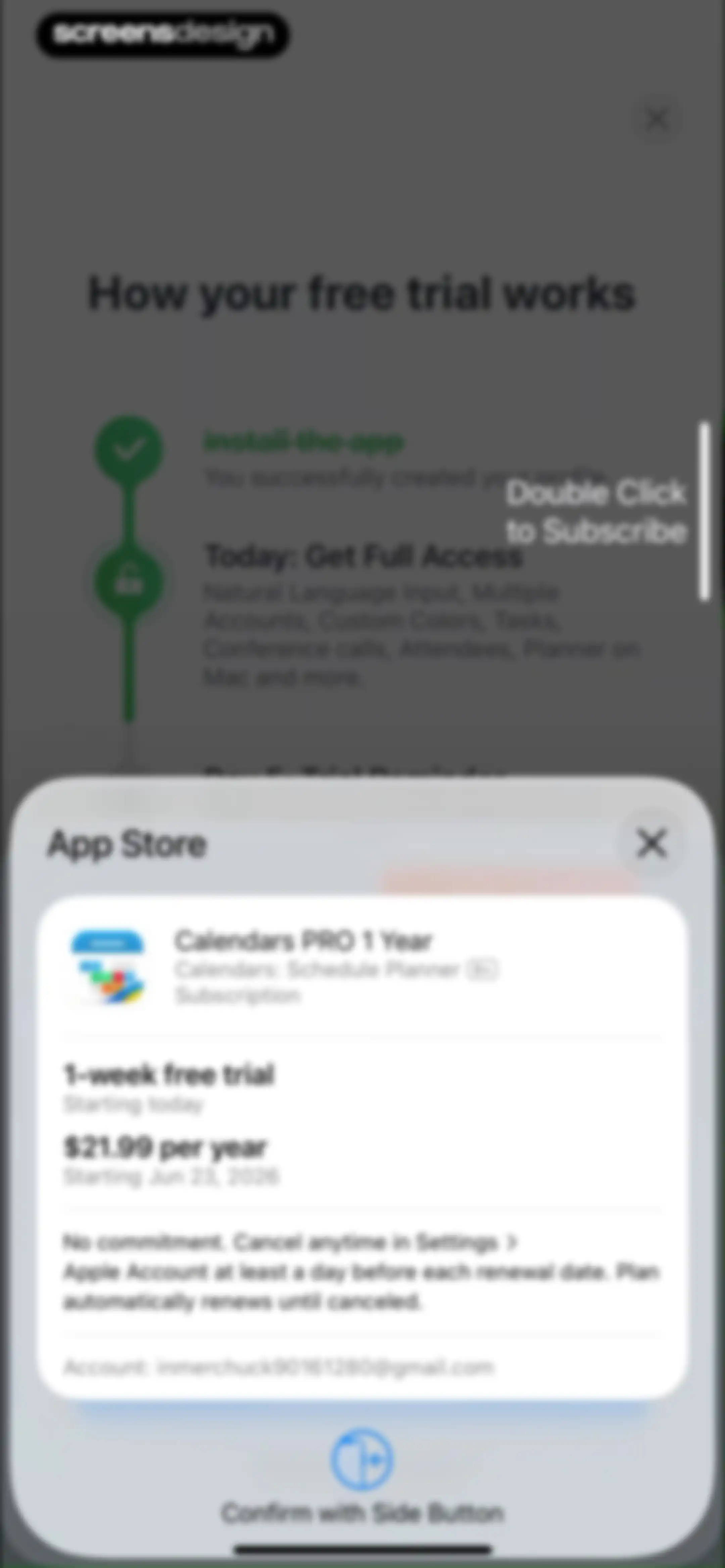
Subscription confirmation modal for Calendars PRO displaying a one-week free trial and annual pricing details.Unlock Pro
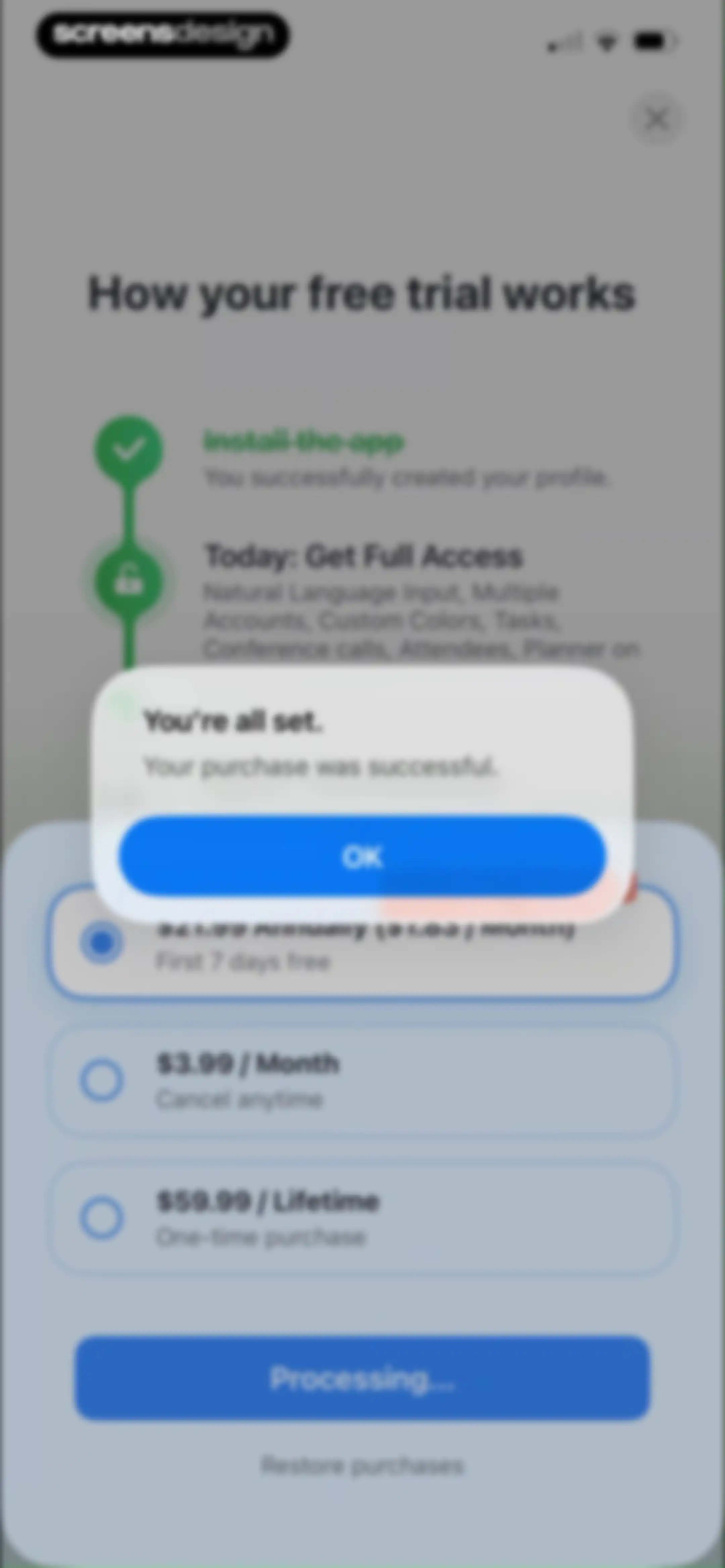
Paywall screen with a subscription confirmation modal displaying a successful purchase message and an OK button.Unlock Pro
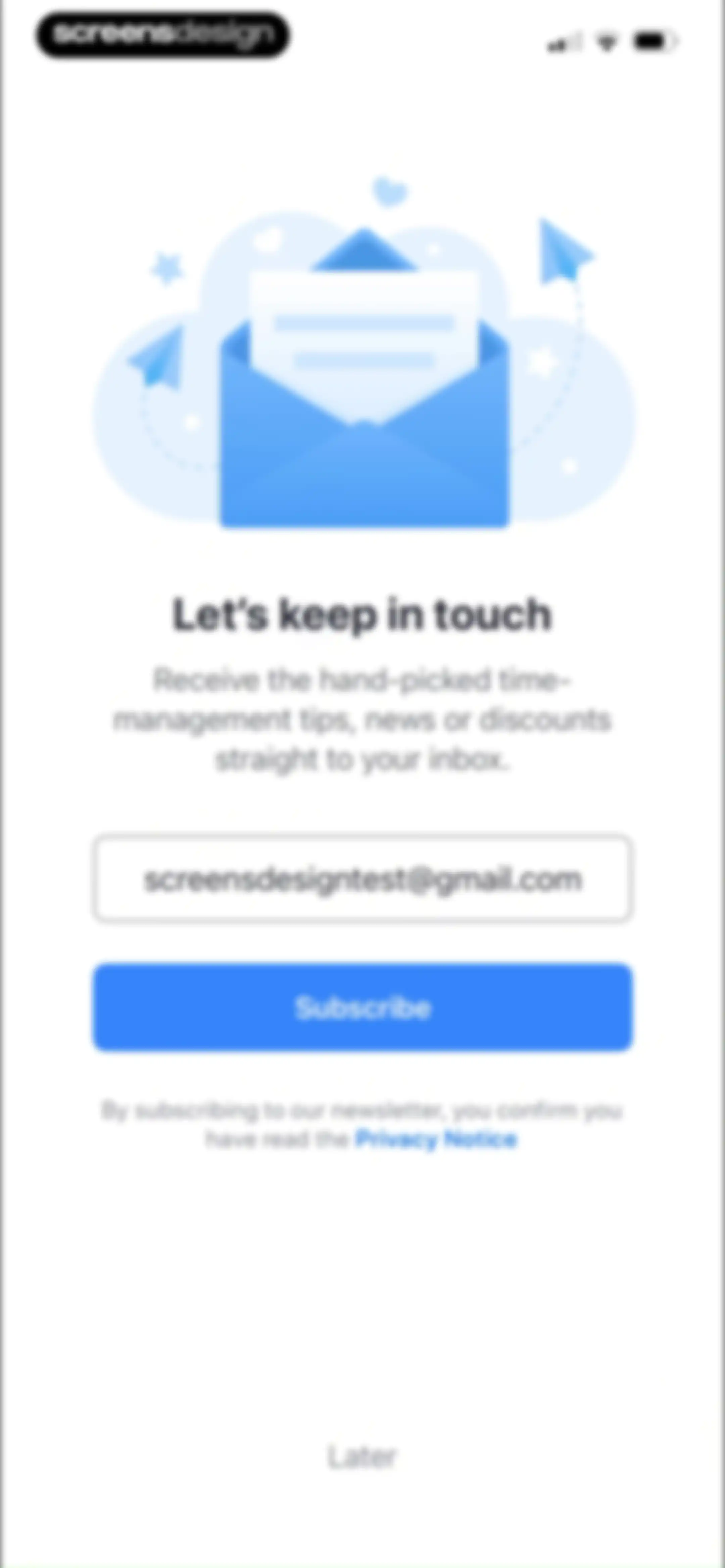
Newsletter subscription form with a pre-filled email address, a Subscribe button, and a skip link at the bottom.Unlock Pro
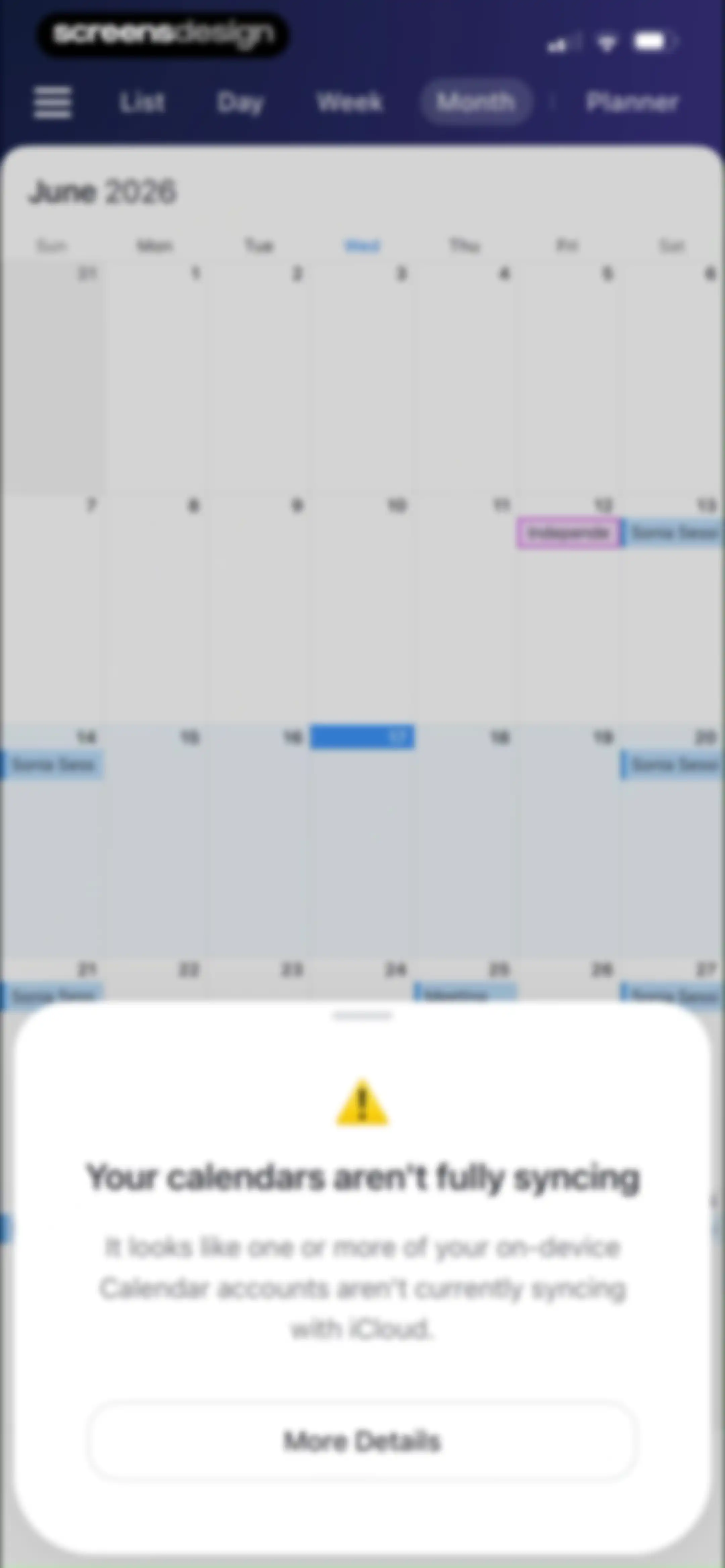
Calendar monthly view with a sync warning modal stating that calendars are not fully syncing, featuring a More Details button.Unlock Pro
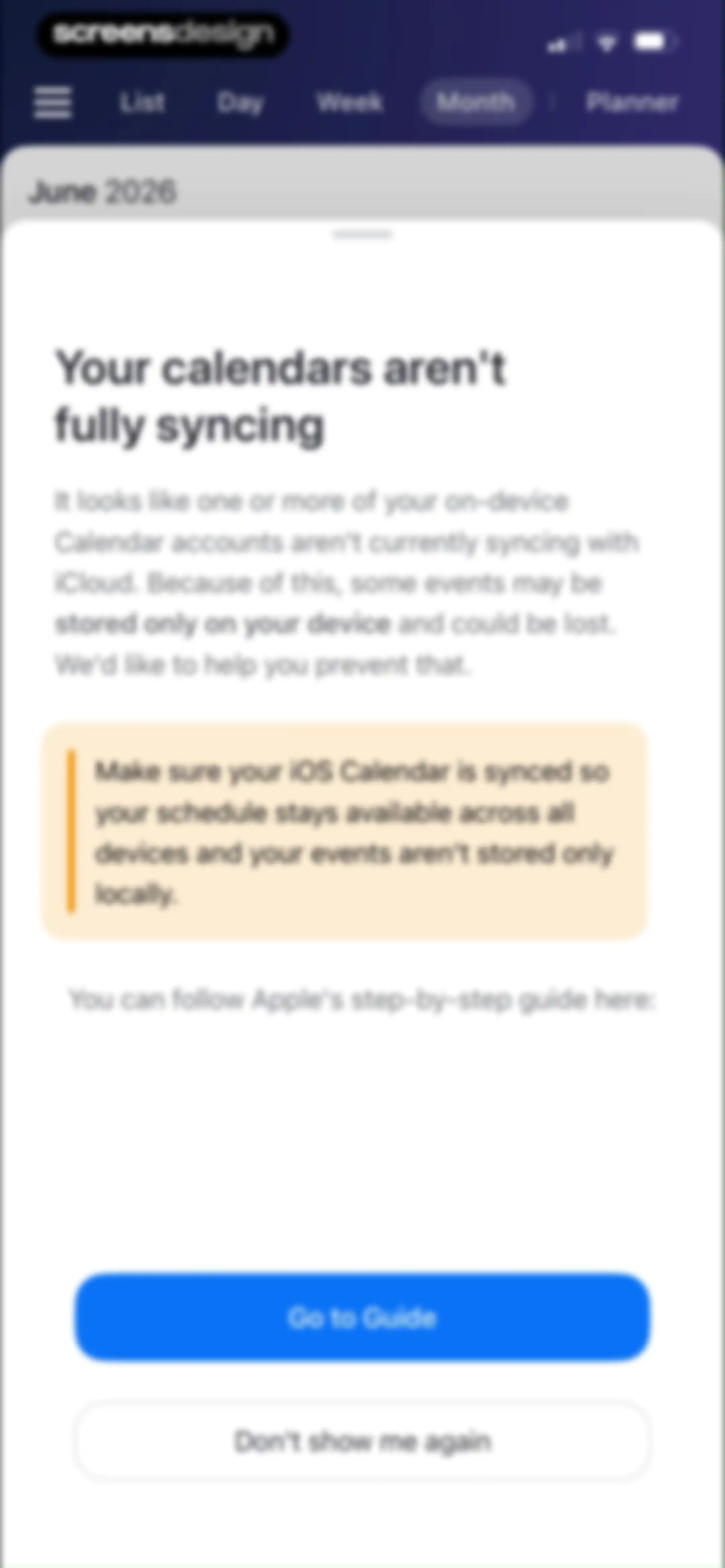
Calendar sync alert modal warning about potential data loss, with a Go to Guide button and a Don't show me again option.Unlock Pro
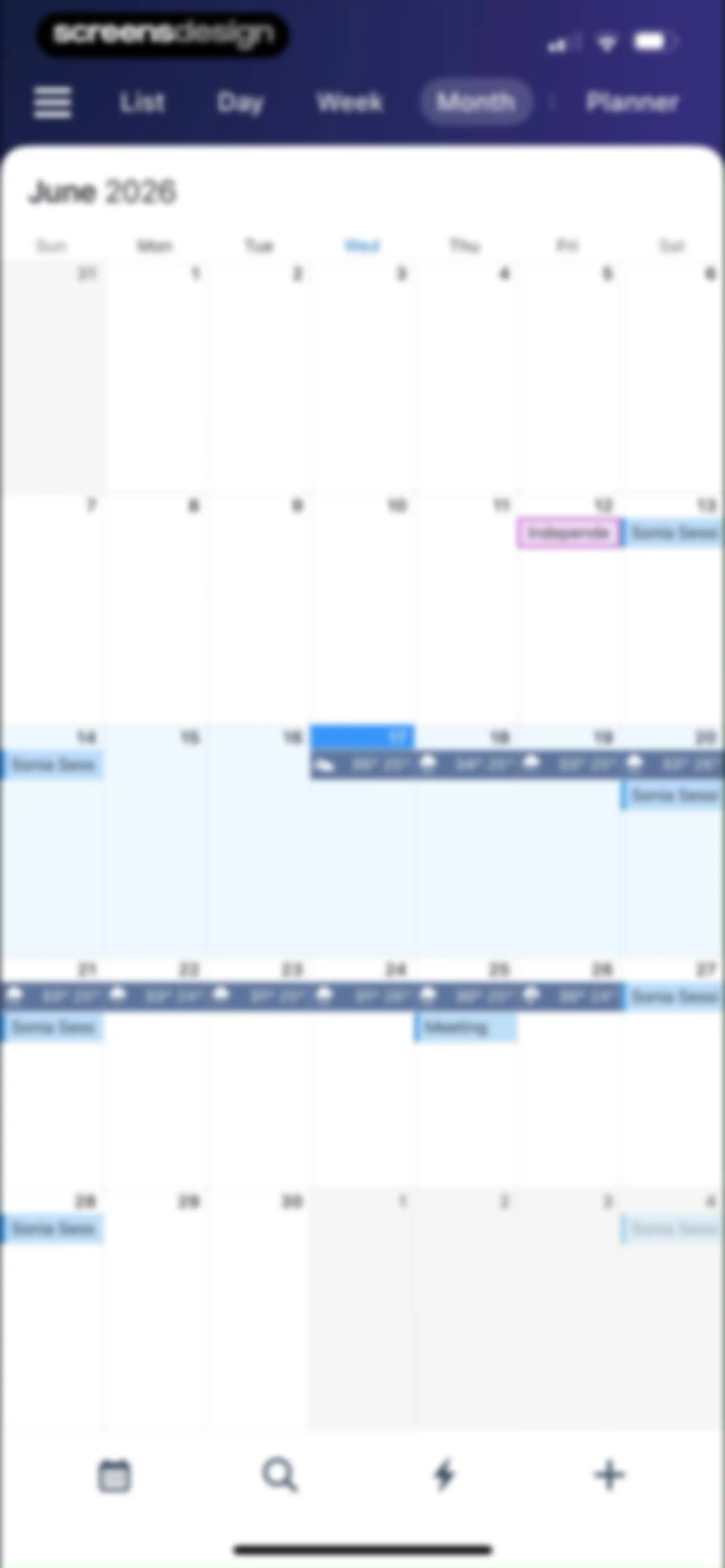
Monthly calendar screen showing June 2026 with the month view selected, event labels, weather icons, and a bottom navigation bar.Unlock Pro
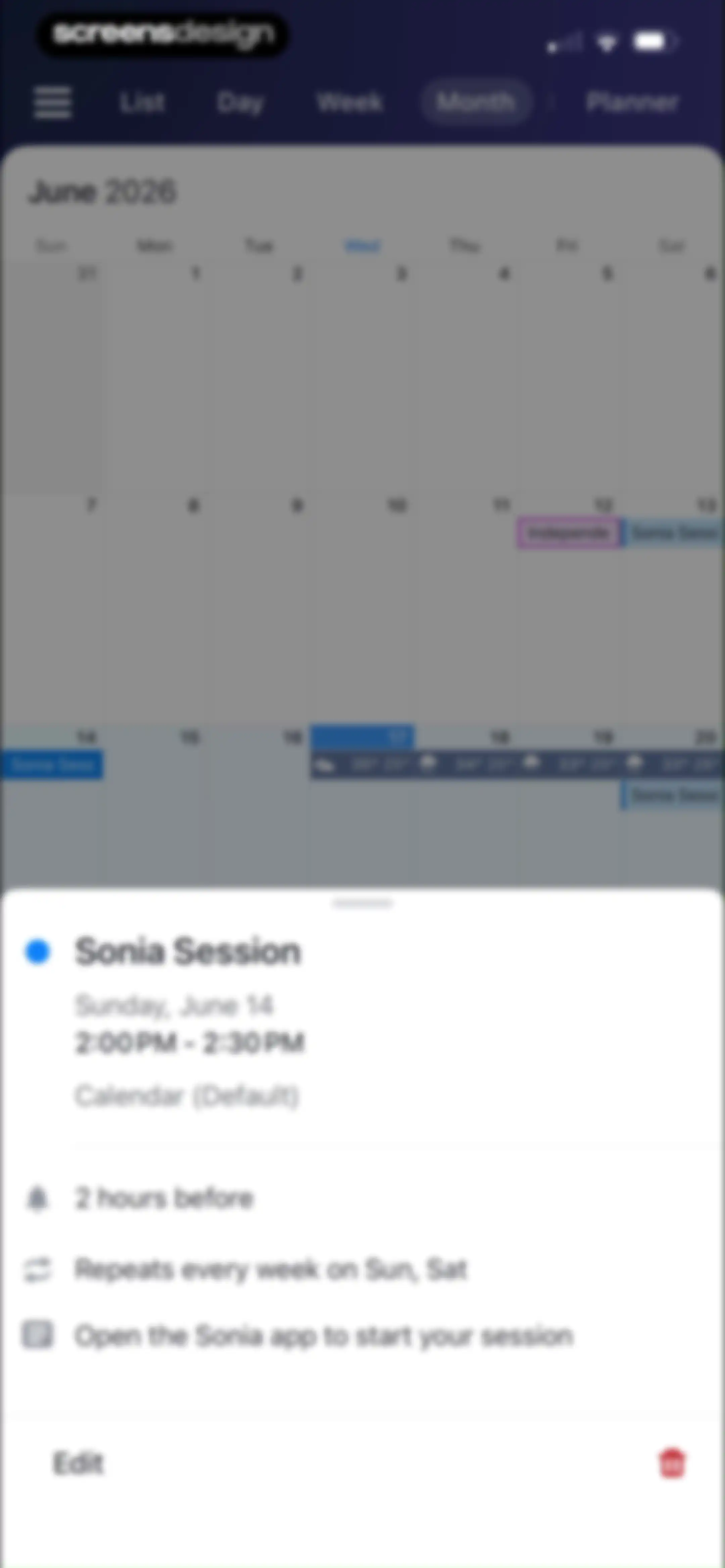
Calendar home screen displaying a June 2026 monthly grid with a bottom modal showing details for the Sonia Session event.Unlock Pro
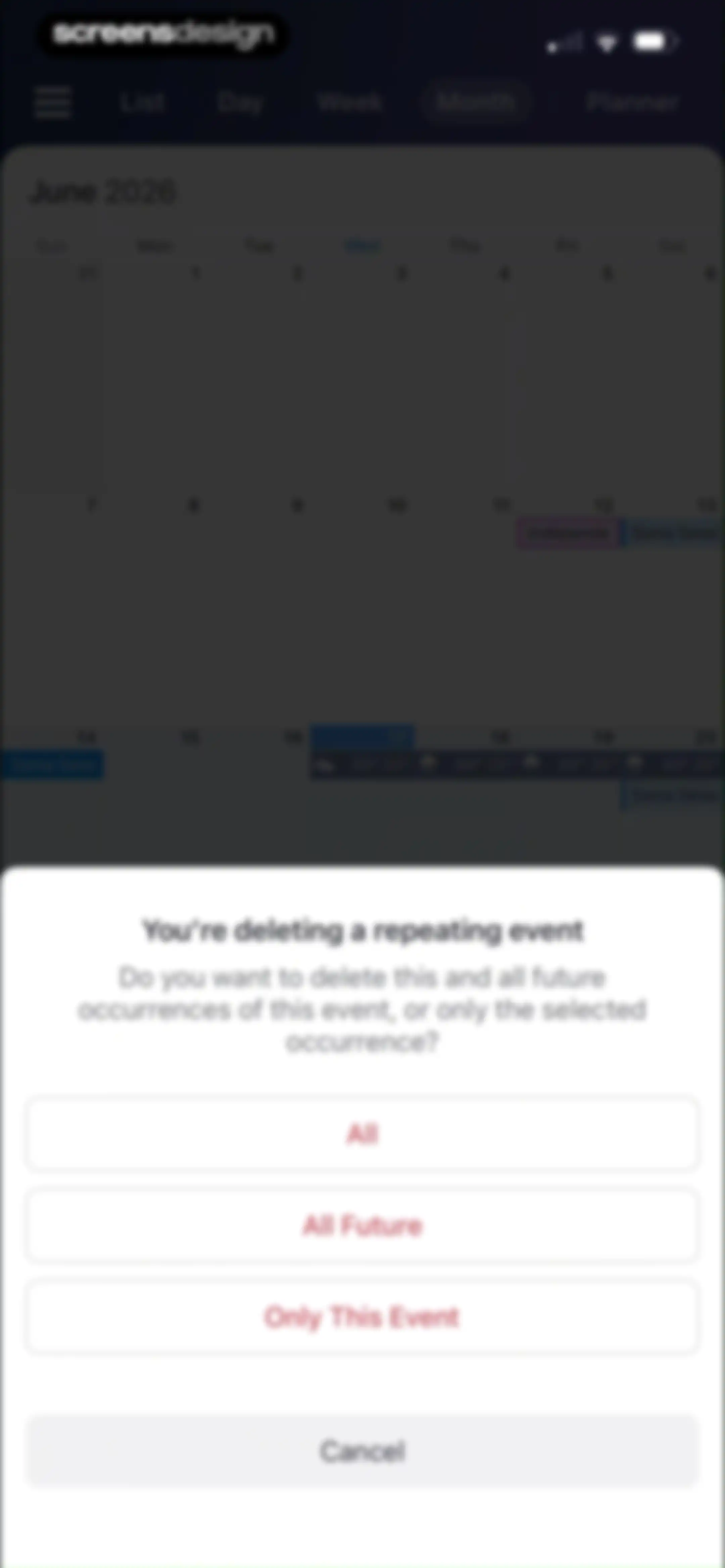
Event deletion confirmation modal over a monthly calendar, prompting the user to choose between all, all future, or only this event.Unlock Pro
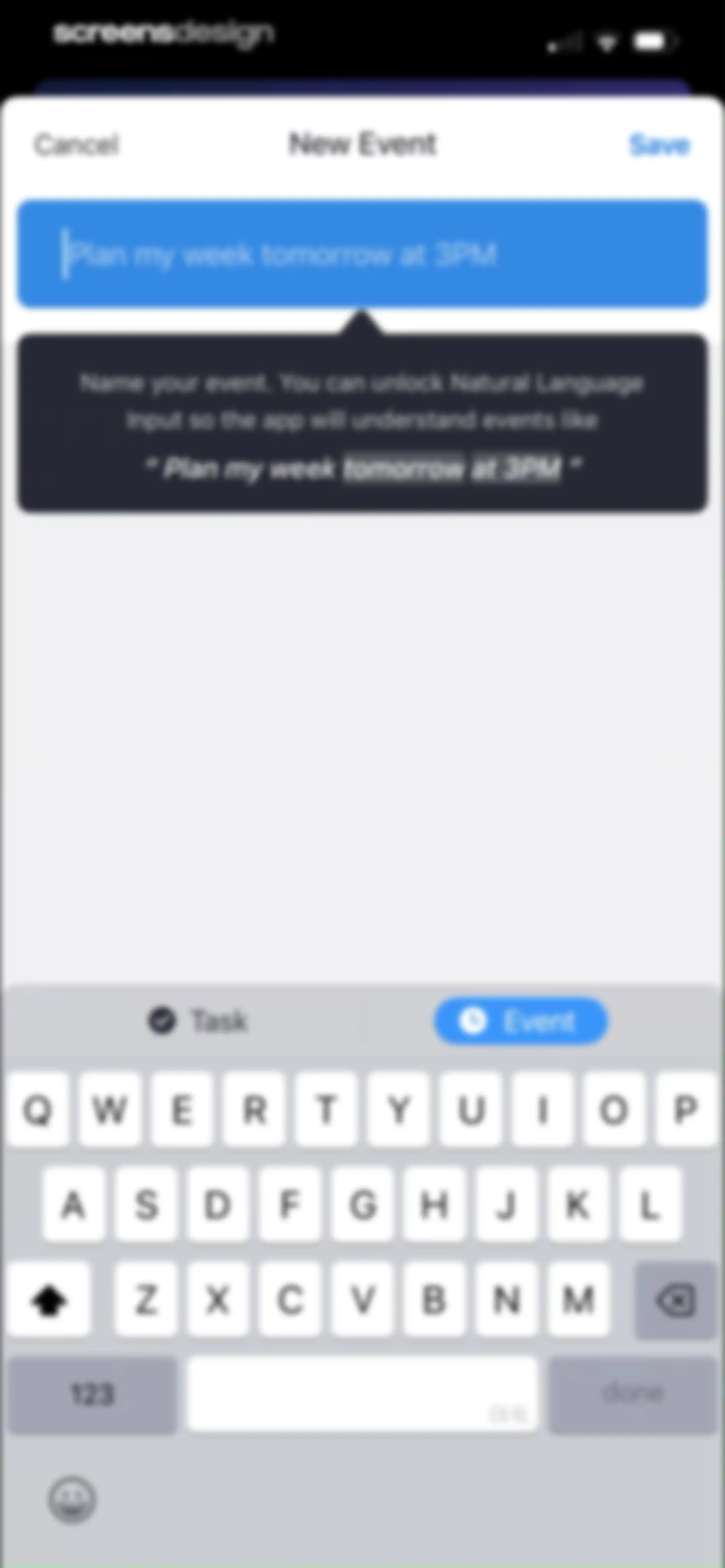
Event creation editor with a pre-filled natural language input field, a feature callout, a bottom mode toggle, and a Save button.Unlock Pro
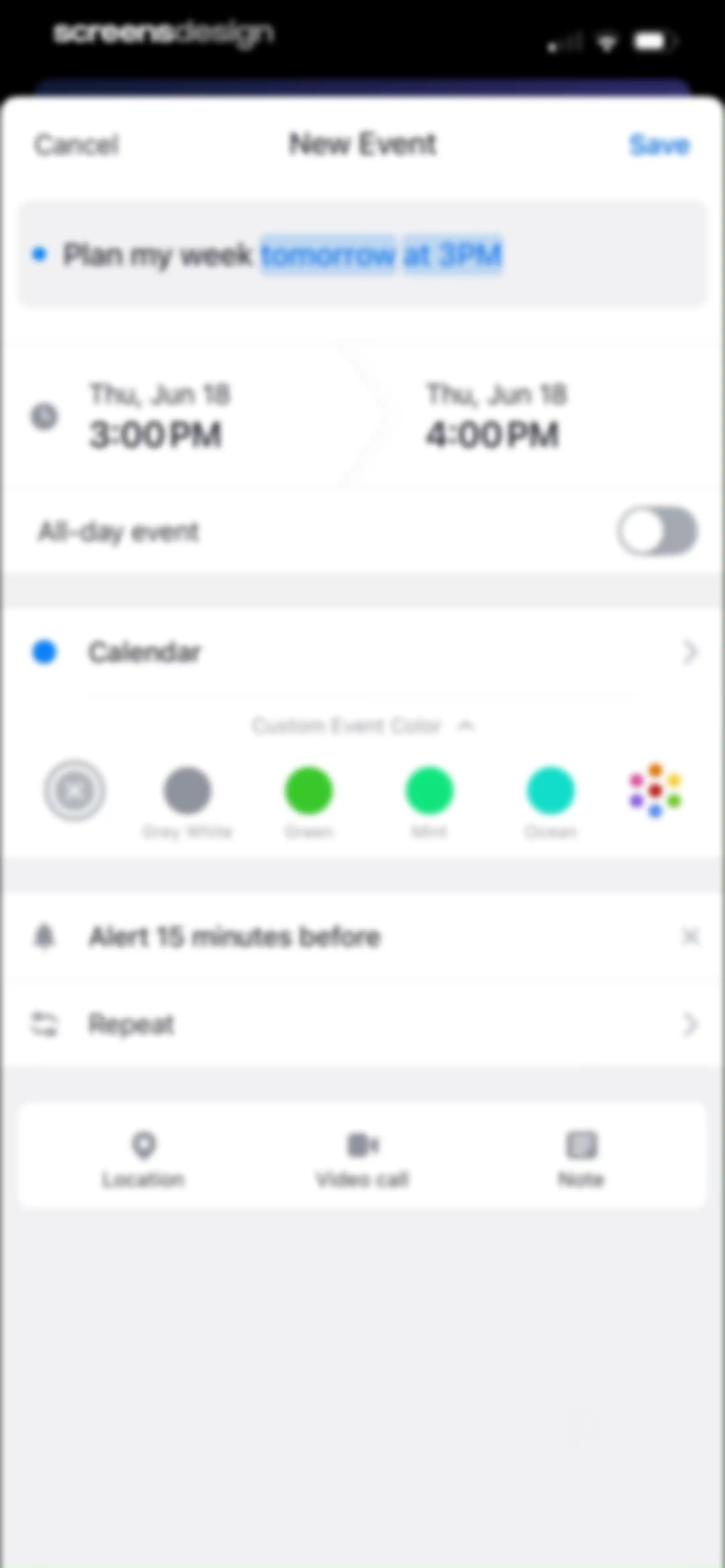
New event creation form with input fields for title, time selectors, color options, and a Save button.Unlock Pro
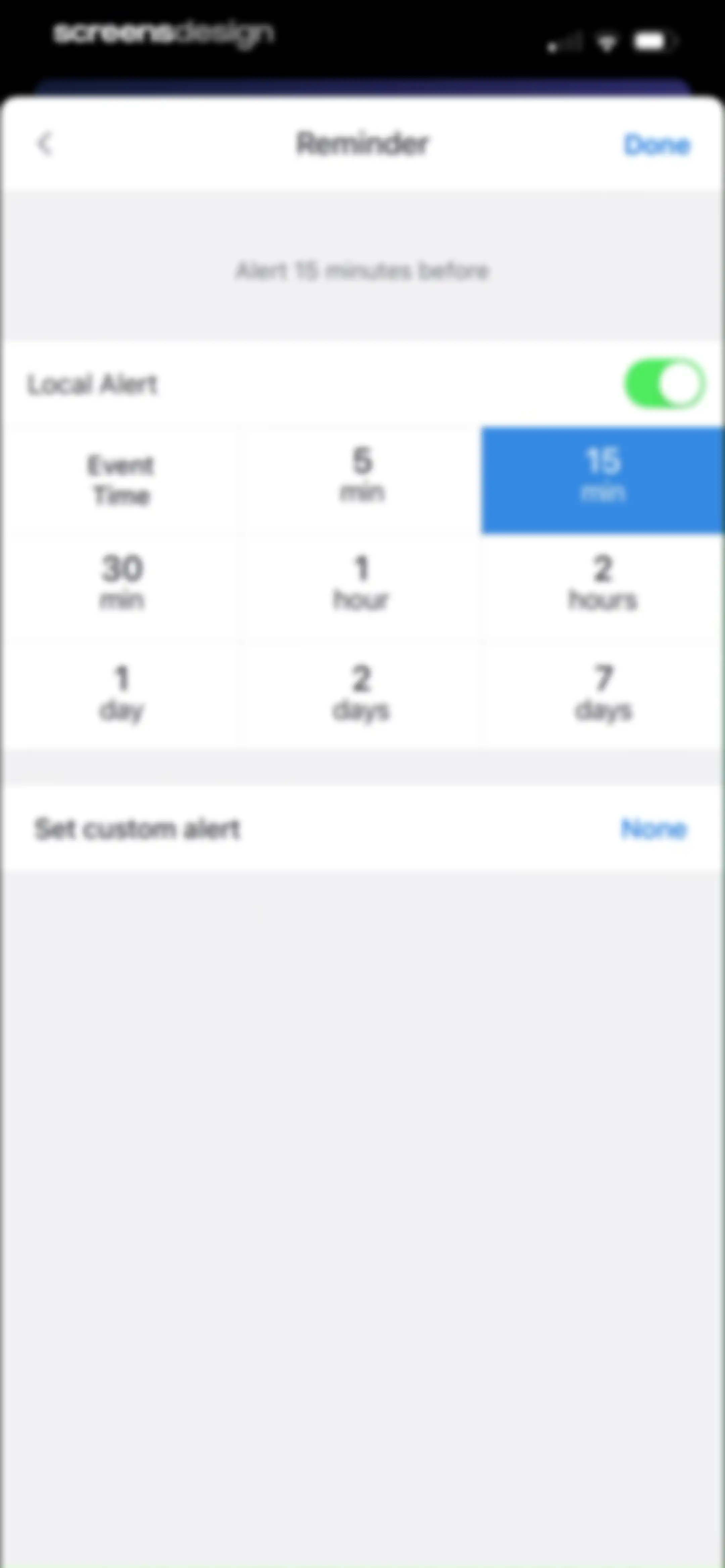
Reminder configuration form with a 3x3 grid of time options, the 15 min option selected in blue, a local alert toggle, and a Done button.Unlock Pro
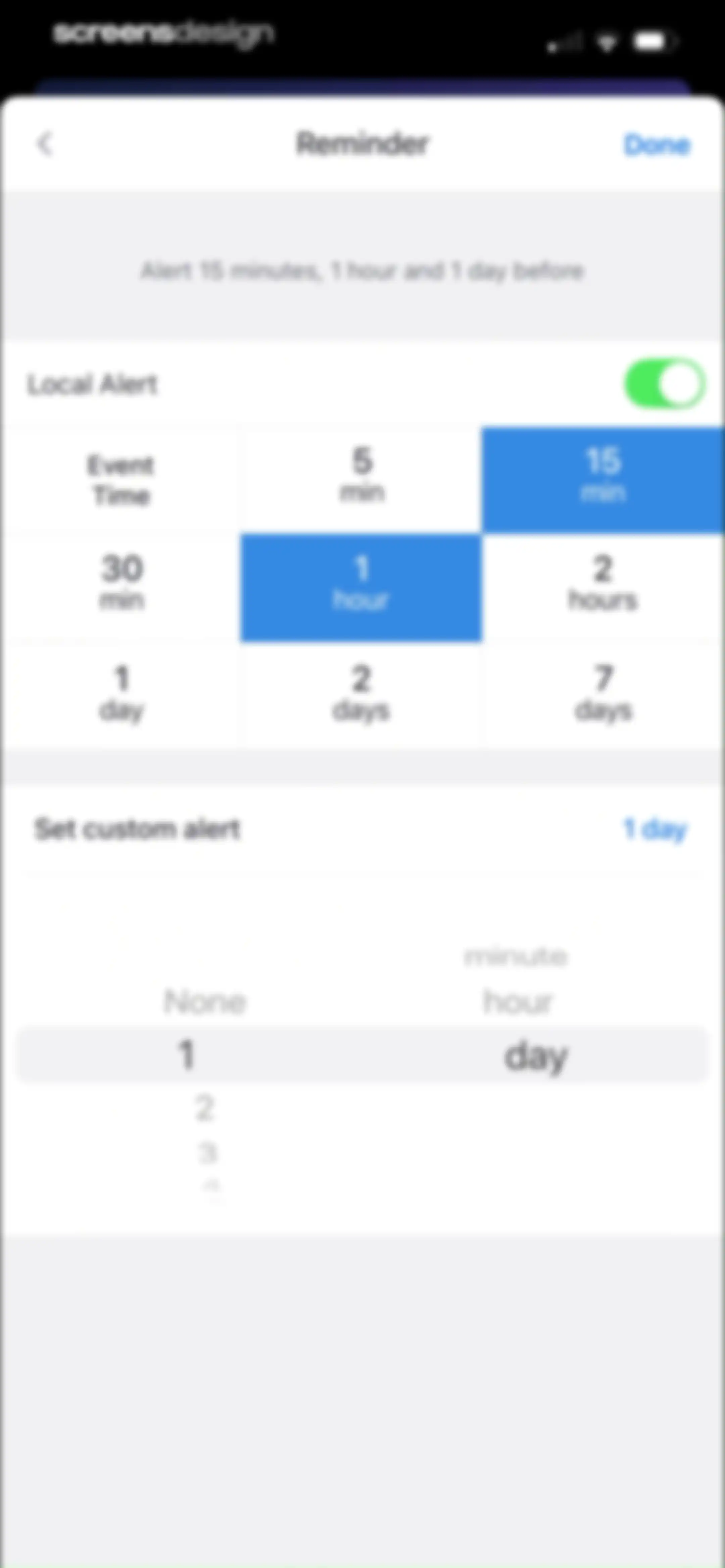
Reminder configuration form with a time option grid, selected 15-minute and 1-hour alerts, and a Done button.Unlock Pro
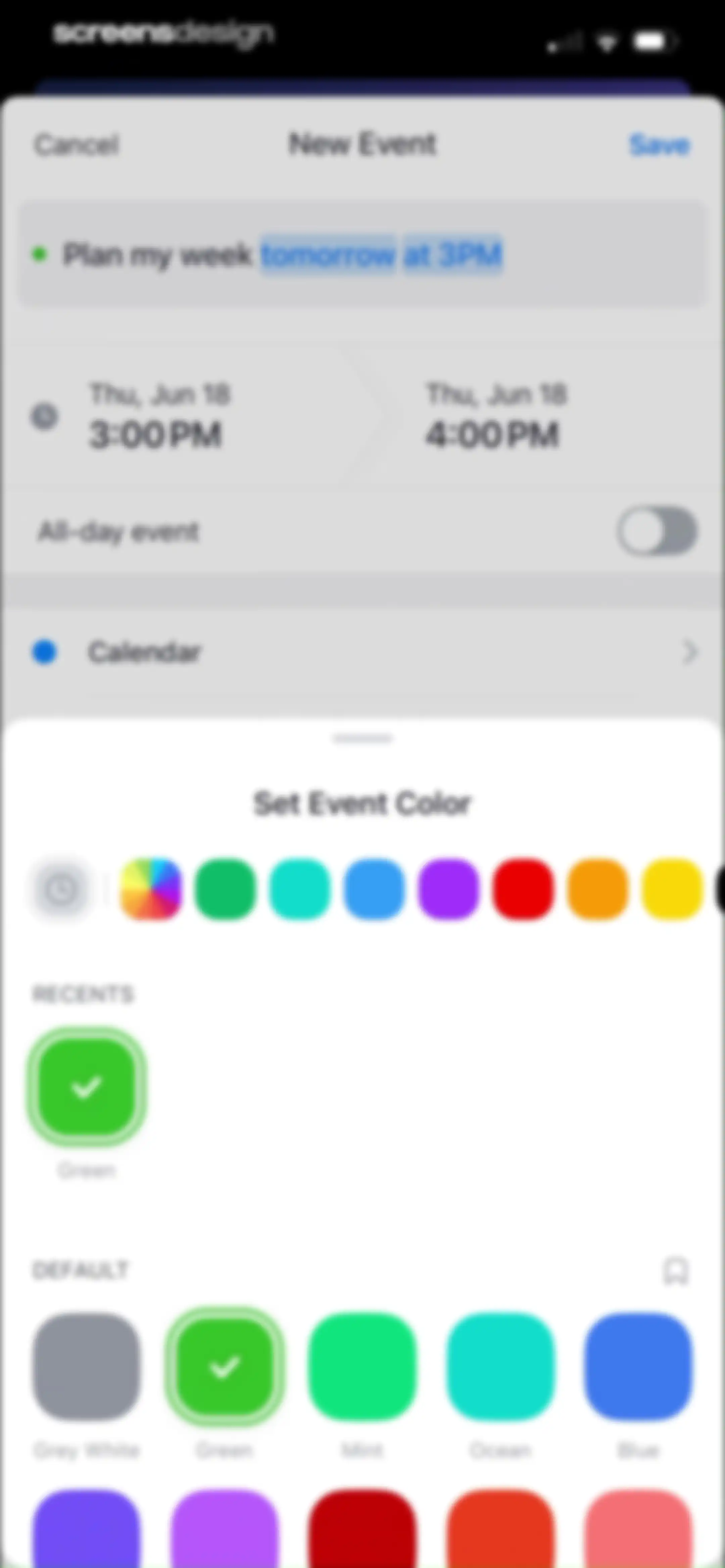
Calendar event creation form with a bottom sheet overlay for color selection, showing the Green color selected and a Save button.Unlock Pro
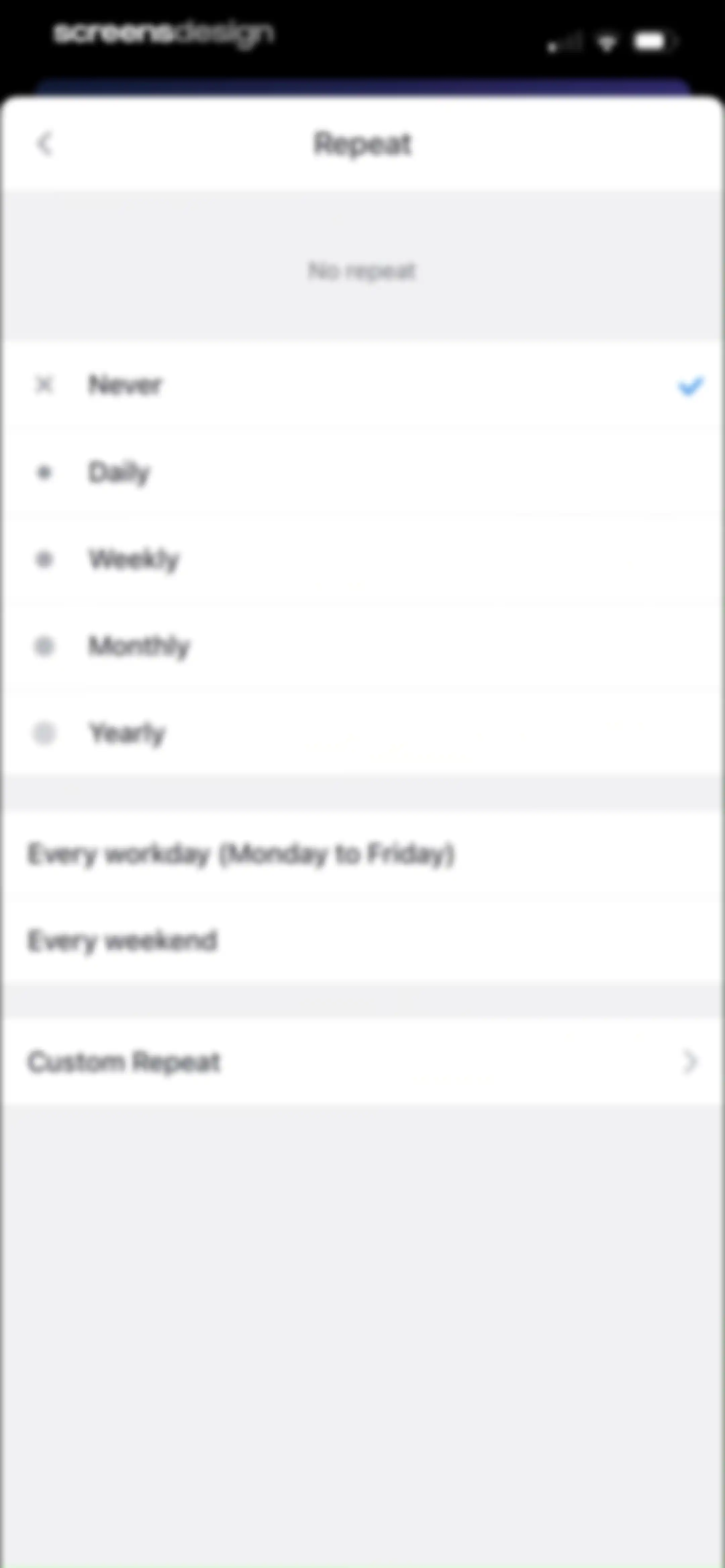
Repeat settings screen with a vertical list of recurrence options, showing the Never option selected with a checkmark.Unlock Pro
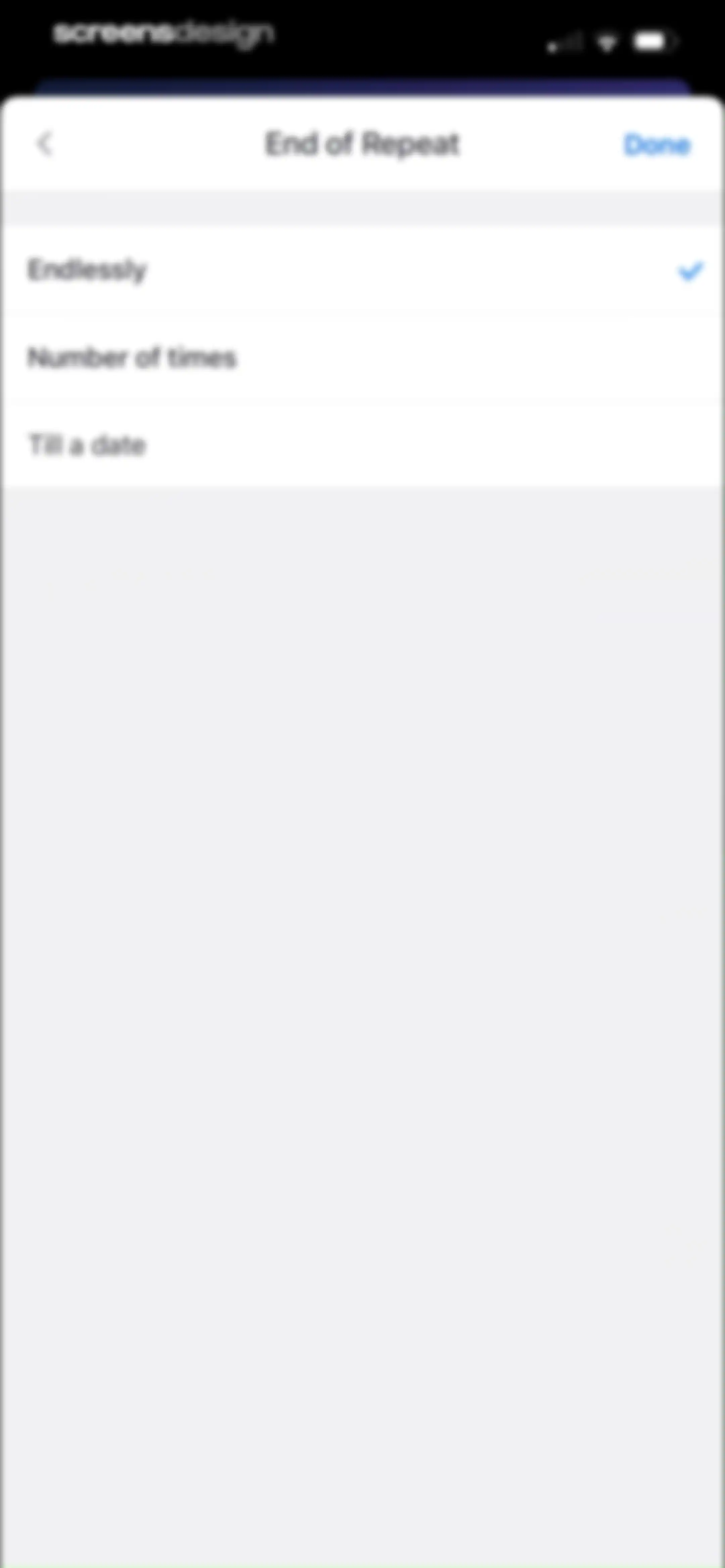
Modal selection menu for End of Repeat options with Endlessly selected and a Done button.Unlock Pro
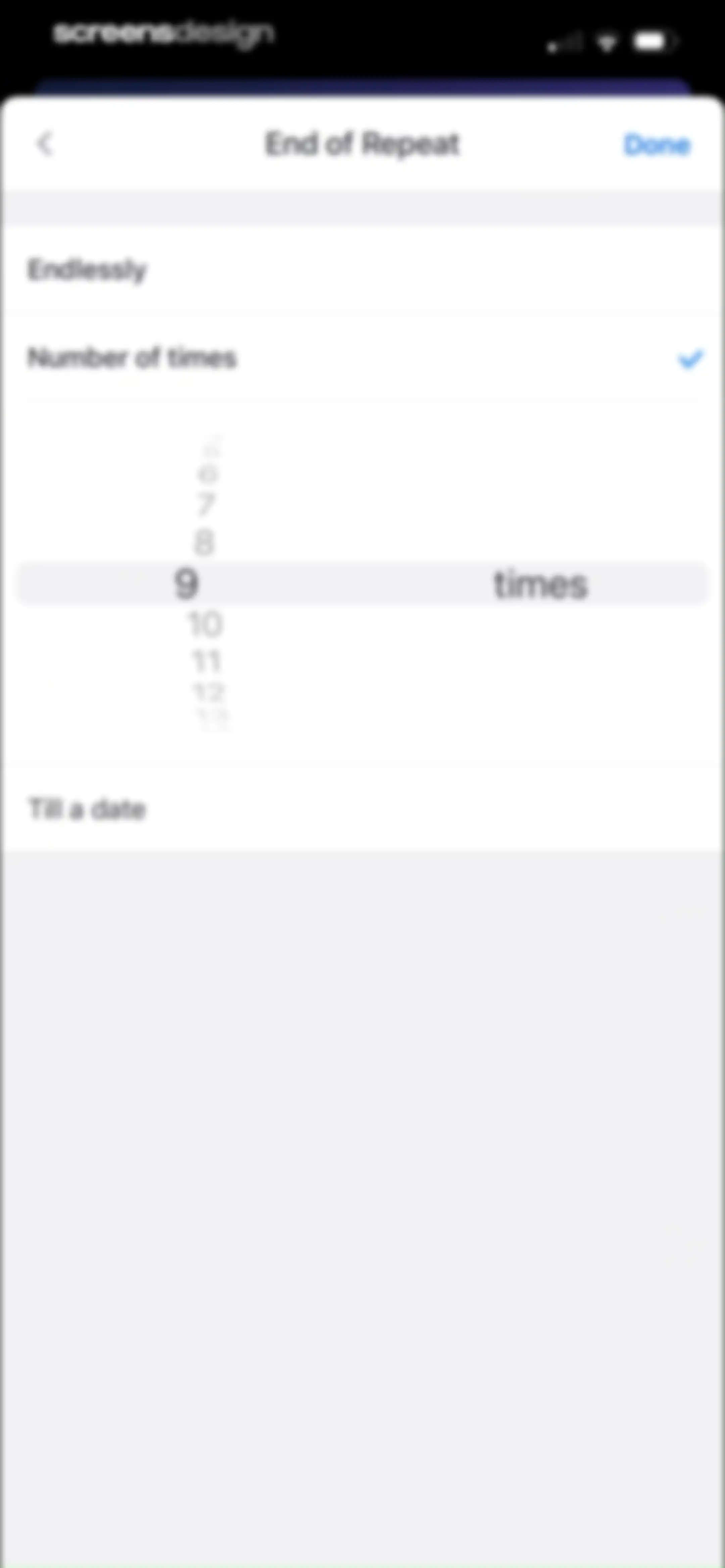
Recurrence end settings form titled End of Repeat, with Number of times selected, a picker set to nine, and a Done button.Unlock Pro
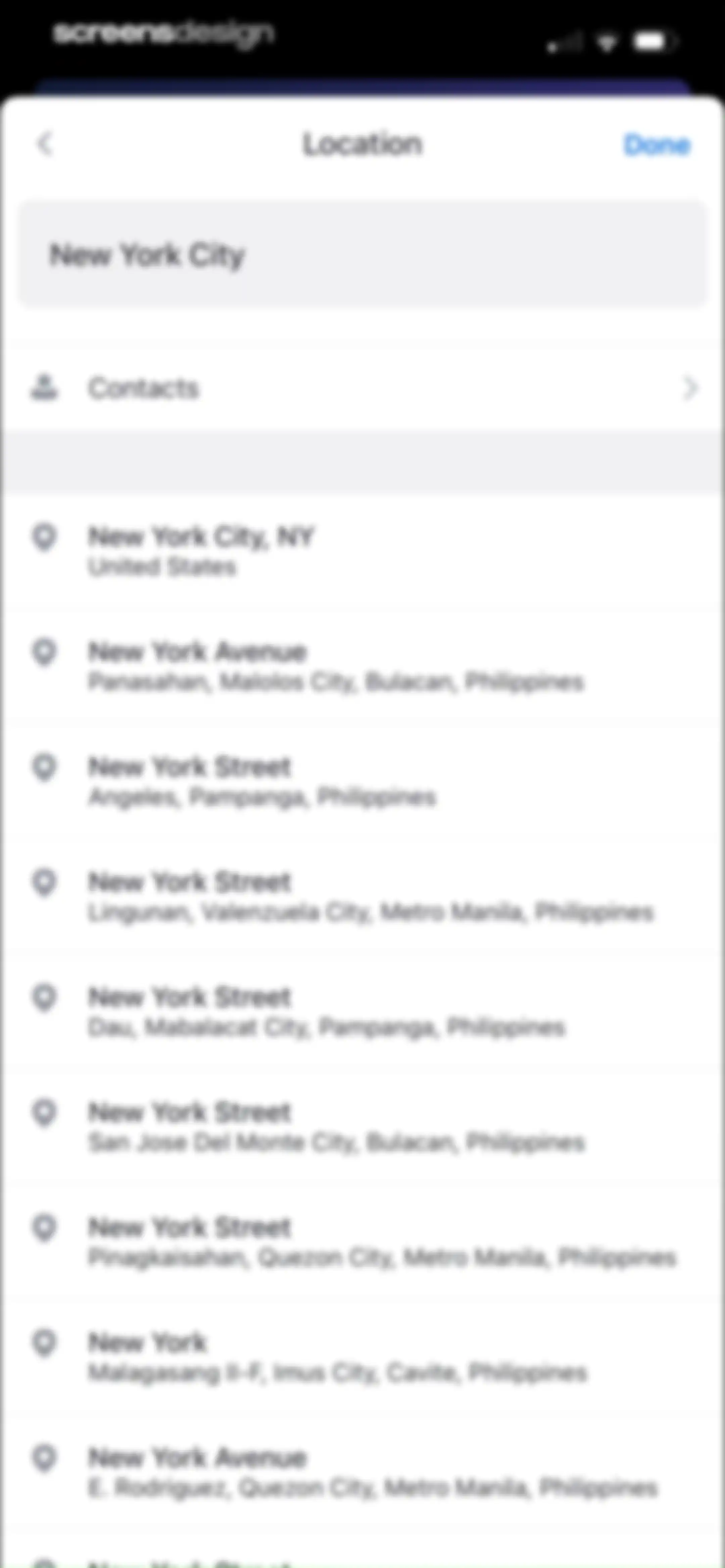
Location search screen displaying a search field filled with New York City, a contacts shortcut, and a scrollable list of address results.Unlock Pro
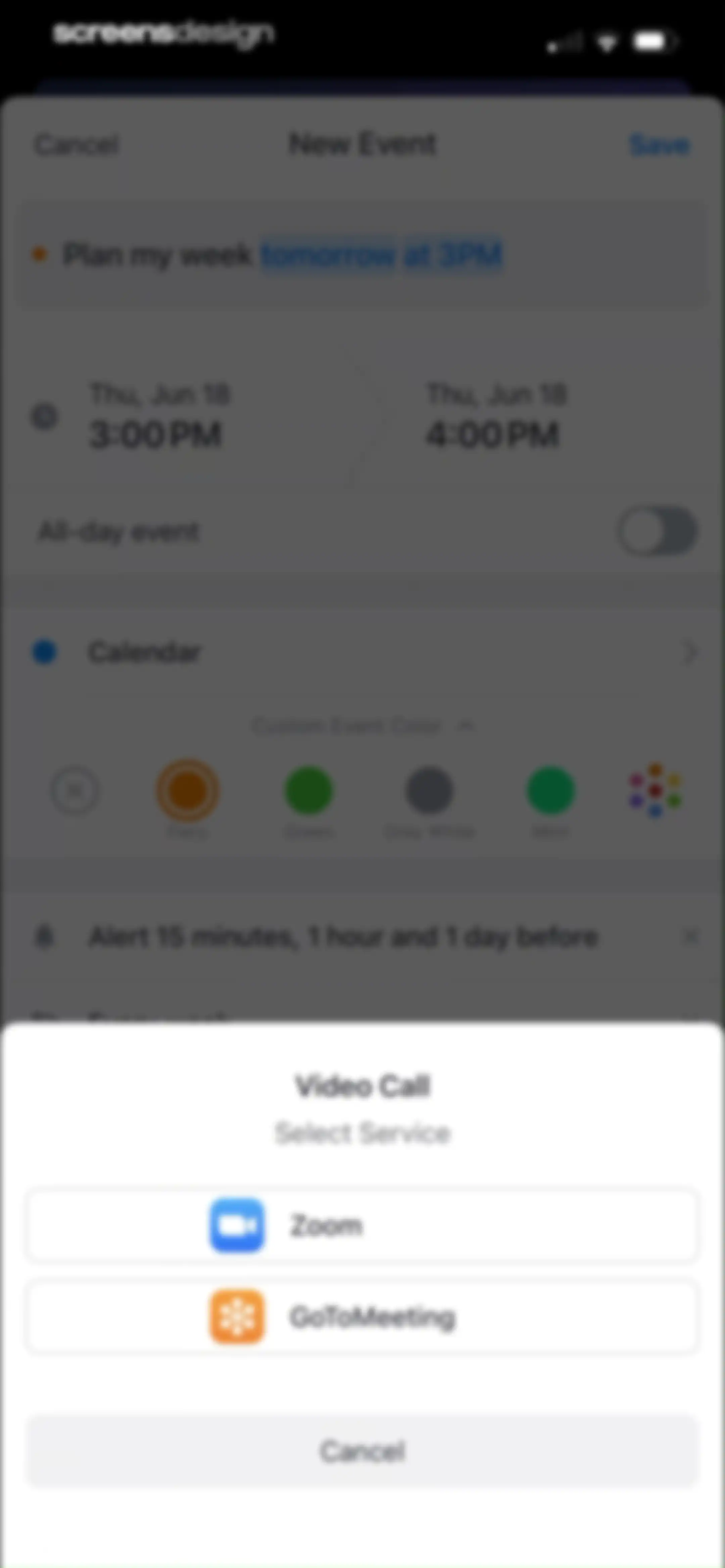
Event creation form with a video call selection modal displaying Zoom and GoToMeeting options.Unlock Pro
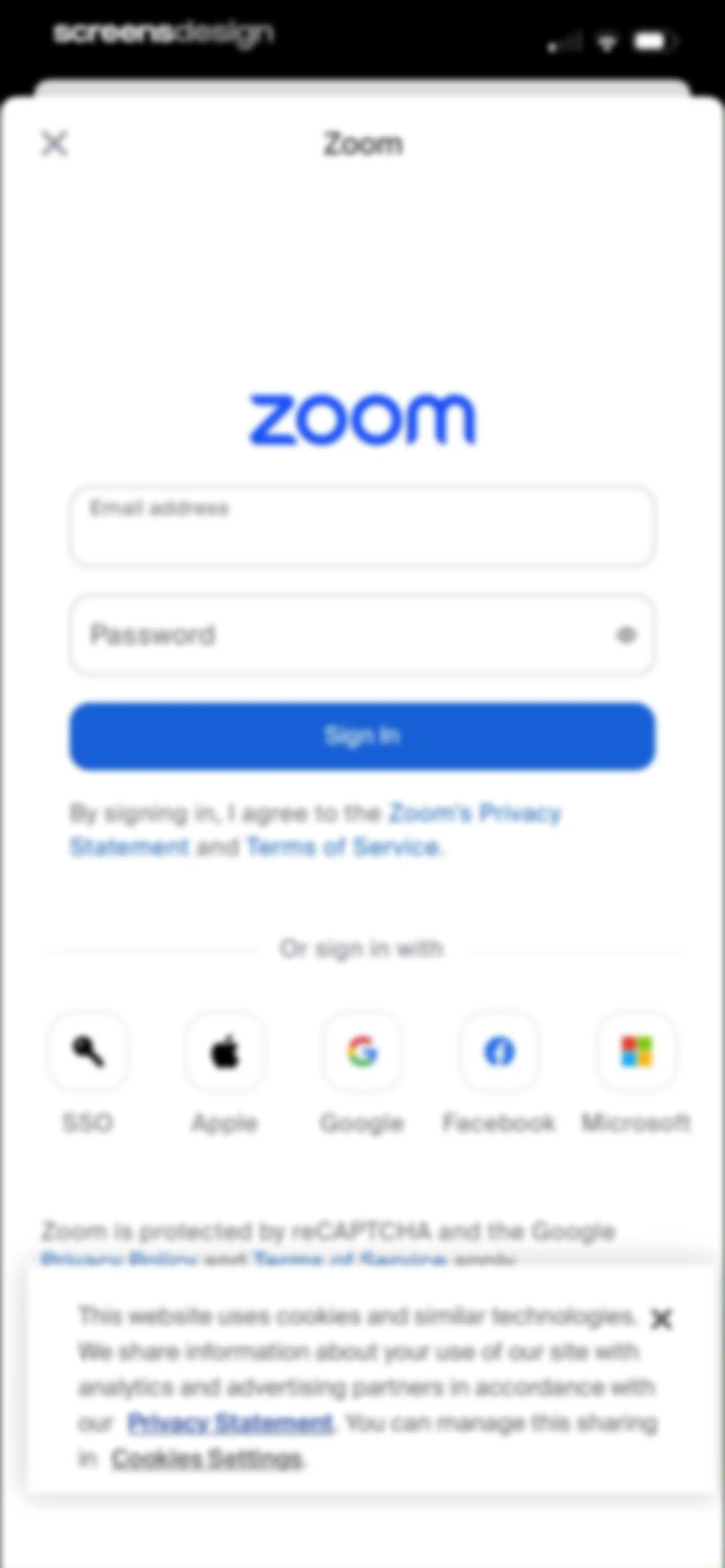
Zoom sign-in modal with email and password fields, a Sign In button, social login options, and a cookie consent banner.Unlock Pro
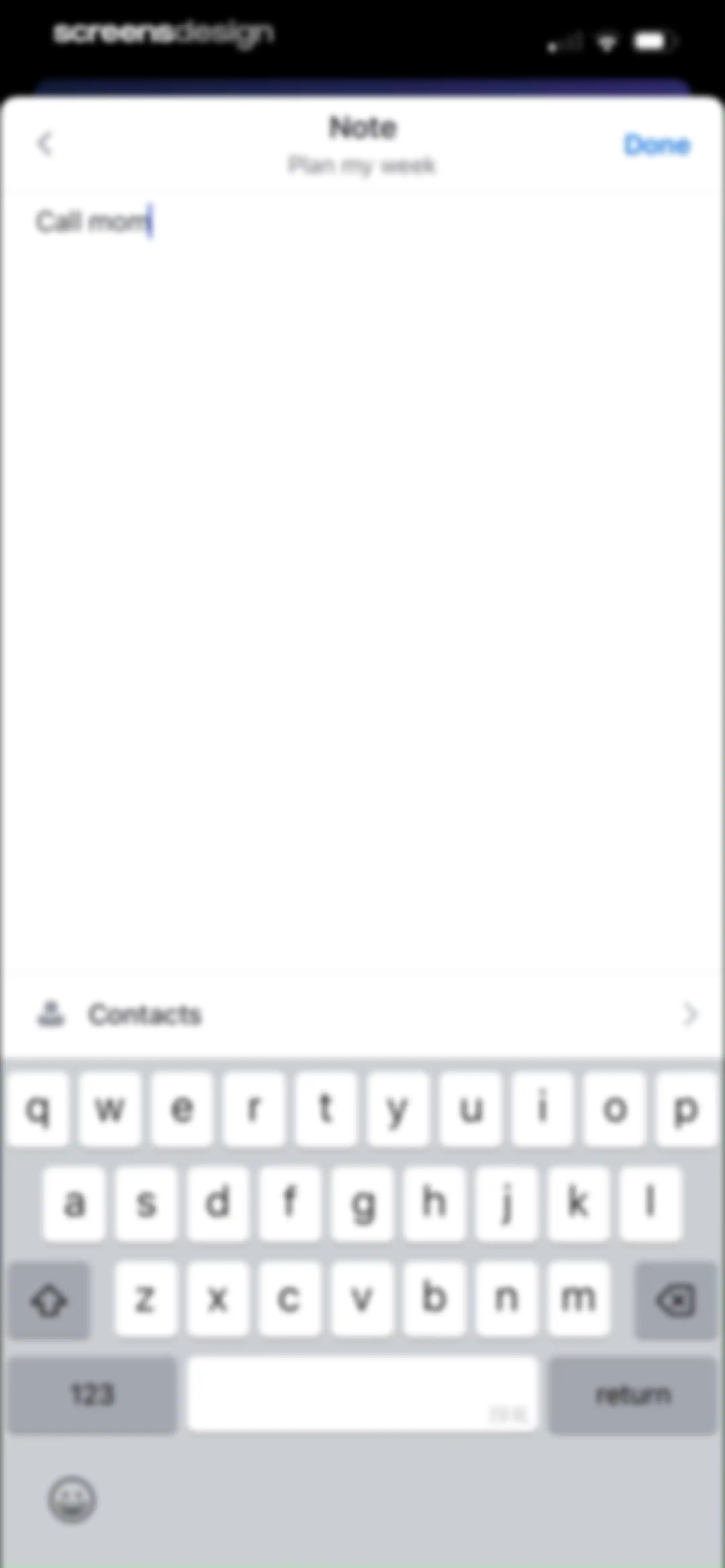
Note editor screen with a text input area containing Call mom and a Done button.Unlock Pro
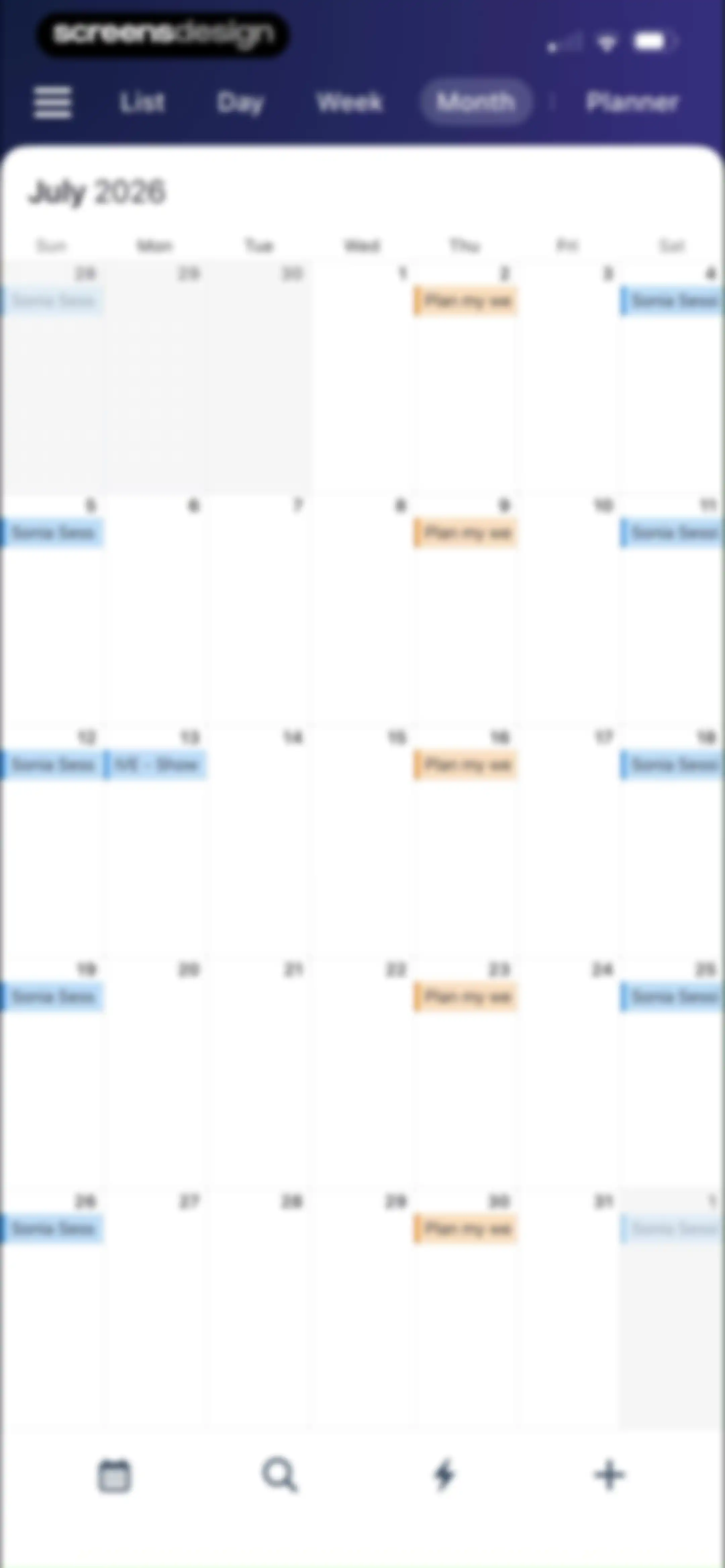
Monthly calendar view for July 2026 with a grid of scheduled events and a top navigation bar showing the Month tab selected.Unlock Pro
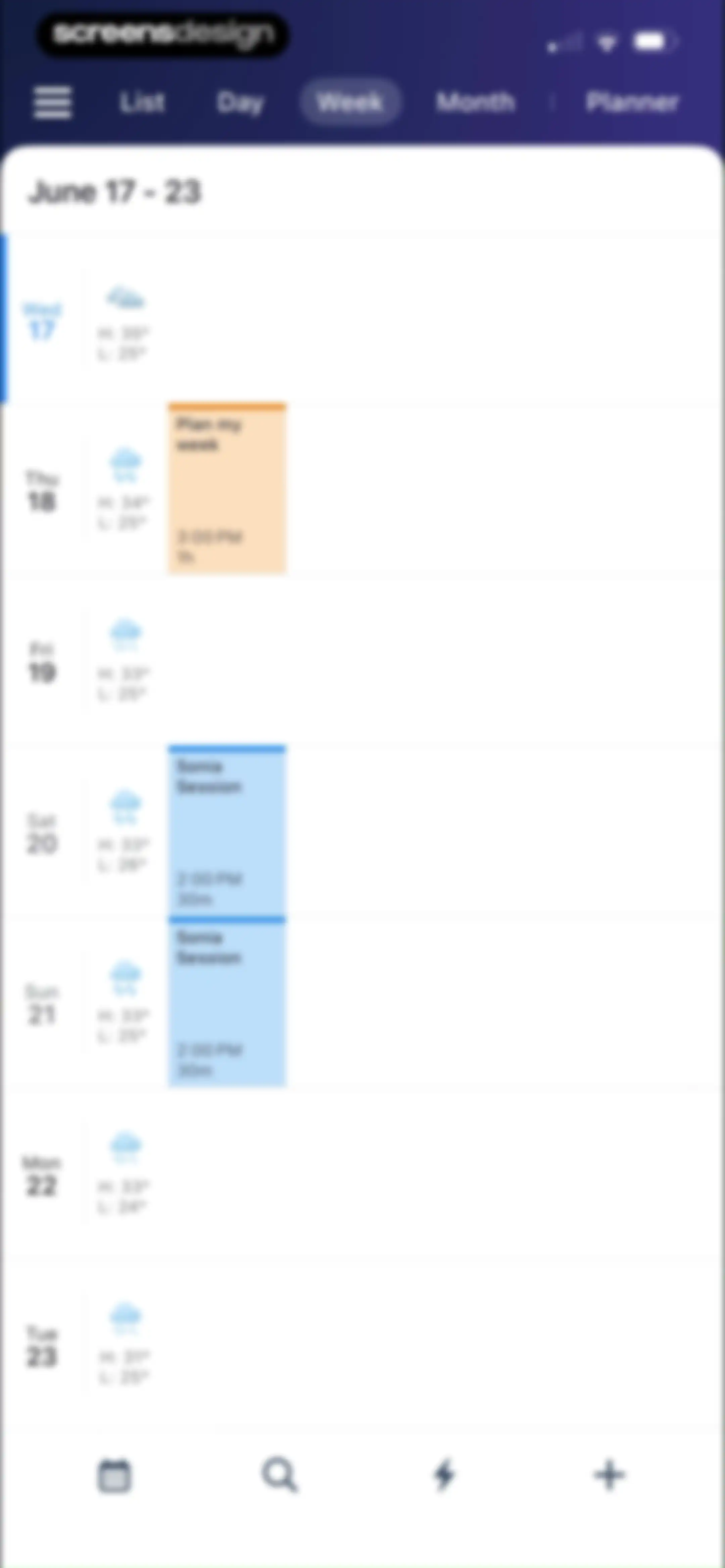
Weekly calendar view displaying the week of June 17-23 with scheduled events like Plan my week and Sonia Session.Unlock Pro
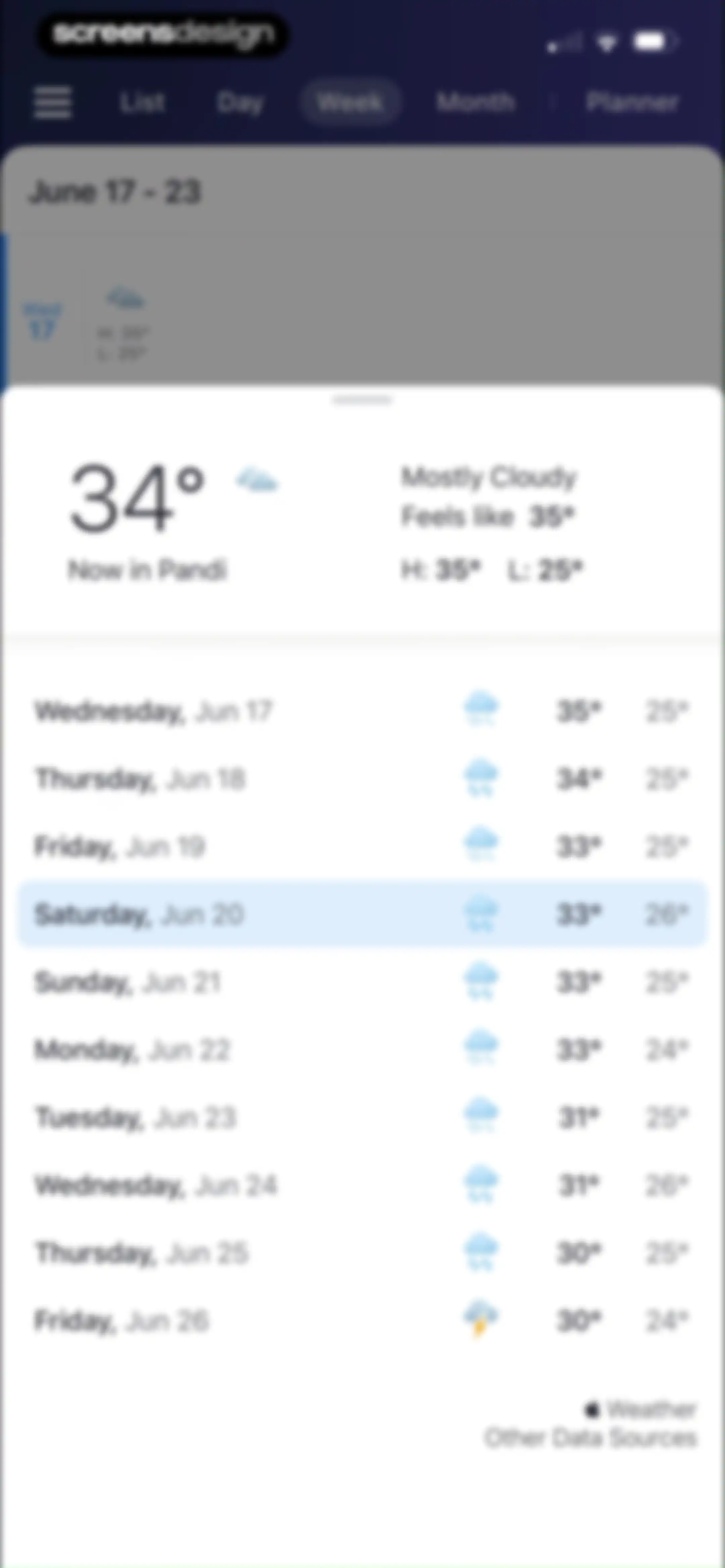
Weather modal sheet over a calendar view displaying current conditions in Pandi and a 10-day forecast list.Unlock Pro
Day view calendar home screen showing a vertical hourly schedule grid for Wednesday, June 24, with top view toggles and a bottom navigation bar.Unlock Pro
Calendar home screen displaying a chronological list of scheduled events with the list view selected in the top navigation.Unlock Pro
Calendar event detail modal displaying the Plan my week event time, location, notifications, and an Edit button over the schedule list.Unlock Pro
Calendar event deletion confirmation modal asking whether to delete all, all future, or only this event occurrence.Unlock Pro
Planner home screen with a dark header navigation bar and a vertical list of task categories including Inbox, Today, and Upcoming.Unlock Pro
Task inbox empty state screen with the Planner tab selected, an add task button, and an option to show completed tasks.Unlock Pro
Inbox task management dashboard with an add task input, the task Do Laundry, and a button to show completed tasks.Unlock Pro
Empty task list screen with view tabs at the top, a Today header, and an Add a new task button with a plus icon.Unlock Pro
Empty state screen for upcoming tasks with a centered checkmark icon, top navigation tabs, and a search header.Unlock Pro
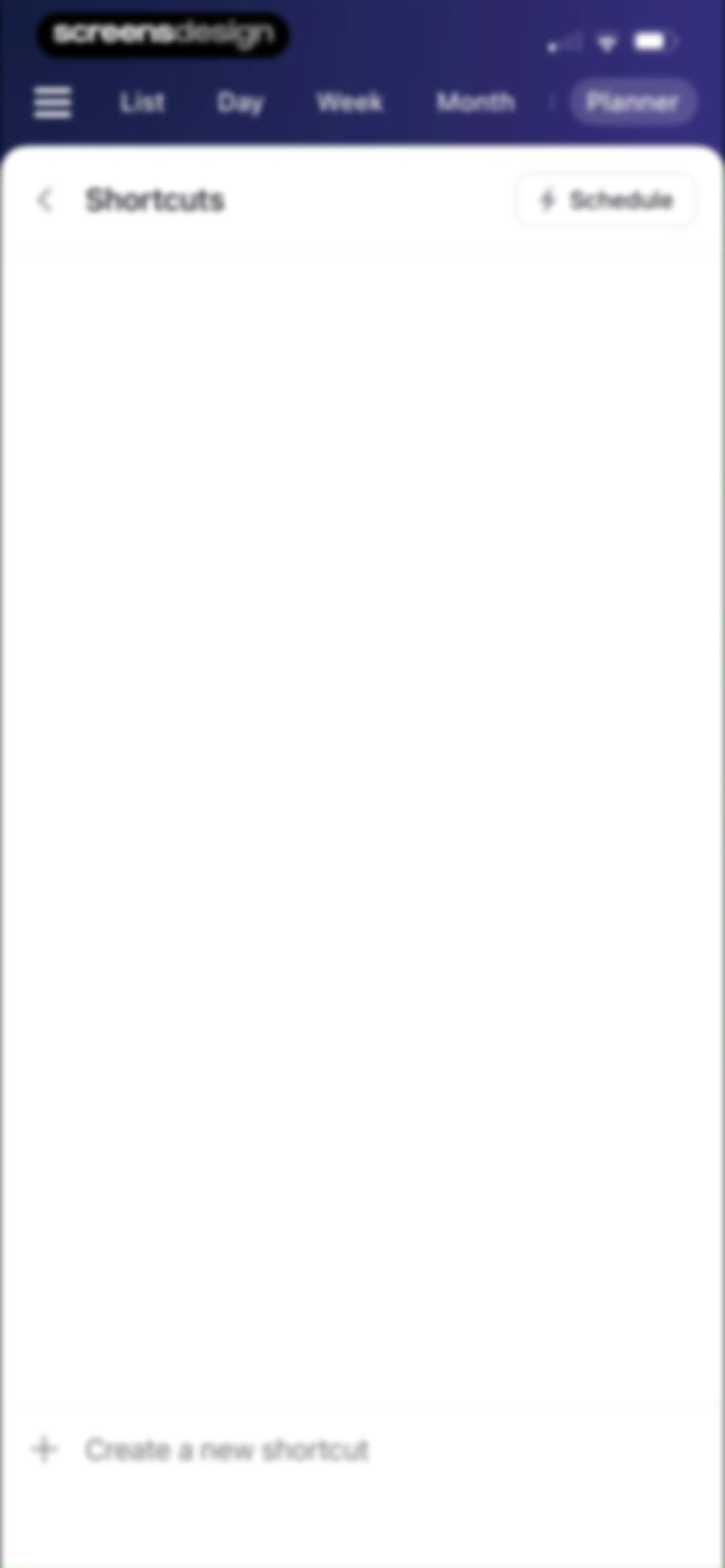
Empty shortcuts management screen with navigation tabs, a Planner tab selected, and a Create a new shortcut button.Unlock Pro
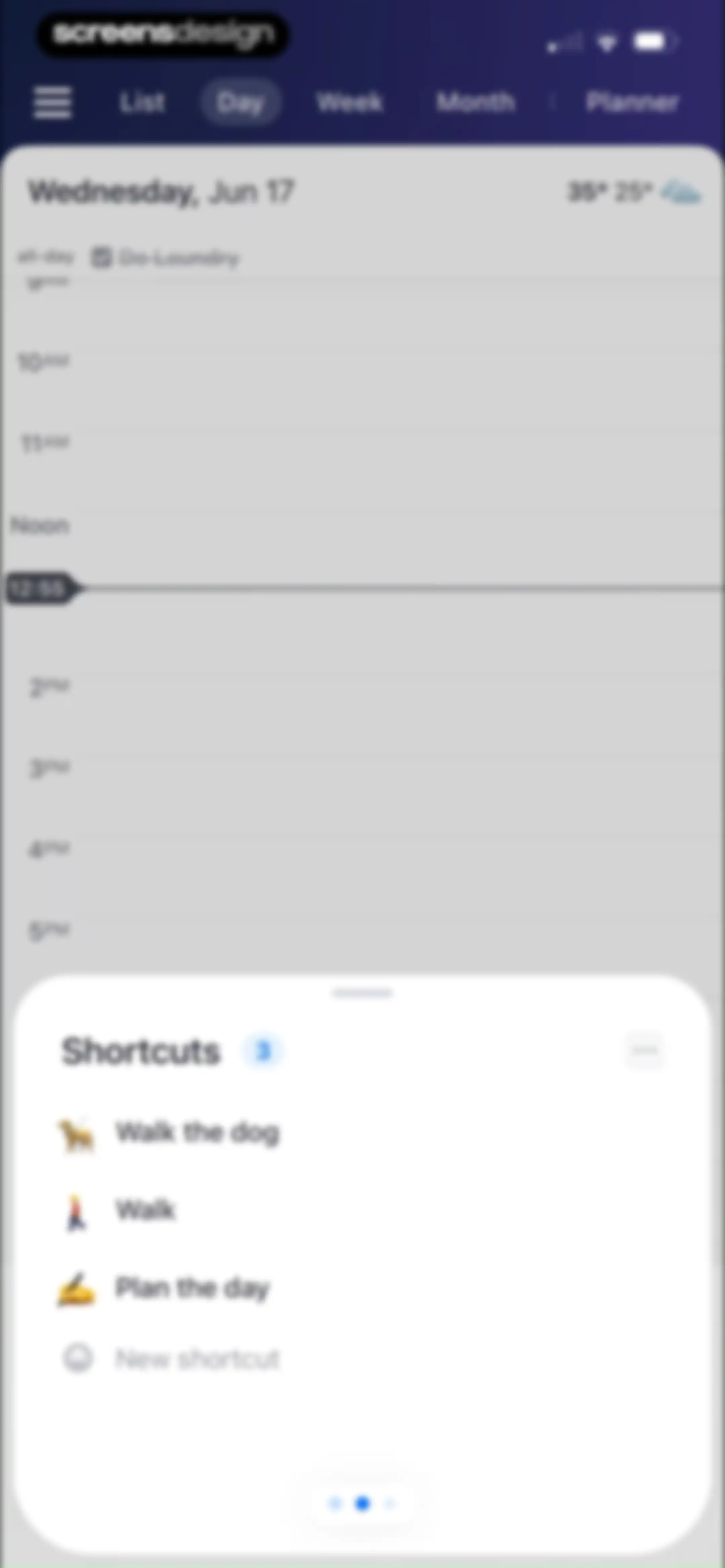
Daily calendar view showing a time grid for Wednesday, June 17, with a bottom sheet overlay listing task shortcuts and a New shortcut button.Unlock Pro
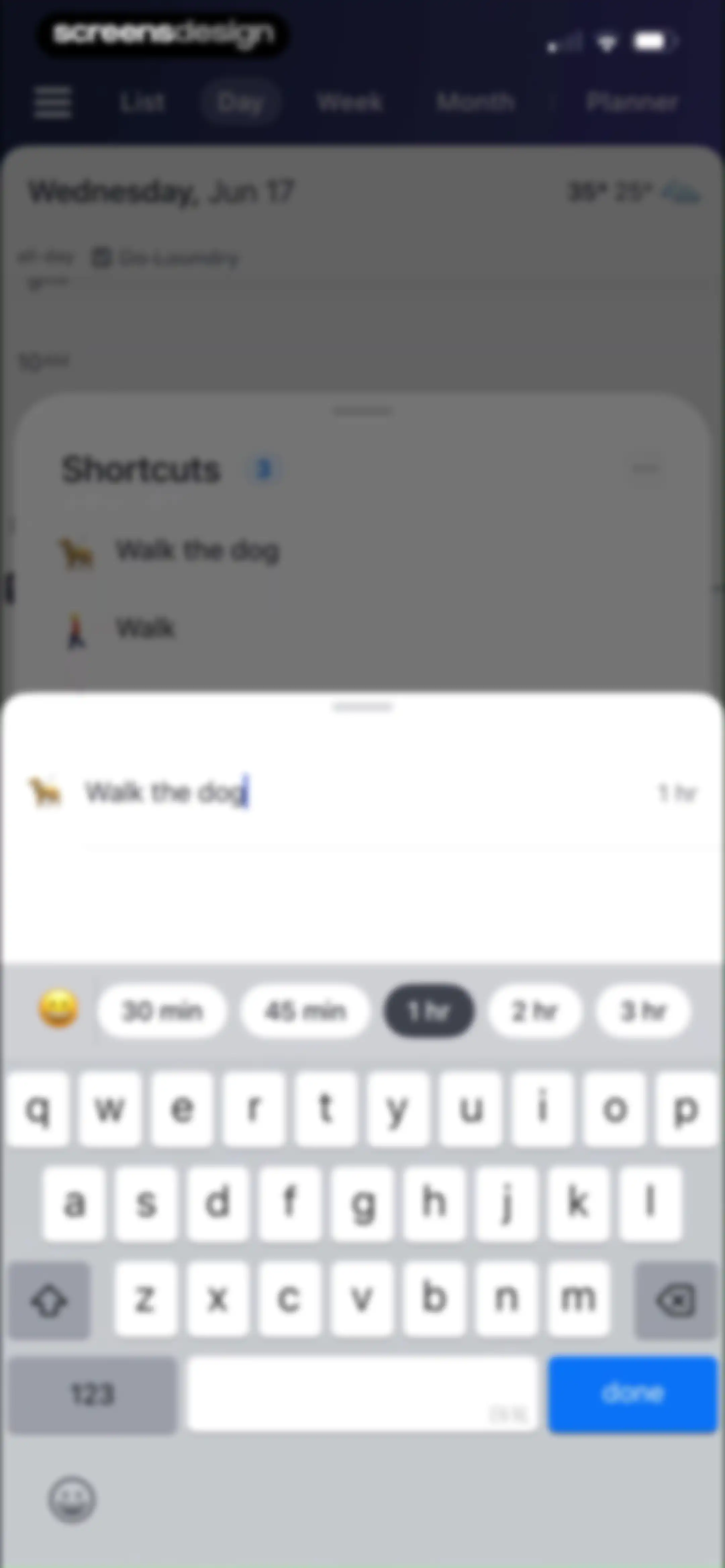
Calendar event editor modal featuring the pre-filled title Walk the dog, duration selection options, and a done button.Unlock Pro
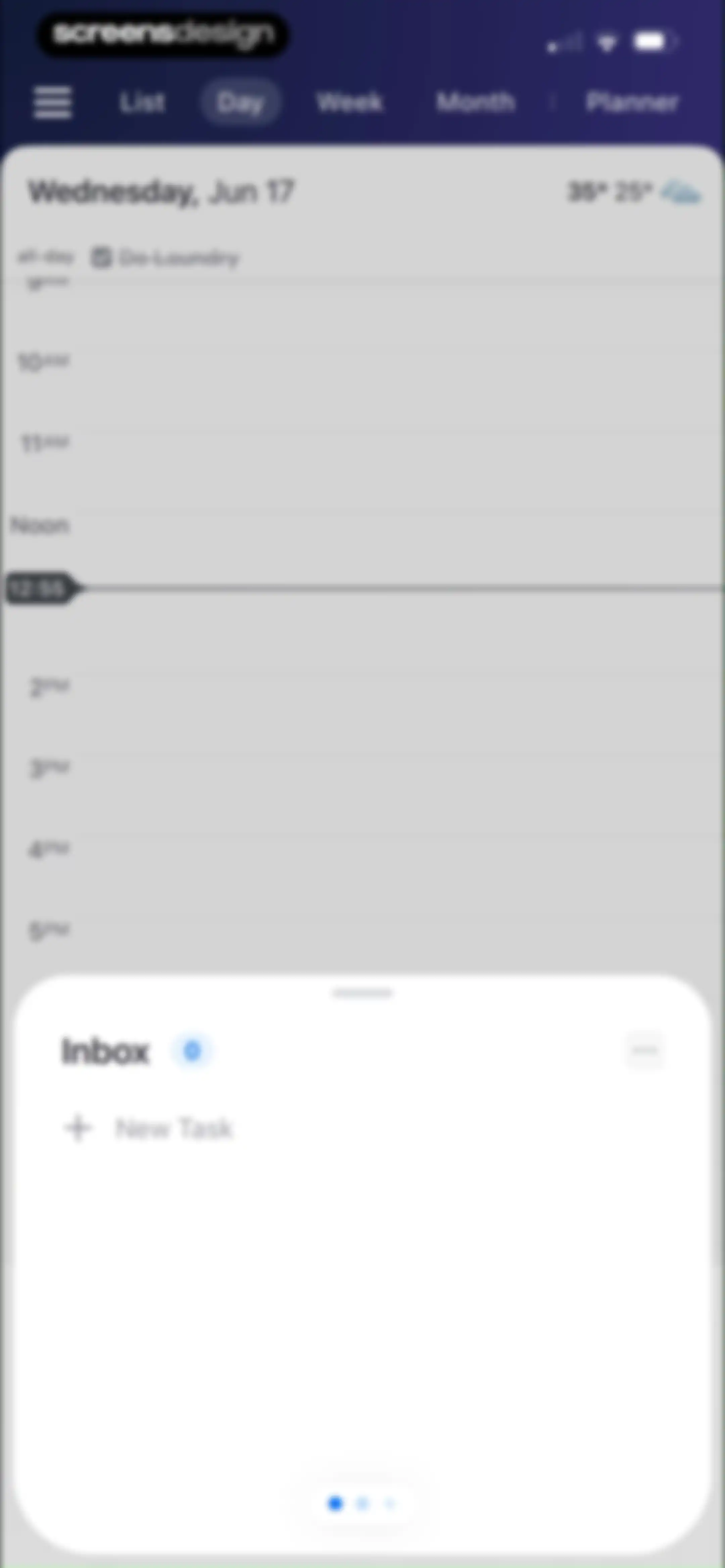
Calendar app home screen displaying a day schedule for June 17, with the Day tab selected and an Inbox bottom sheet open.Unlock Pro
Daily calendar home screen showing a time-blocked hourly grid for June 17 with the Day tab selected and a bottom shortcuts modal overlay.Unlock Pro
Shortcuts management screen listing tasks like walk the dog and plan the day, with view tabs and a create button.Unlock Pro
Task creation modal with a 1-hour duration selected, quick duration chips, and a done button above the keyboard.Unlock Pro
New list modal form with the text input populated as House, a color selection grid, and Cancel and Add buttons above the keyboard.Unlock Pro
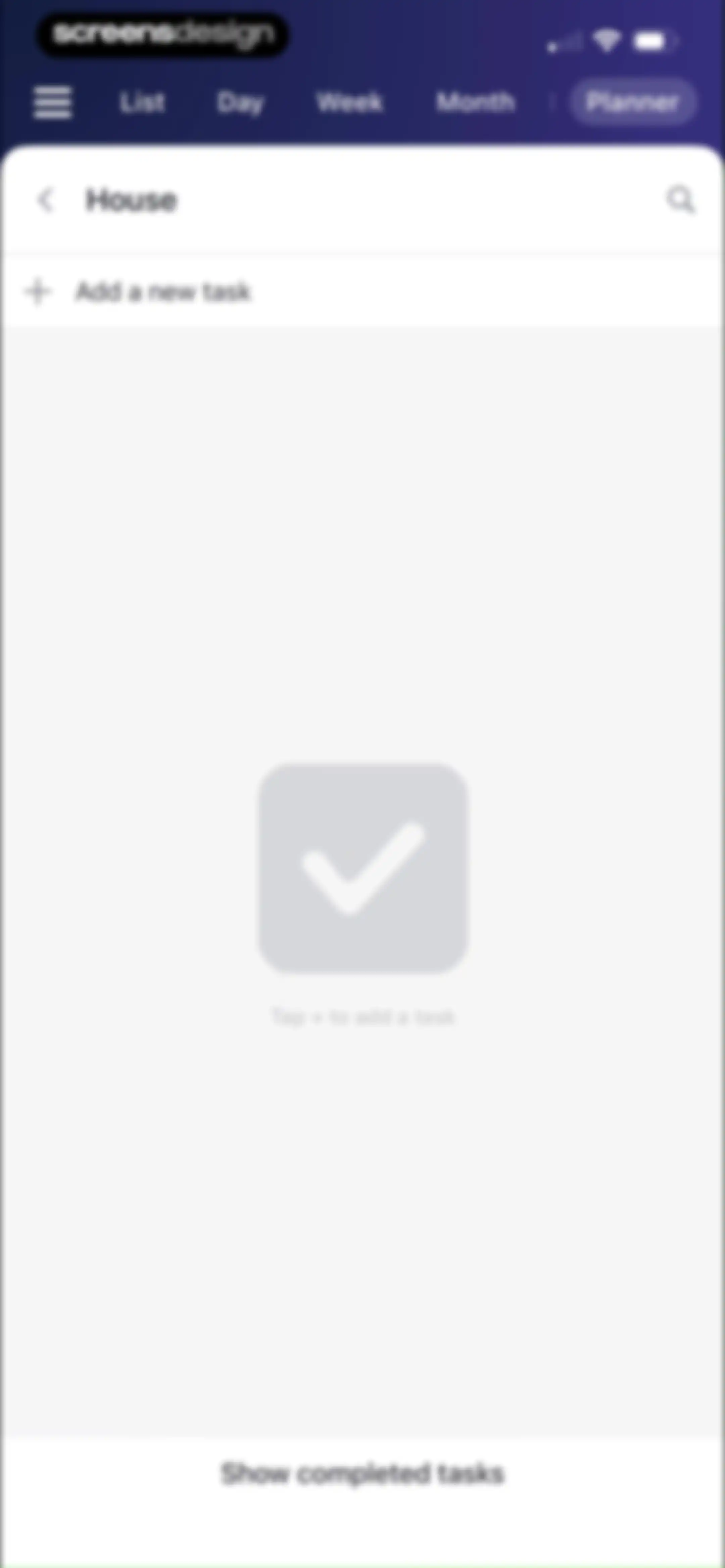
Empty task list screen for the House category with an instructional graphic and an Add a new task button.Unlock Pro
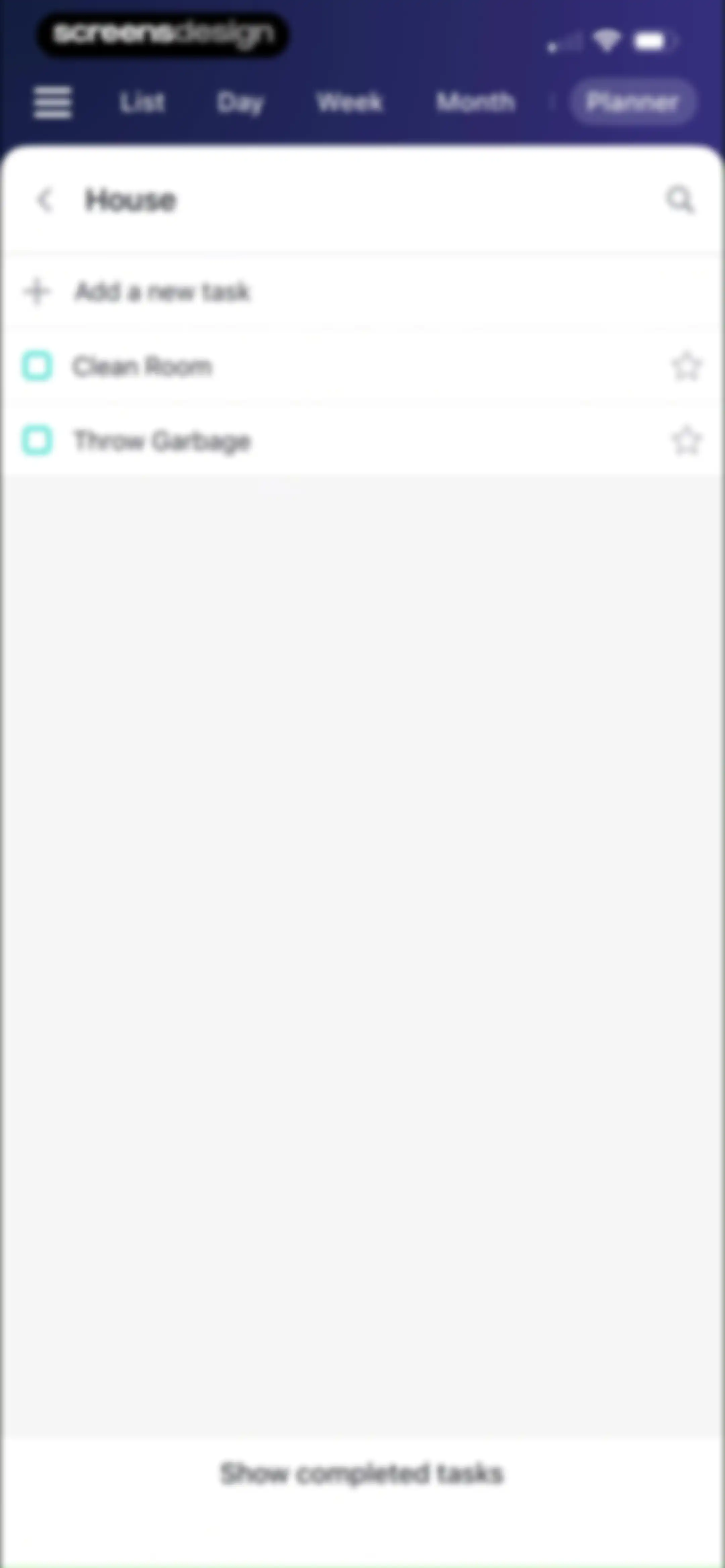
Task list view for the House category, featuring a task input field, two pending tasks with checkboxes, and a show completed tasks button.Unlock Pro
Monthly calendar view for June 2026 displaying event entries with the Month tab selected and an add button at the bottom right.Unlock Pro
Onboarding screen introducing the Easy Planner feature with a product mockup and descriptive text about calendar task management.Unlock Pro
Calendar app home screen displaying a monthly grid for June 2026 with an instructional modal overlay explaining drag-and-drop task scheduling.Unlock Pro
Monthly calendar view with an onboarding modal overlay featuring the Easy Planner Intro tutorial message and a timeline instruction.Unlock Pro
Calendar home screen displaying a monthly grid for June 2026 with scheduled events and tasks, with the month tab selected and a floating tip banner above the bottom navigation.Unlock Pro
Monthly calendar view for June 2026 with a bottom modal sheet displaying event details for Tuesday, June 9, an edit button, and a delete icon.Unlock Pro
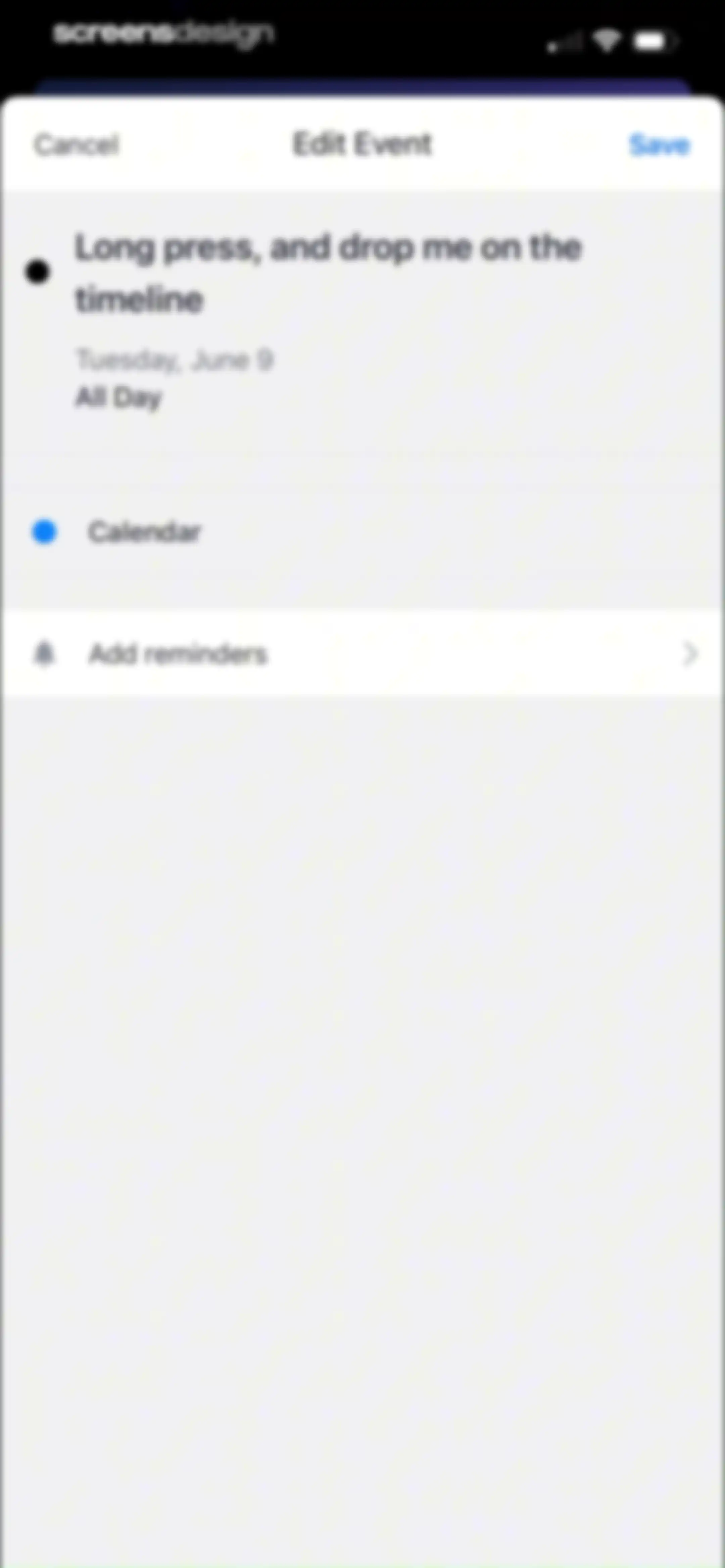
Event editor modal sheet showing a title input field, event details, and a Save button.Unlock Pro
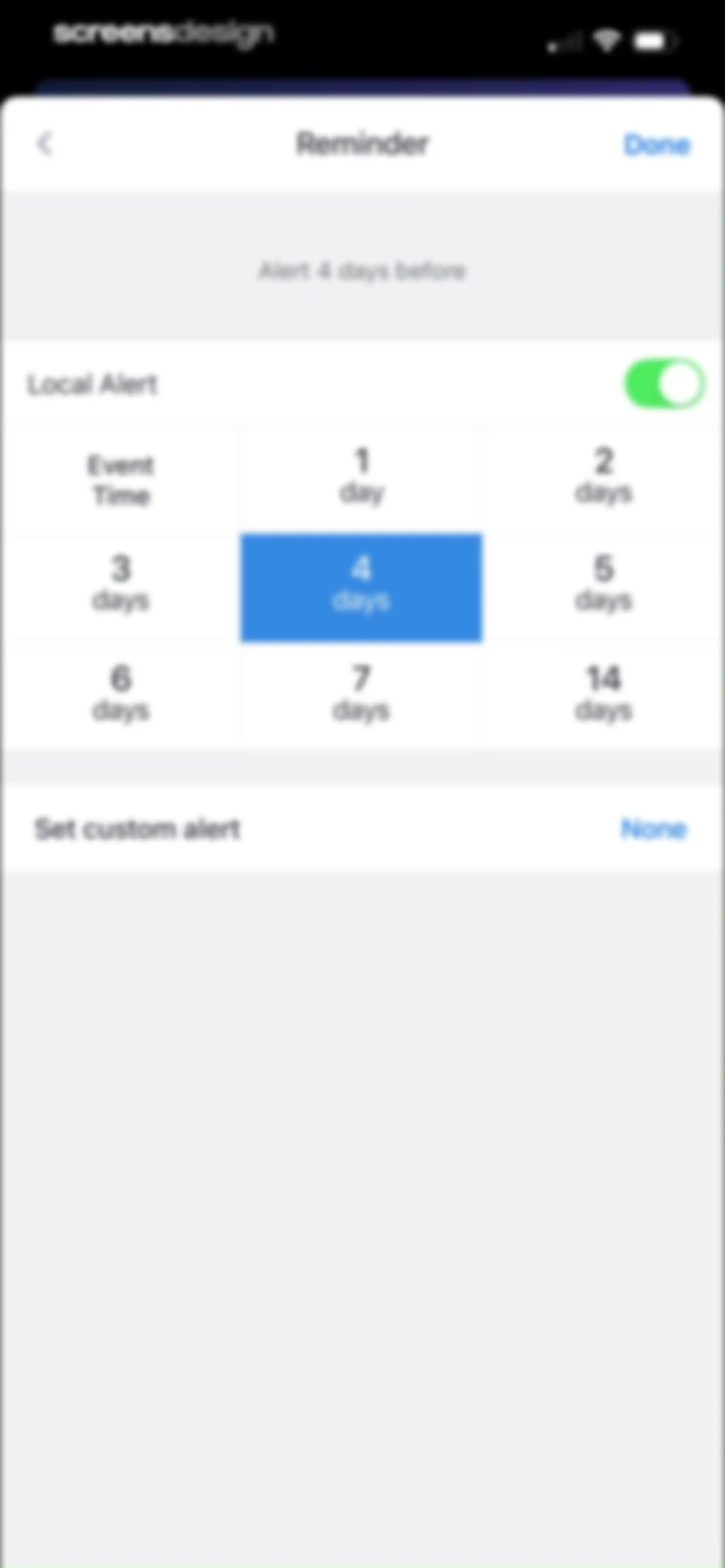
Reminder configuration form with a 3x3 grid of time options, the four days option selected in blue, and a Done button.Unlock Pro
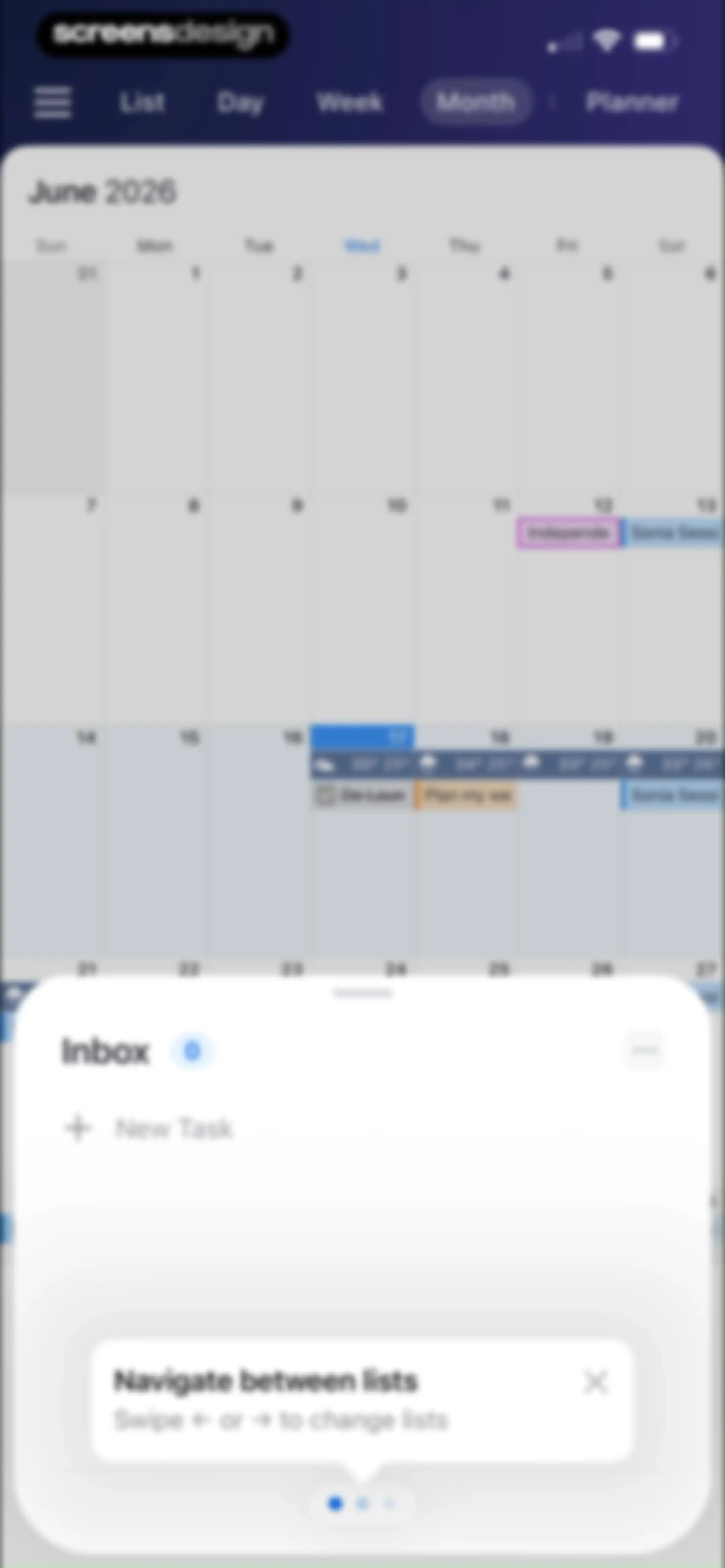
Home calendar screen displaying June 2026 in month view with an Inbox modal overlay and a New Task button.Unlock Pro
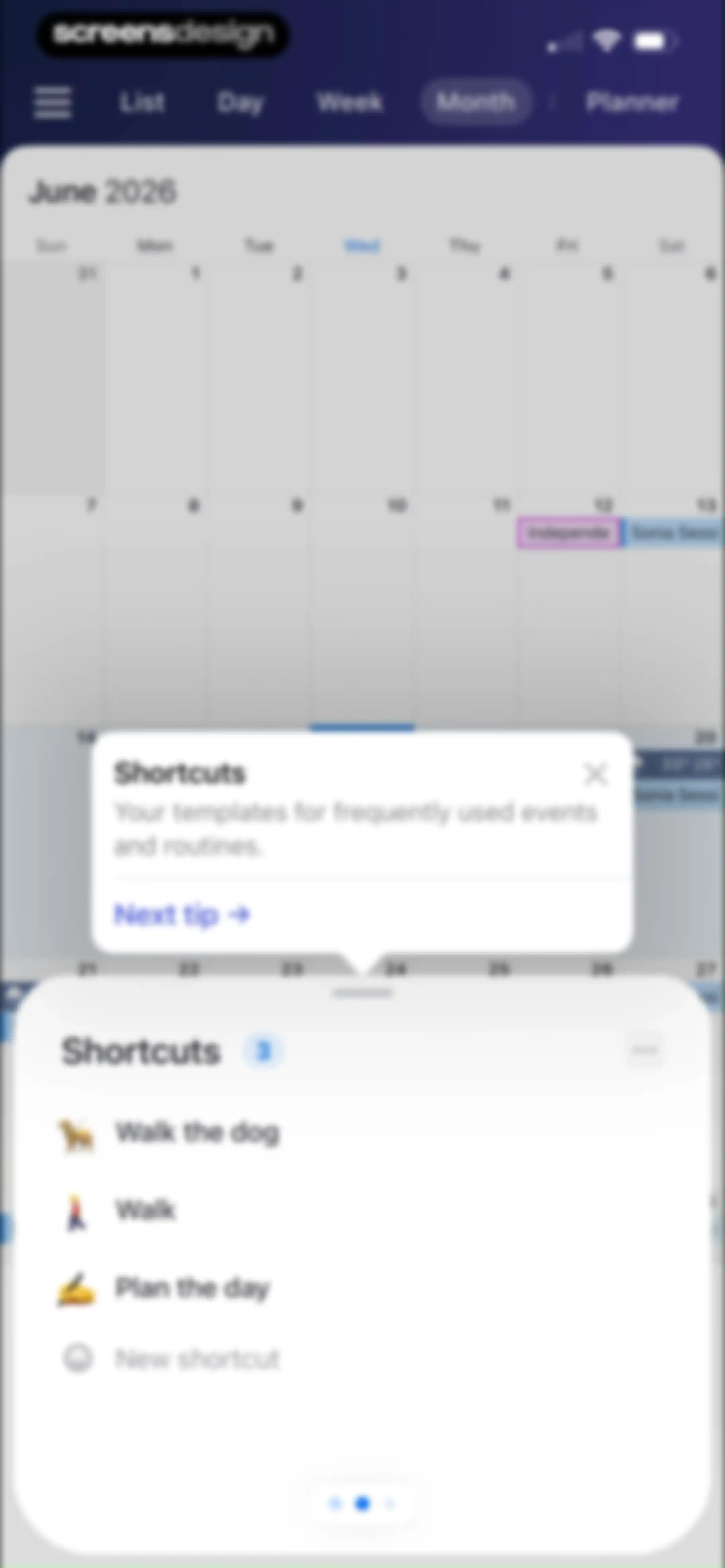
Home calendar screen displaying a monthly grid overlaid with a shortcuts modal containing event templates and an introductory tooltip.Unlock Pro
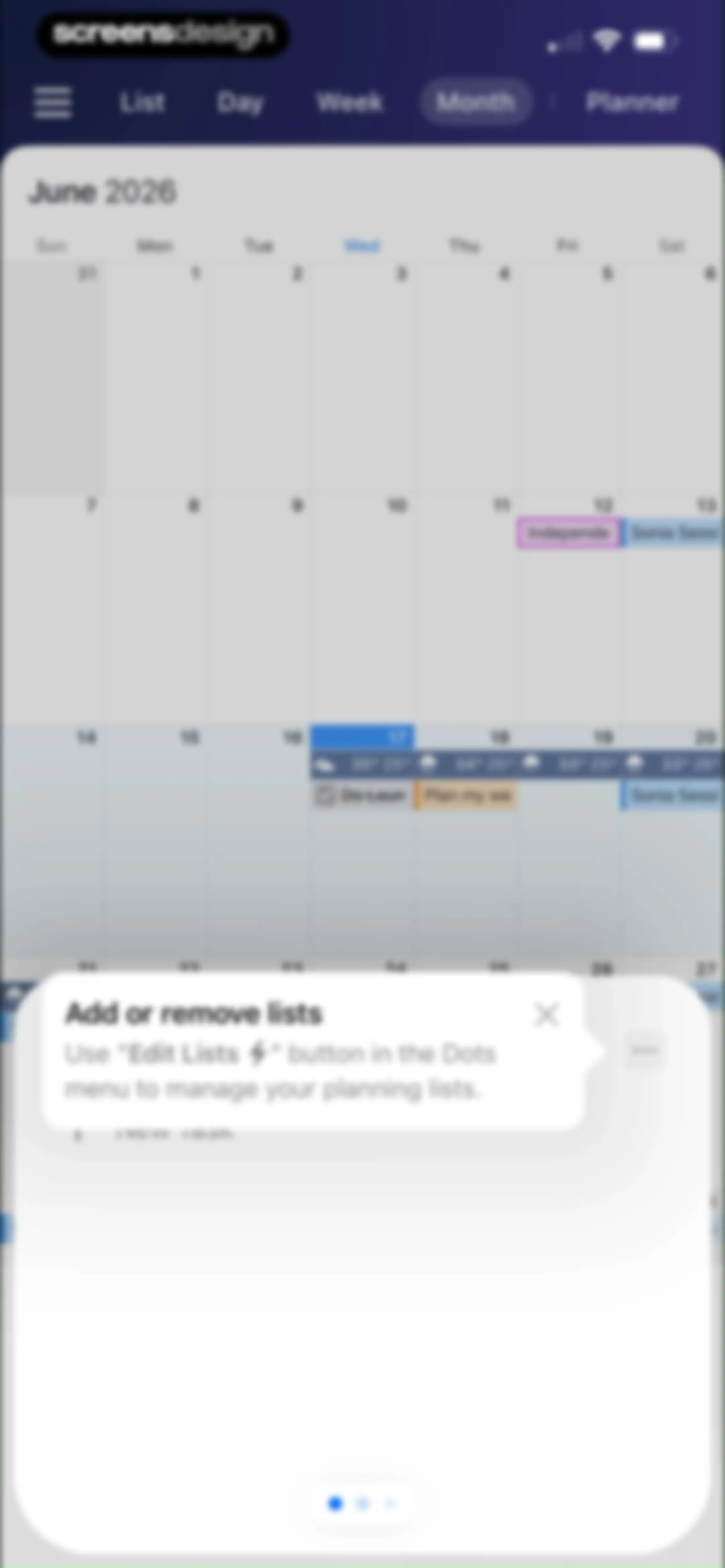
Monthly calendar view with an instructional modal overlay explaining how to manage planning lists.Unlock Pro
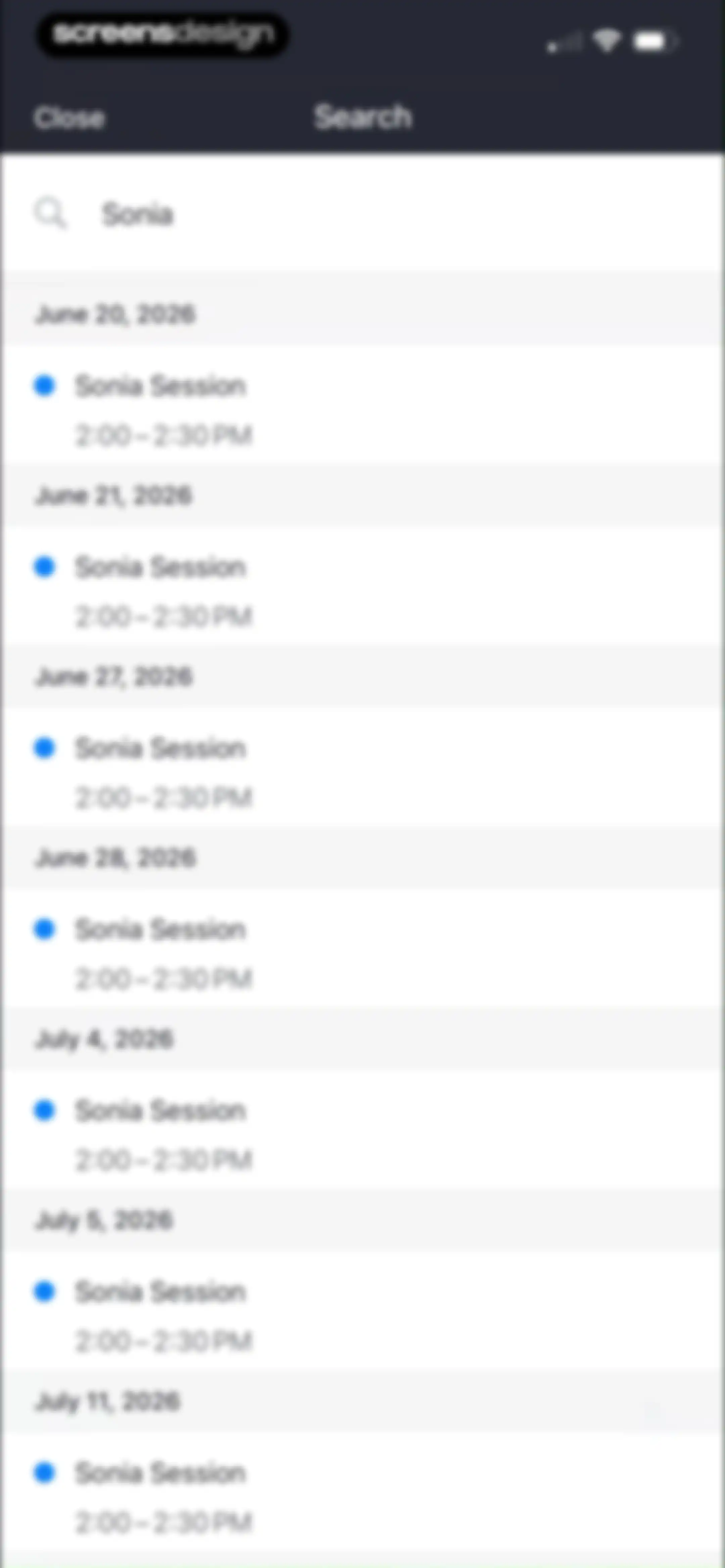
Search results screen displaying a filled search query for Sonia and a scrollable list of date-grouped event cards.Unlock Pro
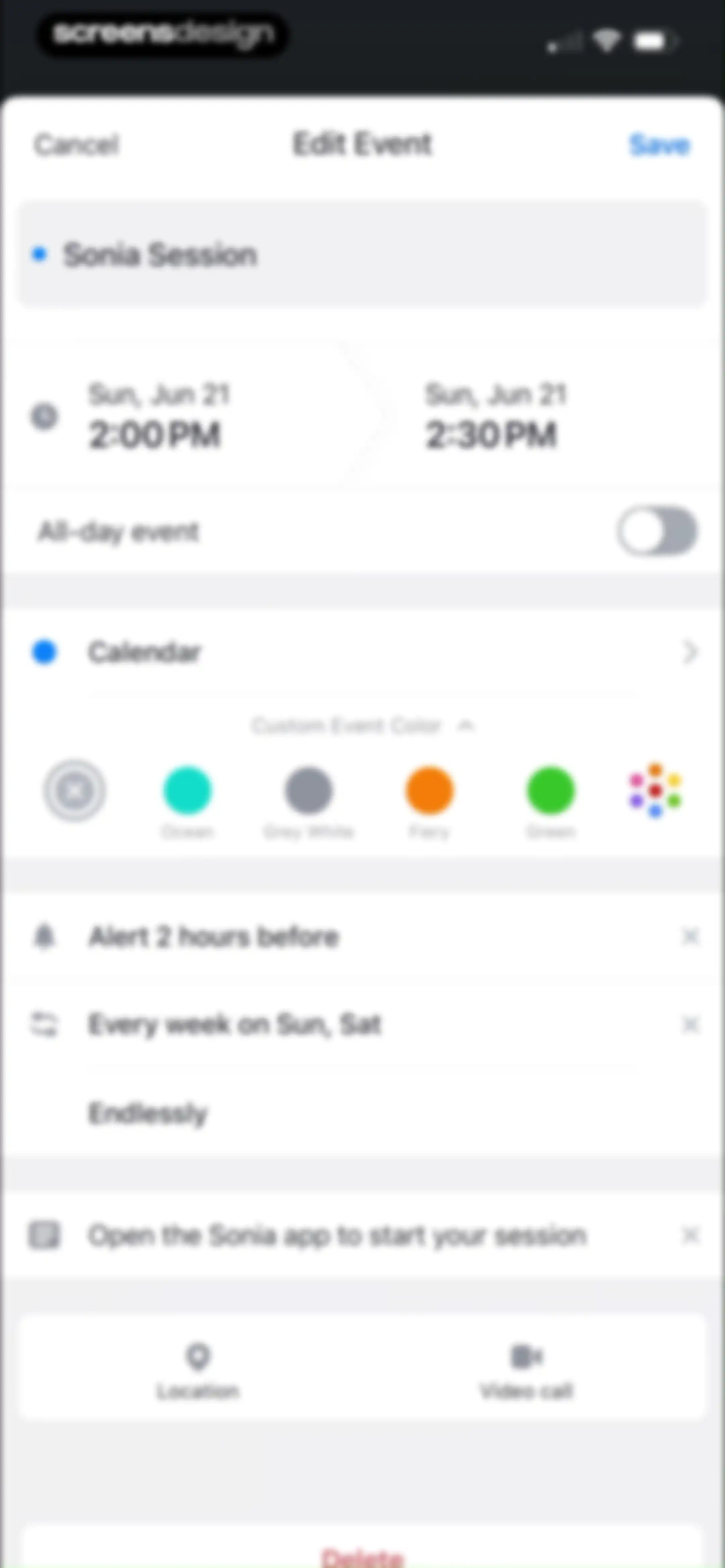
Calendar event editor screen displaying title, date and time settings, color options, and action buttons to save or delete.Unlock Pro
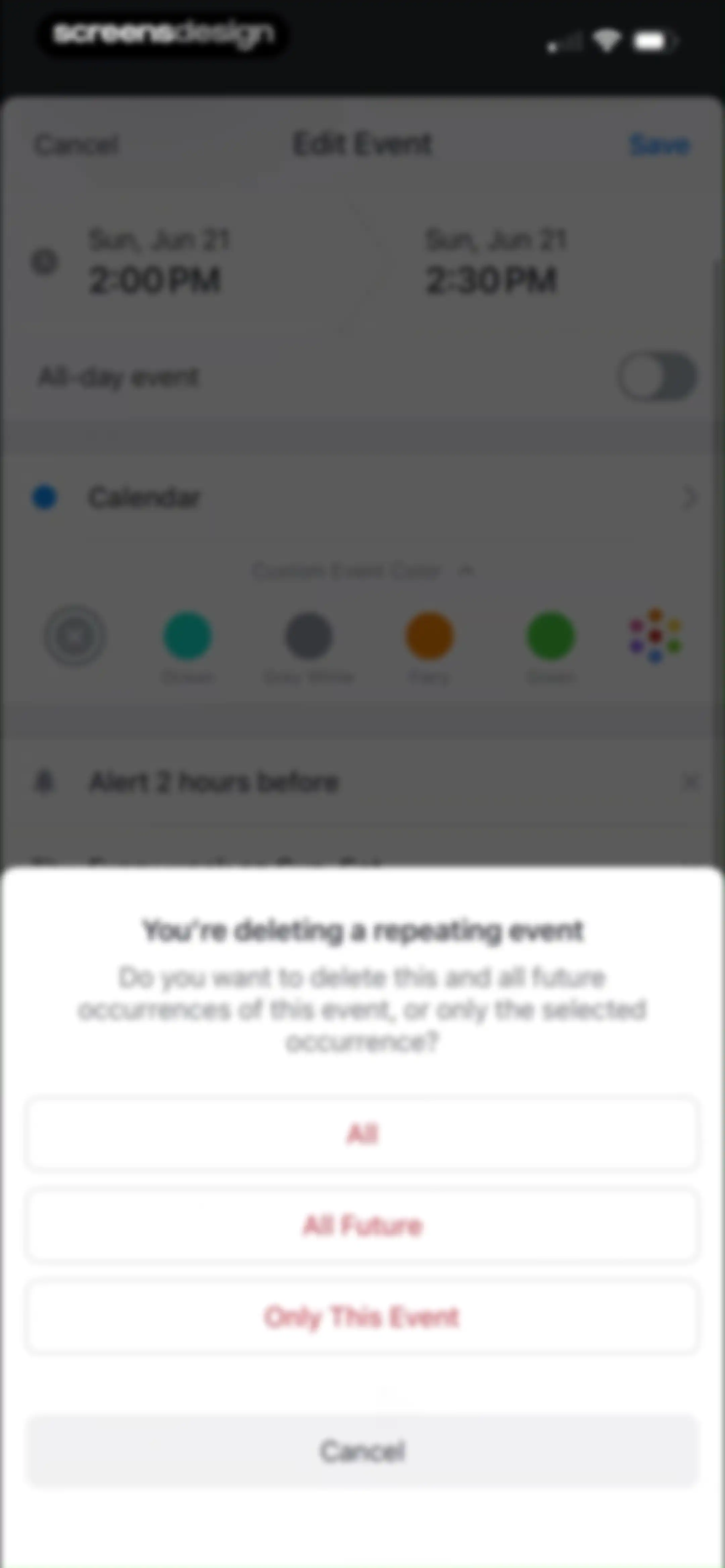
Event deletion confirmation modal over an event editing form, asking whether to delete all, all future, or only this event occurrences.Unlock Pro
Calendar app home screen displaying a June 2026 grid view with scheduled events, a month selector, and a bottom navigation bar.Unlock Pro
Calendar home screen showing a monthly grid for January 2026 with holiday markers and a bottom month selector carousel.Unlock Pro
Settings screen for managing calendar accounts and subscriptions, featuring a promotional card and a list of default and subscribed calendars.Unlock Pro
Notification Center empty state screen showing the message No events with filter tabs at the bottom and a Close button at the top.Unlock Pro
Monetization onboarding screen promoting the Mindful Productivity Masterclass and premium features, with a hero illustration and Continue button.Unlock Pro
Onboarding screen promoting a mindful productivity masterclass with a benefits list and a Next button.Unlock Pro
Onboarding screen displaying a grid of science-backed productivity techniques and a Next button.Unlock Pro
Testimonial screen featuring three customer review cards, a Next button, and a dark theme.Unlock Pro
Onboarding feature list card highlighting masterclass access and new trackers, with a Next button at the bottom.Unlock Pro
Paywall modal offering a lifetime purchase for $19.99 with video lessons and tracker tools, featuring a Continue button.Unlock Pro
Feature promotion modal over a calendar view, encouraging cross-device sync with an illustration and a Get Download Link button.Unlock Pro
Onboarding feature highlight modal over a calendar grid, explaining task drag-and-drop functionality with an illustration and a Get Download Link button.Unlock Pro
Onboarding modal highlighting time-saving shortcuts over a calendar view, featuring an illustration, pagination dots, and a Get Download Link button.Unlock Pro
Calendar month view in the background with an iOS share sheet modal displaying sharing and action options in the foreground.Unlock Pro
Calendar settings modal listing default, work, and subscribed calendars with visibility toggles and a sync warning.Unlock Pro
Calendar settings screen displaying a list of categorized calendars with visibility toggles and a context menu for account and sync options.Unlock Pro
Modal bottom sheet warning about calendar sync issues, featuring a highlighted info box, a Go to Guide button, and a Don't show me again button.Unlock Pro
Calendar settings screen listing subscribed and default calendars, a sync warning, an interesting calendars section, and a Manage Calendars button.Unlock Pro
Interesting Calendars directory screen with a search bar and grouped list items for holidays, sports, and popular feeds.Unlock Pro
Calendar settings screen displaying a search bar and a list of holiday options for the Philippines.Unlock Pro
Settings modal displaying calendar categories and a not syncing warning over a dark-themed calendar app interface.Unlock Pro
Tips and Tricks list of instructional cards with a close button at the top header.Unlock Pro
Calendar app weekly view featuring a central device mockup with scheduled events and a descriptive text block below.Unlock Pro
New event form populated with title, date, time, location, color options, and Save button.Unlock Pro
Paywall screen promoting the Mindful Productivity Masterclass and premium features, featuring a rocket illustration and a Continue button.Unlock Pro
Calendar view options settings menu with toggles and selectable preference lists for display and start day configurations.Unlock Pro
Calendar view settings menu with a list of display options and an active time-picker overlay.Unlock Pro
Badge Icon settings list with the No Badge option selected and a checkmark.Unlock Pro
Calendar print preview screen showing a daily planner layout with Day view selected, period settings, and a share button.Unlock Pro
Date range picker modal displaying a monthly calendar grid with June 17 highlighted and a Done button.Unlock Pro
Calendar print preview screen showing a weekly view with the Week tab selected, working hours toggle enabled, and a list of calendar sources.Unlock Pro
Calendar preview screen showing a monthly grid for June 2026, view options with Month selected, and configurable settings below.Unlock Pro
Share sheet modal for a PDF document containing app sharing options, action buttons, and file management tasks.Unlock Pro
Settings screen featuring accounts, sync options, and a vertical list of configuration categories with a close button at the top left.Unlock Pro
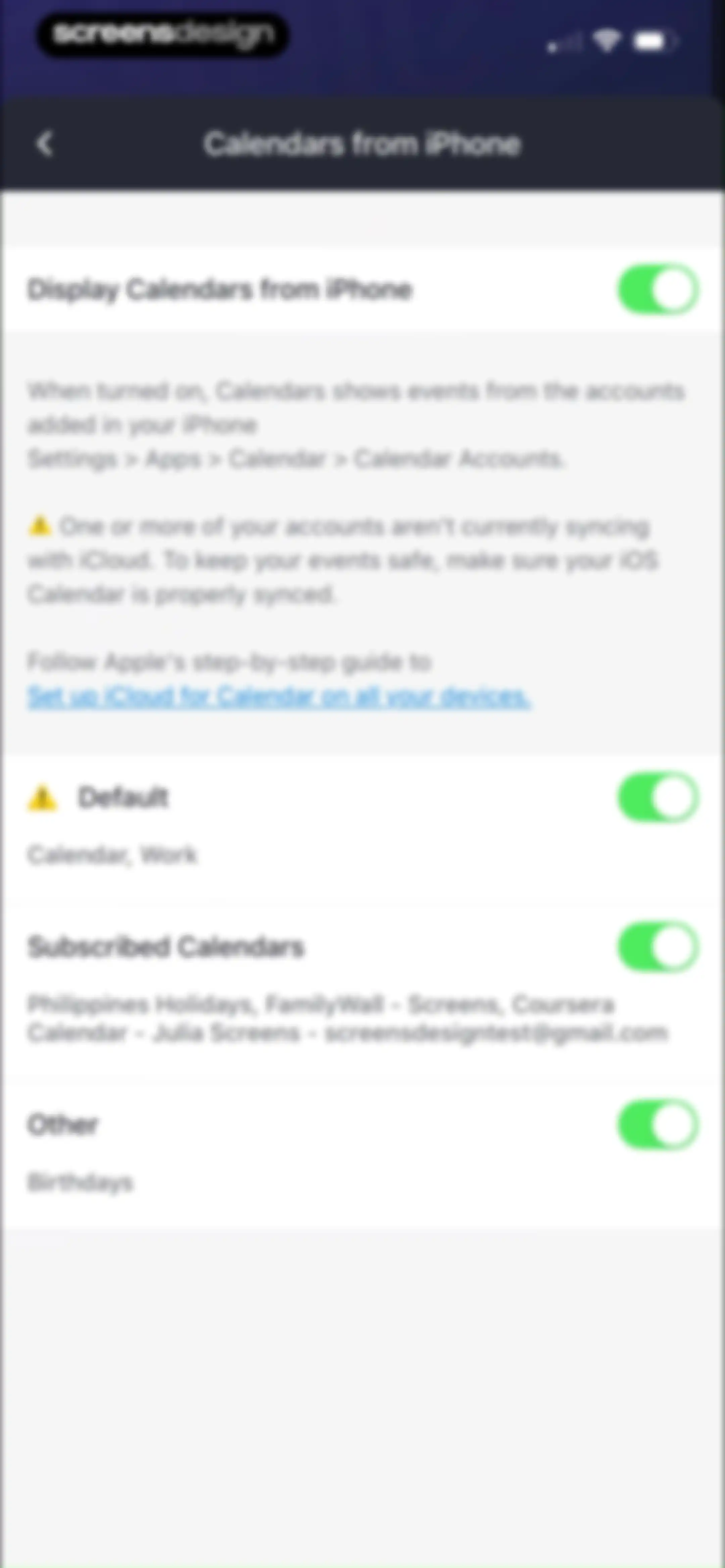
Settings screen for managing iPhone calendars with toggle switches for categories and an iCloud sync warning.Unlock Pro
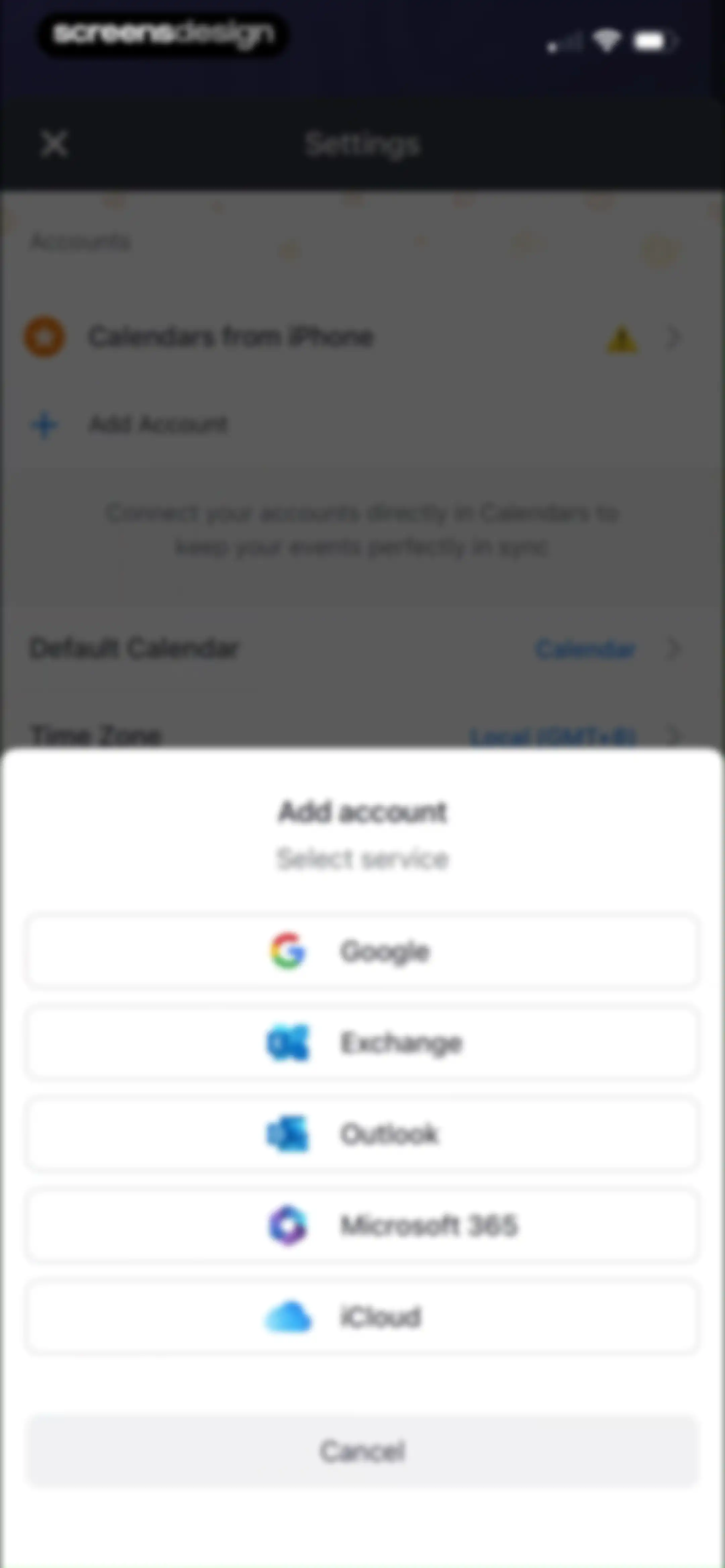
Settings screen with an add account modal overlay displaying service options including Google, Exchange, Outlook, Microsoft 365, and iCloud, plus a cancel button.Unlock Pro
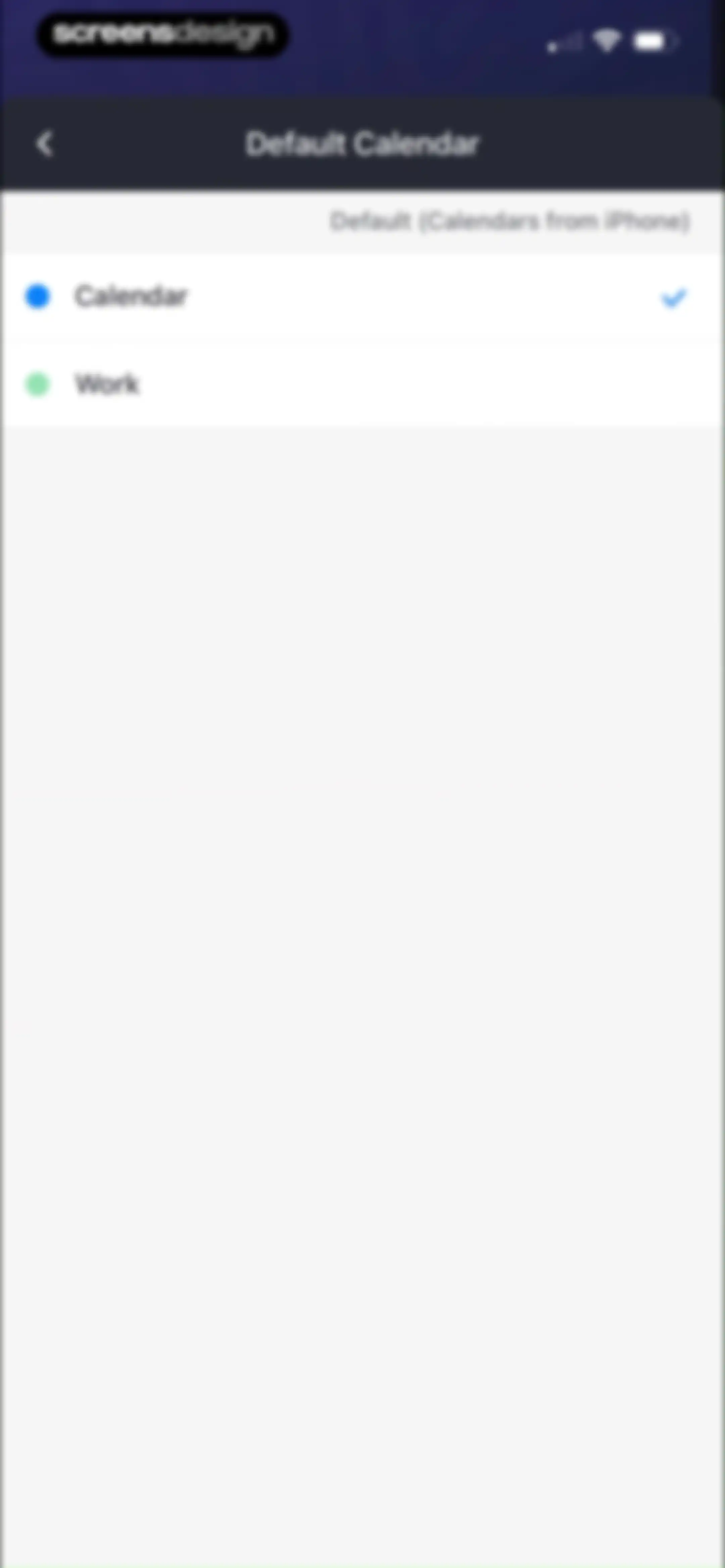
Settings screen for choosing a default calendar, displaying a list with the Calendar option selected and a Work option available.Unlock Pro
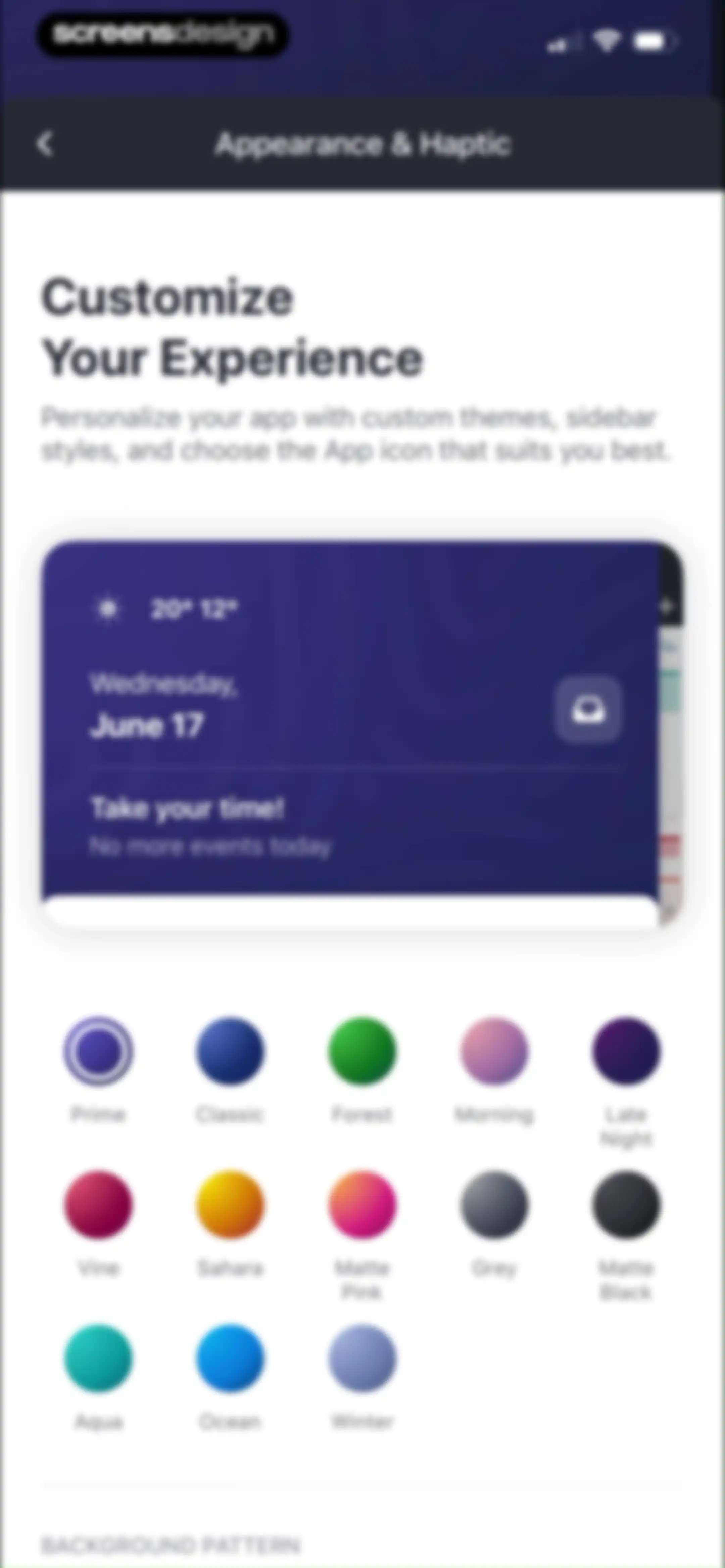
Appearance settings screen with a calendar preview card and a grid of theme selection circles displaying names like Prime and Classic.Unlock Pro
Appearance and haptic settings screen displaying background pattern selectors, an app icon grid, theme options with dark theme selected, and a haptic feedback toggle.Unlock Pro
Settings screen for appearance and haptic feedback with a centered confirmation modal stating the app icon for Calendars has been changed.Unlock Pro
Settings screen displaying a vertical list of supported Siri Shortcuts with icons and descriptive text for various app actions.Unlock Pro
Services settings screen listing unlinked GoToMeeting and Zoom integrations with sign-in buttons.Unlock Pro
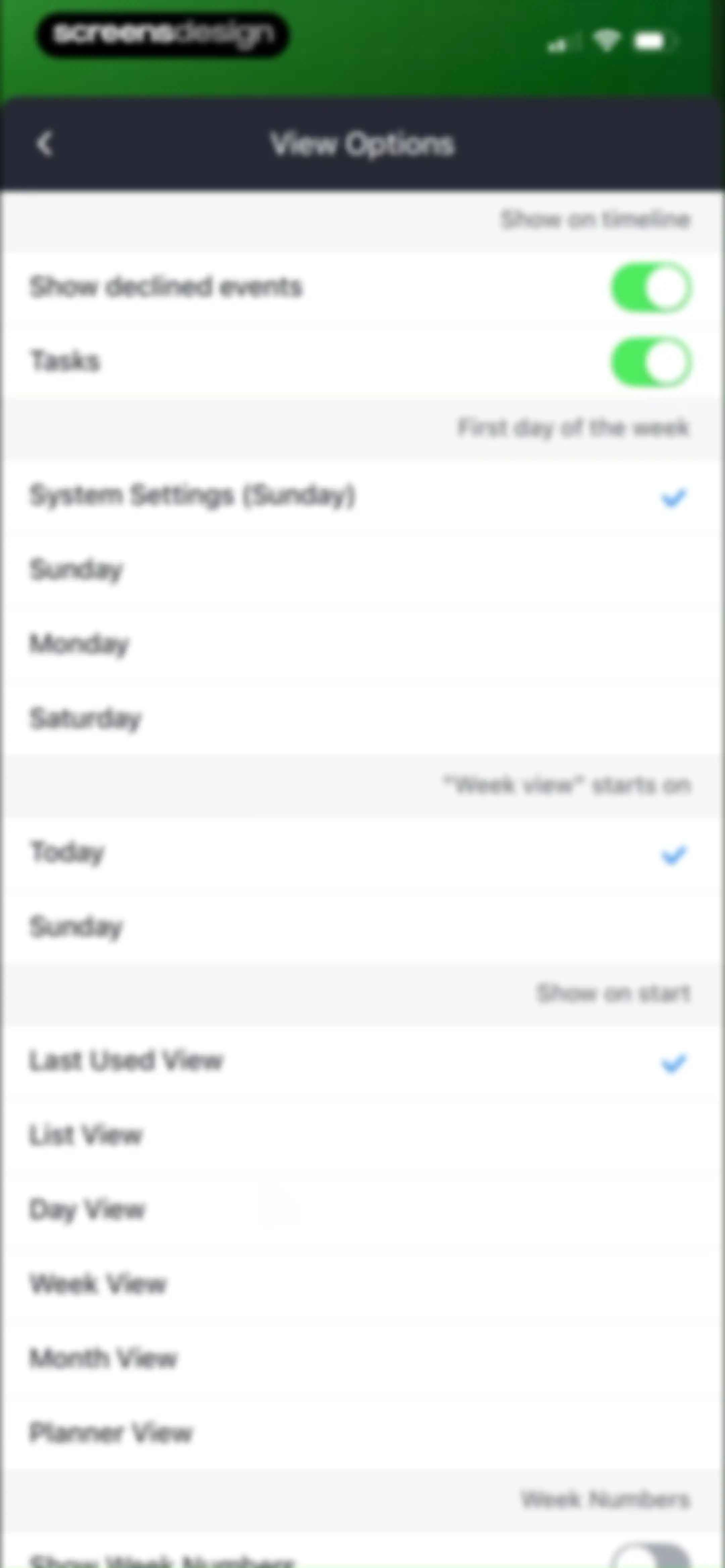
View Options settings menu featuring grouped calendar display preferences, toggle switches, and selected defaults like Last Used View.Unlock Pro
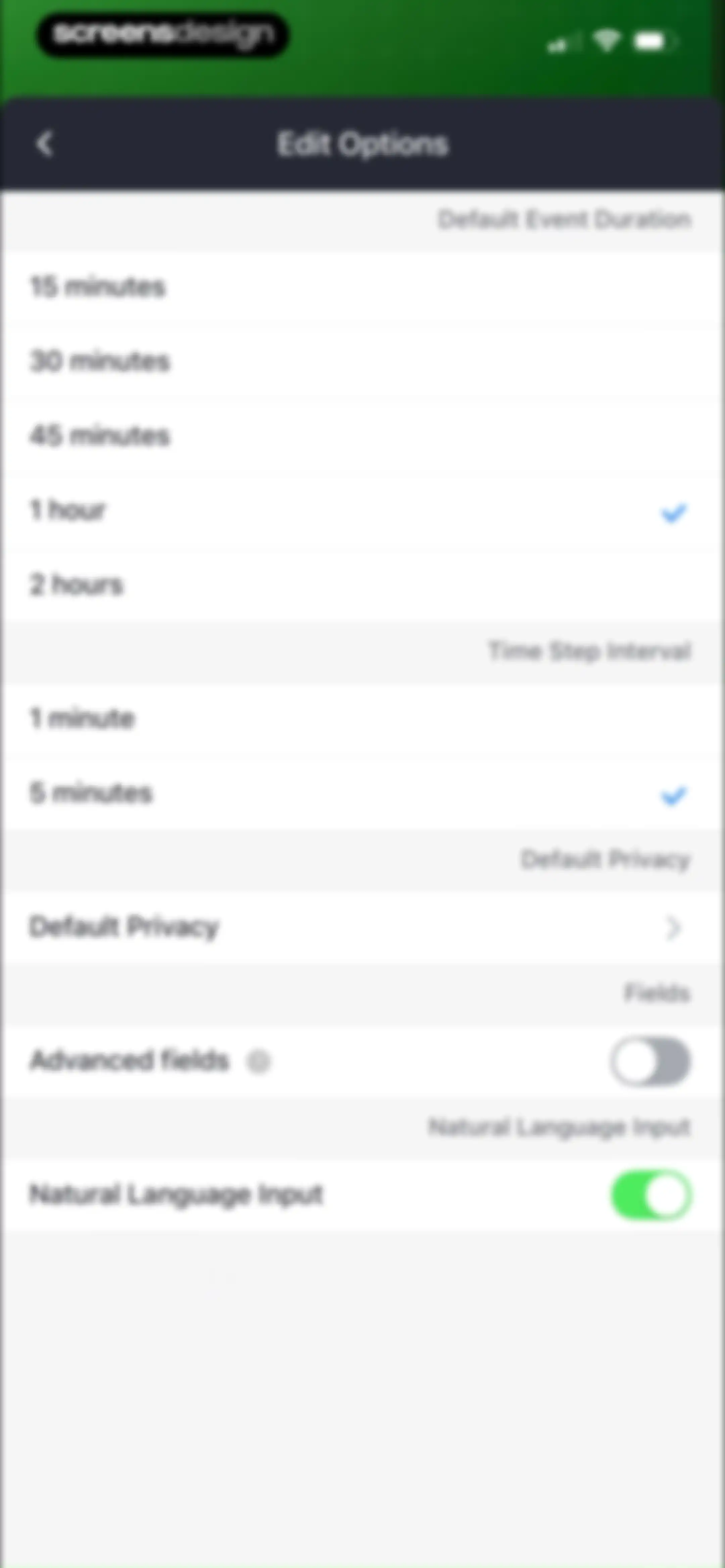
Settings screen for edit options with grouped configuration preferences, including selected event duration and time step intervals.Unlock Pro
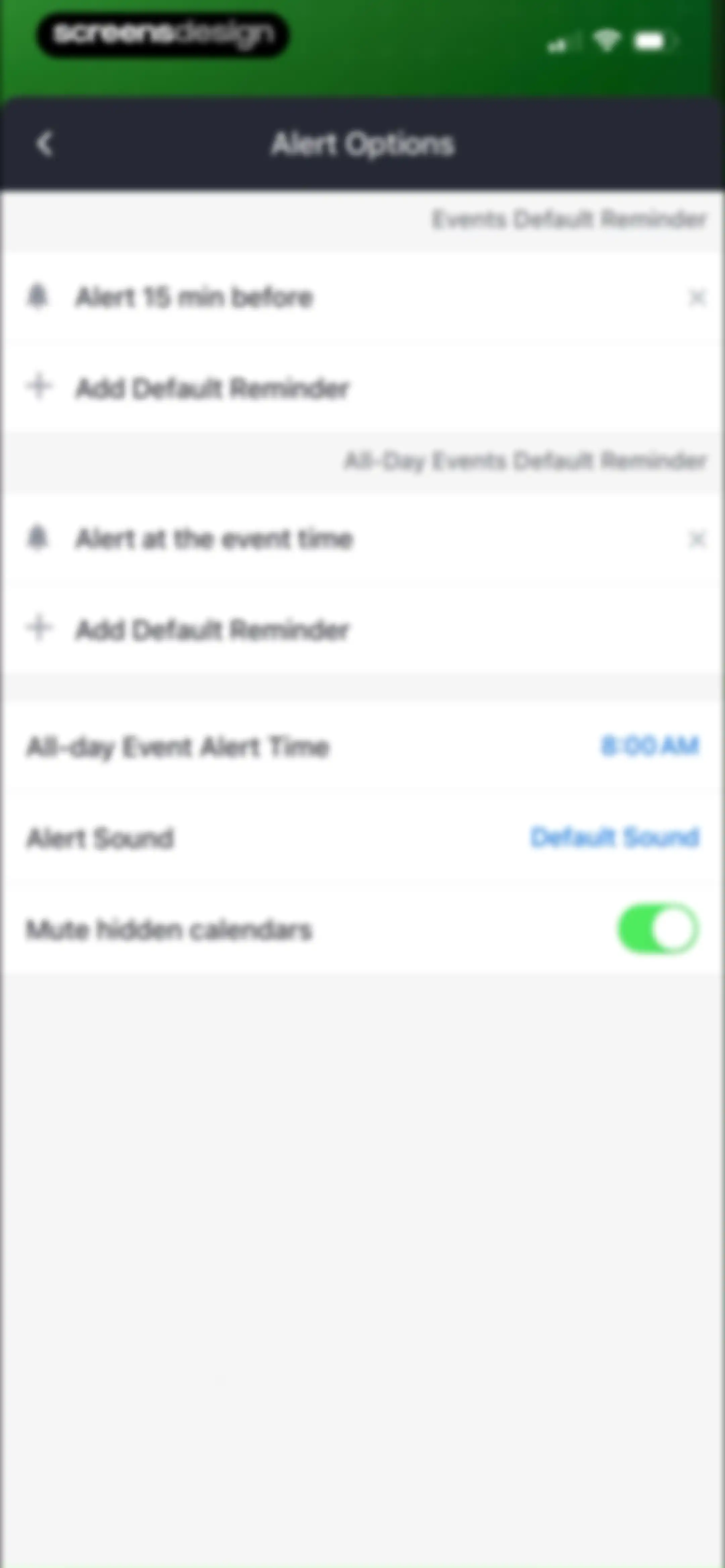
Alert Options settings screen displaying default reminder sections for timed and all-day events, alert sound, and a mute hidden calendars toggle.Unlock Pro
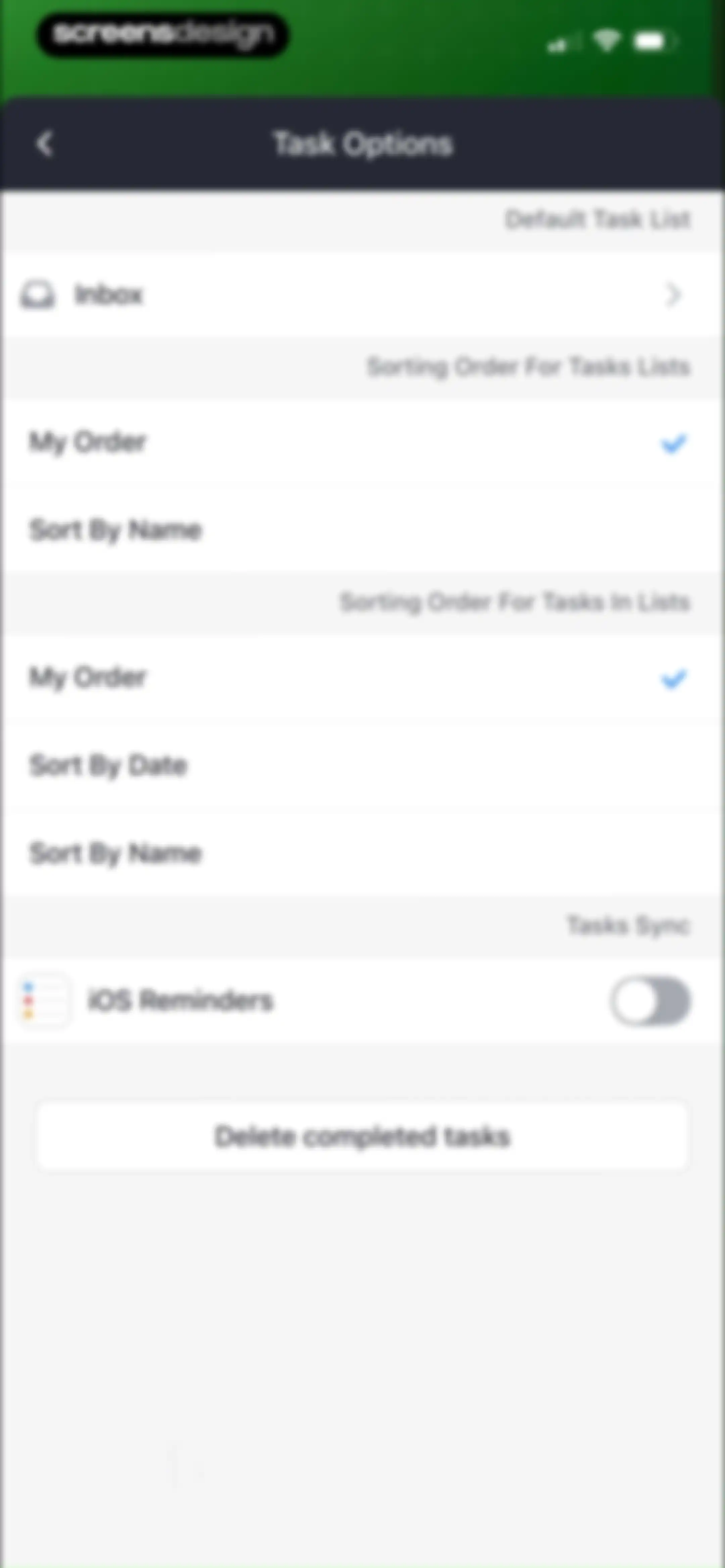
Task options settings menu displaying default list selection, sorting order preferences, and a Delete completed tasks button.Unlock Pro
Settings screen with grouped list options including View Options, Edit Options, Alert Options, and support links.Unlock Pro
Weather options settings screen with an enabled Show Weather toggle, navigation rows for view and temperature unit, and a data source link.Unlock Pro
Calendar print preview screen displaying a daily schedule, view tabs, and configuration settings with a Share button.Unlock Pro
Onboarding feature highlight screen introducing Easy Planner with a product mockup of a unified calendar and a Continue button.Unlock Pro
Onboarding screen featuring a calendar mockup for time blocking and task scheduling, with a Continue button at the bottom.Unlock Pro
Onboarding screen displaying a calendar device mockup with a Day view and scheduled events, accompanied by a Continue button.Unlock Pro
Onboarding screen introducing shortcut pinning with a product mockup of a list menu, heading, and a Continue button.Unlock Pro
Onboarding screen explaining sync capabilities with app icons and a Continue button.Unlock Pro
Onboarding screen highlighting calendar task management features with a dark-themed calendar visual, feature list, and a Thank you button.Unlock Pro
App recommendation list featuring four Readdle apps with descriptions, ratings, and Install buttons, and a Close button at the top.Unlock Pro
Support settings screen listing options for Help Center, Missing Events, Send Feedback, Diagnostics, and Legal Notes.Unlock Pro

About Calendars: Schedule Planner

A comprehensive calendar and task management app that integrates scheduling, habit tracking, and daily planning across all Apple devices.

Explore Calendars: Schedule Planner across ScreensDesign

Apps similar to Calendars: Schedule Planner

Unlock all similar apps

See every comparable app, revenue, installs, and flows.

Unlock Pro
  • Artful Agenda

    4.7
    Artful, LLCRevenue$45kInstalls20k
  • minical - Planner & Calendar

    4.8
    minical Inc.Revenue$15kInstalls50k
  • Timepage: Calendar Planner

    4.6
    BonoboRevenue$25kInstalls<5k
  • Amie - Todos, calendar

    3.4
    Amie GmbHRevenue$<5kInstalls<5k
  • Documents - File Manager

    4.8
    Readdle Technologies LimitedRevenue$600kInstalls250k
  • Weekly Planner - Diary, Notes

    4.7
    Digital Legal TechRevenue$40kInstalls40k
  • Countdown

    4.8
    Find Appiness LLCRevenue$15kInstalls300k
  • Planner Pro - Daily Planner

    4.5
    Beesoft AppsRevenue$10kInstalls<5k
  • Structured: Daily Planner Todo

    4.8
    unorderly GmbHRevenue$300kInstalls350k
  • Notion Calendar

    4.7
    Notion Labs, IncorporatedRevenue$<5kInstalls95k
  • Evernote: AI Notes & Notebook

    4.4
    Evernote CorporationRevenue$750kInstalls25k
  • Smart Timetable: Study Planner

    4.6
    Denis KravcovRevenue$<5kInstalls40k
  • TickTick:To-Do List & Calendar

    4.9
    Appest LimitedRevenue$450kInstalls200k
  • My Timetable: Class Schedule

    4.5
    Kodeon, Inc.Revenue$<5kInstalls15k
  • Todoist: To Do List & Calendar

    4.8
    Doist Inc.Revenue$300kInstalls50k
  • To Do List MinimaList & Widget

    4.8
    Davetech Co., Ltd.Revenue$5kInstalls95k
  • TimeBloc - Daily Planner

    4.3
    Reflective Technologies ApSRevenue$<5kInstalls<5k
  • Cozi Family Organizer

    4.8
    CoziRevenue$350kInstalls55k
  • Focus - Deep Work Timer

    4.4
    Meaningful Things GmbH & Co. KGRevenue$<5kInstalls<5k
  • Up Ahead: Countdown Widgets

    4.9
    Daniel GauthierRevenue$<5kInstalls<5k
  • Calendly: Meeting Scheduling

    4.8
    CalendlyRevenue$200kInstalls35k
  • FamilyWall: Family Organizer

    4.8
    Family & CoRevenue$250kInstalls50k
  • Recipe Keeper

    4.8
    Tudorspan LimitedRevenue$45kInstalls15k
  • Clarify: Focus & Task Manager

    4.3
    FabulousRevenue$<5kInstalls<5k
  • Todo List & Reminder - Todoery

    4.6
    BetterApp Tech Co., LimitedRevenue$20kInstalls35k
  • Crouton: Recipe Manager

    4.8
    Devin DaviesRevenue$5kInstalls<5k
  • OmniFocus 4

    4.0
    The Omni GroupRevenue$<5kInstalls<5k
  • Focus To-Do: Focus Timer&Tasks

    4.8
    Shenzhen Tomato Software Technology Co., Ltd.Revenue$8kInstalls25k
  • Period Tracker Period Calendar

    4.9
    ABISHKKING LIMITED.Revenue$150kInstalls600k
  • PDF Expert: Editor & Reader

    4.7
    Readdle Technologies LimitedRevenue$1.3MInstalls50k
  • Cleaner PRO:photos cleaner

    4.5
    IntelliChain Tech LimitedRevenue$<5kInstalls<5k
  • Focused Work - Pomodoro Timer

    4.7
    Michael TigasRevenue$<5kInstalls<5k
  • TeddyCare: Daily Routine Plan

    4.9
    Kappa Yazılım Anonim ŞirketiRevenue$<5kInstalls<5k
  • ExpiNotif: Expiration dates

    5.0
    Jawad Touil
  • Copilot: Track & Budget Money

    4.8
    Copilot Money, Inc.Revenue$250kInstalls<5k
  • Quicken: Budget & Track Money

    4.5
    Quicken Inc.Revenue$80kInstalls20k
  • Timella: Study & Work Timer

    0.0
    Jordan Andrade Carlota
  • Money Lover: Money Manager

    4.6
    Finsify Technology Company LimitedRevenue$15kInstalls30k
  • Due Gooder

    3.2
    Nathan RoyalRevenue$150kInstalls150k
  • MindNode – Classic

    4.5
    IdeasOnCanvas GmbHRevenue$50kInstalls25k
  • Plan Joy:To-Do List & Reminder

    4.7
    Chongqing Caochen Technology Co., Ltd.Revenue$<5kInstalls<5k
  • Money Manager Expense & Budget

    4.8
    Realbyte Inc.Revenue$10kInstalls200k
  • Bear - Markdown Notes

    4.7
    Shiny Frog Ltd.Revenue$45kInstalls<5k
  • EveryDollar: Budget Management

    4.7
    The Lampo Group IncorporatedRevenue$100kInstalls50k
  • Widgetsmith

    4.6
    Cross Forward Consulting, LLCRevenue$250kInstalls1.3M
  • Queue - Find Movies & Shows

    4.7
    Watch Queue, Inc.Revenue$<5kInstalls<5k
  • Diet & Food Tracker: EatWell

    4.8
    MWMRevenue$<5kInstalls<5k