Bring! Grocery Shopping List

$9k revenue, 4.8 rating

Splash Screen
0:00 / 7:21

Onboarding flow, Paywall & Inside the App

Watch the full screen-by-screen UX video of Bring! Grocery Shopping List with onboarding, paywall, and every core flow.
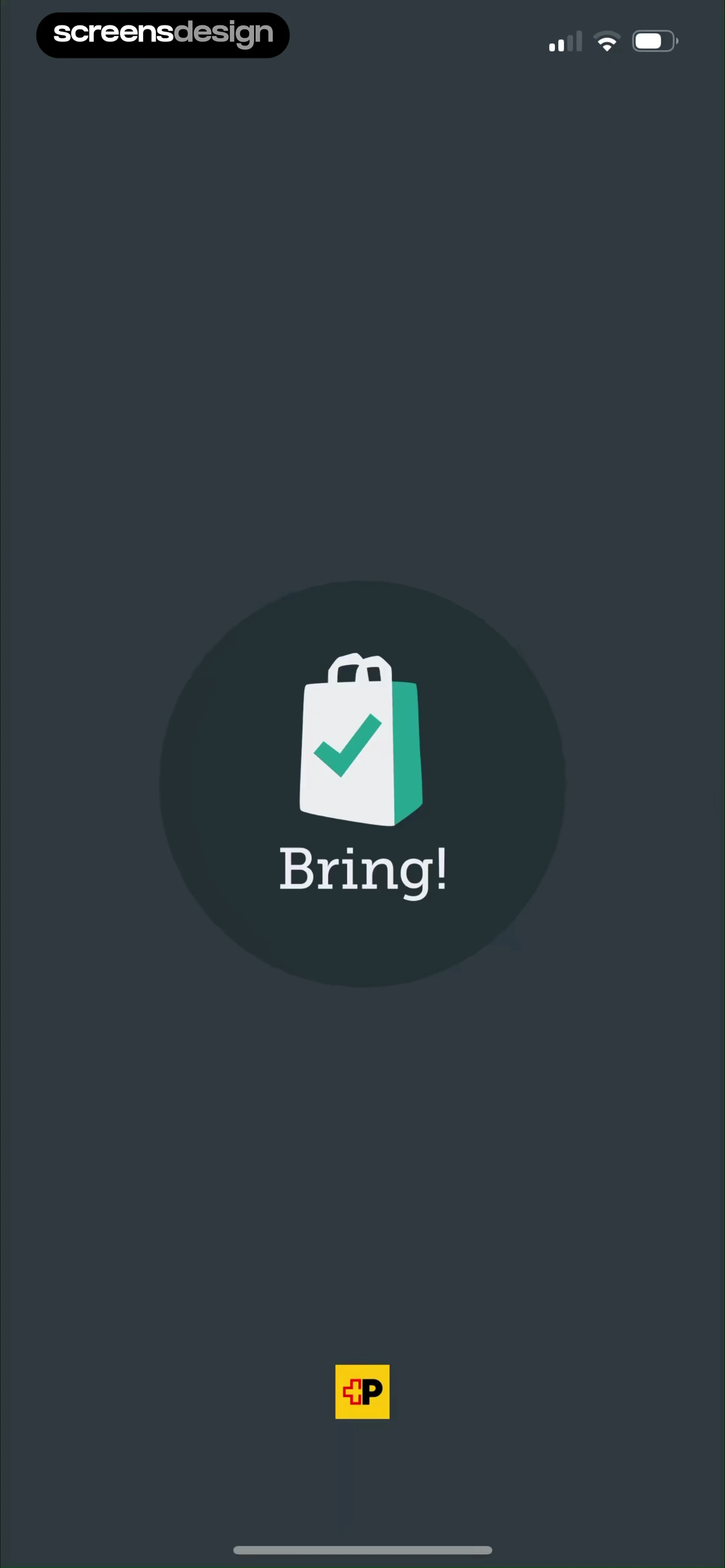
Splash screen for the Bring! app with a dark background, centered logo of a shopping bag with a checkmark, and branding text.
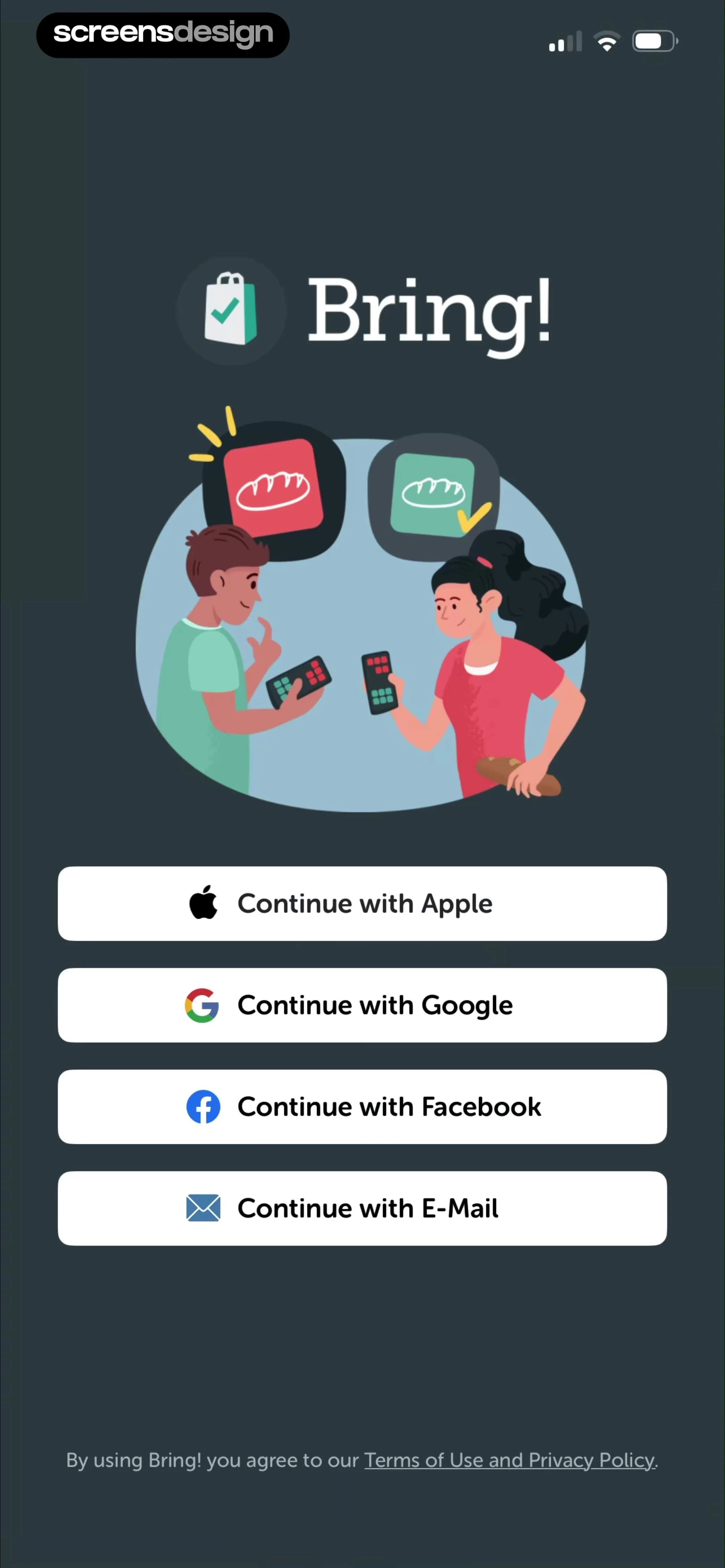
Bring! app sign-up screen with a central collaboration illustration and four authentication options including Apple and Google.
Email login form with a filled email address, a Next button, and a skip link on a dark background.
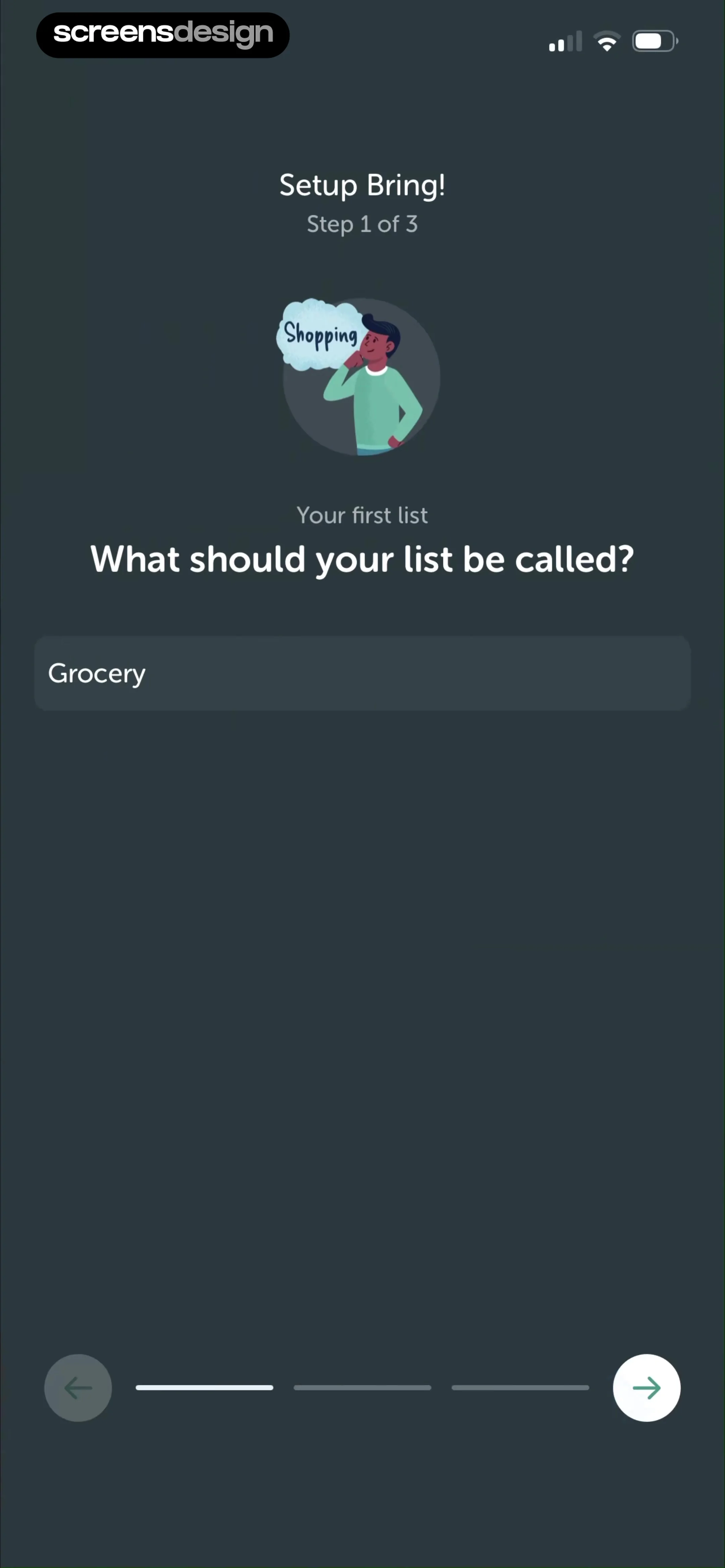
Bring! app onboarding setup screen for the first shopping list, with the name Grocery pre-filled in the input field and a forward arrow to continue.
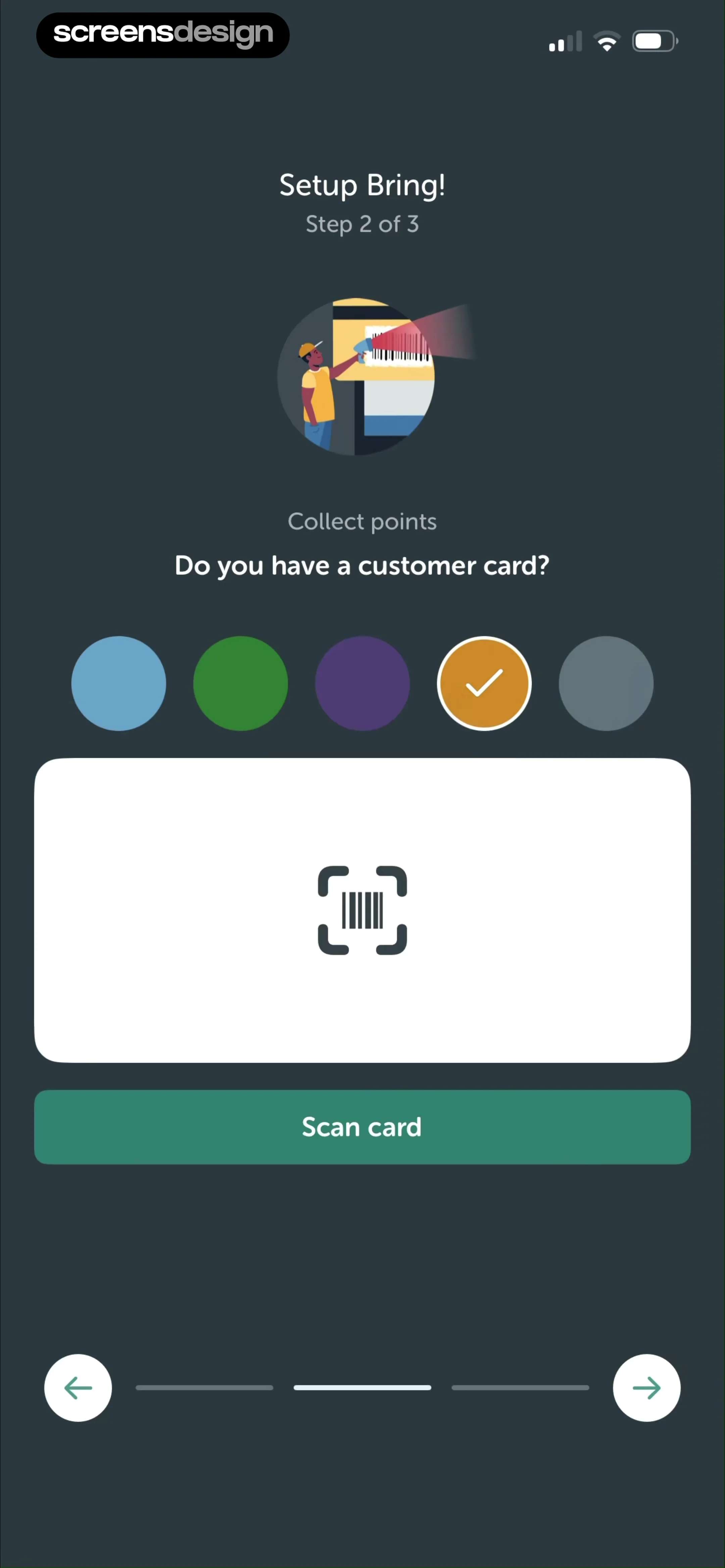
Bring app onboarding screen asking if you have a customer card to collect points, featuring a Scan card button.
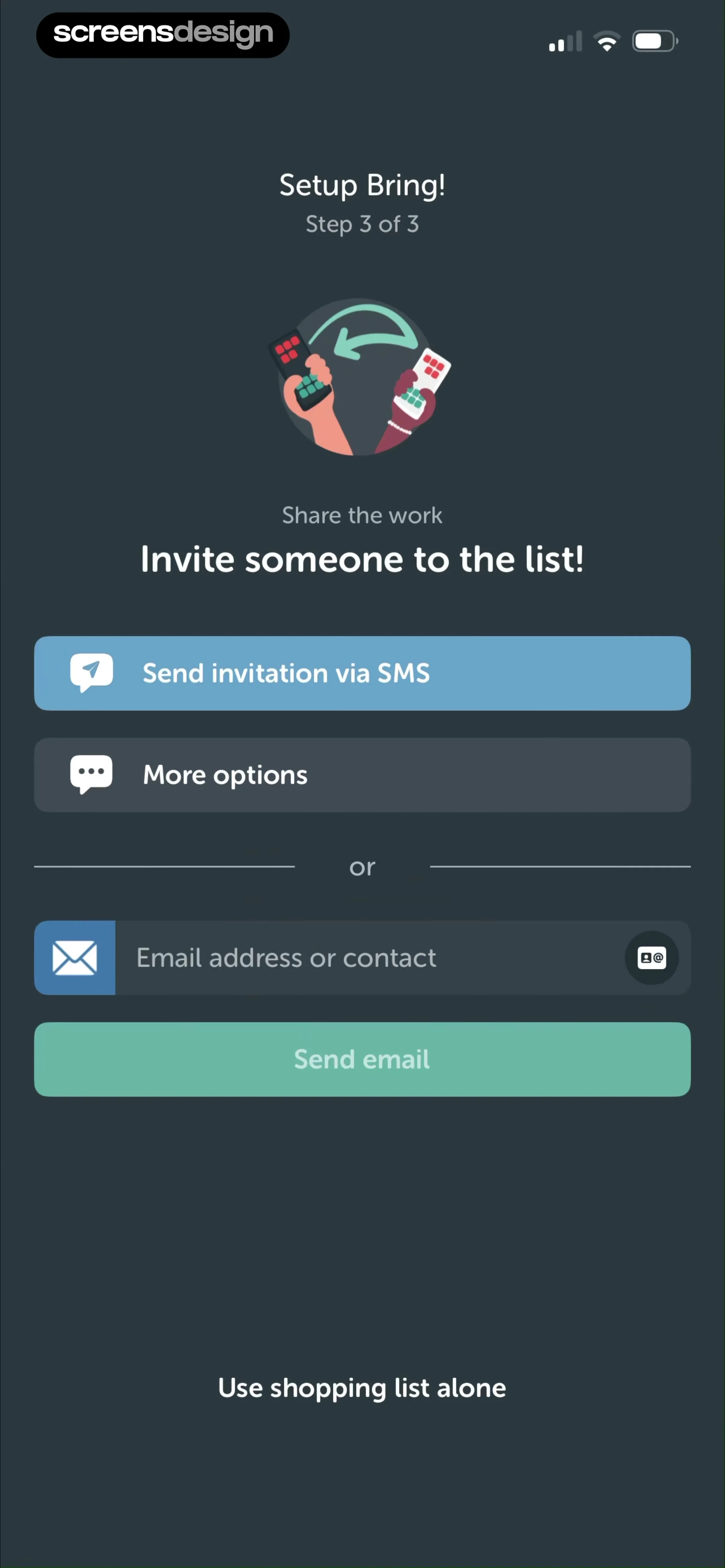
Onboarding screen inviting someone to a shopping list with options for SMS and email sharing, plus a skip link.
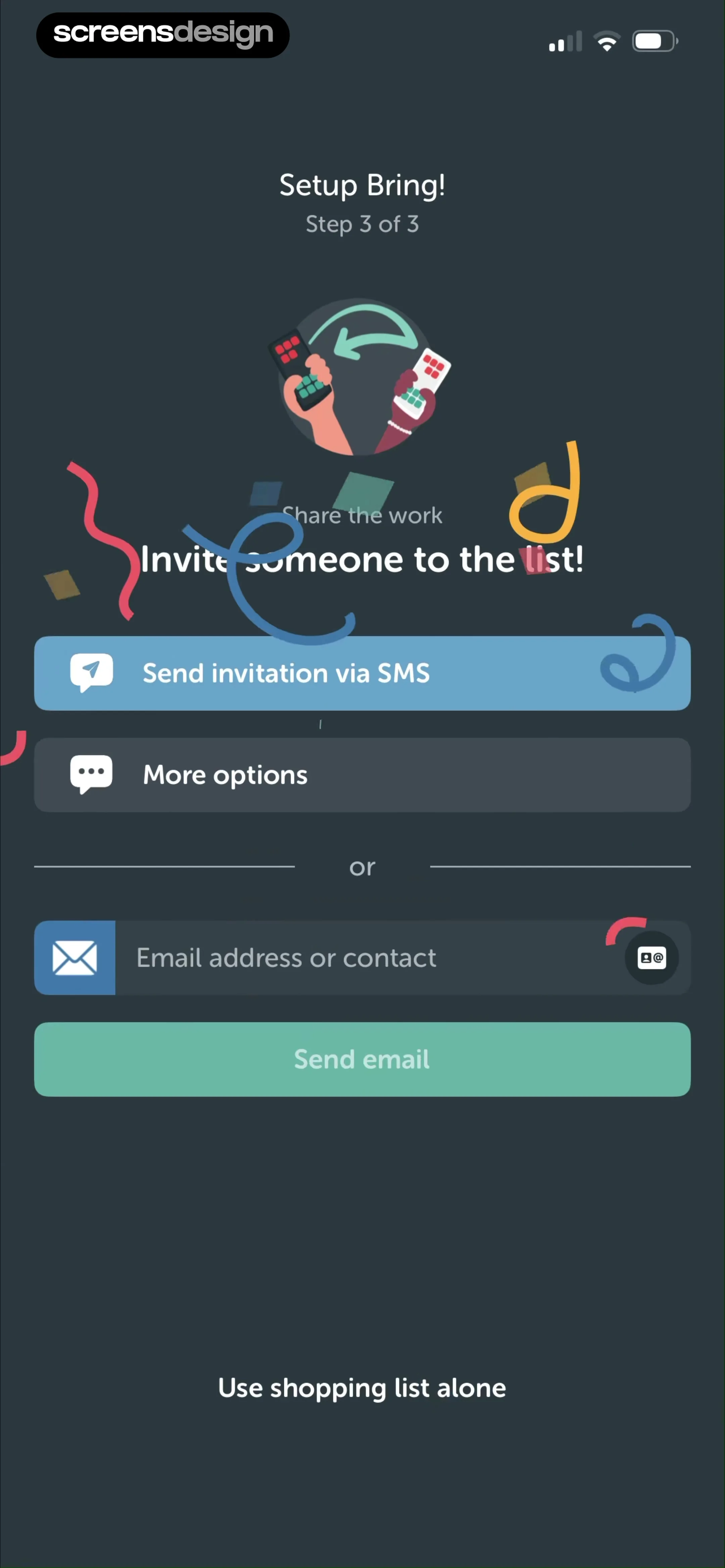
Bring! onboarding step 3 sharing screen with an invitation illustration, SMS and email options, and a skip link.
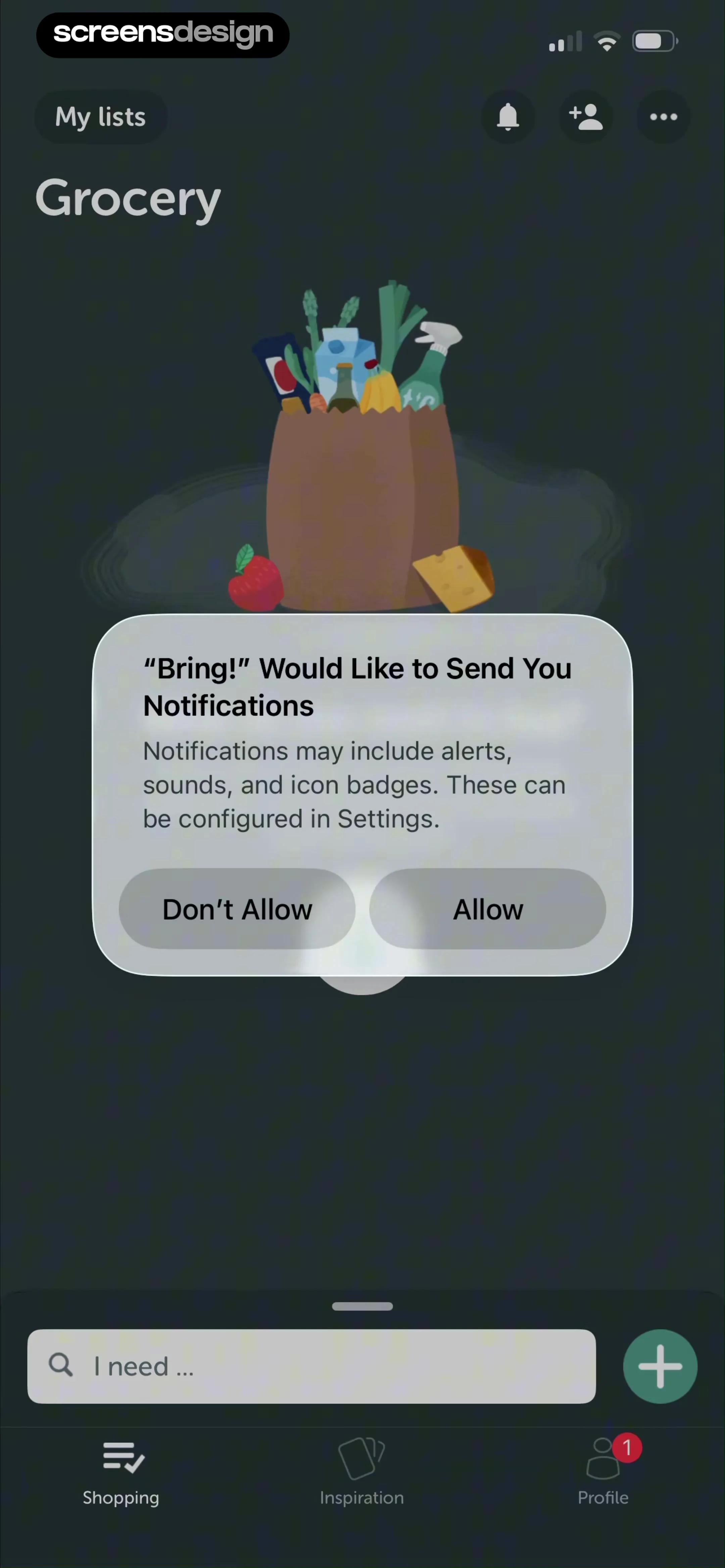
Permission prompt overlaid on a grocery list view, asking to send notifications with Allow and Don't Allow buttons.
Empty state screen for a grocery shopping list with a central illustration and a bottom search input to add the first item.Unlock Pro
Grocery item addition screen featuring a grid of suggested items and a search bar with a keyboard.Unlock Pro
Search screen for a grocery shopping list with a grid of item cards, search bar, and a bottom keyboard.Unlock Pro
Grocery item editor displaying attribute selection options for Eggs with a done button and bottom search bar.Unlock Pro
Onboarding screen introducing personal shopping suggestions with a central illustration of a person looking into a refrigerator and pagination dots at the bottom.Unlock Pro
Bring app onboarding screen explaining red due items with a central chocolate illustration card and pagination dots.Unlock Pro
Bring app onboarding screen explaining the yellow due soon item status with a cheese illustration and pagination dots.Unlock Pro
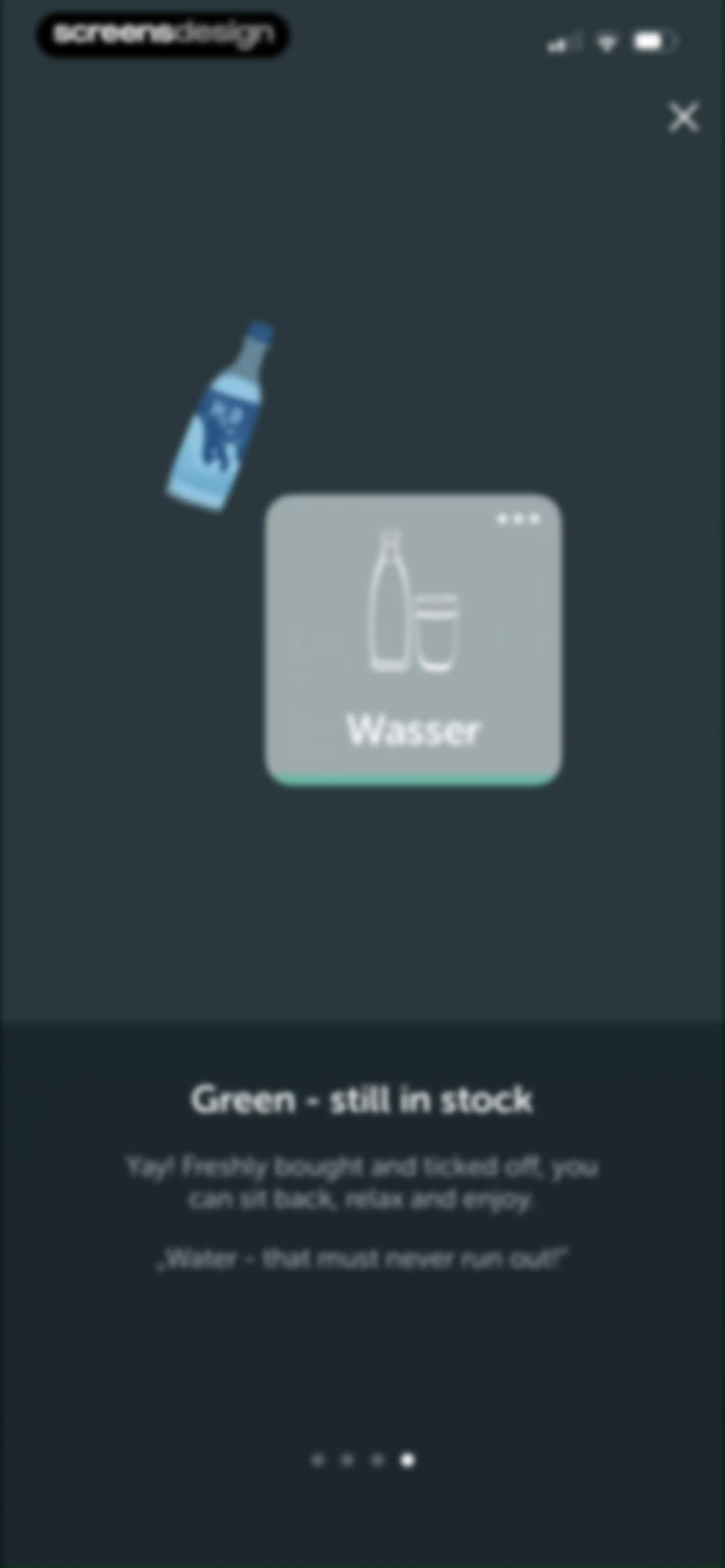
Onboarding screen explaining the green item status in the Bring app, featuring a water bottle illustration and a close button.Unlock Pro
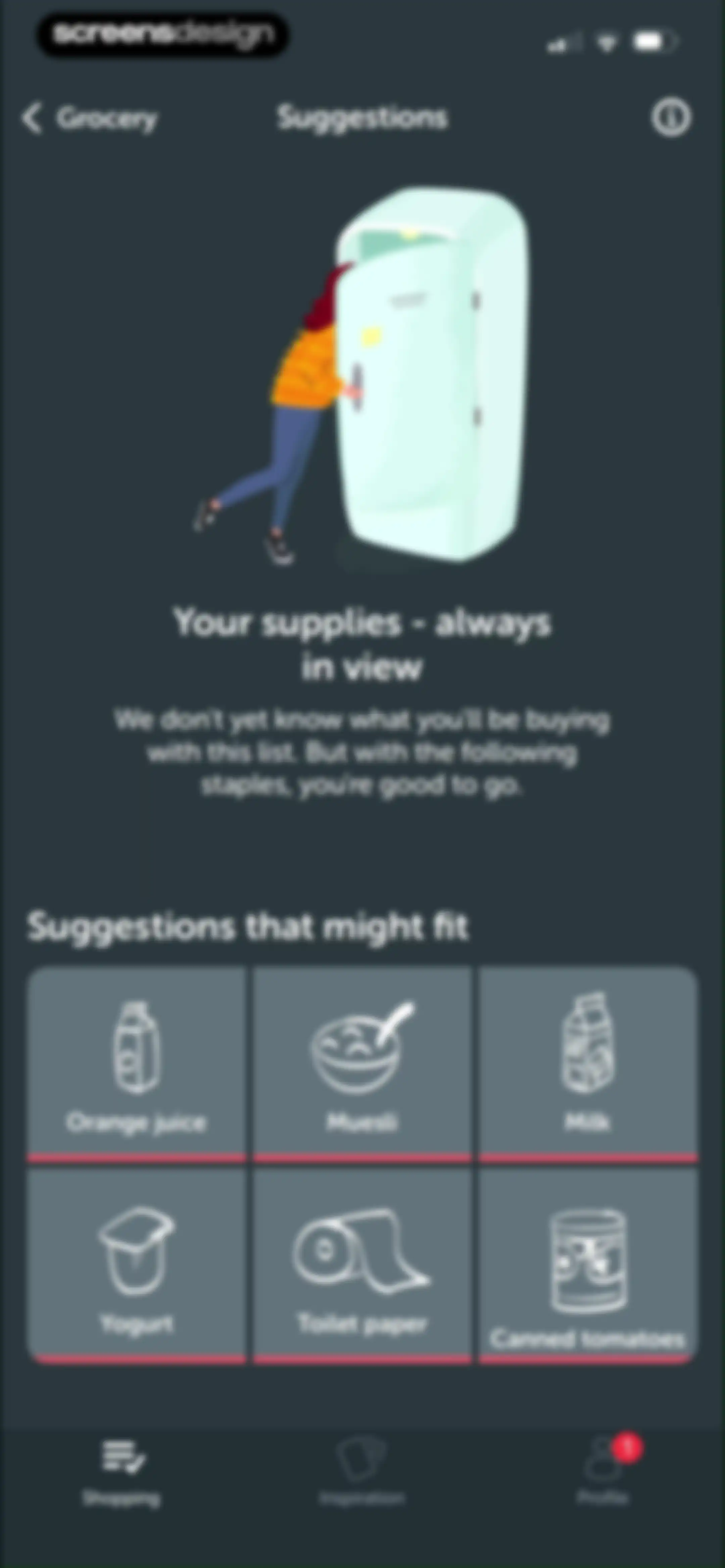
Grocery list empty state with a suggestion grid of six staple items like milk and muesli below a central illustration.Unlock Pro
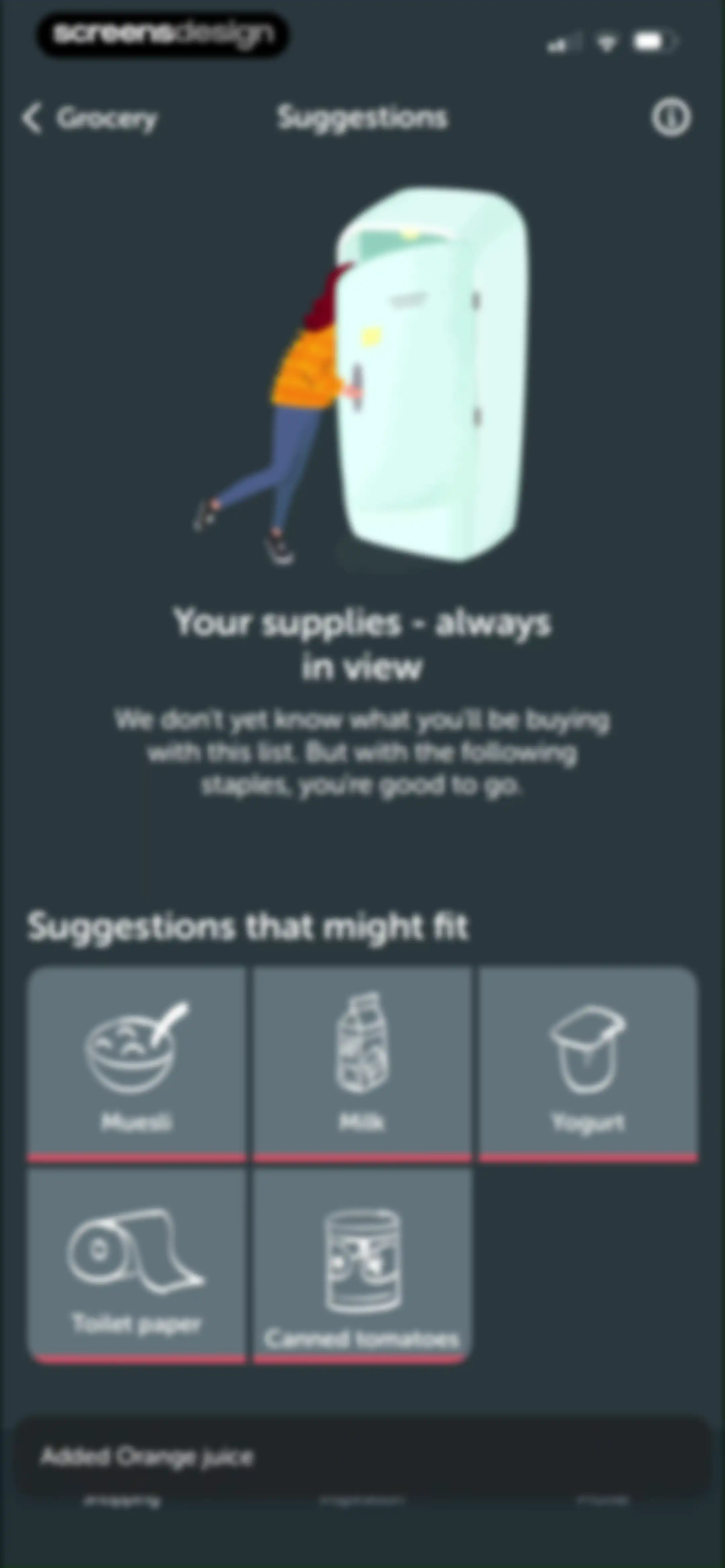
Grocery list empty state displaying suggestion cards for staples like milk and muesli, with a snack bar confirming a recent item addition.Unlock Pro
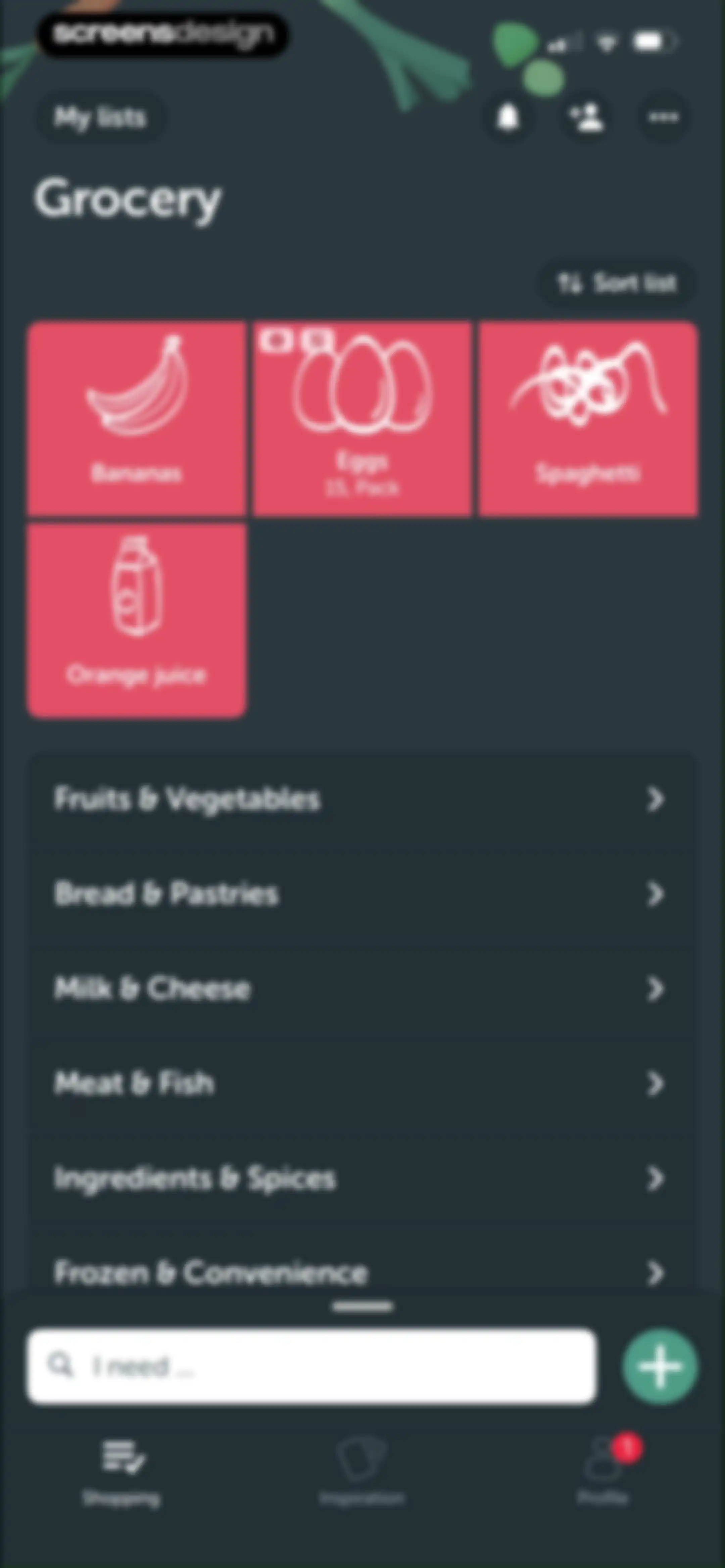
Grocery shopping list home screen displaying a card grid of items, category list, and a bottom search input with the Shopping tab selected.Unlock Pro
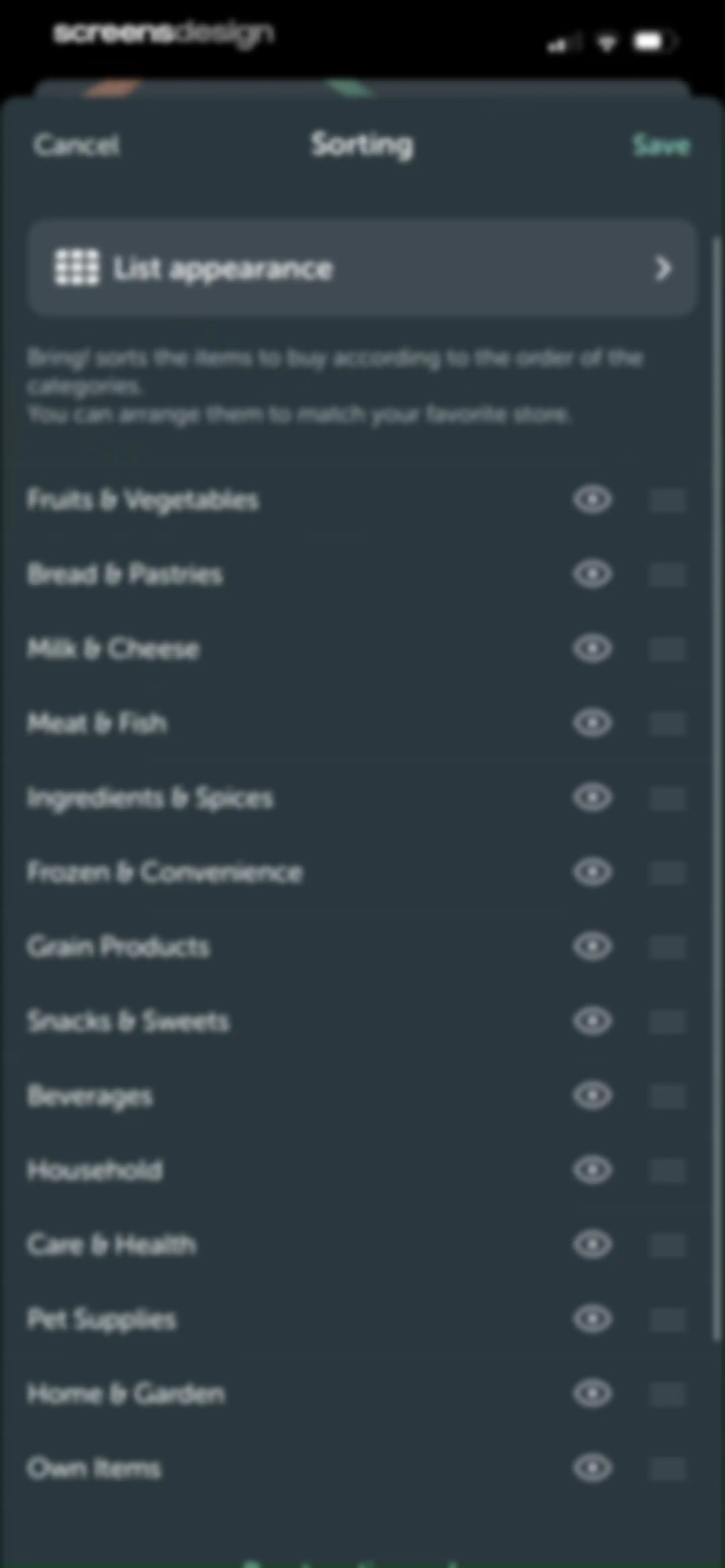
Sorting settings screen featuring a reorderable vertical list of grocery categories with drag handles and visibility toggles, plus top Cancel and Save buttons.Unlock Pro
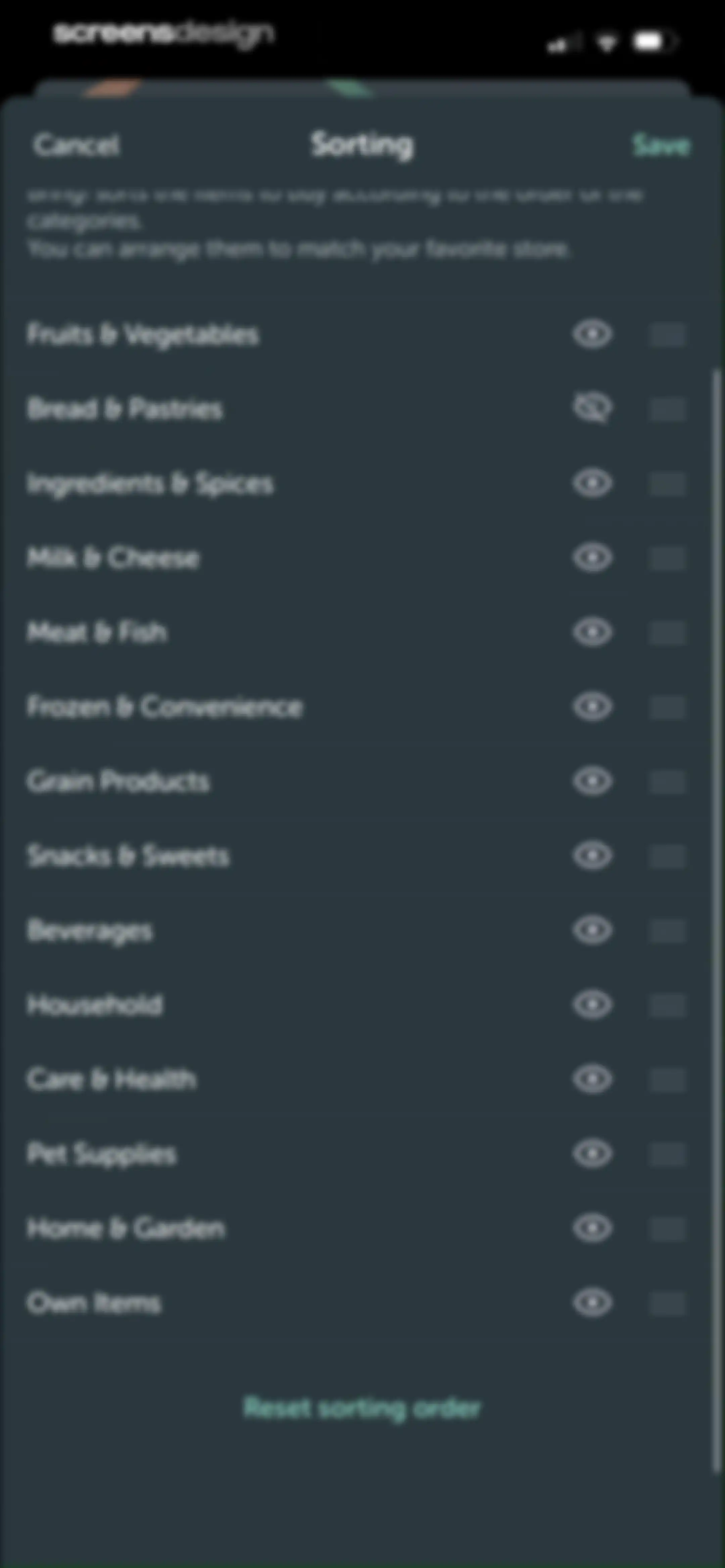
Bring category sorting settings screen with a list of grocery categories, visibility toggles, reorder handles, and a Save button.Unlock Pro
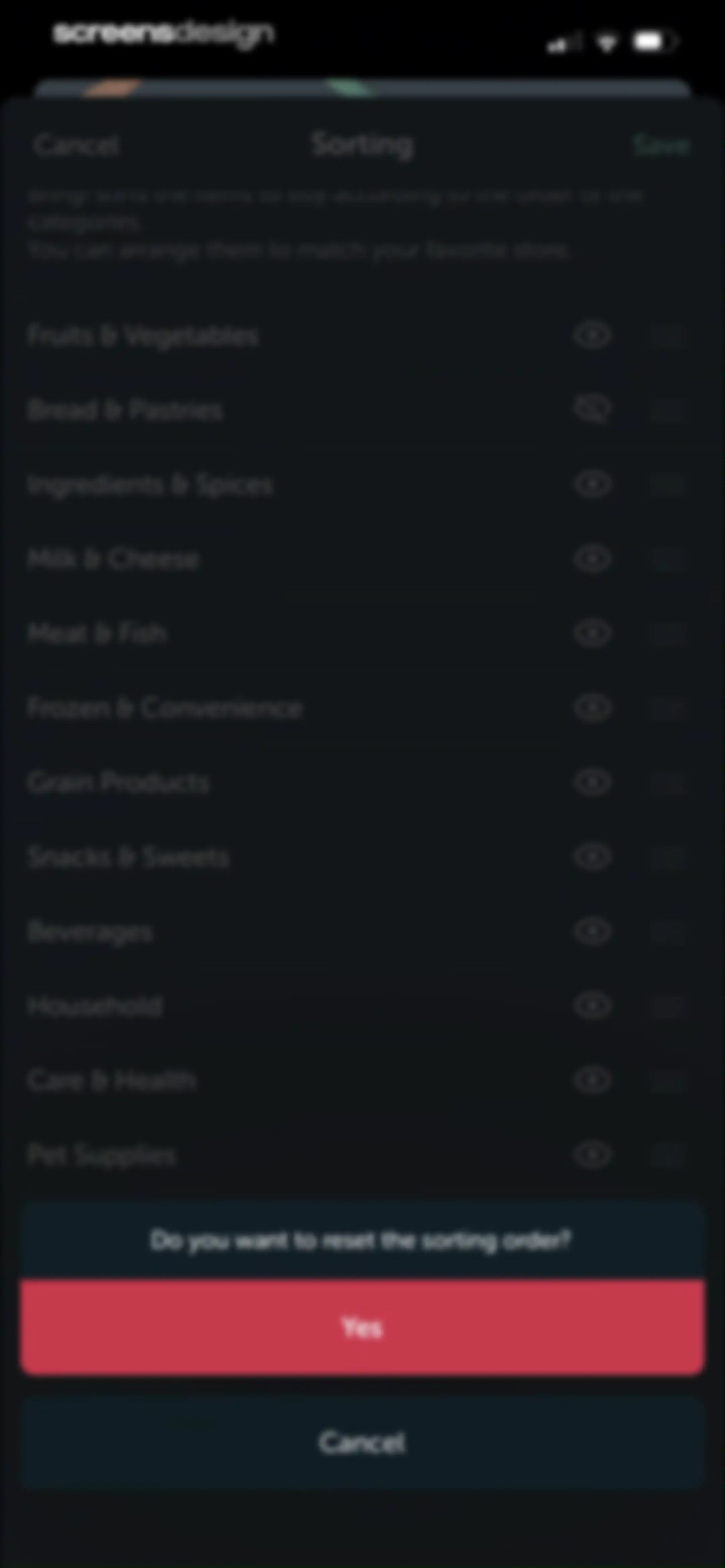
Bring! app category sorting settings with a centered confirmation modal asking to reset the sorting order and a red Yes button.Unlock Pro
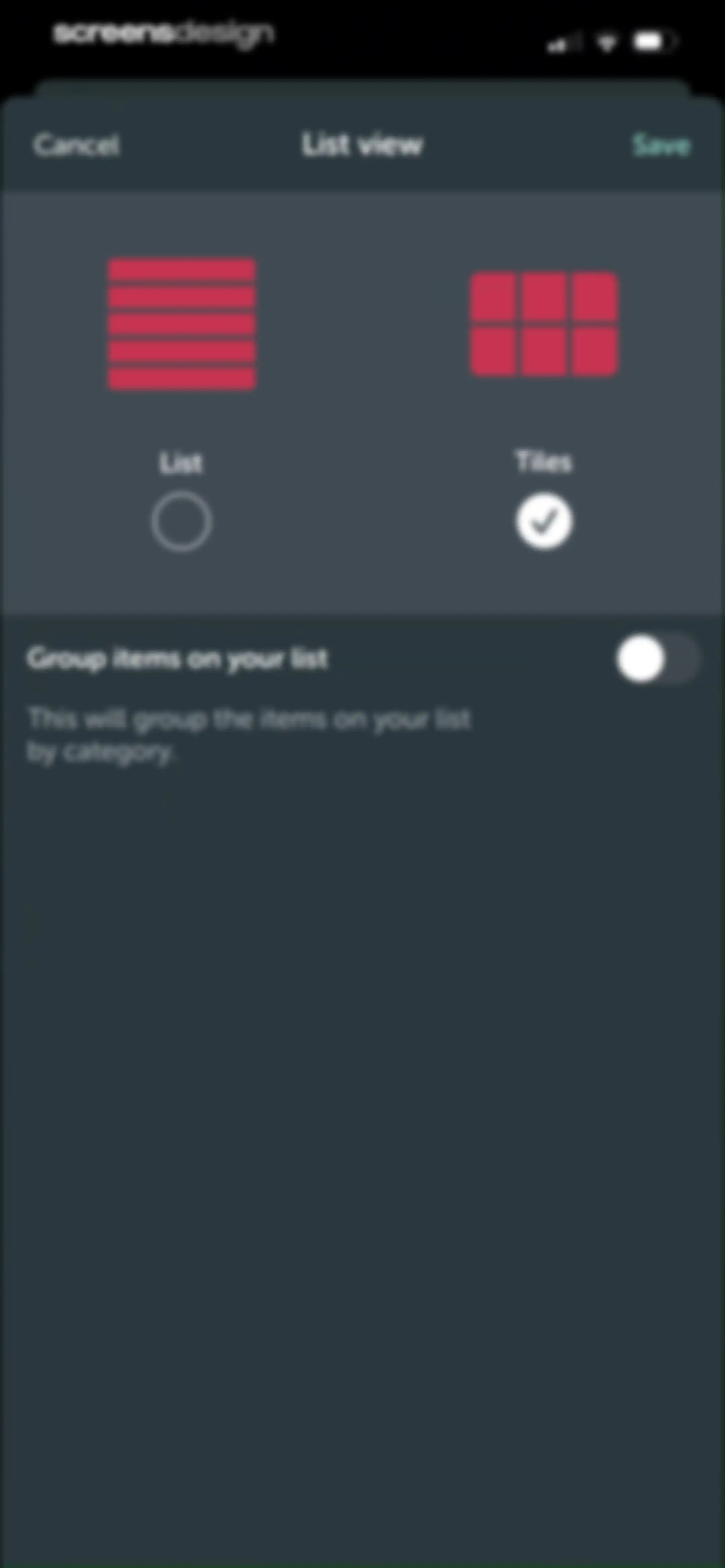
Settings modal for configuring list view display options, with the Tiles view mode selected and a Save button.Unlock Pro
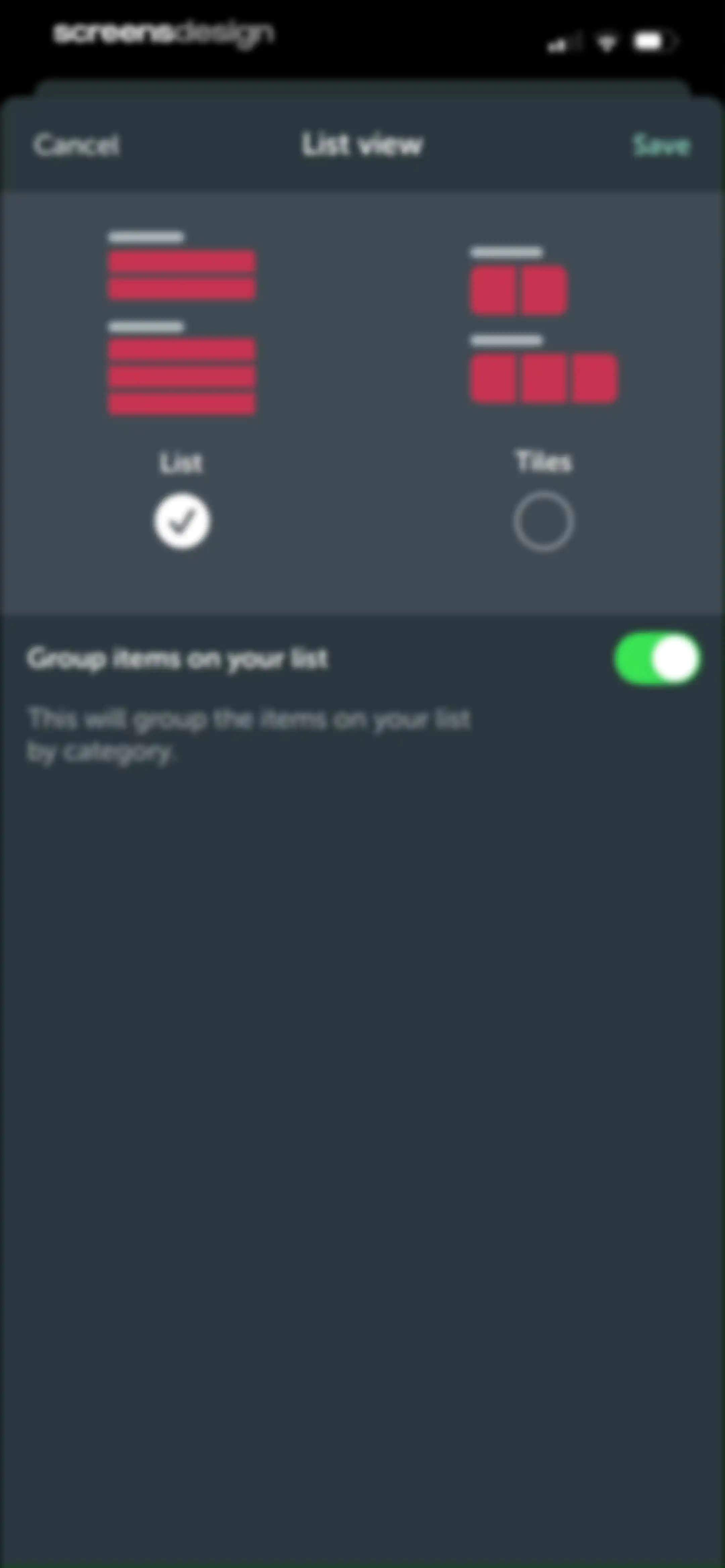
Shopping list settings modal comparing List and Tiles layouts, with List selected and a category grouping toggle.Unlock Pro
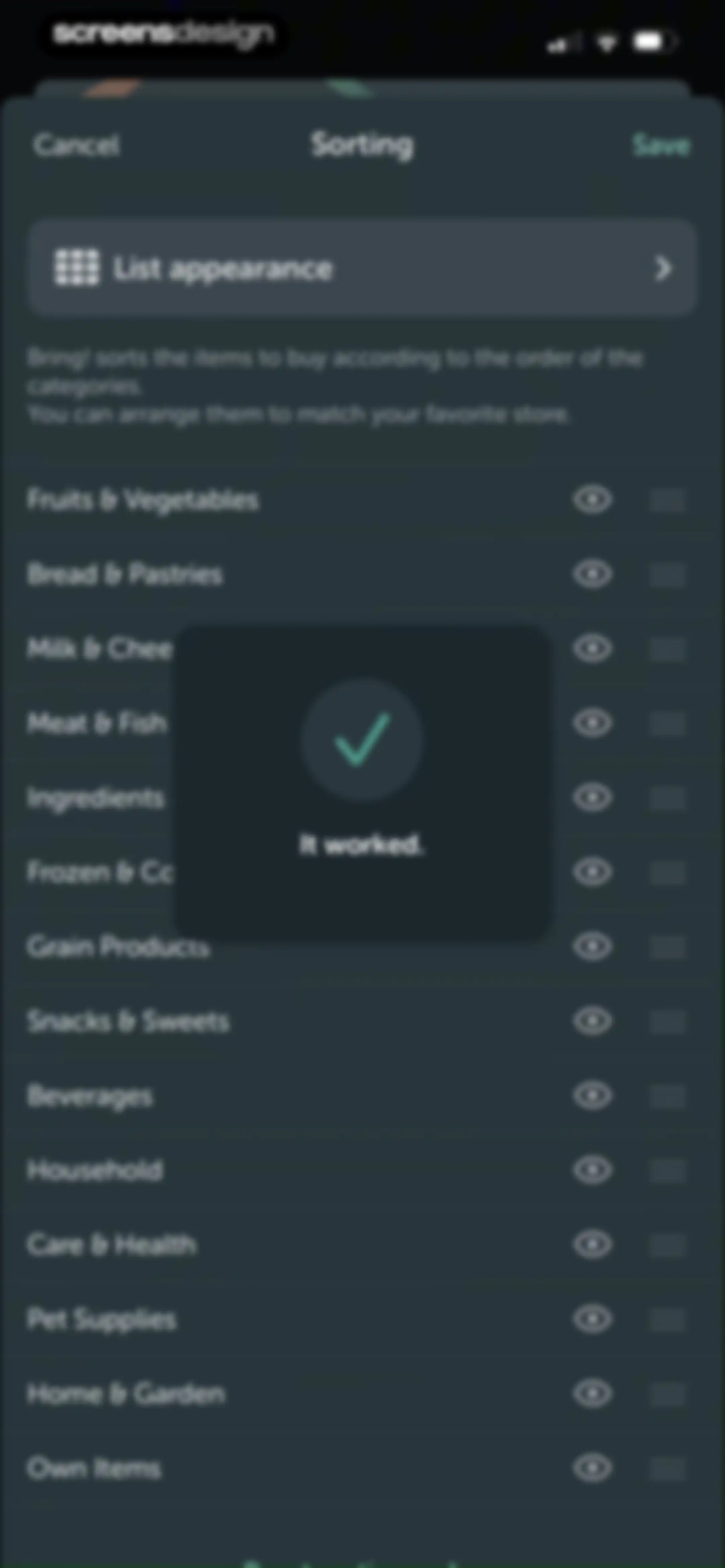
Sorting configuration screen displaying a category list overlaid with an It worked success modal and a Save button.Unlock Pro
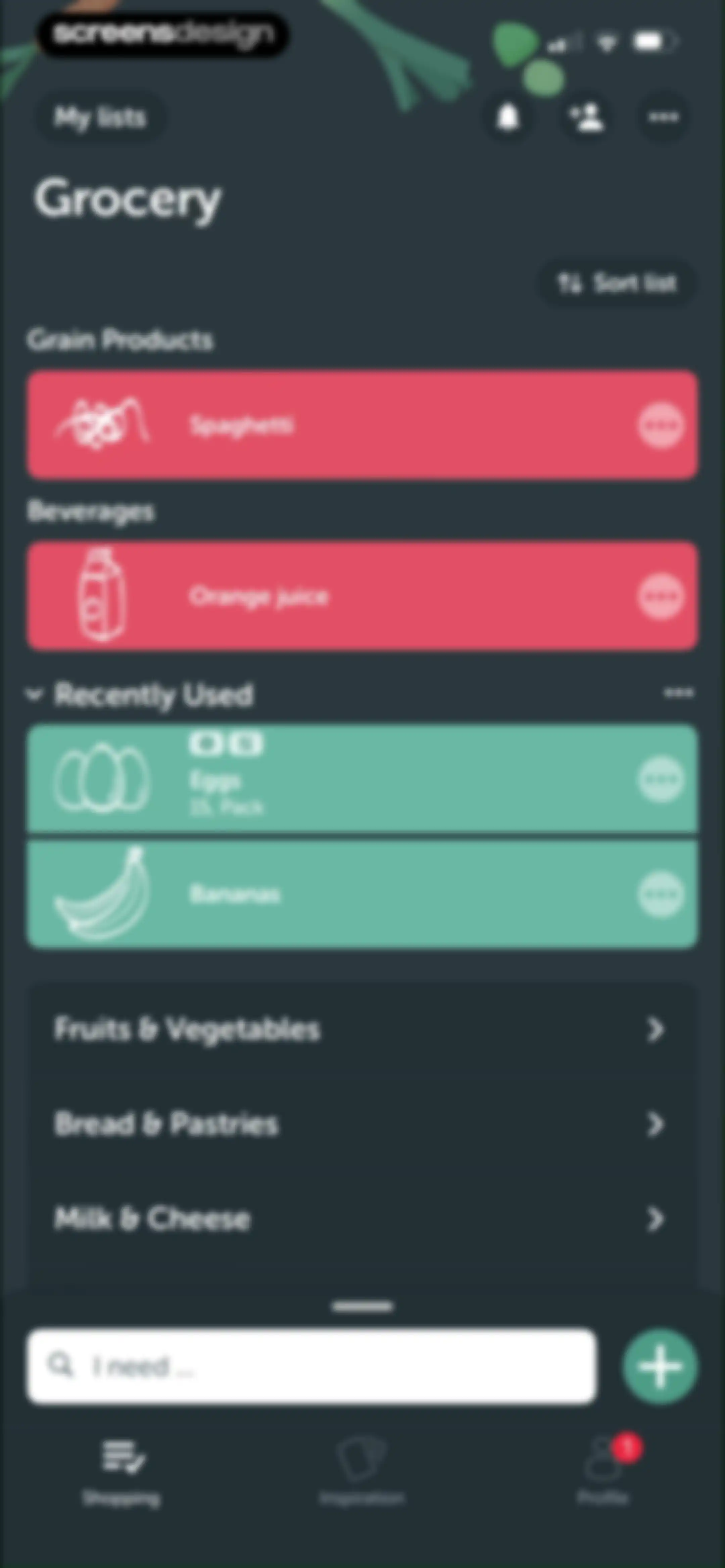
Grocery shopping list home screen with categorized item cards, a bottom search input, and a shopping navigation tab selected.Unlock Pro
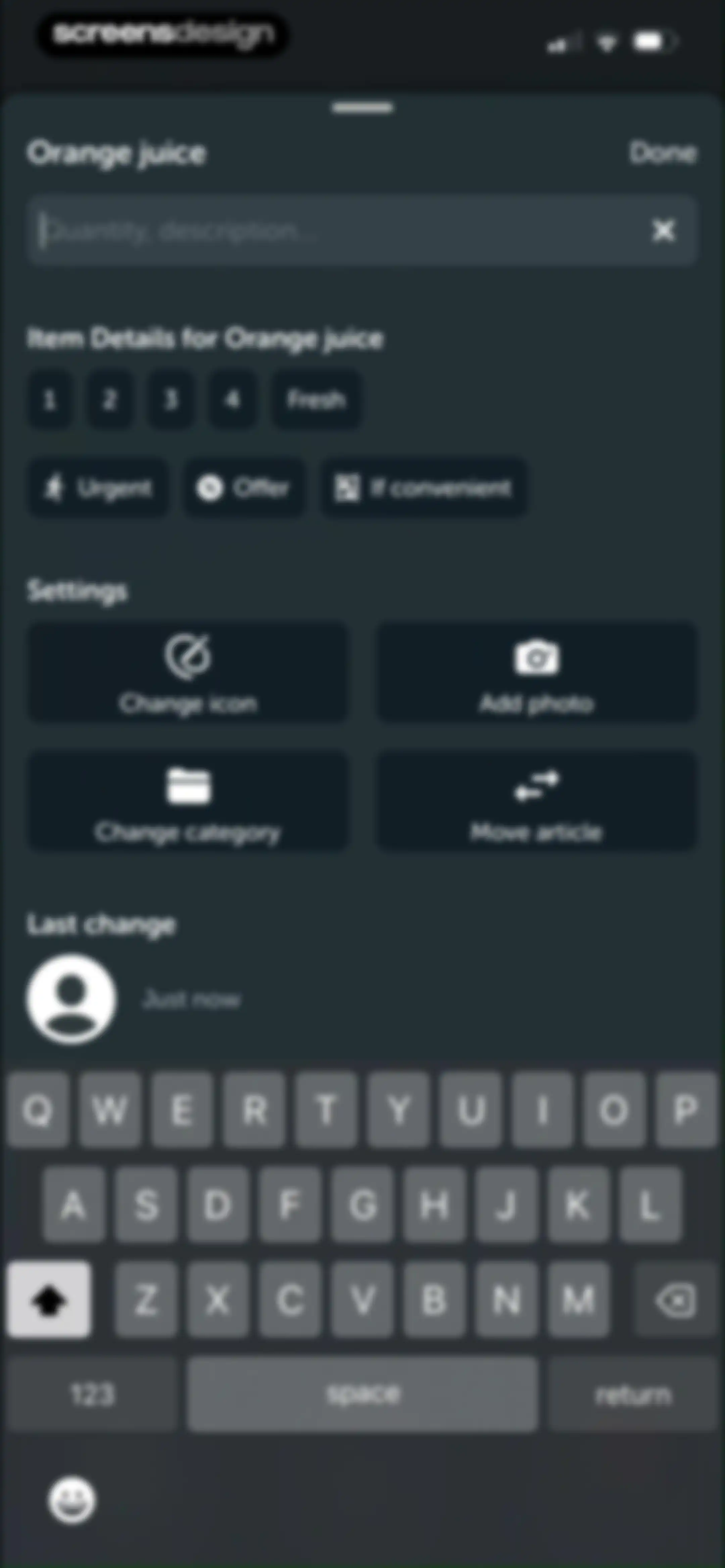
Grocery item details modal for Orange juice with quantity controls, setting buttons, and a Done button.Unlock Pro
Icon selection screen with a milk carton preview, a search bar, and a vertical list of expandable grocery categories with a Done button.Unlock Pro
Icon selection modal displaying an expanded grid of food icons with a search bar and a Done confirmation button.Unlock Pro
Item detail editor with a photo selection modal overlay, offering options to take a photo or select from album.Unlock Pro
Photo picker screen in the Bring! app with a privacy notice card, a grid of photo thumbnails, and a top tab for Photos.Unlock Pro
Photo editor screen showing a crop overlay on a grilled fish image with rotation controls and Done and Cancel buttons at the bottom.Unlock Pro
Category selection modal for a shopping list app, with Beverages selected and a Done button.Unlock Pro
Modal window titled Move article with a selected Grocery list option and Cancel and Save buttons.Unlock Pro
Grocery list home screen displaying categorized shopping items in cards, an open item options menu, and a bottom search bar.Unlock Pro
Category-specific selection screen listing bread and pastry items alphabetically with a dark theme and bottom navigation bar.Unlock Pro
Grocery list item selection screen for bread and pastries, featuring a bottom sheet with bun sub-types and a Done button.Unlock Pro
Activities feed displaying recent changes to a shared grocery list, including item updates and additions with timestamps.Unlock Pro
Share List screen with an invitation illustration, options to send an SMS or email, and a Send email button.Unlock Pro
Grocery list home screen with a dark theme and a bottom modal overlay displaying list options and settings.Unlock Pro
Empty state screen for a grocery app displaying a grid of staple item suggestions including milk and bananas below an illustration.Unlock Pro
Grocery list screen with categorized shopping items and a bottom-aligned share sheet modal offering options like AirDrop and Messages.Unlock Pro
Grocery list settings screen with a header, list customization buttons for sorting, region, members, and name, and a delete list button.Unlock Pro
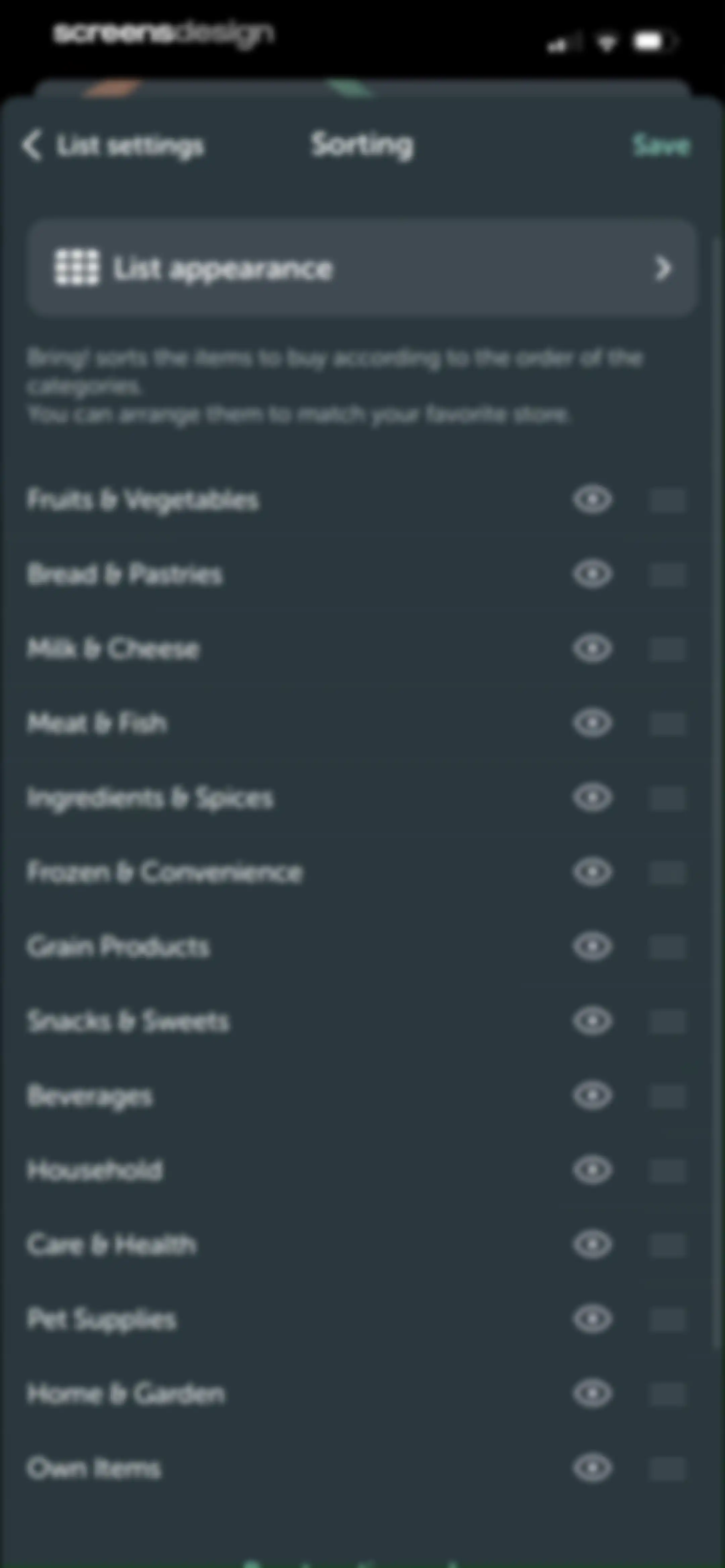
Sorting settings screen in the Bring! app featuring a vertical list of reorderable grocery categories and a Save button.Unlock Pro
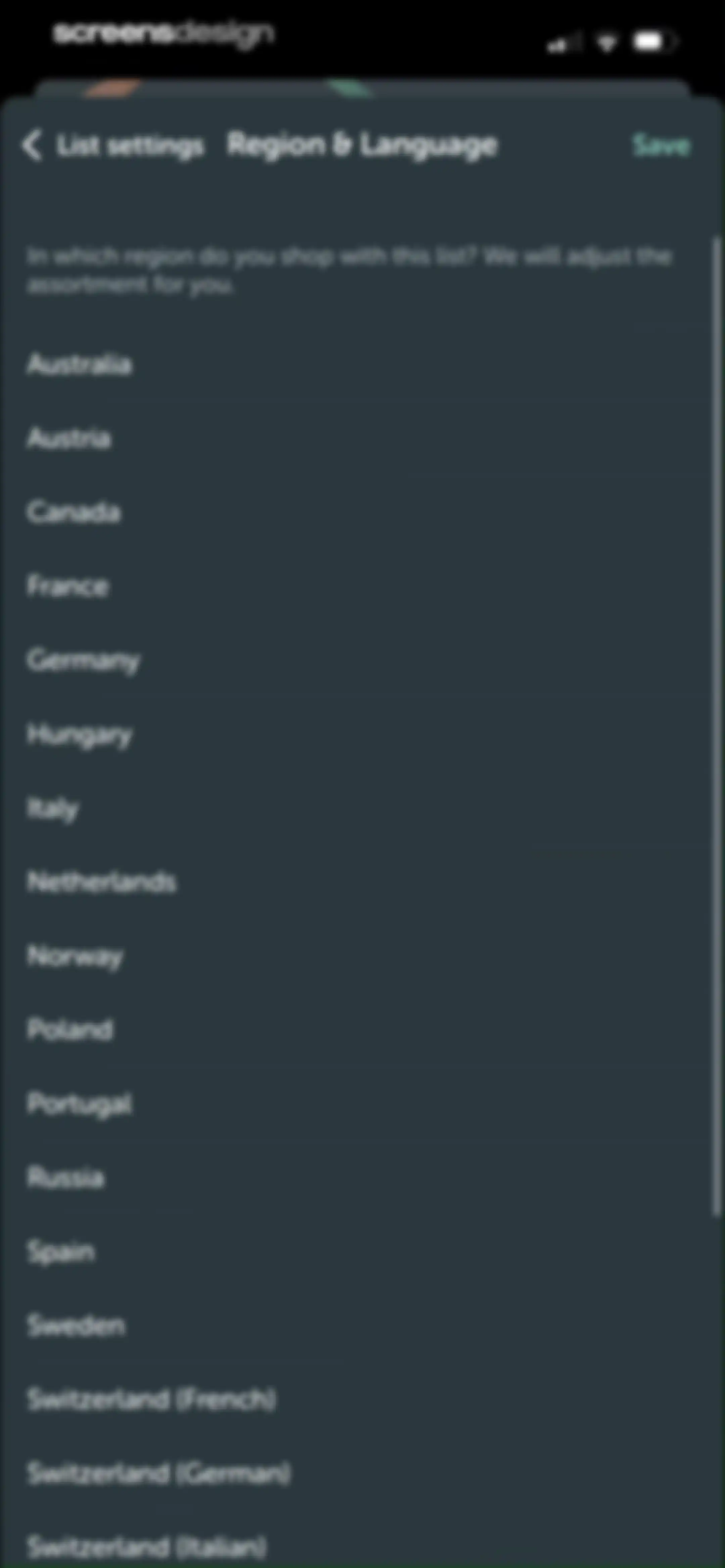
Region and language settings screen with a vertical list of country options and a Save button.Unlock Pro
Member list settings showing one member with an email address and a Share list button.Unlock Pro
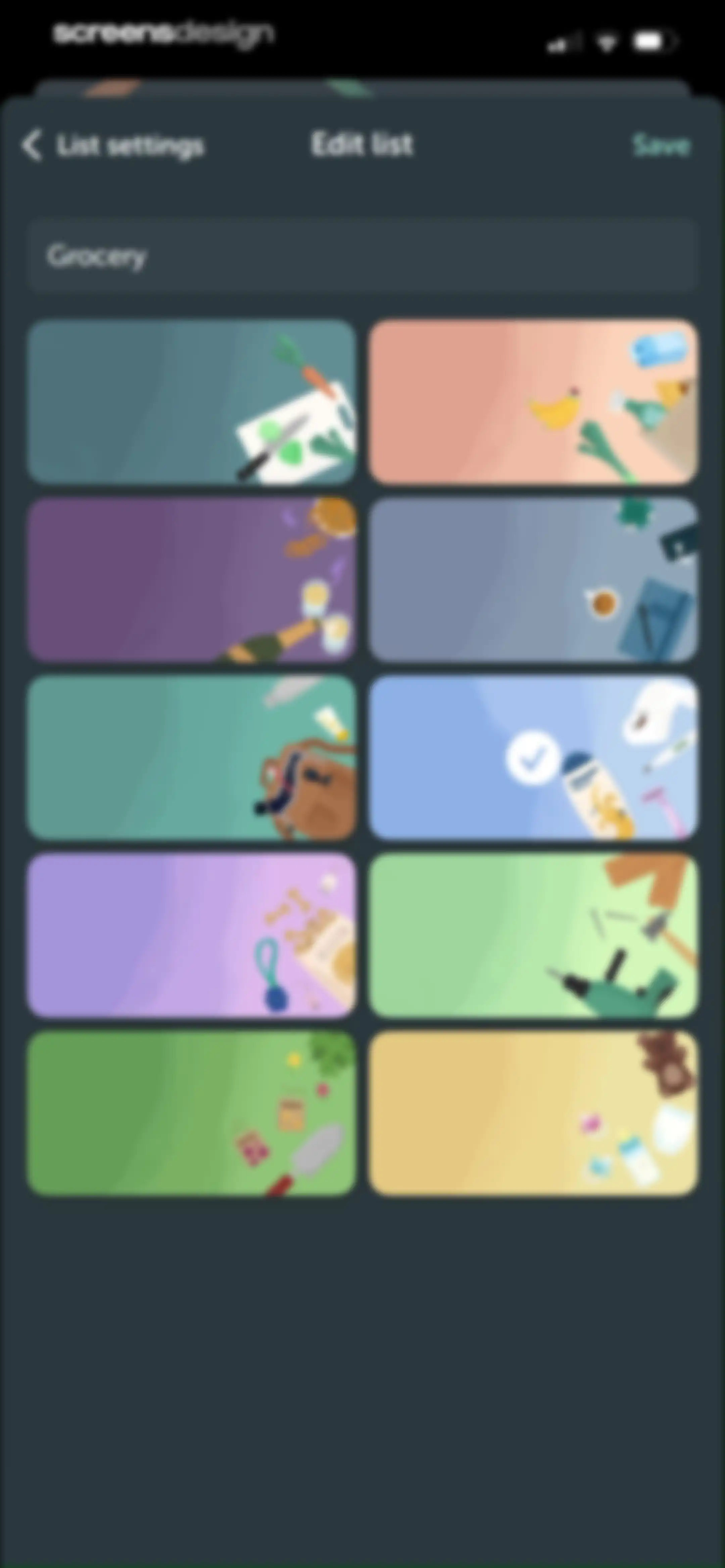
List settings screen featuring a text input for the list name and a two-column grid of thematic illustration cards with a save action.Unlock Pro
Empty state screen for card management with a central illustration, instructional text, and an Add a card button.Unlock Pro
Camera permission request modal in the Bring! app asking to access the camera, with Allow and Don't Allow buttons.Unlock Pro
Add card screen for scanning a loyalty card barcode, featuring a camera viewfinder, step indicator, and a manual entry option.Unlock Pro
Grocery list screen with a dark background, displaying categorized items and overlaid with a white system share sheet modal at the bottom.Unlock Pro
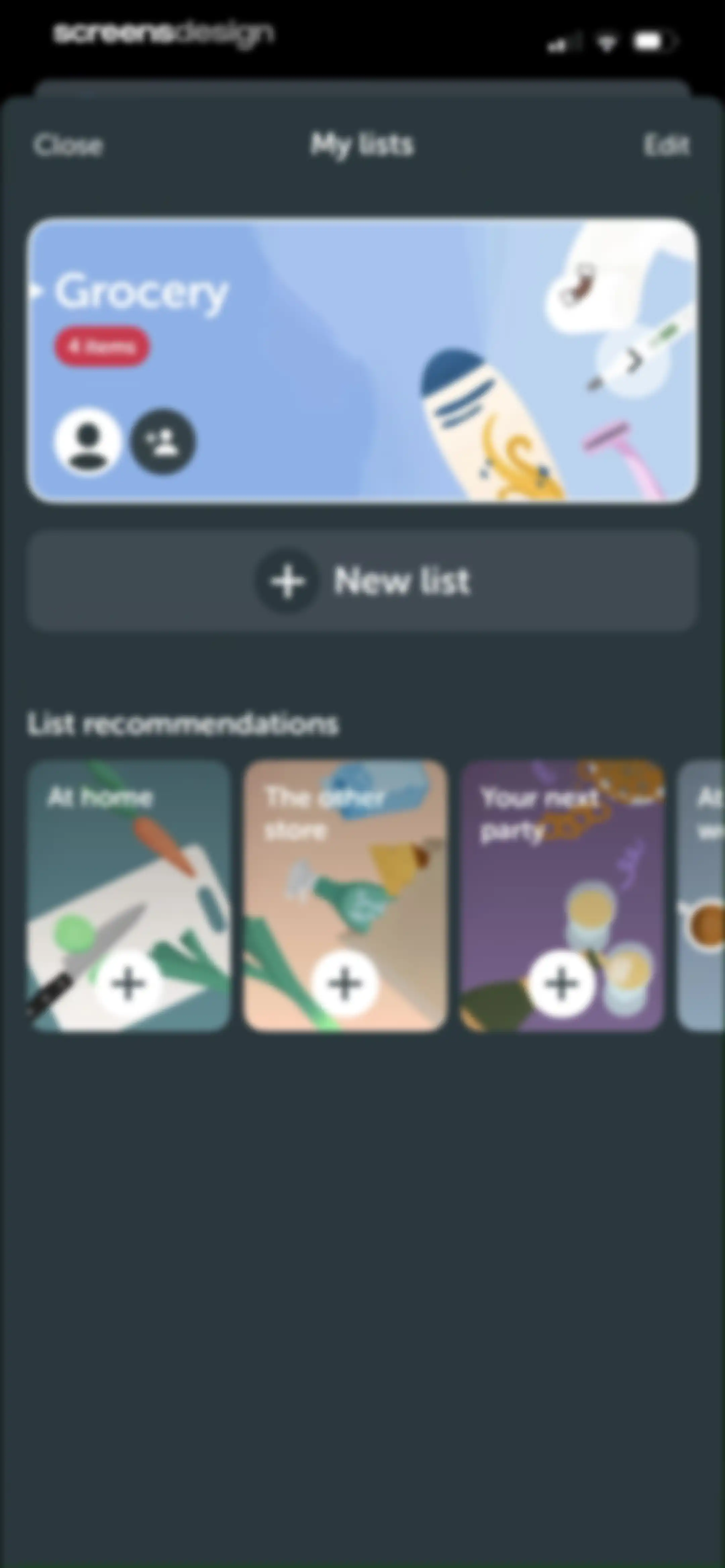
Home screen displaying a featured grocery list card, a new list button, and a horizontal carousel of list recommendations.Unlock Pro
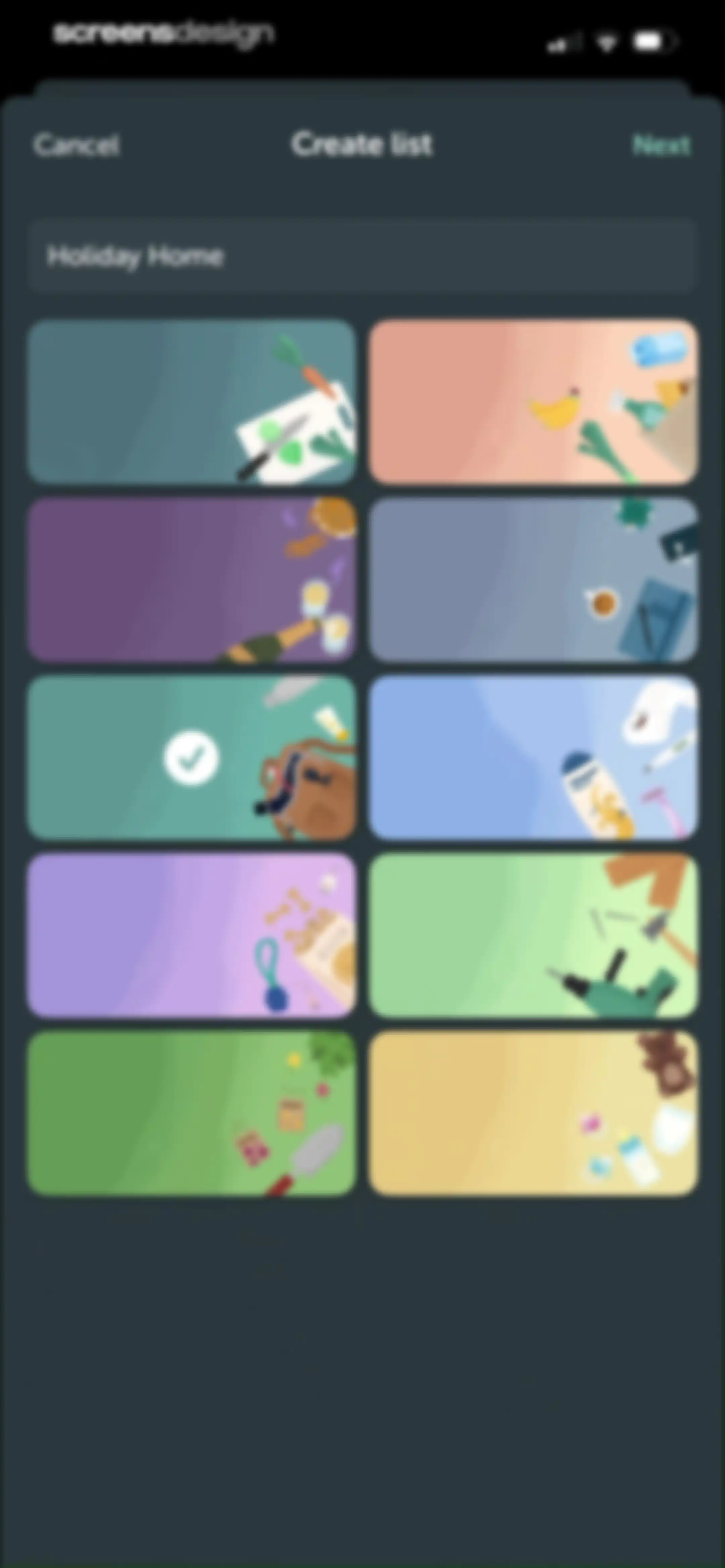
List creation form with a text input for the name, a grid of illustrated theme selection cards, and Cancel and Next buttons.Unlock Pro
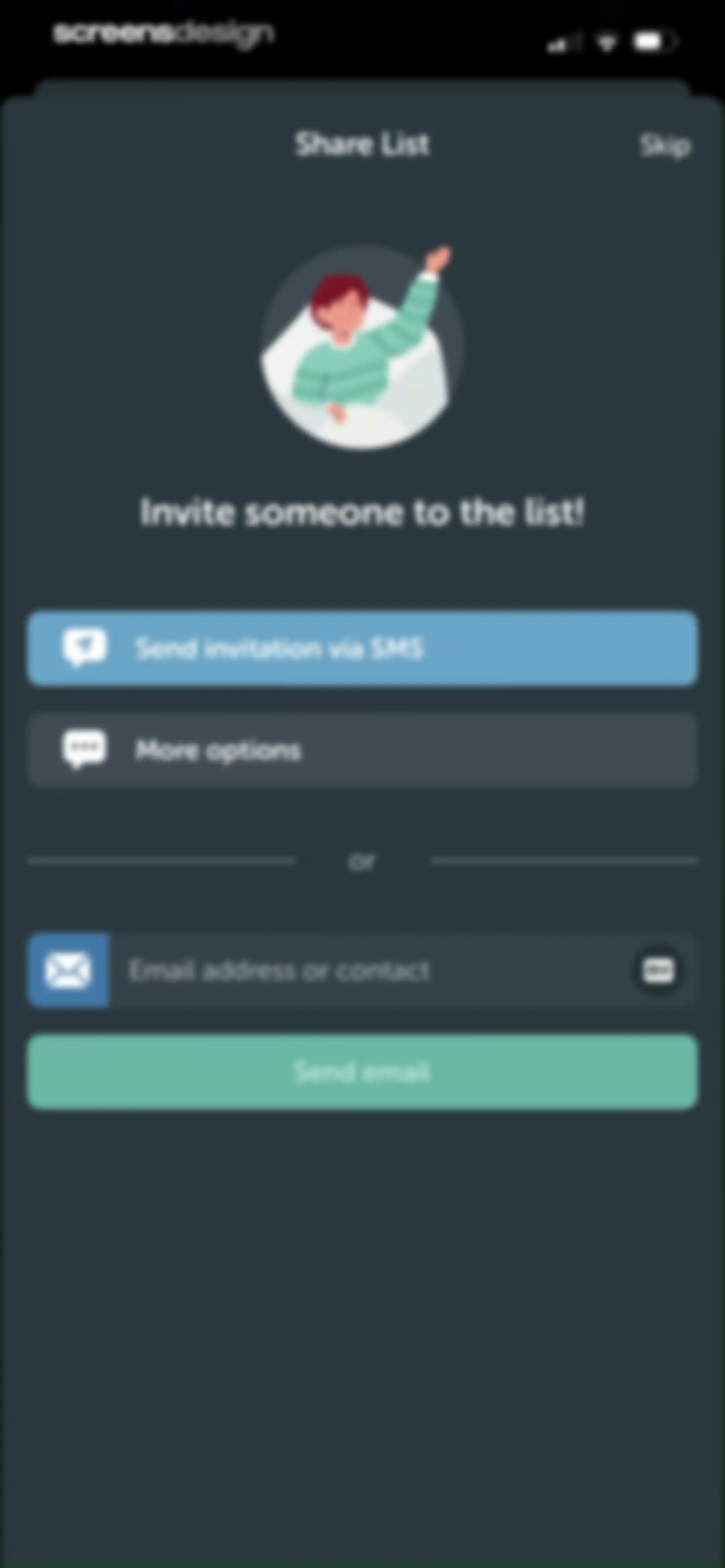
Share list screen featuring an illustration, invitation buttons for SMS and email, and an empty contact input field with a Send email button.Unlock Pro
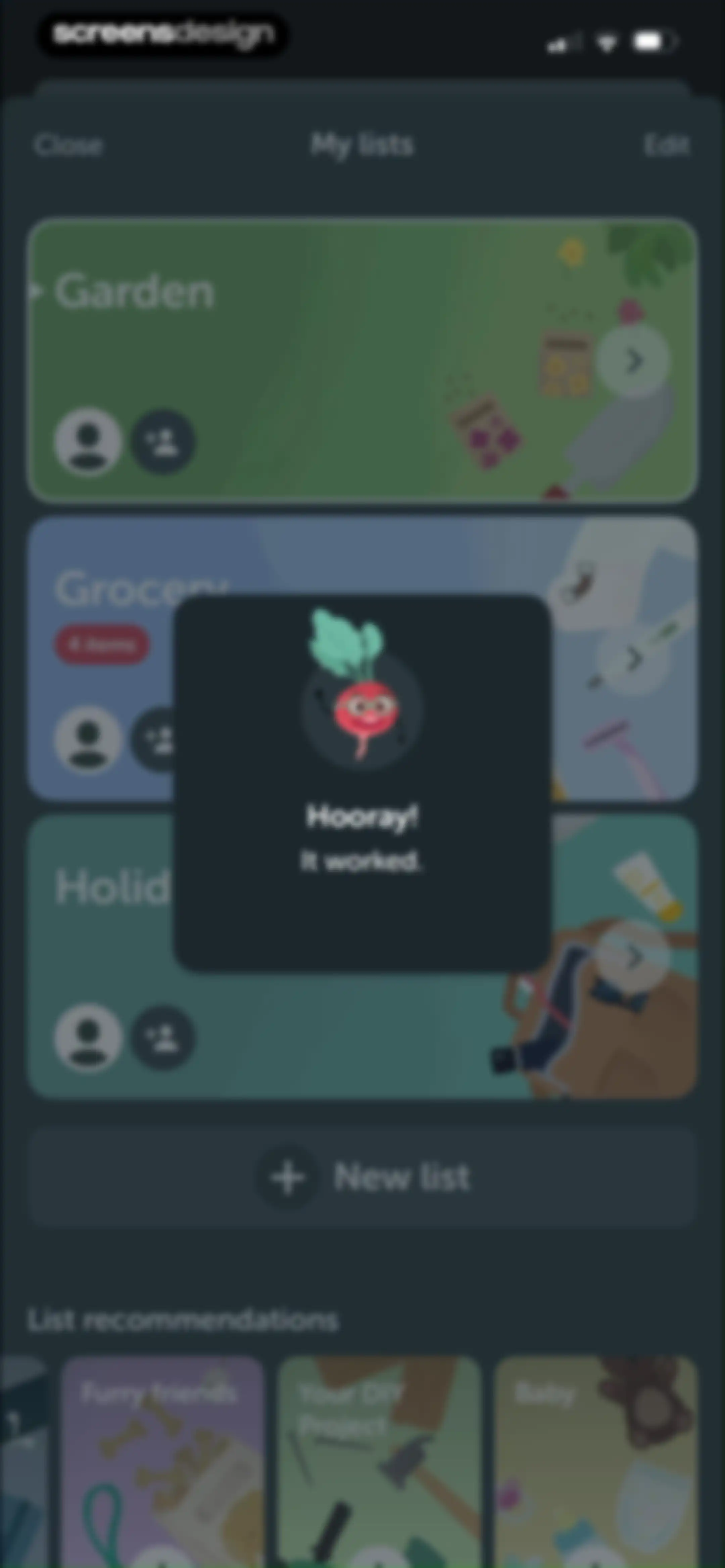
Shopping list dashboard featuring a success confirmation modal with an illustrative radish character and list recommendations below user lists.Unlock Pro
Modal overlay showing a My lists management interface with cards for Garden, Grocery, and Holiday Home, and a Done button.Unlock Pro
Empty shopping list screen with a central grocery bag illustration, a bottom search input field, and a bottom navigation bar.Unlock Pro
Shopping list options menu displaying a bottom sheet with actions like Send list as text, Print list, and List settings over an empty list background.Unlock Pro
List settings screen for Holiday Home with a customize options grid and a red delete button at the bottom.Unlock Pro
Settings screen with a confirmation modal asking Are you sure you want to delete this list? and Yes and No buttons.Unlock Pro
Recipe inspiration feed displaying meal collections and recipe cards with like counts, filter tabs at the top, and bottom navigation.Unlock Pro
Shopping list template screen for Sunday Brunch showing action buttons and a list of ingredient cards including orange juice and croissant.Unlock Pro
iOS share sheet overlaying the Bring app template screen for Sunday Brunch with a list of sharing options.Unlock Pro
Grocery list modal displaying items to add with an Add 7 items button.Unlock Pro
Select list modal displaying existing shopping lists with Grocery selected, a plus button to add a new list, and a Done button.Unlock Pro
Recipe inspiration feed displaying food cards with like counts, action buttons, and a bottom navigation bar.Unlock Pro
Recipe ingredient list for Breakfast Quesadillas with a pantry staples section and an Add 11 ingredients button.Unlock Pro
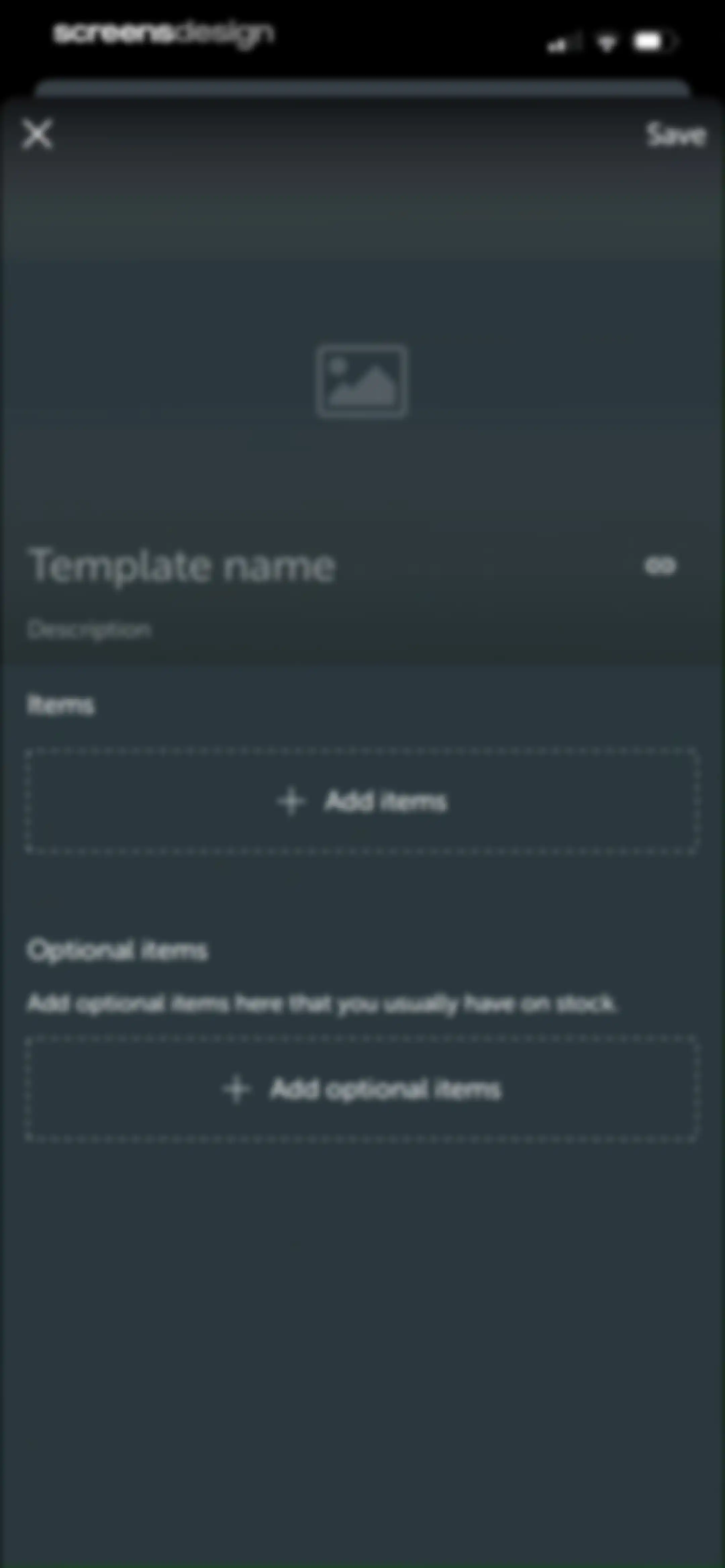
Form modal for creating or editing a shopping list template with empty input fields for name and description, plus buttons to add items.Unlock Pro
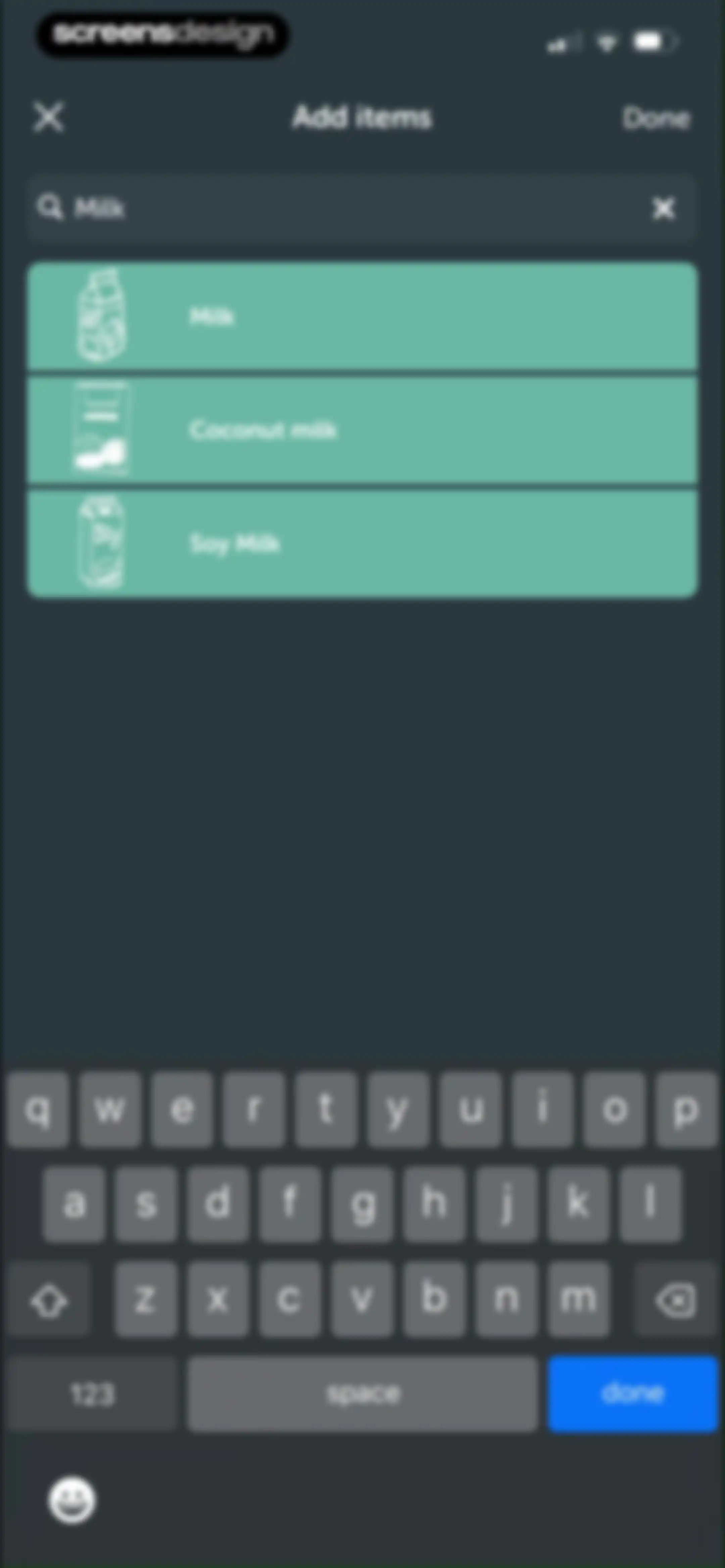
Search screen displaying a vertical list of milk options with a search input field and system keyboard.Unlock Pro
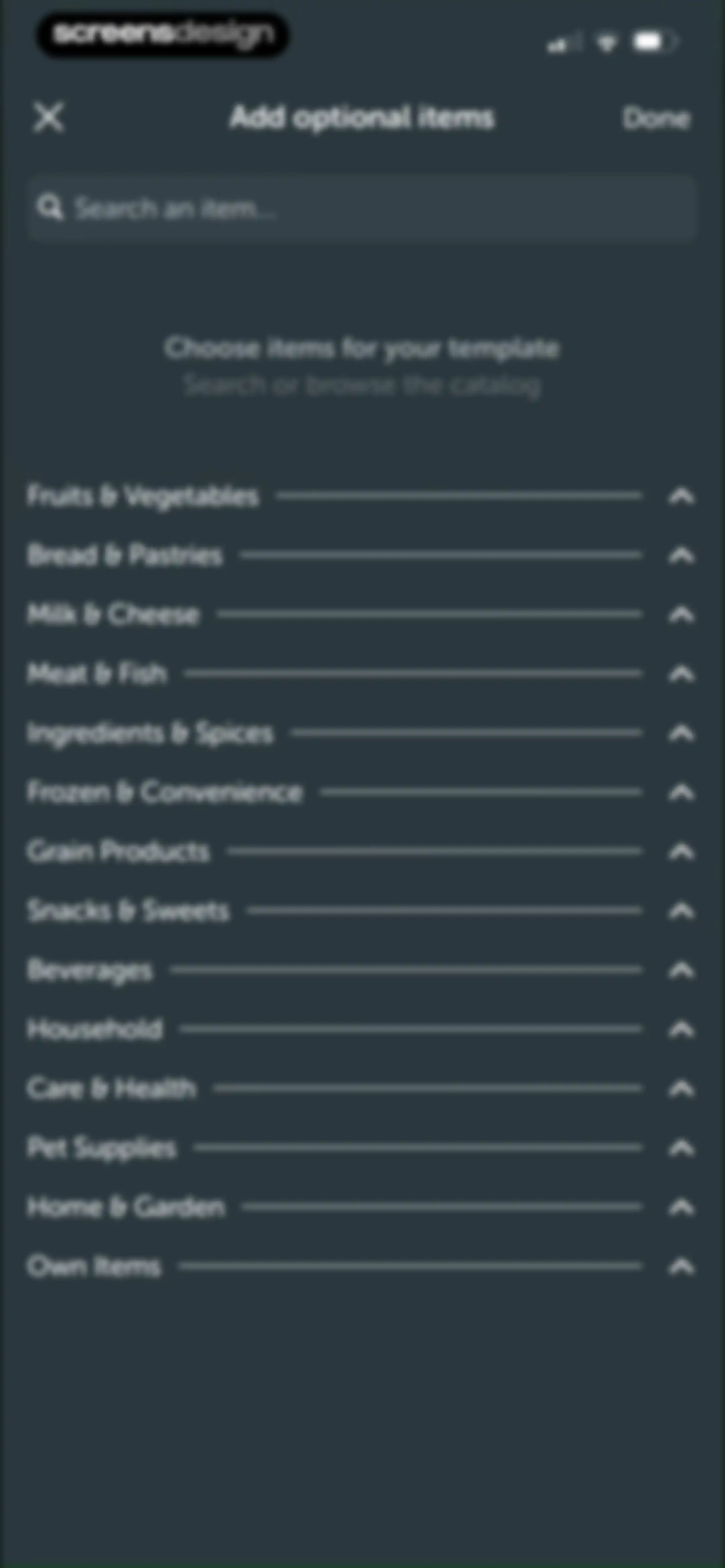
Grocery catalog screen with a search bar and a vertical list of expandable product categories, featuring a Done button.Unlock Pro
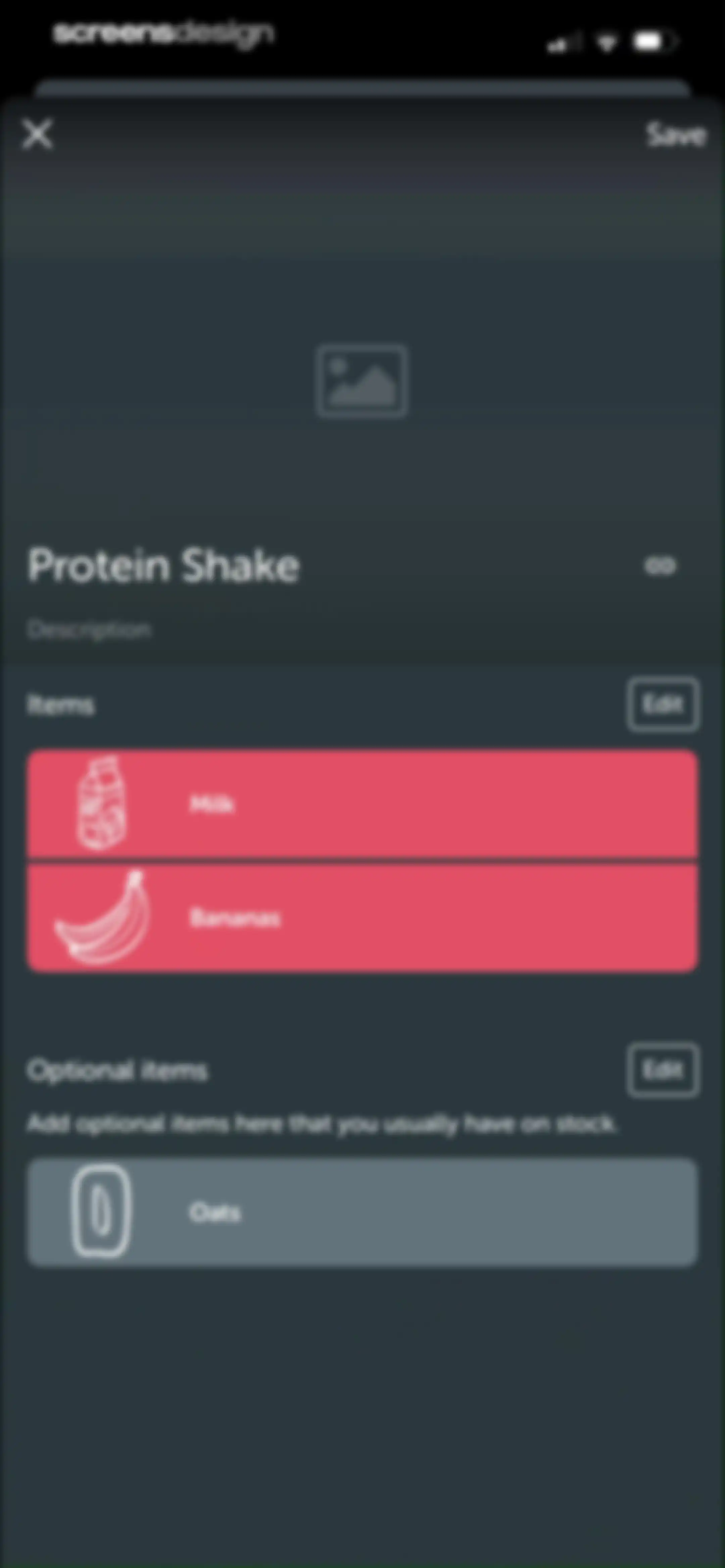
Protein Shake editor screen displaying items and optional items sections with a save button and close icon.Unlock Pro
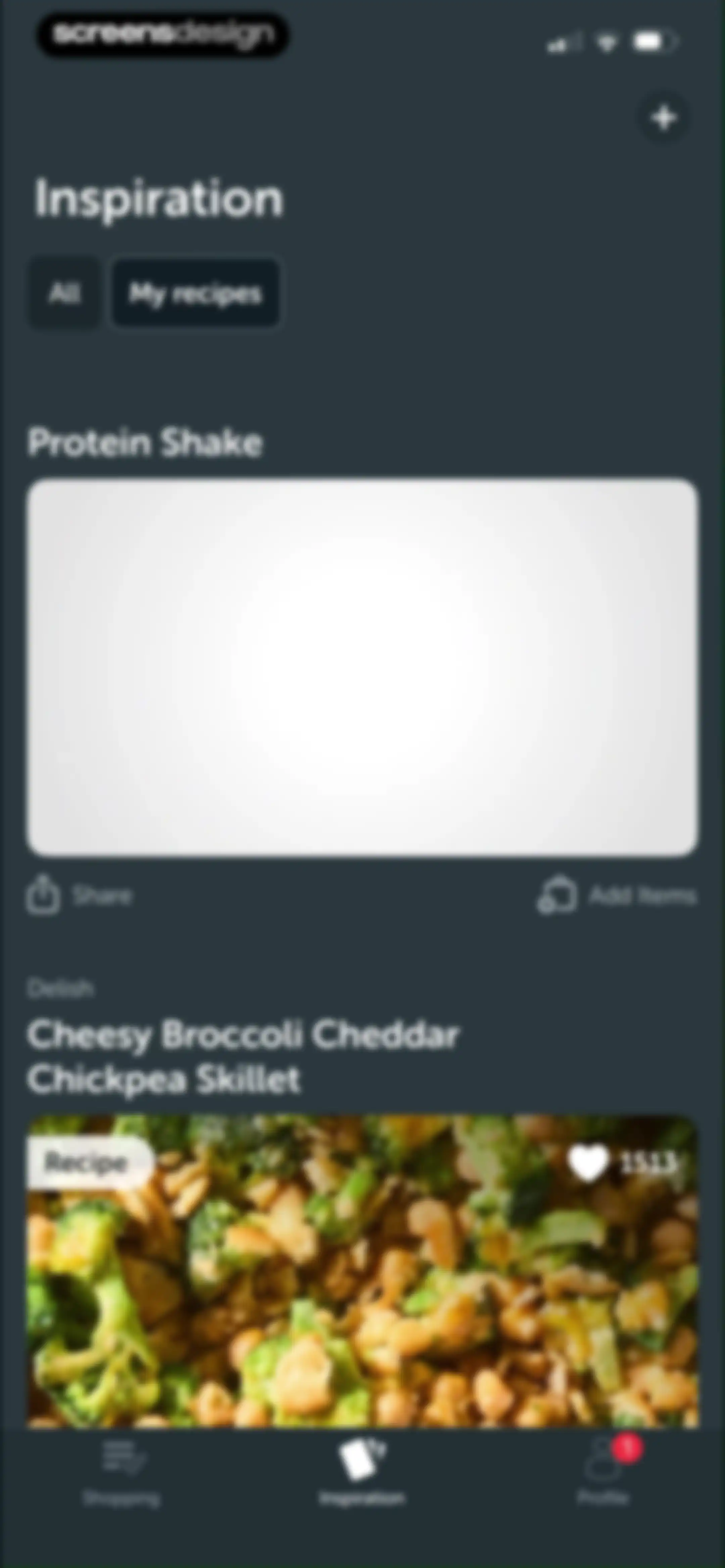
Recipe inspiration feed showing filter tabs and recipe cards with share and add items buttons in a dark theme.Unlock Pro
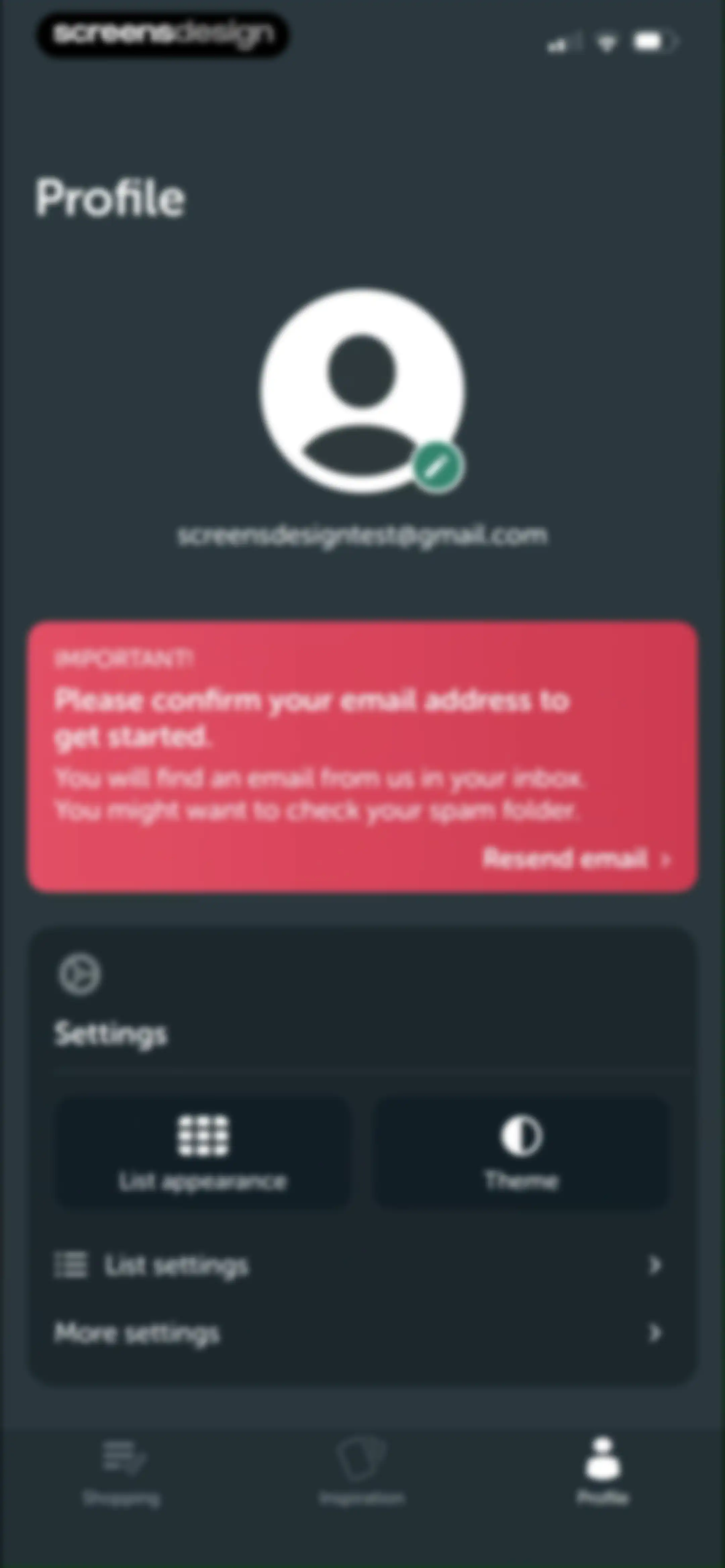
Profile screen with an email confirmation notification card, settings menu options, and the profile tab selected in the bottom navigation.Unlock Pro
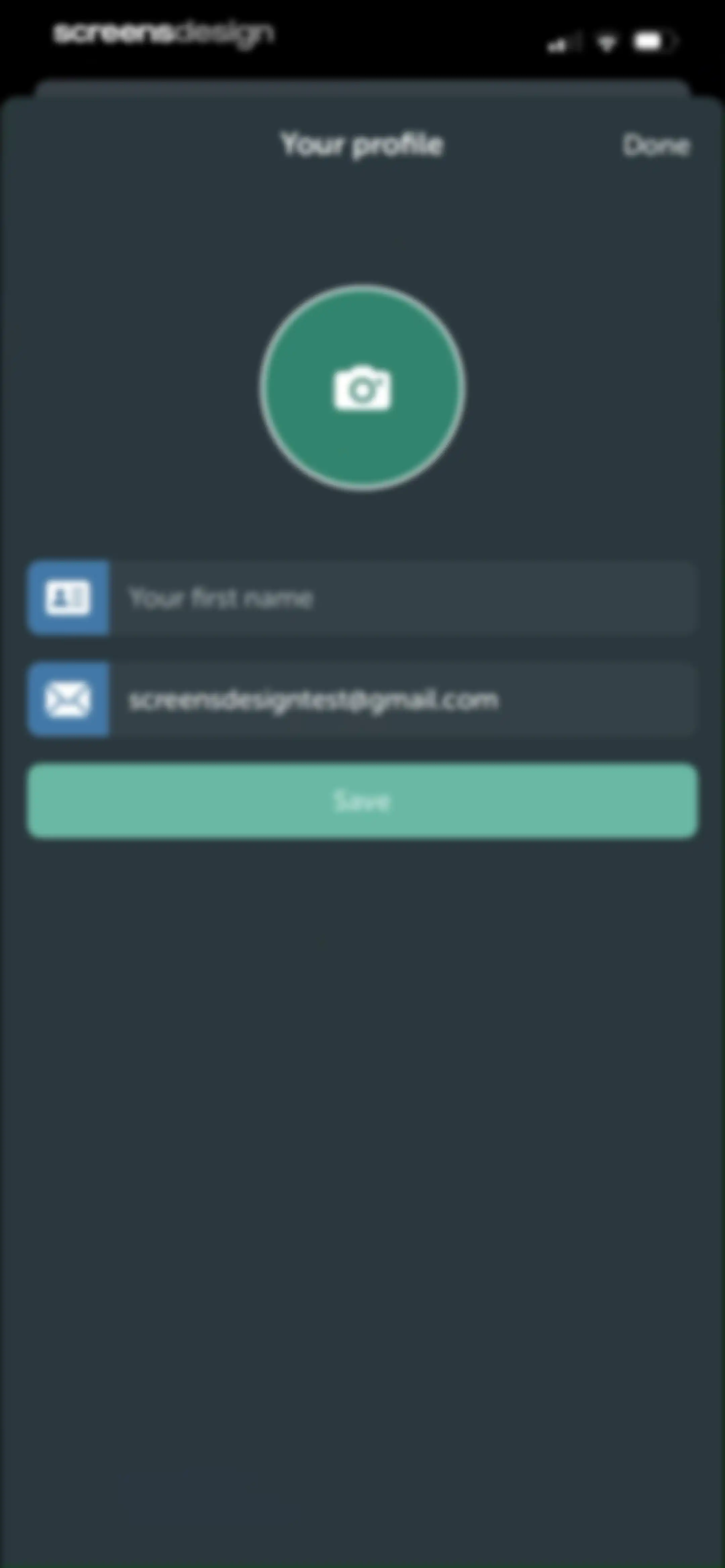
Profile edit screen with a centered avatar, name and email input fields, and a Save button in dark mode.Unlock Pro
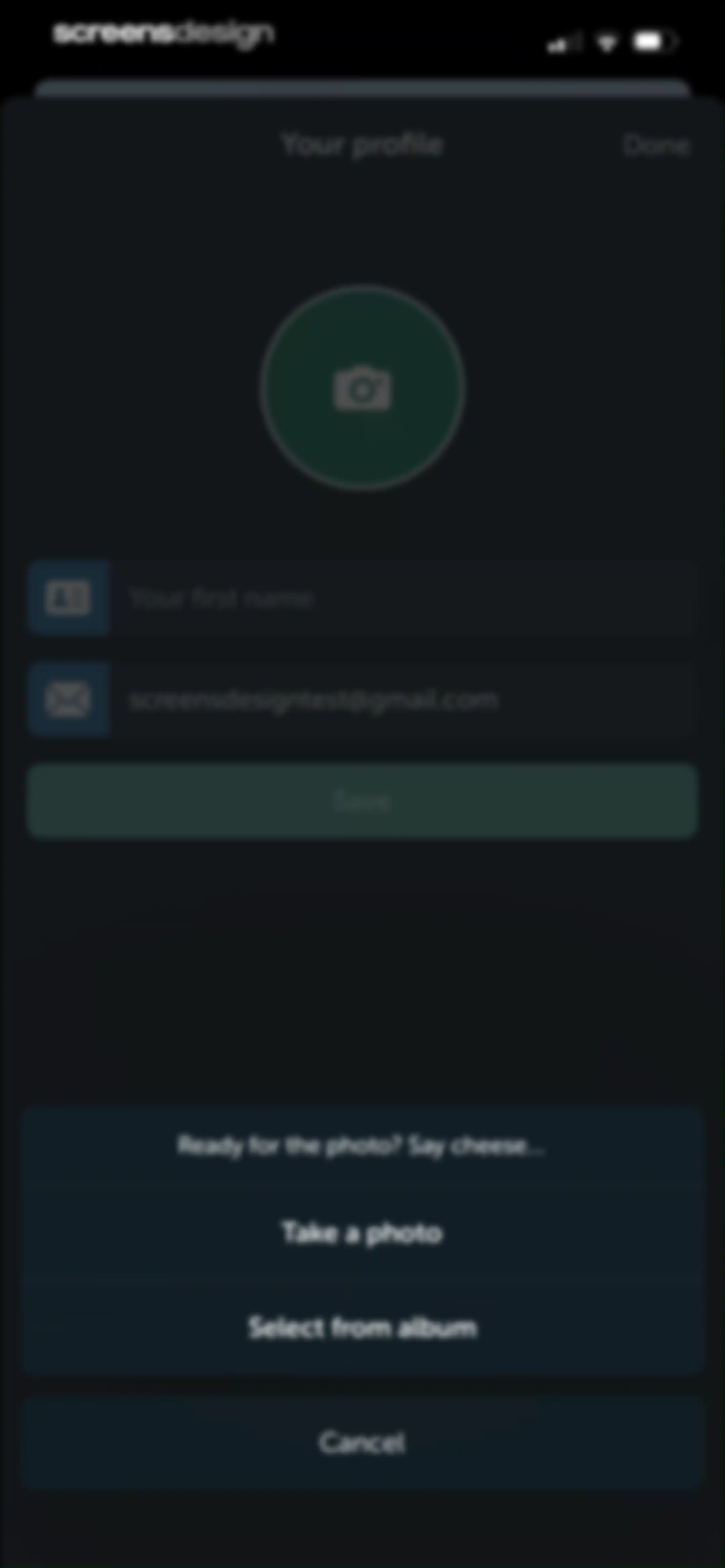
Profile settings screen with input fields and an action sheet overlay offering photo capture options.Unlock Pro
Profile editing screen in dark mode with a centered photo, name and email input fields, and a Save button.Unlock Pro
Settings screen for configuring list layout with the List view option selected, a grouping toggle, and Save and Cancel buttons.Unlock Pro
Theme settings screen with three selectable cards for Dark, Light, and System, showing the Dark option selected with a checkmark and a Done button.Unlock Pro
Theme settings screen with a vertical list of dark, light, and system options, with the light option selected and a Done button.Unlock Pro
Settings modal prompting to choose a list to edit, displaying Garden and Grocery options with chevrons and a Done button.Unlock Pro
Bring! app settings screen with grouped list sections for Lists, General, and Account, and a bottom navigation bar with Profile selected.Unlock Pro
Notification preferences settings screen listing selectable categories with a Done button.Unlock Pro
Notification settings list with a centered confirmation modal displaying a success message and a green checkmark icon.Unlock Pro
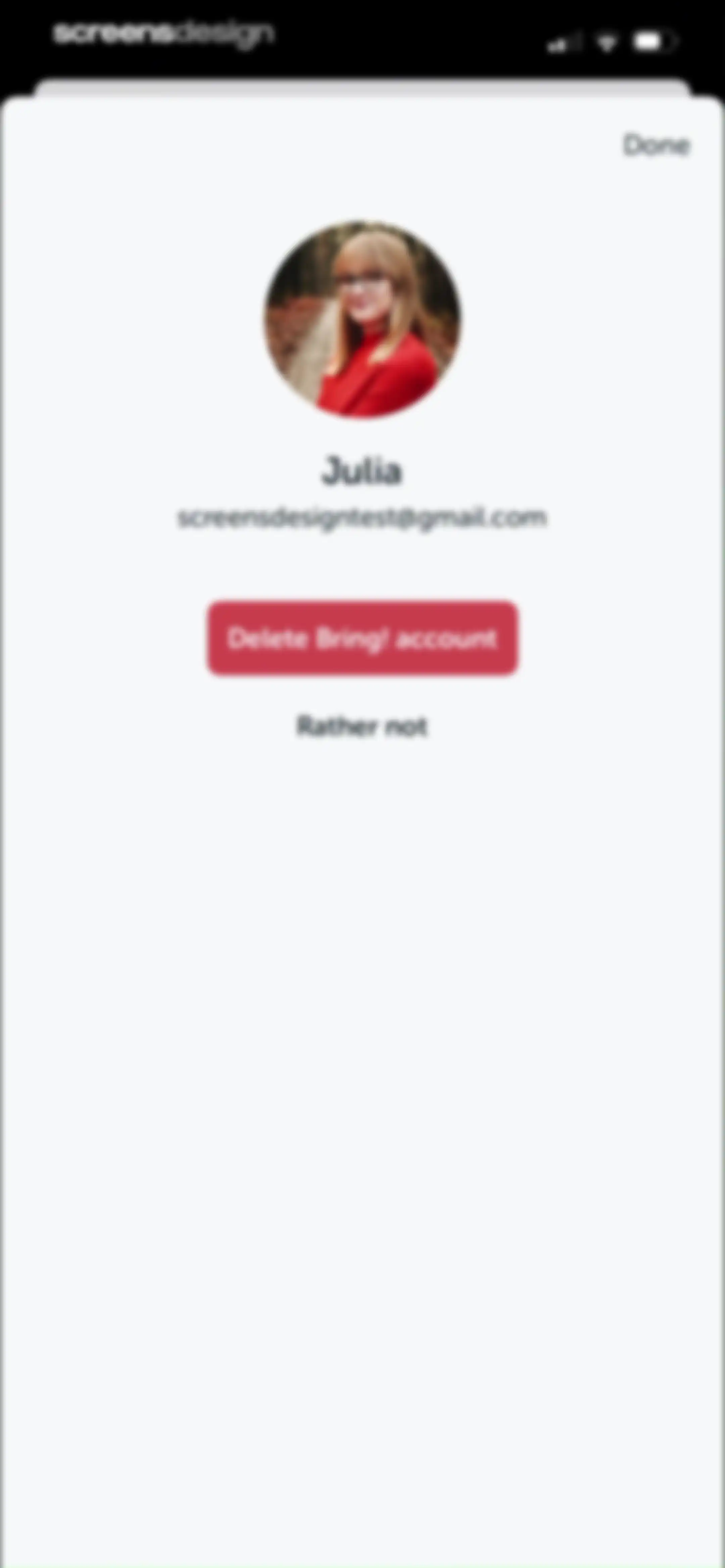
Account deletion settings modal in the Bring! app displaying user details, a red delete button, and a cancel link.Unlock Pro
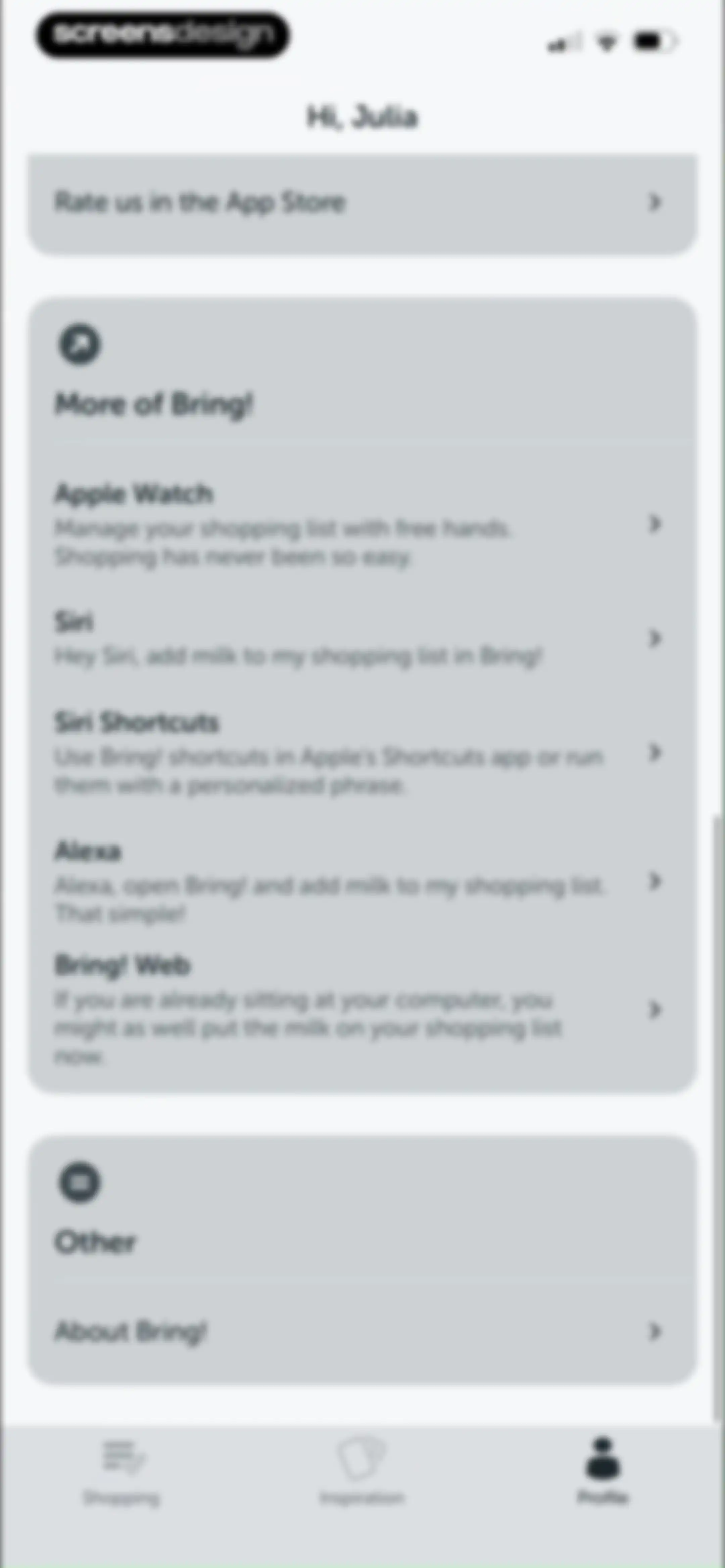
Bring! profile and settings screen displaying user integrations, app information, and a bottom navigation bar with the profile tab selected.Unlock Pro
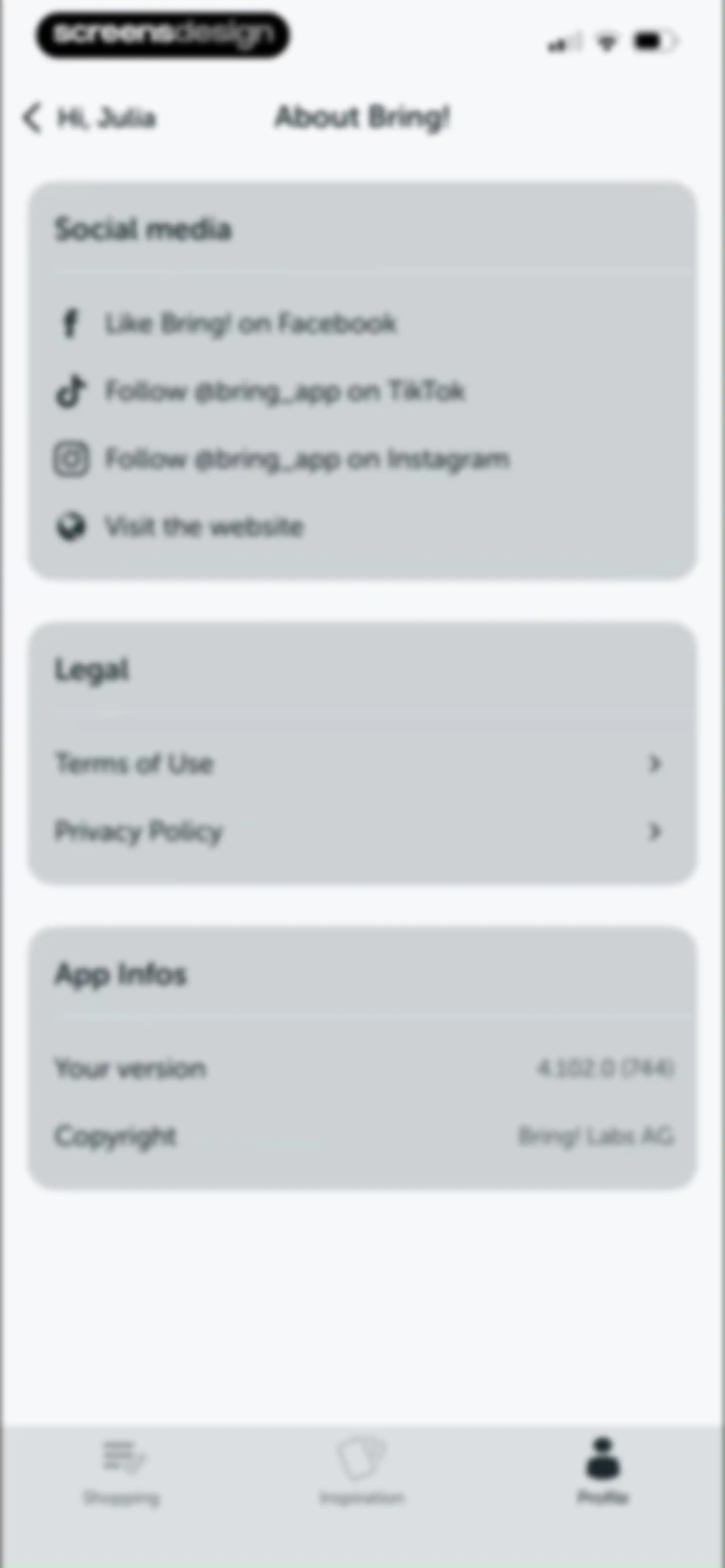
About Bring! settings screen with cards for social media links, legal documents, and app version information.Unlock Pro

About Bring! Grocery Shopping List

A collaborative grocery shopping list app that enables households to sync lists, organize items, and manage shared shopping tasks.

Explore Bring! Grocery Shopping List across ScreensDesign

Apps similar to Bring! Grocery Shopping List
Unlock all similar apps

See every comparable app, revenue, installs, and flows.

Unlock Pro
  • Cooklist: Pantry Meals Recipes

    4.7
    Cooklist, IncRevenue$25kInstalls6k
  • Cozi Family Organizer

    4.8
    CoziRevenue$350kInstalls55k
  • Deglaze: Cooking, Simplified

    4.9
    Deglazed LLCRevenue$35kInstalls<5k
  • ReciMe: Recipes & Meal Planner

    4.8
    ReciMe Pty LtdRevenue$1.8MInstalls500k
  • Stashcook: Recipe Keeper

    4.7
    Stashbox LtdRevenue$15kInstalls6k
  • FamilyWall: Family Organizer

    4.8
    Family & CoRevenue$250kInstalls50k
  • Pestle: Recipe Manager

    4.7
    Will BishopRevenue$<5kInstalls<5k
  • Any.do: To do list & Planner

    4.6
    Any.DORevenue$30kInstalls<5k
  • Crouton: Recipe Manager

    4.8
    Devin DaviesRevenue$5kInstalls<5k
  • Mealime Meal Plans & Recipes

    4.8
    Mealime Meal Plans IncRevenue$55kInstalls30k
  • Little Lunches: Kids Meals

    4.7
    Little Lunches Corp.Revenue$<5kInstalls<5k
  • Intent - Meal Planner

    4.8
    Excipient, Inc.Revenue$<5kInstalls<5k
  • eMeals - Healthy Meal Plans

    4.6
    eMeals, Inc.Revenue$75kInstalls13k
  • Potto: Meal Planner & Recipes

    4.7
    Anete ZiedinaRevenue$100kInstalls40k
  • Shared Family Calendar: FamCal

    4.9
    Beesoft AppsRevenue$100kInstalls<5k
  • Pick Up Limes

    4.9
    Pick Up Limes B.V.Revenue$20kInstalls<5k
  • SideСhef: Easy Cooking Recipes

    4.7
    SideChef Group Limited
  • Sidekick by Sorted Food

    4.5
    Sorted FoodRevenue$15kInstalls<5k
  • Herbi: Meal Planner + Recipes

    4.5
    Tempo Labs Creative LtdRevenue$40kInstalls80k
  • CookShelf: Search Cookbooks

    4.6
    CookShelf IncRevenue$40kInstalls<5k
  • Yoomla・Recipe Keeper & Planner

    4.6
    Faliane Ltd.Revenue$10kInstalls<5k
  • Mob: Meal Planner and Recipes

    4.2
    Mouth Group LimitedRevenue$250kInstalls65k
  • Osta: Save & Share Recipes

    4.8
    GENERAL DIGITAL CONNOISSEURS LTD.Revenue$75kInstalls150k
  • Kitchen Stories Easy Recipes

    4.8
    AJNS New MediaRevenue$12kInstalls<5k
  • Todo List & Reminder - Todoery

    4.6
    BetterApp Tech Co., LimitedRevenue$20kInstalls35k
  • NYT Cooking: Quick Tasty Meals

    4.9
    The New York Times CompanyRevenue$250kInstalls60k
  • Fitia: Calorie Counter & Diet

    4.9
    Nutrition TechnologiesRevenue$400kInstalls250k
  • Evite: Party Invitation Maker

    4.8
    Evite, IncRevenue$30kInstalls35k
  • Tasty: Recipes, Cooking Videos

    4.9
    BuzzFeedRevenue$5kInstalls25k
  • TickTick:To-Do List & Calendar

    4.9
    Appest LimitedRevenue$450kInstalls200k
  • All My Meals - Save Recipes

    4.8
    NatiMate GmbHRevenue$15kInstalls15k
  • IKEA

    4.8
    Inter IKEA Systems B.V.Revenue$<5kInstalls1.3M
  • Glycemic Index Load Net Carbs

    4.5
    App HoldingsRevenue$<5kInstalls<5k
  • Keto diet app-Low carb manager

    4.6
    Zinaida DavydovaRevenue$<5kInstalls<5k
  • To Do List MinimaList & Widget

    4.8
    Davetech Co., Ltd.Revenue$5kInstalls95k
  • Weekly Planner - Diary, Notes

    4.7
    Digital Legal TechRevenue$40kInstalls40k
  • Evernote: AI Notes & Notebook

    4.4
    Evernote CorporationRevenue$750kInstalls25k
  • Trello: Daily Task Tracker

    4.3
    Trello, Inc.Revenue$<5kInstalls150k
  • Pam Fitness & Food

    4.8
    PLR UGRevenue$15kInstalls<5k
  • Paperless Post: Invitations

    4.8
    Paperless PostRevenue$70kInstalls45k
  • bless. minimal shopping habits

    4.9
    Stoic app inc.
  • Calorie Counter - MyNetDiary

    4.8
    MyNetDiary Inc.Revenue$1.3MInstalls50k
  • Good Food: Recipe Finder

    4.7
    Immediate Media Company LimitedRevenue$85kInstalls<5k
  • Fig: Food Scanner & Guide

    4.7
    Food is Good, Inc.Revenue$80kInstalls25k
  • Calorie Counter PRO MyNetDiary

    4.8
    MyNetDiary Inc.Revenue$60kInstalls<5k
  • Xeela: Weight Loss & Fitness

    4.7
    XEELA LLCRevenue$<5kInstalls<5k